All Activity
- Past hour
-

-
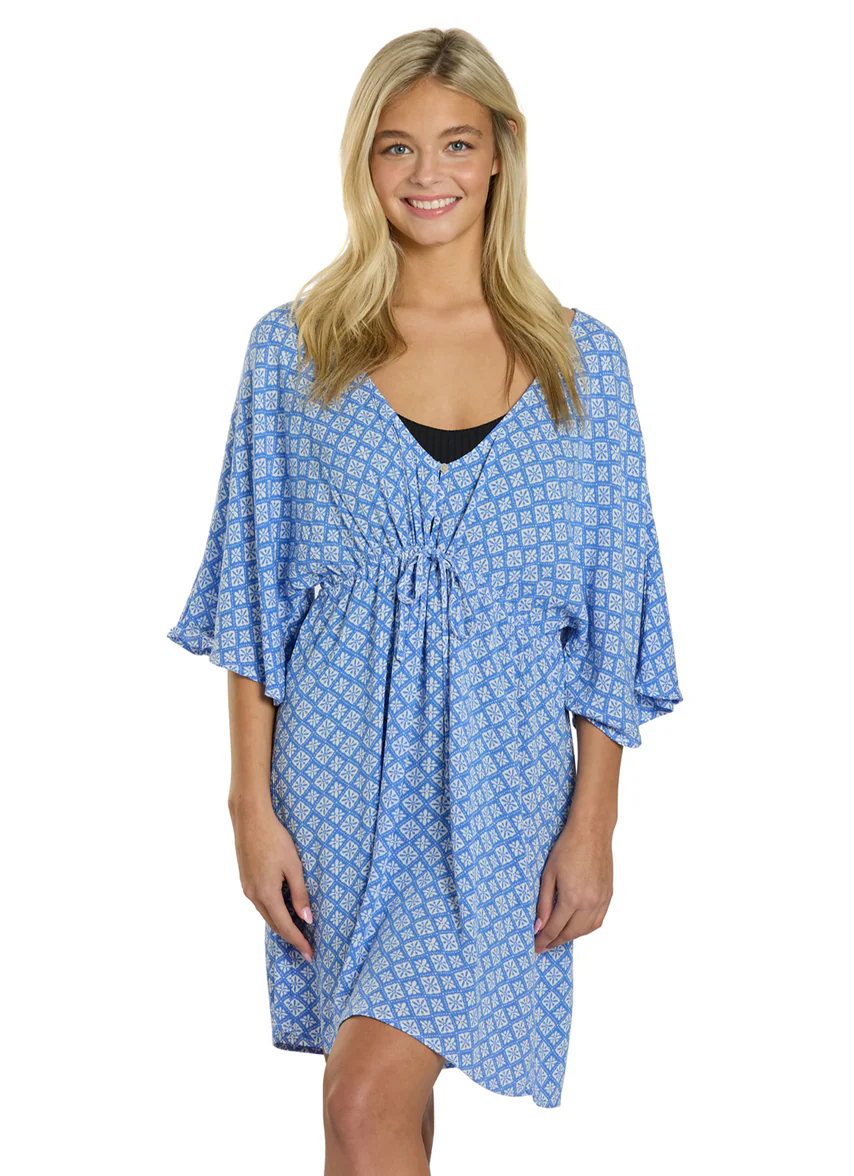
 Not sure which sister it is, well, definitely one of them, one with tattoo on her middle finger Anthropologie













































-

 Merrill joined the community


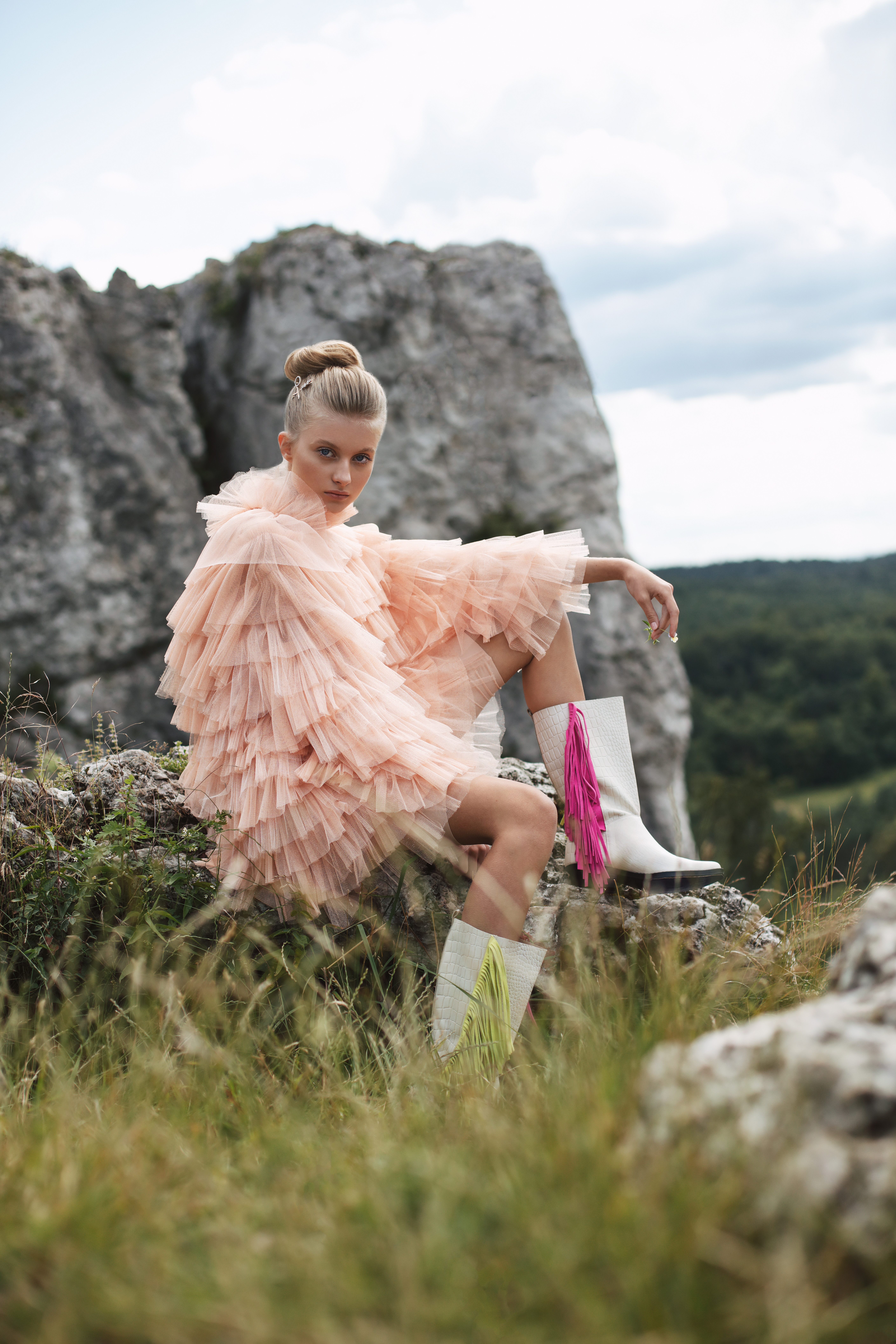
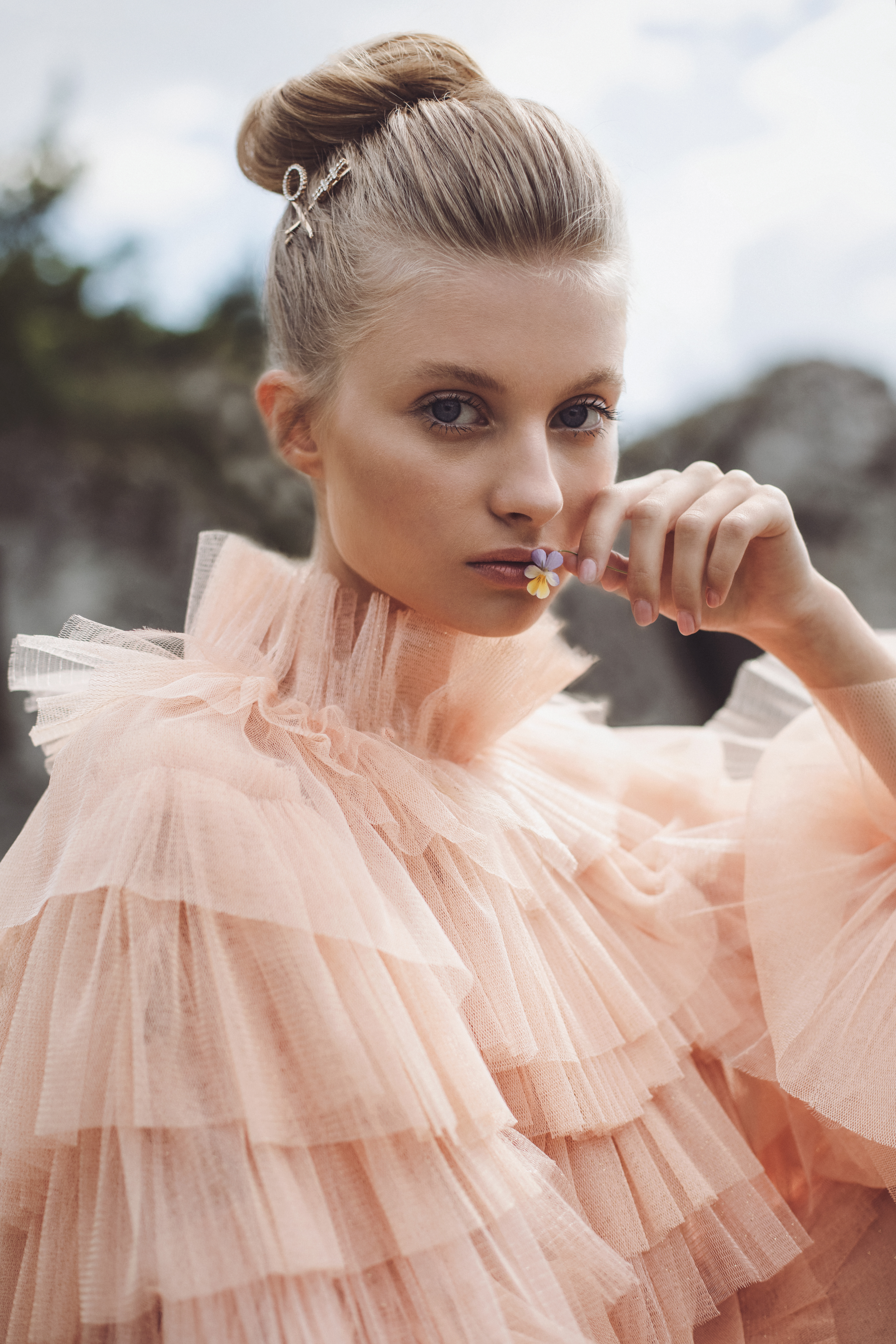
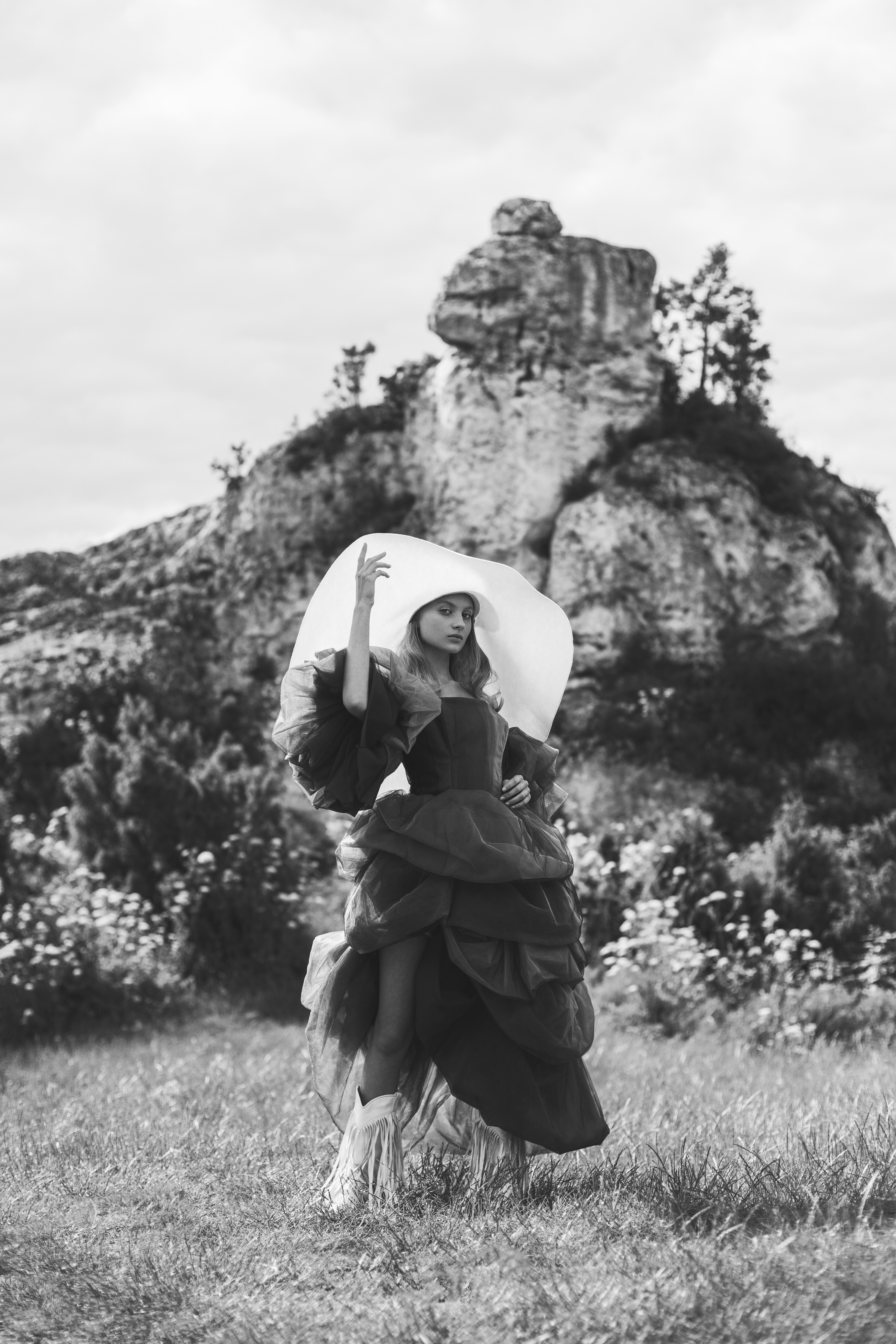
 Emily Feld Gigi Paris Romi Frenkel Bregje Heinan Gigi Hadid Lais Ribero Eden Fines Ainhoa Larretxi
 KIMMISOOK WEDDiNG SnapInsta.to_AQOnl57JdOAa6nYlCyDVEktdDF2vzmZWmKL_eXKlgGHqLc0pufAUEmkZzemClroxpkJMawnngrYl3FzG2Q0lgWFv.mp4SnapInsta.to_AQMTyOSSIgCCjD-tIN6G4dMi0Omo5w7LDcLd-LU2lVvkTi7JWkX4ZHuOX9KQuLYLNTwHwcbC0jQAcf3l_hSj13_B.mp4



Account
Navigation
Search
Configure browser push notifications
Chrome (Android)
- Tap the lock icon next to the address bar.
- Tap Permissions → Notifications.
- Adjust your preference.
Chrome (Desktop)
- Click the padlock icon in the address bar.
- Select Site settings.
- Find Notifications and adjust your preference.
Safari (iOS 16.4+)
- Ensure the site is installed via Add to Home Screen.
- Open Settings App → Notifications.
- Find your app name and adjust your preference.
Safari (macOS)
- Go to Safari → Preferences.
- Click the Websites tab.
- Select Notifications in the sidebar.
- Find this website and adjust your preference.
Edge (Android)
- Tap the lock icon next to the address bar.
- Tap Permissions.
- Find Notifications and adjust your preference.
Edge (Desktop)
- Click the padlock icon in the address bar.
- Click Permissions for this site.
- Find Notifications and adjust your preference.
Firefox (Android)
- Go to Settings → Site permissions.
- Tap Notifications.
- Find this site in the list and adjust your preference.
Firefox (Desktop)
- Open Firefox Settings.
- Search for Notifications.
- Find this site in the list and adjust your preference.









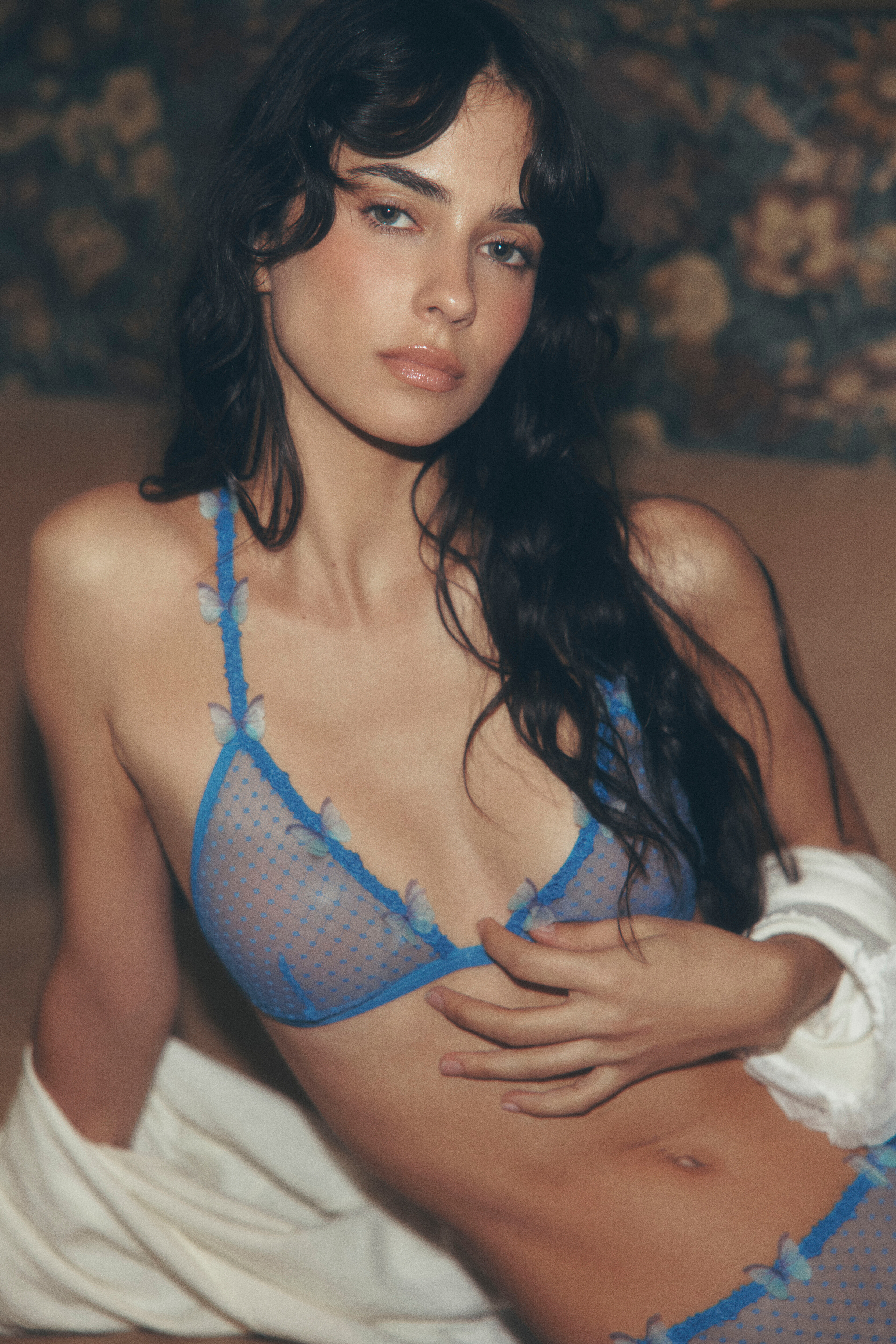

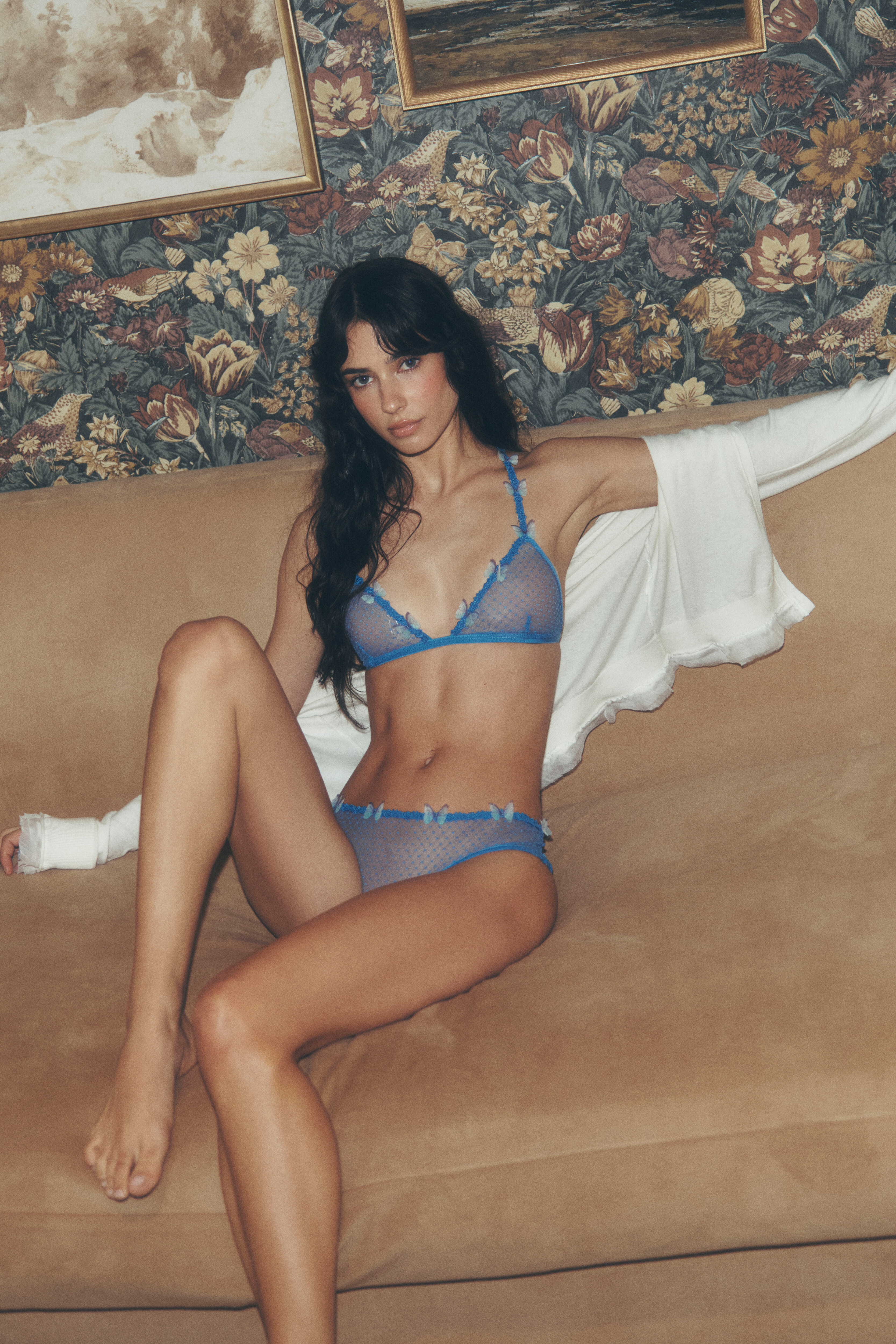

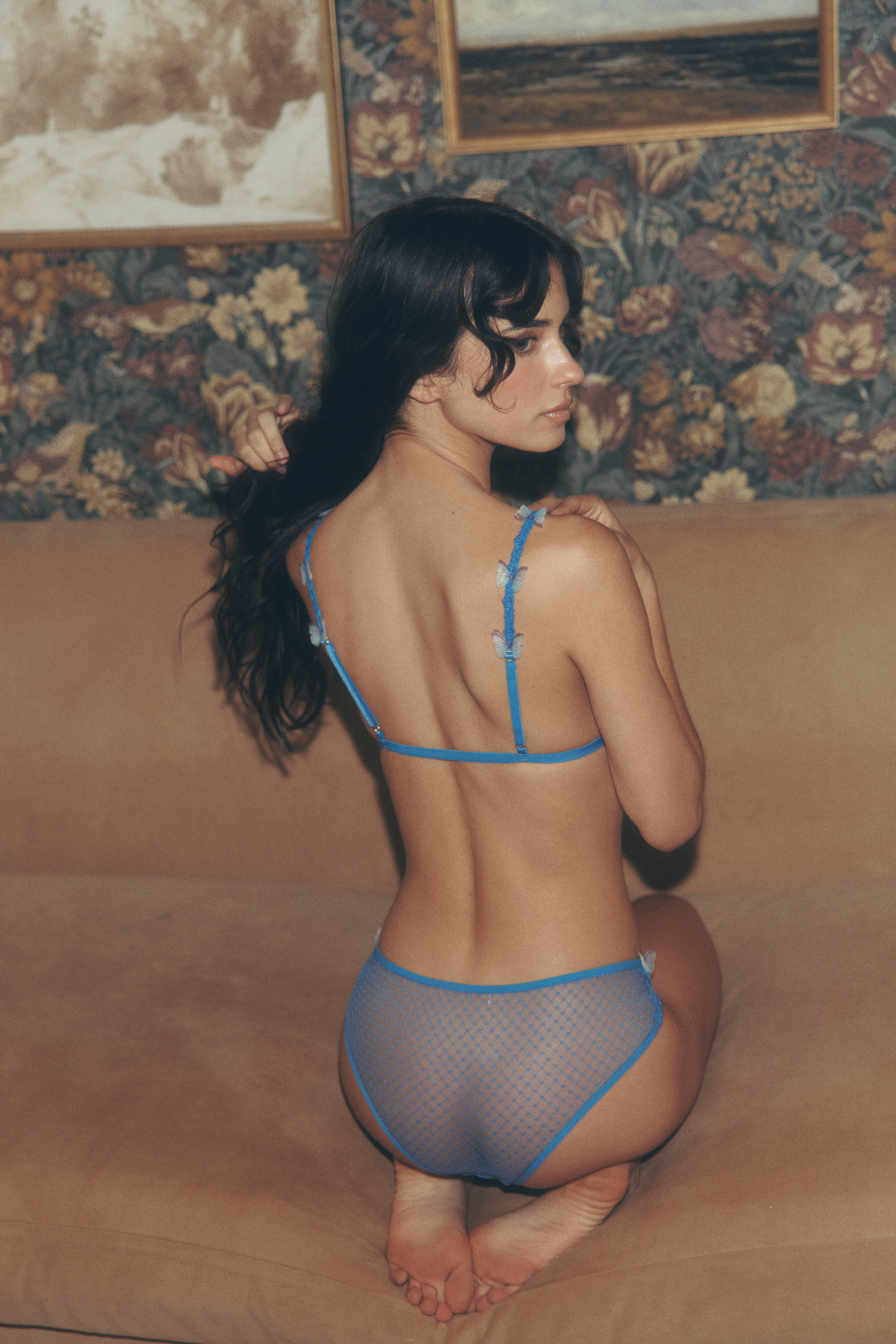
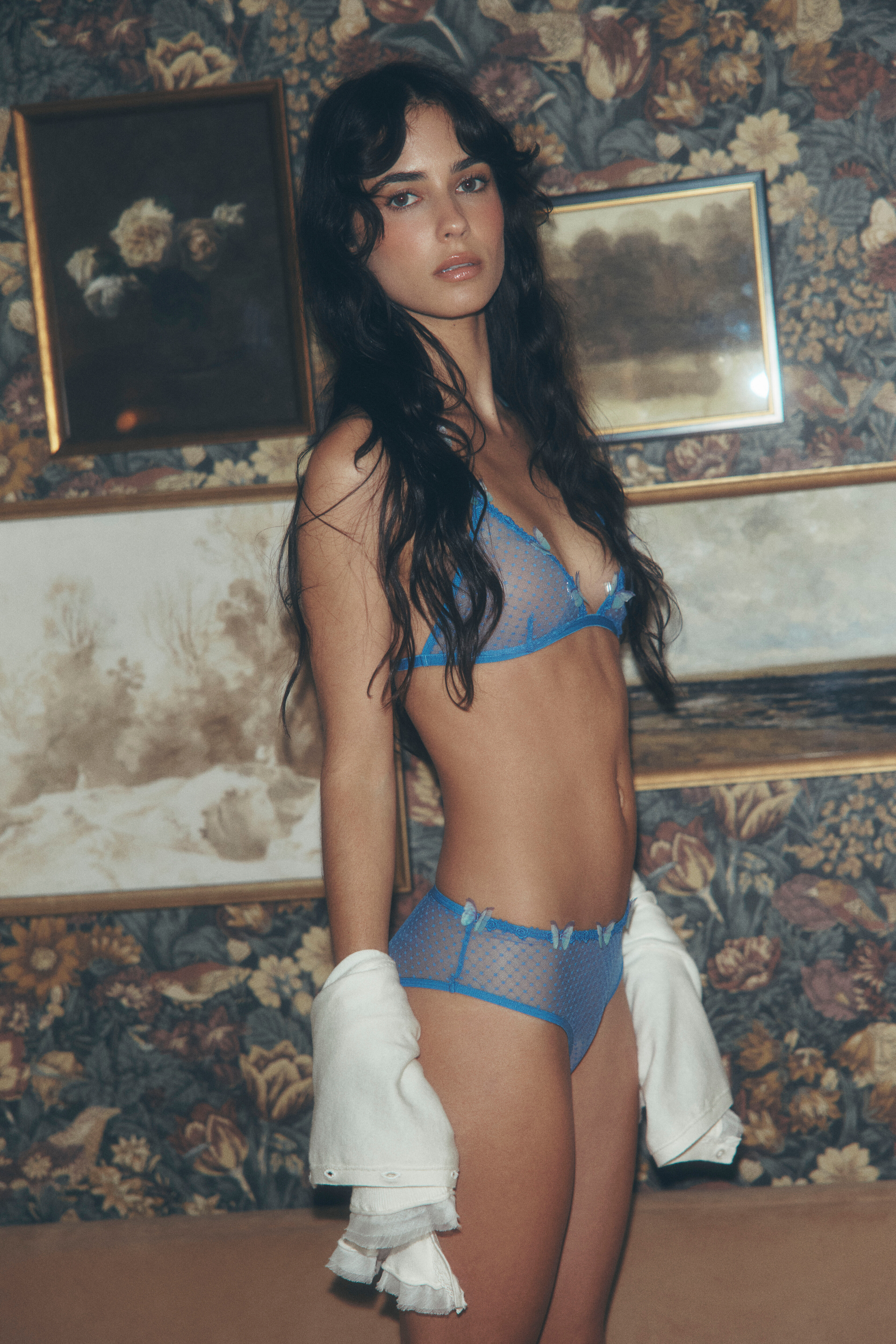


















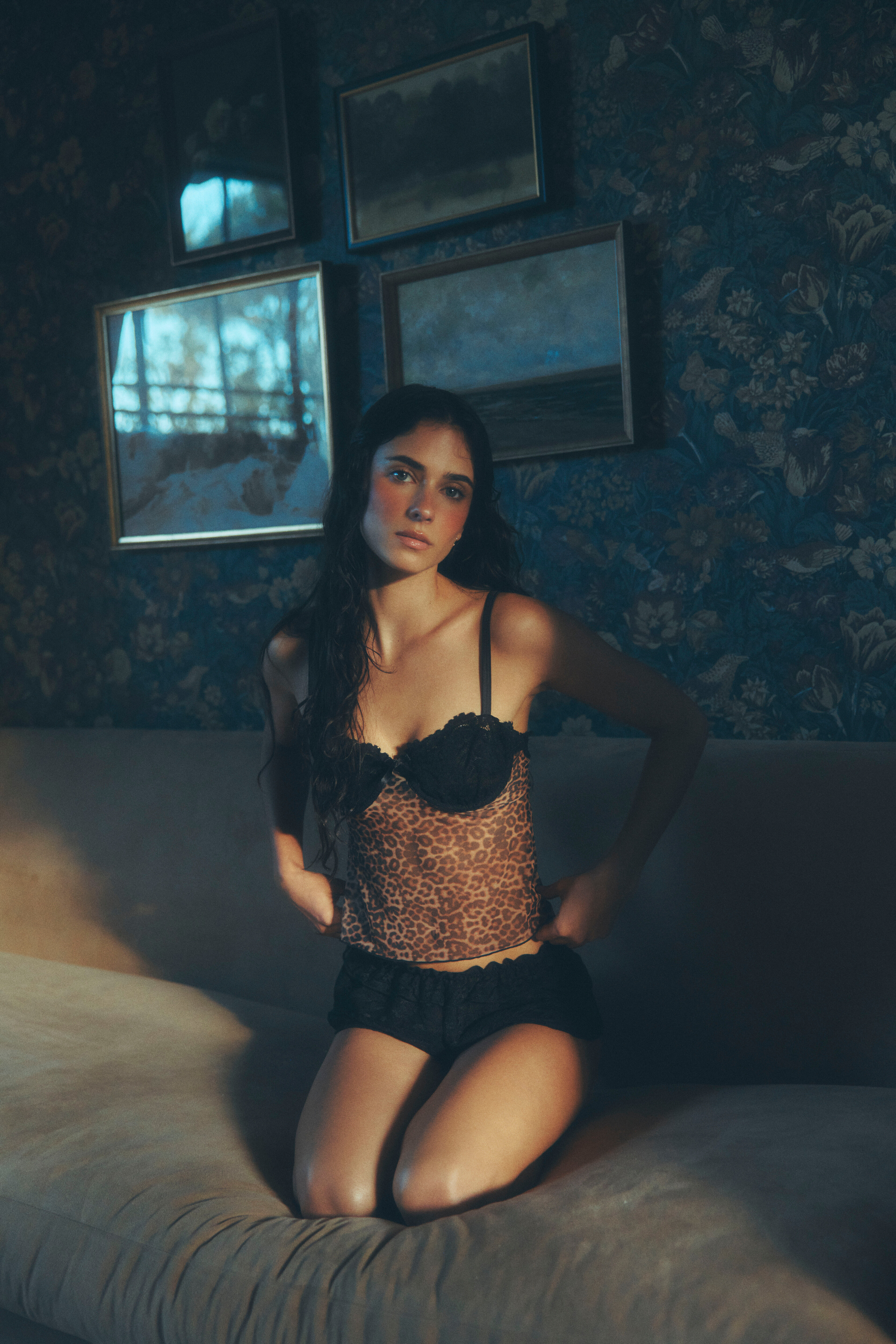















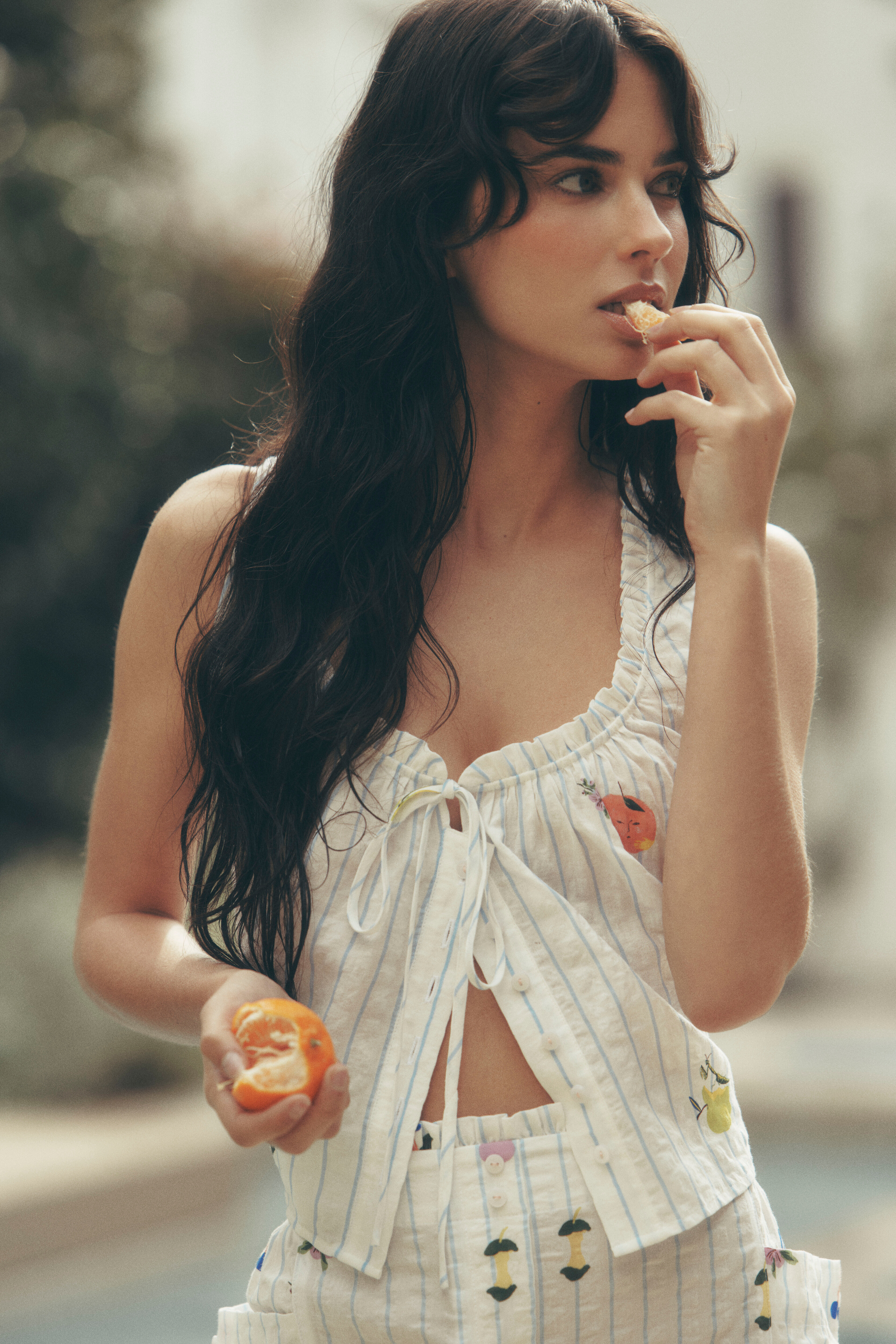
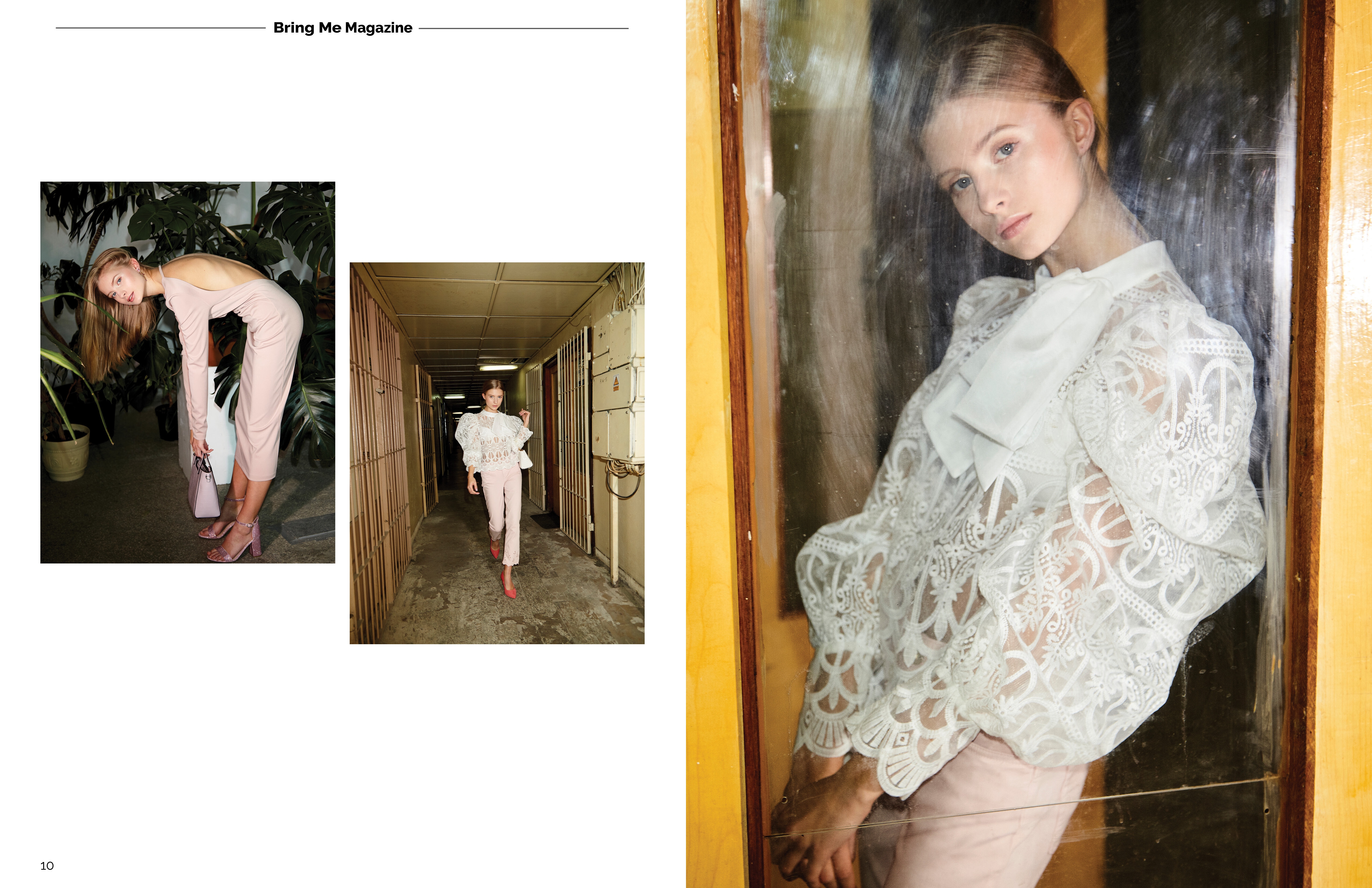
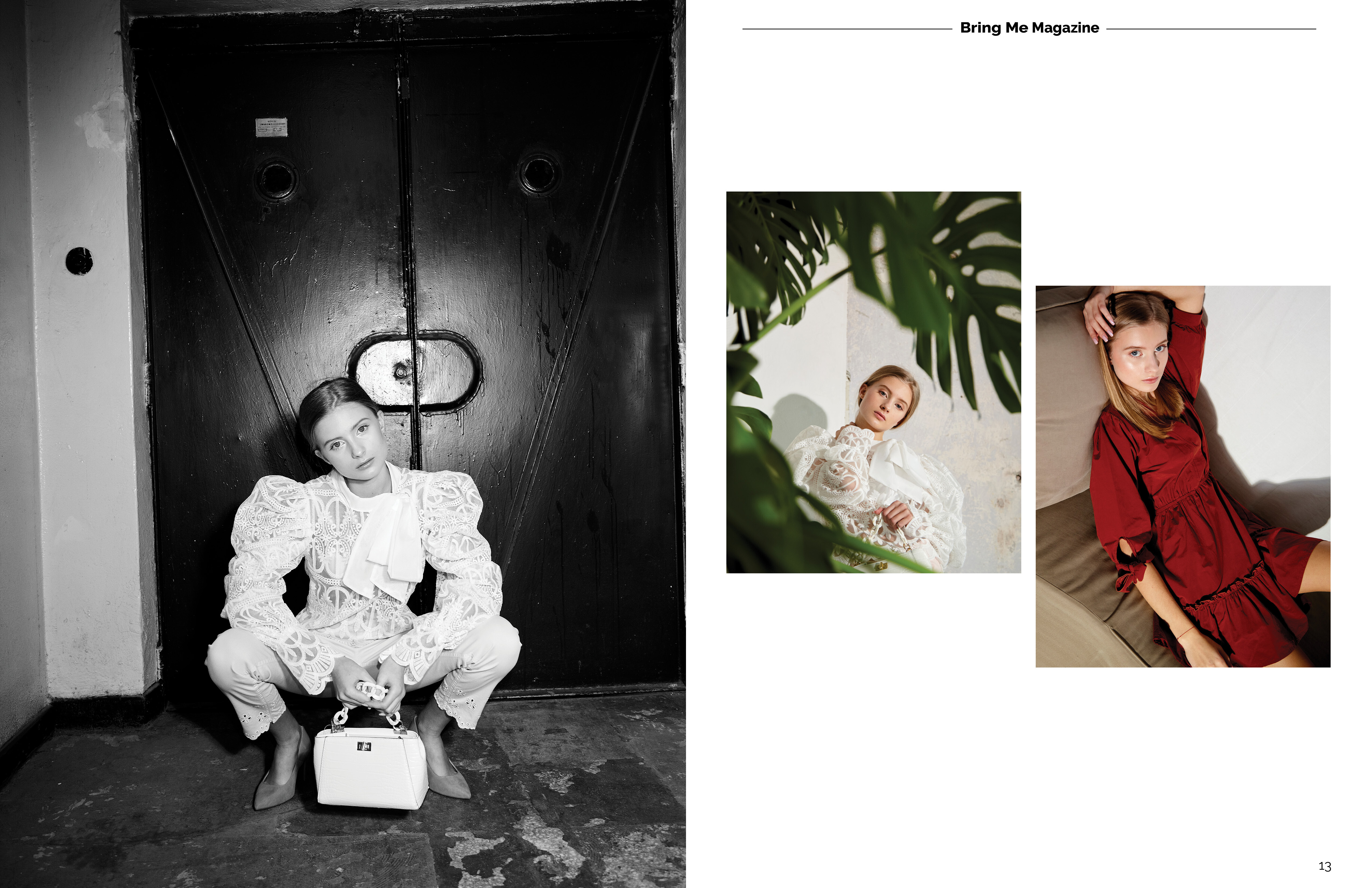
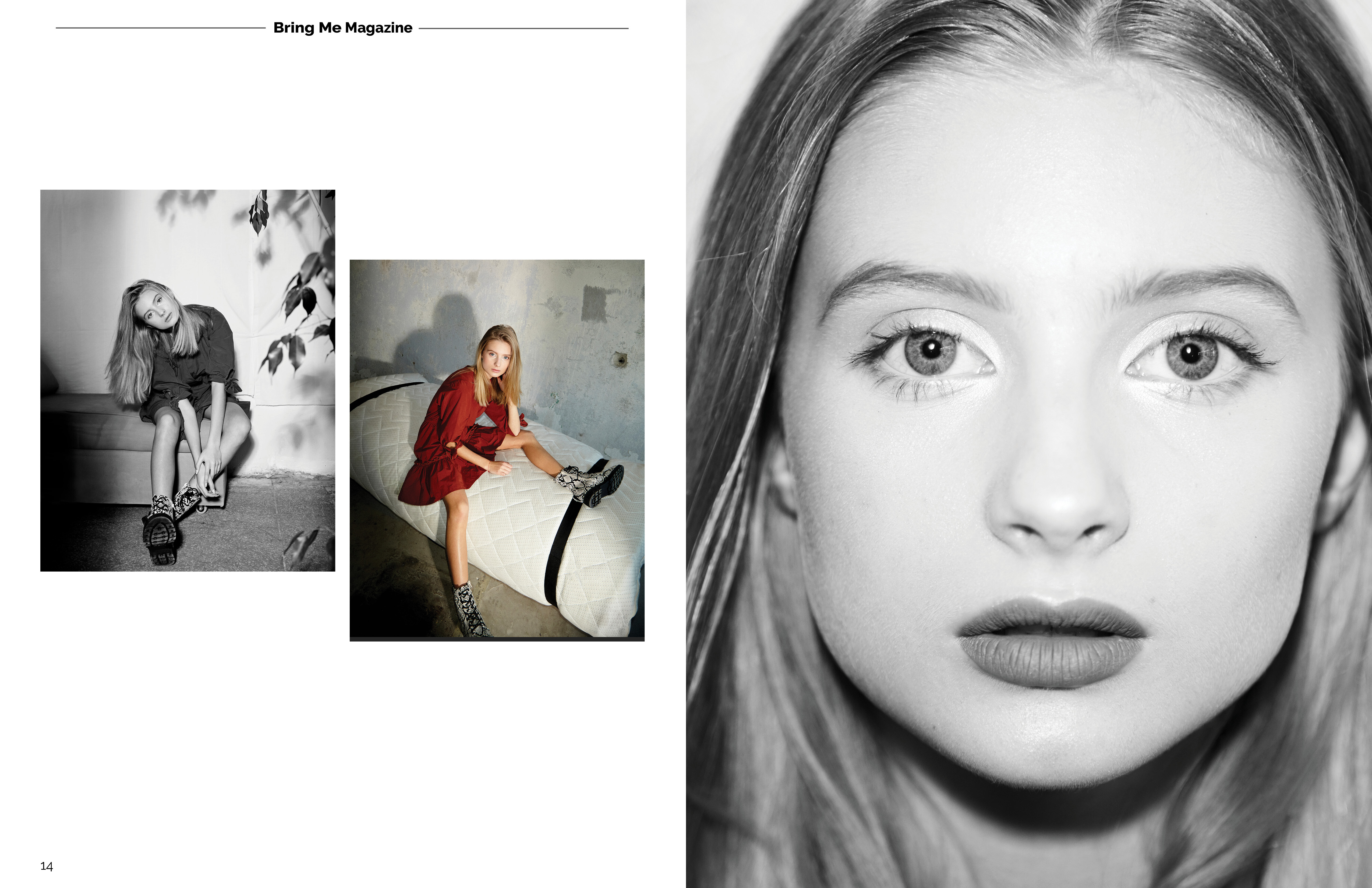
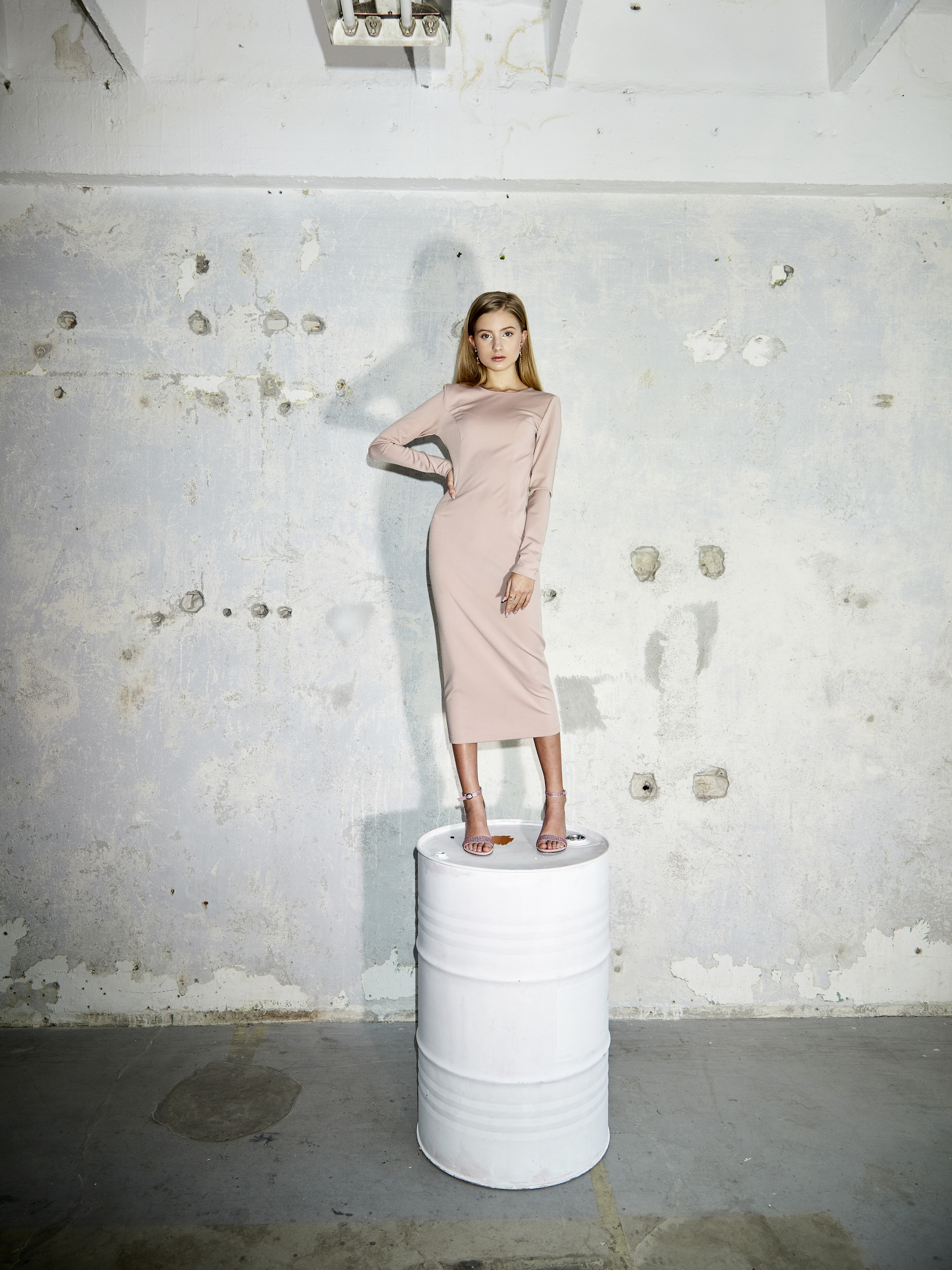




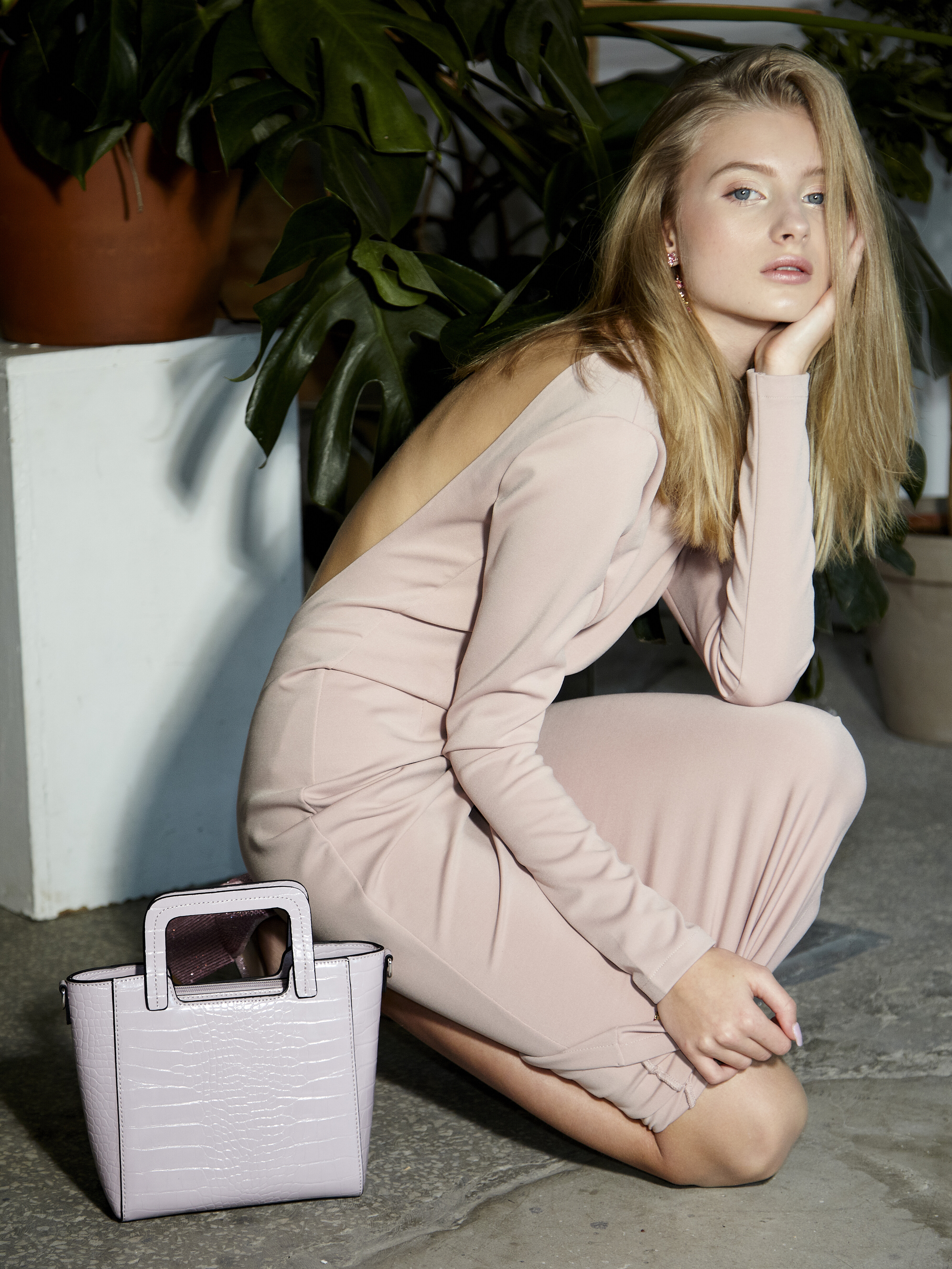
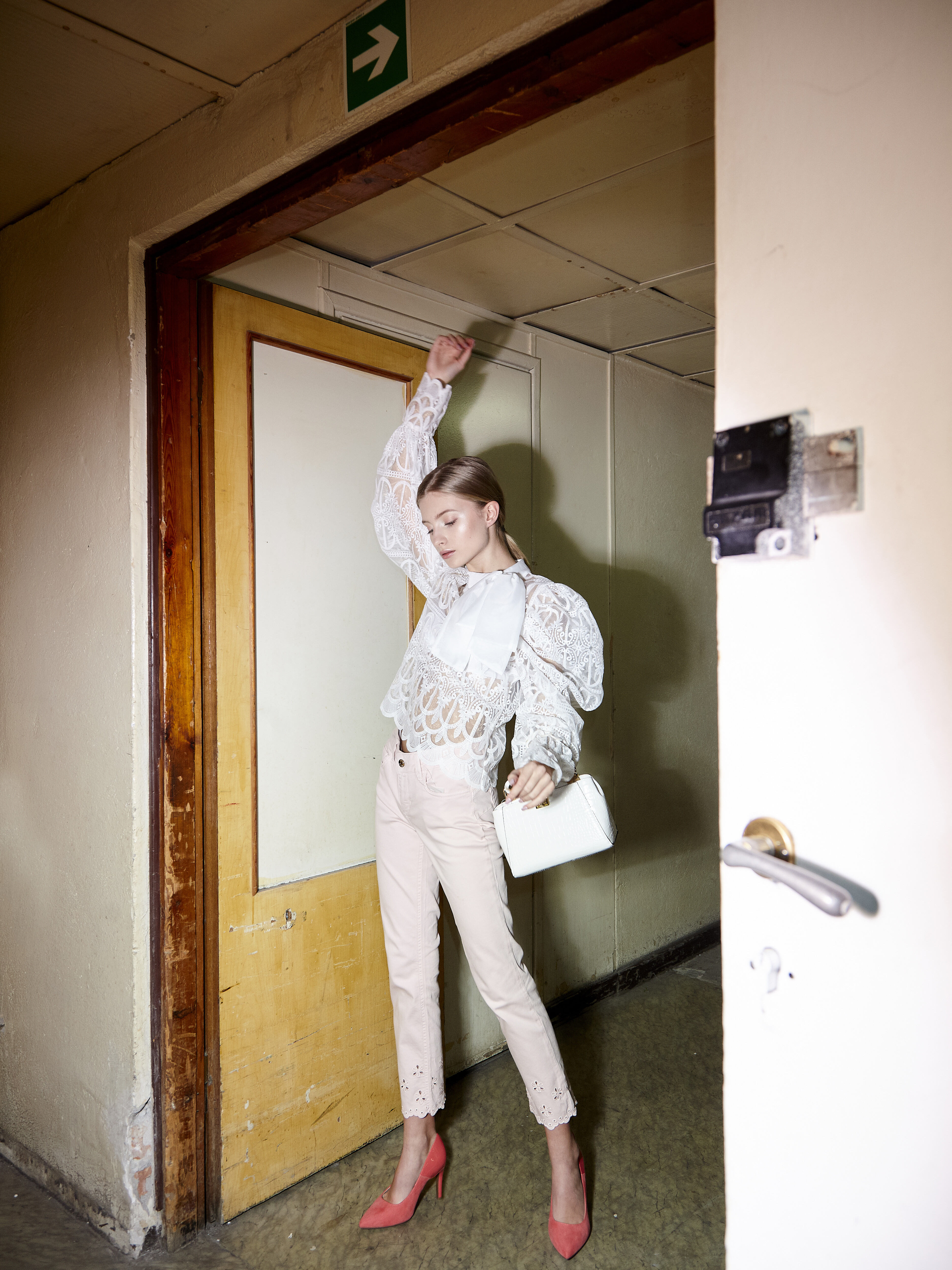
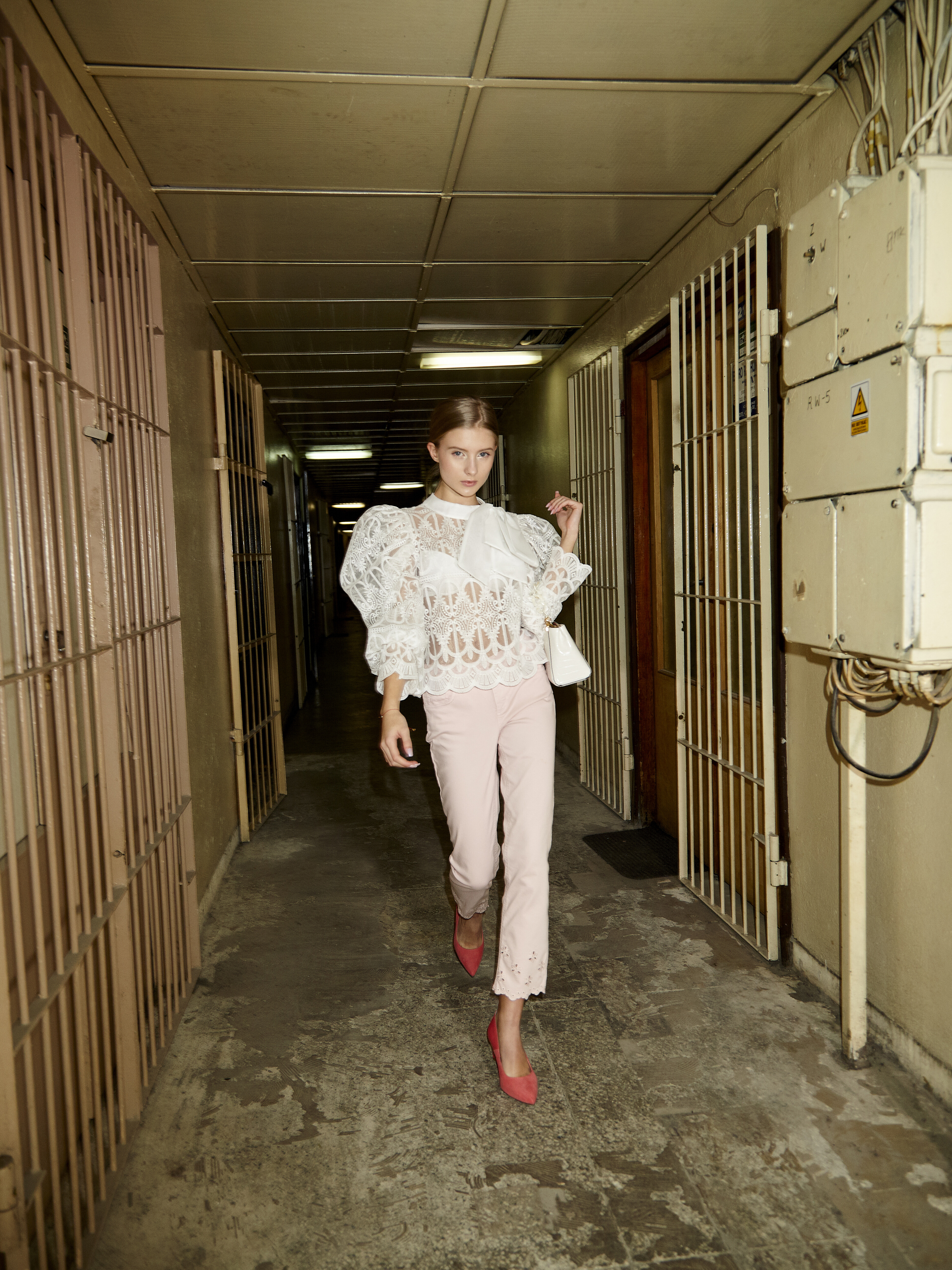
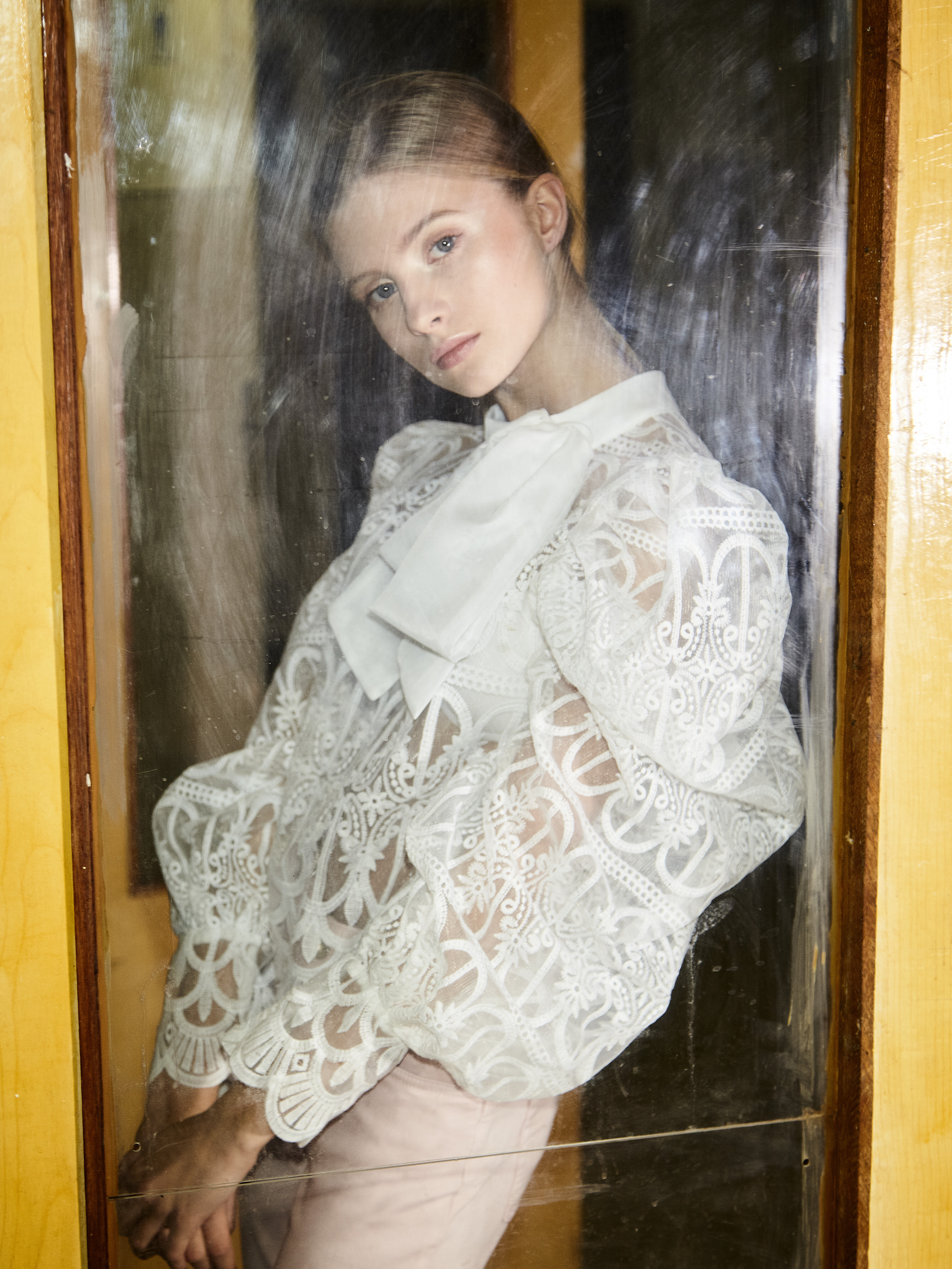




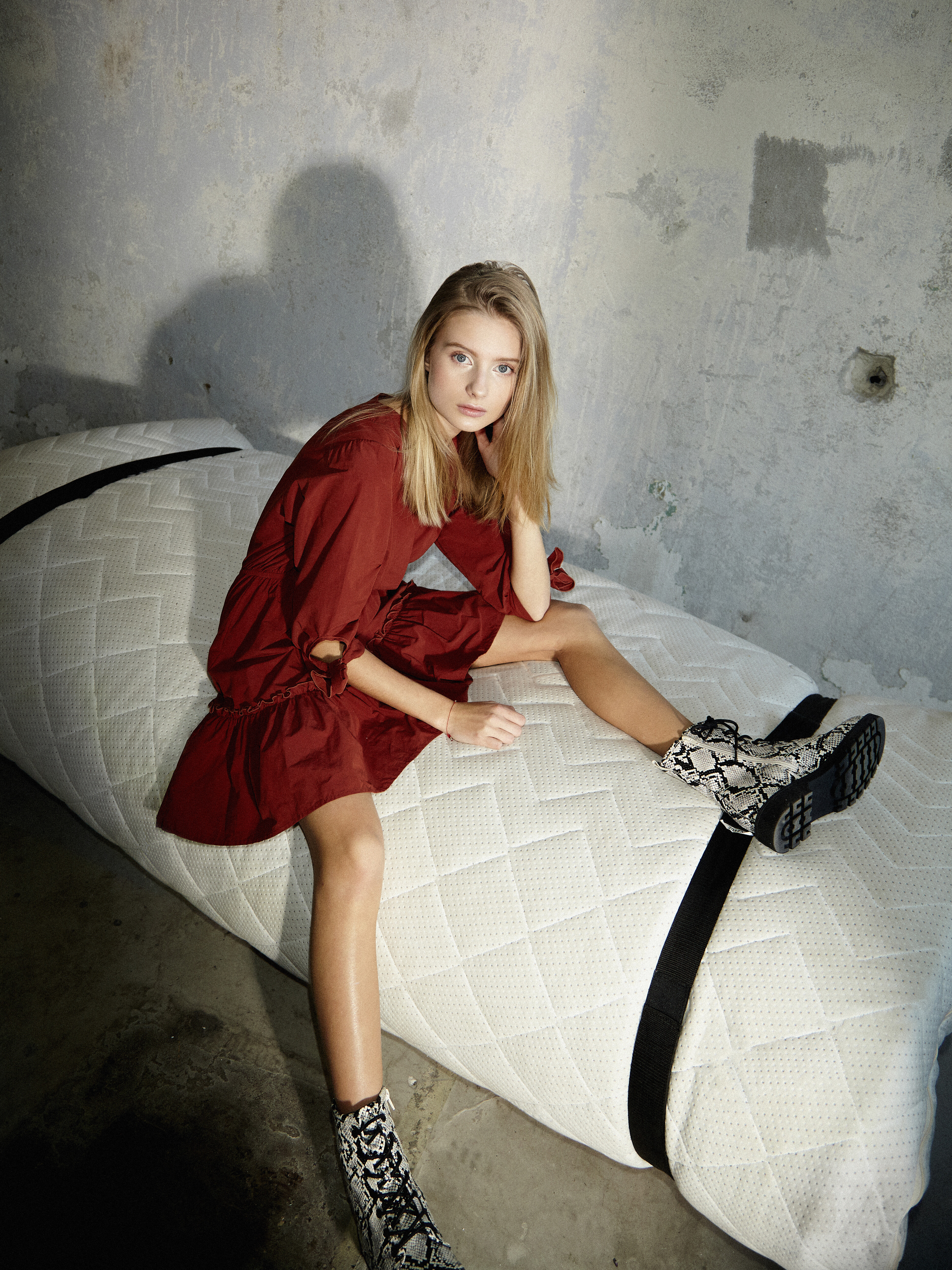



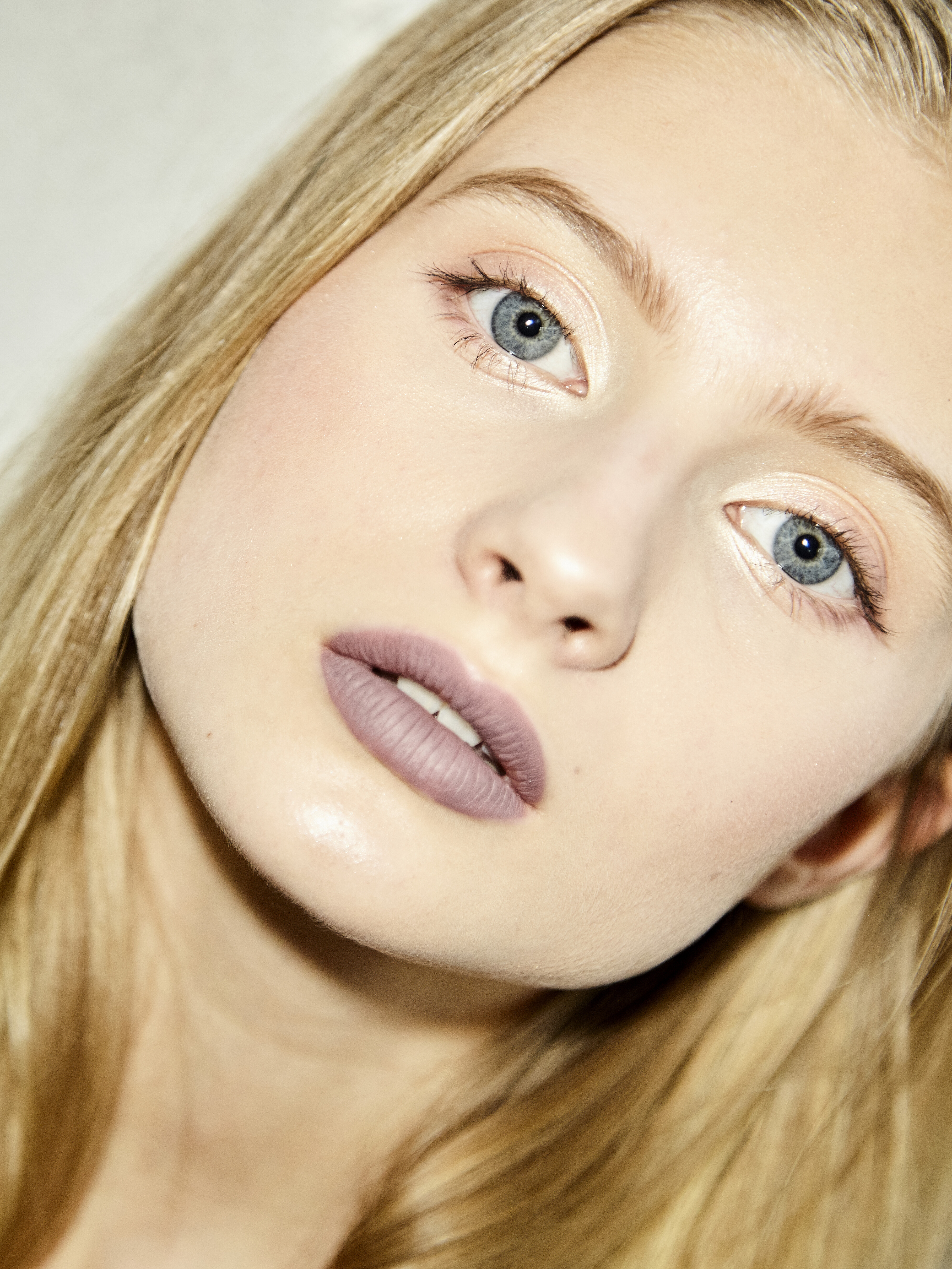







(1).jpg.03768daa790db6646416ab93270489e2.jpg)
.jpg.a67dbb9c7f10551a6125bcac79ebe501.jpg)
.jpg.de49e6be886a81f45c4ed937f9dfde07.jpg)
.jpg.97ee5c1a52d62c71955dd8e7b8624208.jpg)
.jpg.5691e86b80cb4f69e79794c091fc14e3.jpg)