All Activity
- Past hour
-
 26.02.2026: THE TONIGHT SHOW STARRING JIMMY FALLON priyankachopramalaysia.com














-

-
-
-
 she was absolutely ethereal. prince had a lot of protégés, but vanity was on a whole different level of charisma. "nasty girl" is still such a heavy hitter on the dancefloor even decades later, it completely redefined that minimalist synth-pop sound of the early 80s. it’s always fascinating to see her transition from that era to her later life as an evangelist. she really went through a lot and came out the other side with such a different perspective. the last dragon is a total cult classic too, her chemistry with taimak was great. truly a one-of-a-kind artist who left us too soon.
 -
-
-
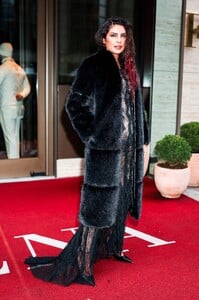
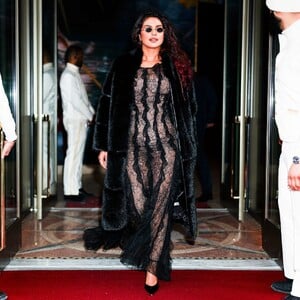
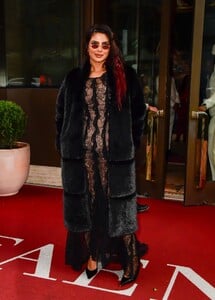
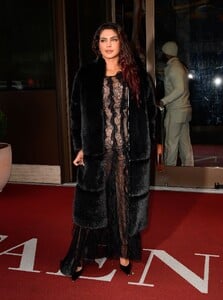
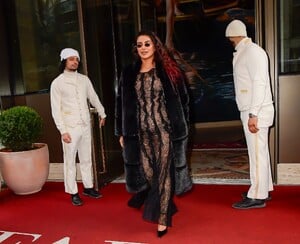
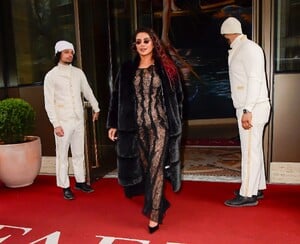
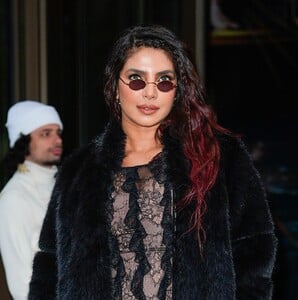
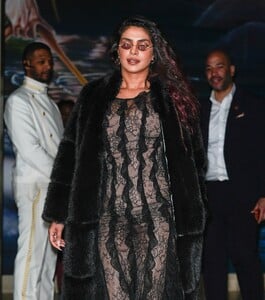
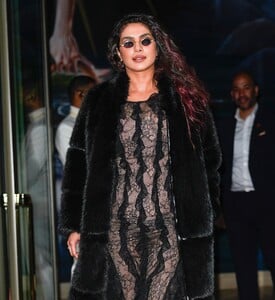
26.02.2026: SEEN IN CHELSEA IN NYC priyankachopramalaysia.com



















-
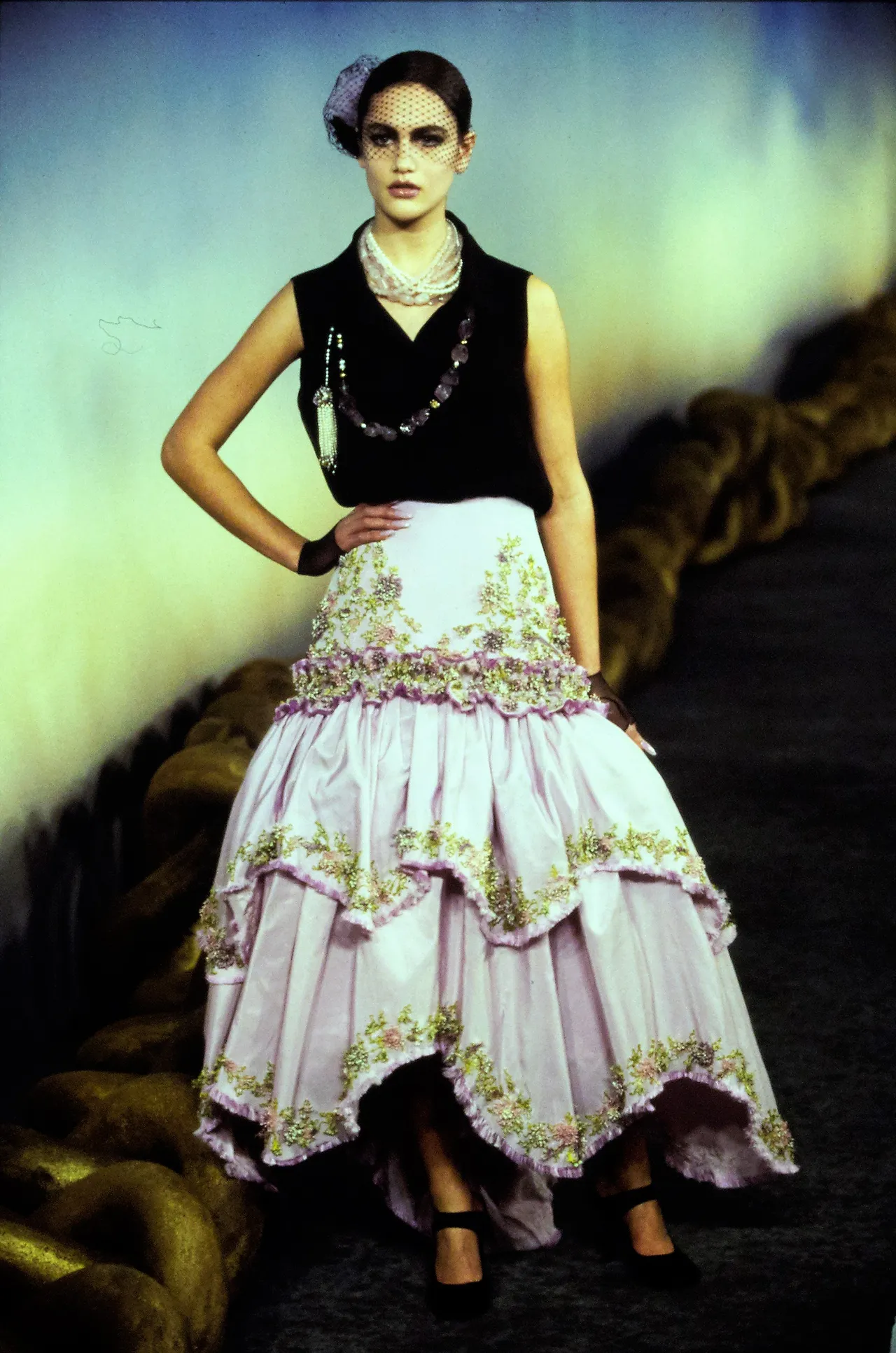
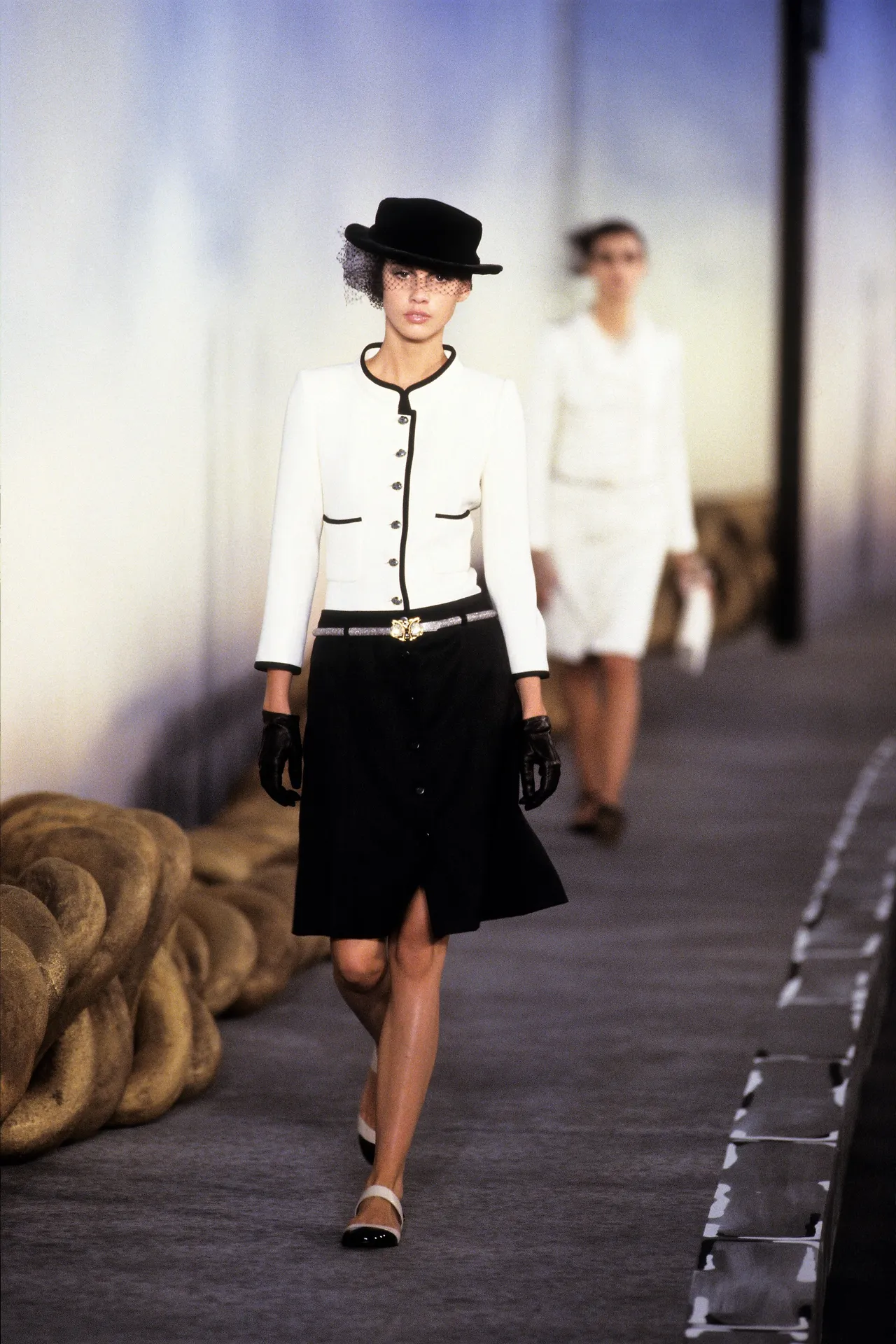
 chanel haute couture ss2001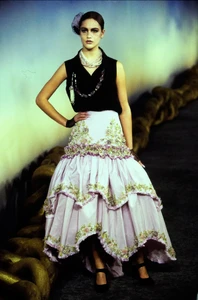
-
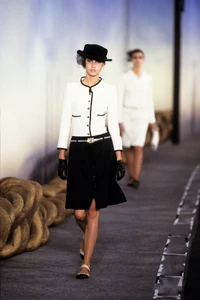
Chanel Haute-Couture SS01
-
-
-
-
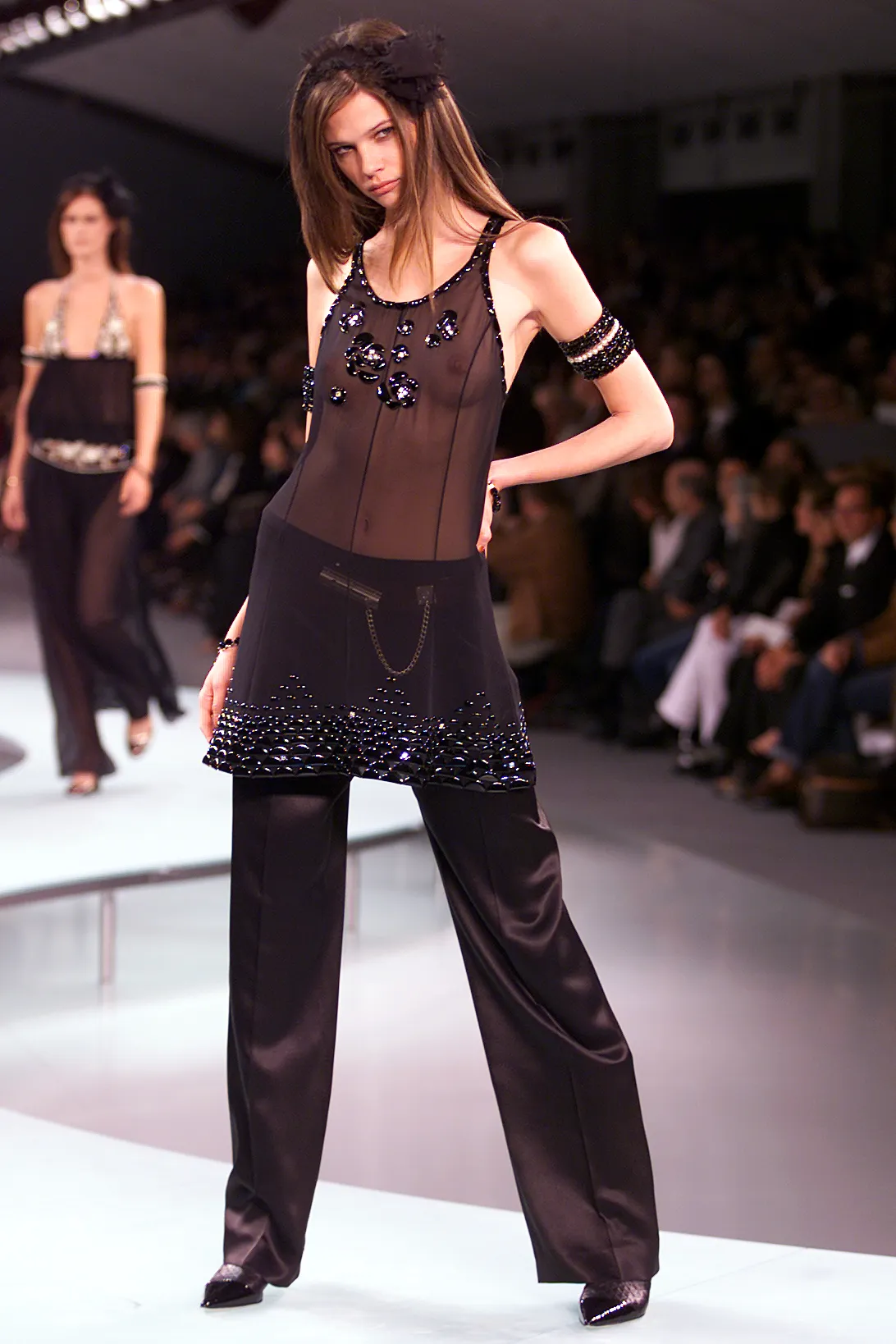
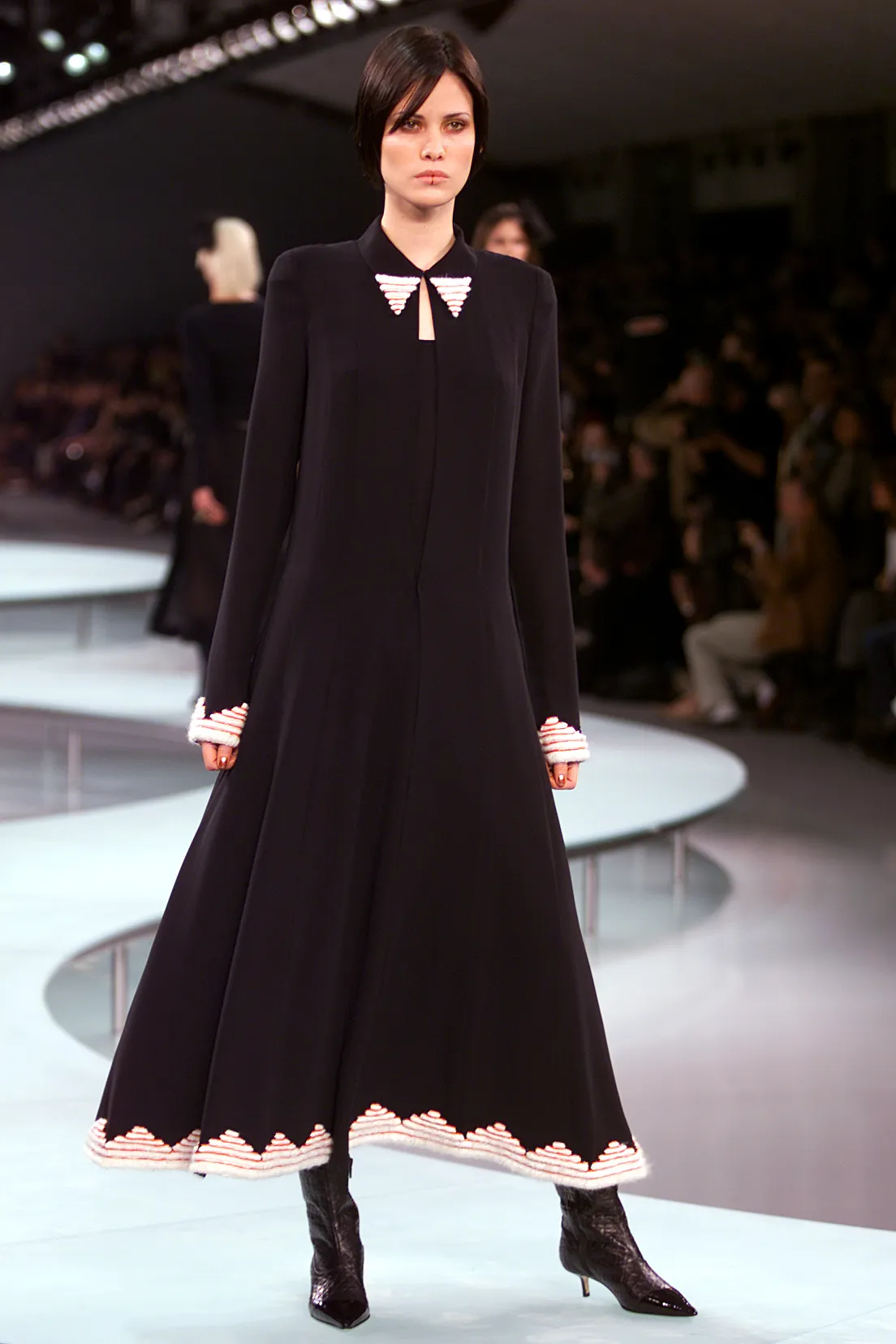
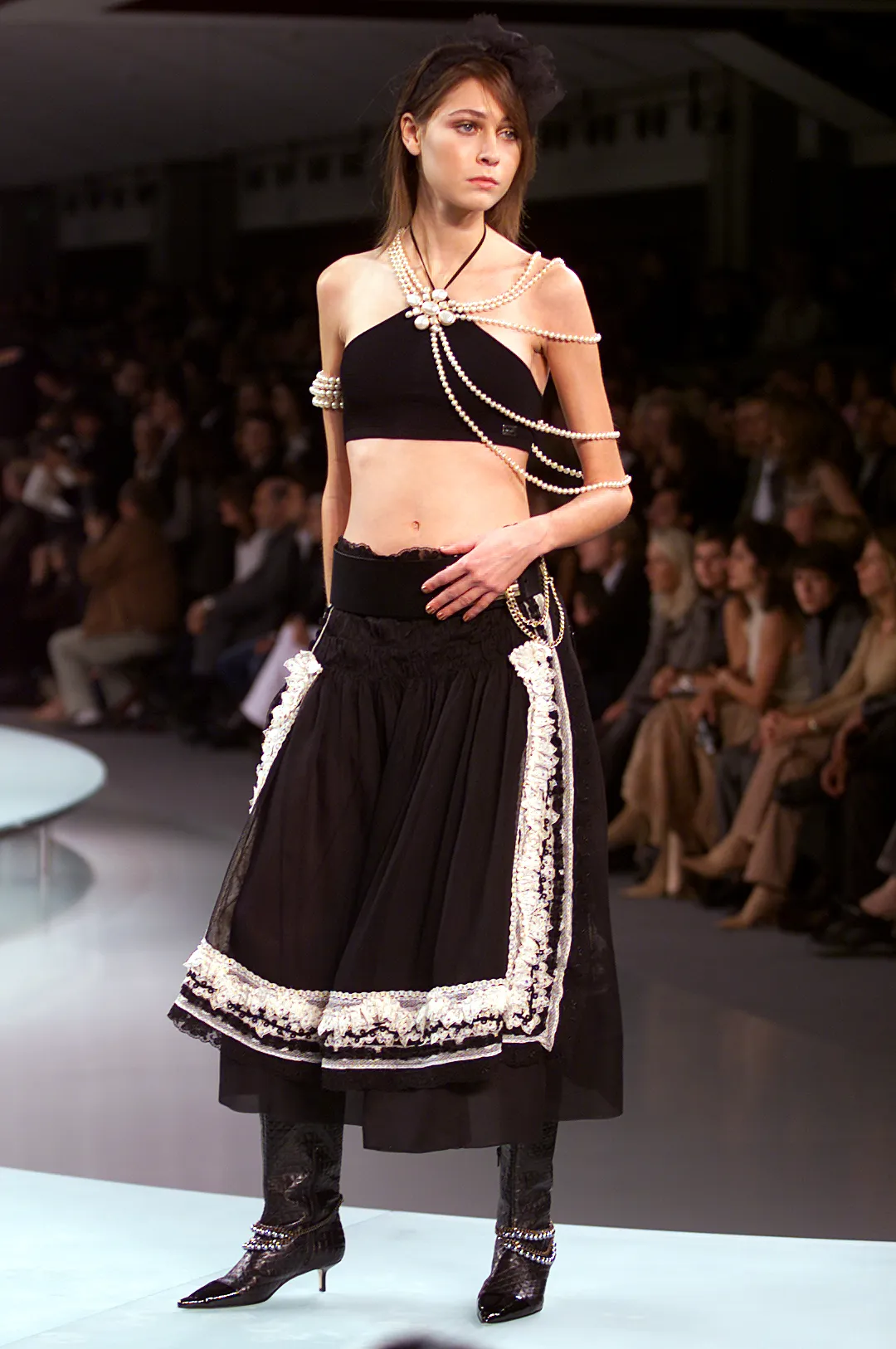
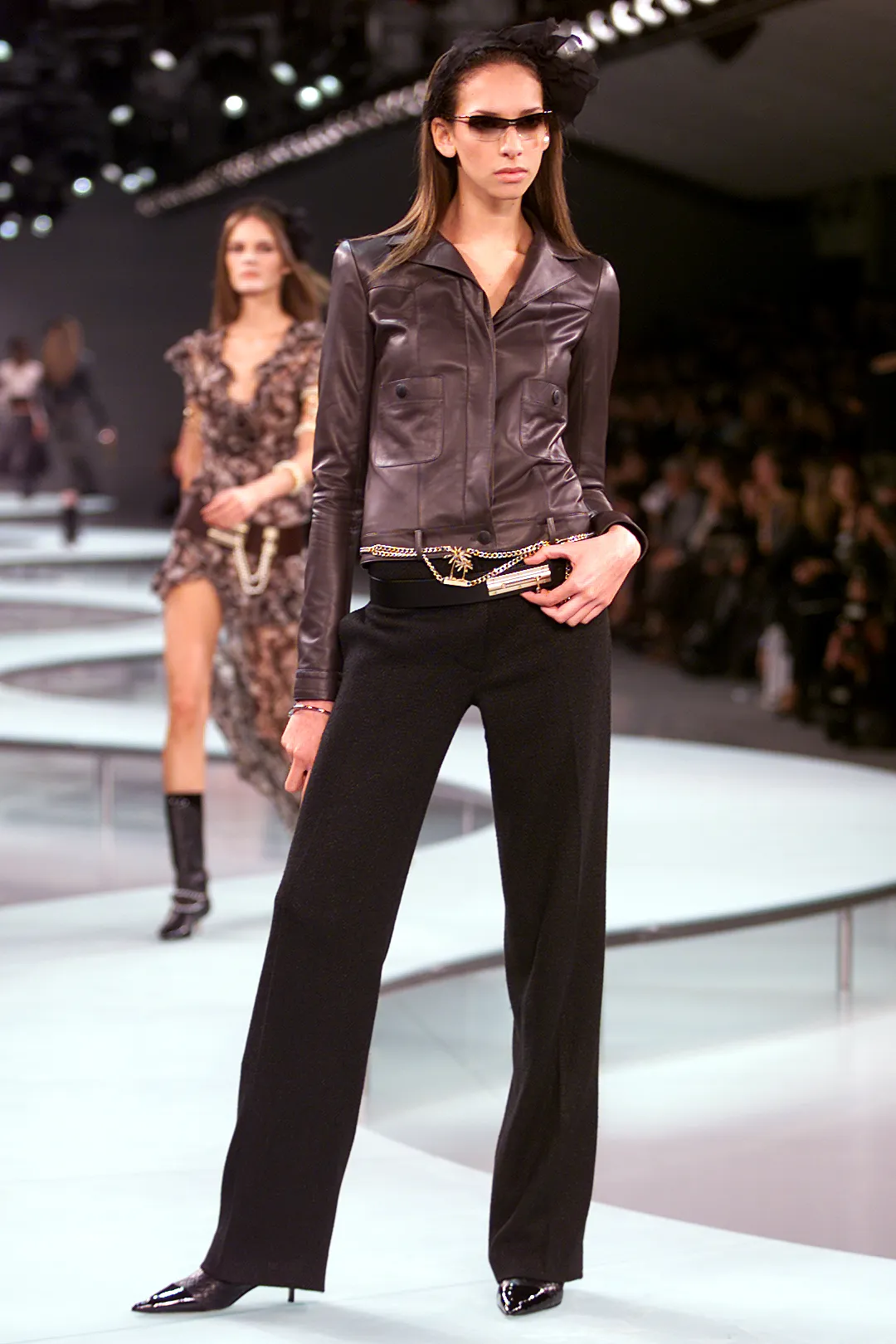
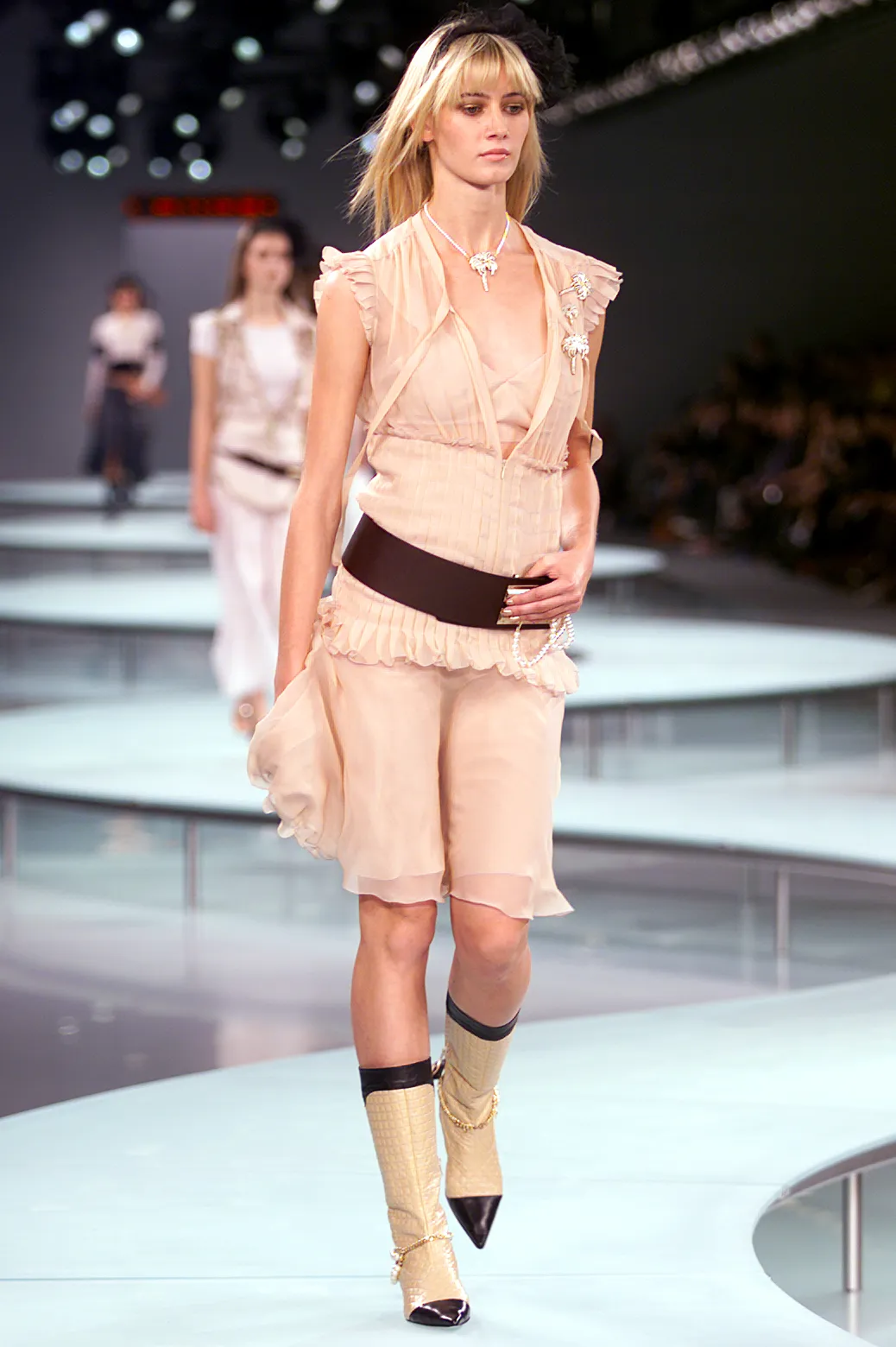
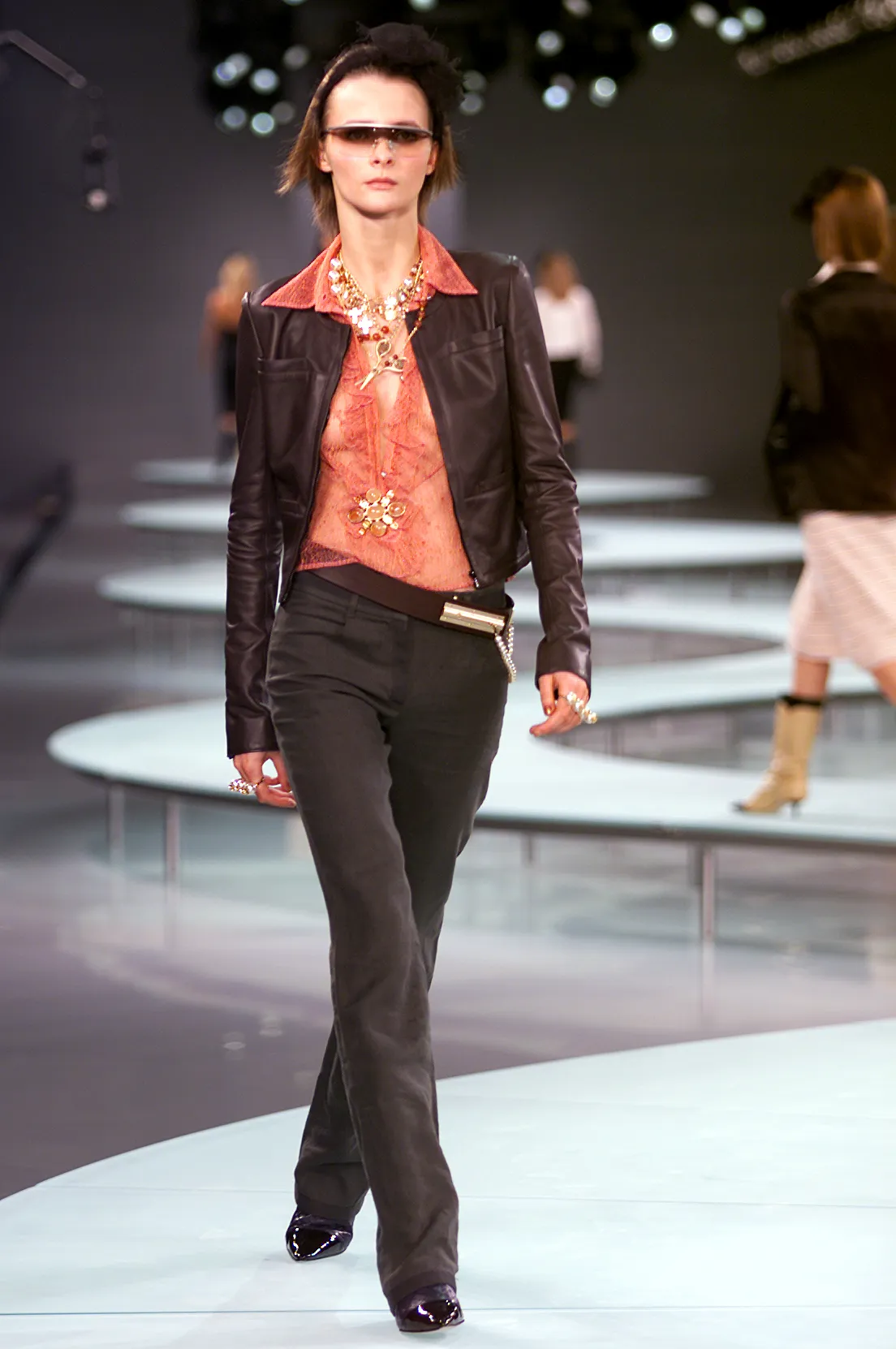
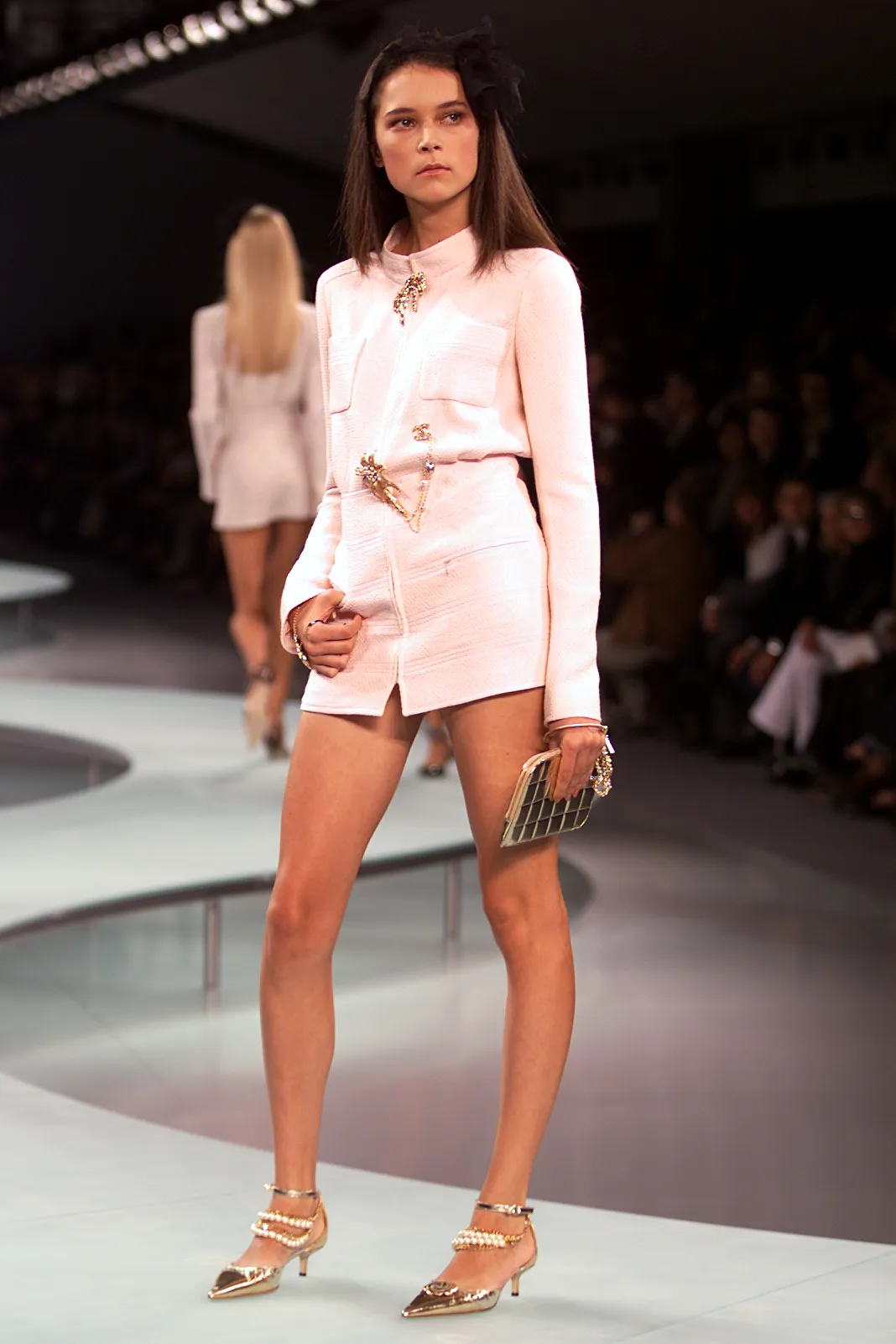
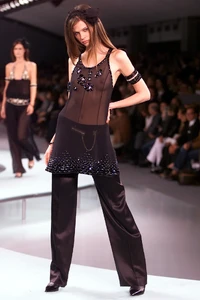
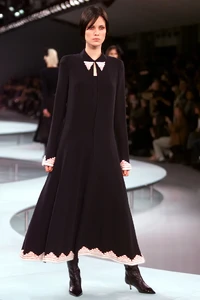
Chanel s/s 2002
-
chanel ss2002
-

-
-
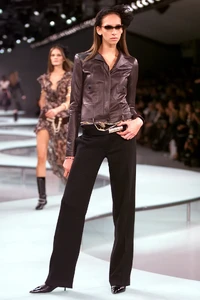
CHANEL SS02
-
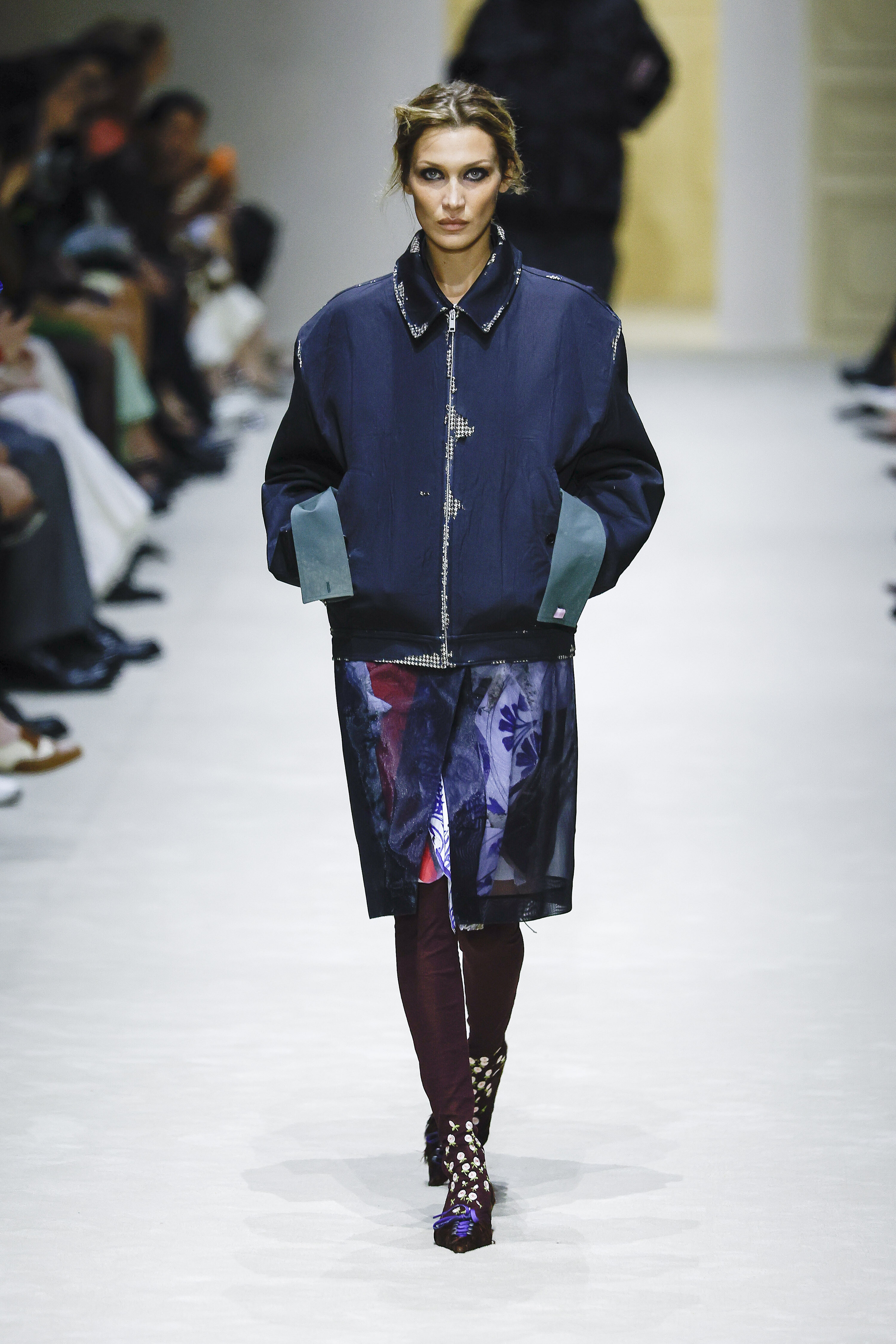
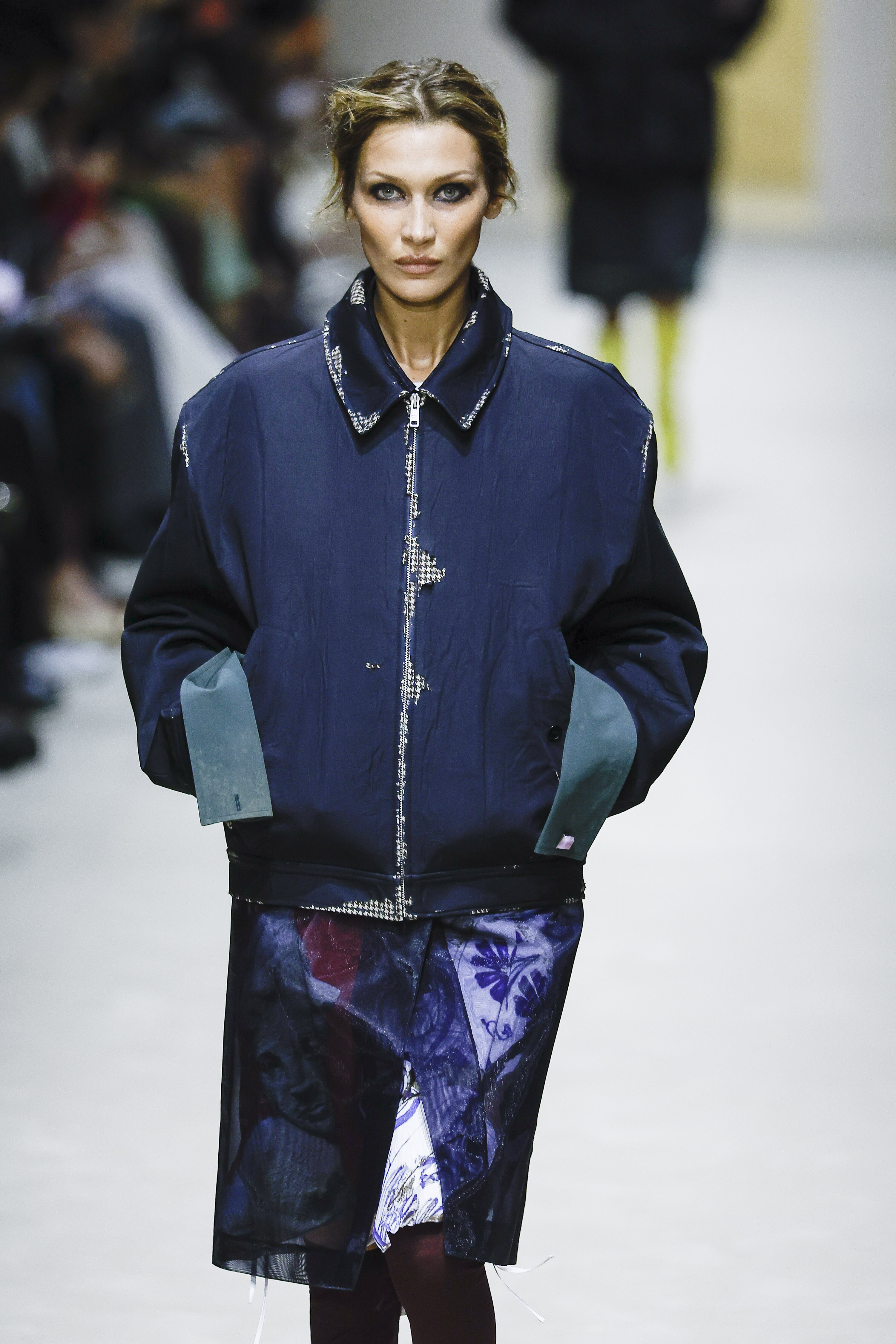
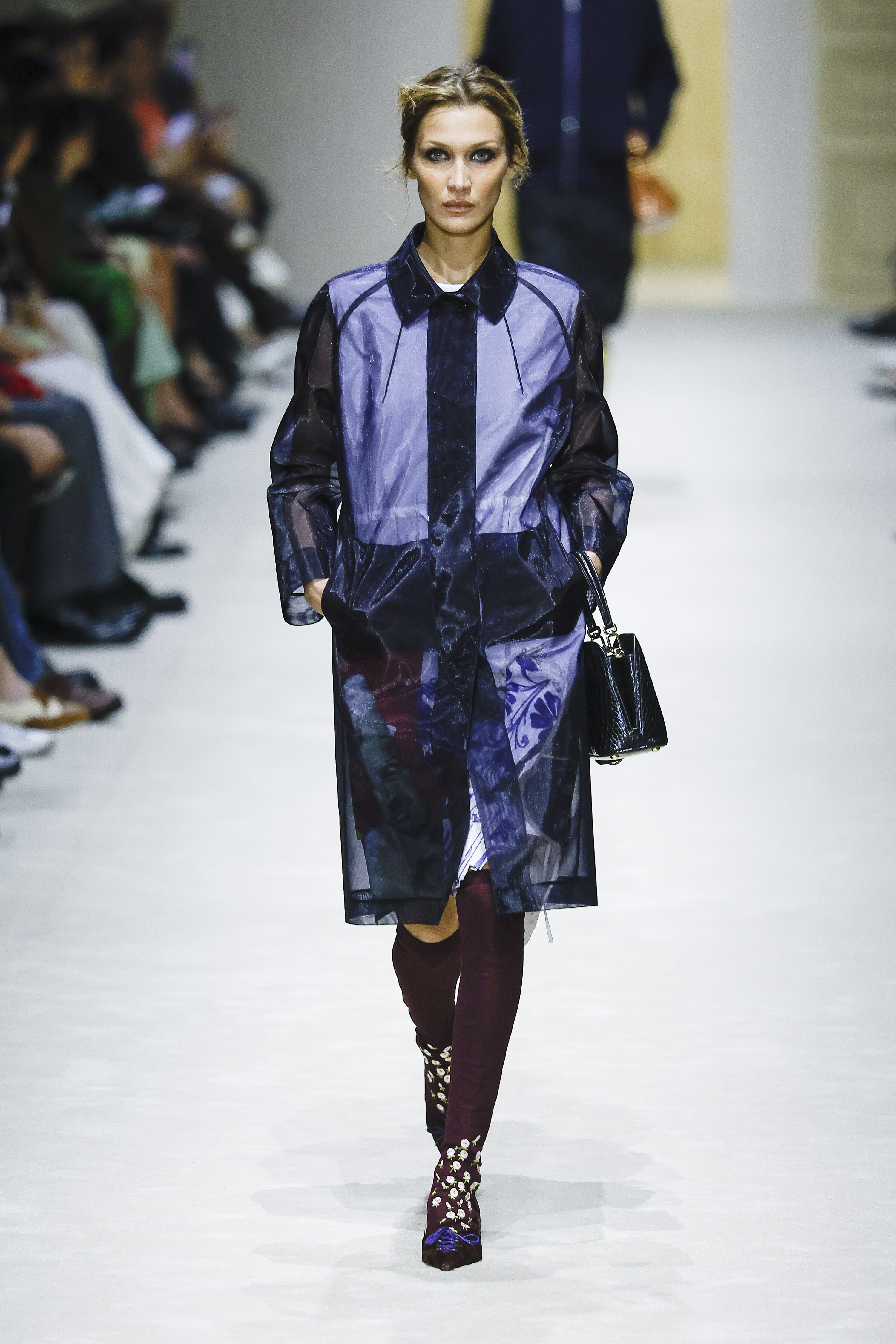
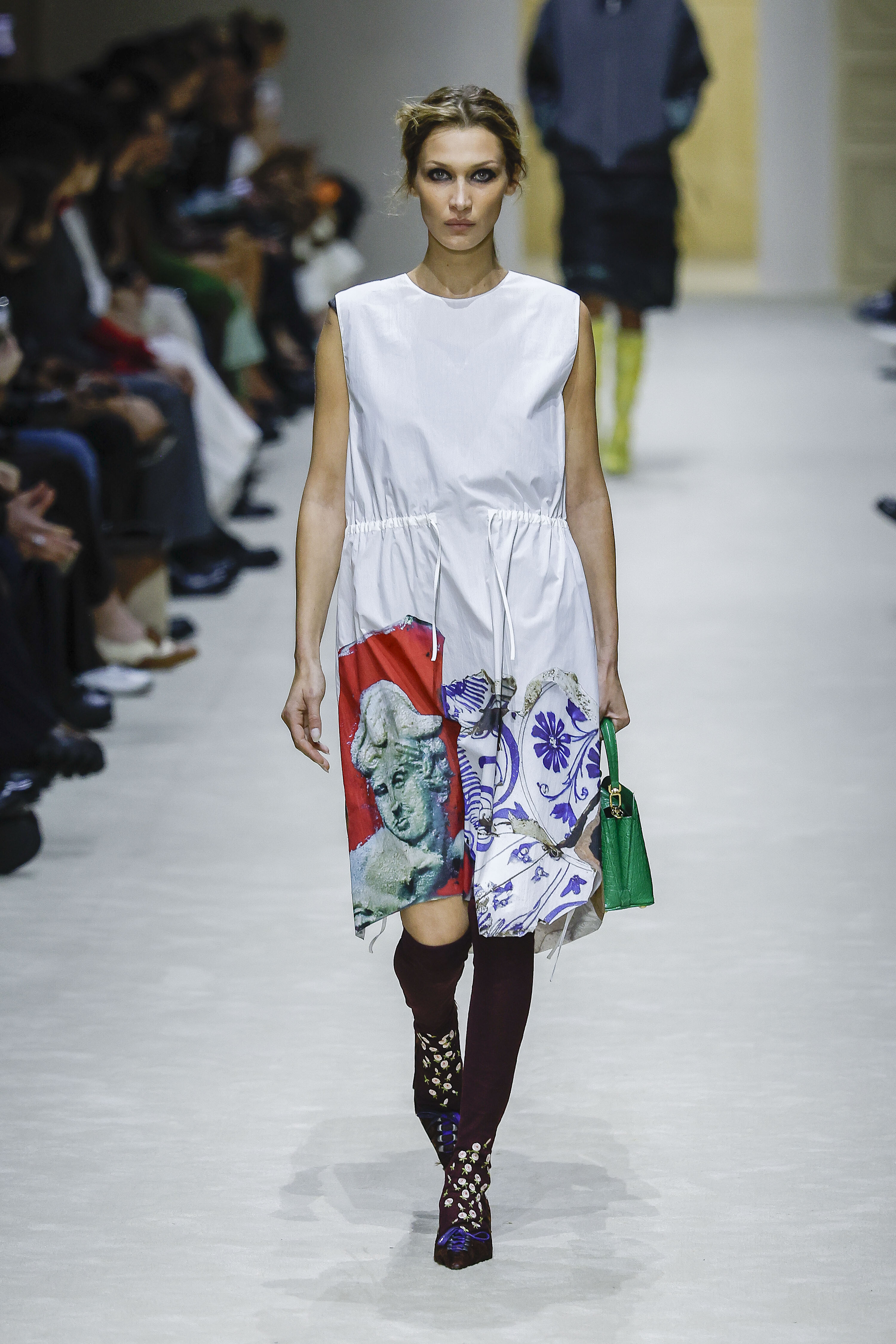
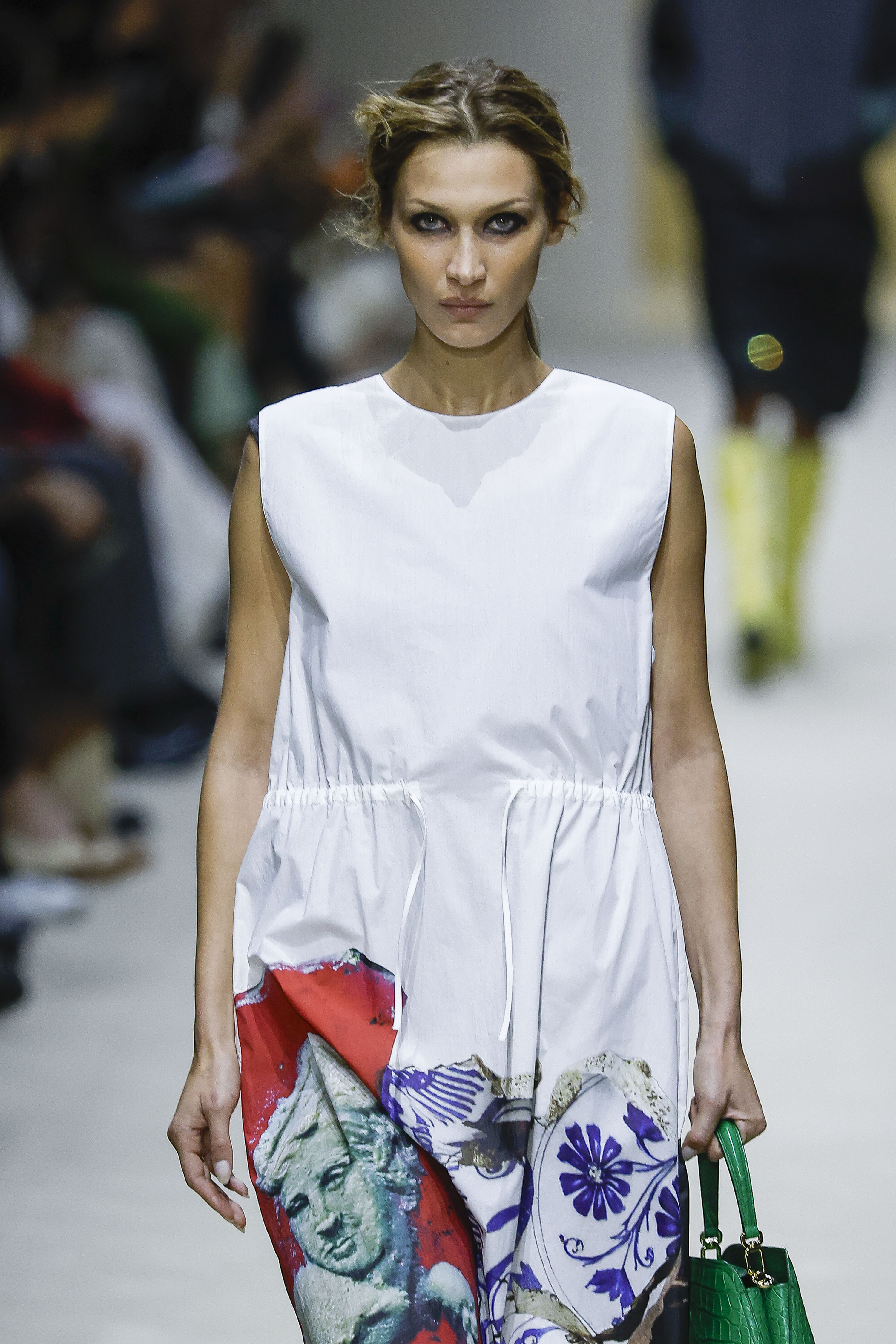
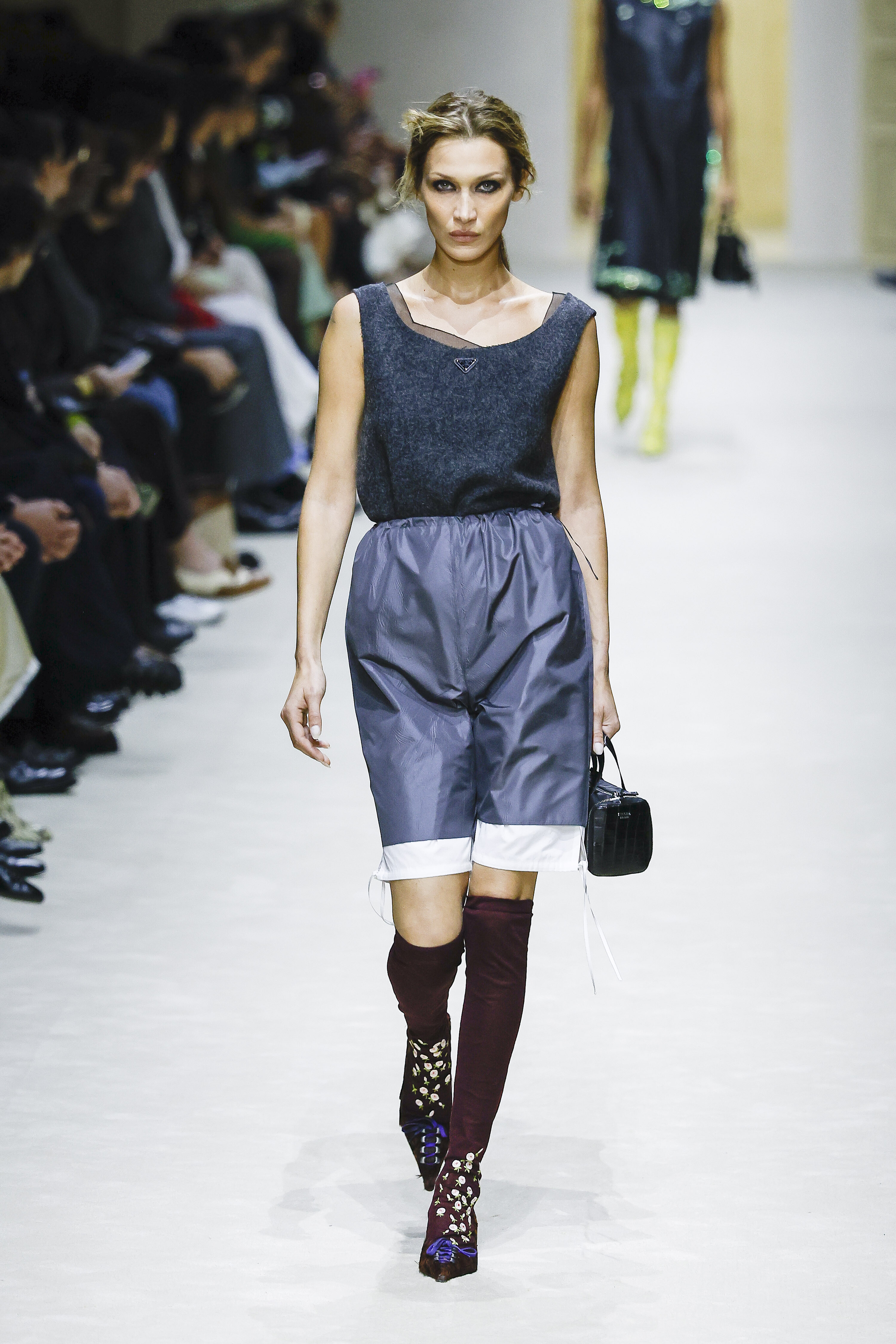
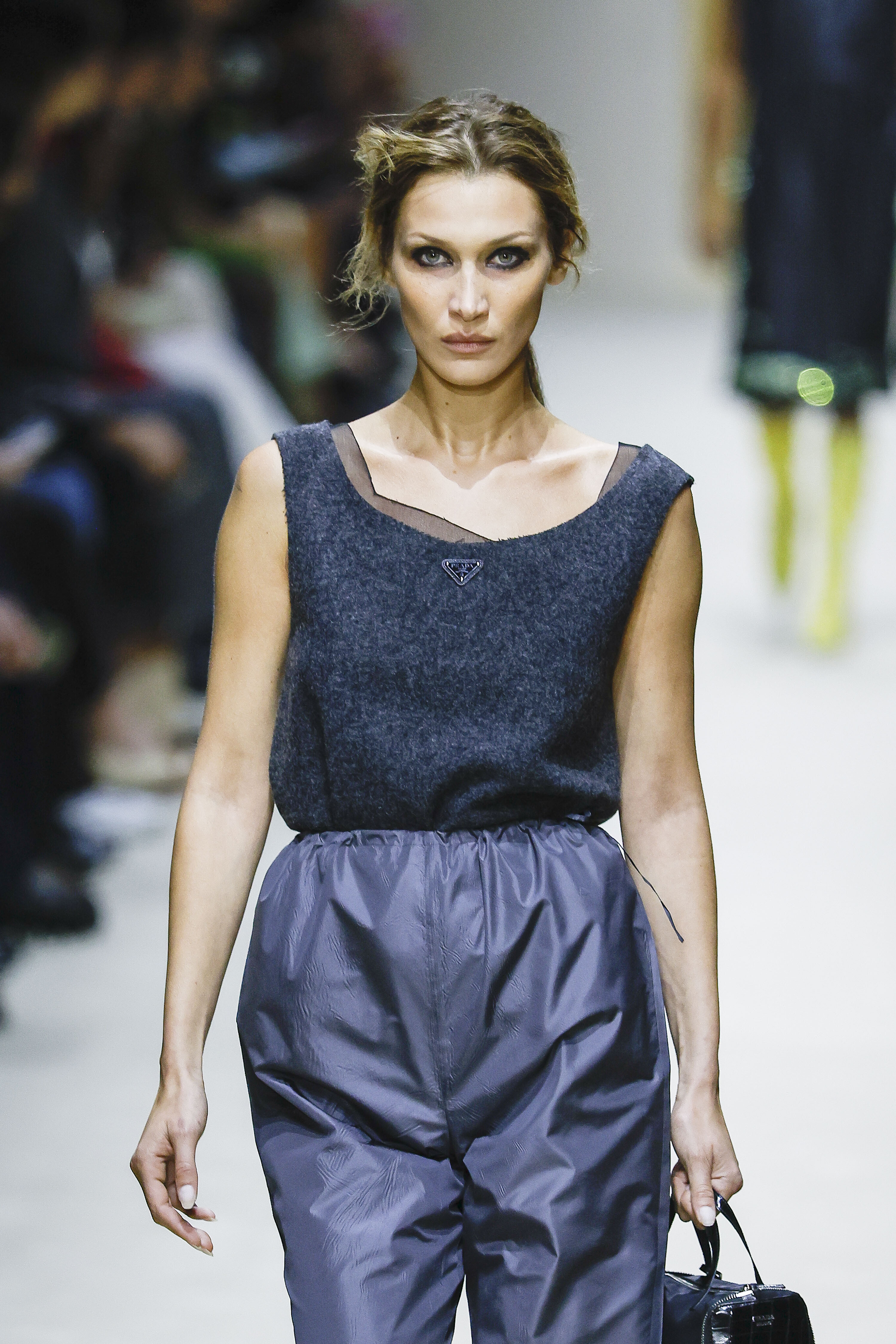
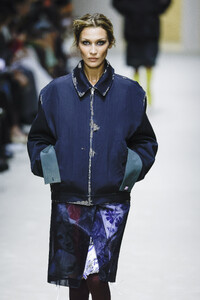
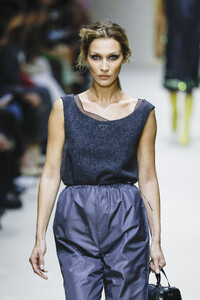
 Prada FW 2026 - additions: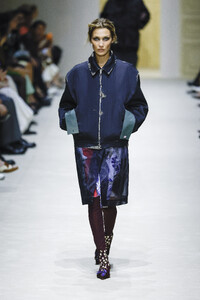
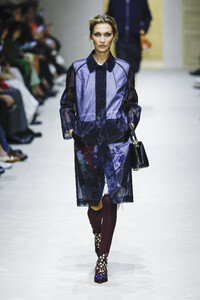
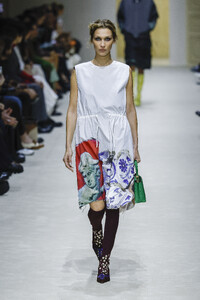
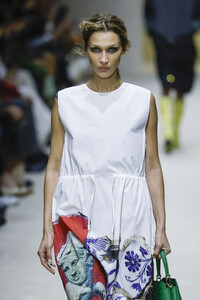
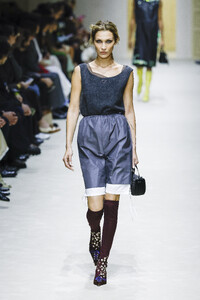
-
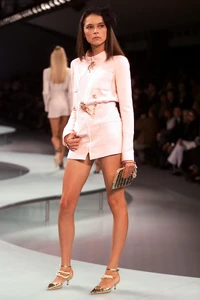
chanel s/s 2002

-
-
chanel ss2002
-

-
Fuck off!
-
IG story