All Activity
- Past hour
-

-

-
-
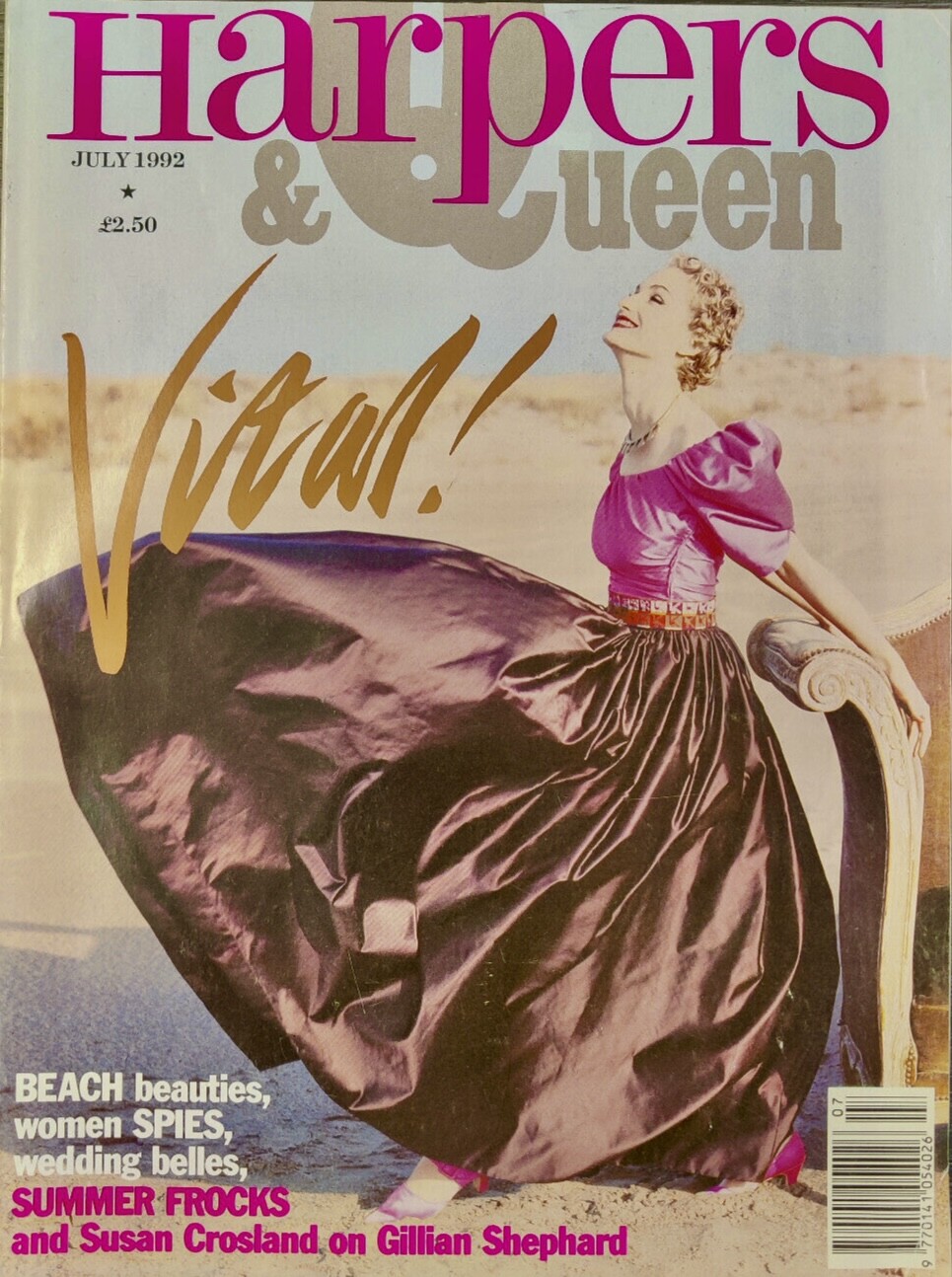
 Harpers & Queen (1992)
-
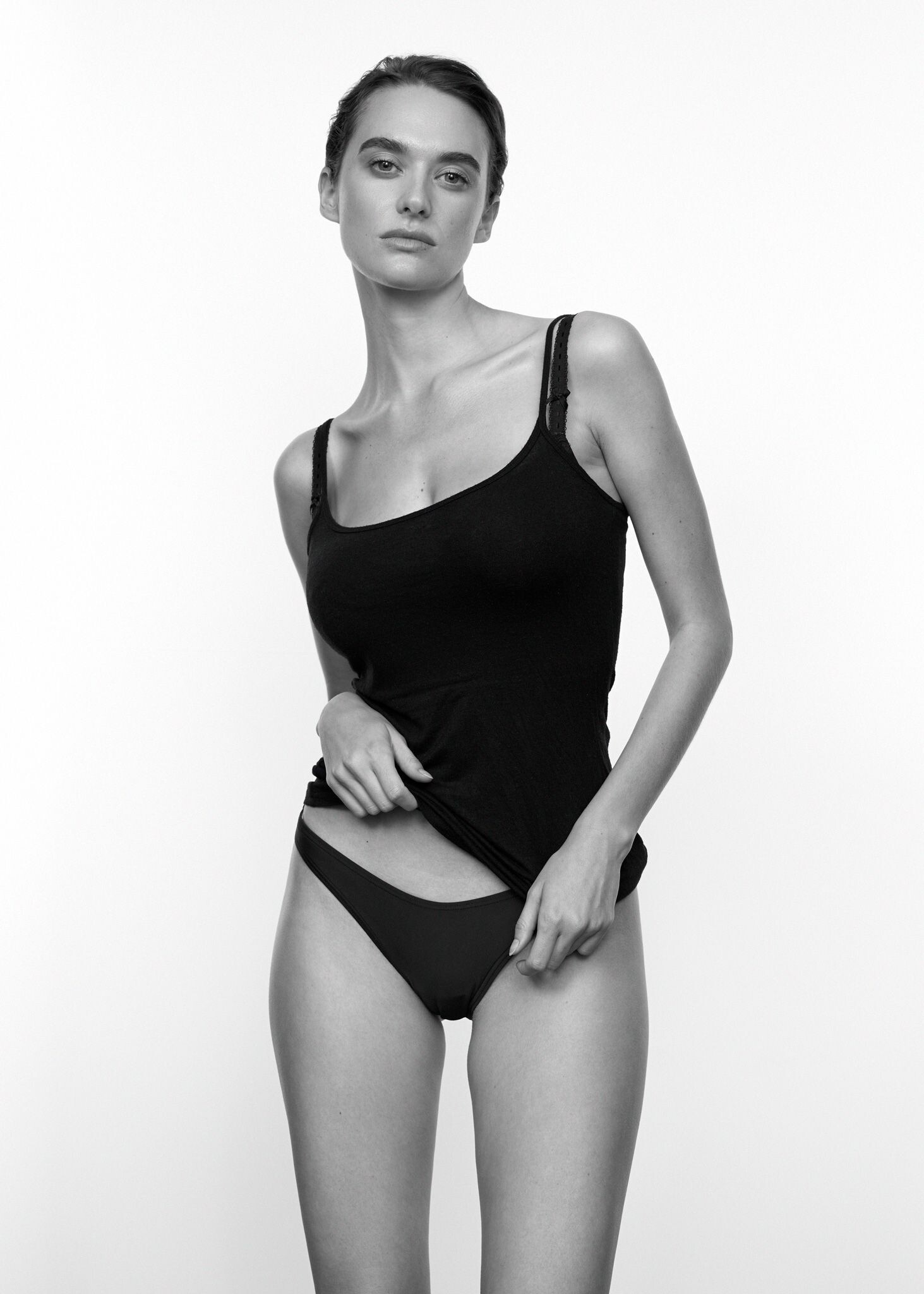
 Munich Models







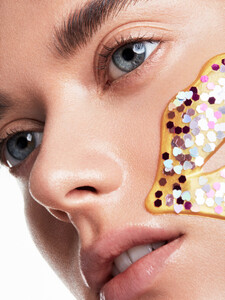










 Munich Models




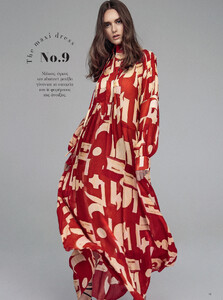







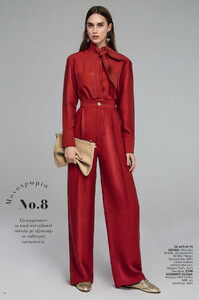





 Munich Models


















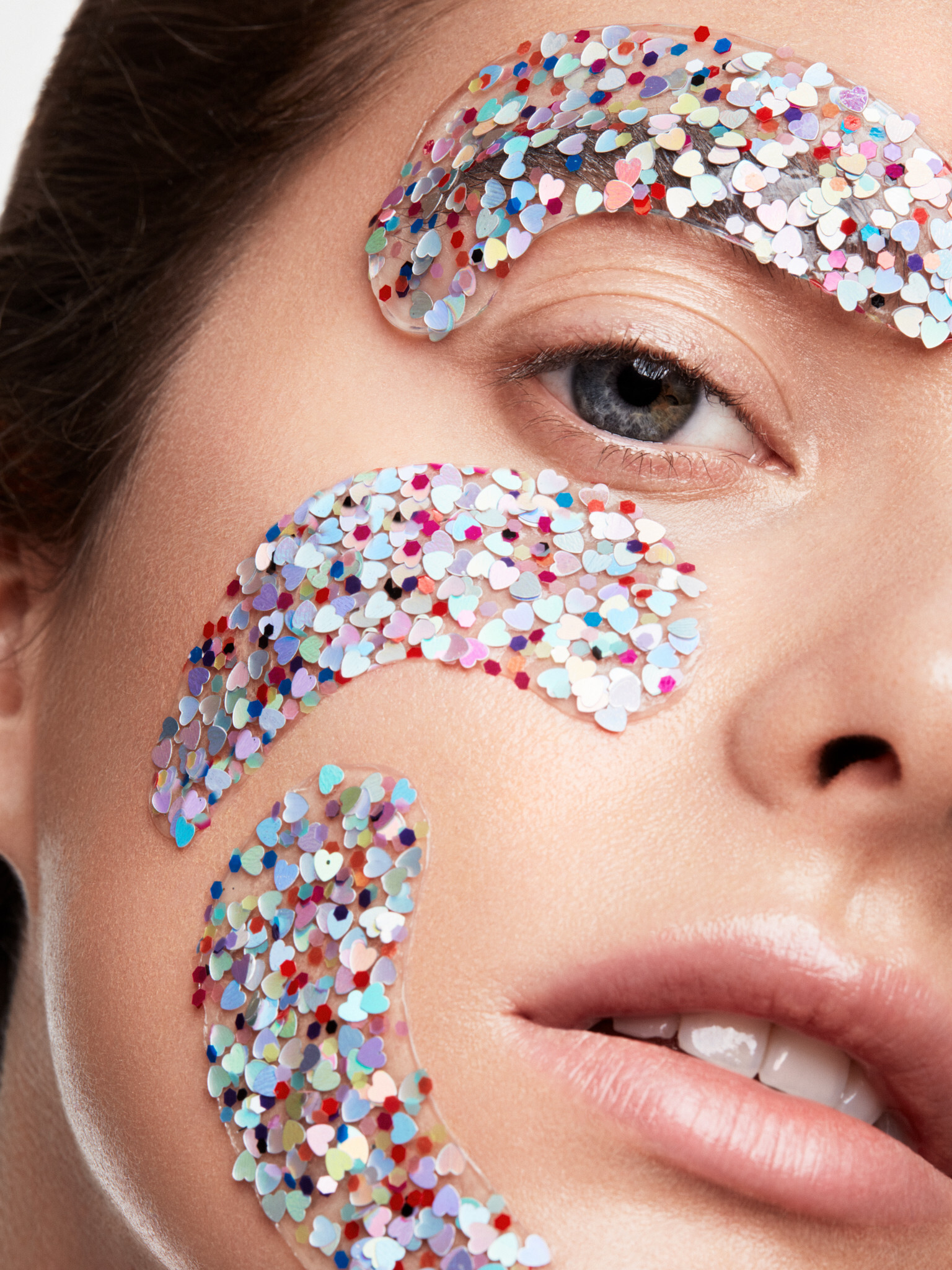
 Kohler ad (2007)


 One of her two looks from the Haute Gala in Miami 2025 (I think the date was the 27th of May, and at the Sanctuary MiMo event venue) NattyZach - Haute Gala, Miami 2025_B (Jupiter).mp4

- Today
 IG Video
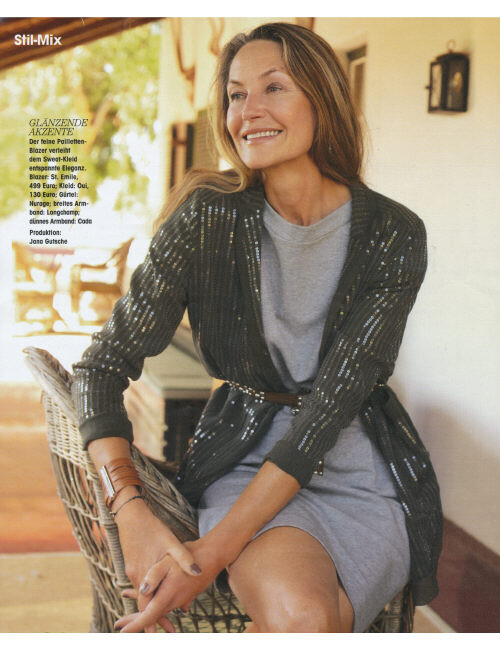
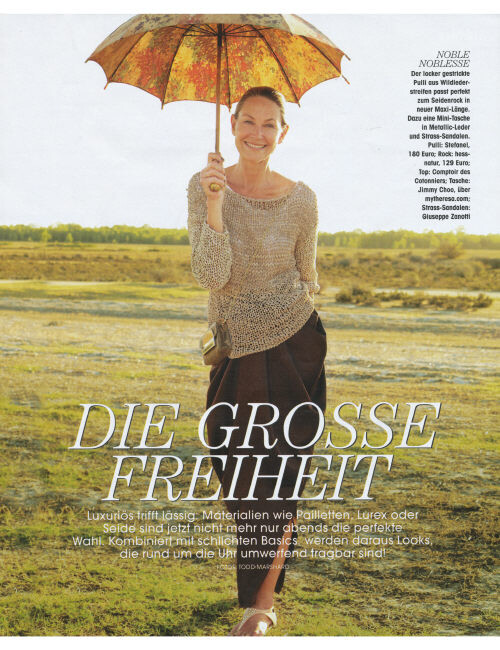
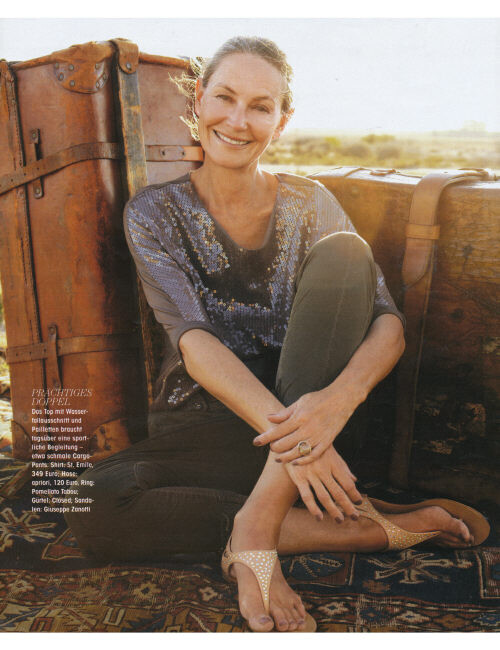
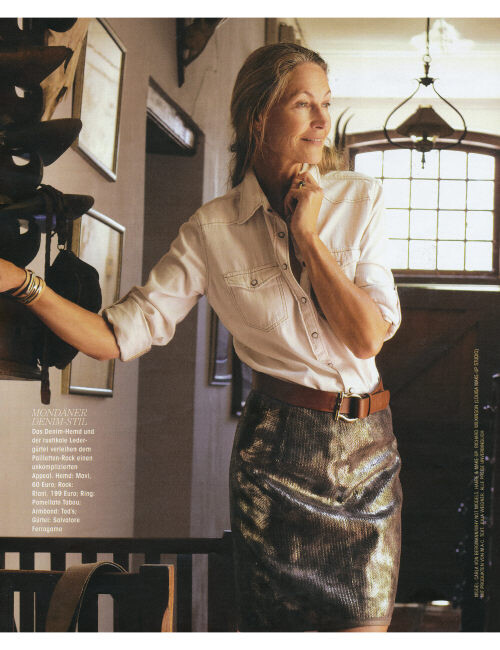
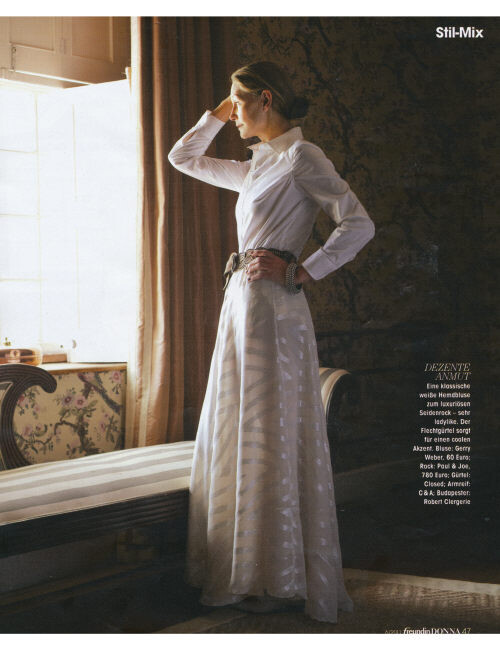
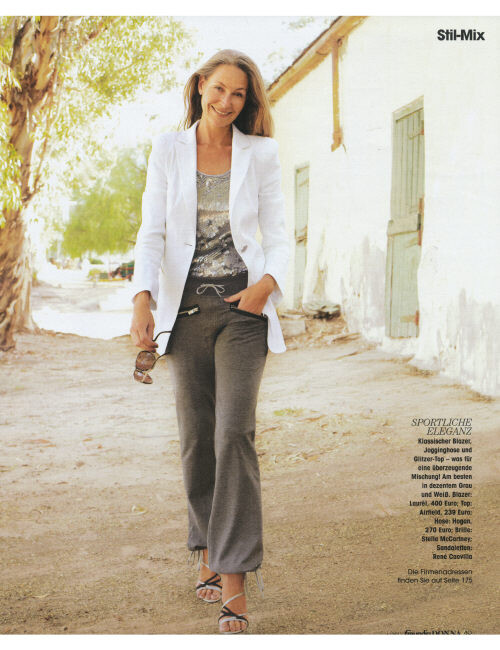
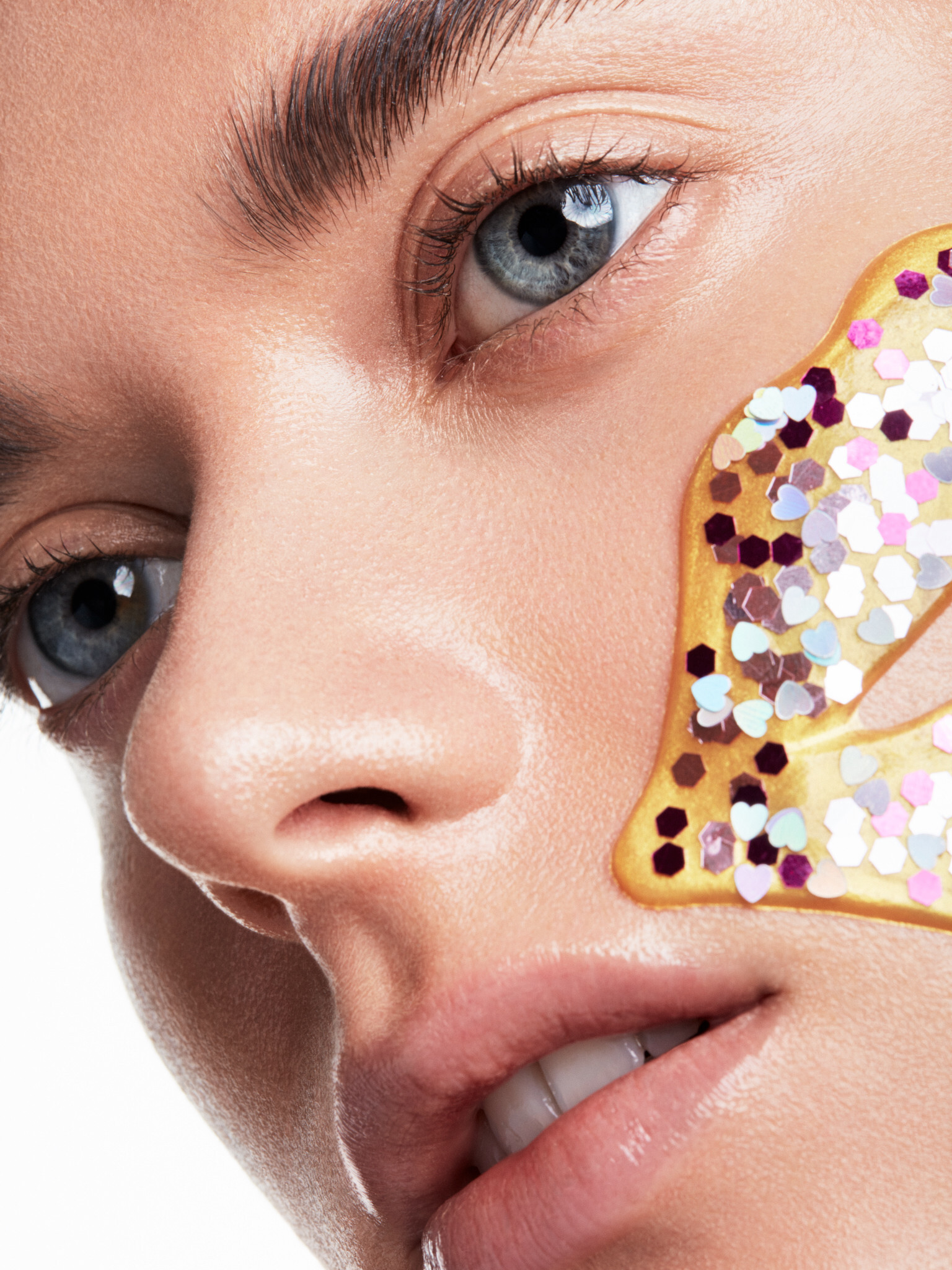
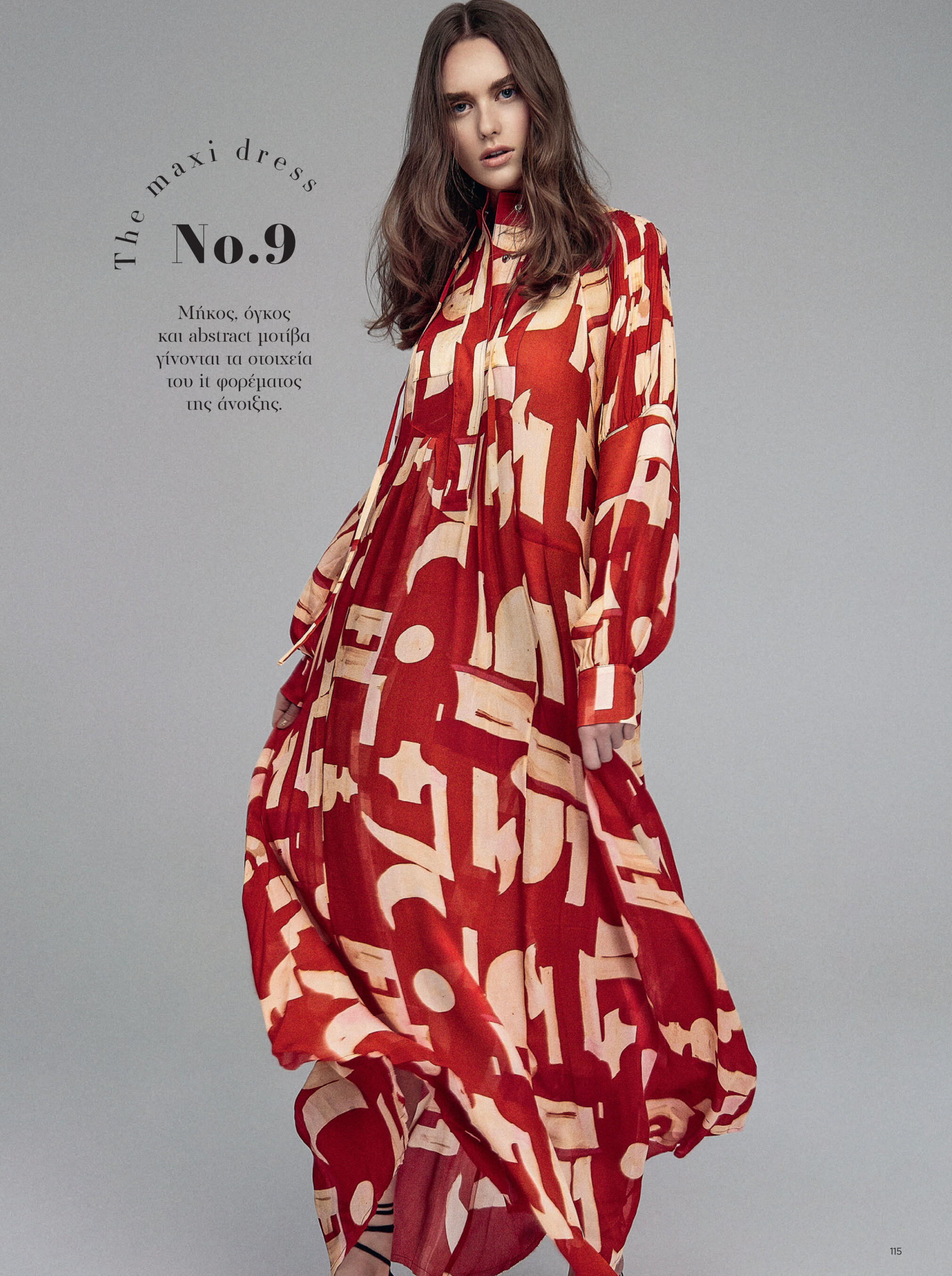
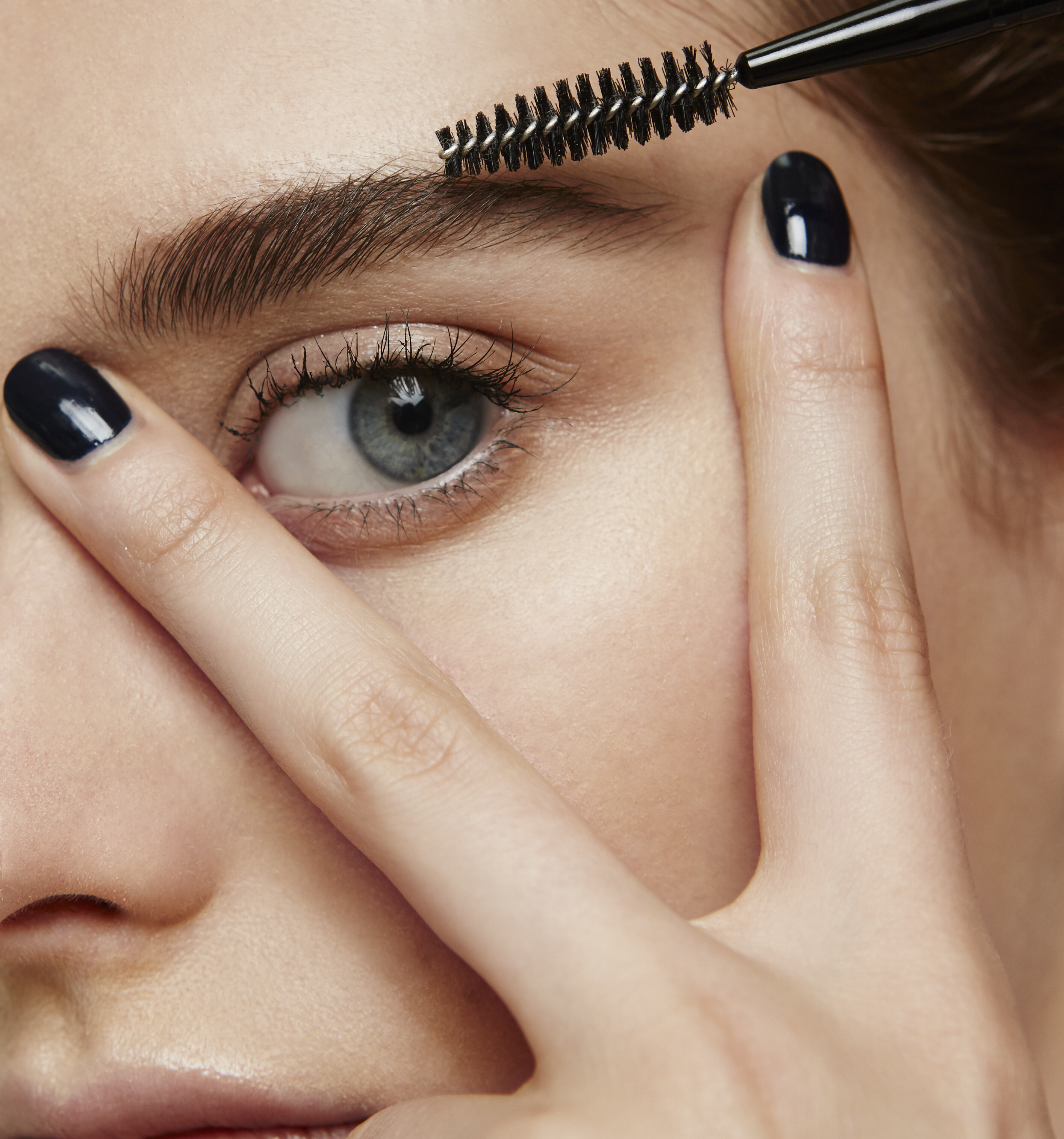
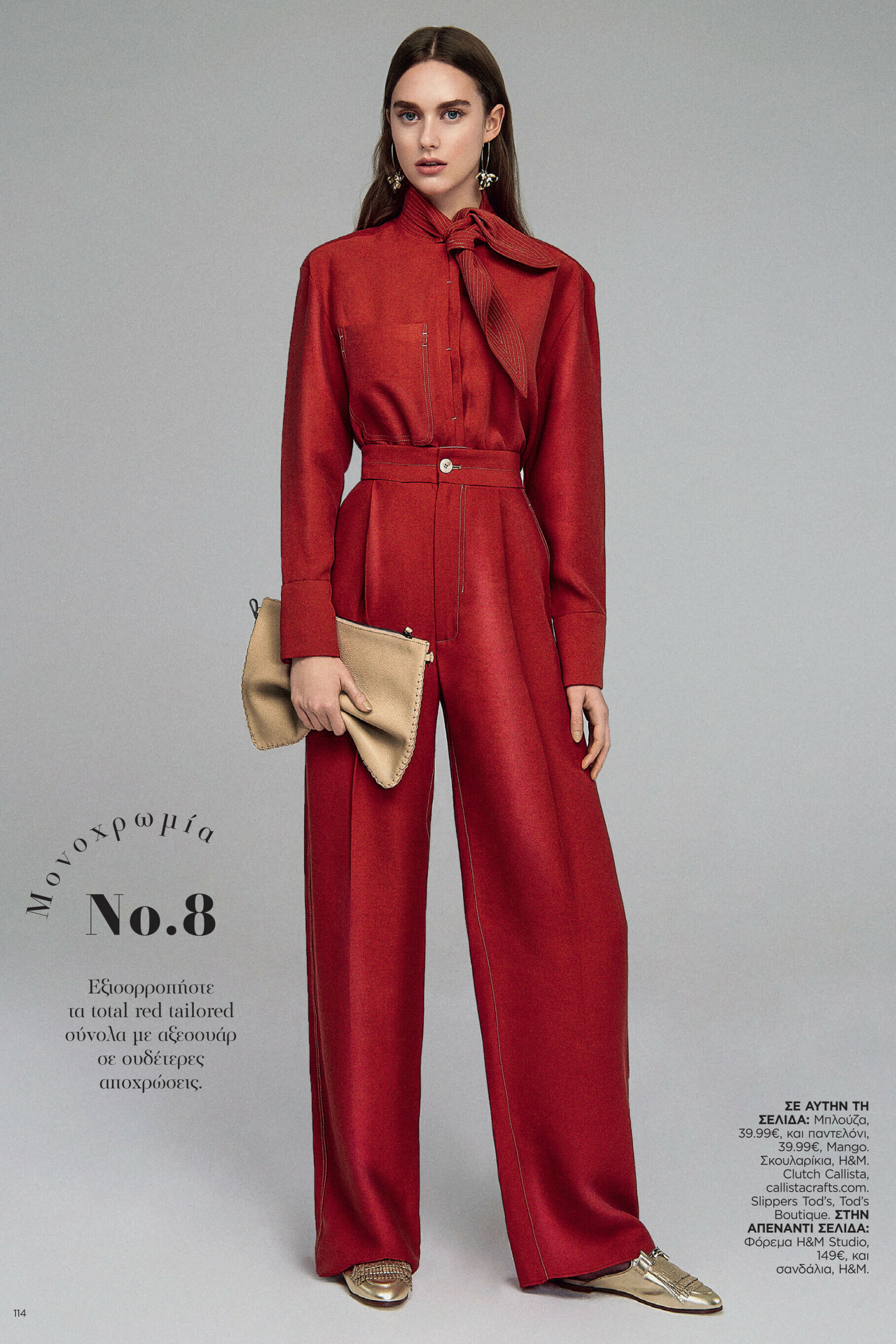
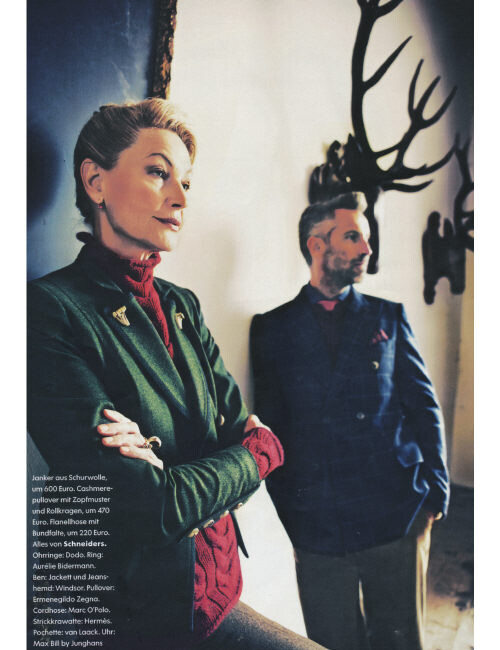
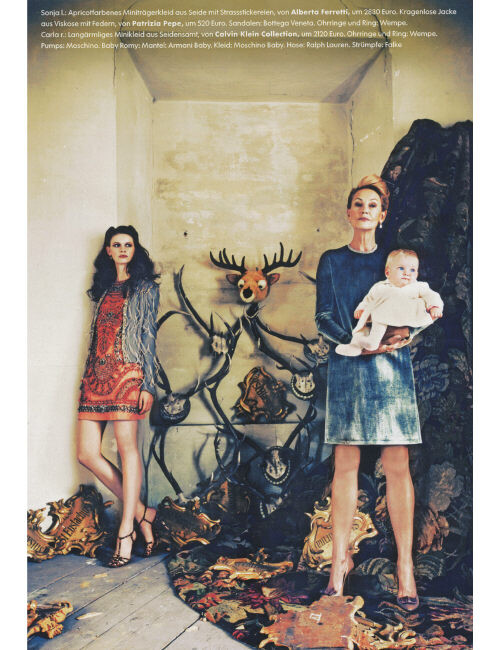
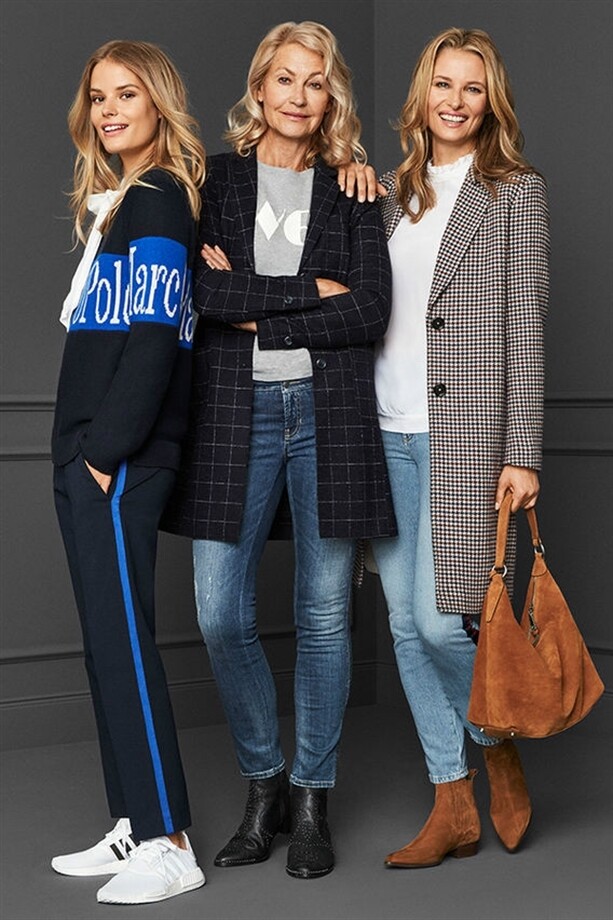
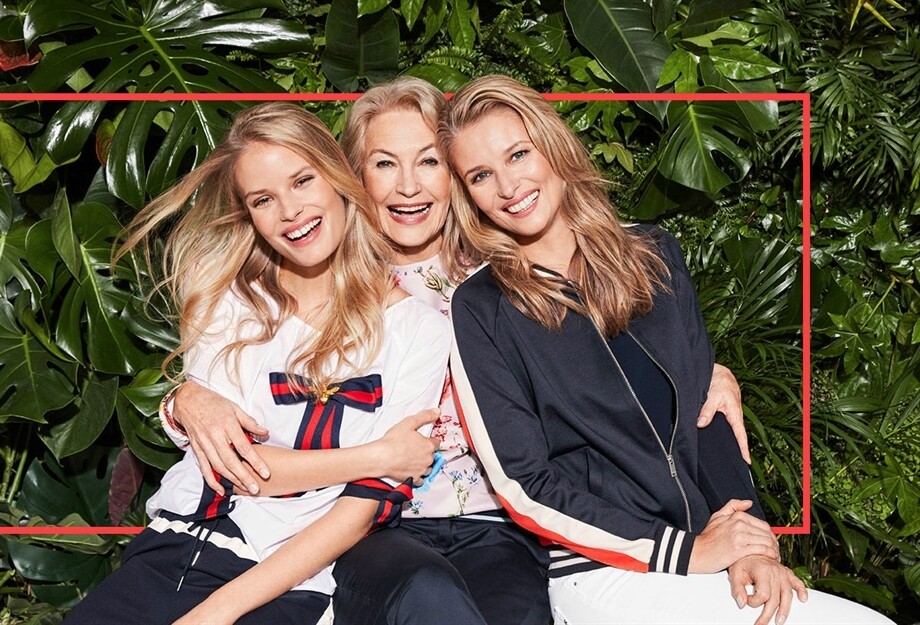
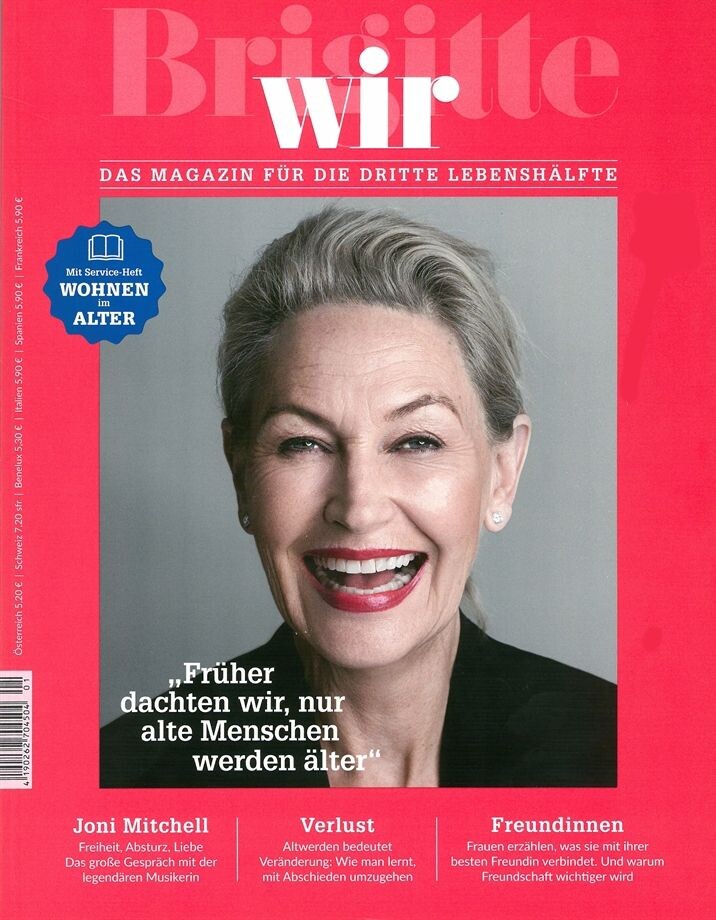
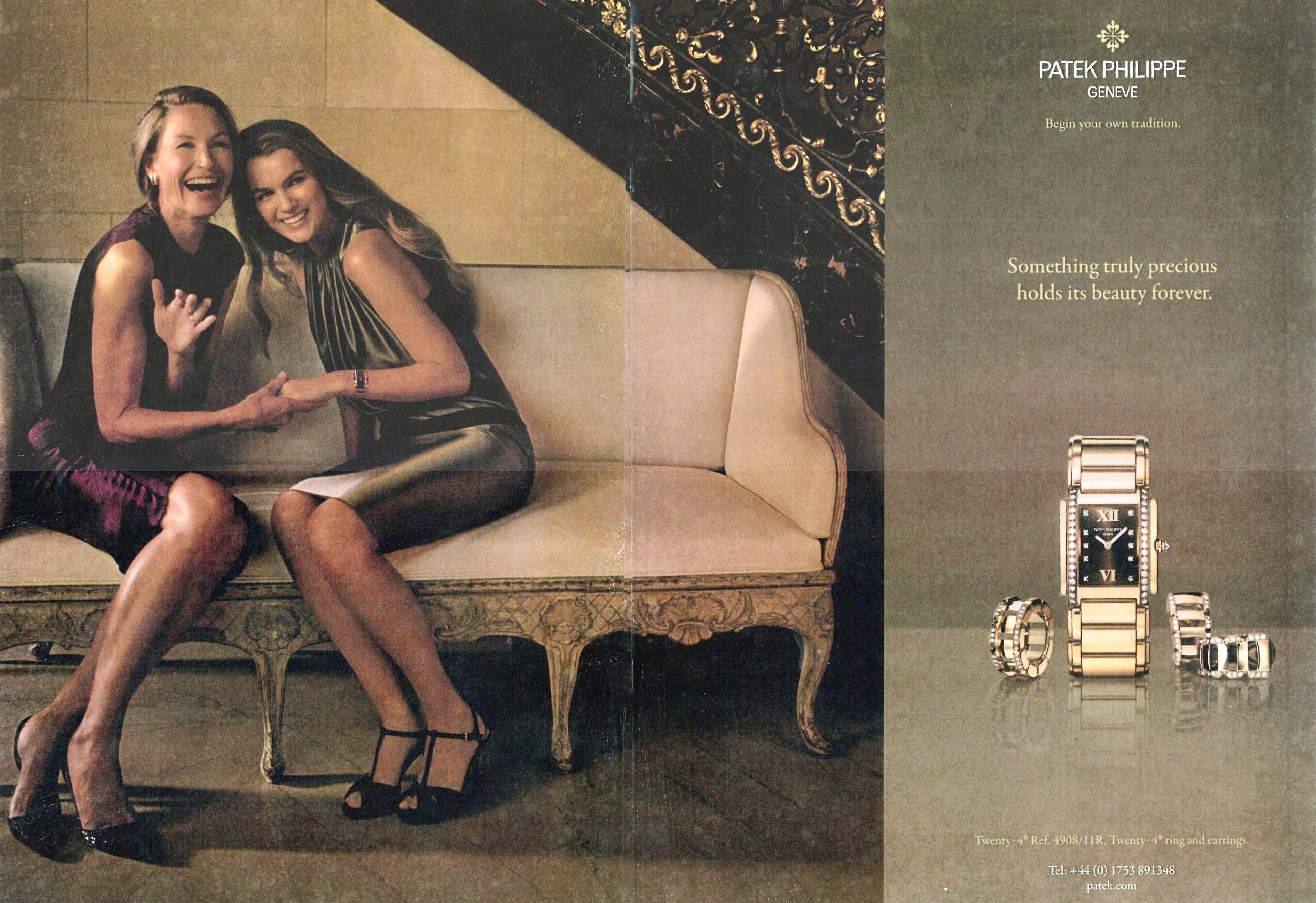
CARLA VON BERGMANN Carla von Bergmann (born in Oct.1950) is a South African model that was active in the 1970s during her 20s. She then stopped and got several children. In the early 2Ks she returned back as a best ager model and is still active today. Carla lives in Hamburg, Germany. Height: 1,80m / 5‘10 1/2 Hair: greyish brown Eyes: blue (Model Management Hamburg composite / my scan) Recent Agencies: Model Management Hamburg (motheragency) Silver Paris Why Not Milan Models1 London Dominique Brussels Modellink Gothenburg Boss Capetown Former Agencies: Ice Capetown (former motheragency) Storm London Premium Paris Mega Hamburg Munich Models
IG Video
CARLA VON BERGMANN Carla von Bergmann (born in Oct.1950) is a South African model that was active in the 1970s during her 20s. She then stopped and got several children. In the early 2Ks she returned back as a best ager model and is still active today. Carla lives in Hamburg, Germany. Height: 1,80m / 5‘10 1/2 Hair: greyish brown Eyes: blue (Model Management Hamburg composite / my scan) Recent Agencies: Model Management Hamburg (motheragency) Silver Paris Why Not Milan Models1 London Dominique Brussels Modellink Gothenburg Boss Capetown Former Agencies: Ice Capetown (former motheragency) Storm London Premium Paris Mega Hamburg Munich Models






































































































































Account
Navigation
Search
Configure browser push notifications
Chrome (Android)
- Tap the lock icon next to the address bar.
- Tap Permissions → Notifications.
- Adjust your preference.
Chrome (Desktop)
- Click the padlock icon in the address bar.
- Select Site settings.
- Find Notifications and adjust your preference.
Safari (iOS 16.4+)
- Ensure the site is installed via Add to Home Screen.
- Open Settings App → Notifications.
- Find your app name and adjust your preference.
Safari (macOS)
- Go to Safari → Preferences.
- Click the Websites tab.
- Select Notifications in the sidebar.
- Find this website and adjust your preference.
Edge (Android)
- Tap the lock icon next to the address bar.
- Tap Permissions.
- Find Notifications and adjust your preference.
Edge (Desktop)
- Click the padlock icon in the address bar.
- Click Permissions for this site.
- Find Notifications and adjust your preference.
Firefox (Android)
- Go to Settings → Site permissions.
- Tap Notifications.
- Find this site in the list and adjust your preference.
Firefox (Desktop)
- Open Firefox Settings.
- Search for Notifications.
- Find this site in the list and adjust your preference.