Jump to content
View in the app

A better way to browse. Learn more.

Bellazon

A full-screen app on your home screen with push notifications, badges and more.

To install this app on iOS and iPadOS
  1. Tap the Share icon in Safari
  2. Scroll the menu and tap Add to Home Screen.
  3. Tap Add in the top-right corner.
To install this app on Android
  1. Tap the 3-dot menu (⋮) in the top-right corner of the browser.
  2. Tap Add to Home screen or Install app.
  3. Confirm by tapping Install.

All Activity

This stream auto-updates

  1. Past hour
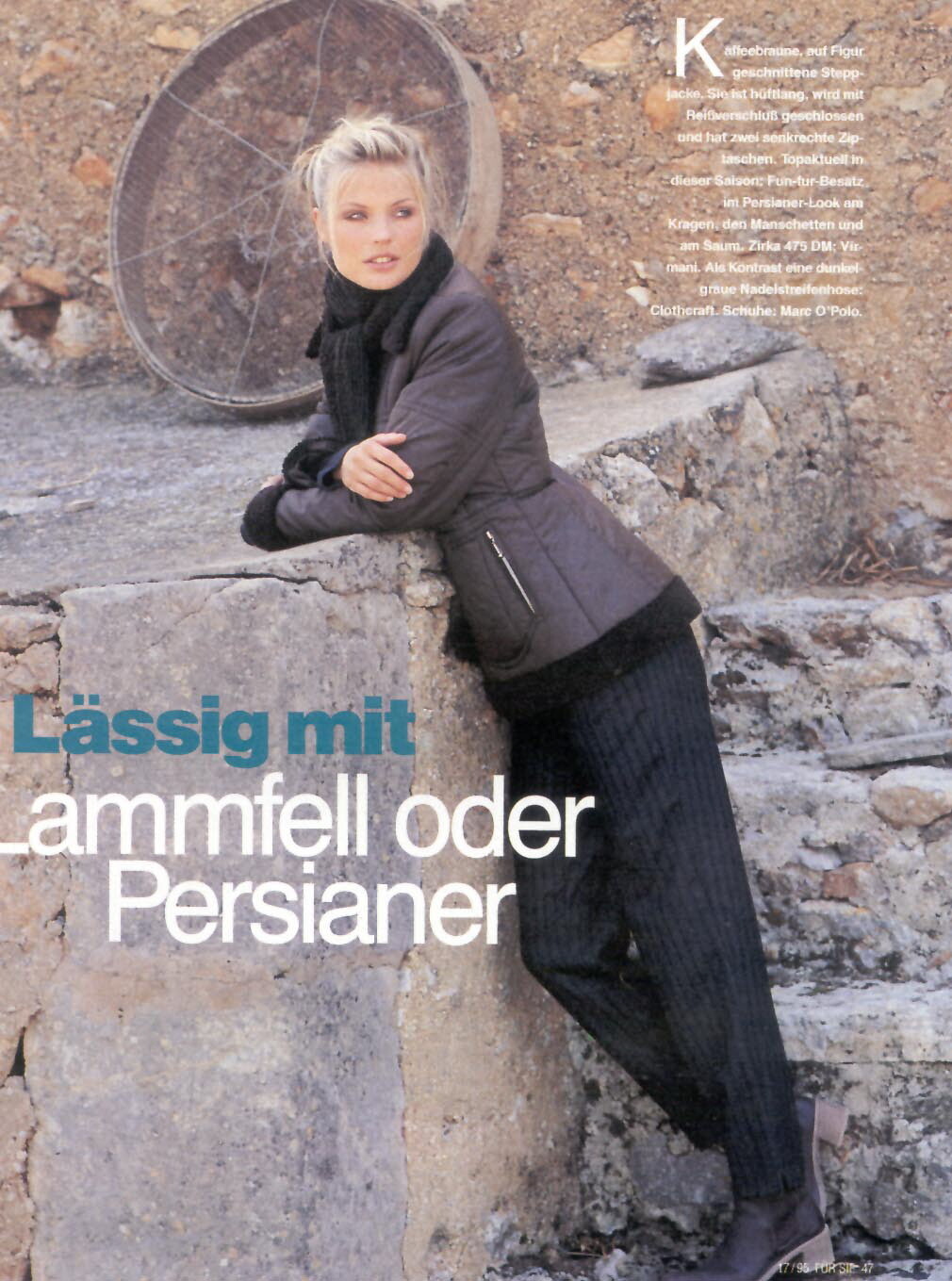
  2. FÜR SIE magazine Germany 17/1995 - photo unknown my scan

  3. Wonderful talent from Toronto
  4. Very proud of Kyla's work
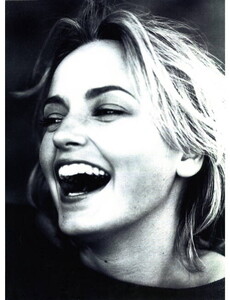
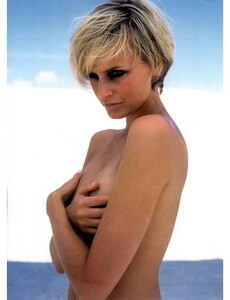
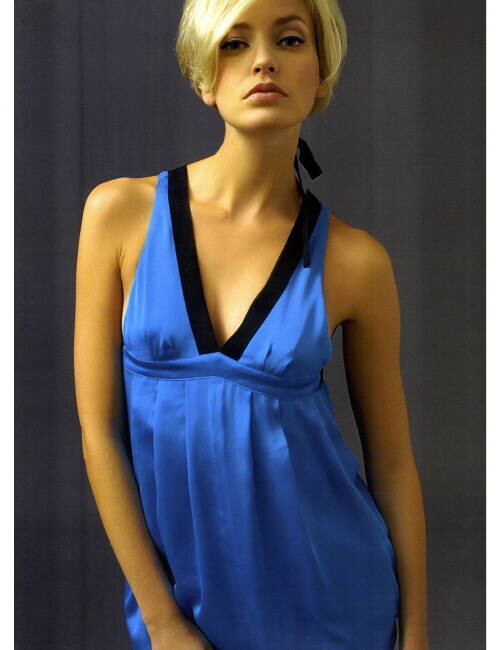
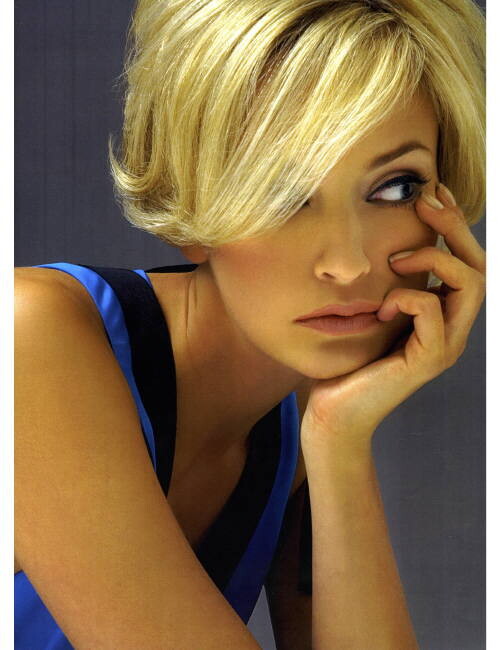
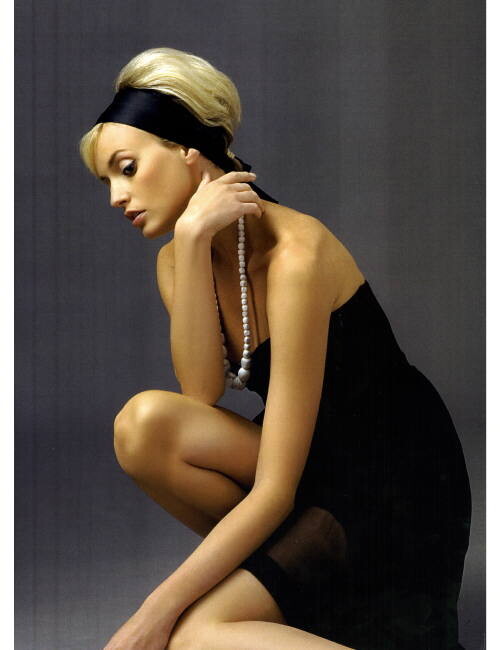
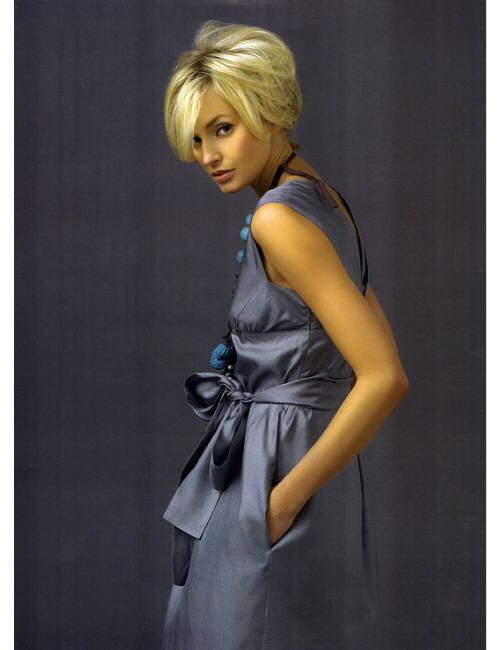
  5. RANDOM TEST PICTURES early 2000s - photo unknown my scans

  6. POLAROID EARLY 2000s my scan
  7. Kaia Gerber on TikTok, Beauty Secrets, & 'Palm Royale' | Burning Questions | Harper's BAZAAR
  8. Bettina Saw-Morgan started following chris1972hh
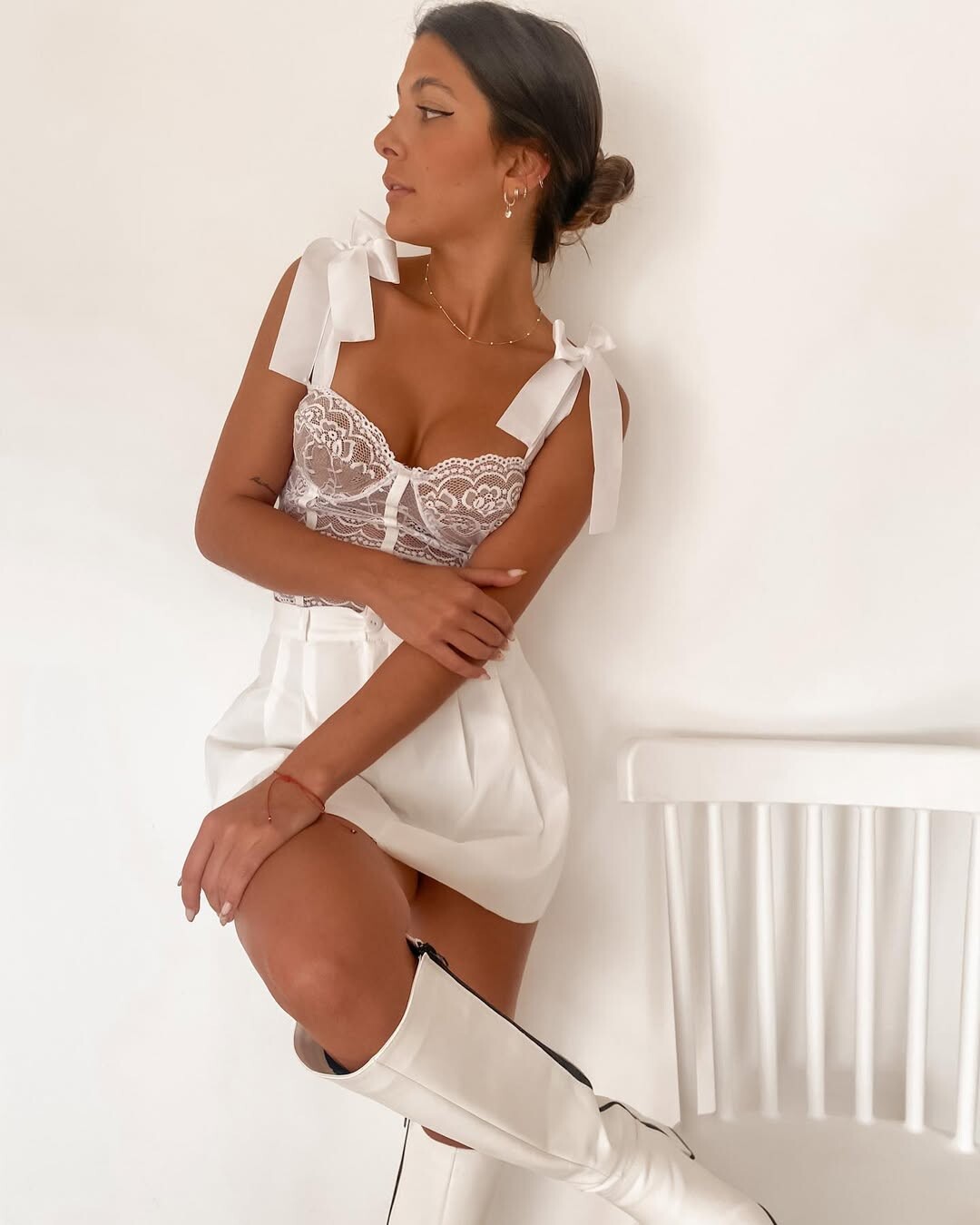
  9. https://www.instagram.com/alinich999/
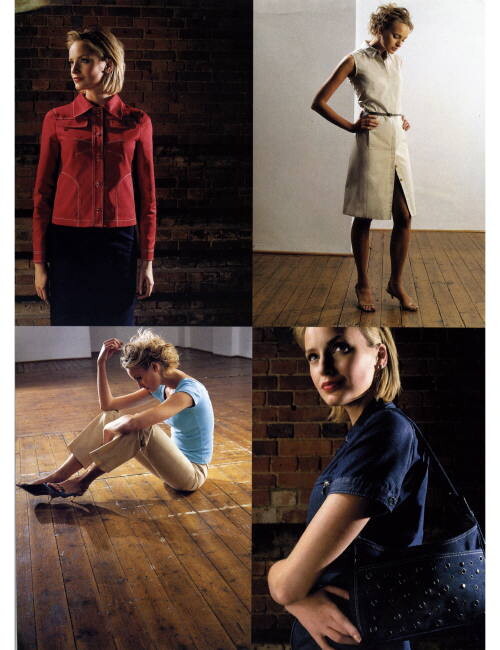
  10. VARIOUS RANDOM TEST AND CATALOG PICTURES - photo and years unknown my scans

  11. hornbill started following Shehzana Roig
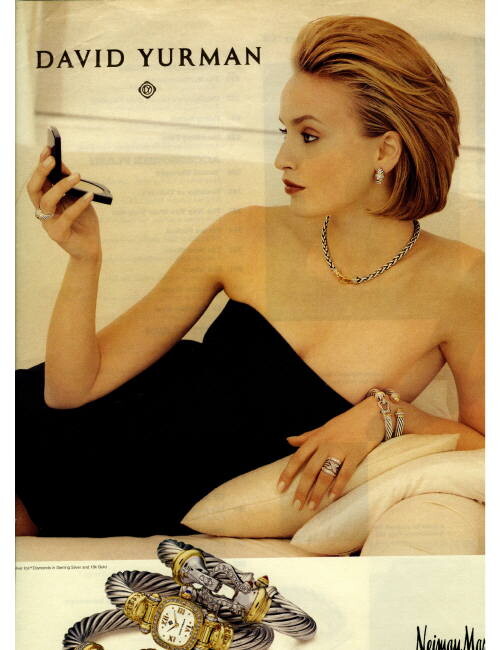
  12. DAVID YURMAN @ NEIMAN MARCUS advertisement early 2000s - photo unknown my scan
Configure browser push notifications

Chrome (Android)
  1. Tap the lock icon next to the address bar.
  2. Tap Permissions → Notifications.
  3. Adjust your preference.
Chrome (Desktop)
  1. Click the padlock icon in the address bar.
  2. Select Site settings.
  3. Find Notifications and adjust your preference.