All Activity
- Past hour
-
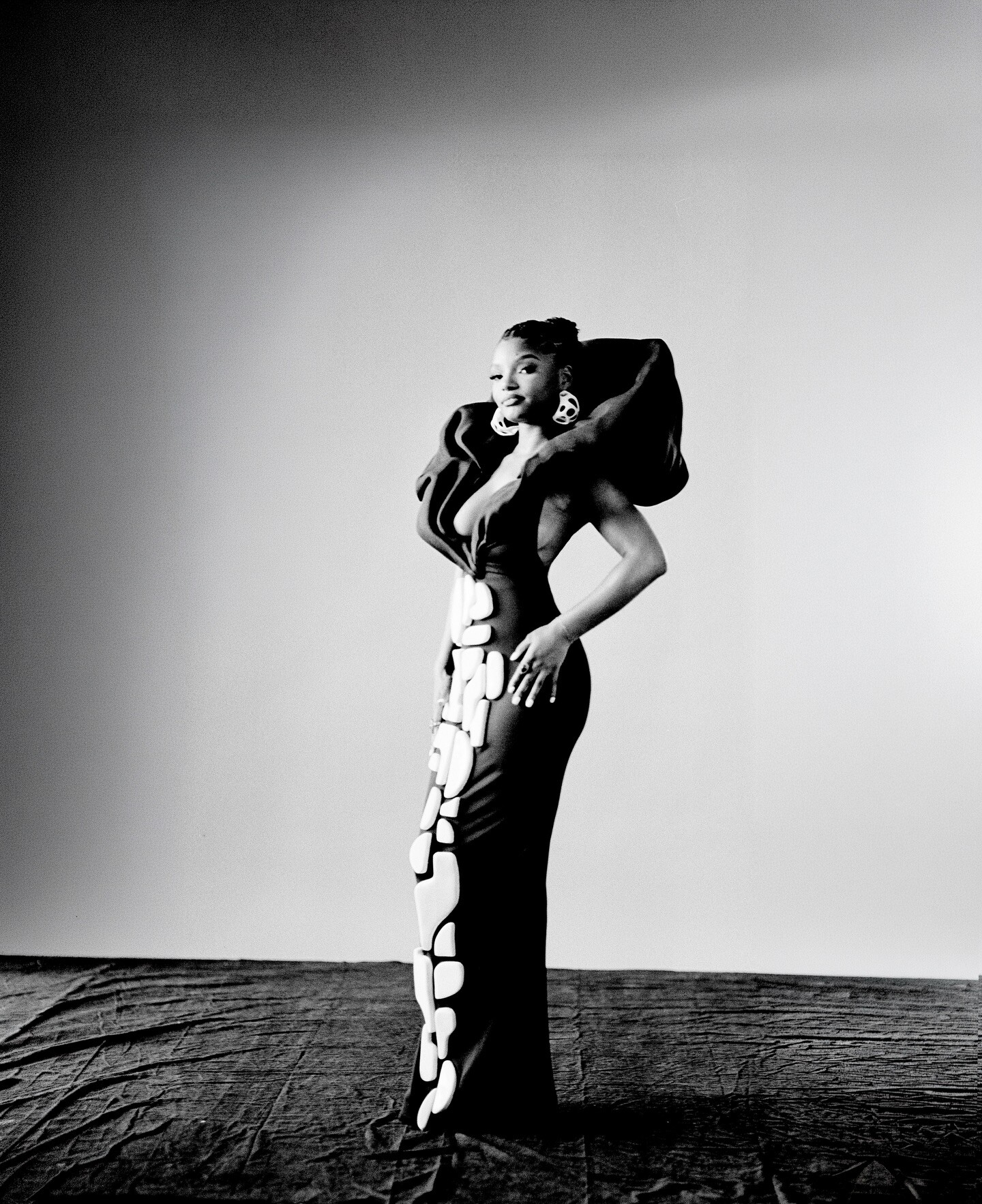
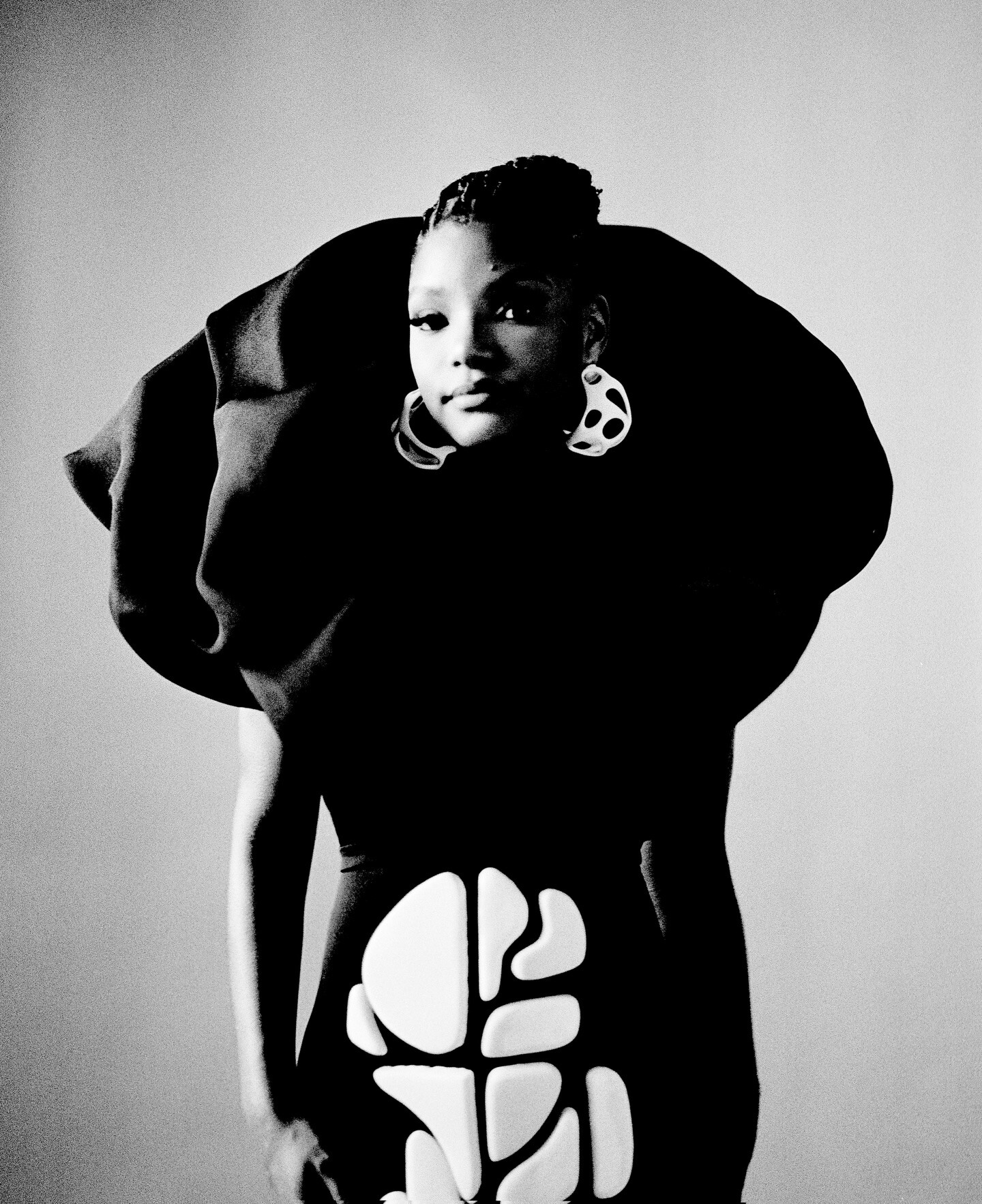
 One of the best models! ❤️
 -
 BERTA PRIVÉE
 -
Berta
-
 ph Julian Dakdouk bigger joe d at picturepub



-
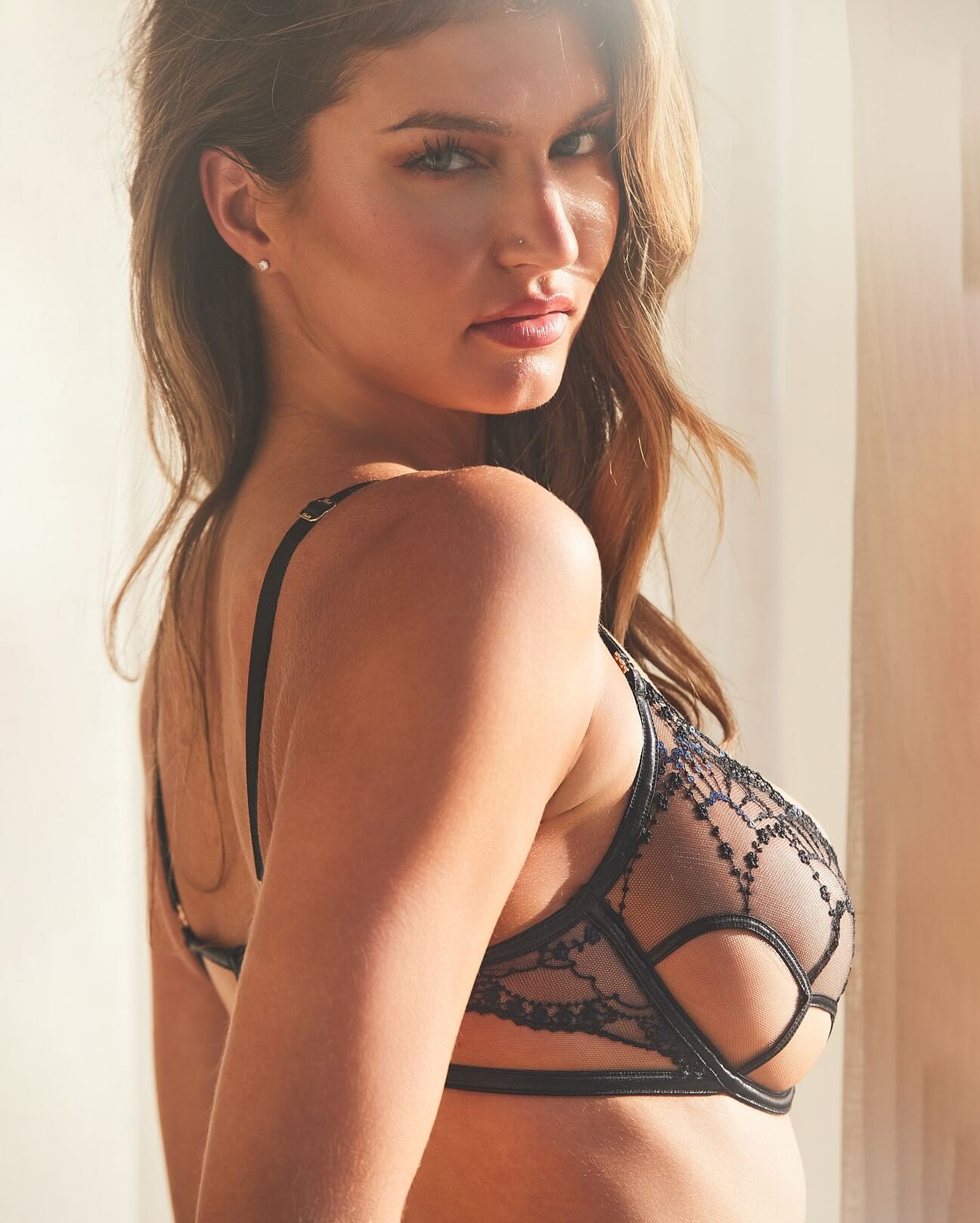
Amazing! ❤️
-
Honey Birdette

-
-

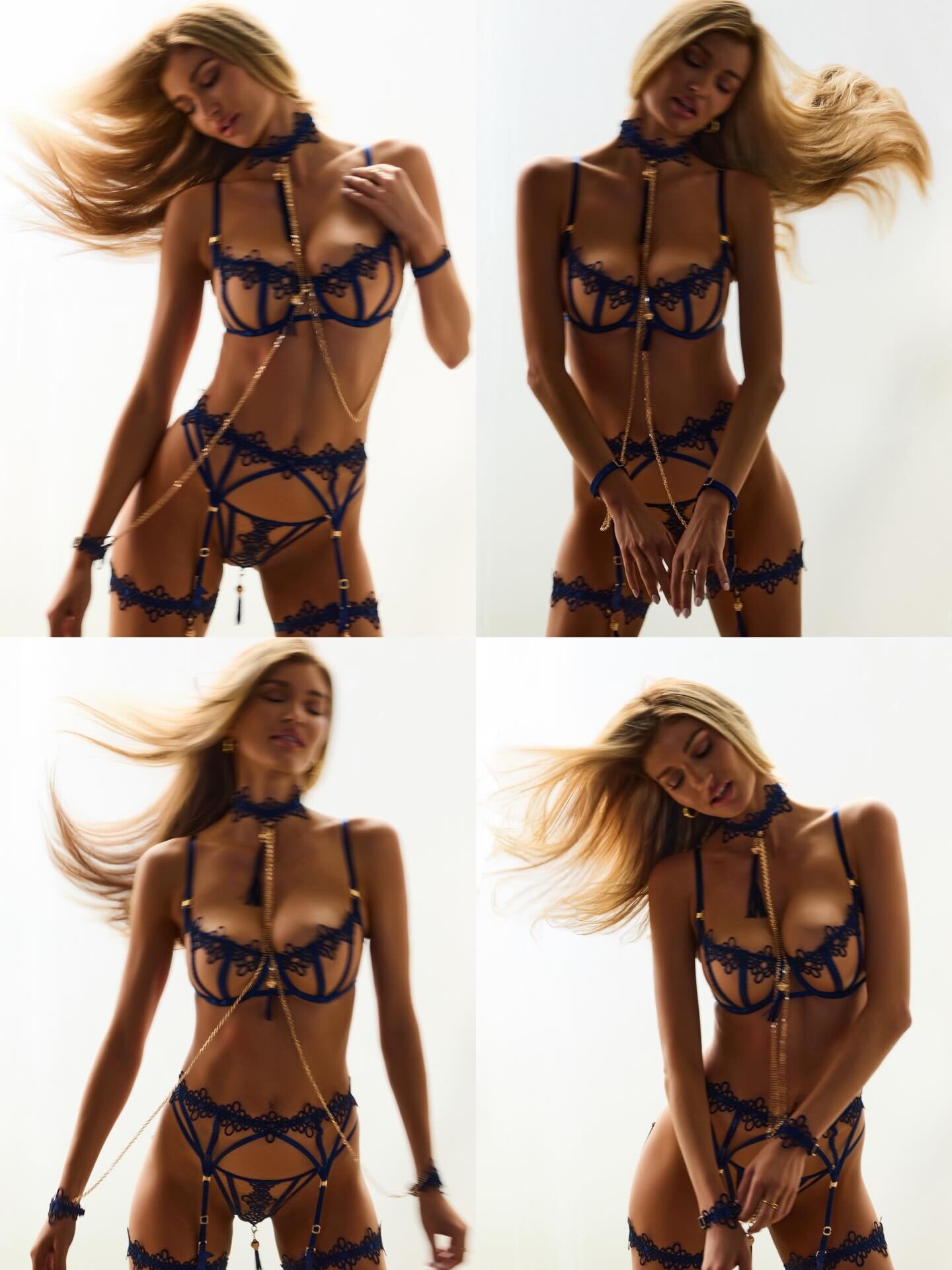
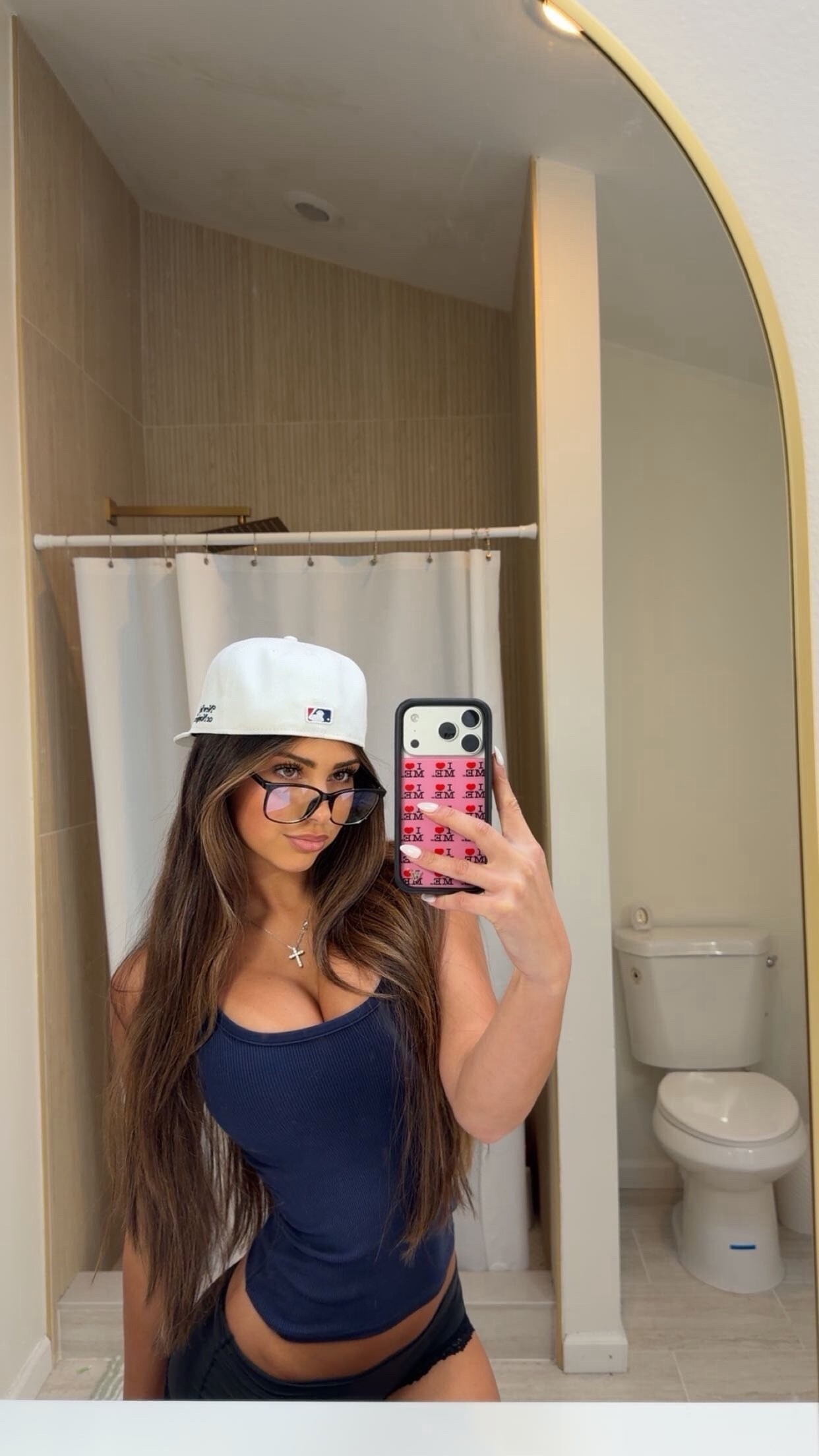
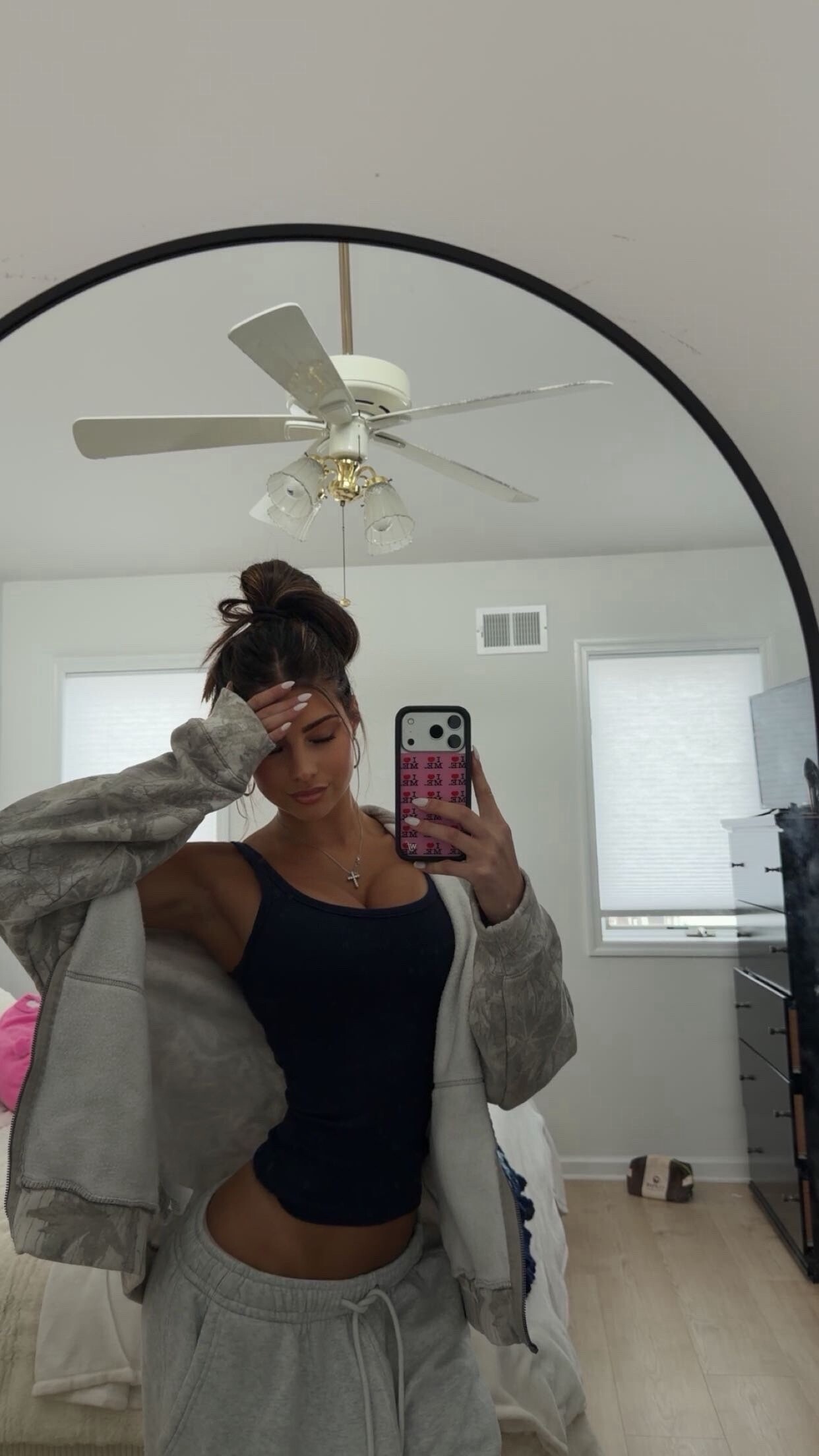
 ready for 2026🤷♀️🥺😝
ph Julian Dakdouk joe d at picturepub
ready for 2026🤷♀️🥺😝
ph Julian Dakdouk joe d at picturepub
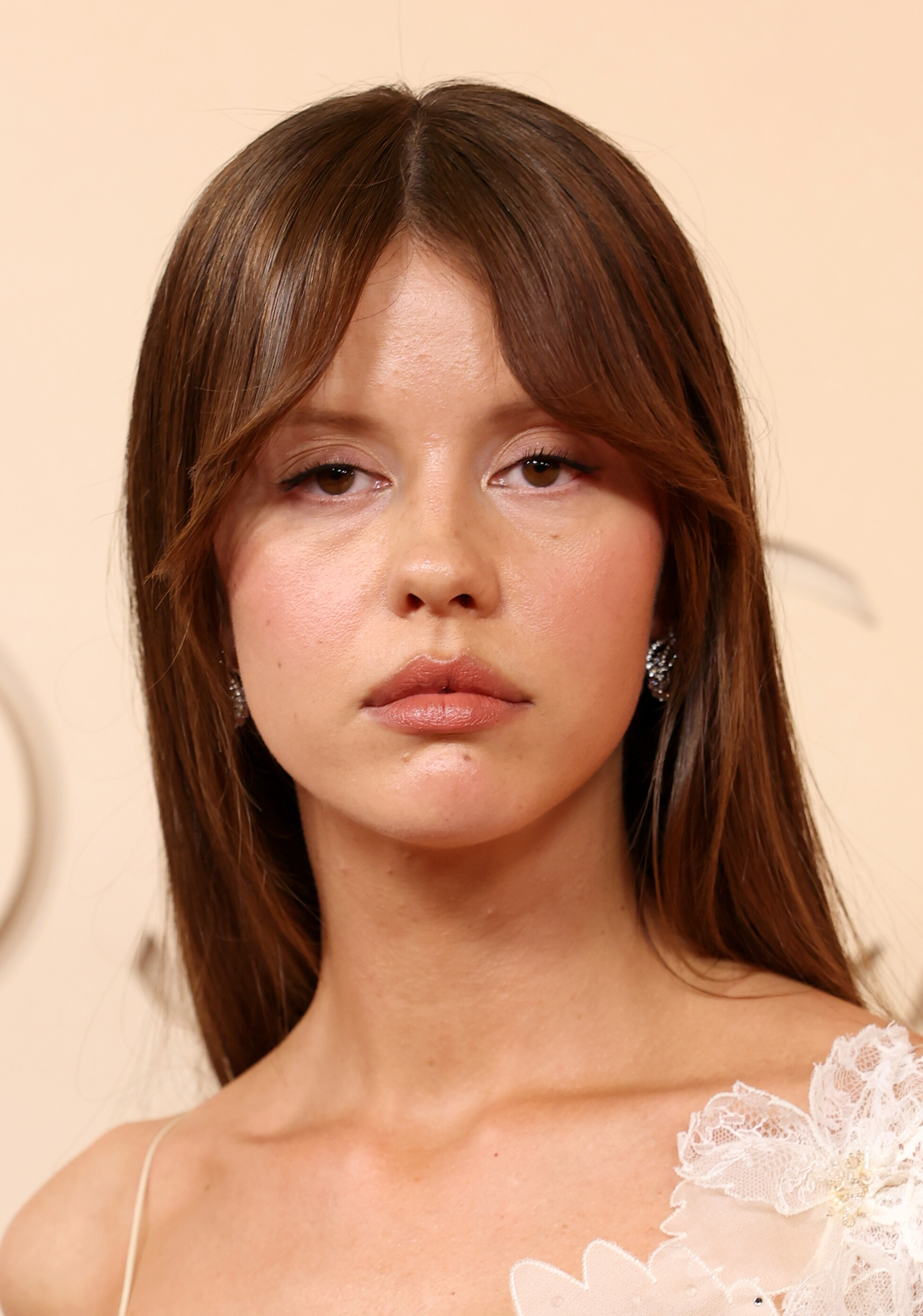
 def not american football...
98th Oscars at The Dolby Theater in Hollywood, 03.15.2026 SPFC at picturepub
def not american football...
98th Oscars at The Dolby Theater in Hollywood, 03.15.2026 SPFC at picturepub

























 AQM6GVlVtrmeWmJqmkG9jxIeQgA51S3UW63sfaSNjG5mIjeKvr1TSBEHVCE-8wBfHo2SGcLKxTRX0cjKLJmBNDgp..mp4
Account
Navigation
Search
Configure browser push notifications
Chrome (Android)
- Tap the lock icon next to the address bar.
- Tap Permissions → Notifications.
- Adjust your preference.
Chrome (Desktop)
- Click the padlock icon in the address bar.
- Select Site settings.
- Find Notifications and adjust your preference.
Safari (iOS 16.4+)
- Ensure the site is installed via Add to Home Screen.
- Open Settings App → Notifications.
- Find your app name and adjust your preference.
Safari (macOS)
- Go to Safari → Preferences.
- Click the Websites tab.
- Select Notifications in the sidebar.
- Find this website and adjust your preference.
Edge (Android)
- Tap the lock icon next to the address bar.
- Tap Permissions.
- Find Notifications and adjust your preference.
Edge (Desktop)
- Click the padlock icon in the address bar.
- Click Permissions for this site.
- Find Notifications and adjust your preference.
Firefox (Android)
- Go to Settings → Site permissions.
- Tap Notifications.
- Find this site in the list and adjust your preference.
Firefox (Desktop)
- Open Firefox Settings.
- Search for Notifications.
- Find this site in the list and adjust your preference.