All Activity
- Past hour
-

-


 sweet insta SnapInsta.to_AQNKyTxMkb88IylfJPbyHFOBxi1Rp7_RbbQAXWQAidqIrbGqKMPHjrd1q2mOdbv3lcrytfLsLrPMeg71rlngugLa8G_cn6BAm_RzrlI.mp4







 Great, thx, i have porn of her
 for poisonofdesire














- Today
 Wearing a crystal embellished dress at a fashion presentation at the Influencer Global Awards, in Miami, December 1st 2025 (venue was the Eden Roc hotel in Miami Beach): I realized I hadn't previously mention her social media handle, @hayley.bentley (presently around 100,000 IG followers, and a bit higher on TT - @hayley0bentley)

















 anyone has more her introduce/casting/test videos?
The most beutiful Italian, amazing!
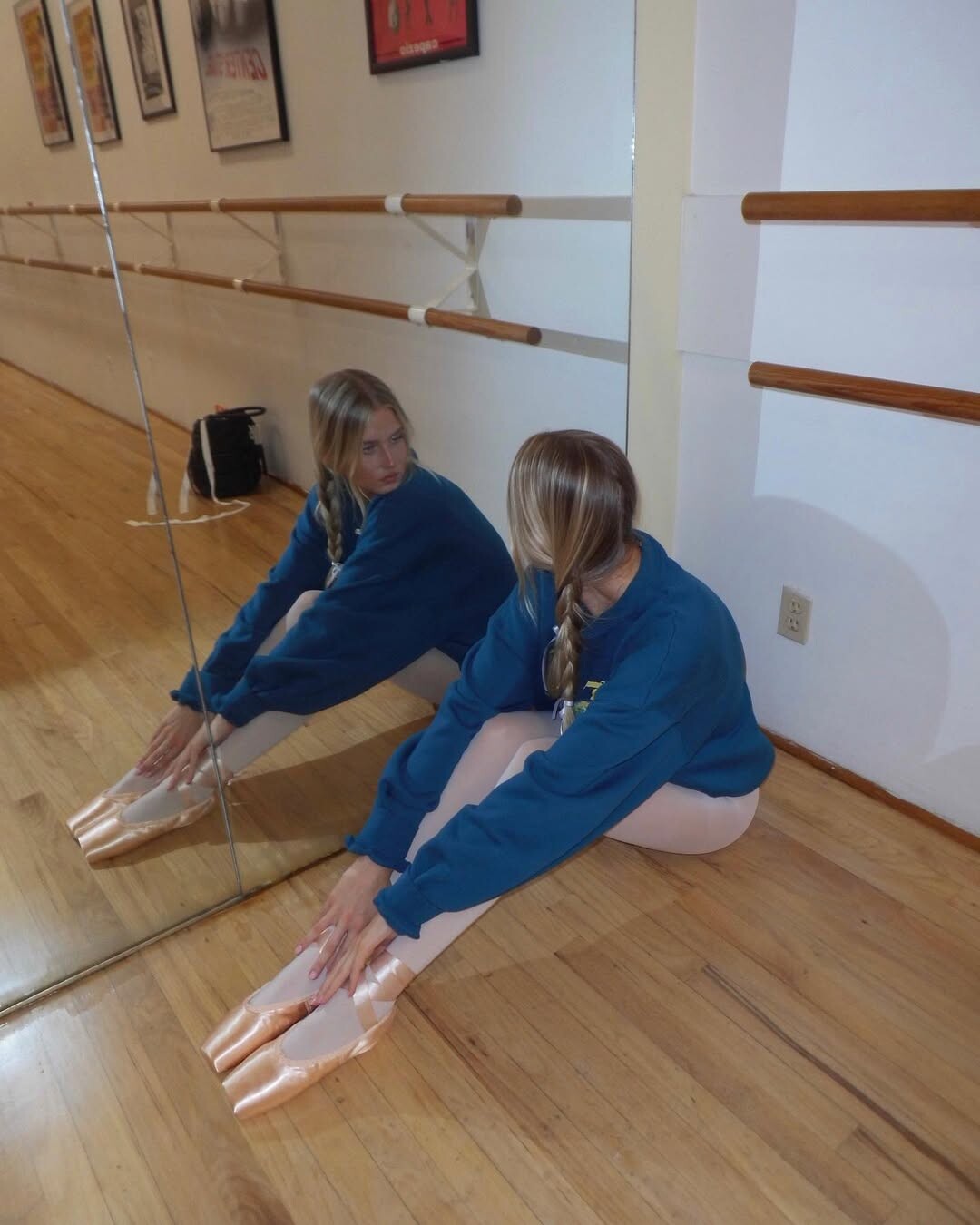
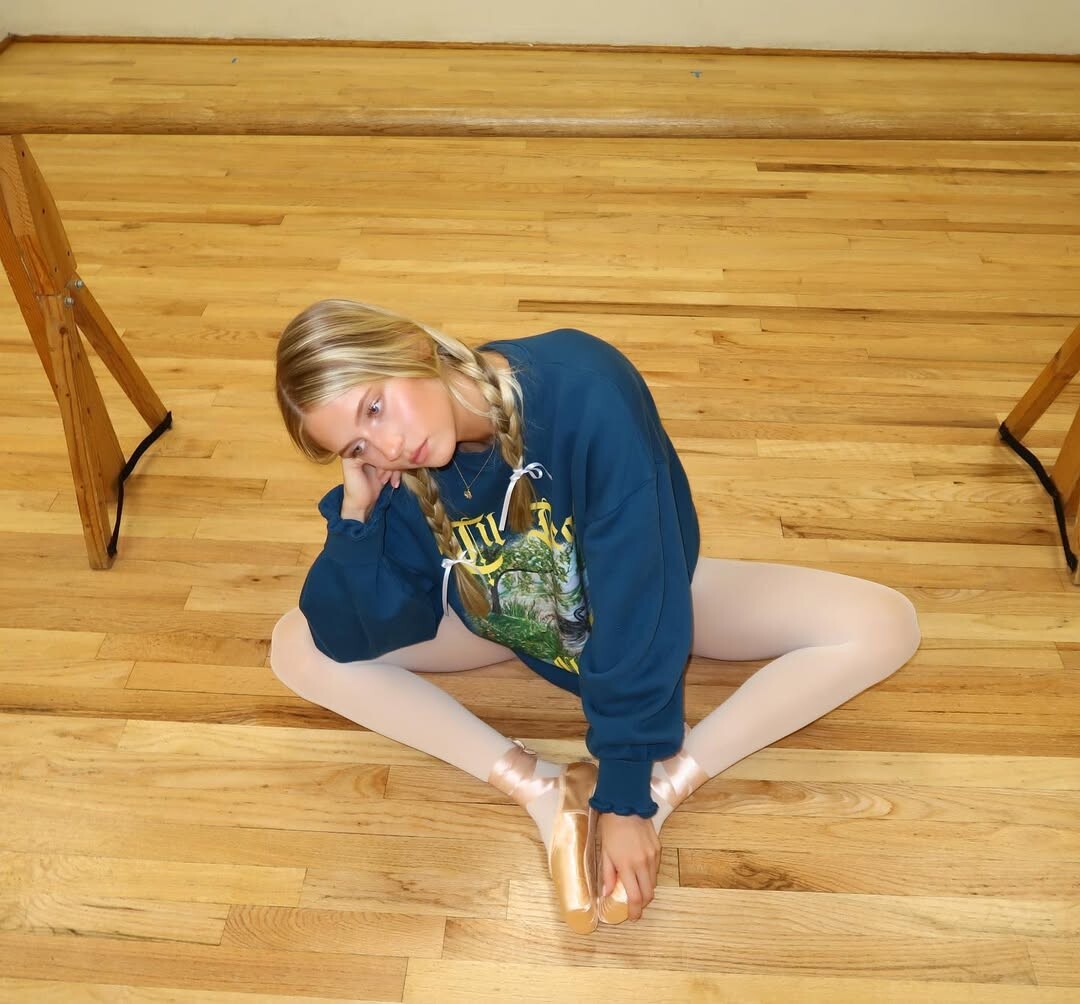
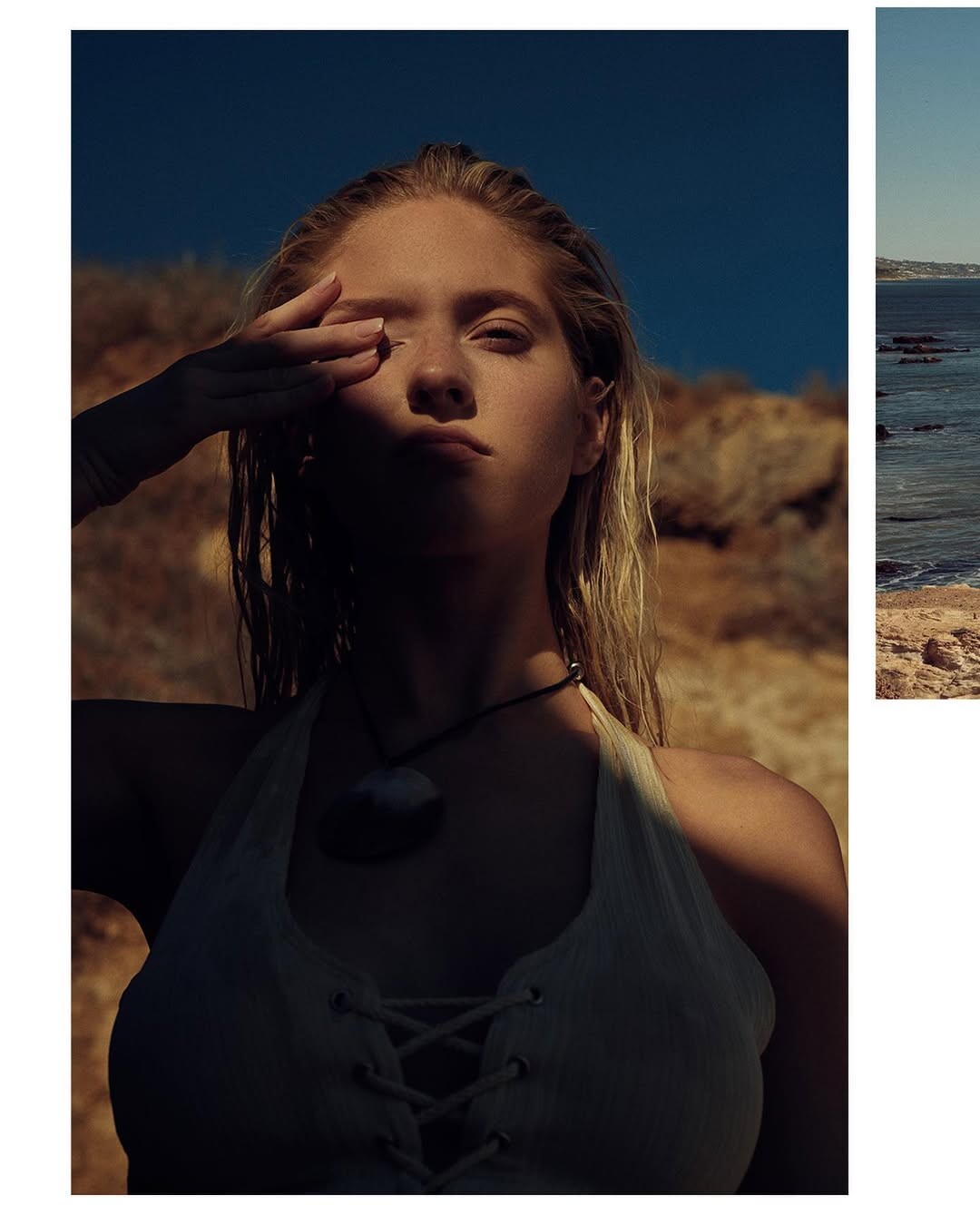
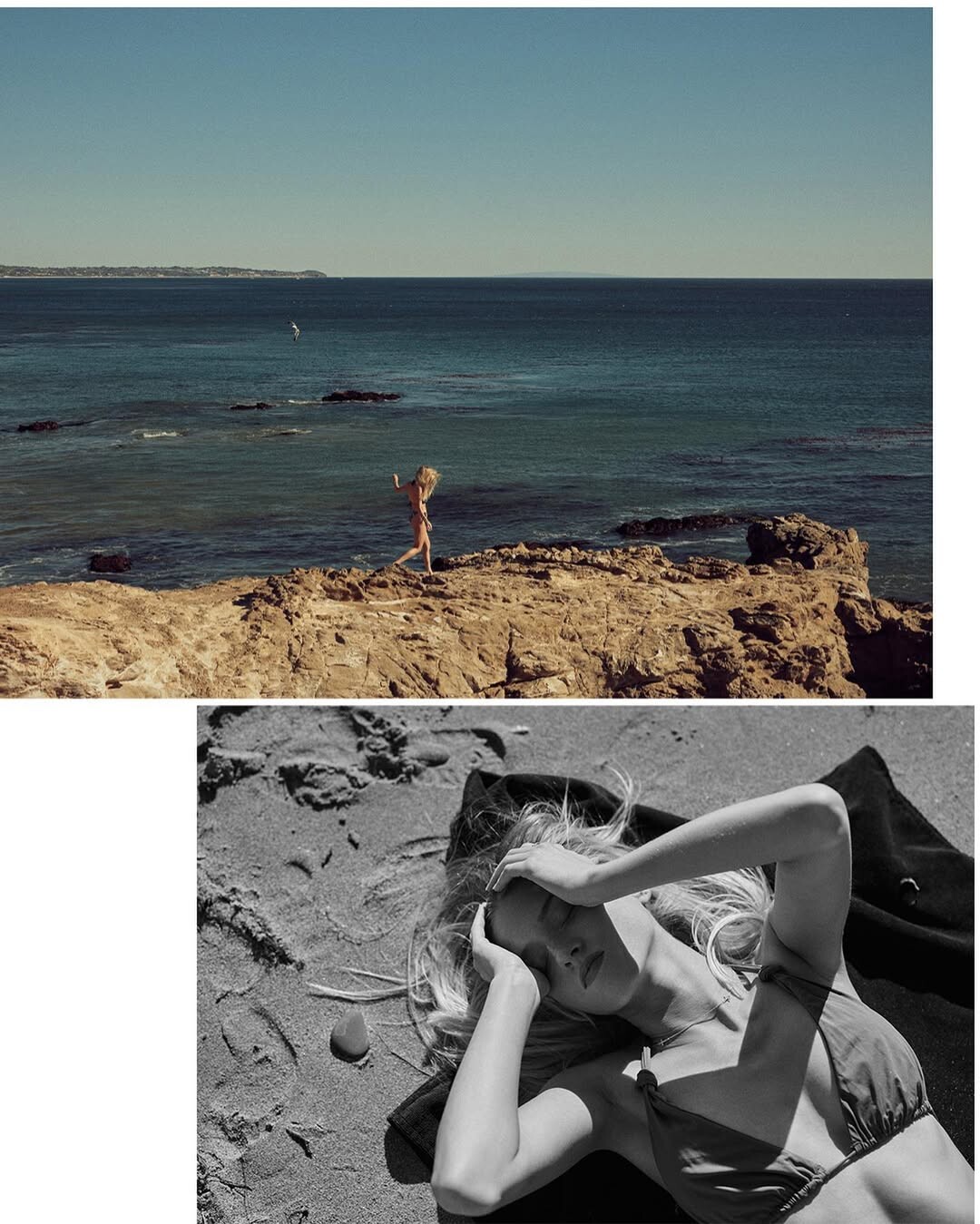
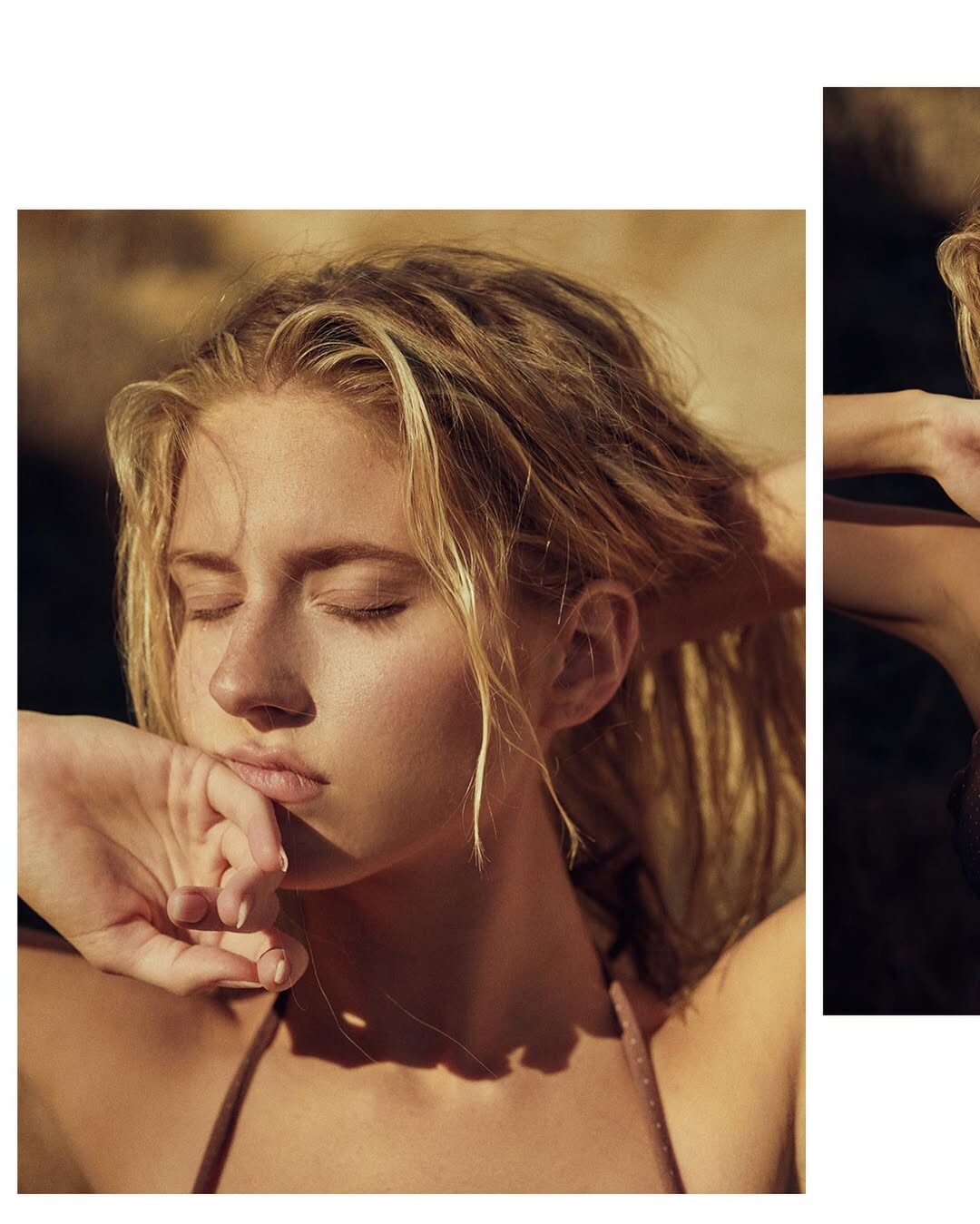
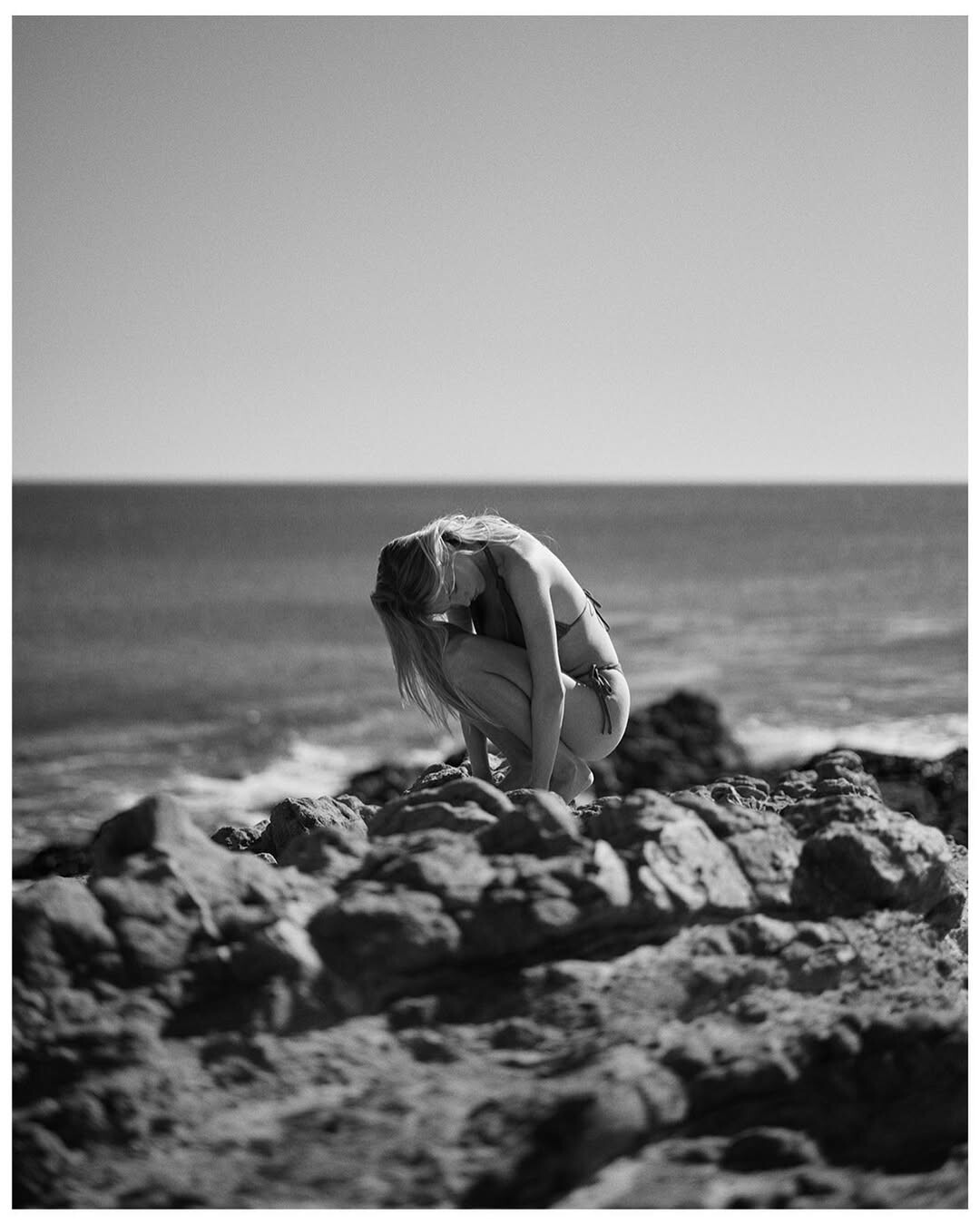
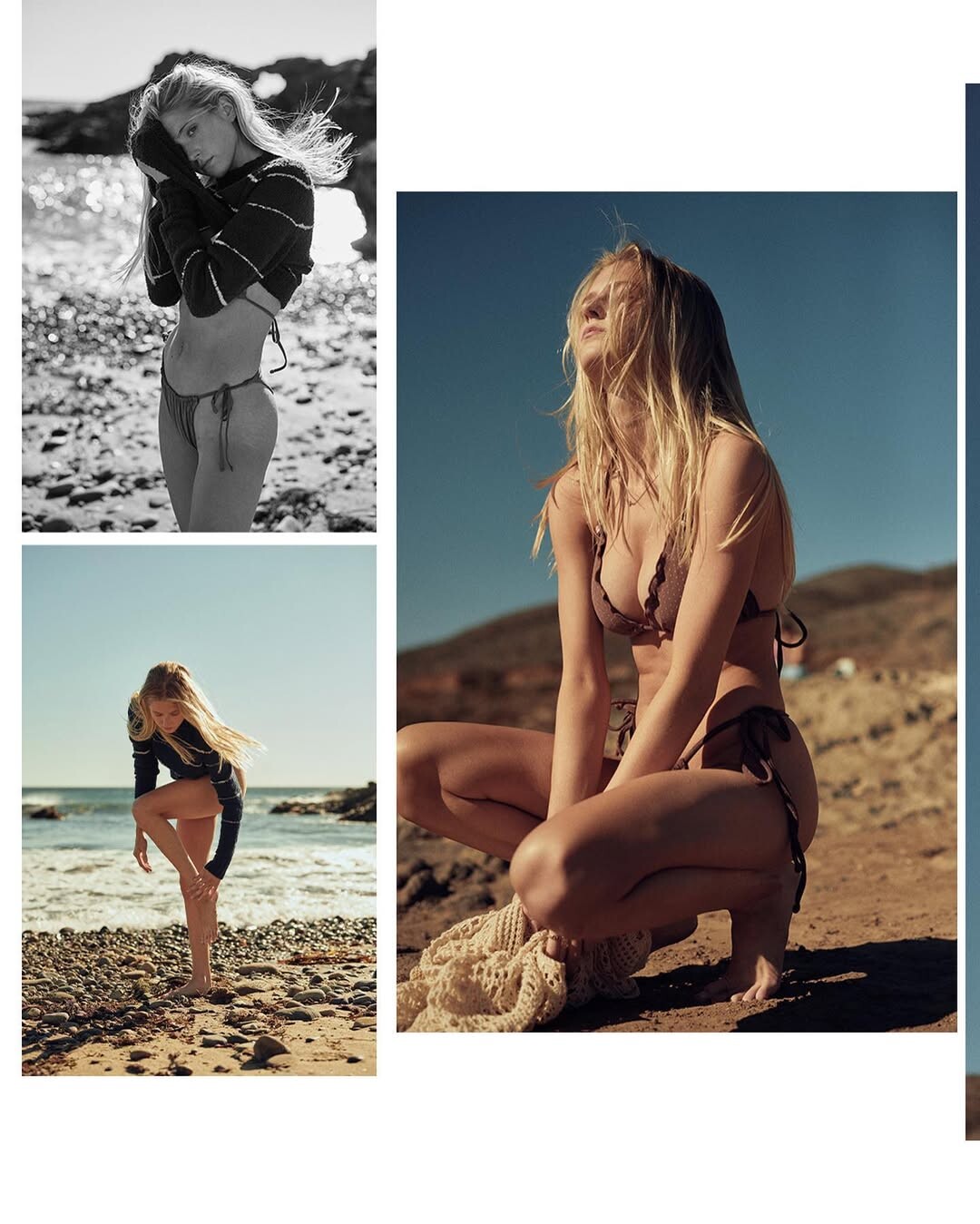
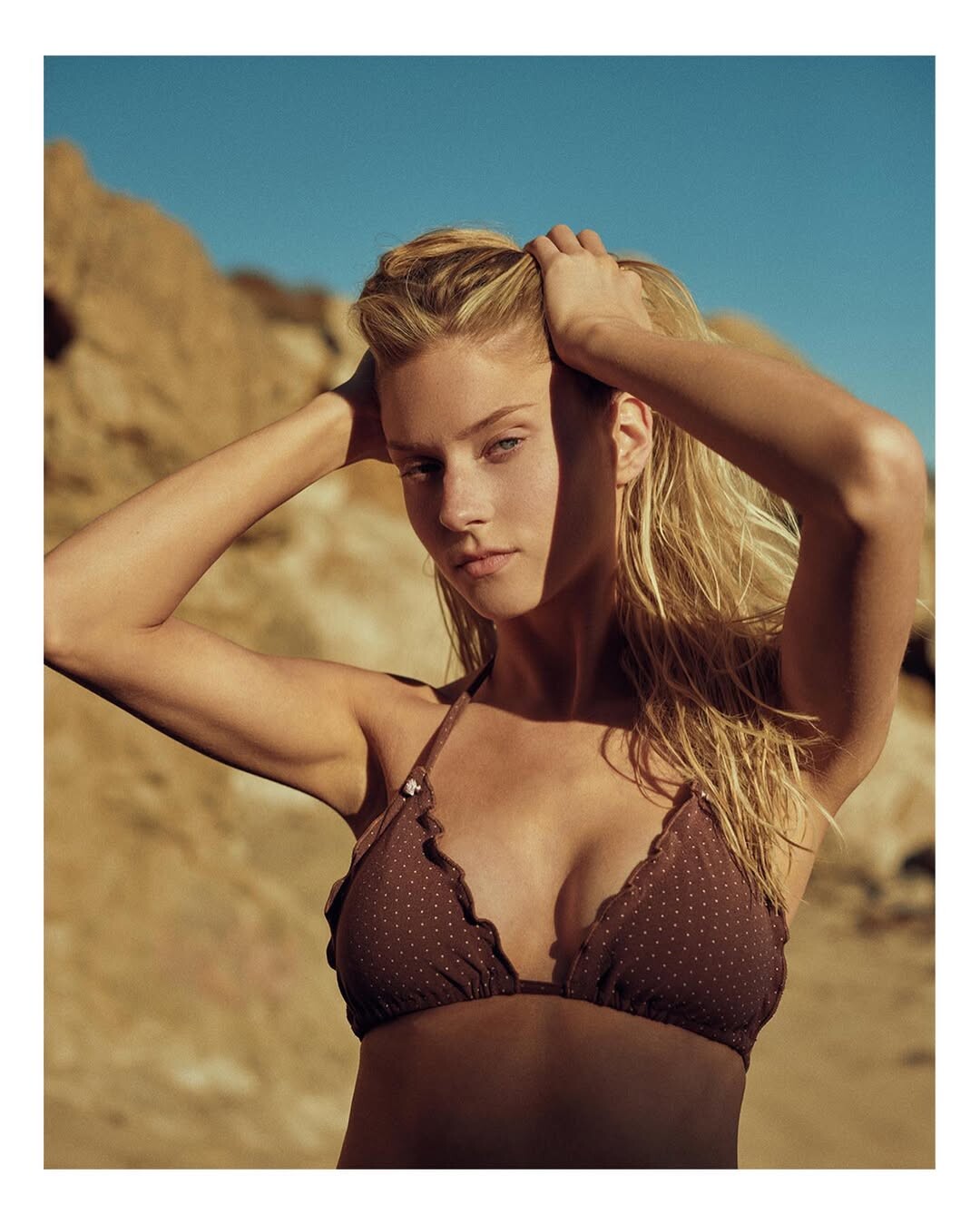
Thanks for all magazine pictures!
Thank you, I hadn't noticed it.
anyone has more her introduce/casting/test videos?
The most beutiful Italian, amazing!
Thanks for all magazine pictures!
Thank you, I hadn't noticed it.
 SKIES ARE BLUE IG






 Thank you for the pictures!






















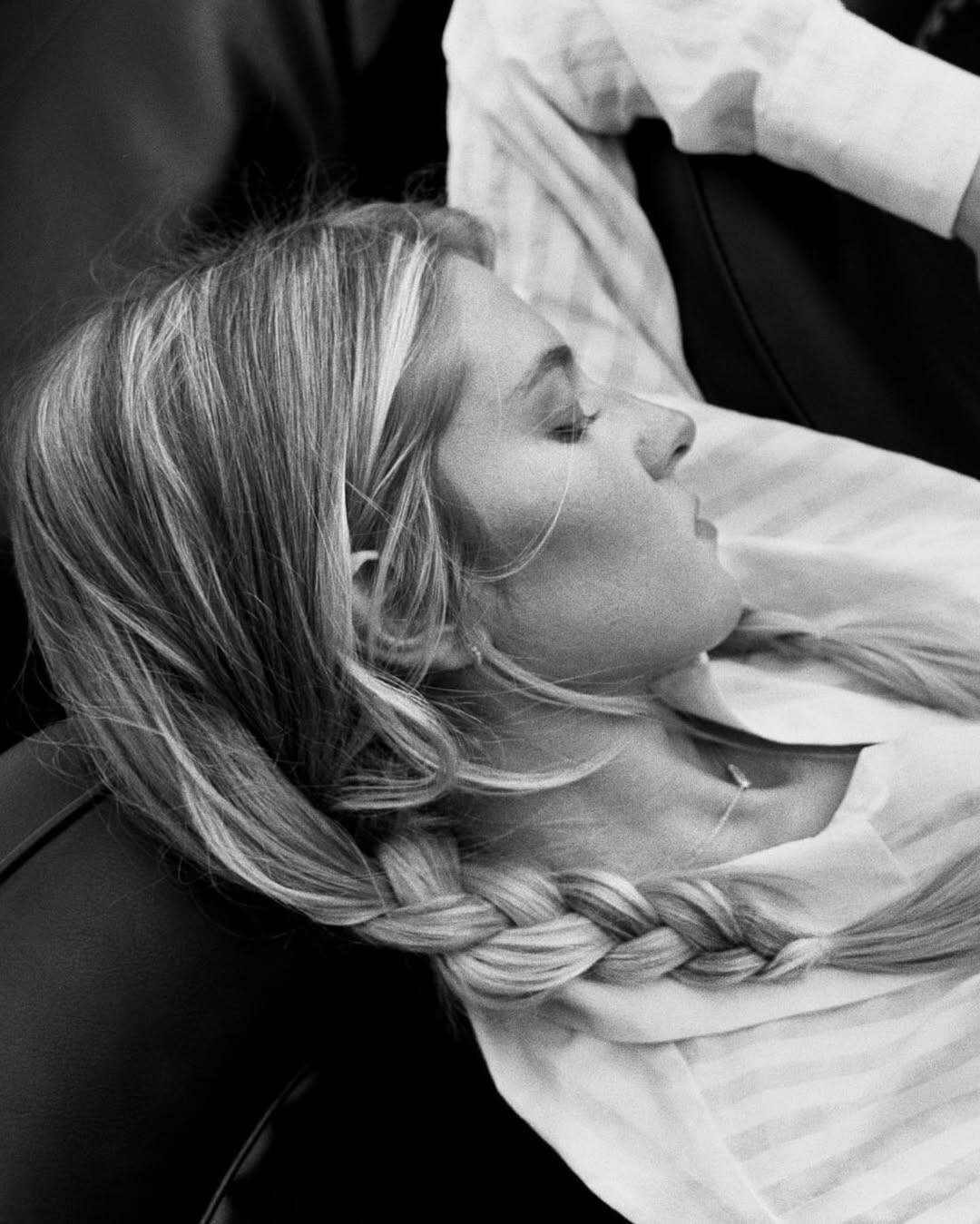




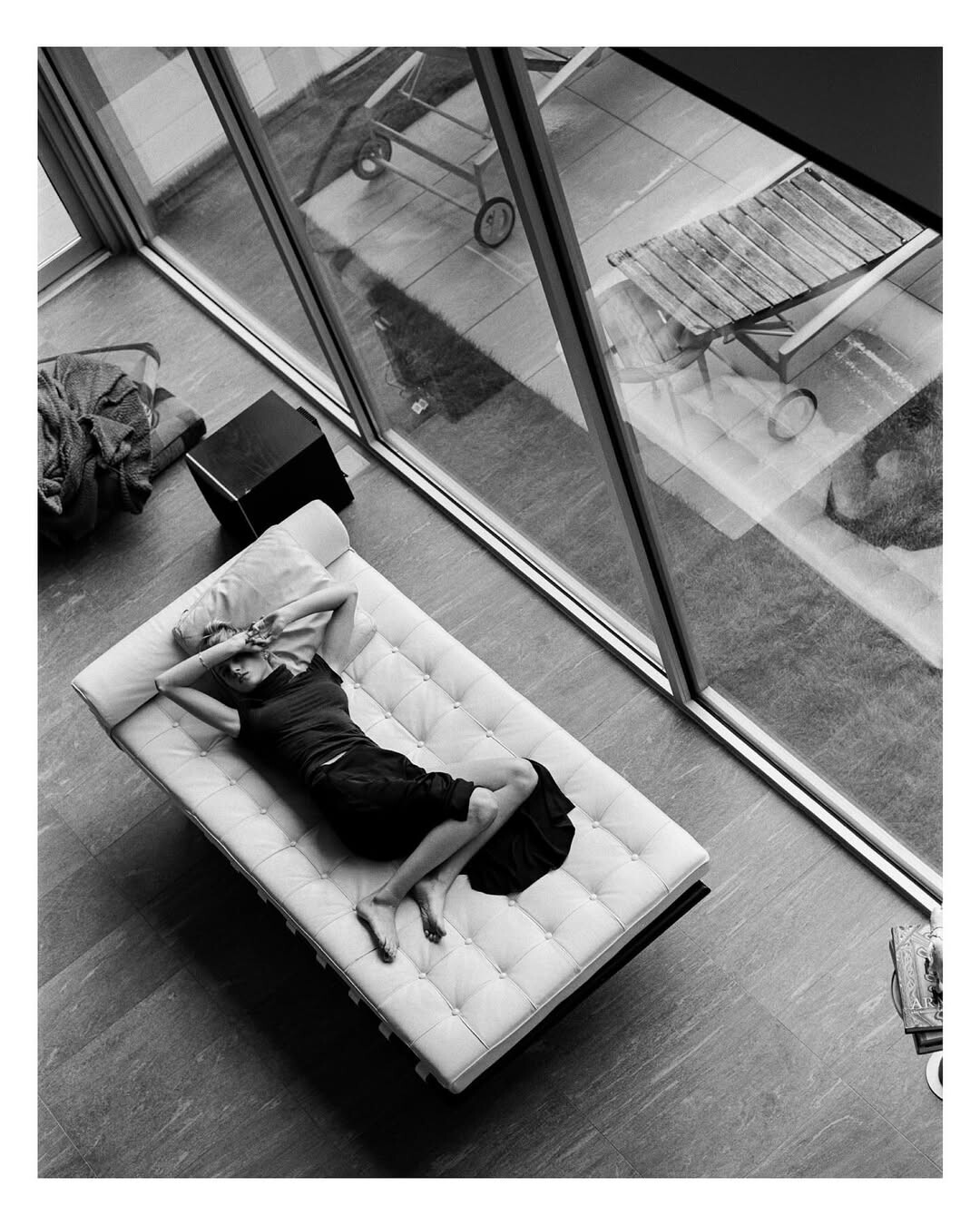
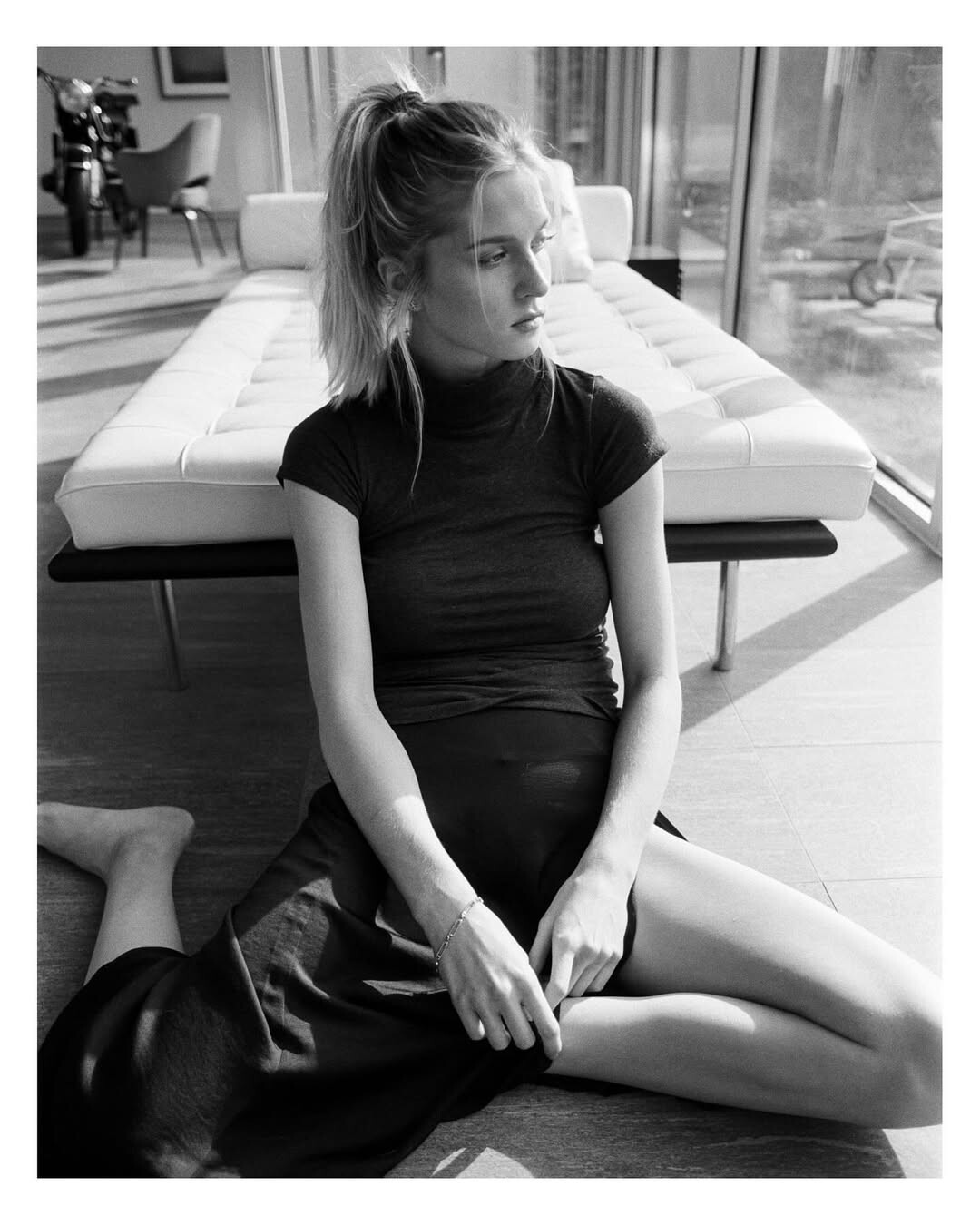
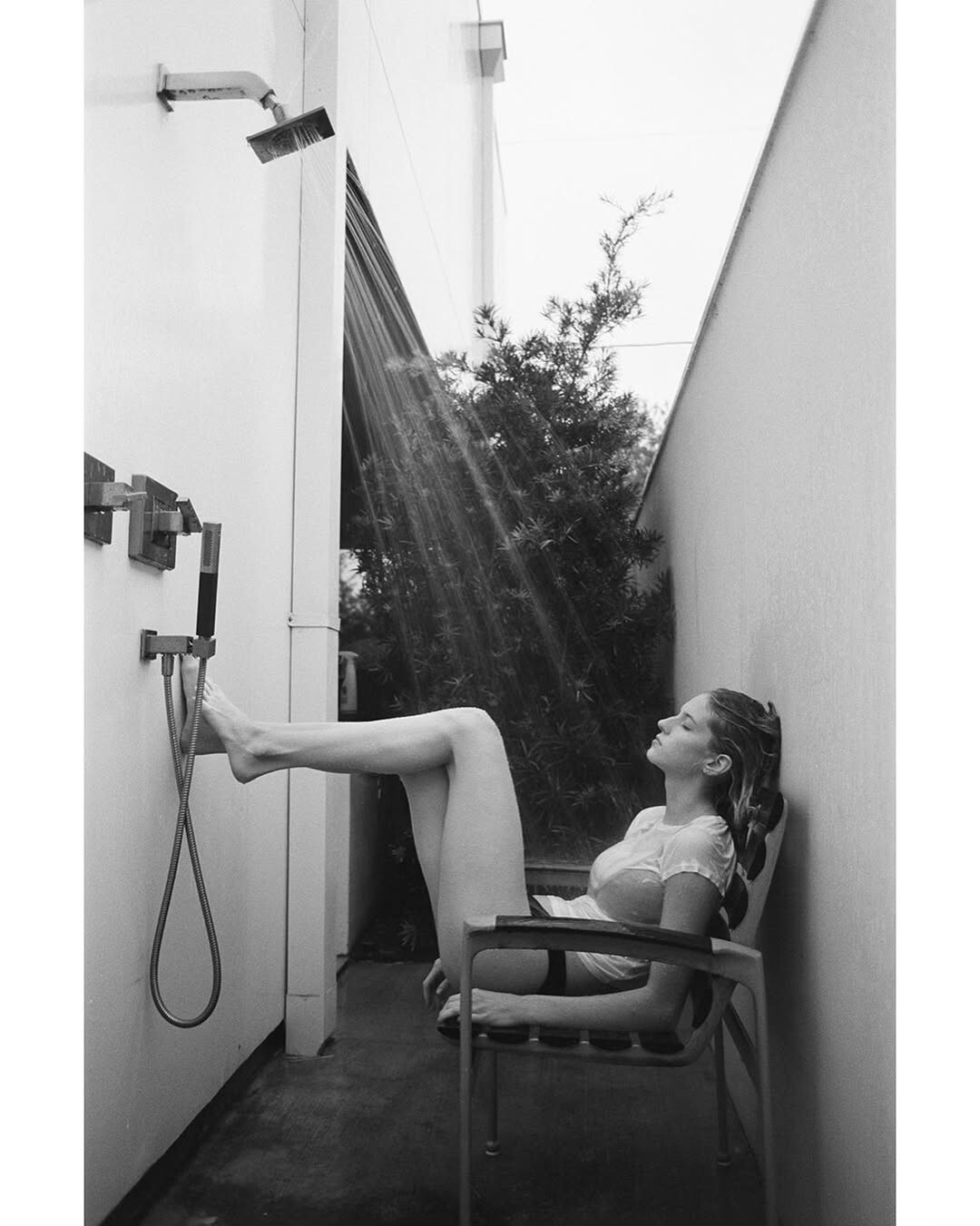






























































































Account
Navigation
Search
Configure browser push notifications
Chrome (Android)
- Tap the lock icon next to the address bar.
- Tap Permissions → Notifications.
- Adjust your preference.
Chrome (Desktop)
- Click the padlock icon in the address bar.
- Select Site settings.
- Find Notifications and adjust your preference.
Safari (iOS 16.4+)
- Ensure the site is installed via Add to Home Screen.
- Open Settings App → Notifications.
- Find your app name and adjust your preference.
Safari (macOS)
- Go to Safari → Preferences.
- Click the Websites tab.
- Select Notifications in the sidebar.
- Find this website and adjust your preference.
Edge (Android)
- Tap the lock icon next to the address bar.
- Tap Permissions.
- Find Notifications and adjust your preference.
Edge (Desktop)
- Click the padlock icon in the address bar.
- Click Permissions for this site.
- Find Notifications and adjust your preference.
Firefox (Android)
- Go to Settings → Site permissions.
- Tap Notifications.
- Find this site in the list and adjust your preference.
Firefox (Desktop)
- Open Firefox Settings.
- Search for Notifications.
- Find this site in the list and adjust your preference.