All Activity
- Past hour
-
 Off topic, but I love this guy.
 -
 Claude Montana fall 1992 Photographer: Tyen Source: eBay
-
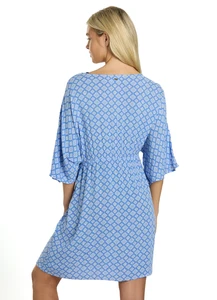
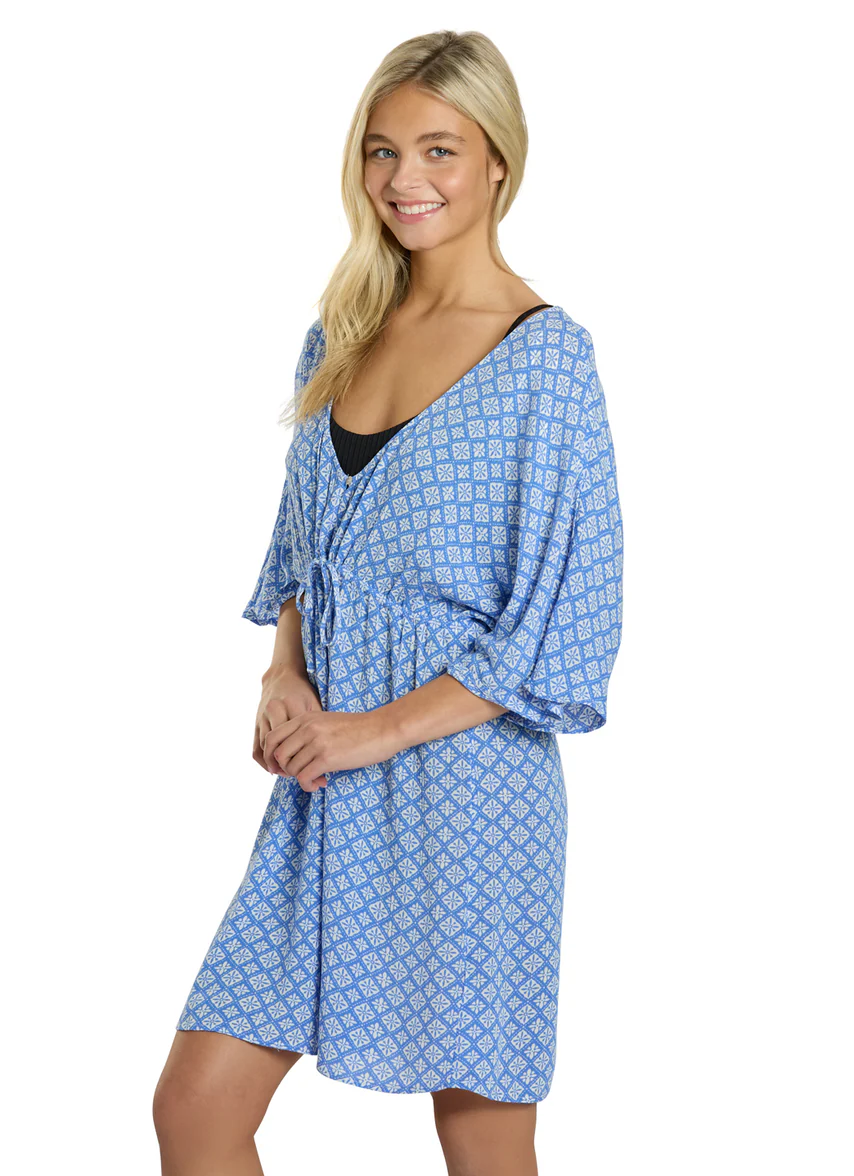
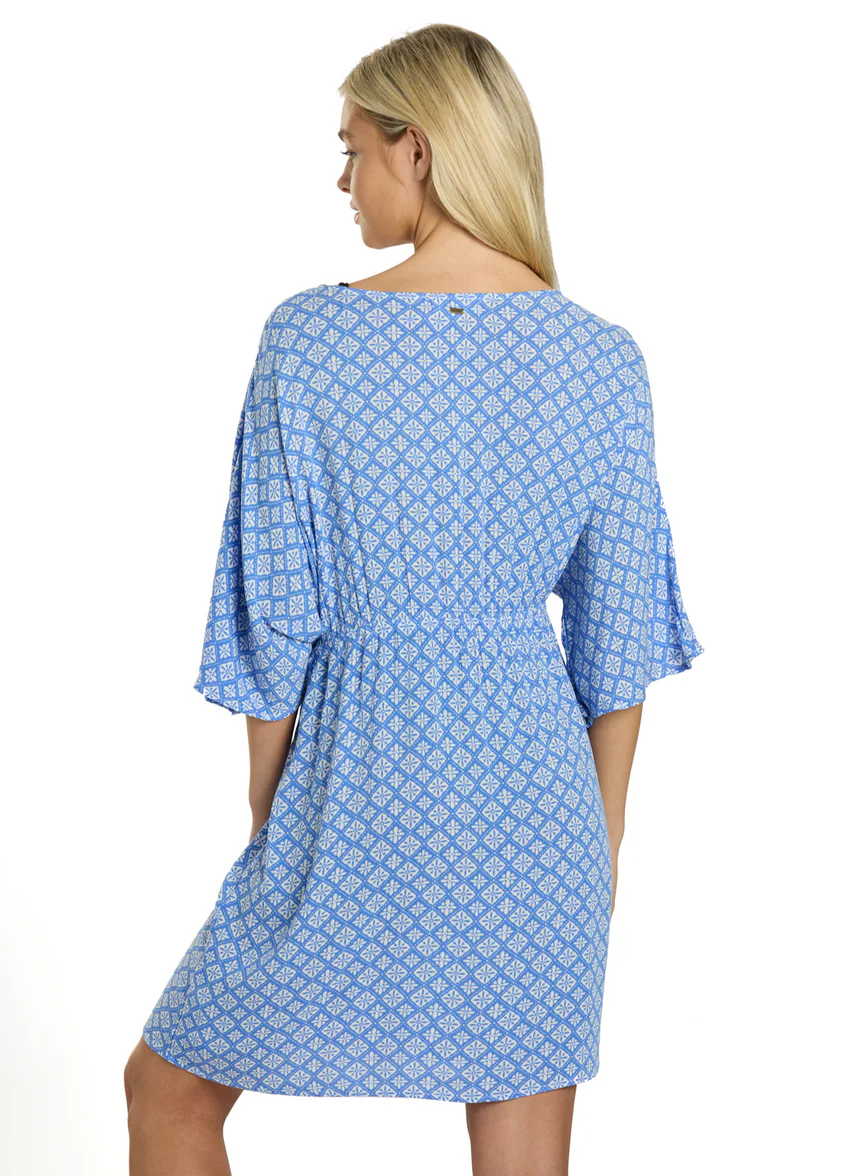
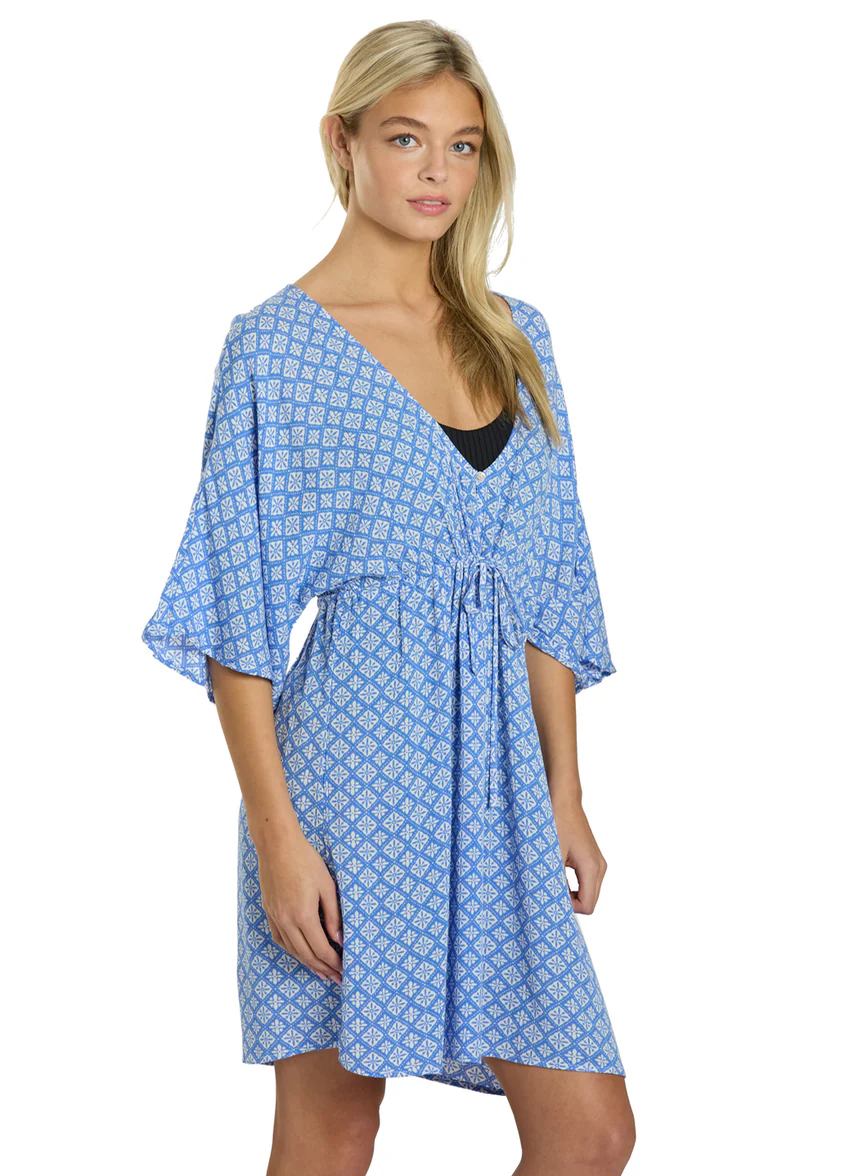
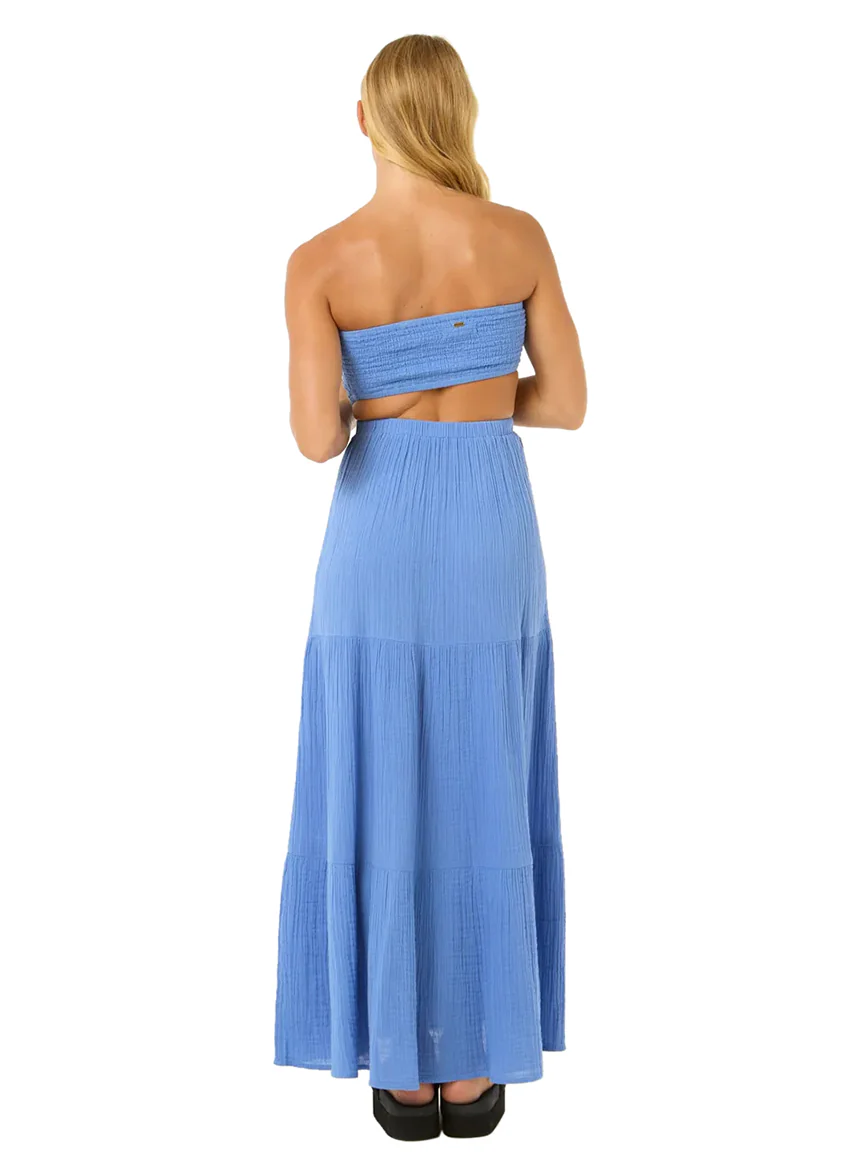
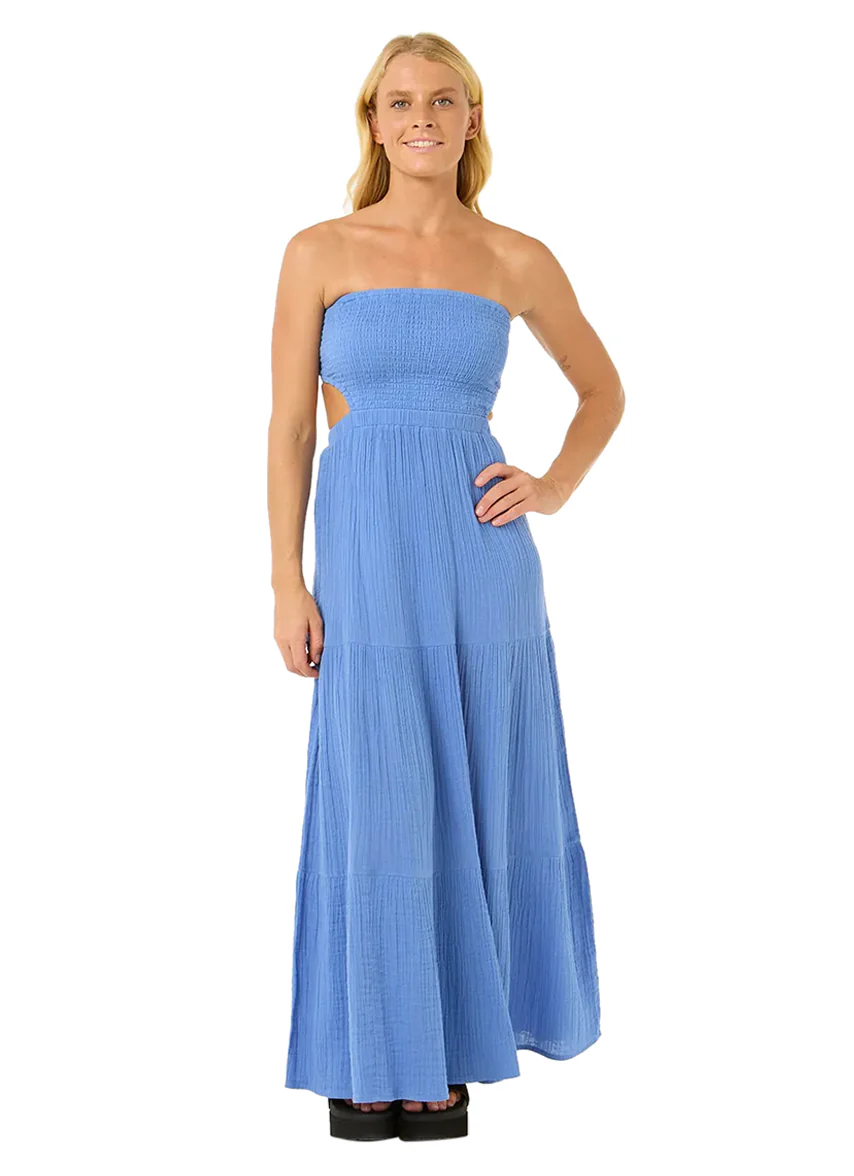
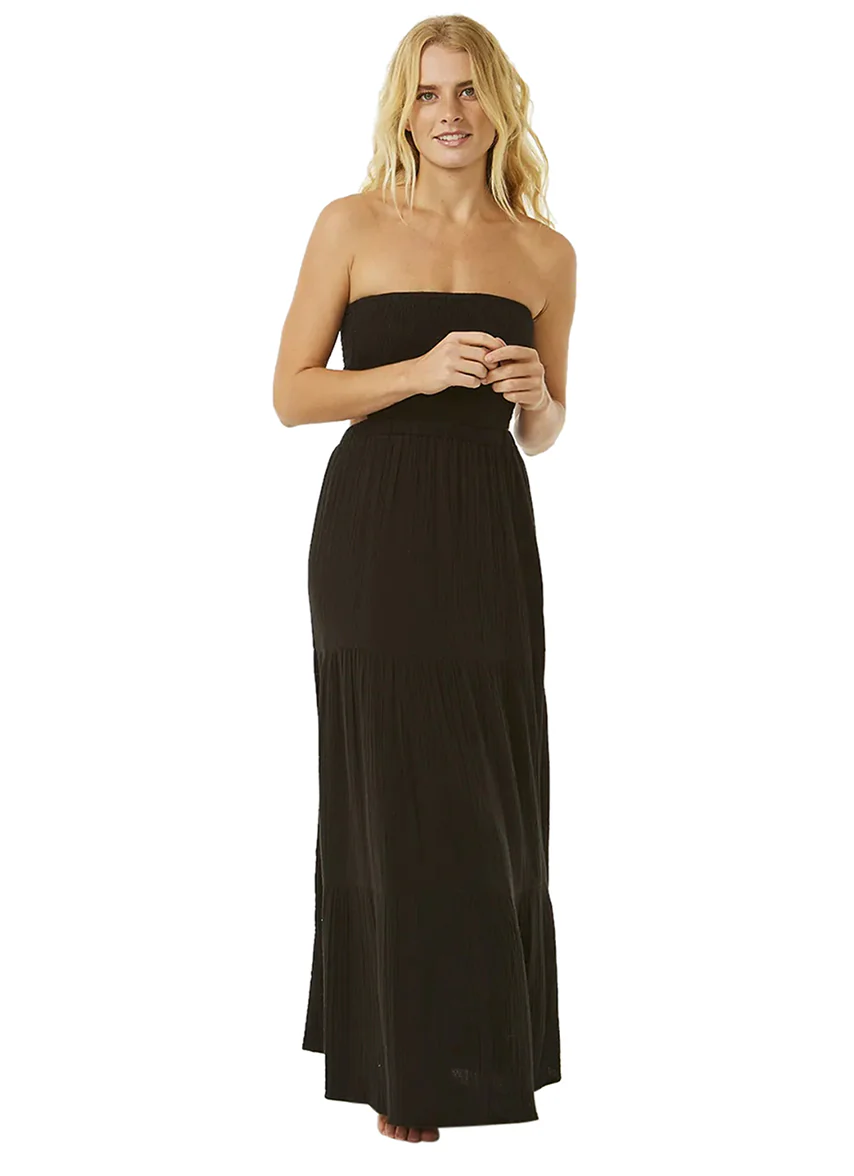
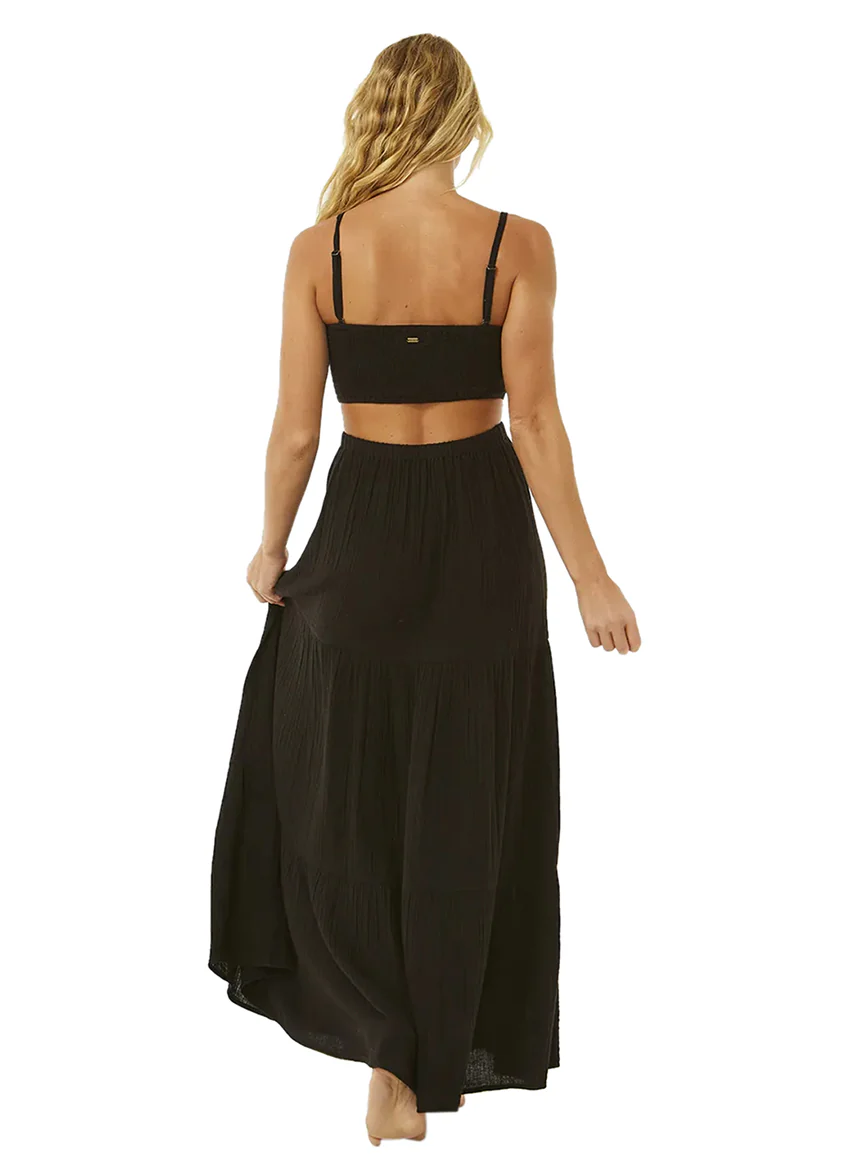
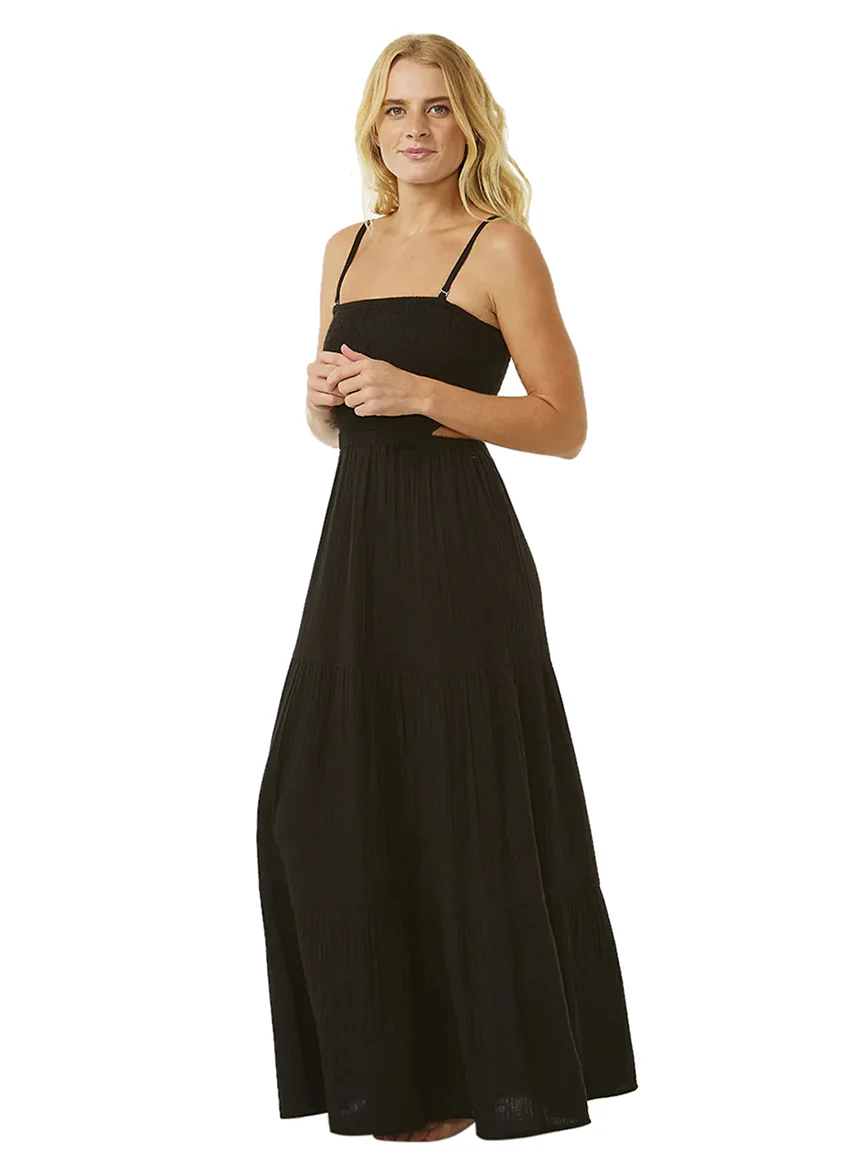
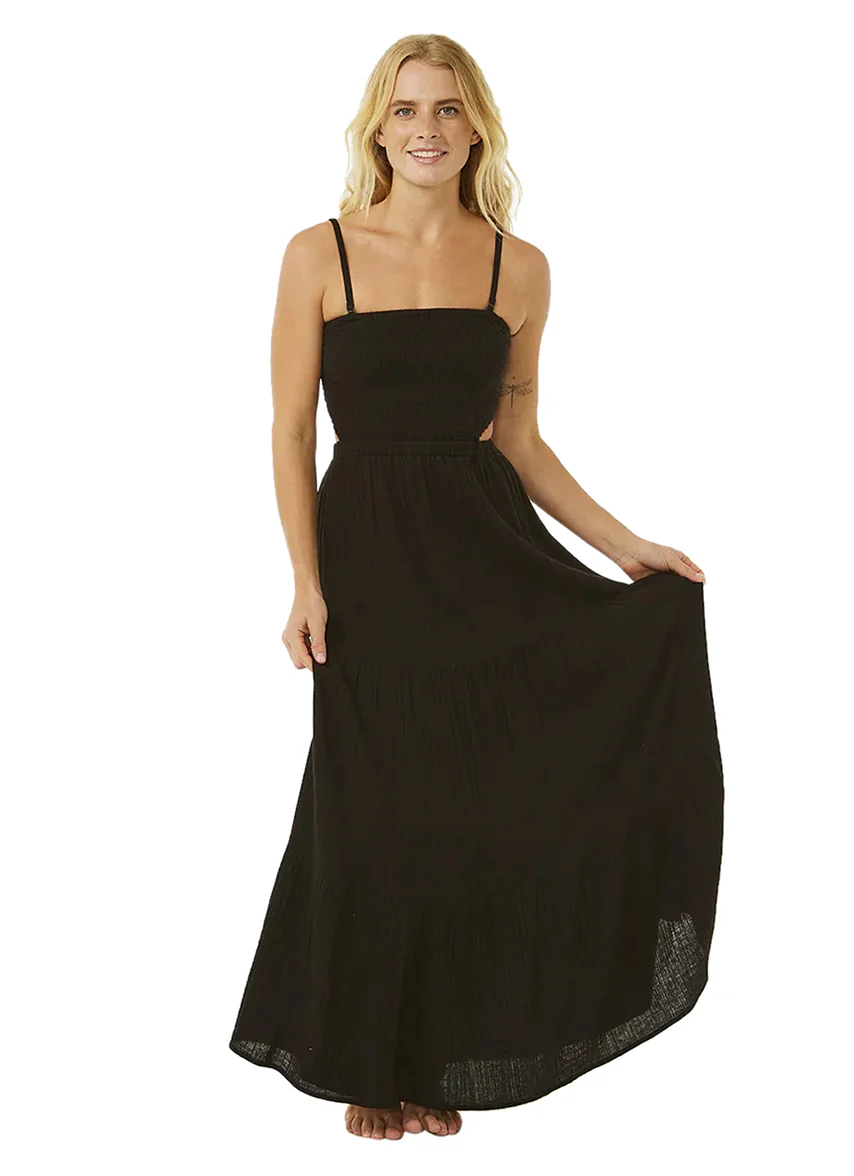
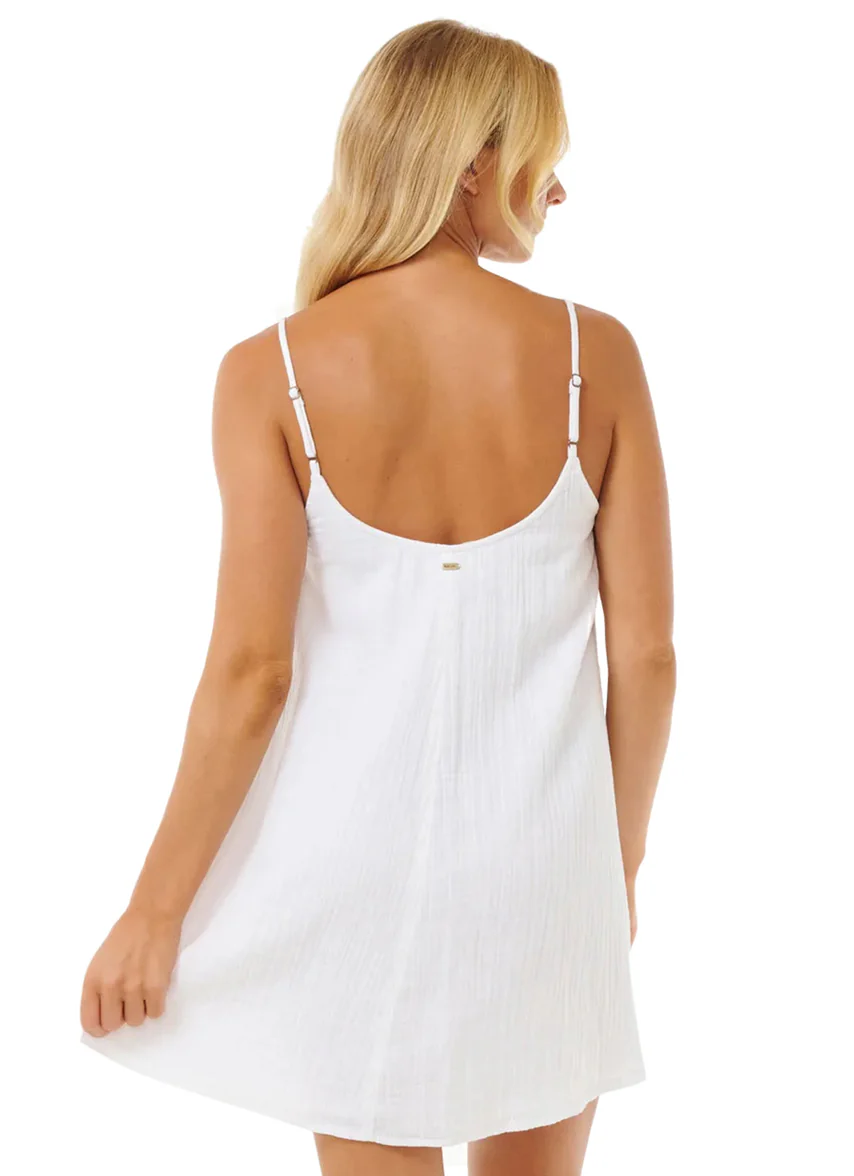
 Swimoutlet (Rip Curl)


-
Town & Country Feb 1994




-
-
-

 Gigi Paris Emily Feld Bregje Heinen Eden Fines Lais Ribeiro Romi Frenkel Ainhoa Larretxi Gigi Hadid
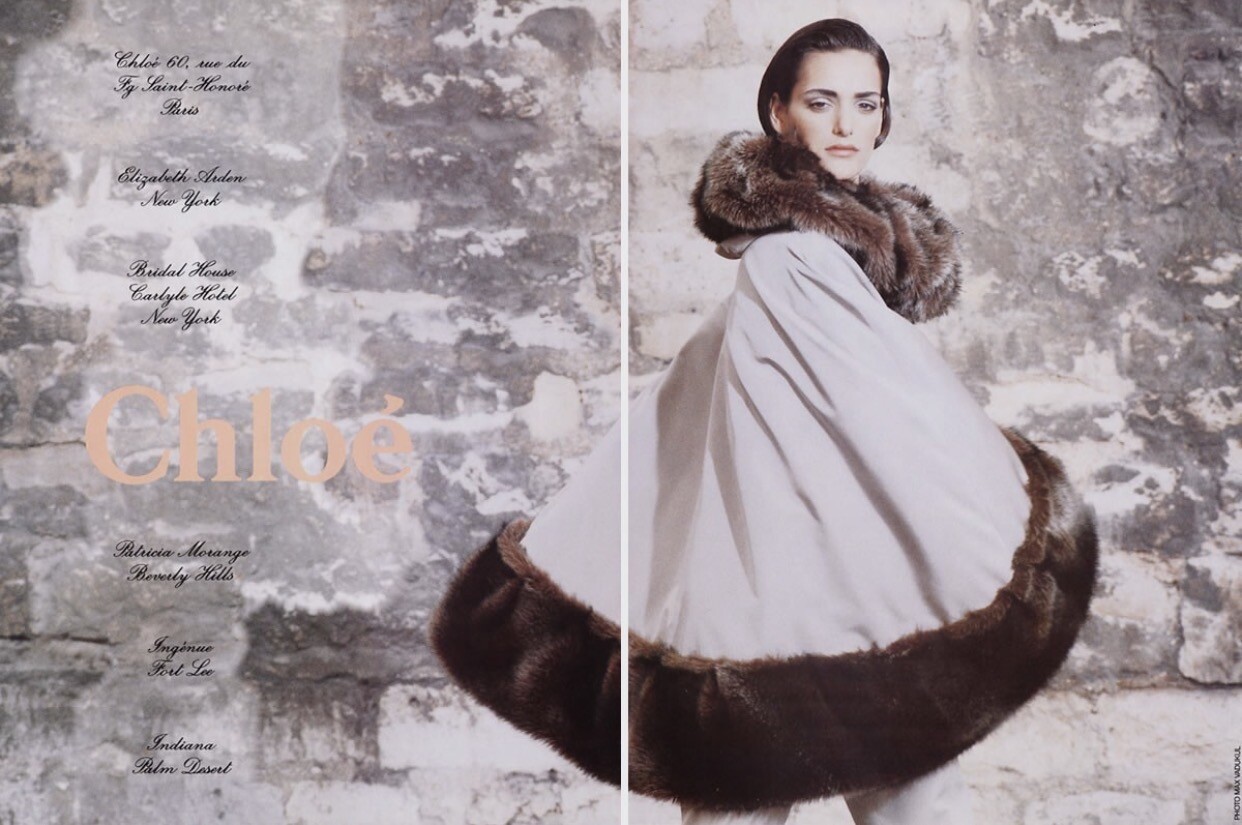
Chloe fur ad 1991 Source: eBay
Gigi Paris Emily Feld Bregje Heinen Eden Fines Lais Ribeiro Romi Frenkel Ainhoa Larretxi Gigi Hadid
Chloe fur ad 1991 Source: eBay
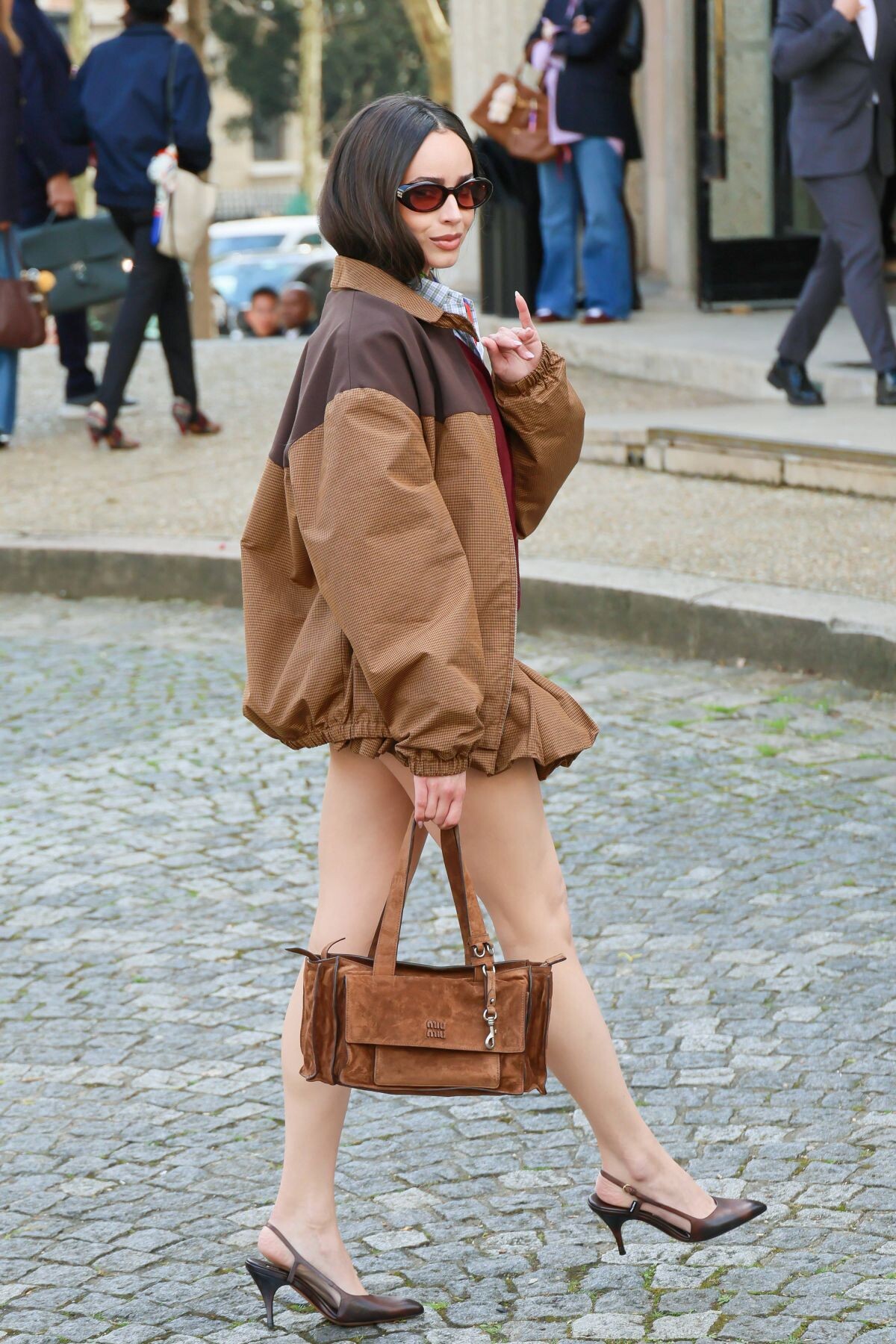
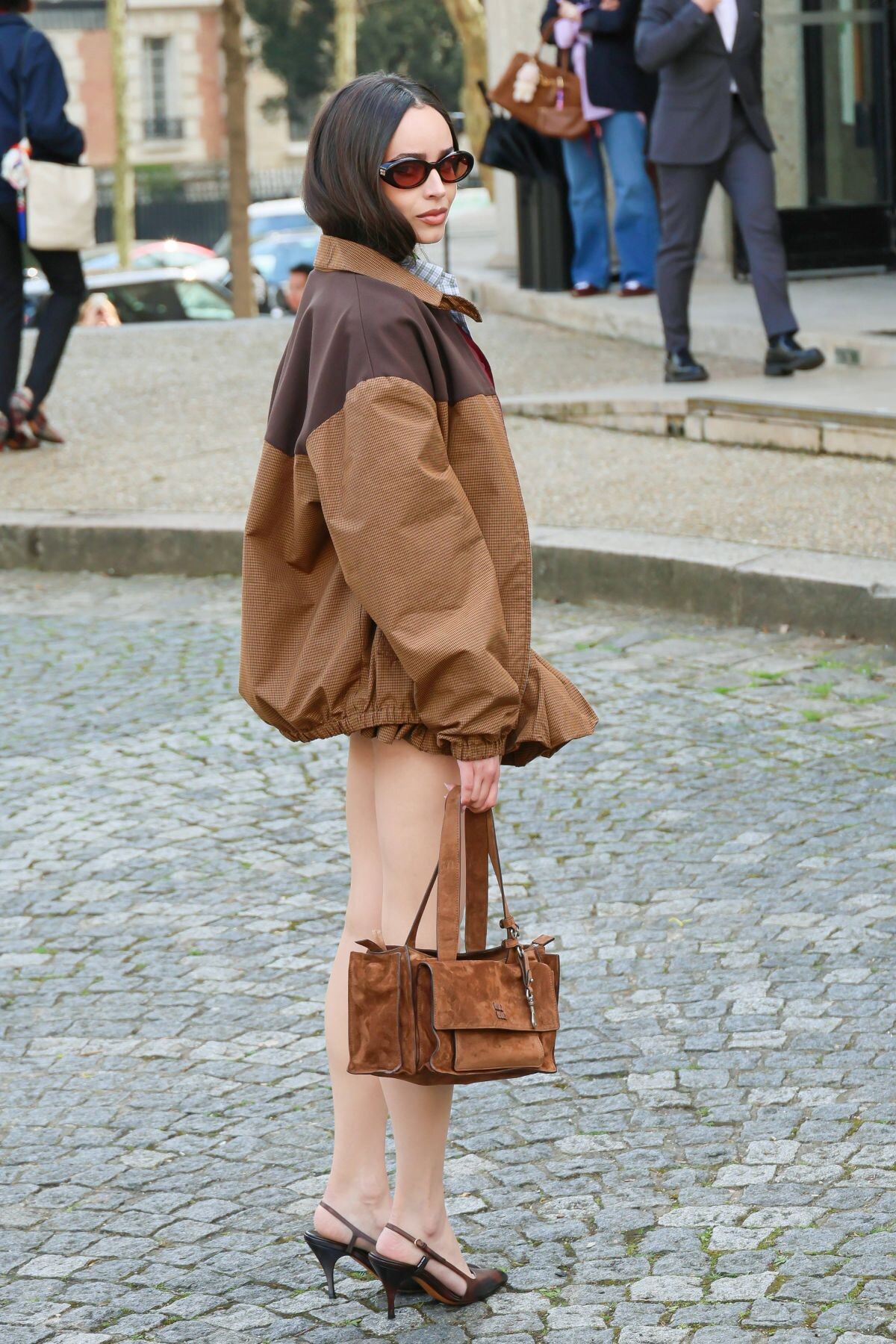
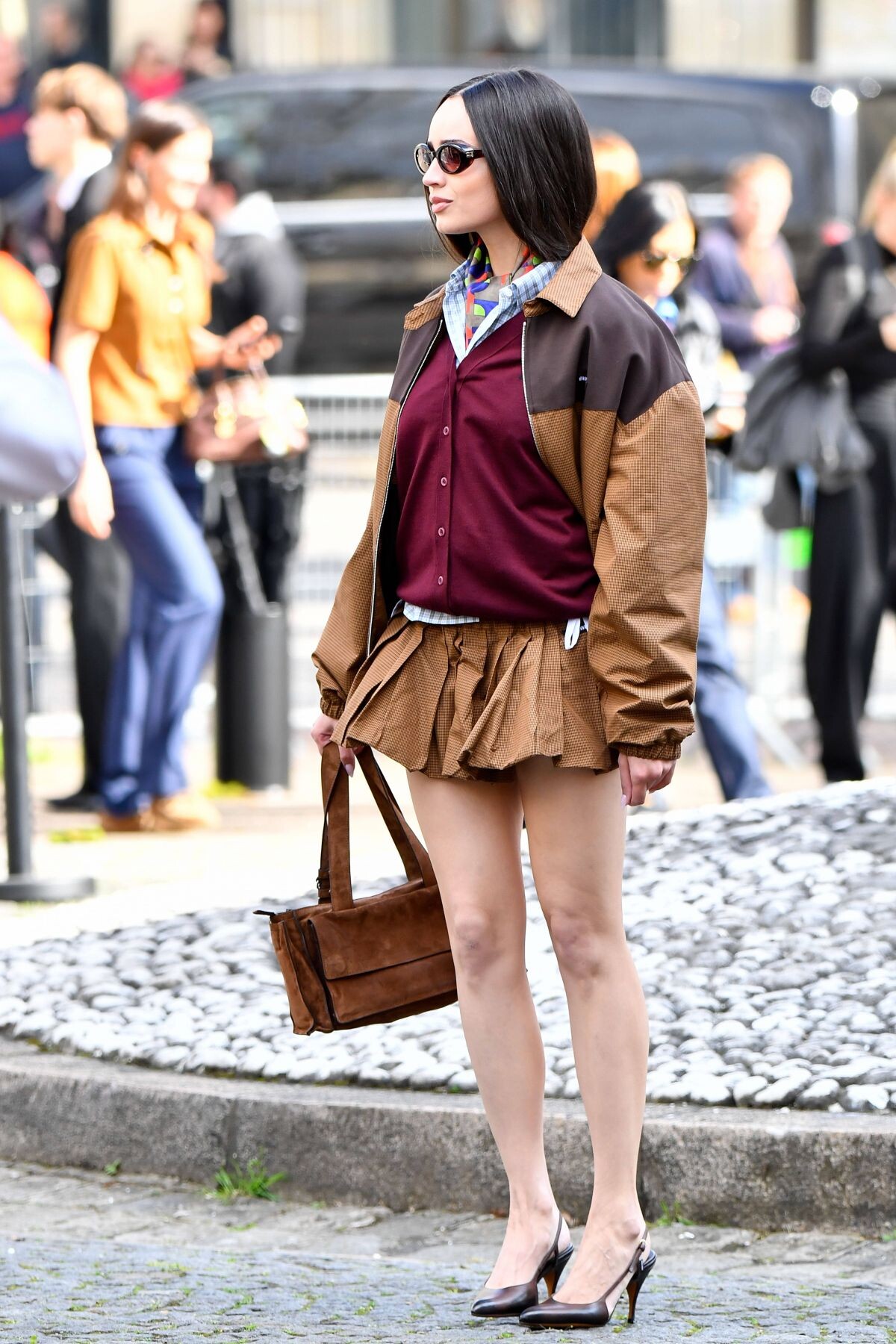
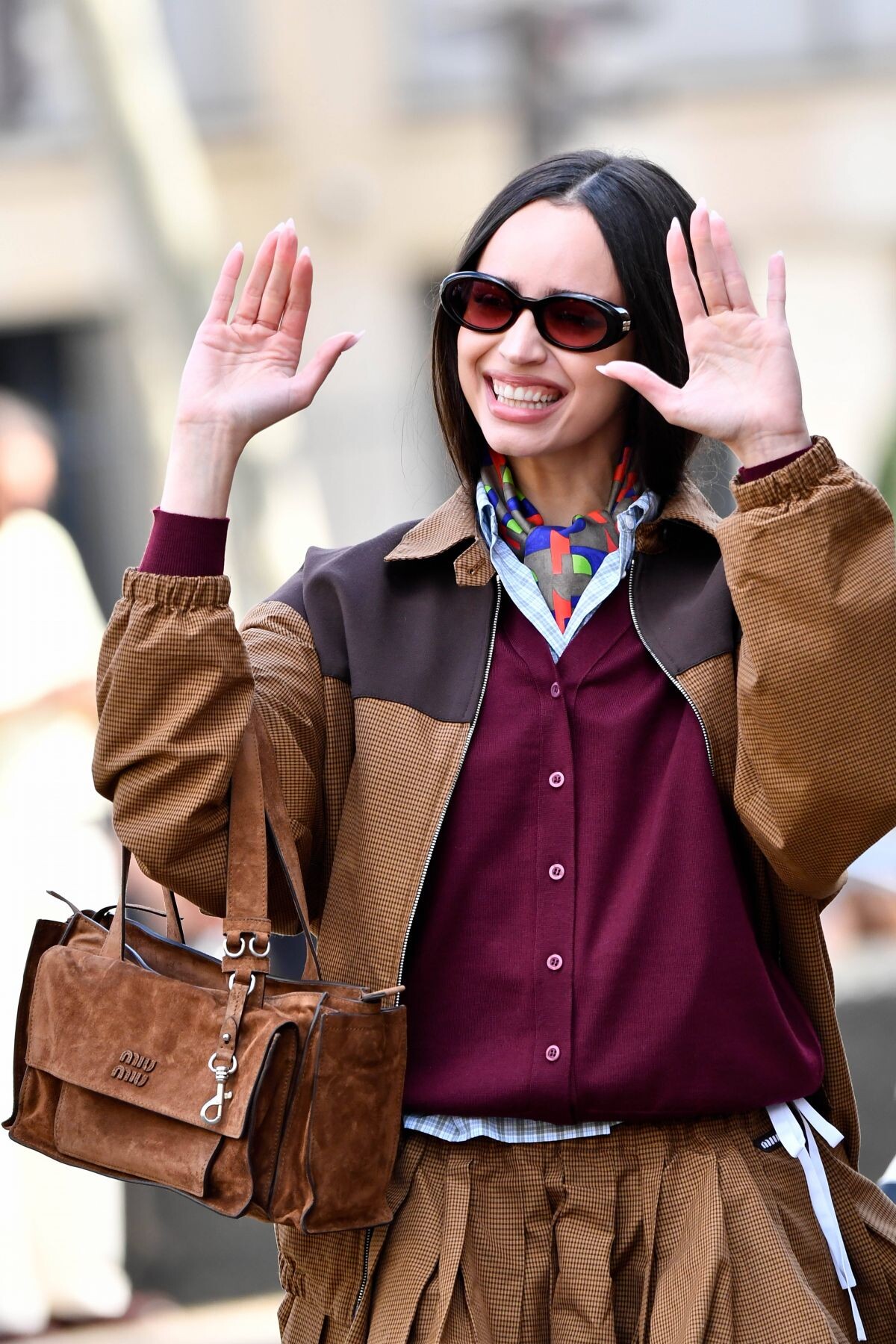
 98th Annual Oscars Ph. Diggzy



 Thank you, And how do I merge my thread?
- Today
 recent IG clips SnapInsta.to_AQPzss4eA_Vasl8JO-RHhS8N52kcpvlNXQLaApH_-jFfBy0jqhJ7-bNO9JWjH7sUt4W5QjoEq_rLCnxXYajAmo3q.mp4 SnapInsta.to_AQOR5GGbVLpU2v6JPLCHRPM2FJZ7Btz5MqDG1ji4L52WymWXxKjDBK17bBn-BWIwJotB6kt6yBkdp6JwySmXIGi0.mp4 SnapInsta.to_AQOTEJY62oC446HEavnMfDZcTn9eLJ2oKIlBrsNsuhFMnA9U99miEEZO0dg-clnDoVh8IzUEmBMHDnrbfYygSmWk.mp4
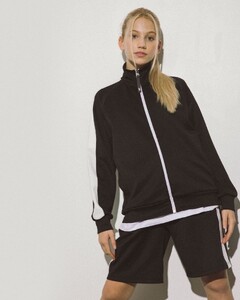
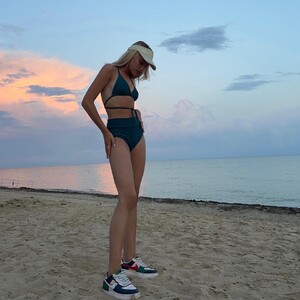
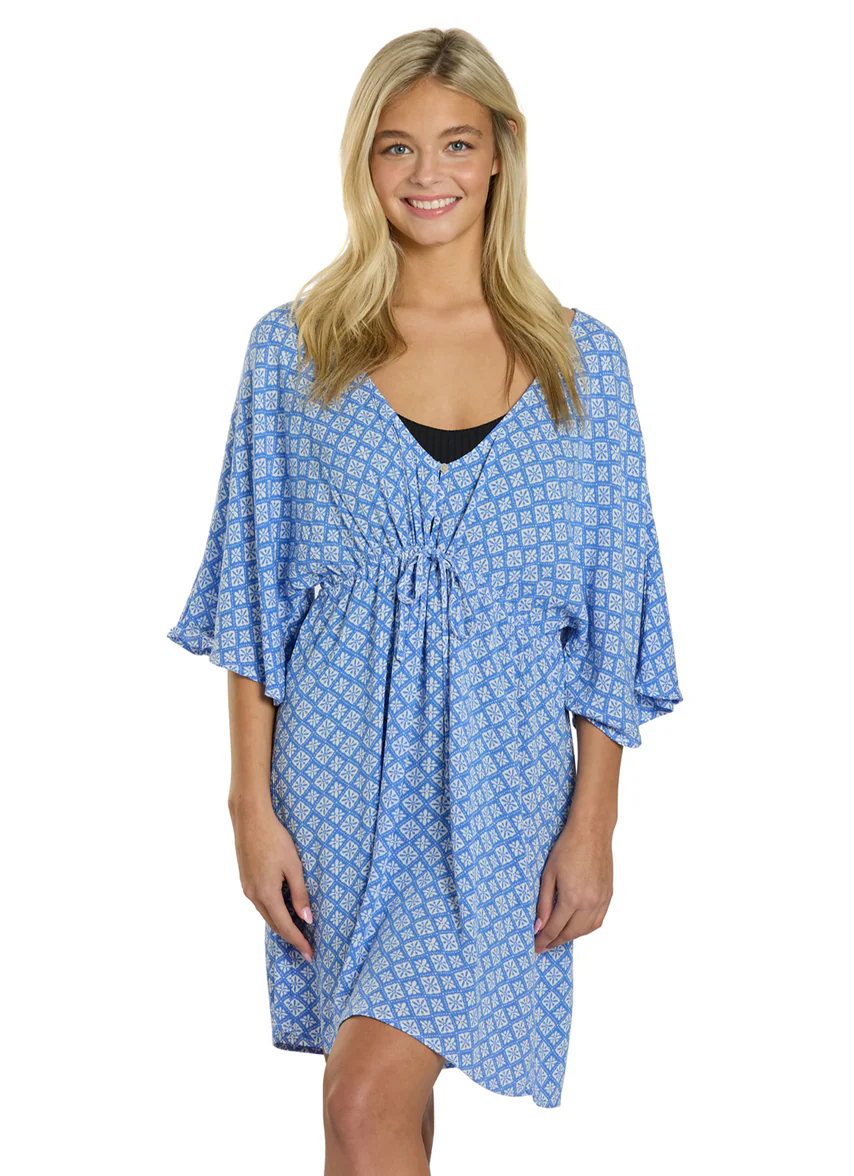
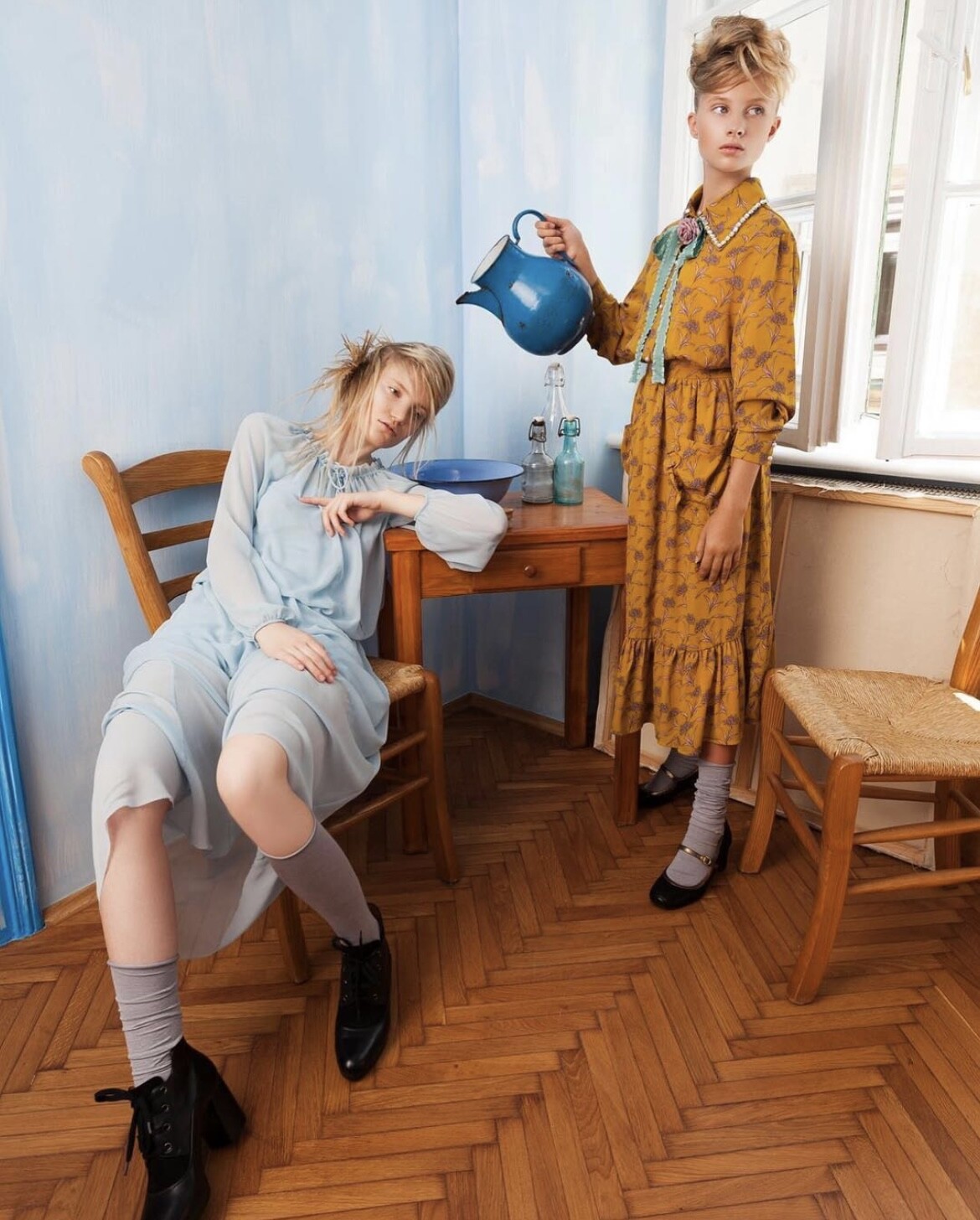
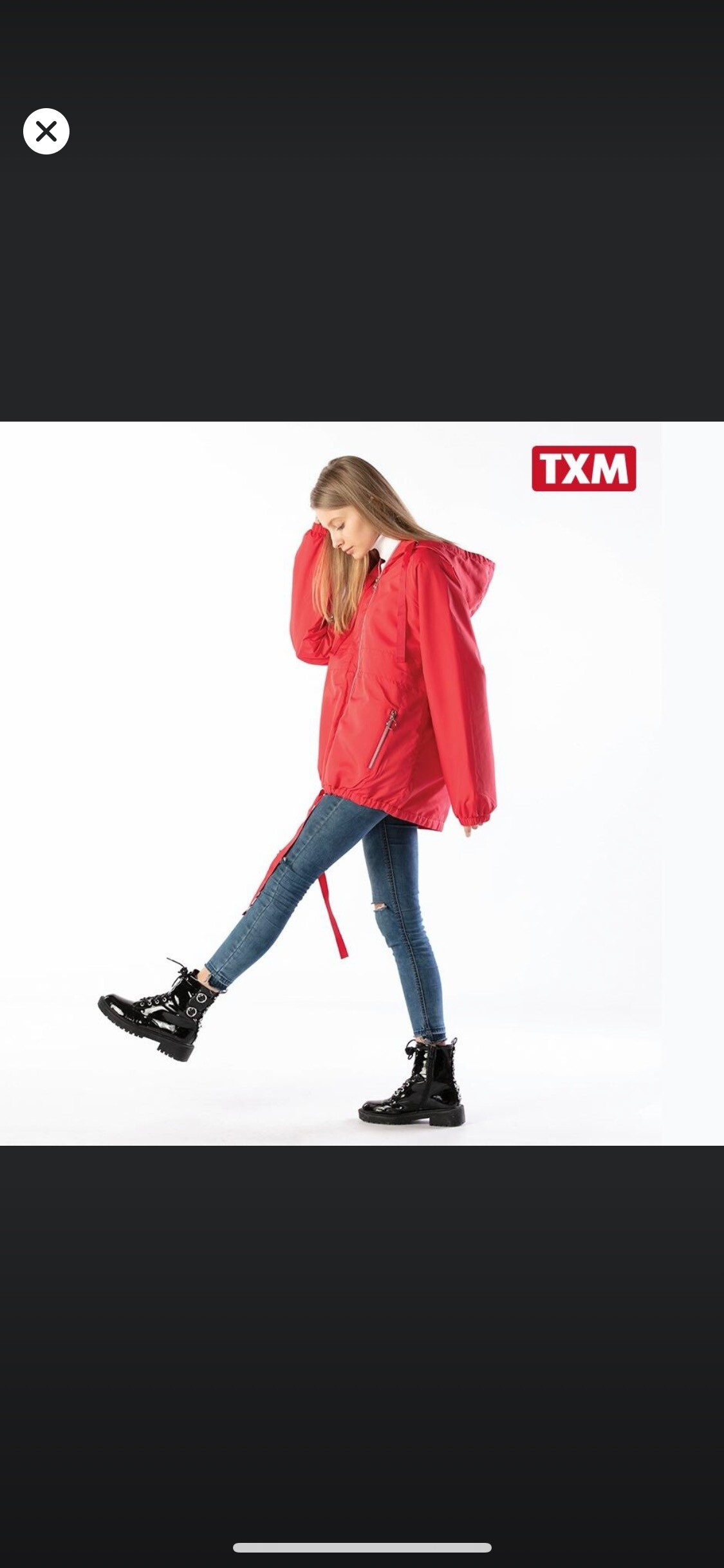
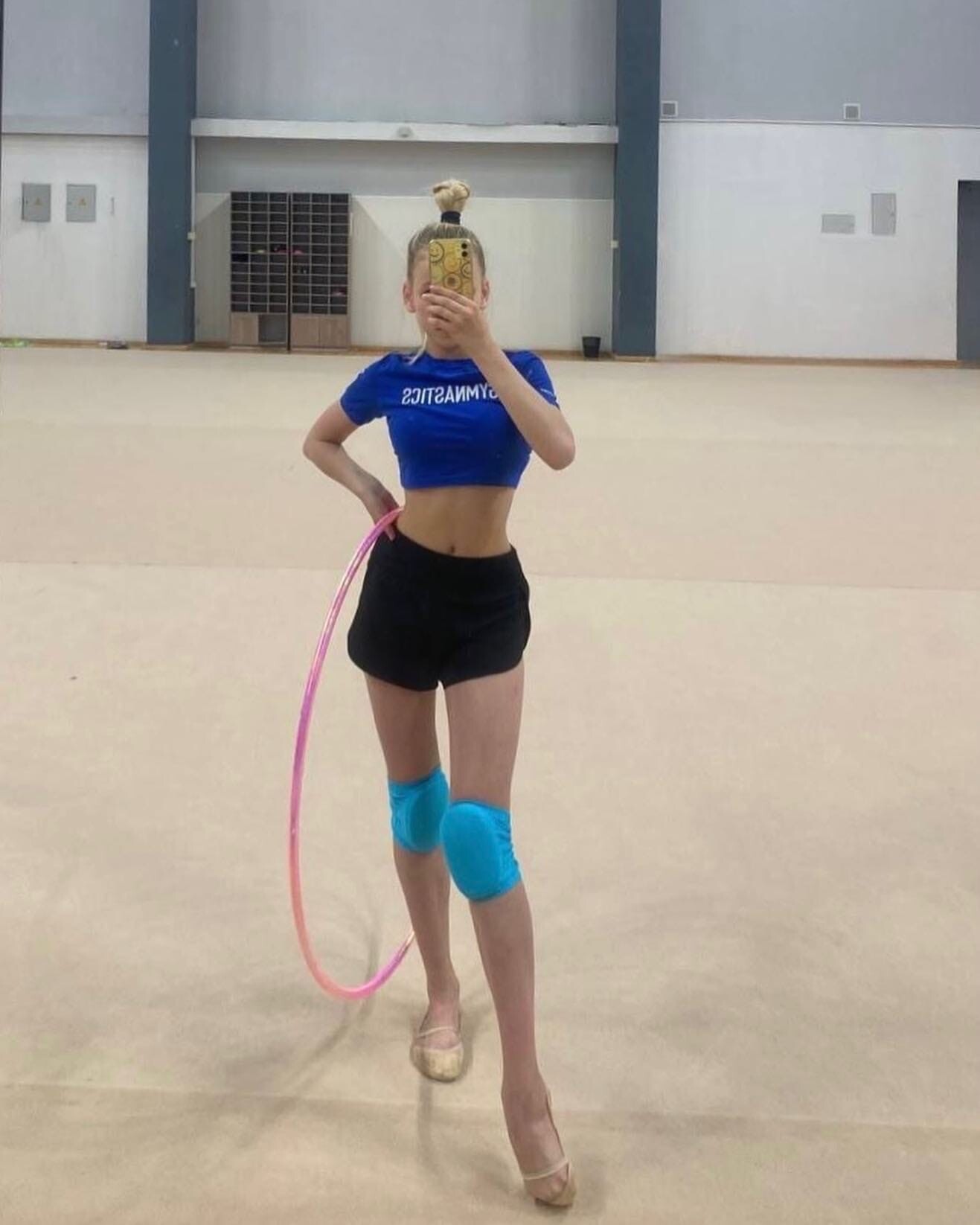
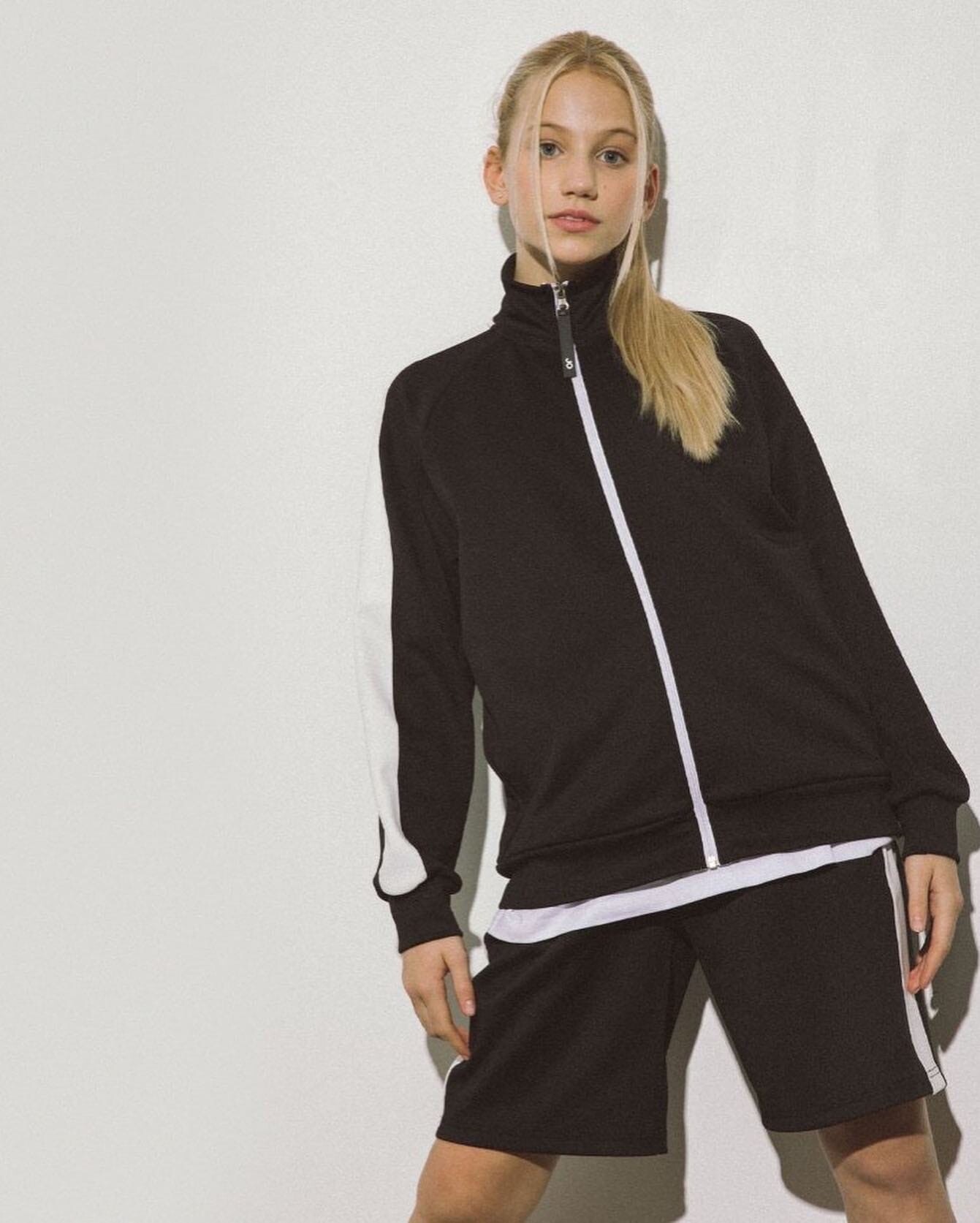
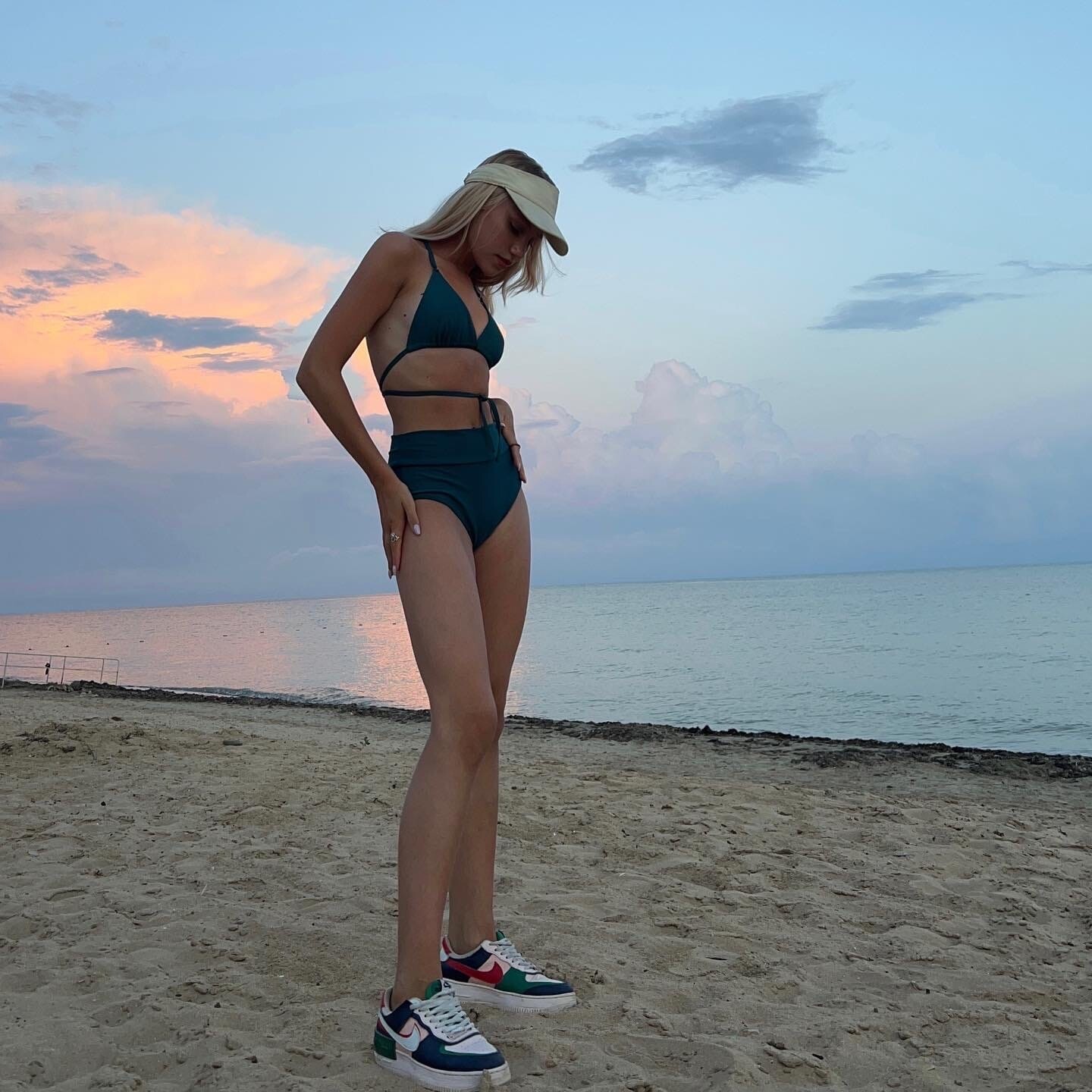
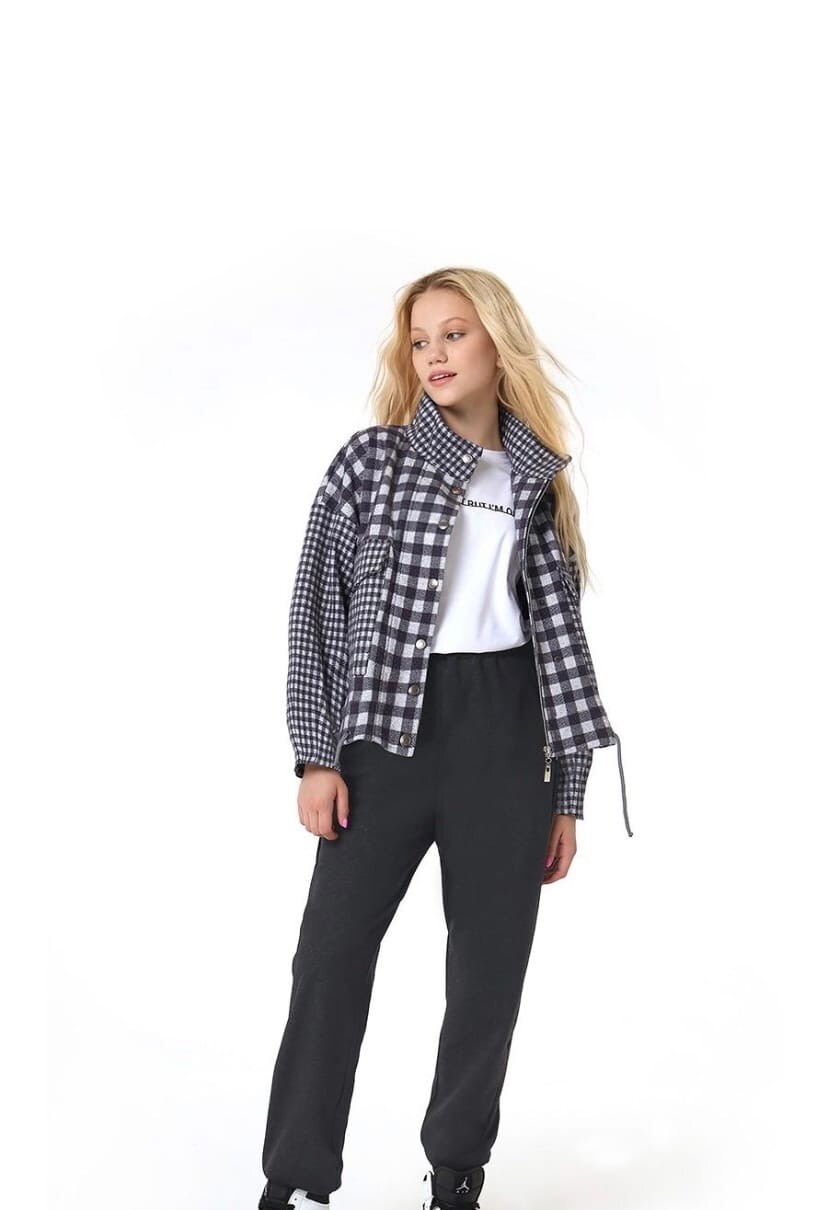
 According to her vk (heystef) her name is Stefania Safina (Shshabash) and her birthday 9/14/2006 now a student at Moscow State University all her VK pictures (2021-2023)









































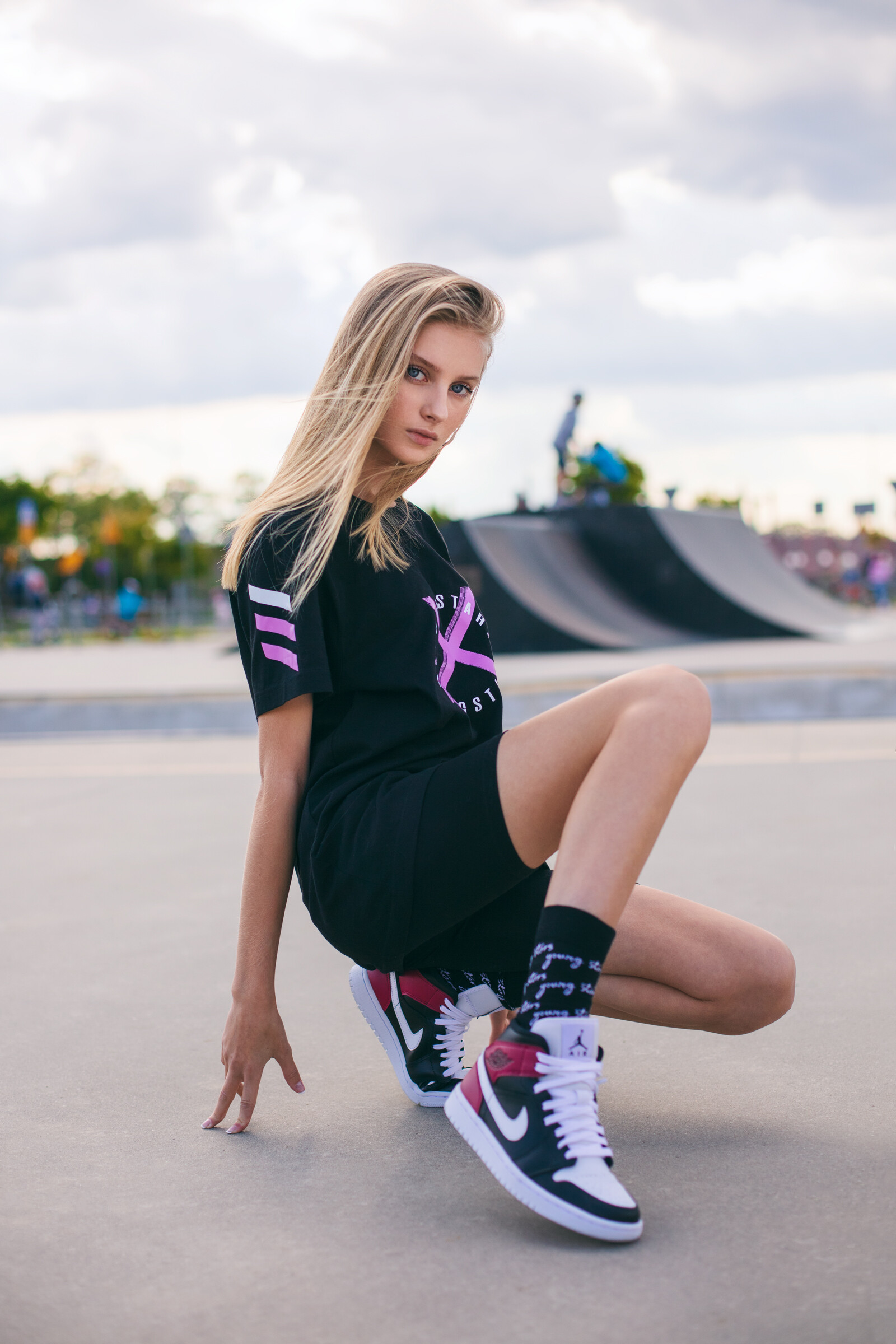
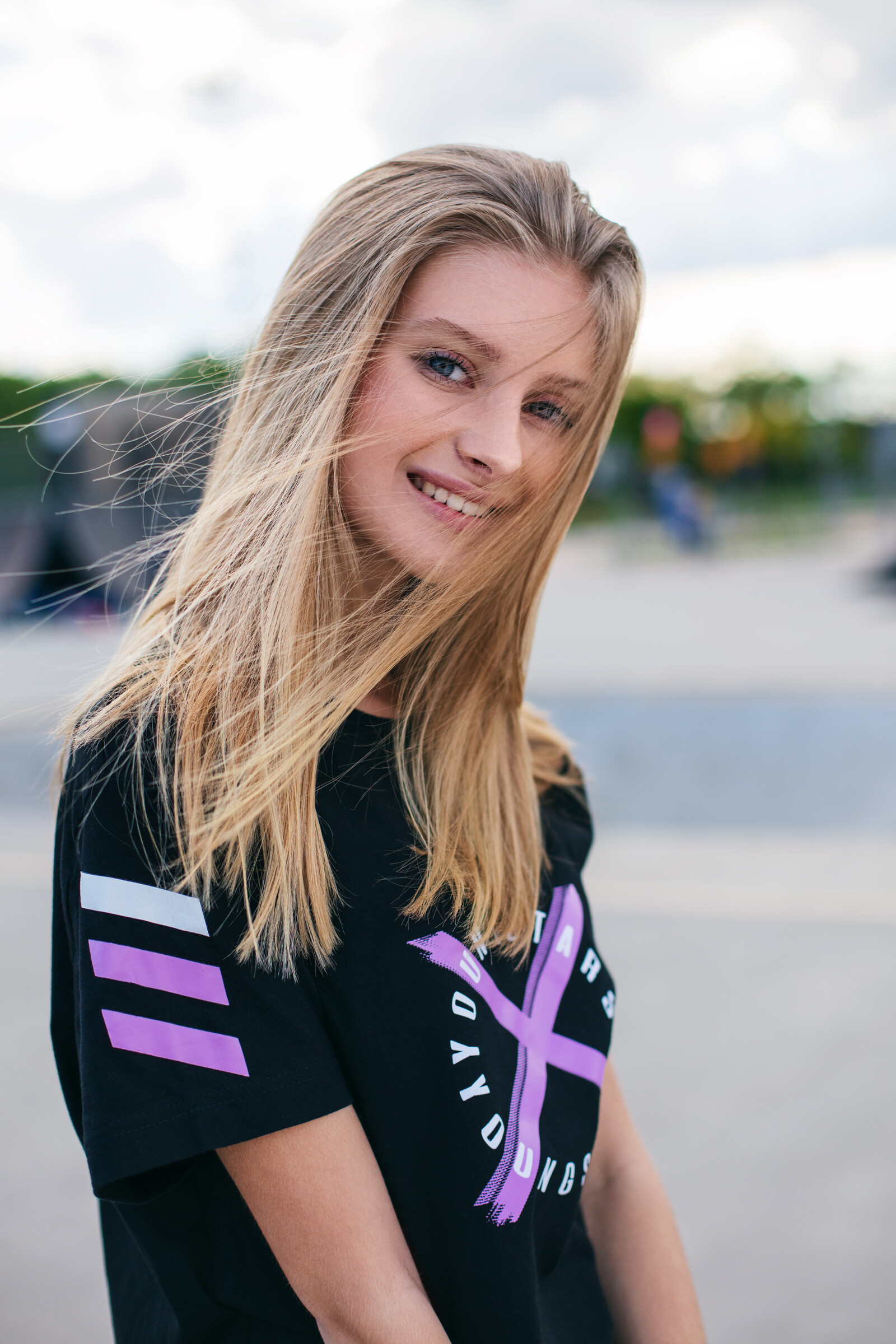
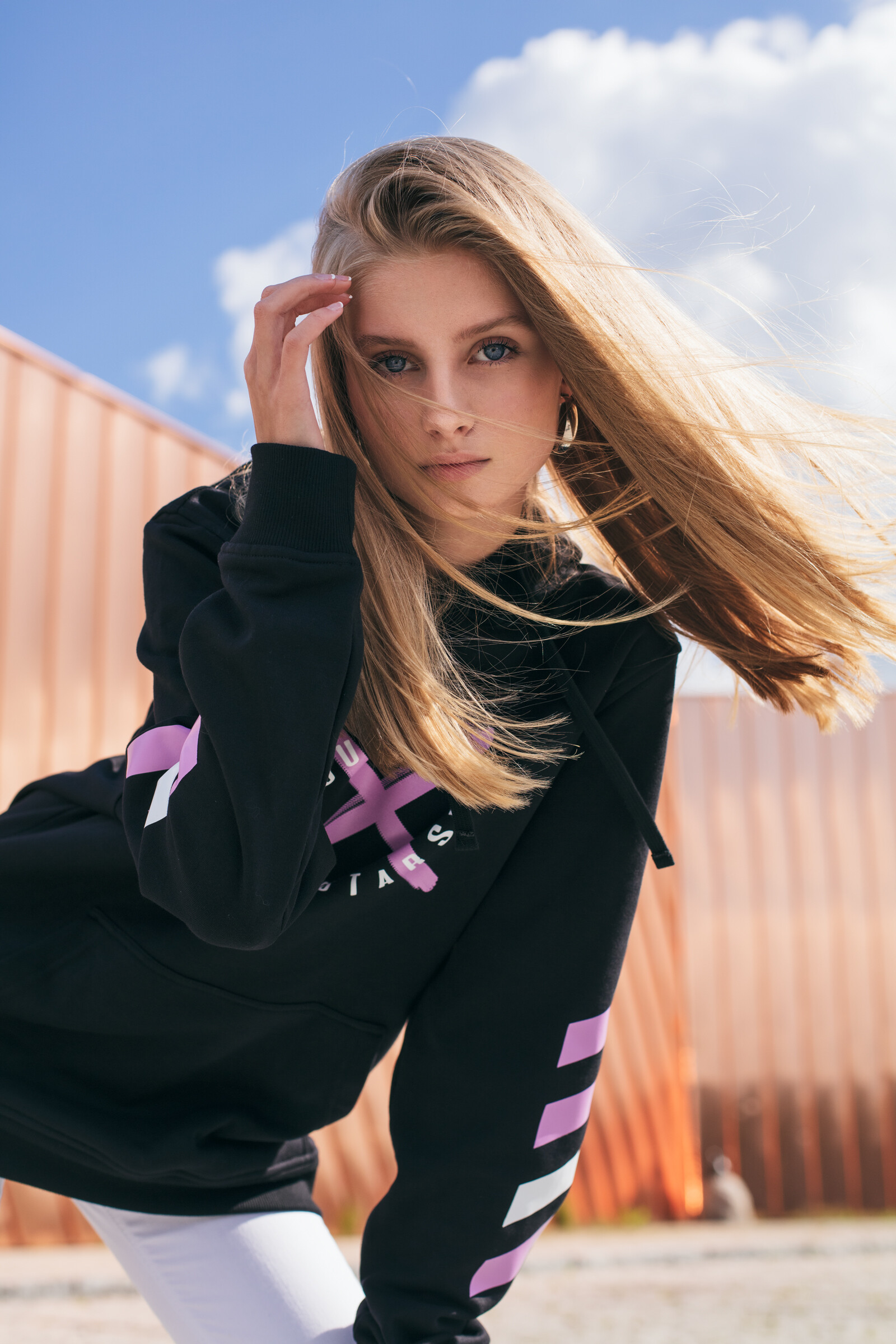


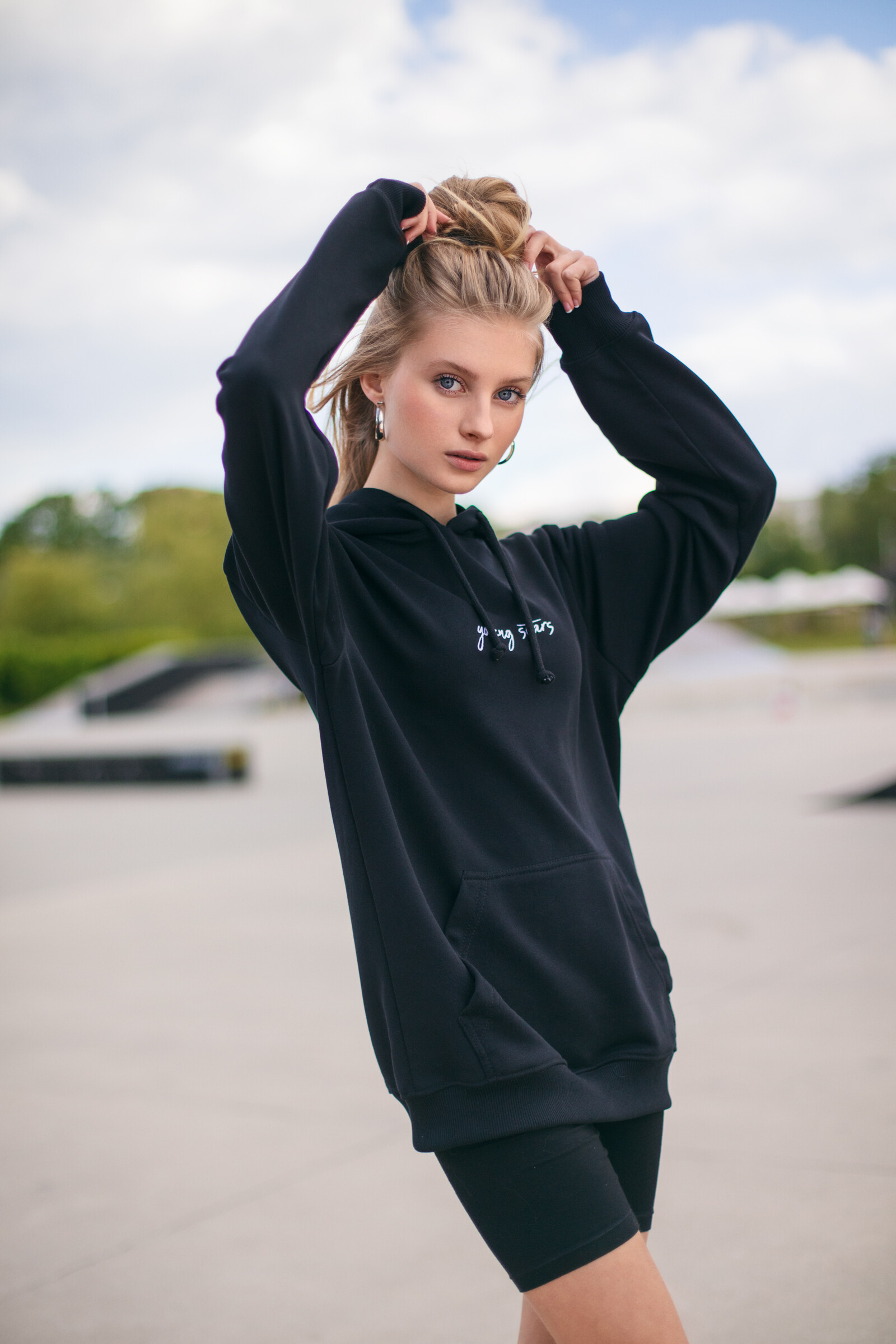
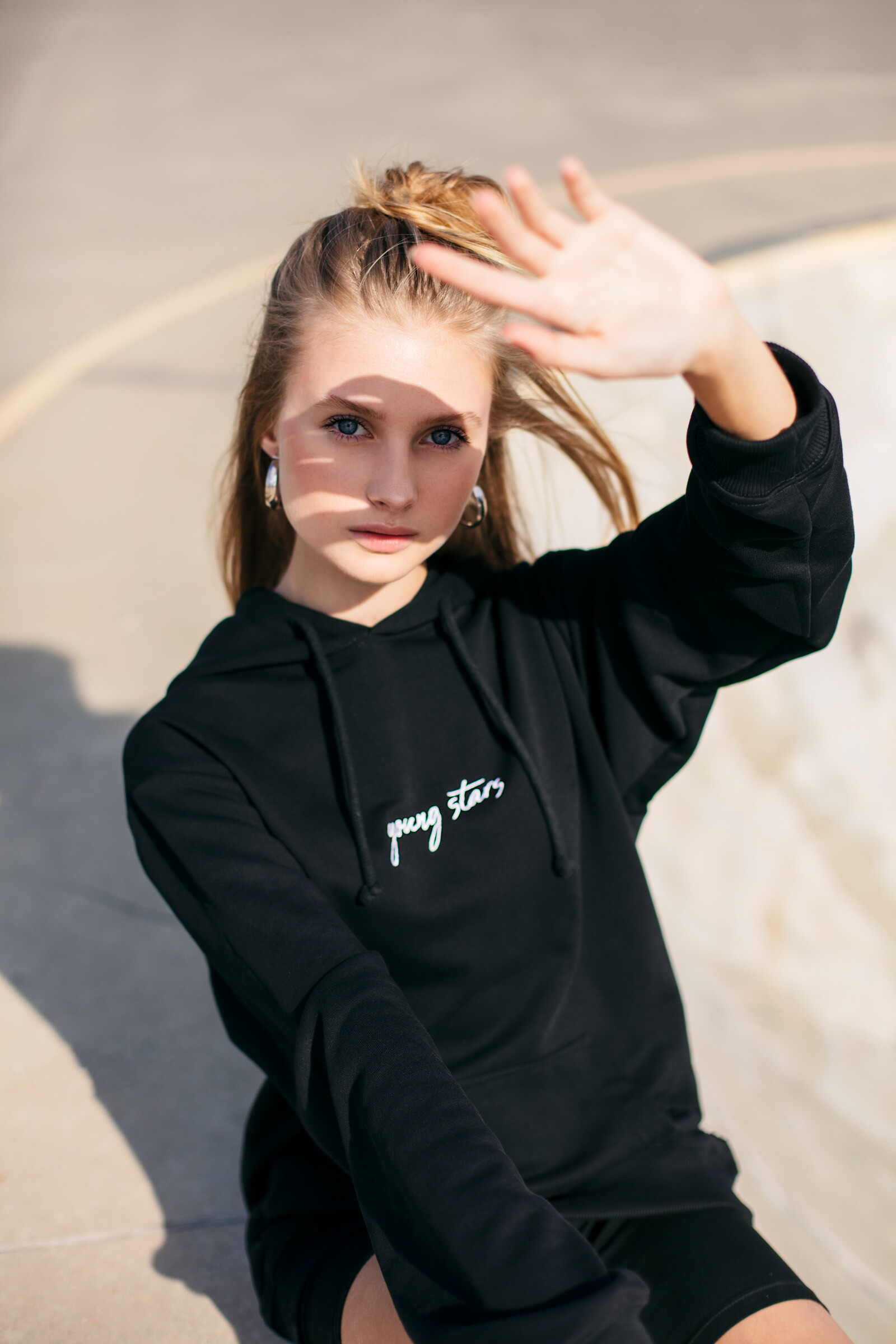
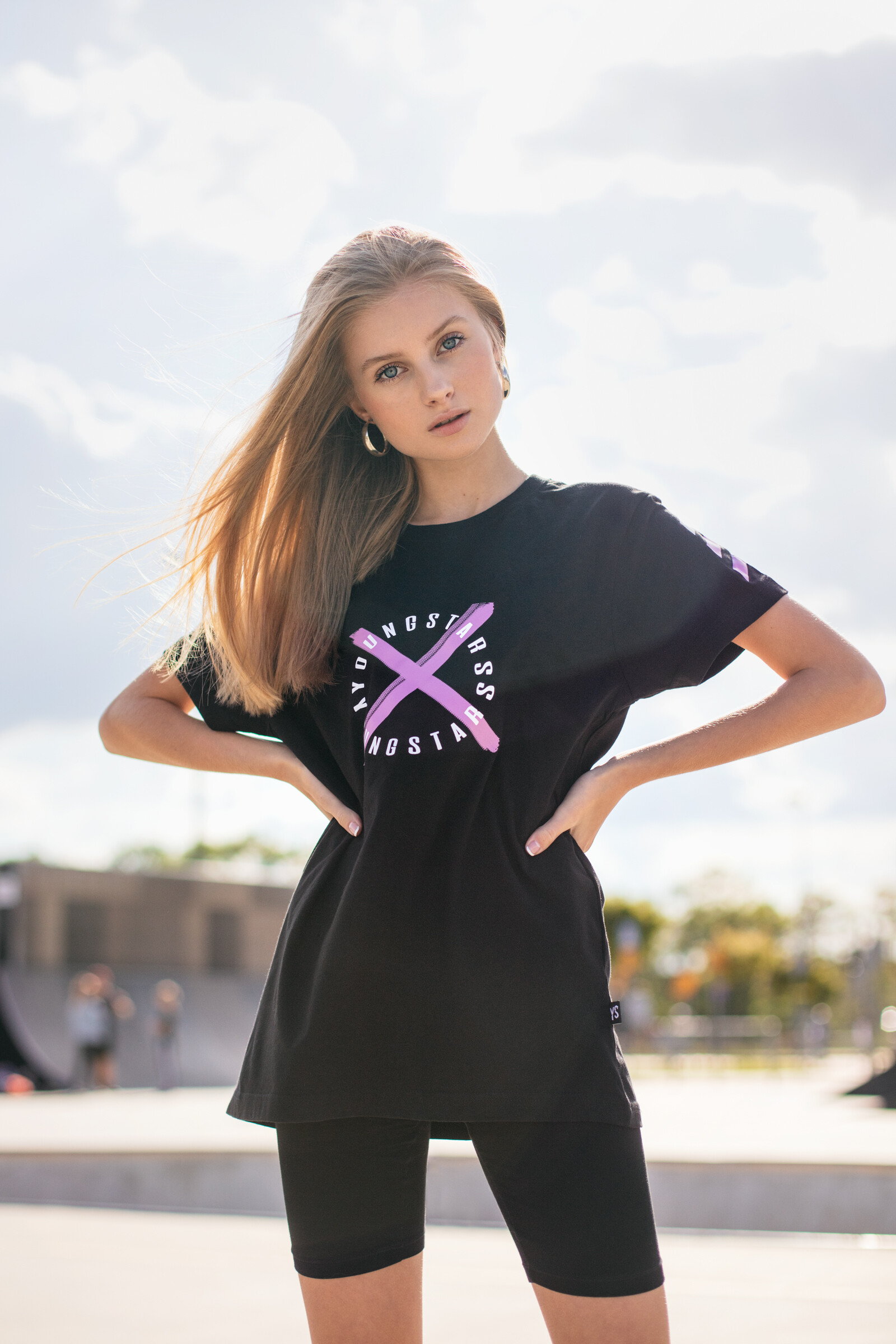


.jpg.862a1a3a574b417836e2a7825ca0b823.jpg)
.JPG.8c1cfe0184f1aee39e70566b1a857a5d.JPG)

.JPG.a7067a25c0ddd5765e0e42ee363e7836.JPG)

.jpg.96133818e703e99d8ebc8976b22ed705.jpg)
.jpg.71ec329bee39e86787f6f865892e745b.jpg)



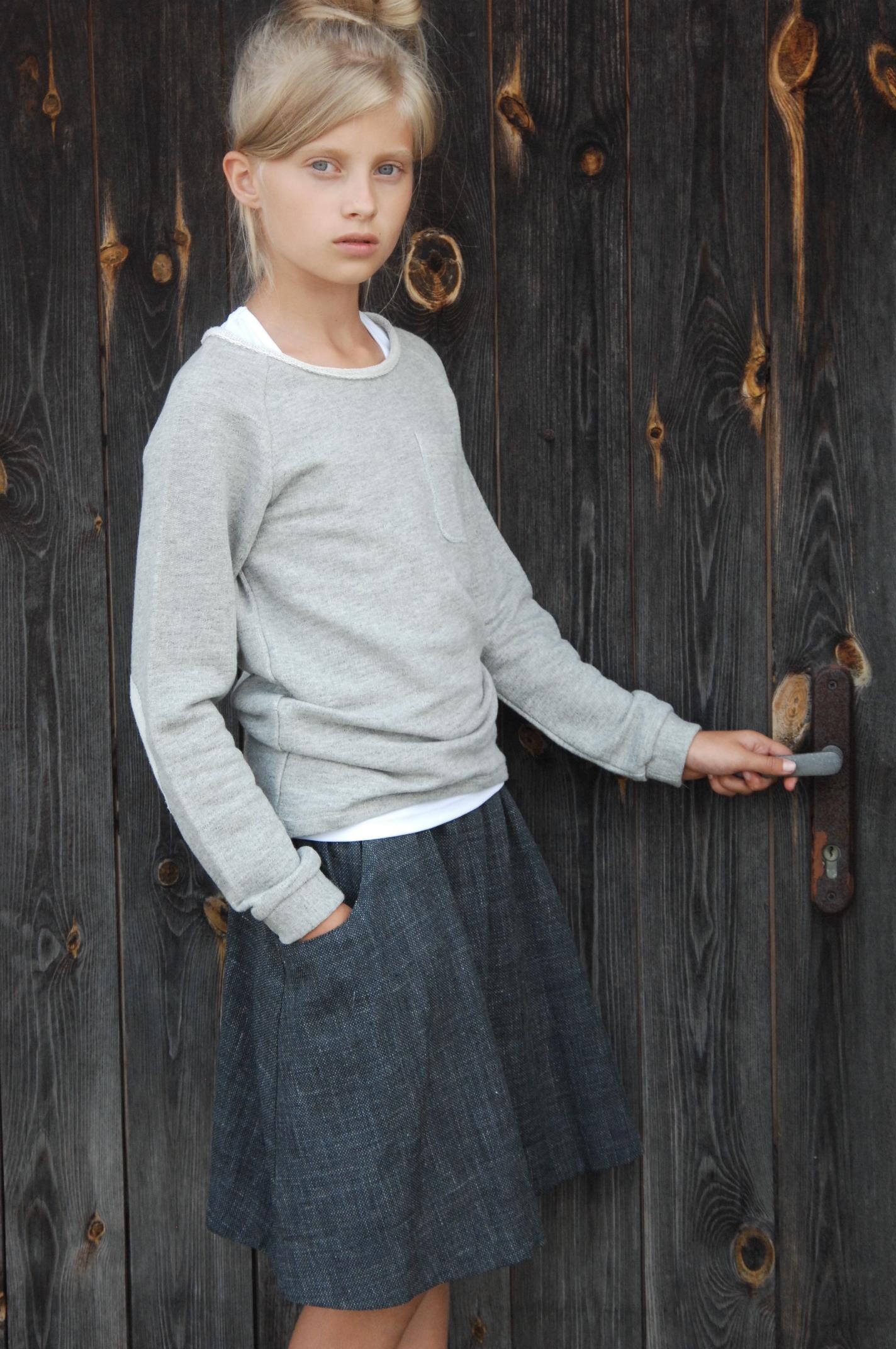

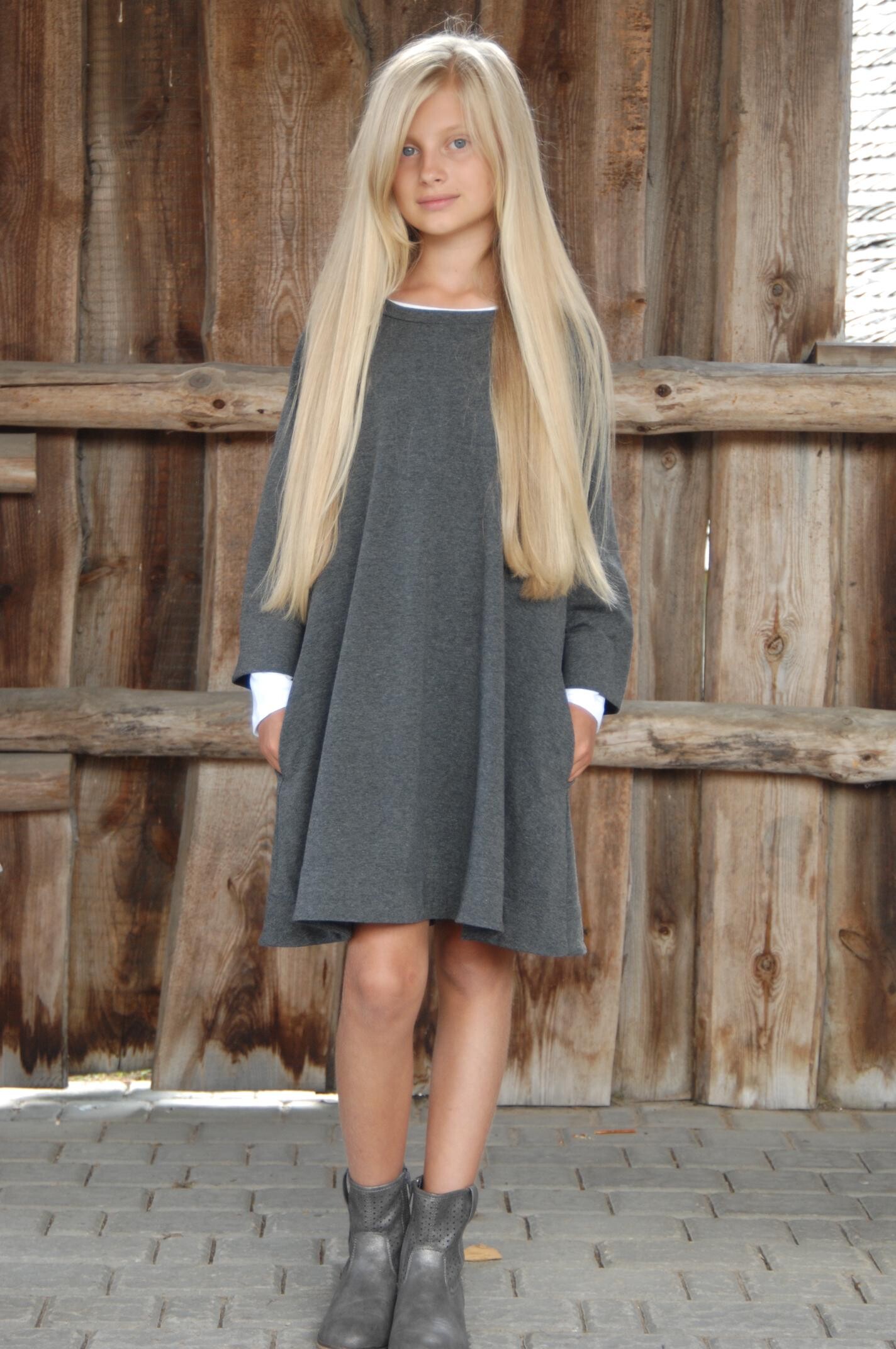









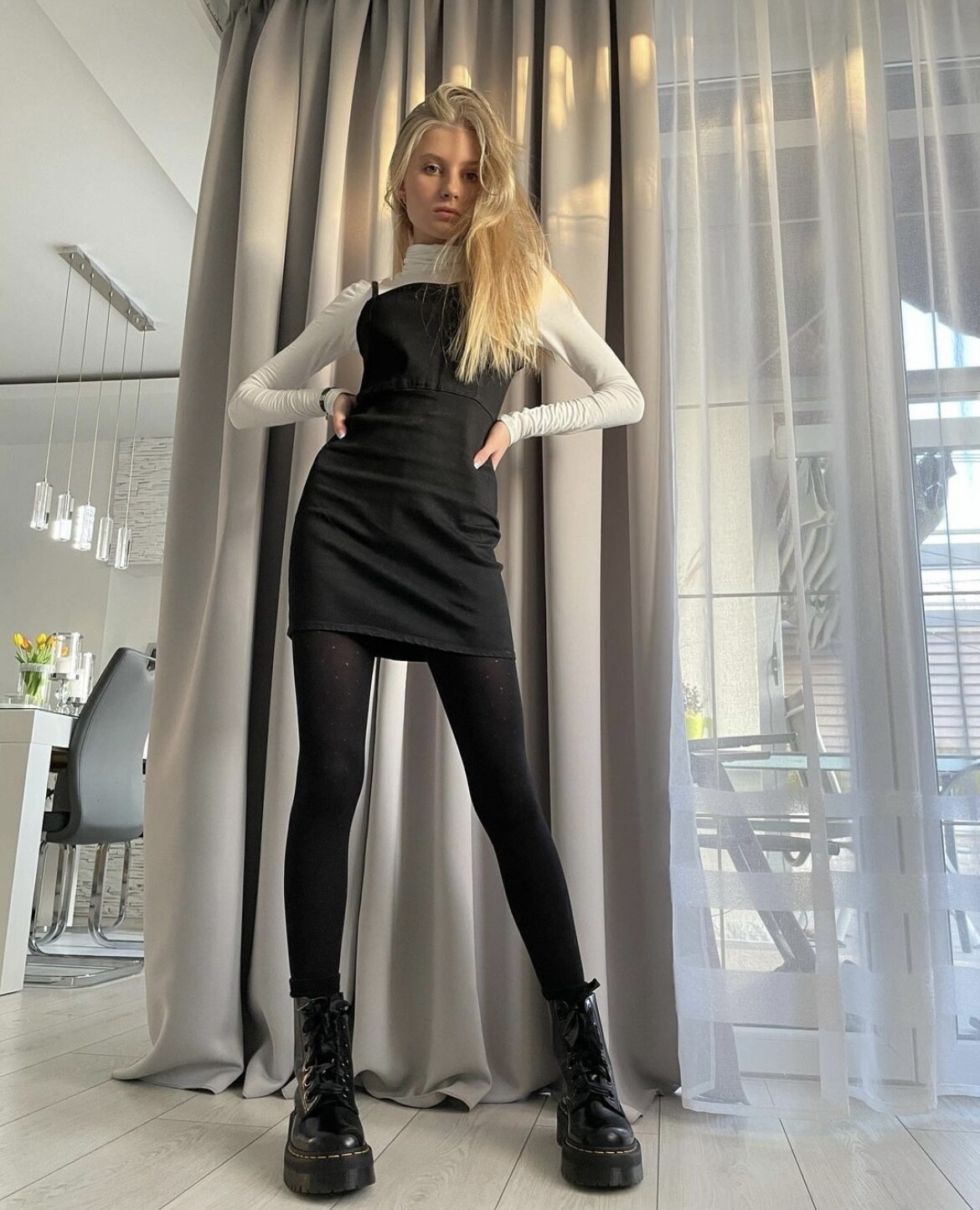



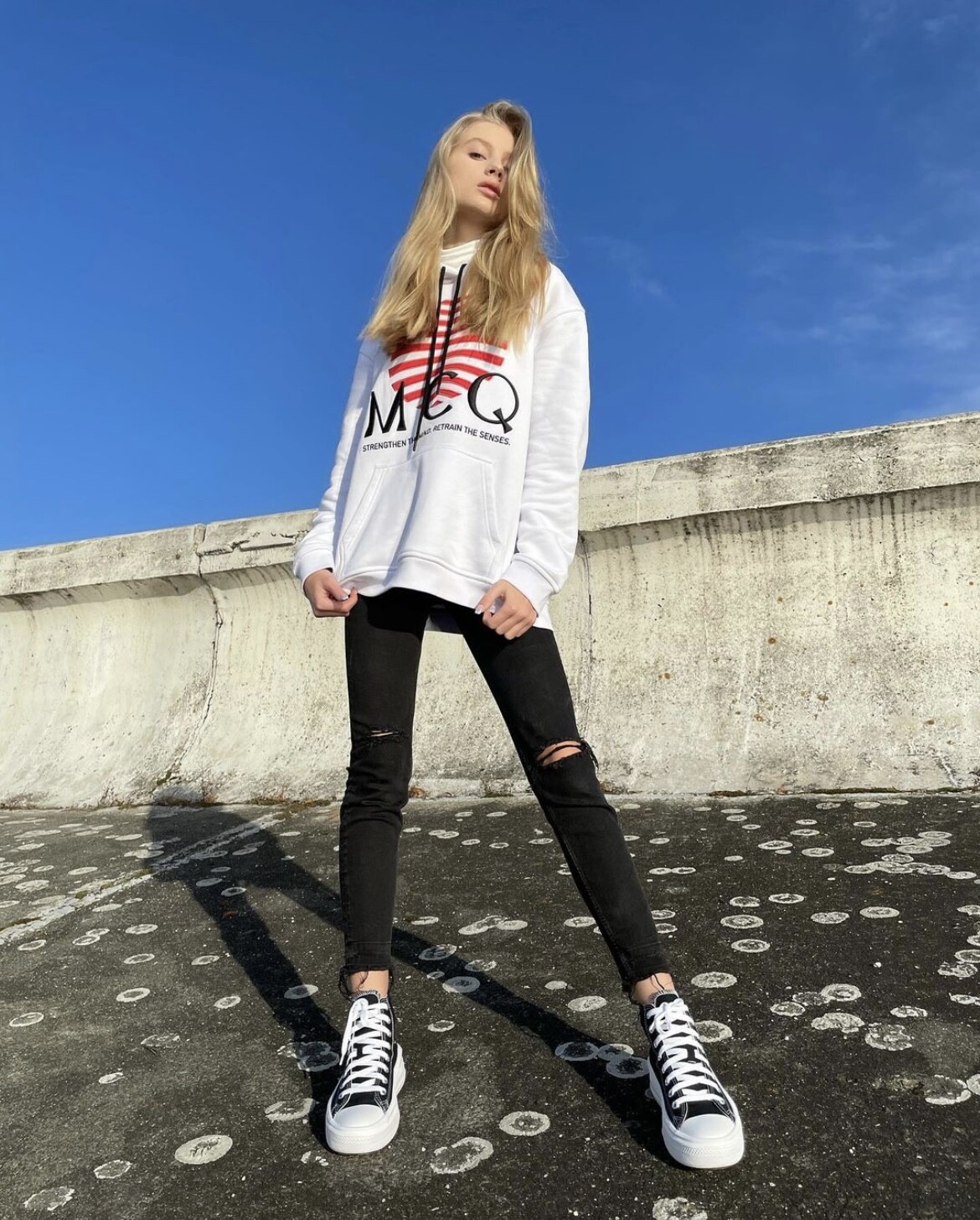



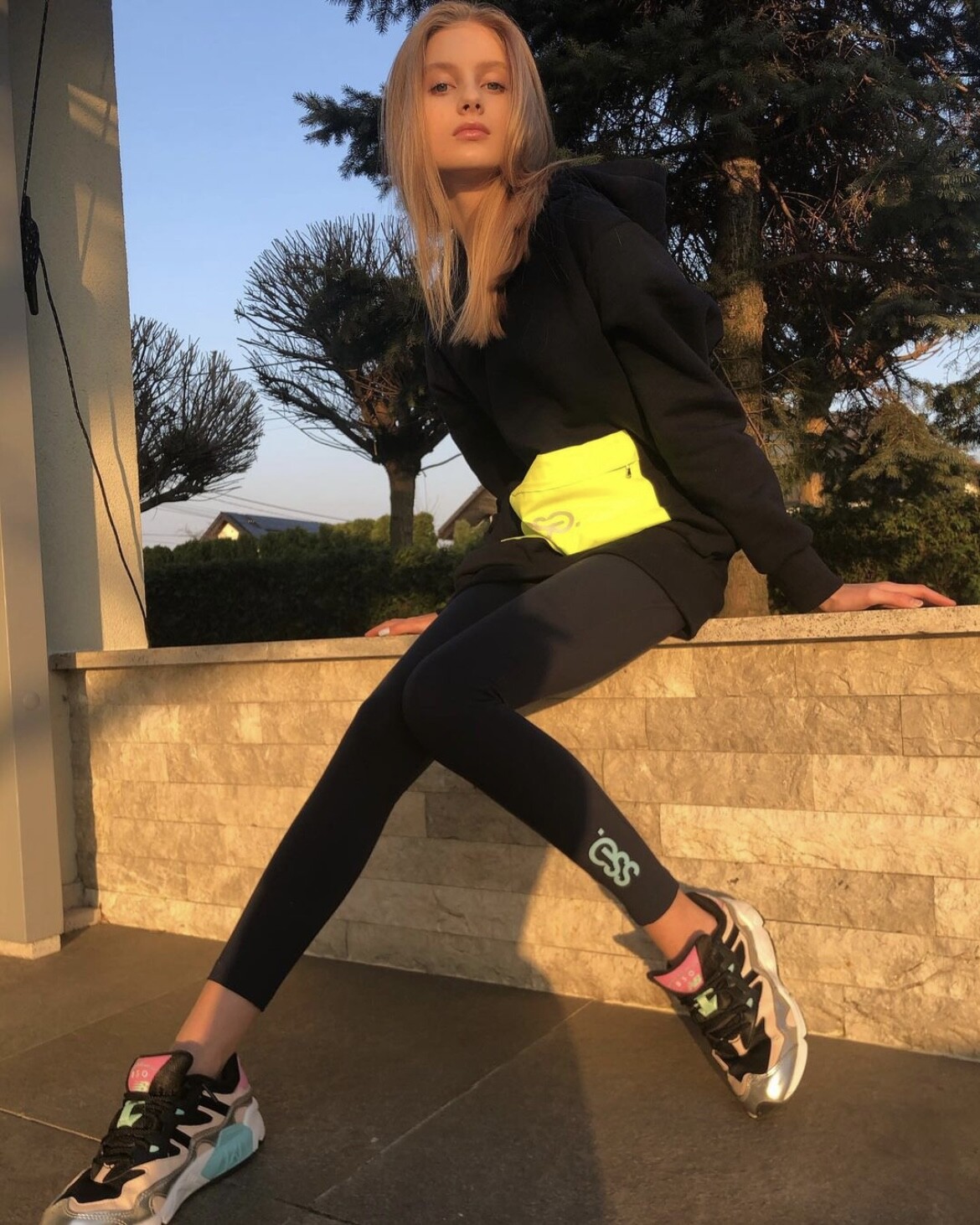


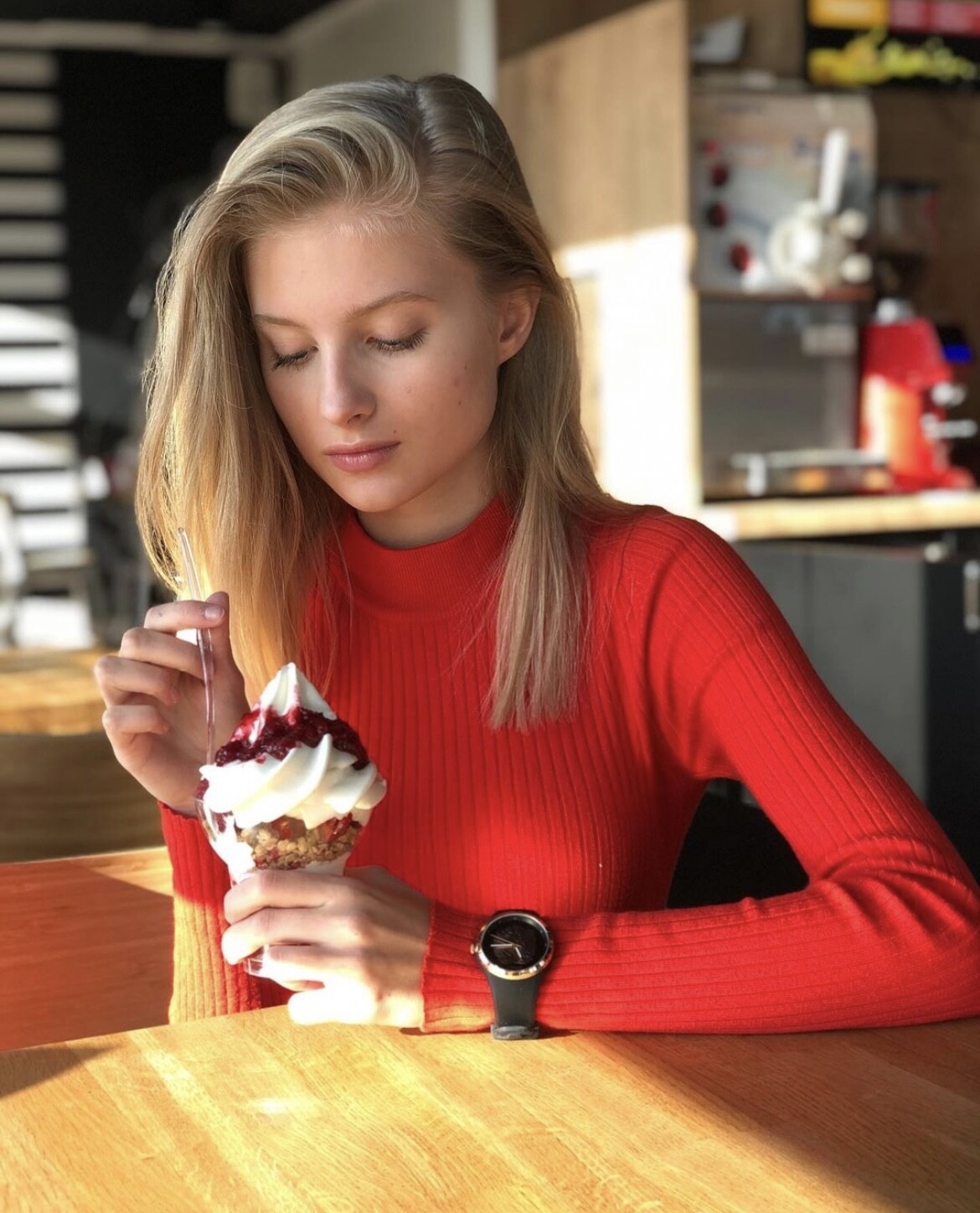
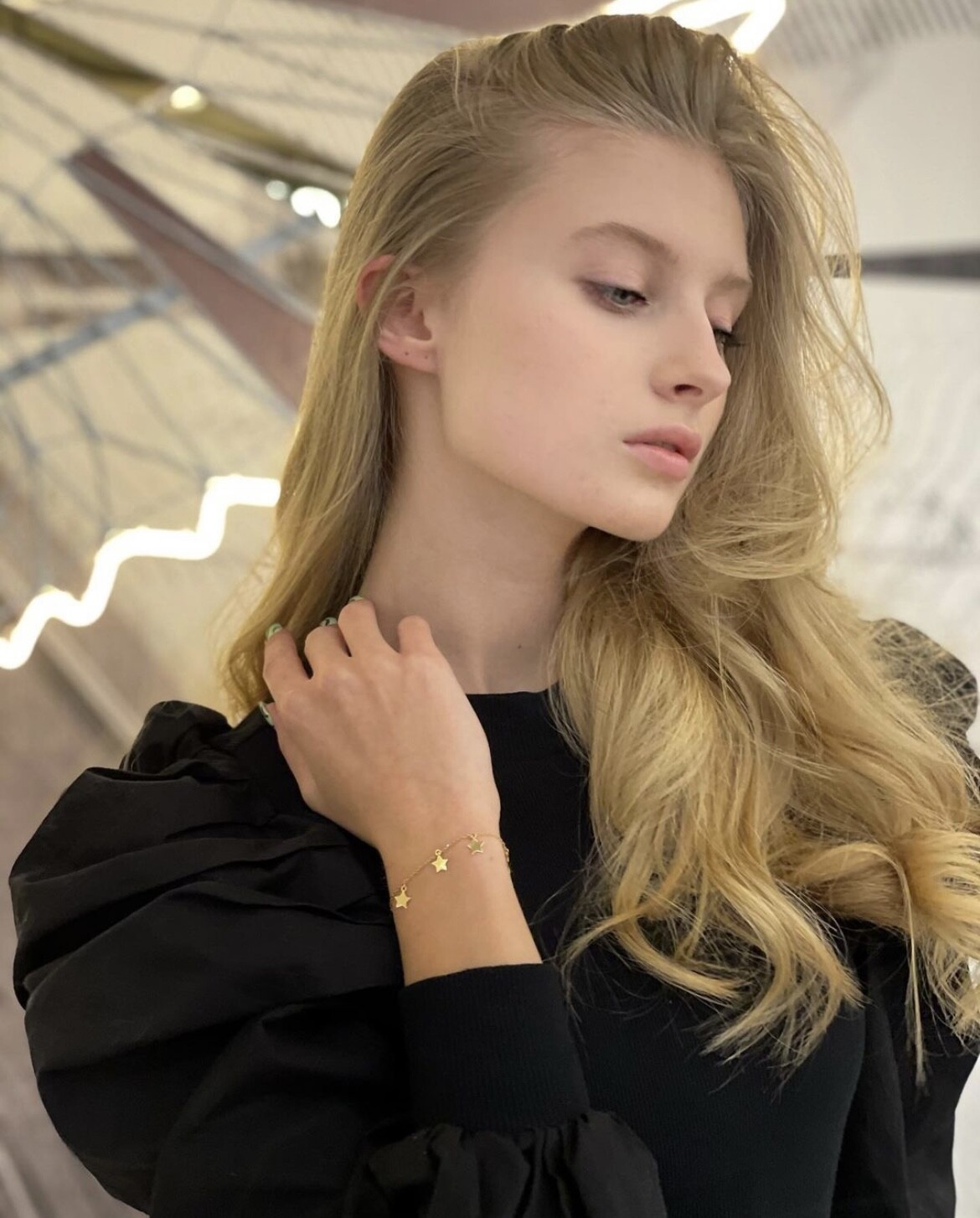

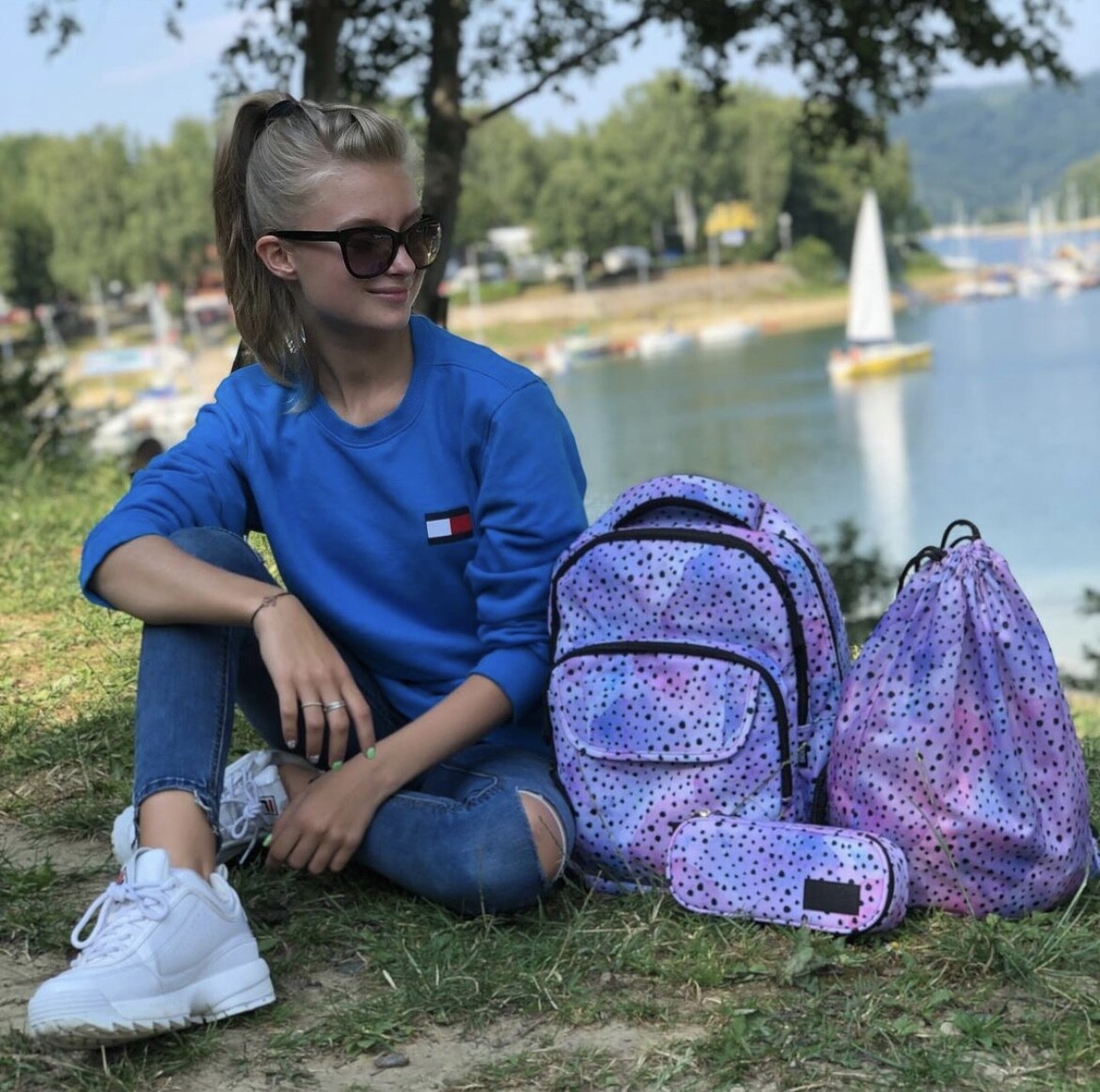

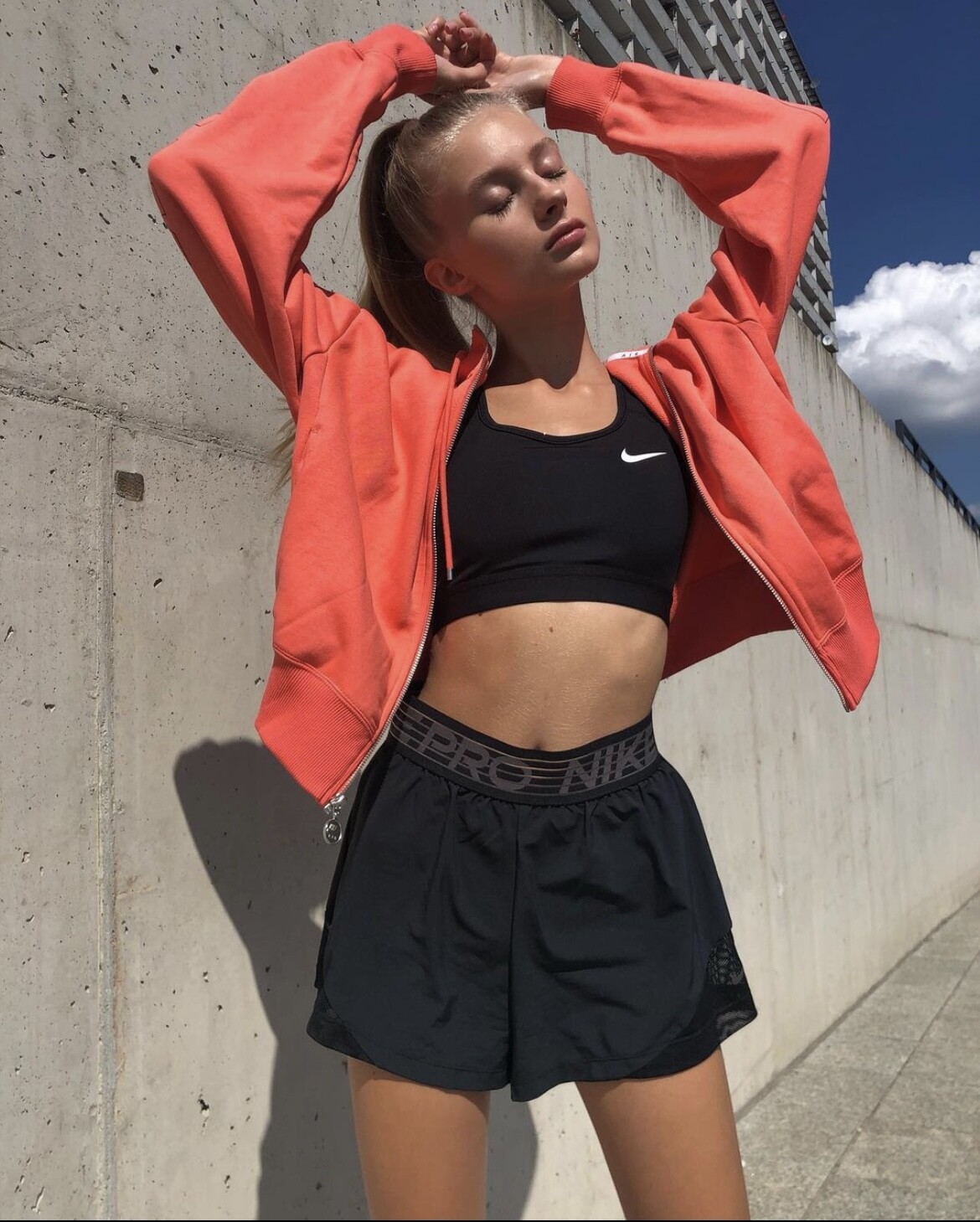




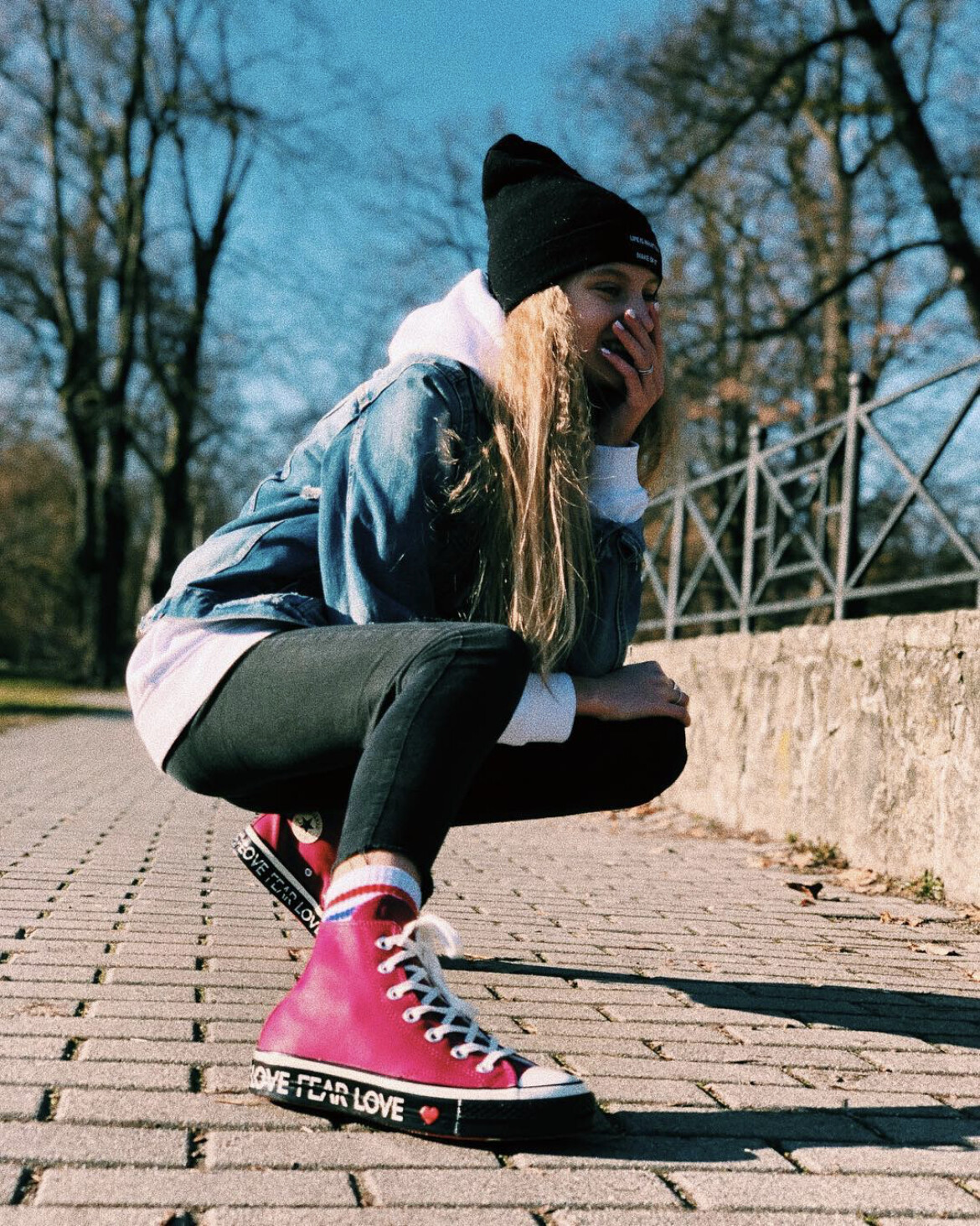
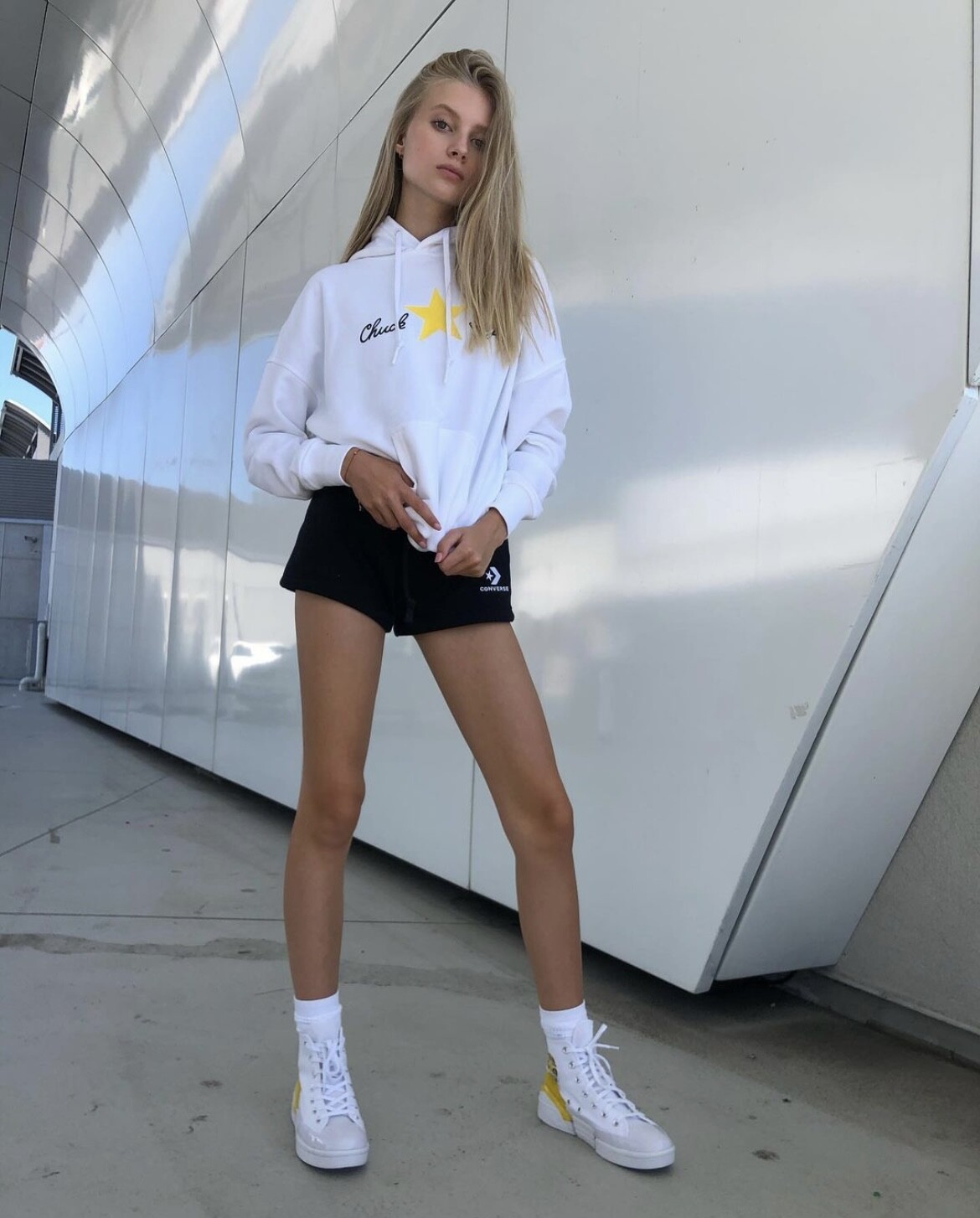
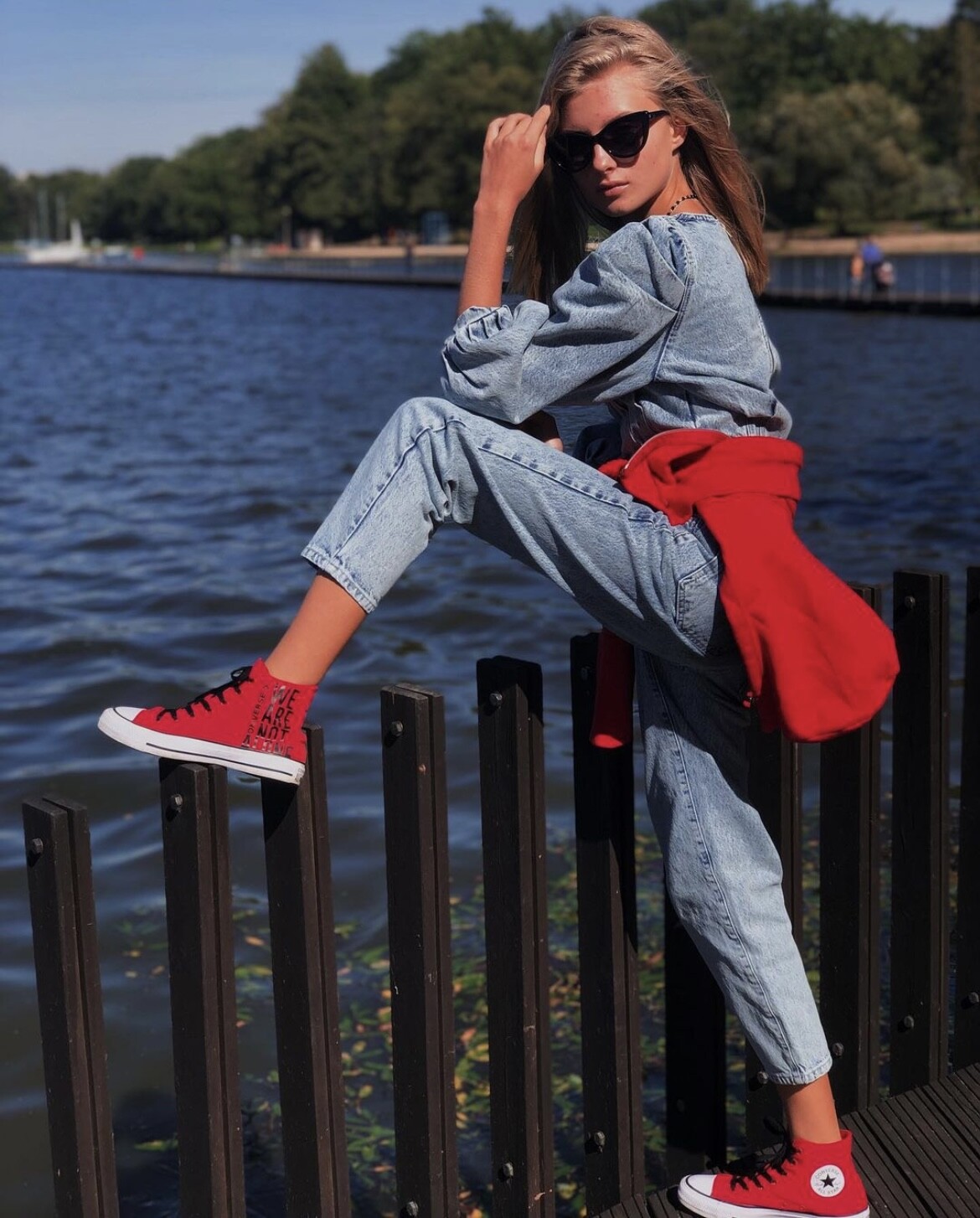
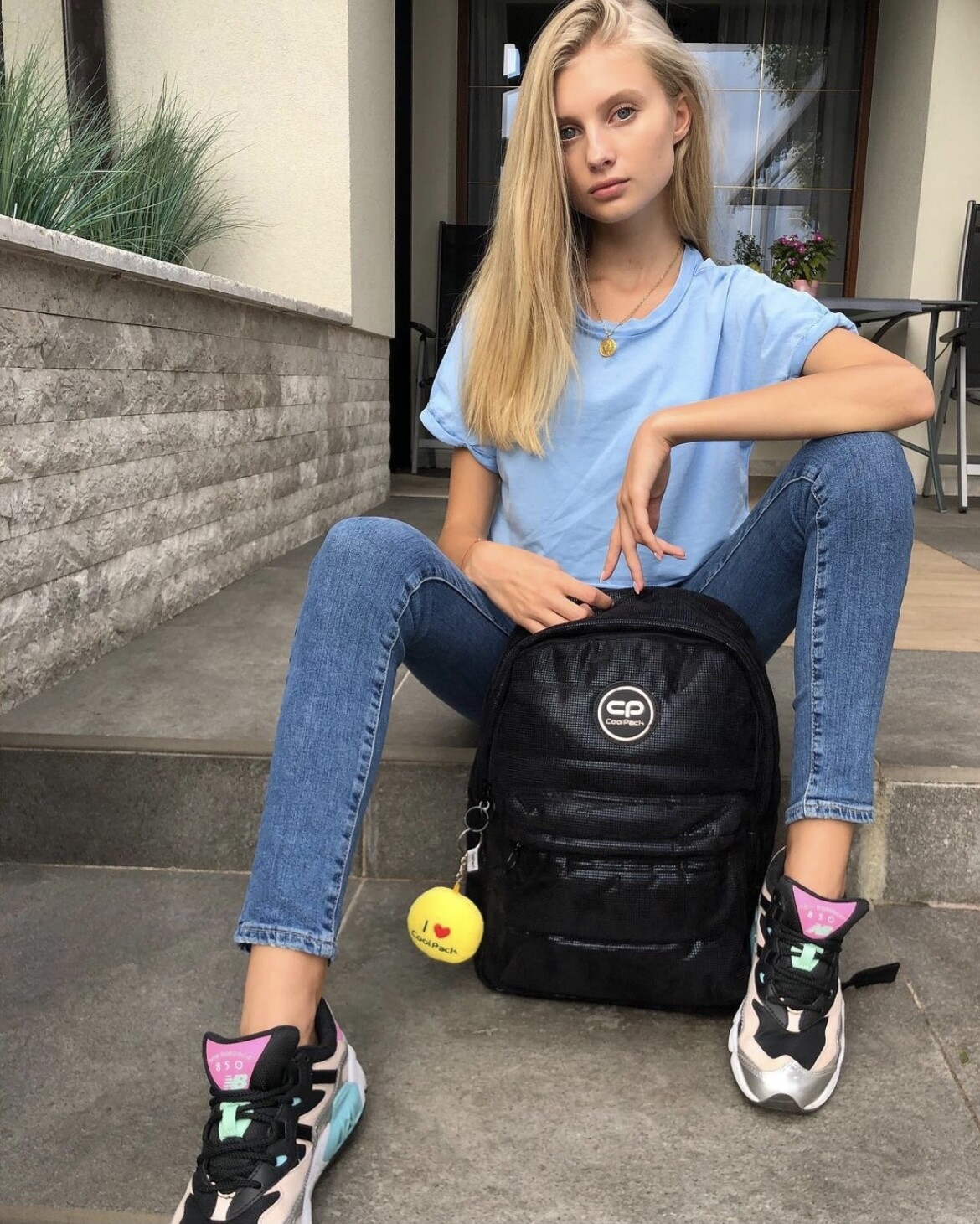





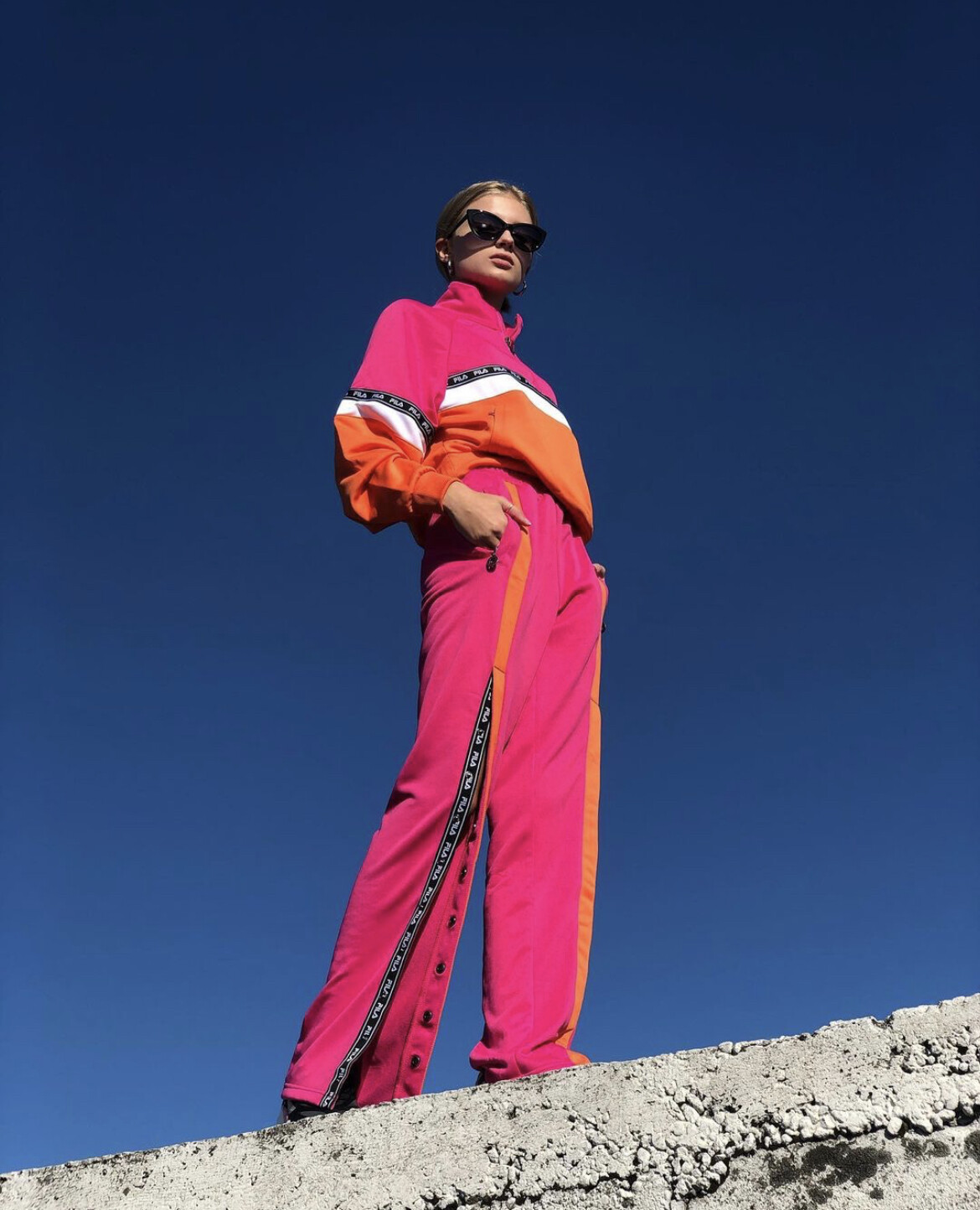



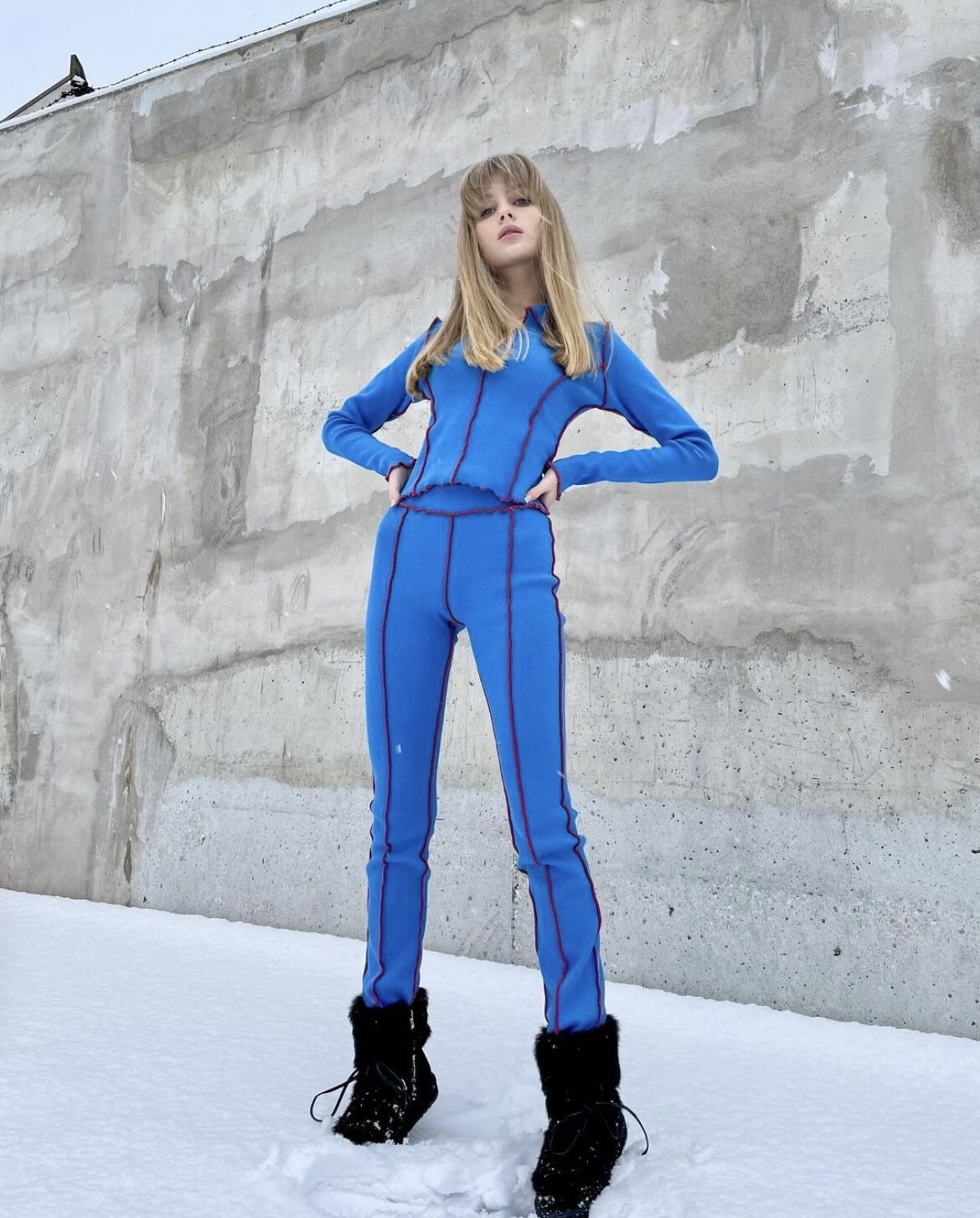



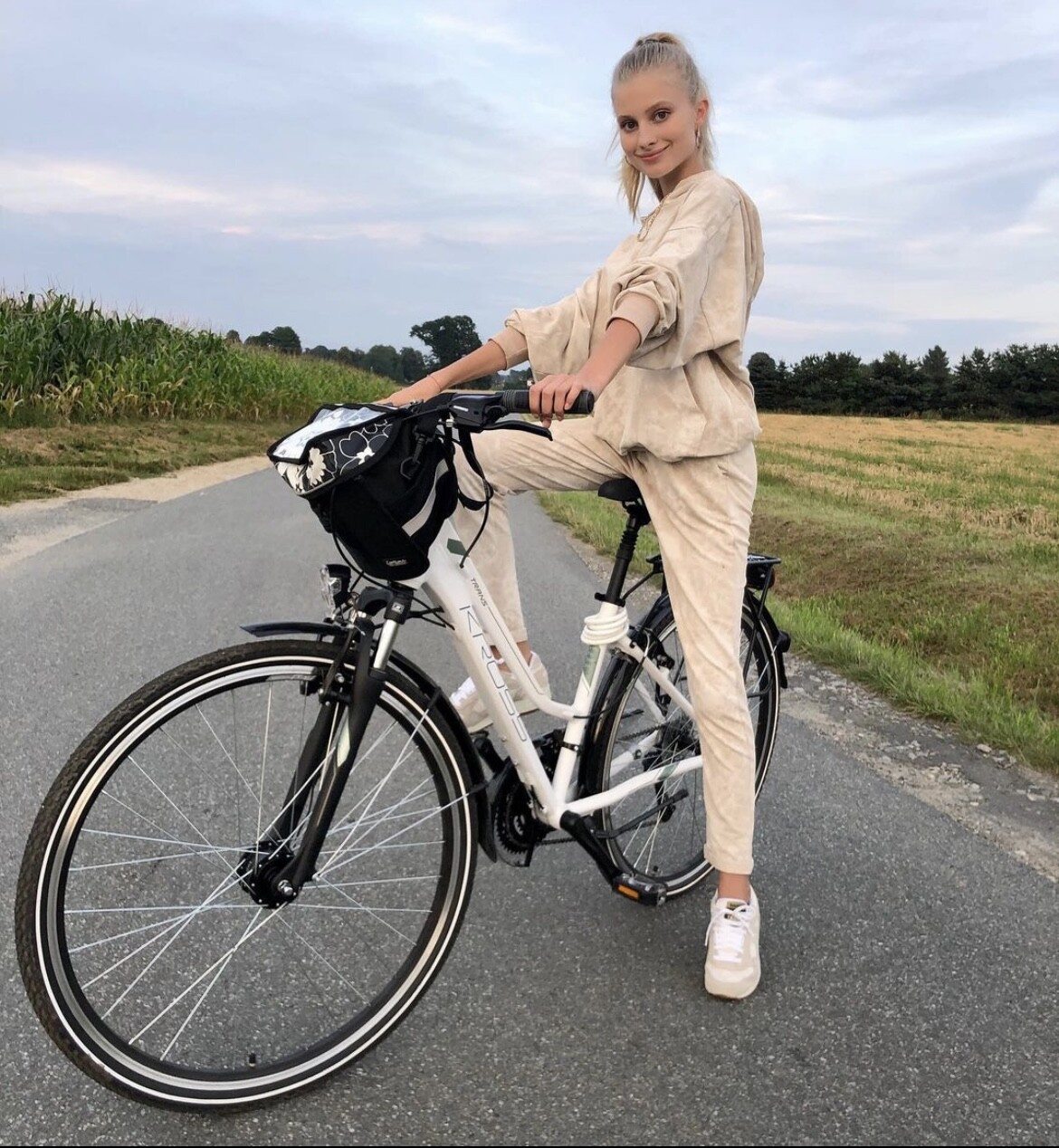







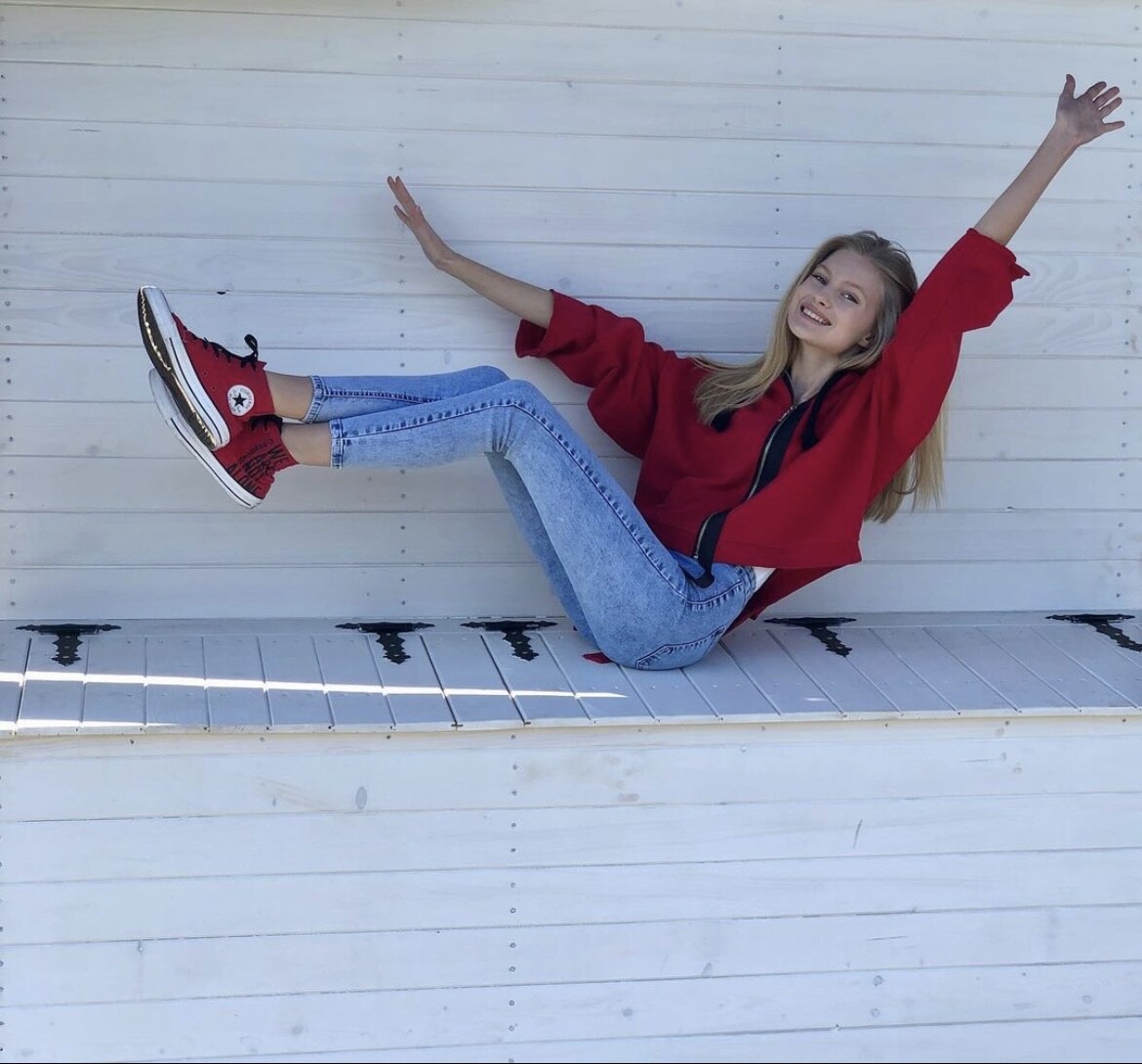

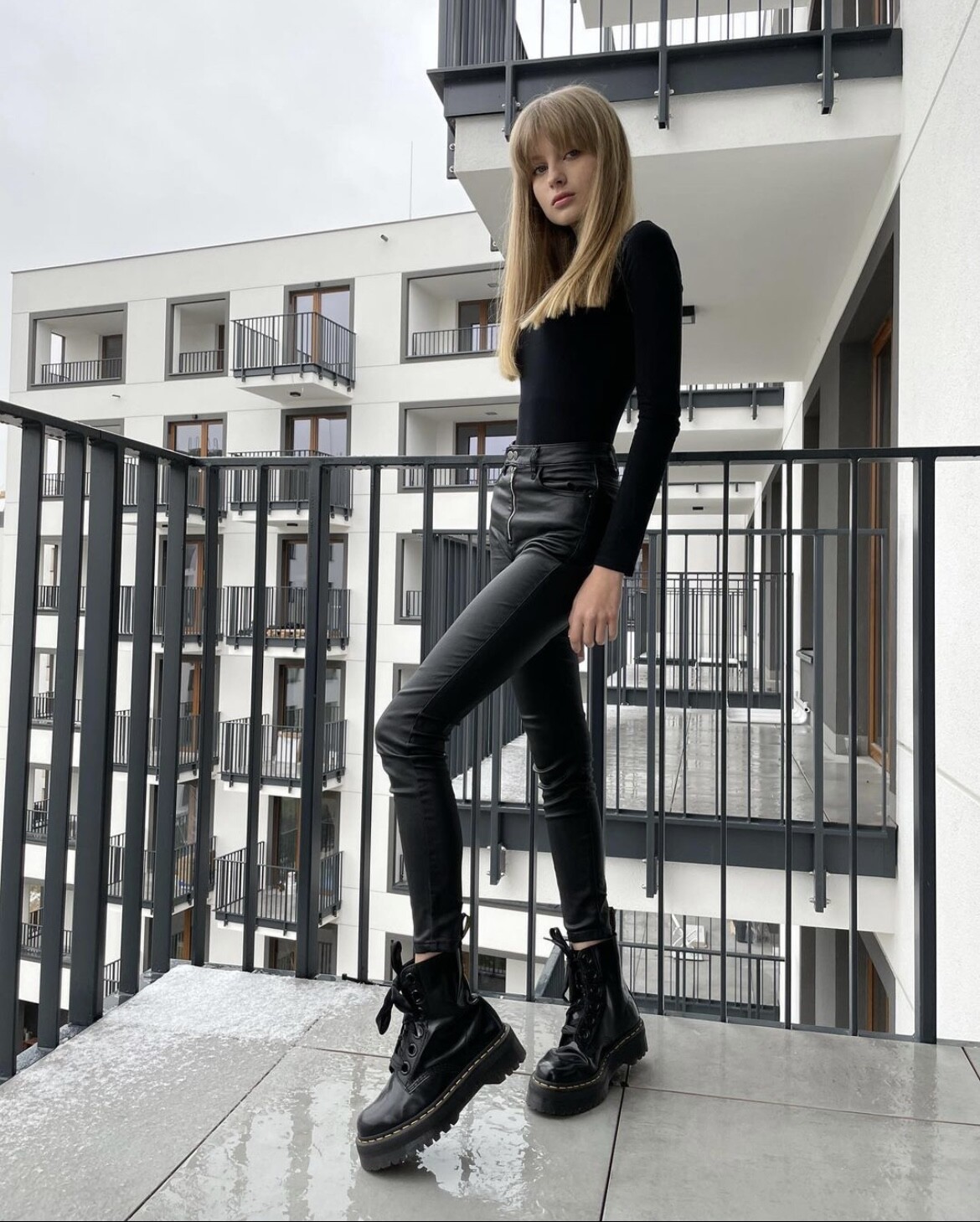
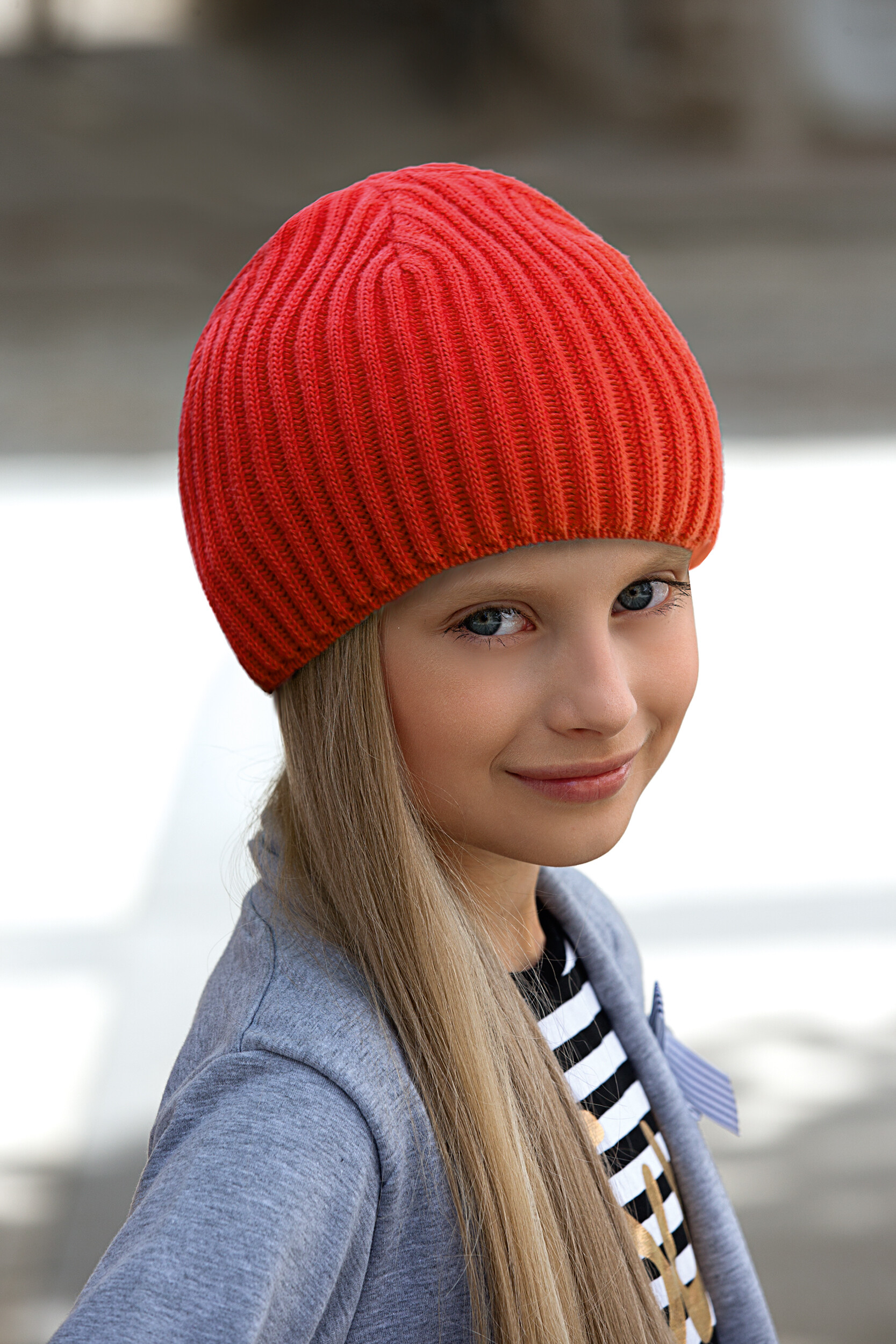

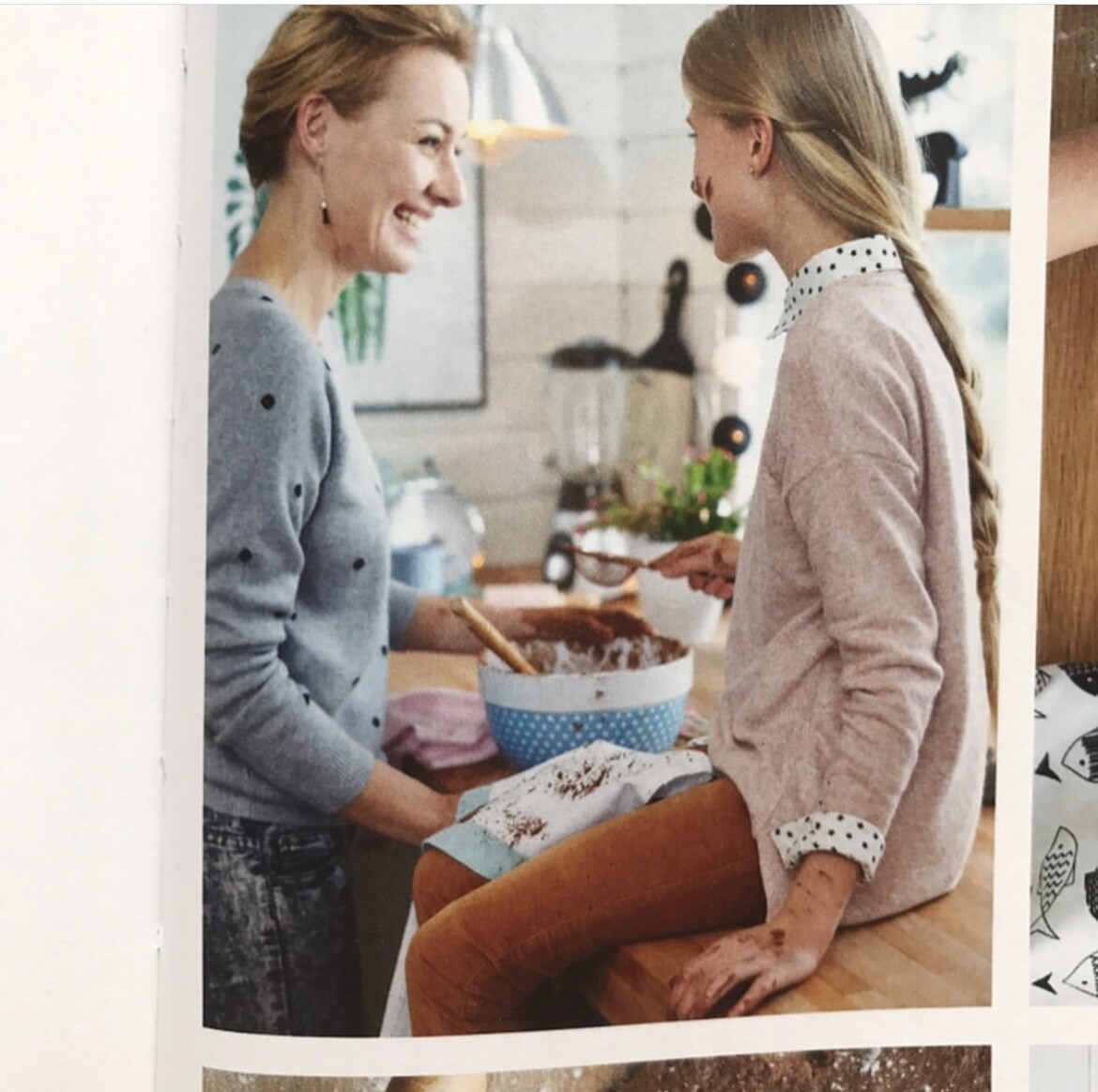


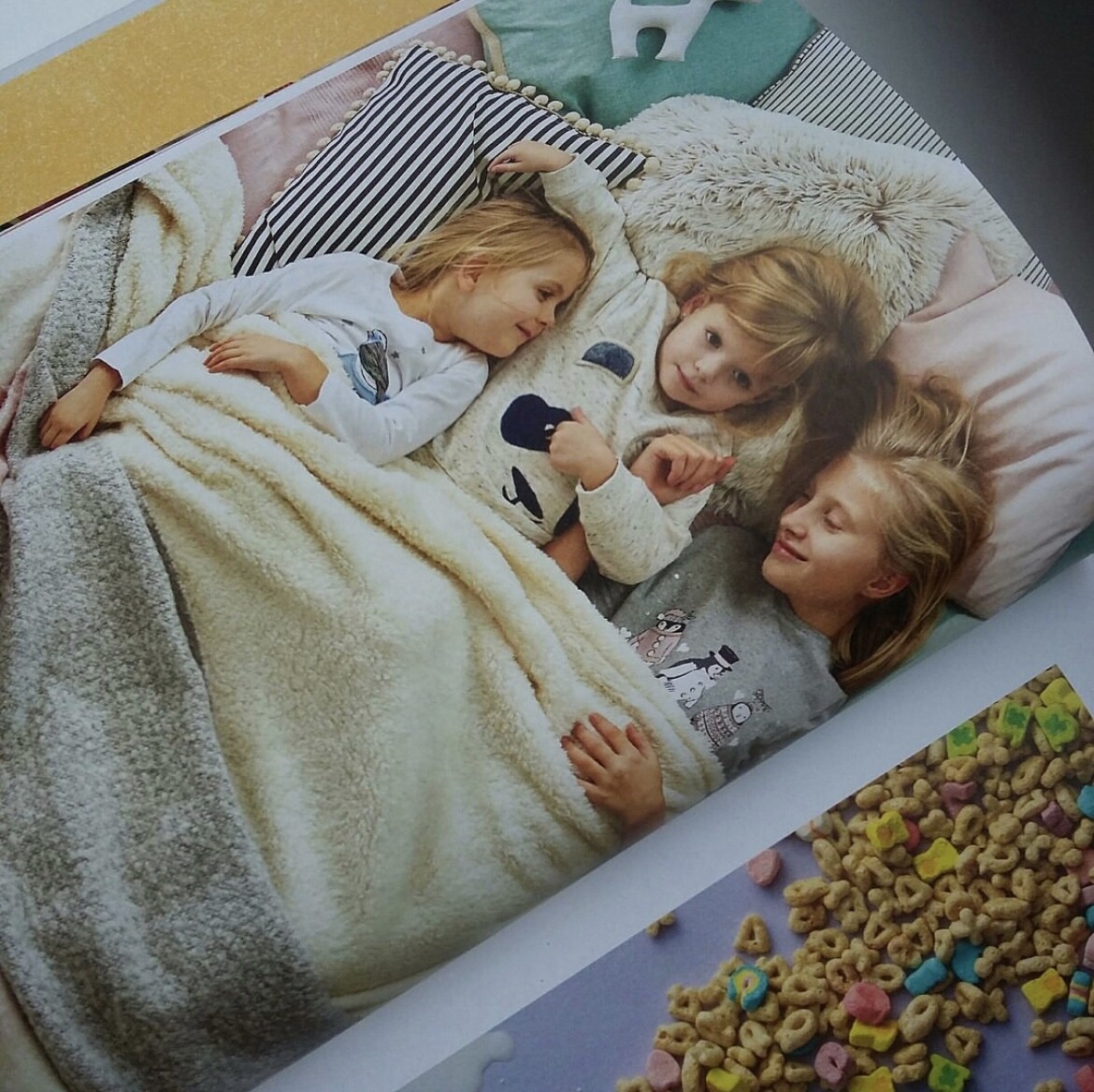
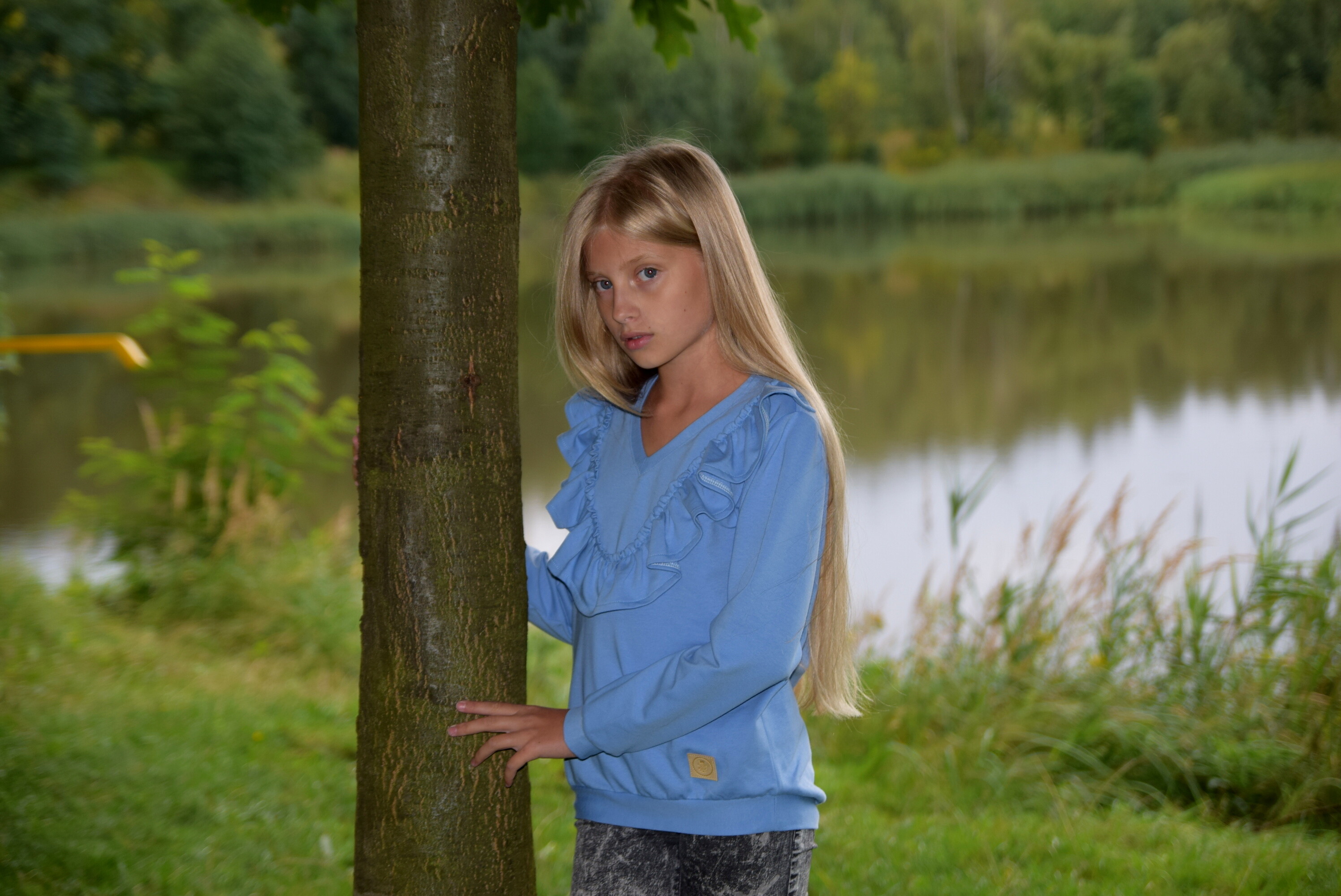






.png.563e747abcf03cb94bc024e639ec8d41.png)

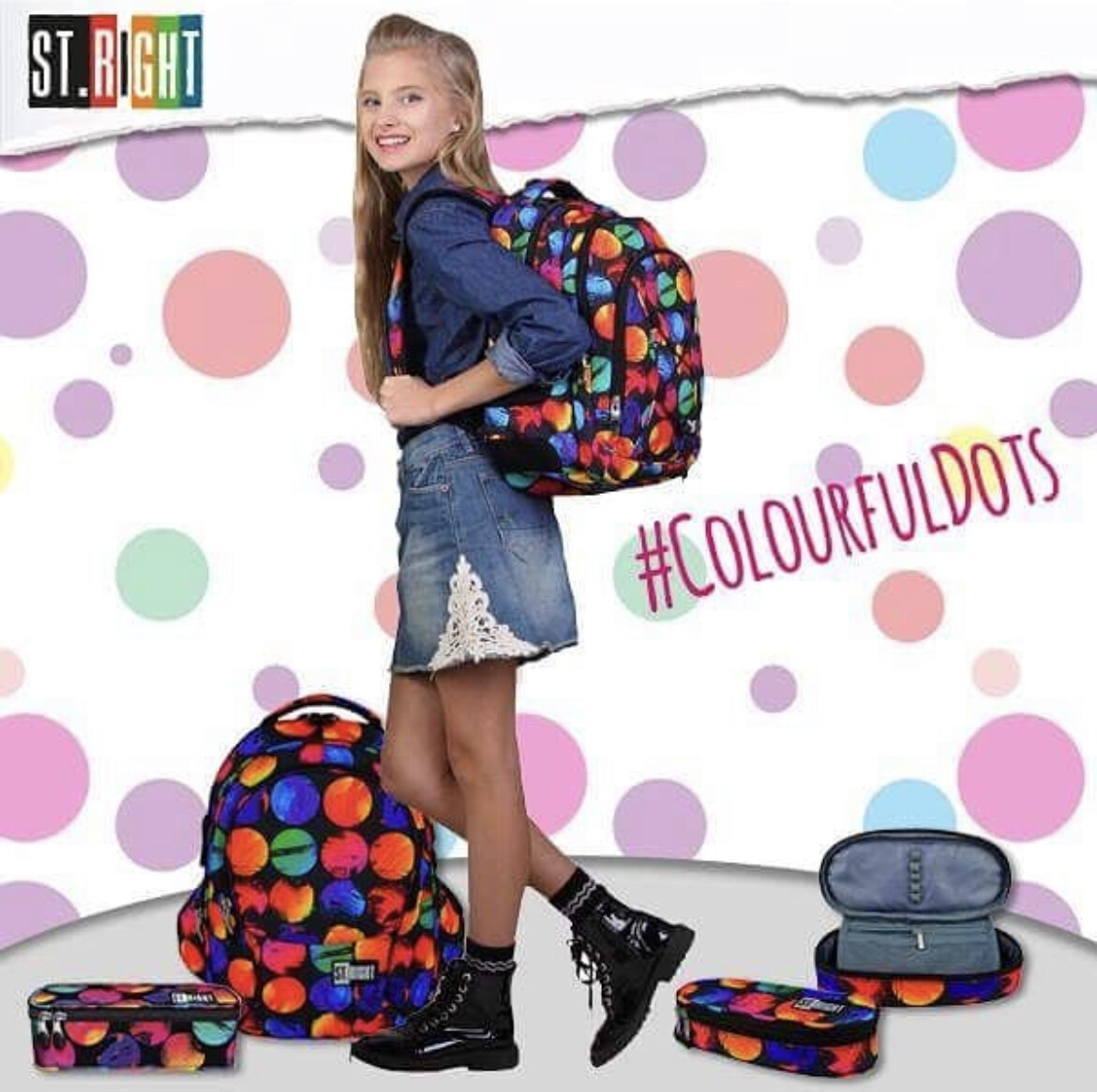



































Account
Navigation
Search
Configure browser push notifications
Chrome (Android)
- Tap the lock icon next to the address bar.
- Tap Permissions → Notifications.
- Adjust your preference.
Chrome (Desktop)
- Click the padlock icon in the address bar.
- Select Site settings.
- Find Notifications and adjust your preference.
Safari (iOS 16.4+)
- Ensure the site is installed via Add to Home Screen.
- Open Settings App → Notifications.
- Find your app name and adjust your preference.
Safari (macOS)
- Go to Safari → Preferences.
- Click the Websites tab.
- Select Notifications in the sidebar.
- Find this website and adjust your preference.
Edge (Android)
- Tap the lock icon next to the address bar.
- Tap Permissions.
- Find Notifications and adjust your preference.
Edge (Desktop)
- Click the padlock icon in the address bar.
- Click Permissions for this site.
- Find Notifications and adjust your preference.
Firefox (Android)
- Go to Settings → Site permissions.
- Tap Notifications.
- Find this site in the list and adjust your preference.
Firefox (Desktop)
- Open Firefox Settings.
- Search for Notifications.
- Find this site in the list and adjust your preference.