Daylight
Members
-
Joined
Everything posted by Daylight
-
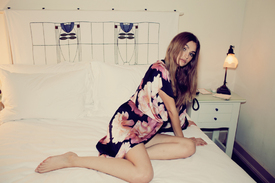
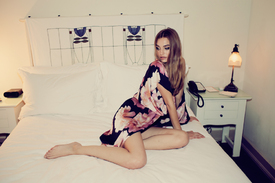
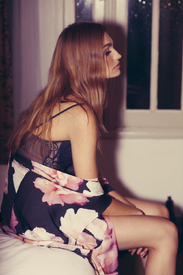
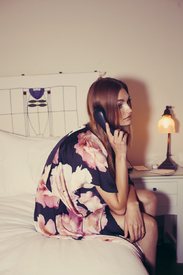
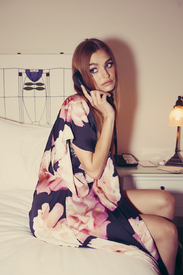
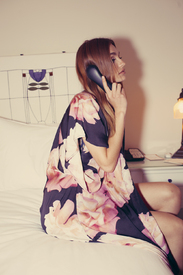
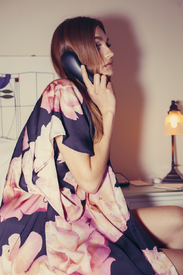
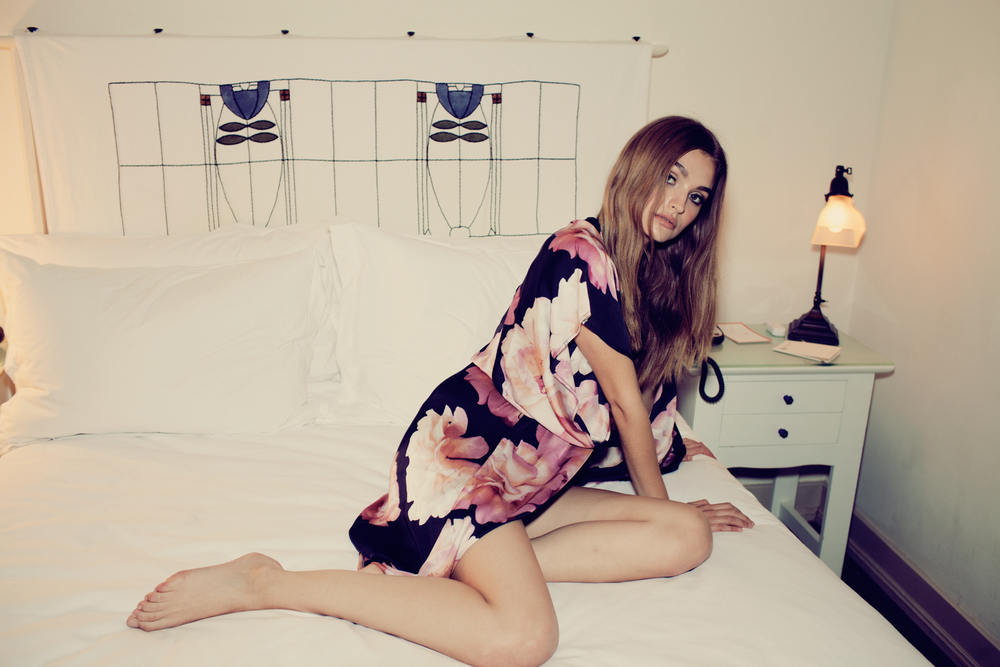
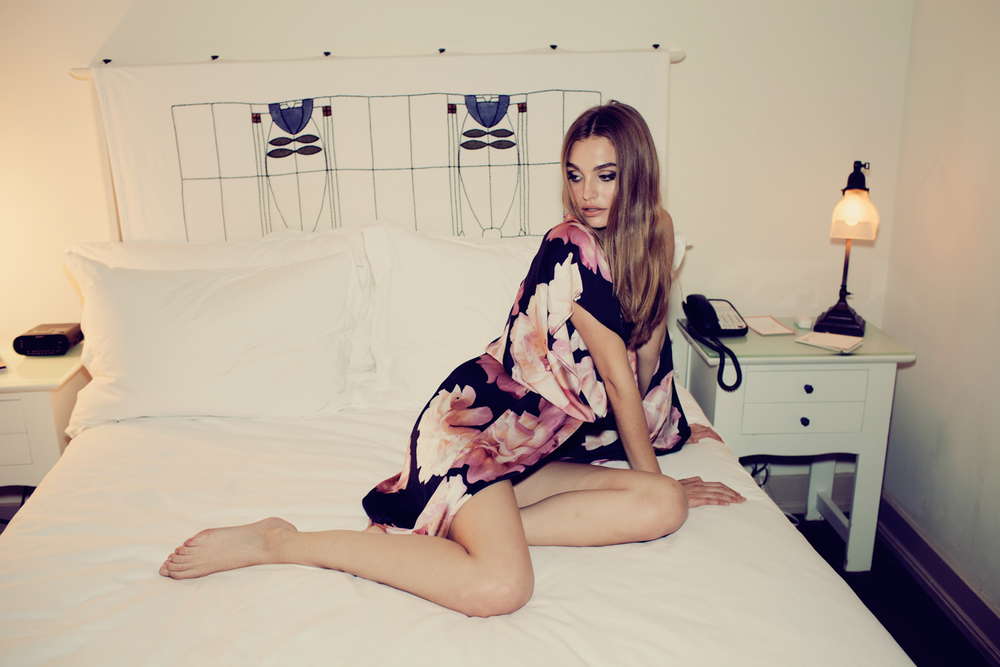
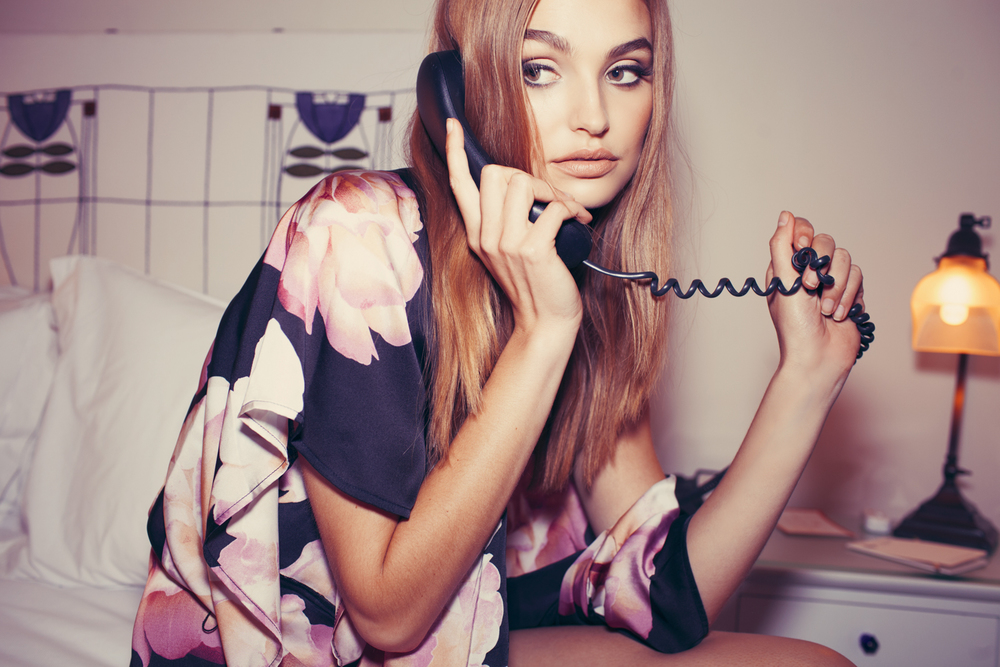
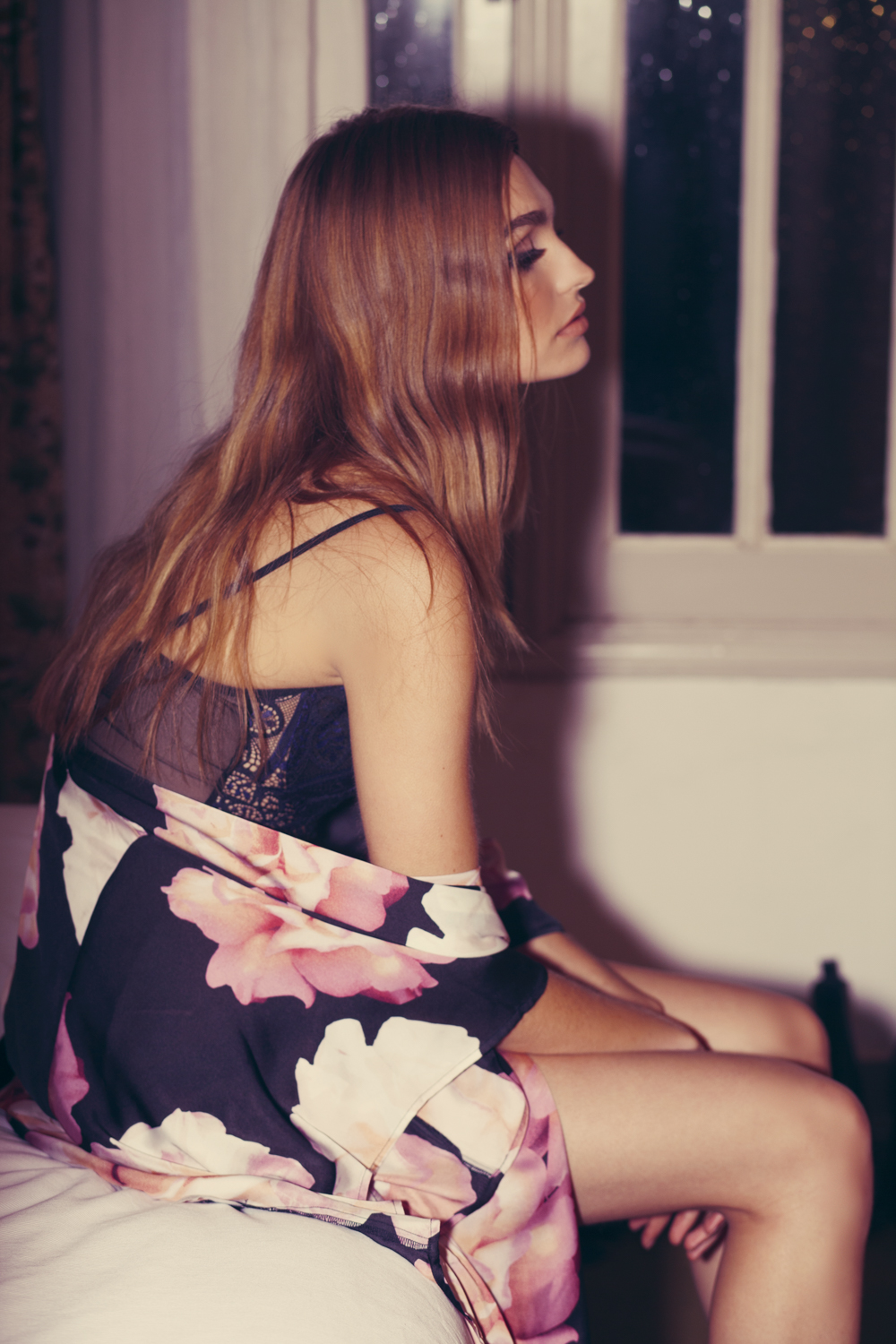
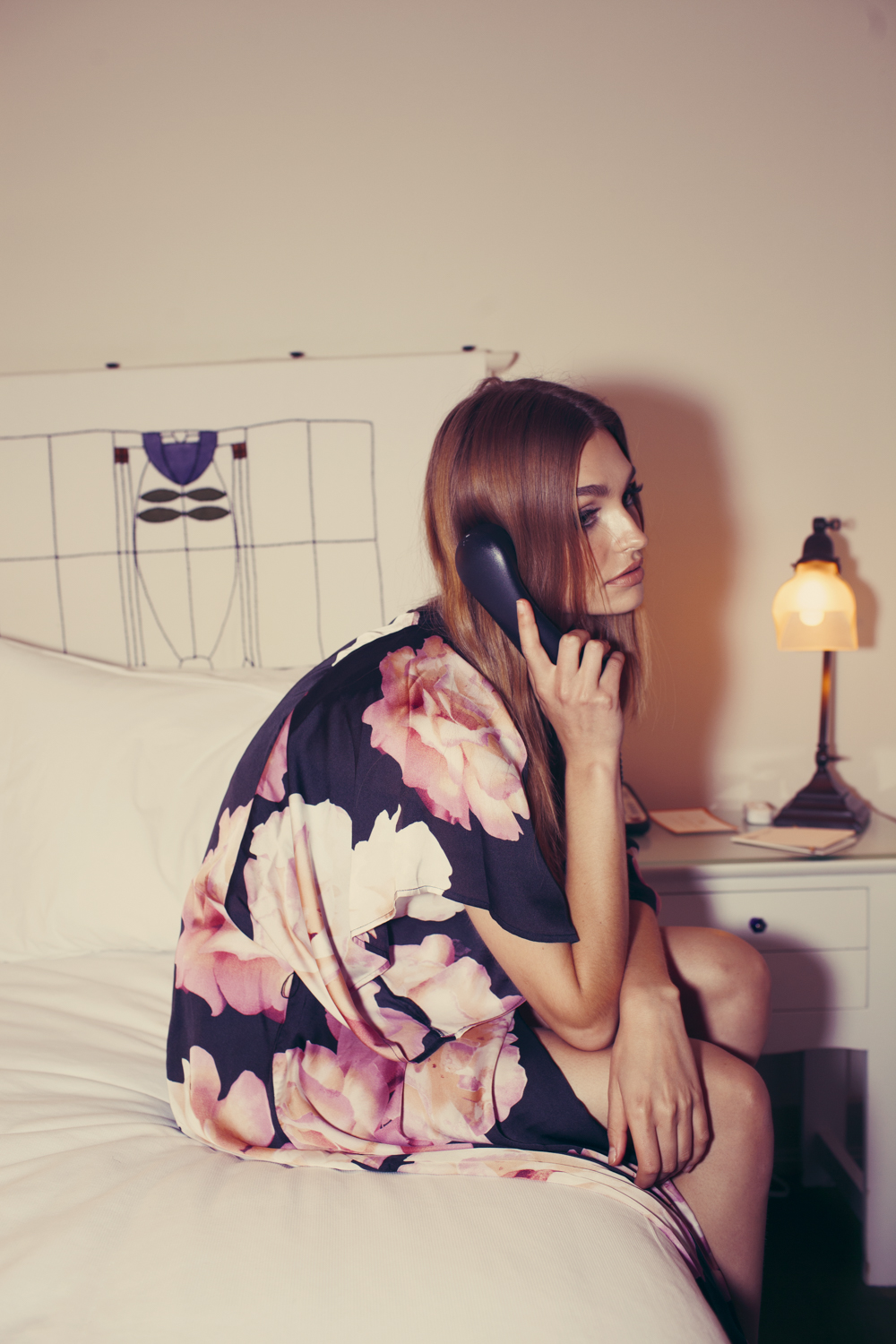
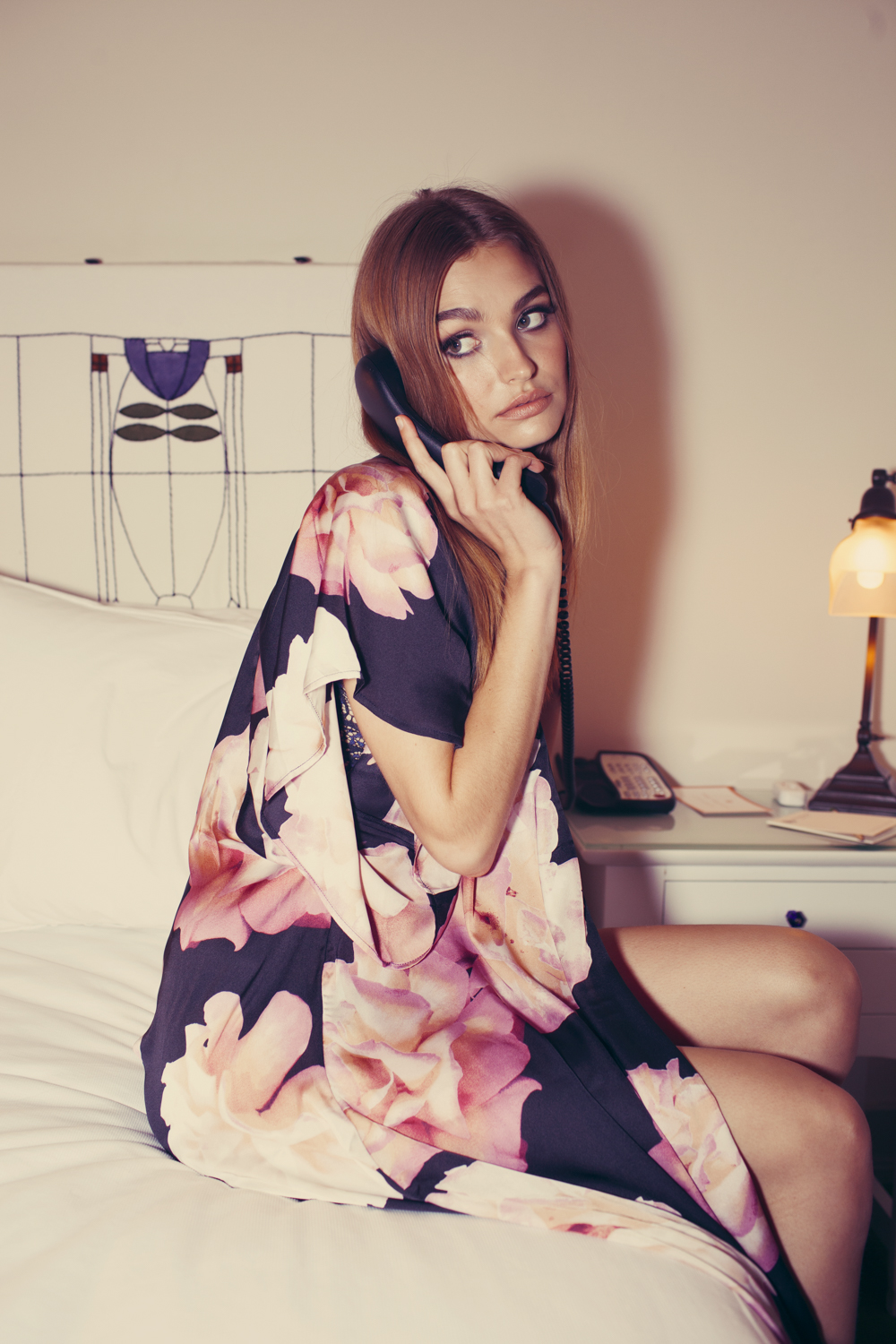
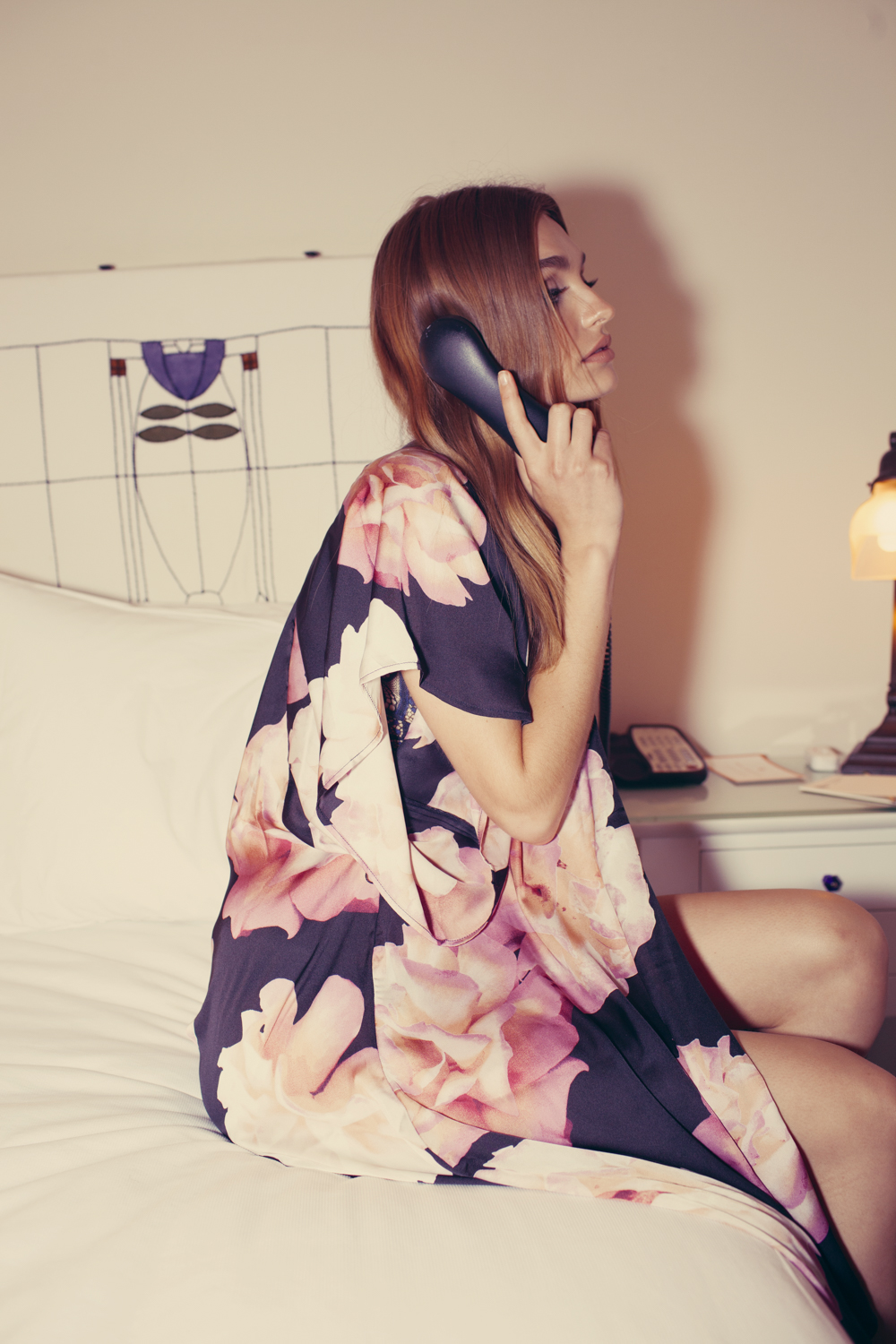
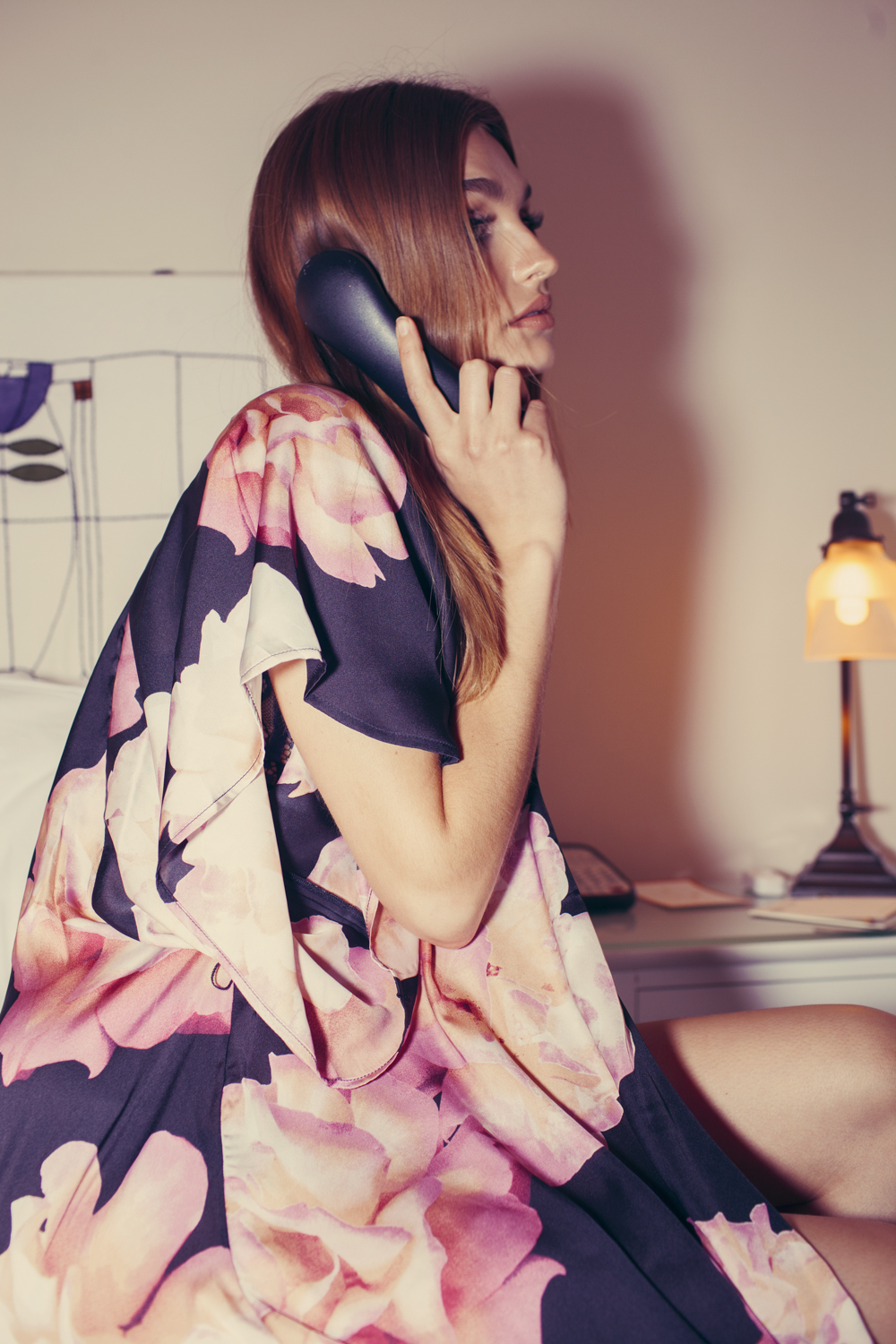
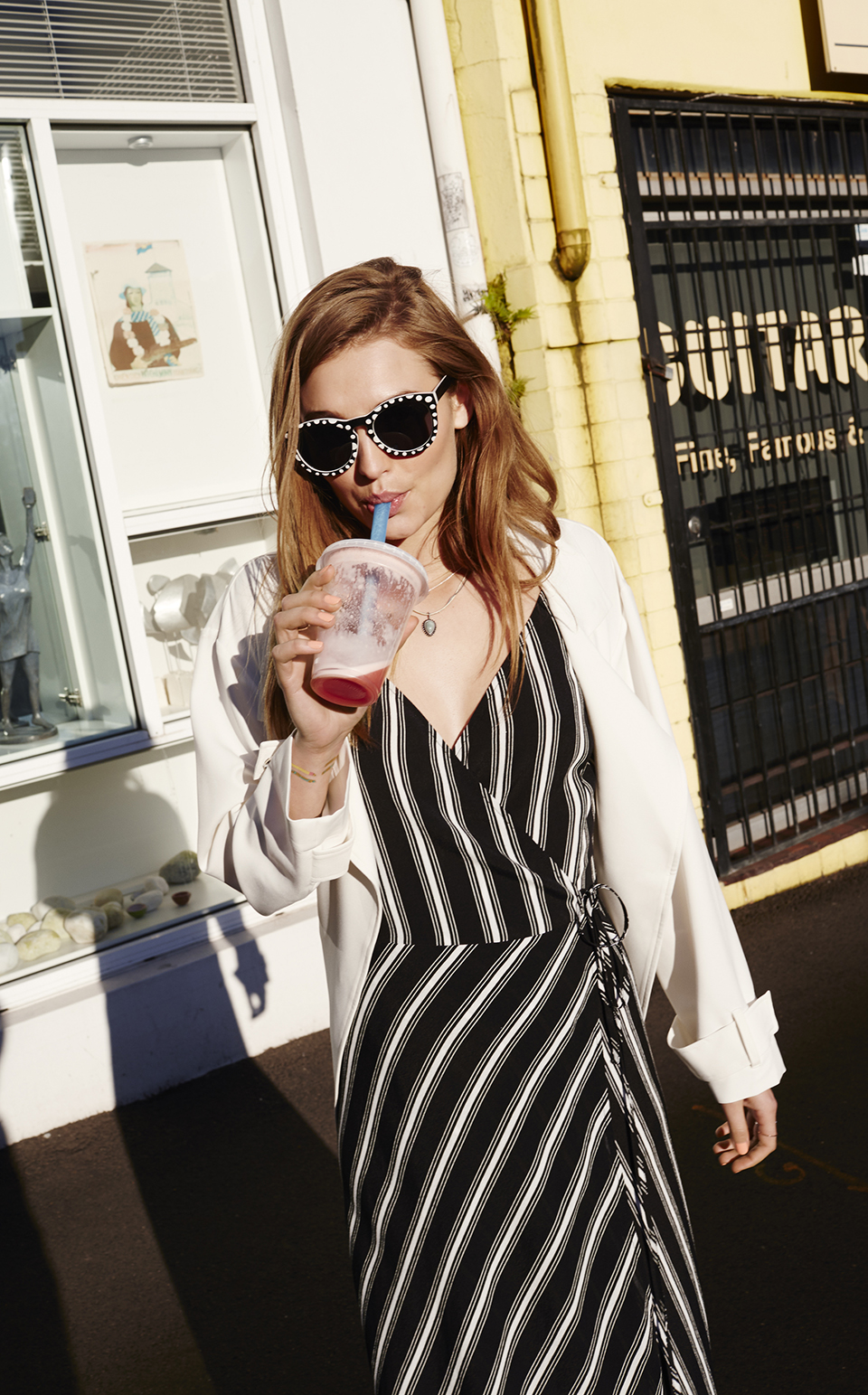
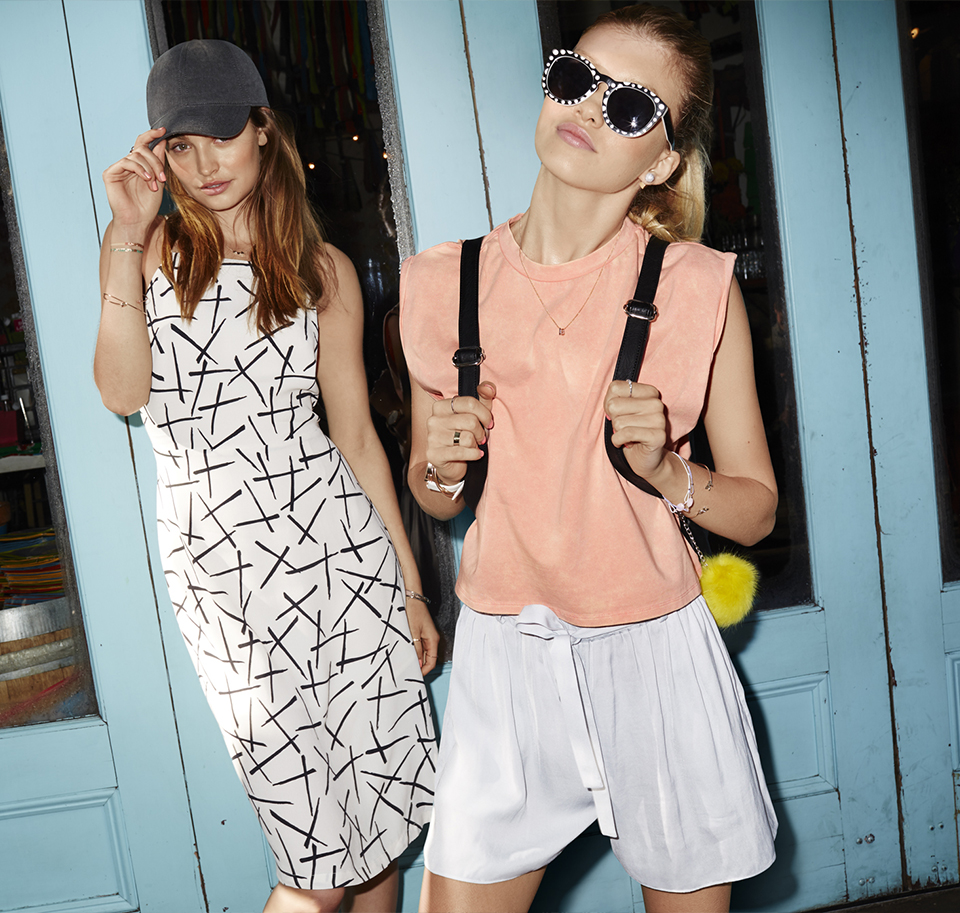
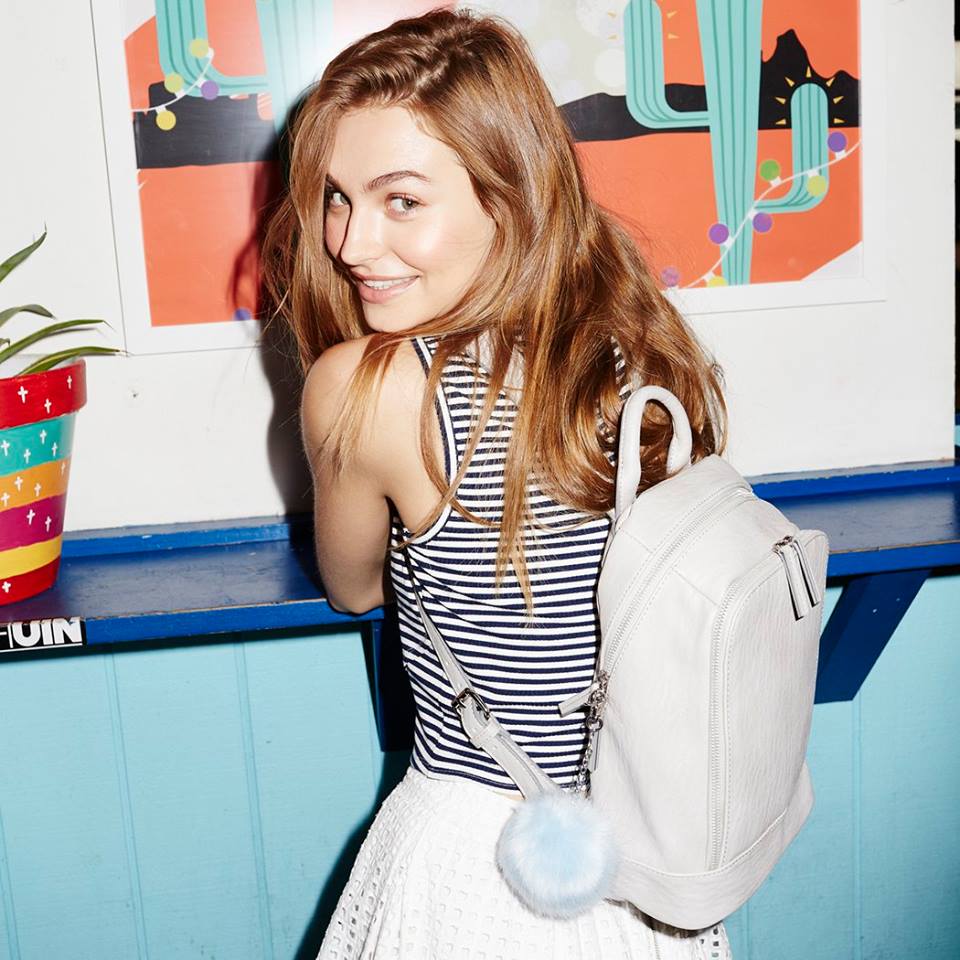
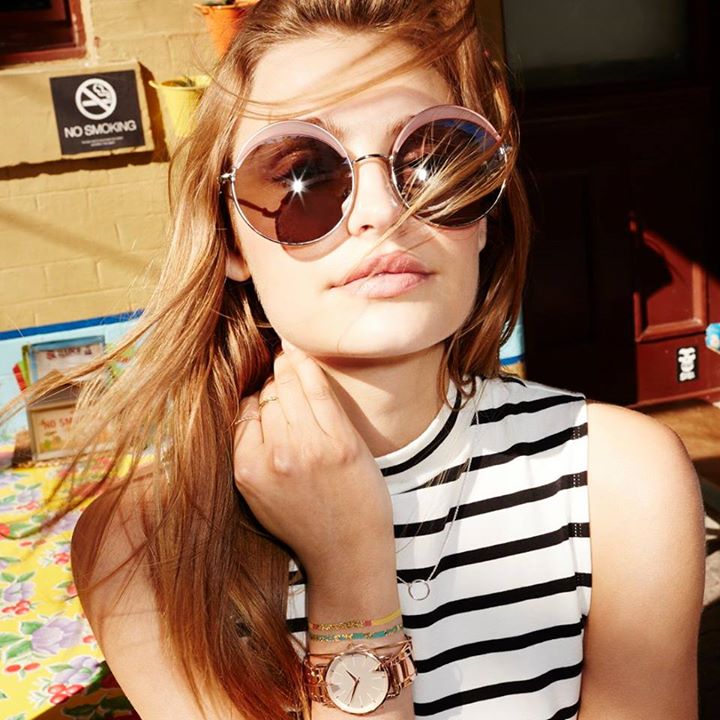
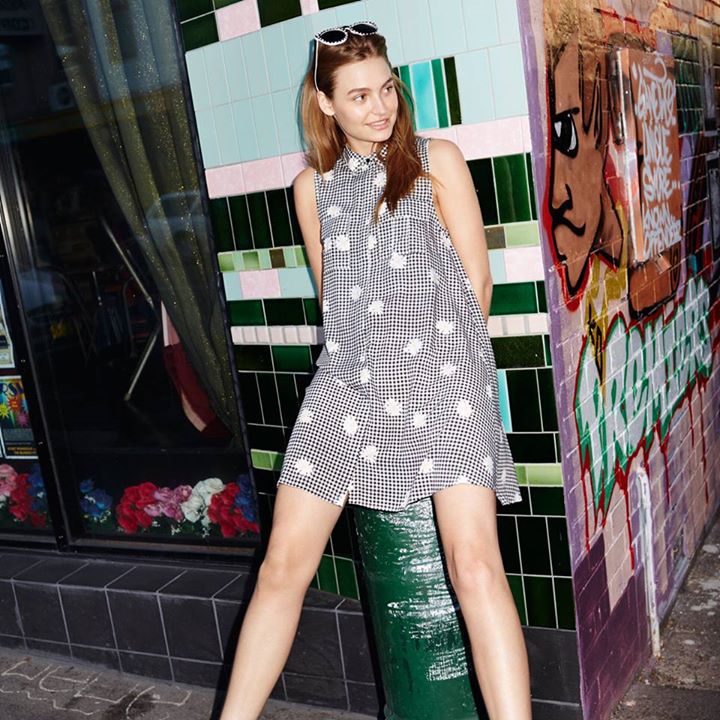
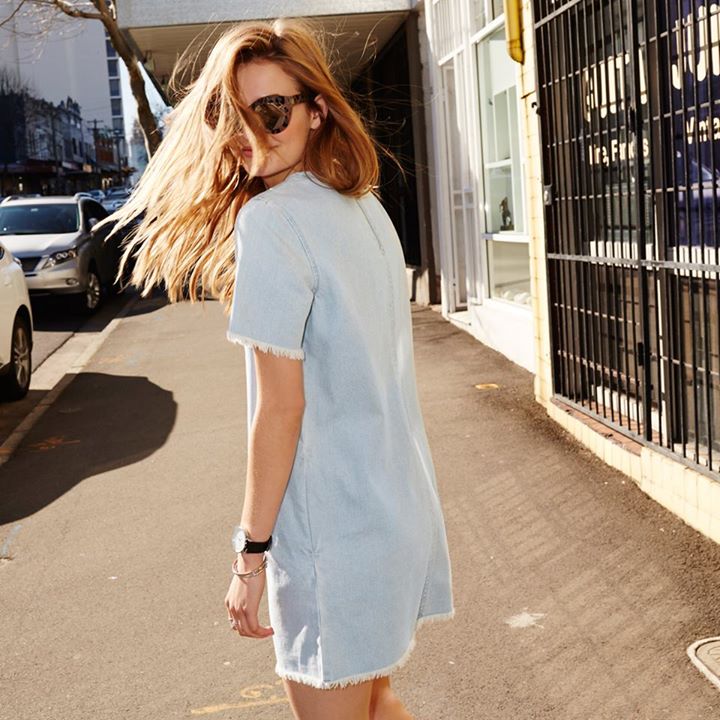
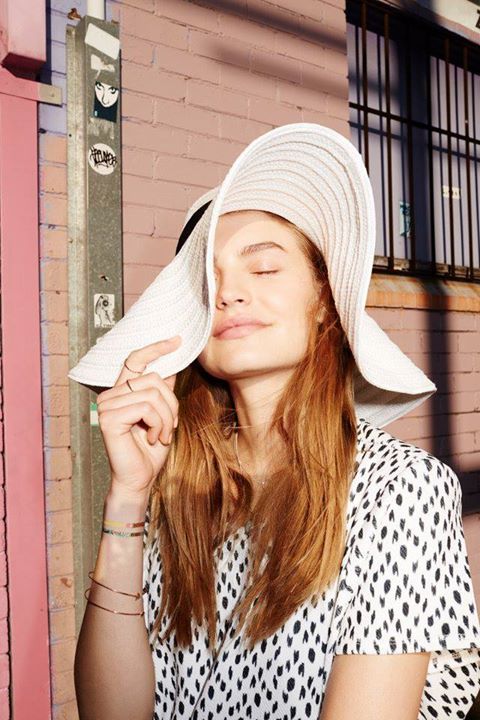
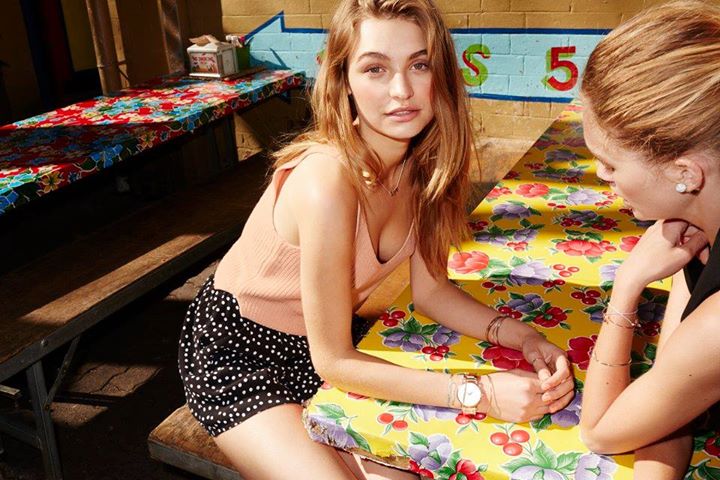
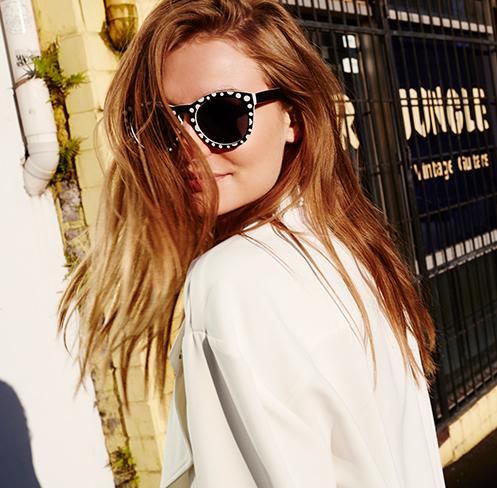
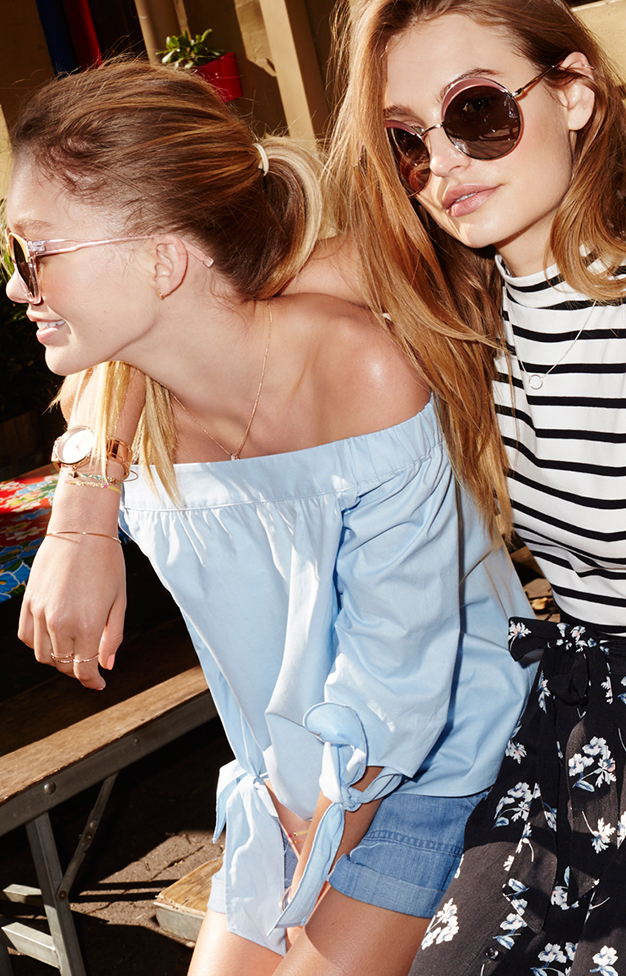
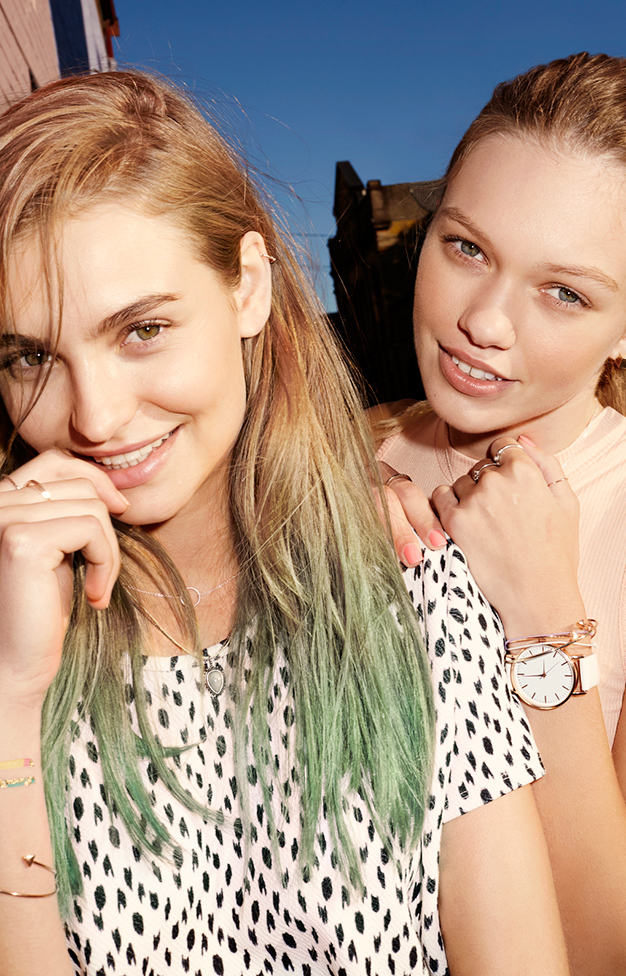
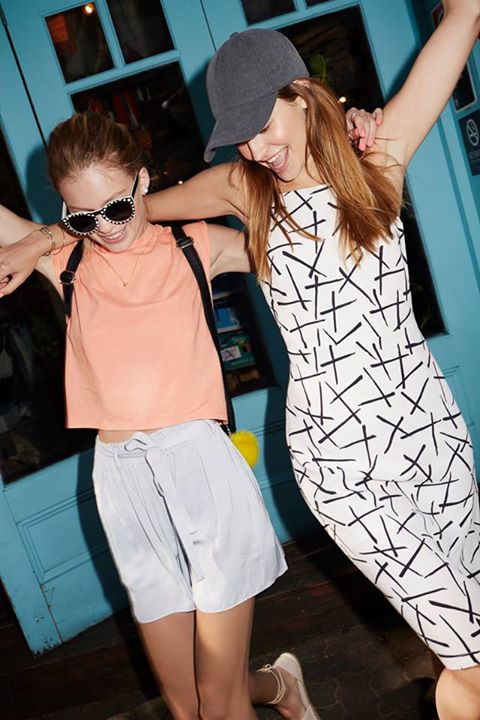
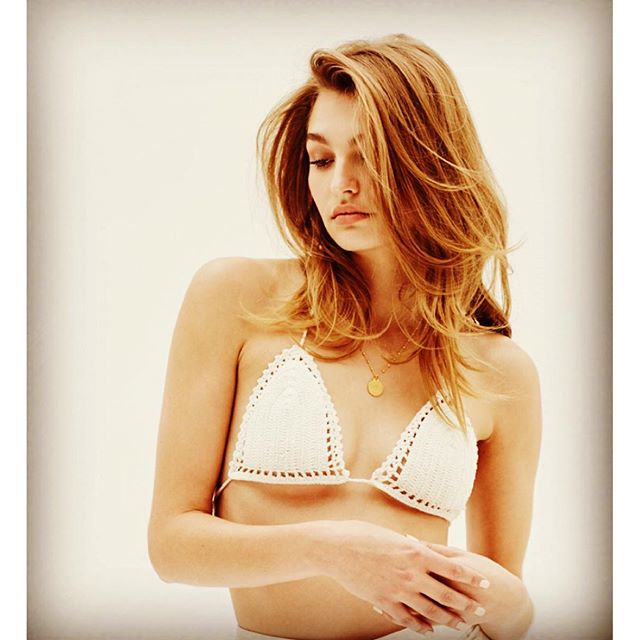
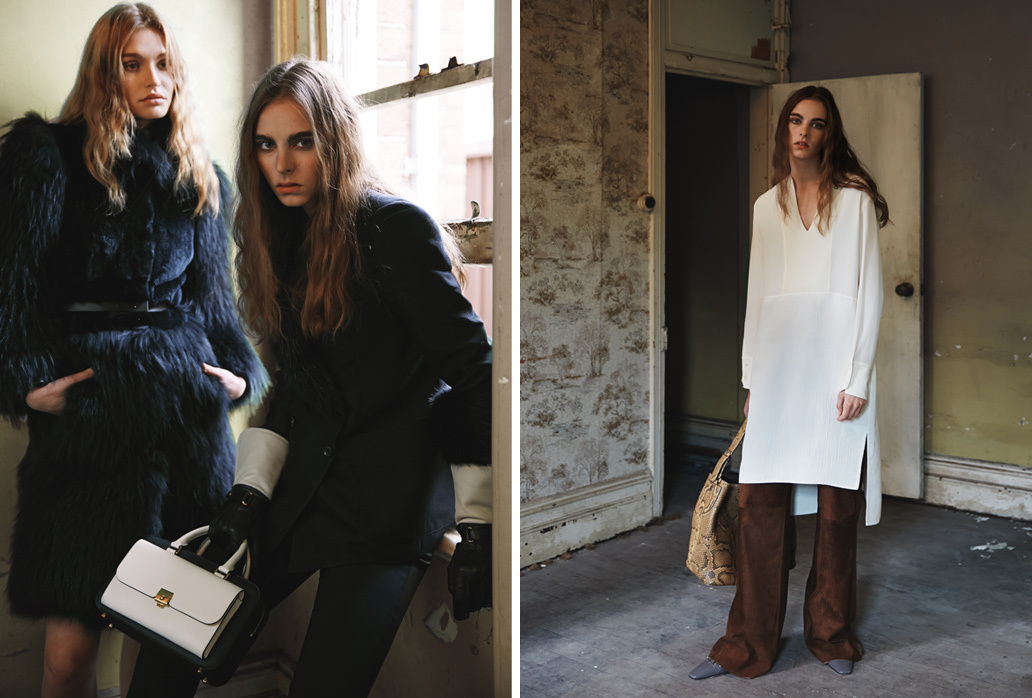
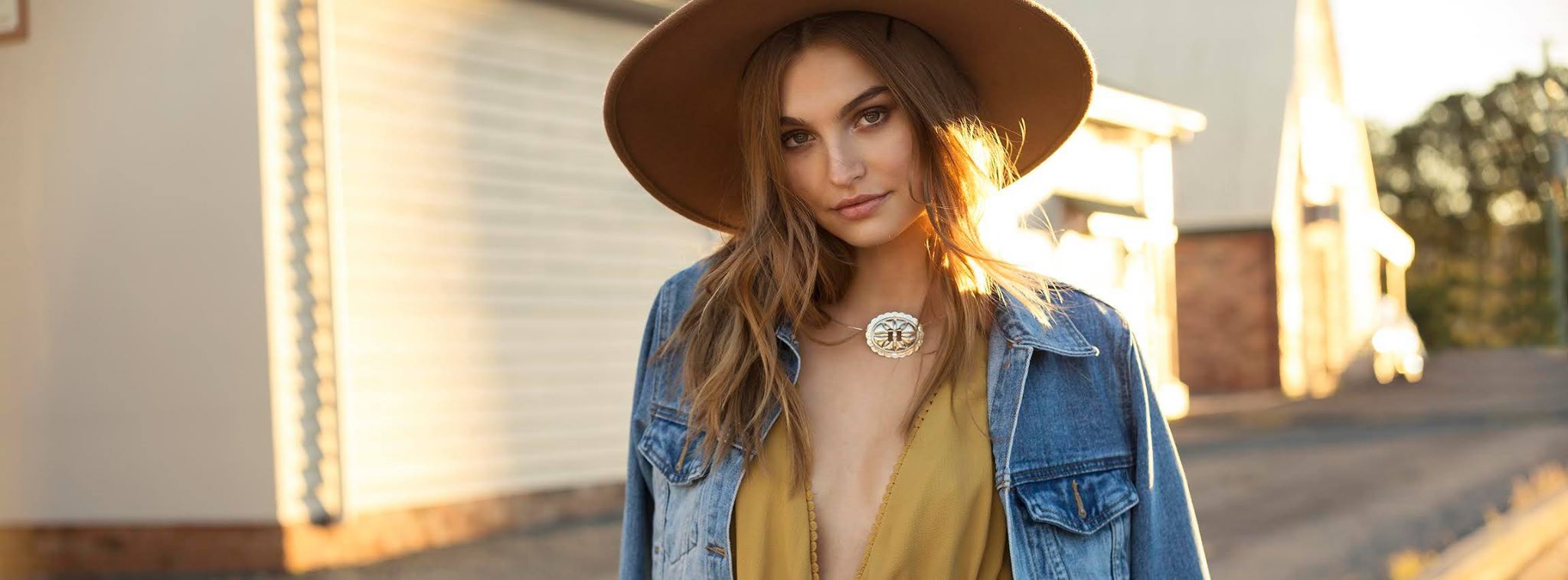
Planet Blue 2015 Photographer: Kimberley Gordon Model: Roosmarijn de Kok Hair/Makeup: Matisse Andrews

-
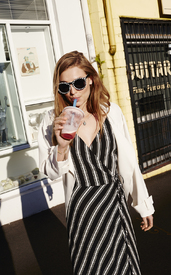
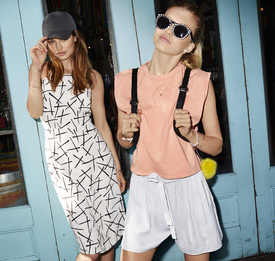
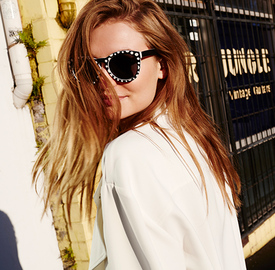
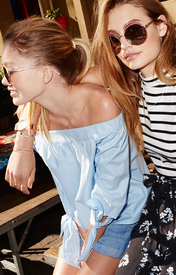
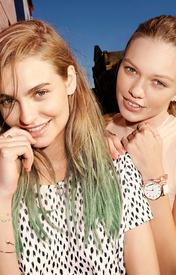
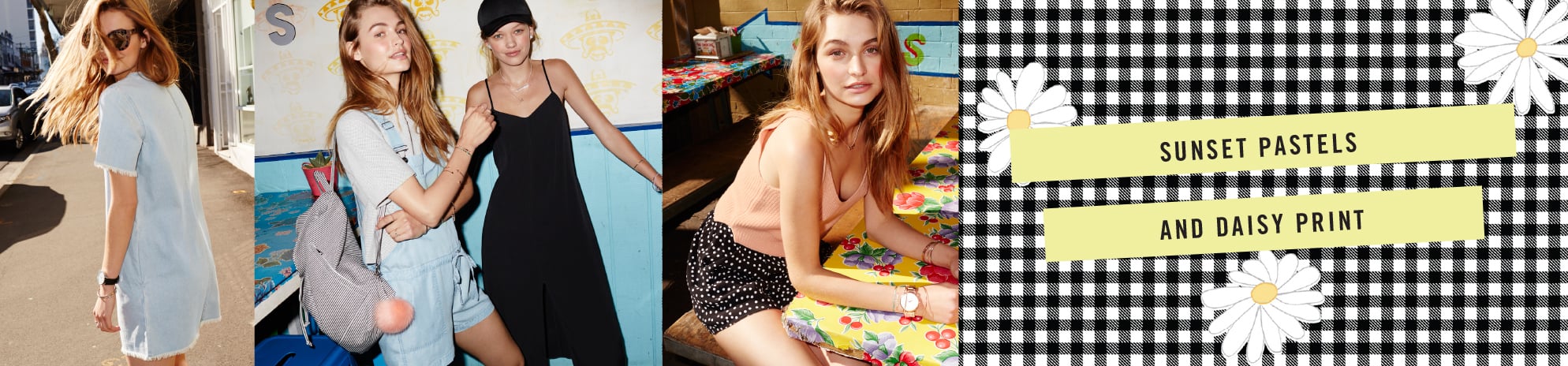
Sportsgirl california Dreaming 2015










-
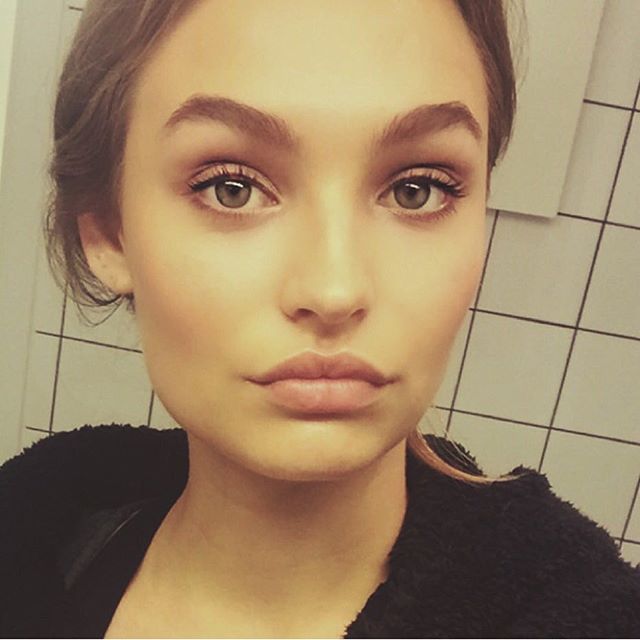
Location: Amsterdam, The NetherlandsBirth Town: Utrecht, The NetherlandsHeight: 6’ (172cm)Weight: 8st (53kg)Hair Colour: Natural RedHair Length: LongYear of birth: 1996 http://favortalents.com/talents/luca-hollestellehttp://lucahollestelle96.tumblr.com/2015Till Human Voices Wake Us Release Date: 25 July 2015IG
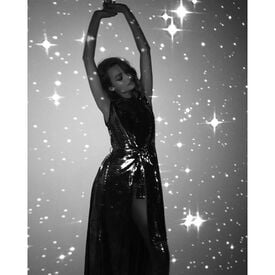
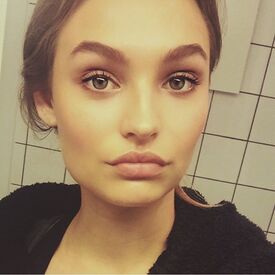
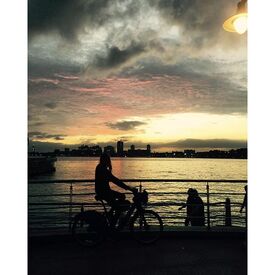
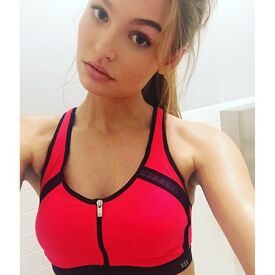
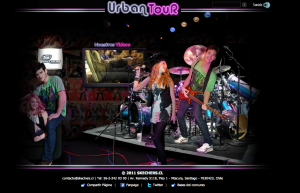
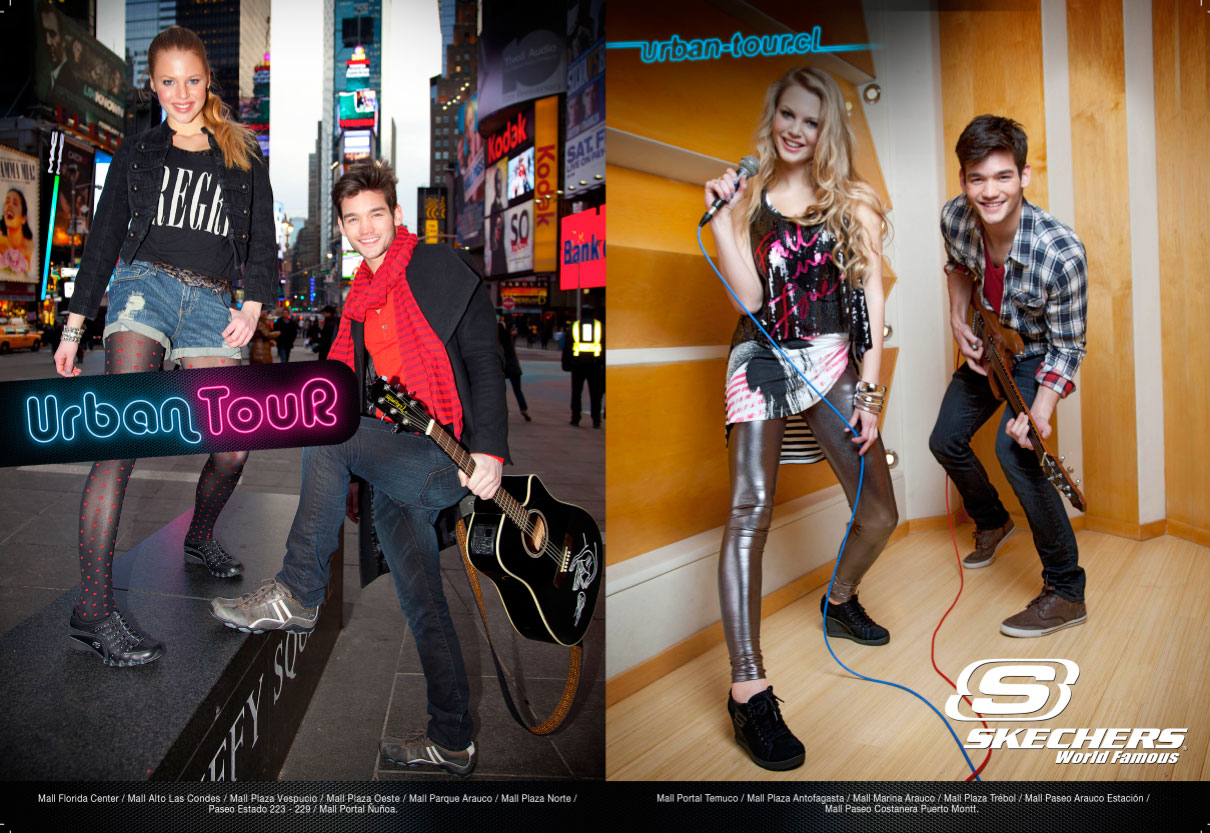
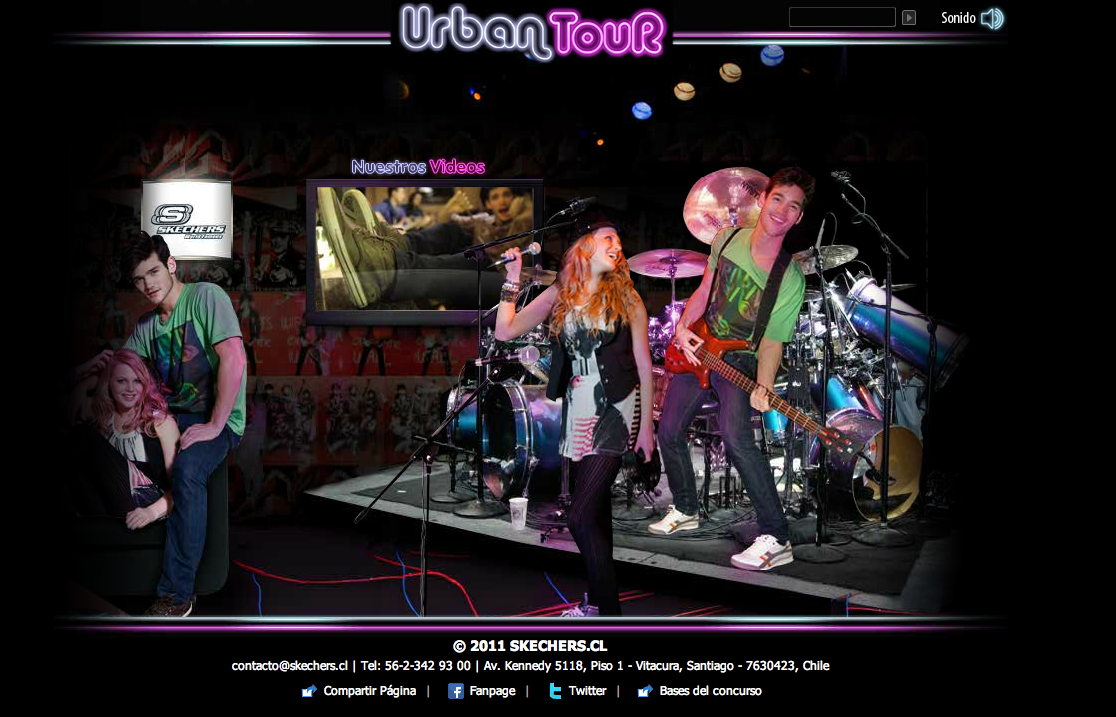
 Thursday Island (more)Skechers, MerryChristmas 2011 SKECHERS Urban Tour 2011








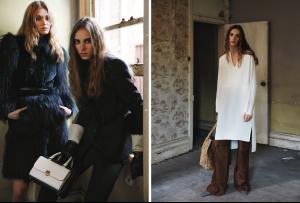
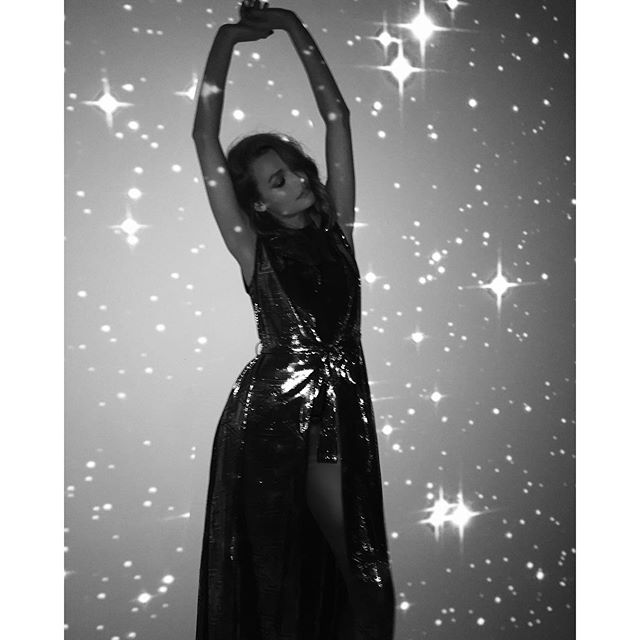
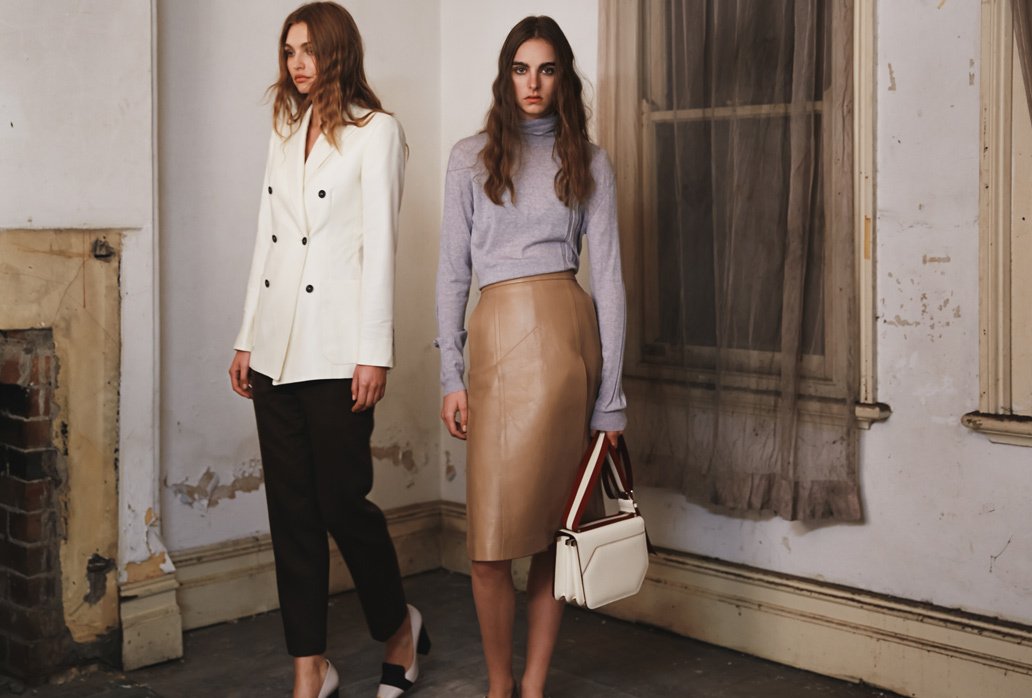
 No One Ever Sleeps PHOTOGRAPHY Tim Ashton -Work Agency FASHION Emma Westblade MODELS Estella Brons , Priscillas and Roosmarijn De Kok HAIR Anthony Nader- Work Agency using Oribe MAKEUP Corinna Wilmshurst, Work Agency using Yves Saint Laurent PHOTOGRAPHER’S ASSISTANT Alex Tracey STYLIST’S ASSISTANT Amy Stokes uf
 book cover. (abbi glines)
 is Candice?
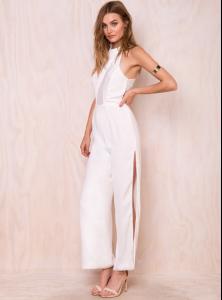
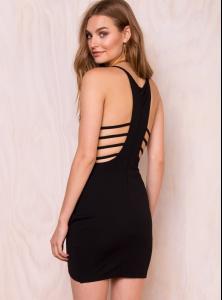
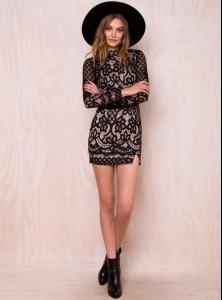
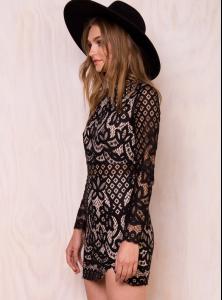
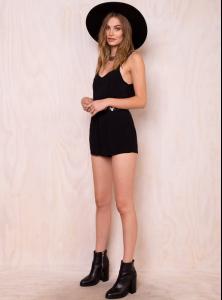
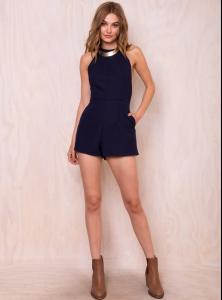
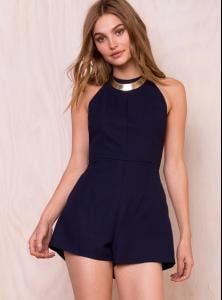
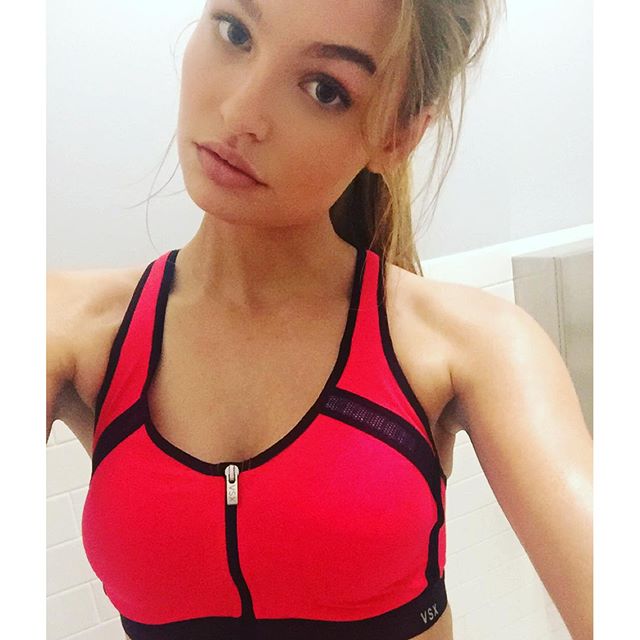
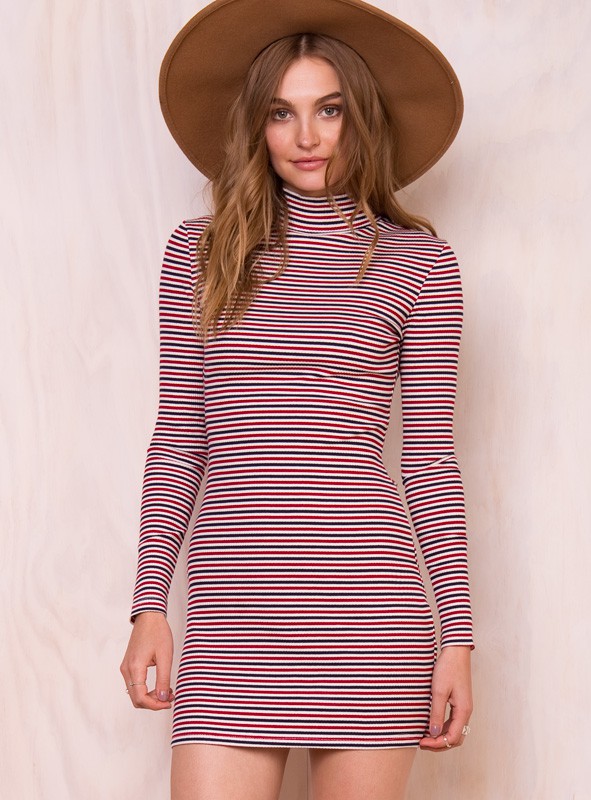
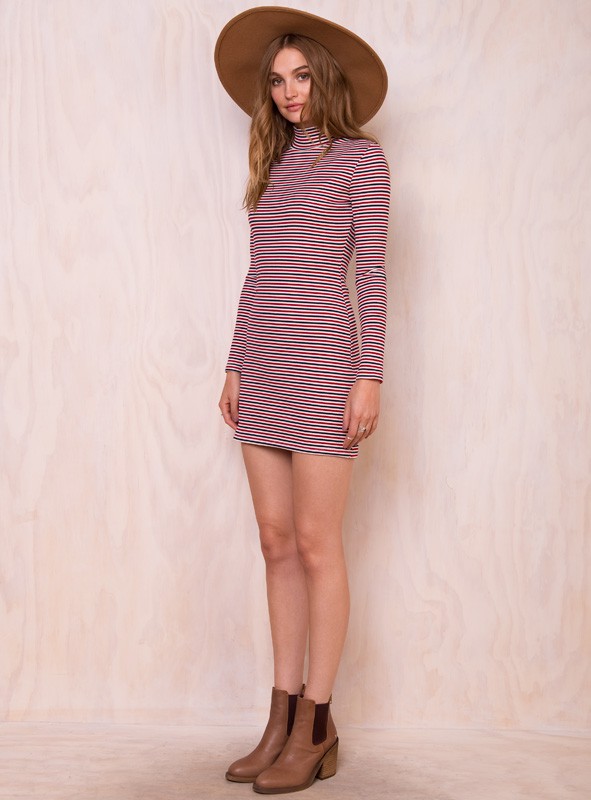
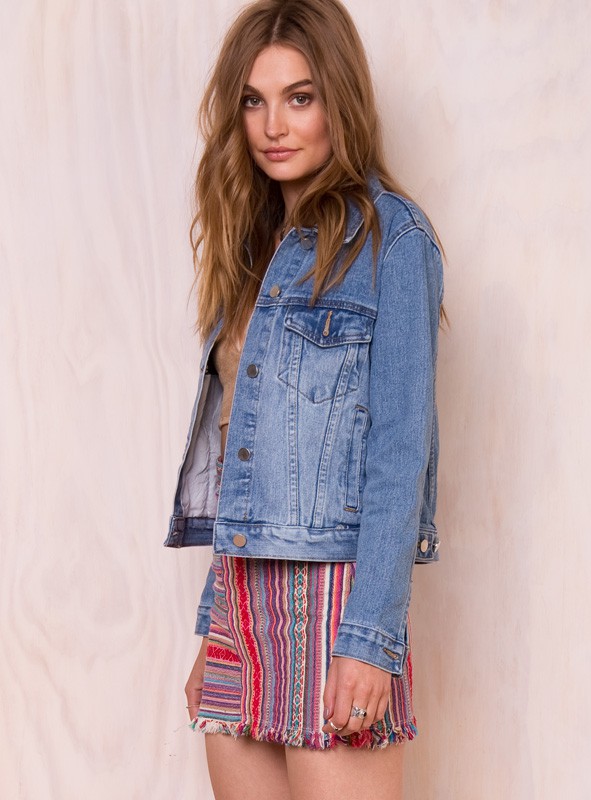
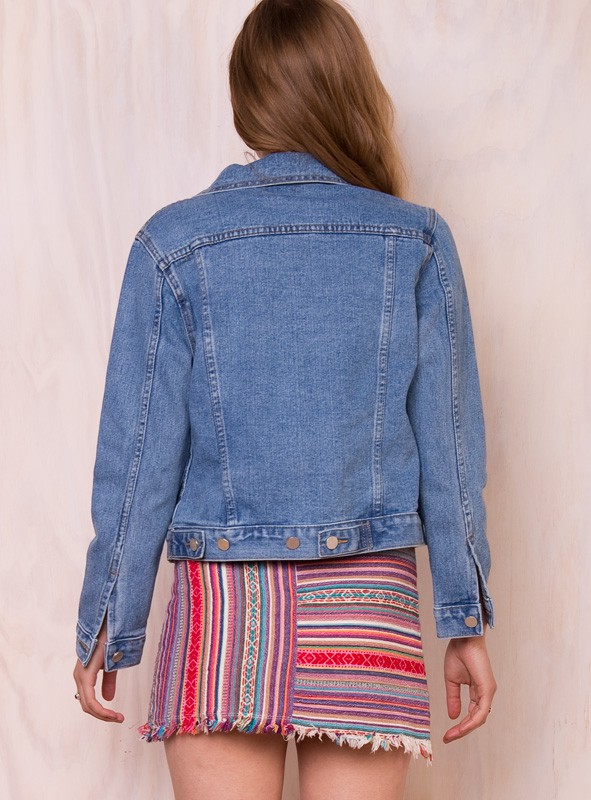
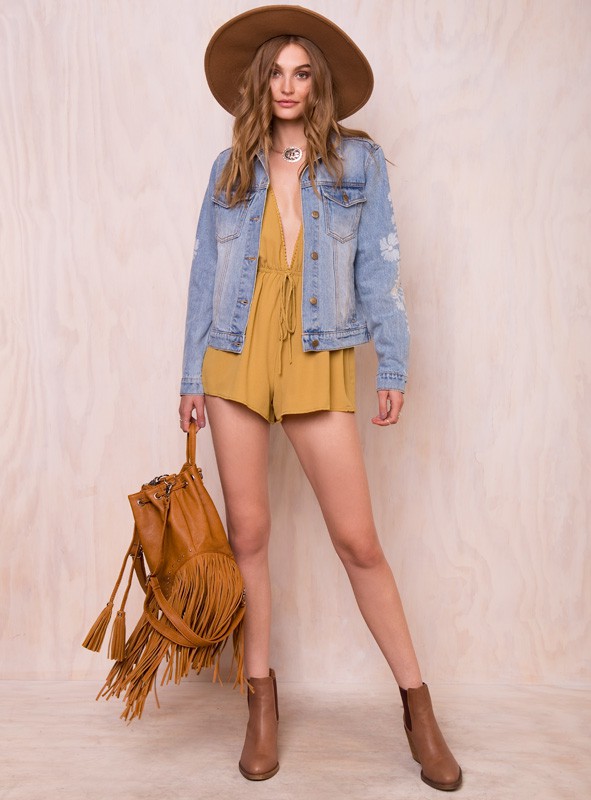
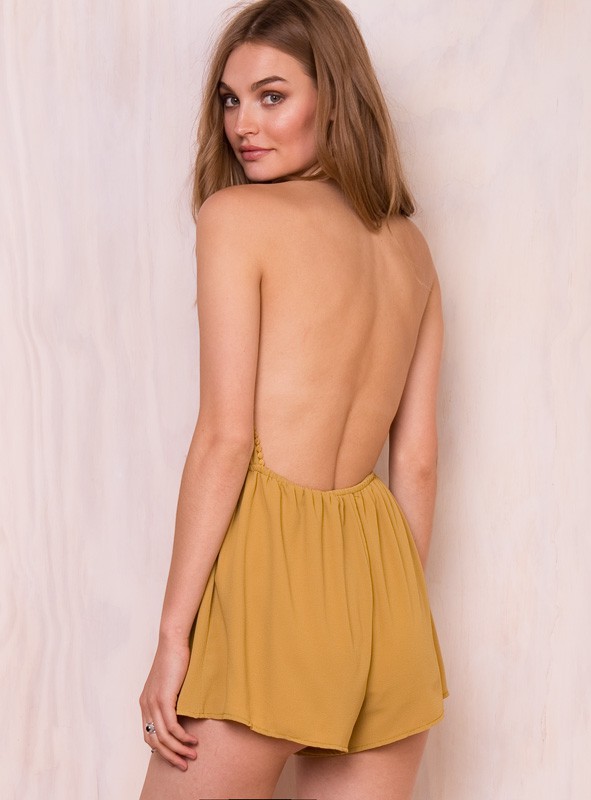
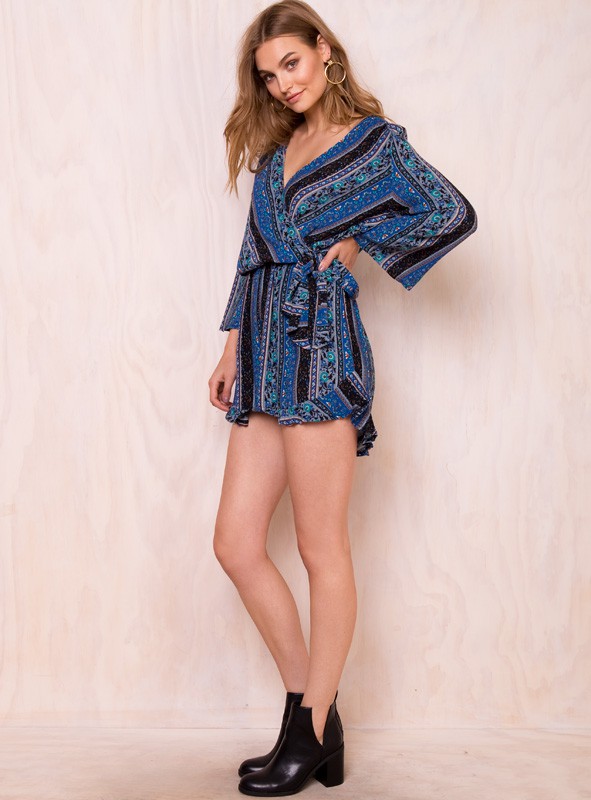
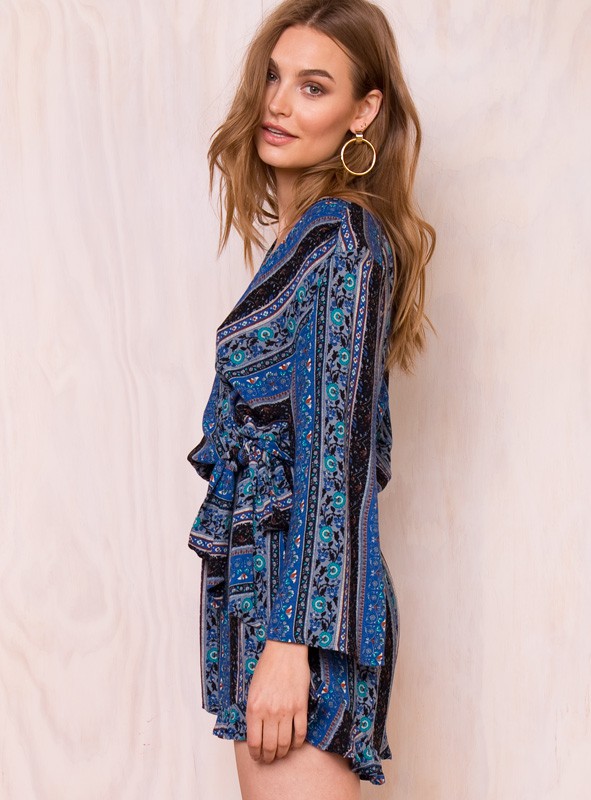
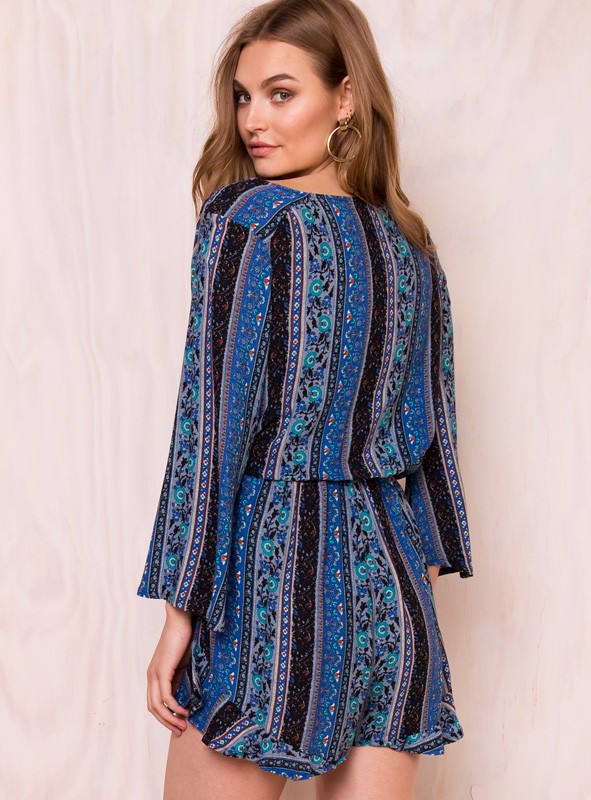
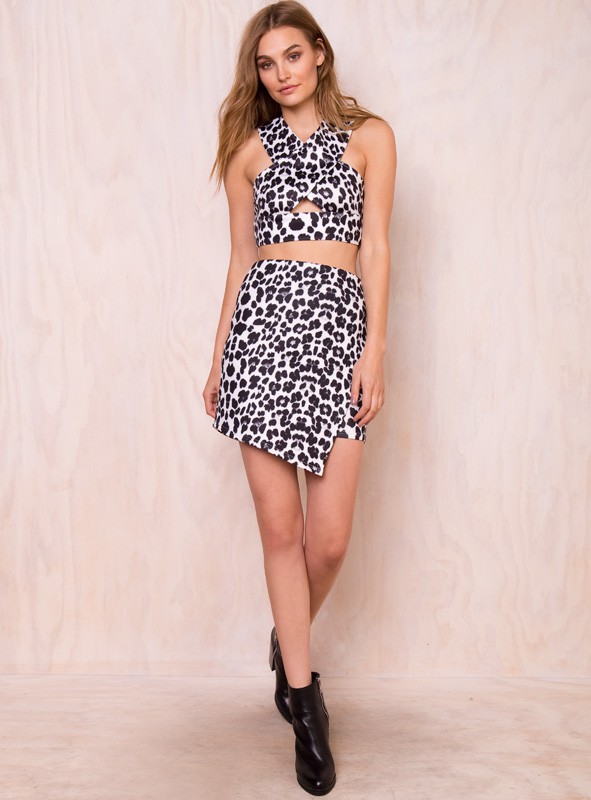
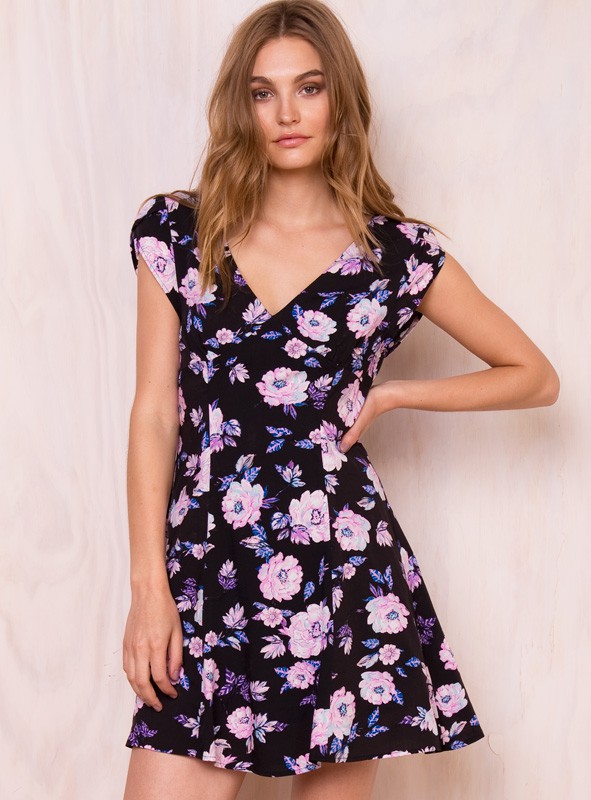
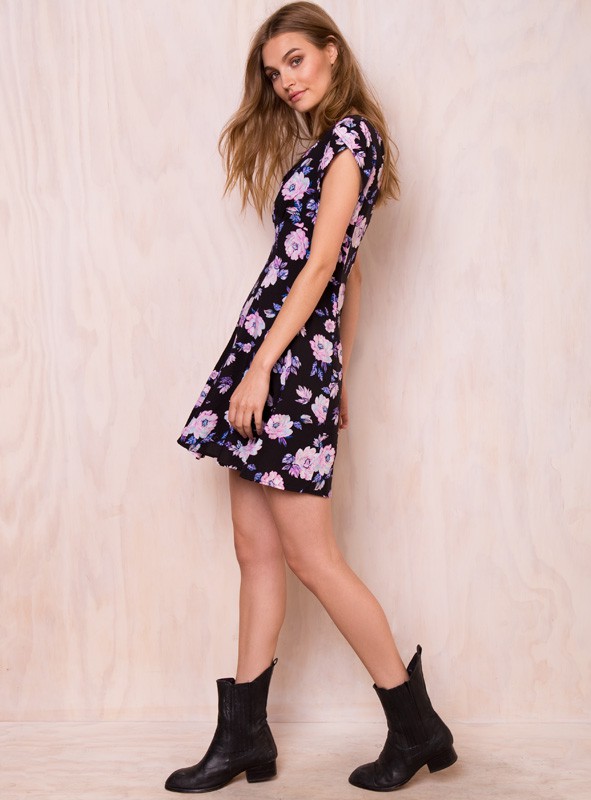
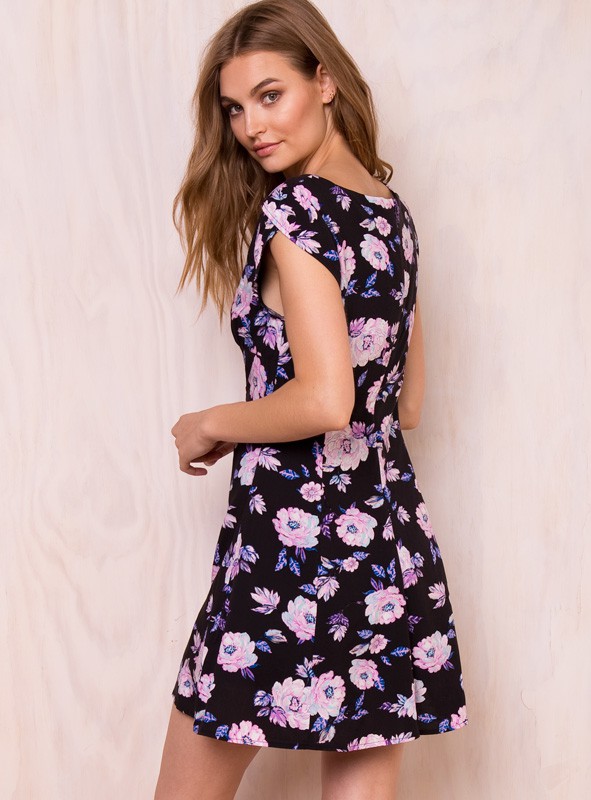
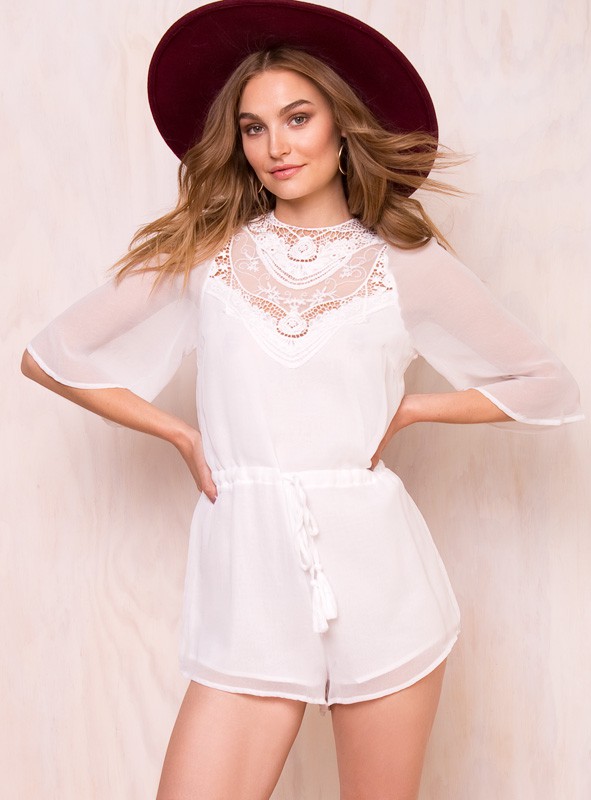
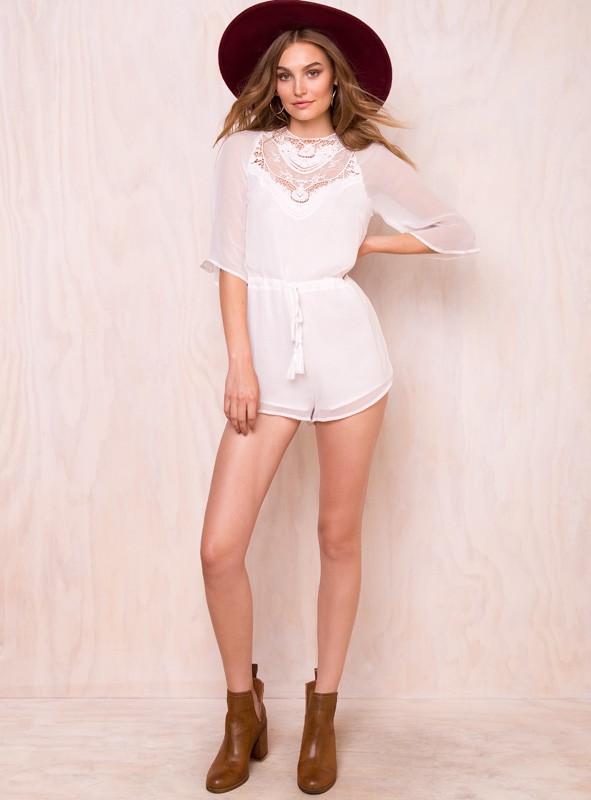
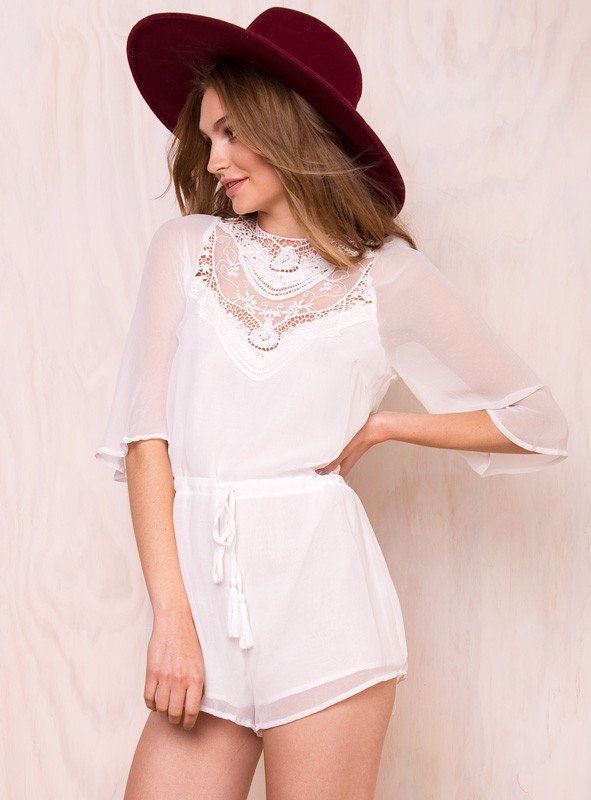
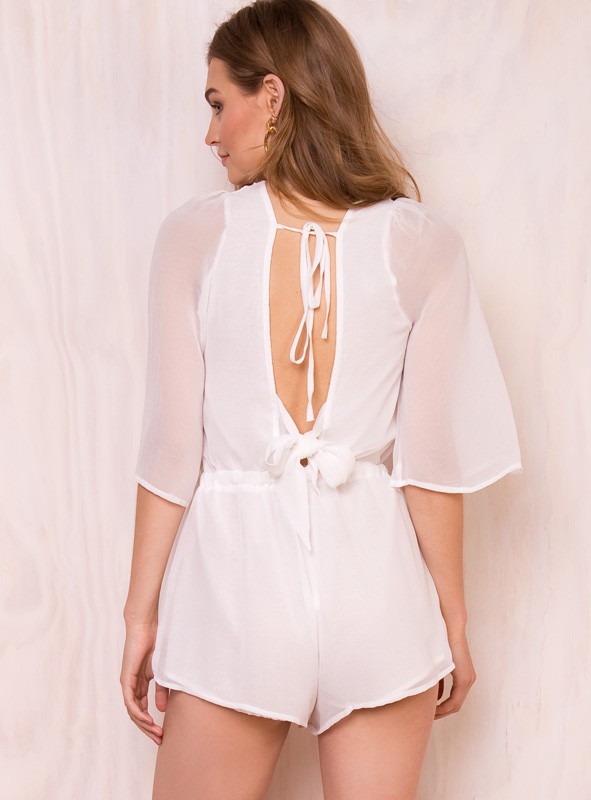
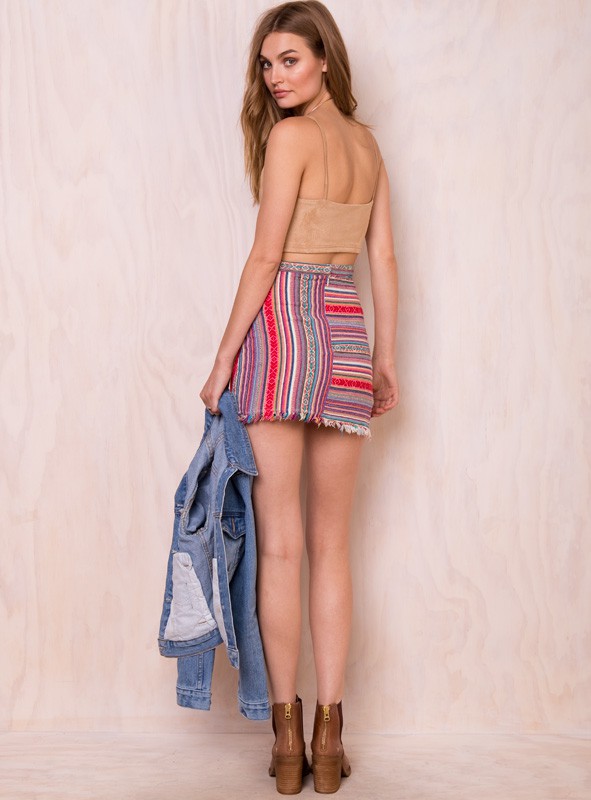
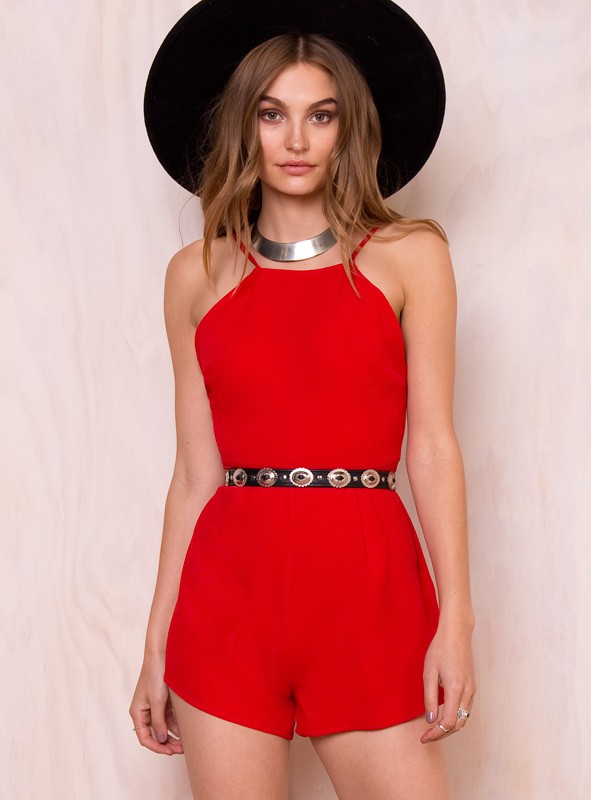
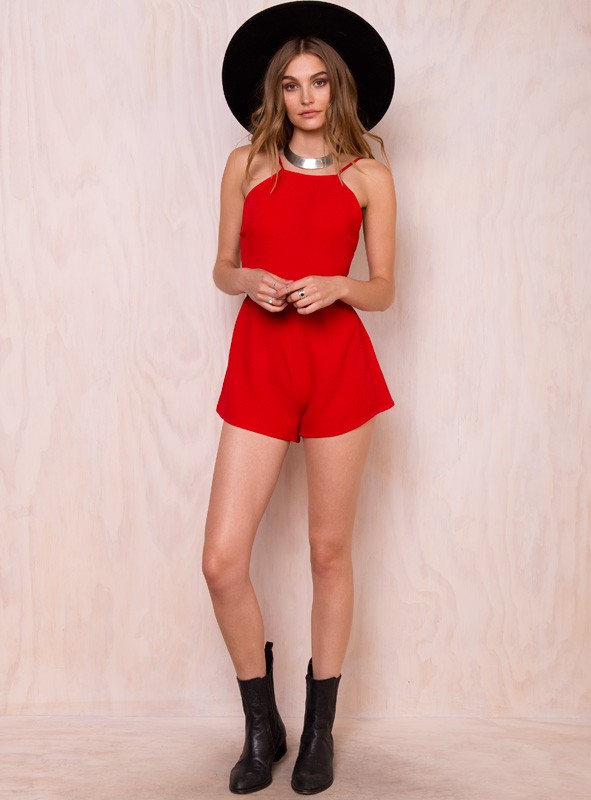
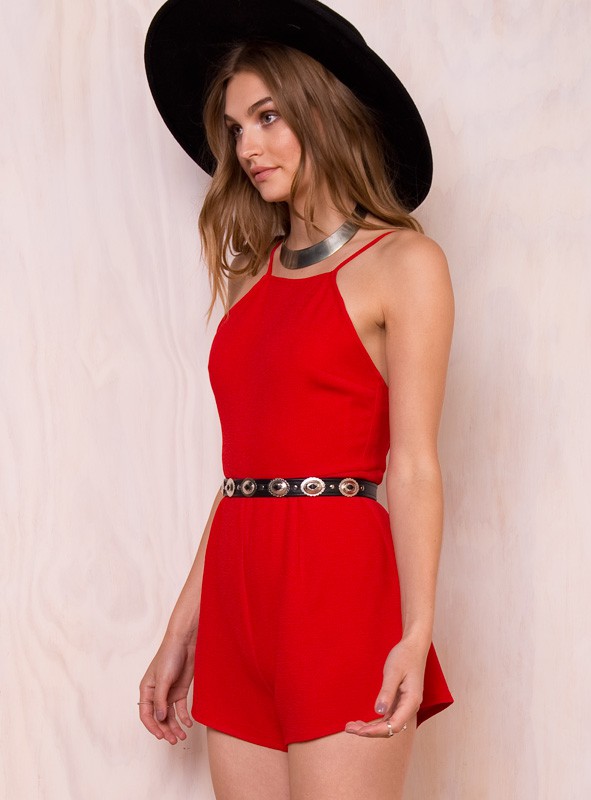
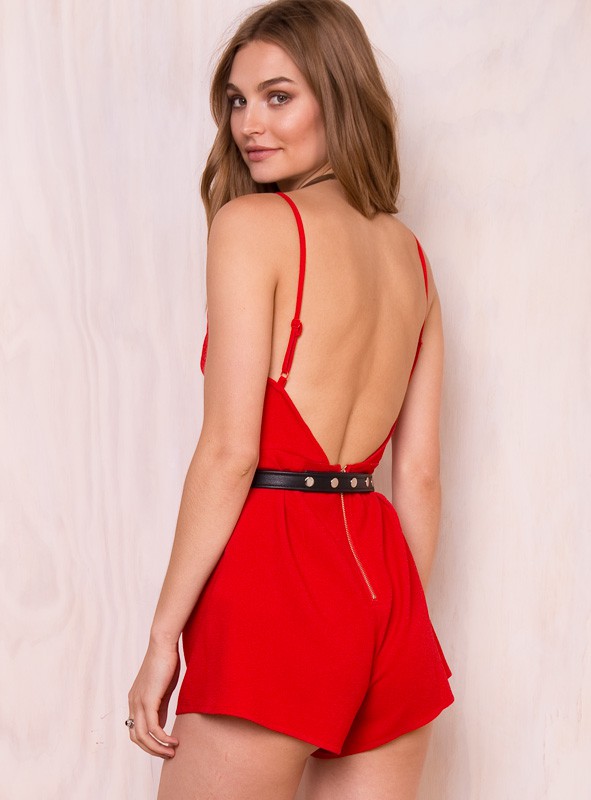
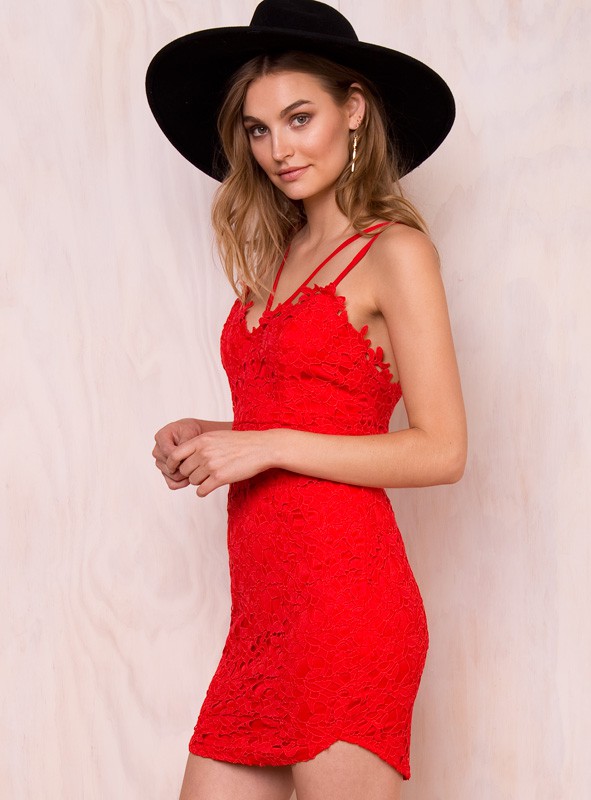
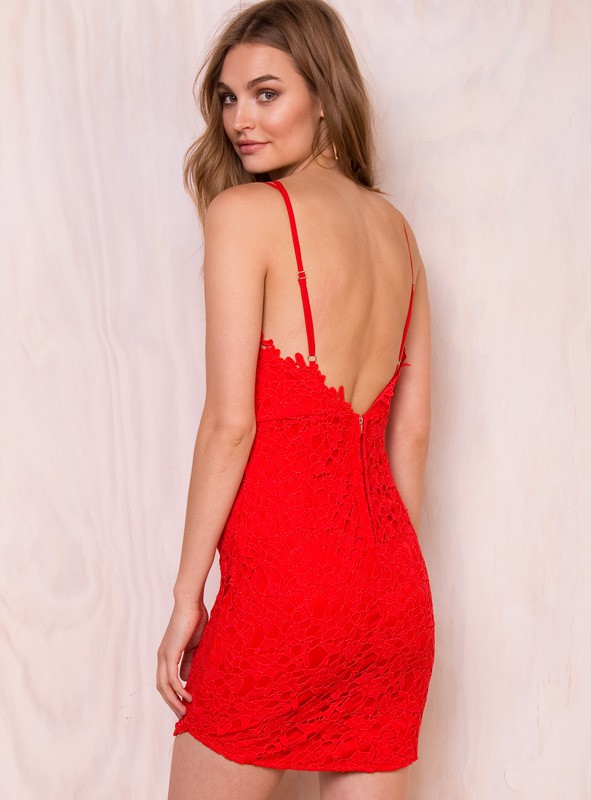
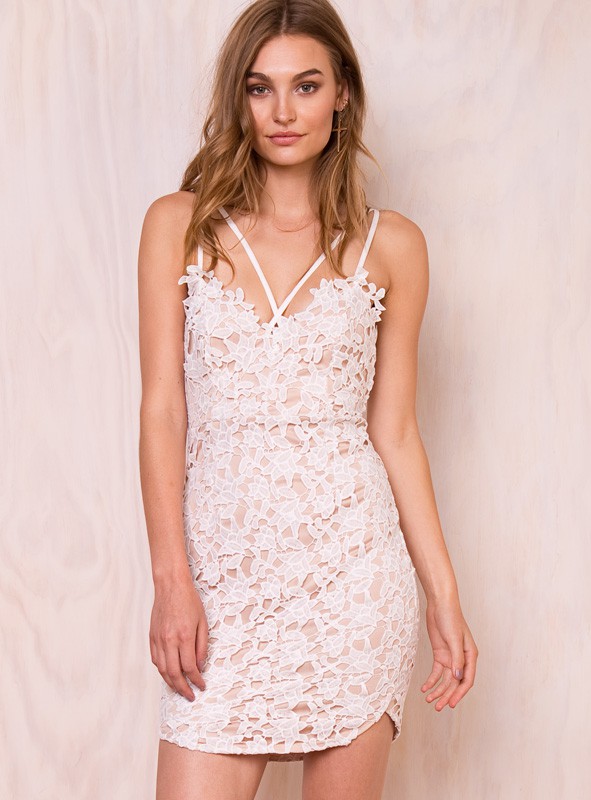
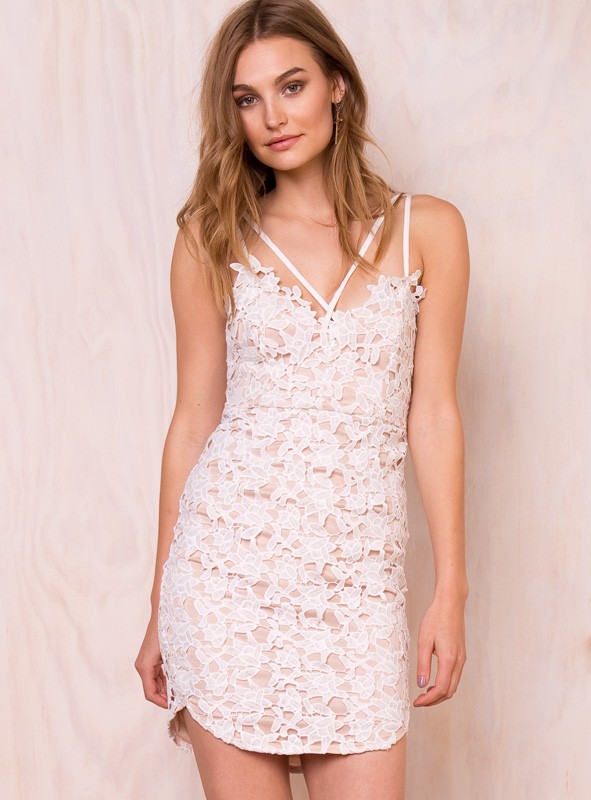
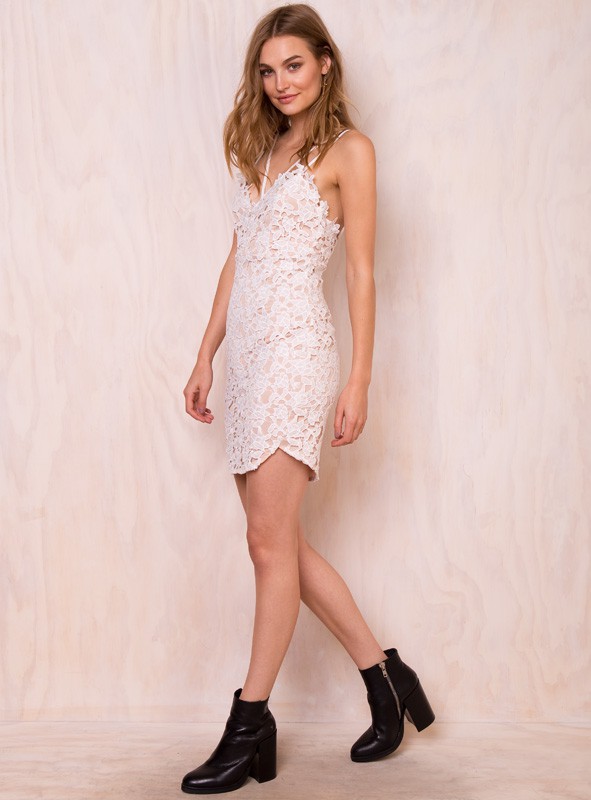
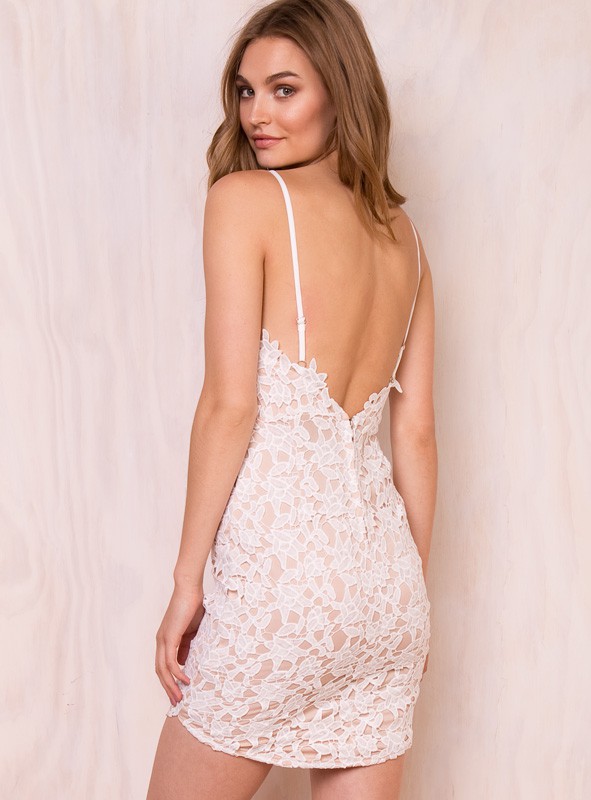
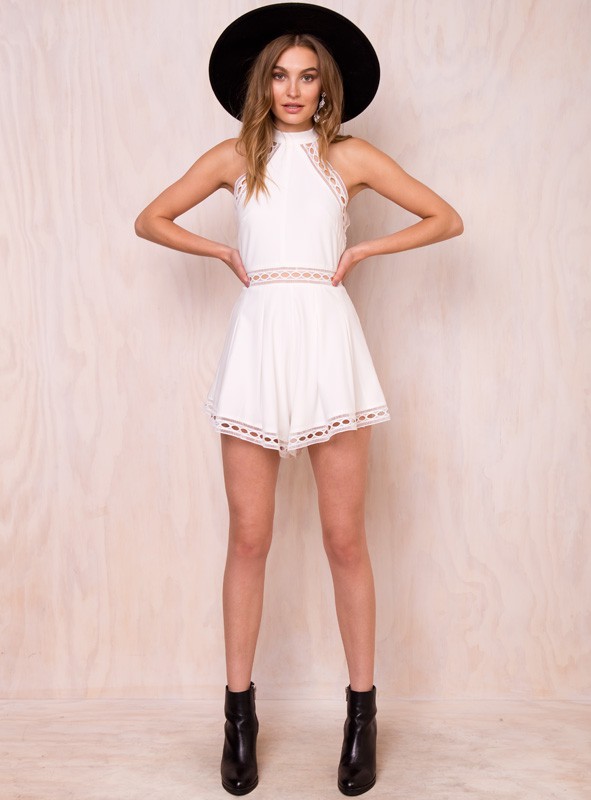
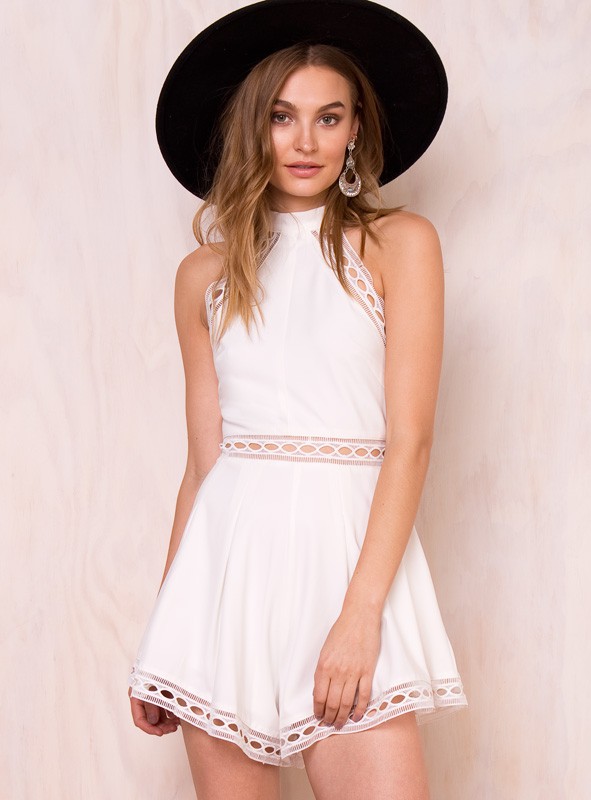
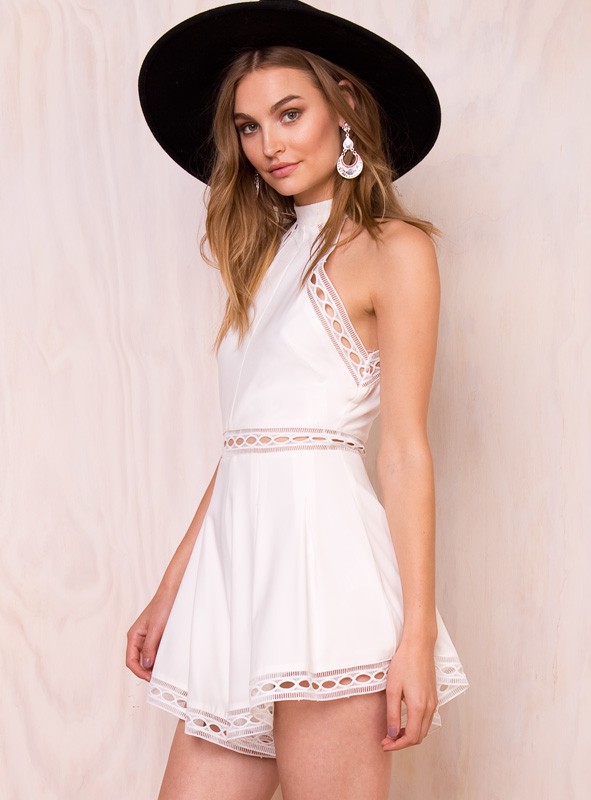
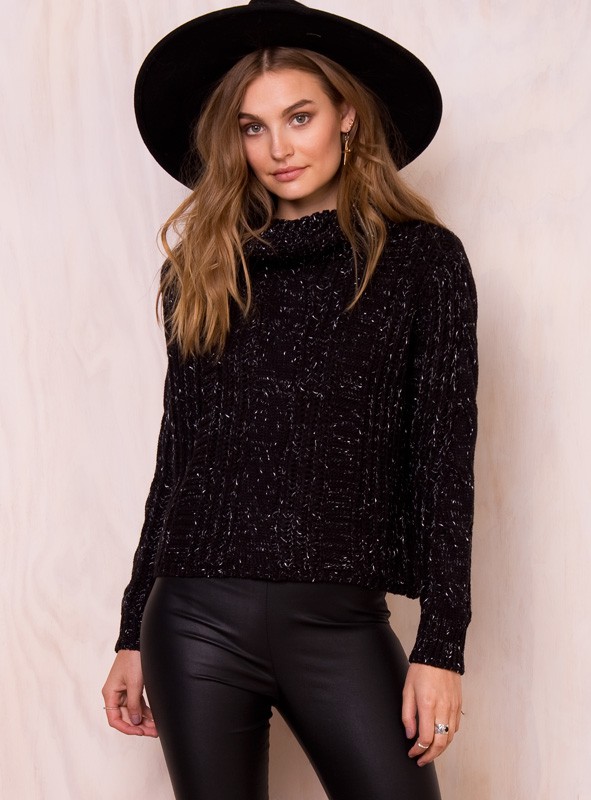
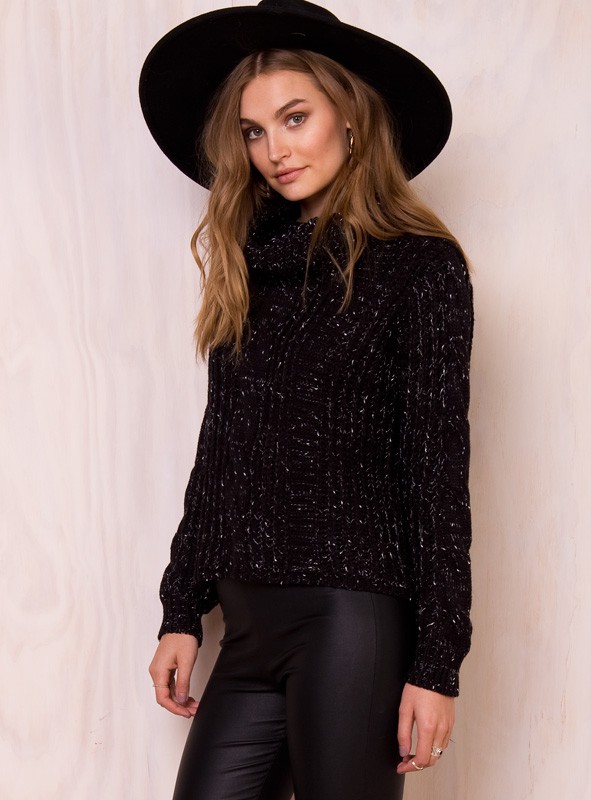
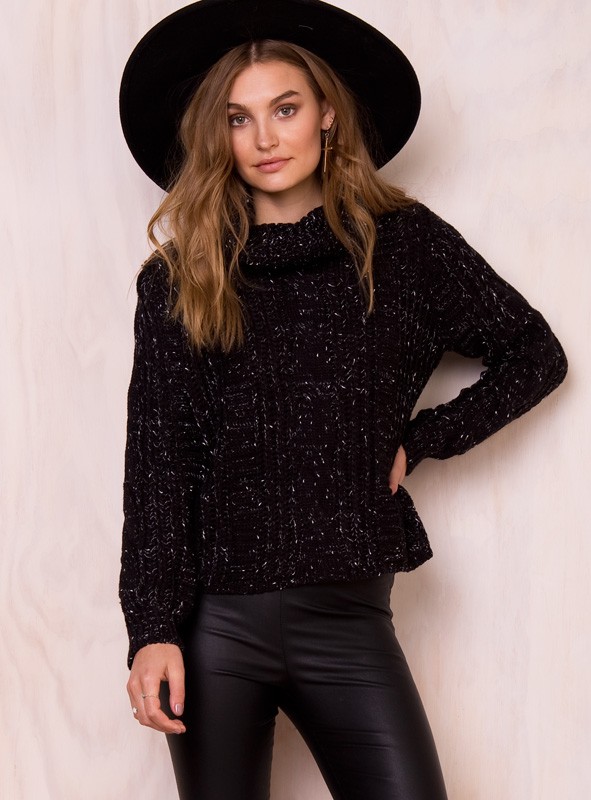
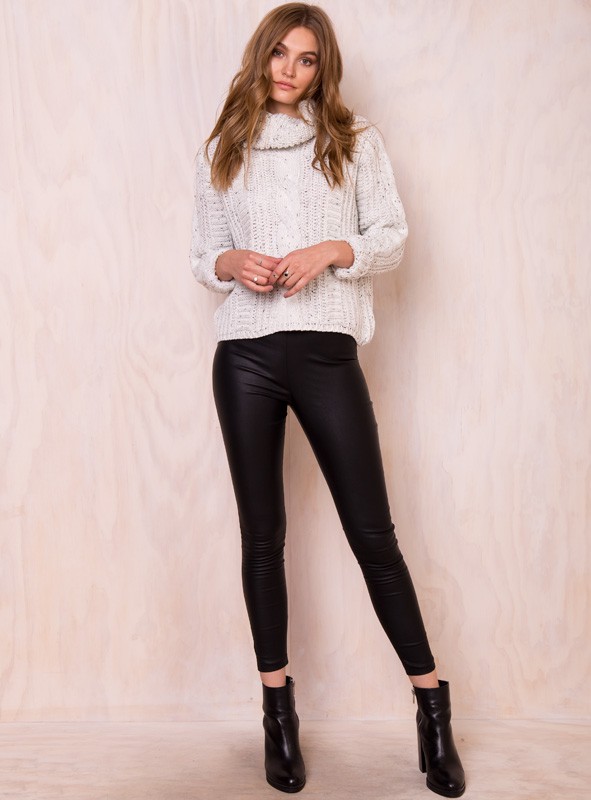
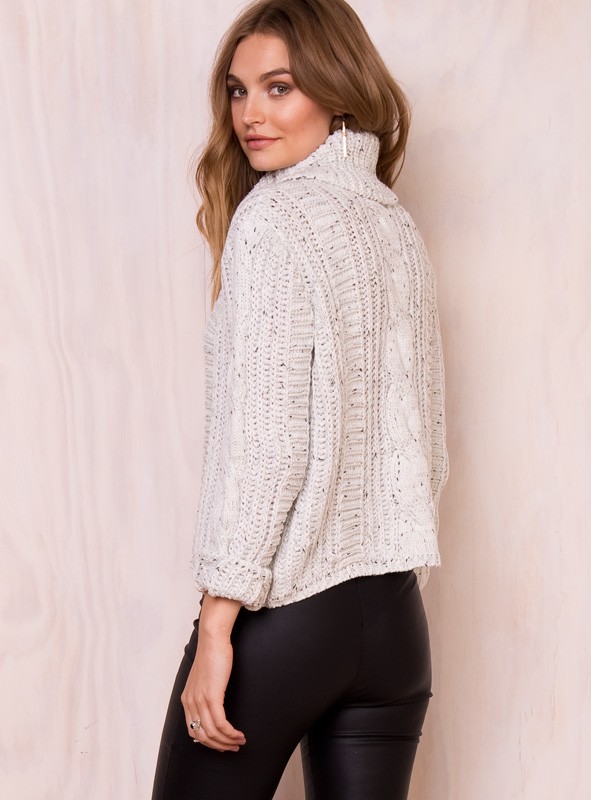
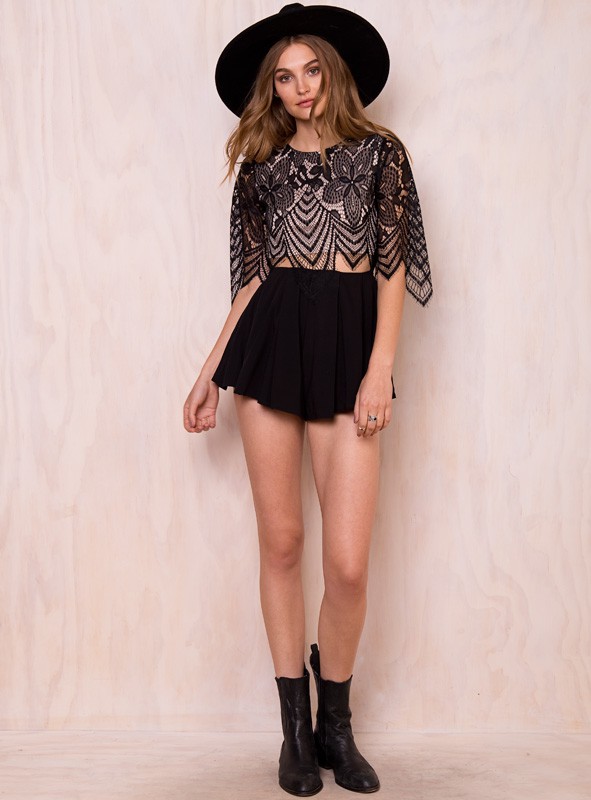
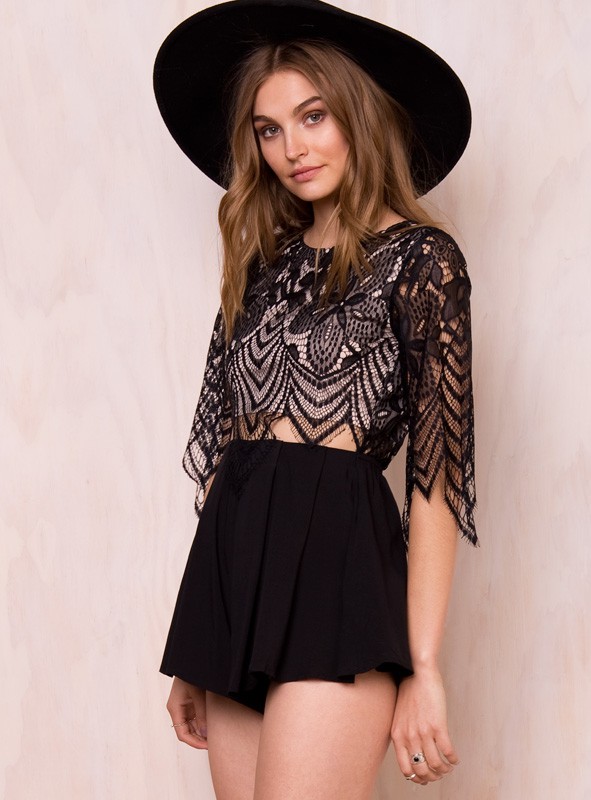
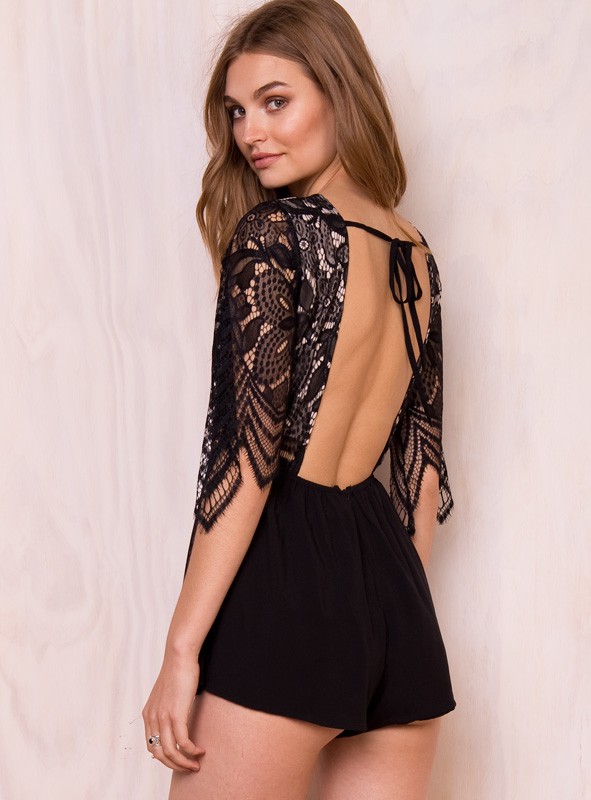
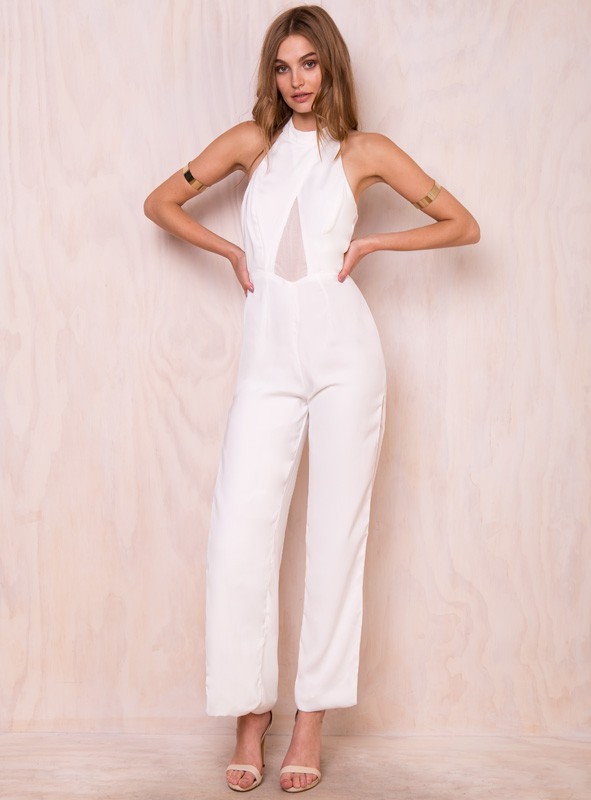
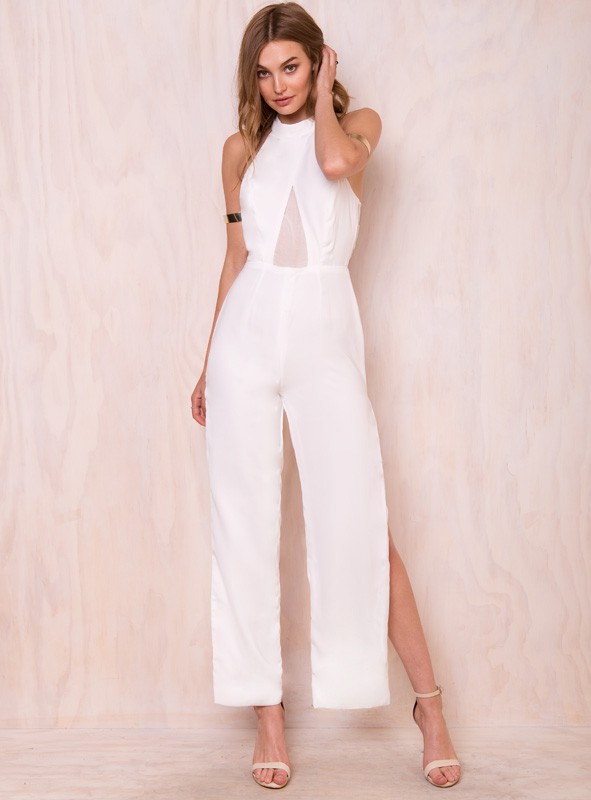
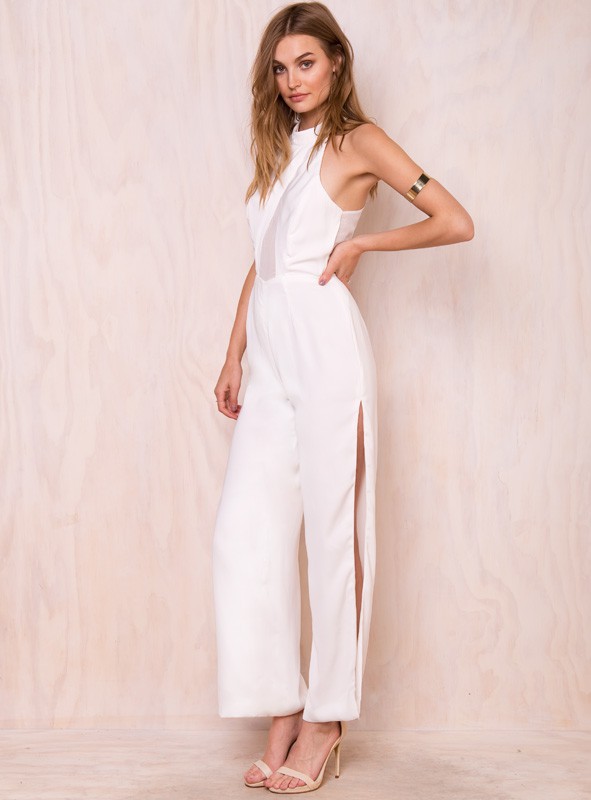
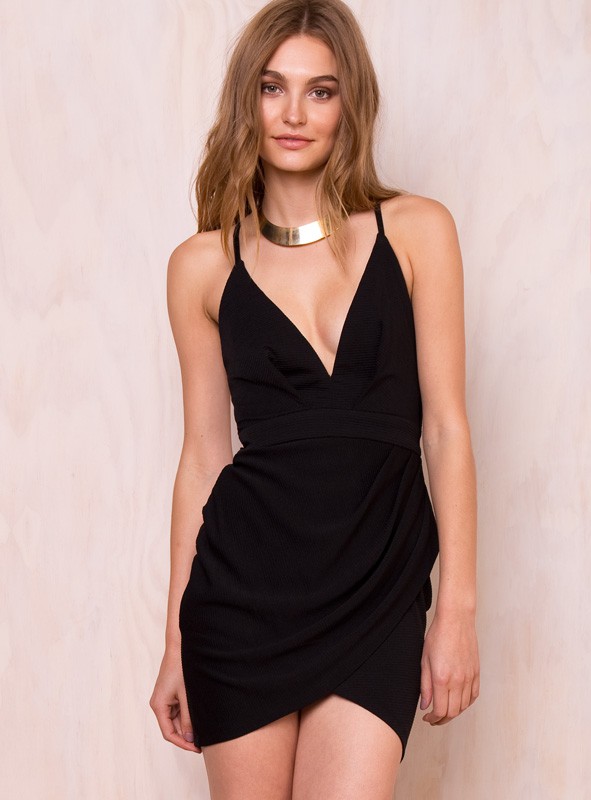
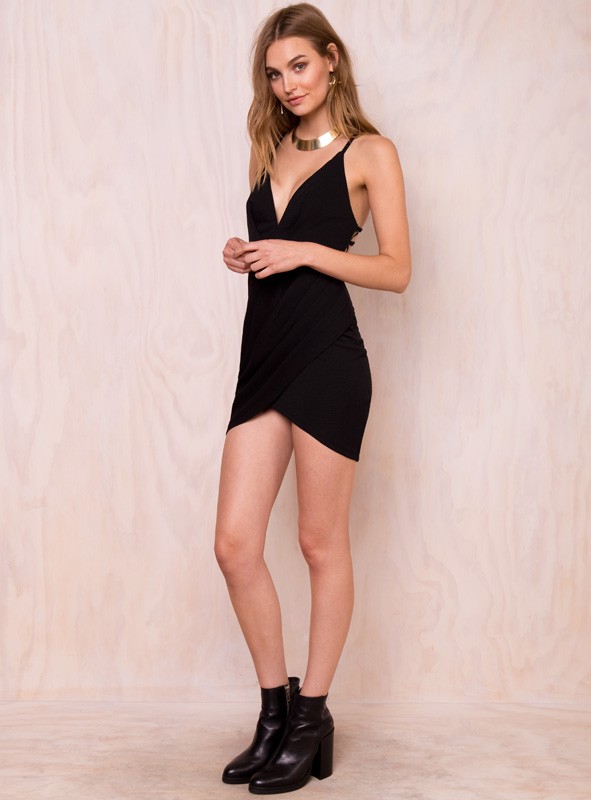
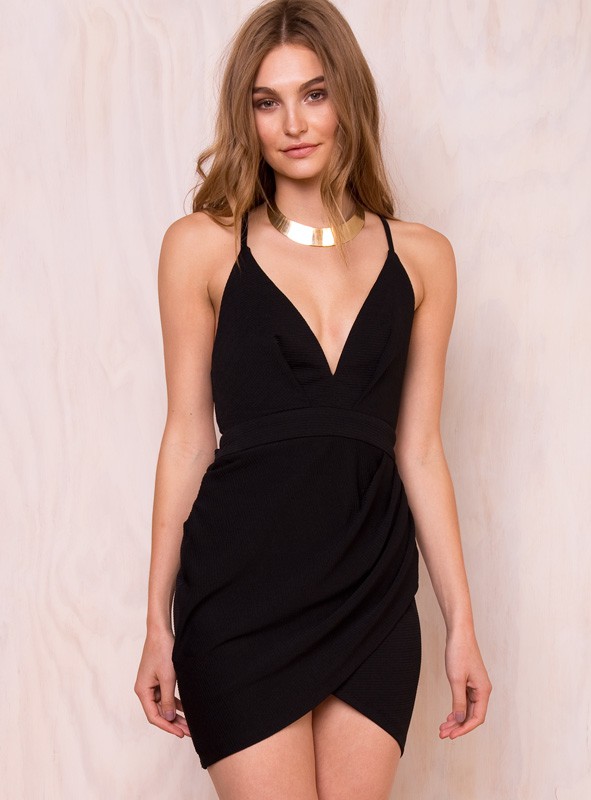
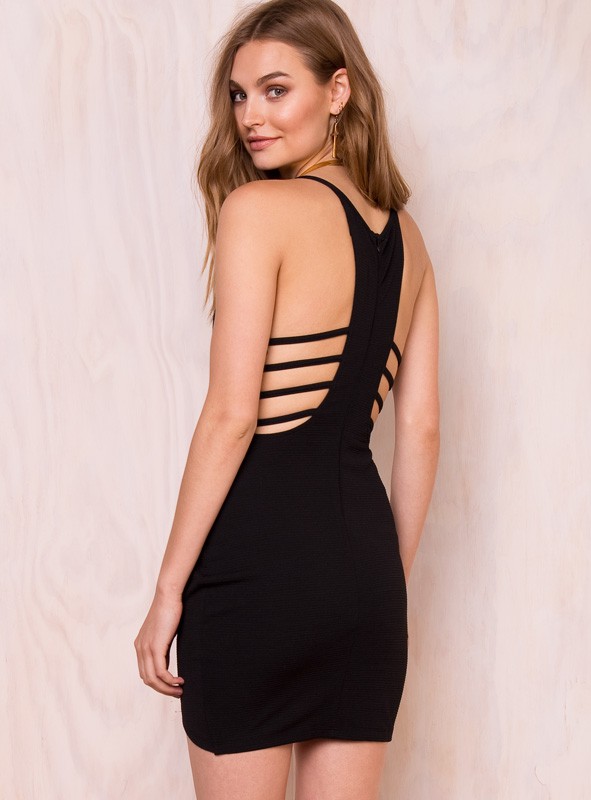
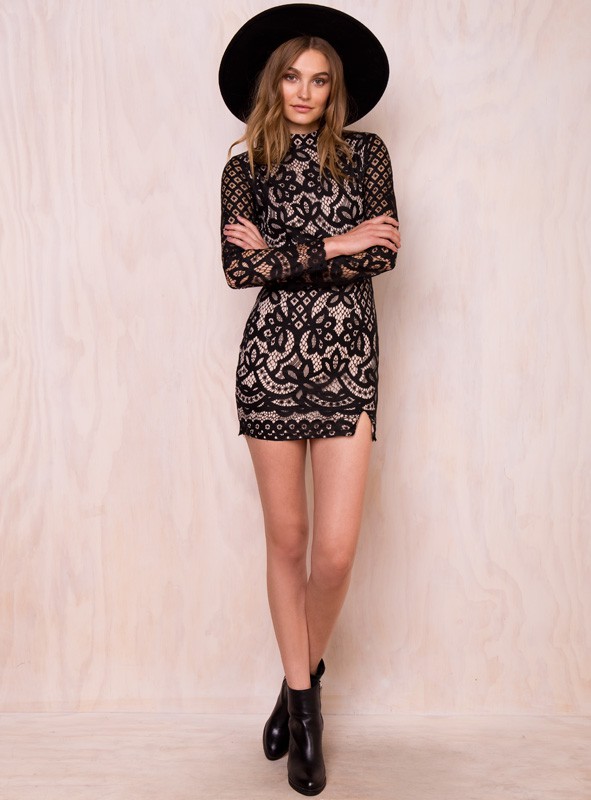
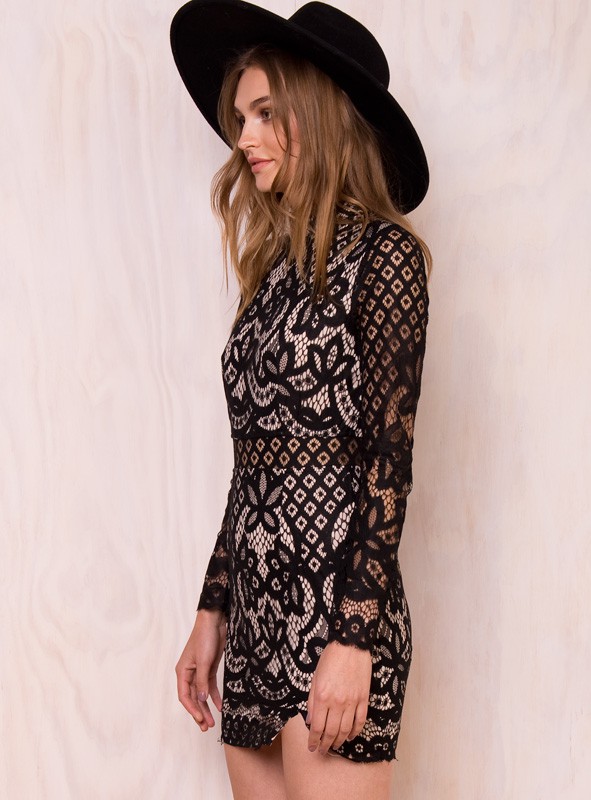
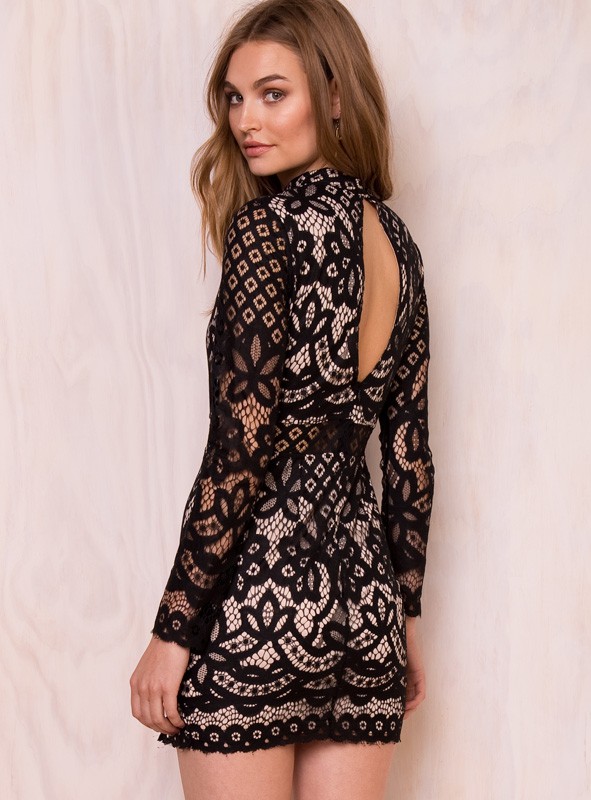
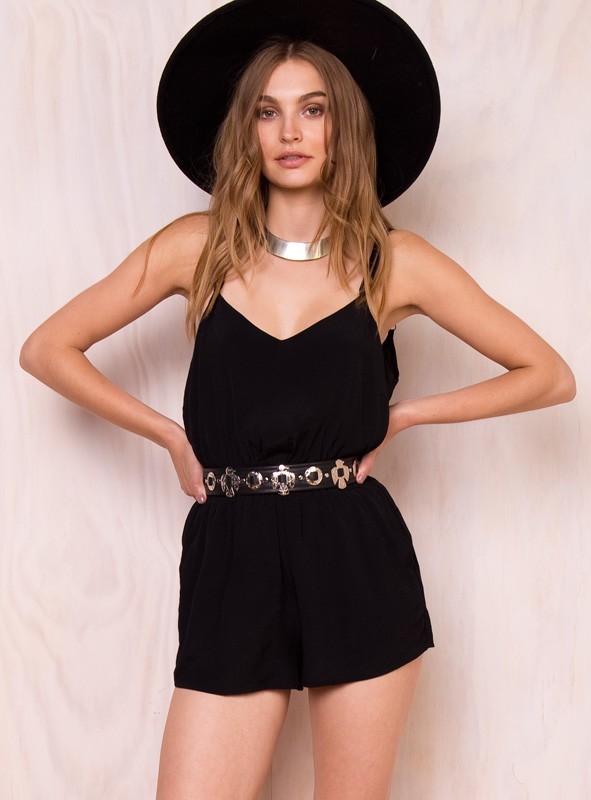
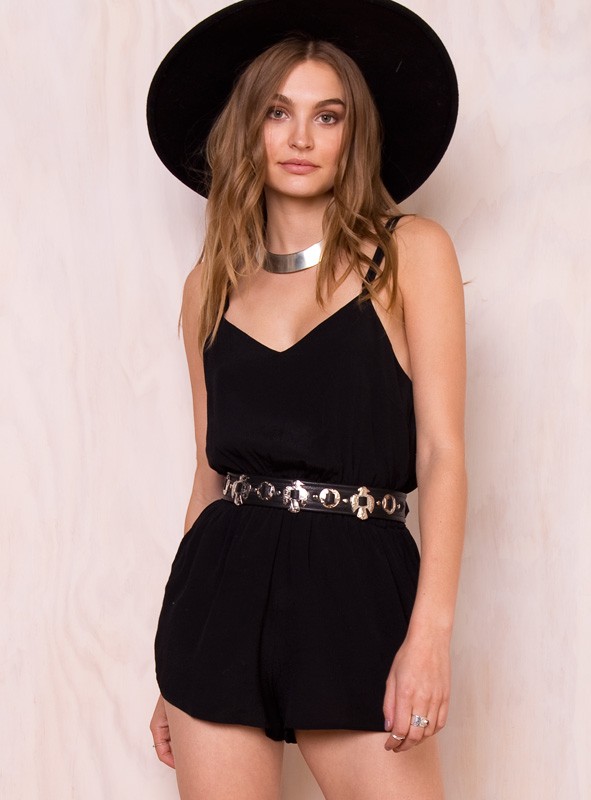
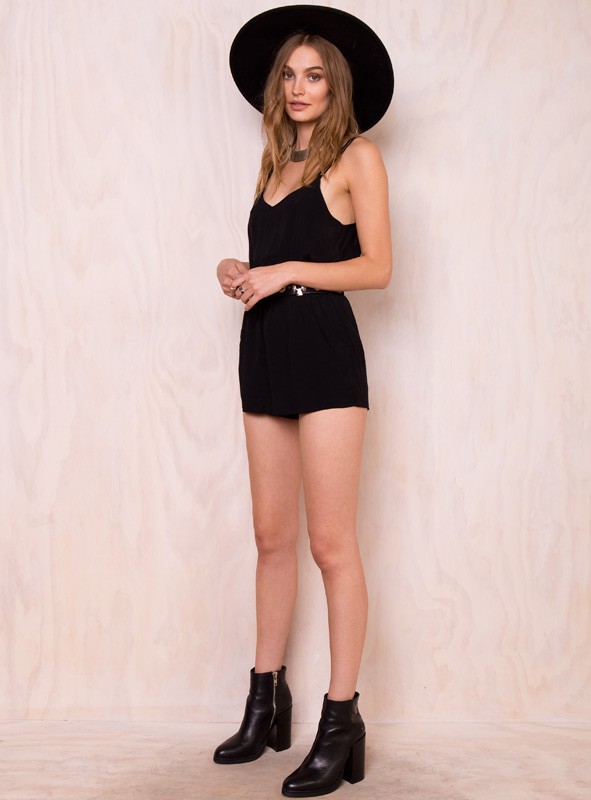
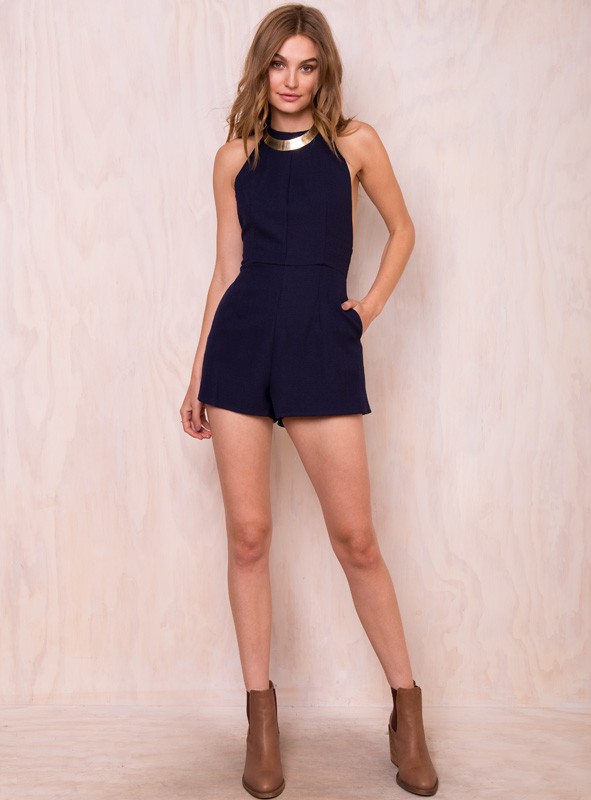
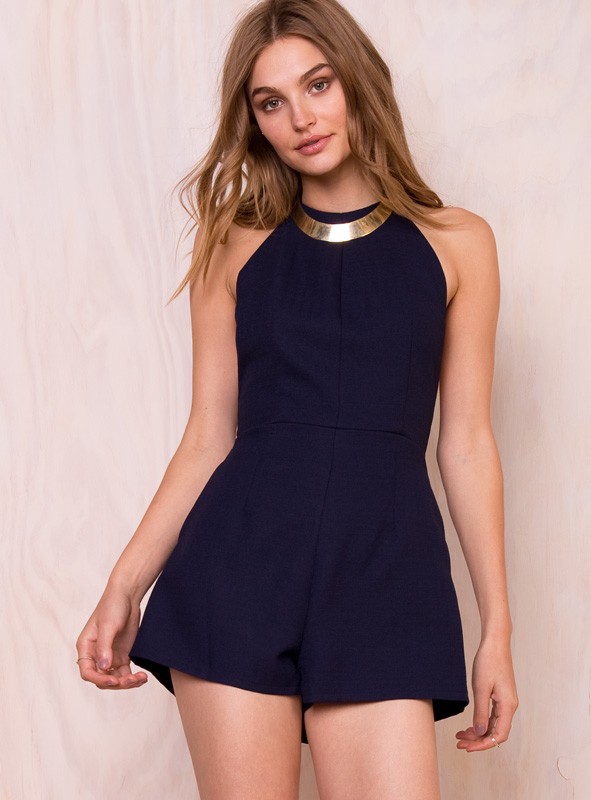
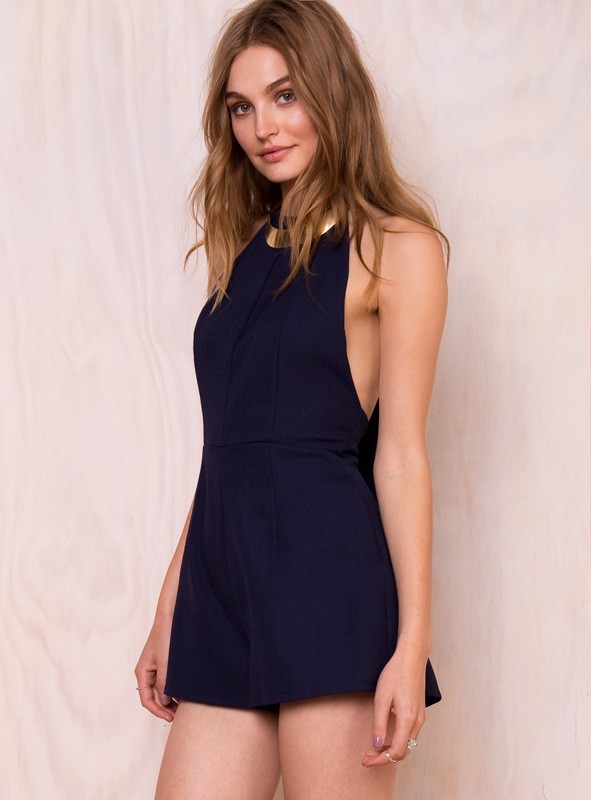
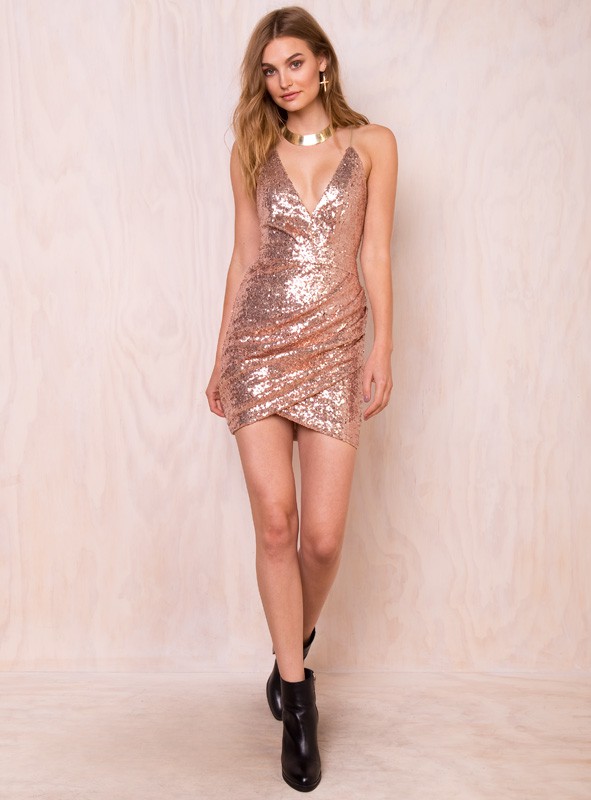
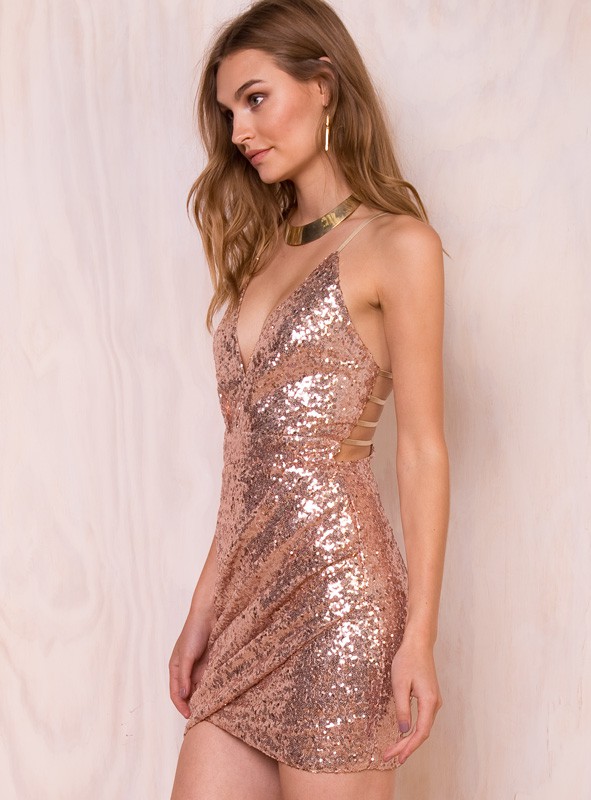
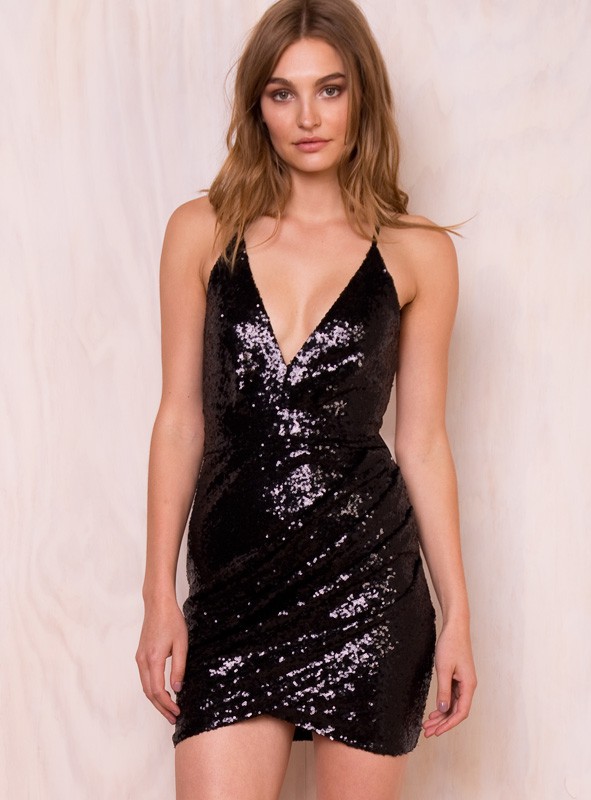
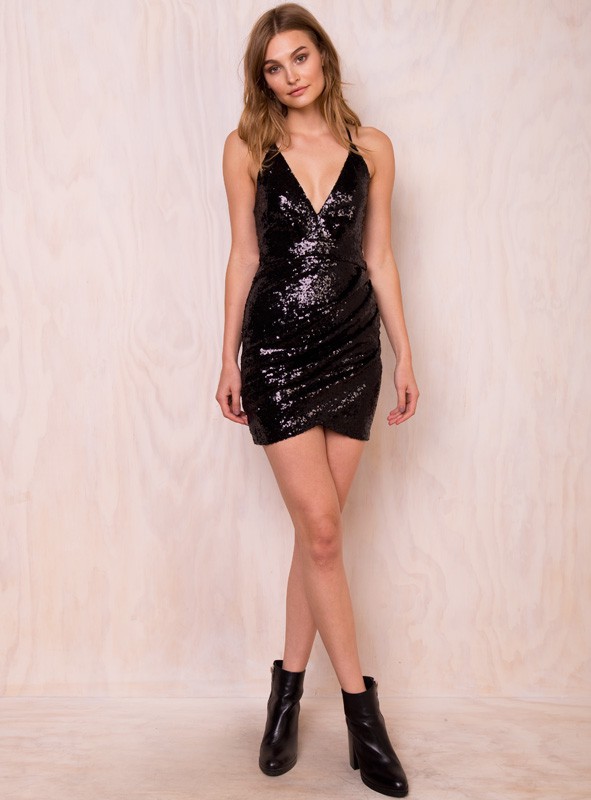
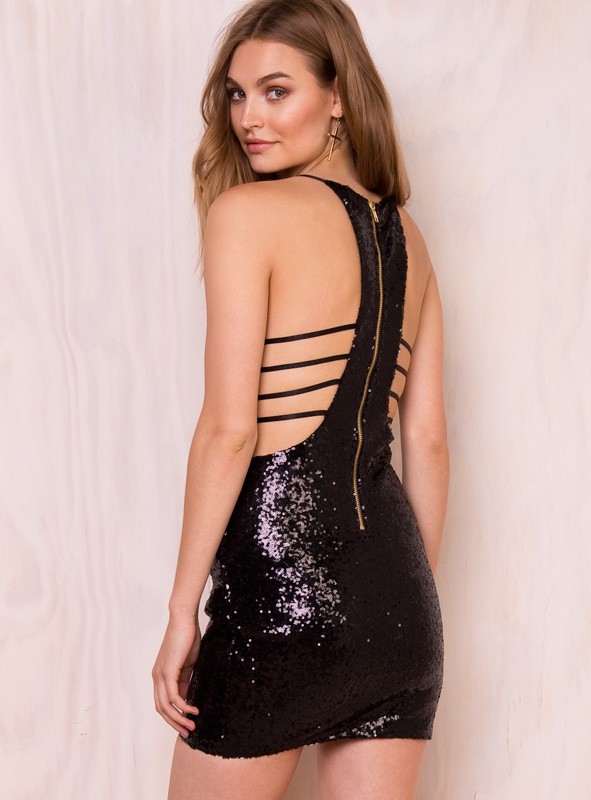
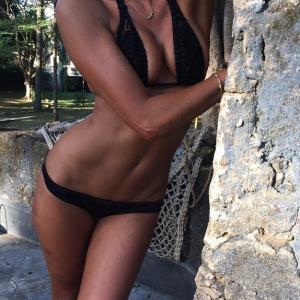 PRINCESS POLLY /monthly_07_2015/post-92060-0-1593852289-90945_thumb.jpg" class="ipsImage ipsImage_thumbnailed" alt="4_30_299.1436575946.jpg">
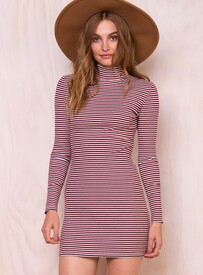




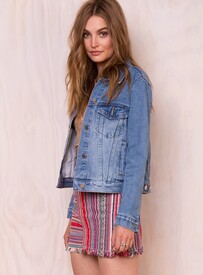
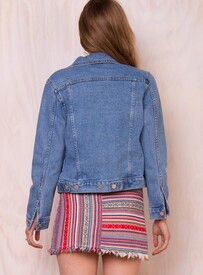






 she is beautiful :wub2:PRINCESS POLLY













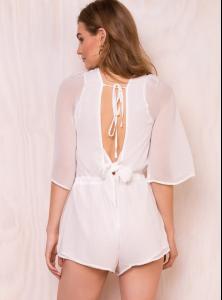


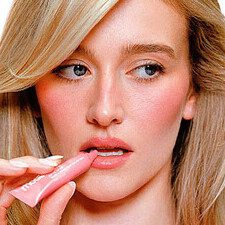
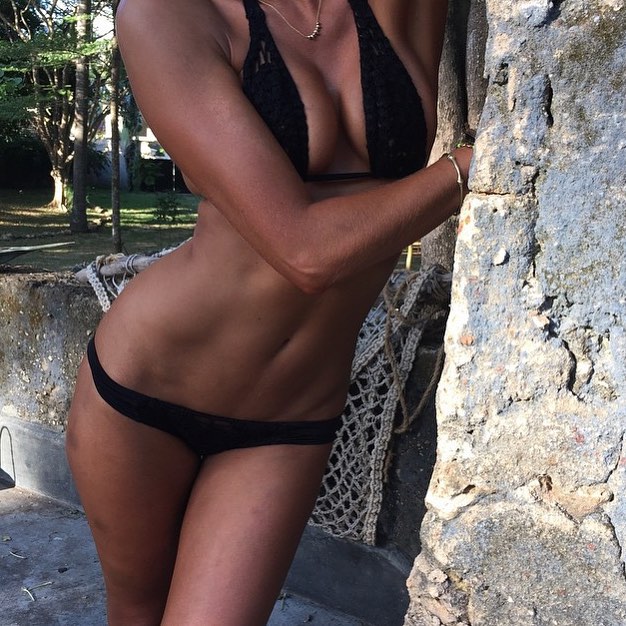
 more
more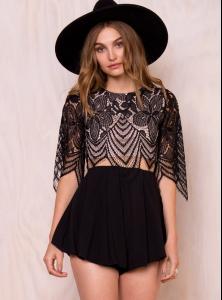

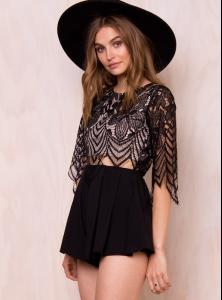






















































Account
Navigation
Search
Configure browser push notifications
Chrome (Android)
- Tap the lock icon next to the address bar.
- Tap Permissions → Notifications.
- Adjust your preference.
Chrome (Desktop)
- Click the padlock icon in the address bar.
- Select Site settings.
- Find Notifications and adjust your preference.
Safari (iOS 16.4+)
- Ensure the site is installed via Add to Home Screen.
- Open Settings App → Notifications.
- Find your app name and adjust your preference.
Safari (macOS)
- Go to Safari → Preferences.
- Click the Websites tab.
- Select Notifications in the sidebar.
- Find this website and adjust your preference.
Edge (Android)
- Tap the lock icon next to the address bar.
- Tap Permissions.
- Find Notifications and adjust your preference.
Edge (Desktop)
- Click the padlock icon in the address bar.
- Click Permissions for this site.
- Find Notifications and adjust your preference.
Firefox (Android)
- Go to Settings → Site permissions.
- Tap Notifications.
- Find this site in the list and adjust your preference.
Firefox (Desktop)
- Open Firefox Settings.
- Search for Notifications.
- Find this site in the list and adjust your preference.