kissnena
Members
-
Joined
-
Last visited
-
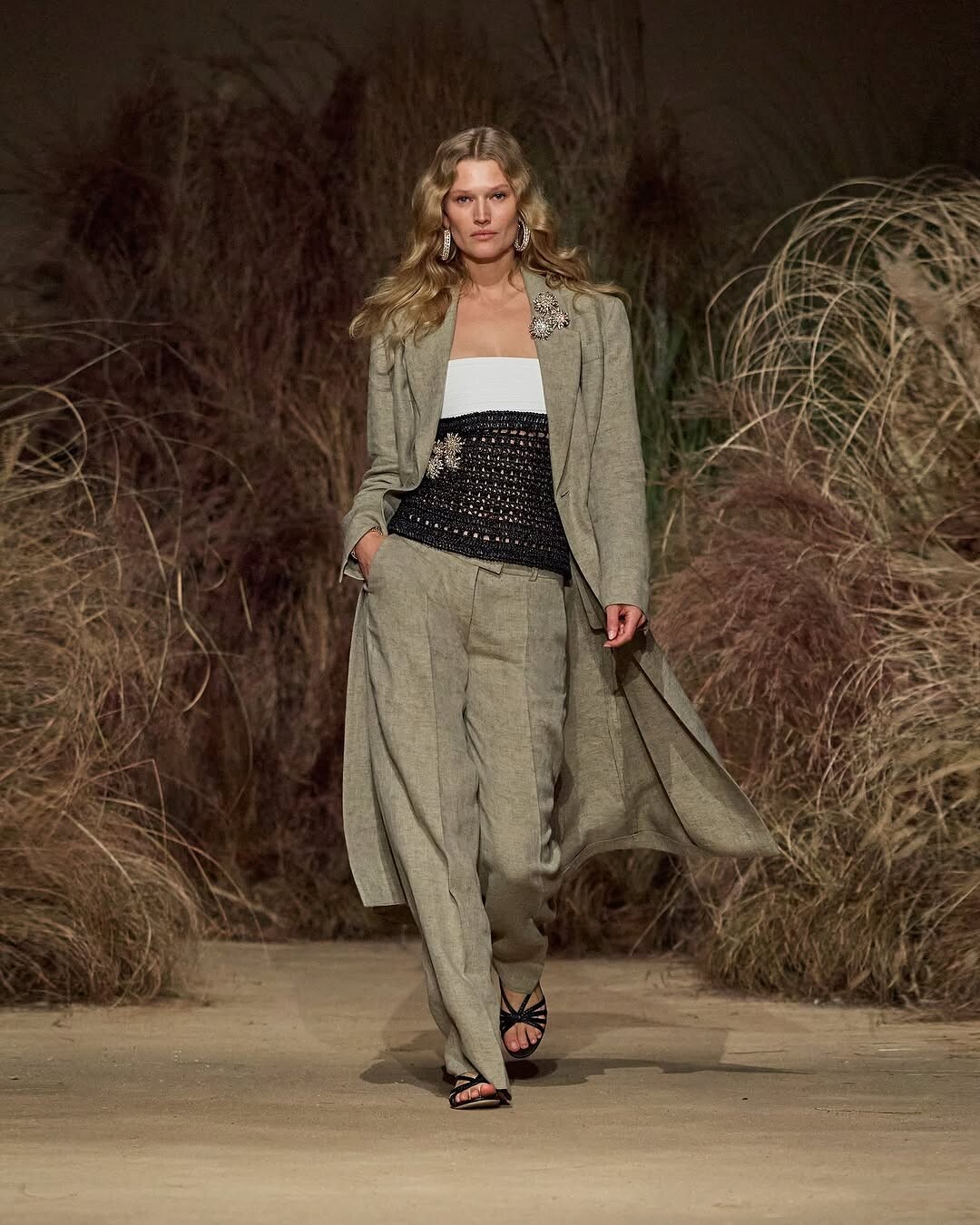
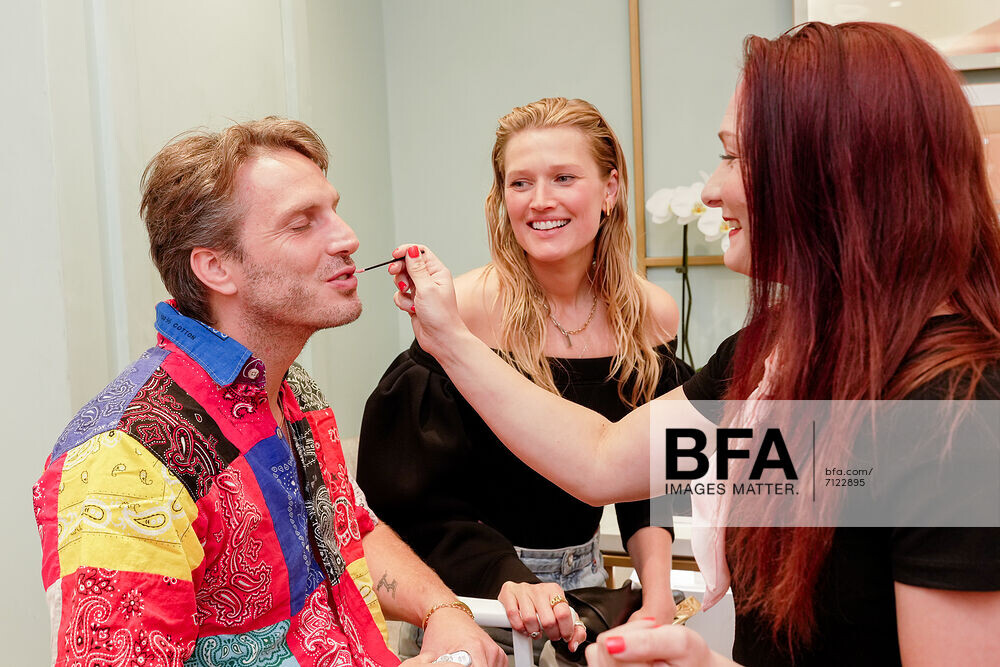
Cybex Apparel Collection Launch, Berlin, Germany - 11 Jun 2026


-
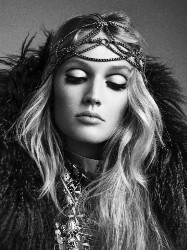
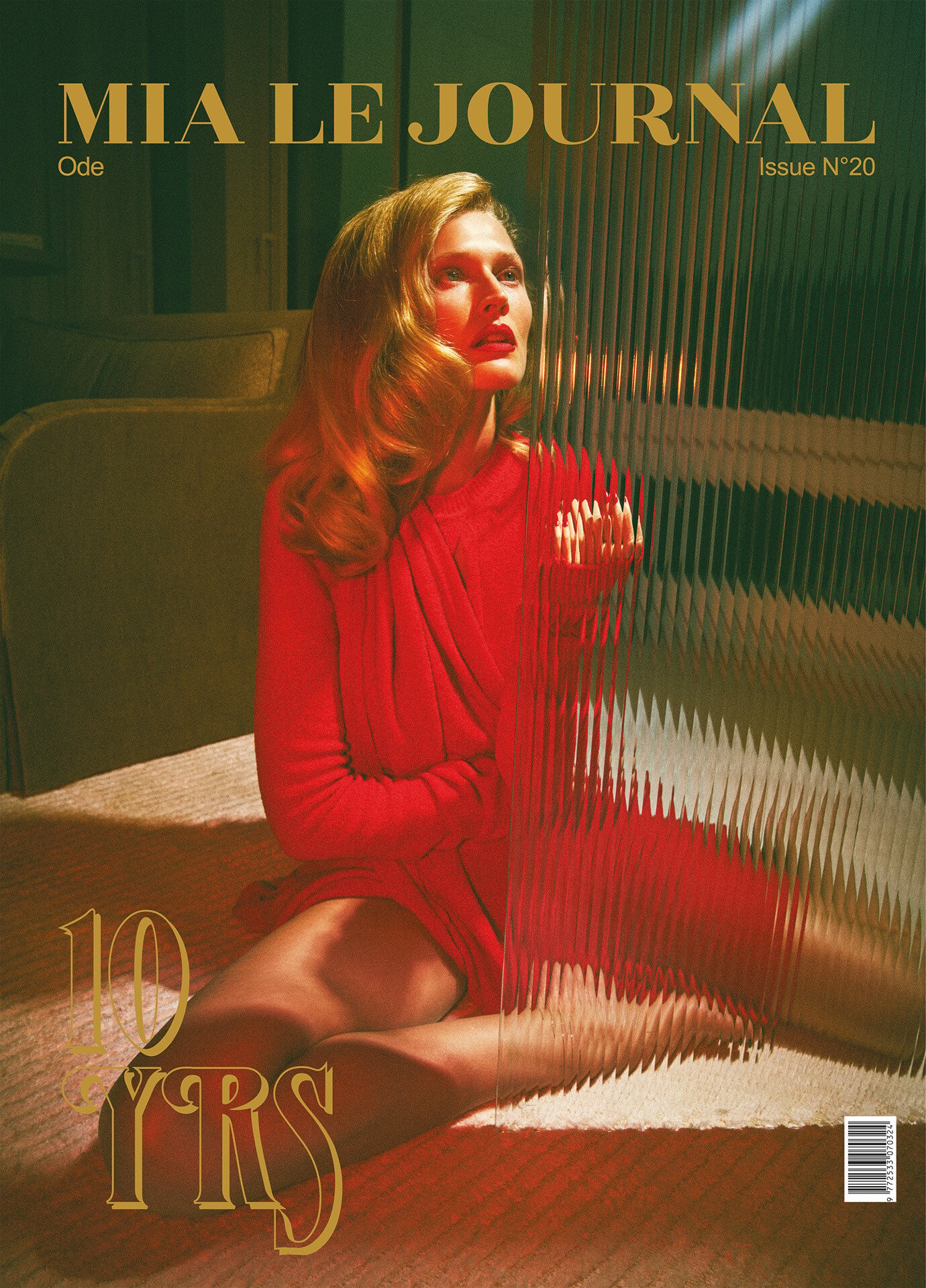
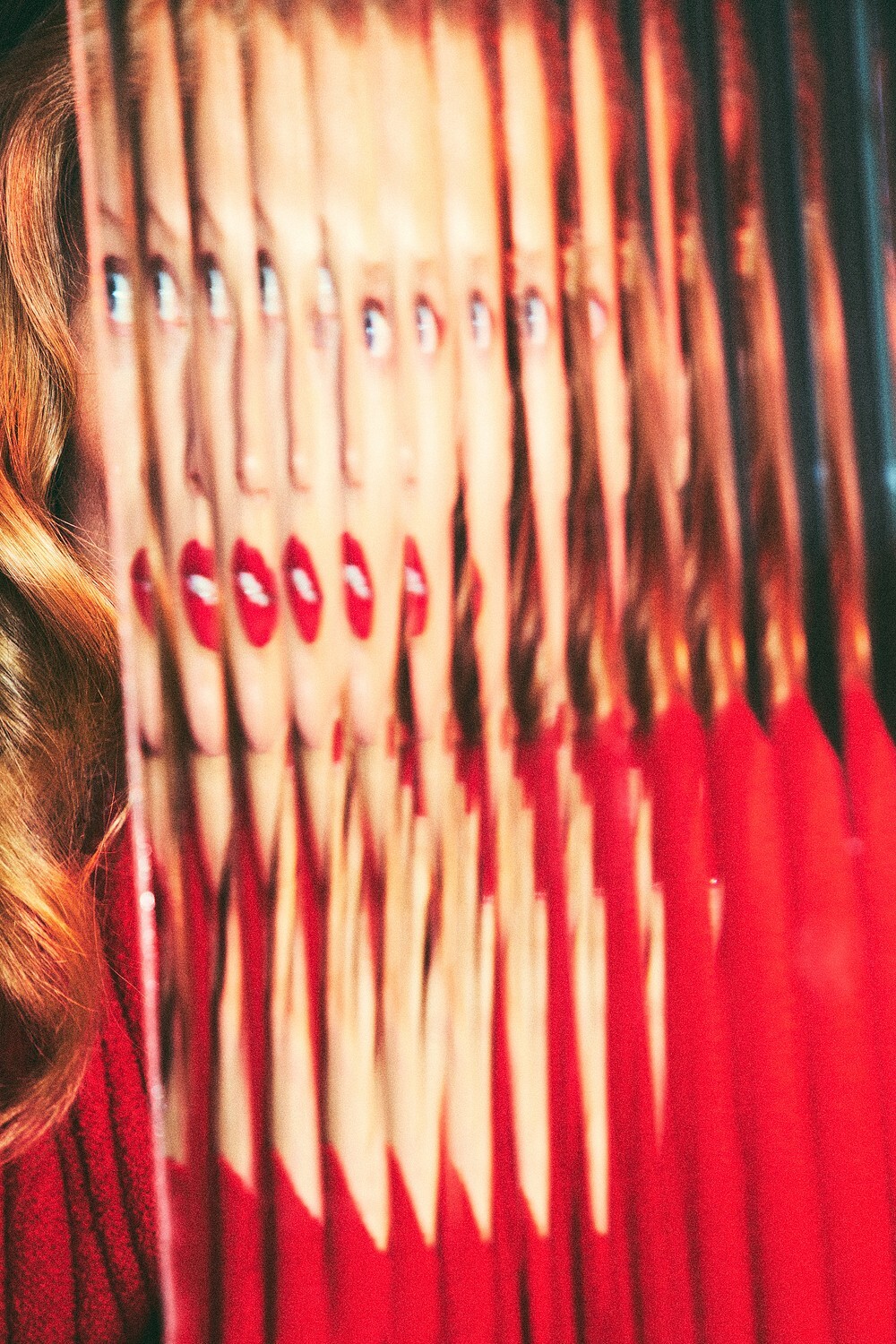
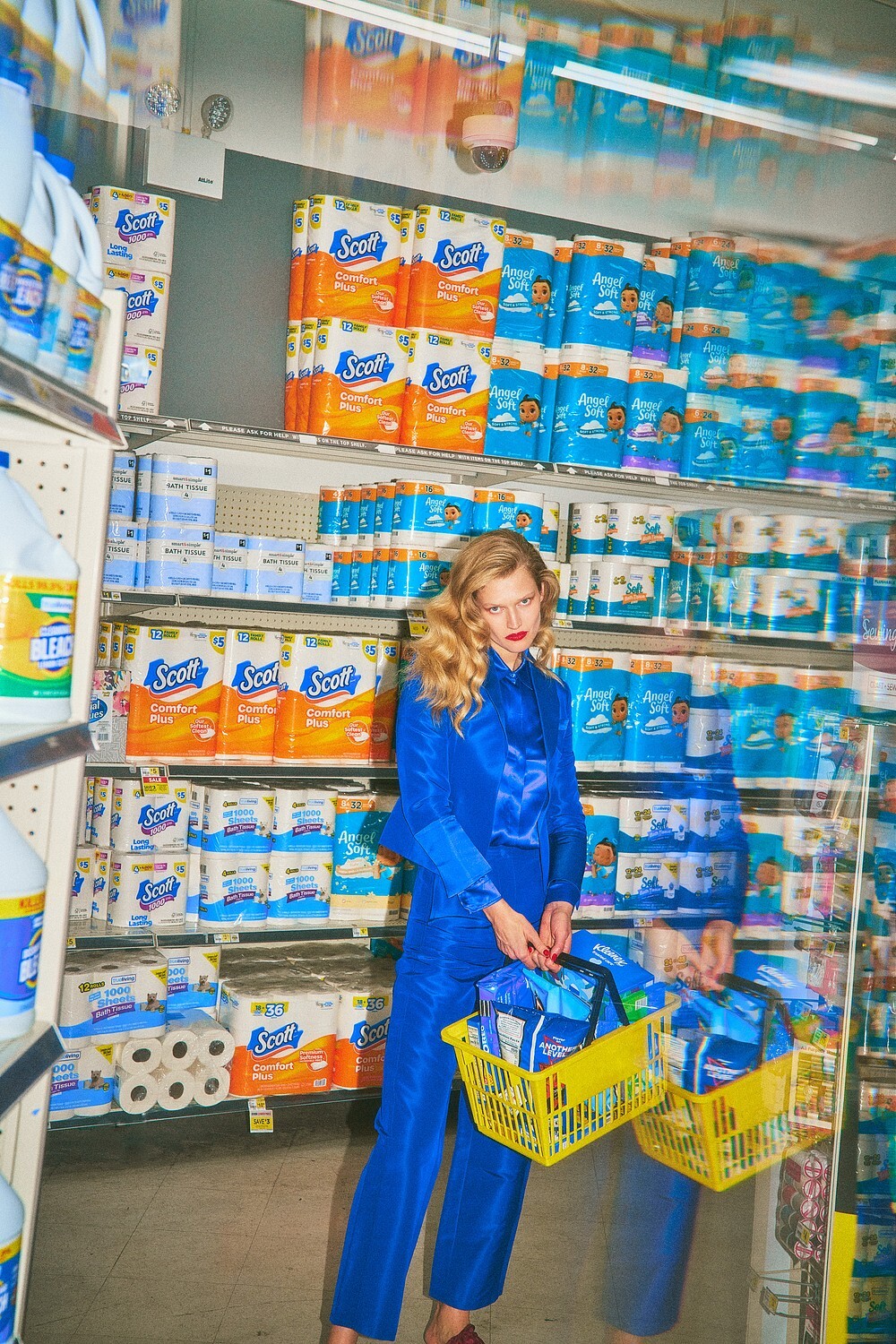
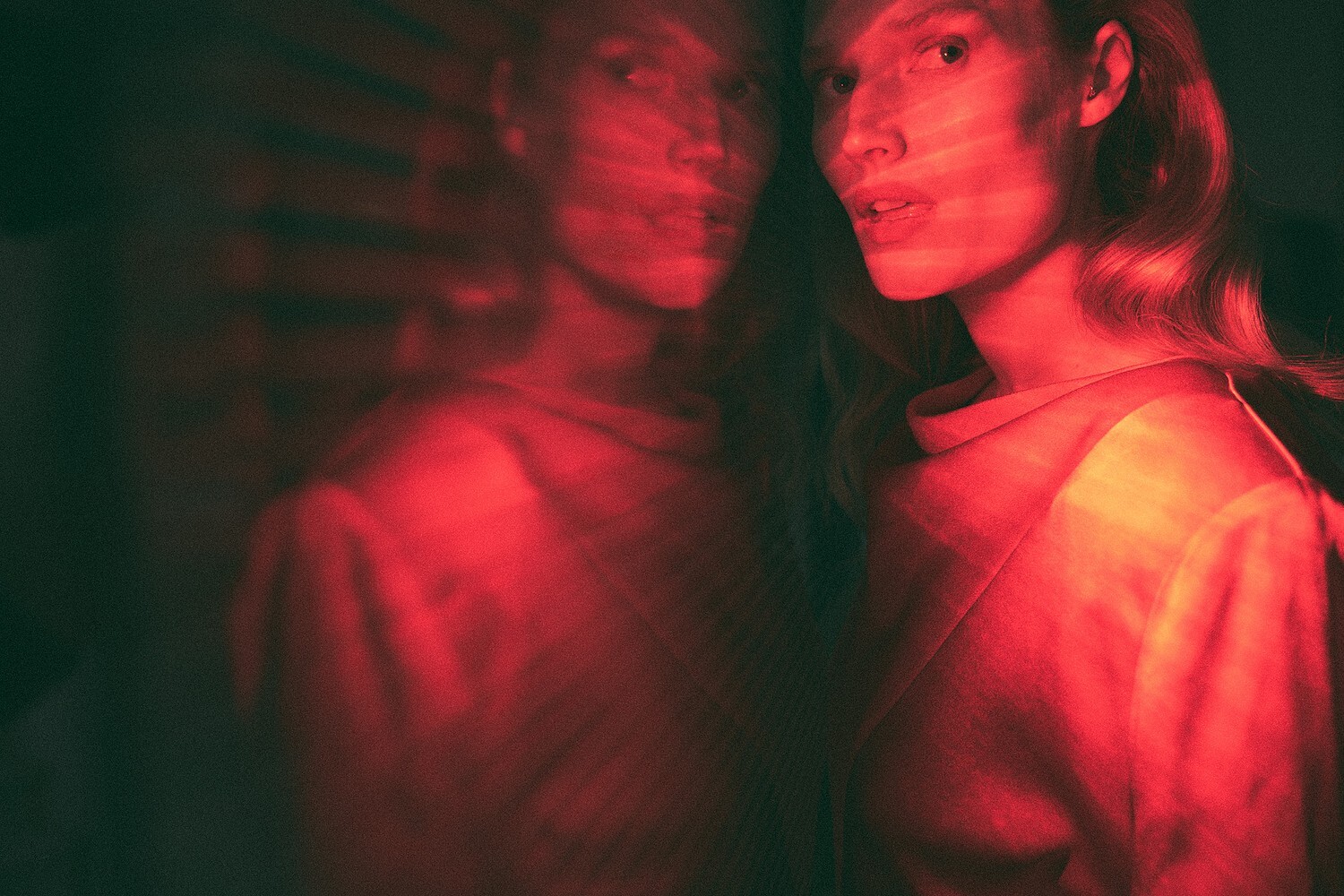
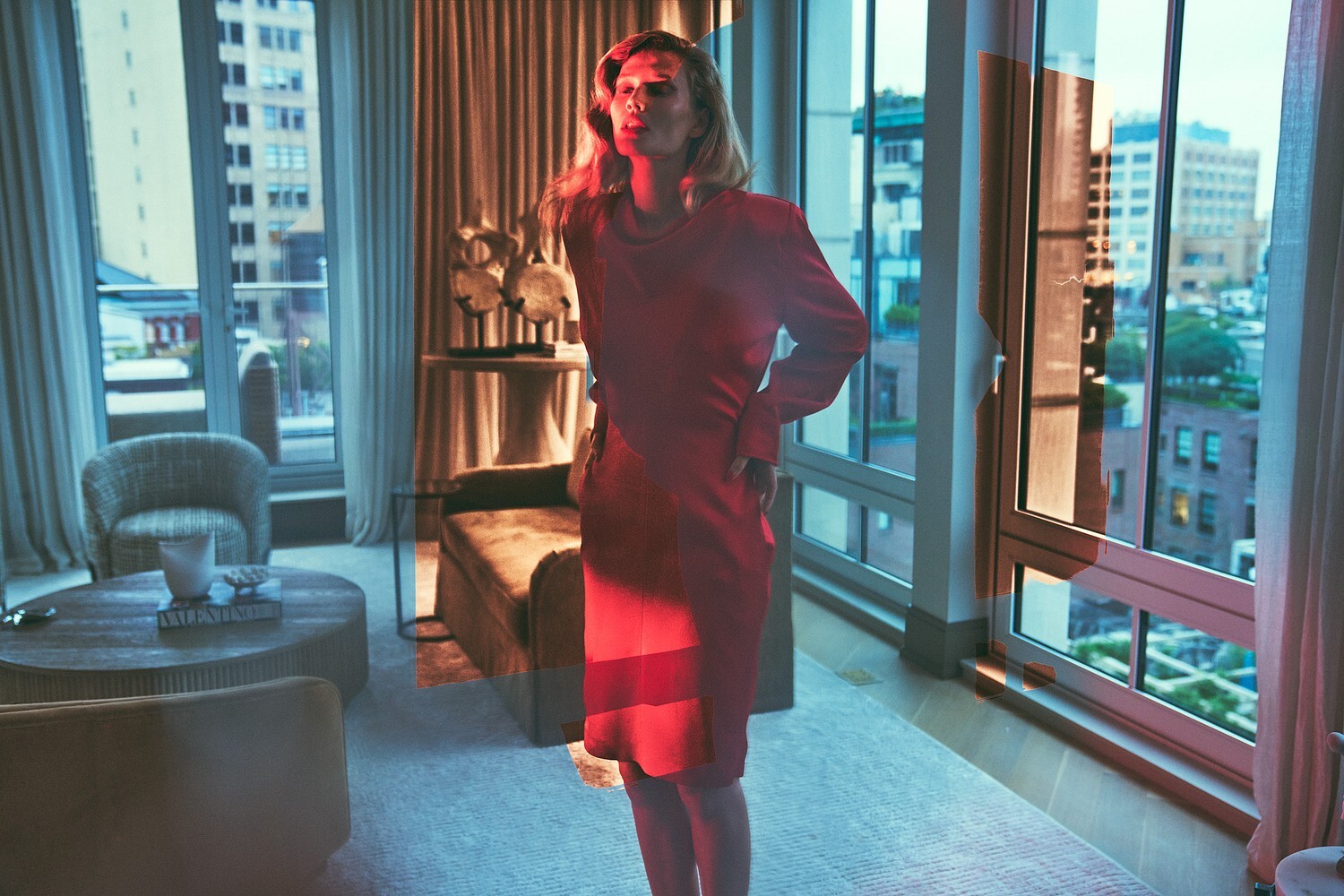
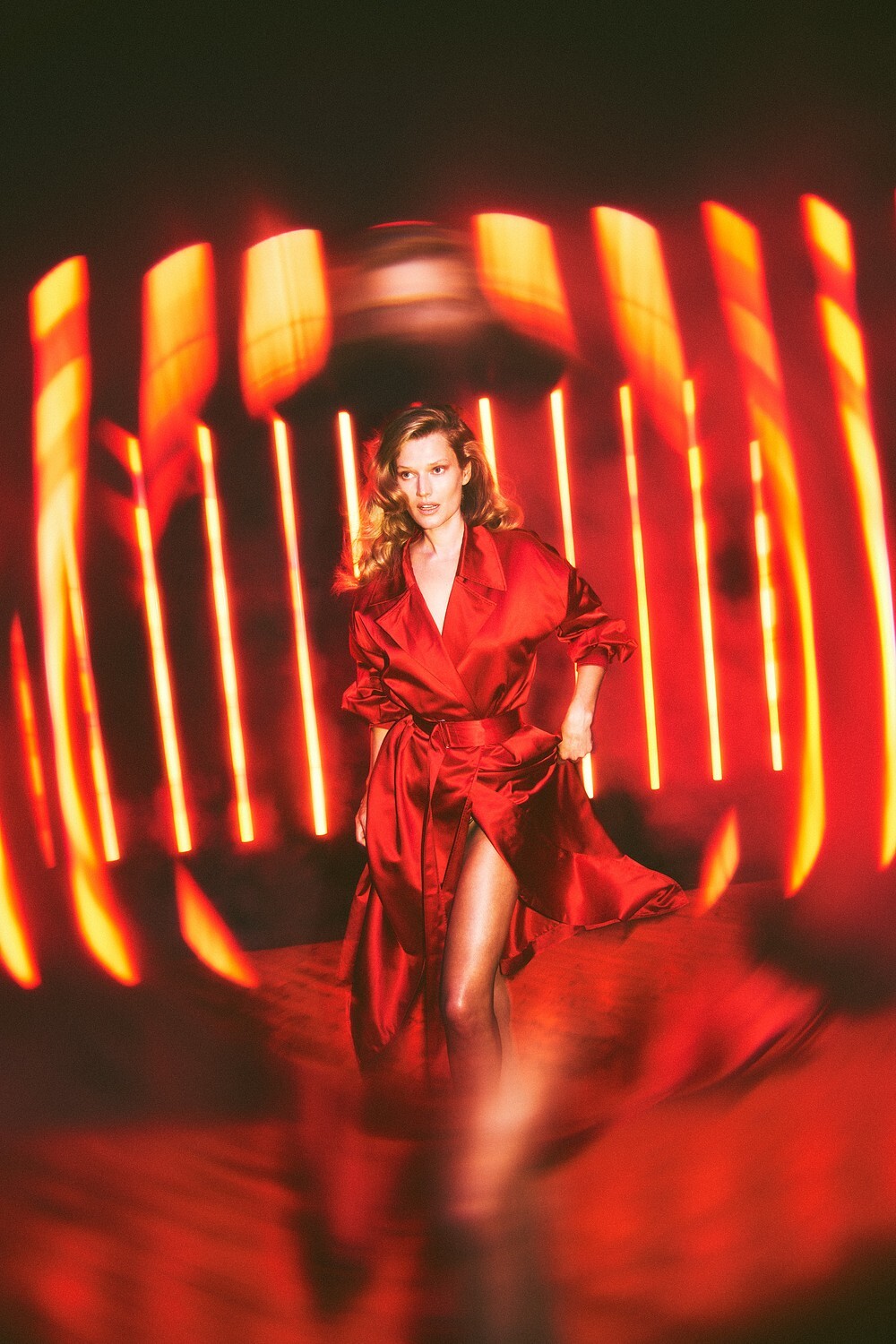
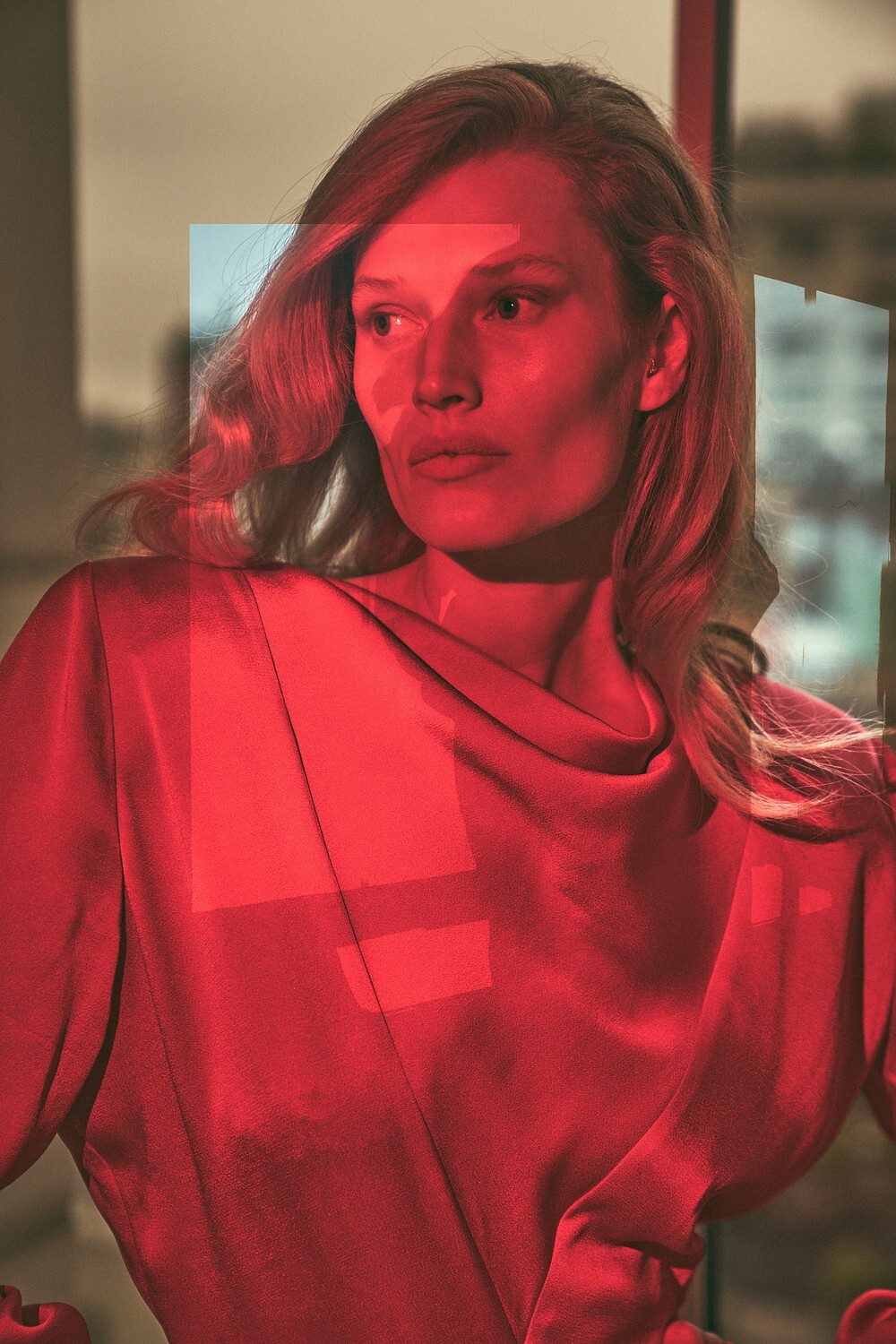
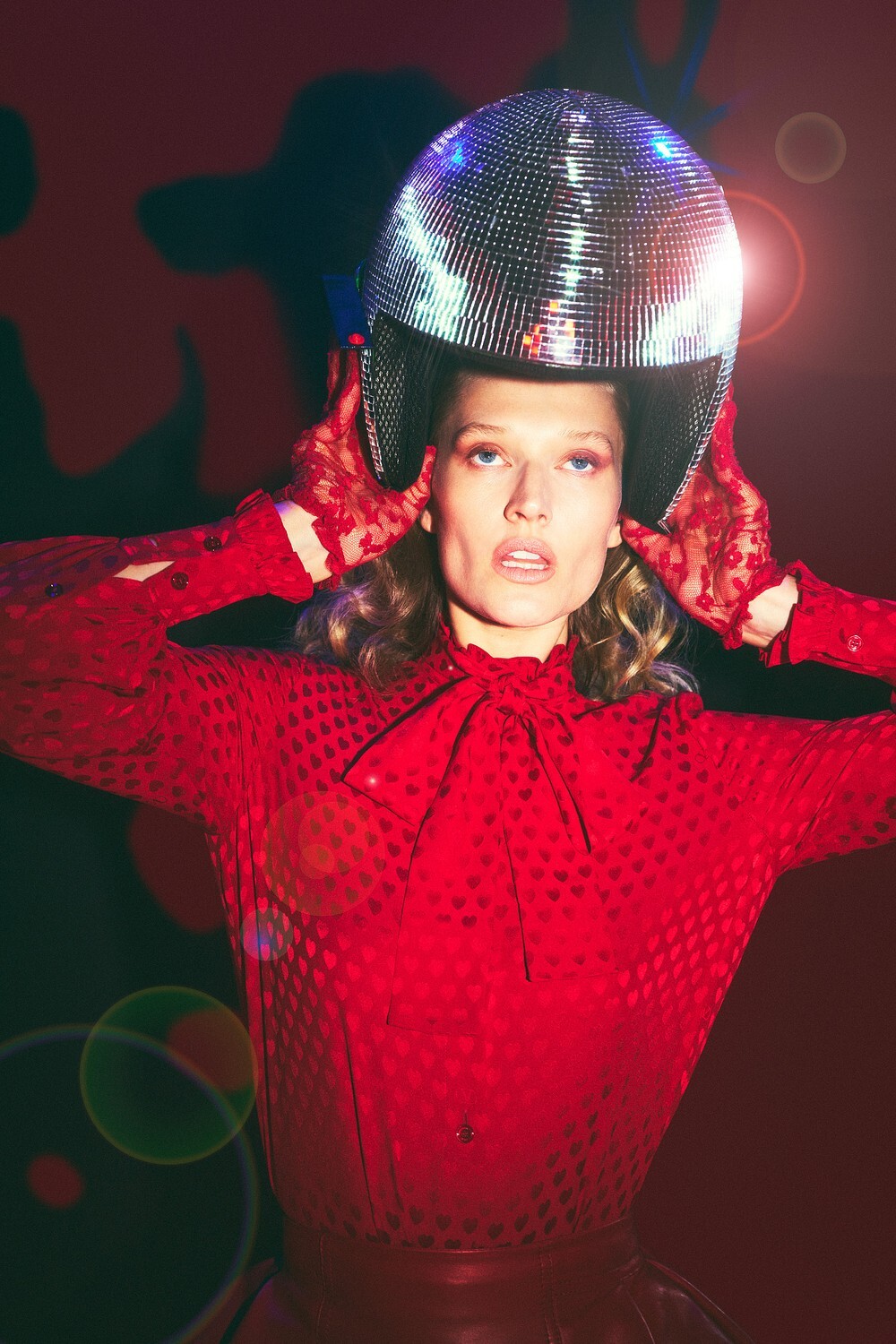
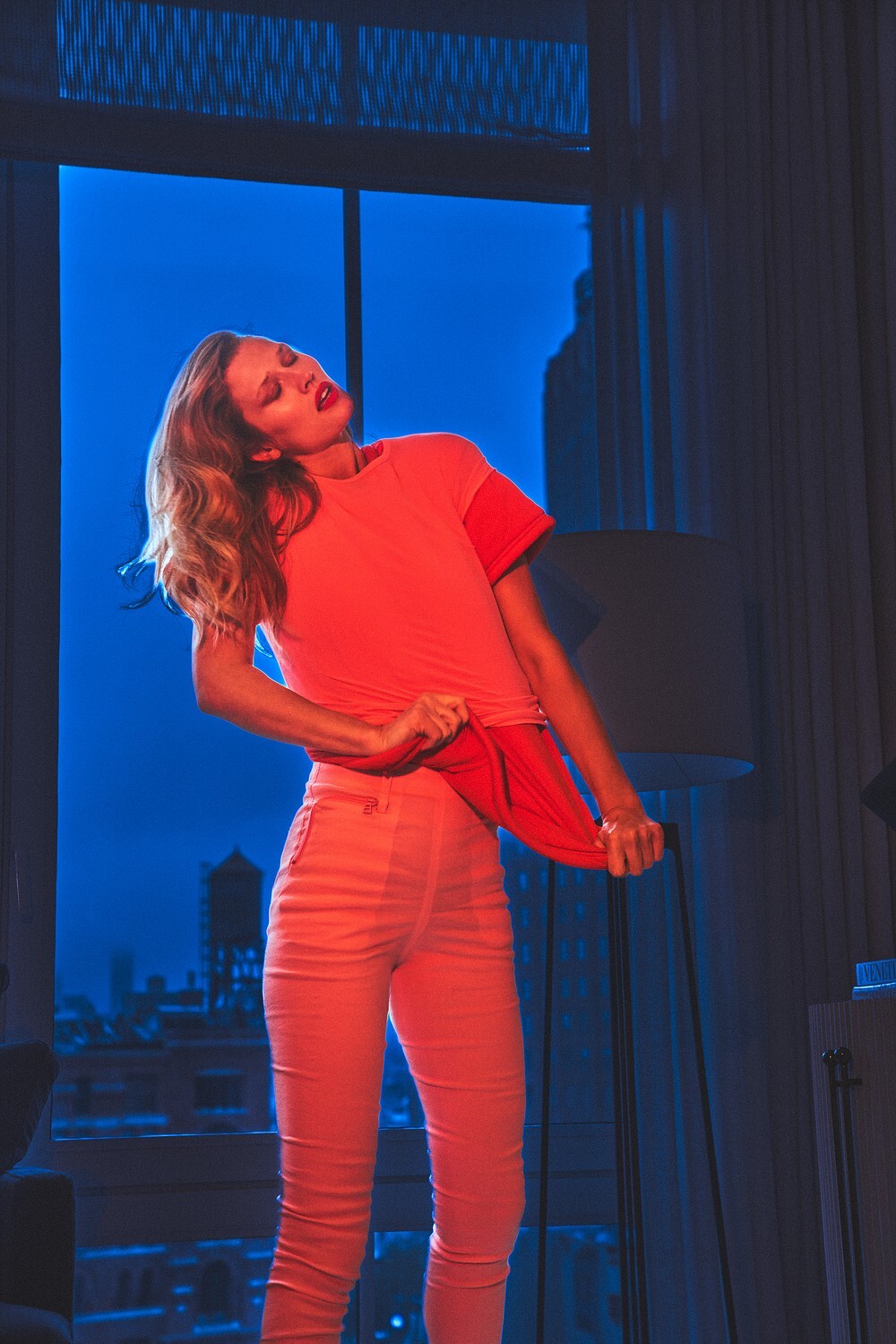
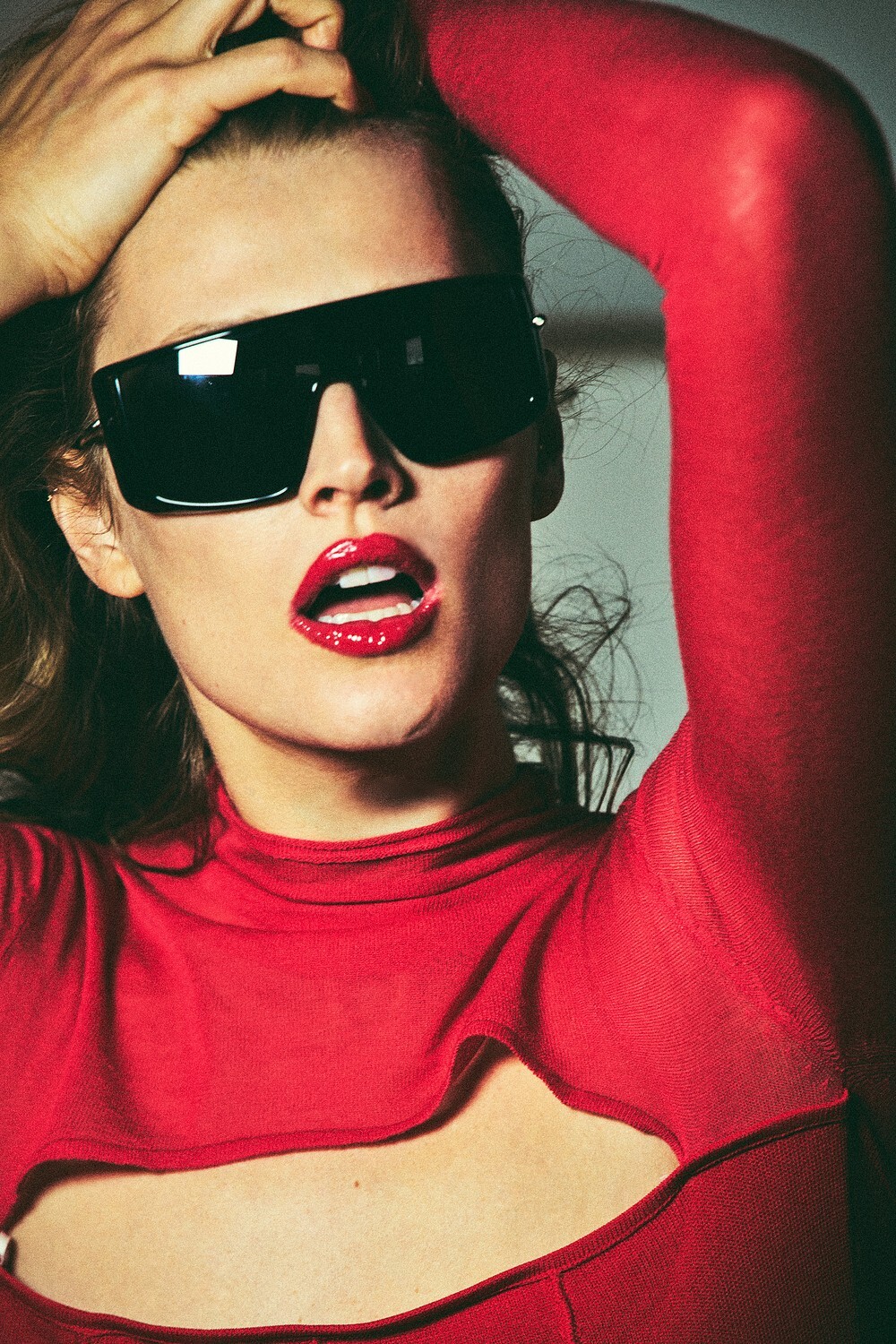
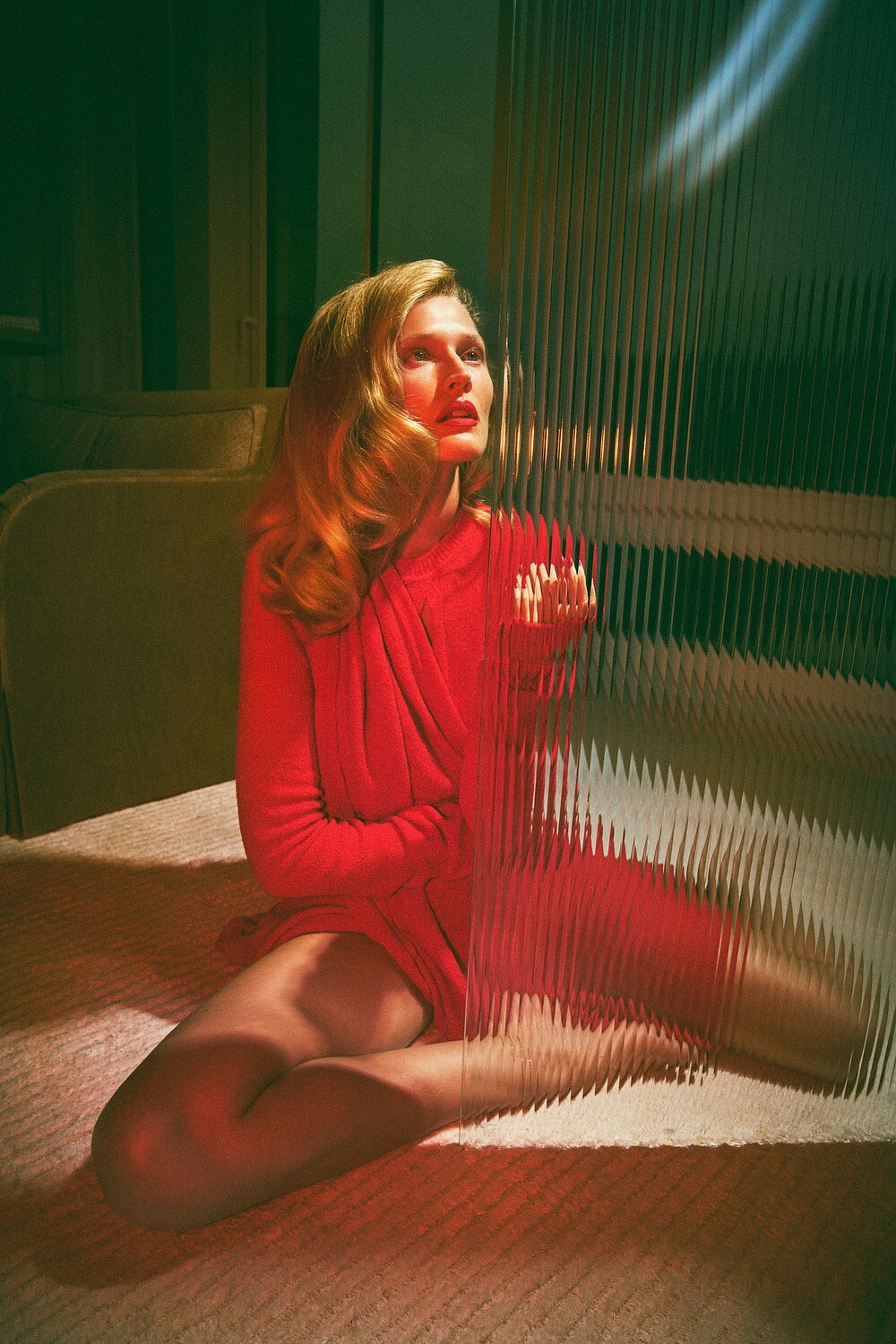
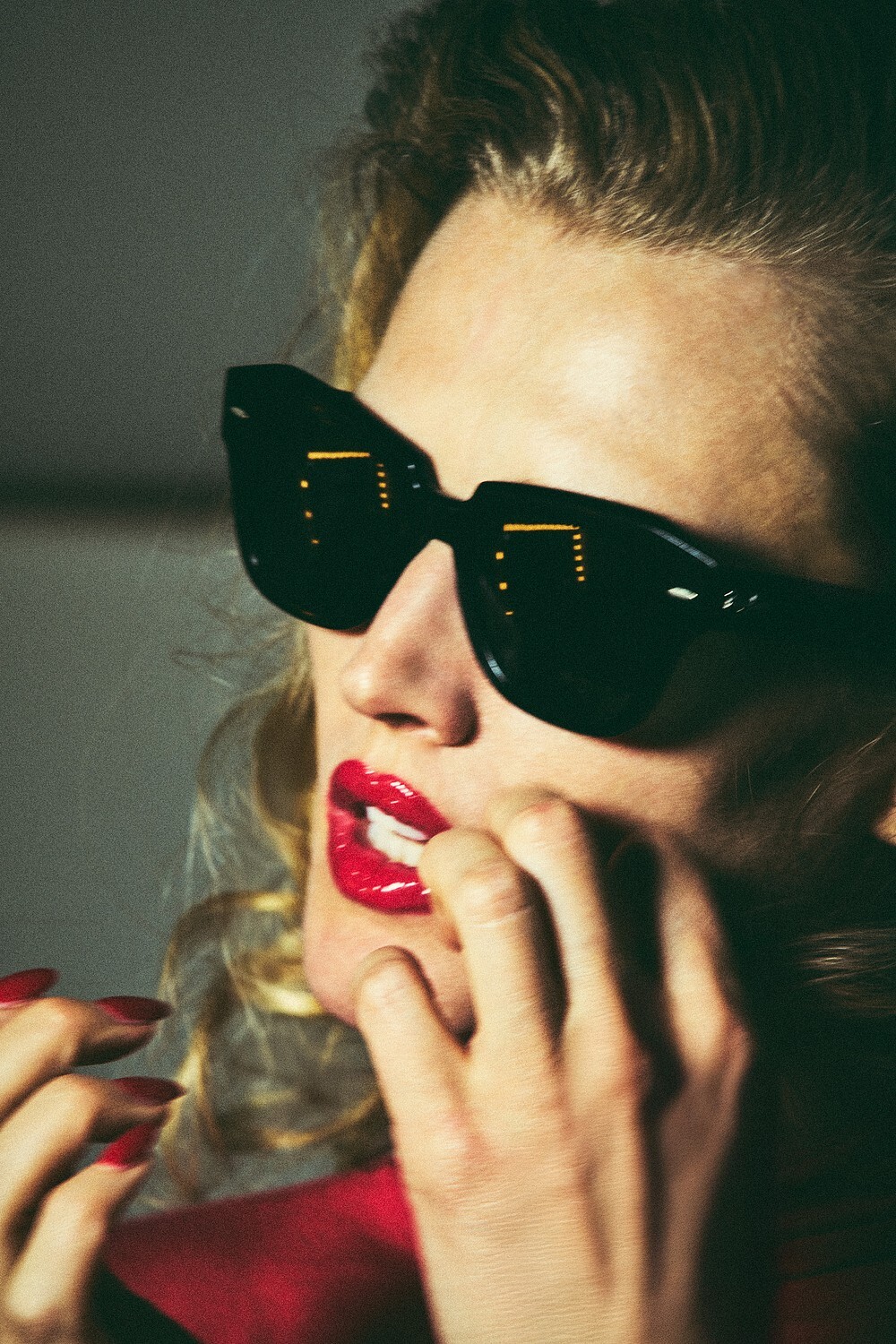
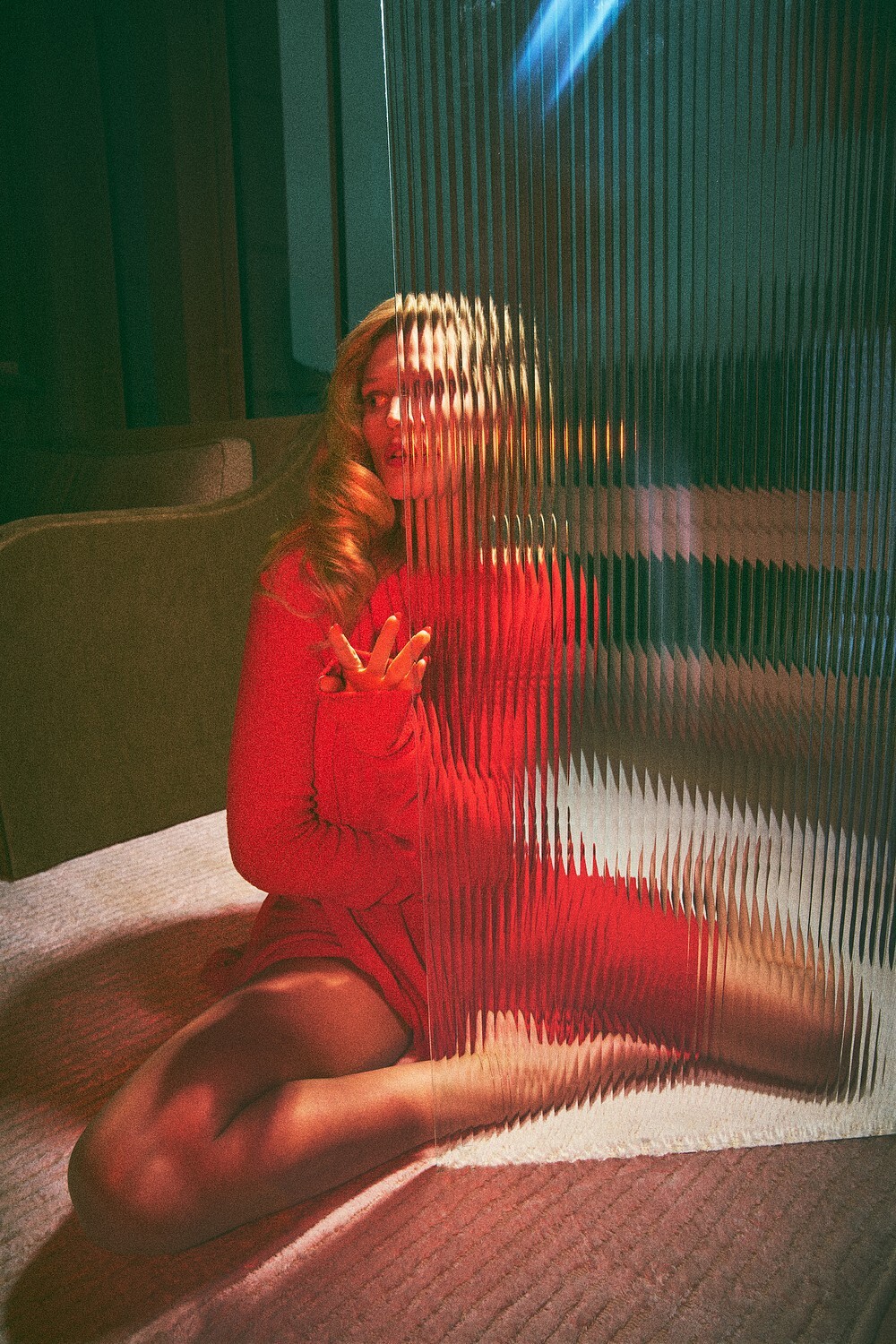
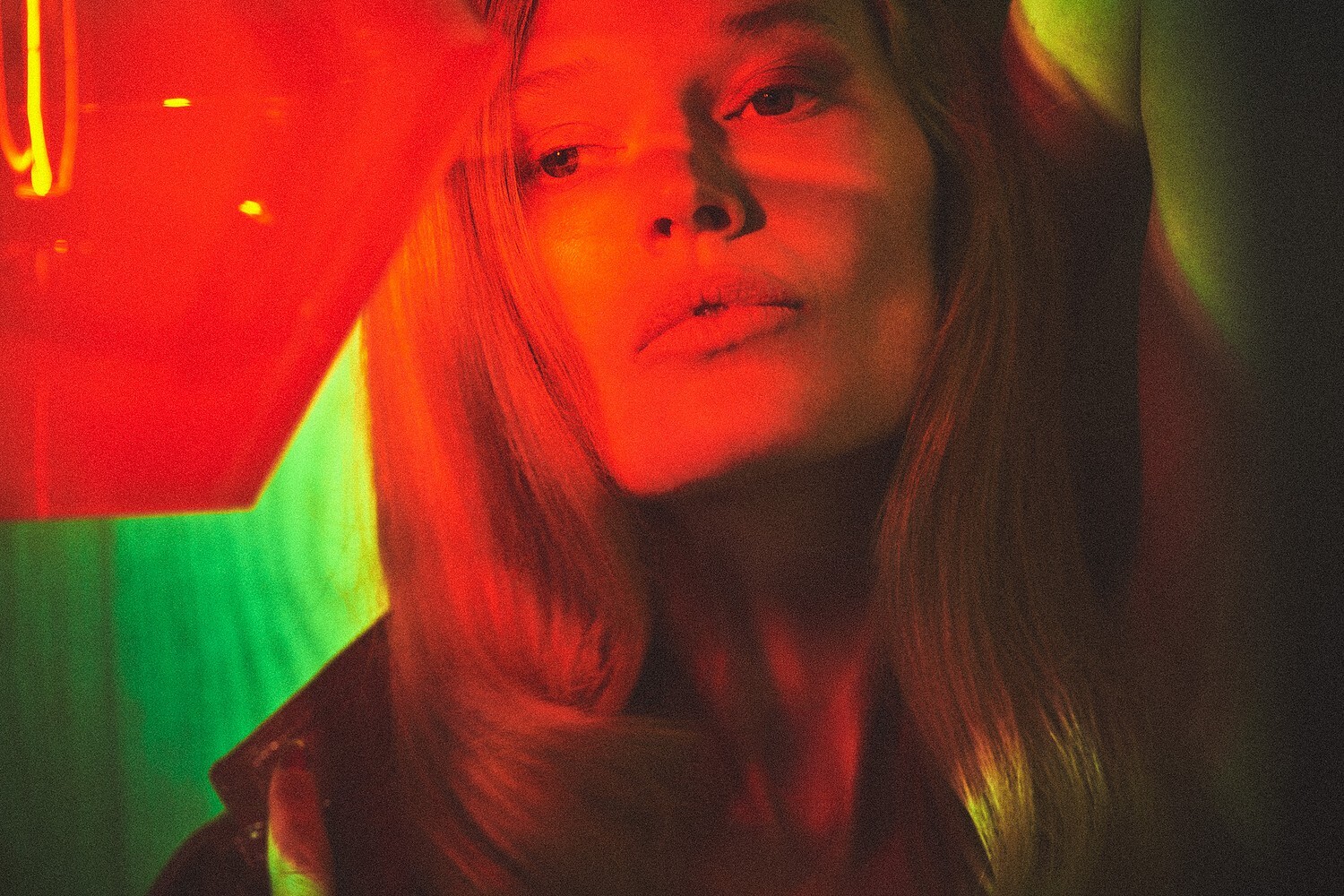
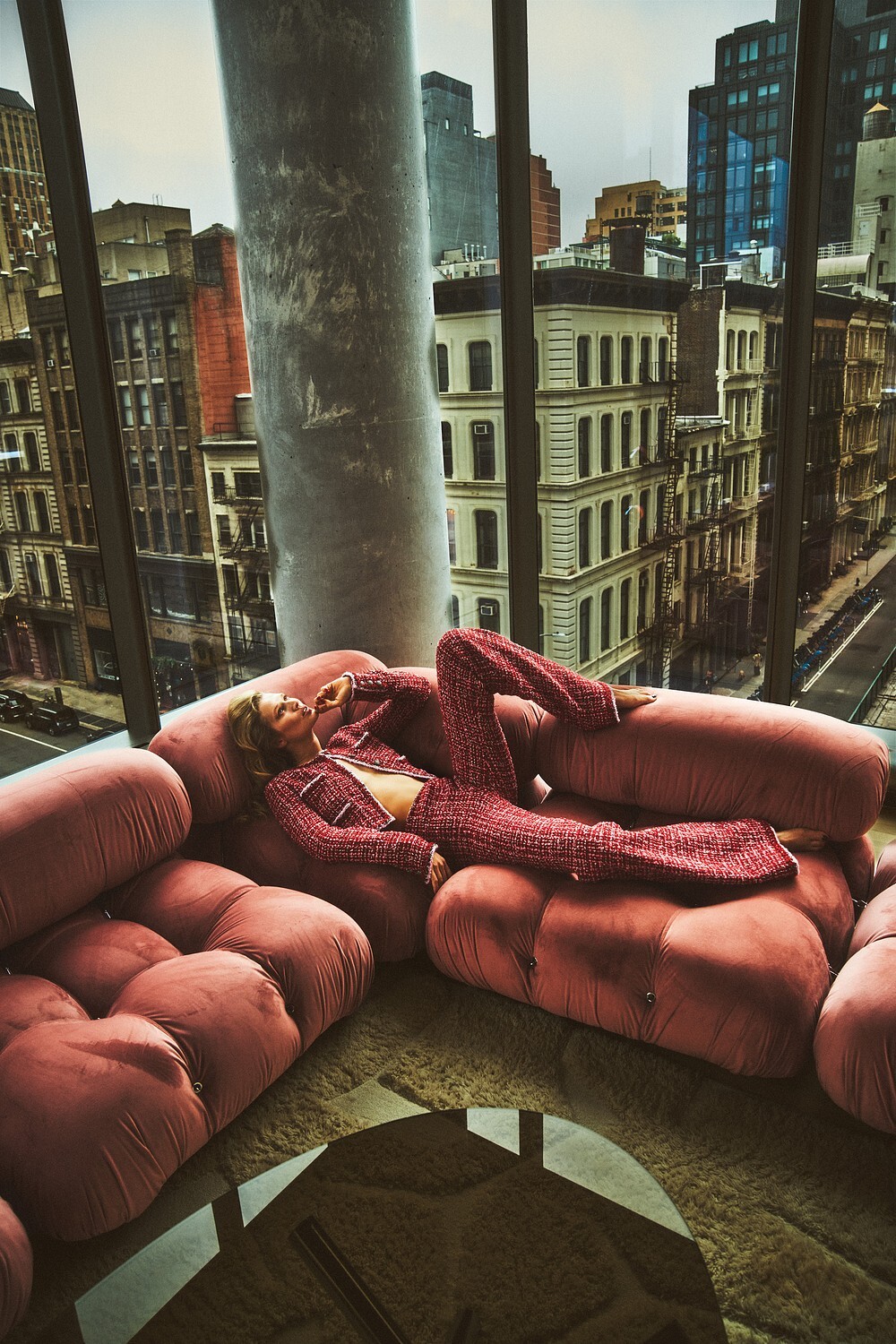
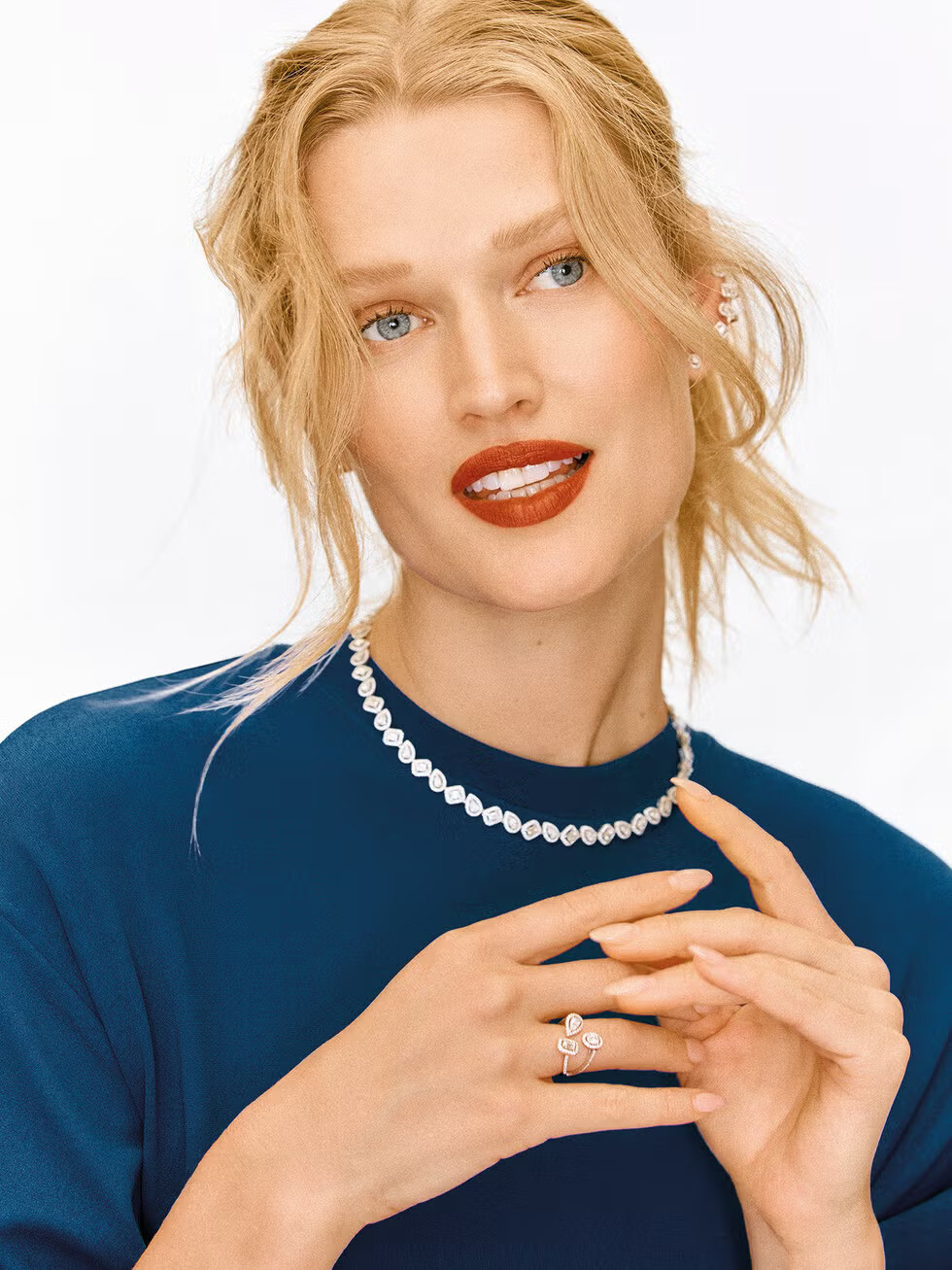
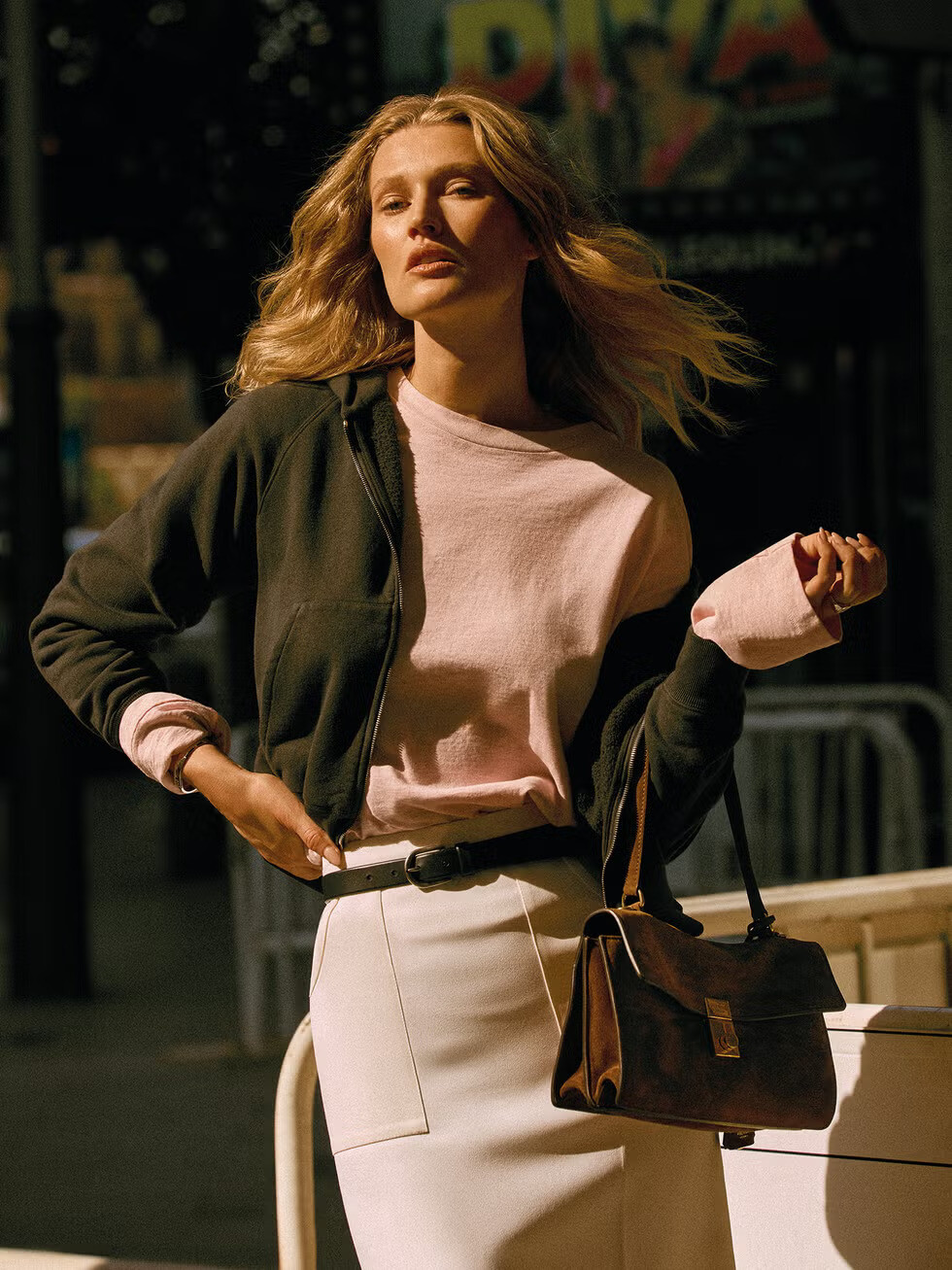
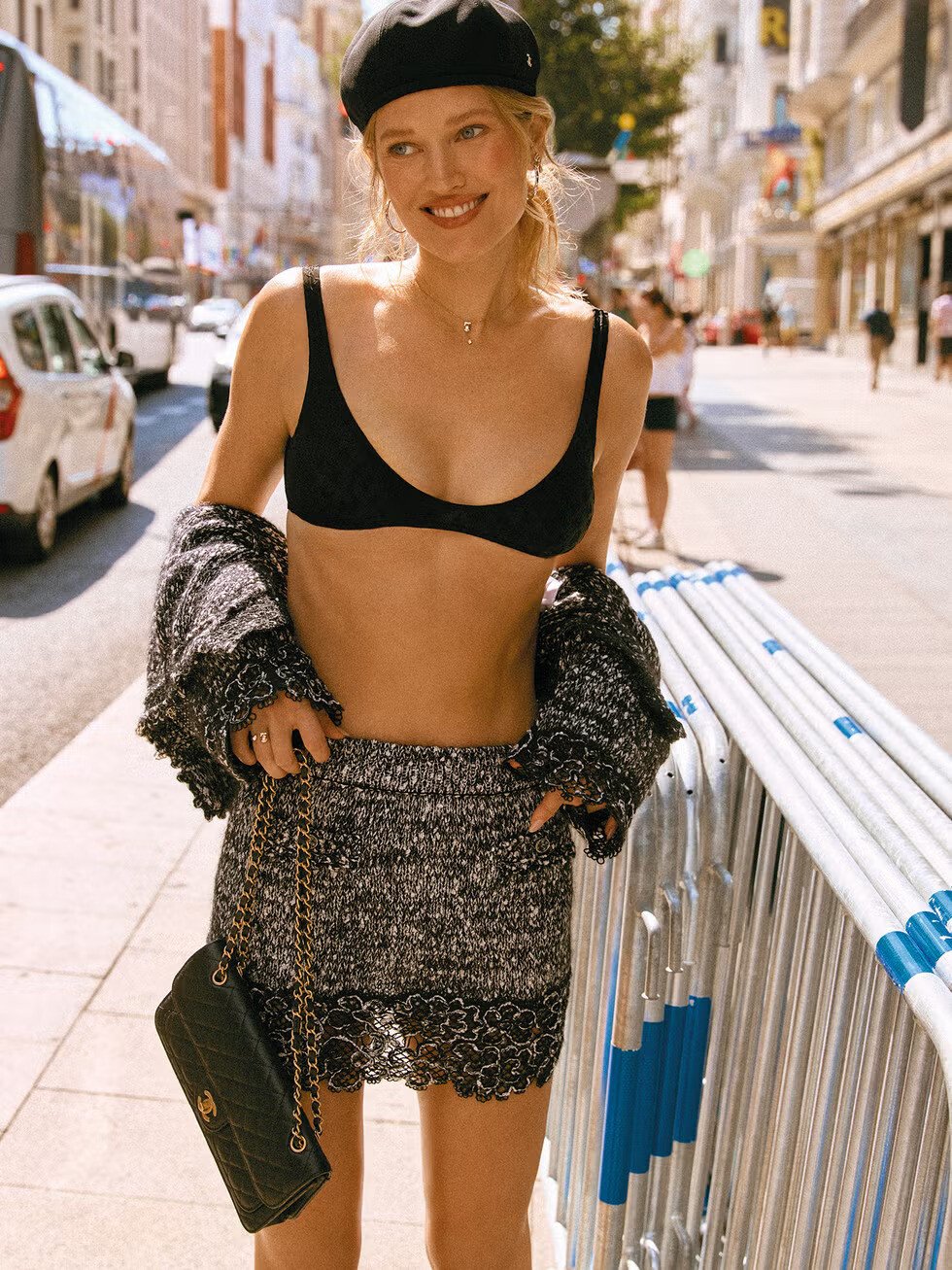
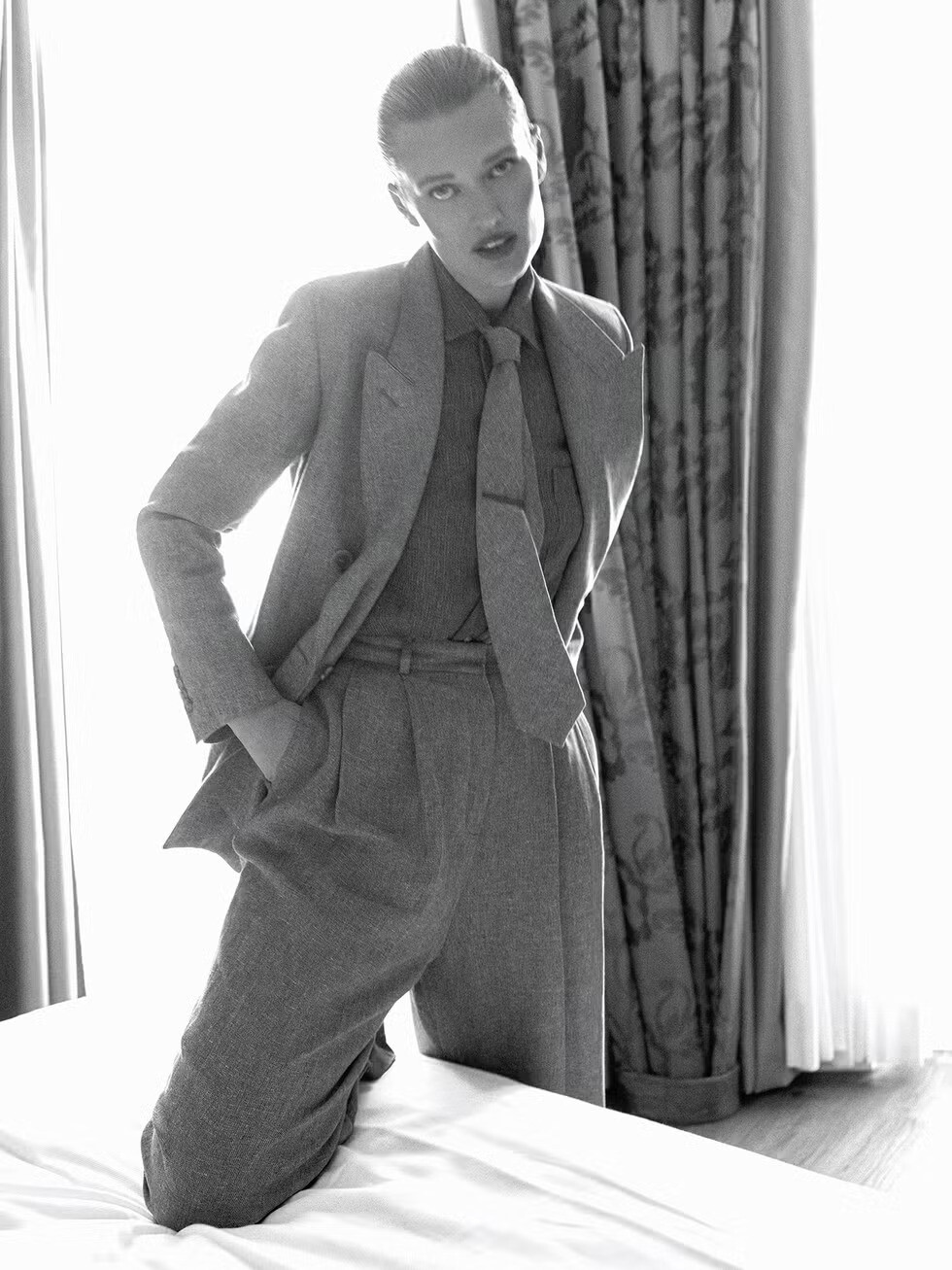
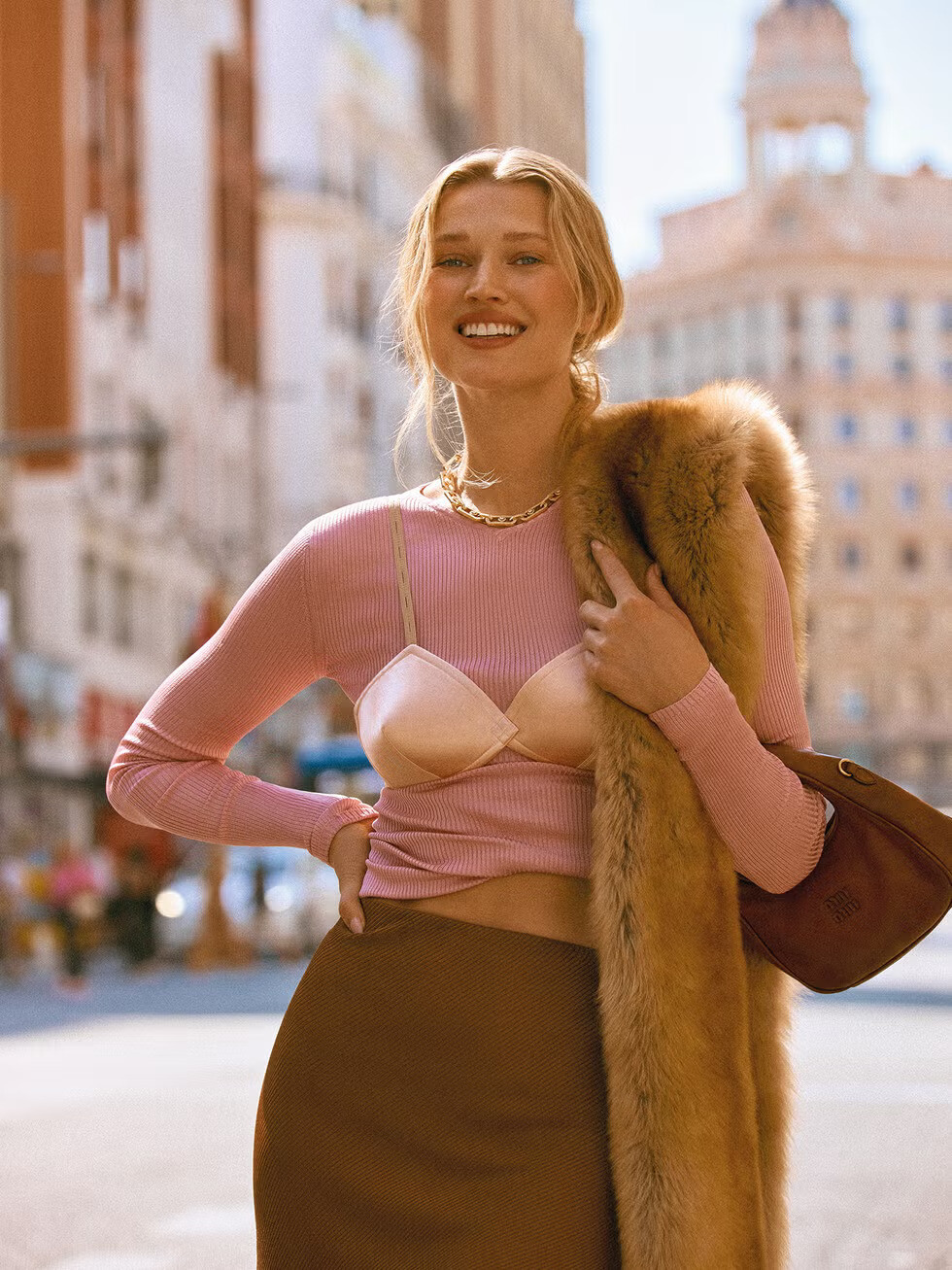
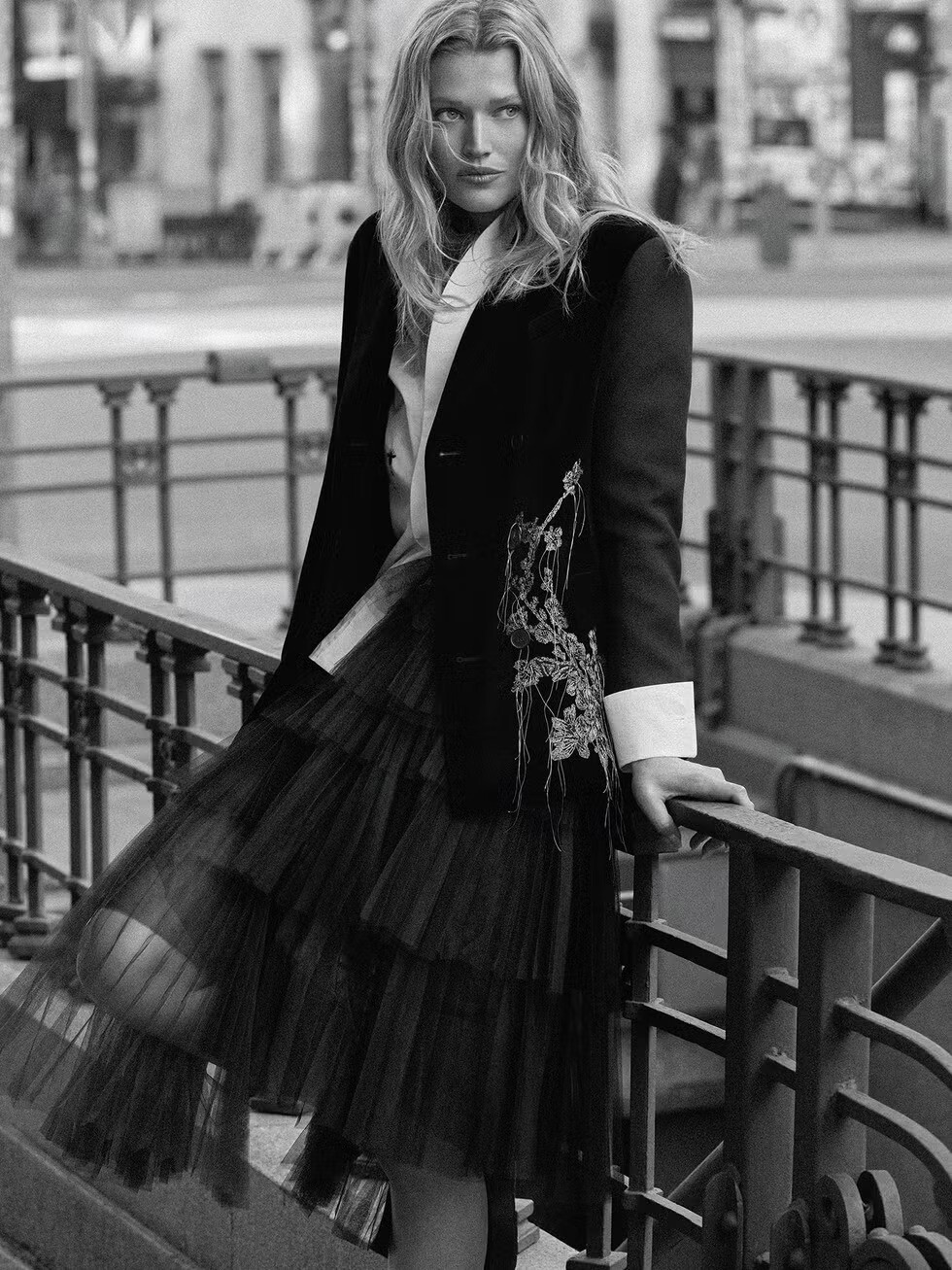
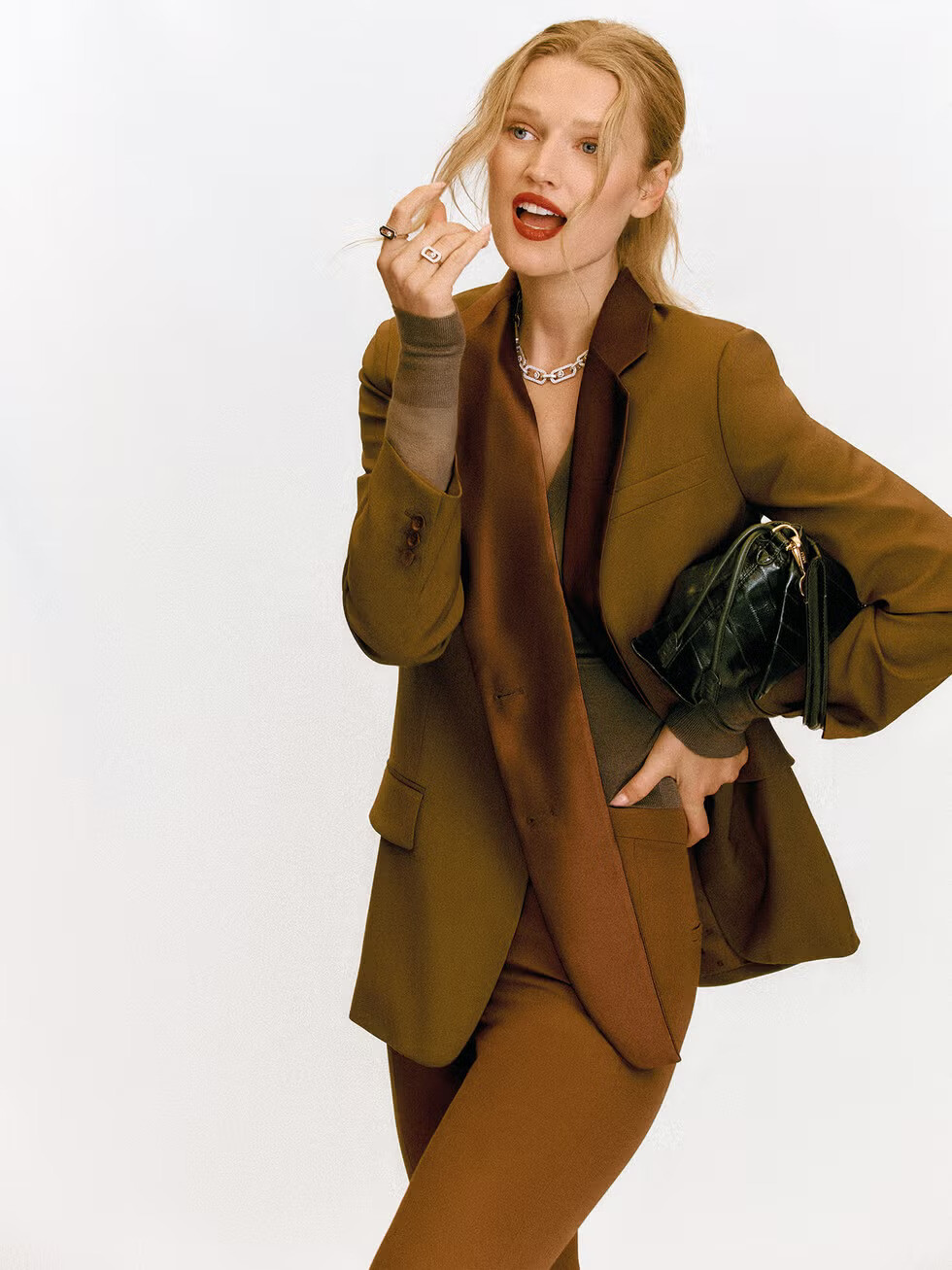
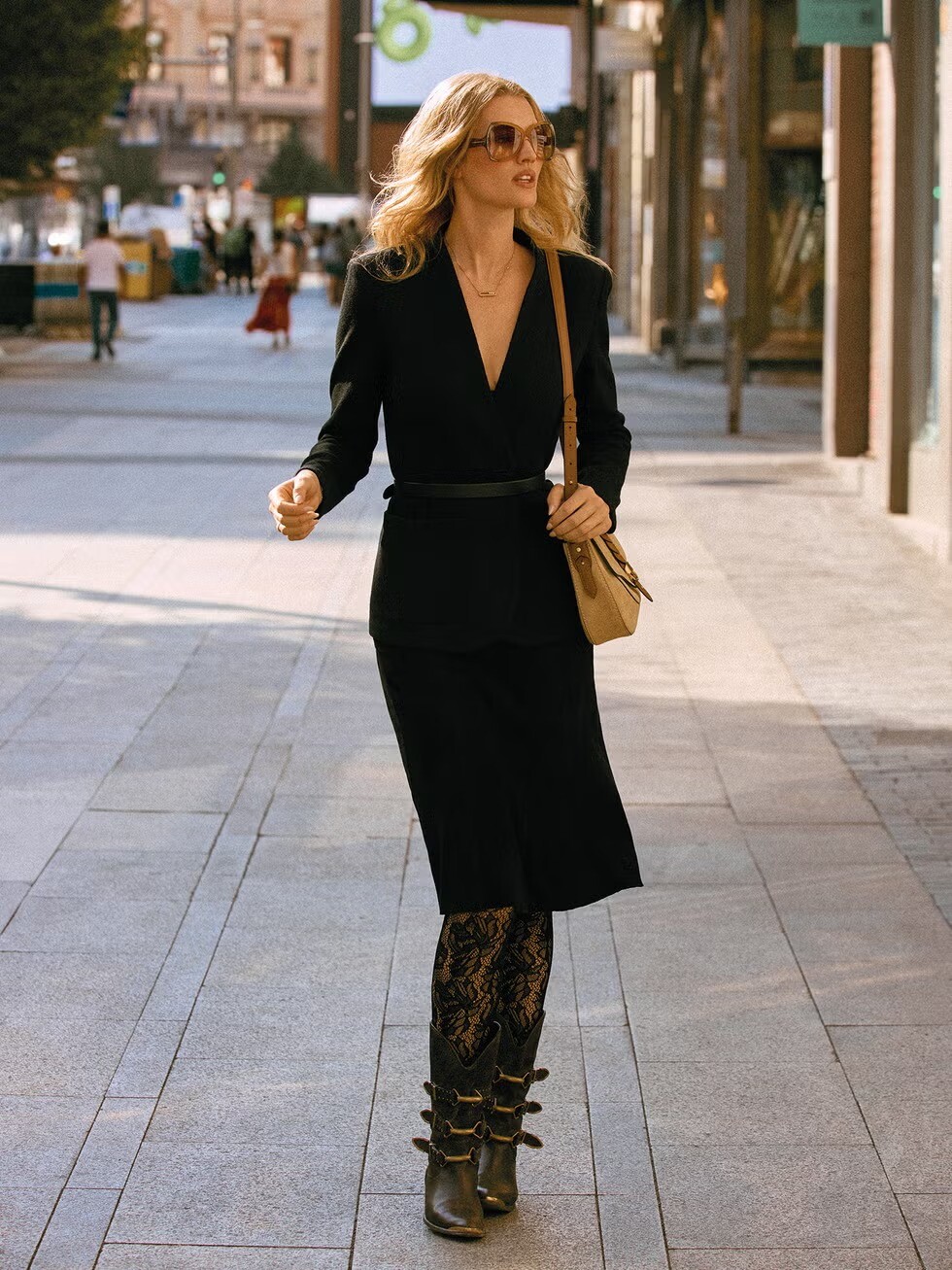
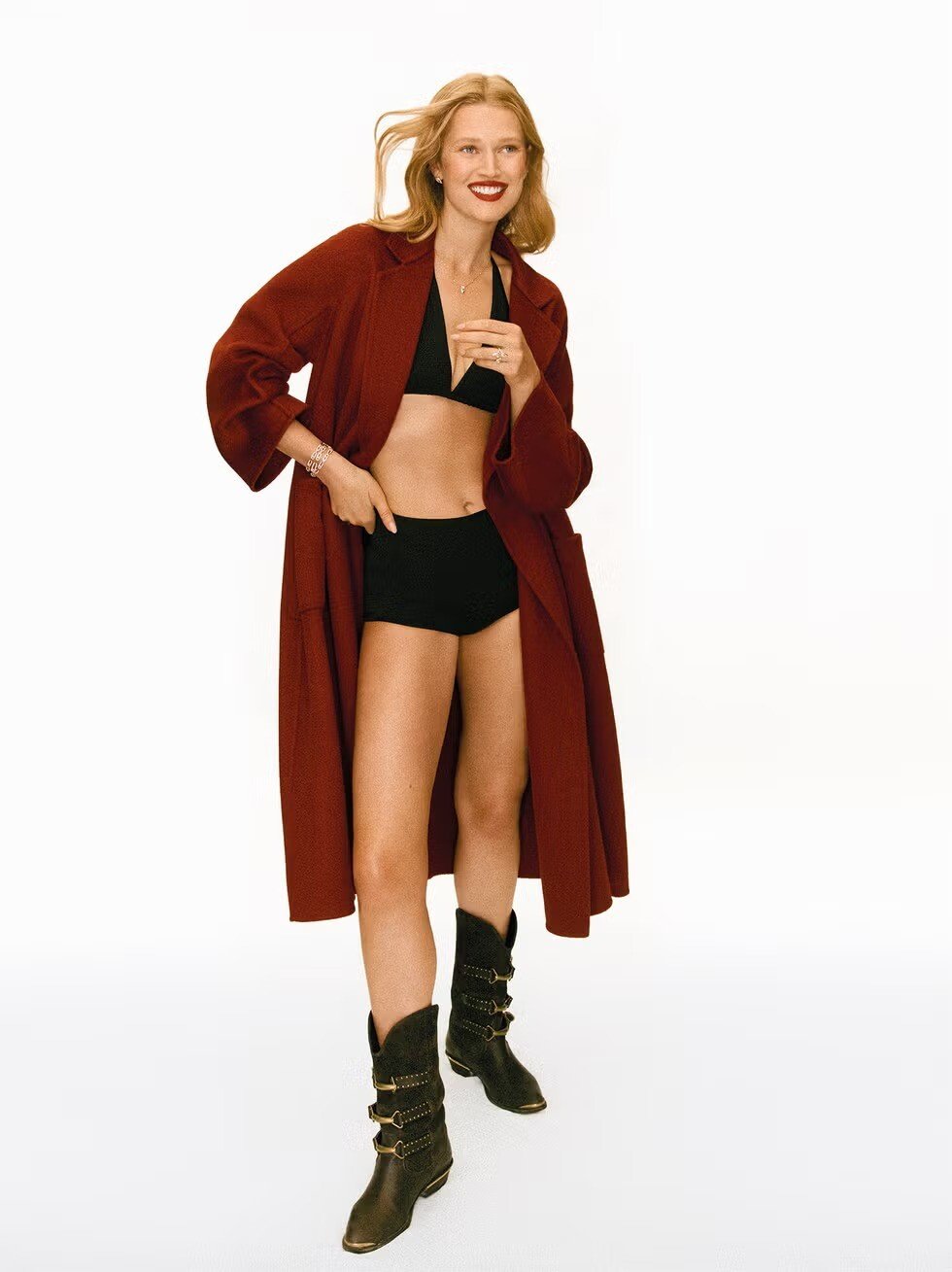
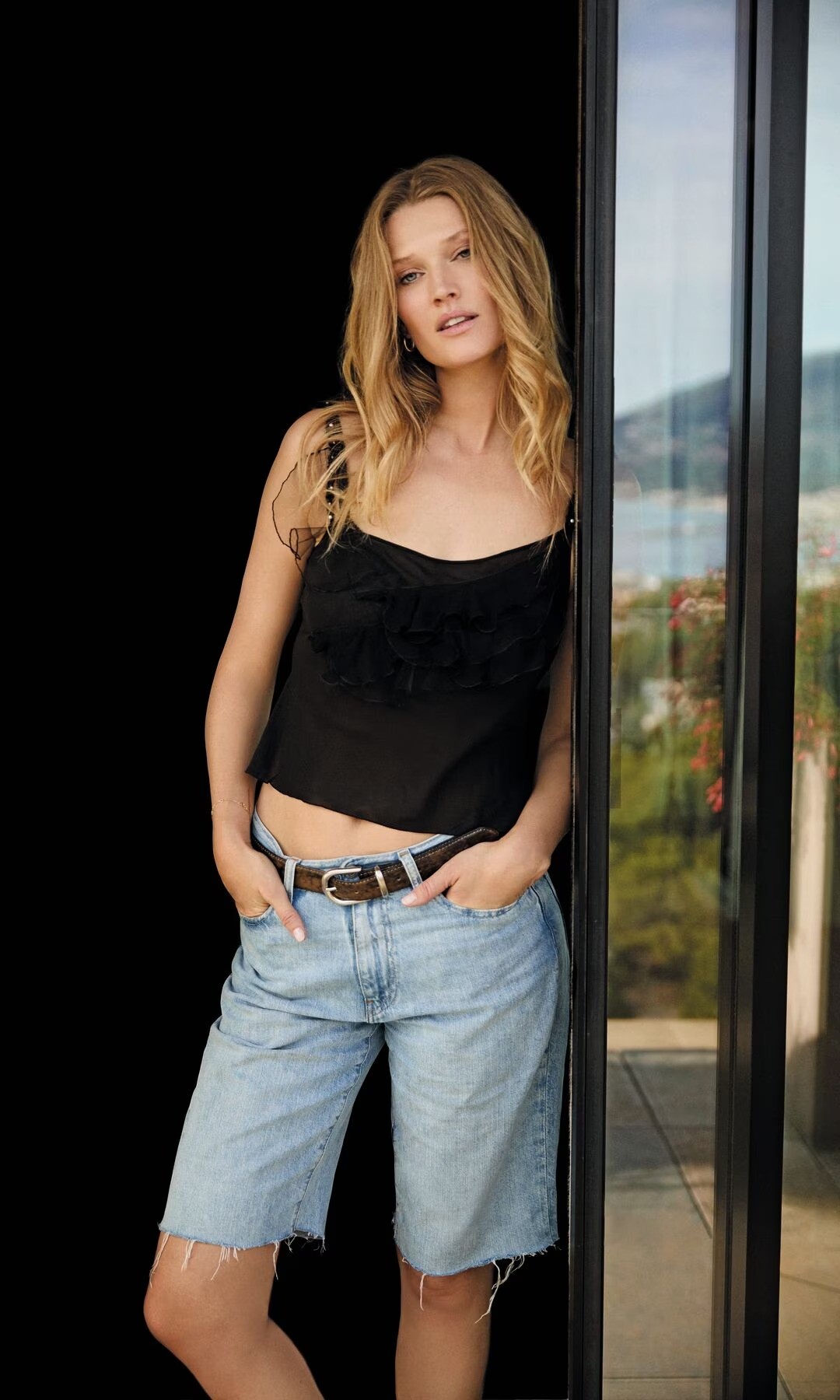
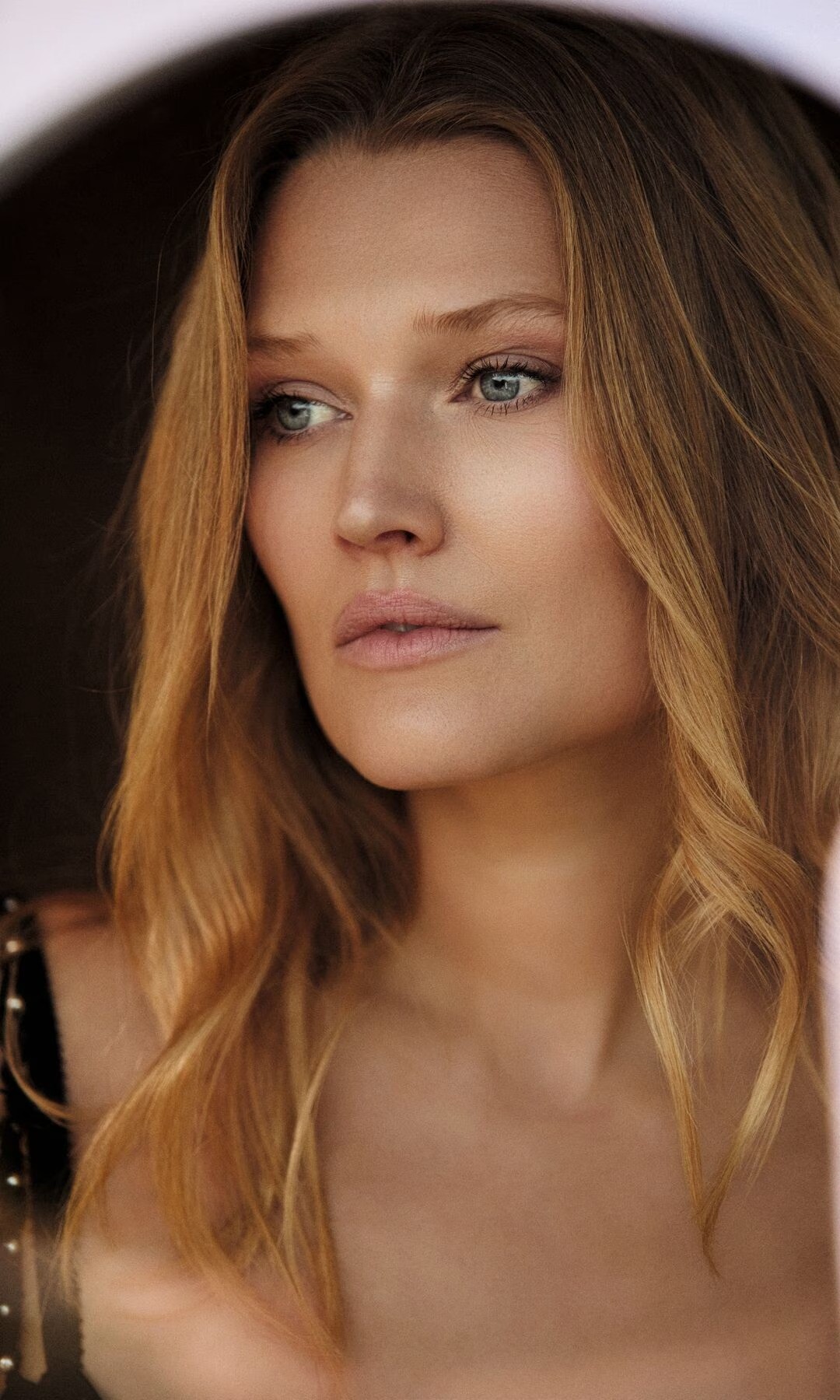
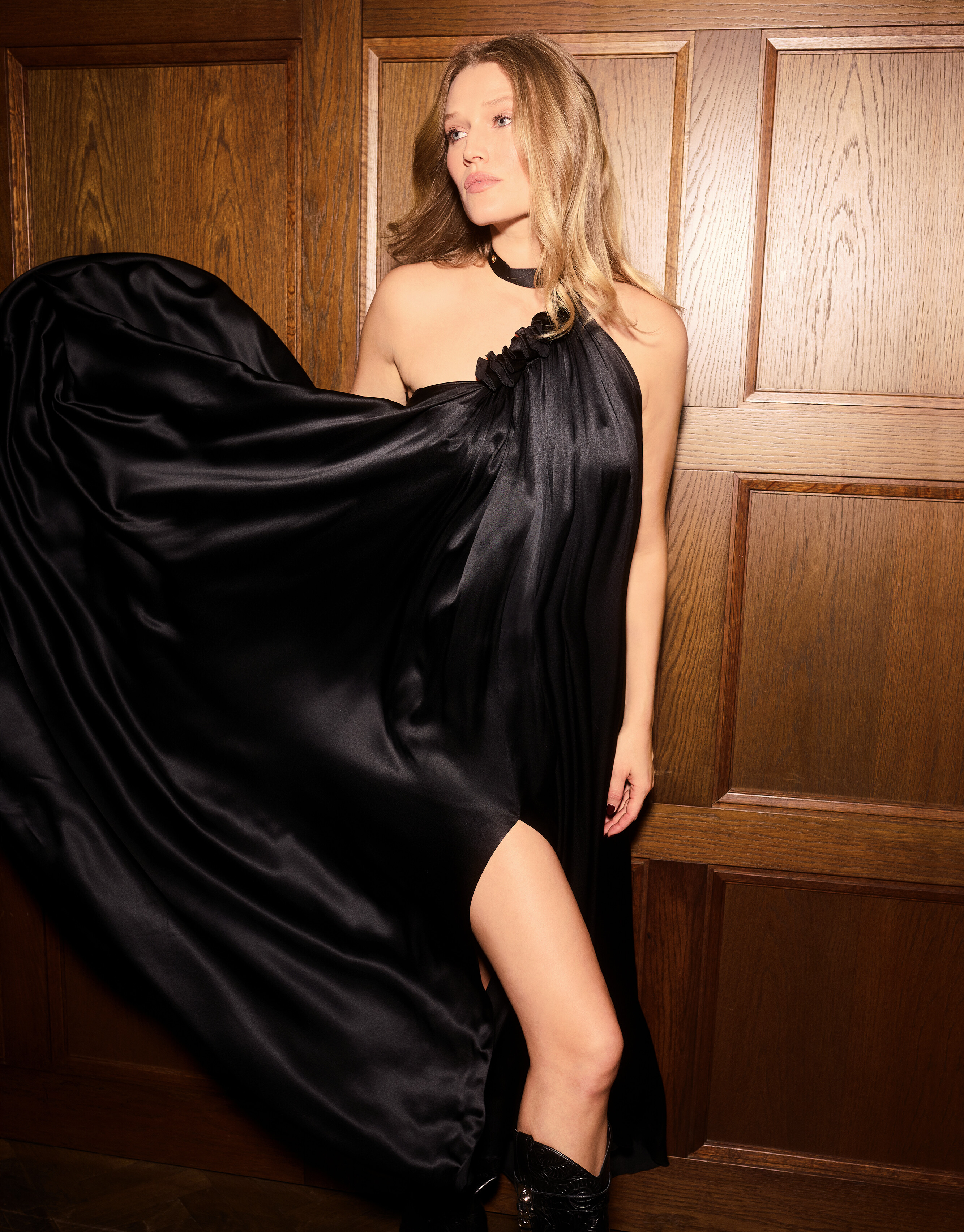
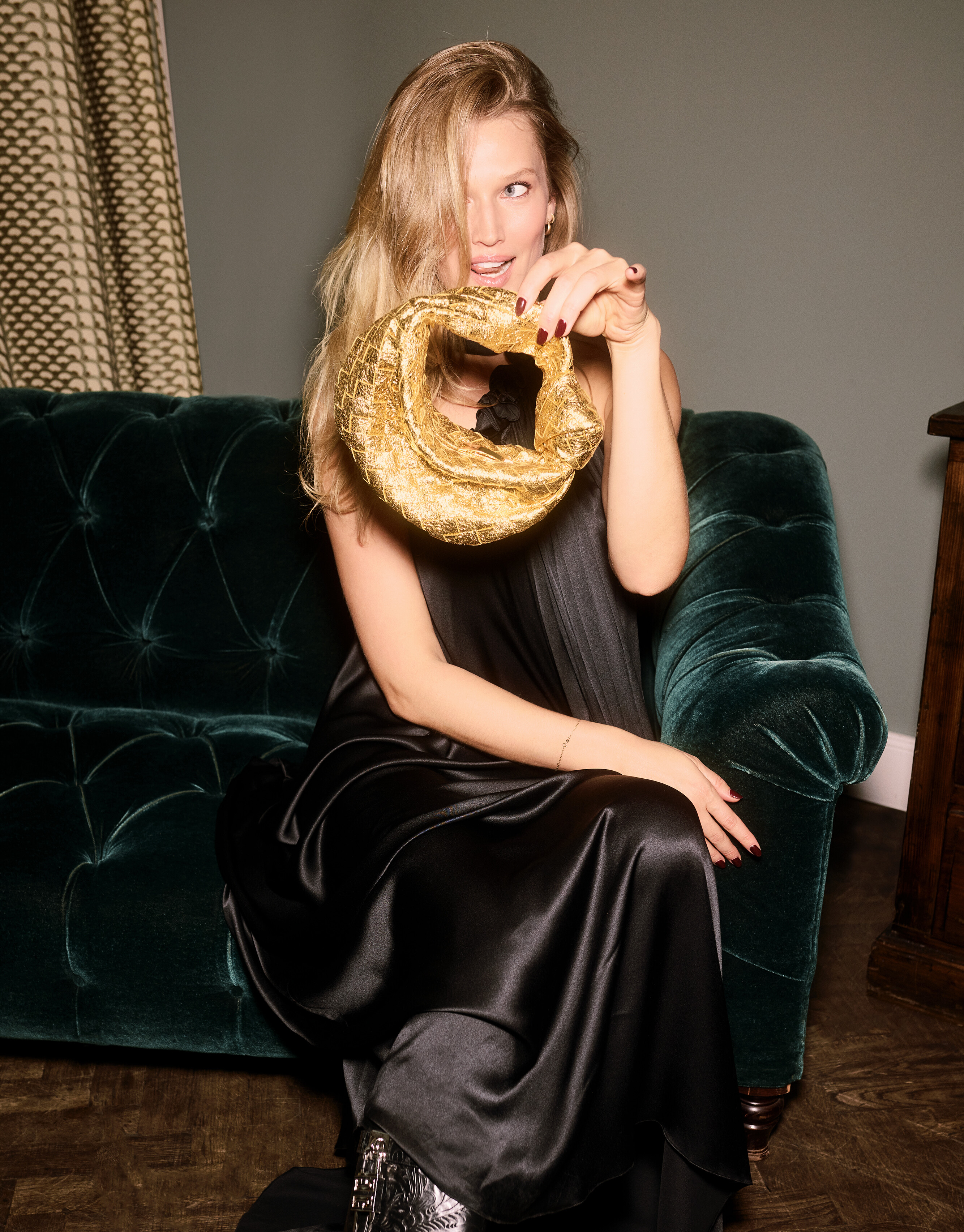
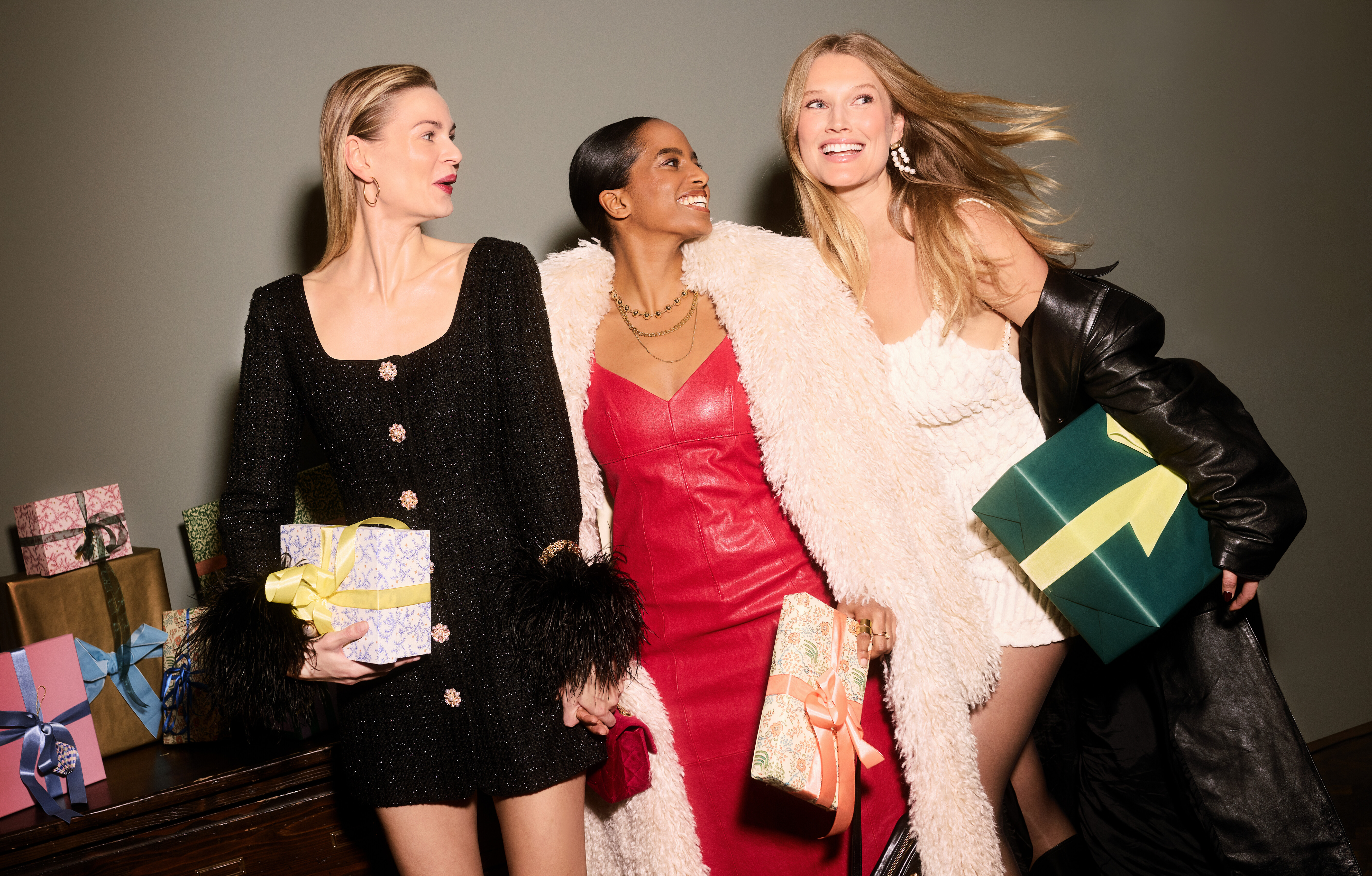
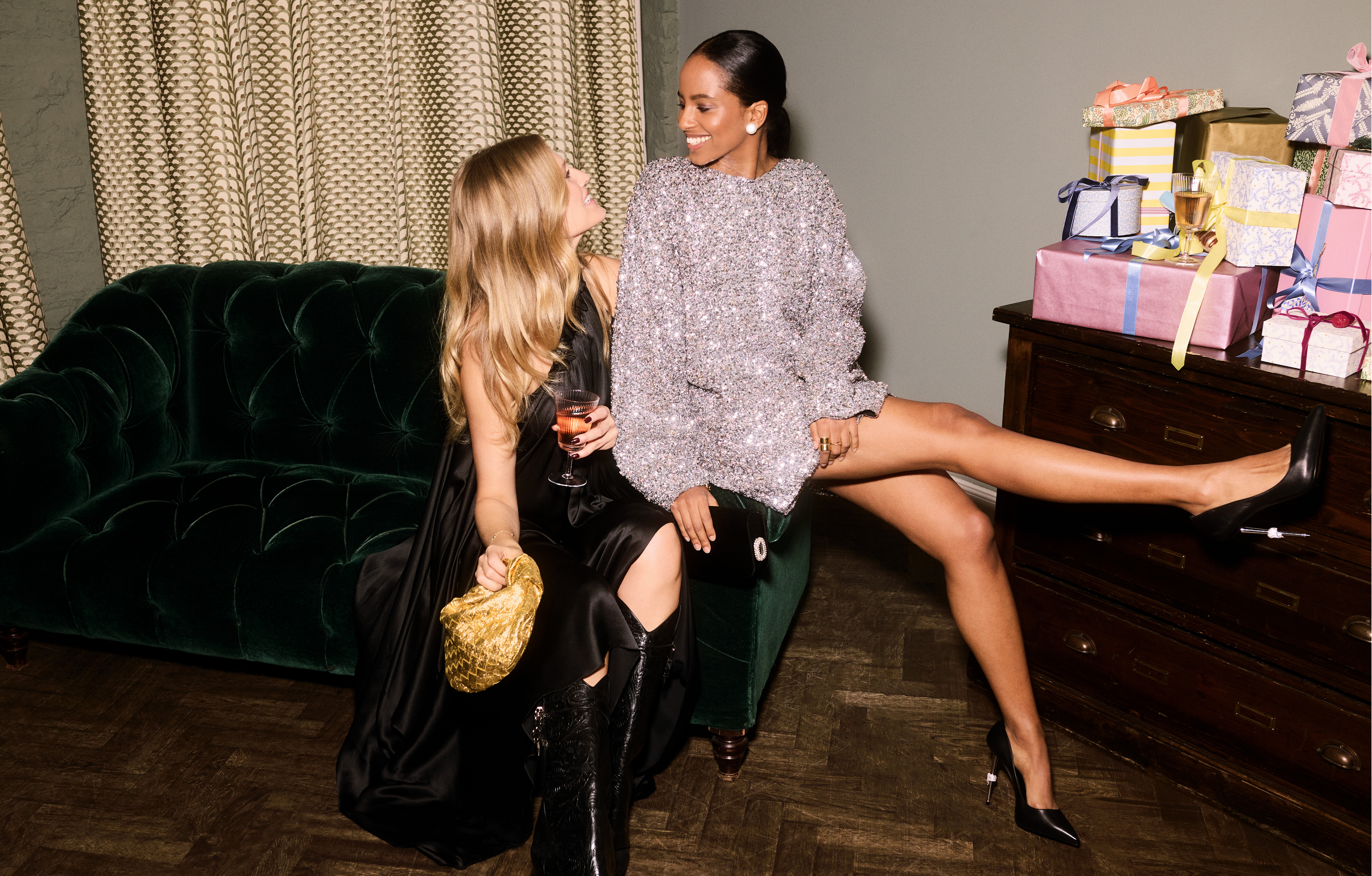
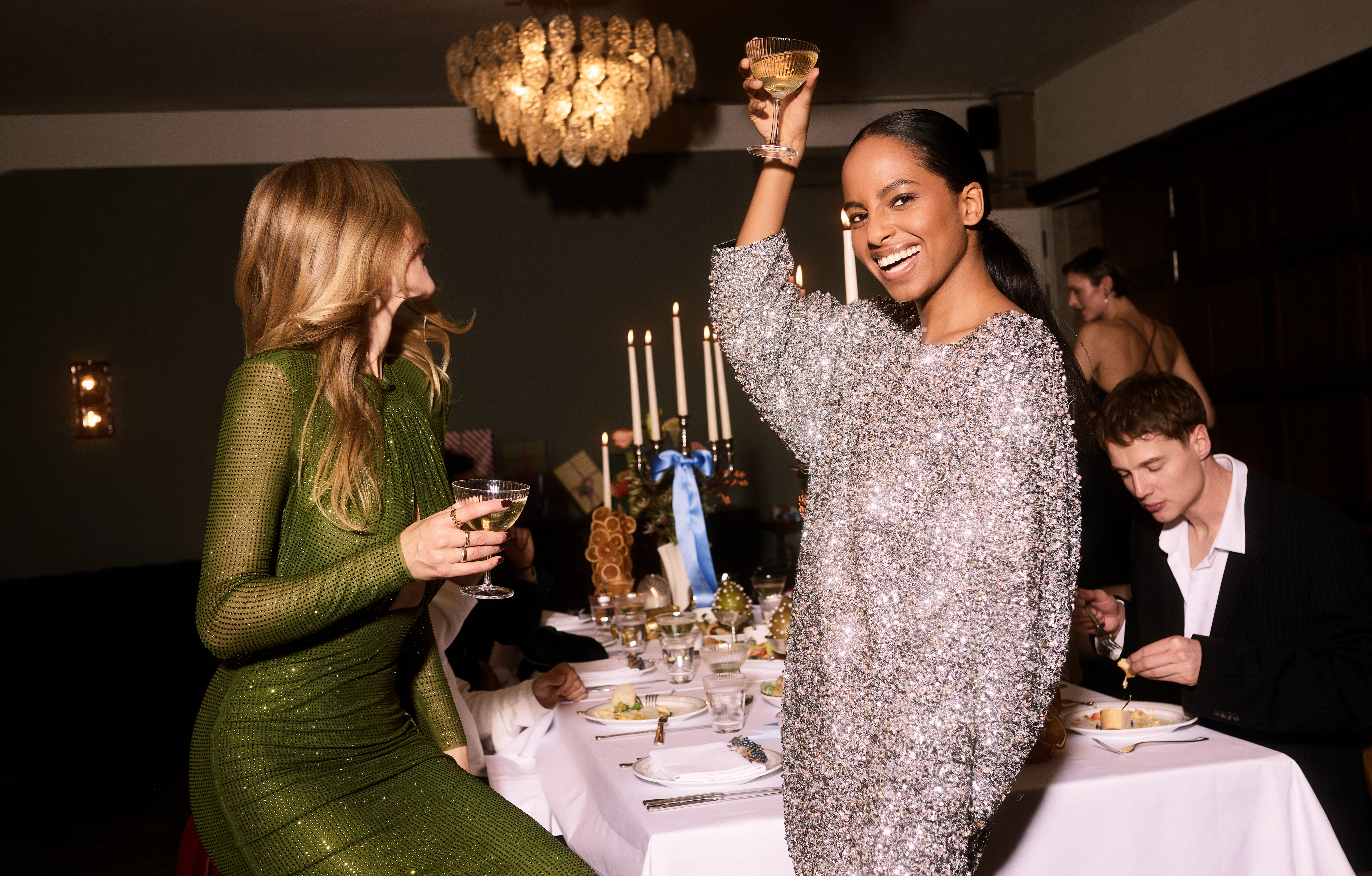
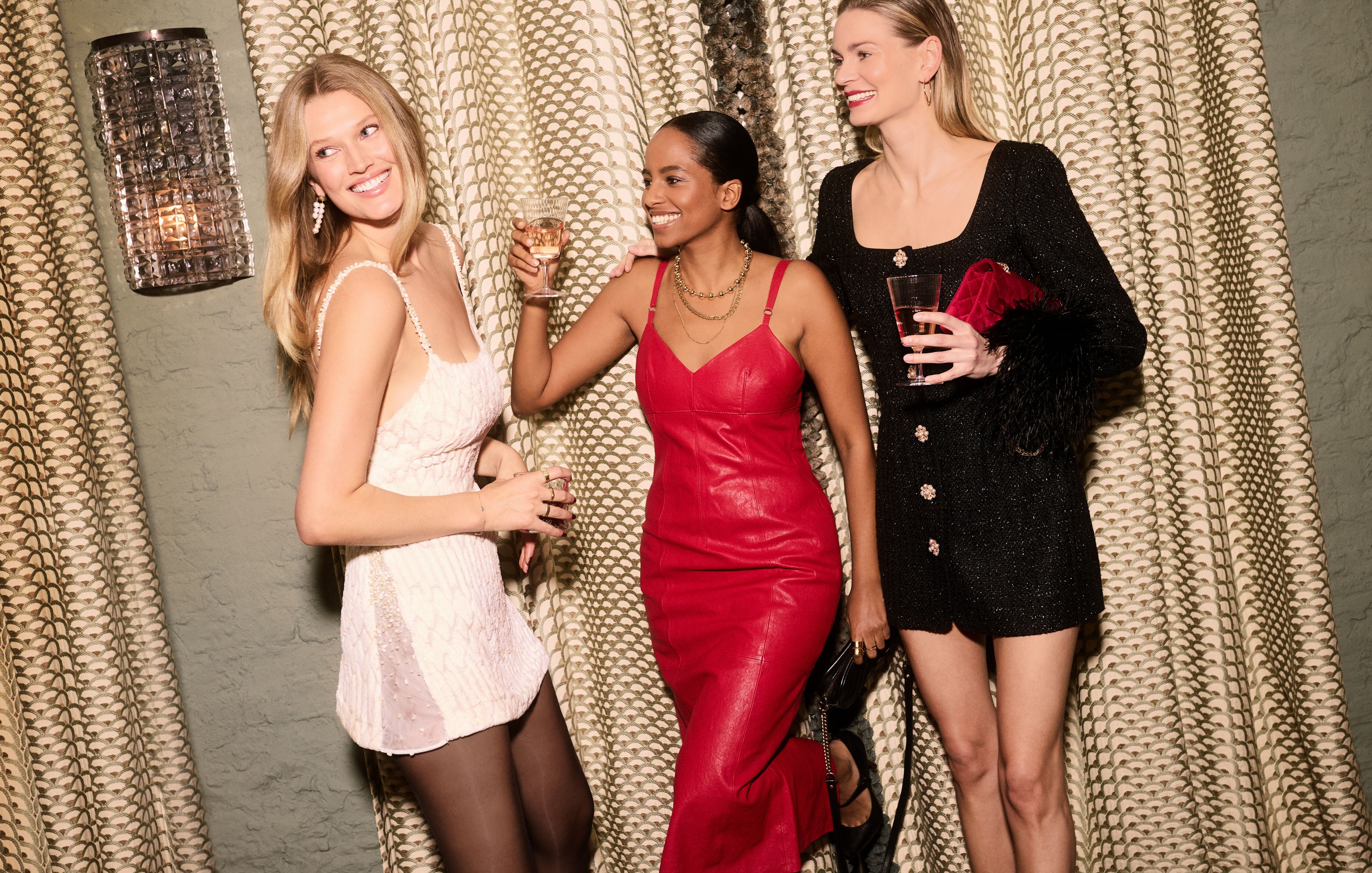
MIA LE JOURNAL FALL / WINTER 2025Photographed by Guy Aroch Styled by Michela Buratti Hair by Dennis Lanni Makeup by Deanna Hagan Set Design by Isaiah Weiss Casting by Alejandro Cabezut at Artworld Agency
-
Mia Le Journal "OBSESSIVE RED" ISSUE N°20, october 2025 Ph: Guy Aroch. https://www.mia-lejournal.com/product/obsessive-red-issue-n20/

-
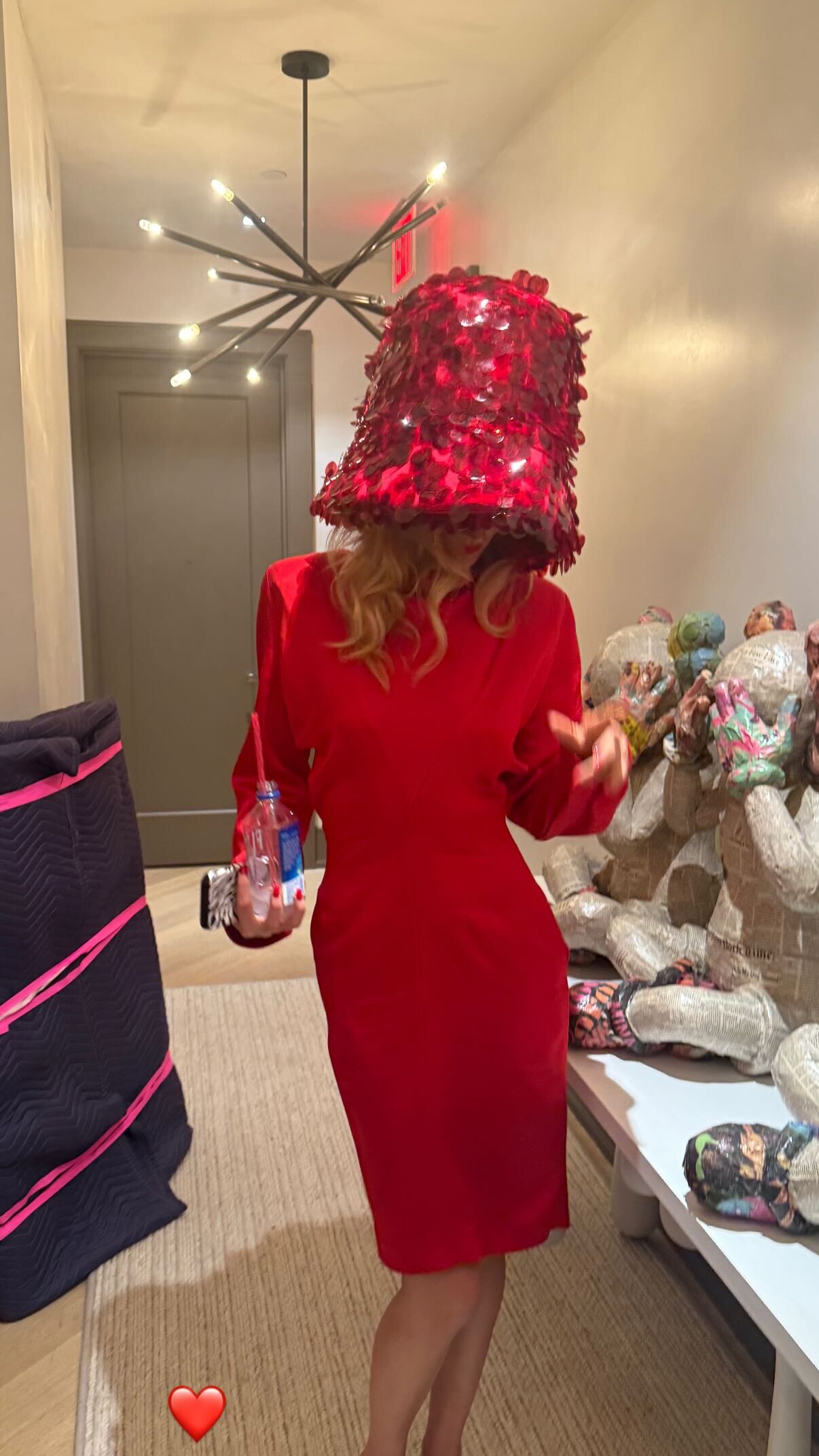
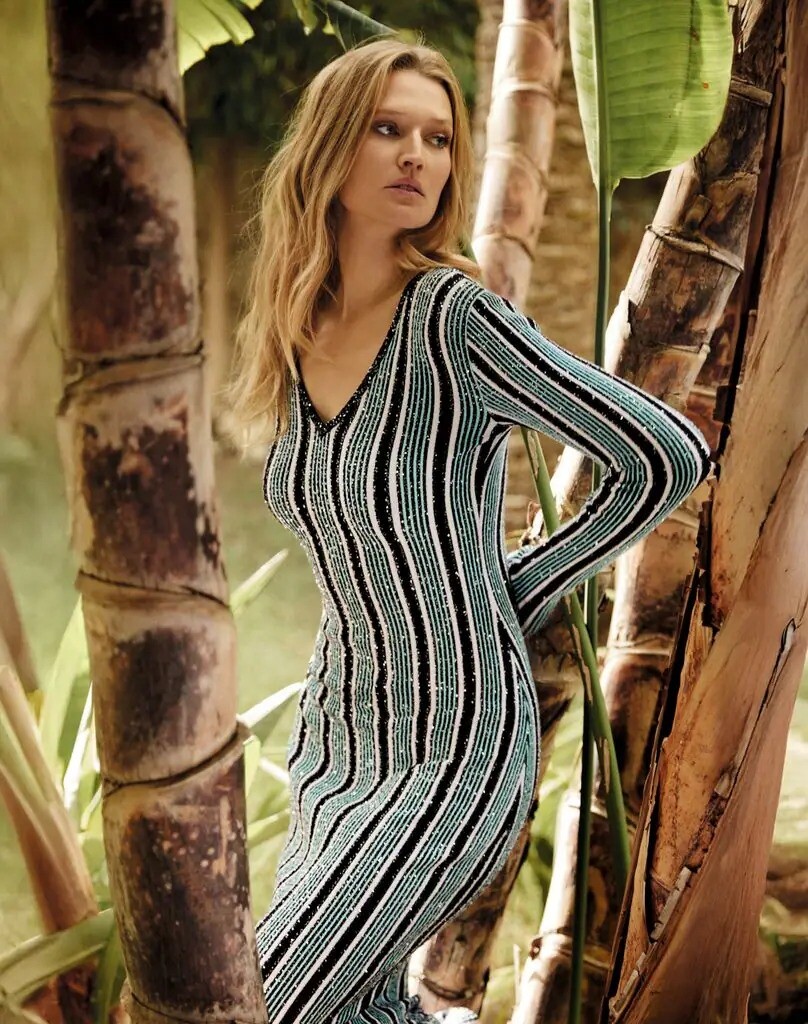
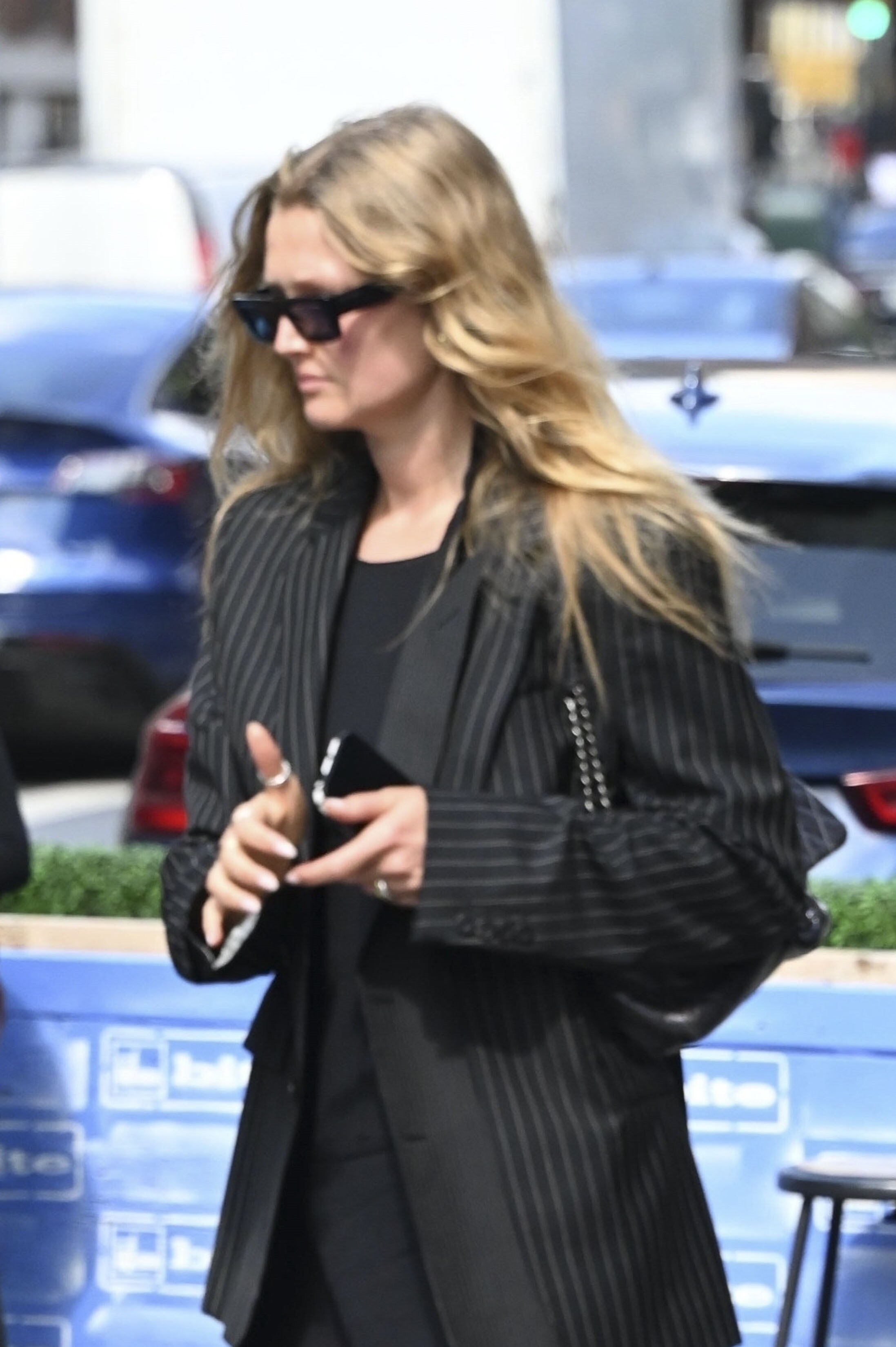
Seems like Toni hanging out a lot with Lounes Mazouz since january when she made trip in Africa, and now together with friends in Ibiza + when there was flea market in Berlin he was there. + he posted her in his stories when she was in NYC ( 10 june)/¡Hola! Fashion "TONI GARRN: CONFESIONES DE UNA 'SUPER TOP'", april 2025 Фотограф: Borja de la Lama. https://www.hola.com/fashion/tendencias/20250319819574/toni-garrn-confesiones-super-top/Image hidden for guestsSign in to viewImage hidden for guestsSign in to viewImage hidden for guestsSign in to viewImage hidden for guestsSign in to viewImage hidden for guestsSign in to viewImage hidden for guestsSign in to view
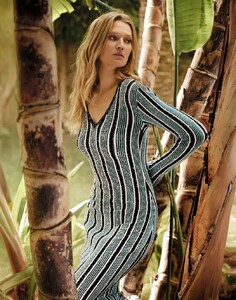 Image hidden for guestsSign in to viewImage hidden for guestsSign in to view
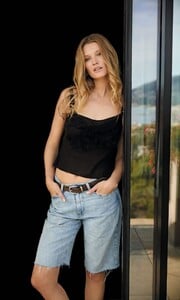
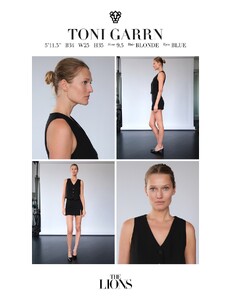
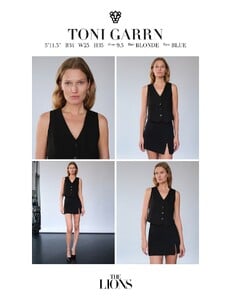
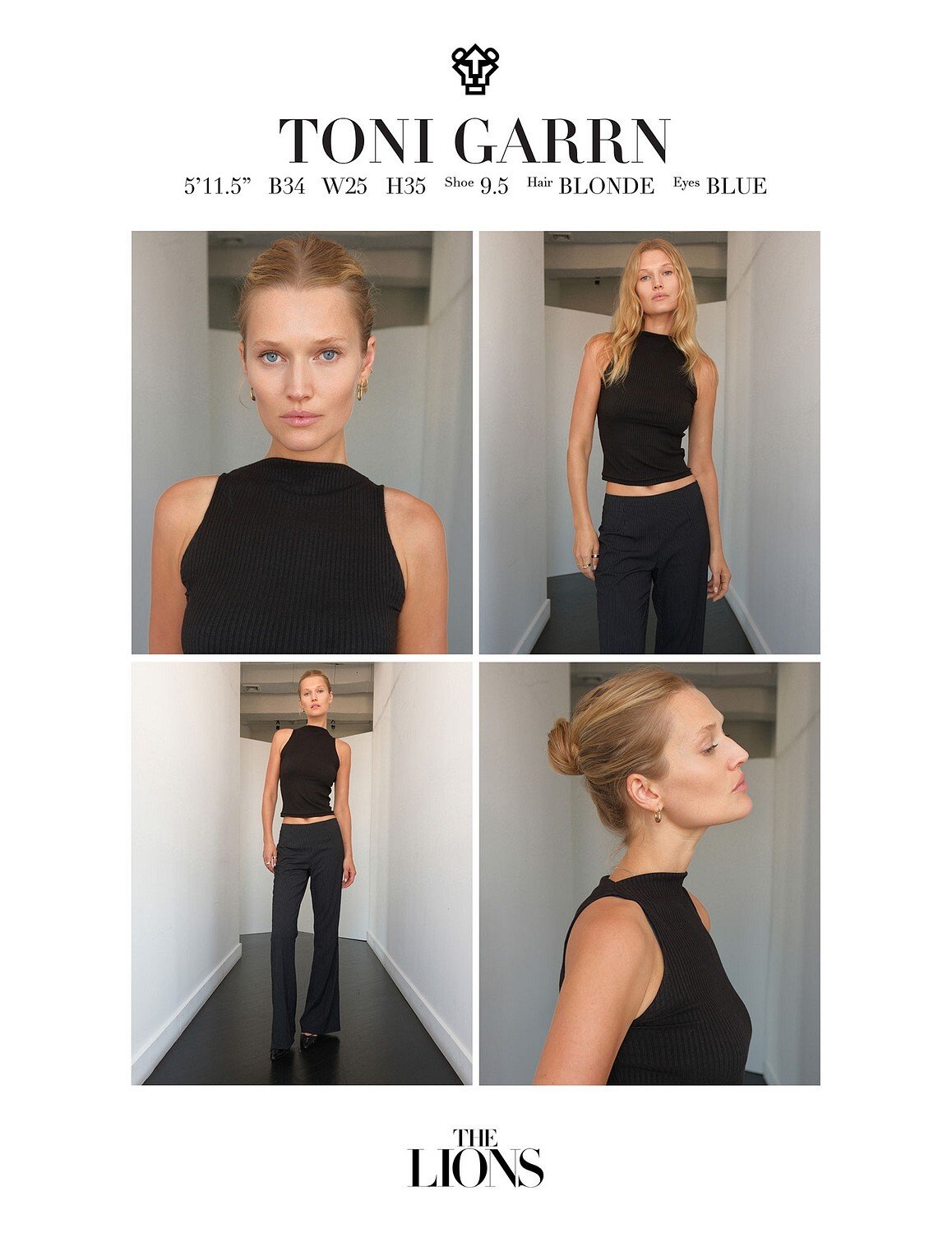
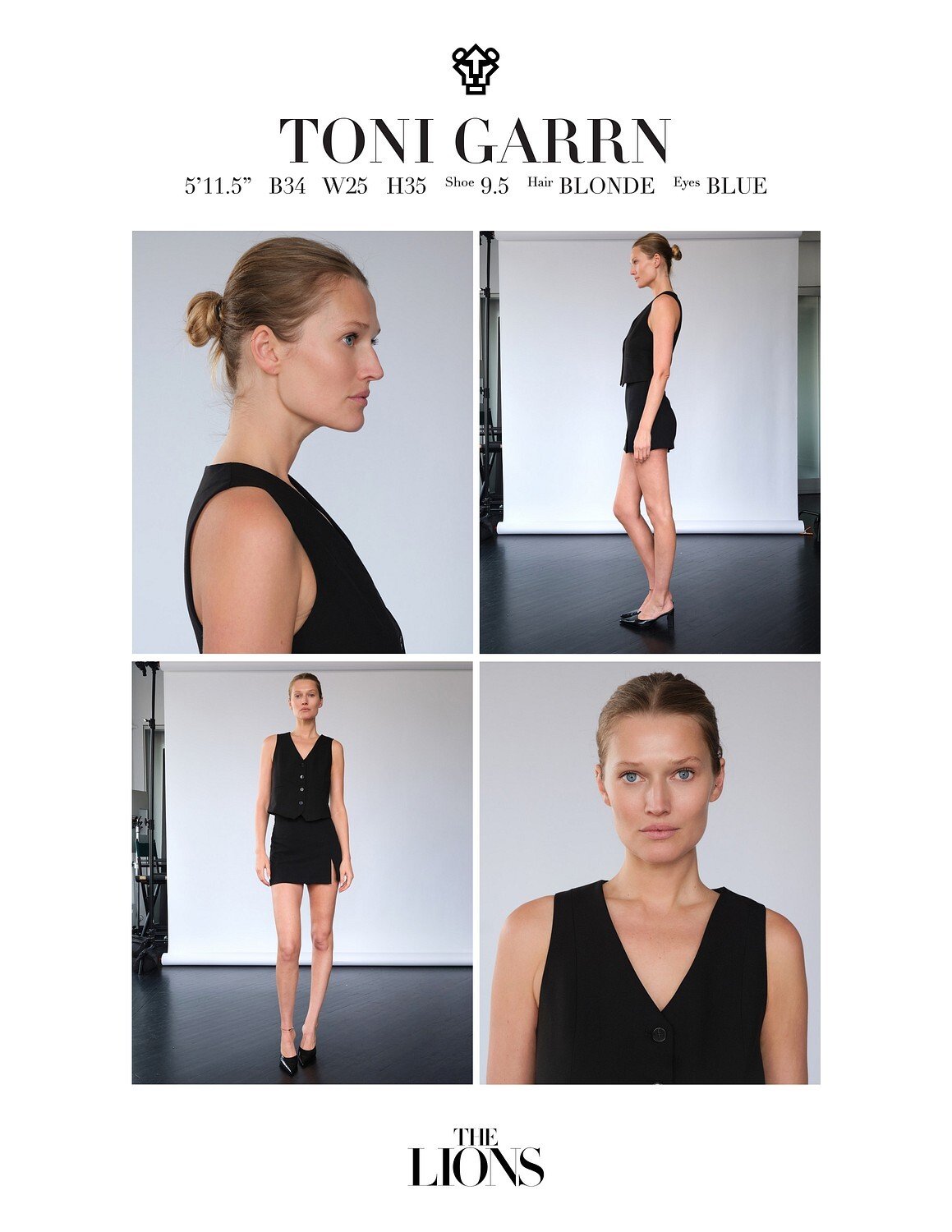
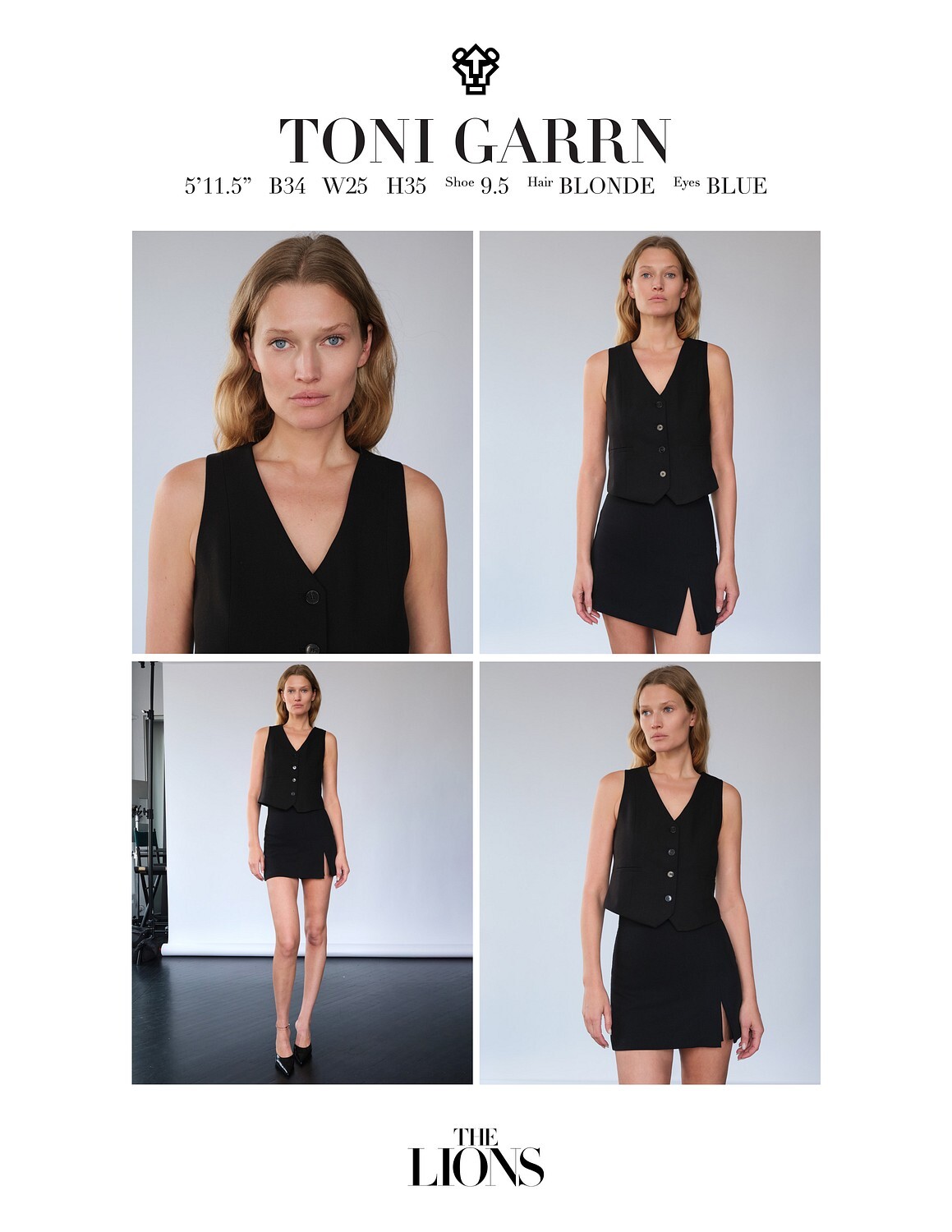
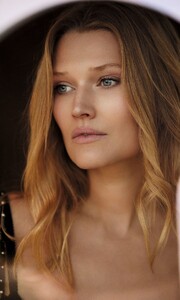 The Lions NYC - feb 2025
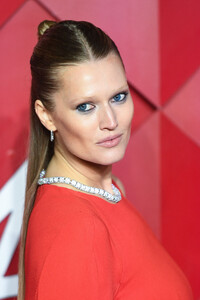
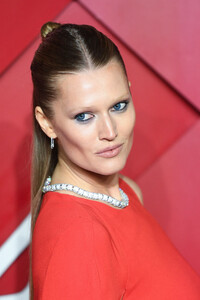
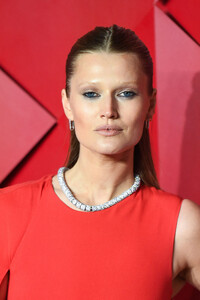
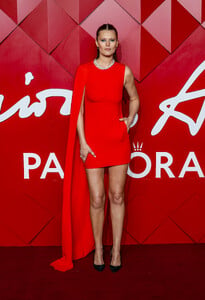
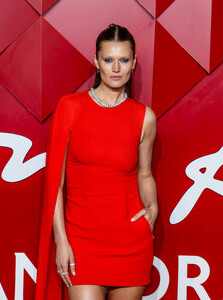
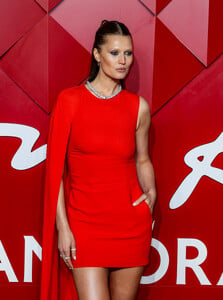
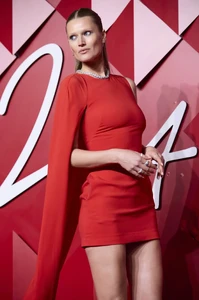
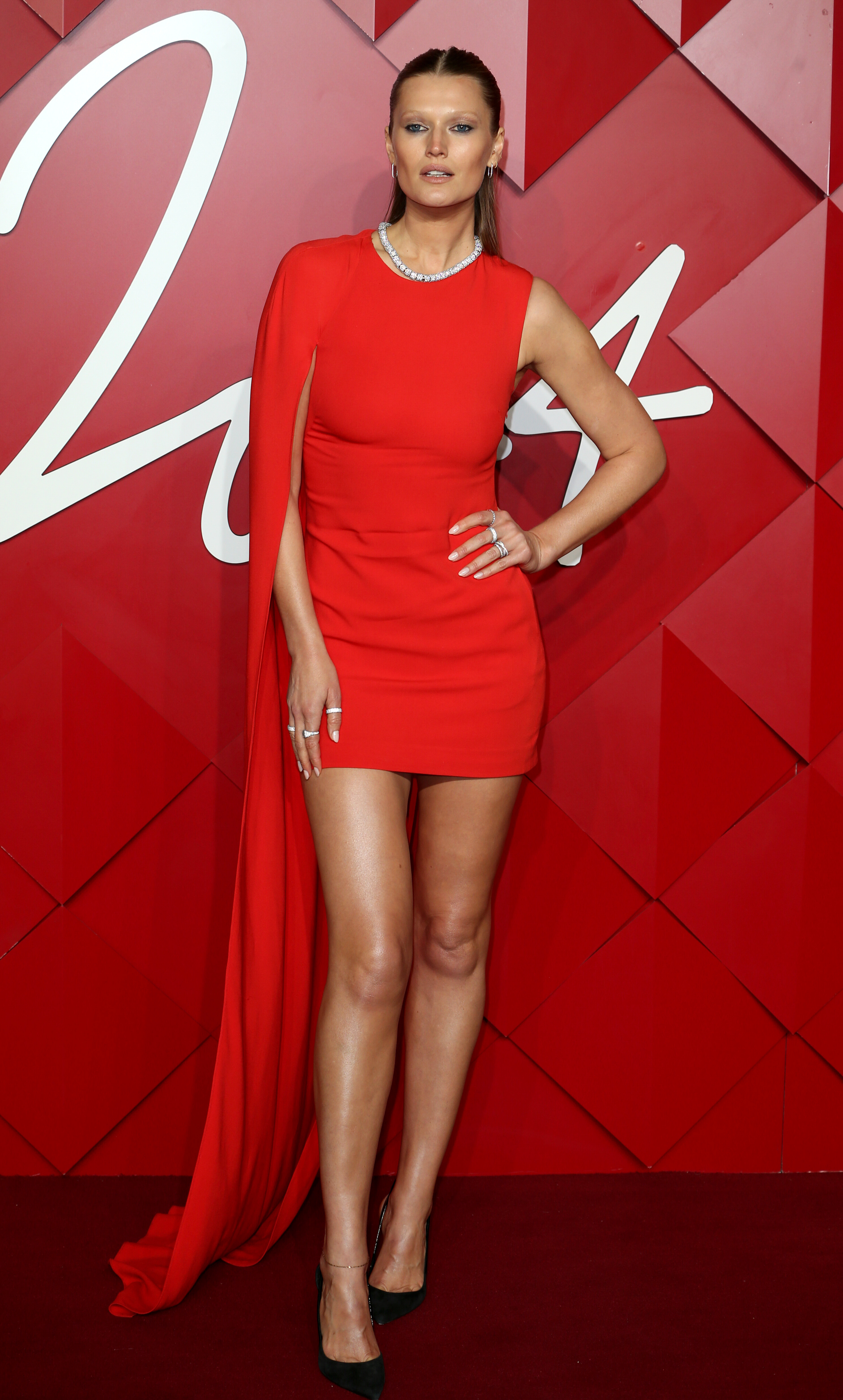
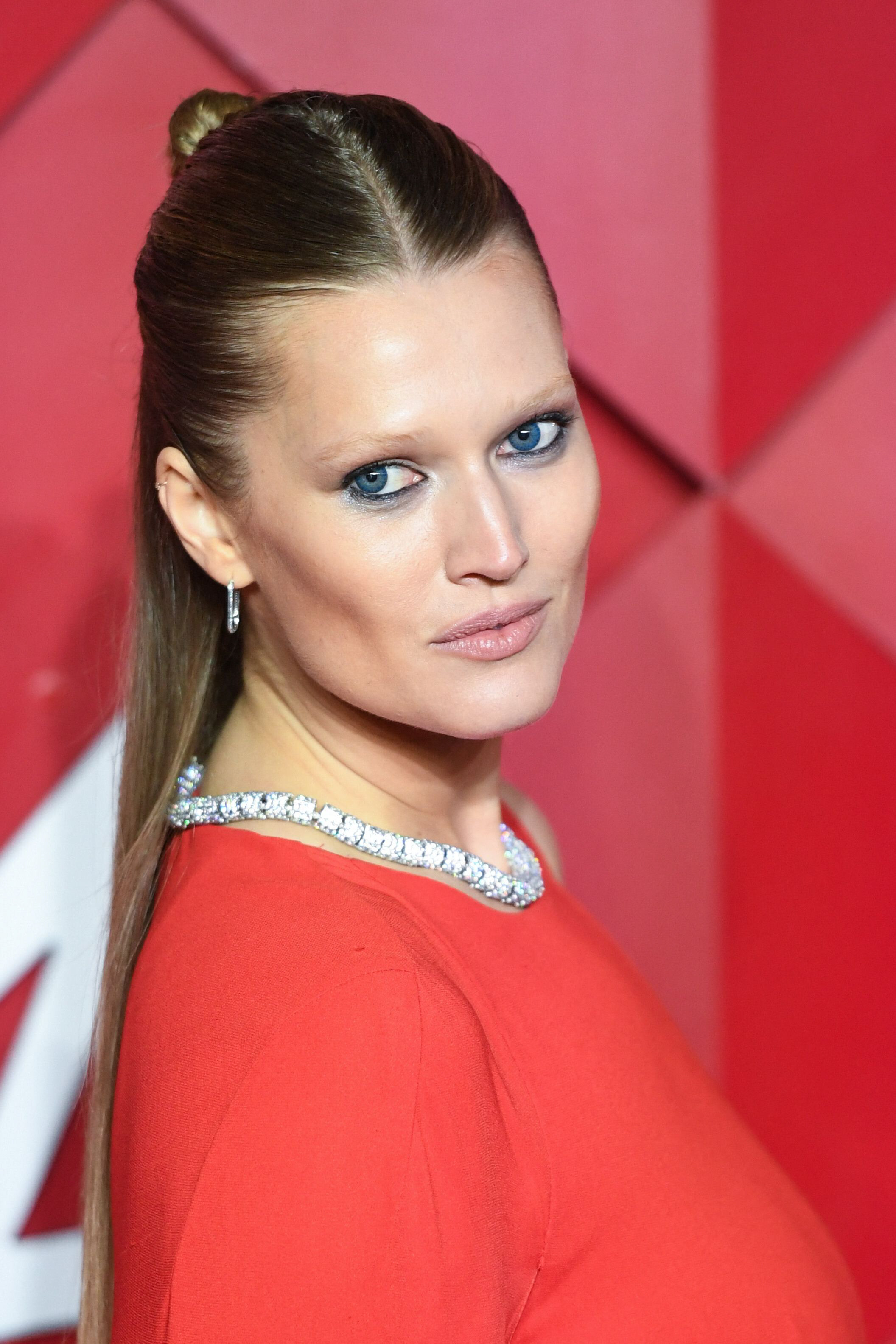
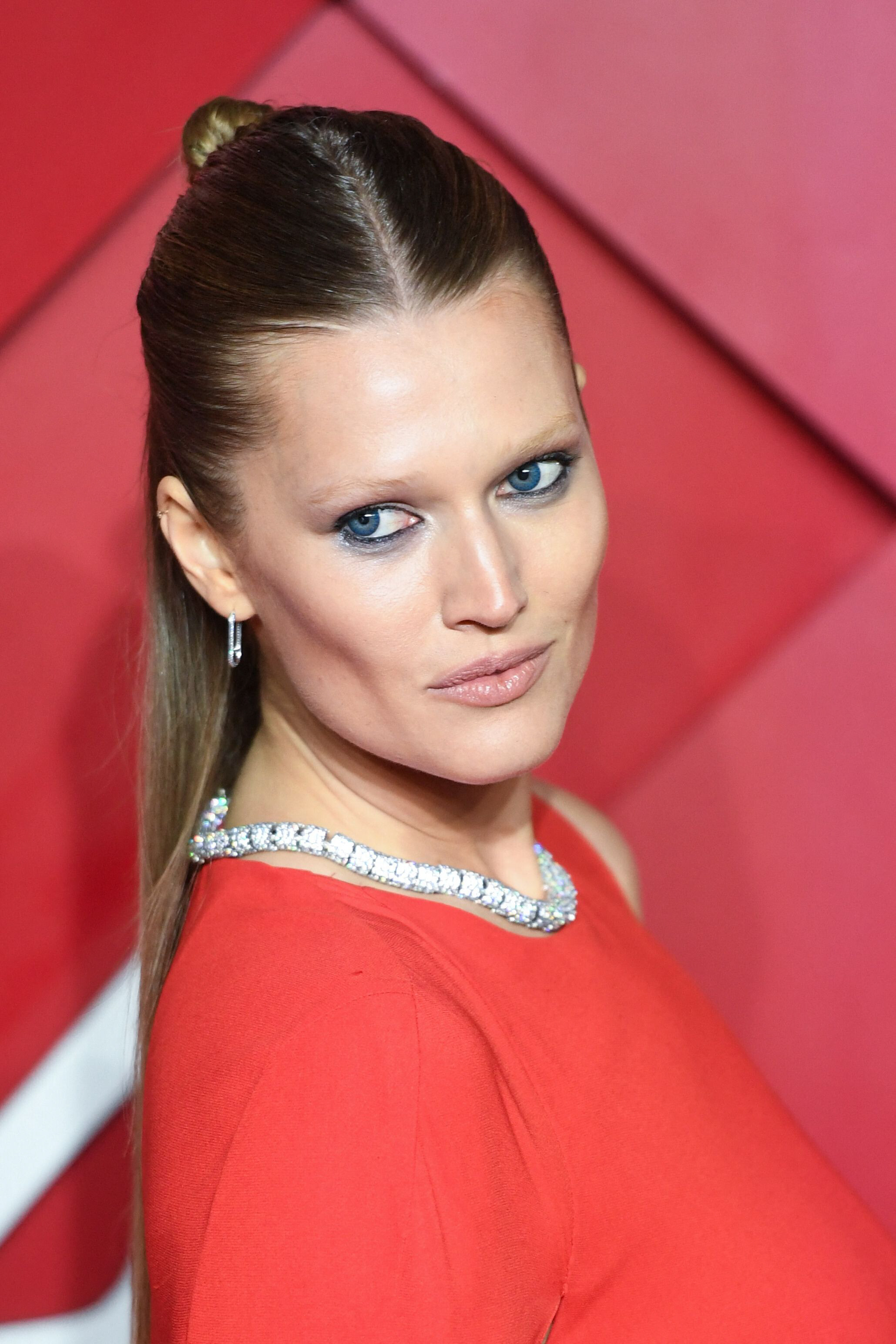
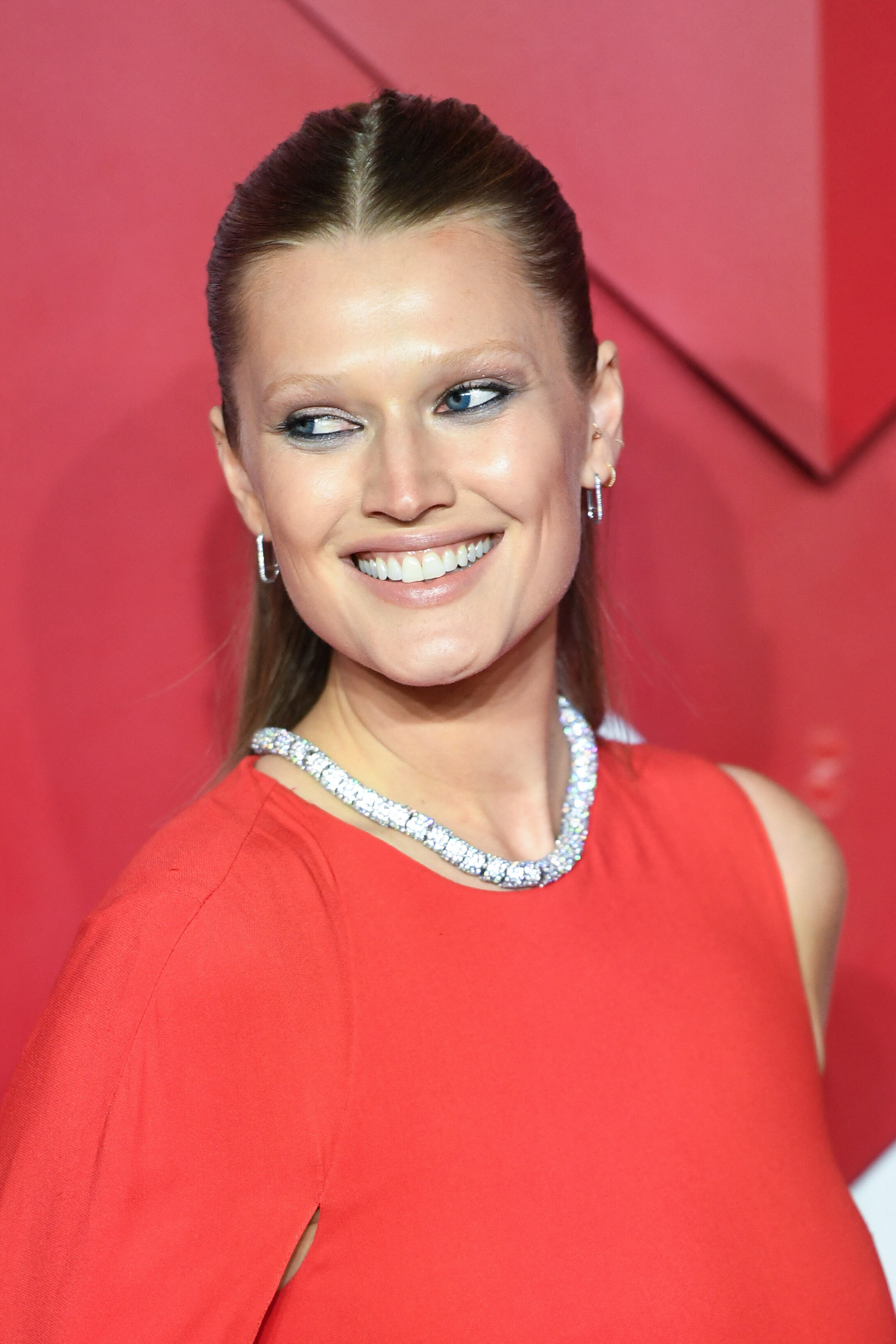
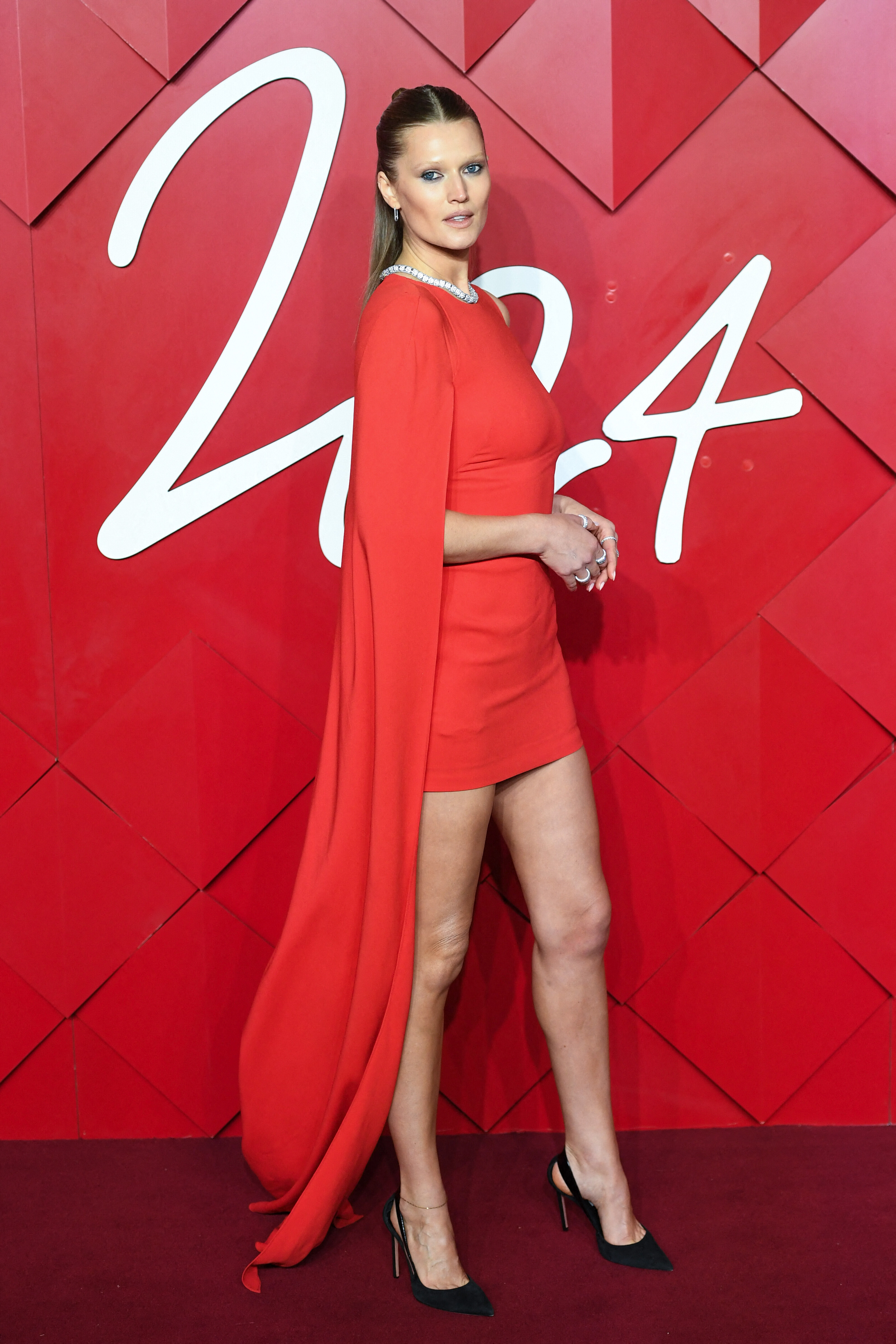
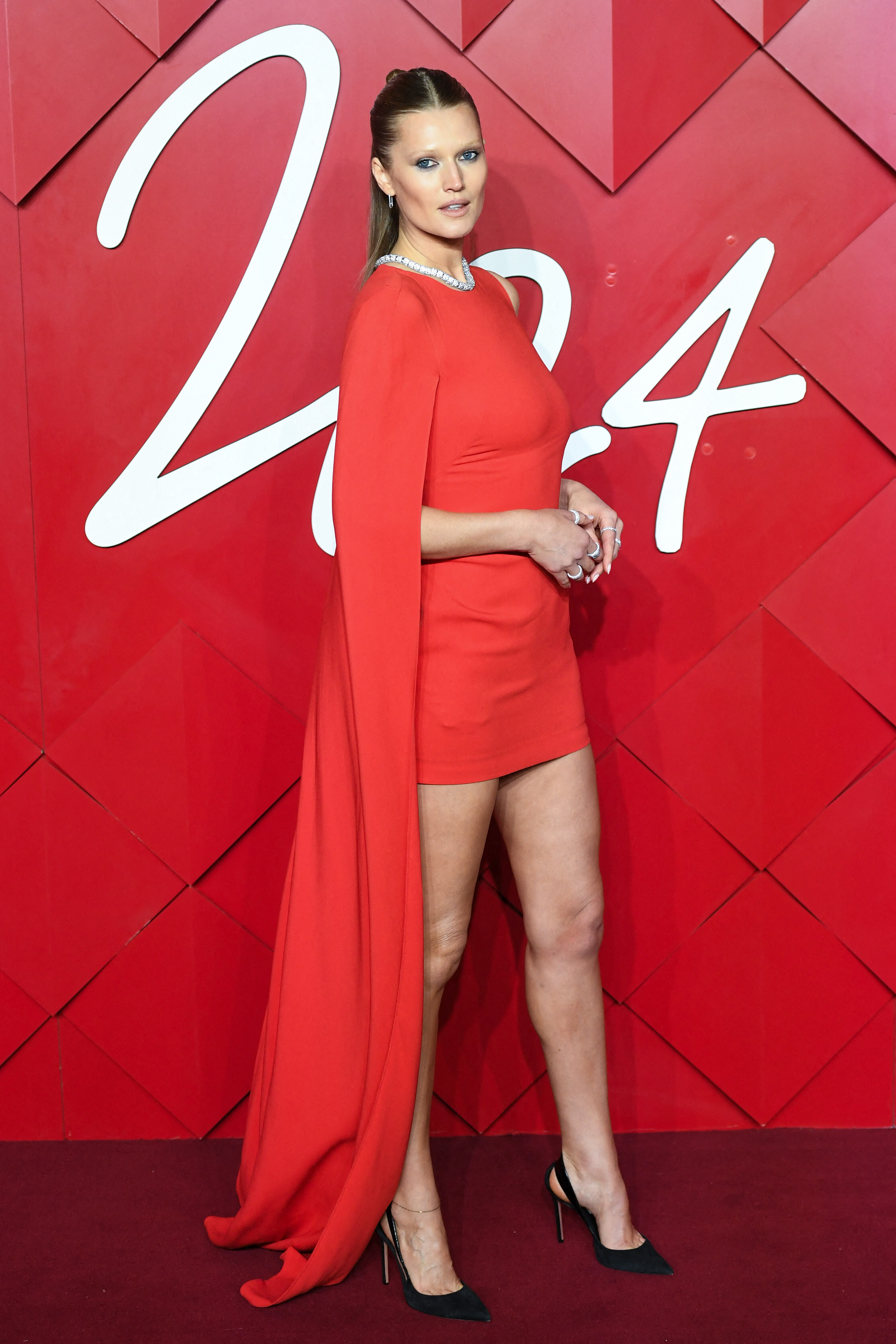
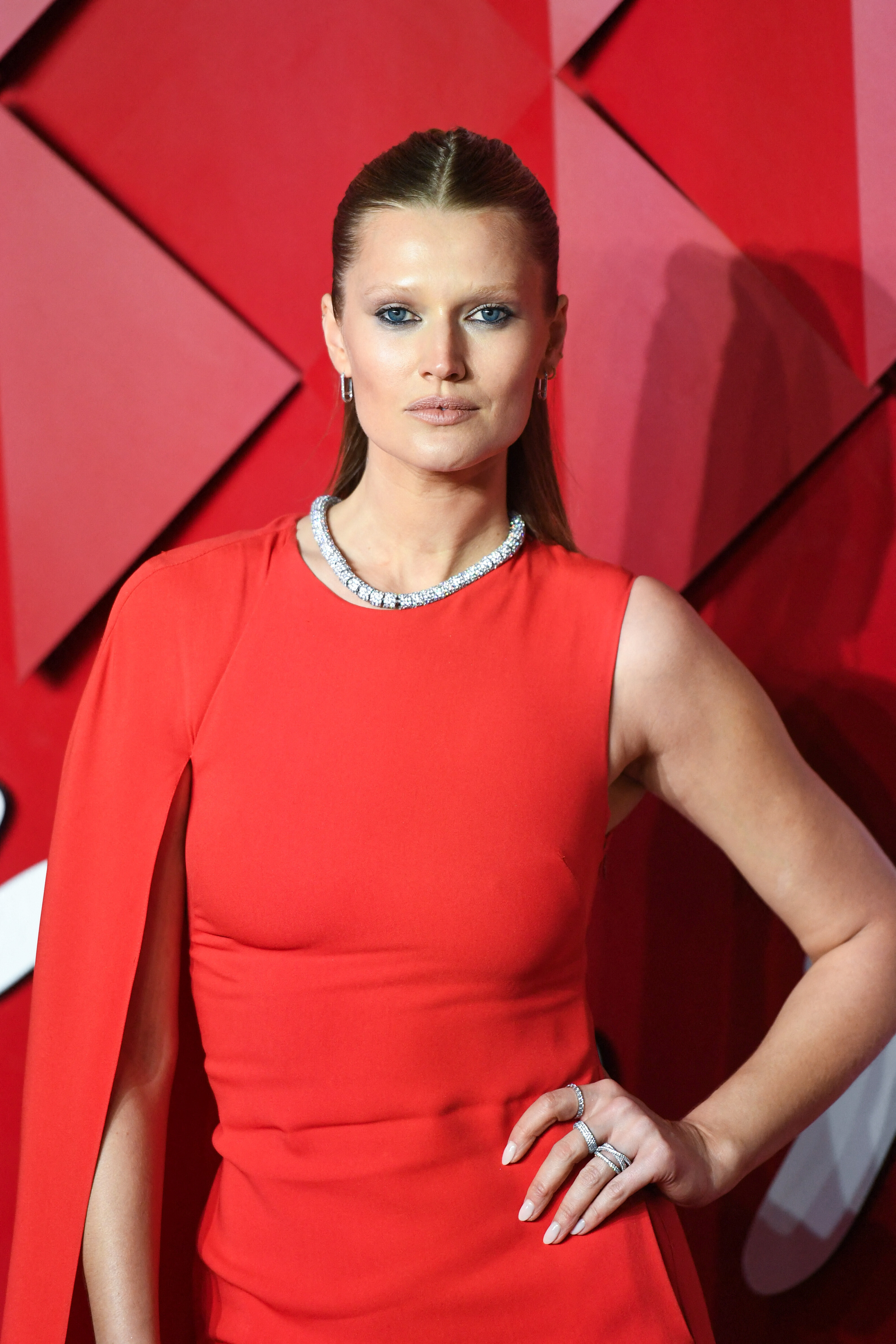
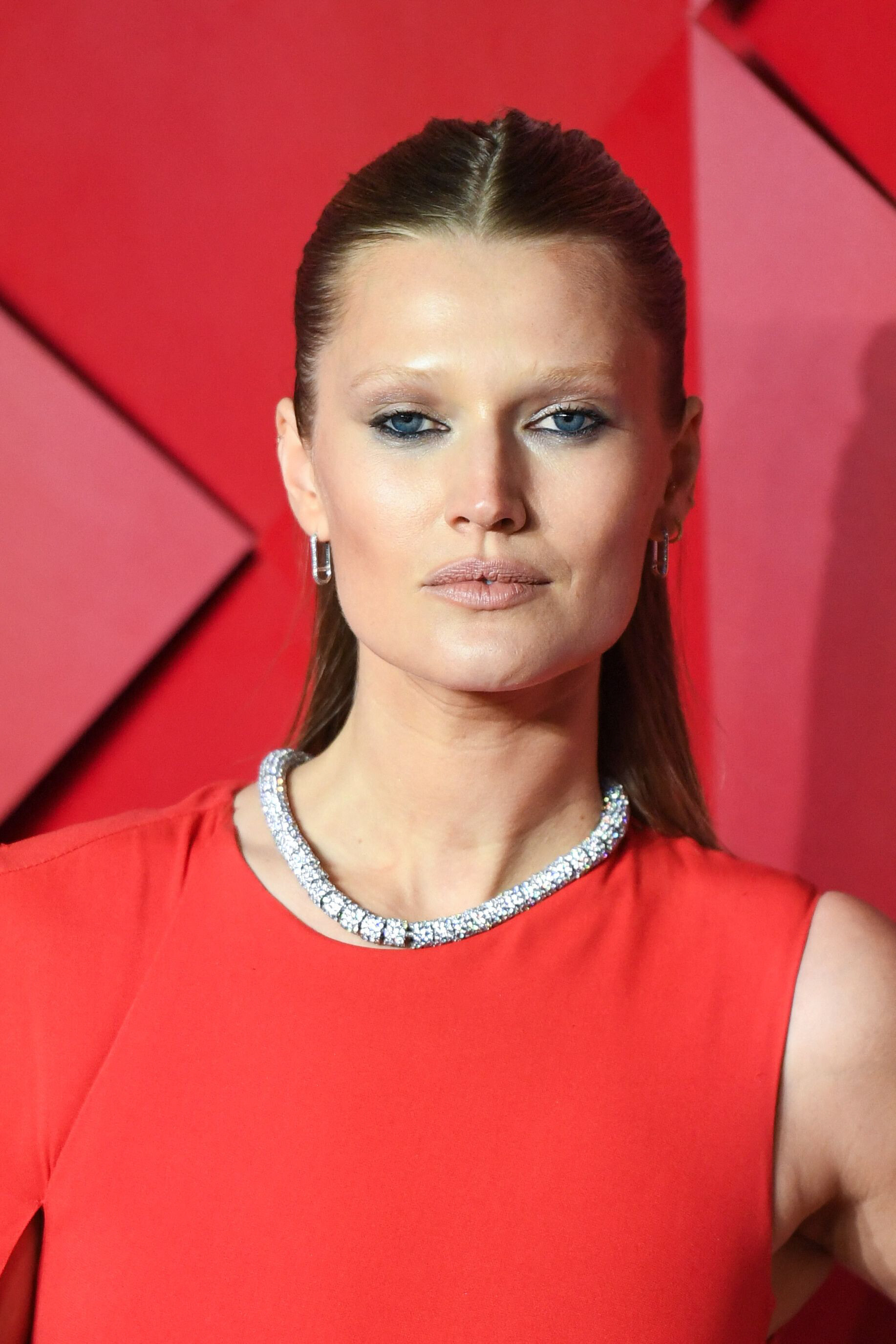
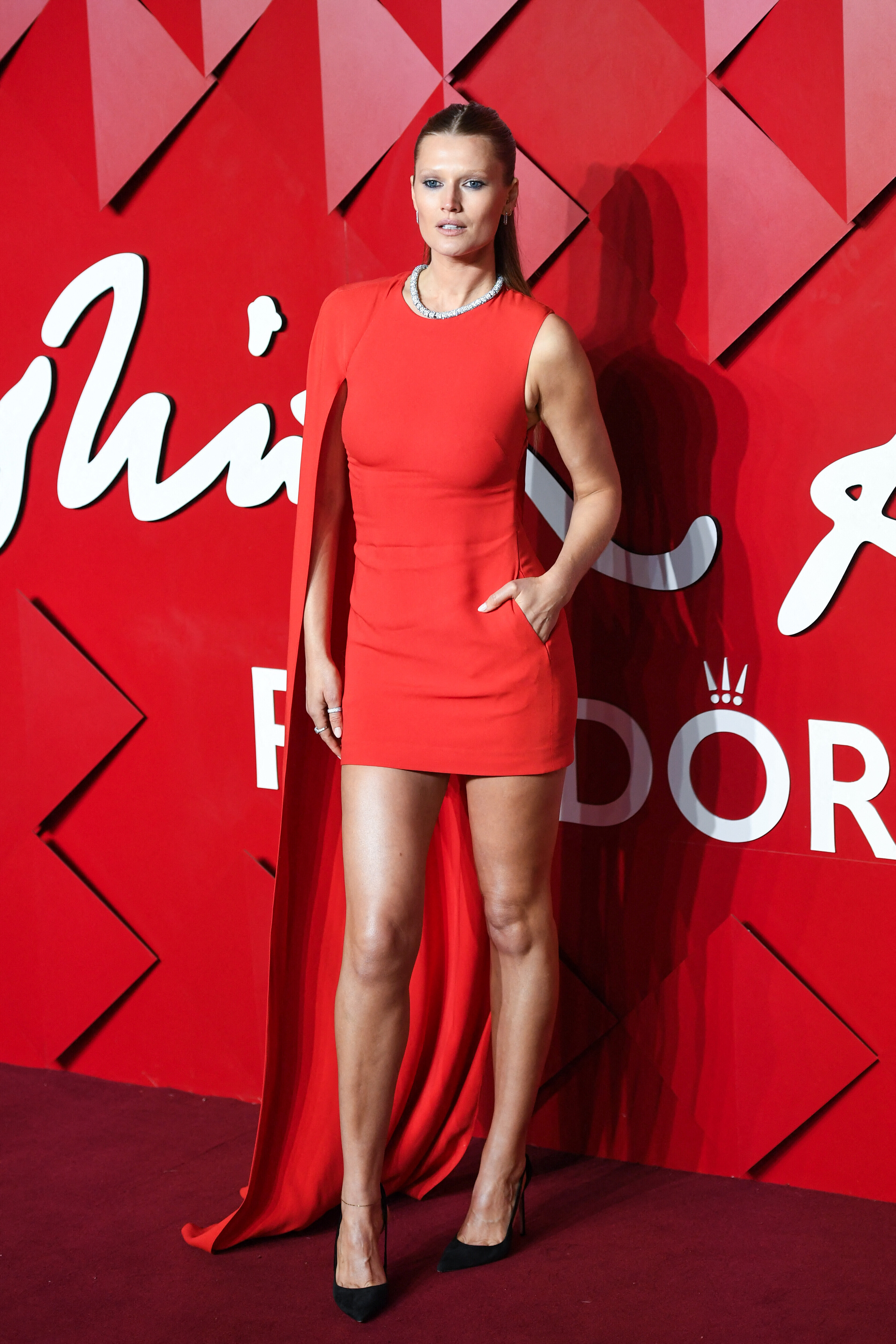
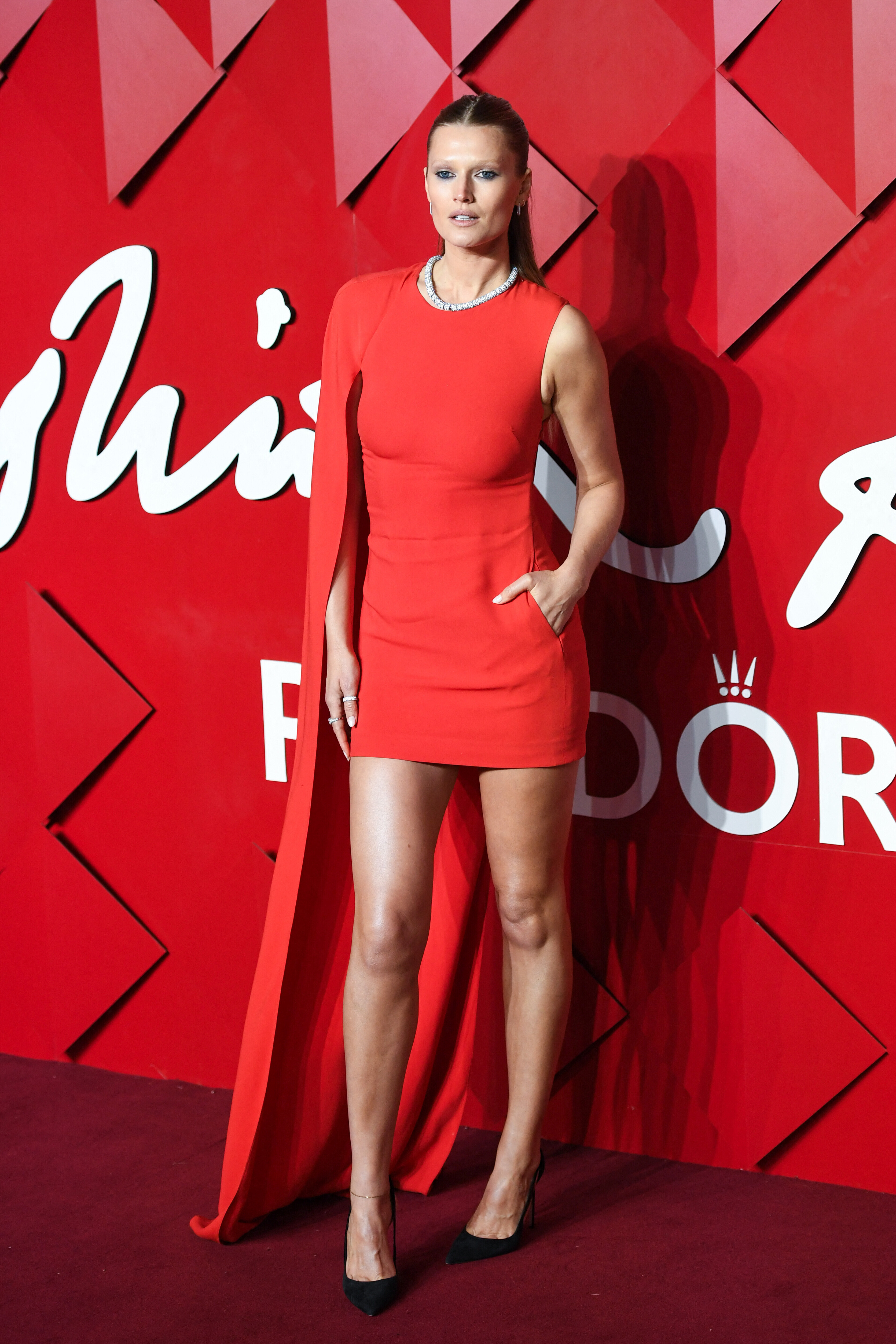
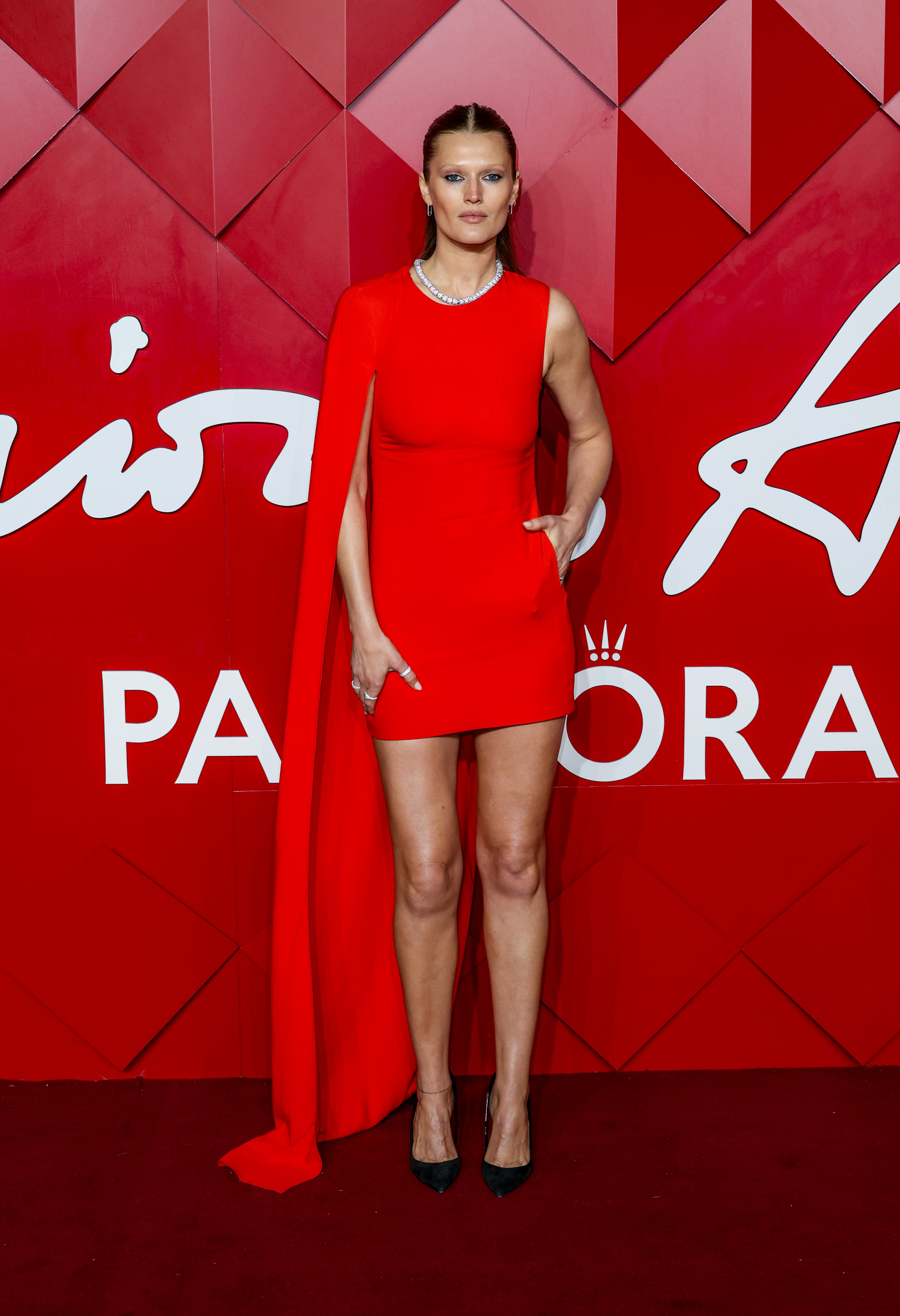
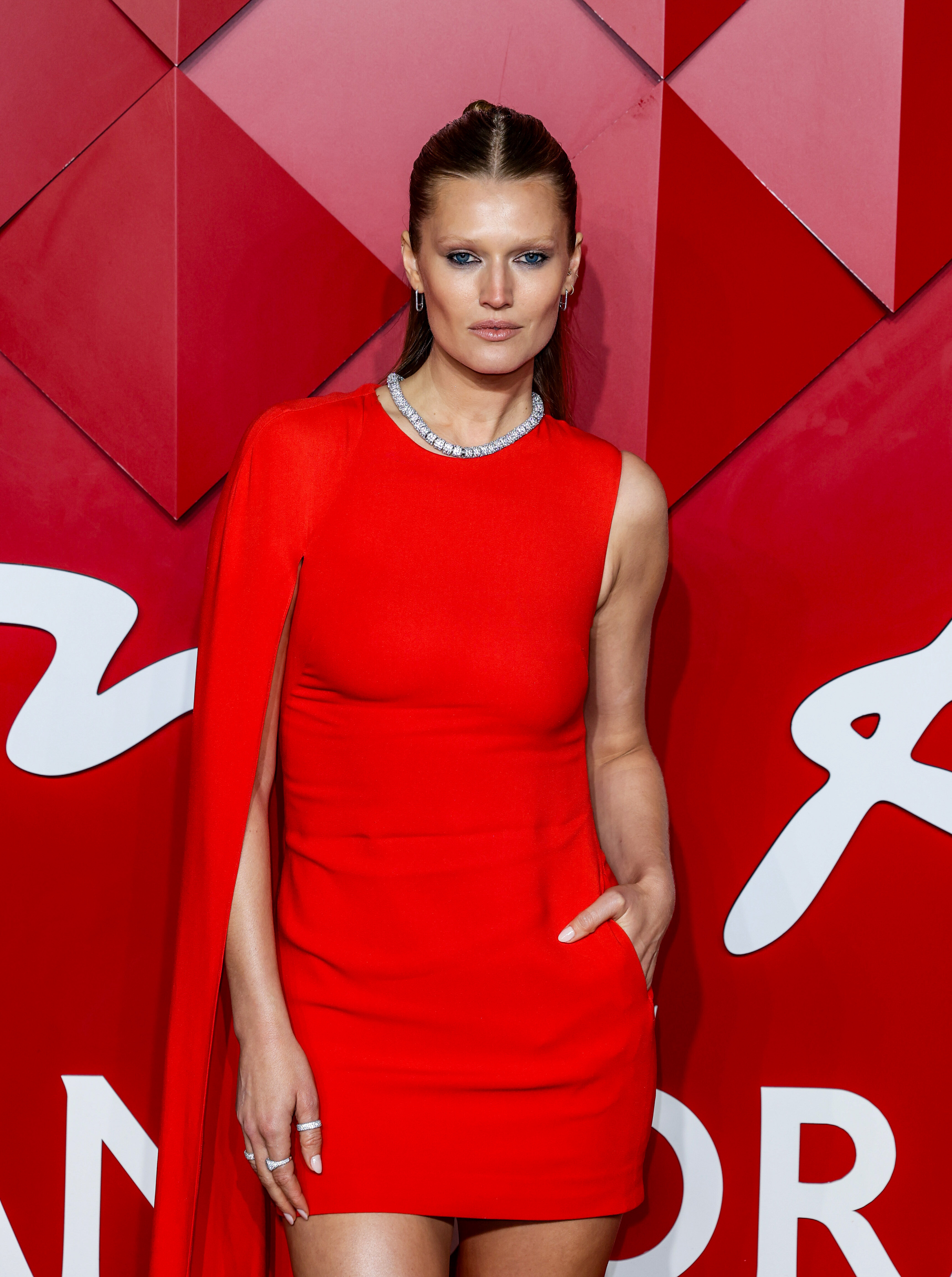
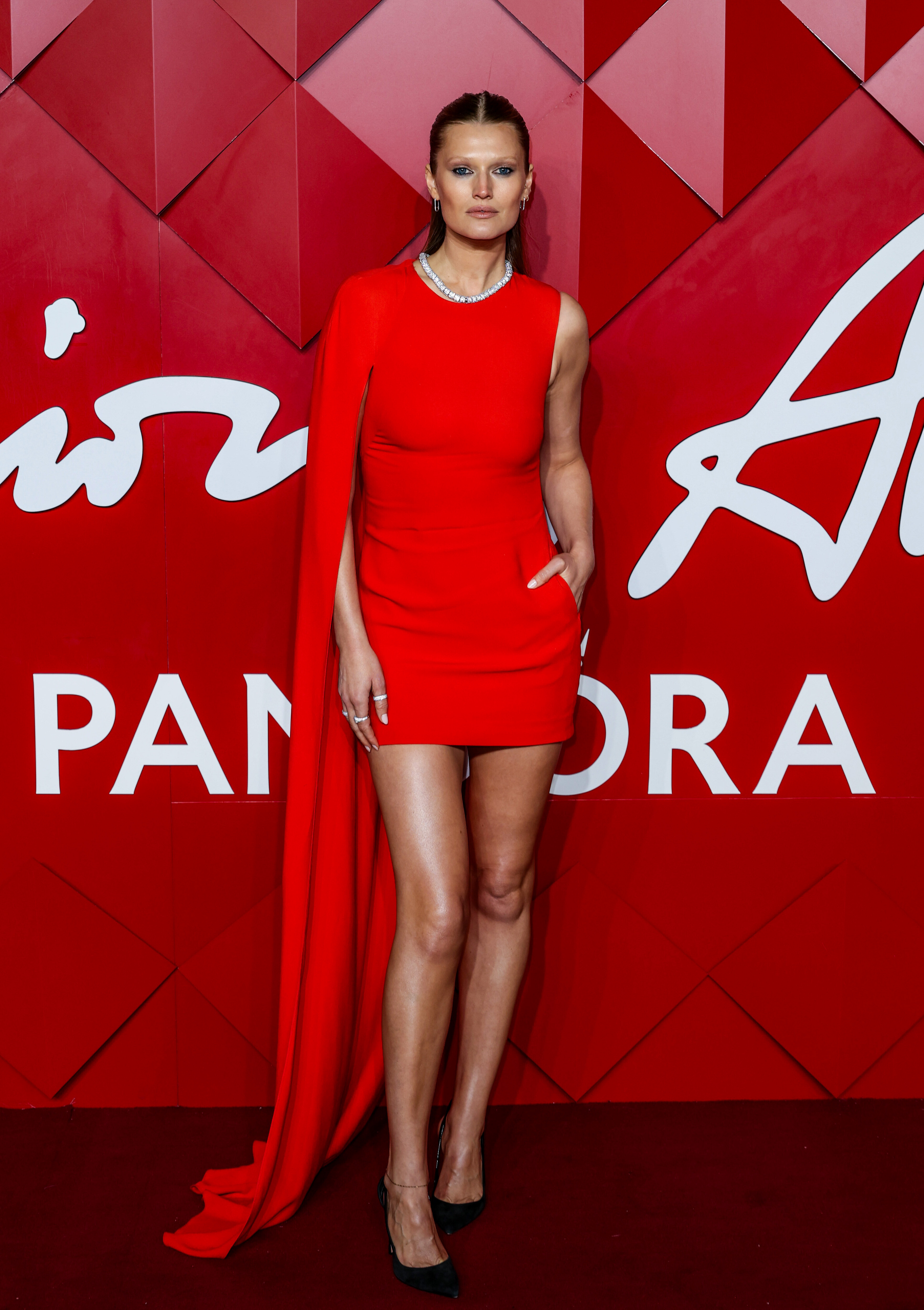
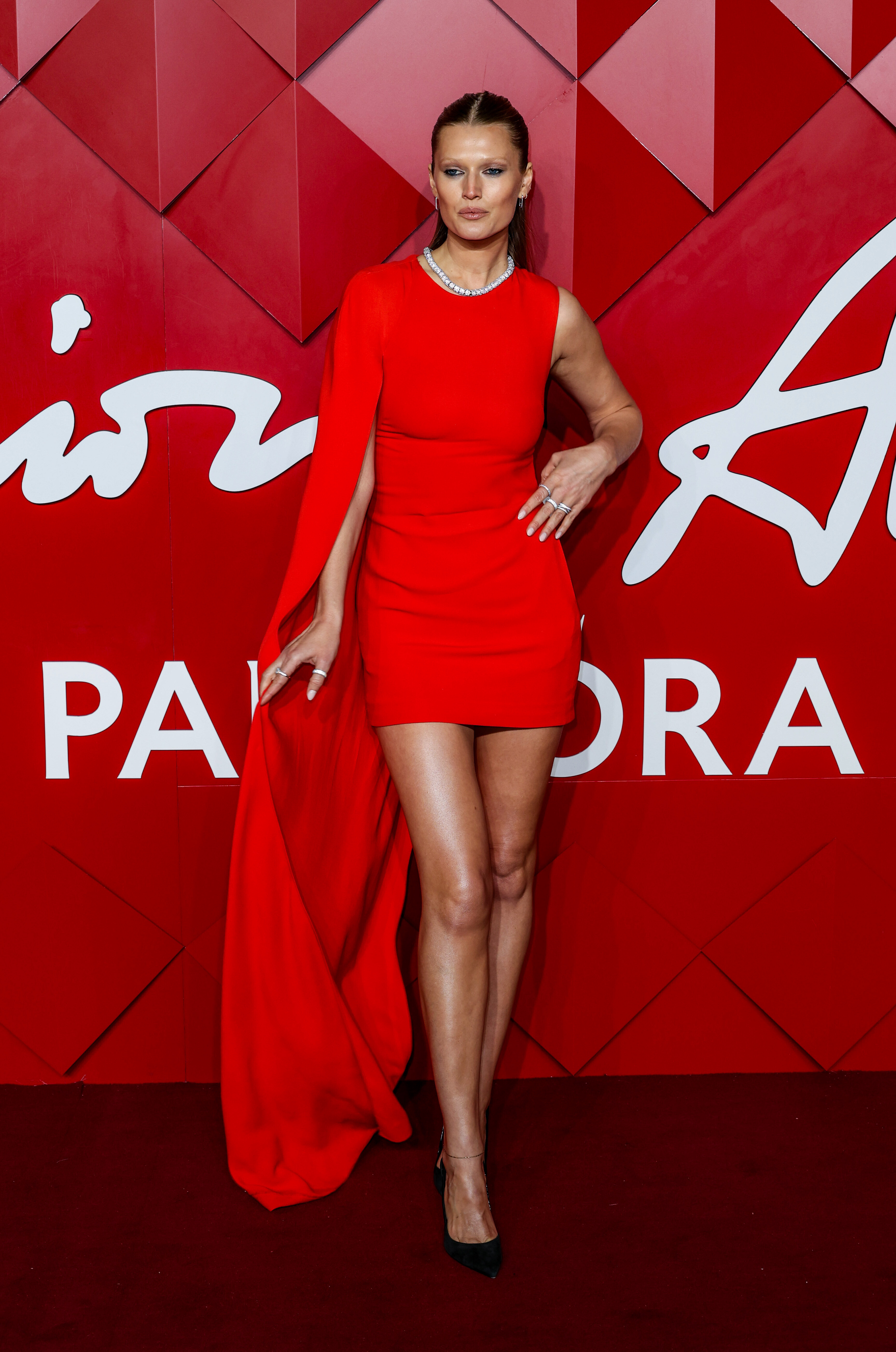
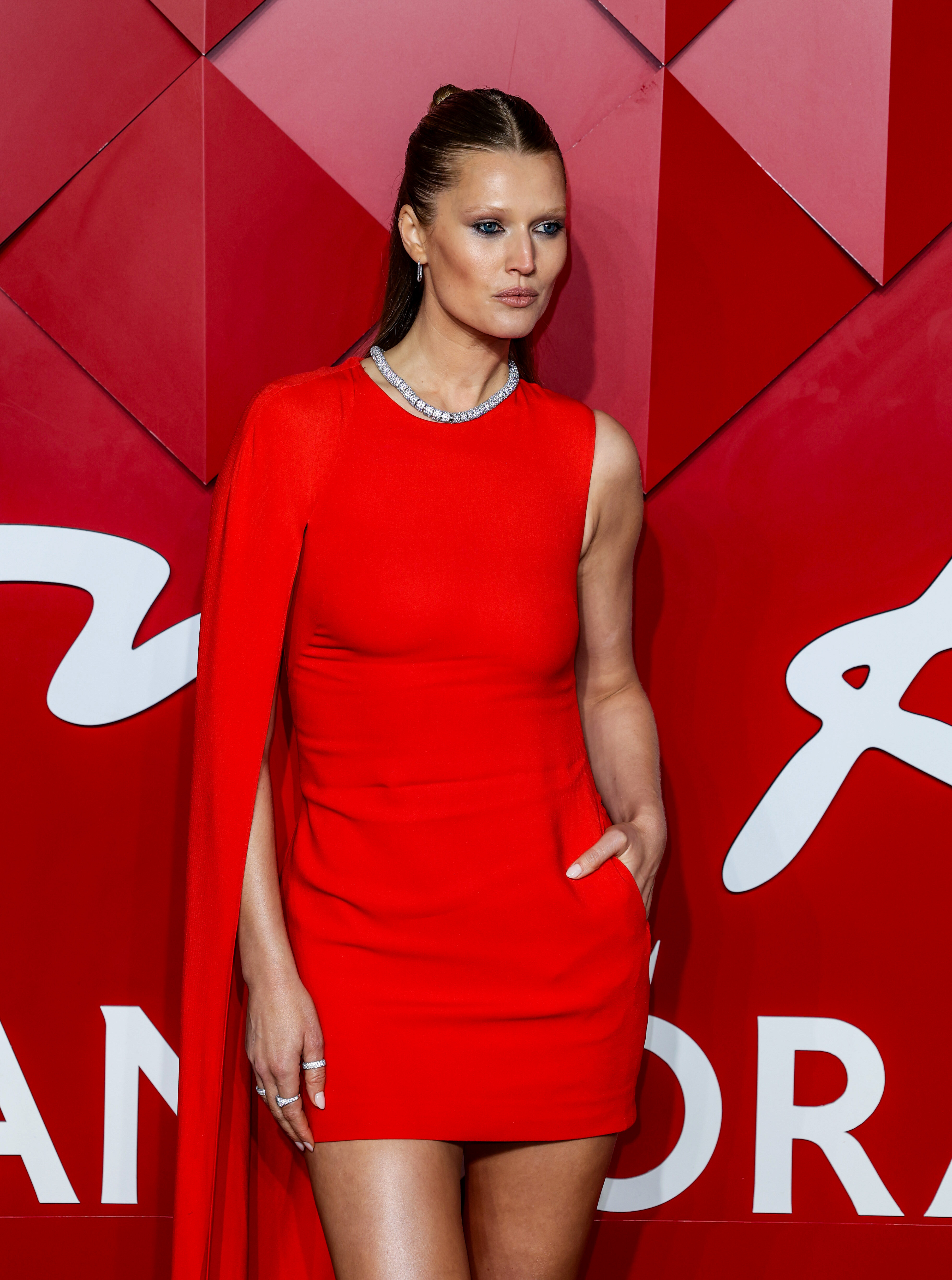
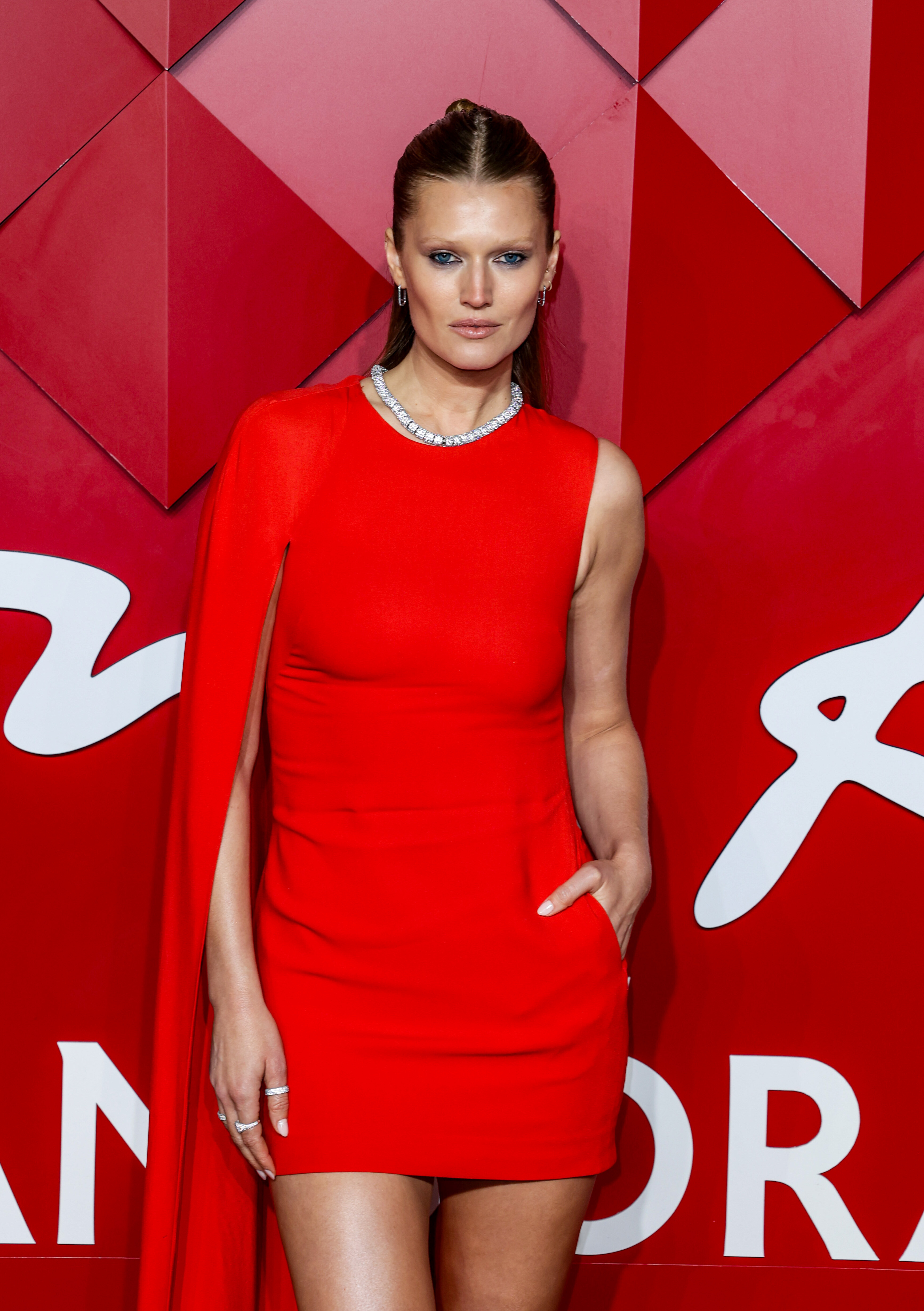
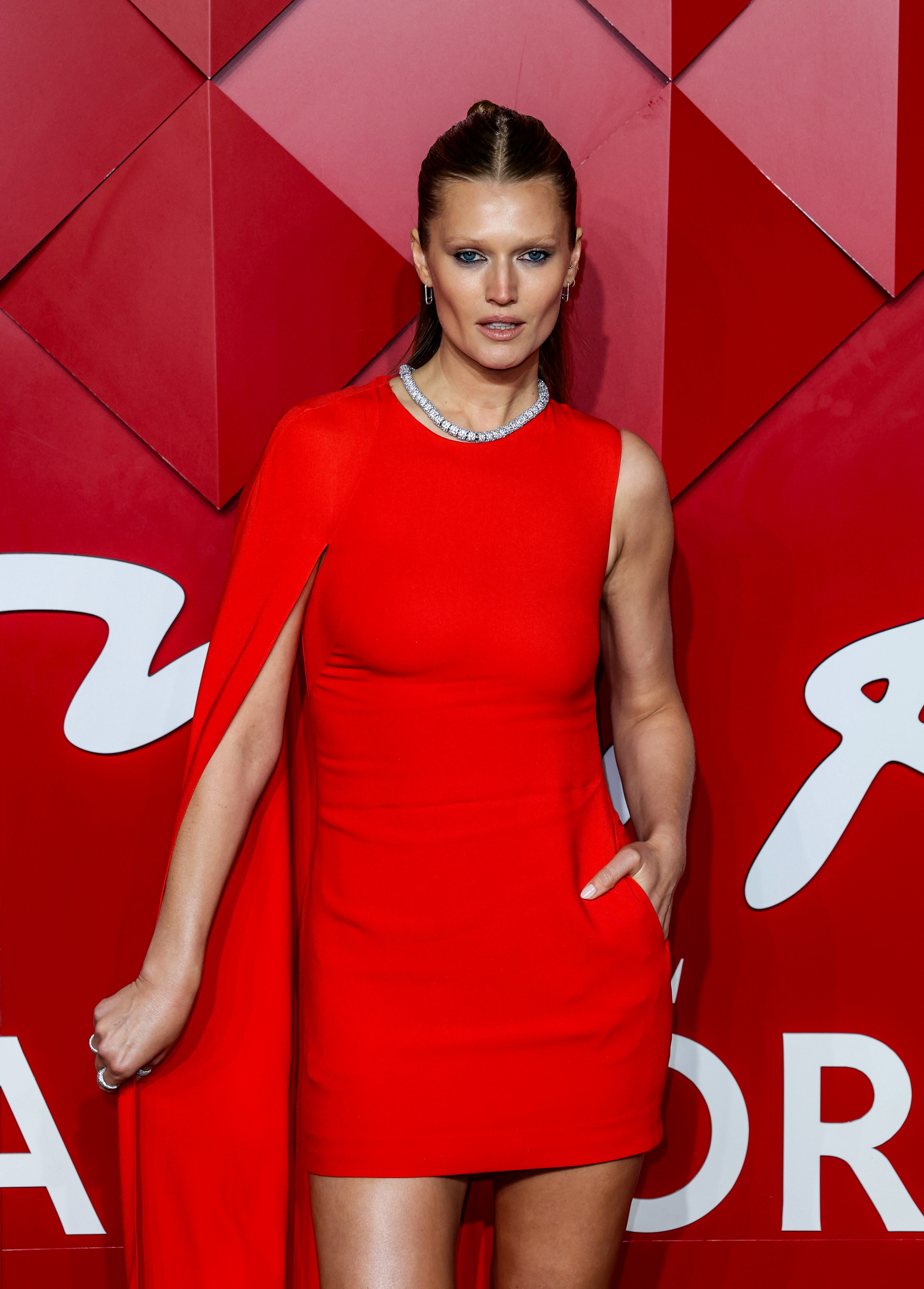
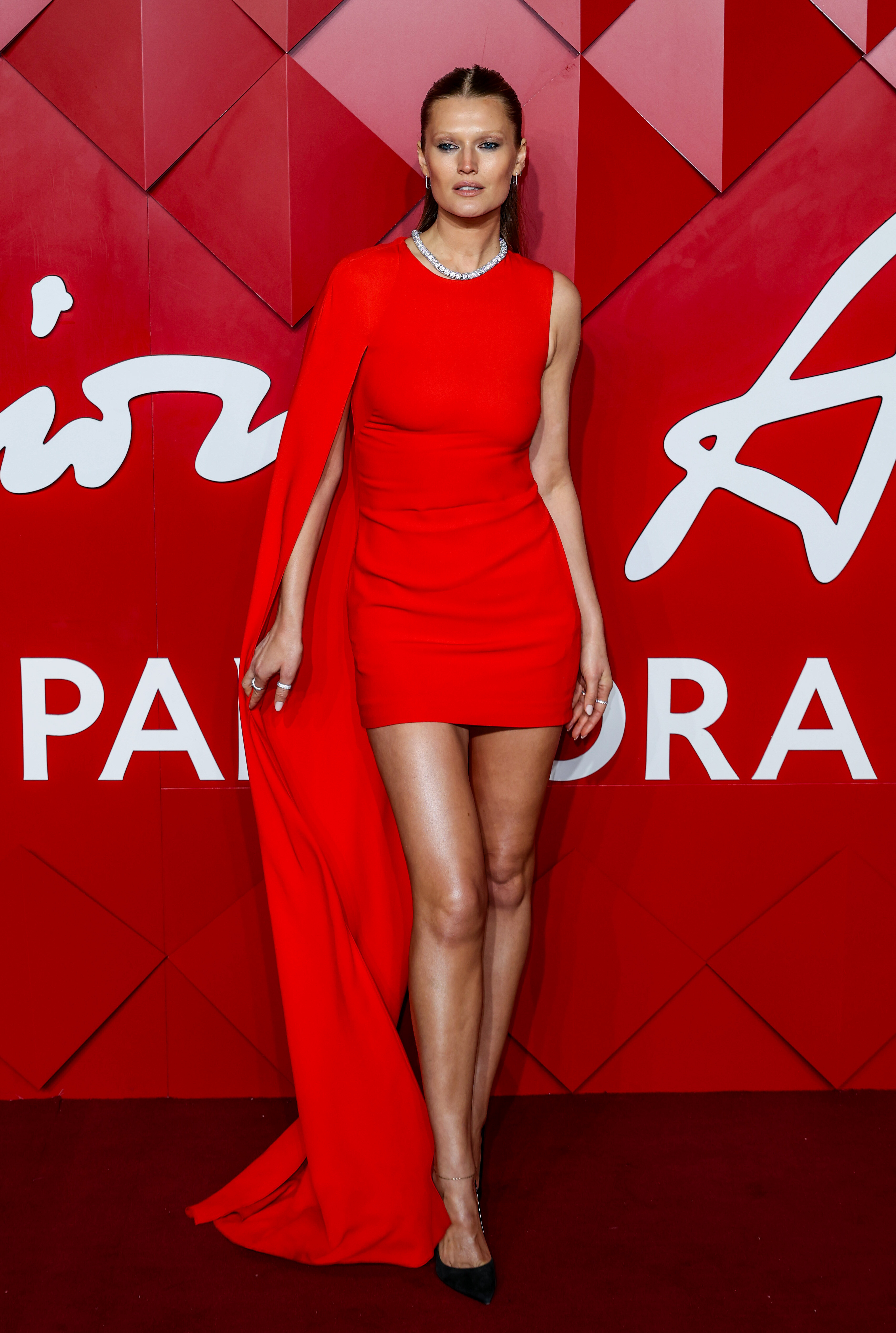
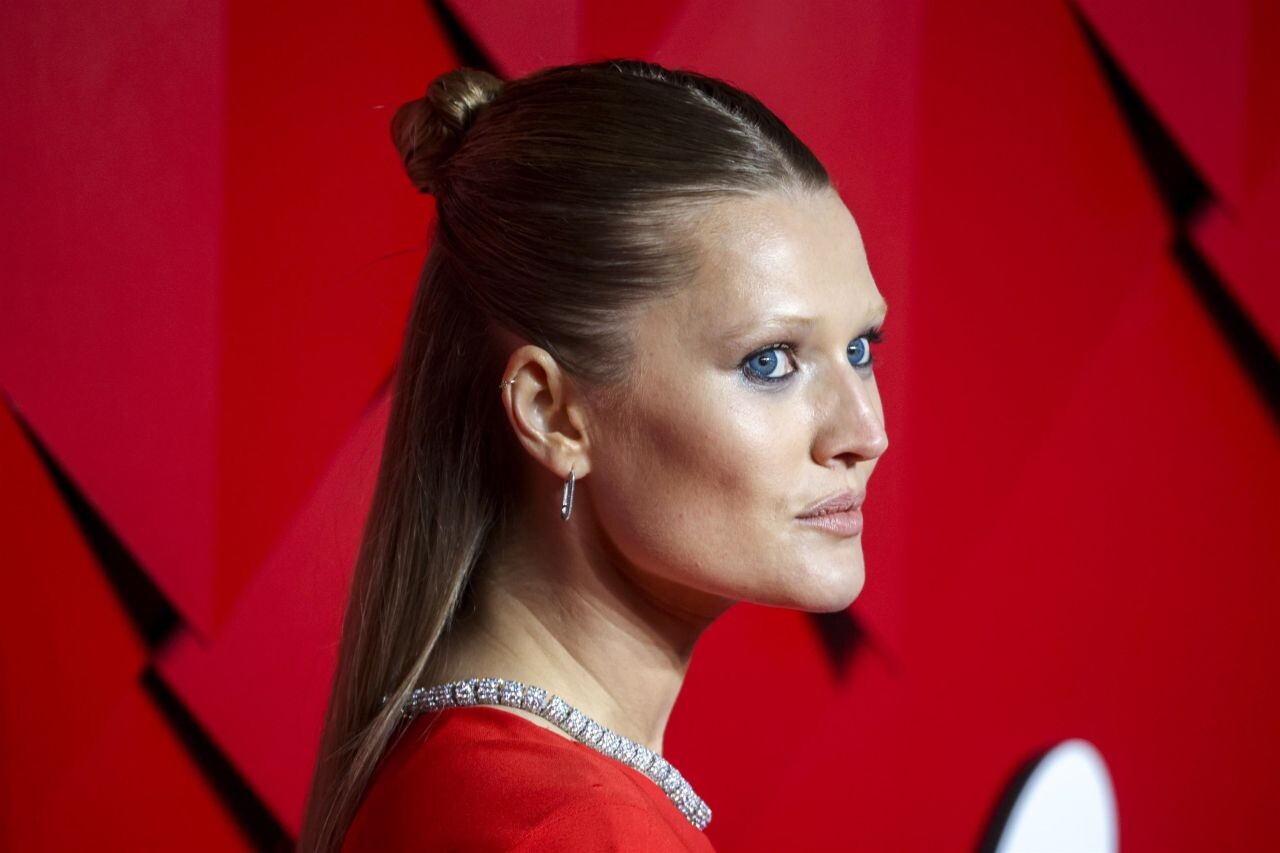
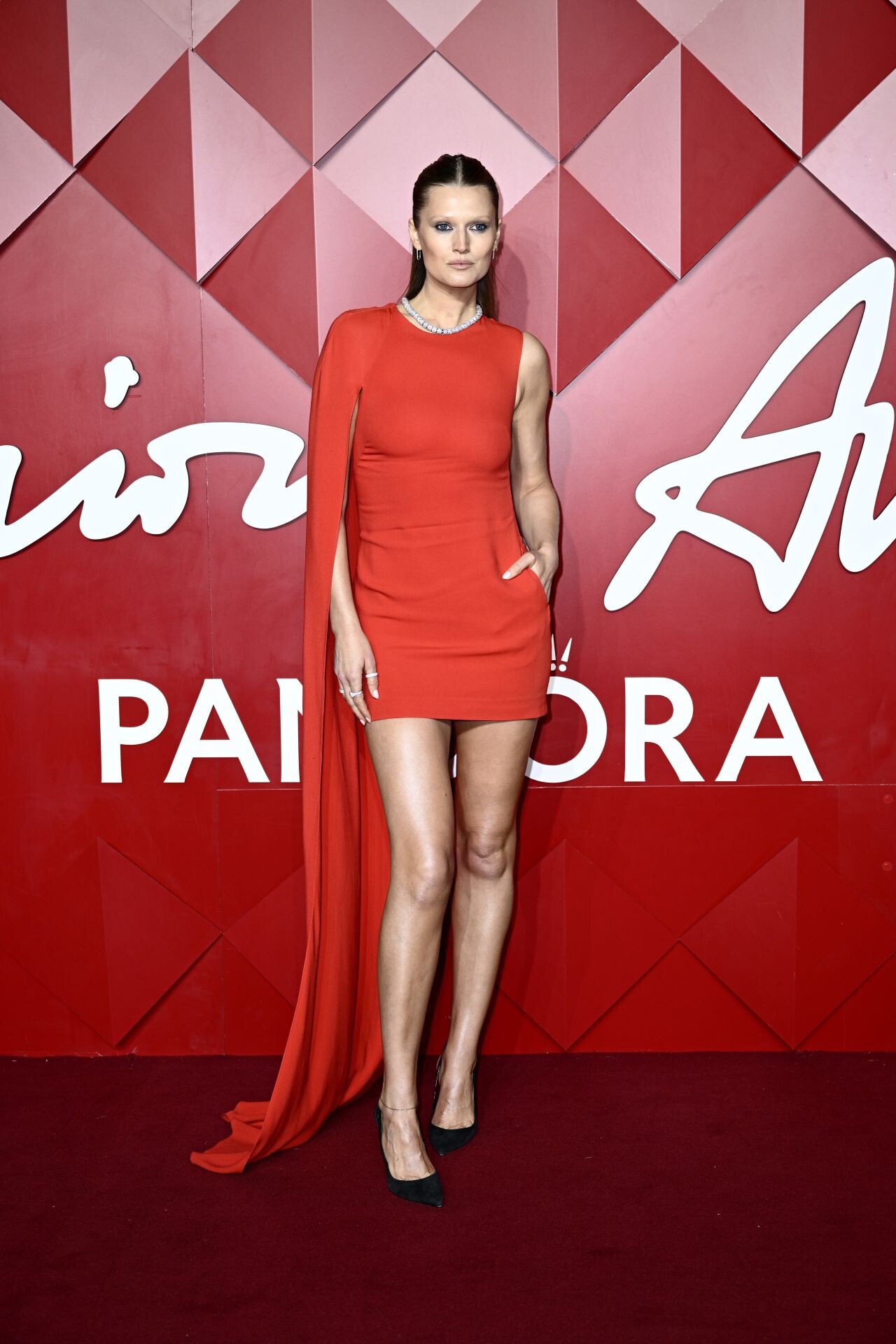
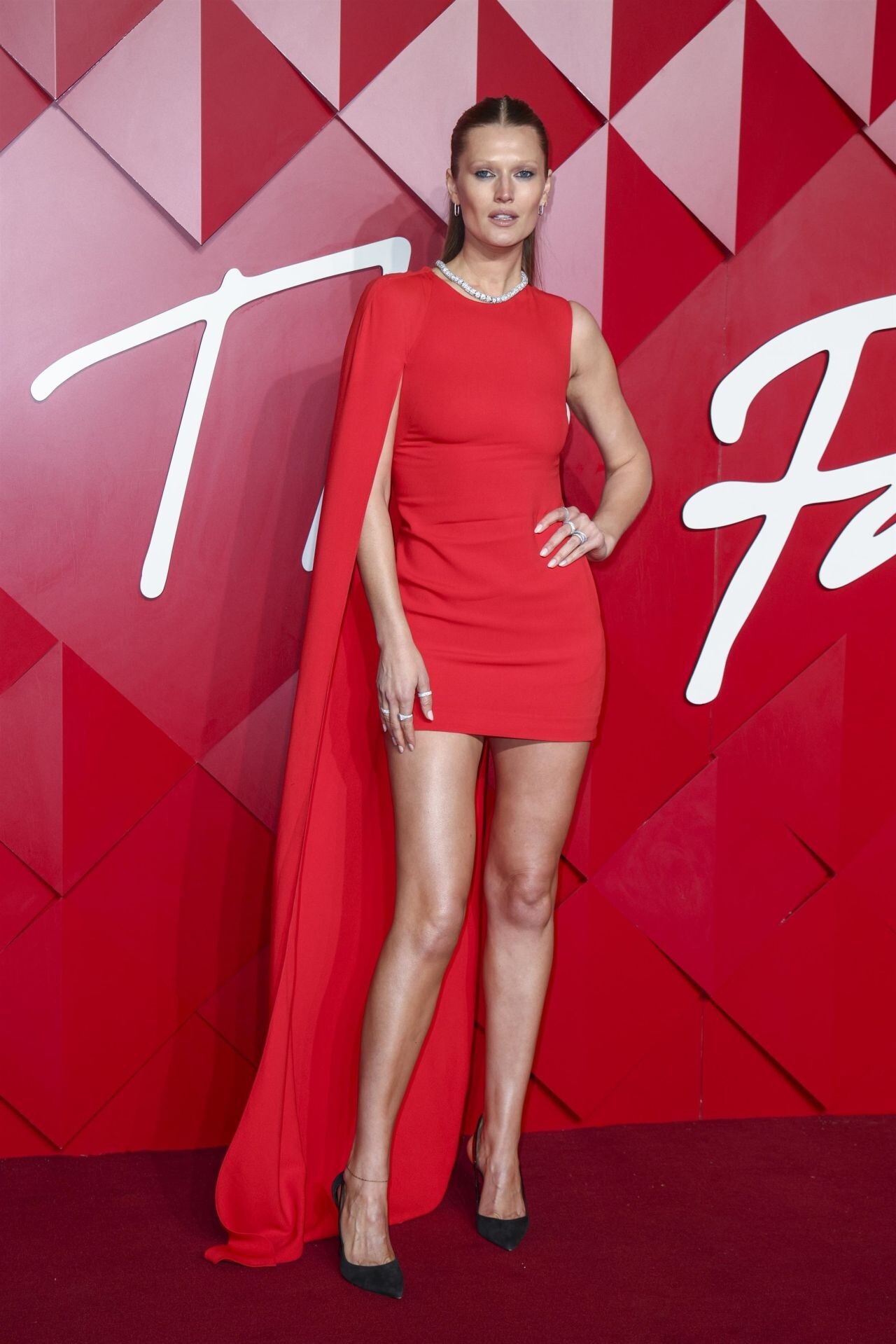
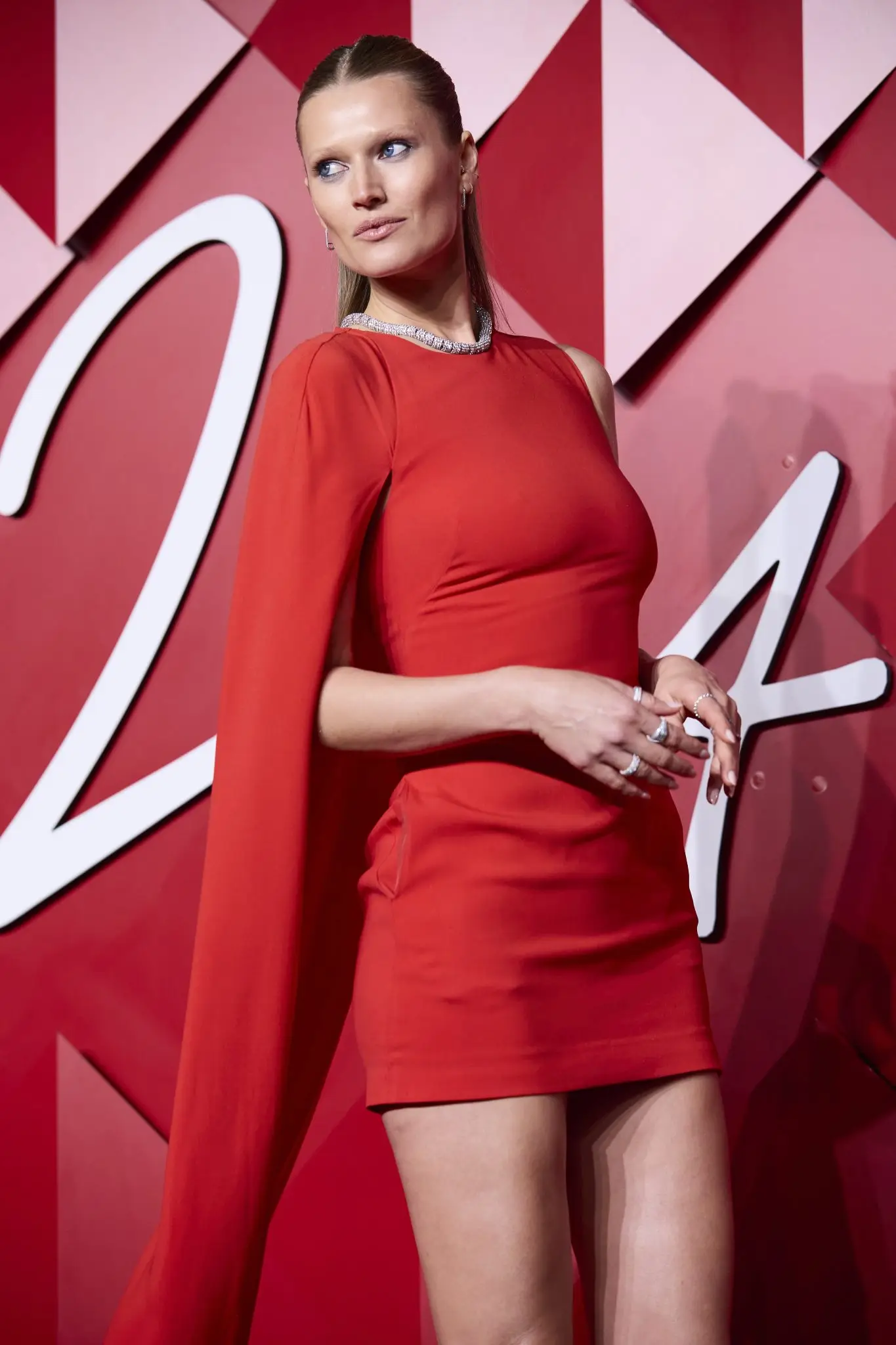
 AD for Super Flea Market F/W 2024 superfleamarket.org Ph: Jonas Huckstorf.Toni Garrn "The Fashion Awards 2024 presented by Pandora at the Royal Albert Hall, London" (02.12.2024)




















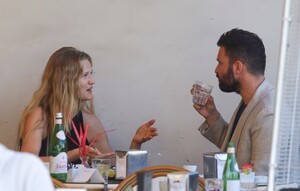
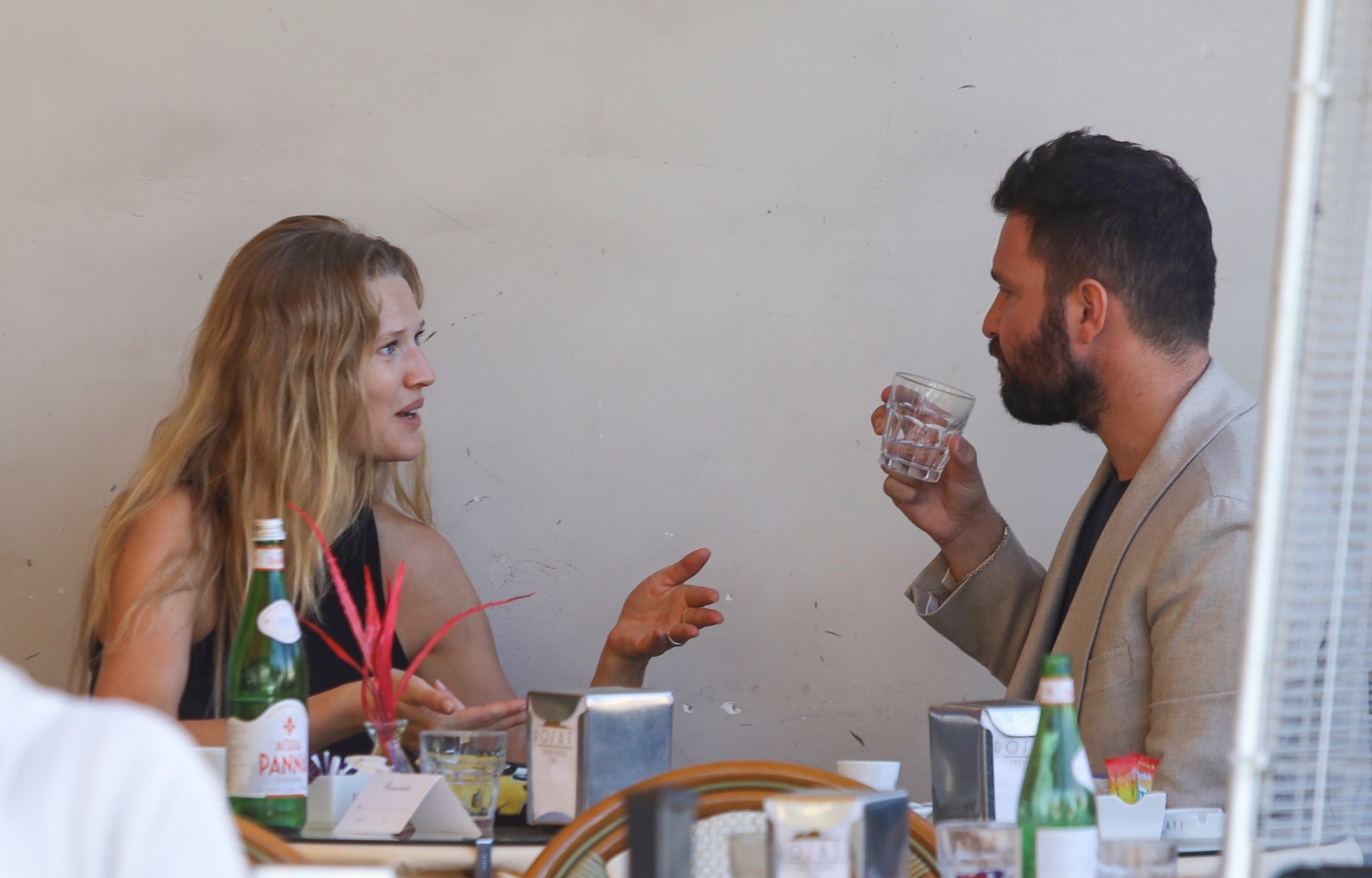
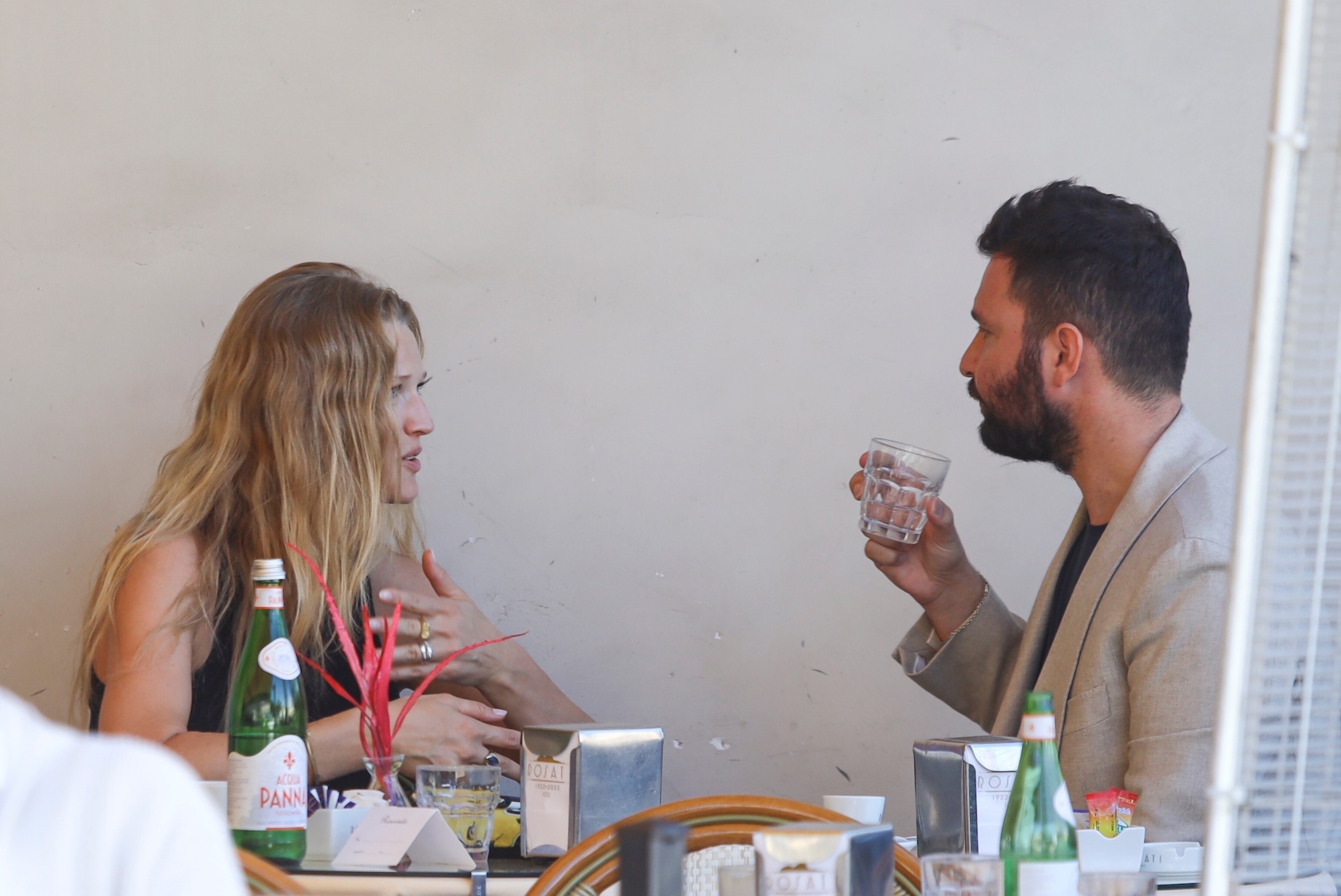
 Toni Garrn "Photographed in the famous Roman café "Rosati" with the Italian producer Andrea Iervolino in Rome" (13.10.2024)
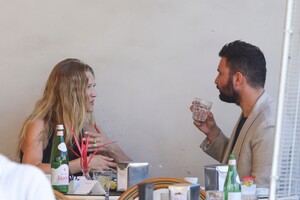



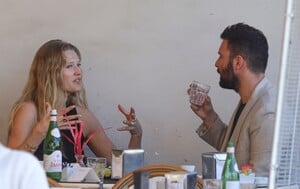
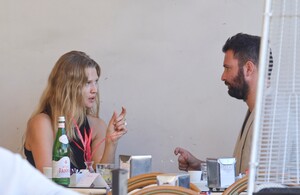


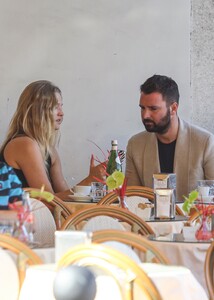
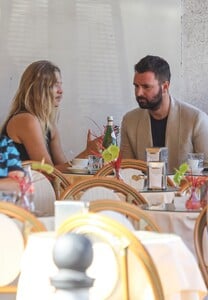
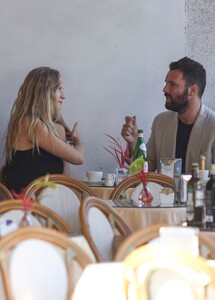
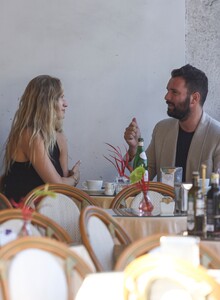
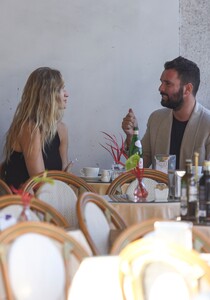
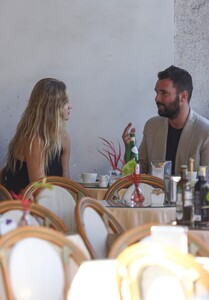
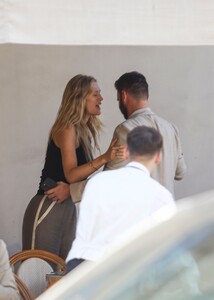
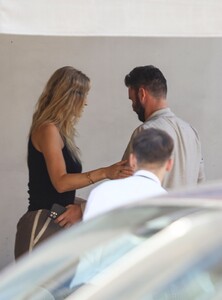
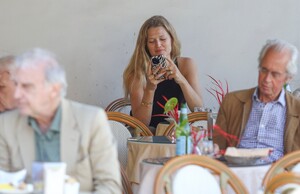
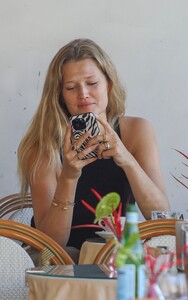
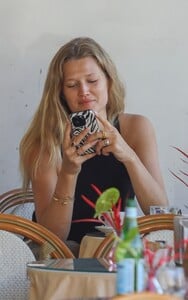
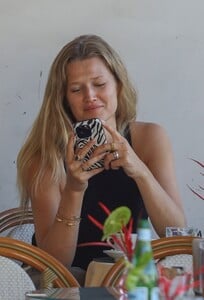
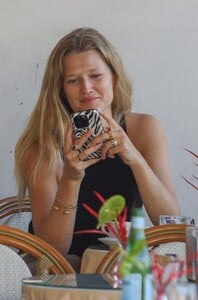
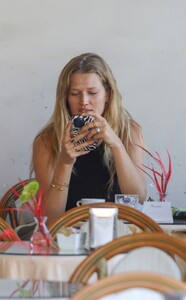
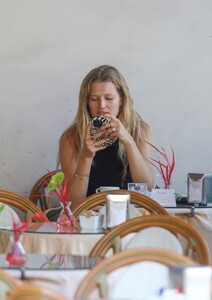
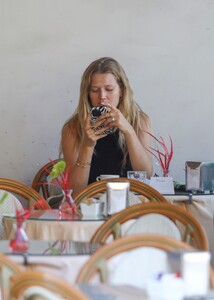
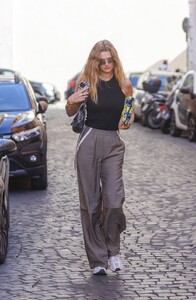
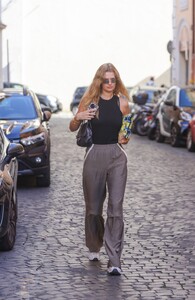
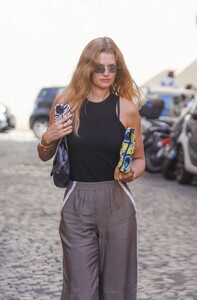
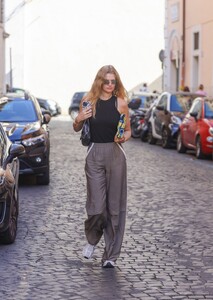
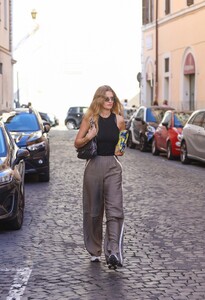
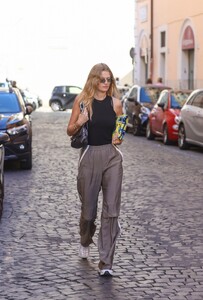
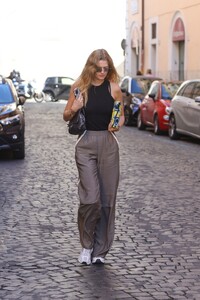

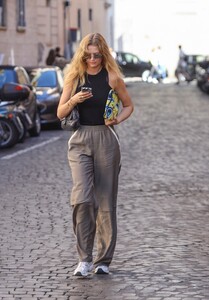
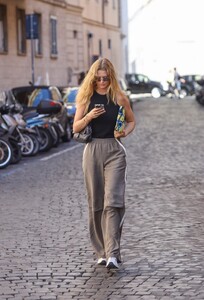
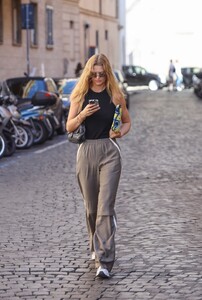
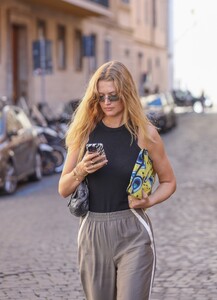
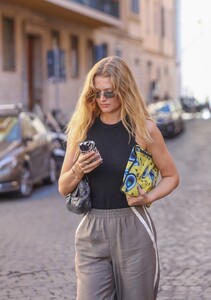
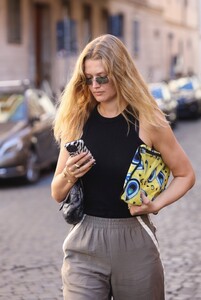
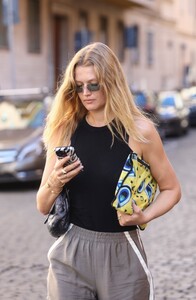
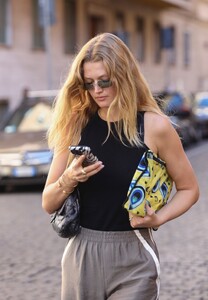
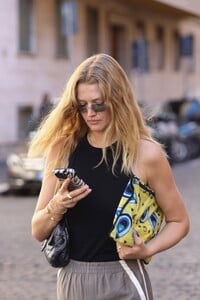
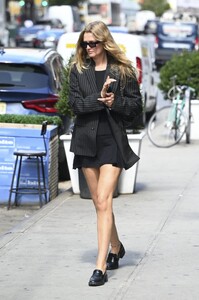
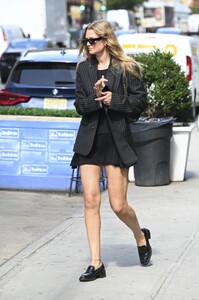
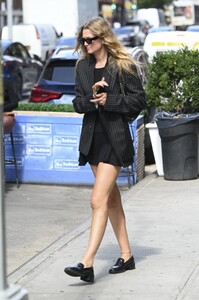
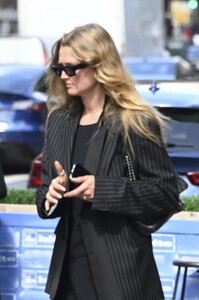
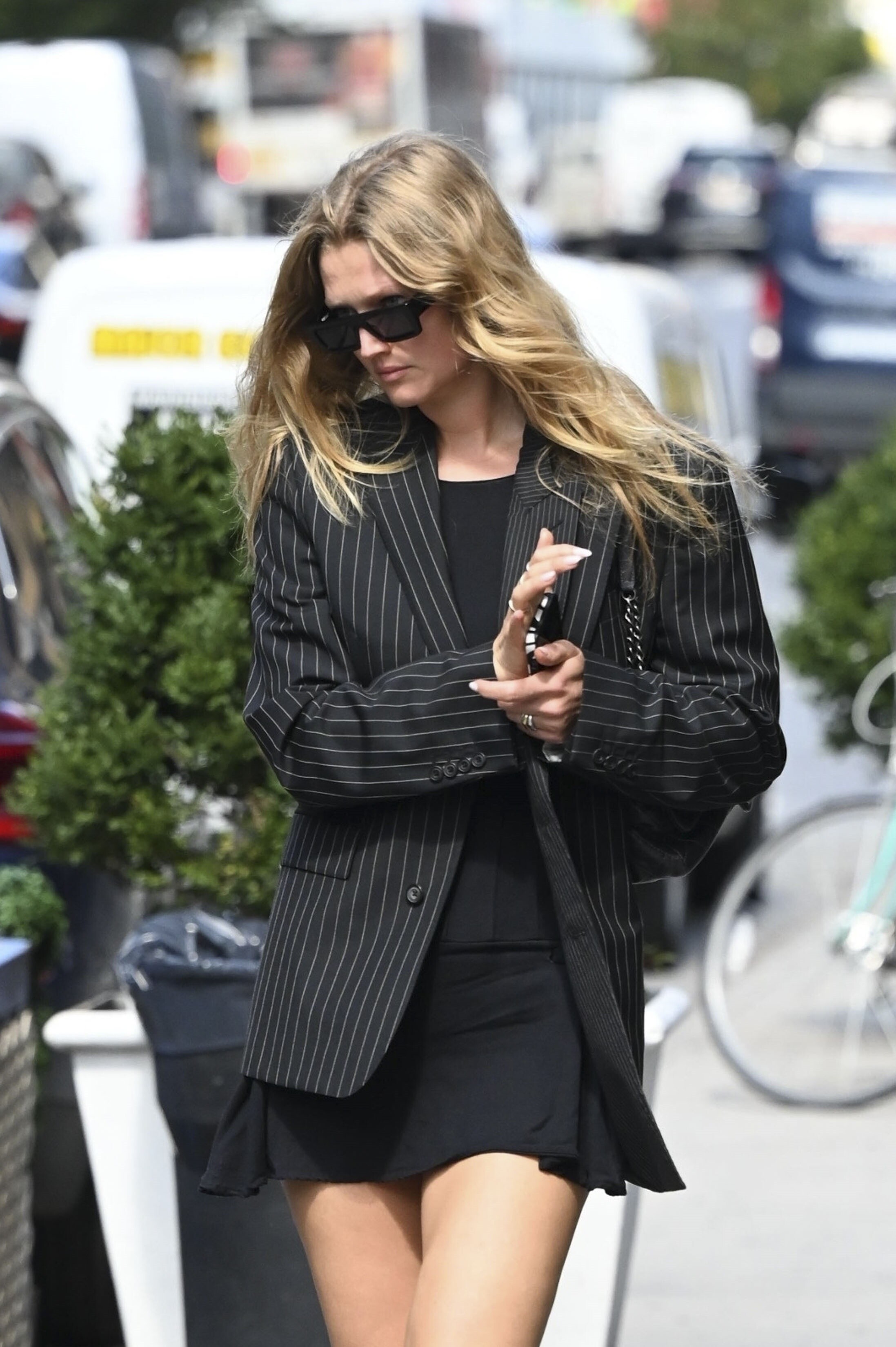
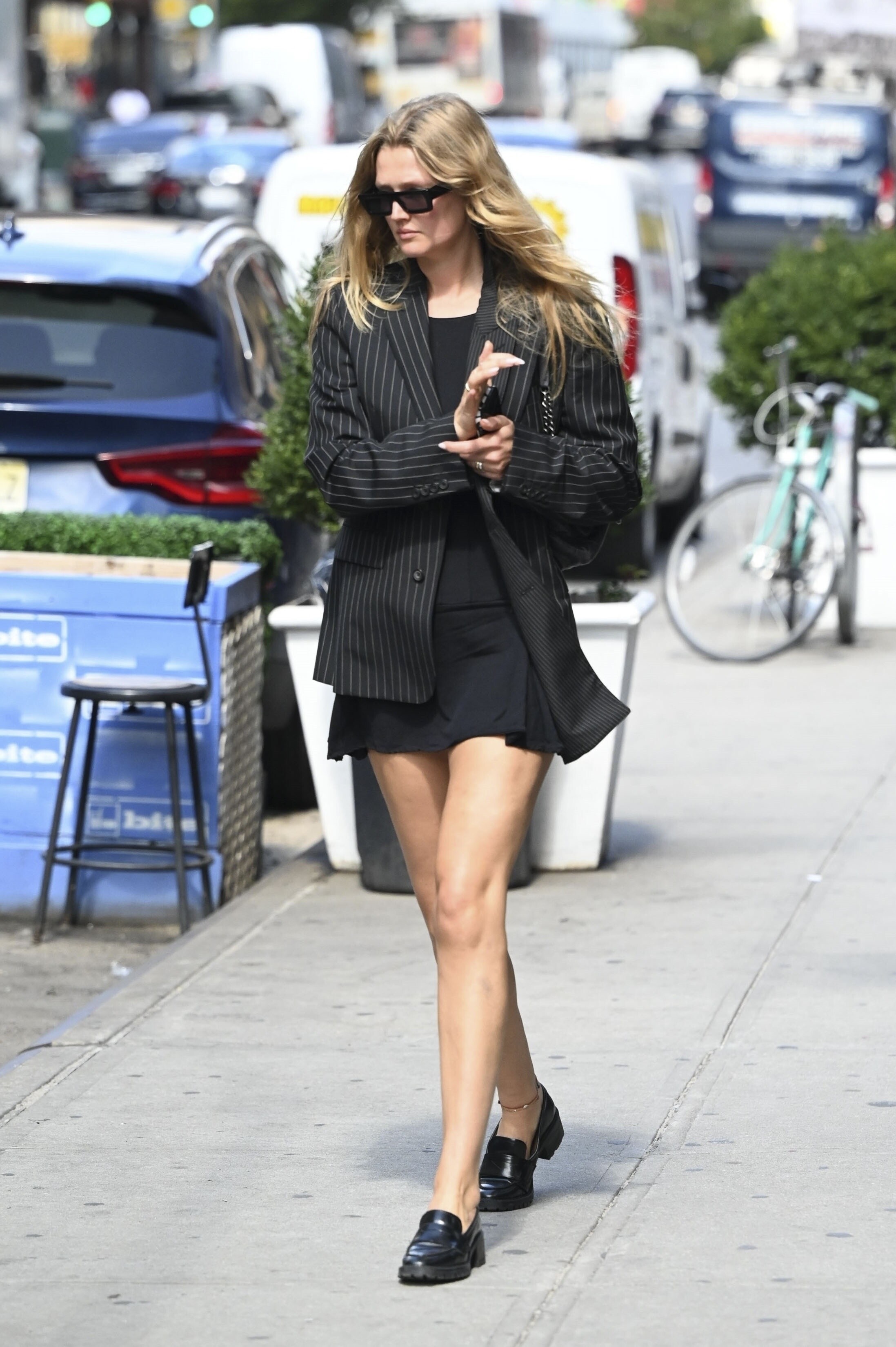
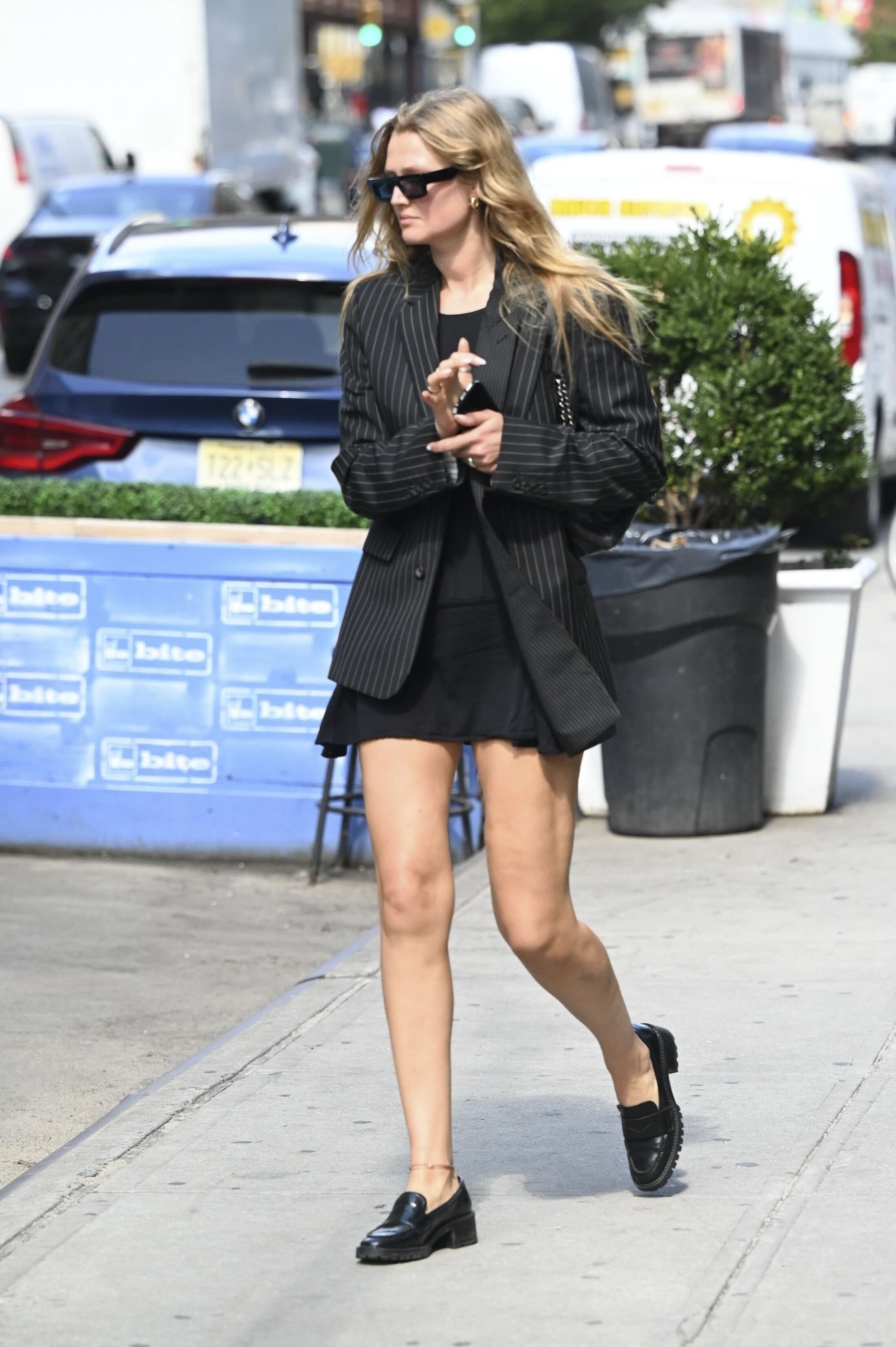
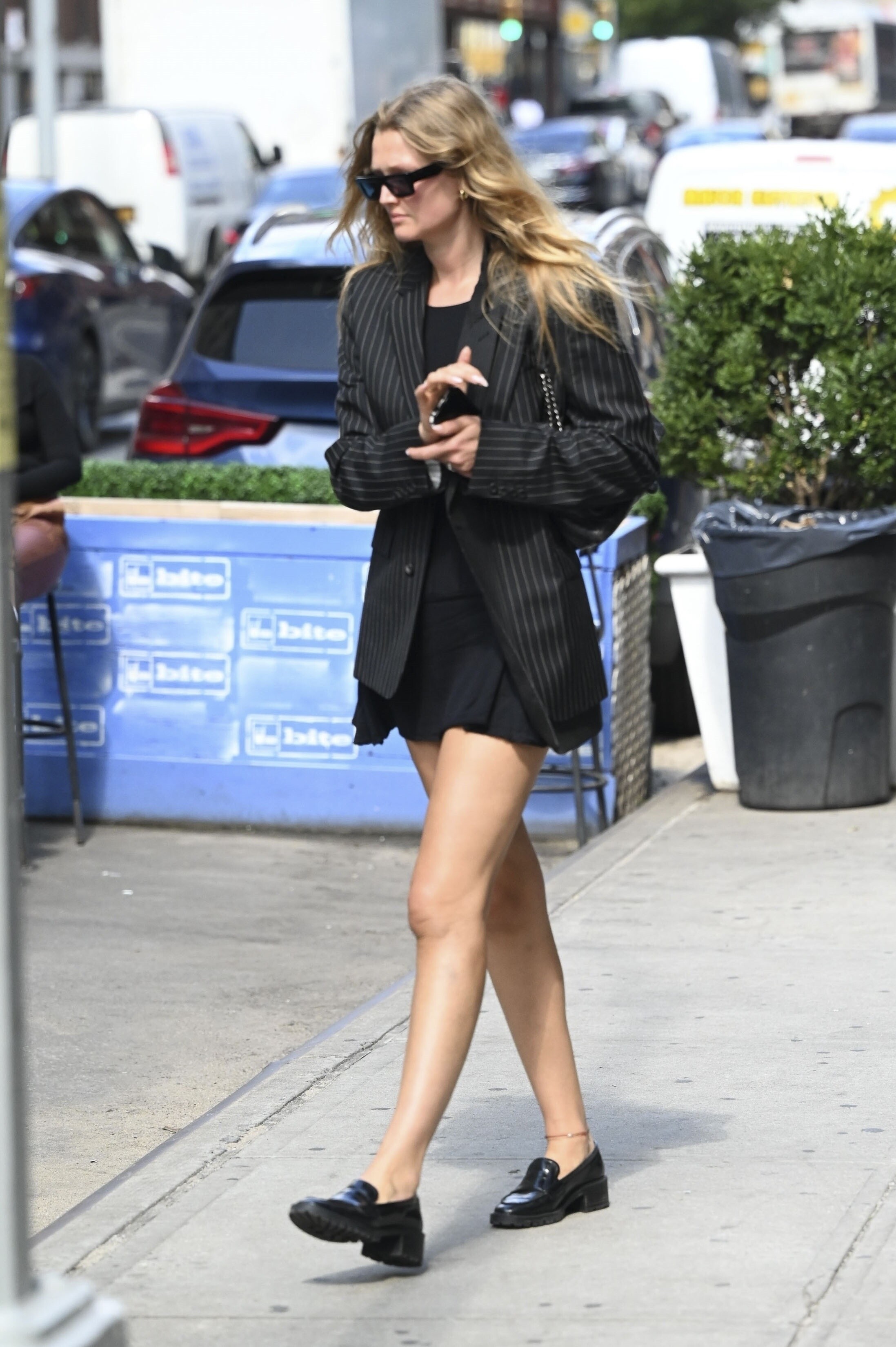
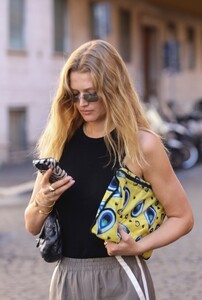 Toni in NYC 9 september 2024
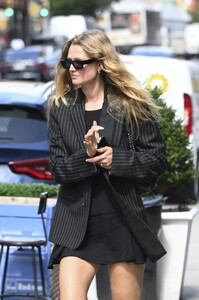

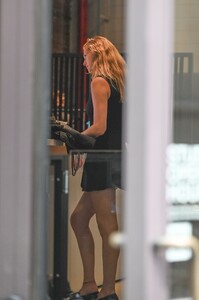

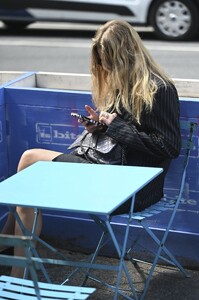
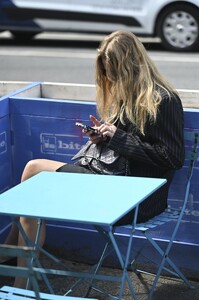
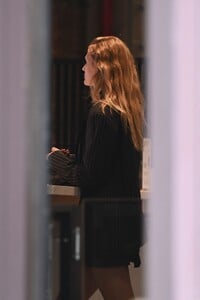
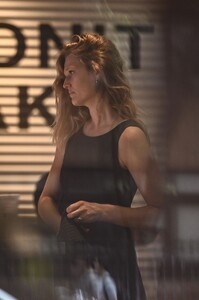
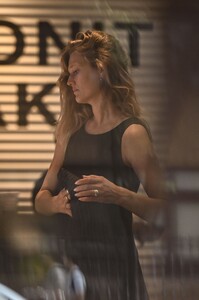

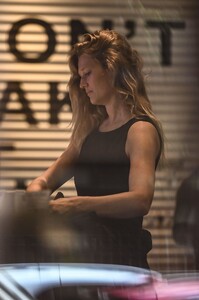
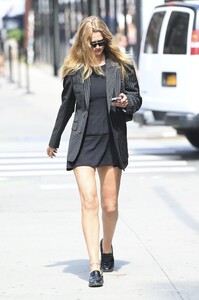
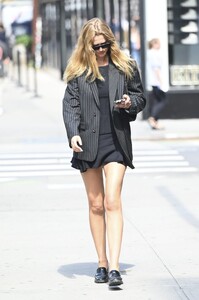
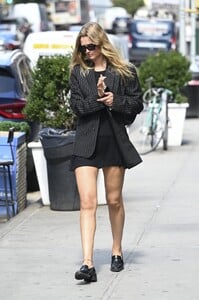
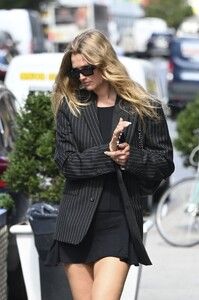
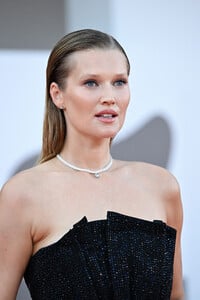
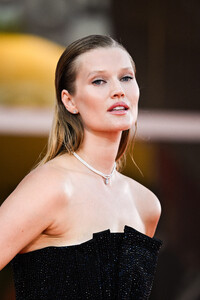
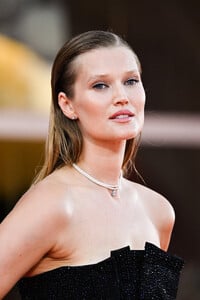
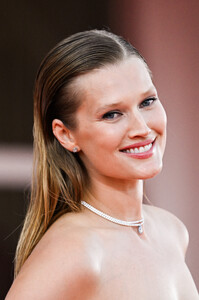
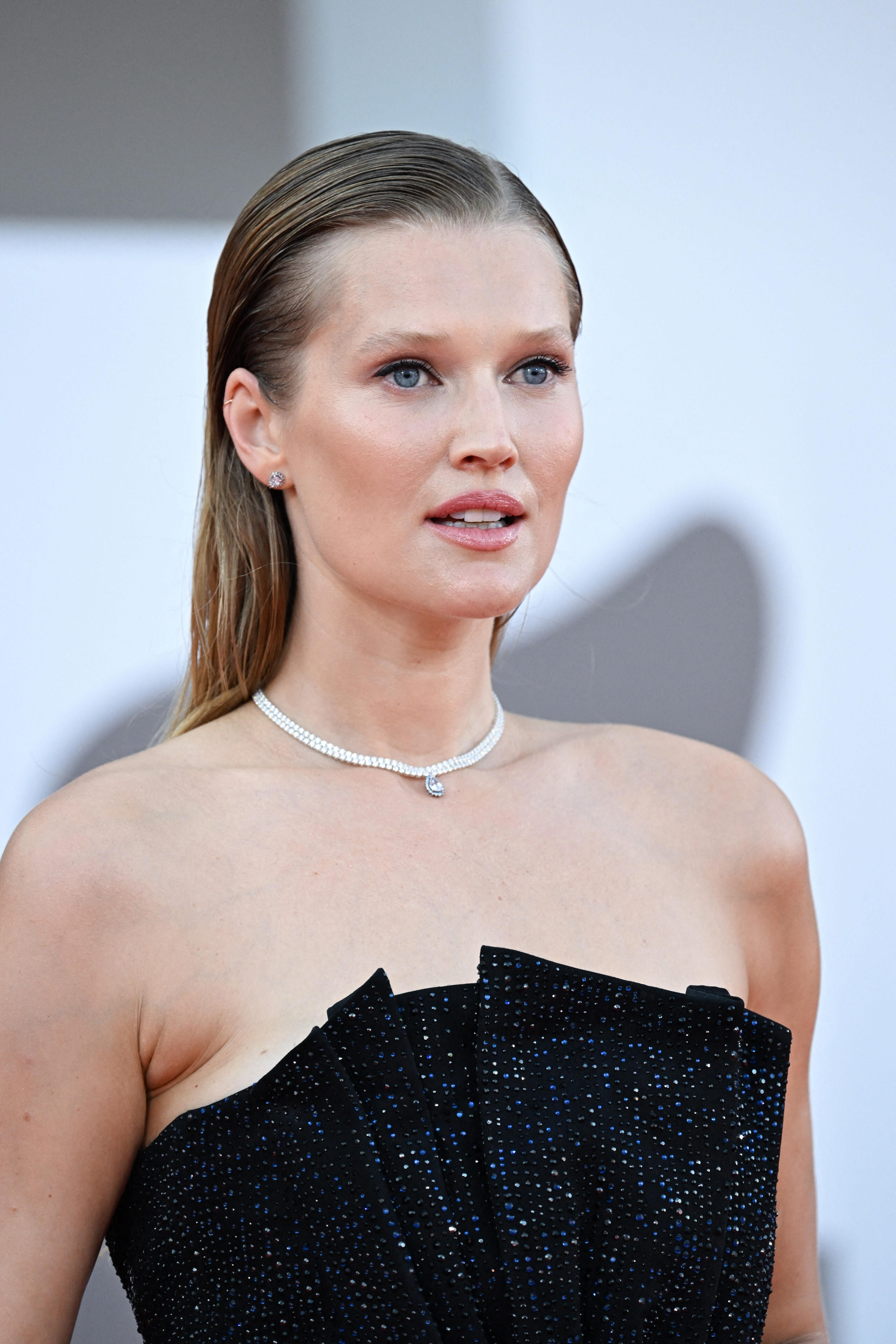
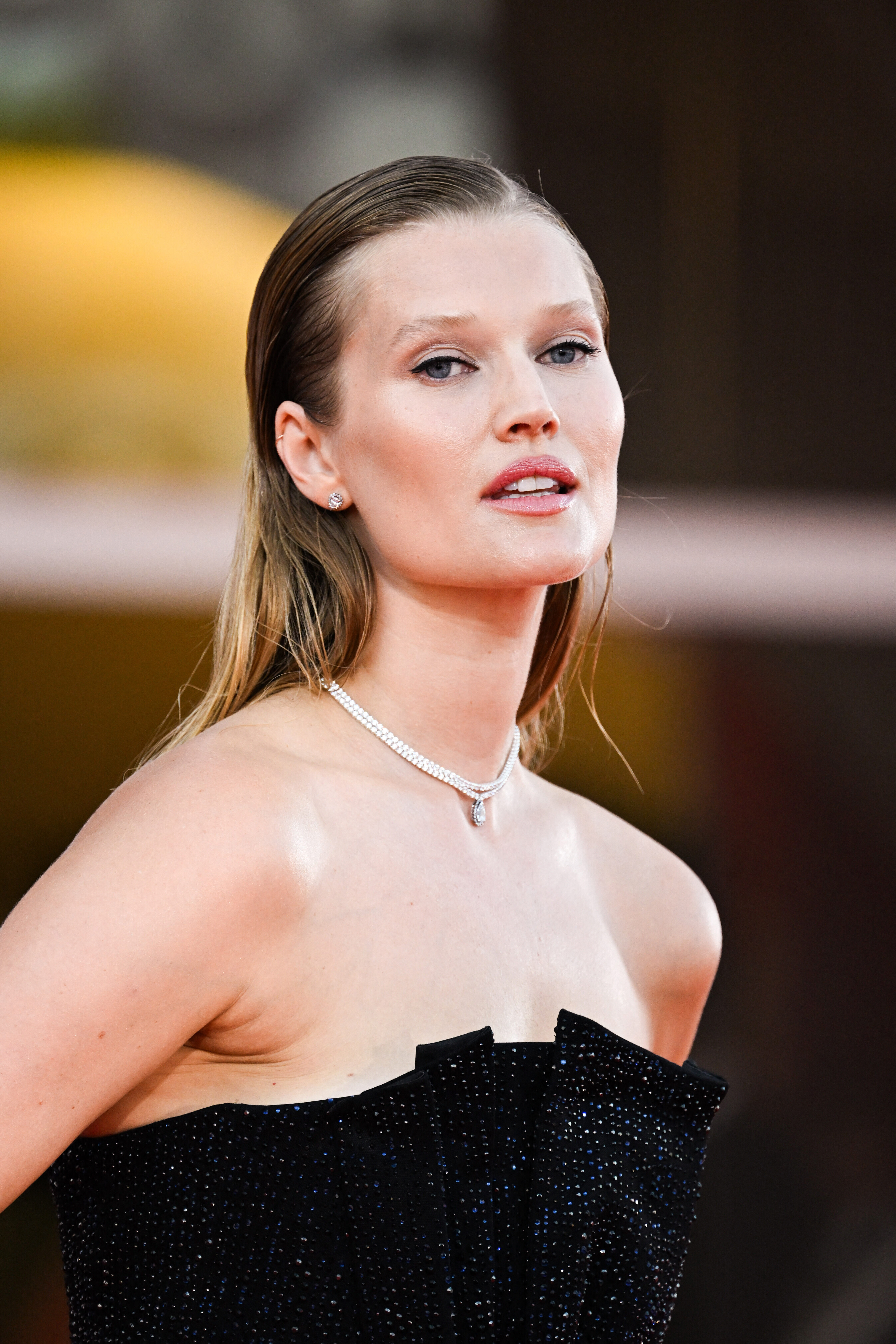
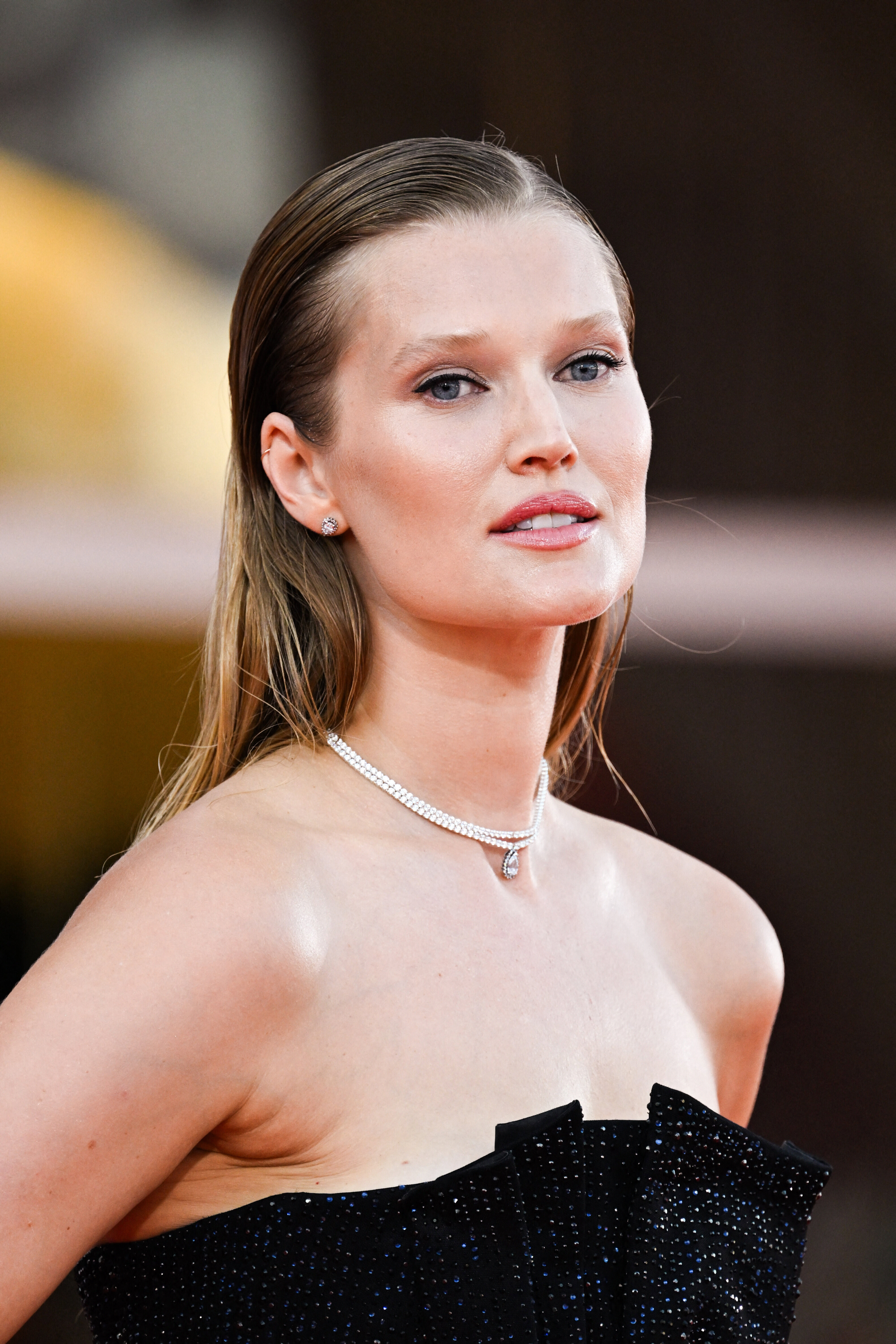
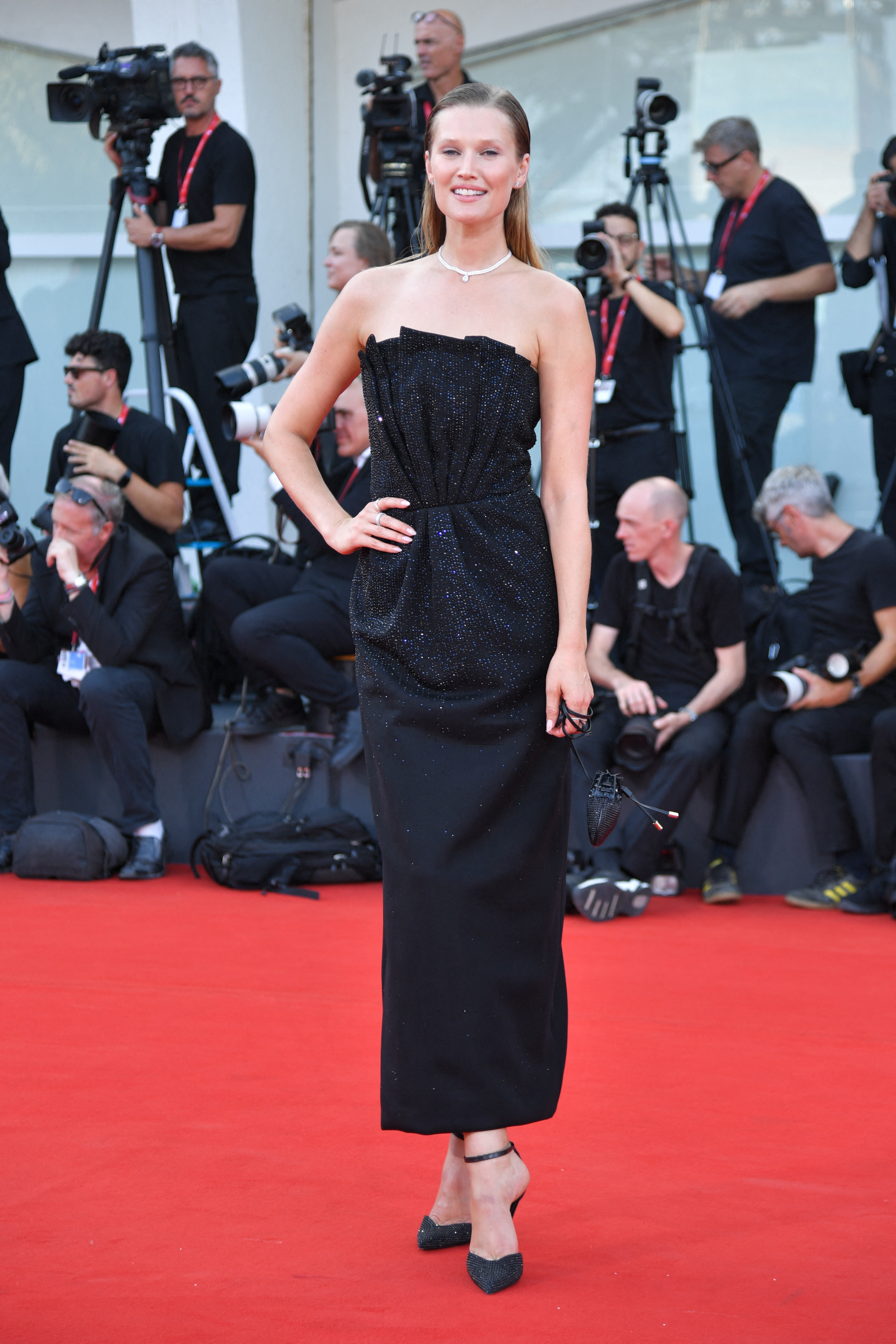
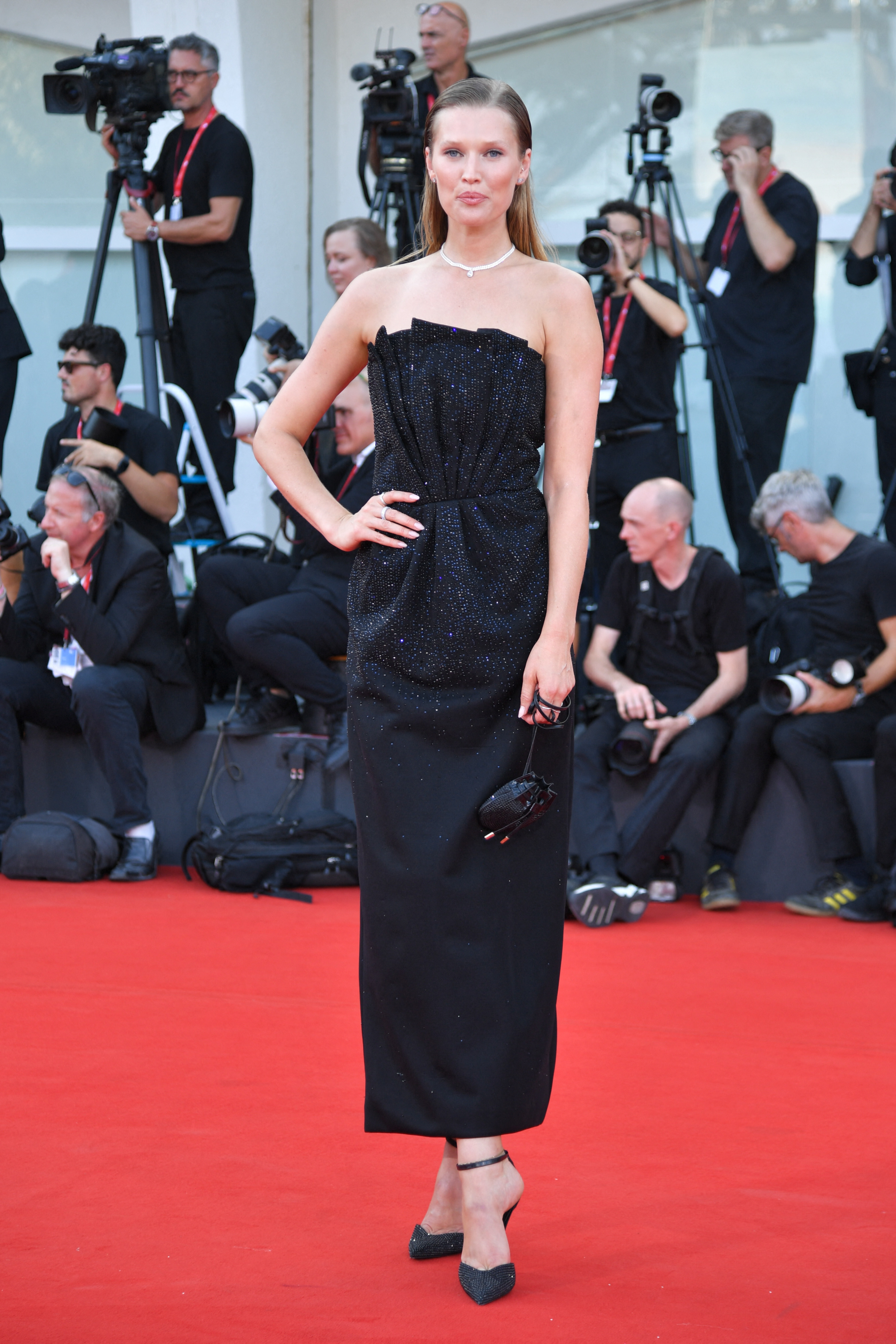
 Toni Garrn attending the Campo Di Battaglia Premiere as part of the 81st Venice International Film Festival, in Venice 31.08.2024 2024 Armani Beauty Dinner - The 81st Venice International Film Festival 31.08.2024


























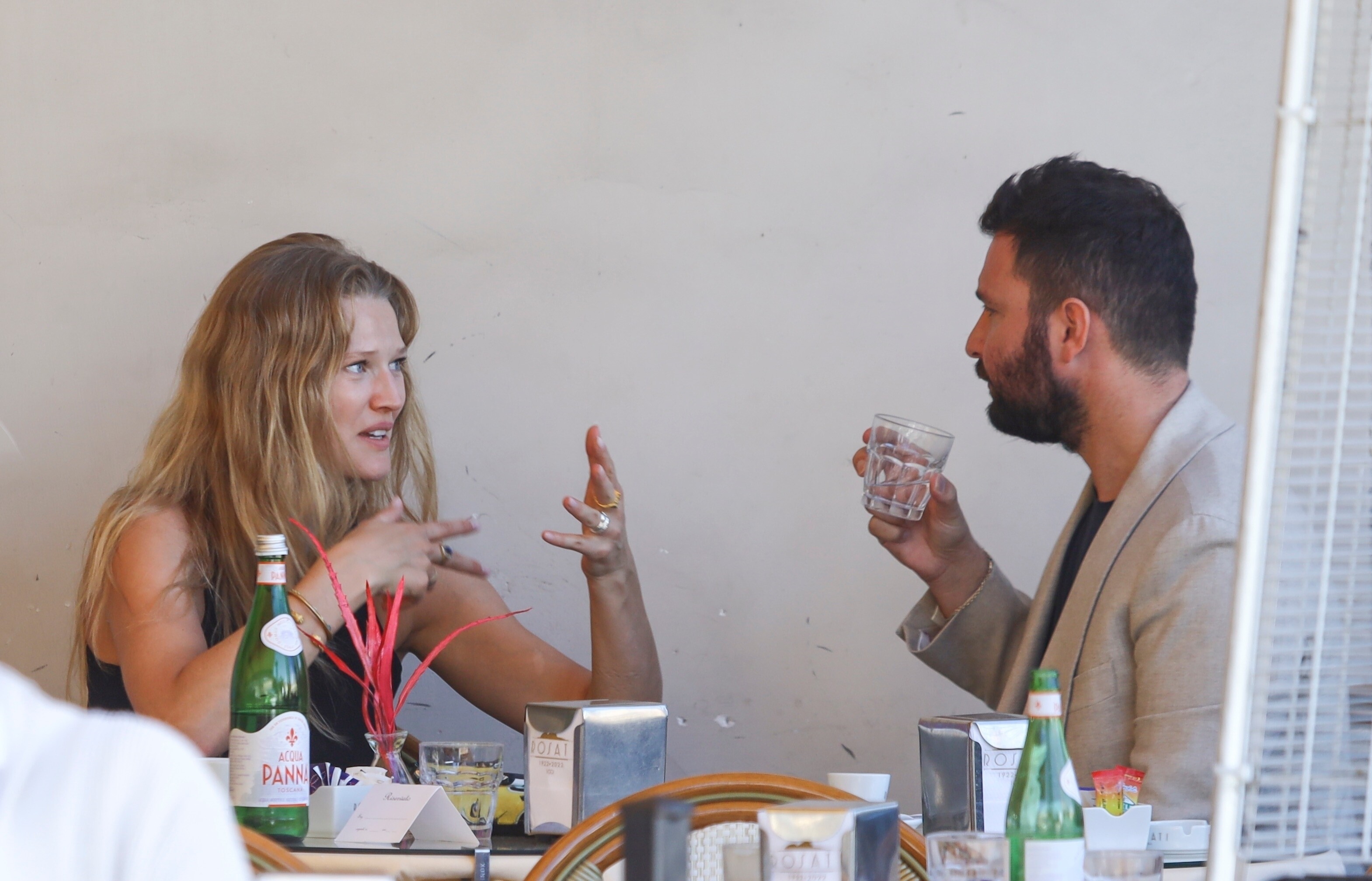
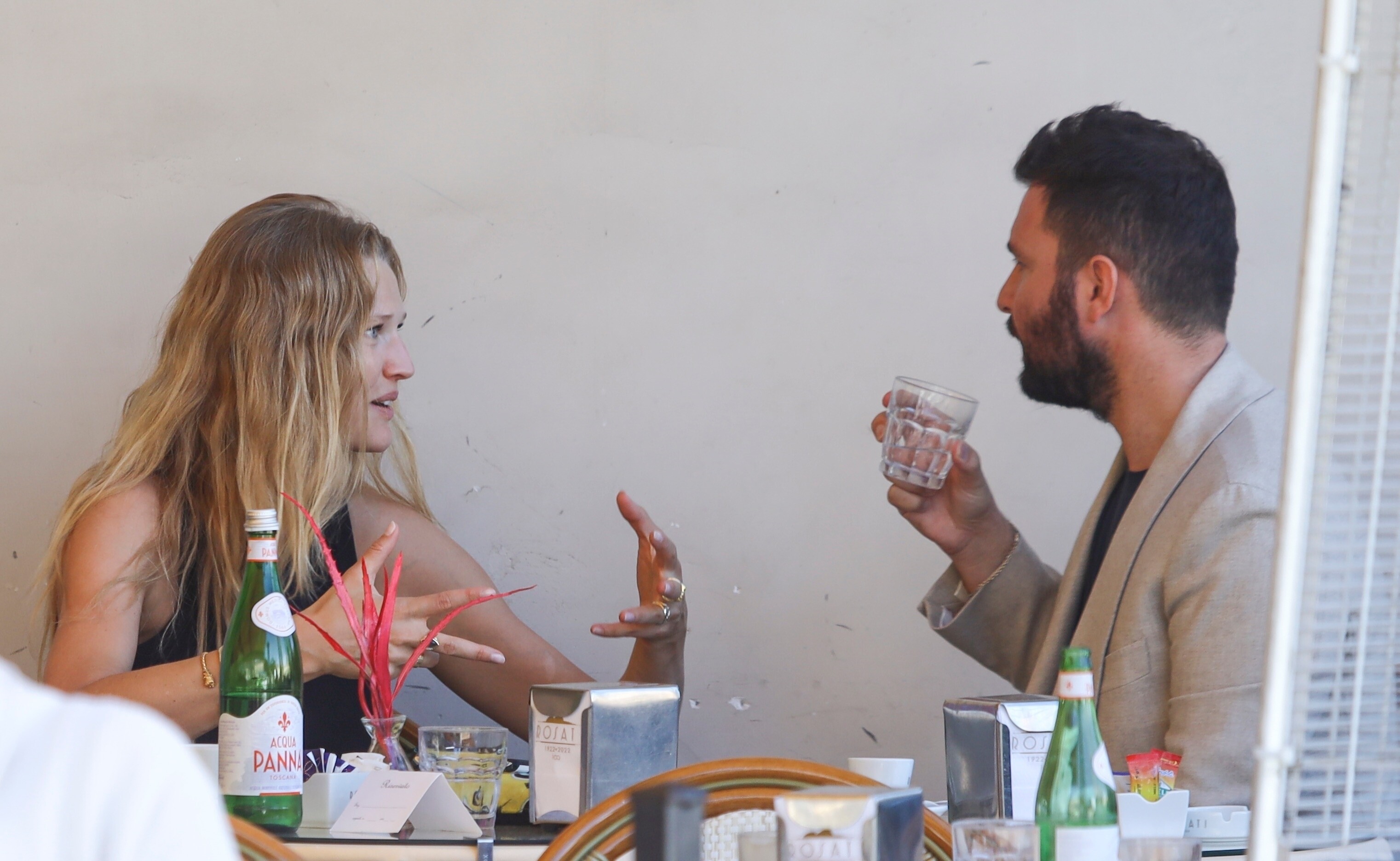
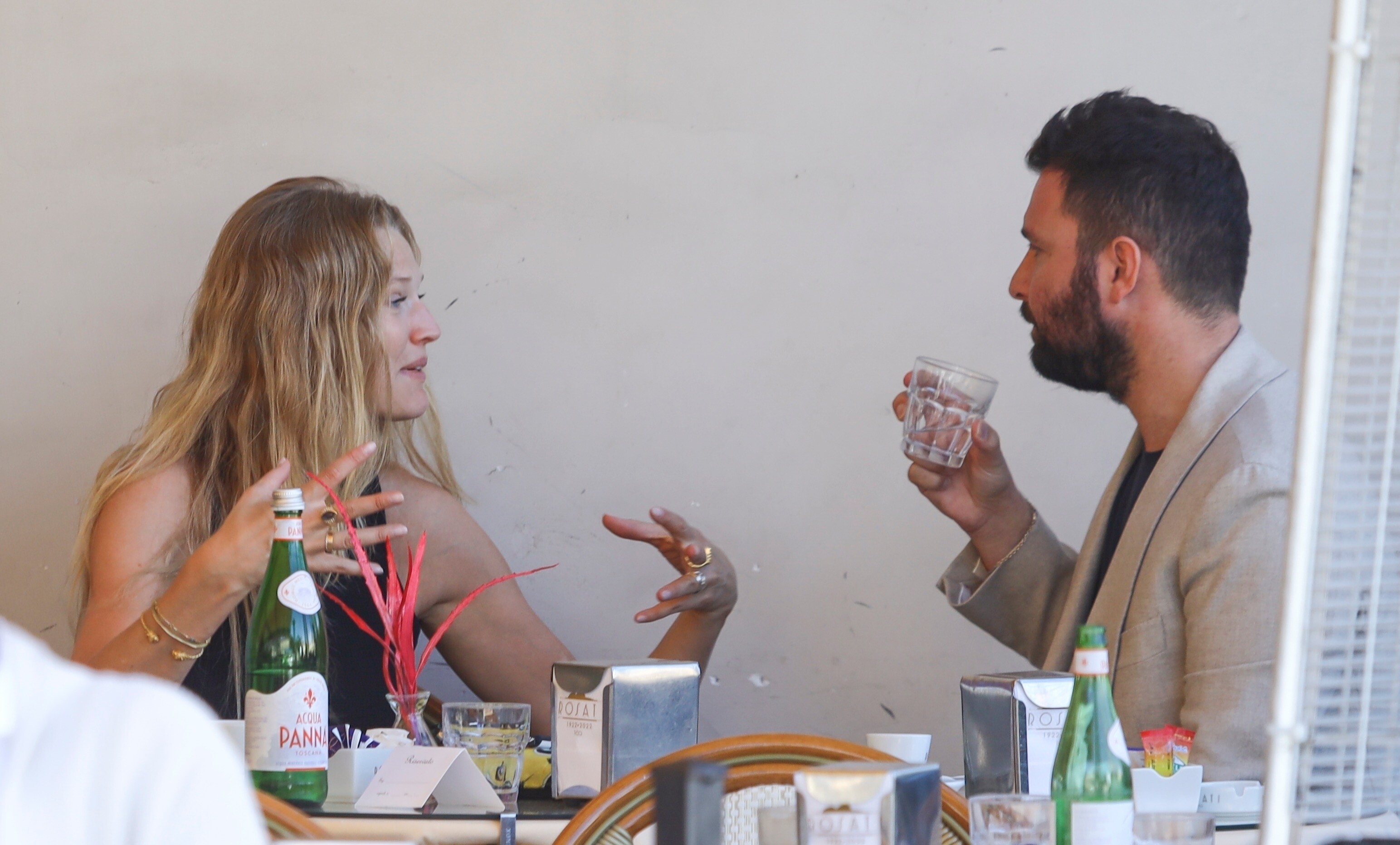
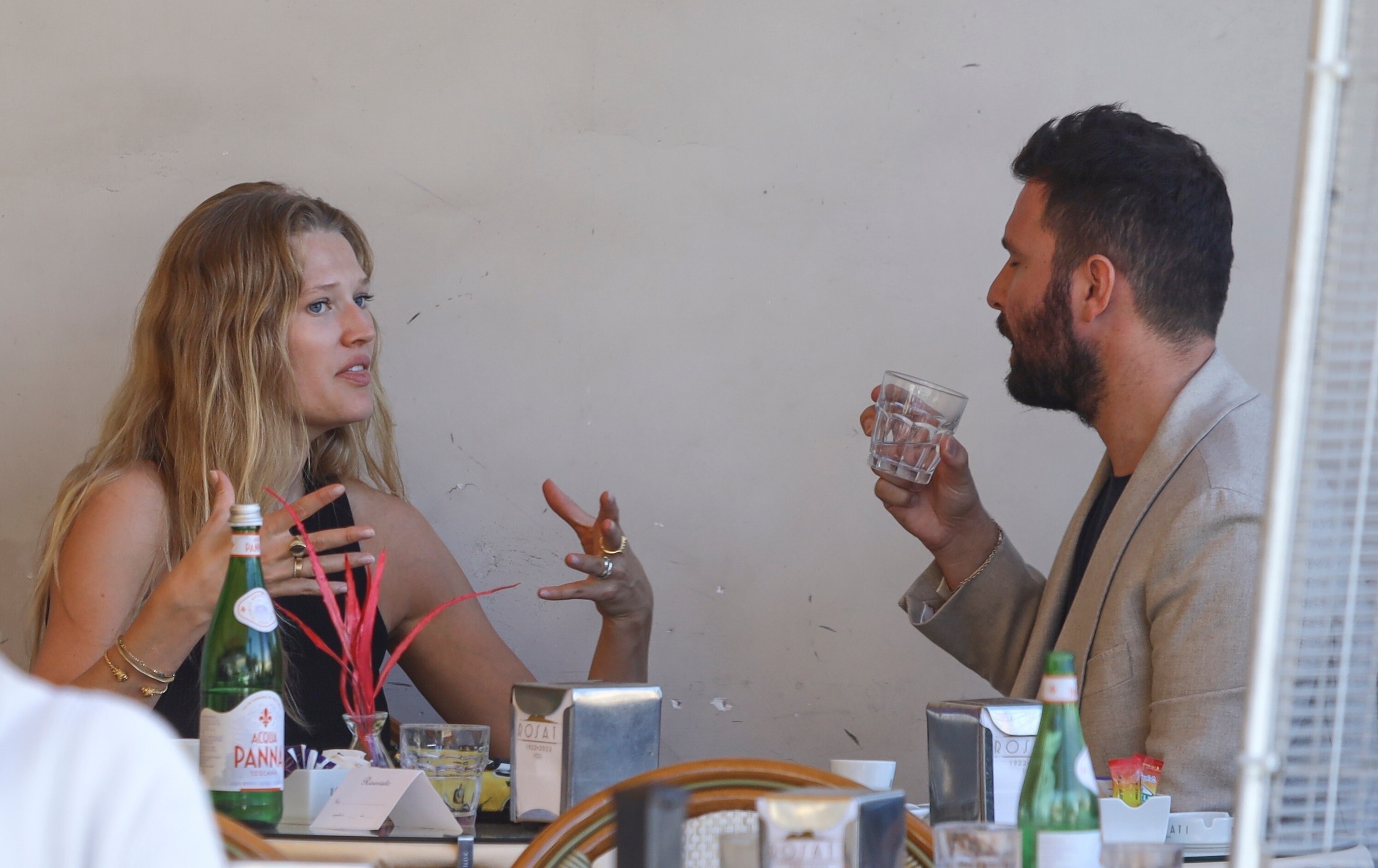
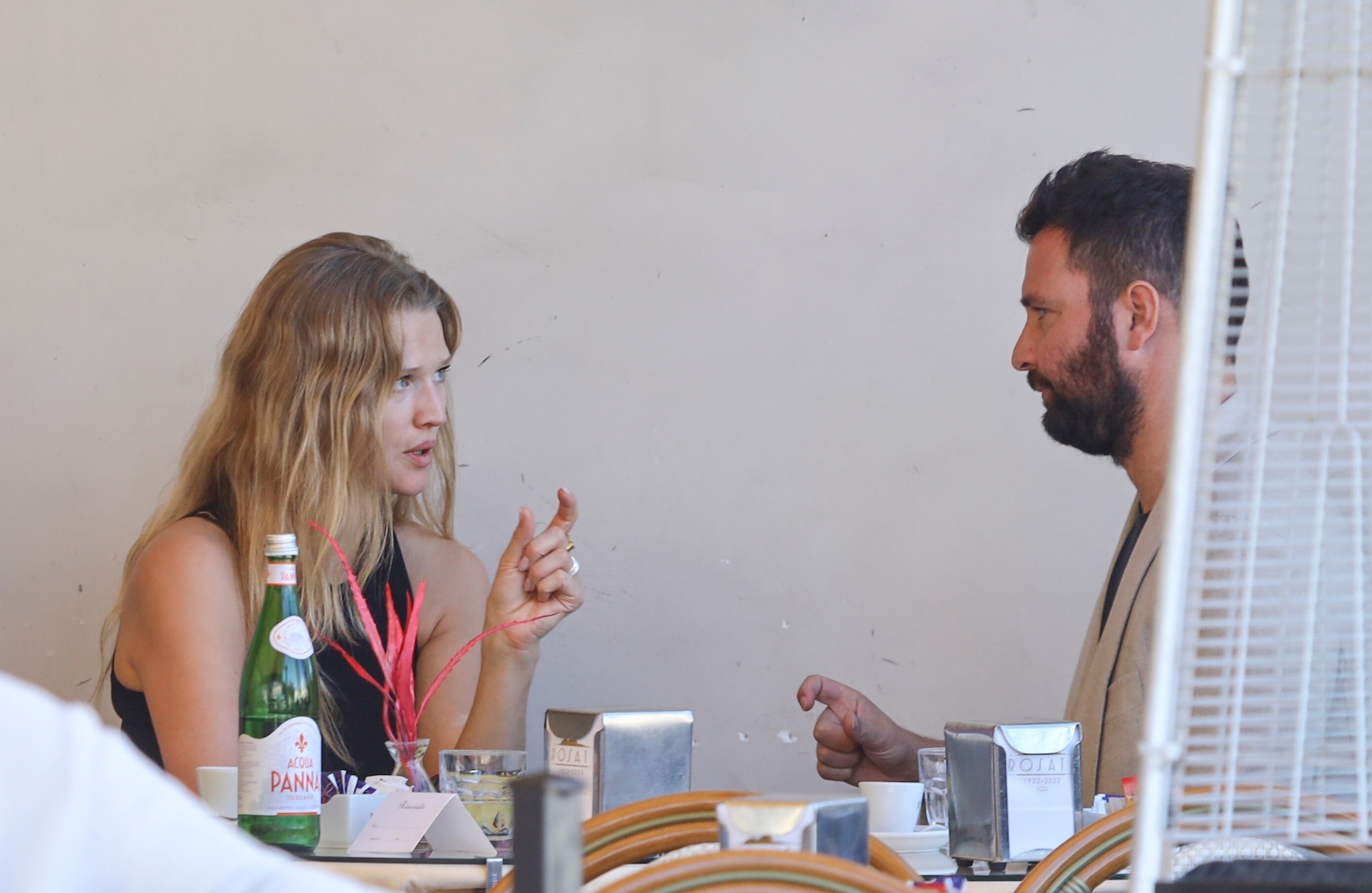
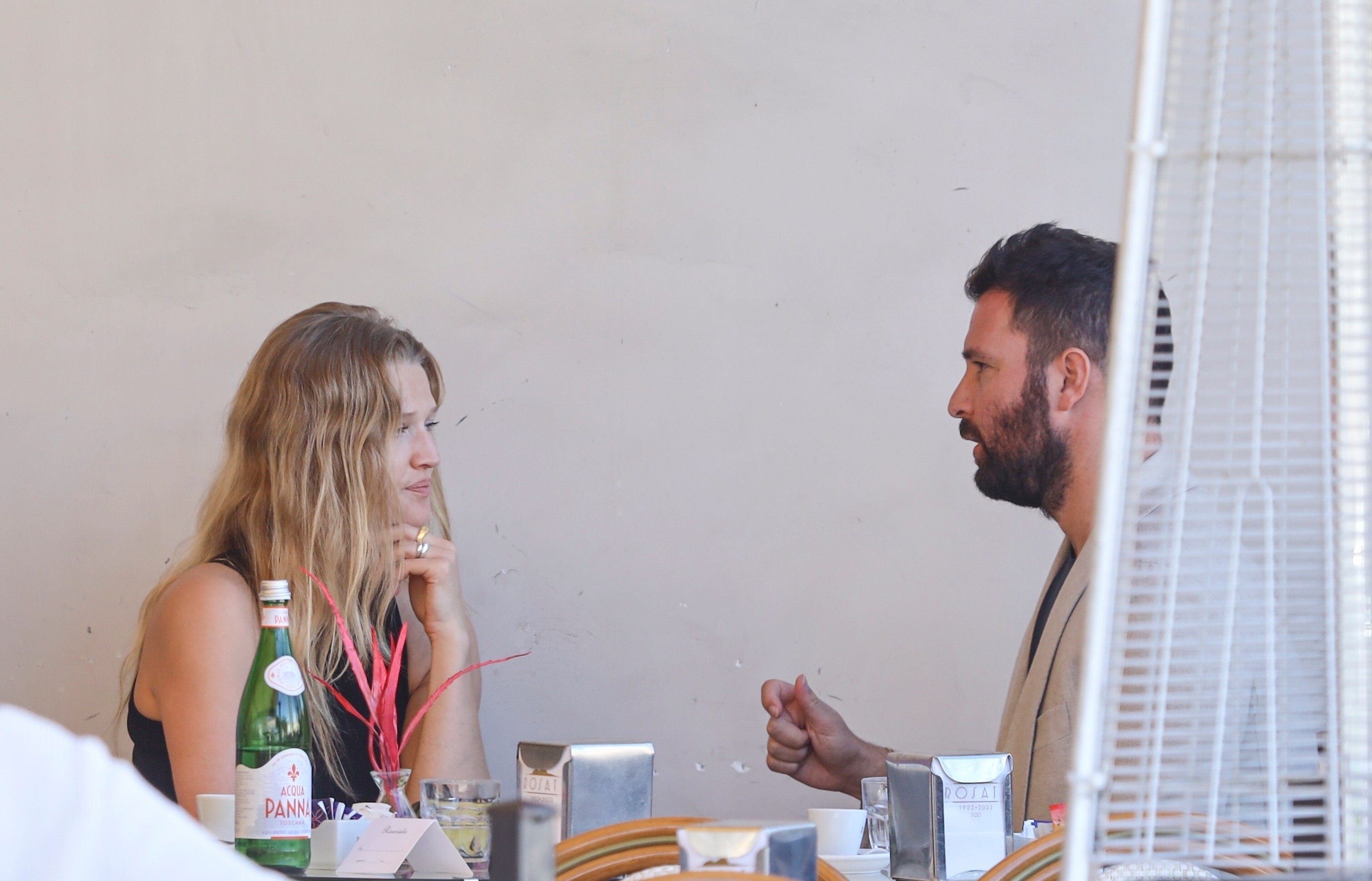

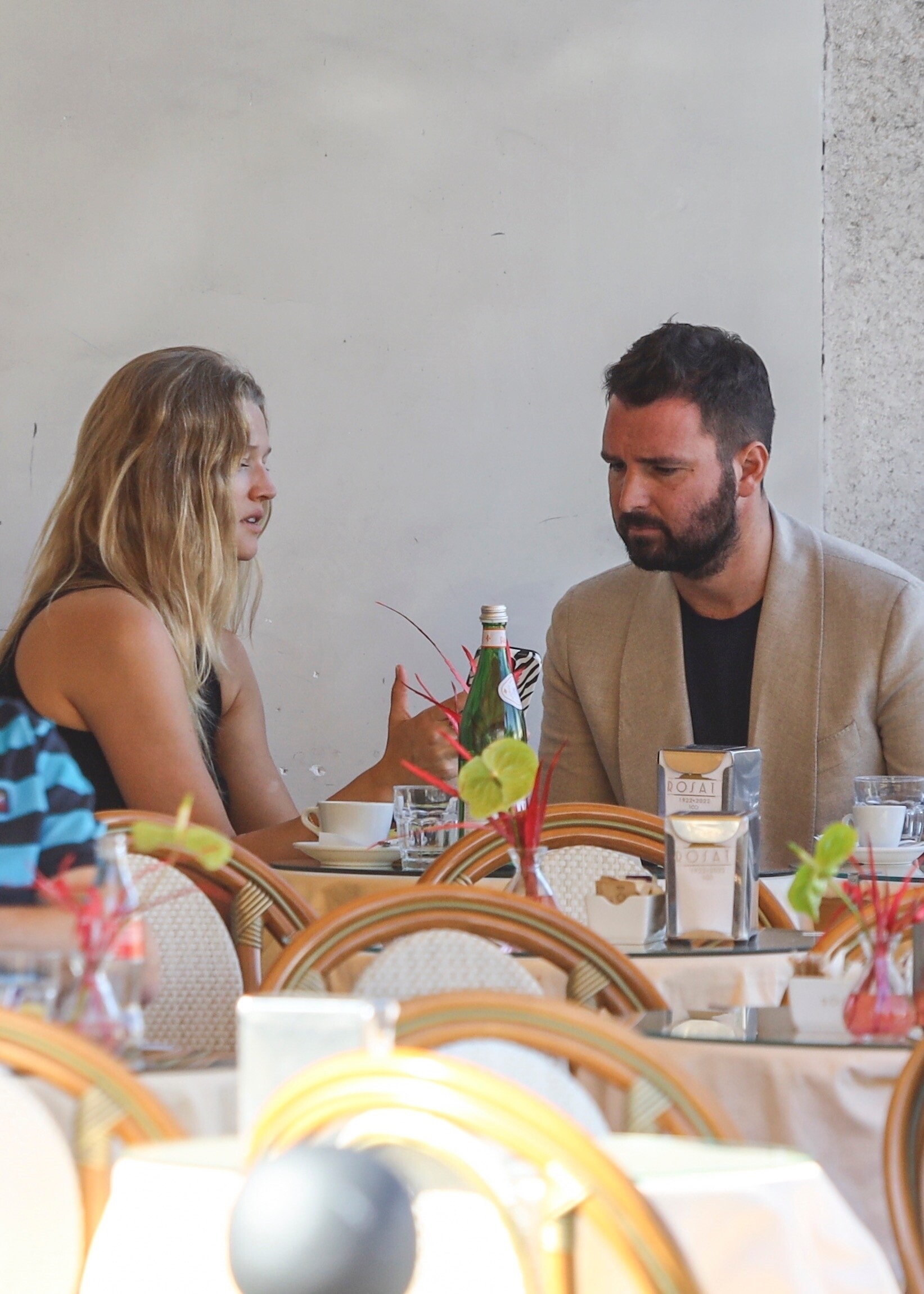
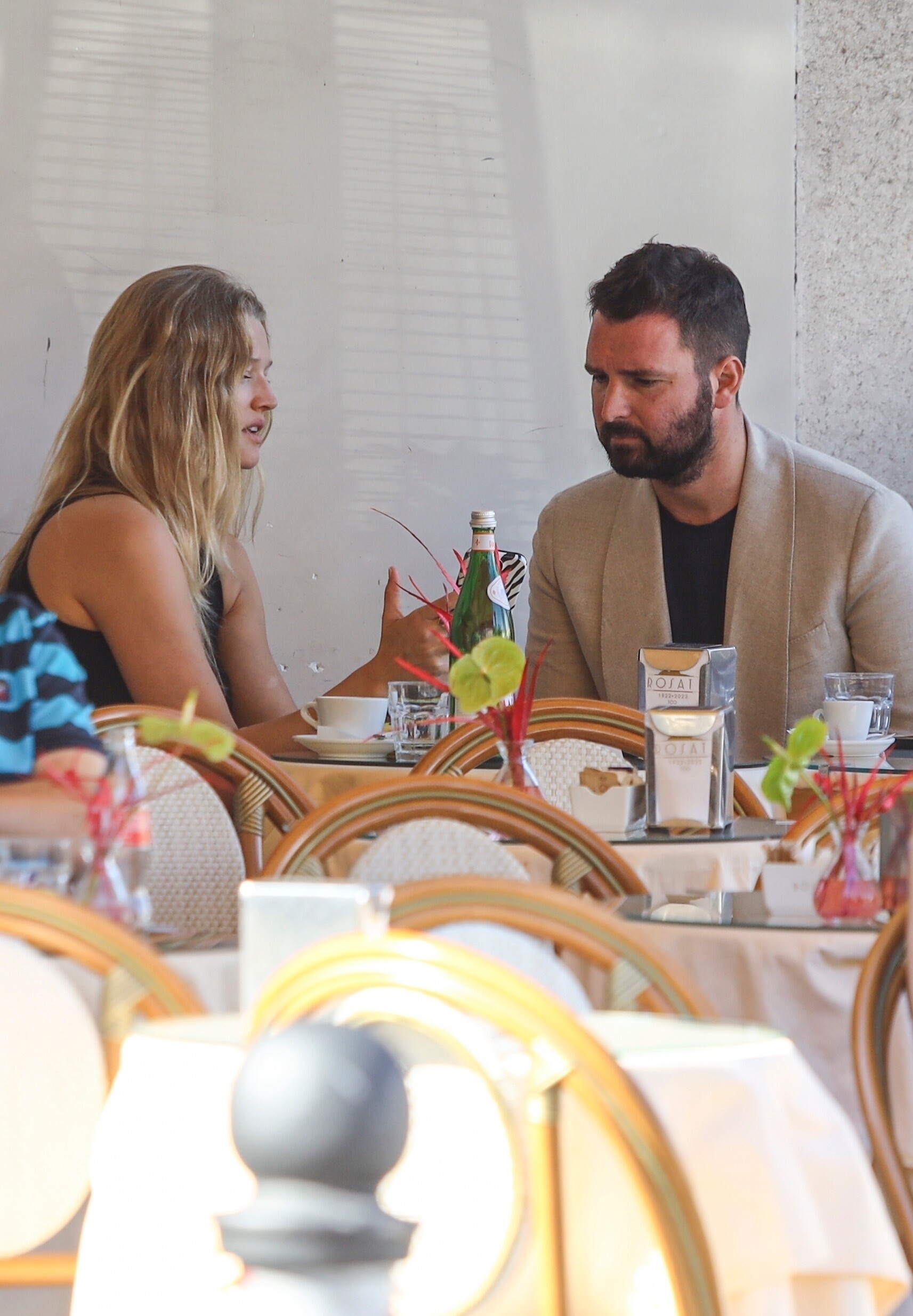
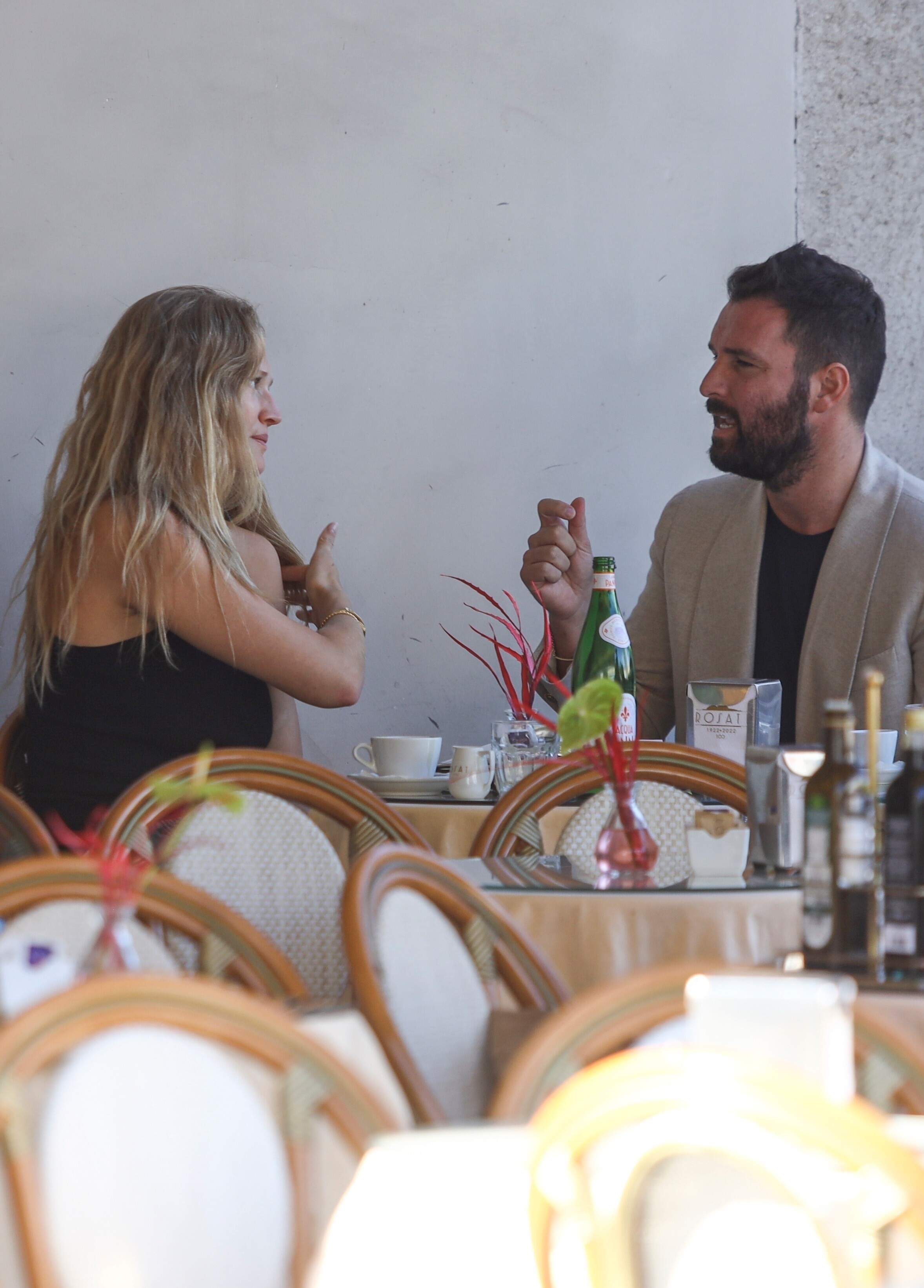
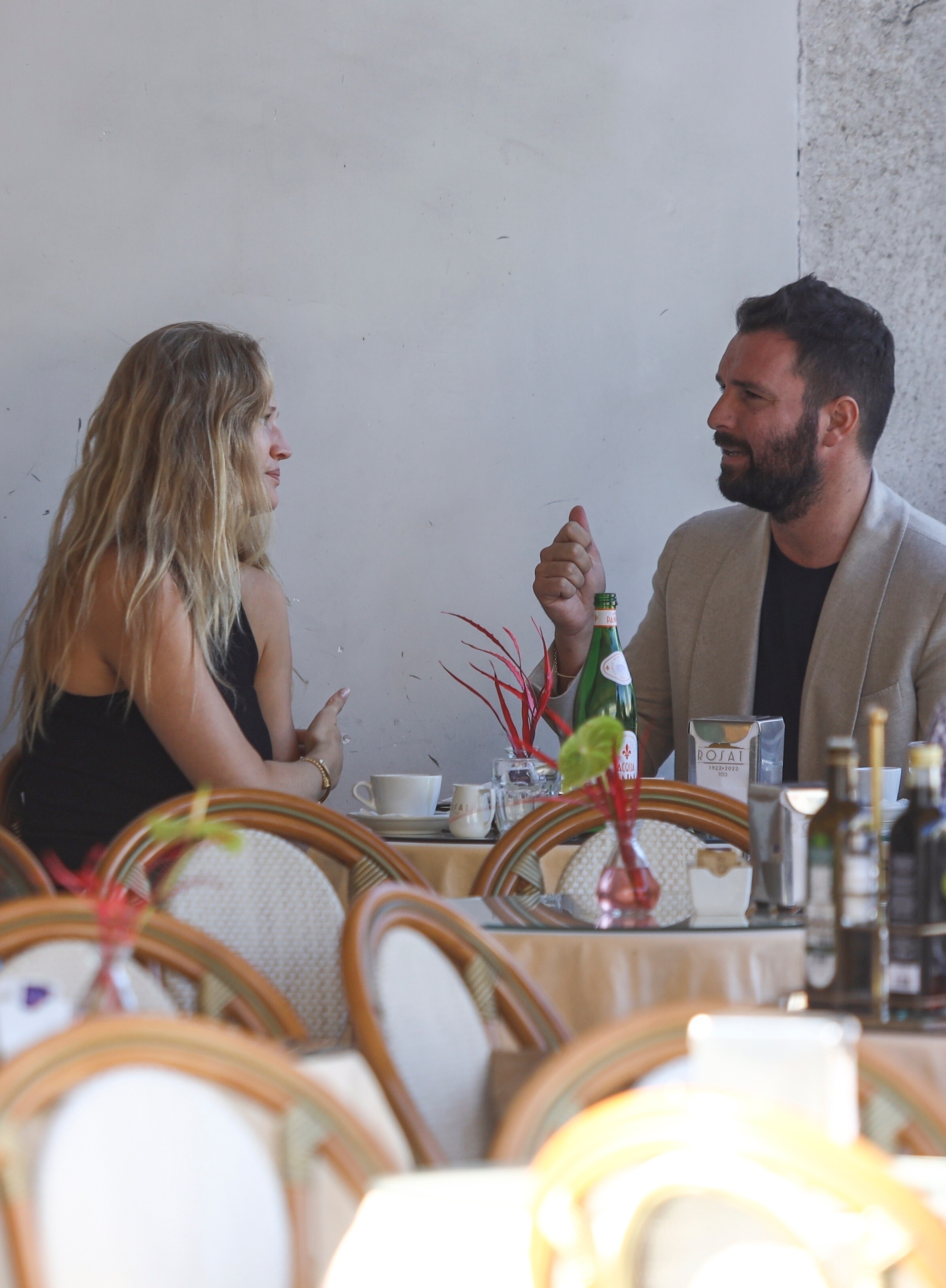
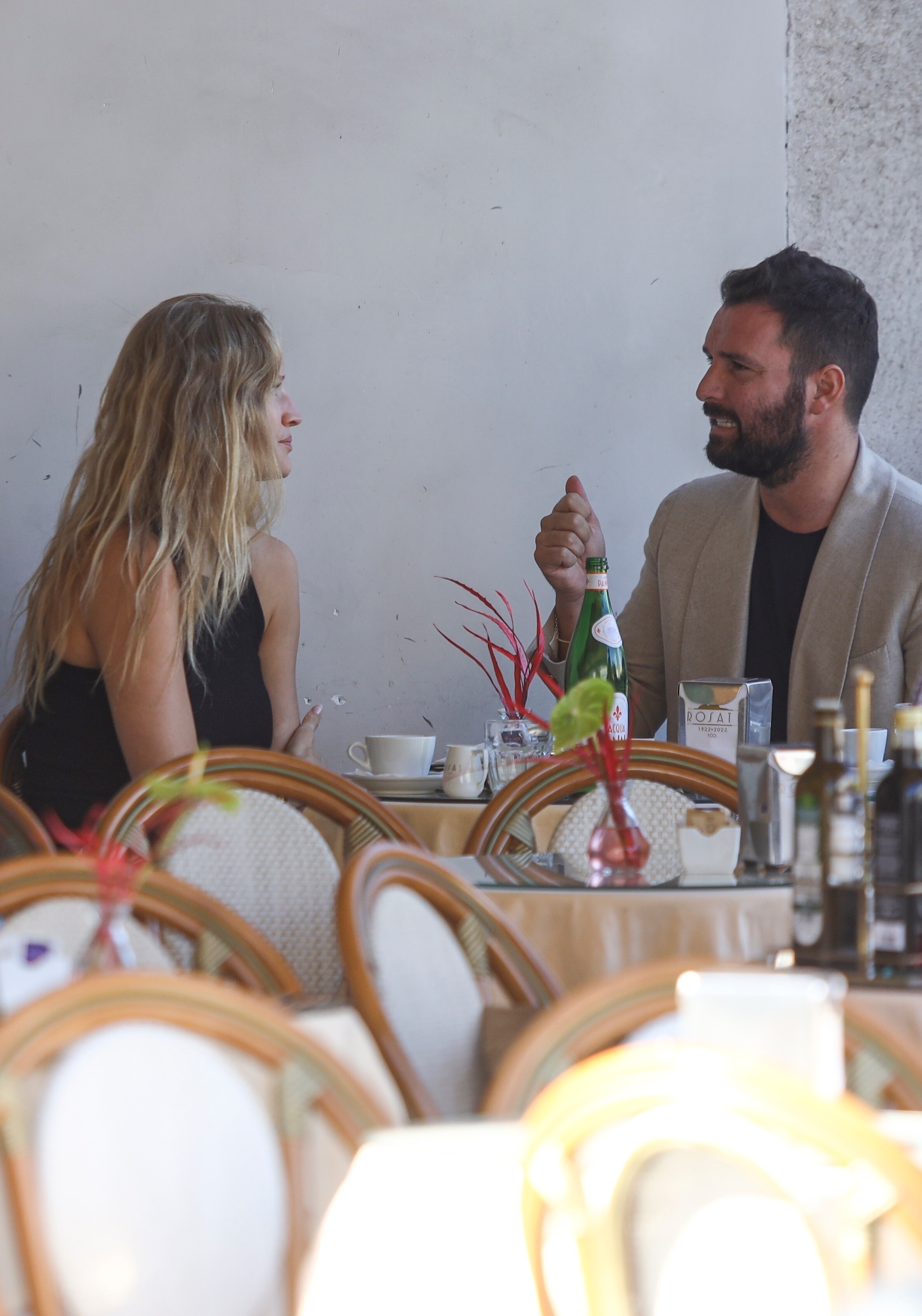
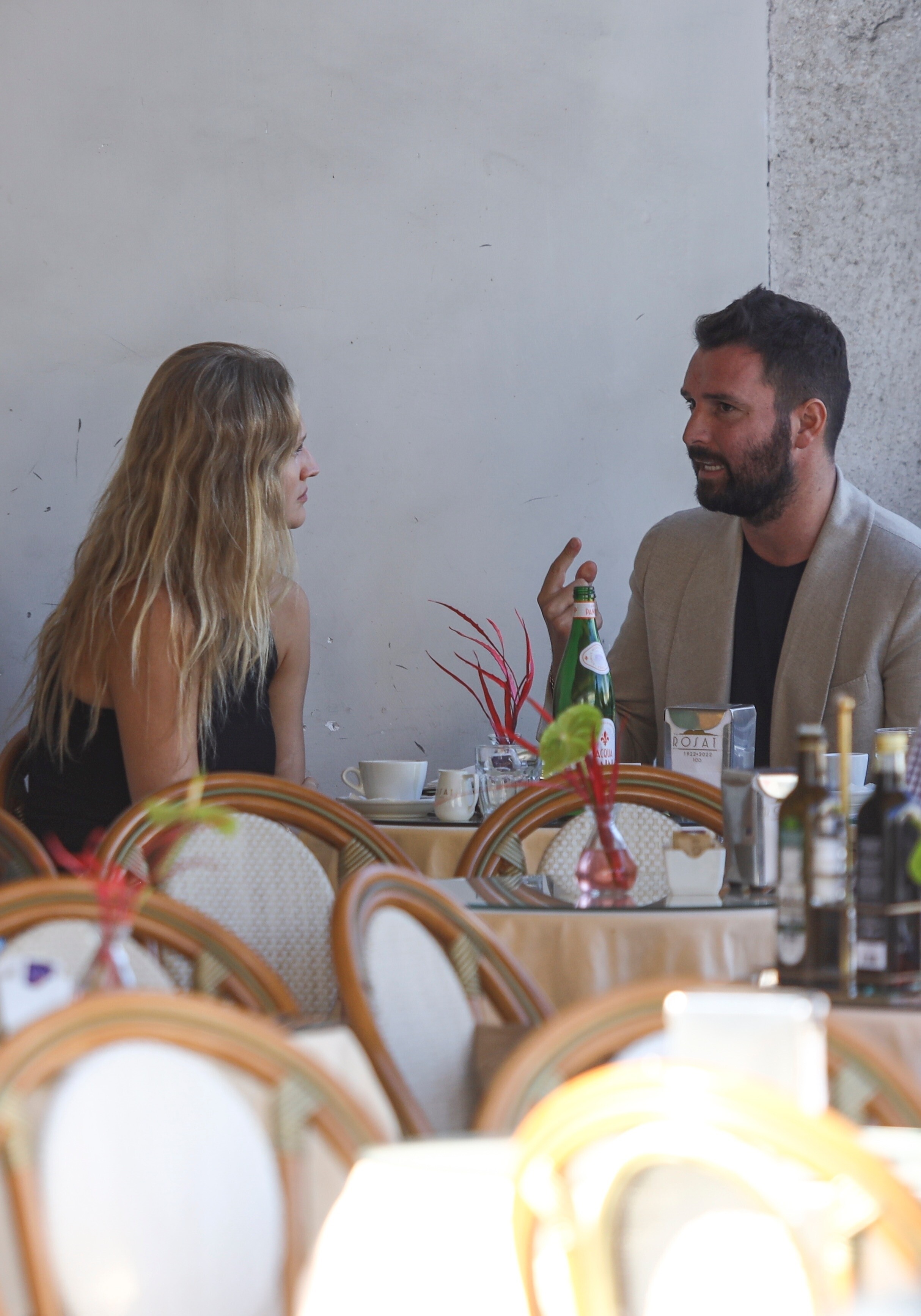
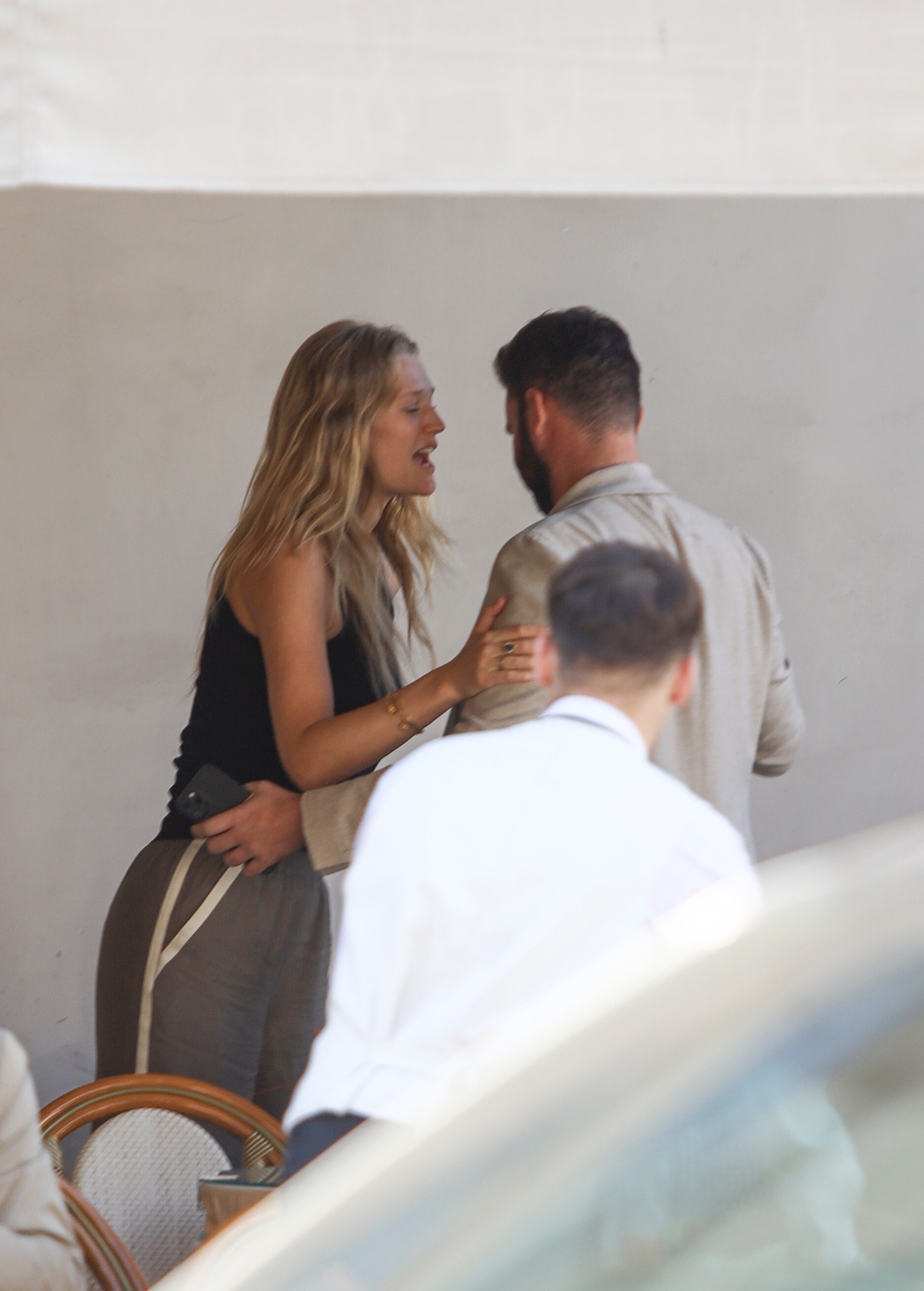
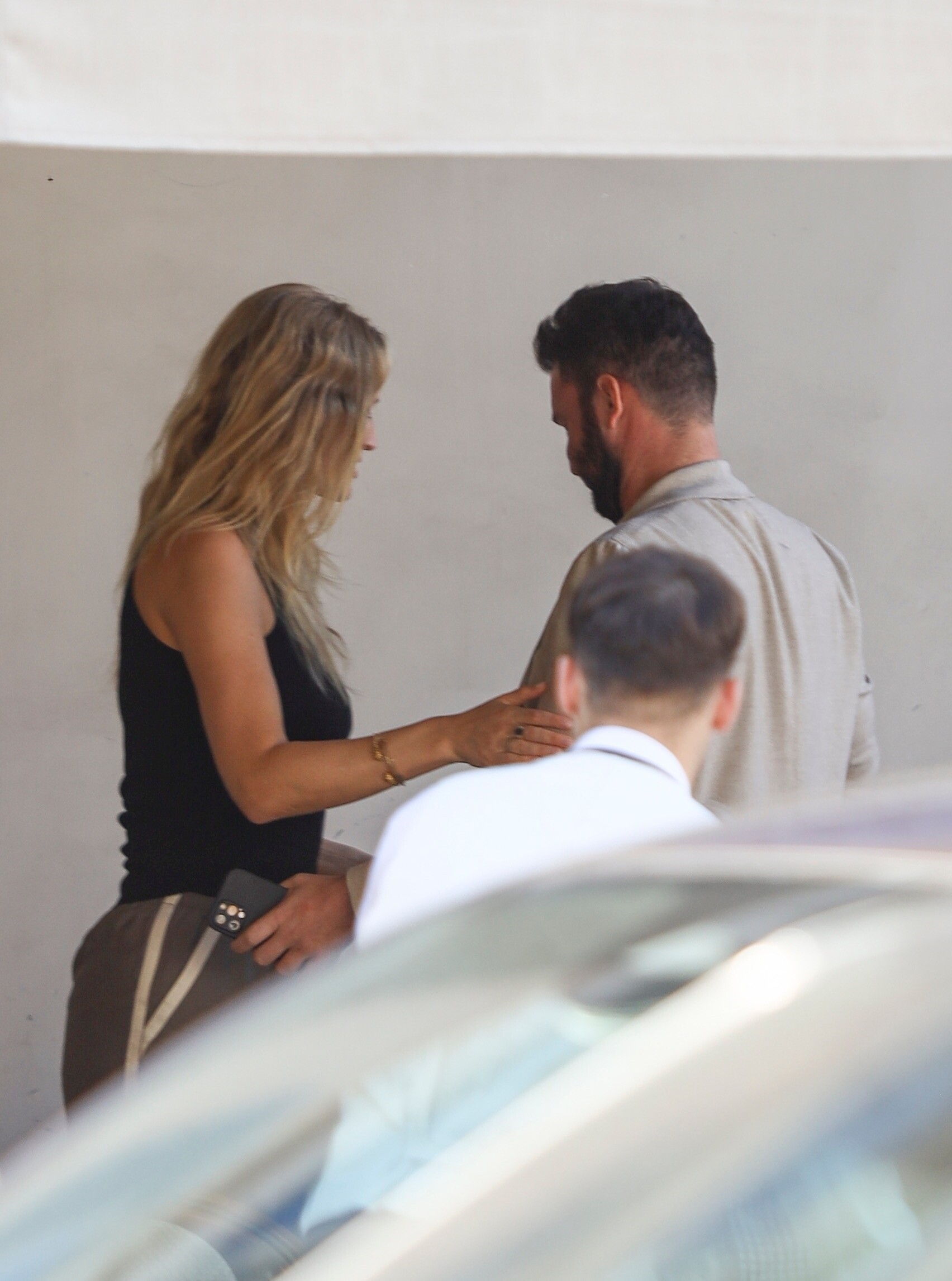
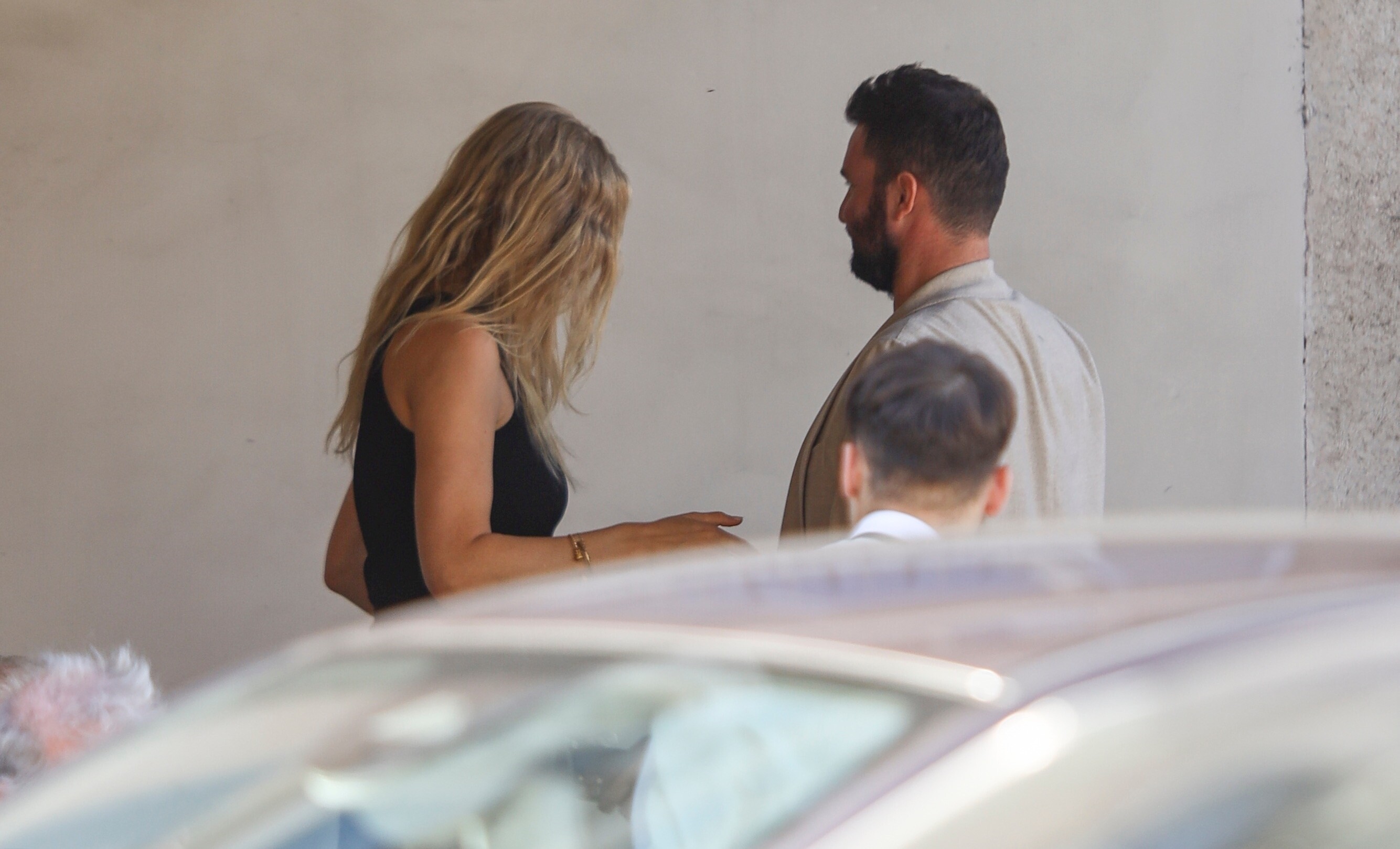
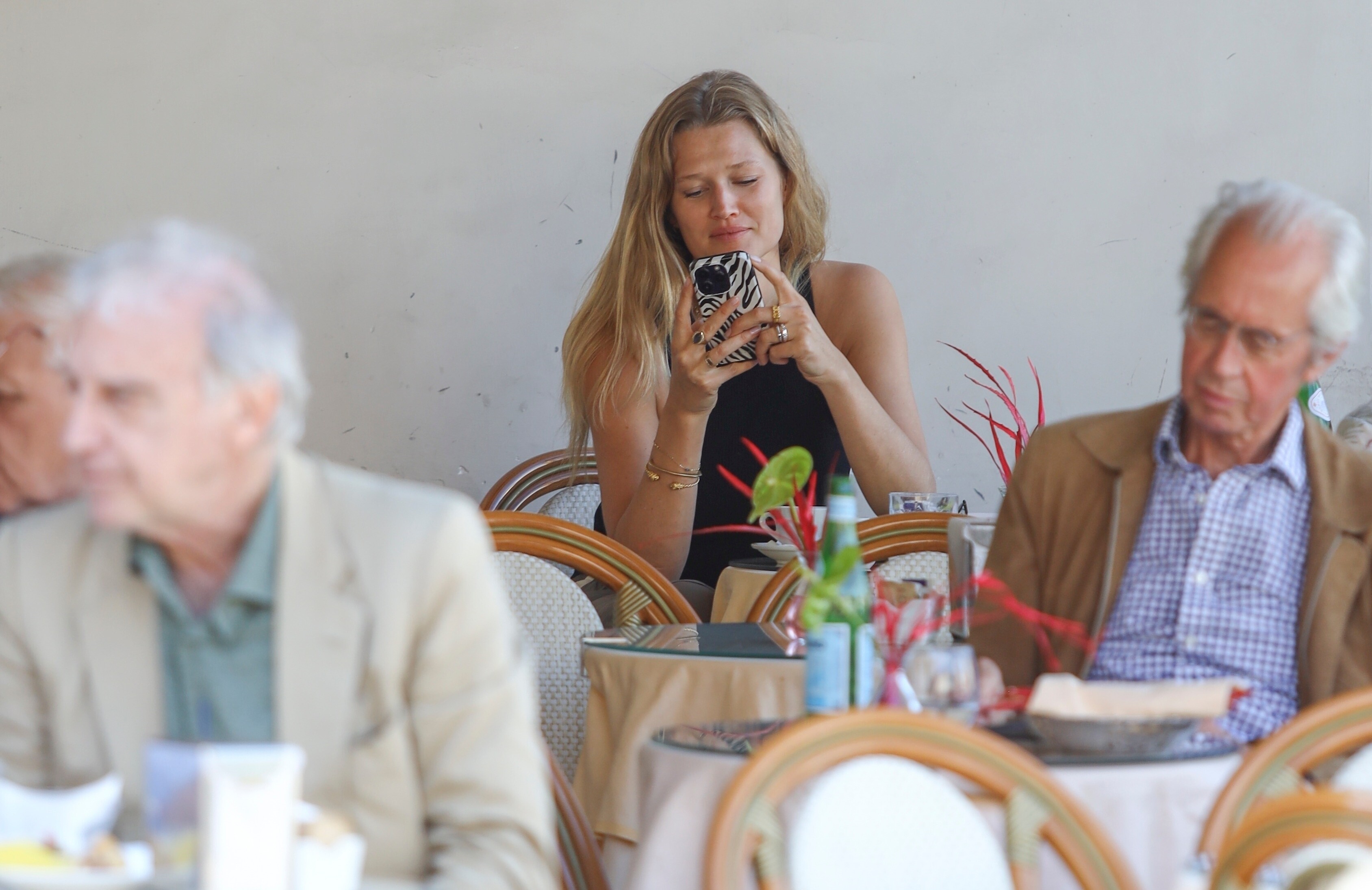
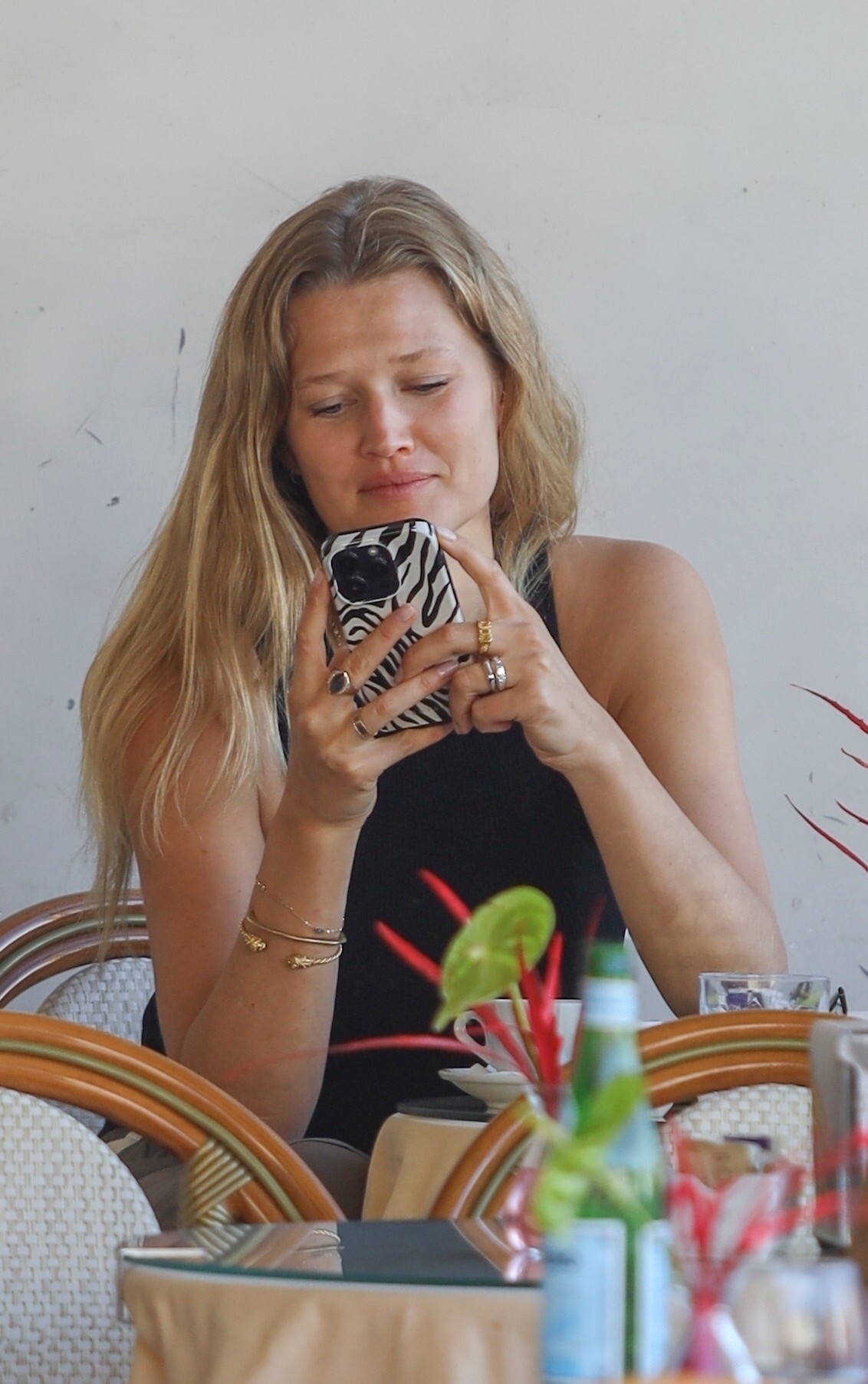
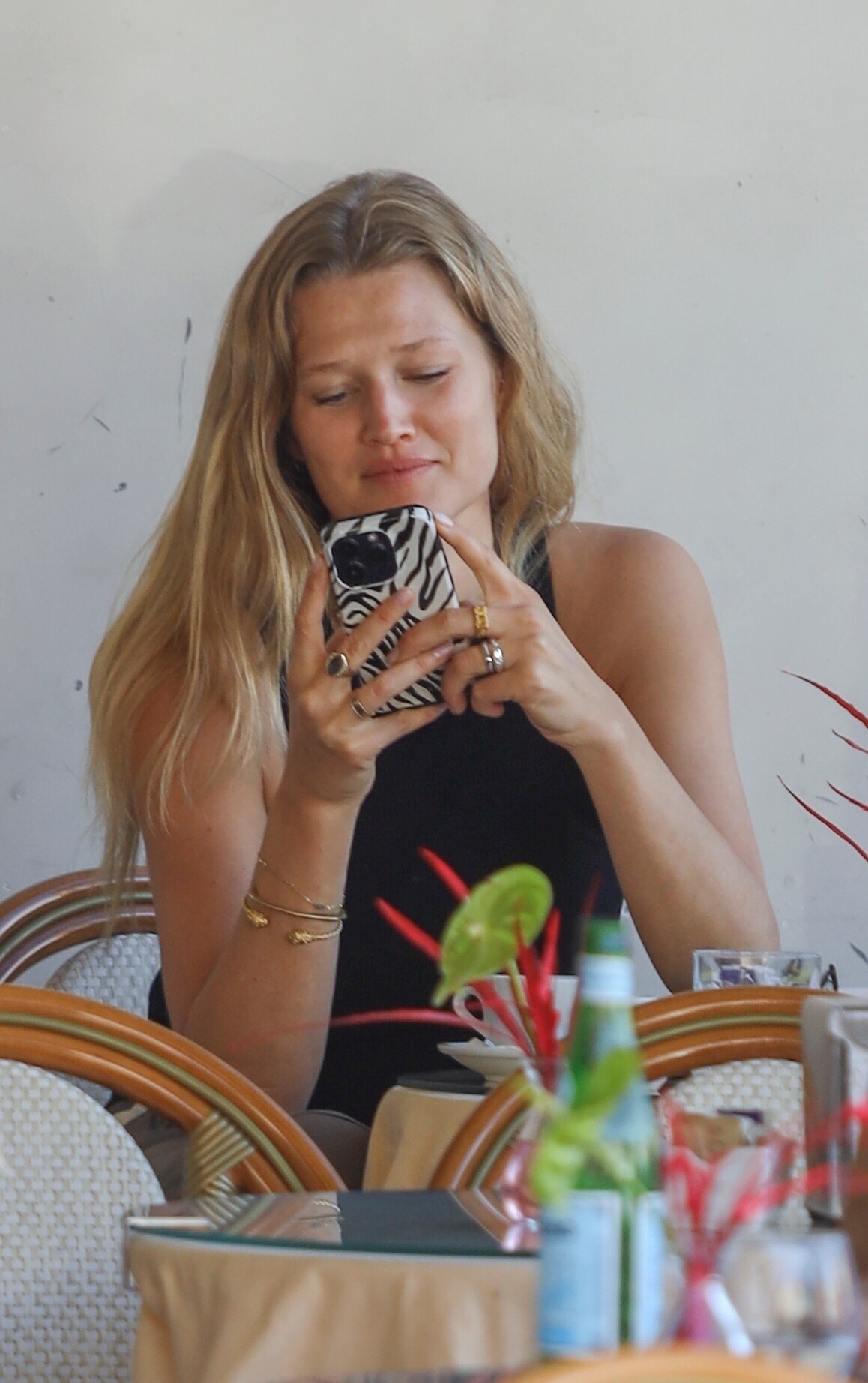
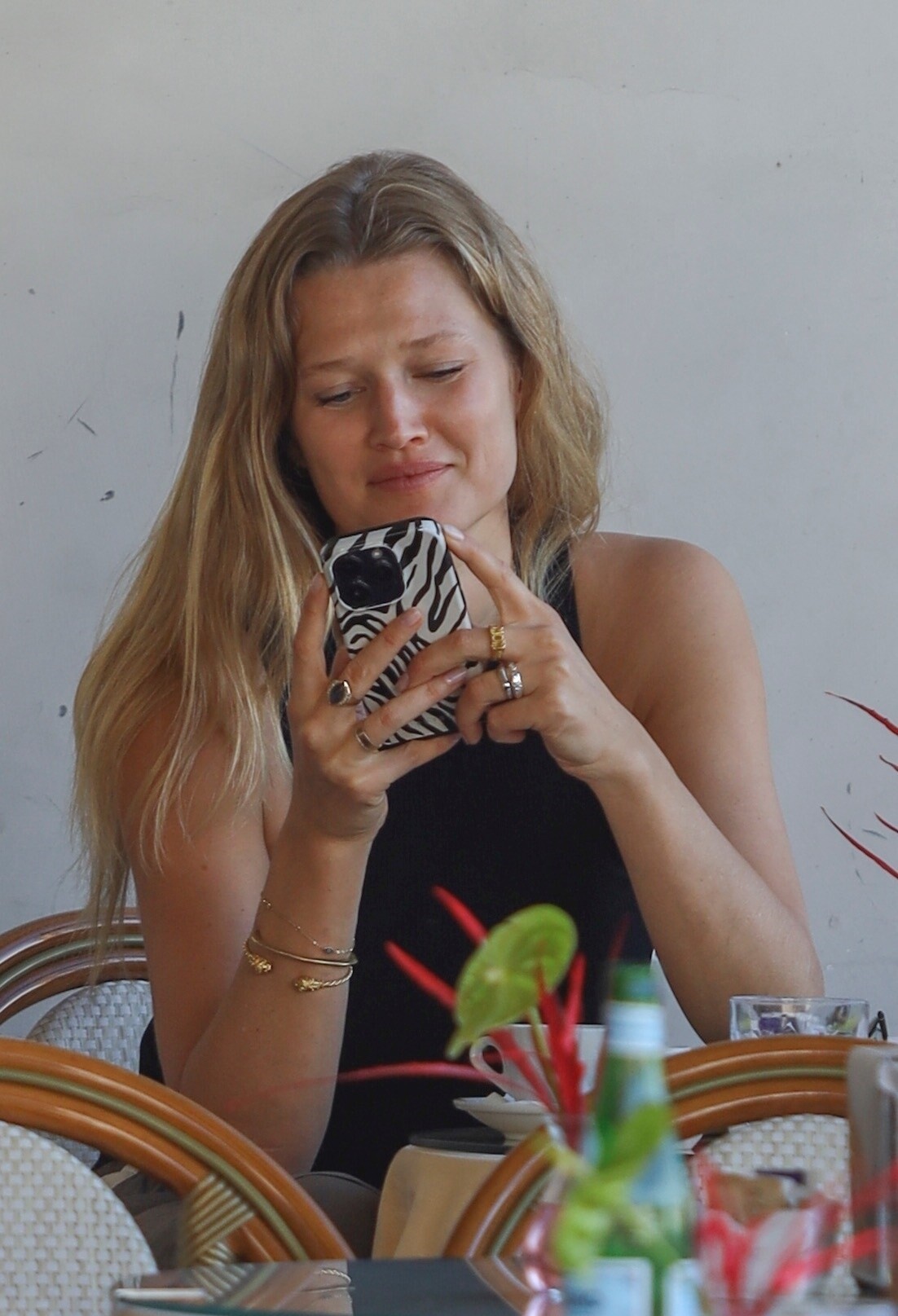
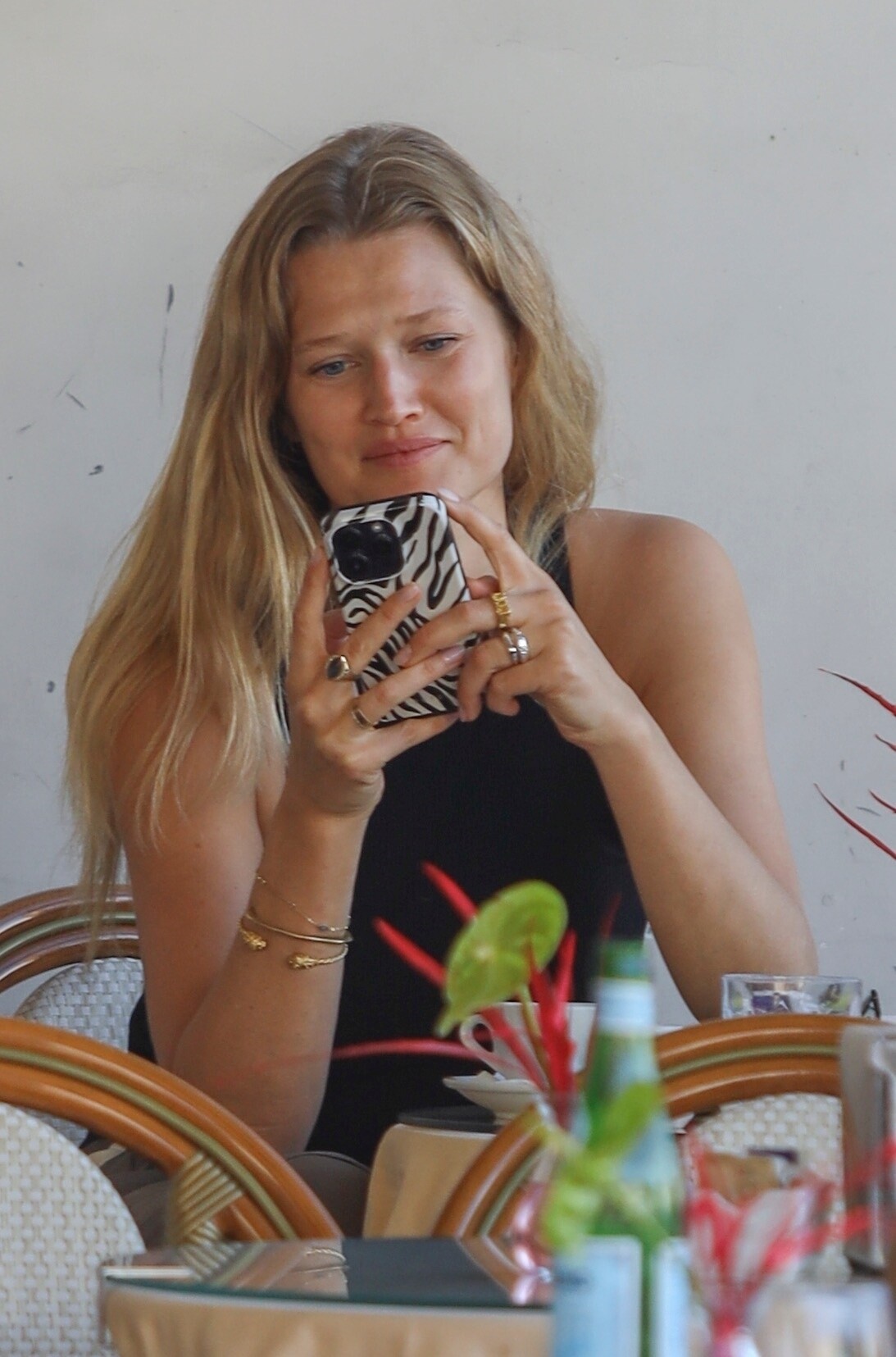
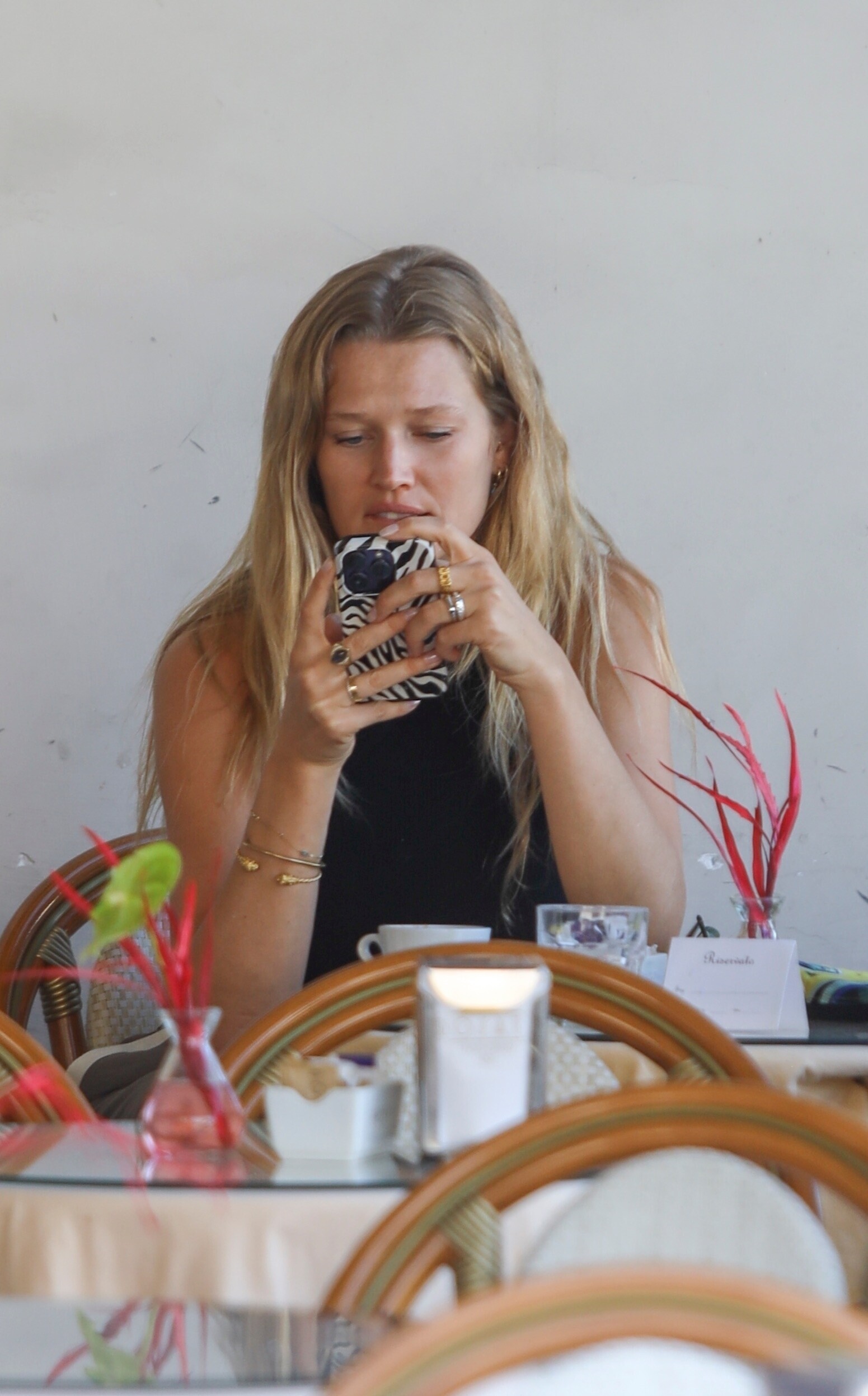
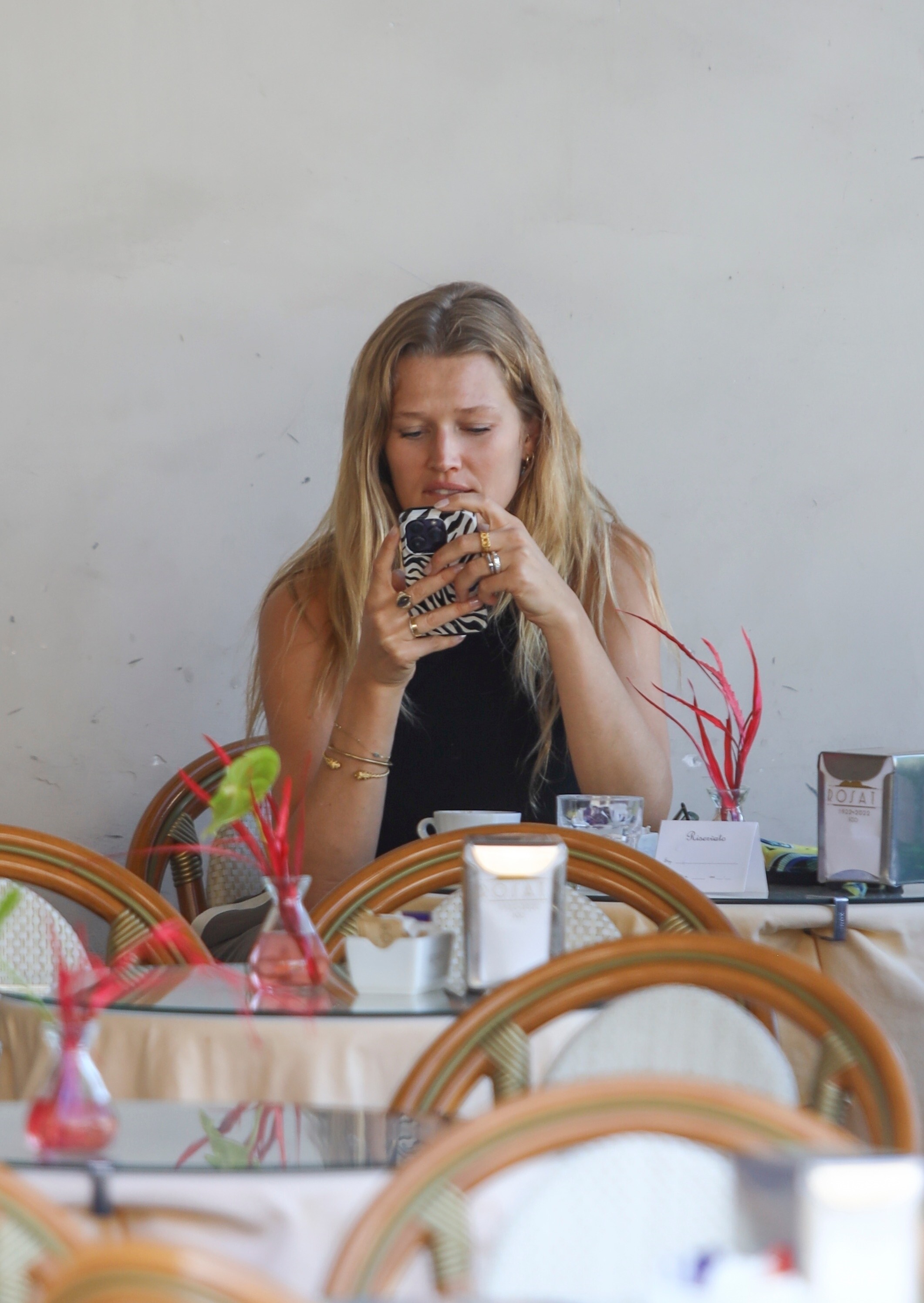
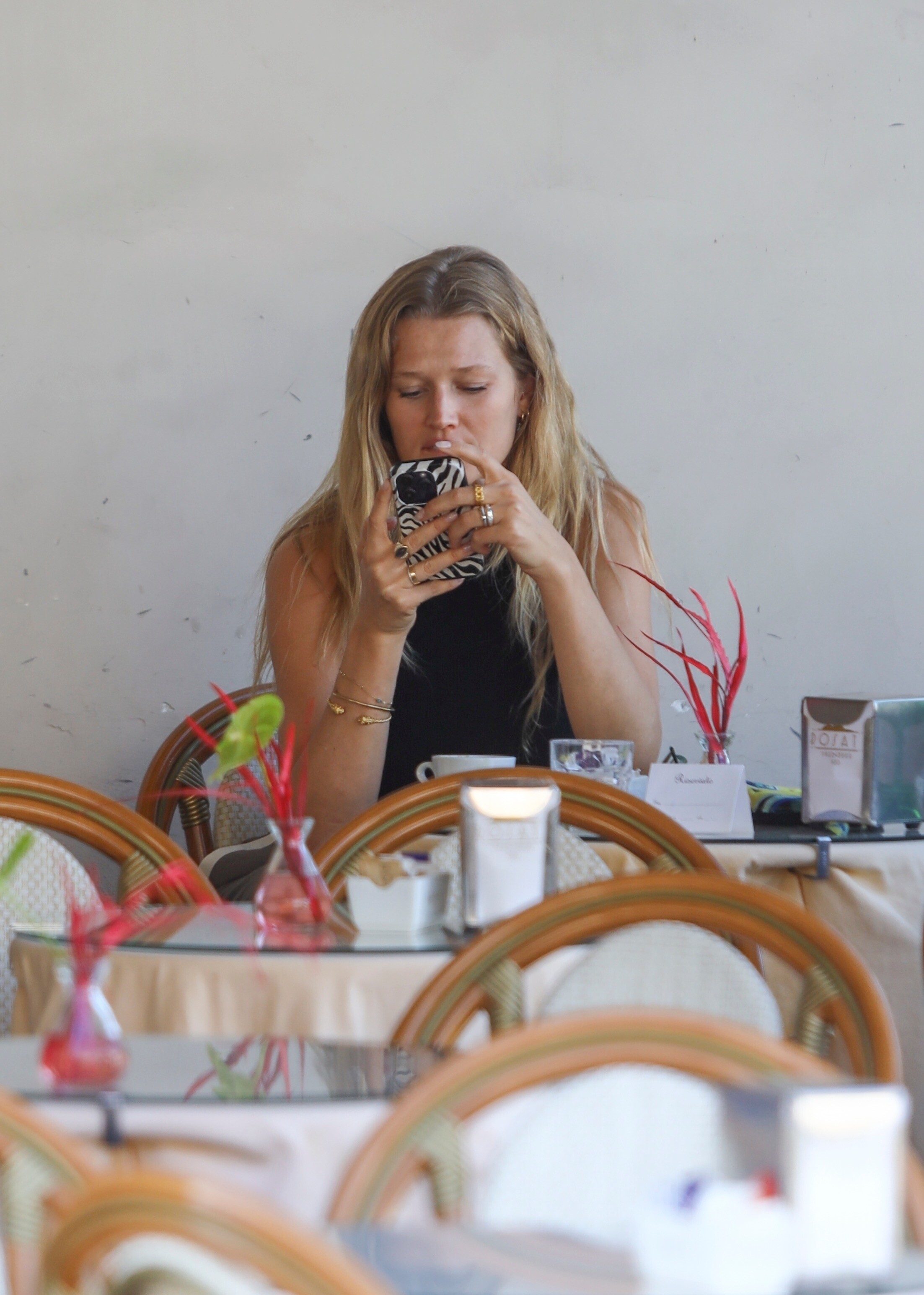
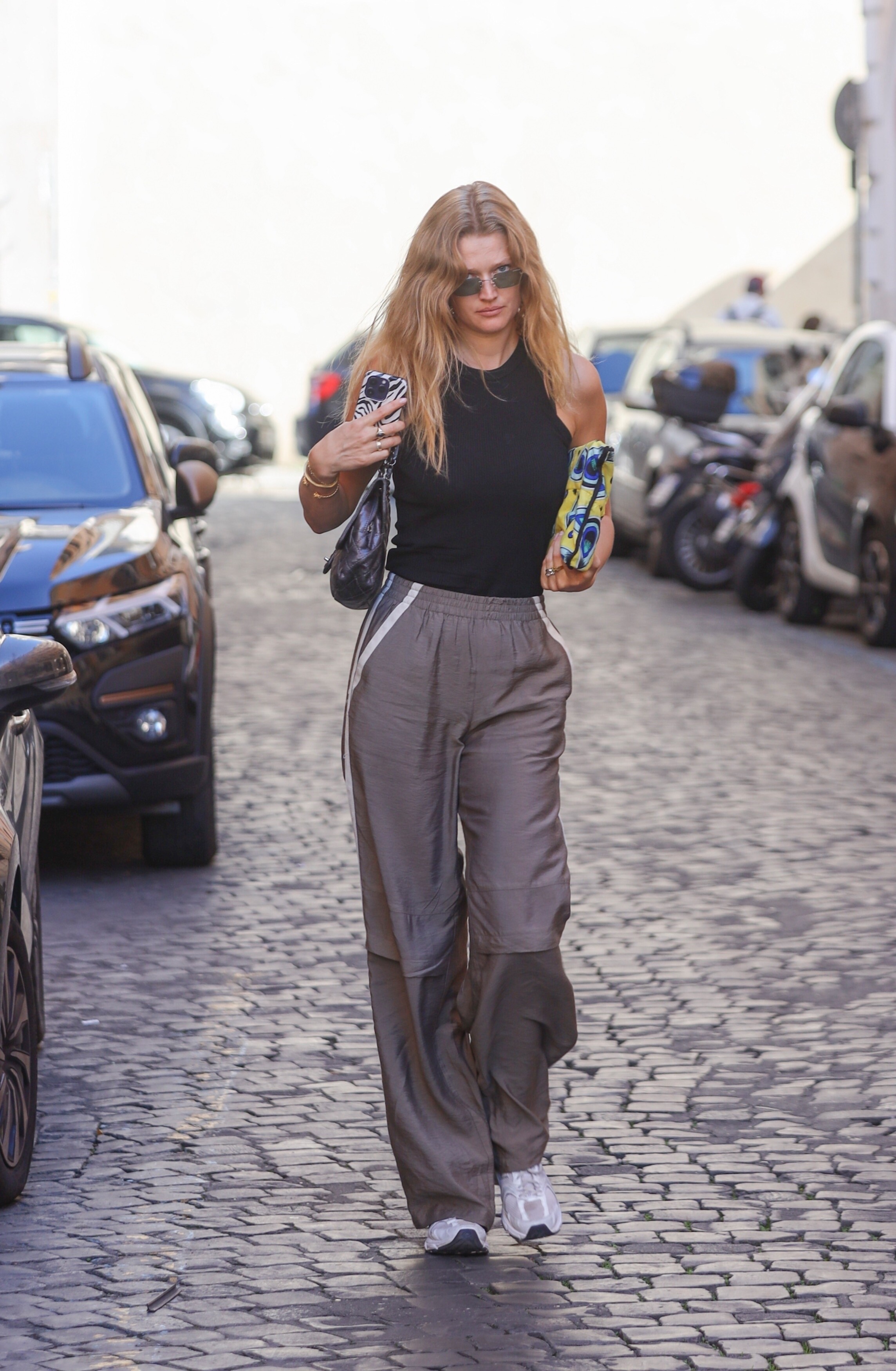
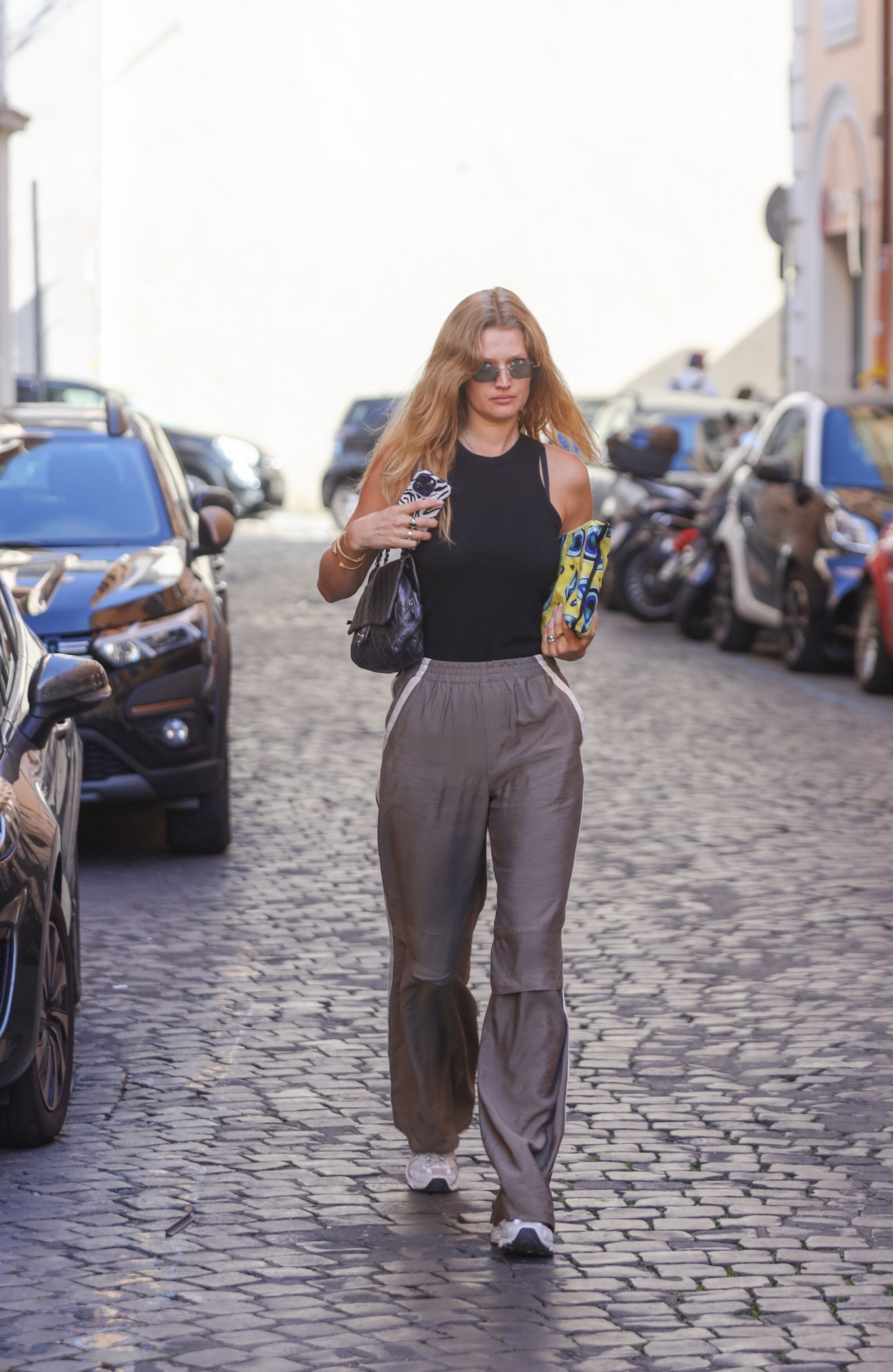
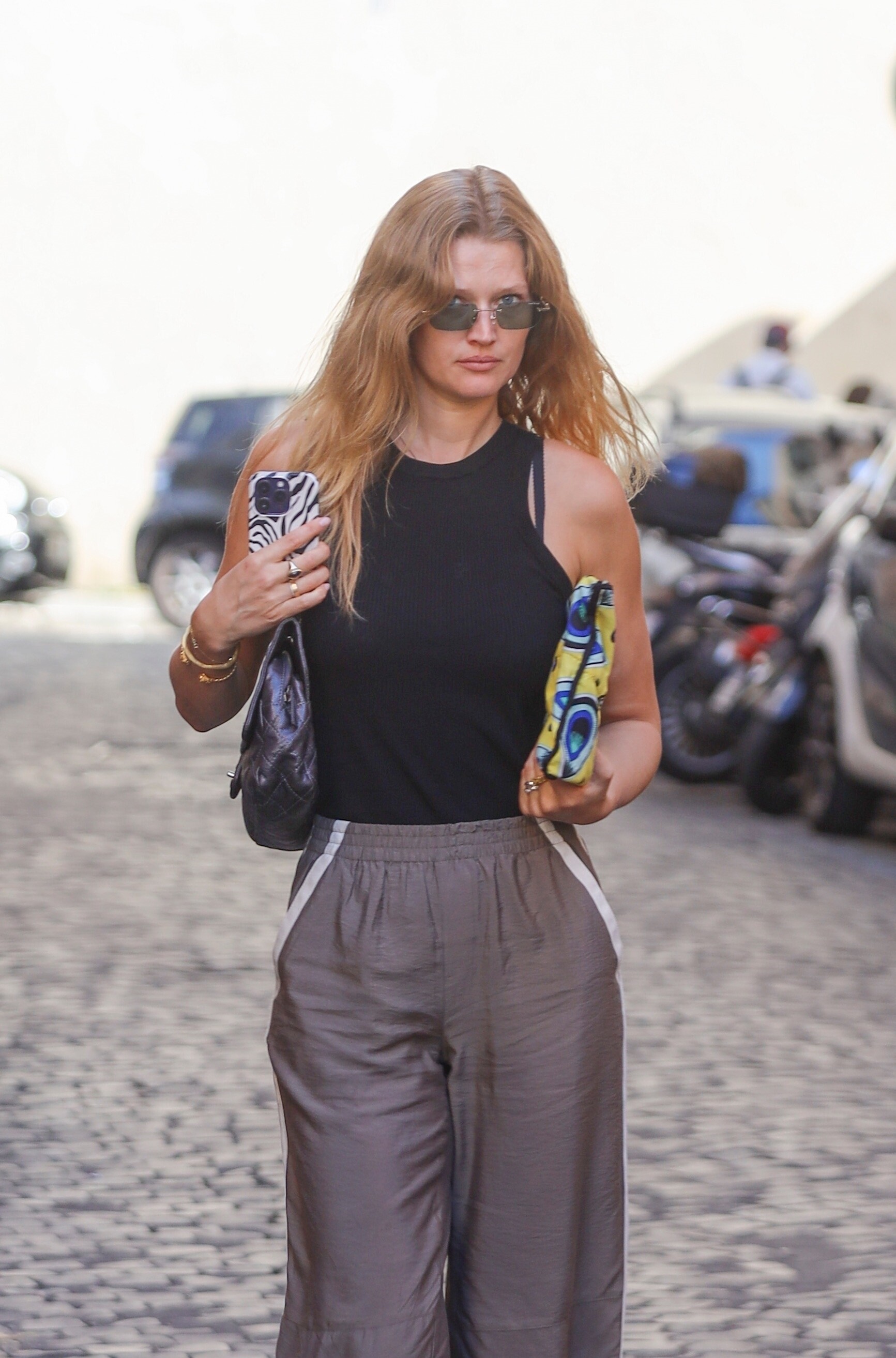
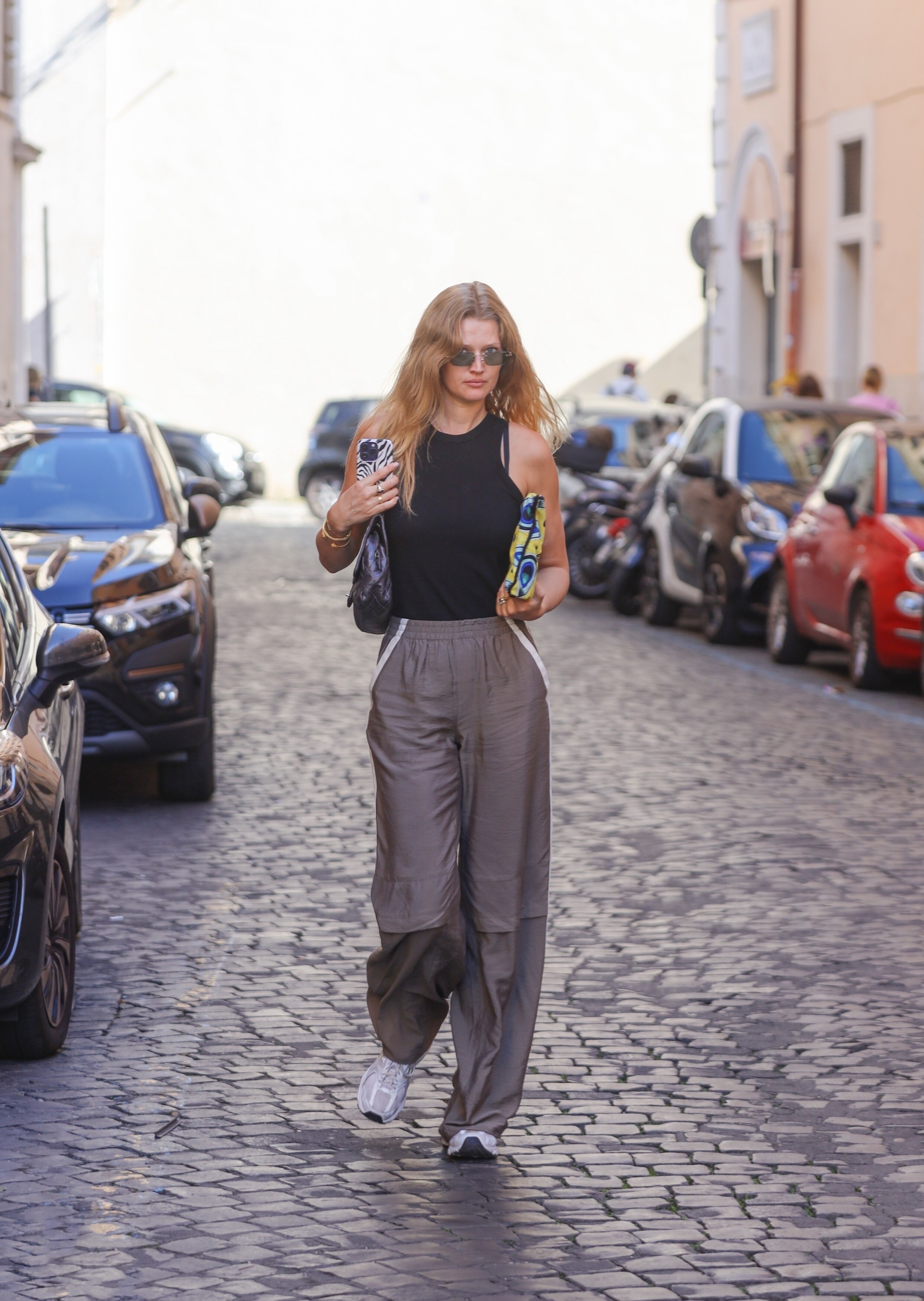
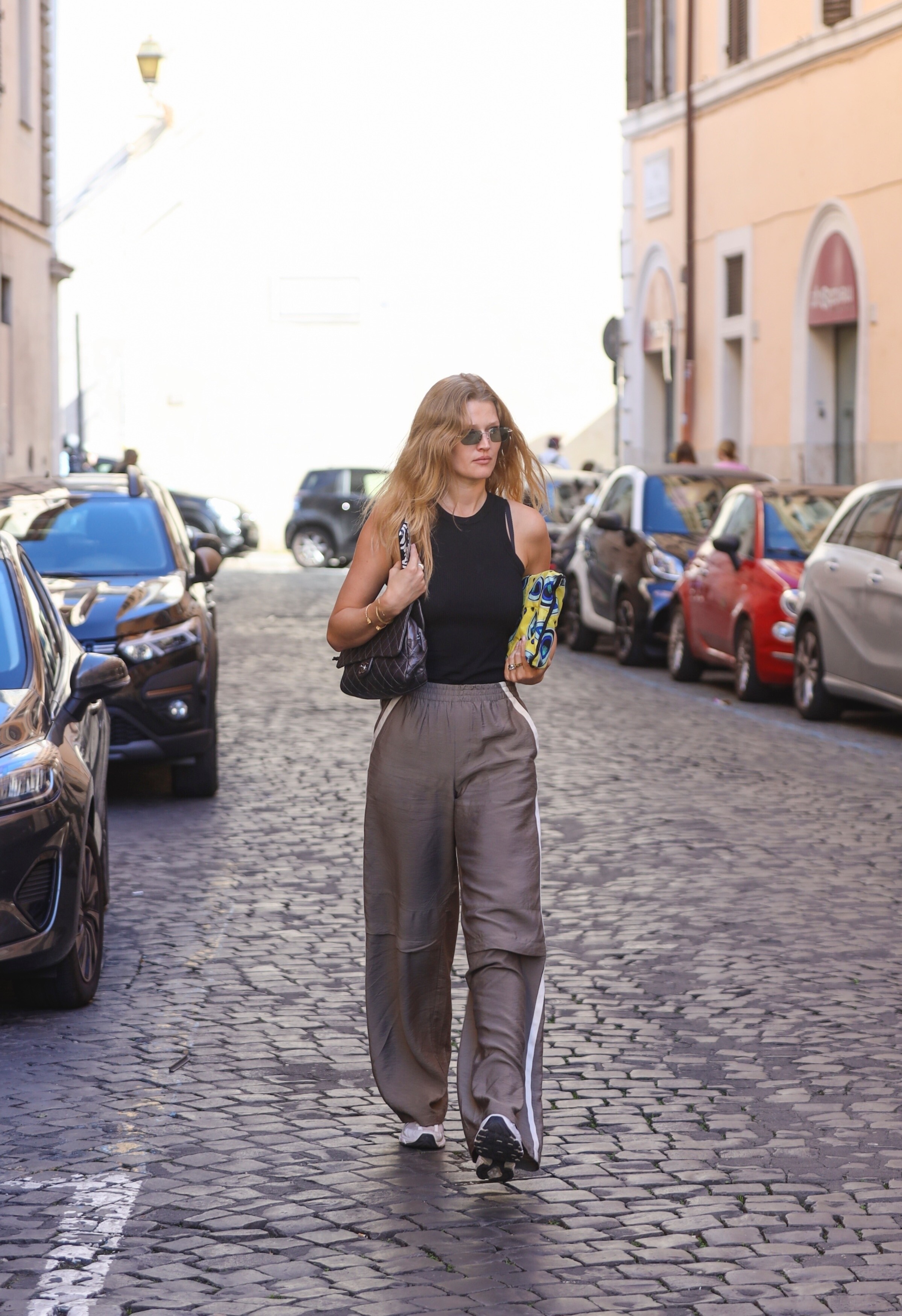
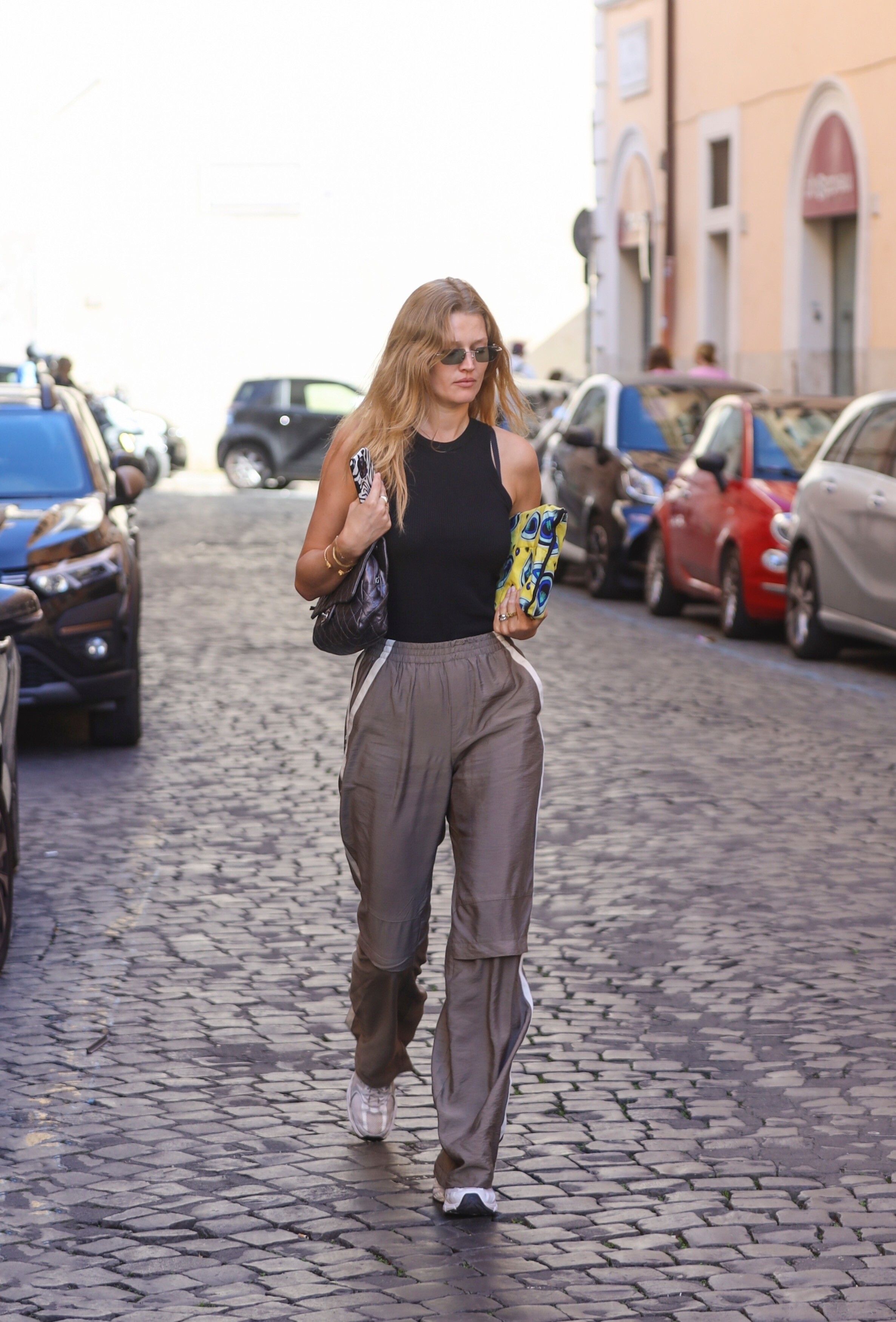
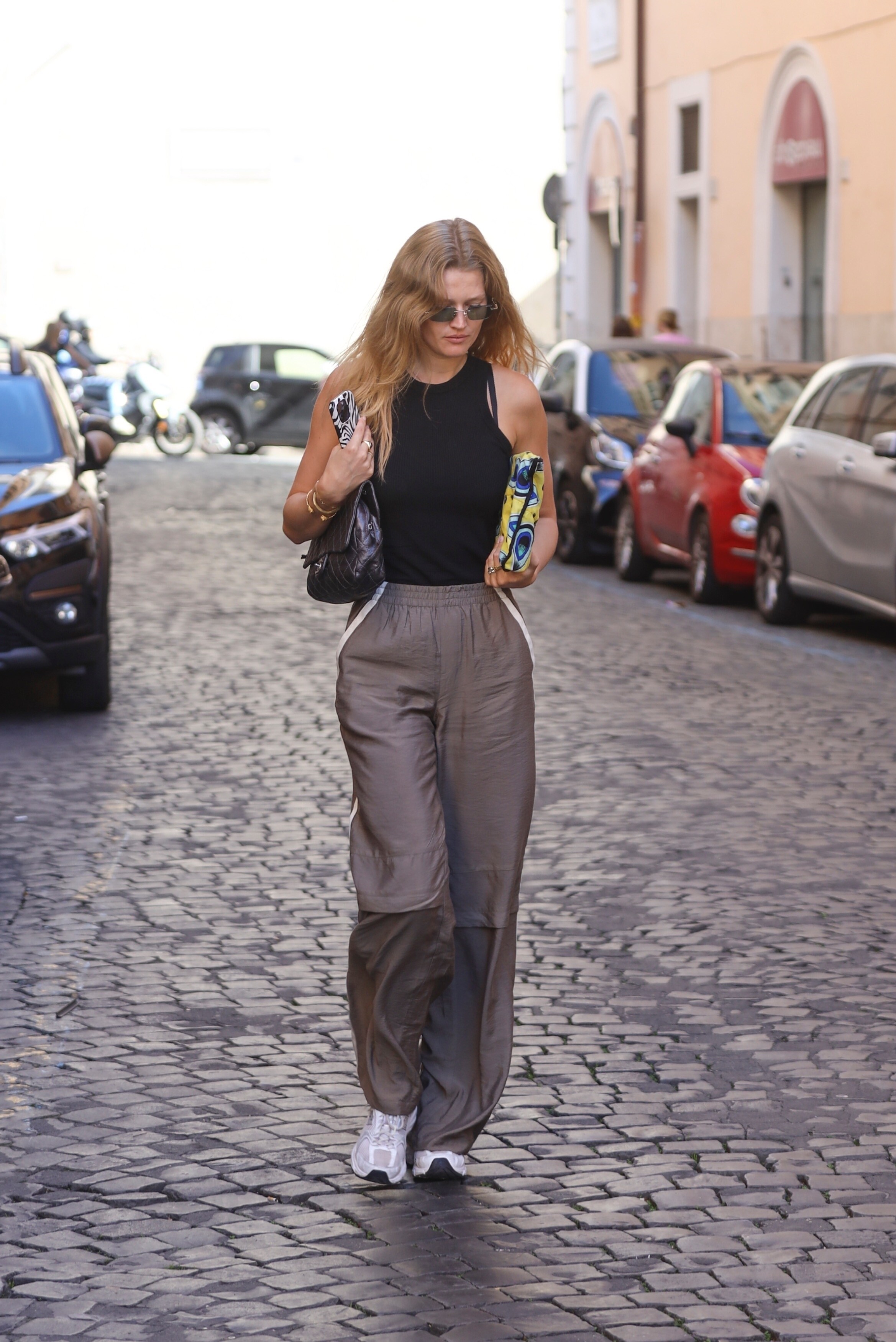
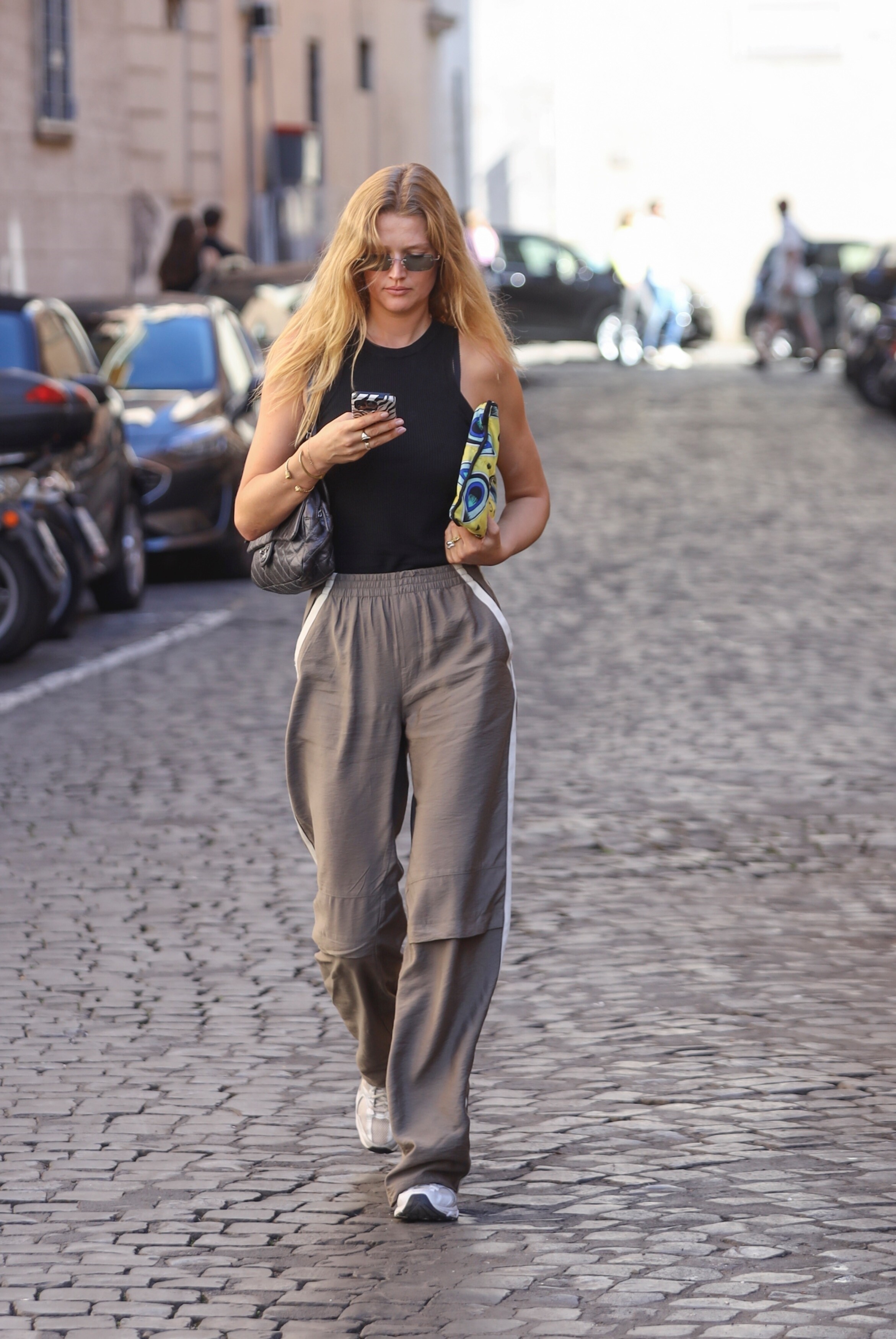
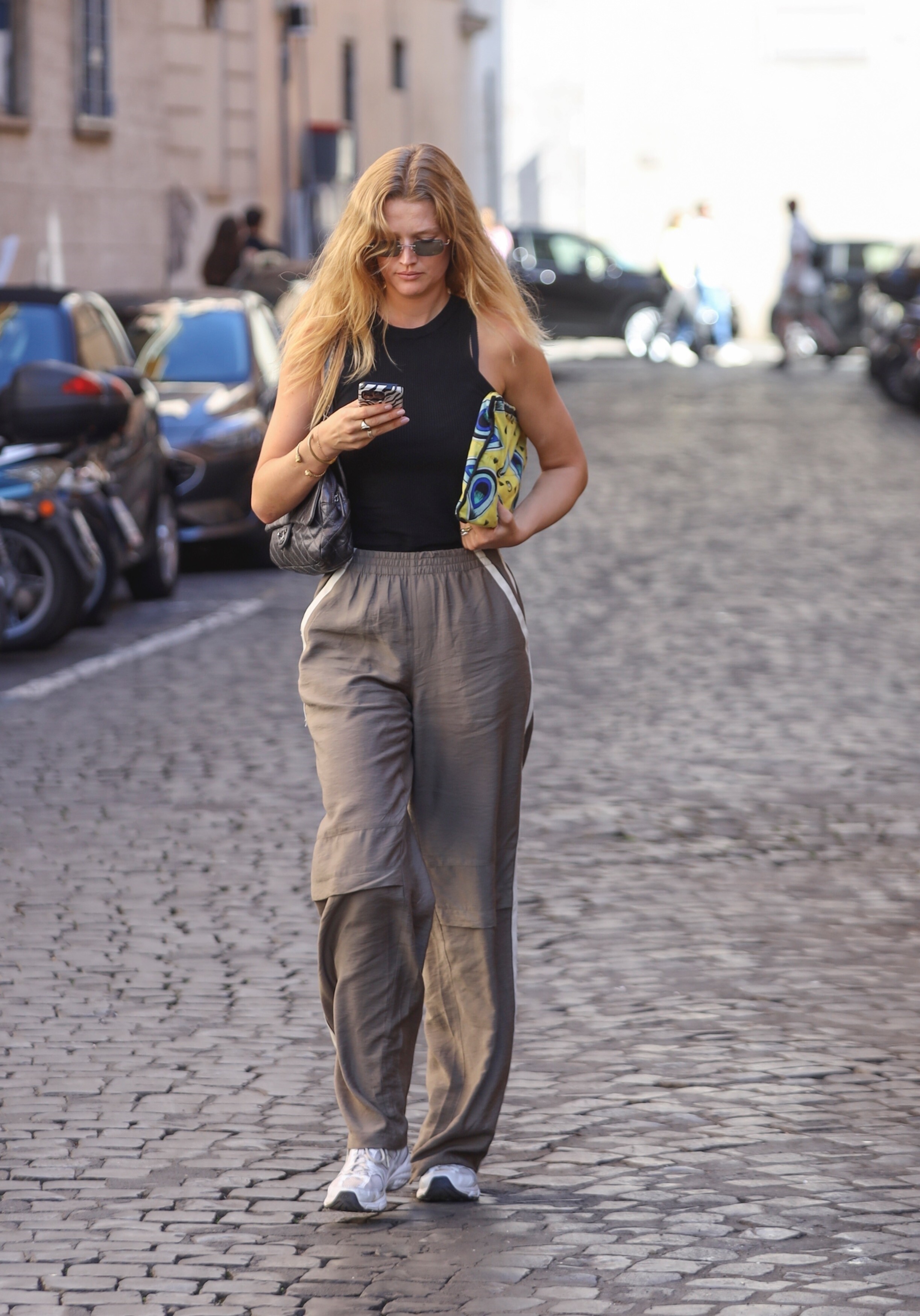
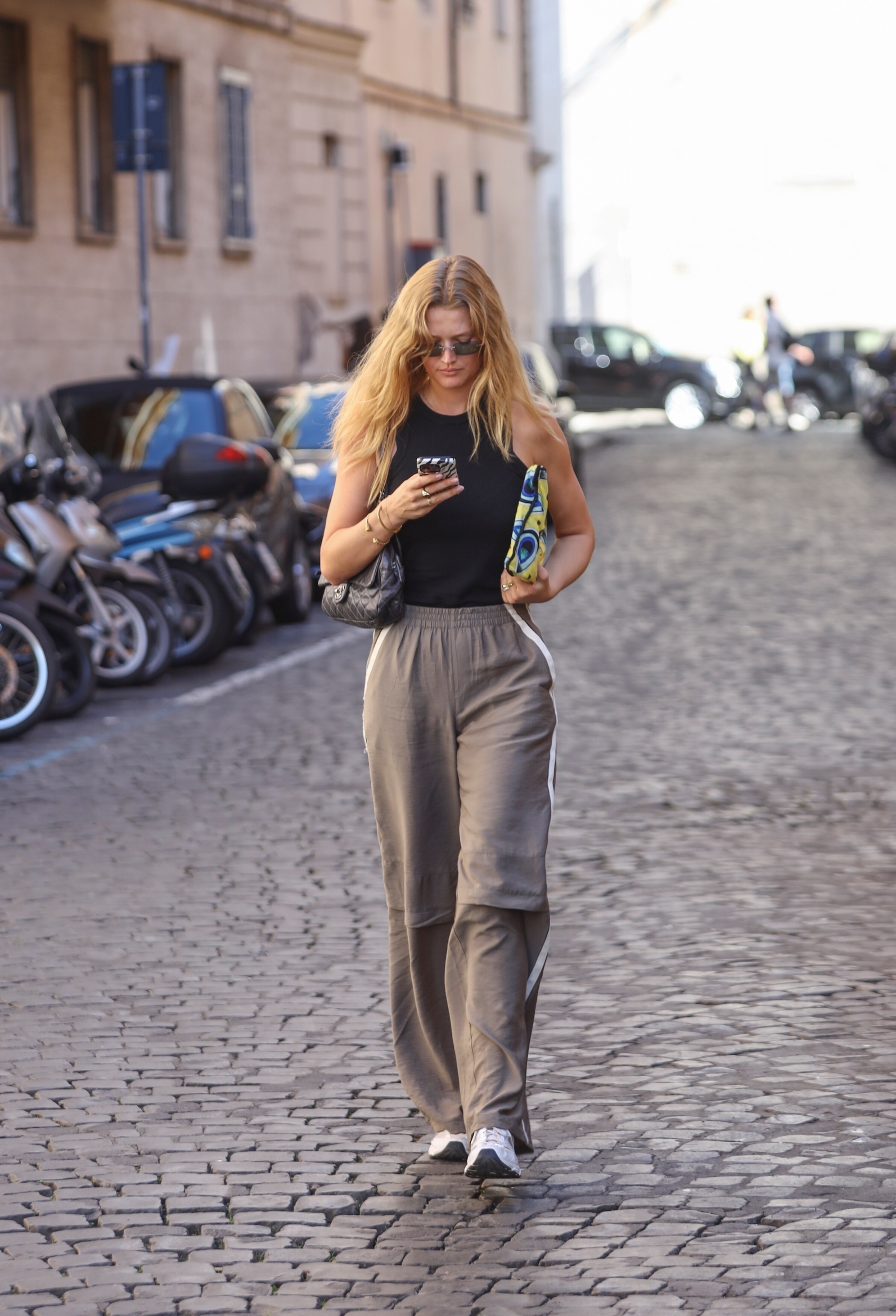
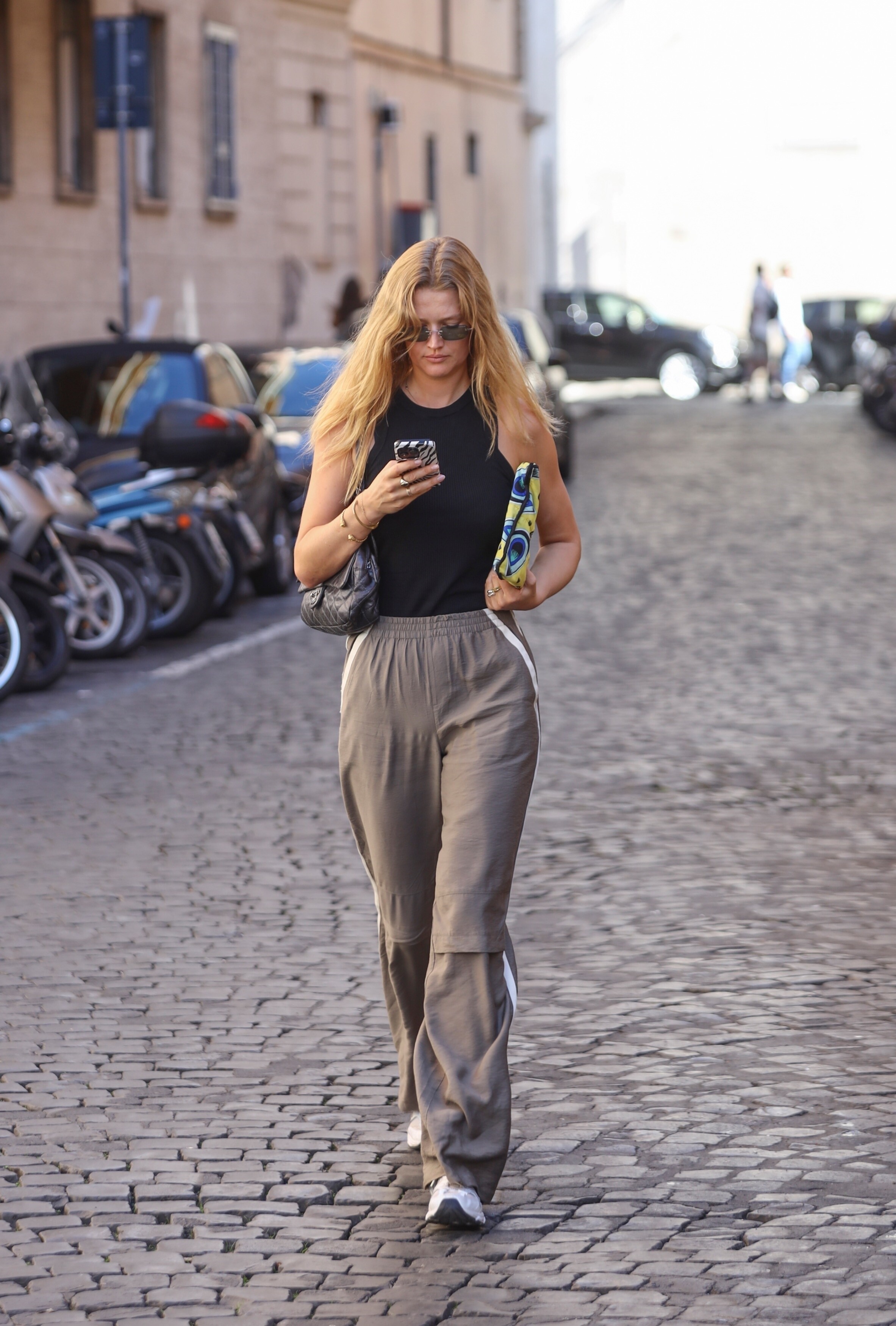
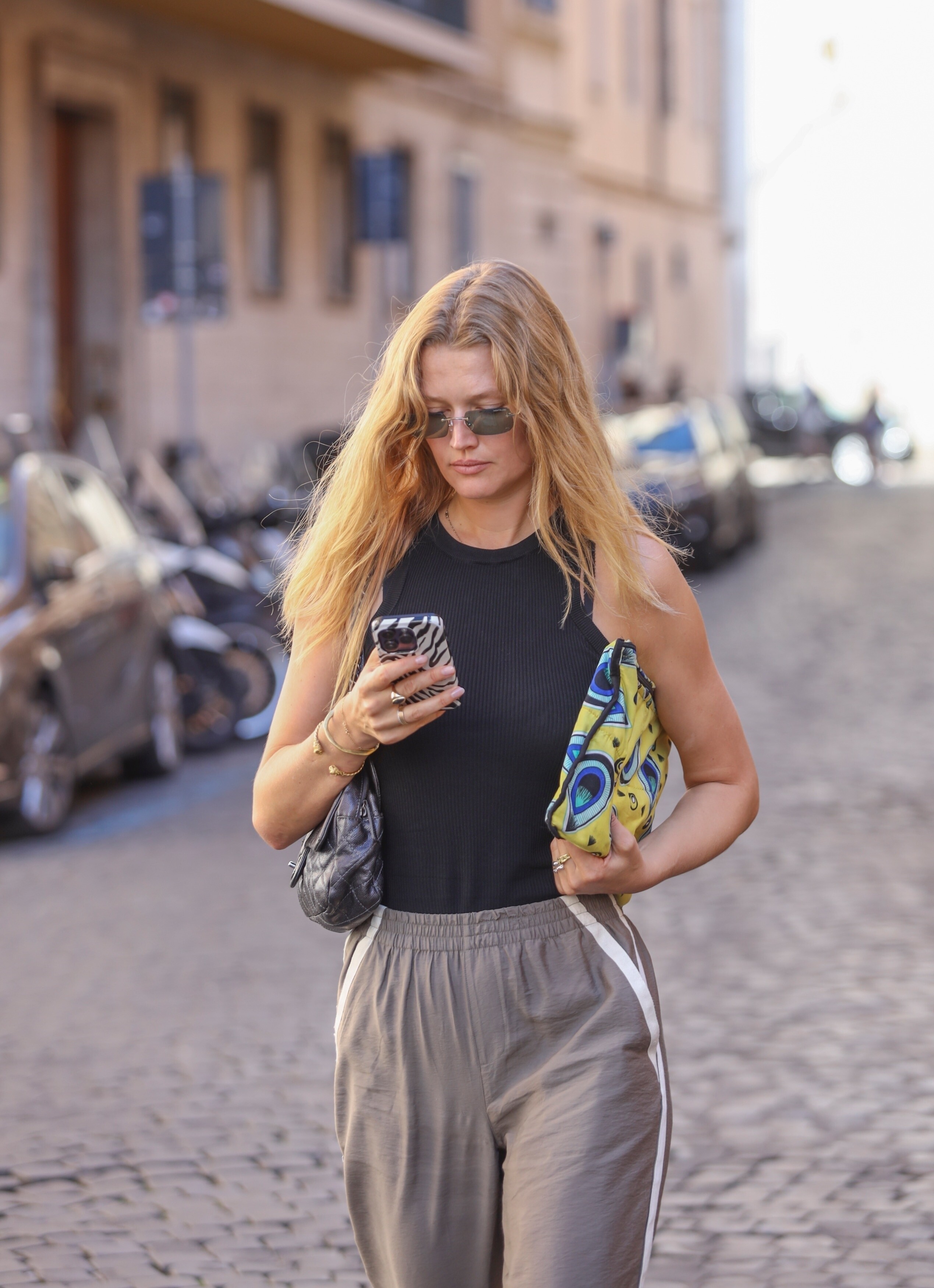
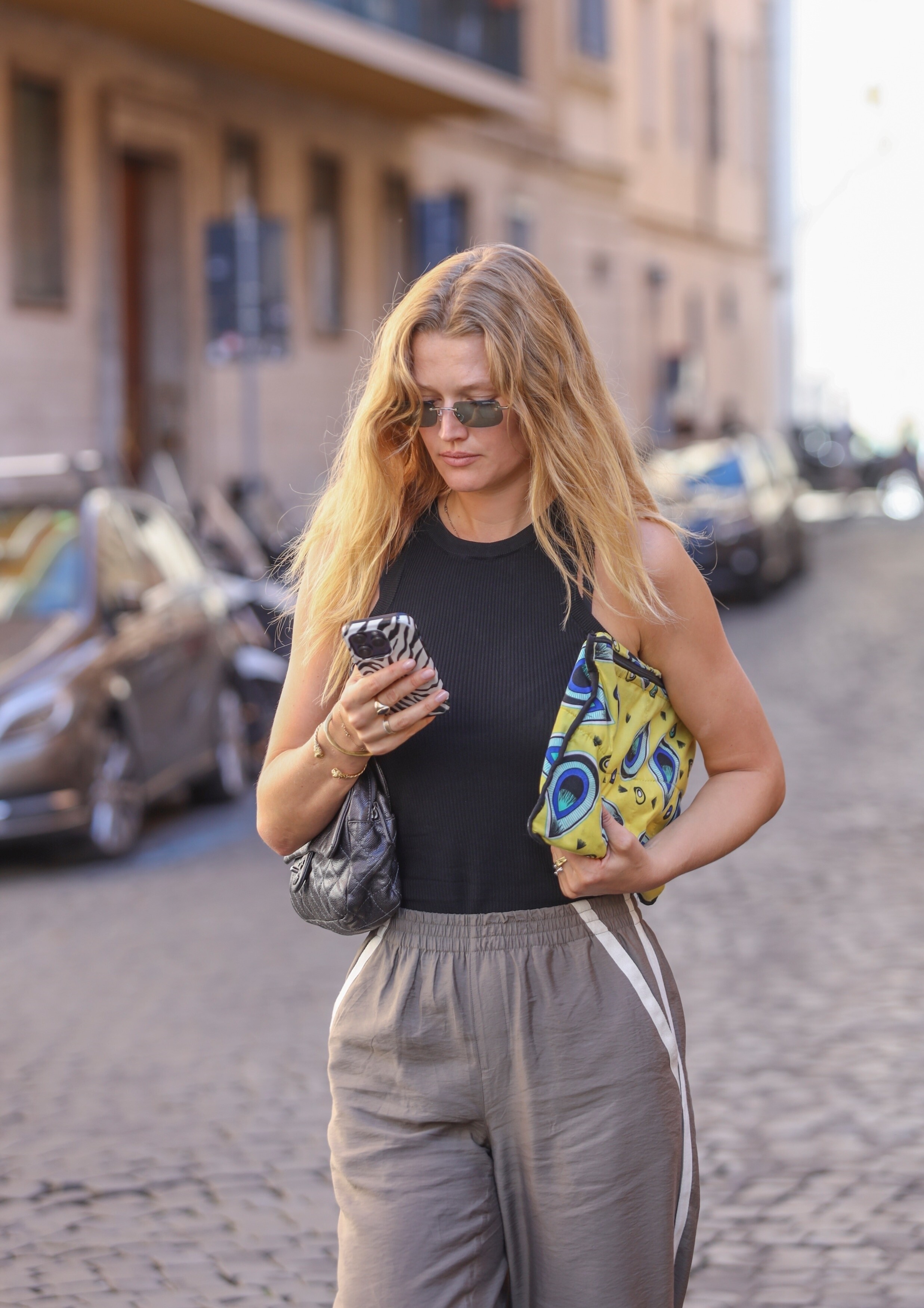
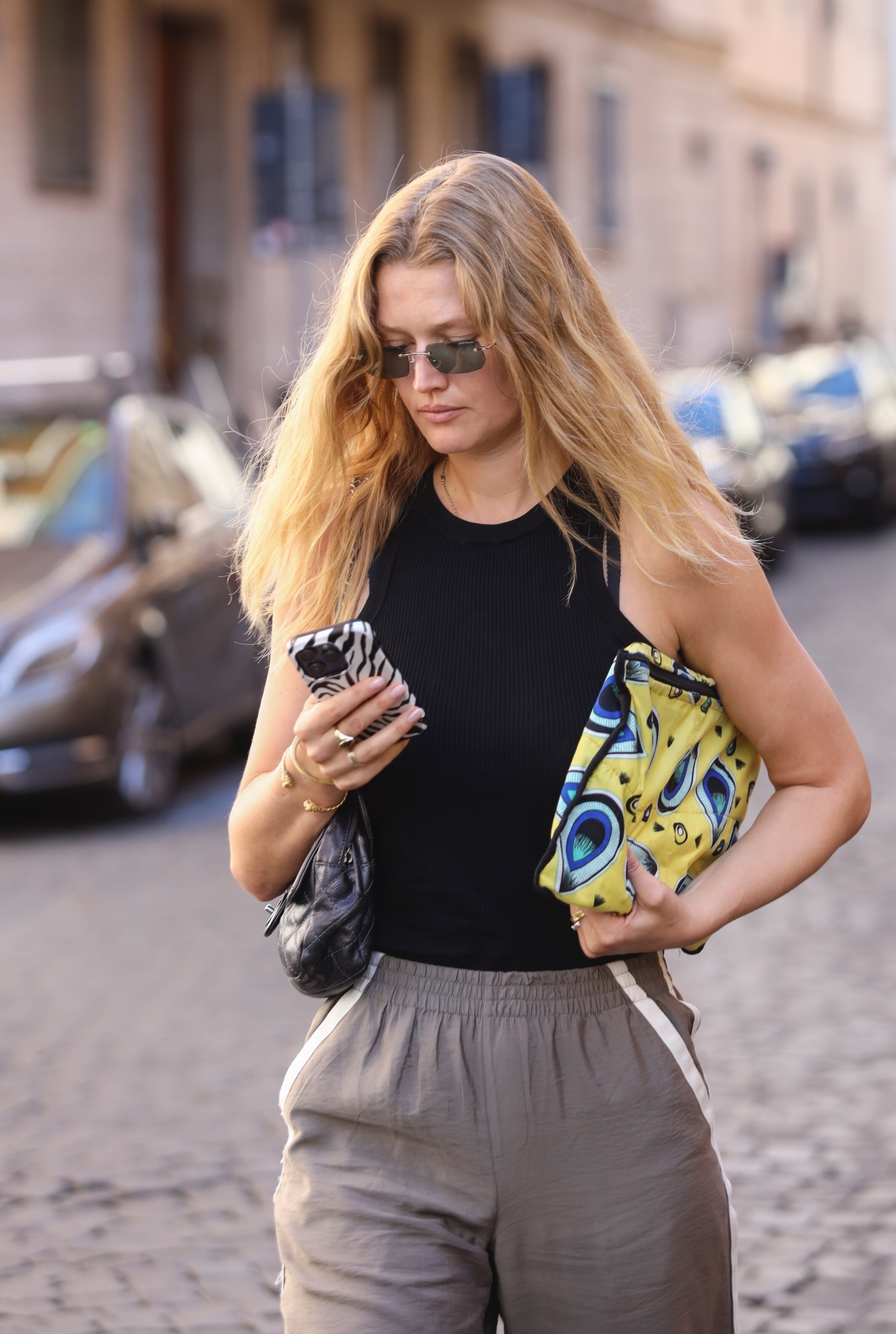
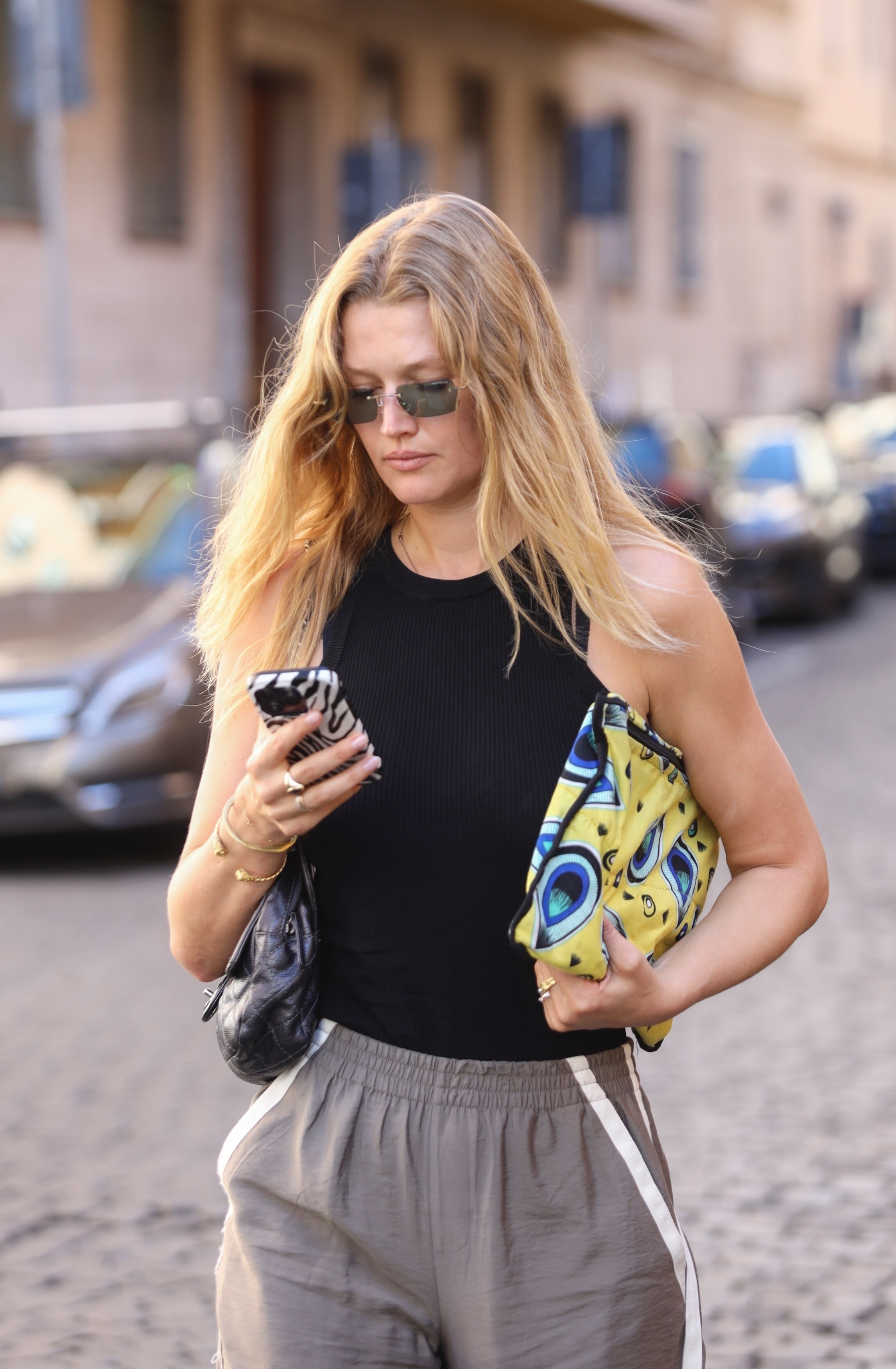
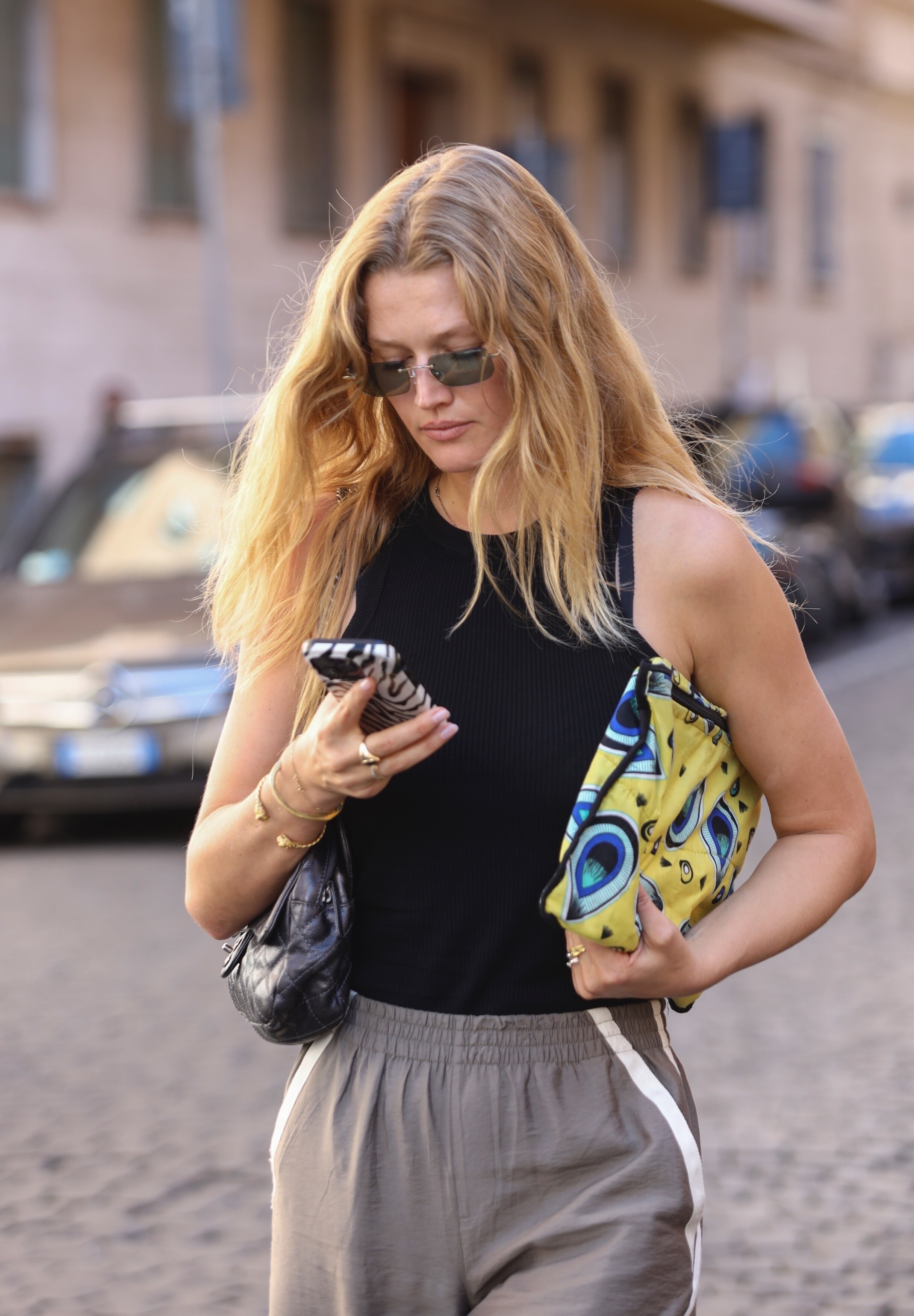
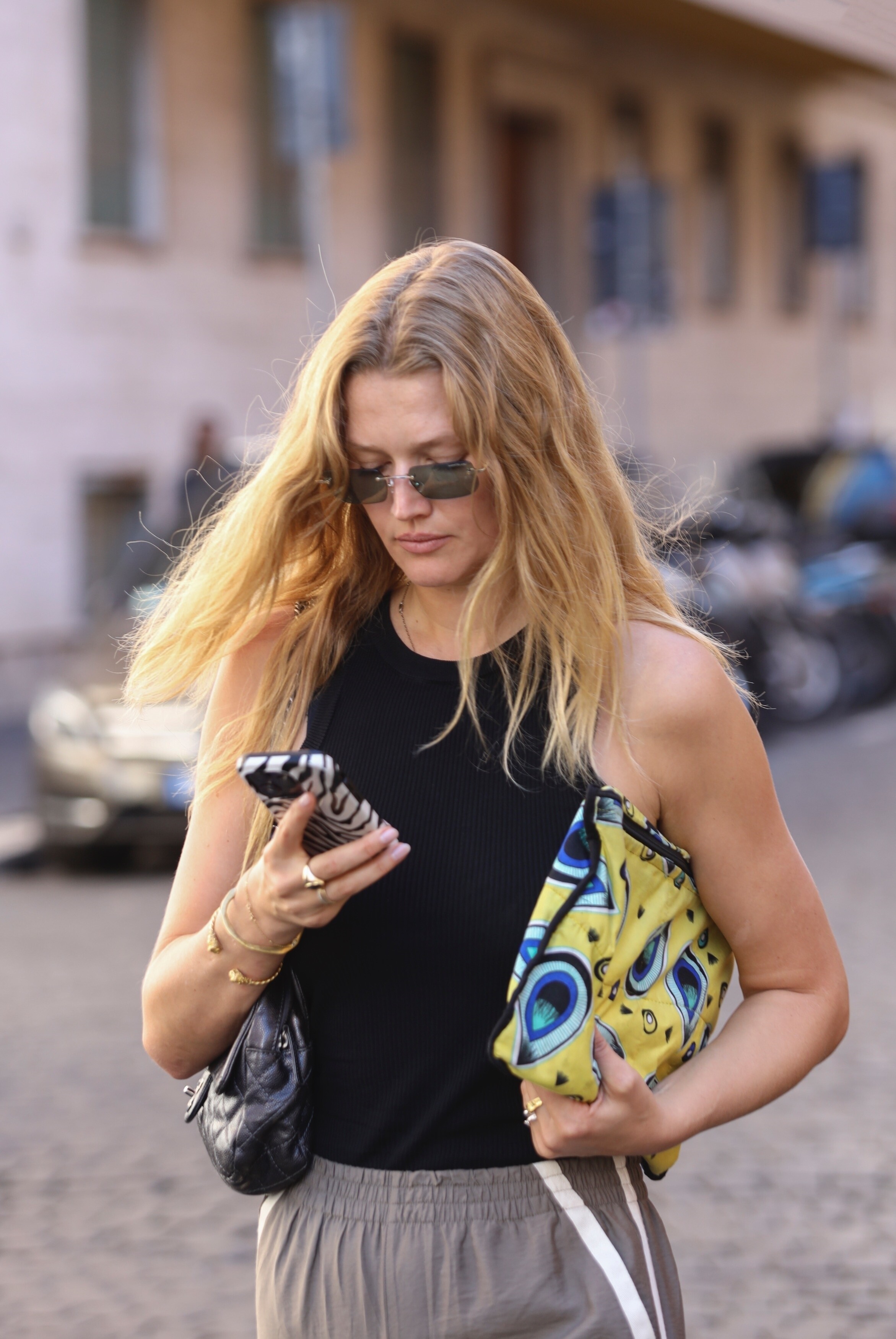
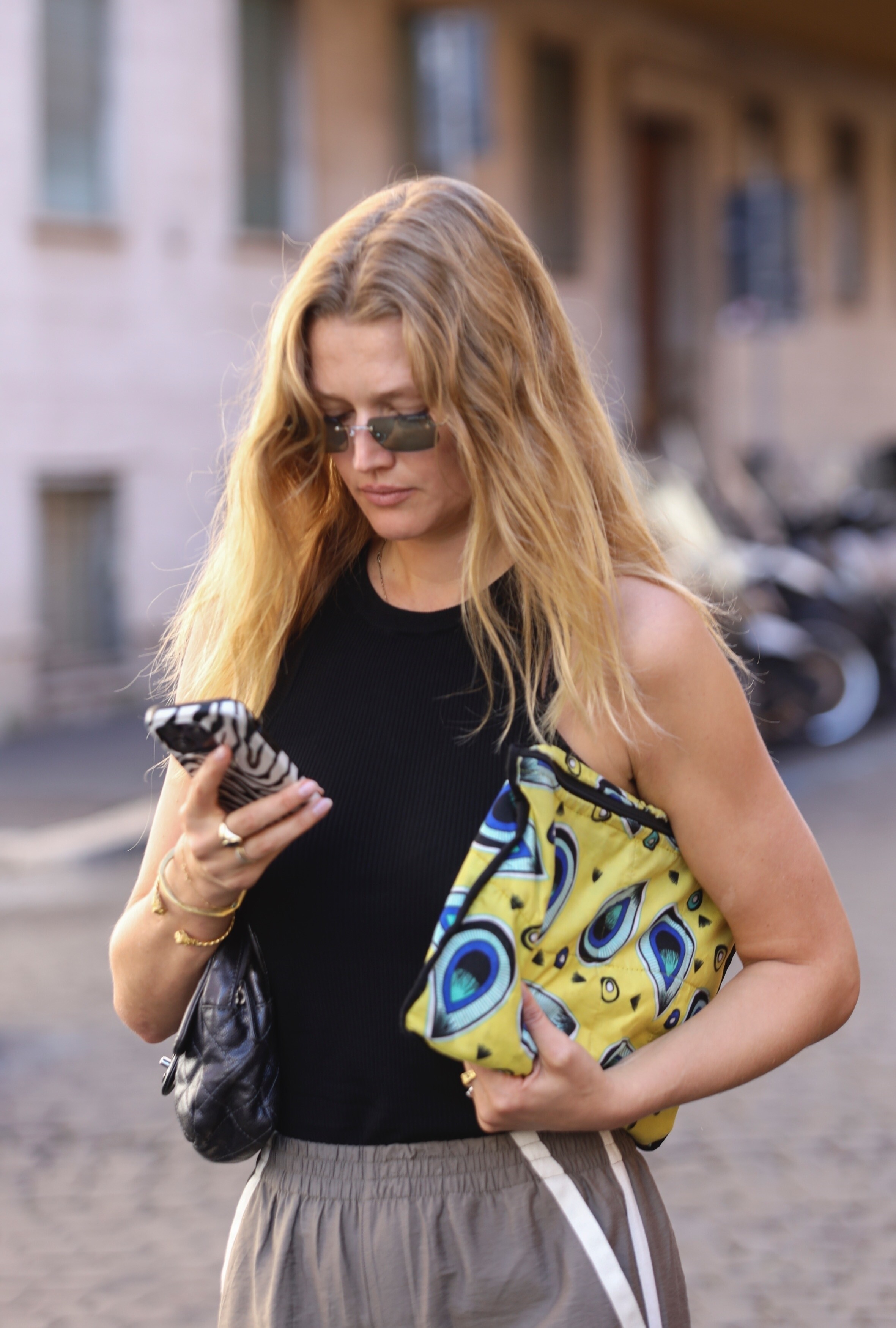
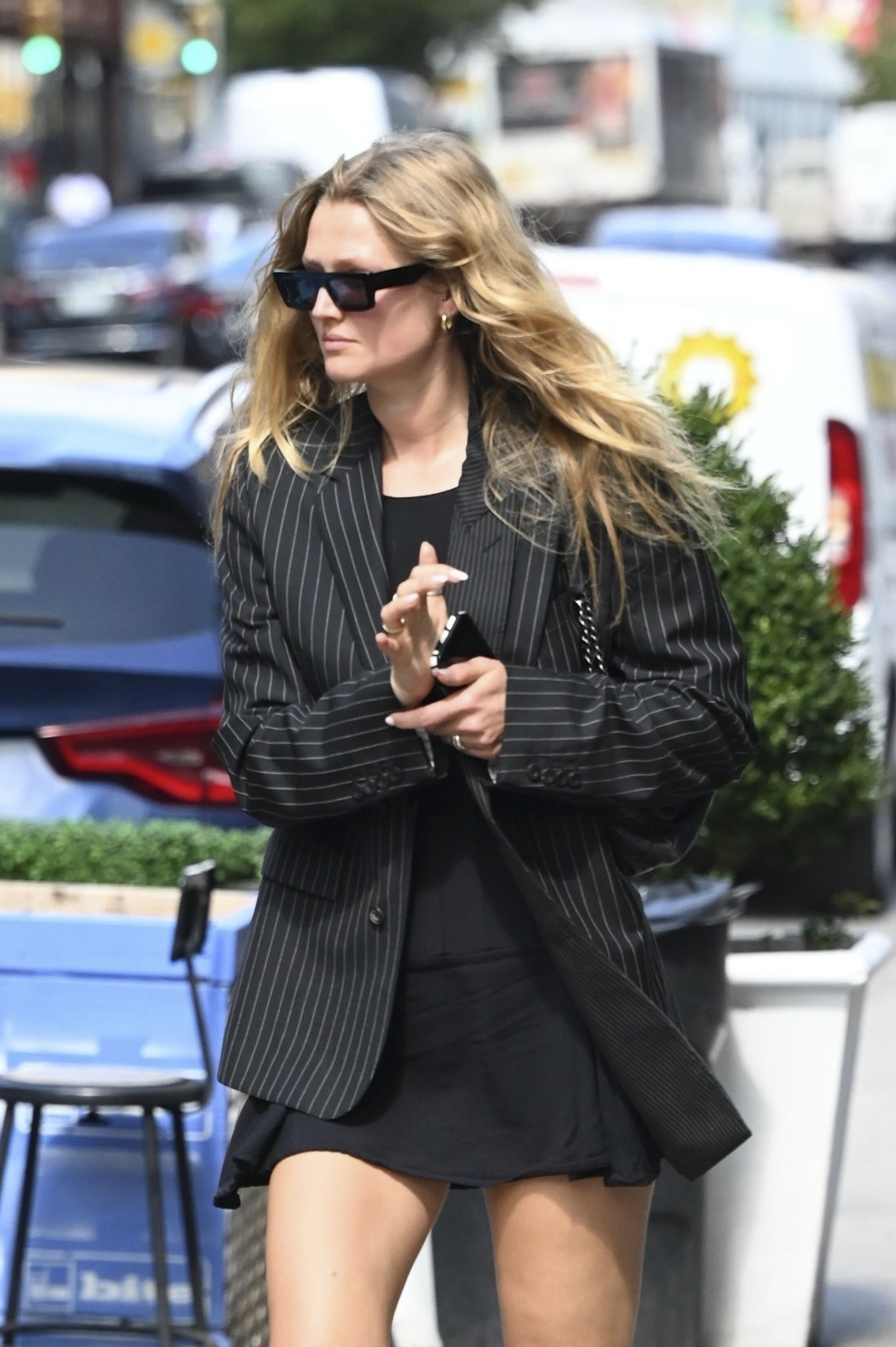
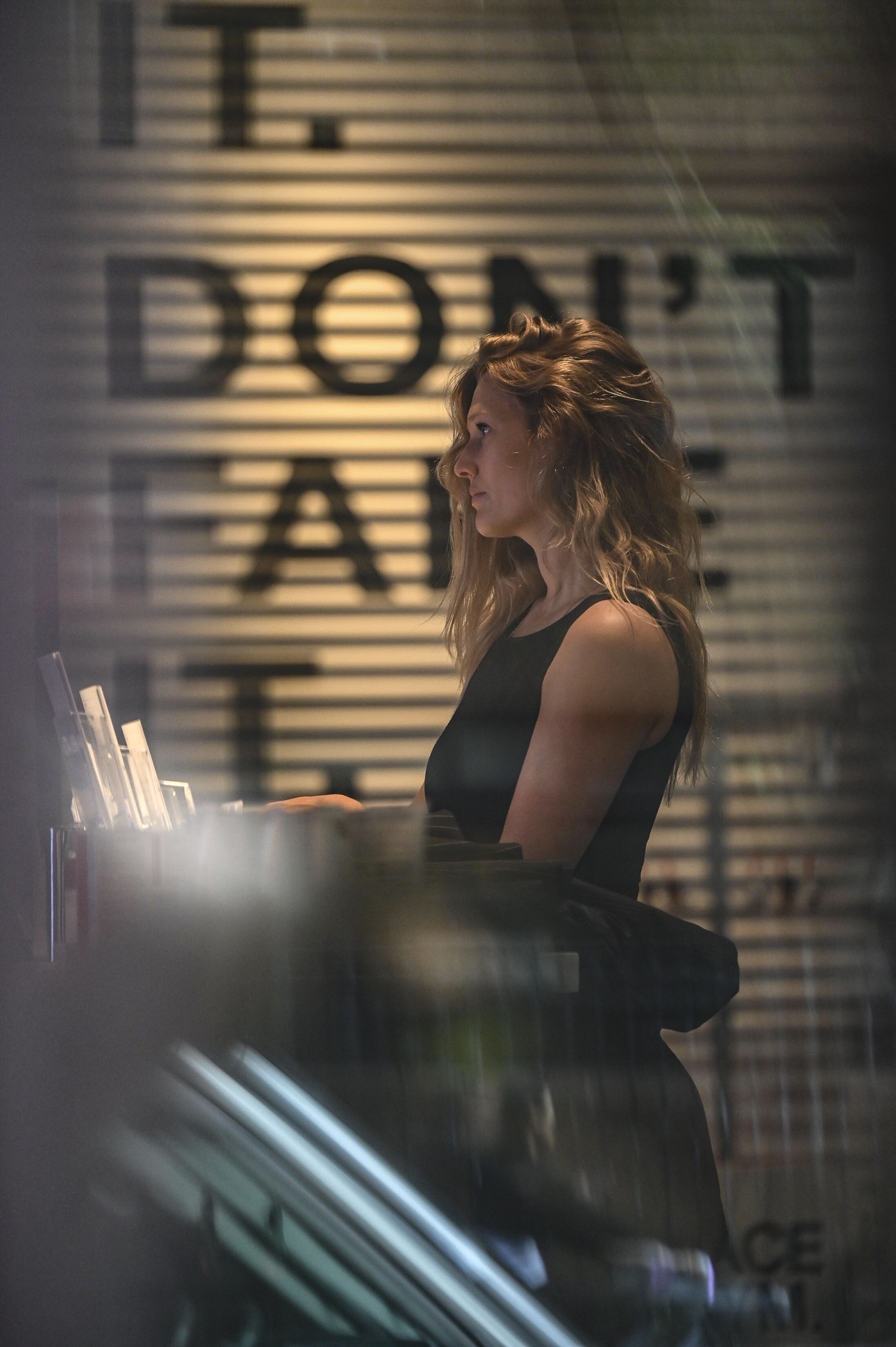
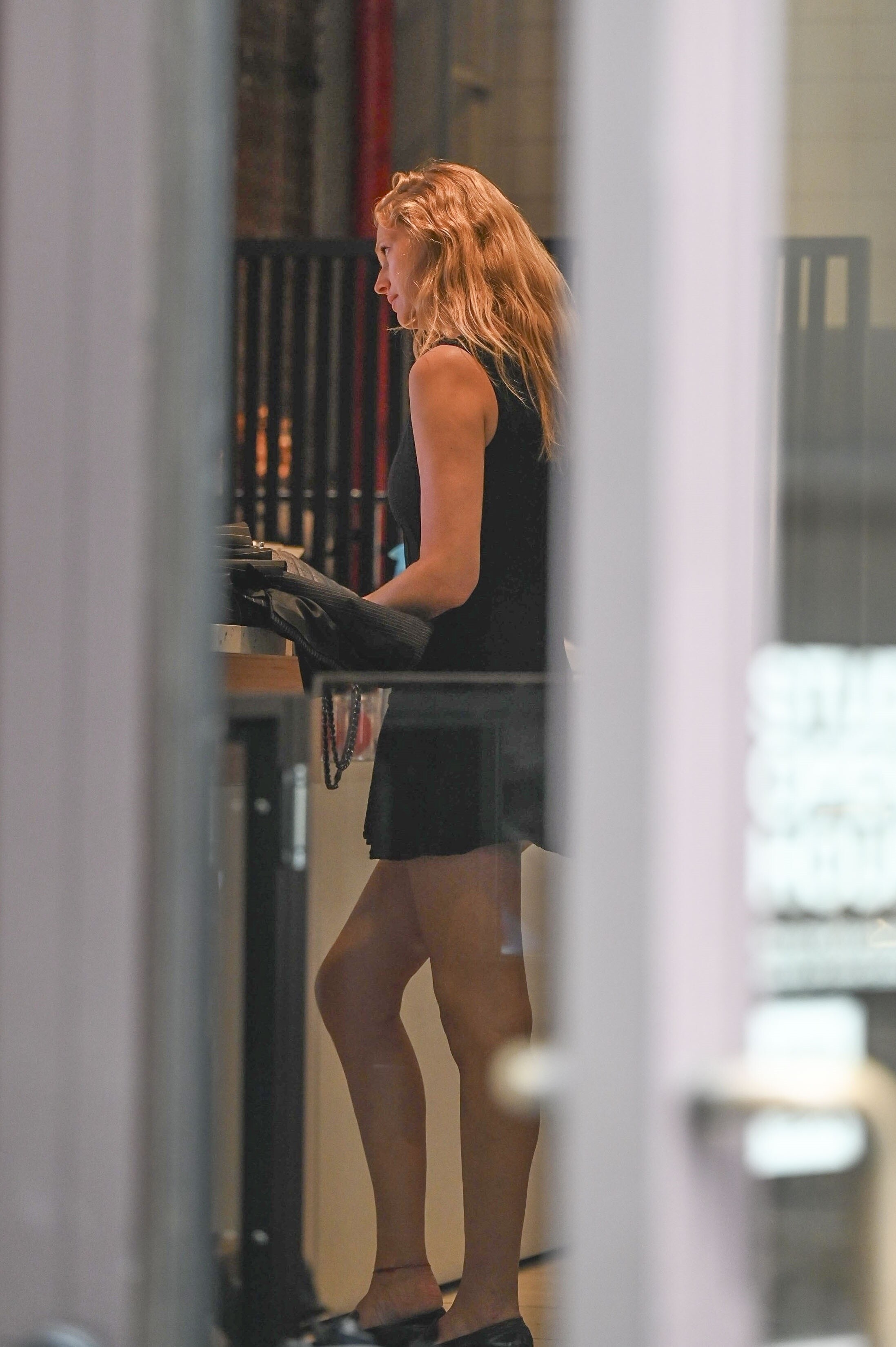
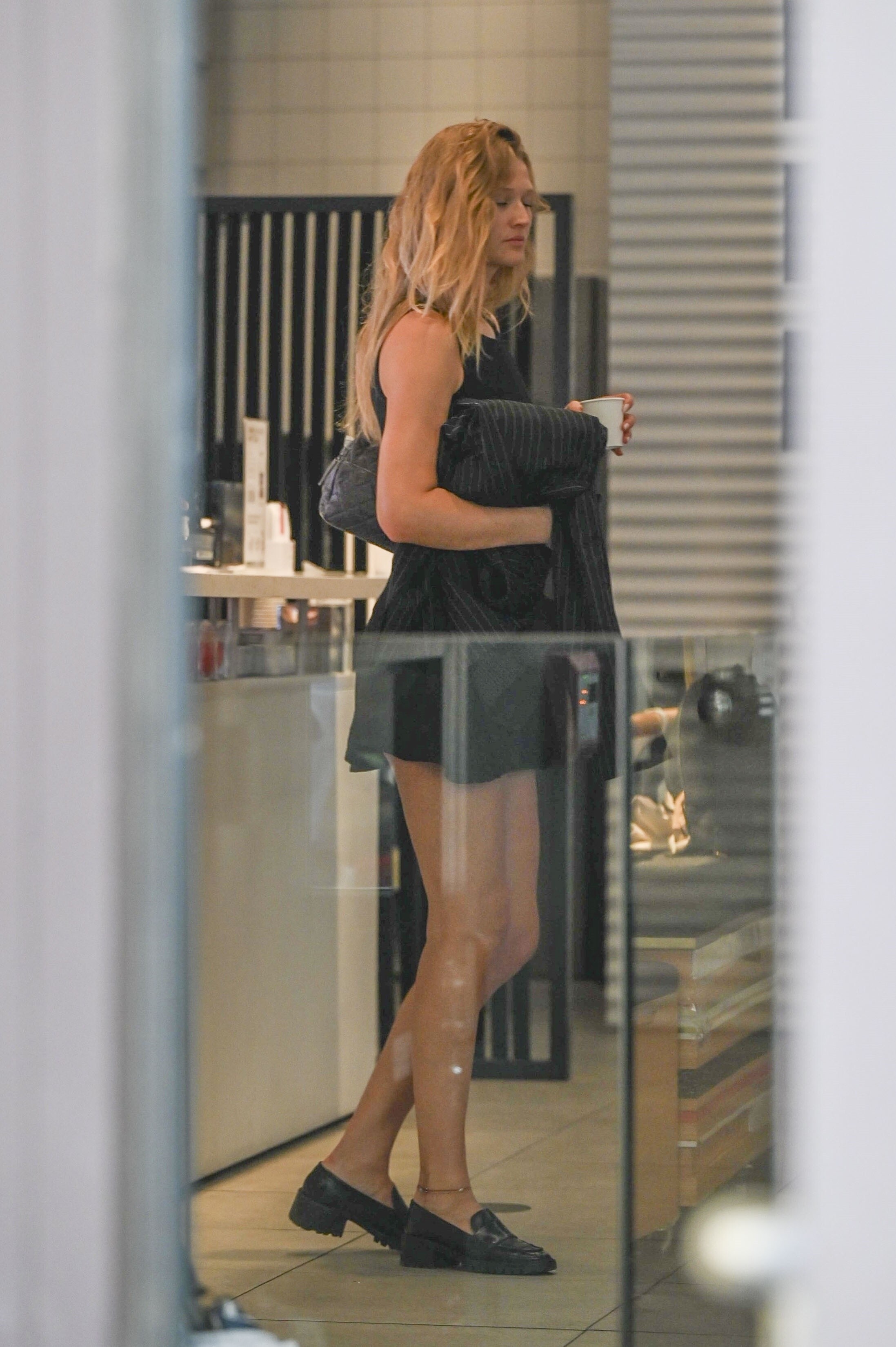
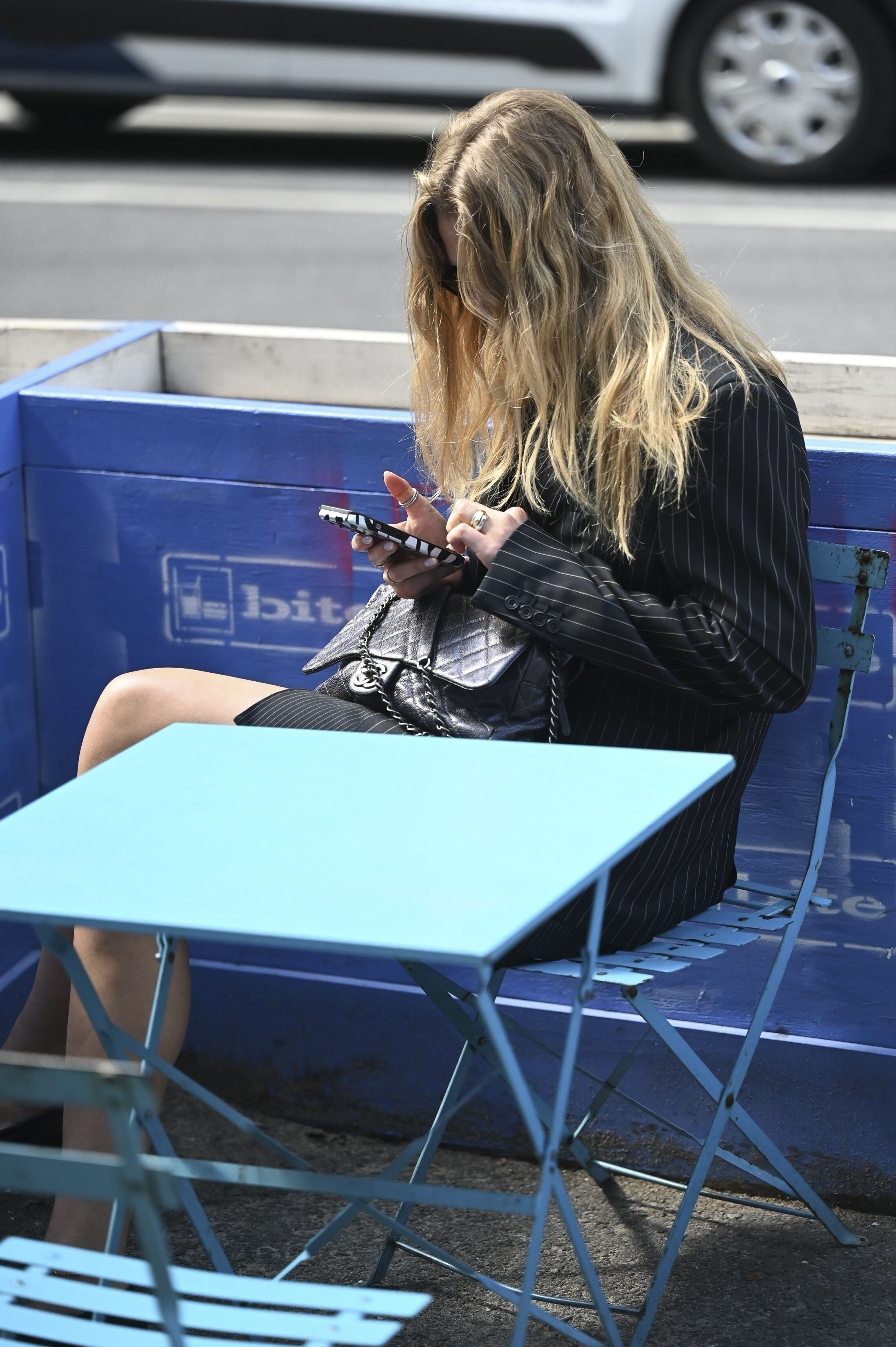
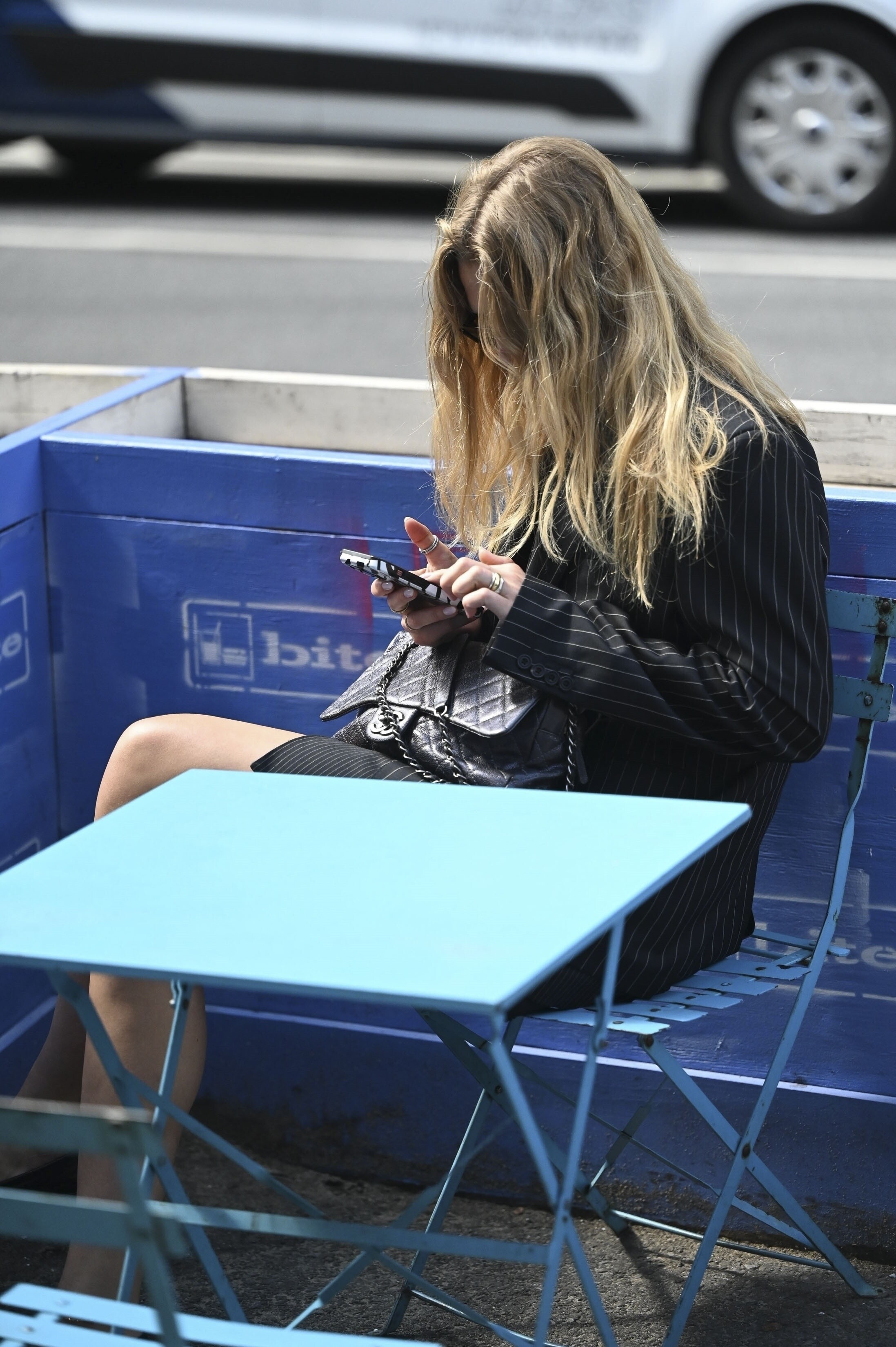
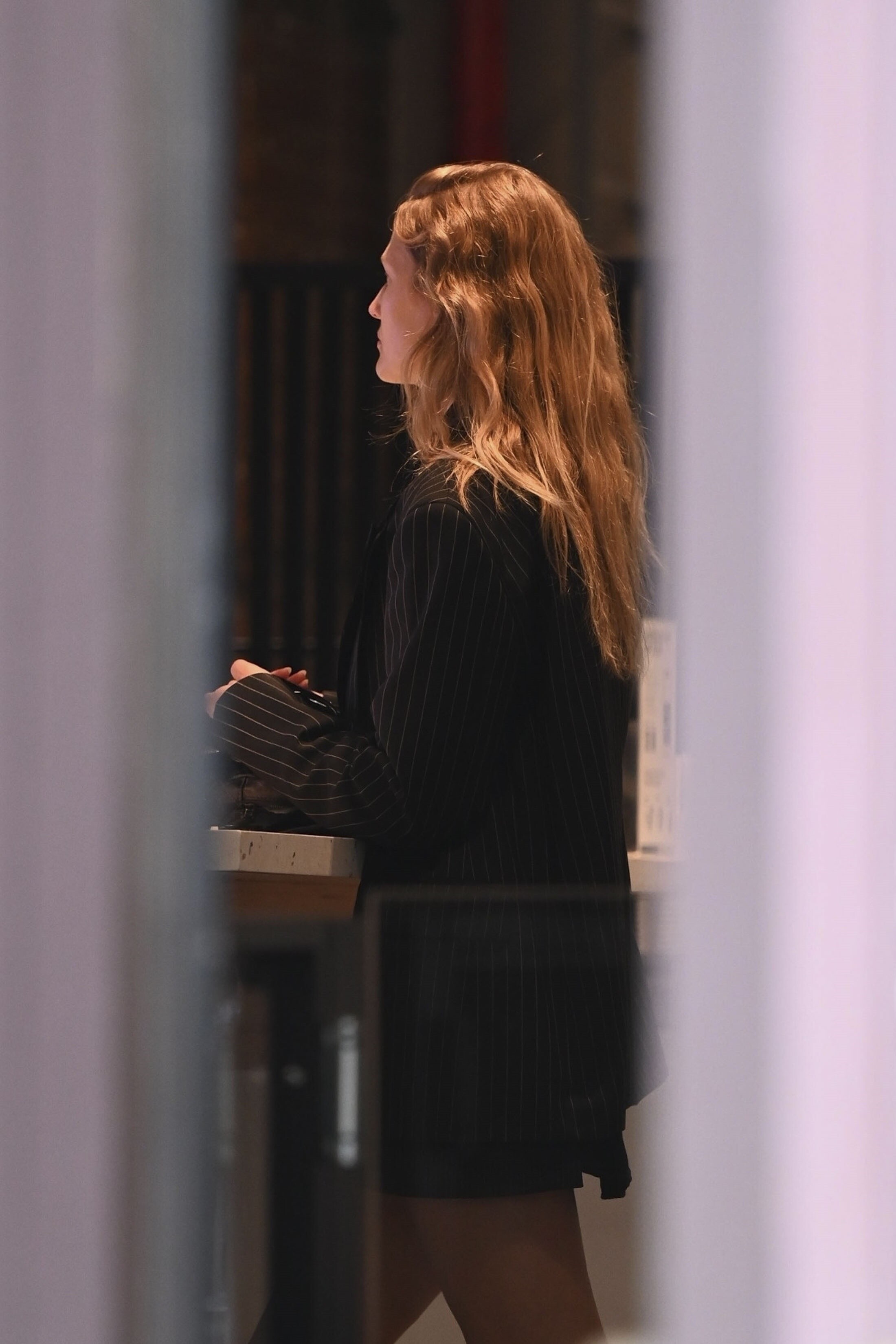
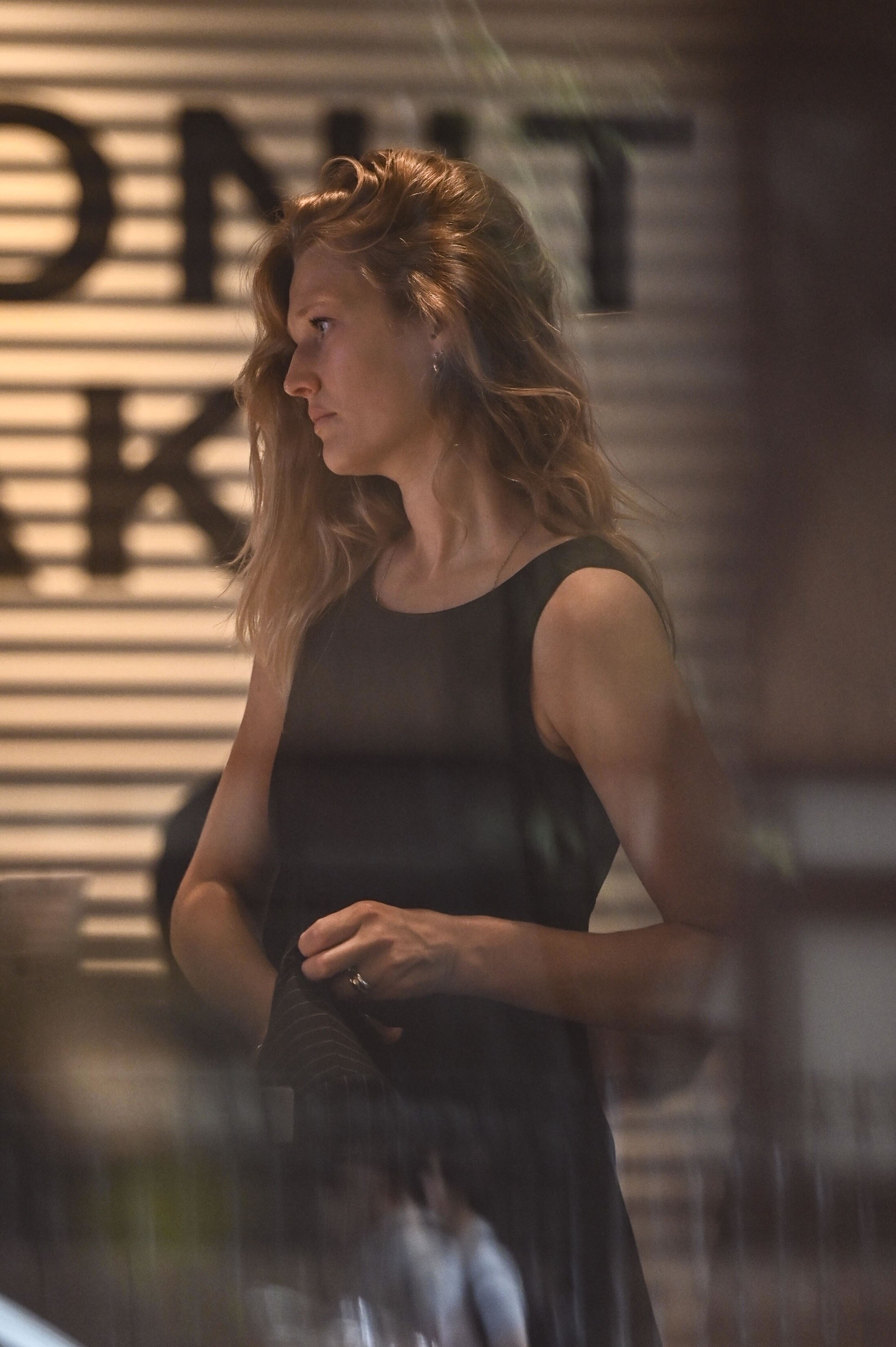
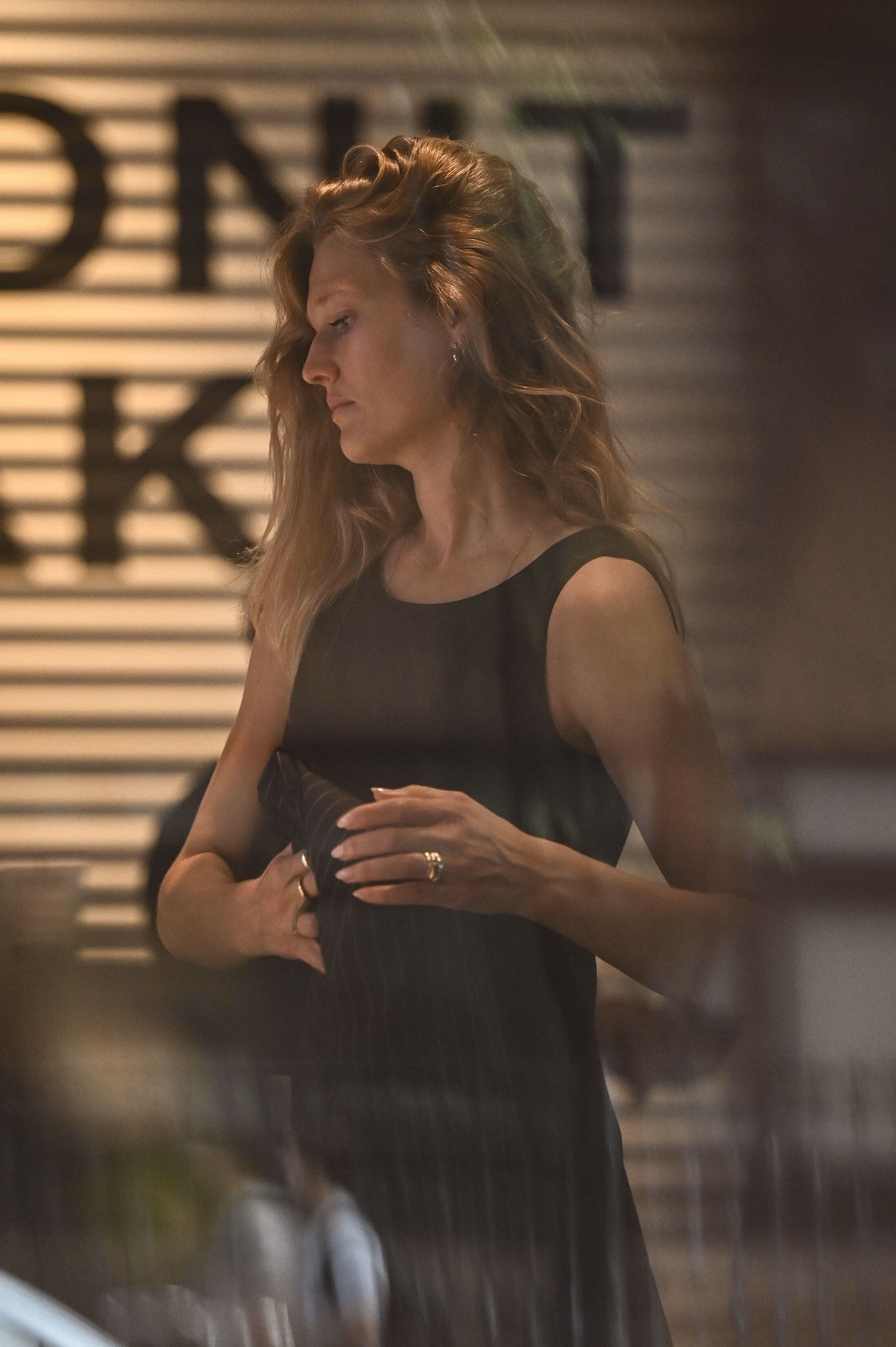
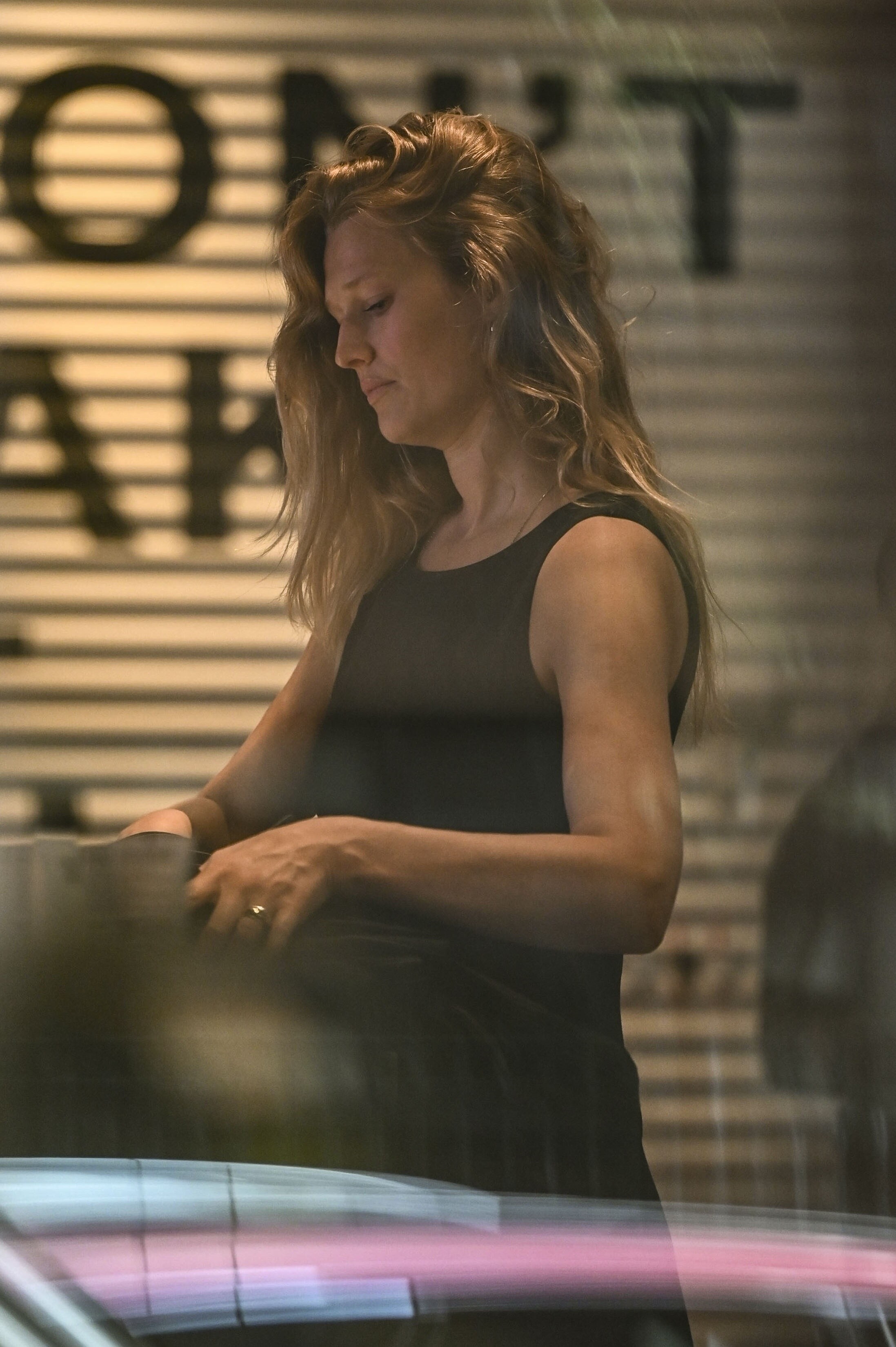
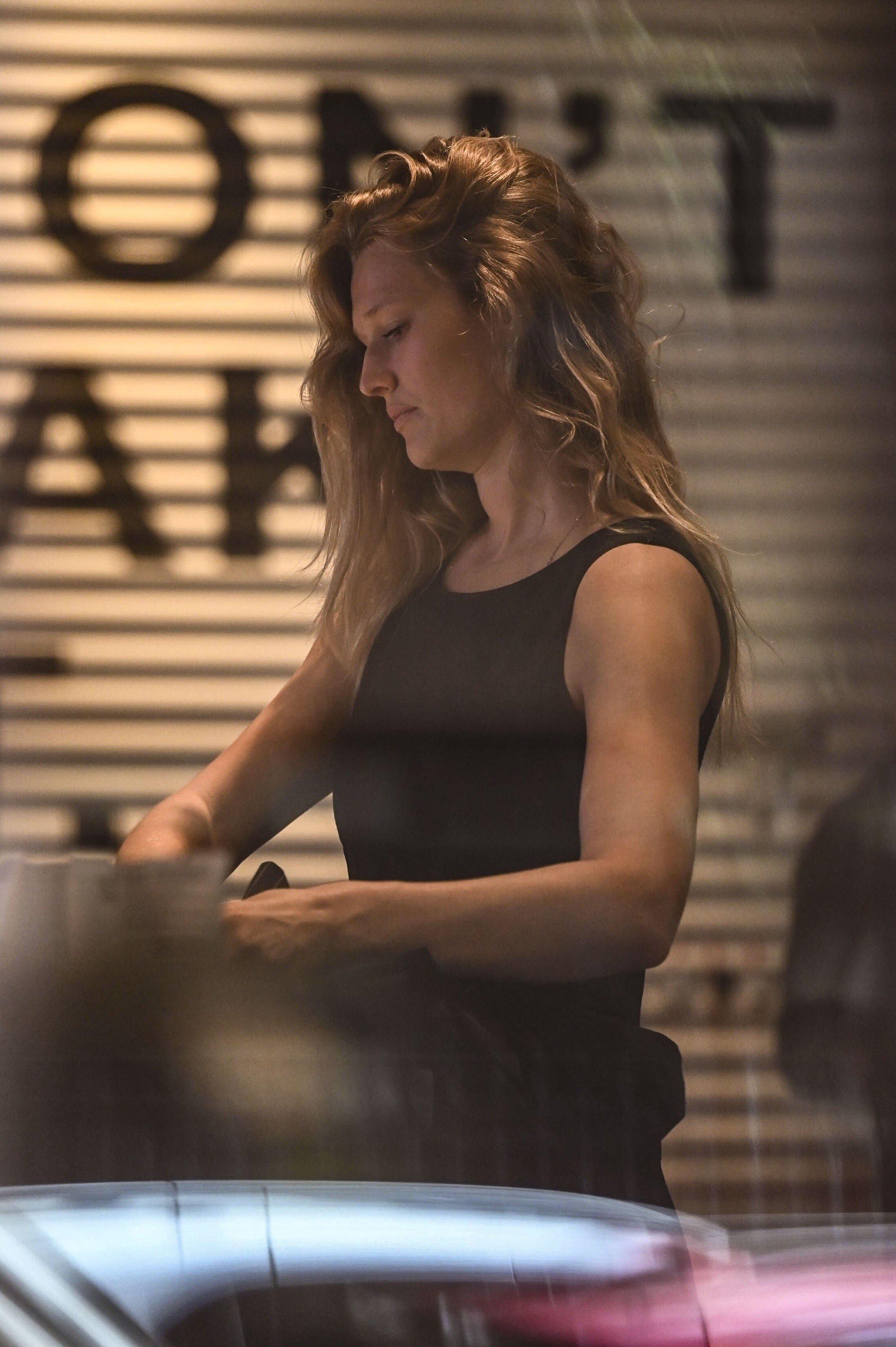
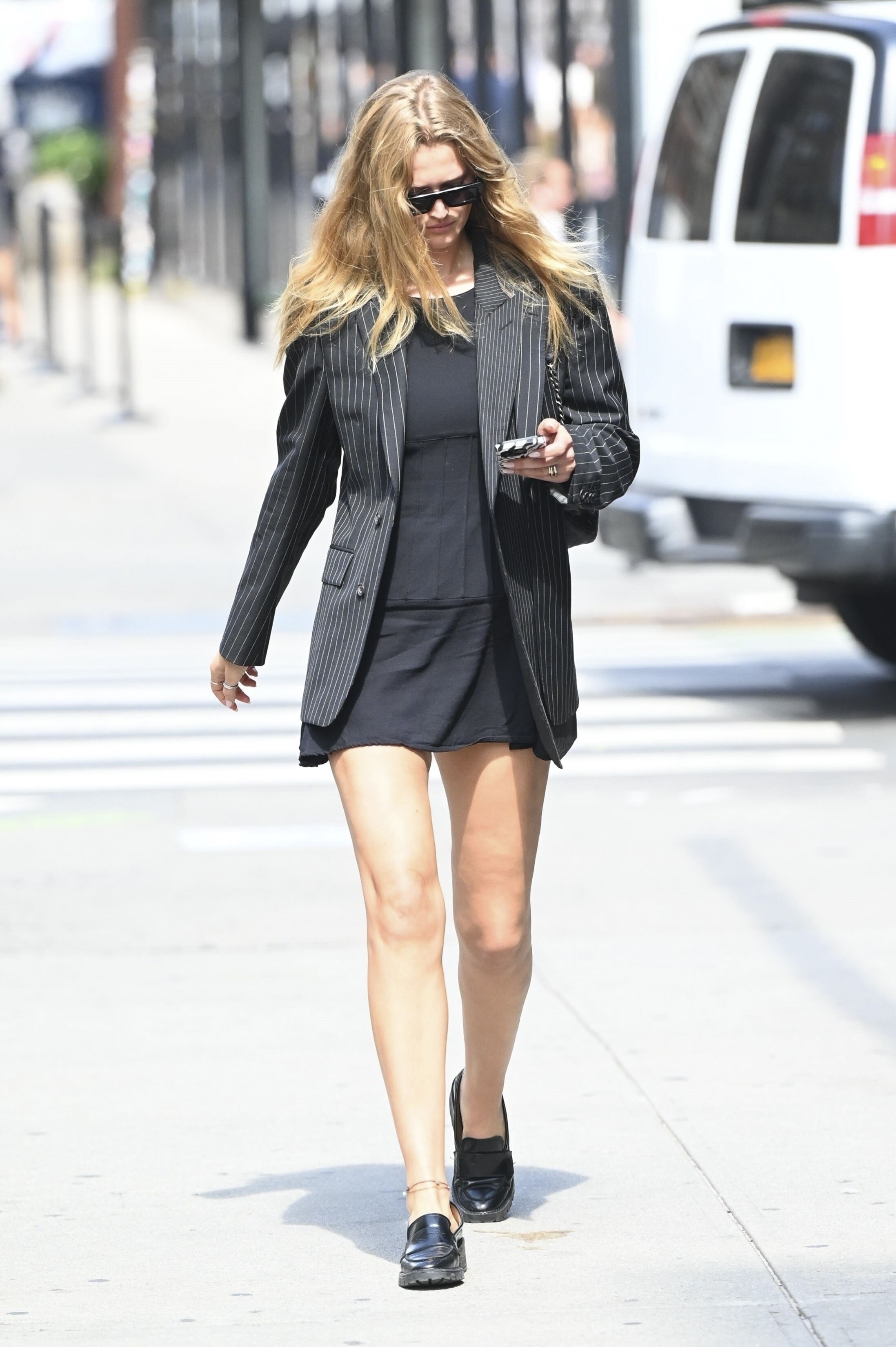
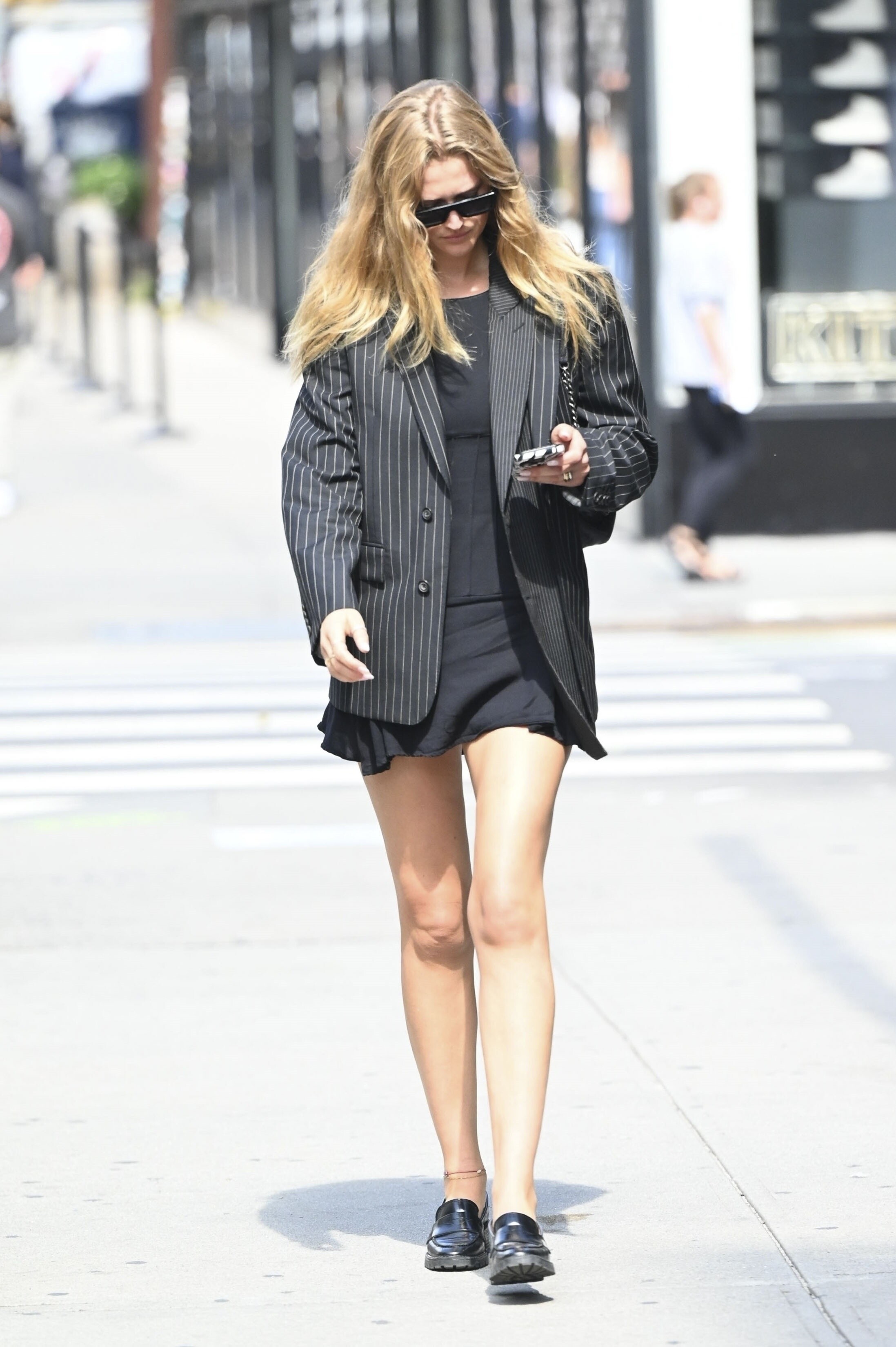
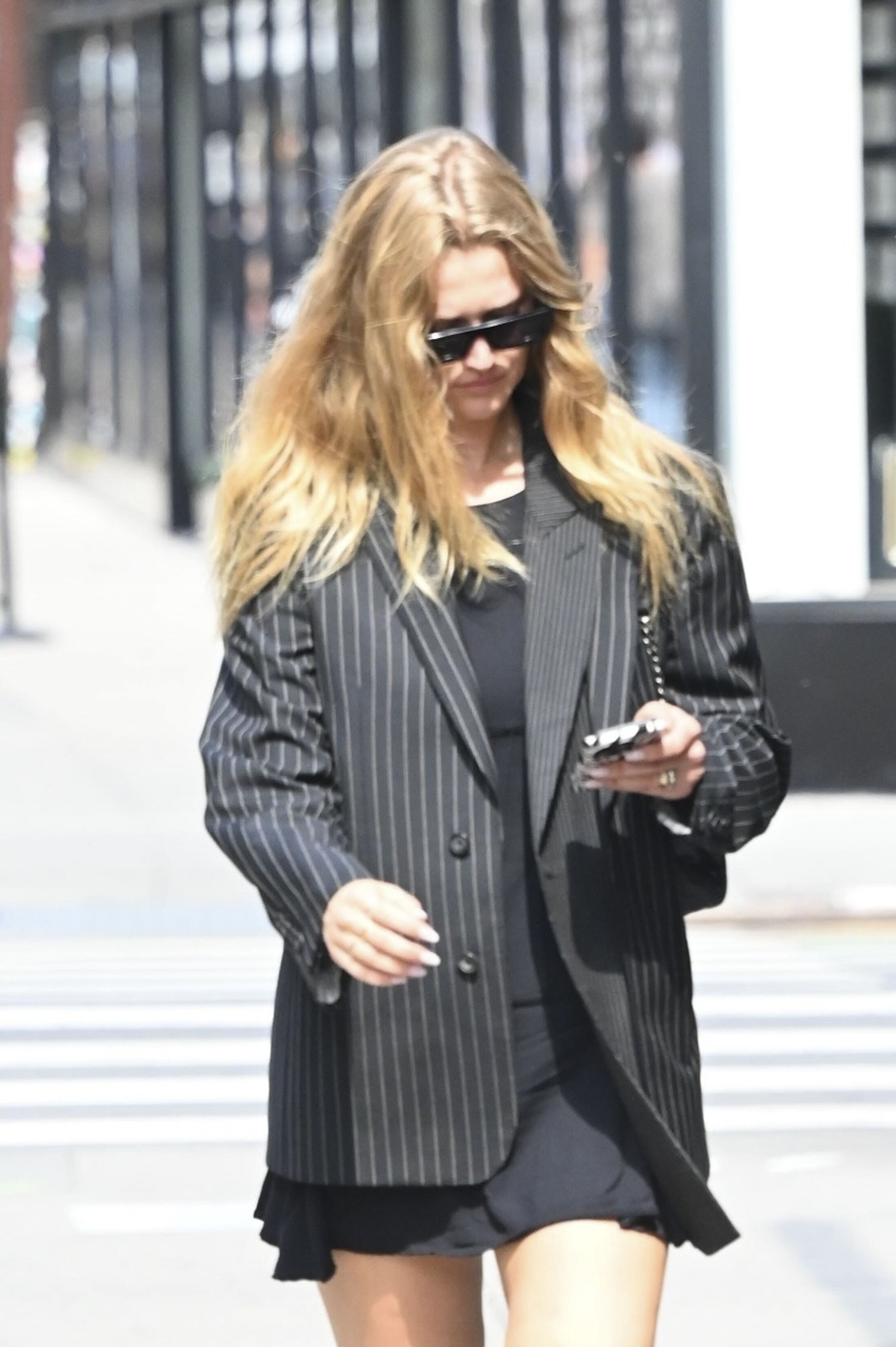
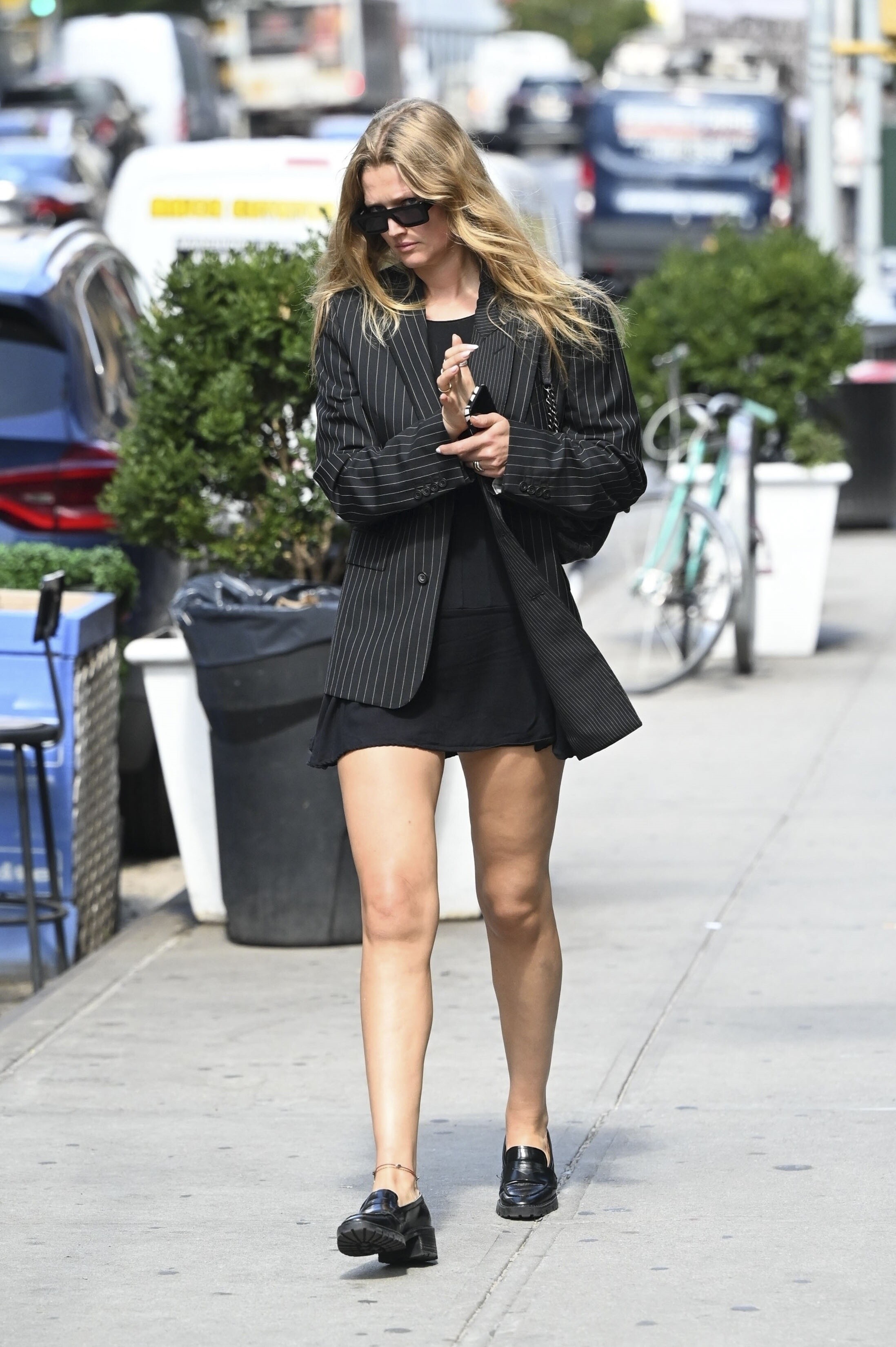
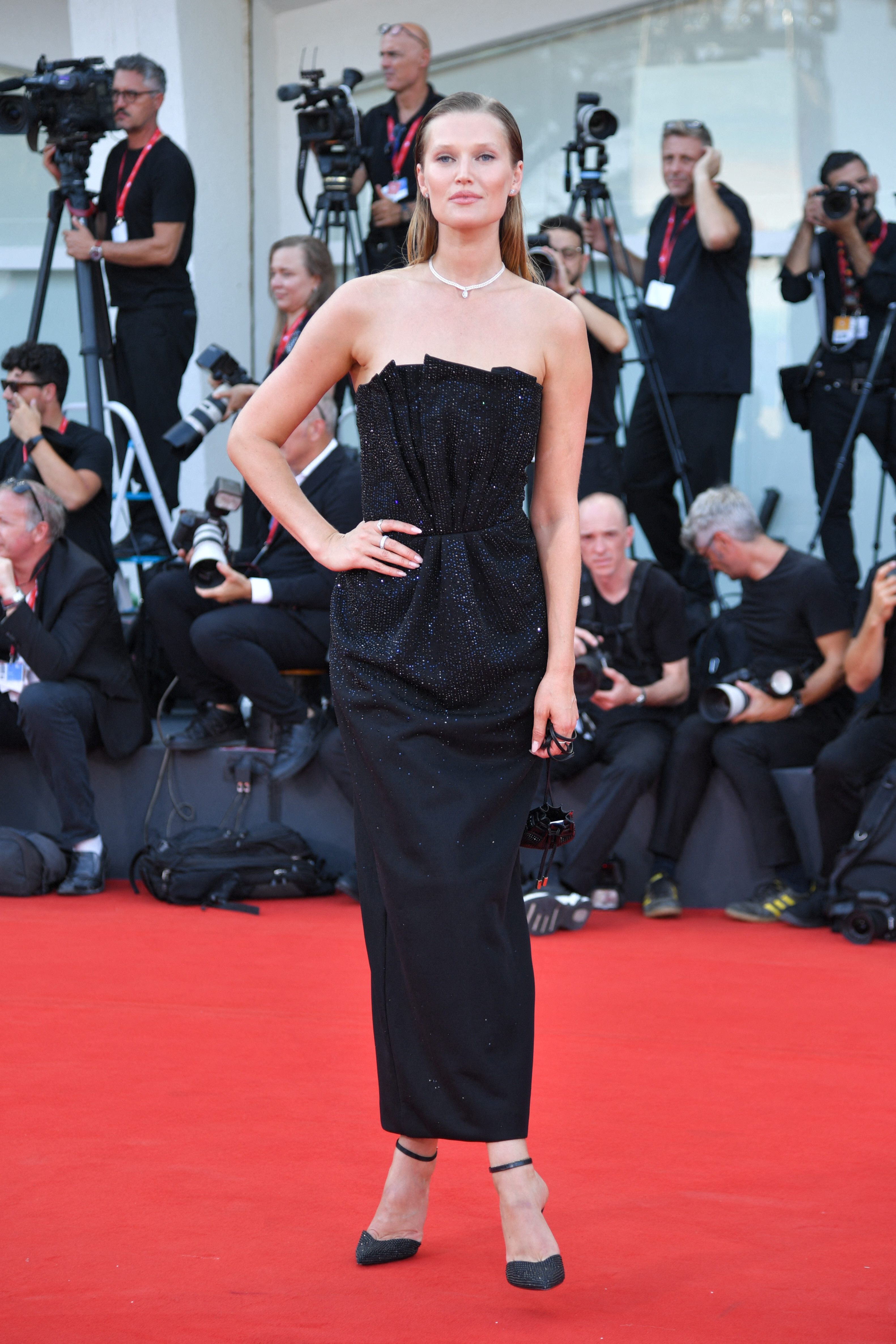
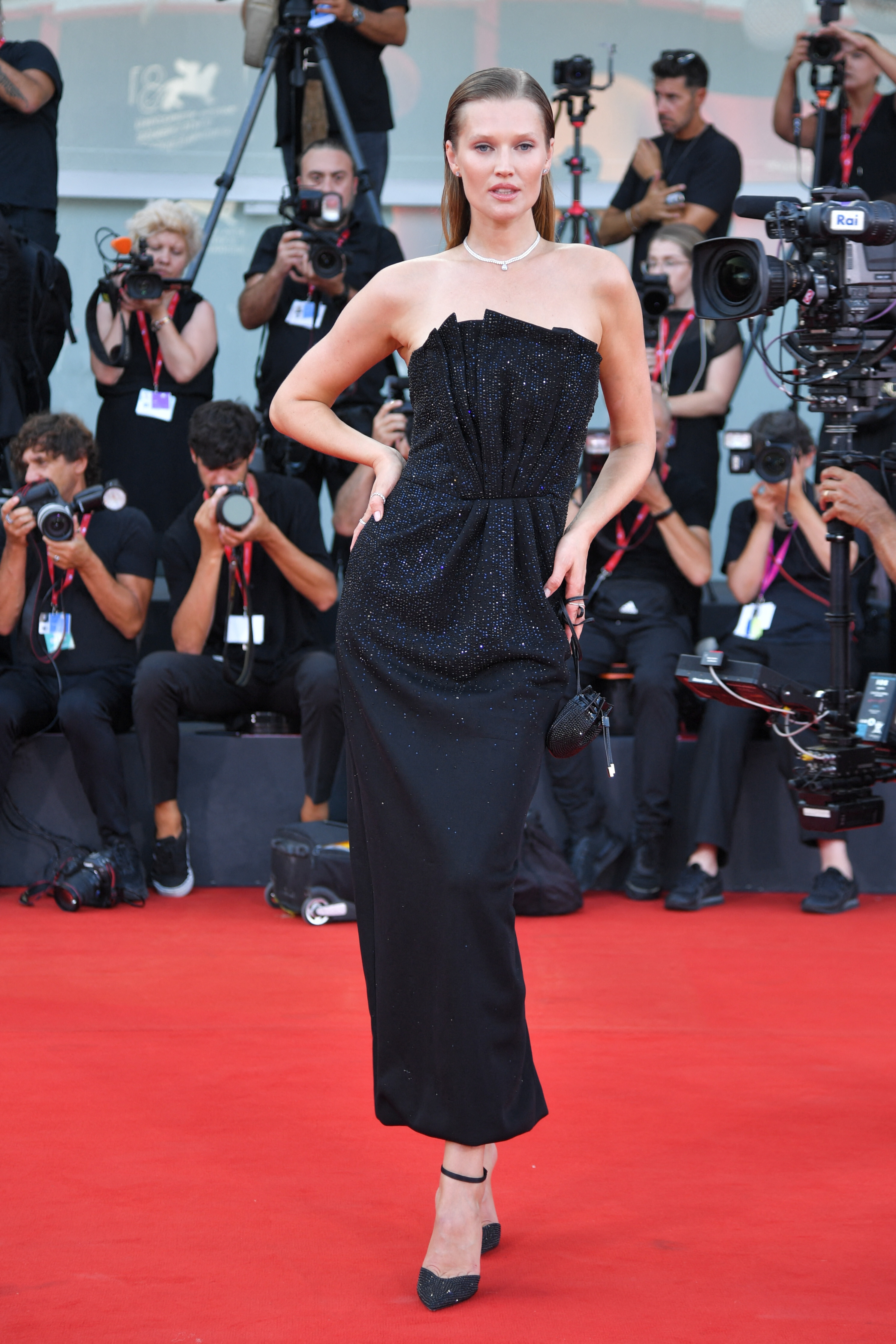
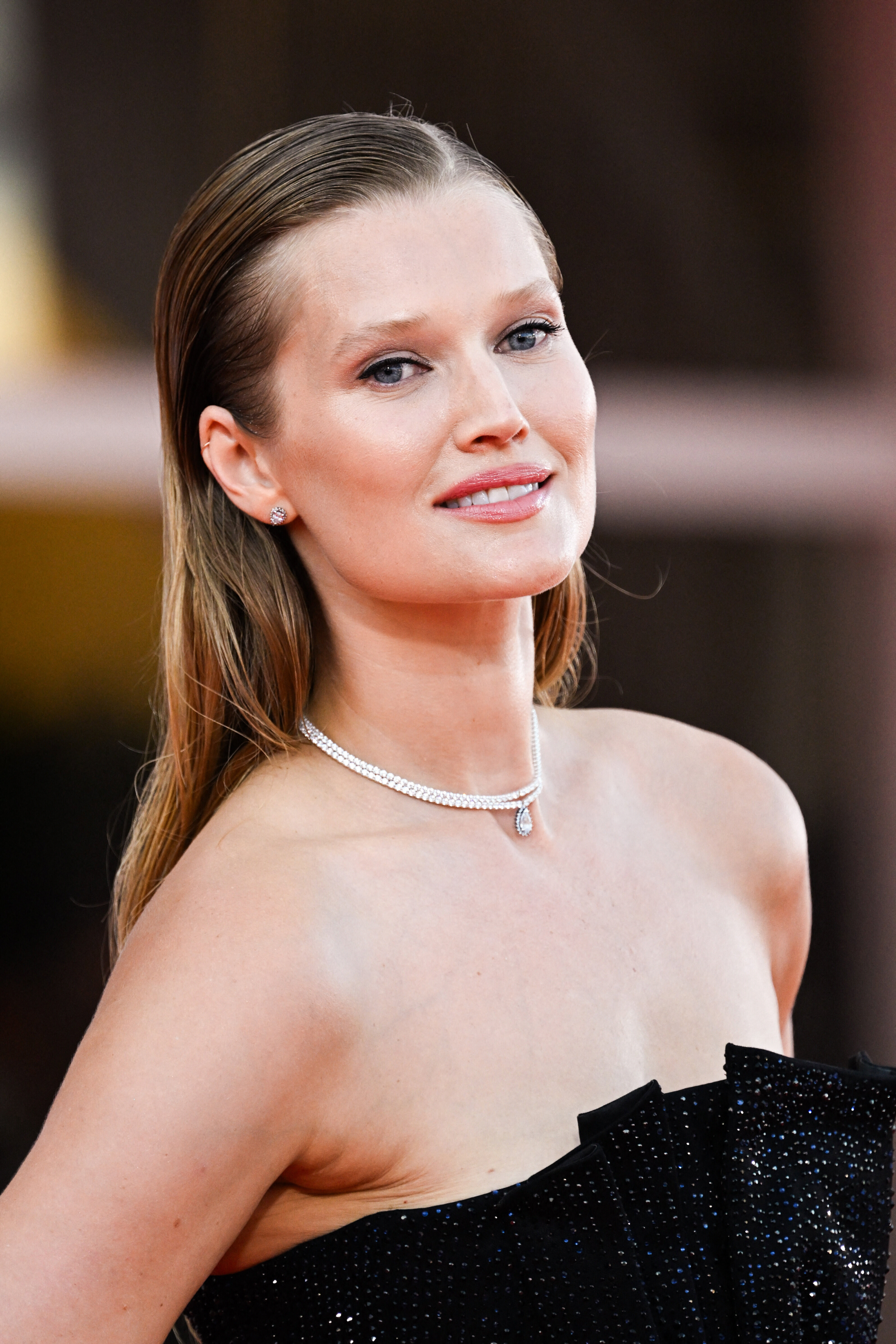
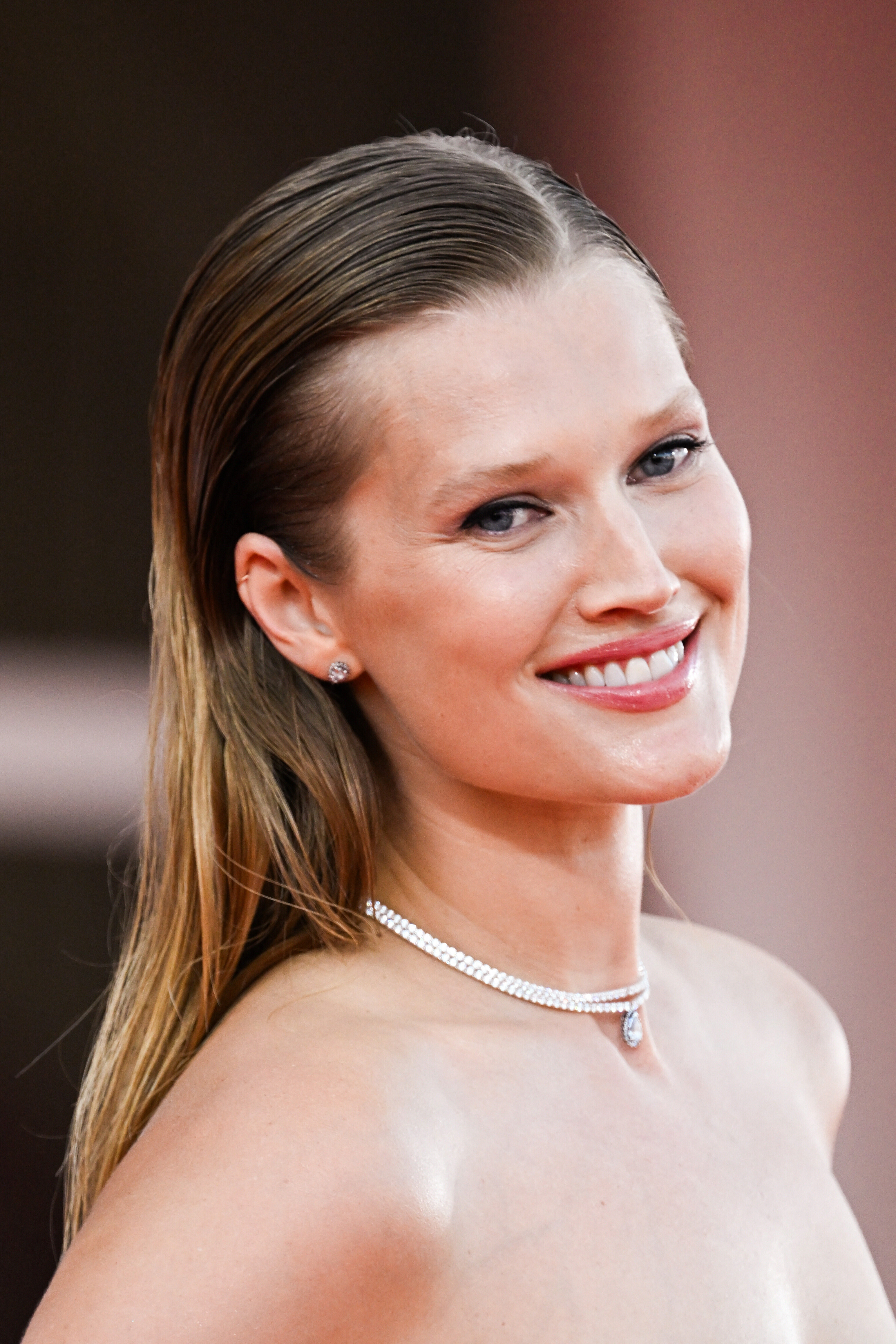

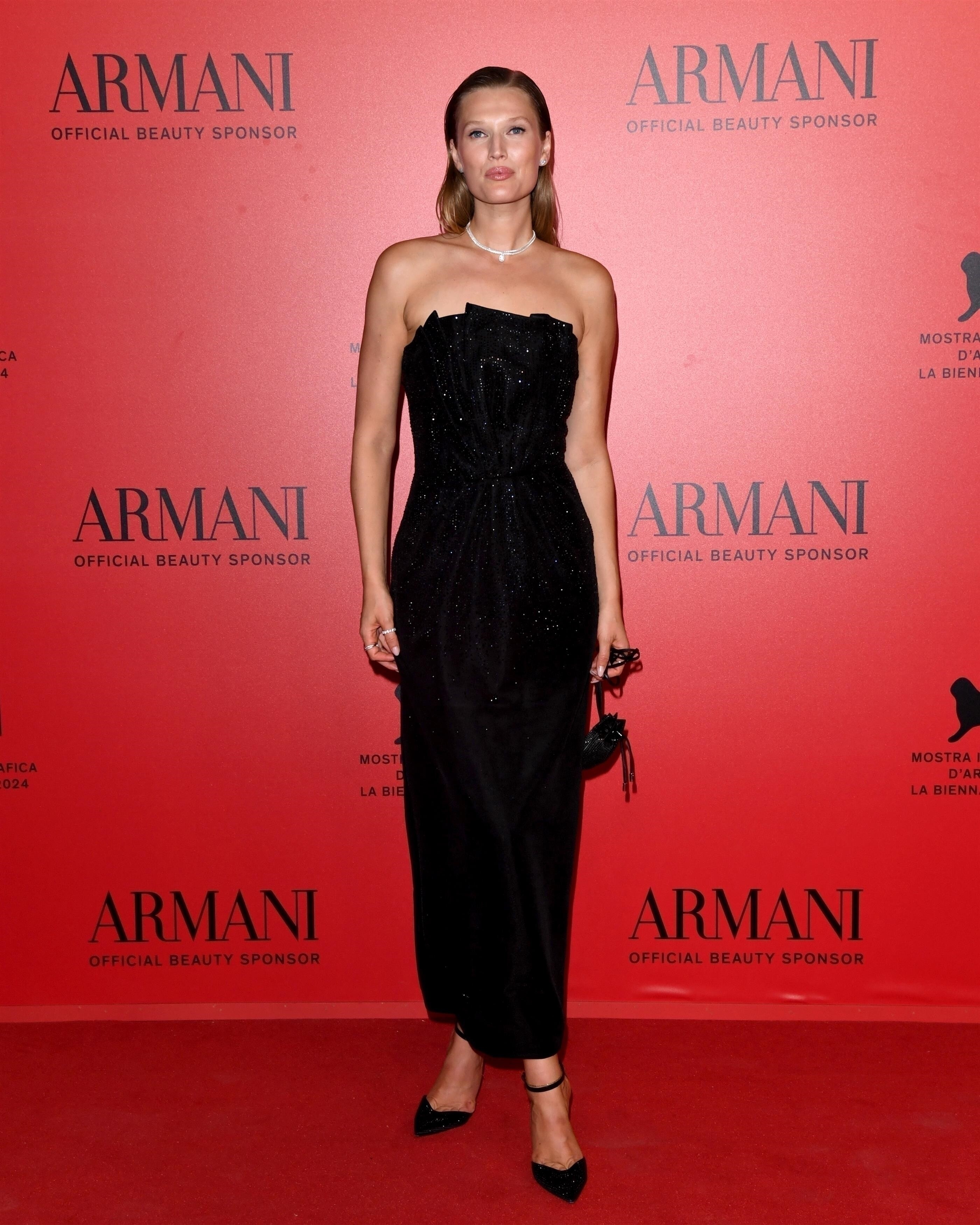
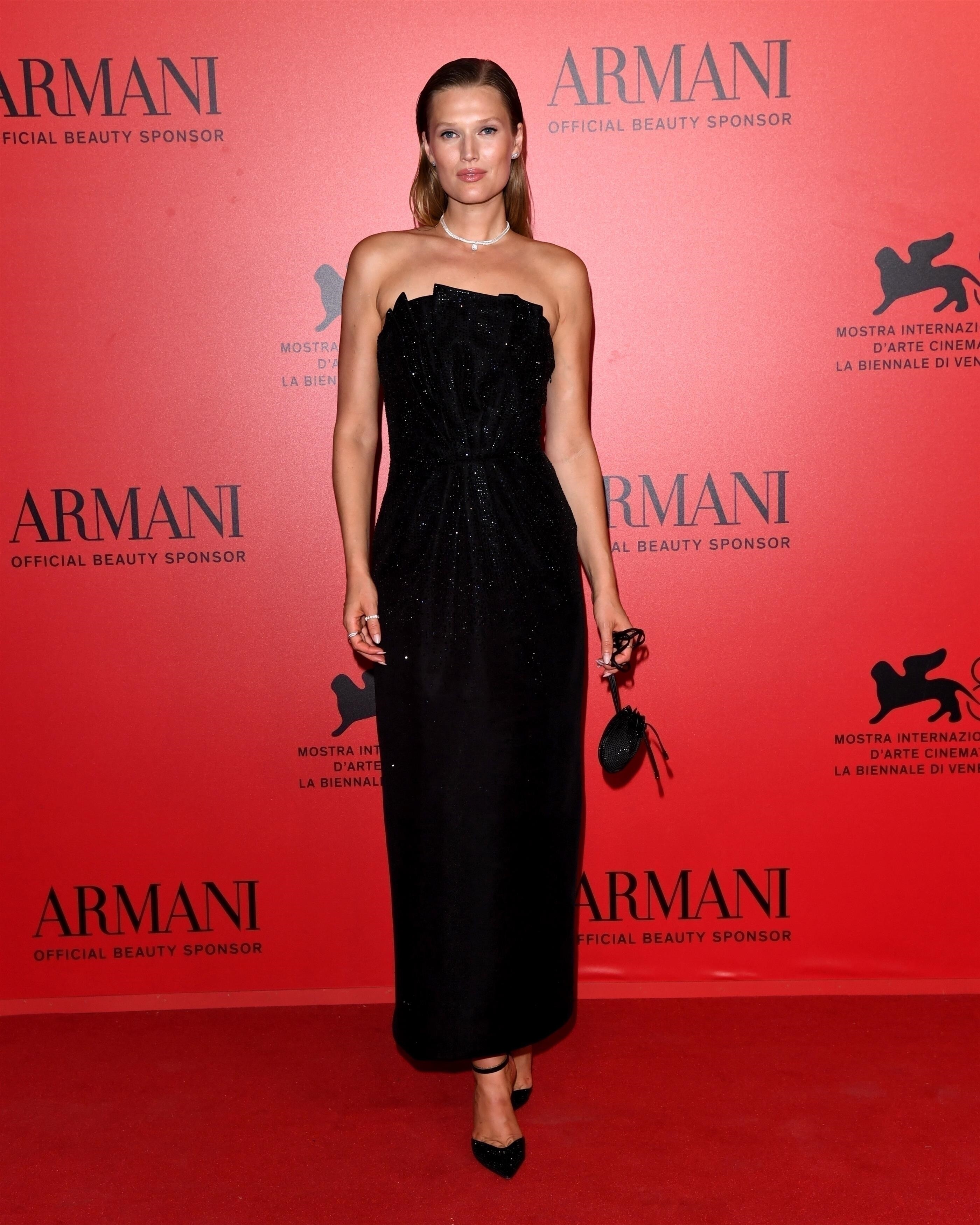
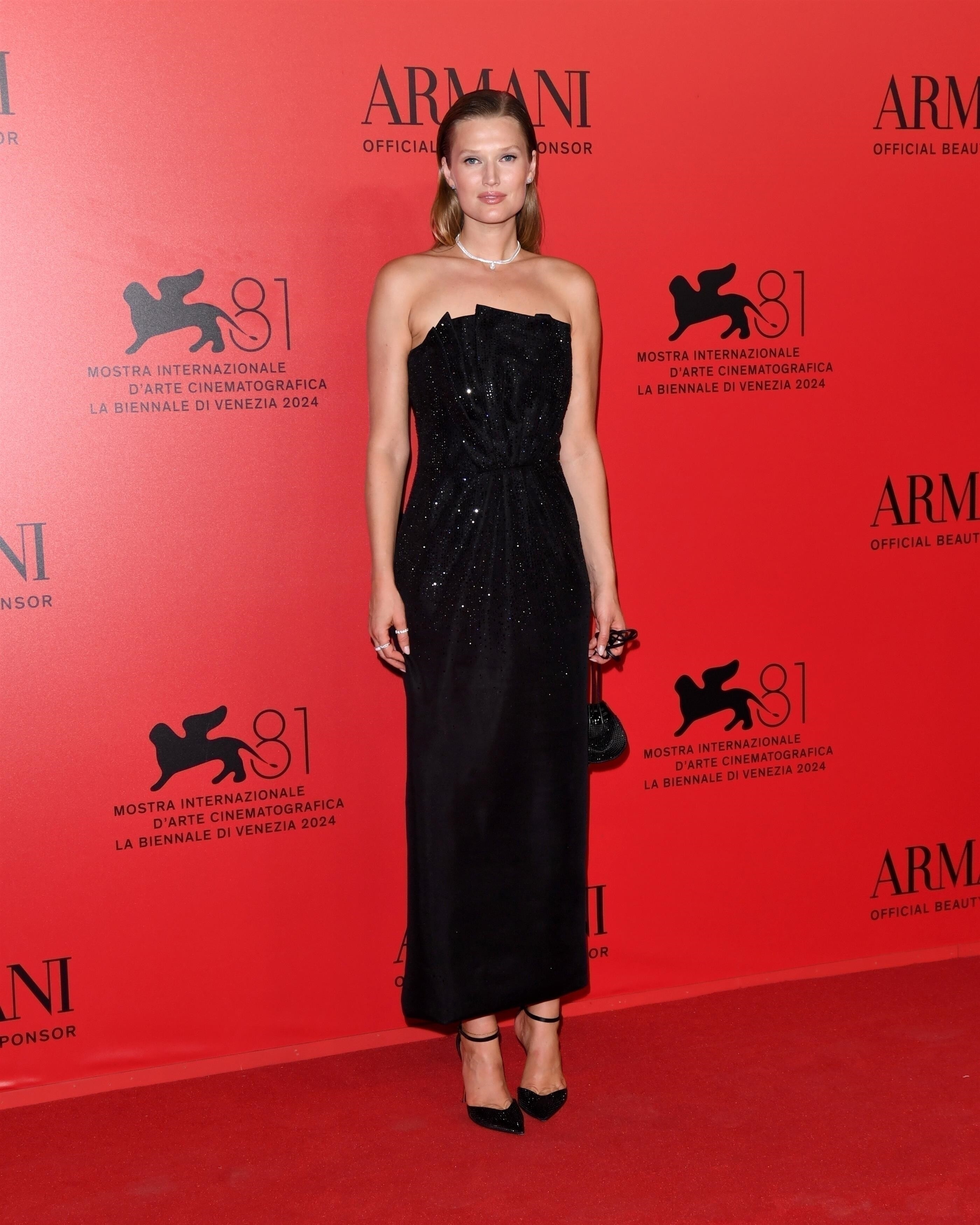

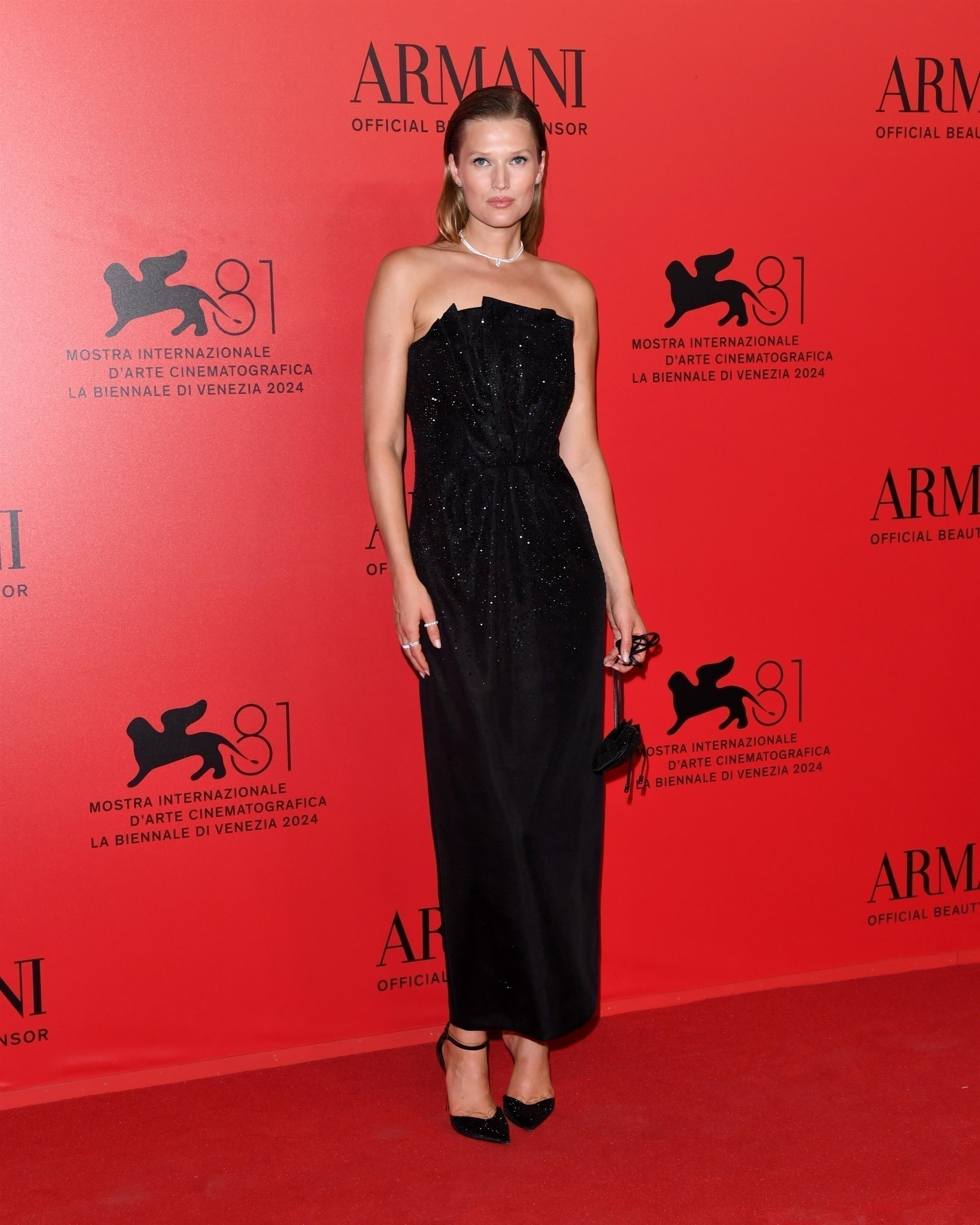
Account
Navigation
Search
Configure browser push notifications
Chrome (Android)
- Tap the lock icon next to the address bar.
- Tap Permissions → Notifications.
- Adjust your preference.
Chrome (Desktop)
- Click the padlock icon in the address bar.
- Select Site settings.
- Find Notifications and adjust your preference.
Safari (iOS 16.4+)
- Ensure the site is installed via Add to Home Screen.
- Open Settings App → Notifications.
- Find your app name and adjust your preference.
Safari (macOS)
- Go to Safari → Preferences.
- Click the Websites tab.
- Select Notifications in the sidebar.
- Find this website and adjust your preference.
Edge (Android)
- Tap the lock icon next to the address bar.
- Tap Permissions.
- Find Notifications and adjust your preference.
Edge (Desktop)
- Click the padlock icon in the address bar.
- Click Permissions for this site.
- Find Notifications and adjust your preference.
Firefox (Android)
- Go to Settings → Site permissions.
- Tap Notifications.
- Find this site in the list and adjust your preference.
Firefox (Desktop)
- Open Firefox Settings.
- Search for Notifications.
- Find this site in the list and adjust your preference.