-
Image hidden for guestsSign in to viewImage hidden for guestsSign in to viewImage hidden for guestsSign in to viewhttp://www.vogue.ua/podium/larisa-lobanova4357.html






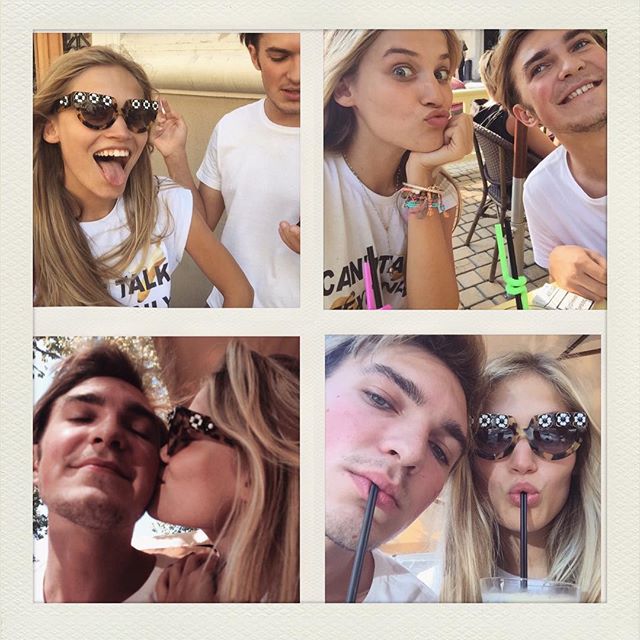
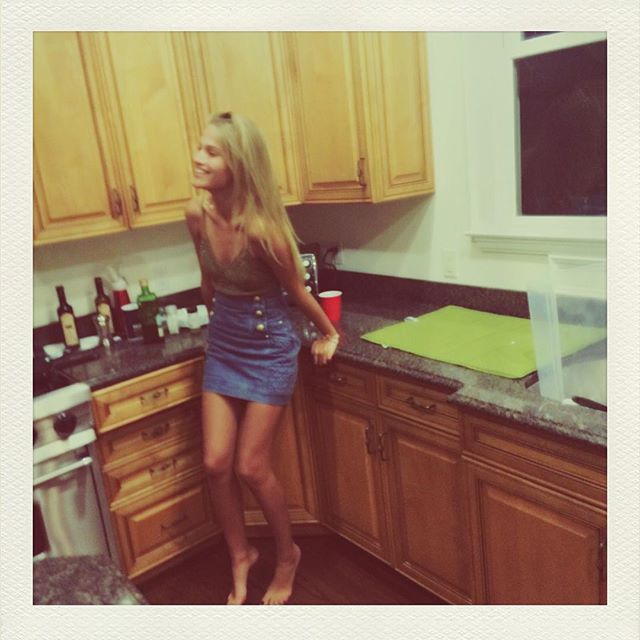
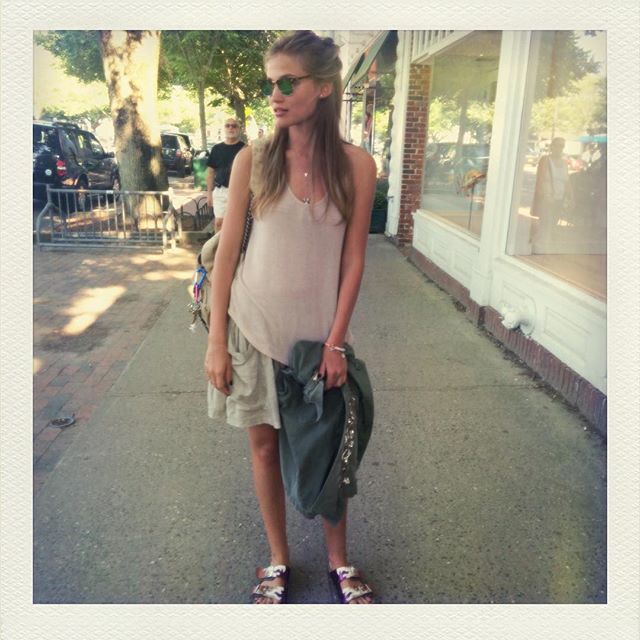
 Image hidden for guestsSign in to viewImage hidden for guestsSign in to viewImage hidden for guestsSign in to viewInstagram


 Image hidden for guestsSign in to viewShopping Mueller Campaign for Father's Day in Brazil. July 2015
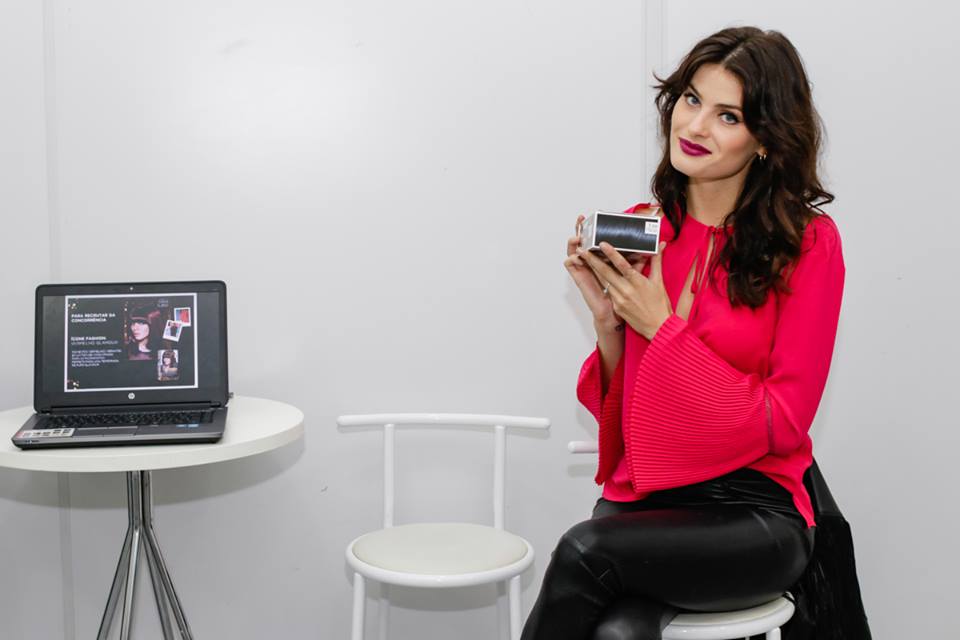
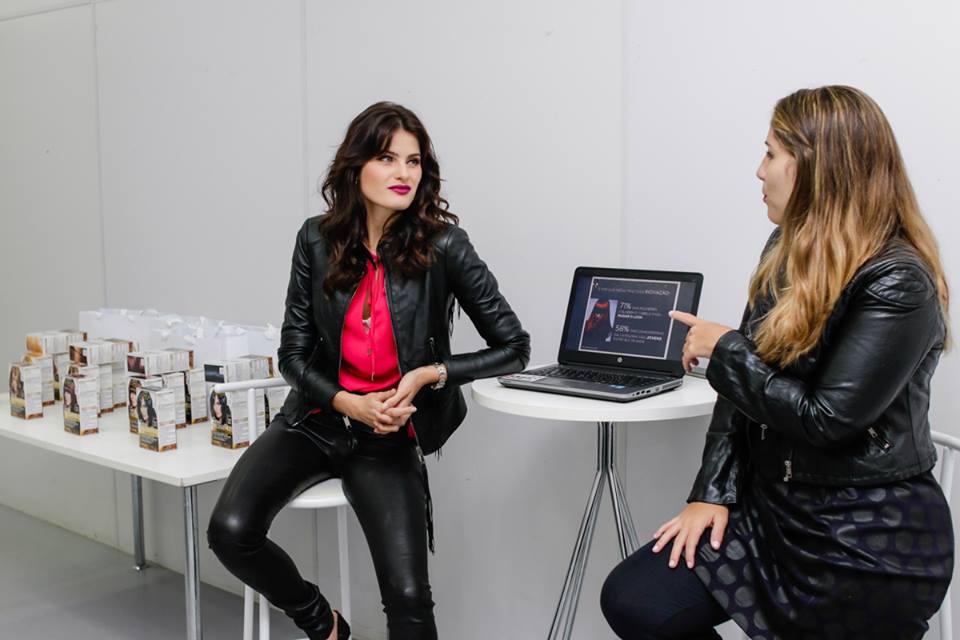
 Image hidden for guestsSign in to viewPorto Alegre - Rio Grande do Sul - Brazil Event L`Oréal Paris - July 13, 2015

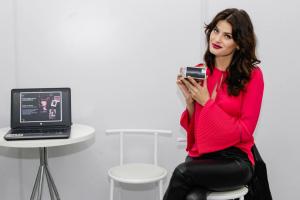



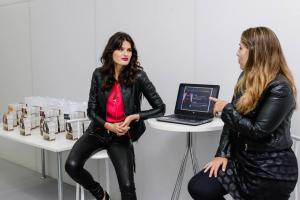


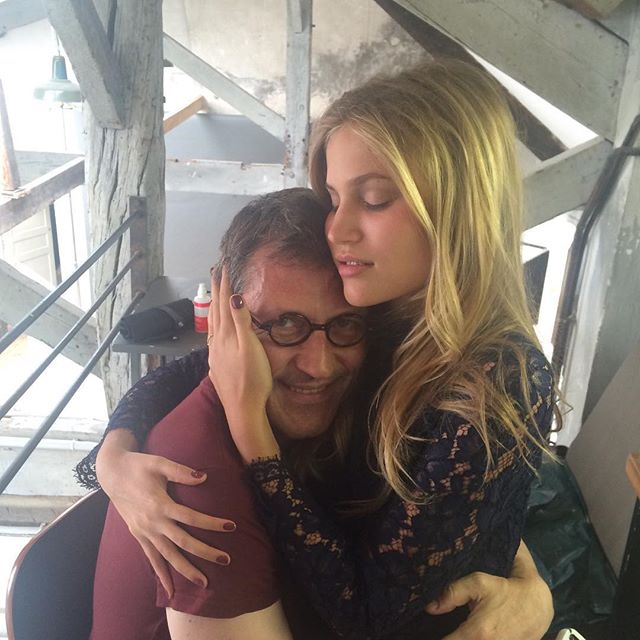
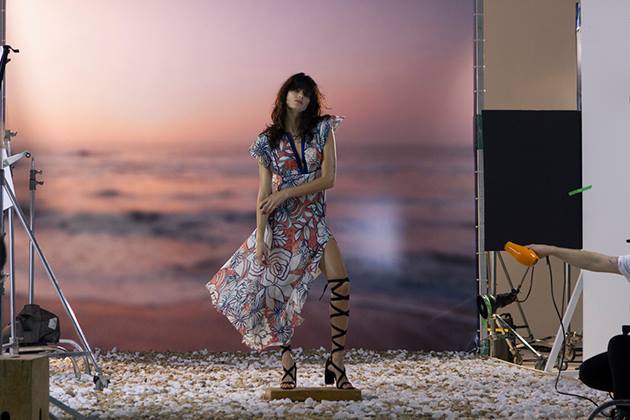
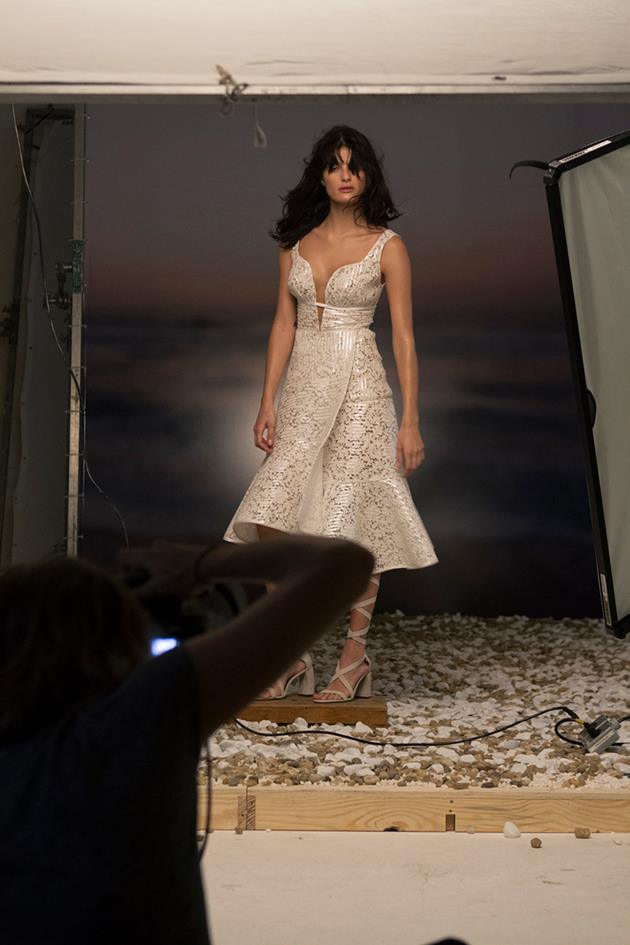
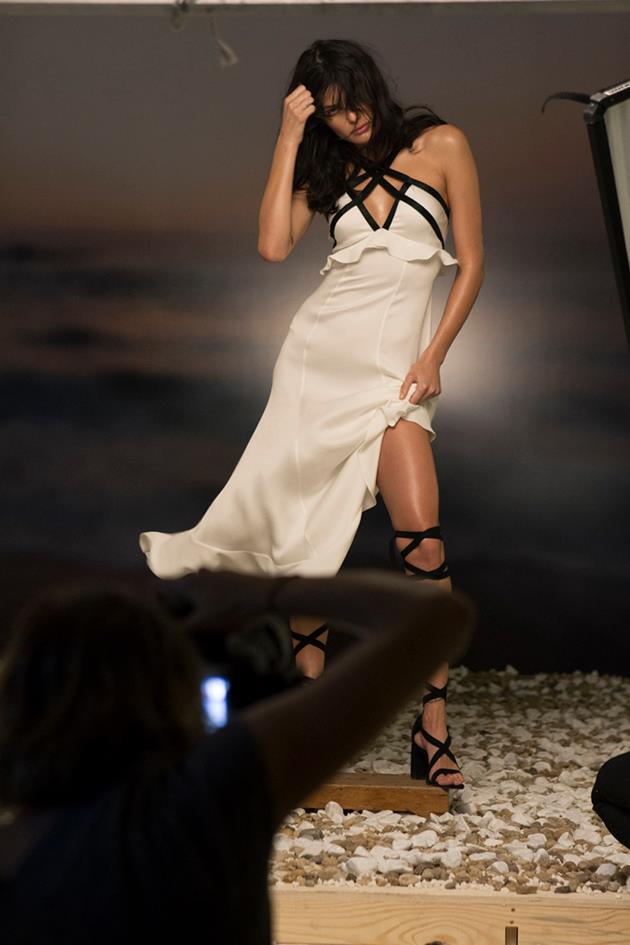
 Image hidden for guestsSign in to viewParis Haute Couture Winter 2016 Giorgio Armani Privé Couture Fall Winter 2015 Fashion Show in Pari Georges Hobeika Fashion Show, Couture Collection Fall Winter 2015 in Pari Ralph & Russo Fashion Show, Couture Collection Fall Winter 2015 Zuhair Murad Fall 2015Image hidden for guestsSign in to viewTufi Duek Summer/2016 Making Of (Nicole Heringer)
























Account
Navigation
Search
Configure browser push notifications
Chrome (Android)
- Tap the lock icon next to the address bar.
- Tap Permissions → Notifications.
- Adjust your preference.
Chrome (Desktop)
- Click the padlock icon in the address bar.
- Select Site settings.
- Find Notifications and adjust your preference.
Safari (iOS 16.4+)
- Ensure the site is installed via Add to Home Screen.
- Open Settings App → Notifications.
- Find your app name and adjust your preference.
Safari (macOS)
- Go to Safari → Preferences.
- Click the Websites tab.
- Select Notifications in the sidebar.
- Find this website and adjust your preference.
Edge (Android)
- Tap the lock icon next to the address bar.
- Tap Permissions.
- Find Notifications and adjust your preference.
Edge (Desktop)
- Click the padlock icon in the address bar.
- Click Permissions for this site.
- Find Notifications and adjust your preference.
Firefox (Android)
- Go to Settings → Site permissions.
- Tap Notifications.
- Find this site in the list and adjust your preference.
Firefox (Desktop)
- Open Firefox Settings.
- Search for Notifications.
- Find this site in the list and adjust your preference.