Skip to content
View in the app

A better way to browse. Learn more.

Bellazon

A full-screen app on your home screen with push notifications, badges and more.

To install this app on iOS and iPadOS
  1. Tap the Share icon in Safari
  2. Scroll the menu and tap Add to Home Screen.
  3. Tap Add in the top-right corner.
To install this app on Android
  1. Tap the 3-dot menu (⋮) in the top-right corner of the browser.
  2. Tap Add to Home screen or Install app.
  3. Confirm by tapping Install.

jet3

Members
  • Joined

  • Last visited

Everything posted by jet3

  1. jet3 replied to a post in a topic in Female Fashion Models
    Heidi Klum America's Got Talent Season 9 Event in New York 06-08-2014
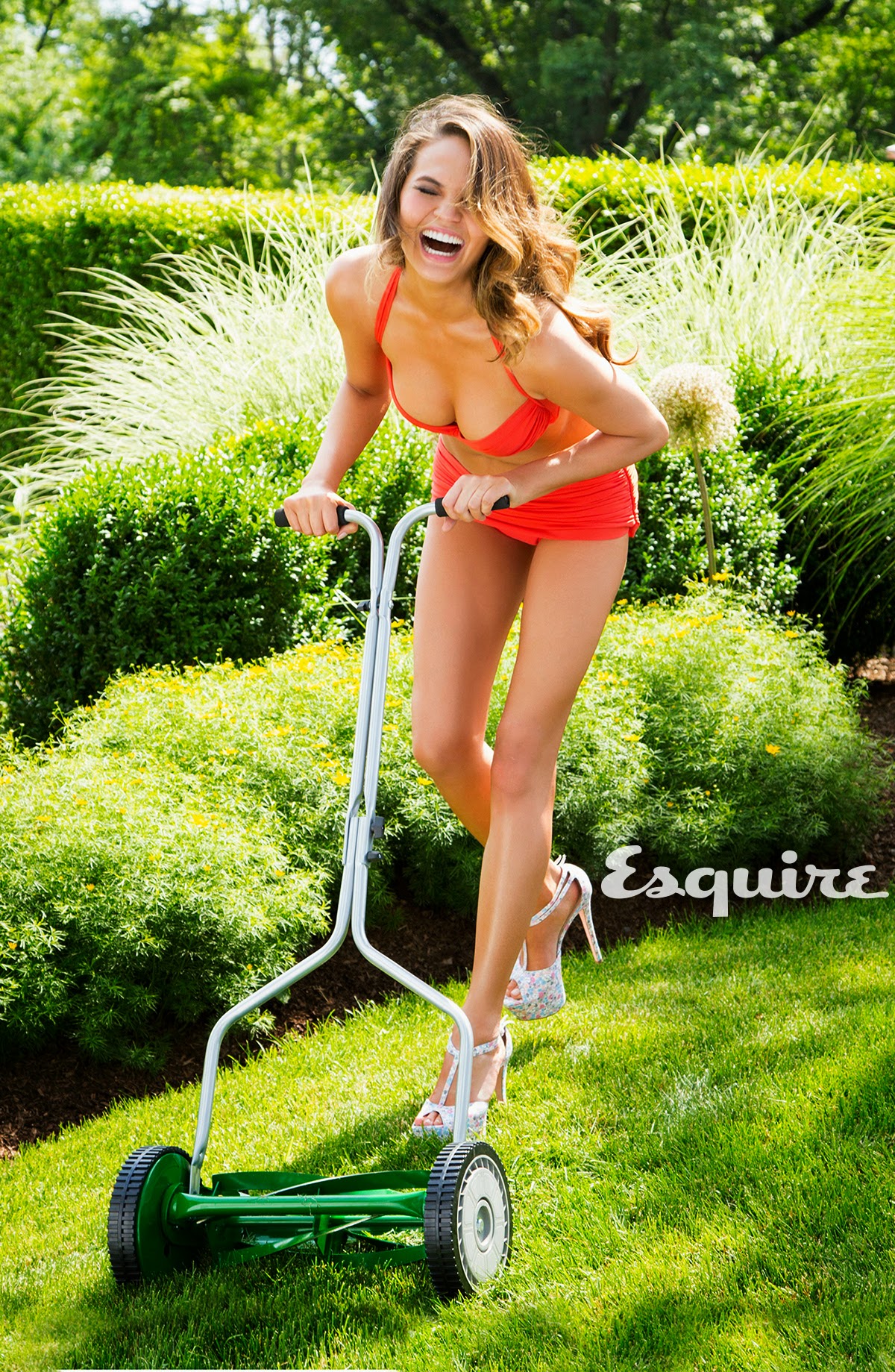
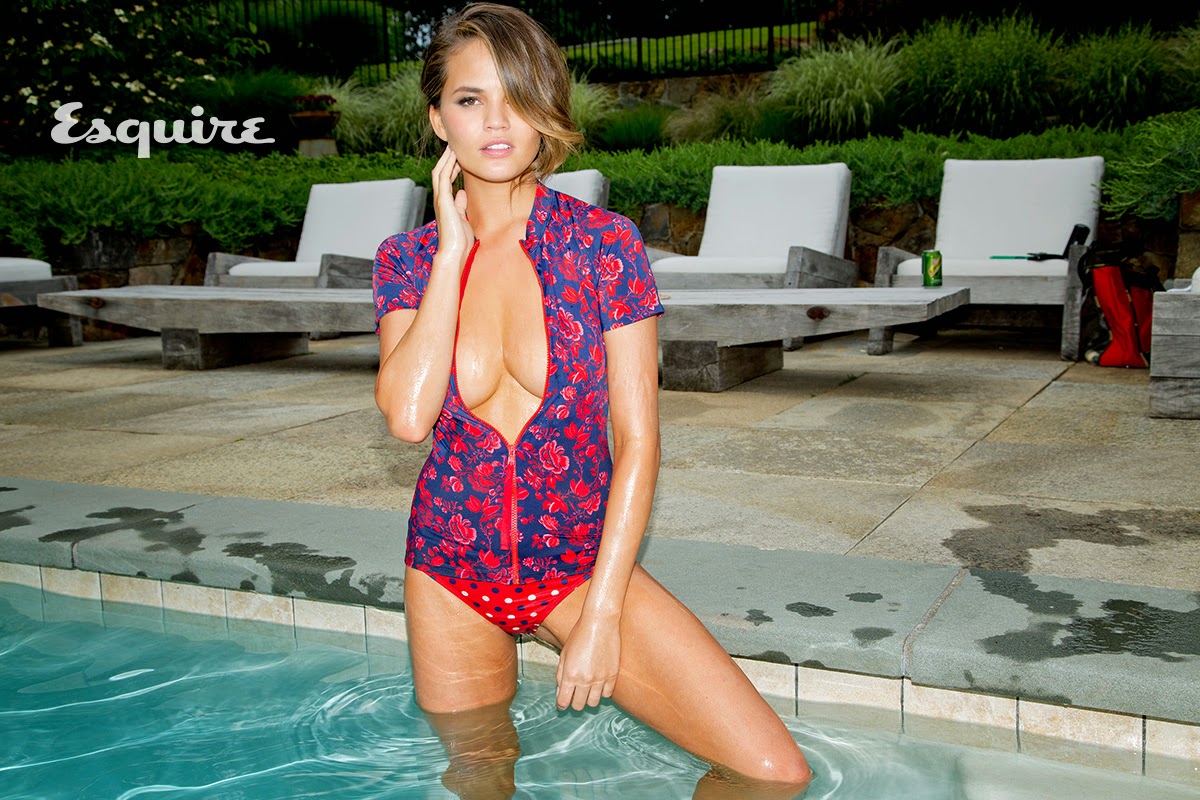
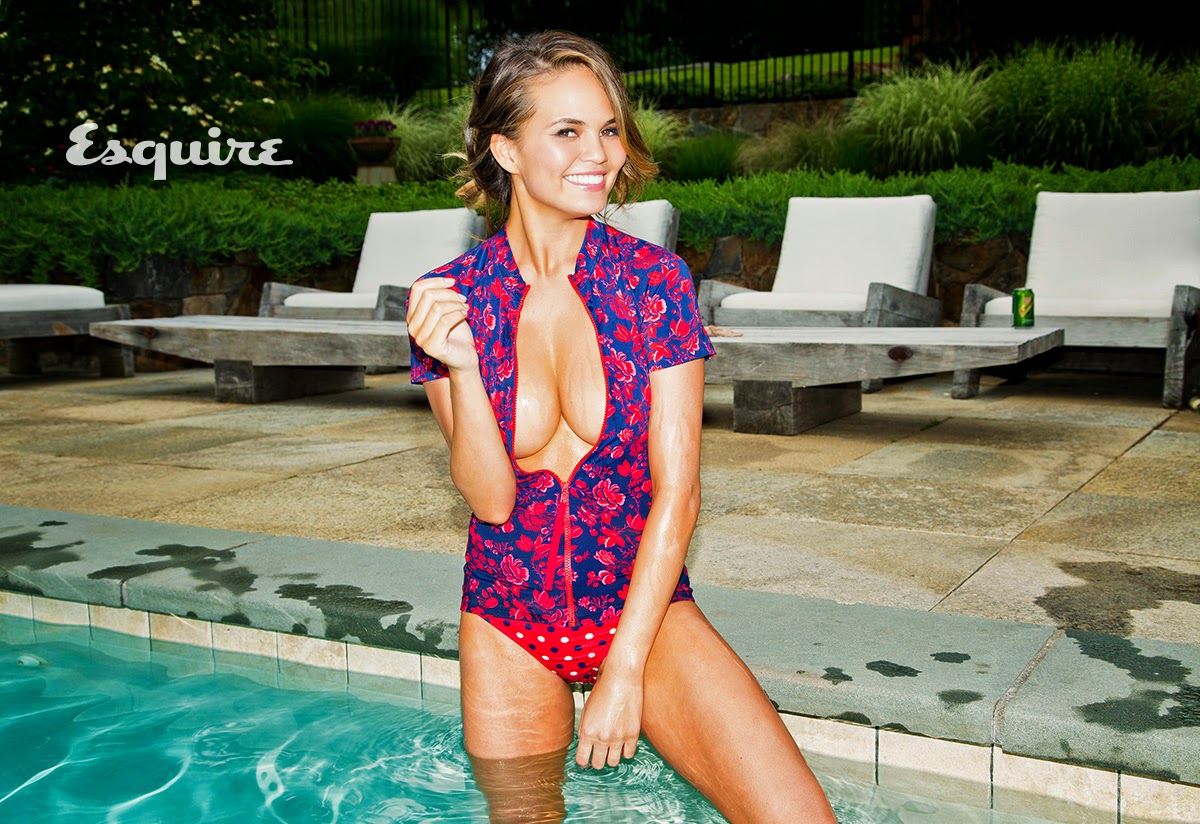
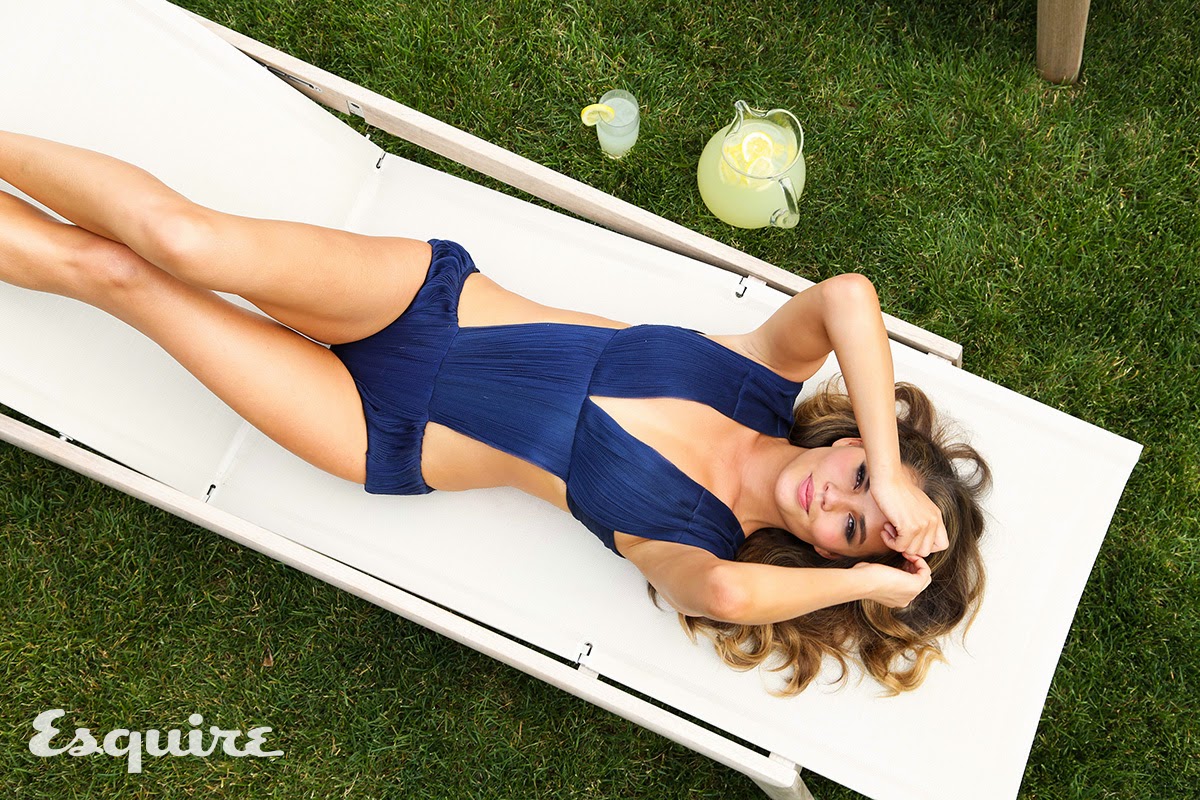
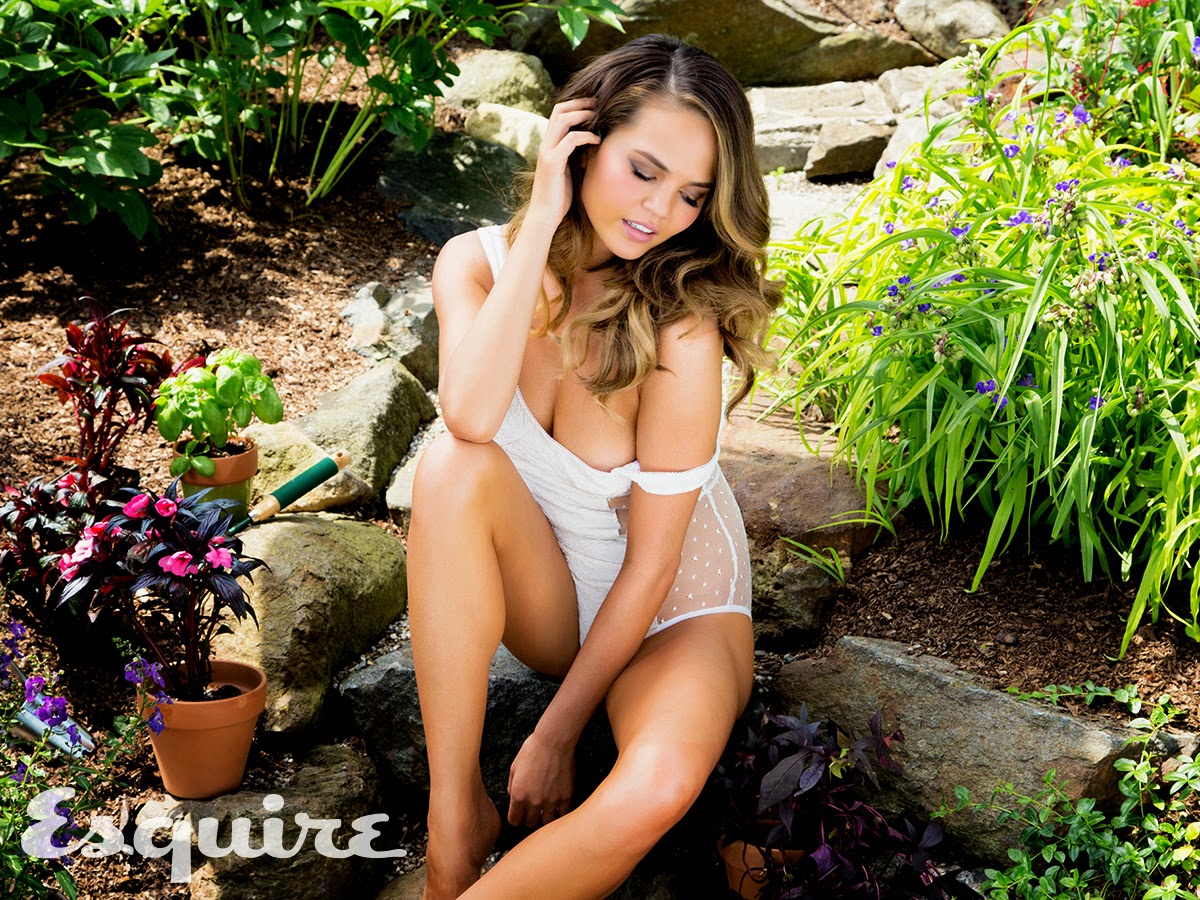
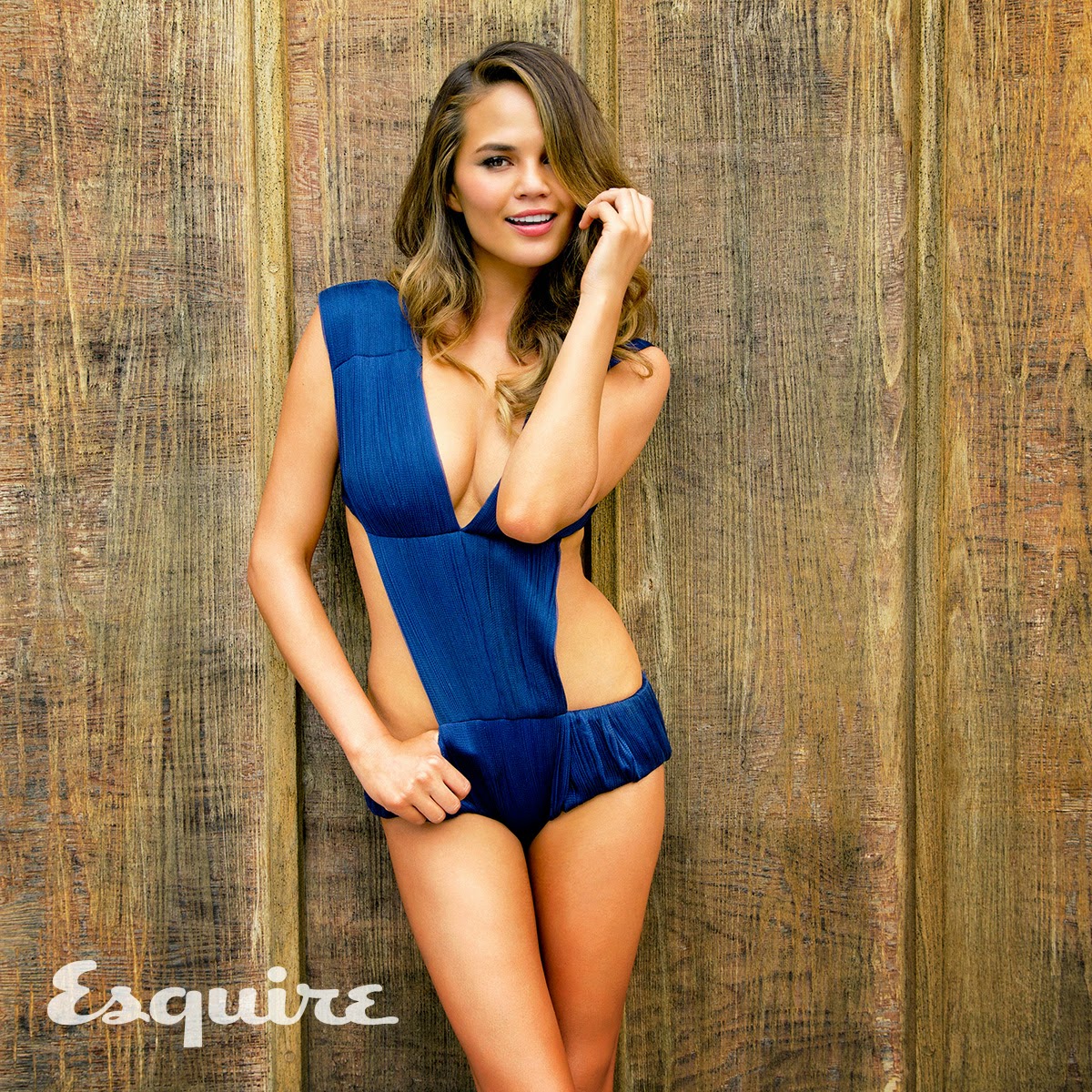
  2. Chrissy Teigen – Esquire magazine

  3. jet3 replied to sha's topic in Actresses
    Kristin Cavallari - out in West Hollywood 8/6/14
  4. jet3 replied to glassONION's topic in Actresses
    Selena Gomez Adidas NEO ps Autumn 2014
  5. jet3 replied to glassONION's topic in Actresses
    Selena Gomez Candids In Los Angeles
  6. jet3 replied to a post in a topic in Actresses
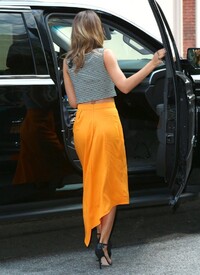
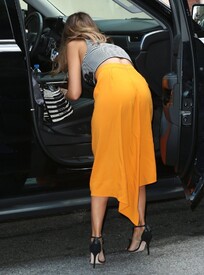
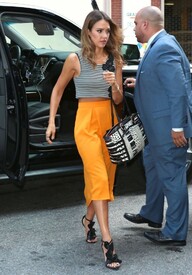
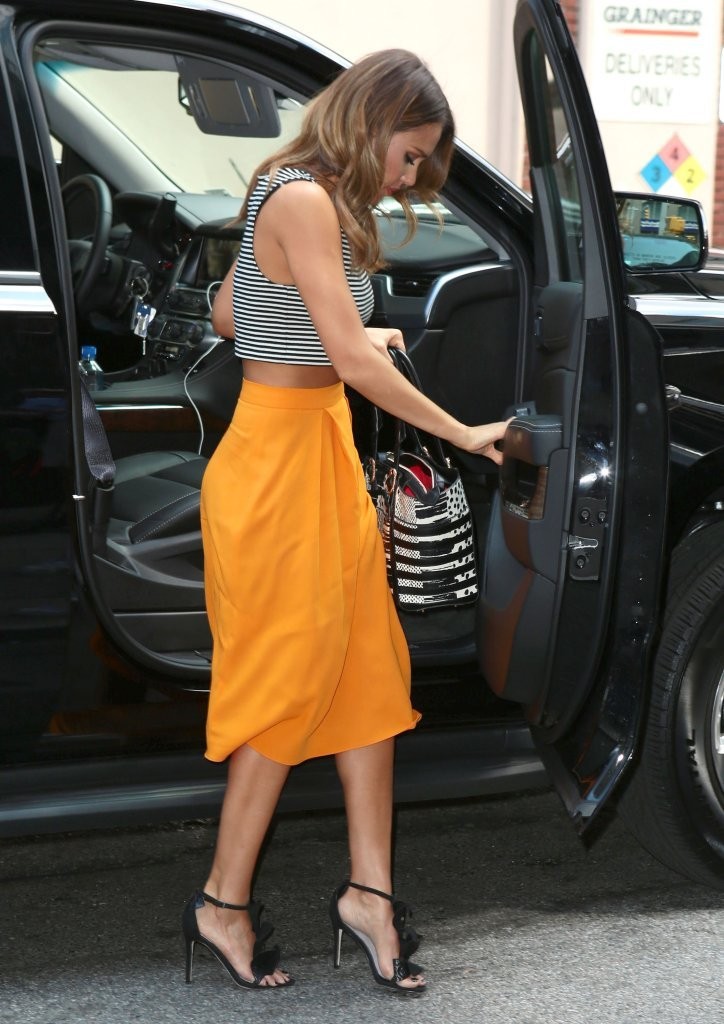
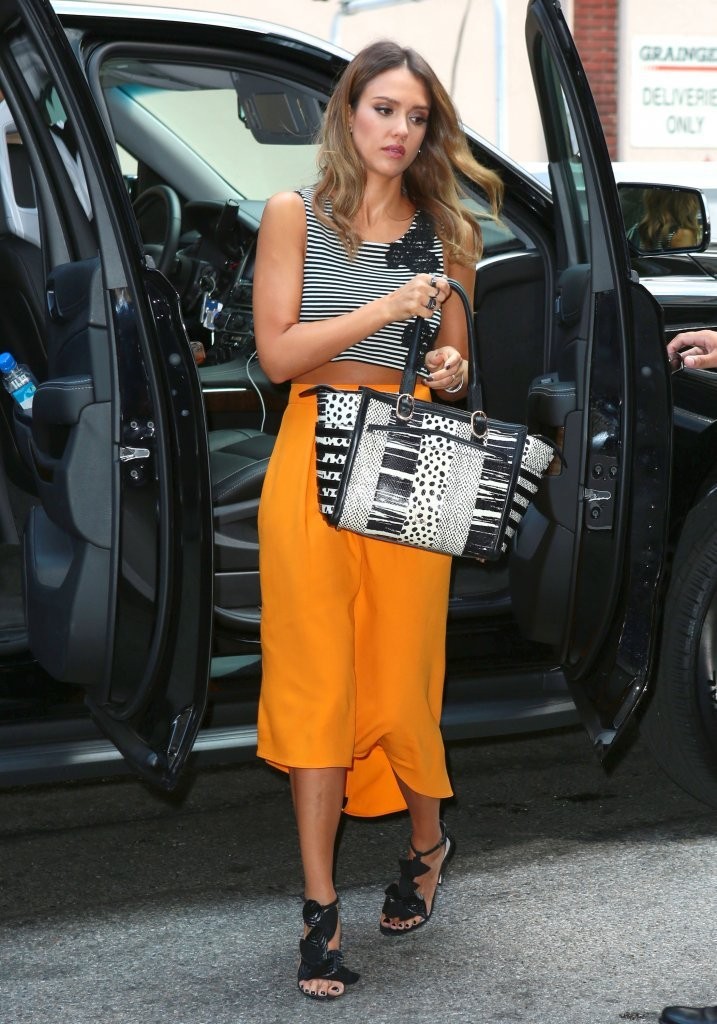
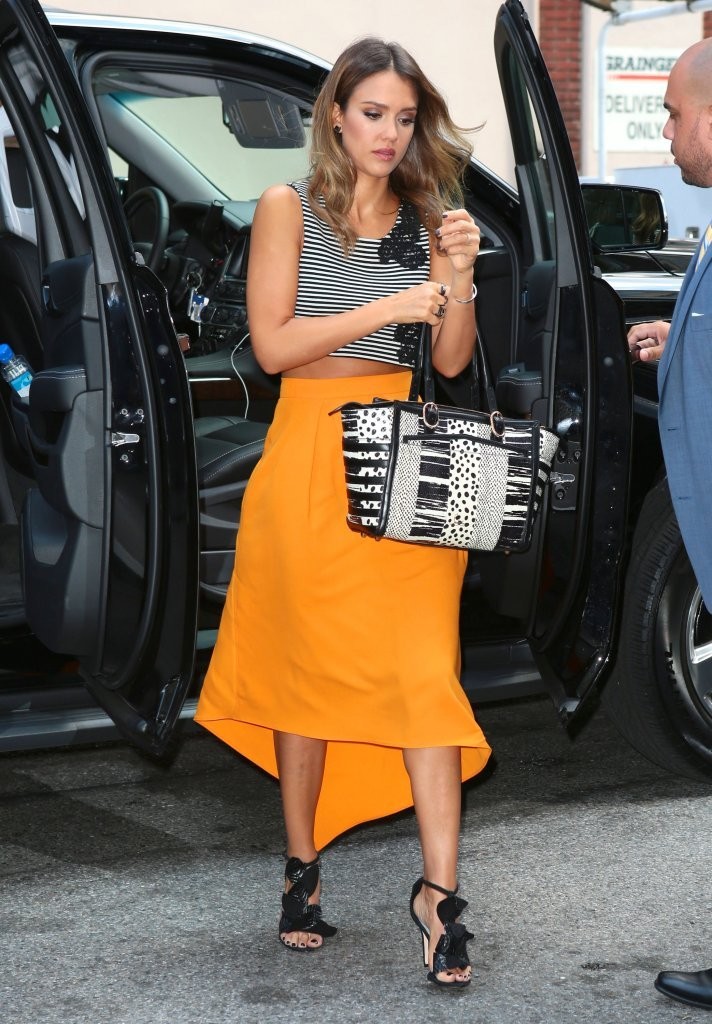
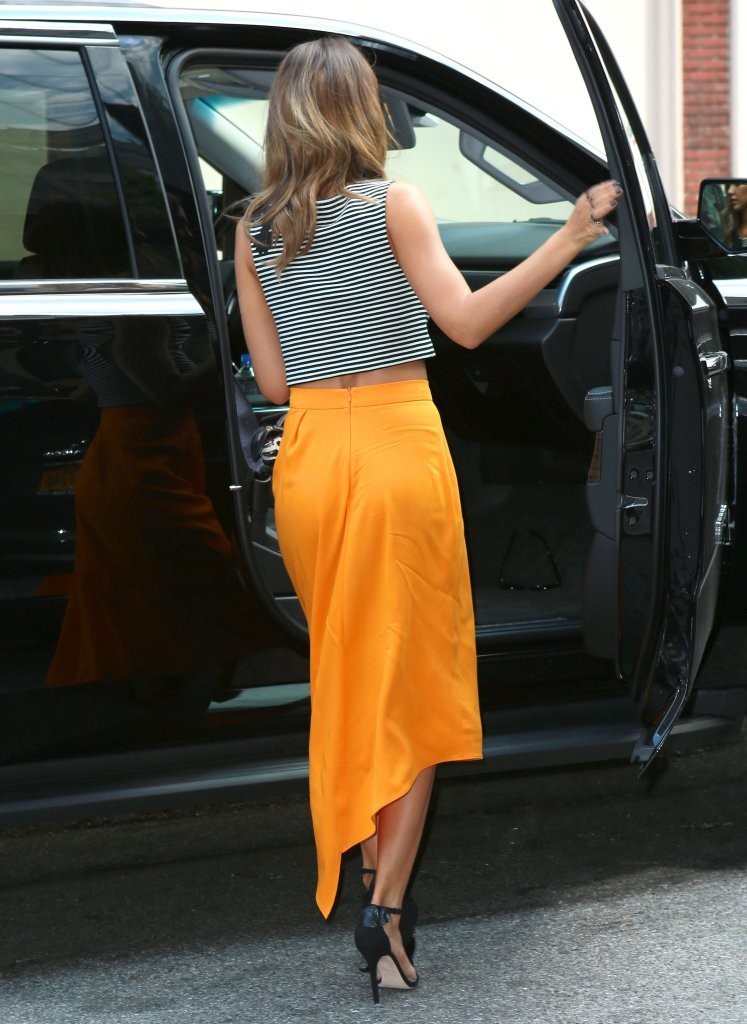
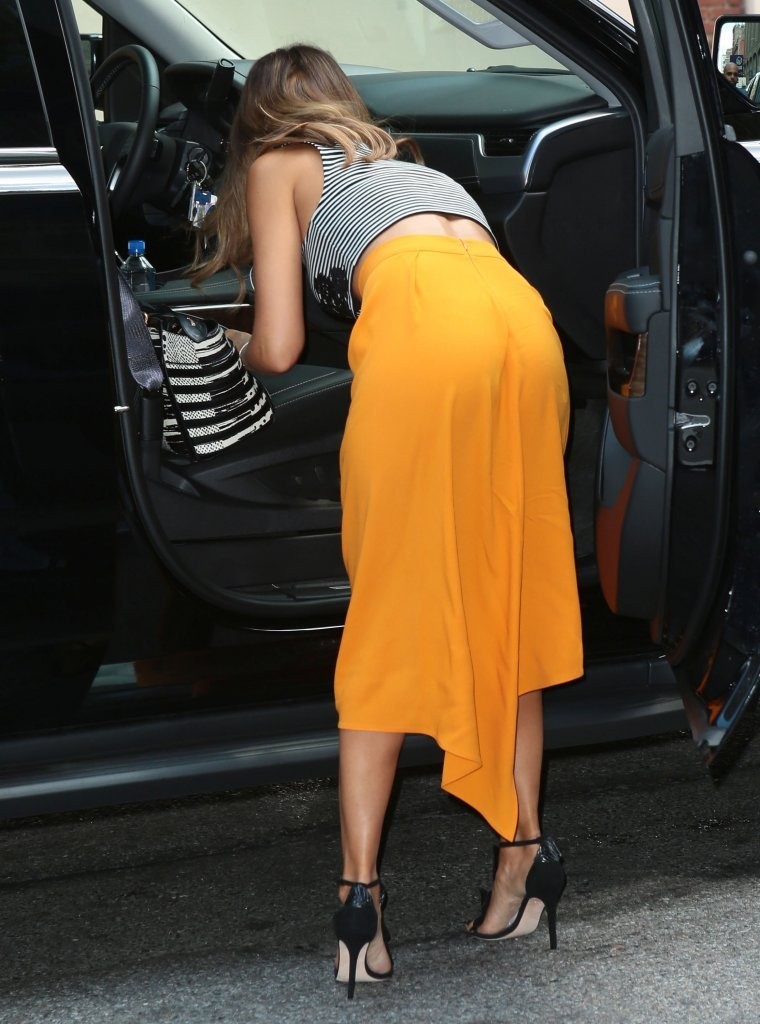
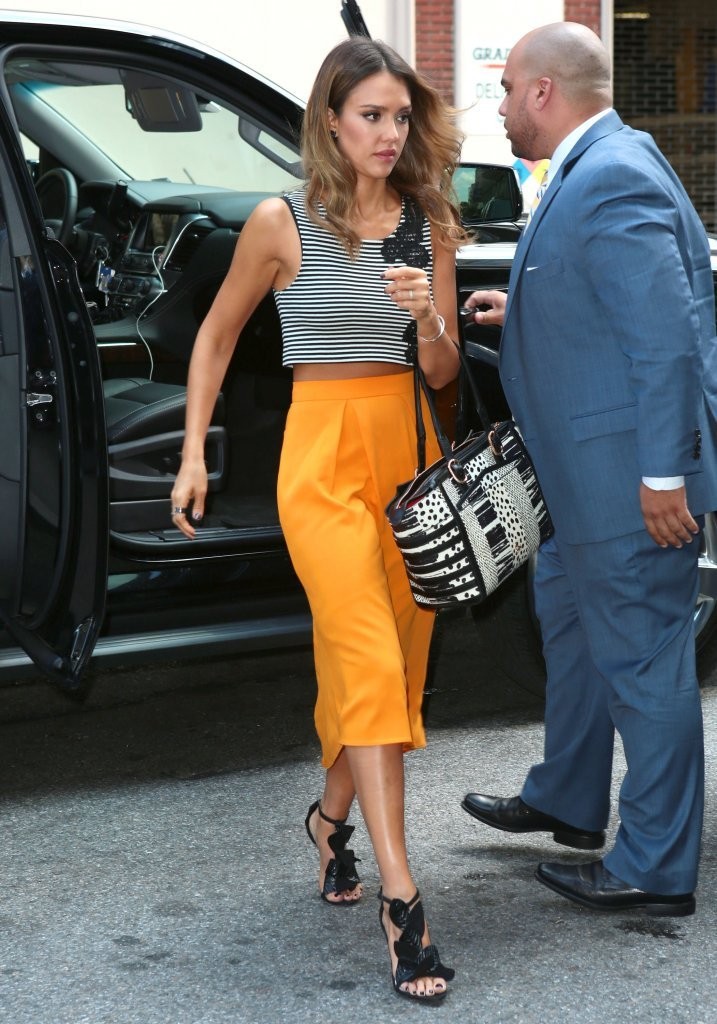
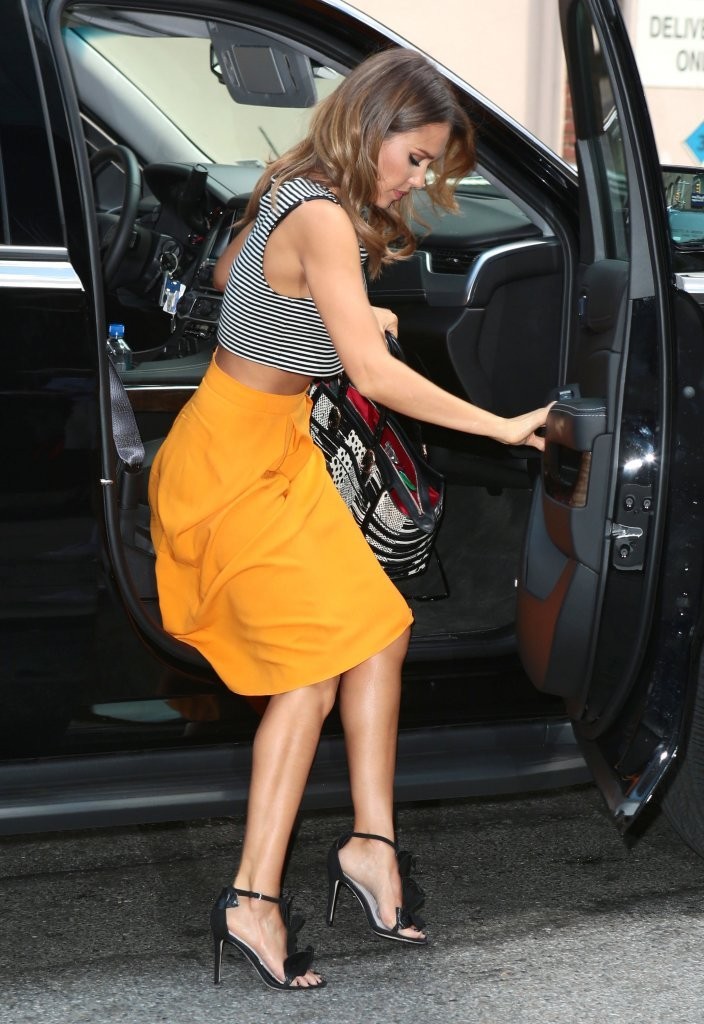
    Jessica Alba Out In Nyc /monthly_08_2014/post-86741-0-1593849853-9977_thumb.jpg" class="ipsImage ipsImage_thumbnailed" alt="JessicaAlba_8.jpg">
  7. jet3 replied to sarnic's topic in Actresses
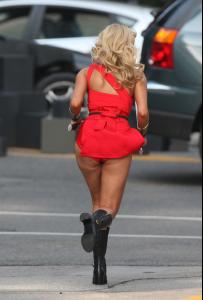
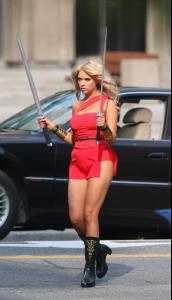
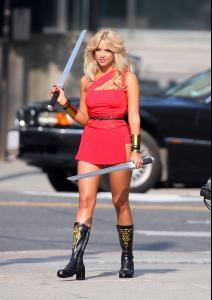
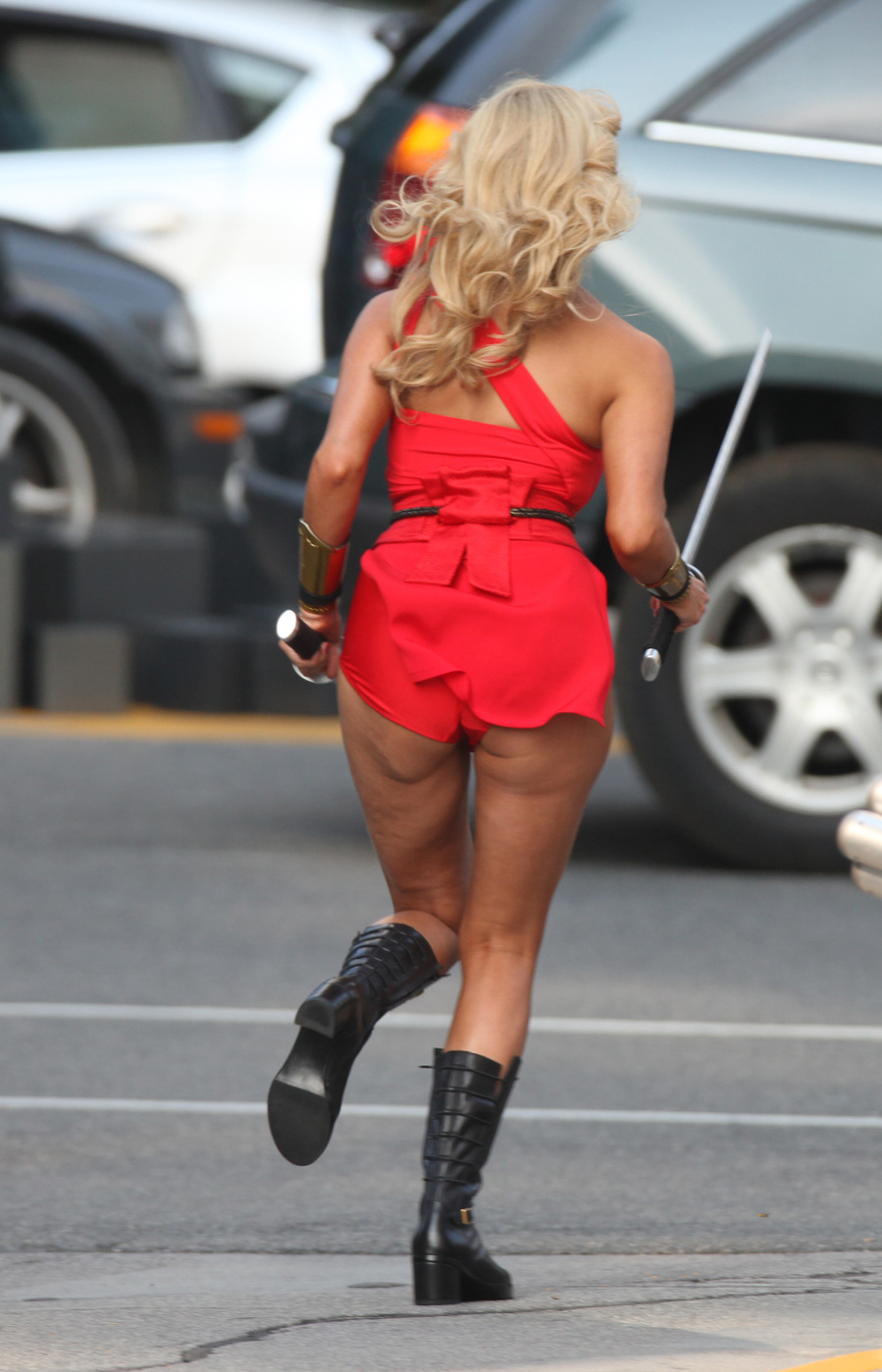
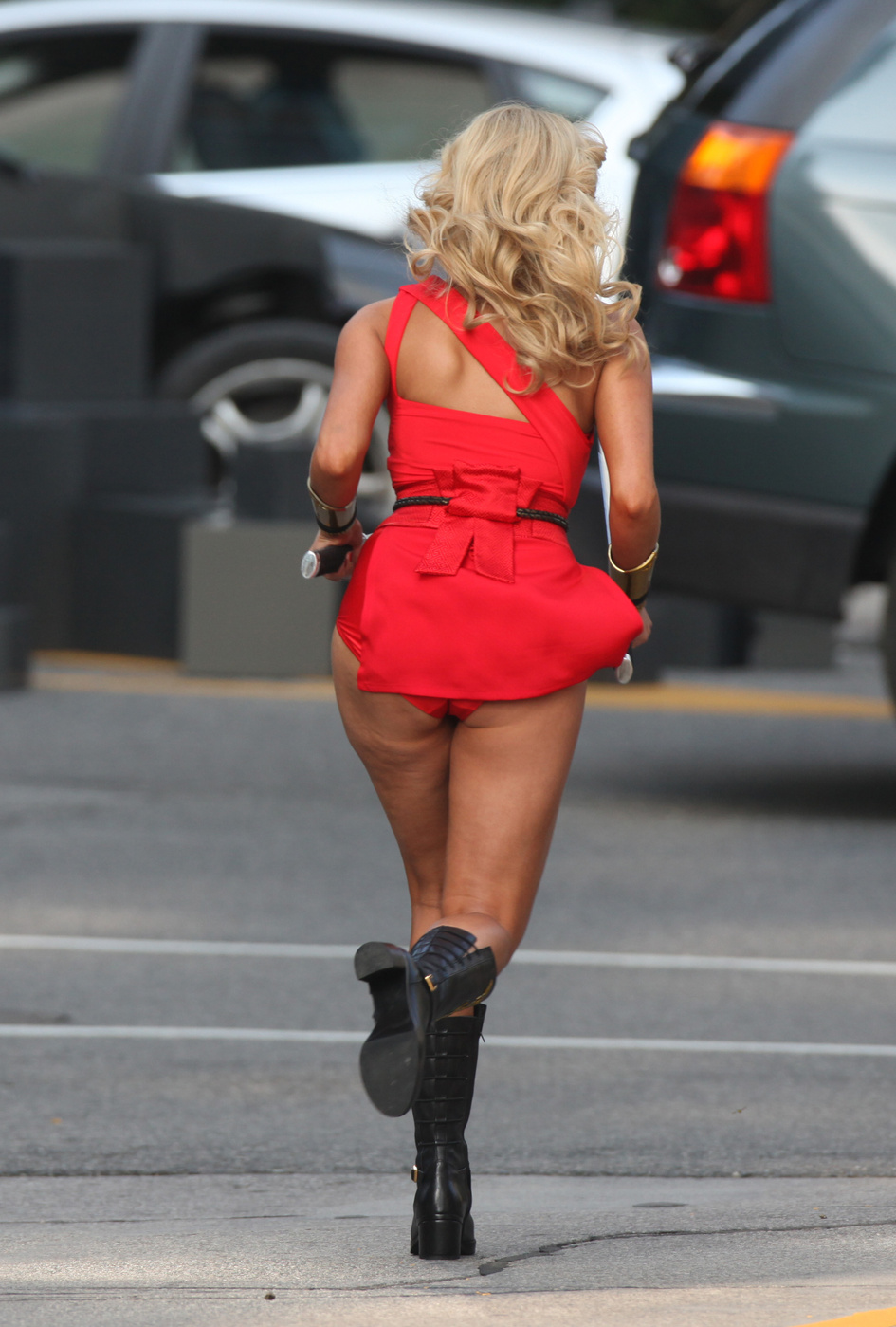
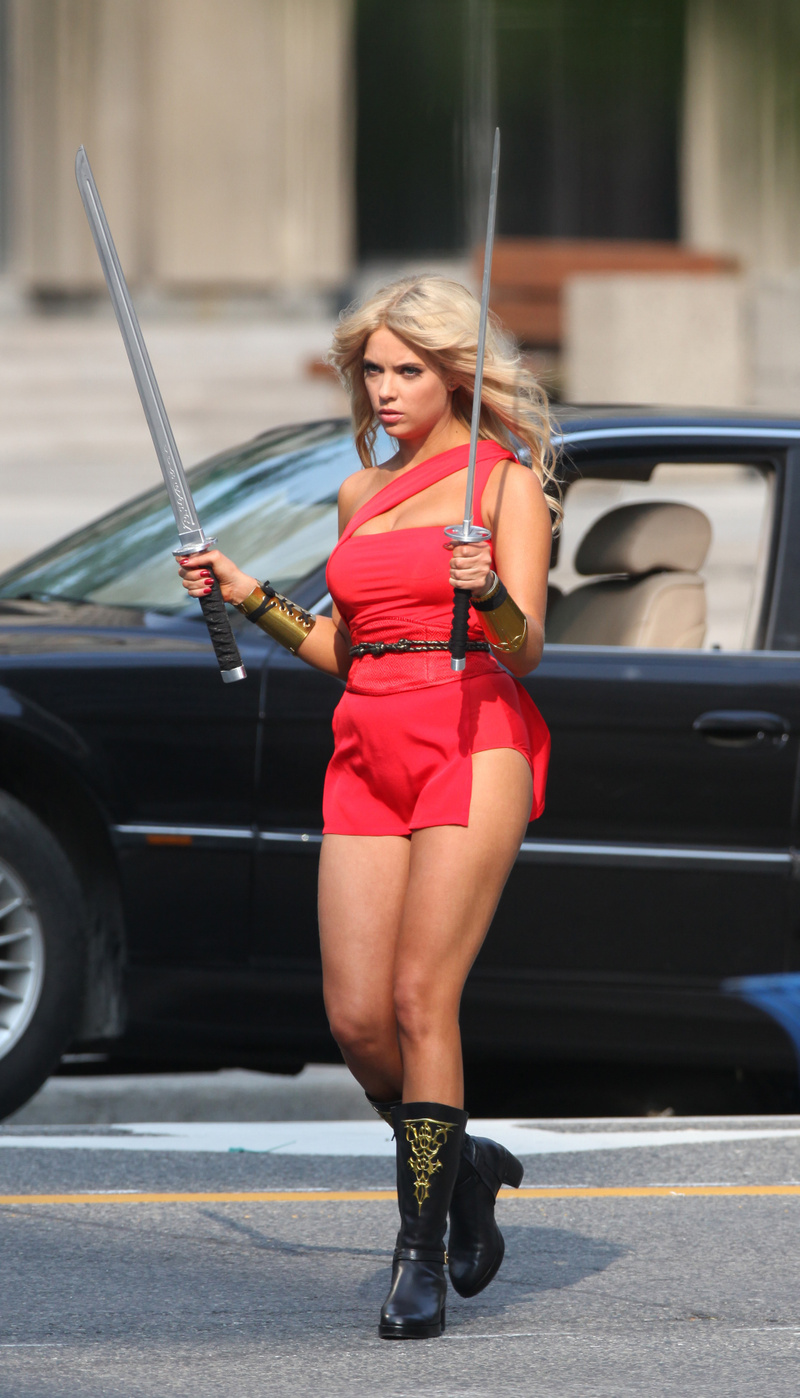
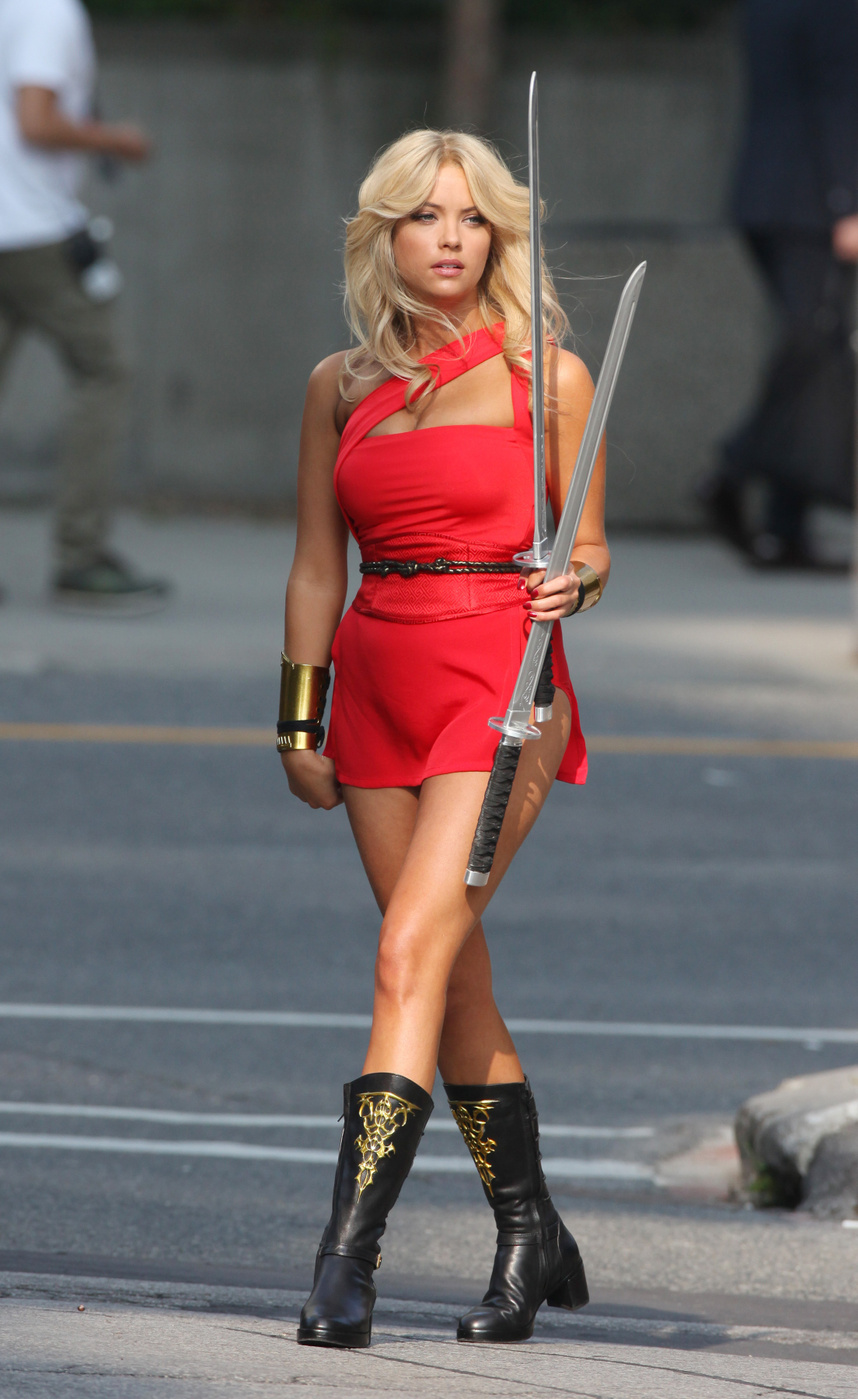
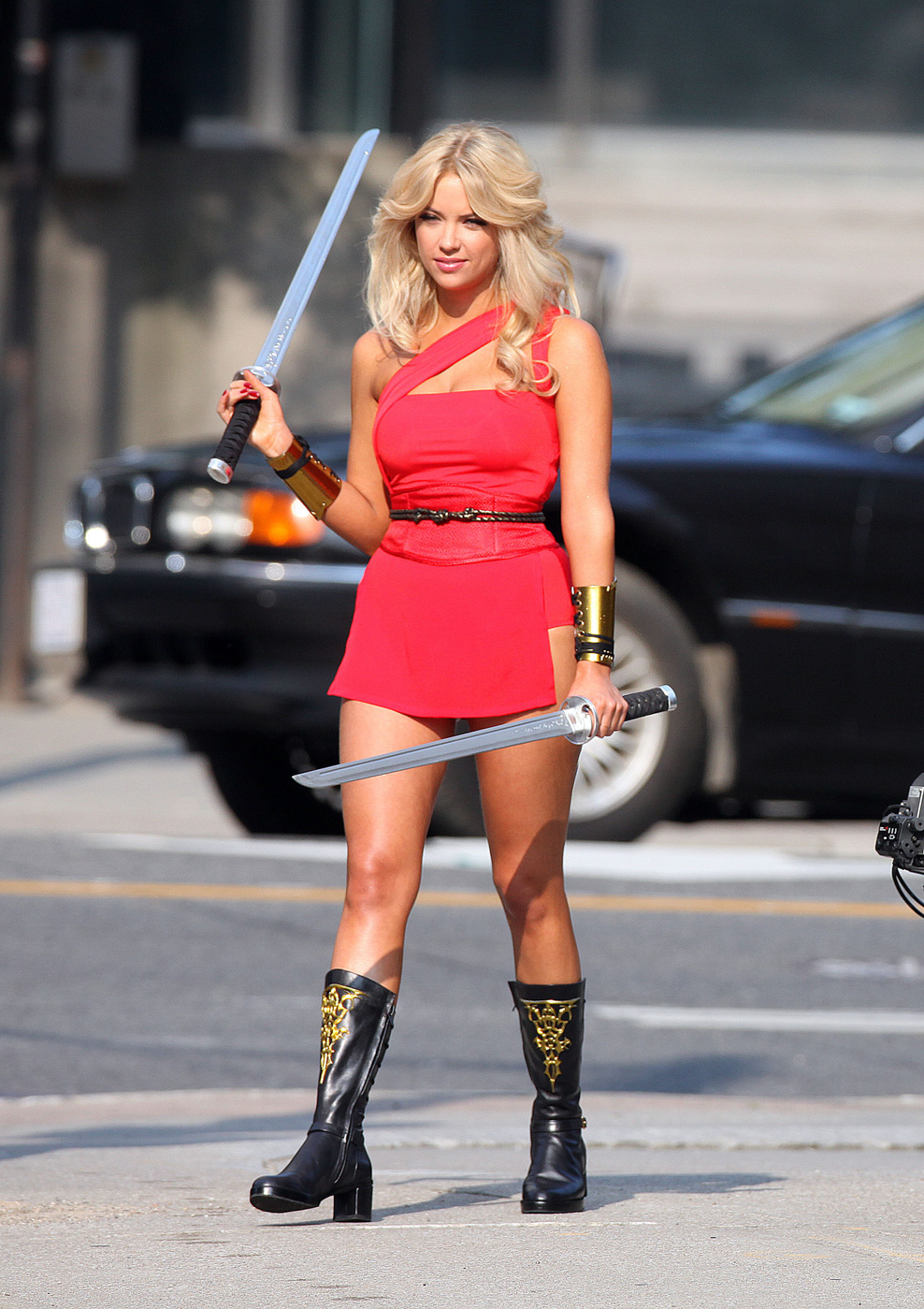
    Ashley Benson on the set of her new movie Pixels
  8. jet3 replied to Stefani20's topic in Actresses
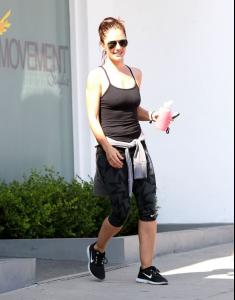
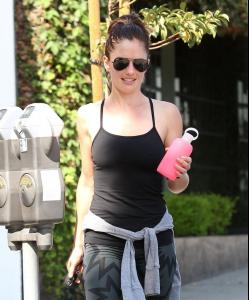
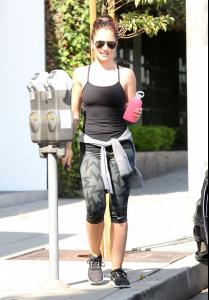
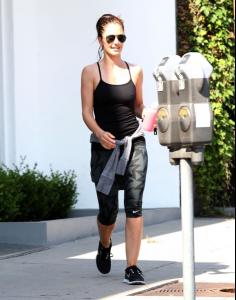
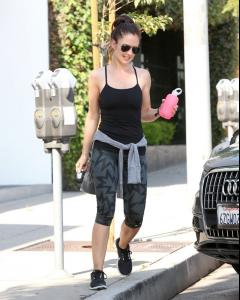
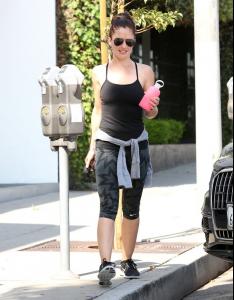
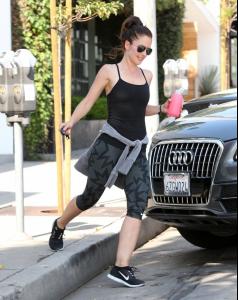
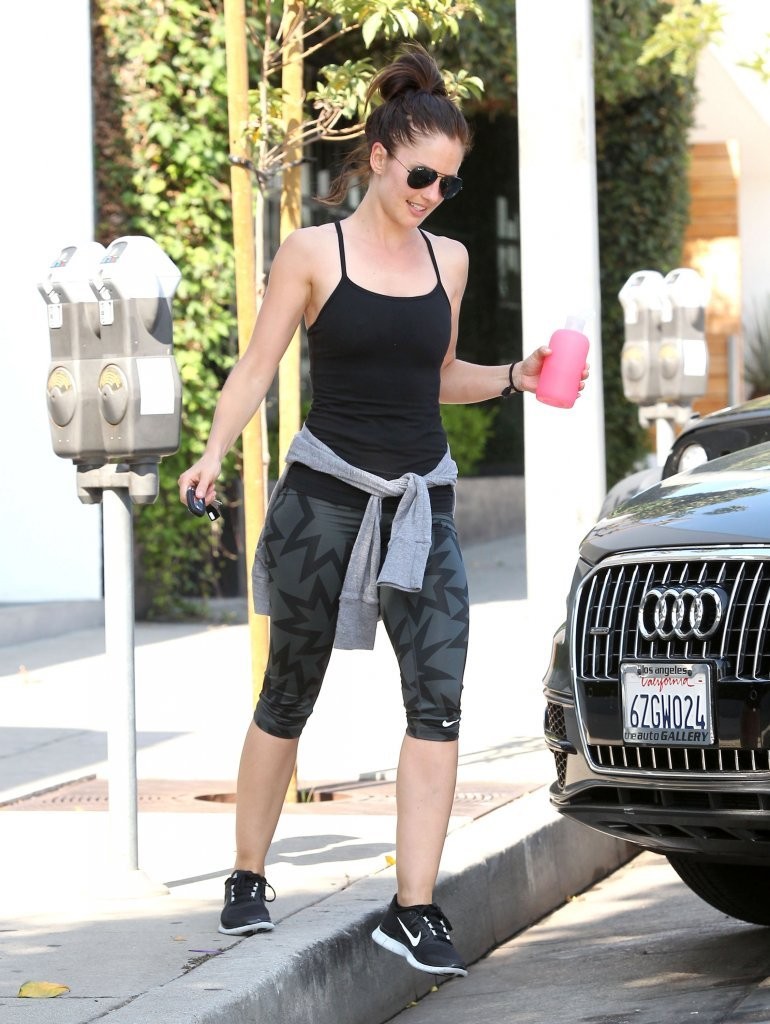
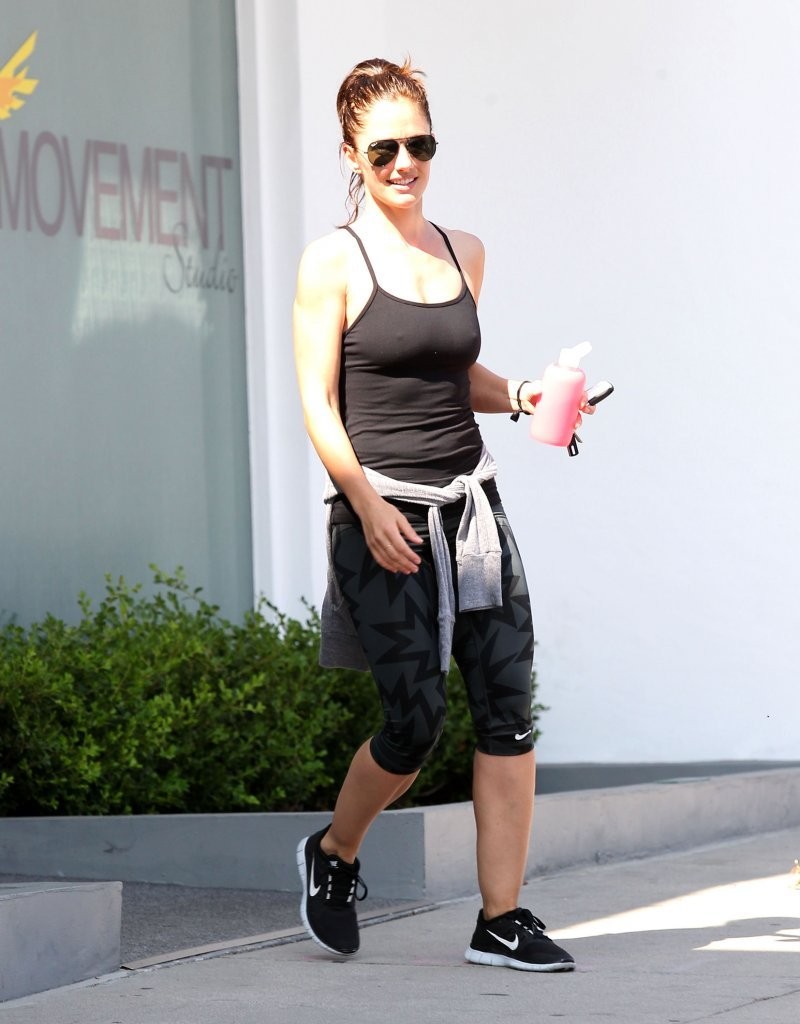
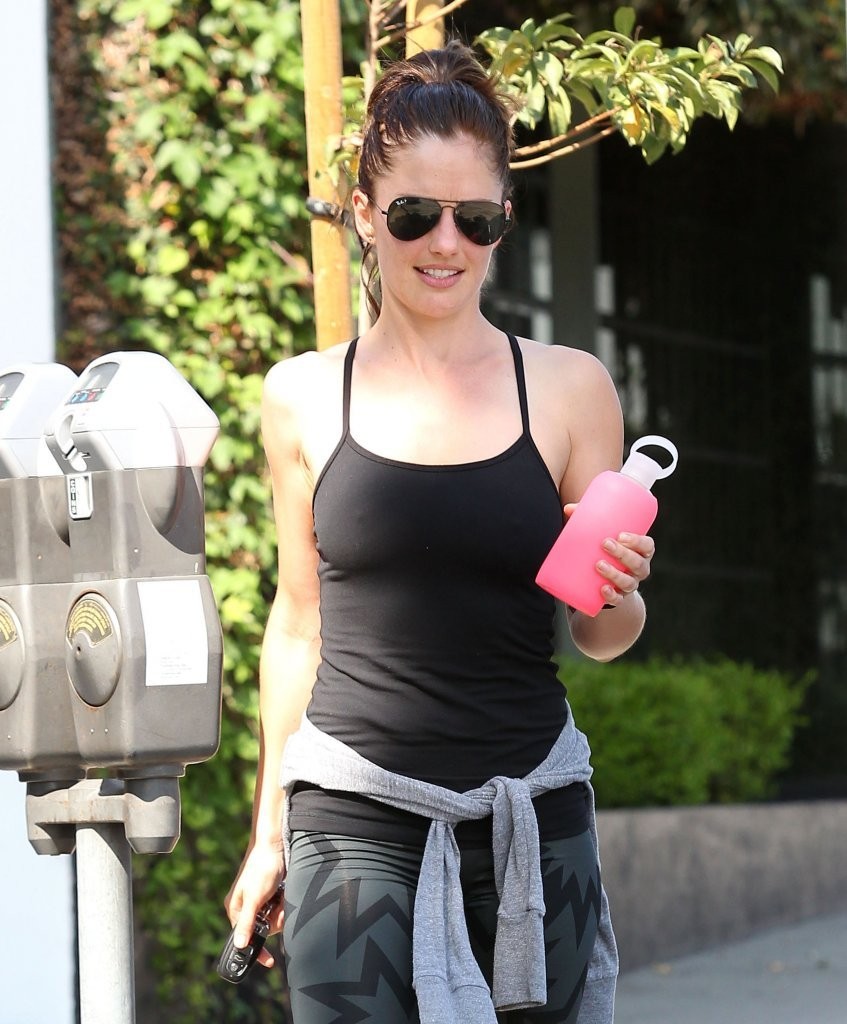
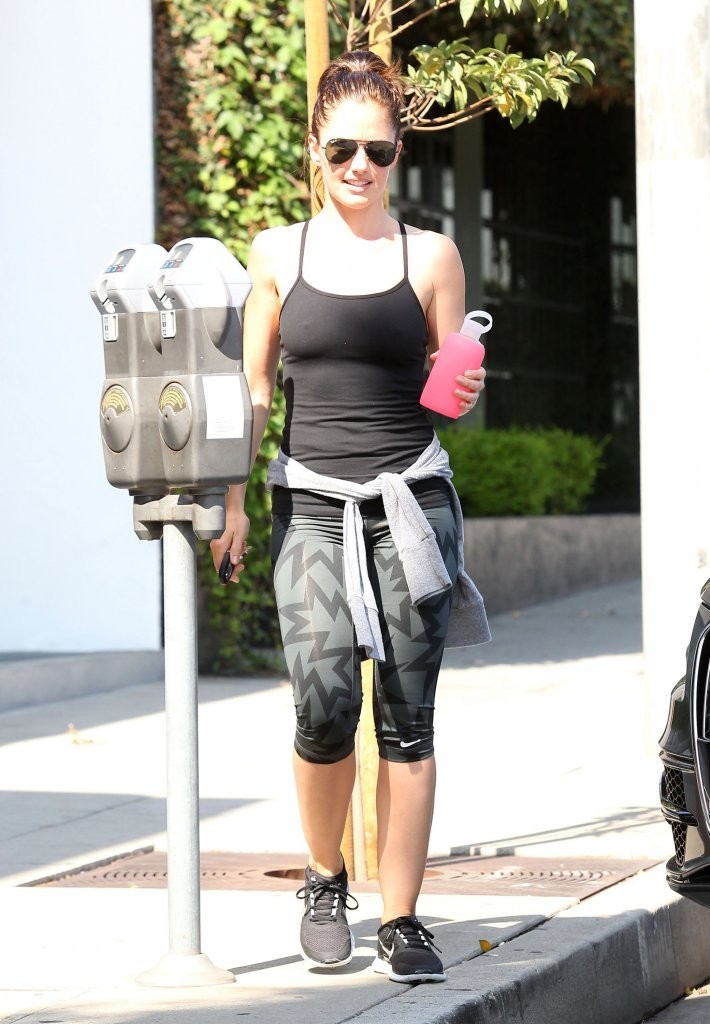
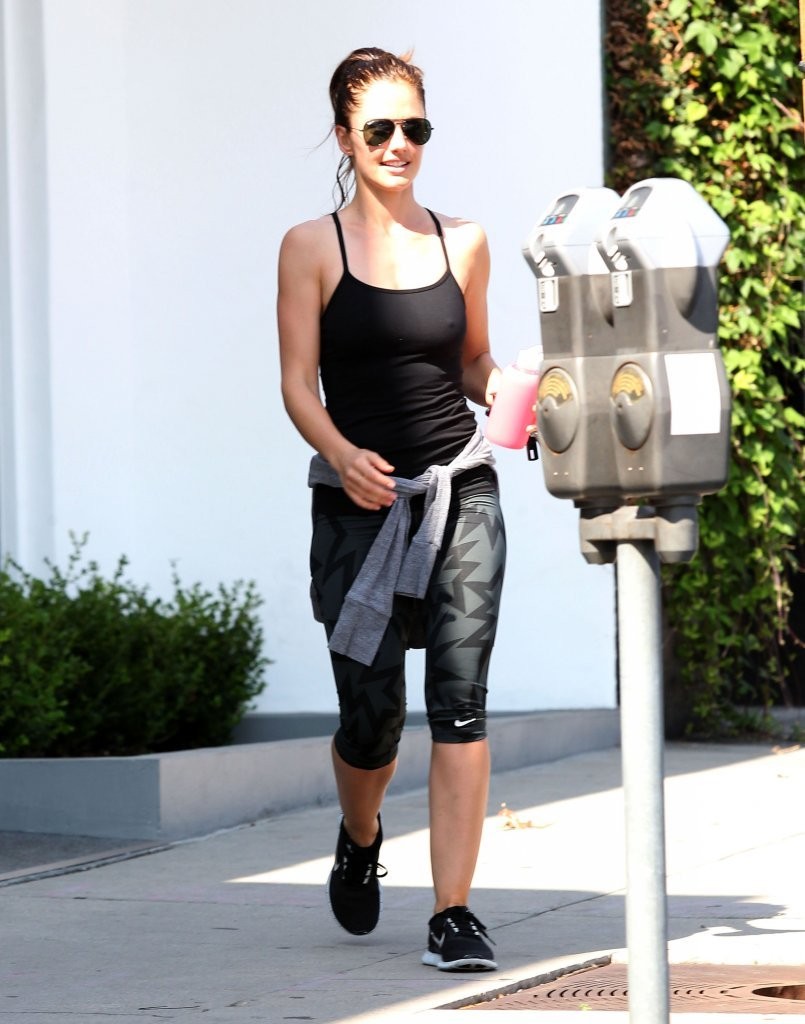
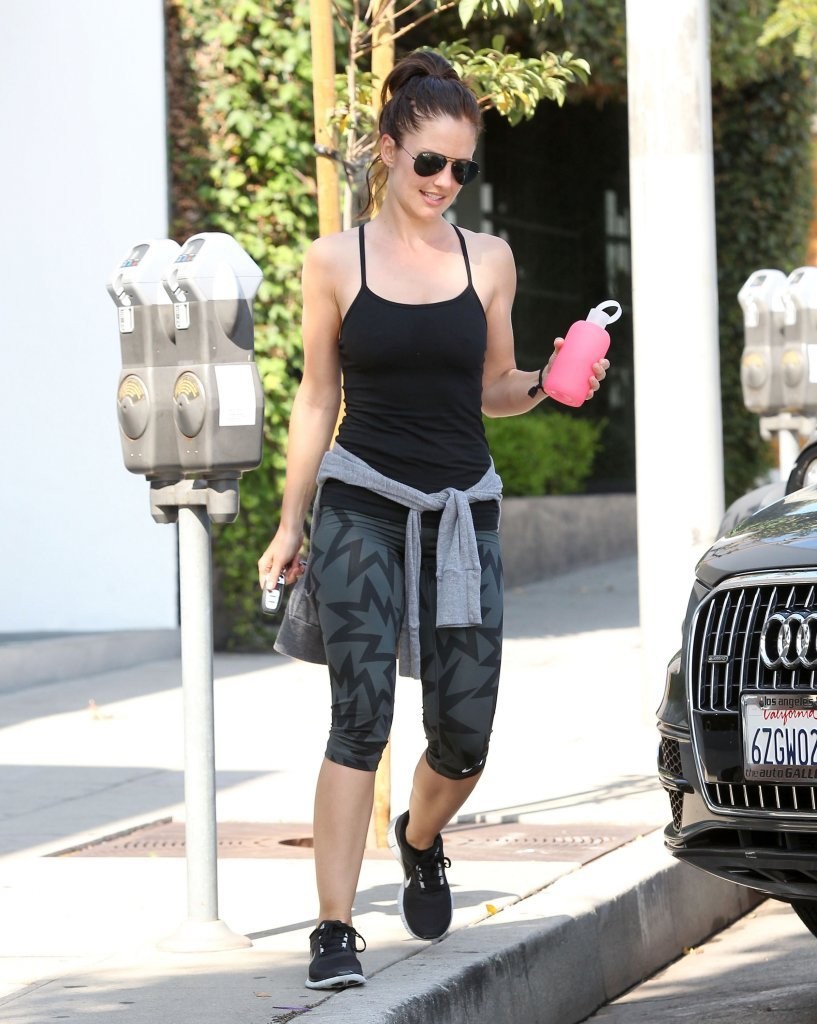
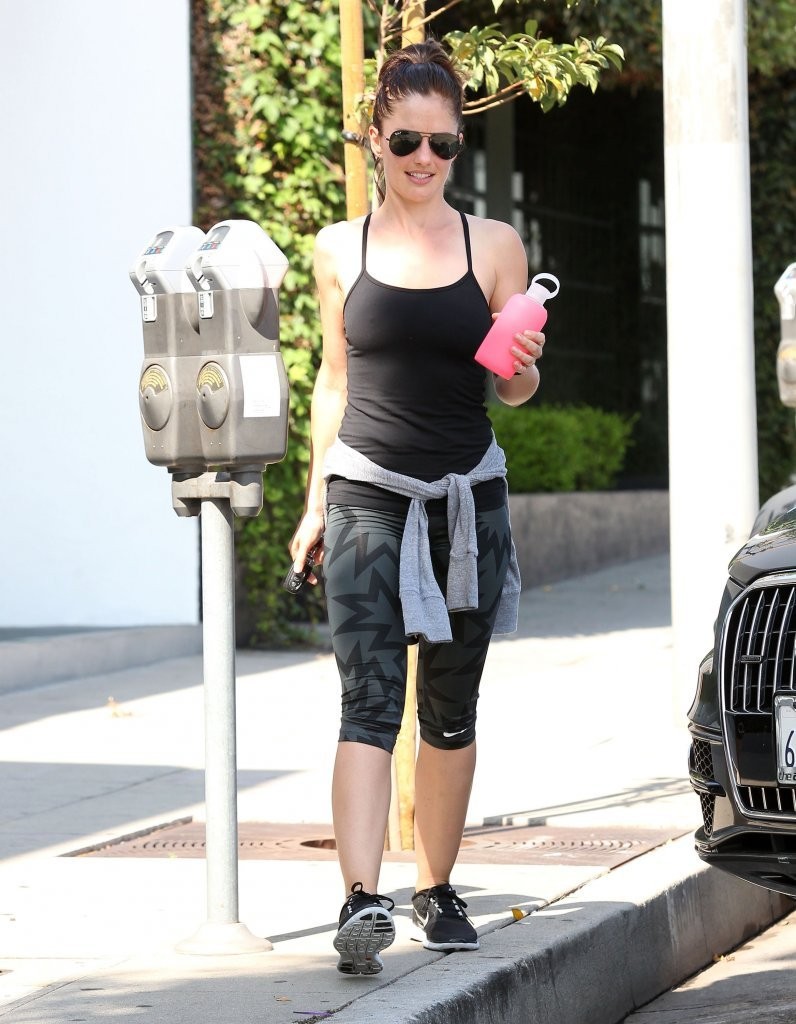
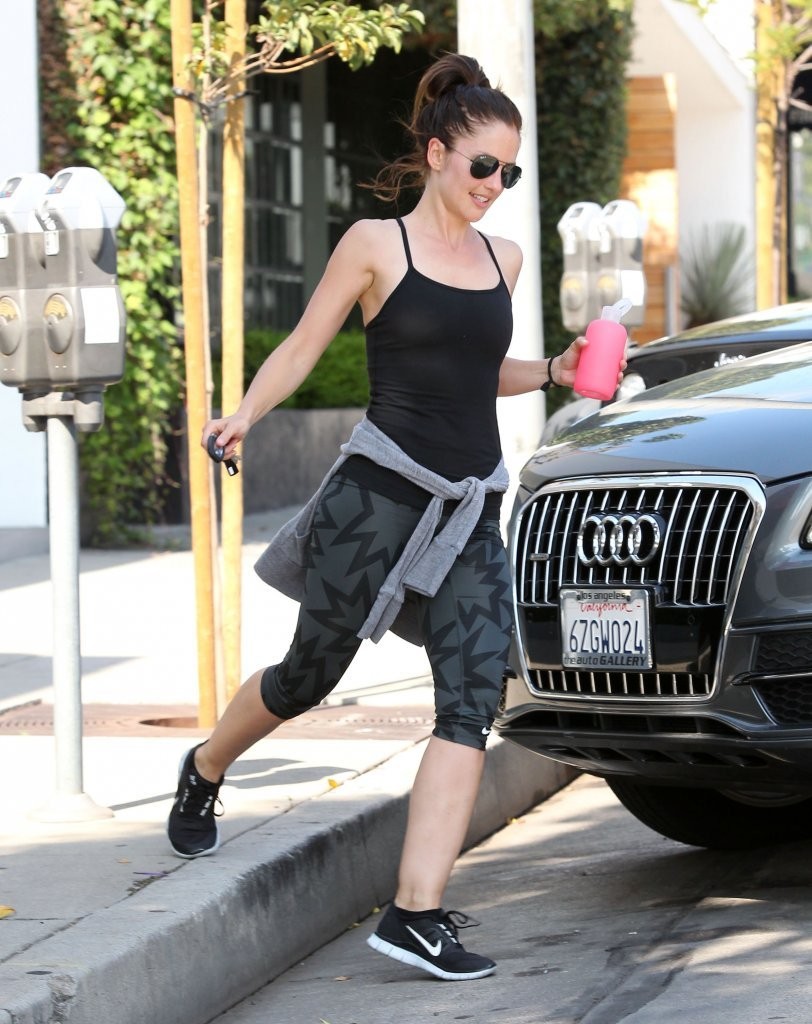
    Minka Kelly - leaving the gym in West Hollywood 8/4/14
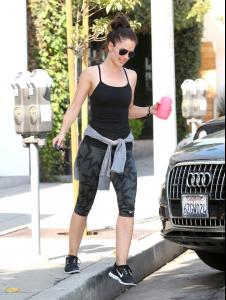
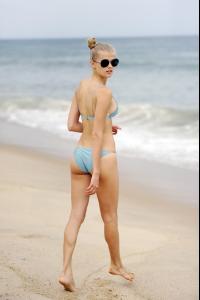
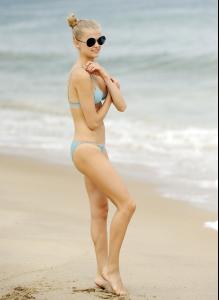
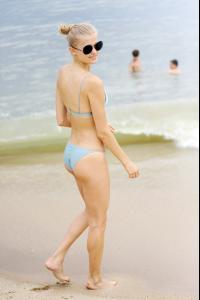
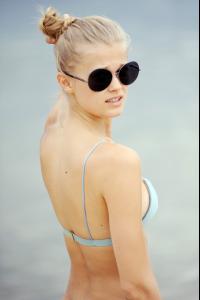
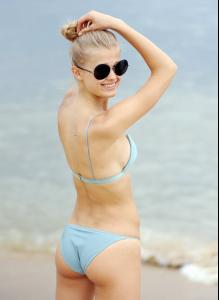
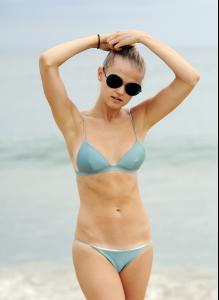
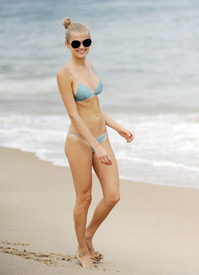
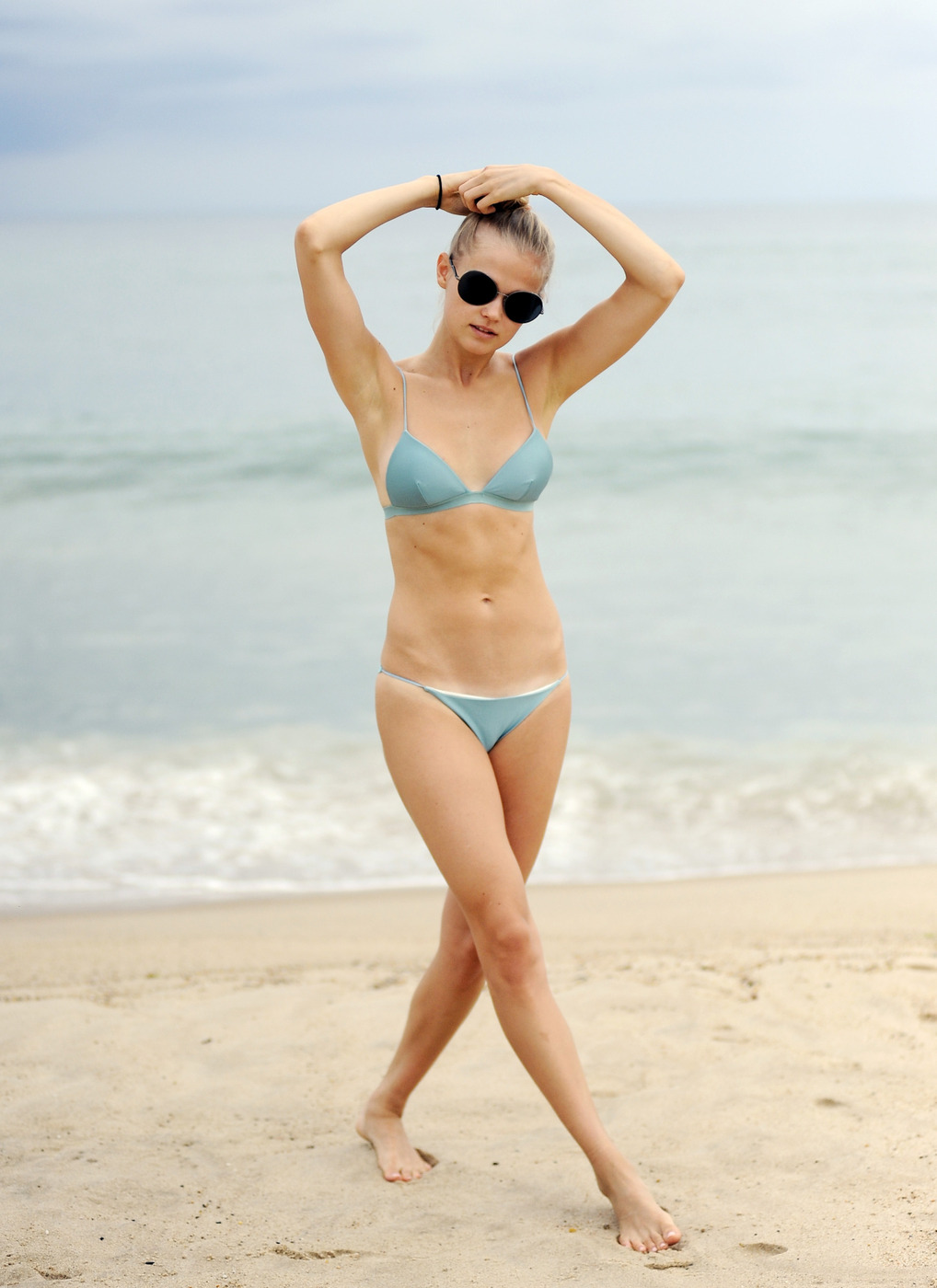
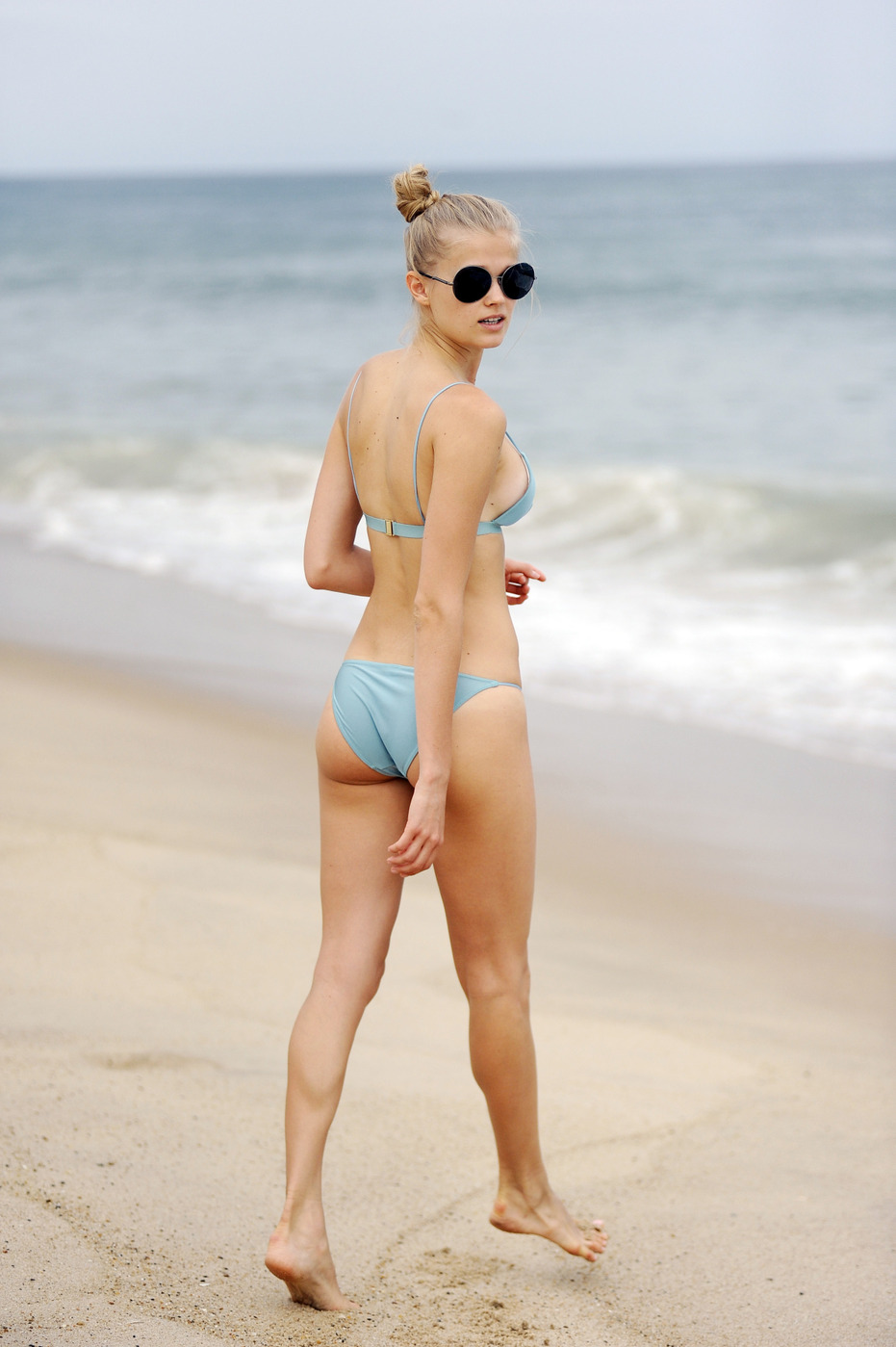
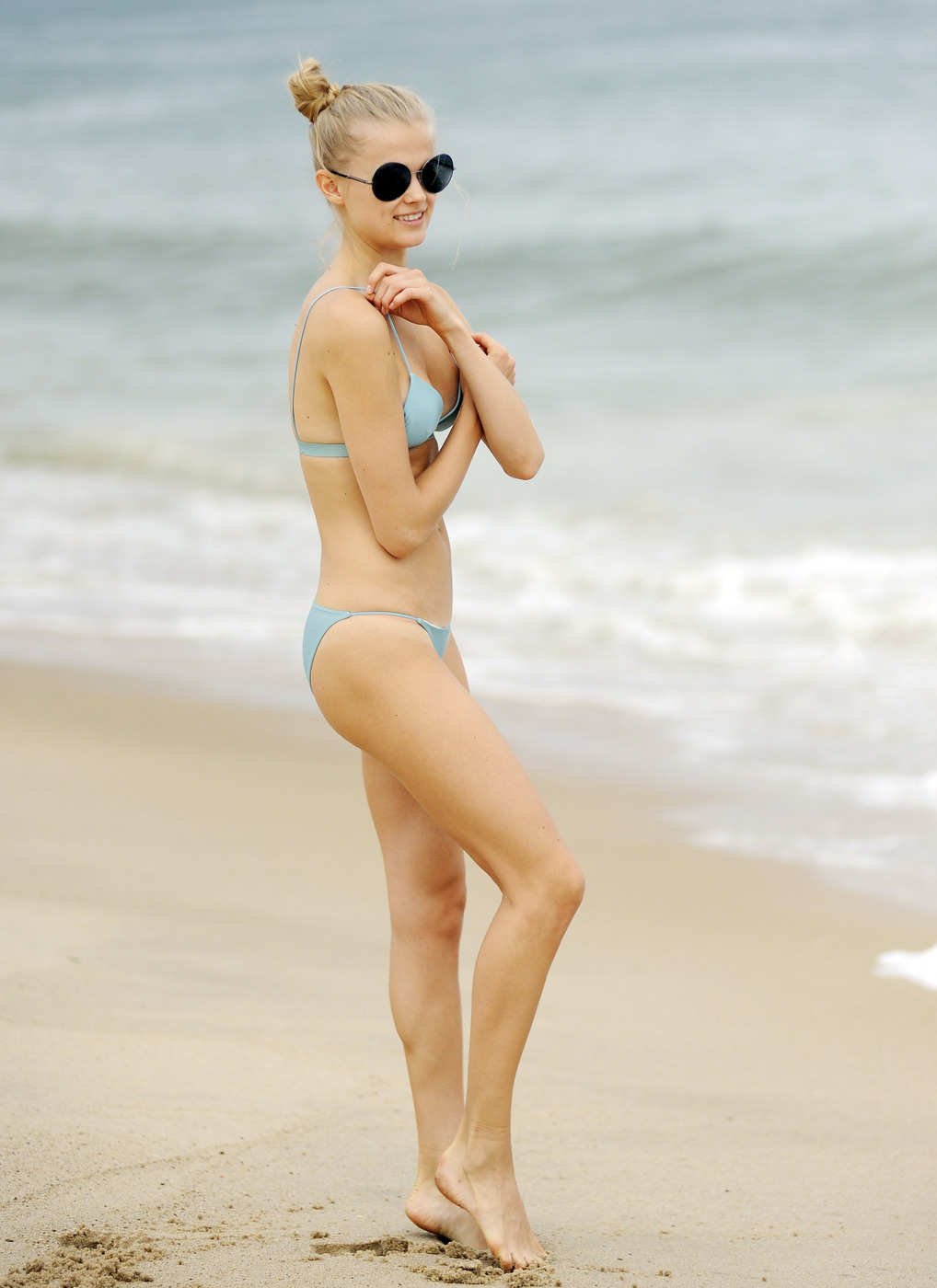
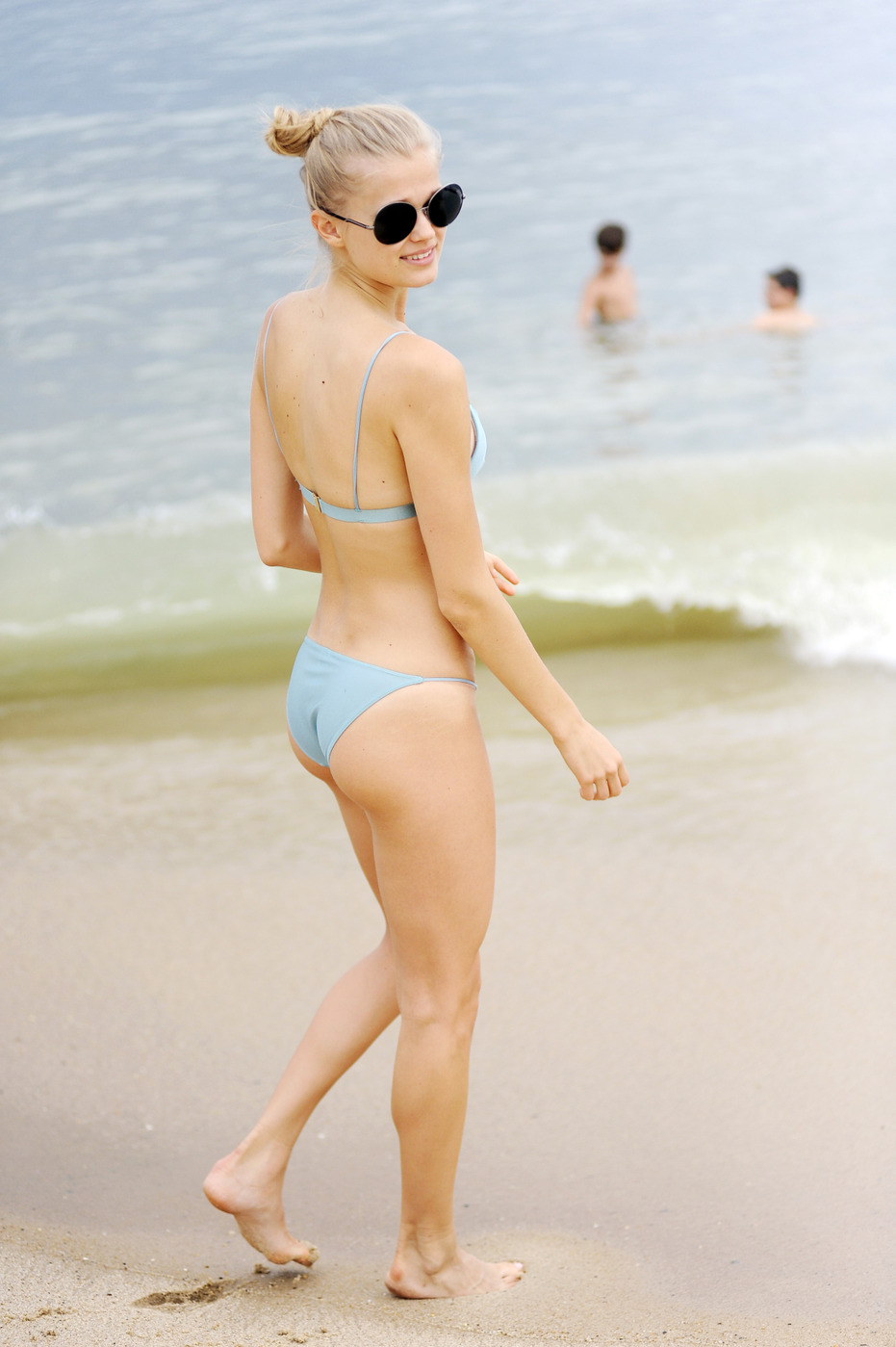
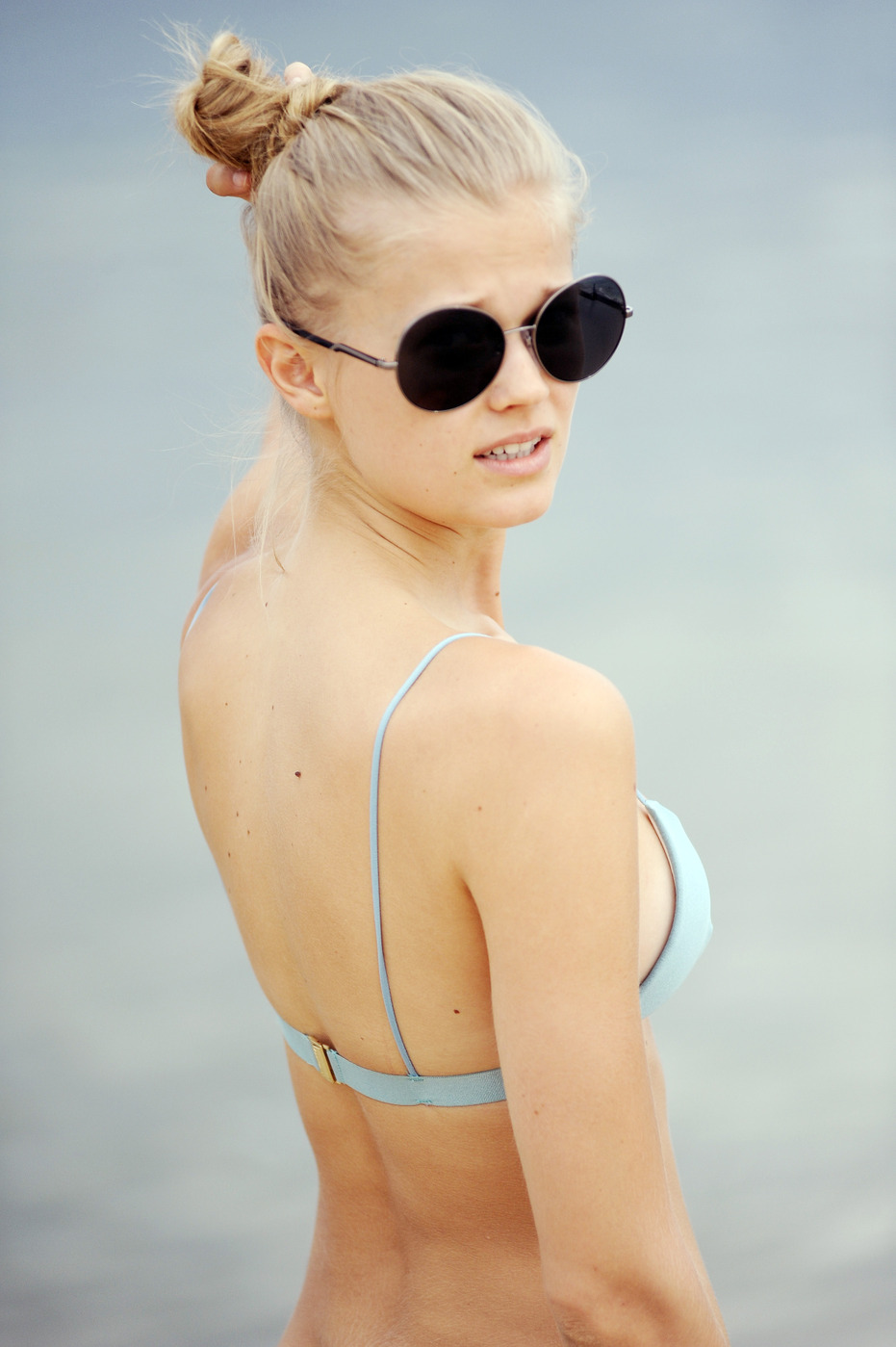
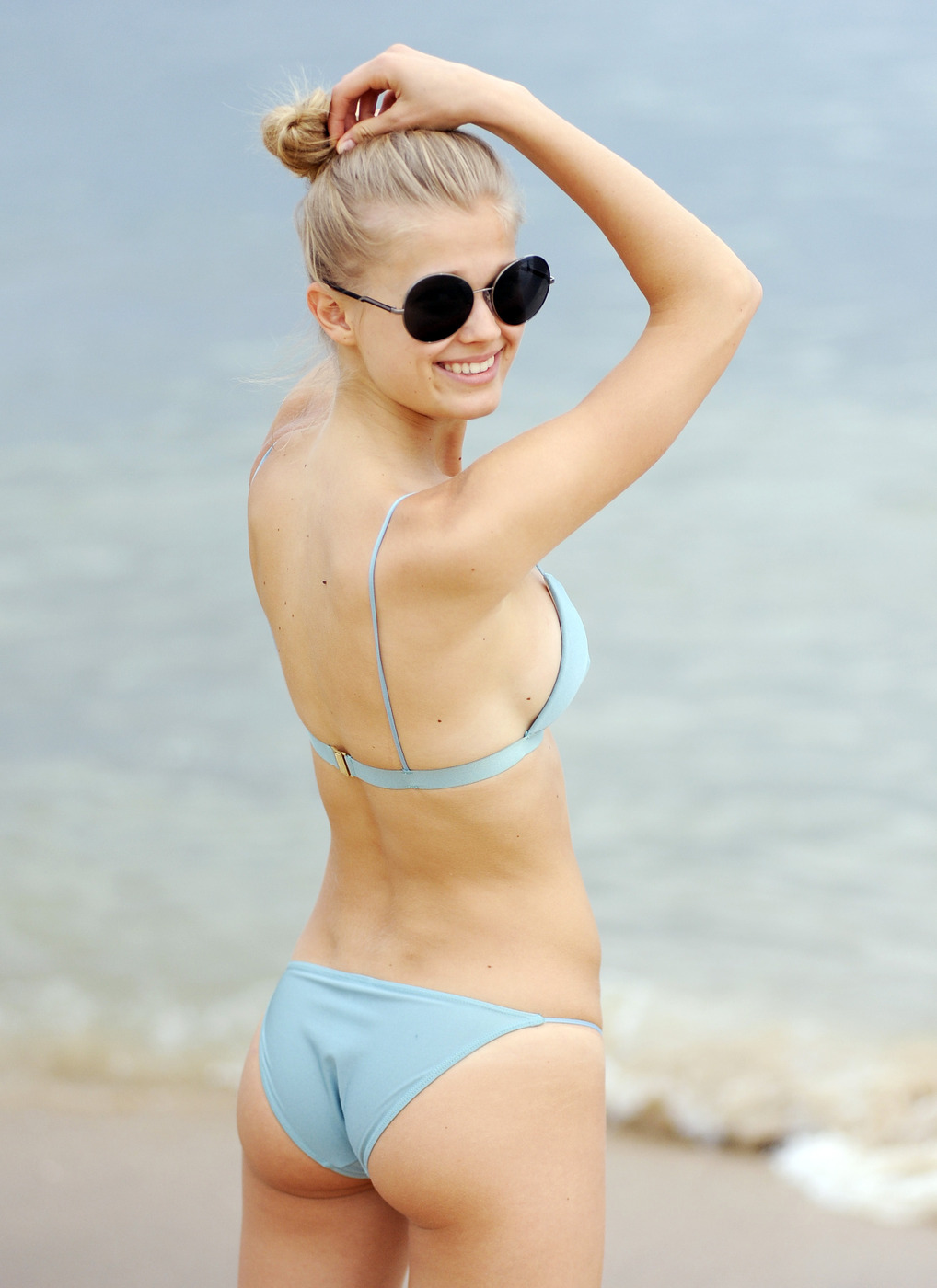
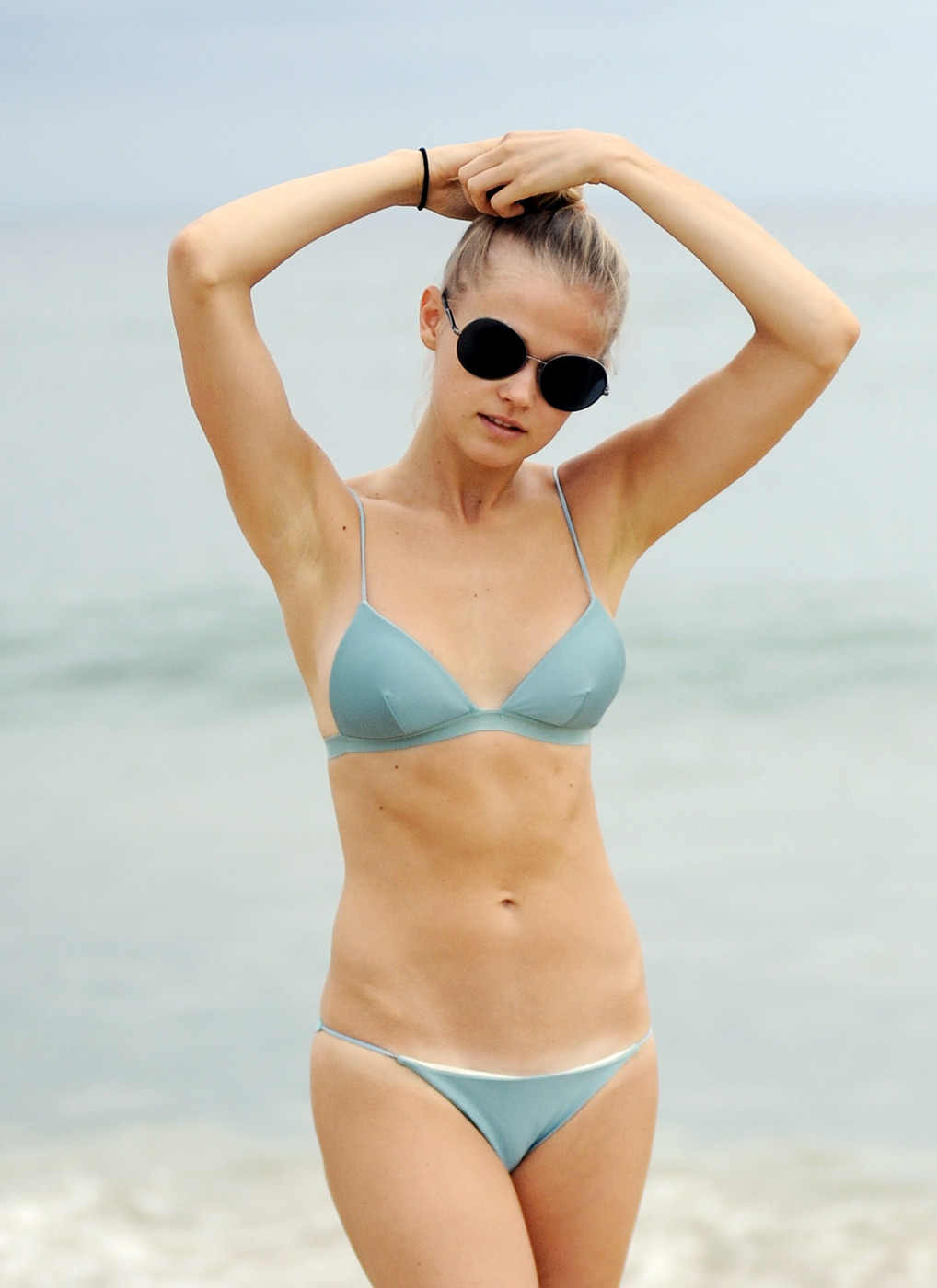
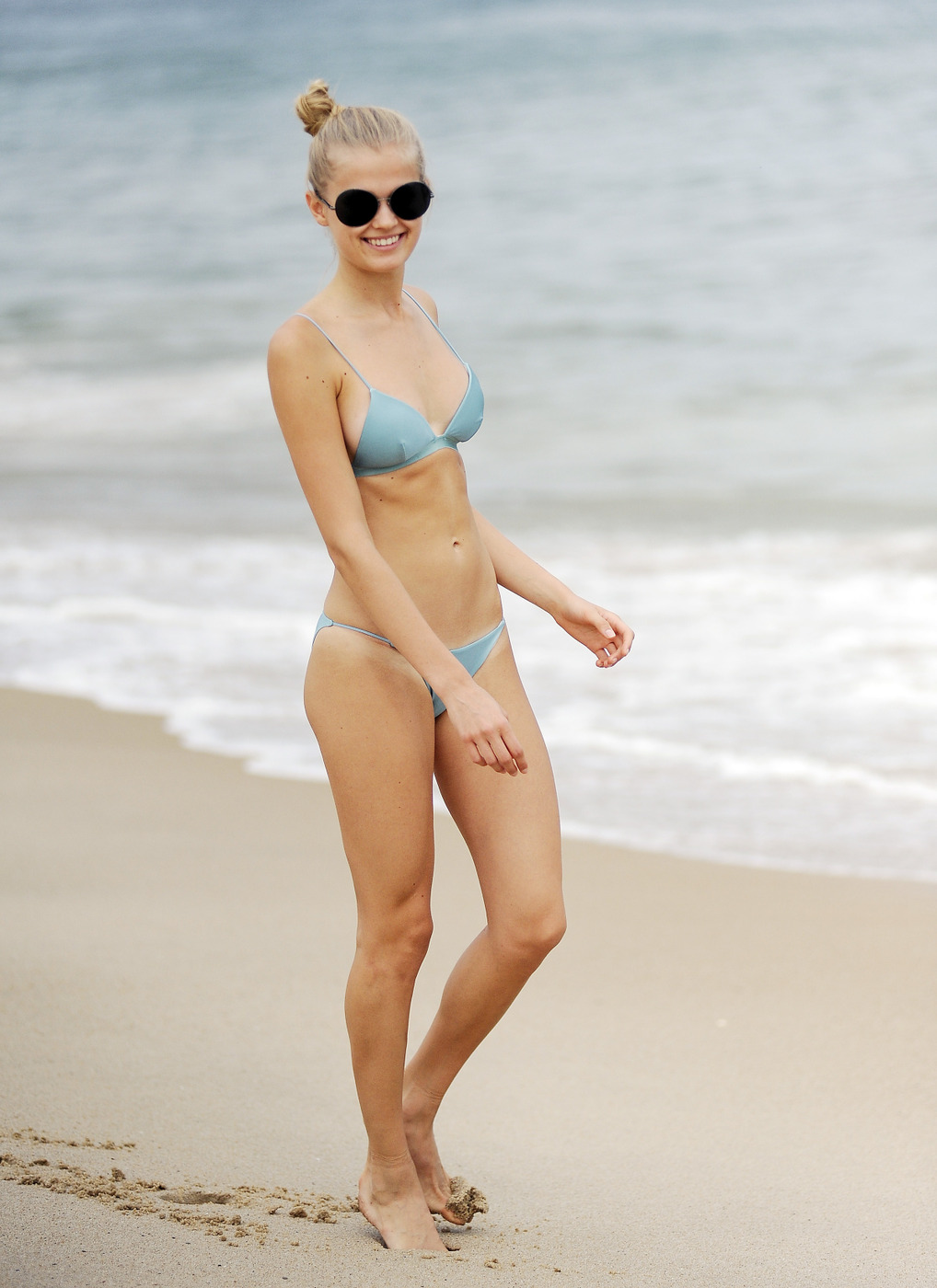
  9. Vita Sidorkina - Montauk,NY July 26,2014

Account

Navigation

Search

Search

Configure browser push notifications

Chrome (Android)
  1. Tap the lock icon next to the address bar.
  2. Tap Permissions → Notifications.
  3. Adjust your preference.
Chrome (Desktop)
  1. Click the padlock icon in the address bar.
  2. Select Site settings.
  3. Find Notifications and adjust your preference.