

pourlessrebelless
Members
-
Joined
-
Last visited
Everything posted by pourlessrebelless
-
 Forever 21





























































































































-
-
-
-
-
-
-
Derek Lam









 Daisy Marc Jacobs



















 Réalisation


































 uo
uo












 UO
UO














































.thumb.jpg.d155734533211d70a5f4a69f512b790b.jpg)




































































































































































.jpg.b52a38e95a45fd85ec2aad80058f544e.jpg)







































.jpg.c08118258739eedf70f199517d932f53.jpg)




















































































.jpg.fa7b9251eda471298c64e7dfcd168fcd.jpg)










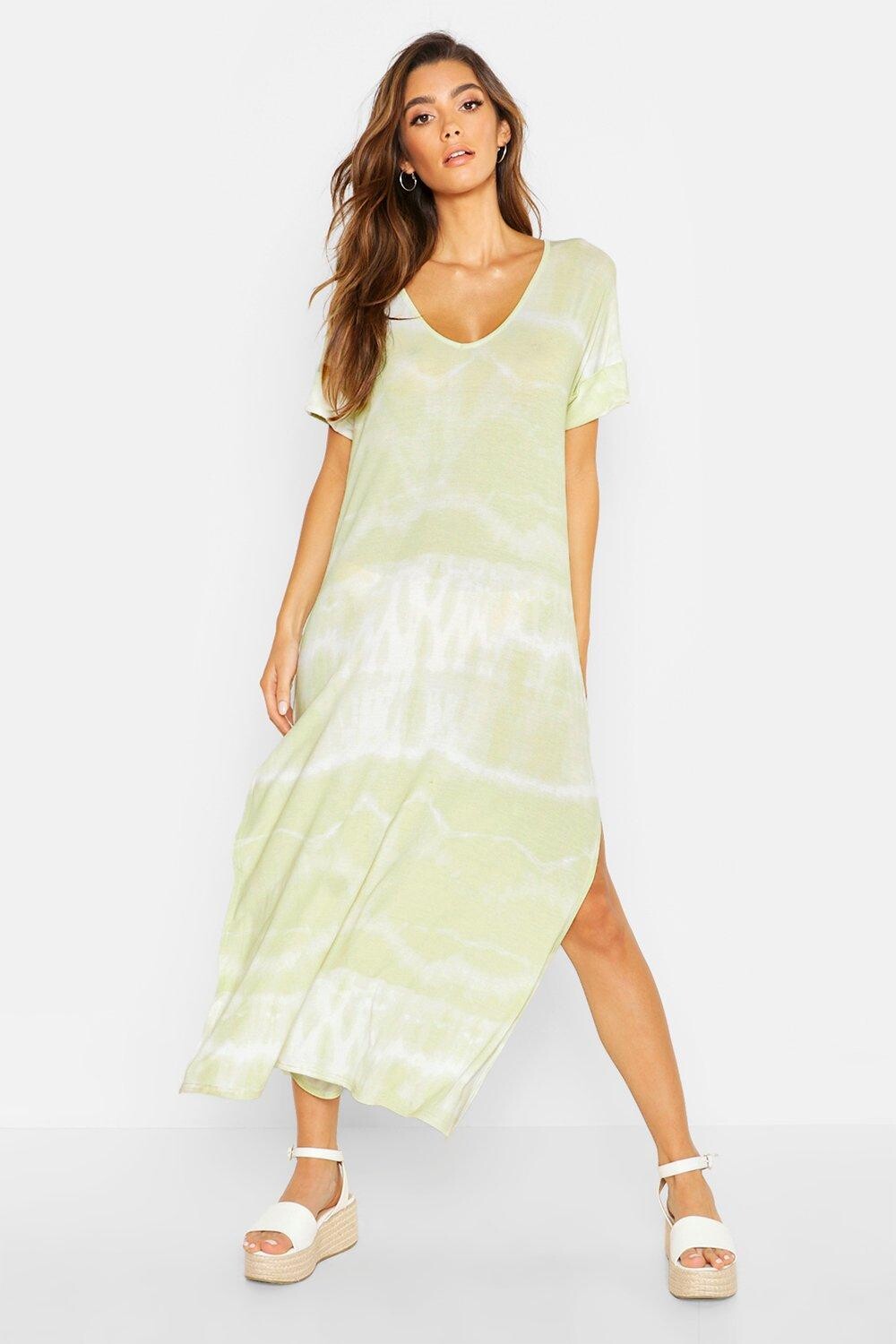









































































































































































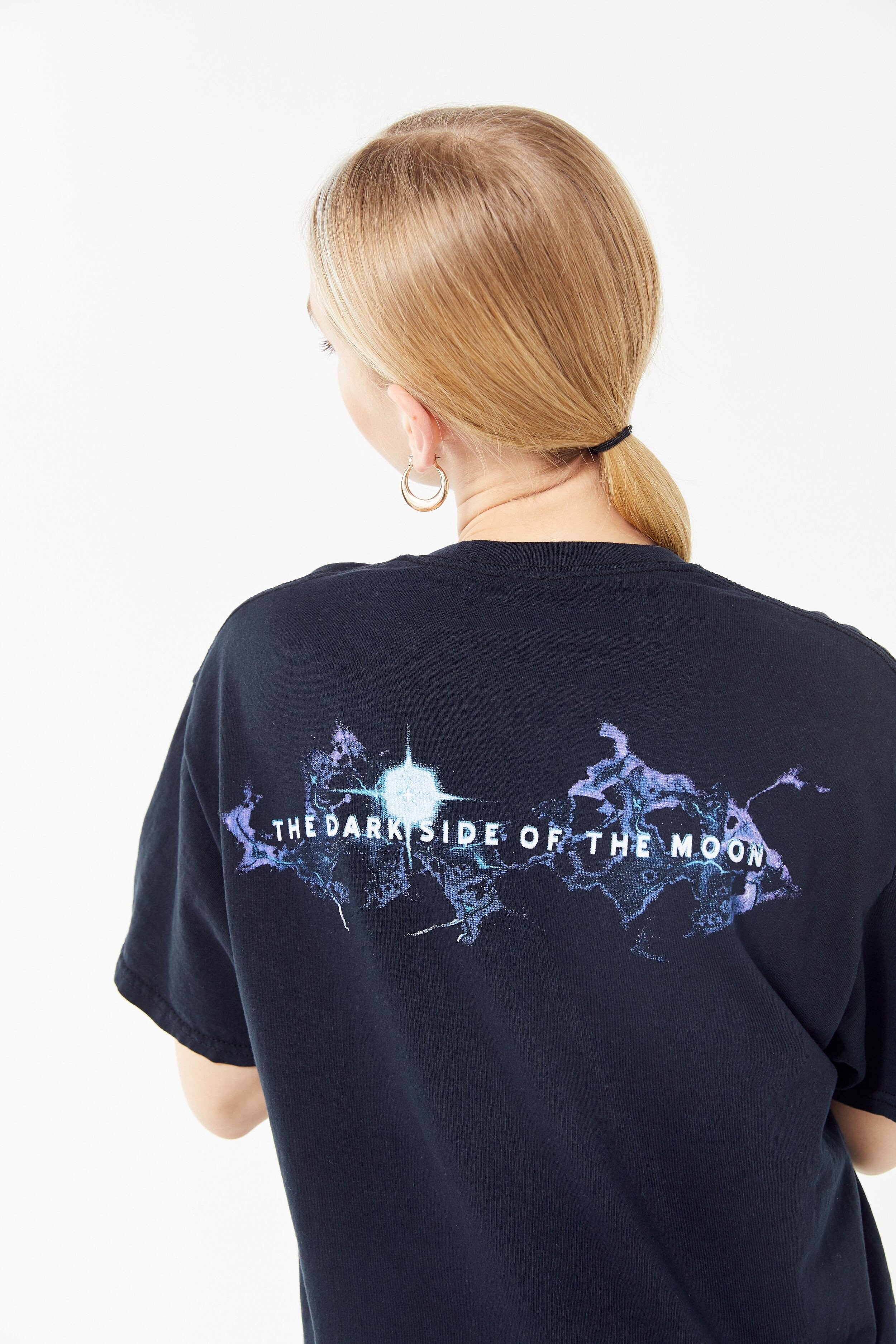











.jpg.ba099d8f4d0fa7253095afa8db25800c.jpg)





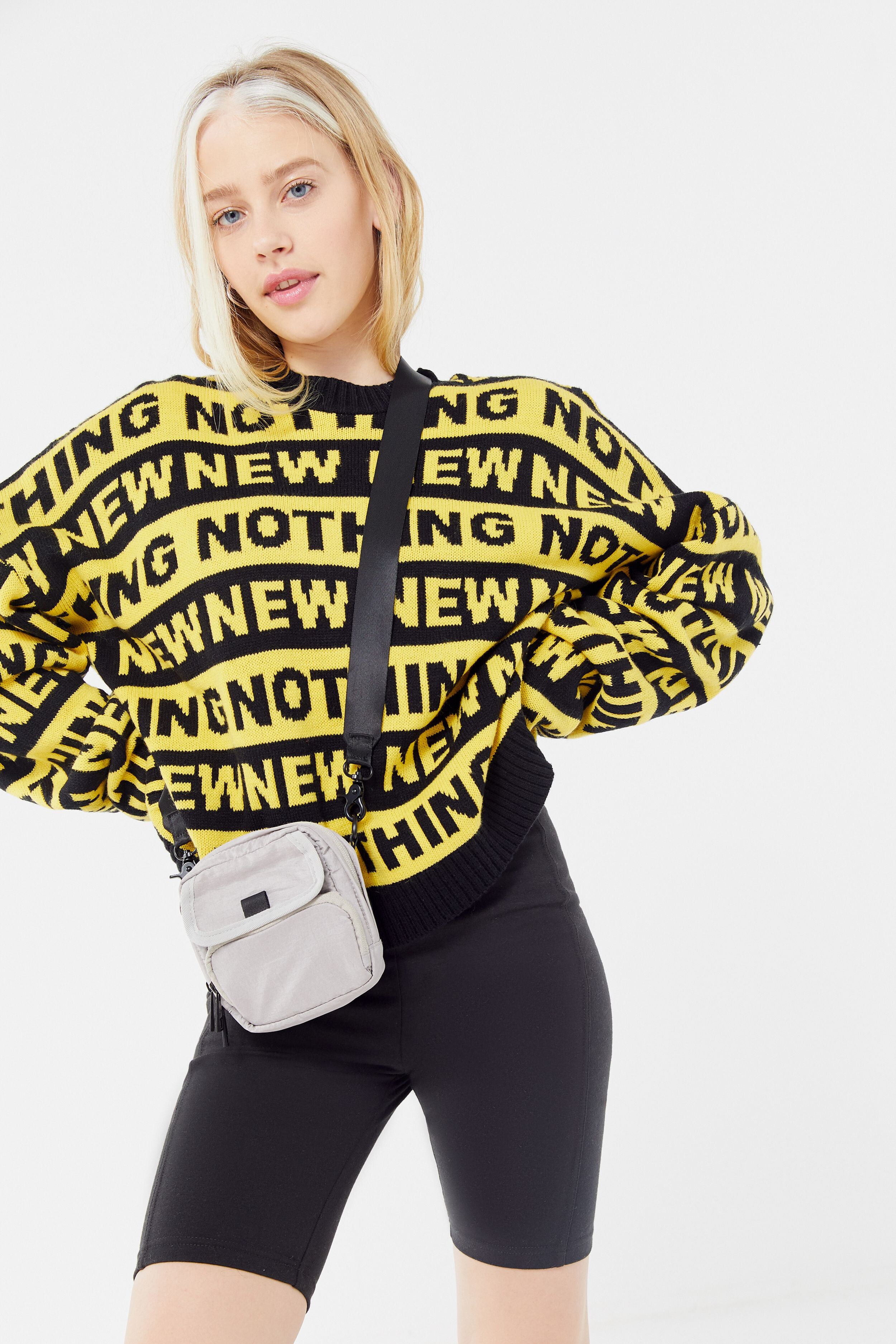


































Account
Navigation
Search
Configure browser push notifications
Chrome (Android)
- Tap the lock icon next to the address bar.
- Tap Permissions → Notifications.
- Adjust your preference.
Chrome (Desktop)
- Click the padlock icon in the address bar.
- Select Site settings.
- Find Notifications and adjust your preference.
Safari (iOS 16.4+)
- Ensure the site is installed via Add to Home Screen.
- Open Settings App → Notifications.
- Find your app name and adjust your preference.
Safari (macOS)
- Go to Safari → Preferences.
- Click the Websites tab.
- Select Notifications in the sidebar.
- Find this website and adjust your preference.
Edge (Android)
- Tap the lock icon next to the address bar.
- Tap Permissions.
- Find Notifications and adjust your preference.
Edge (Desktop)
- Click the padlock icon in the address bar.
- Click Permissions for this site.
- Find Notifications and adjust your preference.
Firefox (Android)
- Go to Settings → Site permissions.
- Tap Notifications.
- Find this site in the list and adjust your preference.
Firefox (Desktop)
- Open Firefox Settings.
- Search for Notifications.
- Find this site in the list and adjust your preference.