Jump to content
View in the app

A better way to browse. Learn more.

Bellazon

A full-screen app on your home screen with push notifications, badges and more.

To install this app on iOS and iPadOS
  1. Tap the Share icon in Safari
  2. Scroll the menu and tap Add to Home Screen.
  3. Tap Add in the top-right corner.
To install this app on Android
  1. Tap the 3-dot menu (⋮) in the top-right corner of the browser.
  2. Tap Add to Home screen or Install app.
  3. Confirm by tapping Install.

elef

Members
  • Joined

  • Last visited

Everything posted by elef

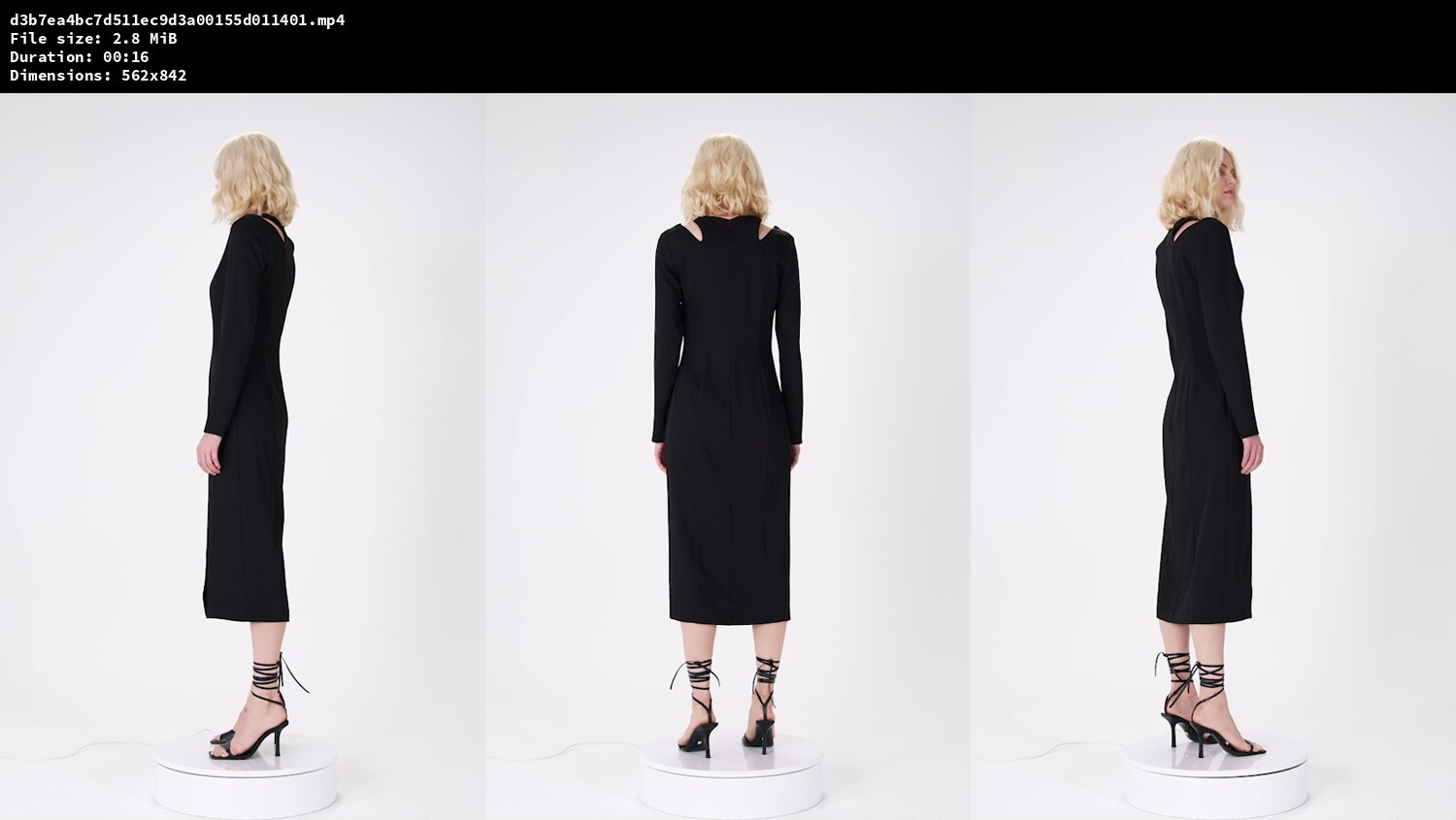
  1. LIMÉ Fall '22
  2. (instagram.com/philippemagoni)
  3. (instagram.com/kevintekinel) (vogue.fr, photo: Théo de Gueltzl)
  4. HQ Download: https://www.mediafire.com/file/lf80pswobgrwrsf/mybestfriendstr-Ch3x1lUoUk3.zip/file
  5. Still pretty low resolution, but this is the best I could find: https://www.bellazon.com/main/topic/7978-edita-vilkeviciute/?do=findComment&comment=4109353
  6. Nudity (instagram.com/belaadler2)
  7. Mica at Jacquemus' wedding (vogue.com, photo: Acielle / Style Du Monde) (photo: Arnold Jerocki)
  8. Photography: Arno Frugier
  9. (instagram.com/belaadler2)
  10. Etam Denim Fall 2022
  11. see-through
  12. Derek Lam 10 Crosby Fall 2022 DP: Alex Lockett Models: Melanie Perez, Nataliya Bulycheva Download: https://www.mediafire.com/file/w942jnmeae77wyf/dereklam-ChmvNV4jCPP.zip/file screenshots:
  13. (better quality) (wmartistmanagement.com)
  14. Here it is! The censored version was sourced from fashion stylist Ketevan Gvaramadze's IG and the uncensored one is from her website. It's not exactly high-quality, though. Nudity (ketevangvaramadze.com)
  15. S Moda September 2022 Photography: Stanislaw Boniecki https://smoda.elpais.com/celebrities/edita-vilkeviciute-como-ha-conseguido-esta-modelo-estar-en-todas-partes-desde-2006-sin-redes-sociales/
  16. see-through
  17. (mostly low-res)
  18. (kateryaninc.com)

Configure browser push notifications

Chrome (Android)
  1. Tap the lock icon next to the address bar.
  2. Tap Permissions → Notifications.
  3. Adjust your preference.
Chrome (Desktop)
  1. Click the padlock icon in the address bar.
  2. Select Site settings.
  3. Find Notifications and adjust your preference.