
elef
Members
-
Joined
-
Last visited
Everything posted by elef
-

-
-
-
Mica Argañaraz attends the "The Old Oak" red carpet during the 76th annual Cannes film festival at Palais des Festivals on May 26, 2023 in Cannes, France. (gettyimages.com)
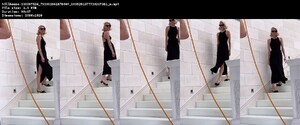
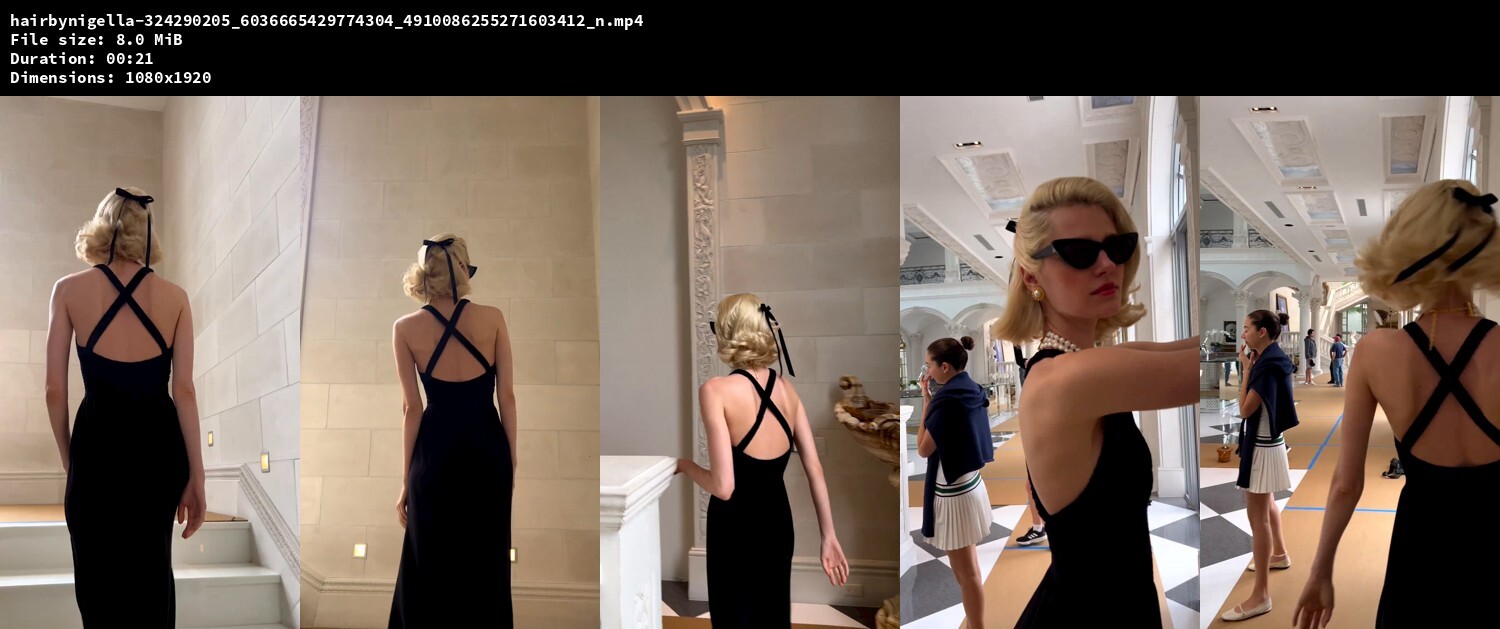
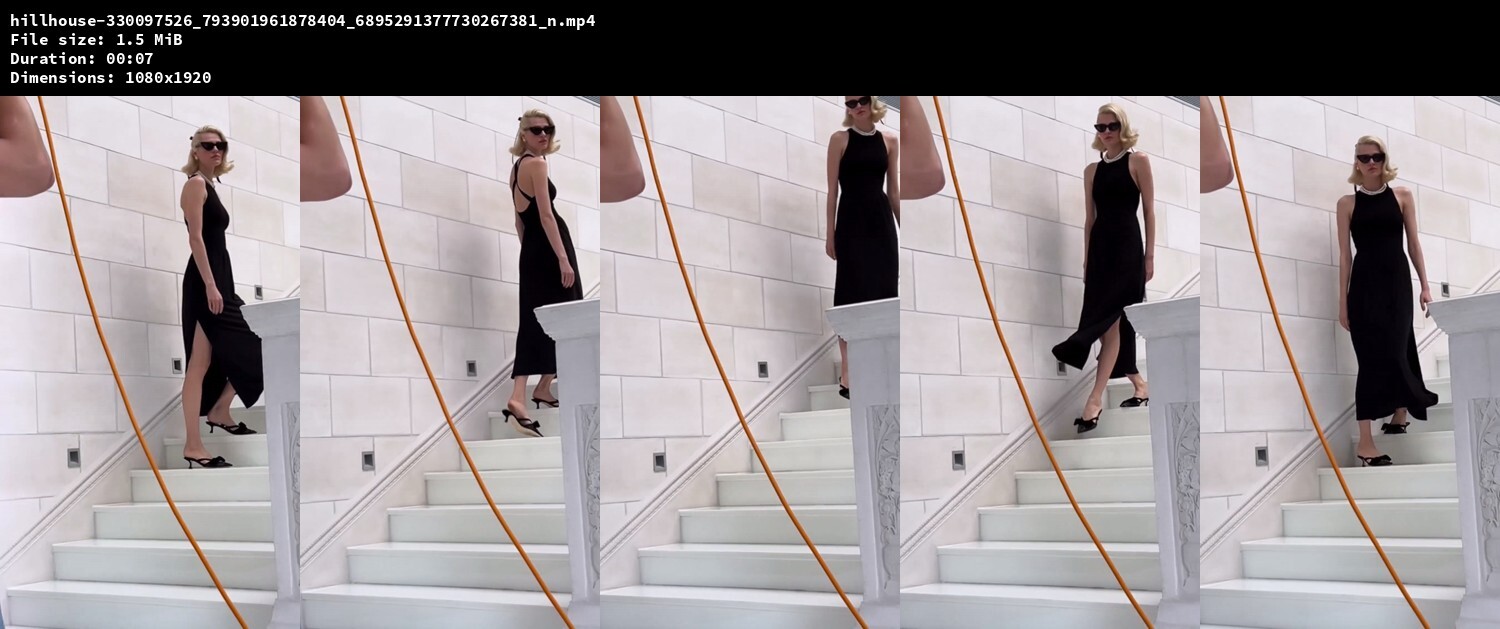
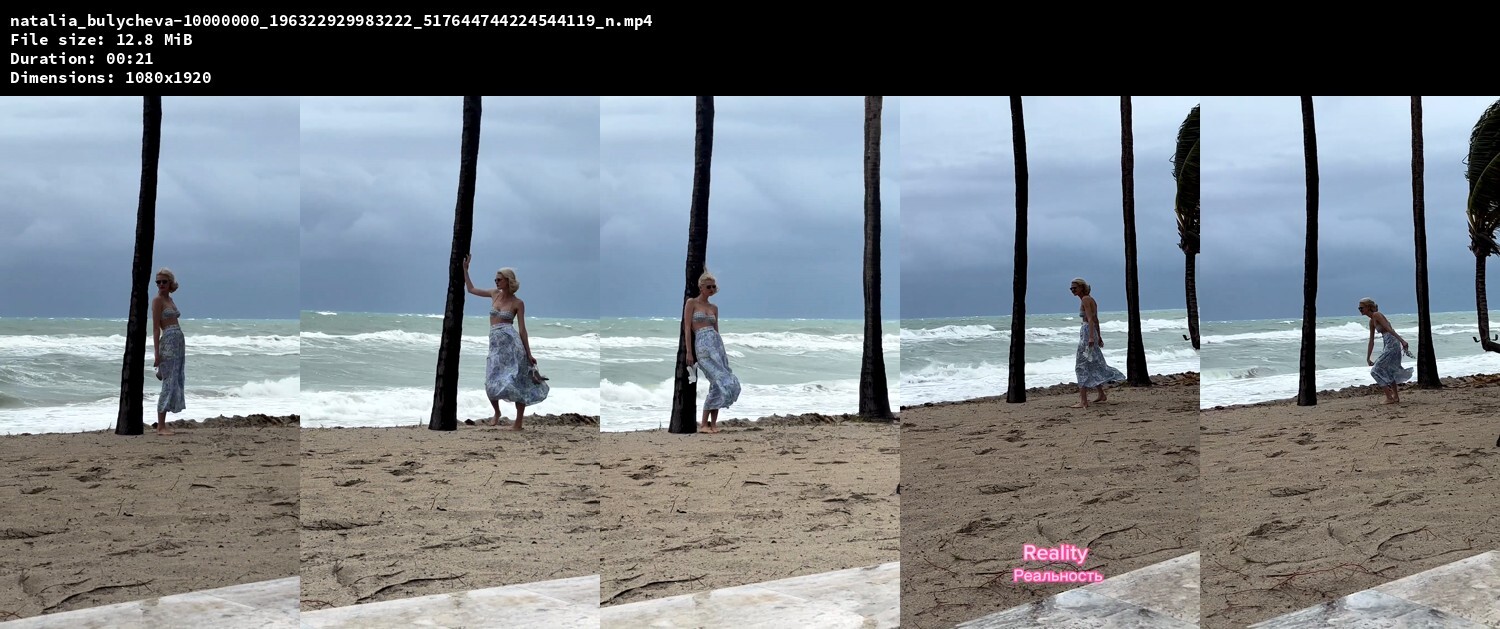
bts Download: https://www.mediafire.com/file/94crkhg8fyz0gbm/hill-house-bts-videos.zip/file (instagram.com/hairbynigella, instagram.com/hillhouse, instagram.com/isabelyrosado, instagram.com/kennedysmithh, instagram.com/natalia_bulycheva, instagram.com/nelliediamond, instagram.com/nigella.miller)








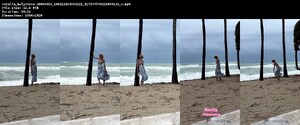
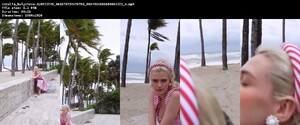



 Photography: Sofia Malamute bts Download: https://www.mediafire.com/file/uno4zweb2qcjcro/zara-summer-2023-bts-video.zip/file (instagram.com/ninos_heroes_)
 Zara Download: https://www.mediafire.com/file/fa4w9mg1sghmk8l/zara-summer-2023-video.zip/file























Account
Navigation
Search
Configure browser push notifications
Chrome (Android)
- Tap the lock icon next to the address bar.
- Tap Permissions → Notifications.
- Adjust your preference.
Chrome (Desktop)
- Click the padlock icon in the address bar.
- Select Site settings.
- Find Notifications and adjust your preference.
Safari (iOS 16.4+)
- Ensure the site is installed via Add to Home Screen.
- Open Settings App → Notifications.
- Find your app name and adjust your preference.
Safari (macOS)
- Go to Safari → Preferences.
- Click the Websites tab.
- Select Notifications in the sidebar.
- Find this website and adjust your preference.
Edge (Android)
- Tap the lock icon next to the address bar.
- Tap Permissions.
- Find Notifications and adjust your preference.
Edge (Desktop)
- Click the padlock icon in the address bar.
- Click Permissions for this site.
- Find Notifications and adjust your preference.
Firefox (Android)
- Go to Settings → Site permissions.
- Tap Notifications.
- Find this site in the list and adjust your preference.
Firefox (Desktop)
- Open Firefox Settings.
- Search for Notifications.
- Find this site in the list and adjust your preference.