Jump to content
View in the app

A better way to browse. Learn more.

Bellazon

A full-screen app on your home screen with push notifications, badges and more.

To install this app on iOS and iPadOS
  1. Tap the Share icon in Safari
  2. Scroll the menu and tap Add to Home Screen.
  3. Tap Add in the top-right corner.
To install this app on Android
  1. Tap the 3-dot menu (⋮) in the top-right corner of the browser.
  2. Tap Add to Home screen or Install app.
  3. Confirm by tapping Install.

elef

Members
  • Joined

  • Last visited

Everything posted by elef

  1. SCMP Style Magazine June 2024 Photography: Mikael Schulz (models.com)
  2. HQ (agadobosz.com)
  3. Photography: Joseph Patrick (instagram.com/josephpatrickstudio)
  4. after the show (instagram.com/mala.brefranck)
  5. (instagram.com/sautoir_fine_jewellery)
  6. bts (instagram.com/hairjordan.com)
  7. (dnamodels.com)
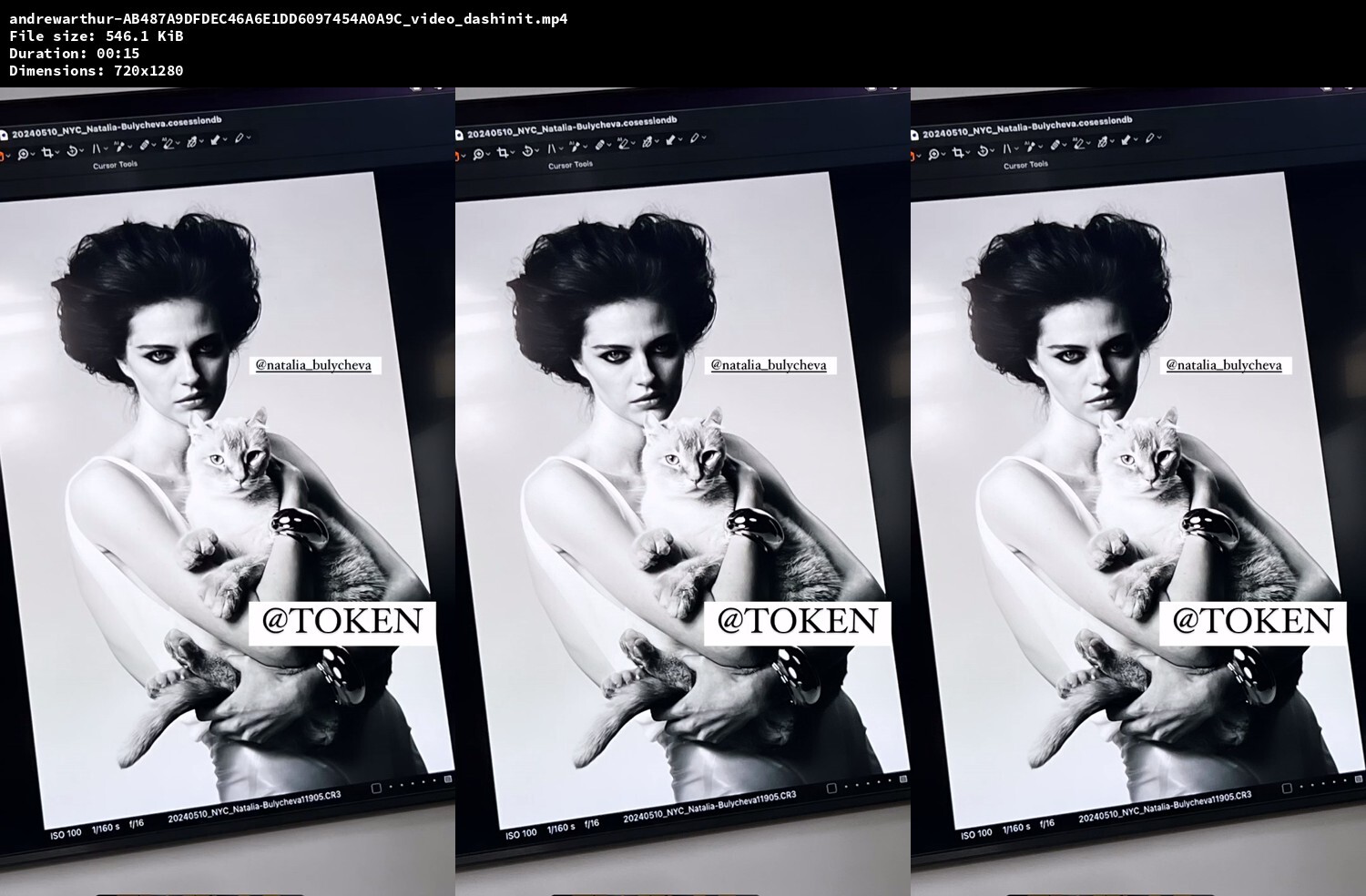
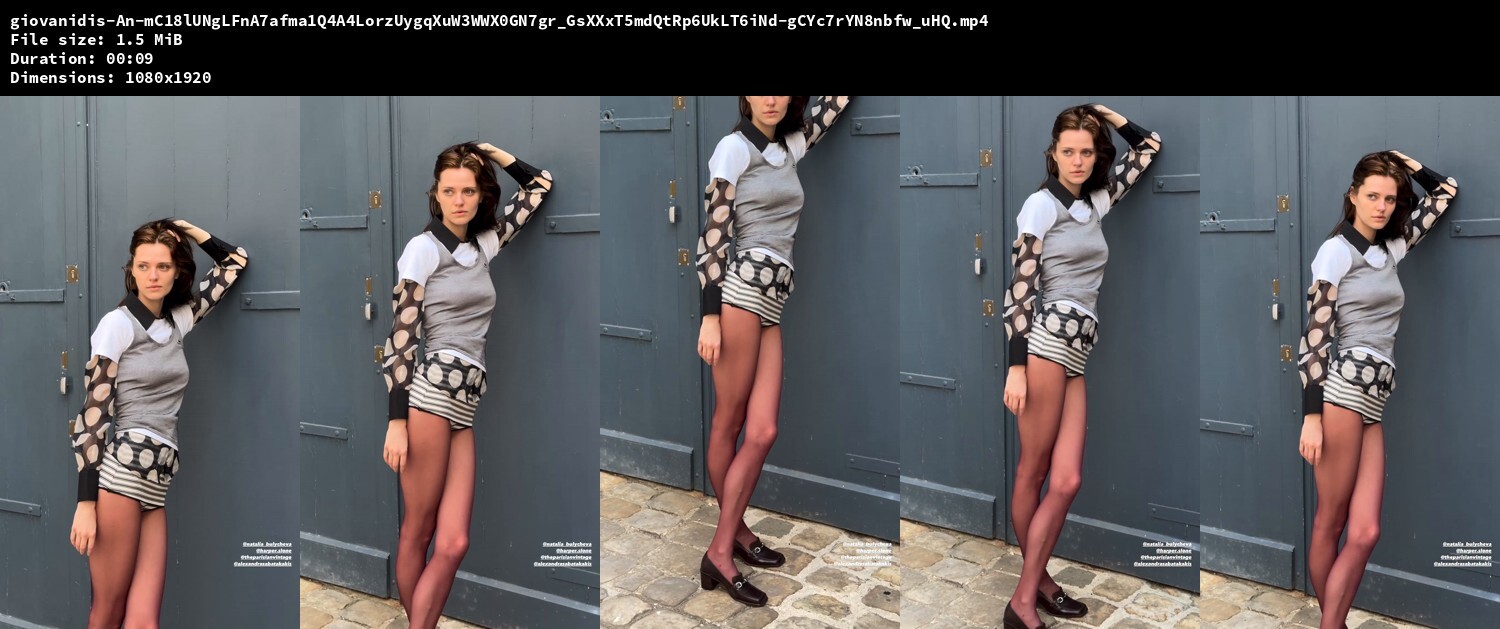
  8. Photography: Stanislav Demidoff (instagram.com/natalia_bulycheva)
  9. HQ (avantmodels.agency)
  10. HQ (avantmodels.agency)
  11. better quality (avantmodels.agency)
  12. HQ (avantmodels.agency)
  13. better quality (avantmodels.agency)
  14. HQ (avantmodels.agency)
  15. HQ (avantmodels.agency)
  16. HQ (avantmodels.agency)
  17. HQ The last picture below is among my very favorites! (avantmodels.agency)
  18. Beyond Noise Magazine Issue 1 2024 Photography: Malick Bodian
  19. (instagram.com/natalia_bulycheva)
  20. Bronx and Banco Bridal Spring 2025 New York Download: https://www.mediafire.com/file/rcskoxh3piaptvv/bronx-and-banco-videos.zip/file screenshots: (bronxandbanco.com, instagram.com/bronxandbanco, wwd.com, fashionnetwork.com, loammi.co, instagram.com/loammi_mag, instagram.com/jilljacobsenn, instagram.com/photographer_ej)
  21. (instagram.com/j.lentin)
  22. (elitemodelmanagement.com)
  23. (iconicmanagement.com)
  24. slightly better quality (elitemodelmanagement.com)
  25. (elitemodelmanagement.com)

Configure browser push notifications

Chrome (Android)
  1. Tap the lock icon next to the address bar.
  2. Tap Permissions → Notifications.
  3. Adjust your preference.
Chrome (Desktop)
  1. Click the padlock icon in the address bar.
  2. Select Site settings.
  3. Find Notifications and adjust your preference.