
betroy
Members
-
Joined
-
Last visited
Everything posted by betroy
-
Maria Menounos - on the set of ExtraJenna Dewan - Allure (May 2014) - NSFW http://www.pixtreat.com/show.php/93804_jenna-dewan-tatum.jpg.htmlMinnie Driver - Allure Magazine (May 2014) - NSFW http://www.pixtreat.com/show.php/93840_minnie-driver.jpg.htmlTaylor Swift in bikini - twitpic
 Ileana D'Cruz - MW Magazine (Apr 2014)




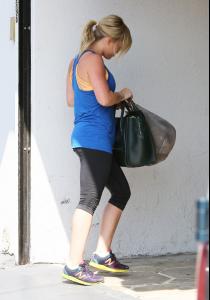
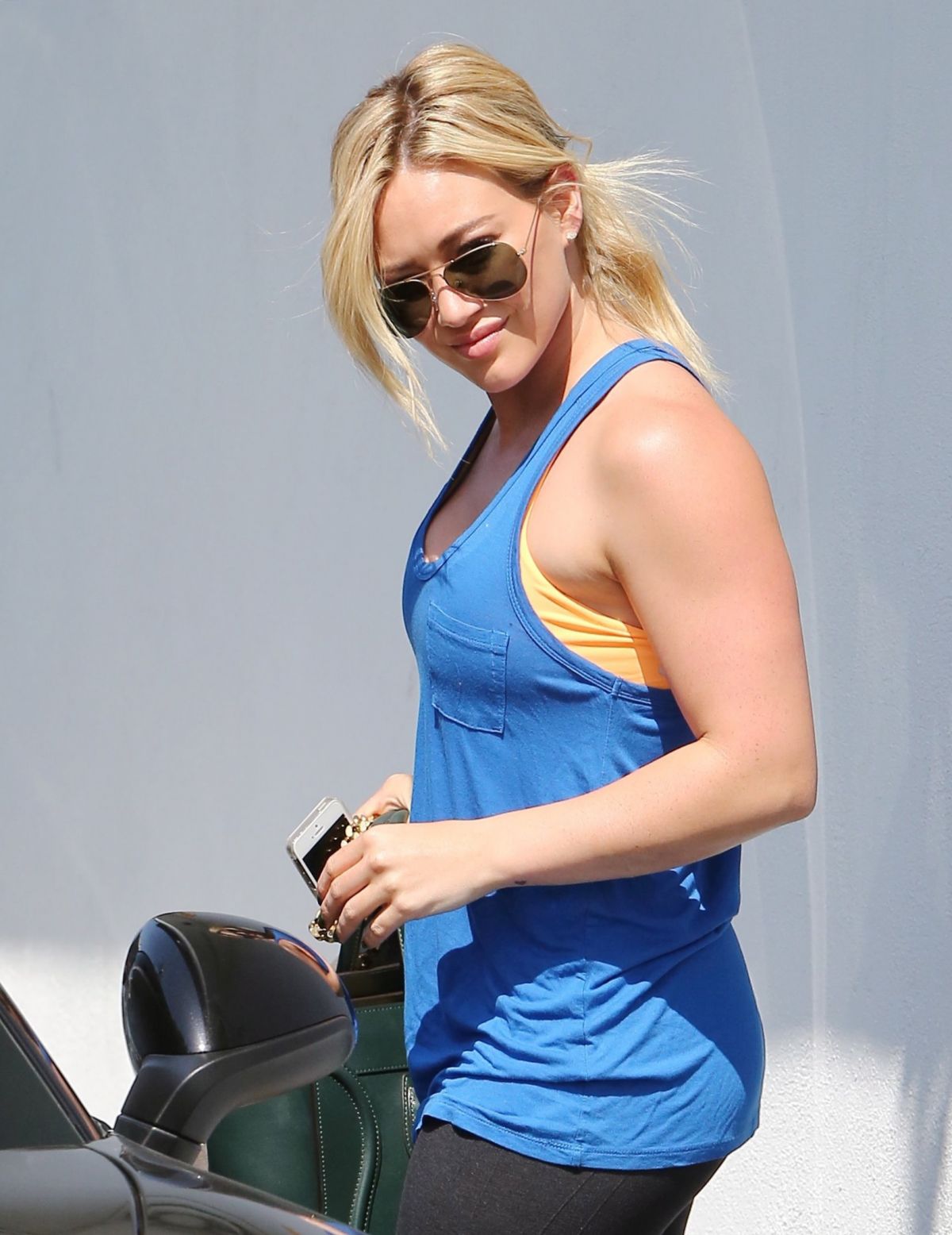
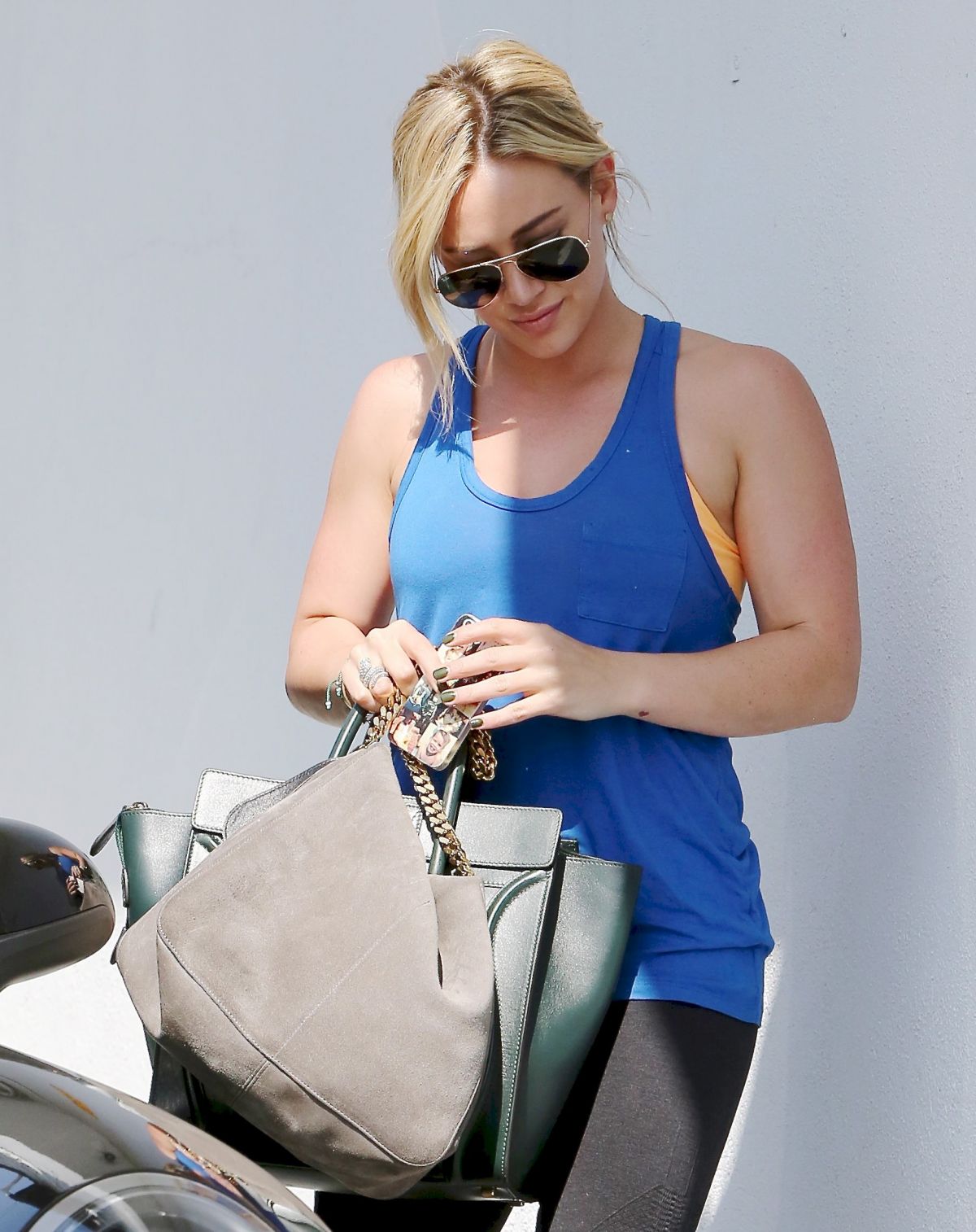
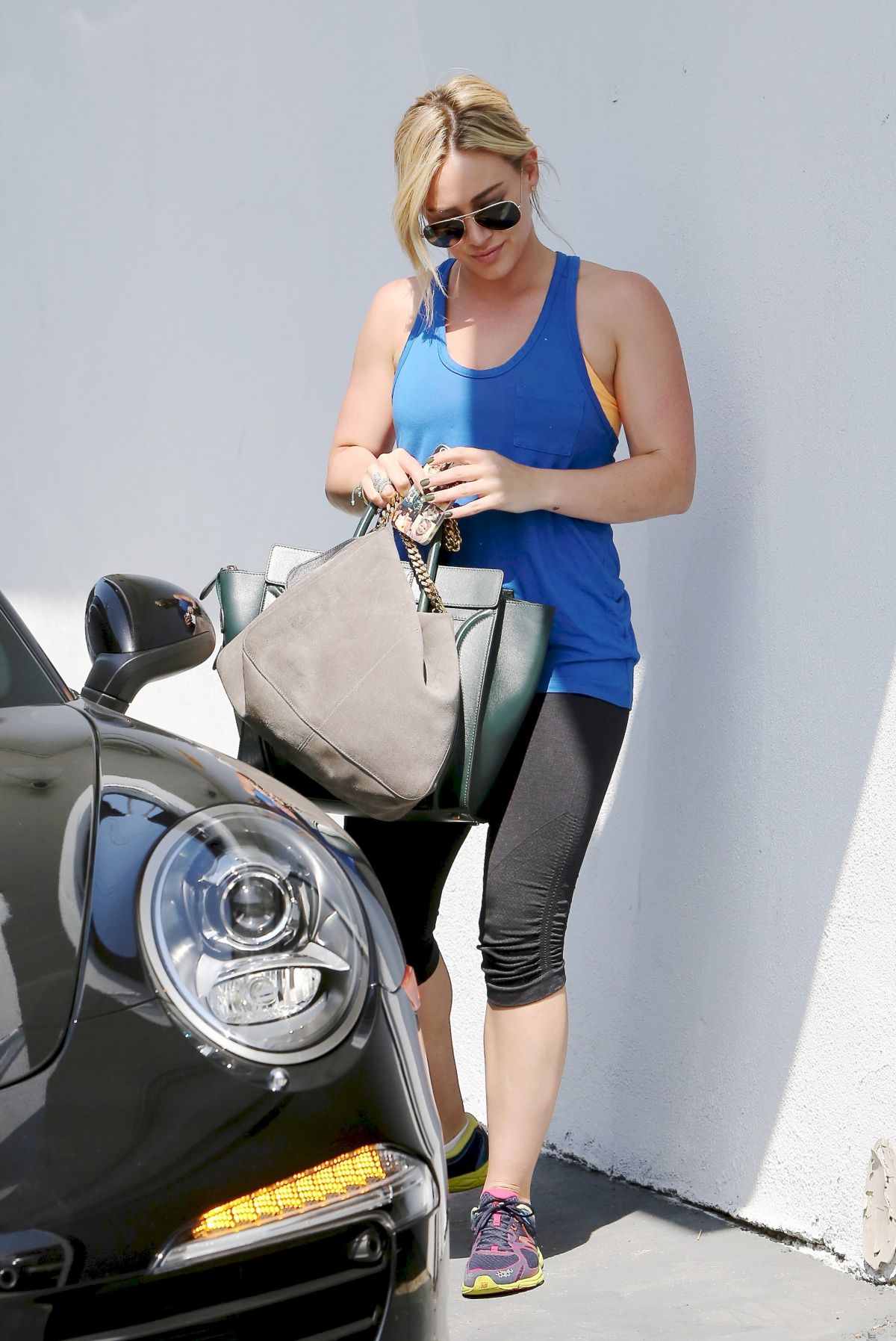
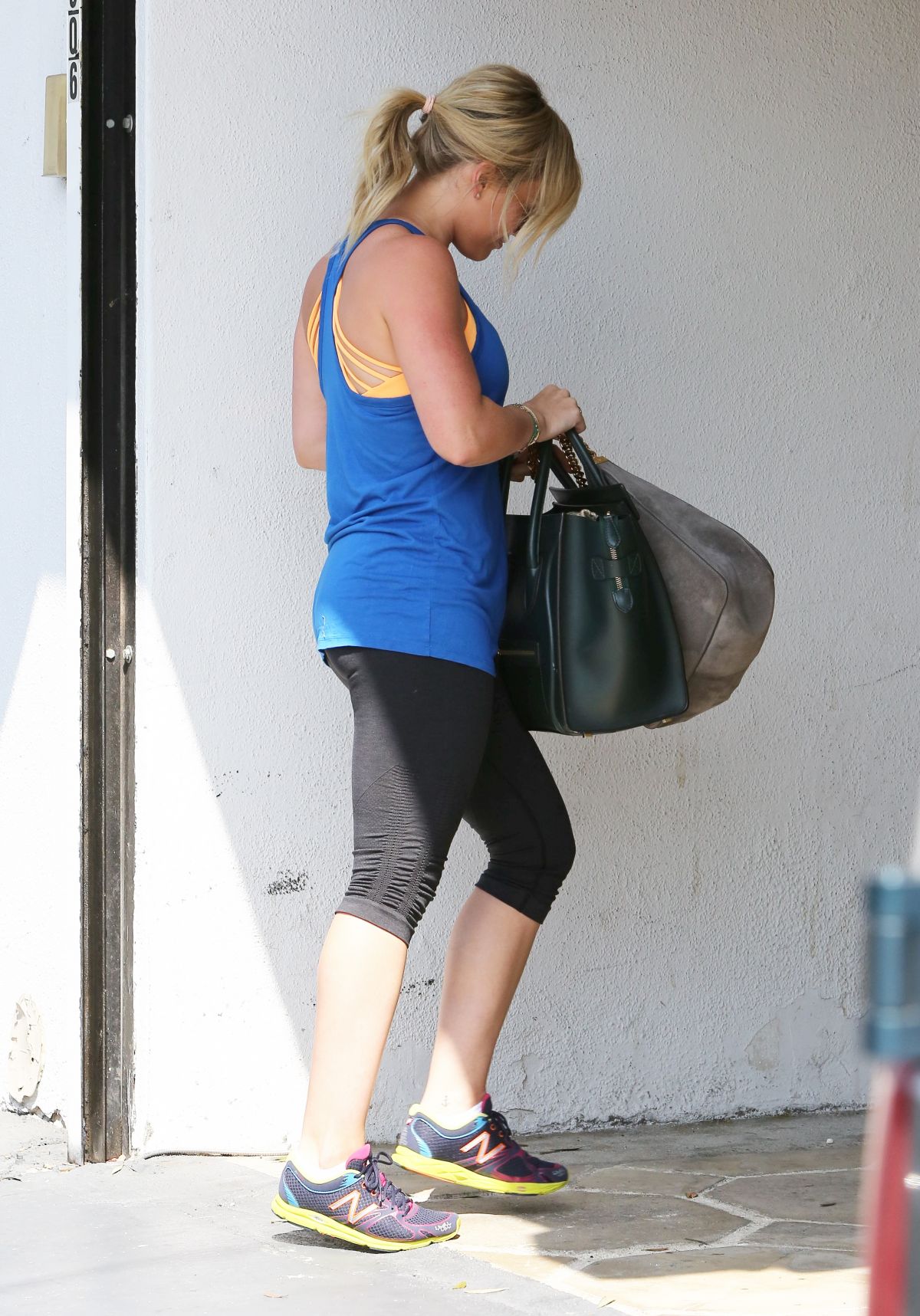
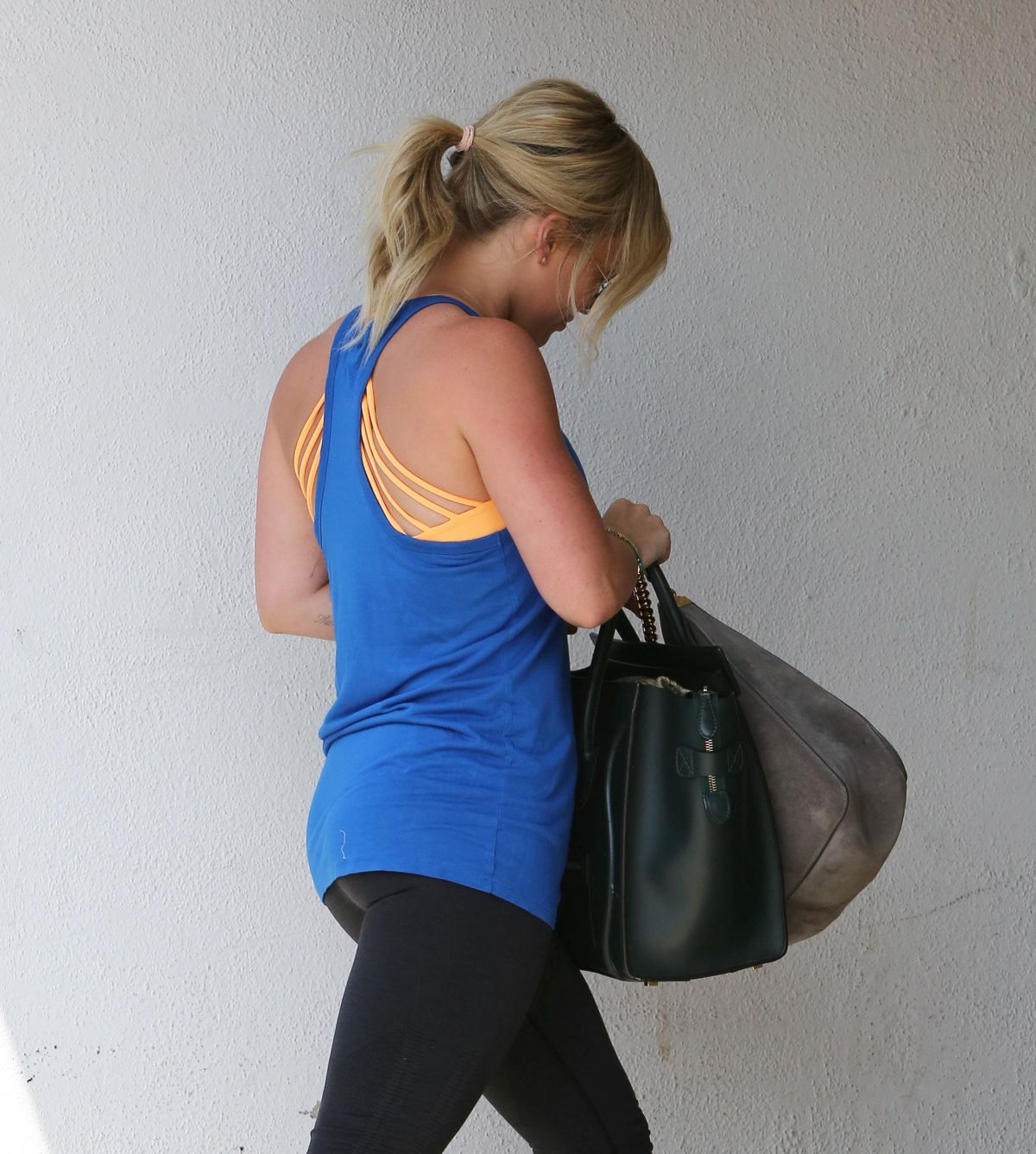
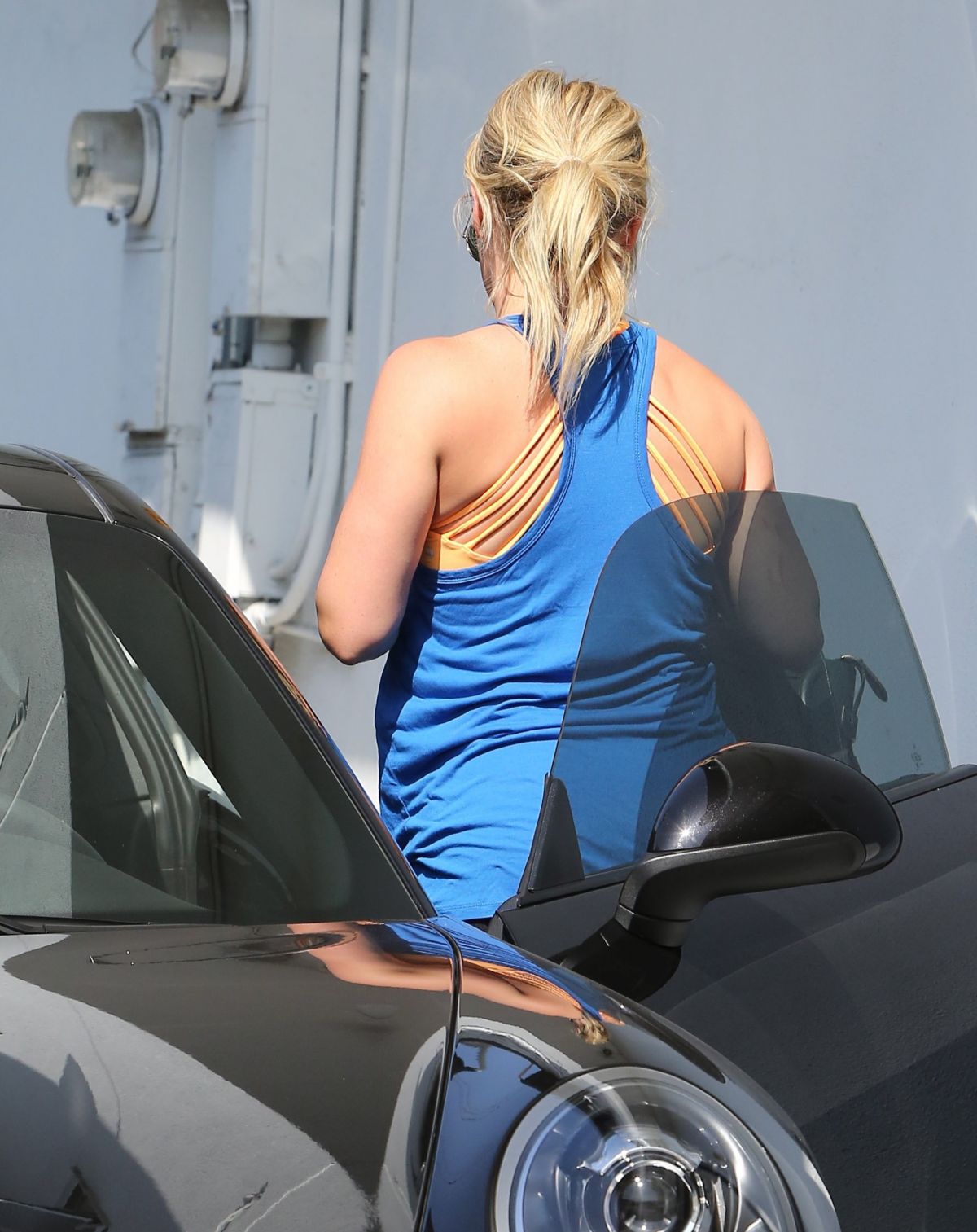
 Hilary Duff - at her Gym




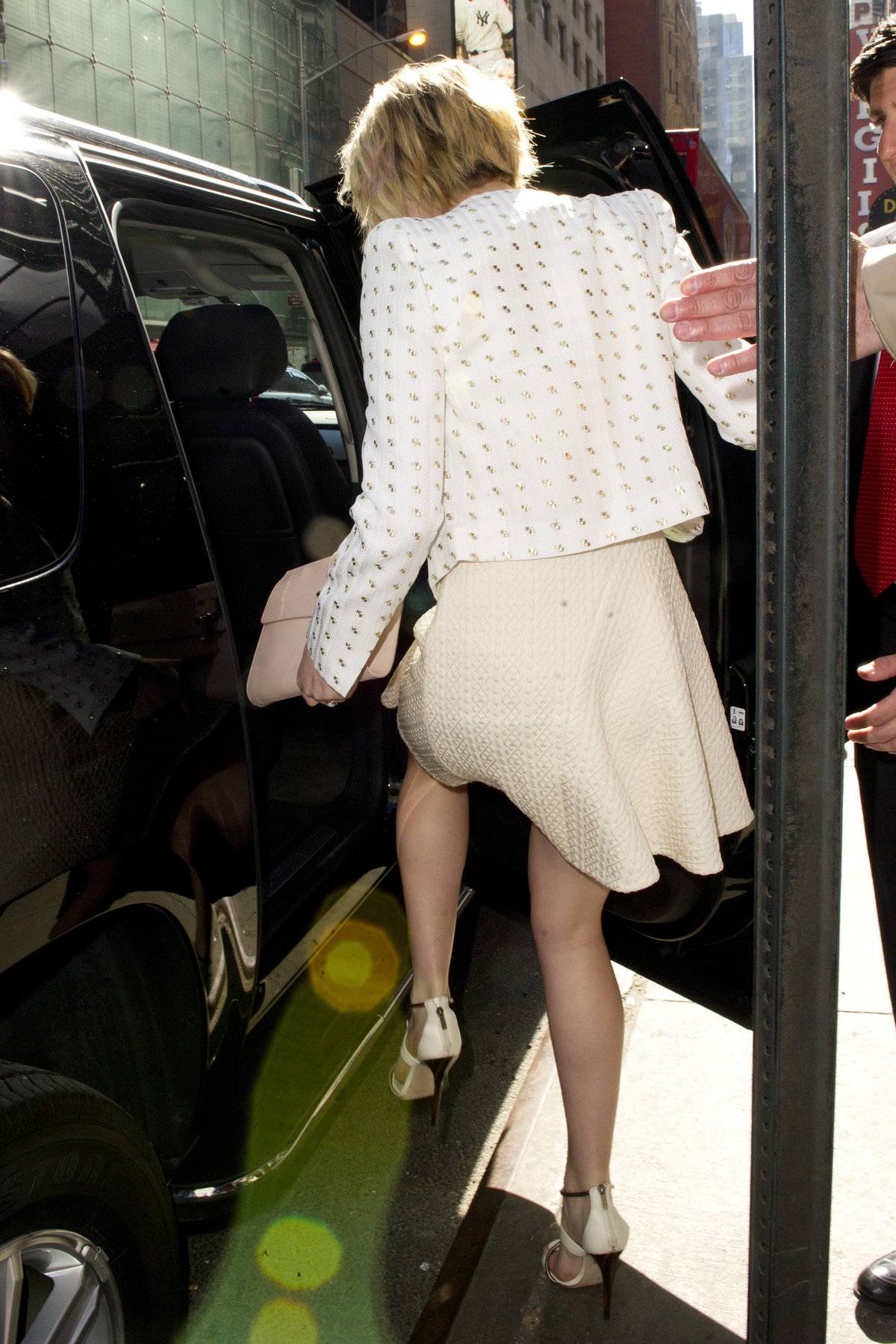
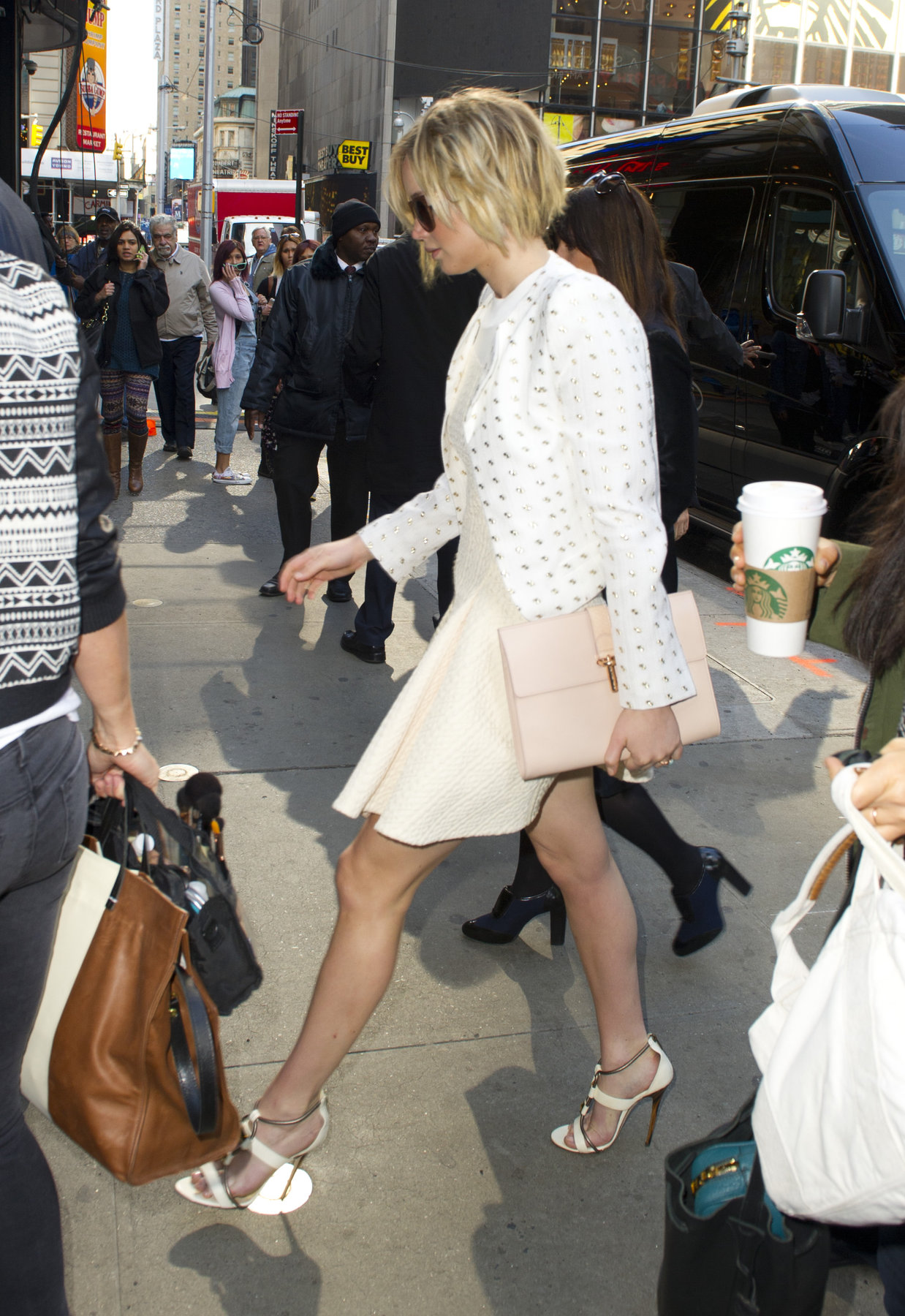
 Cameron Diaz - The Other Woman premiere, WestwoodAraina Grande - Problem Single Cover
 Maria Sharapova - Porsche Tennis Grand Prix 2014












 Kirsten Dunst in West Hollywood



 u r welcome Luis wow! That's another great collection Luis, you got an amazing collection my friend, keep up the good workBar Refaeli - instagram pics


 Victoria Justice- instagram Victoria Justice at Coachella













 Rihanna - instagramHelen Flanagan - Easter lingerie, Sun Magazine
 Jessica Alba - Magnum Ice Cream Promos
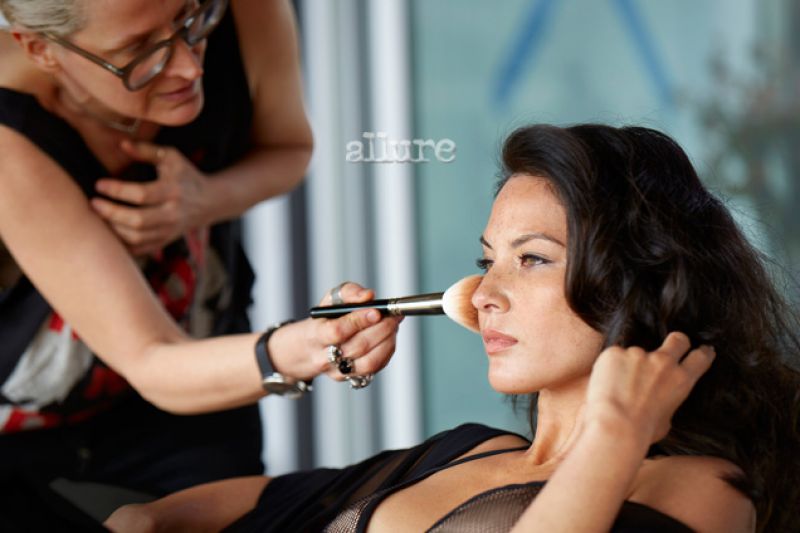
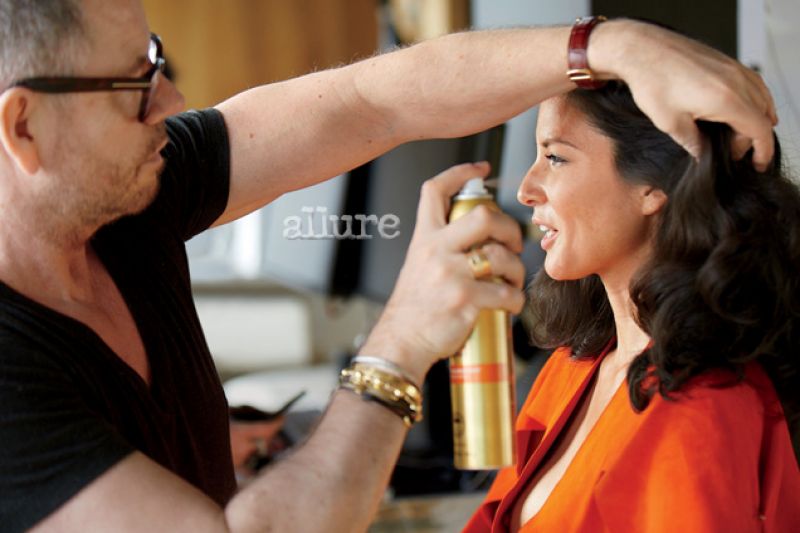
 Kristen Bell - Allure (May 2014)
 Joanna JoJo Levesque - Nikko La Mere photoshoot

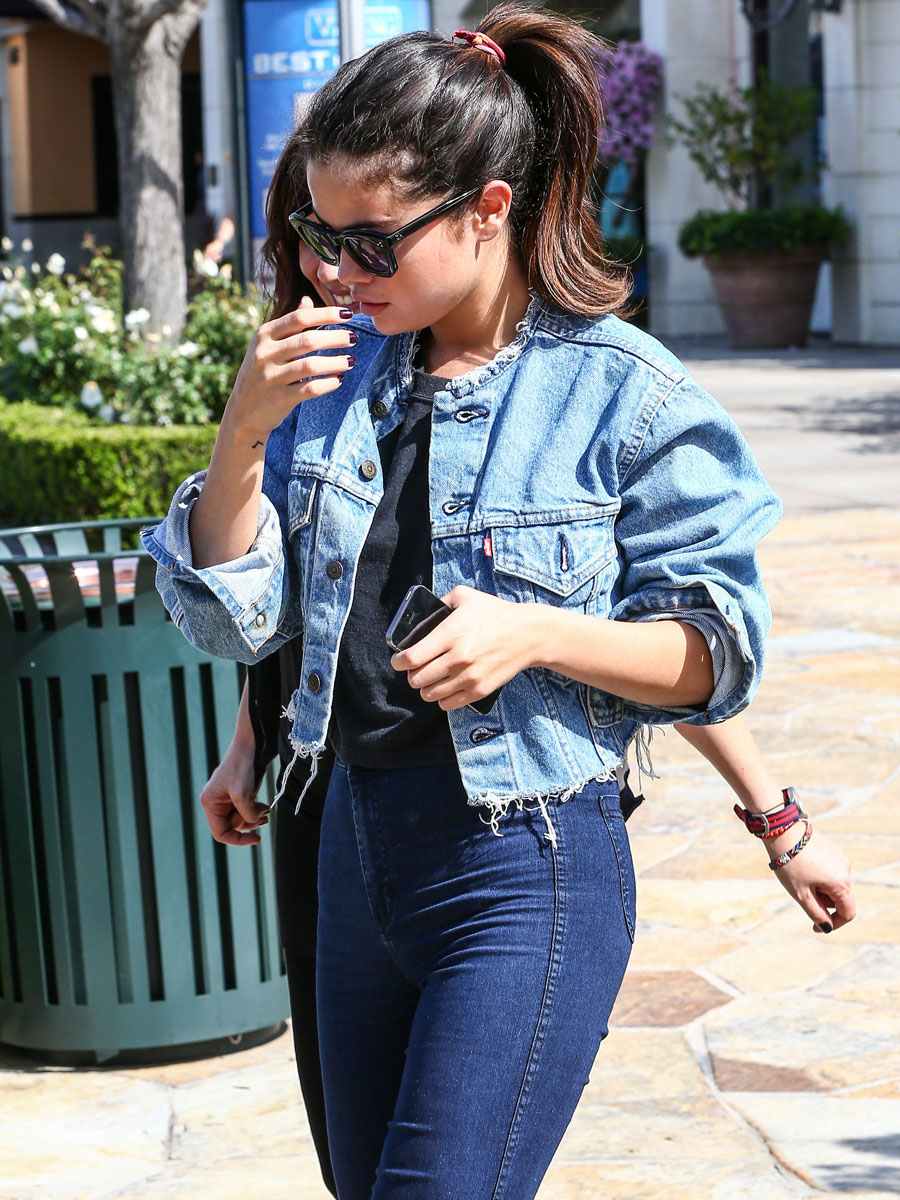
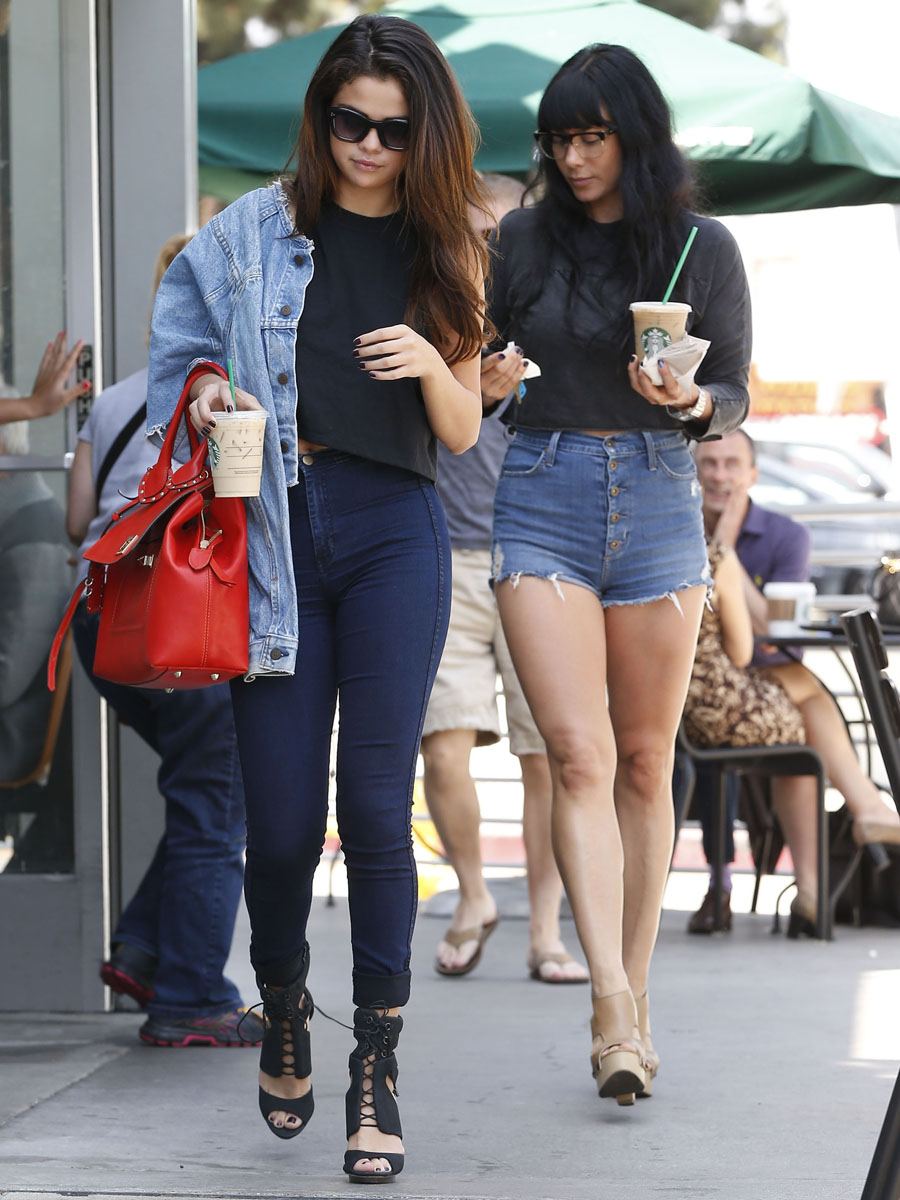
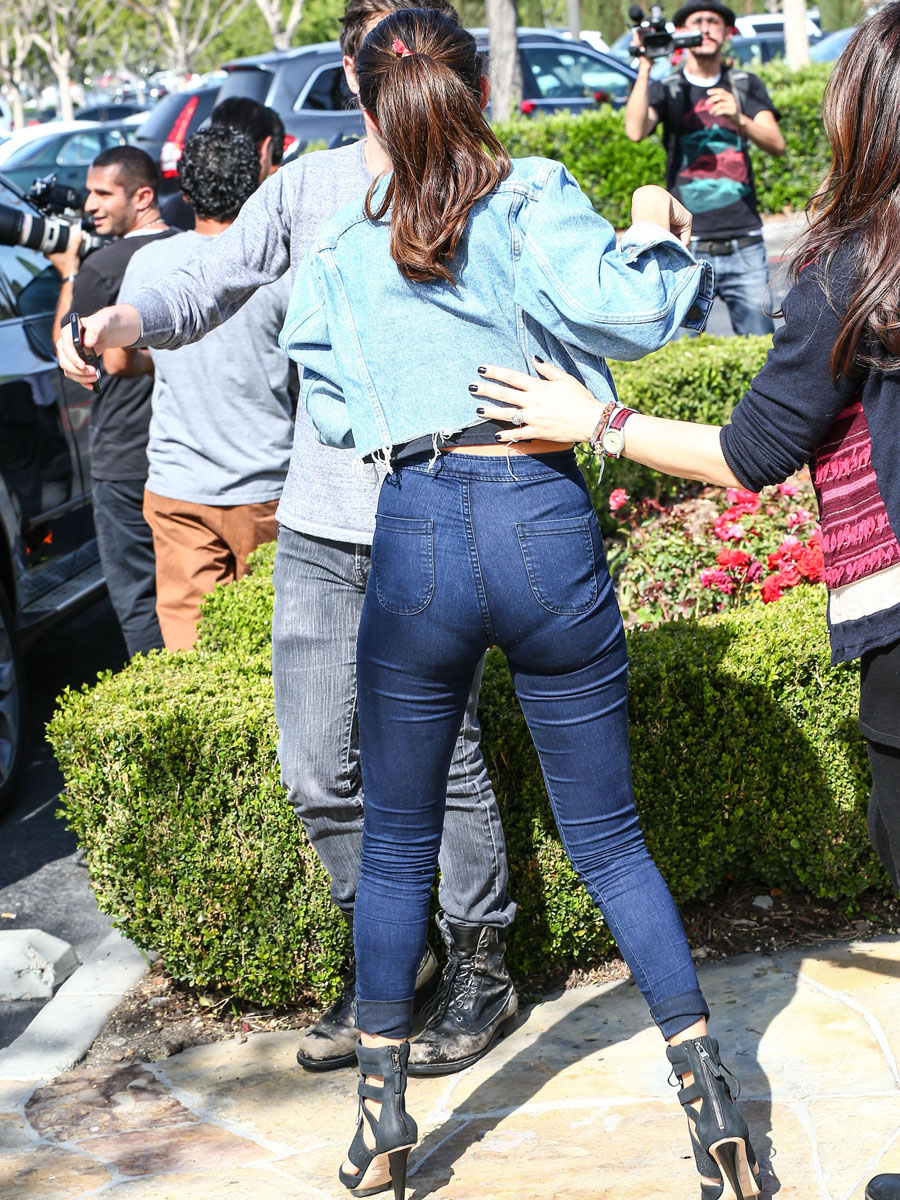
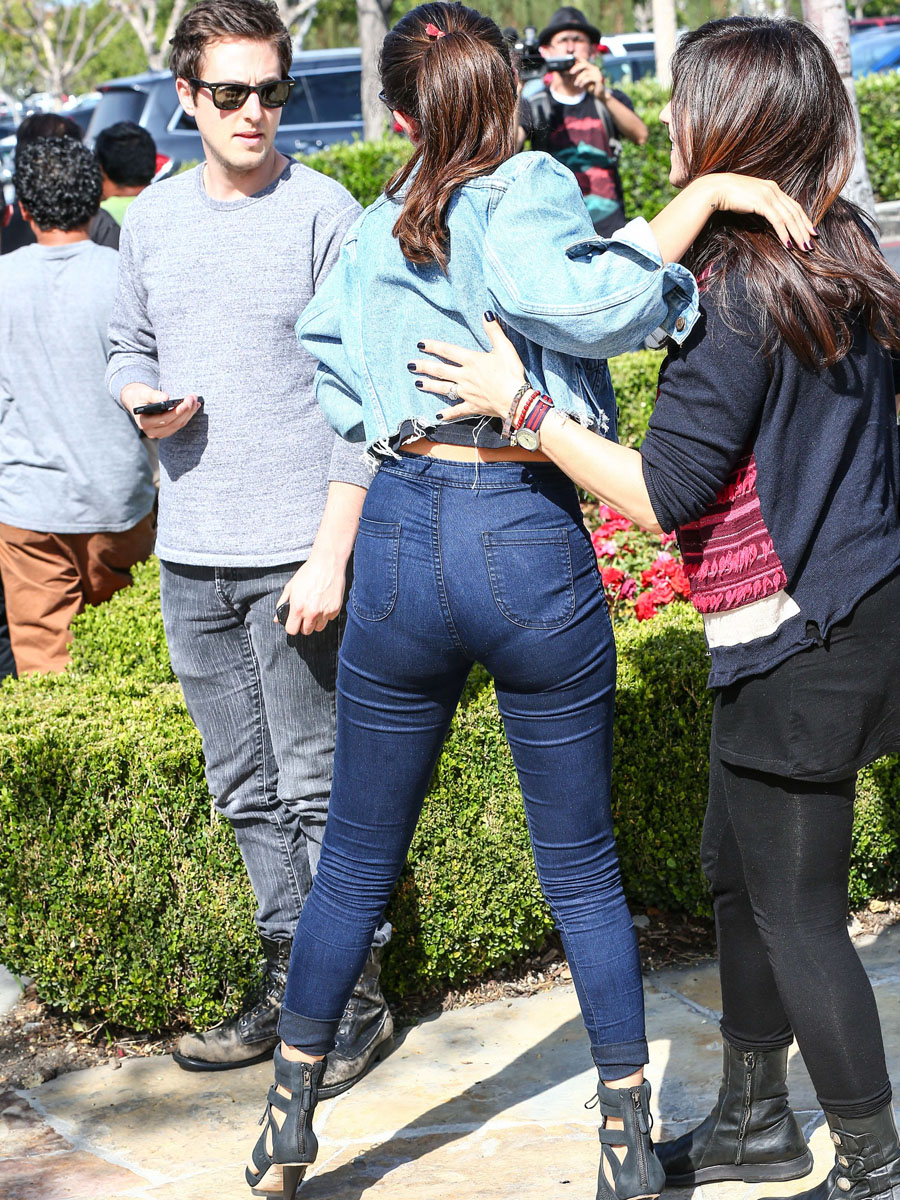
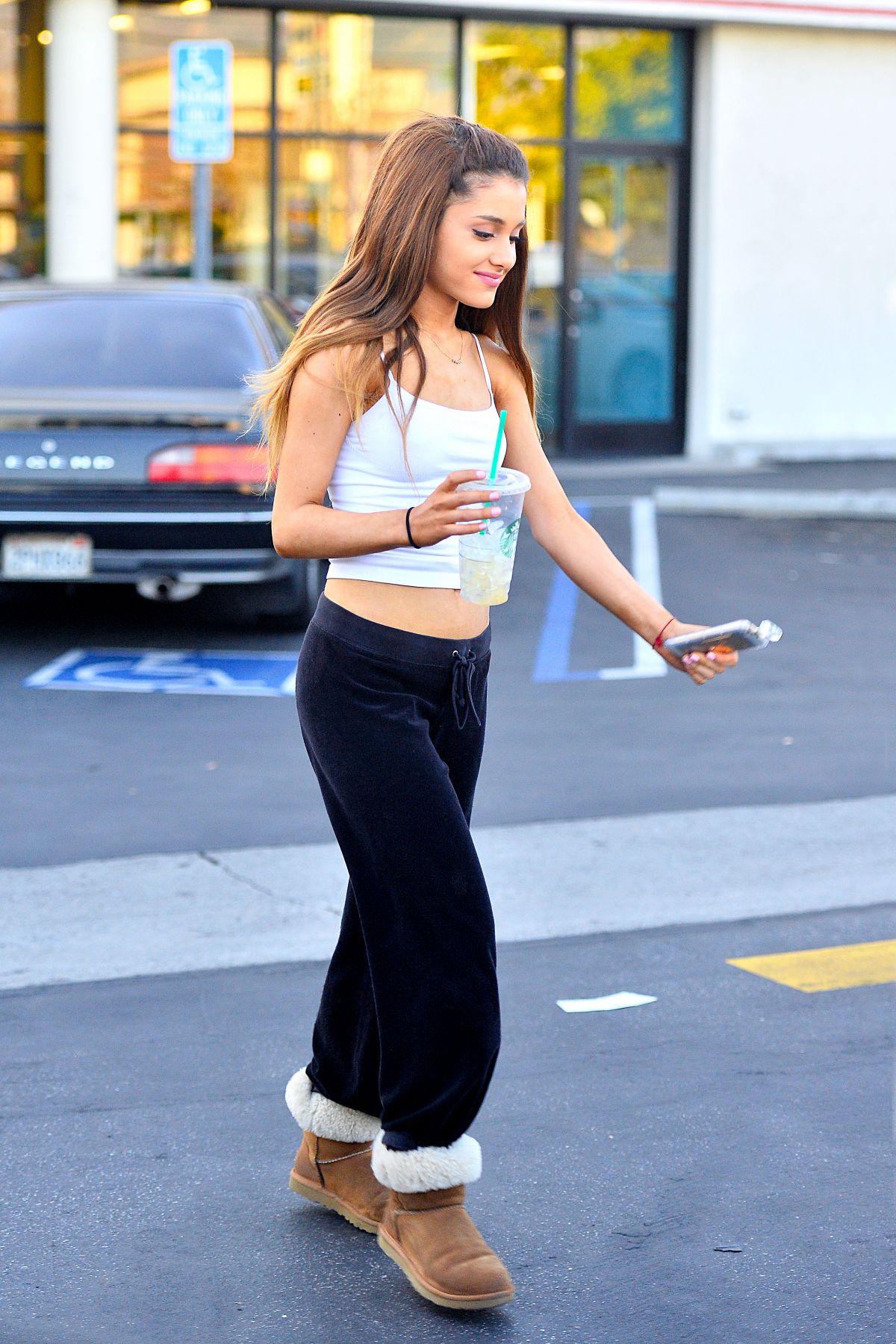
 Ariana Grande in LA














































































Account
Navigation
Search
Configure browser push notifications
Chrome (Android)
- Tap the lock icon next to the address bar.
- Tap Permissions → Notifications.
- Adjust your preference.
Chrome (Desktop)
- Click the padlock icon in the address bar.
- Select Site settings.
- Find Notifications and adjust your preference.
Safari (iOS 16.4+)
- Ensure the site is installed via Add to Home Screen.
- Open Settings App → Notifications.
- Find your app name and adjust your preference.
Safari (macOS)
- Go to Safari → Preferences.
- Click the Websites tab.
- Select Notifications in the sidebar.
- Find this website and adjust your preference.
Edge (Android)
- Tap the lock icon next to the address bar.
- Tap Permissions.
- Find Notifications and adjust your preference.
Edge (Desktop)
- Click the padlock icon in the address bar.
- Click Permissions for this site.
- Find Notifications and adjust your preference.
Firefox (Android)
- Go to Settings → Site permissions.
- Tap Notifications.
- Find this site in the list and adjust your preference.
Firefox (Desktop)
- Open Firefox Settings.
- Search for Notifications.
- Find this site in the list and adjust your preference.