
Sylvie27
Members
-
Joined
-
Last visited
-
-
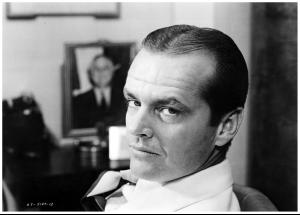
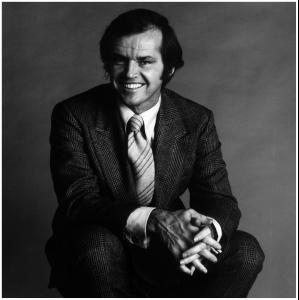
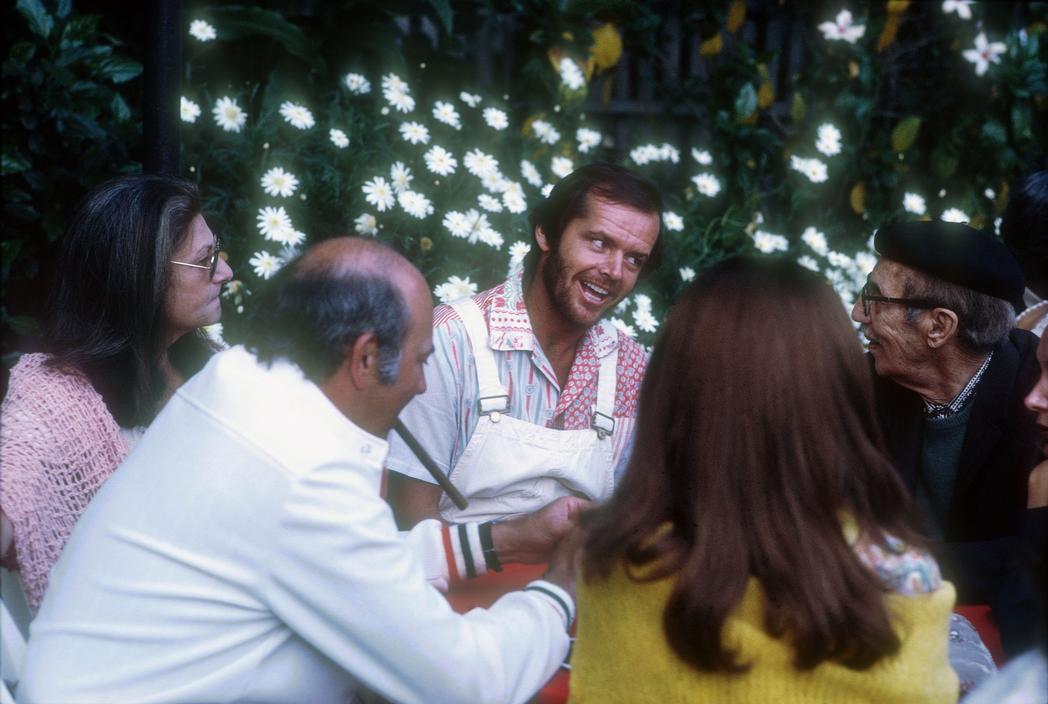
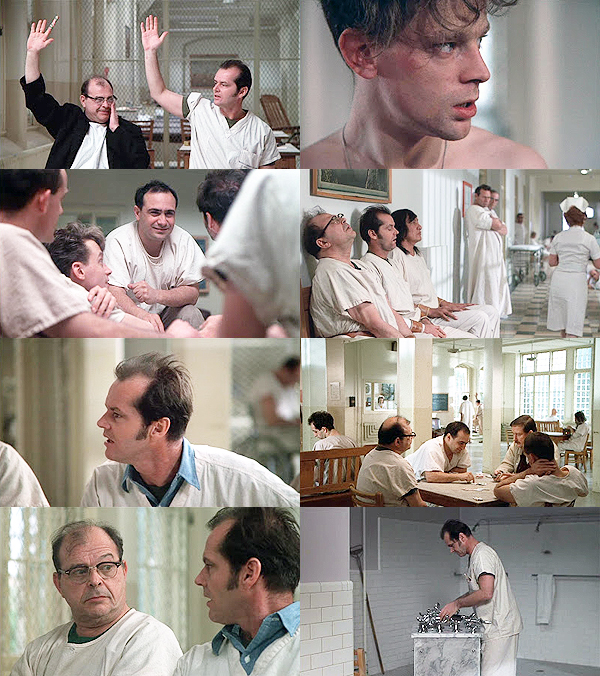
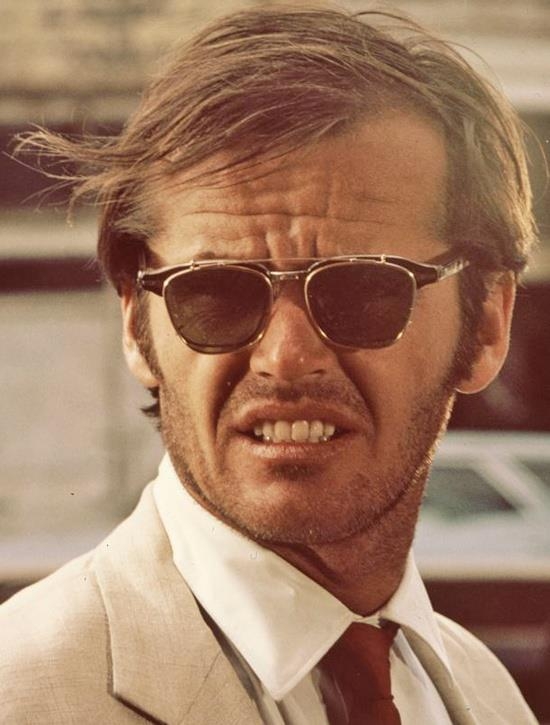
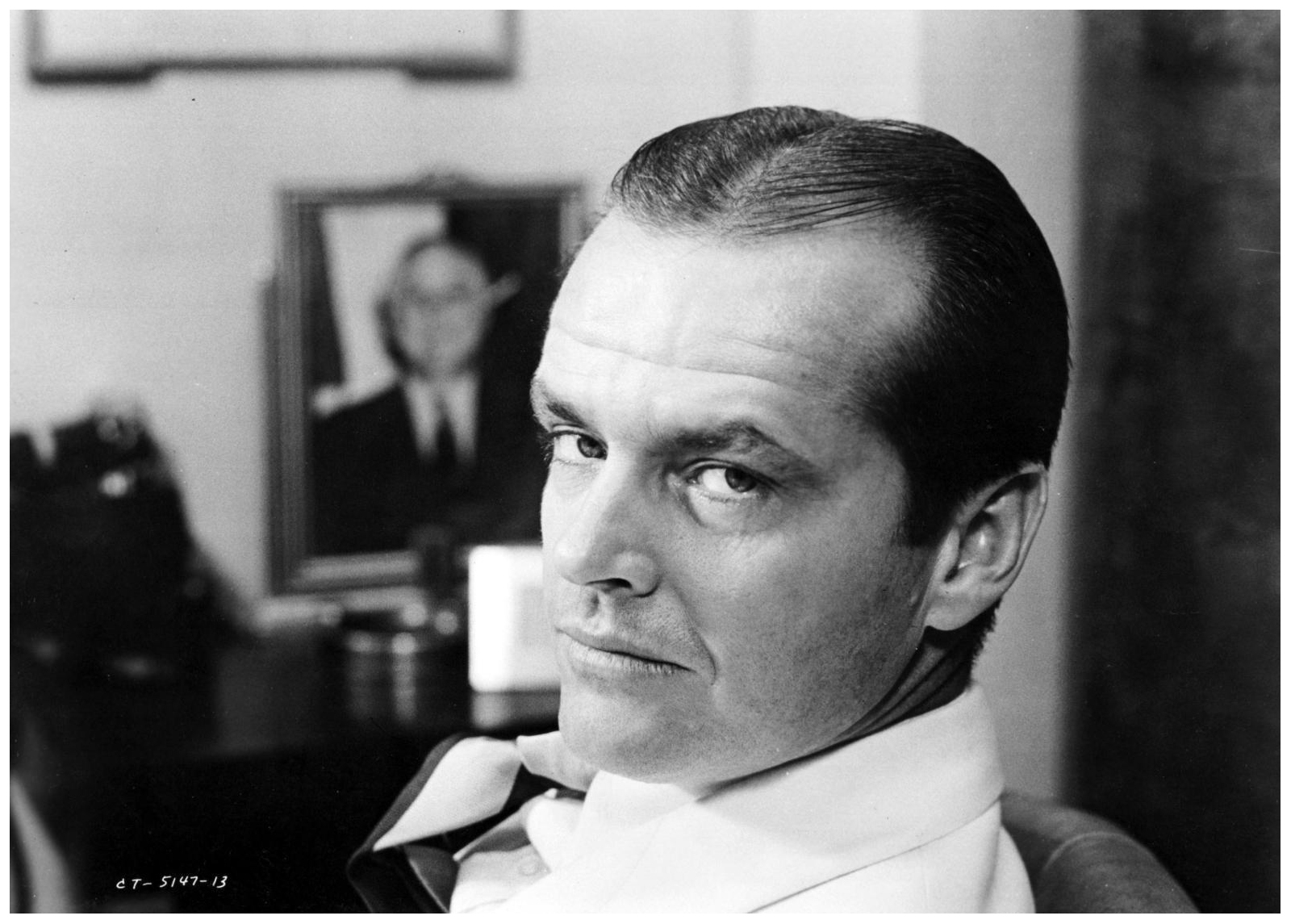
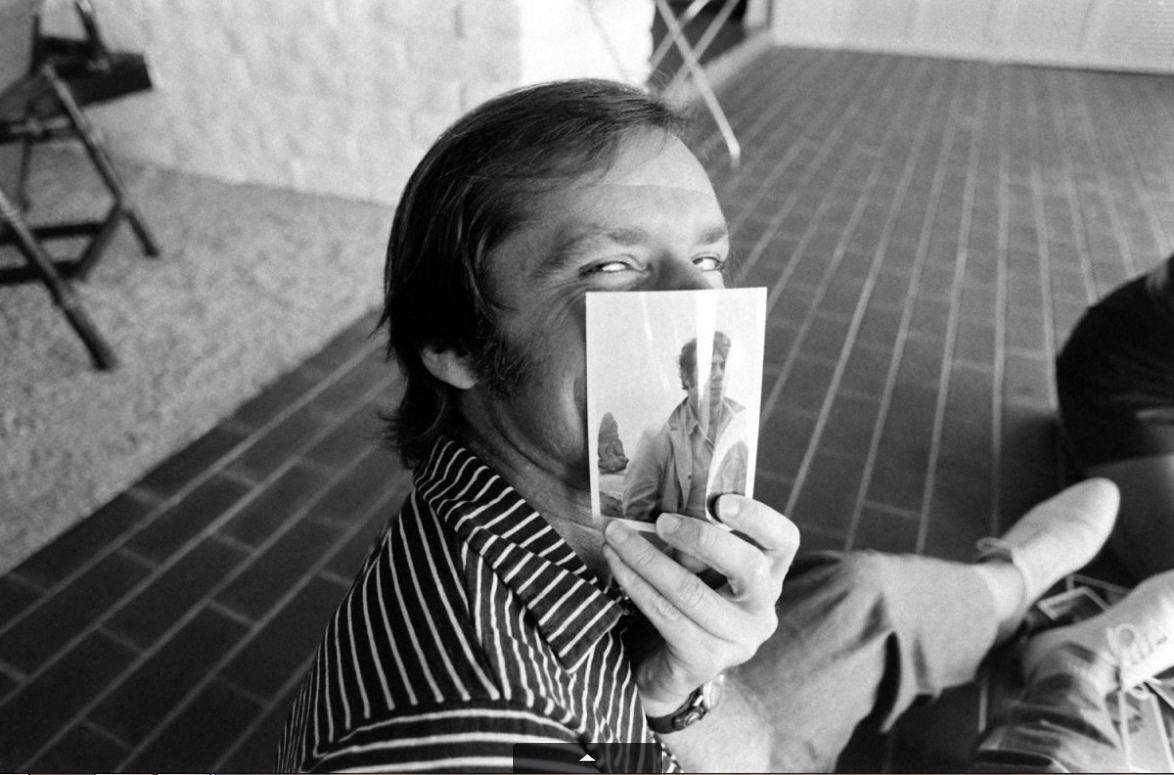
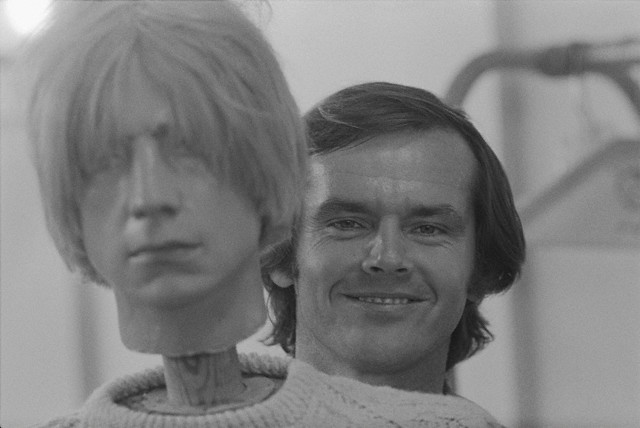
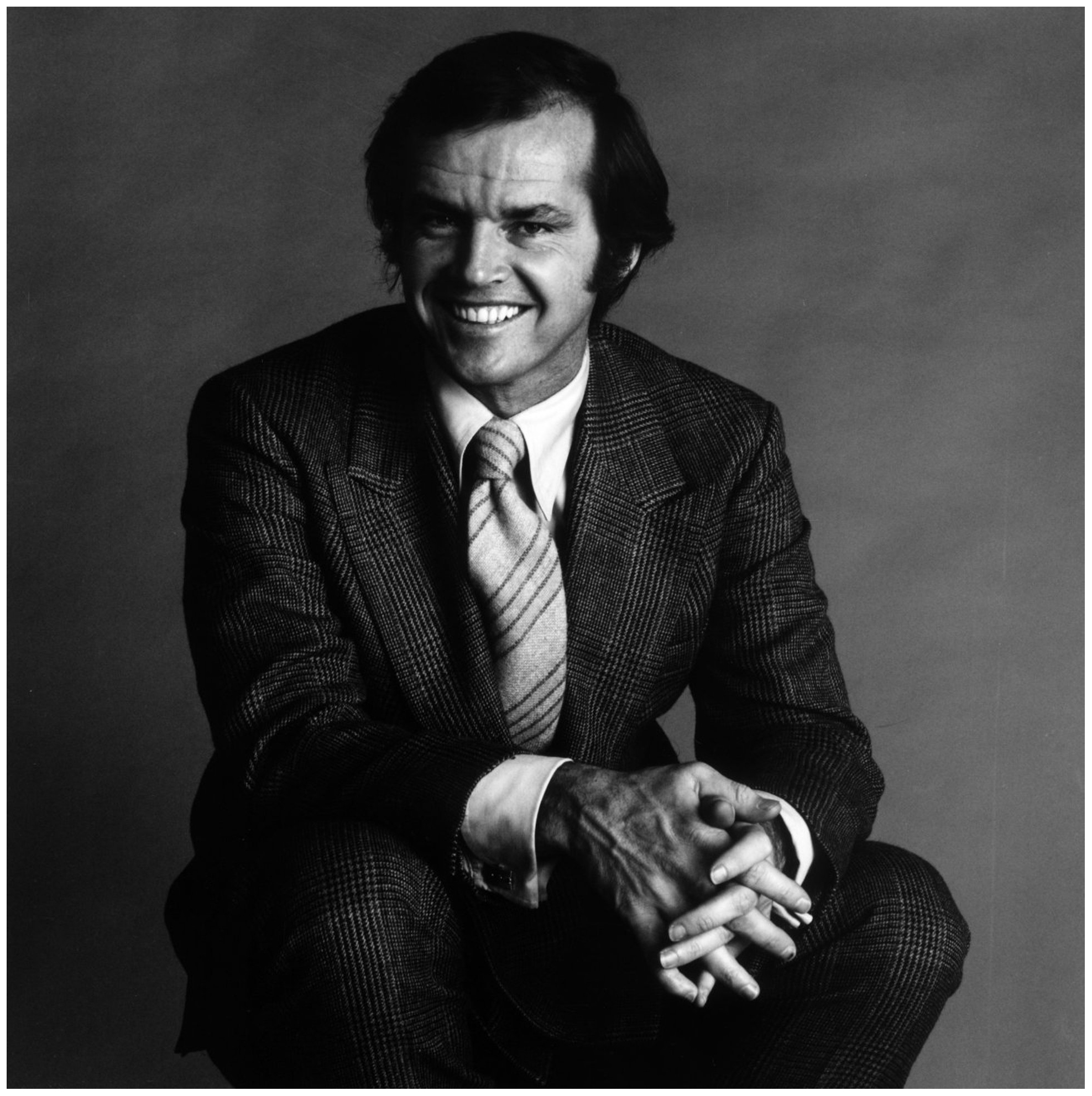
 Image hidden for guestsSign in to view:wub2:John Joseph "Jack" Nicholson (born April 22, 1937) is an American actor, film director, producer, and writer. Throughout his career, Jack Nicholson has portrayed unique and challenging roles; many of which include dark portrayals of neurotic and/or psychopathic characters. Nicholson's twelve Oscar nominations make him the most nominated male actor. Nicholson has twice won the Academy Award for Best Actor, for One Flew Over the Cuckoo's Nest and for As Good as It Gets. He also won the Academy Award for Best Supporting Actor for the 1983 film Terms of Endearment. He is tied with Walter Brennanand Daniel Day-Lewis for most acting wins by a male actor (three). Nicholson is well known for playing villainous roles, such as Frank Costello in The Departed, Jack Torrancein The Shining and the Joker in 1989's Batman. Nicholson was one of only two actors to be nominated for an Academy Award for acting in every decade from the 1960s to 2000s; the other being Michael Caine. He has won sixGolden Globe Awards, and received the Kennedy Center Honor in 2001. In 1994, he became one of the youngest actors to be awarded the American Film Institute's Life Achievement Award. Notable films in which he has starred include Easy Rider, Five Easy Pieces, The Last Detail, Chinatown, The Passenger, The Shining, Reds, Wolf, A Few Good Men, The Pledge, About Schmidt and The Departed. :wub2:









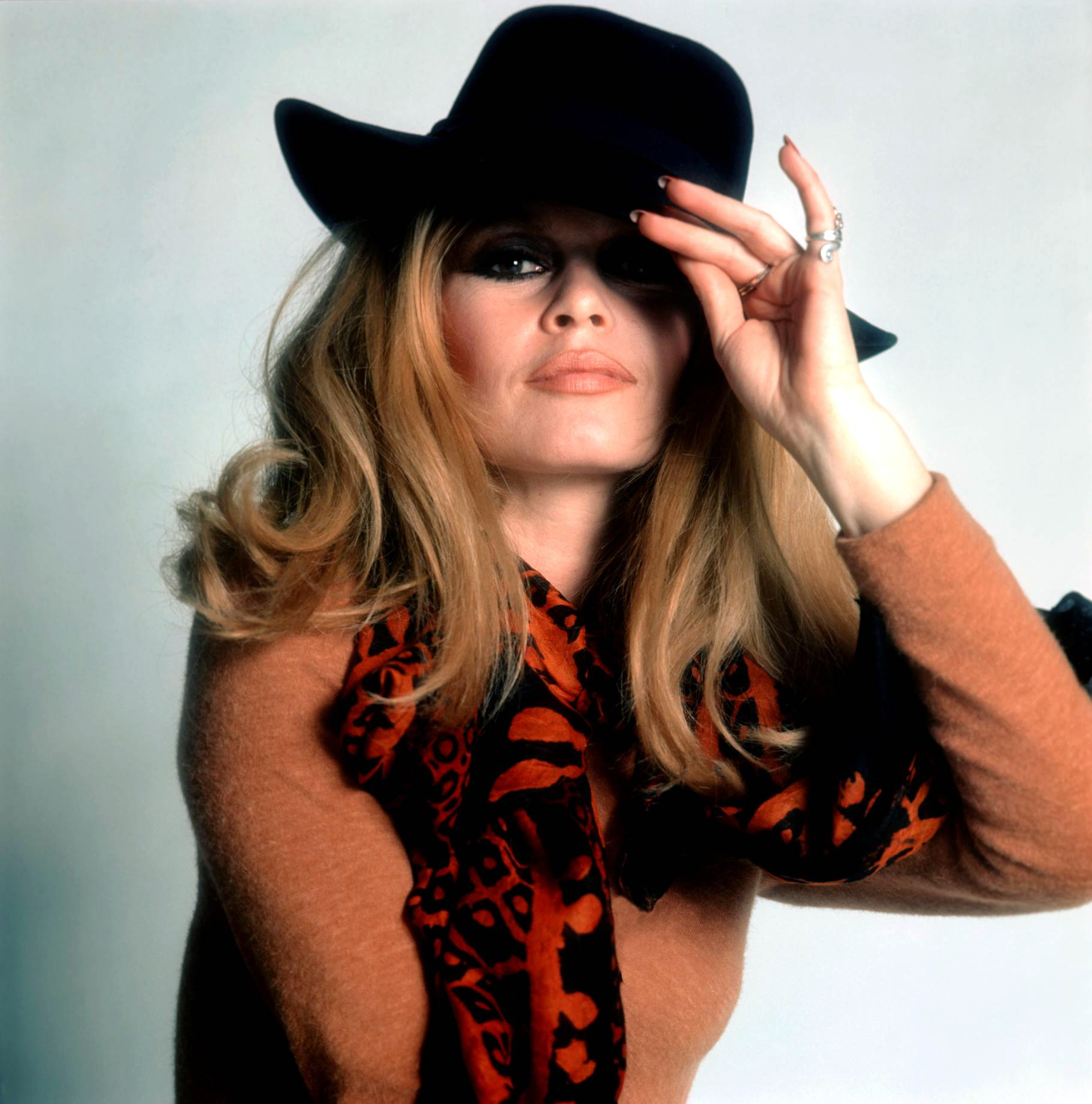
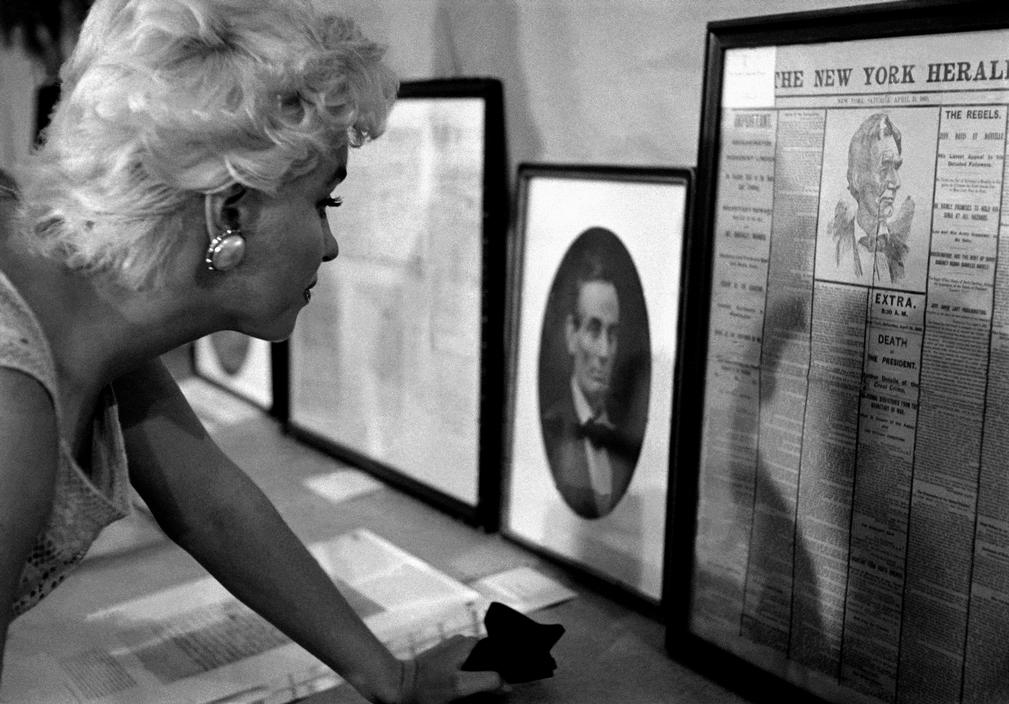
 Marlen merci pour vos magnifiques photos




































































































































Account
Navigation
Search
Configure browser push notifications
Chrome (Android)
- Tap the lock icon next to the address bar.
- Tap Permissions → Notifications.
- Adjust your preference.
Chrome (Desktop)
- Click the padlock icon in the address bar.
- Select Site settings.
- Find Notifications and adjust your preference.
Safari (iOS 16.4+)
- Ensure the site is installed via Add to Home Screen.
- Open Settings App → Notifications.
- Find your app name and adjust your preference.
Safari (macOS)
- Go to Safari → Preferences.
- Click the Websites tab.
- Select Notifications in the sidebar.
- Find this website and adjust your preference.
Edge (Android)
- Tap the lock icon next to the address bar.
- Tap Permissions.
- Find Notifications and adjust your preference.
Edge (Desktop)
- Click the padlock icon in the address bar.
- Click Permissions for this site.
- Find Notifications and adjust your preference.
Firefox (Android)
- Go to Settings → Site permissions.
- Tap Notifications.
- Find this site in the list and adjust your preference.
Firefox (Desktop)
- Open Firefox Settings.
- Search for Notifications.
- Find this site in the list and adjust your preference.