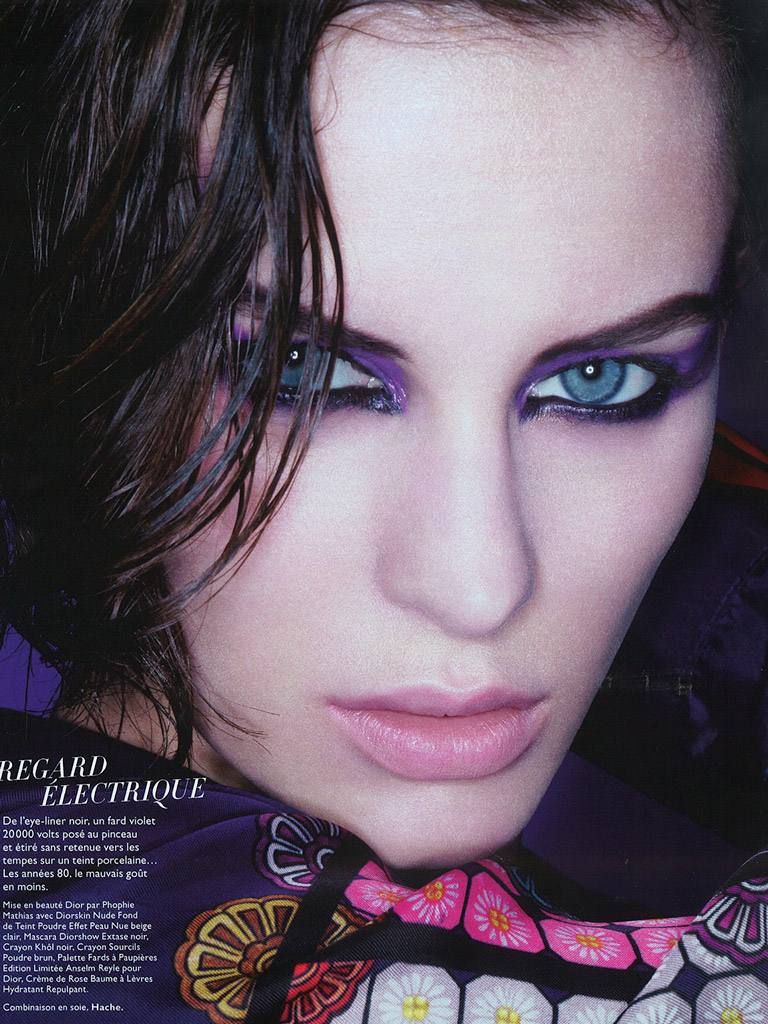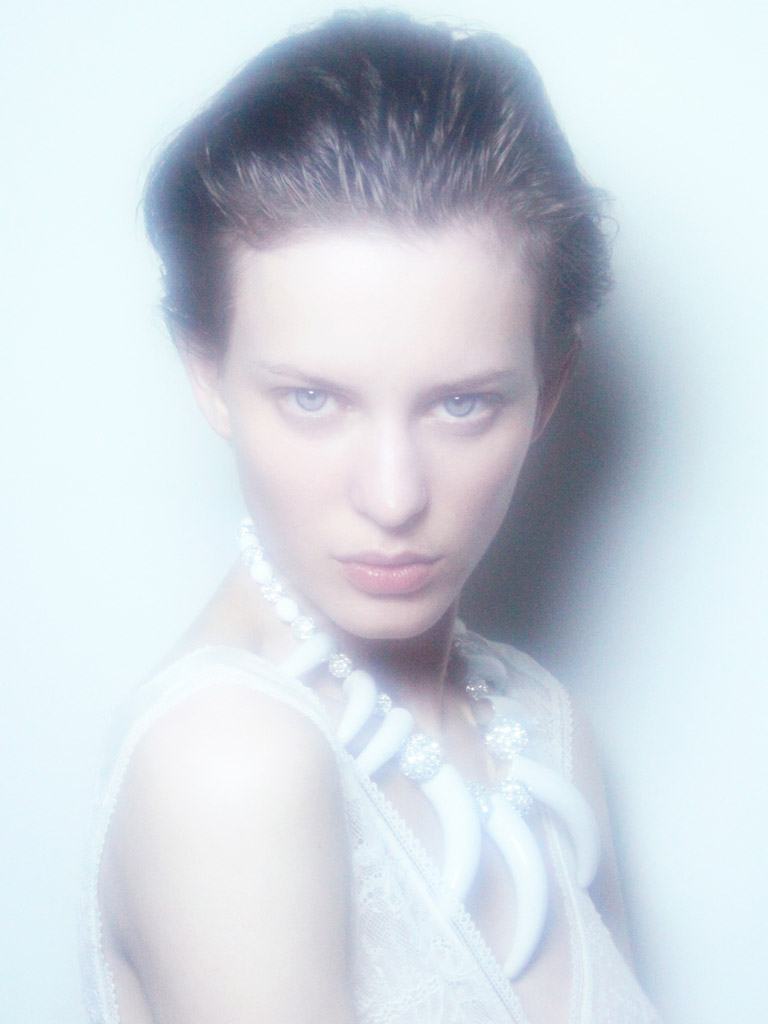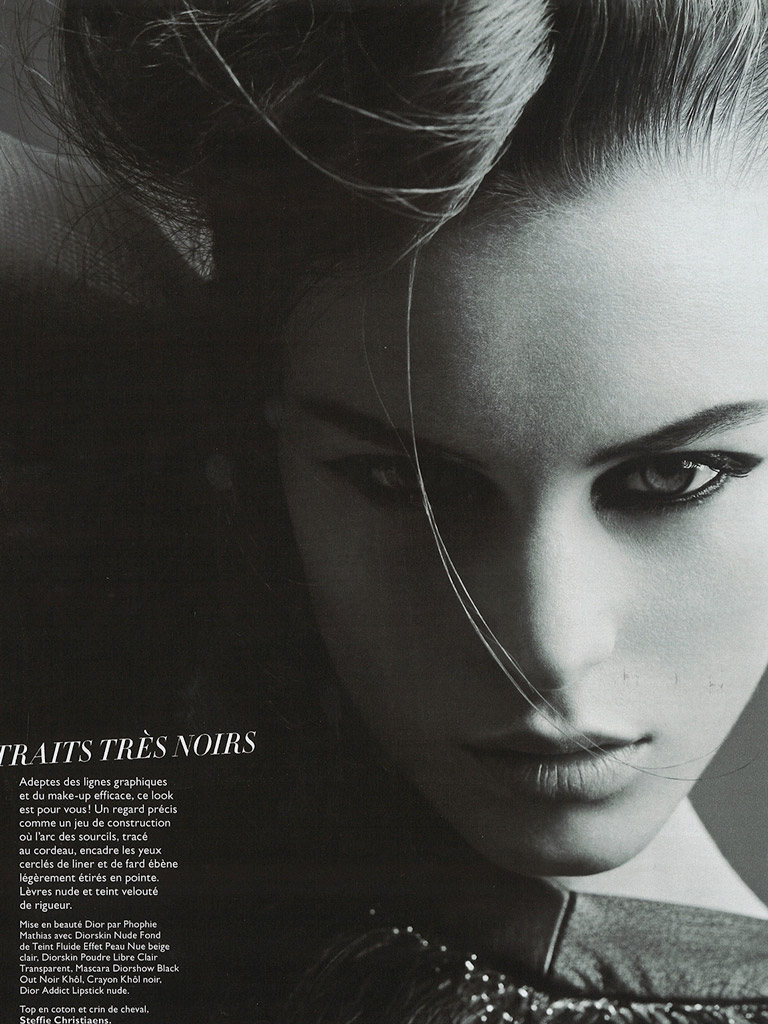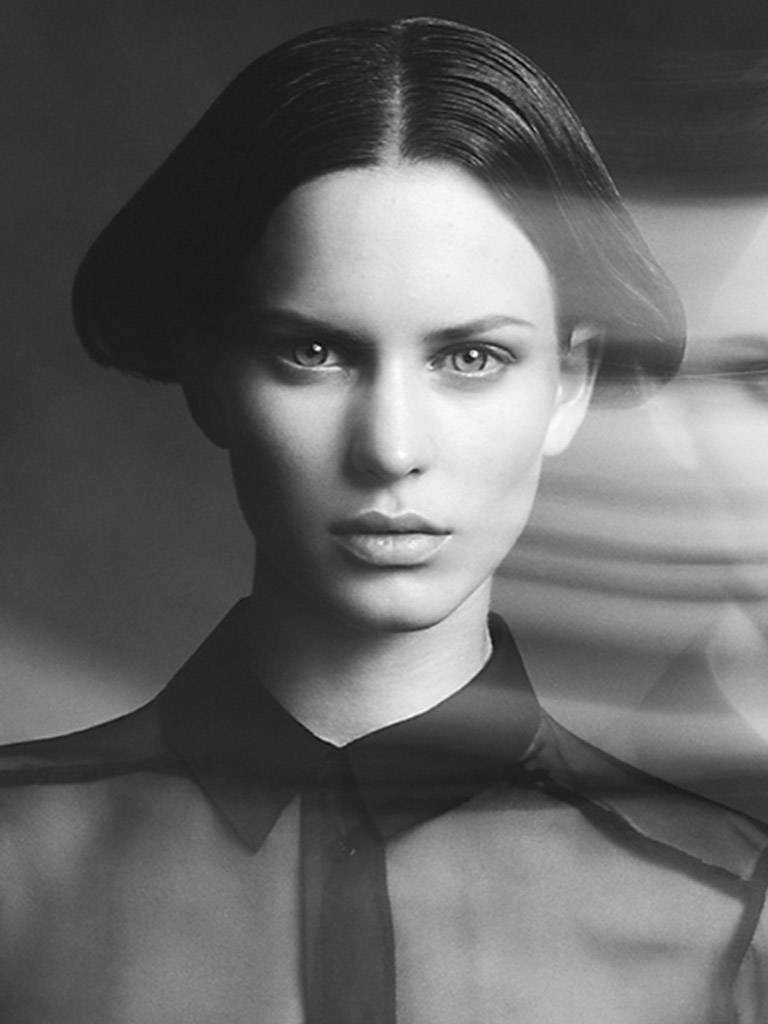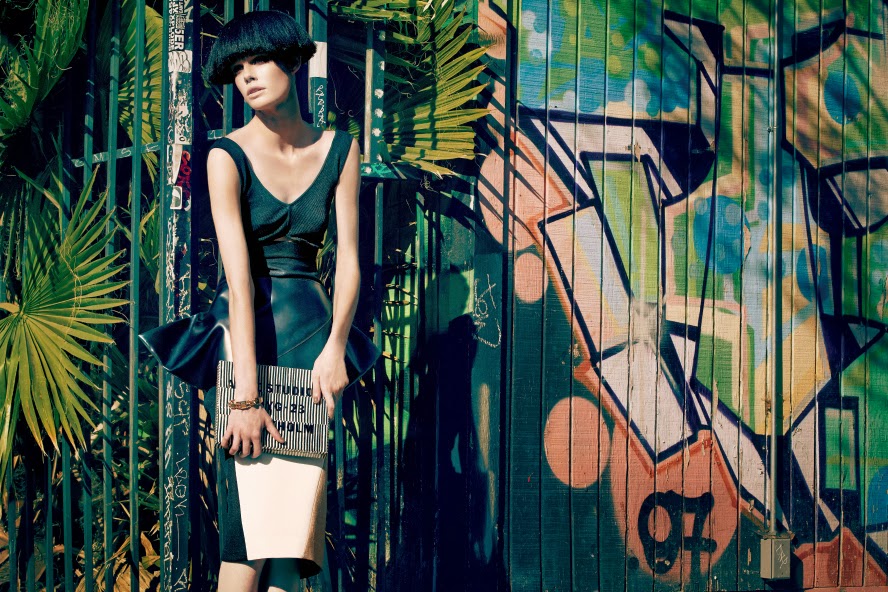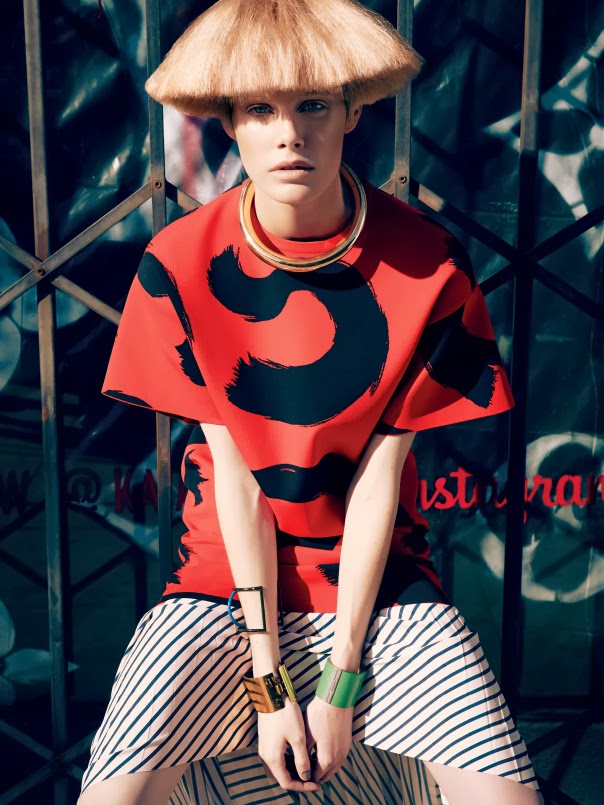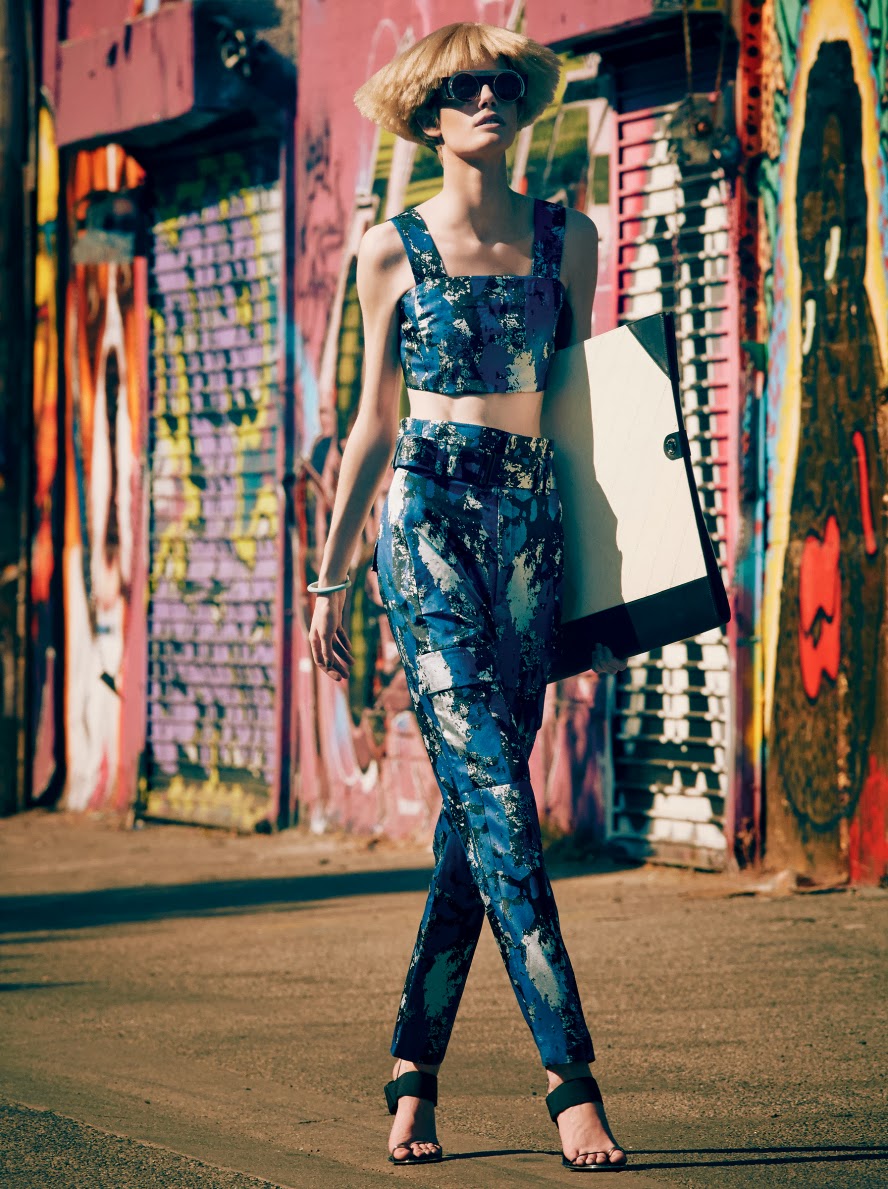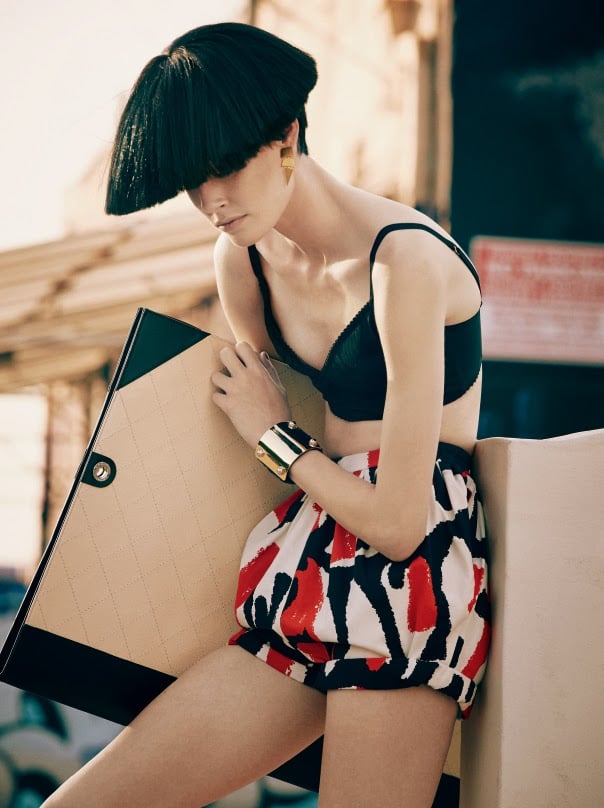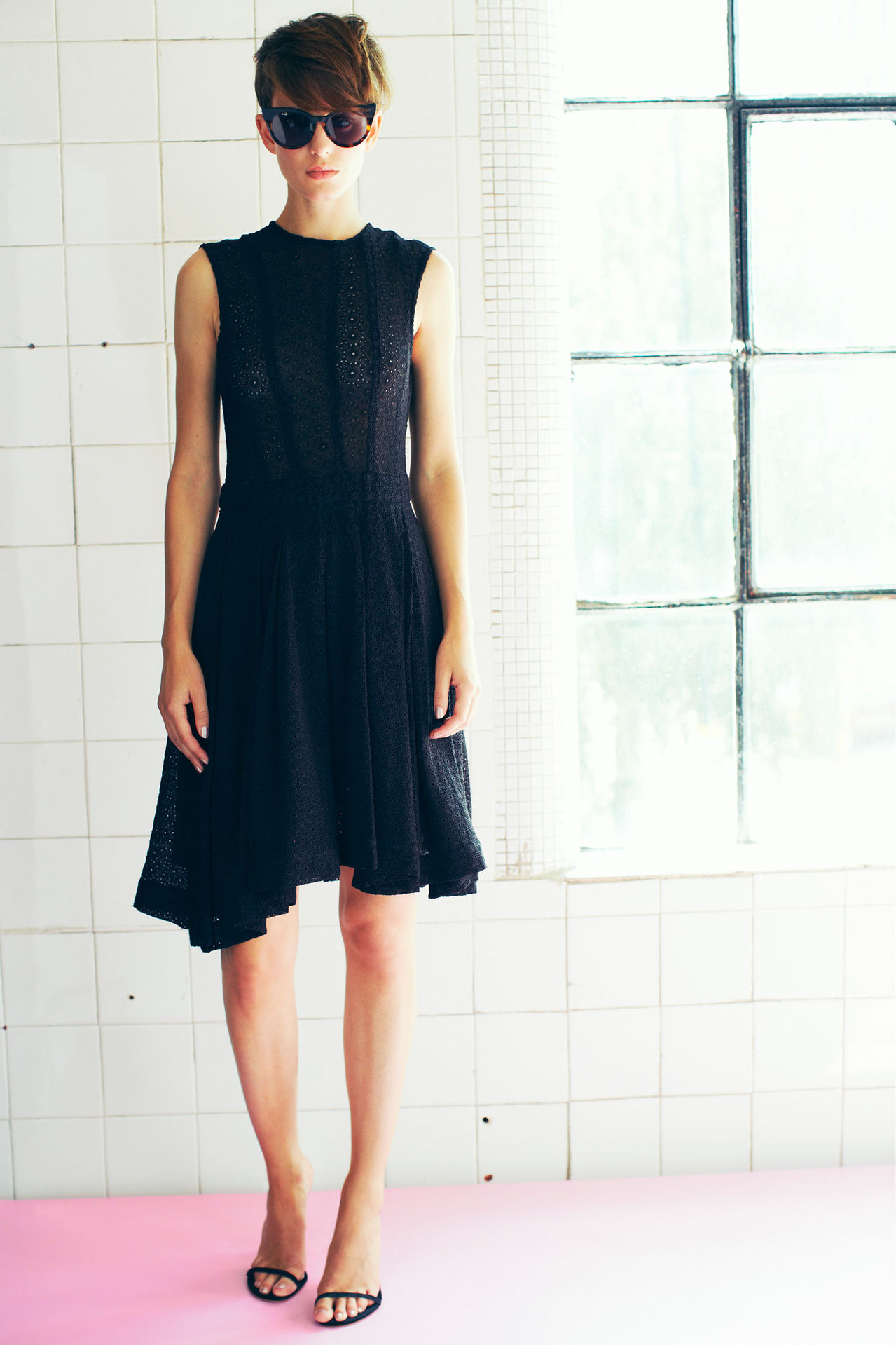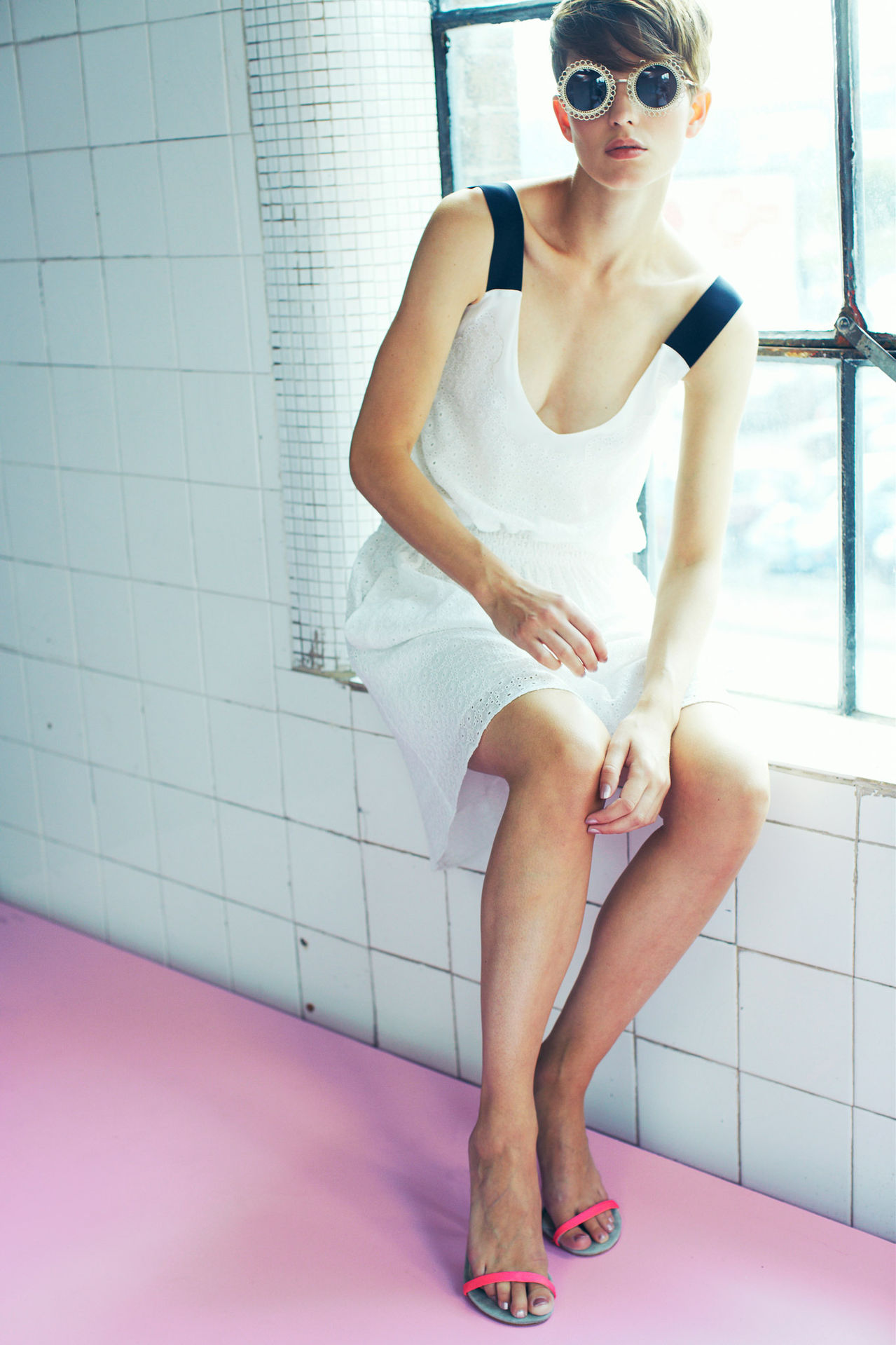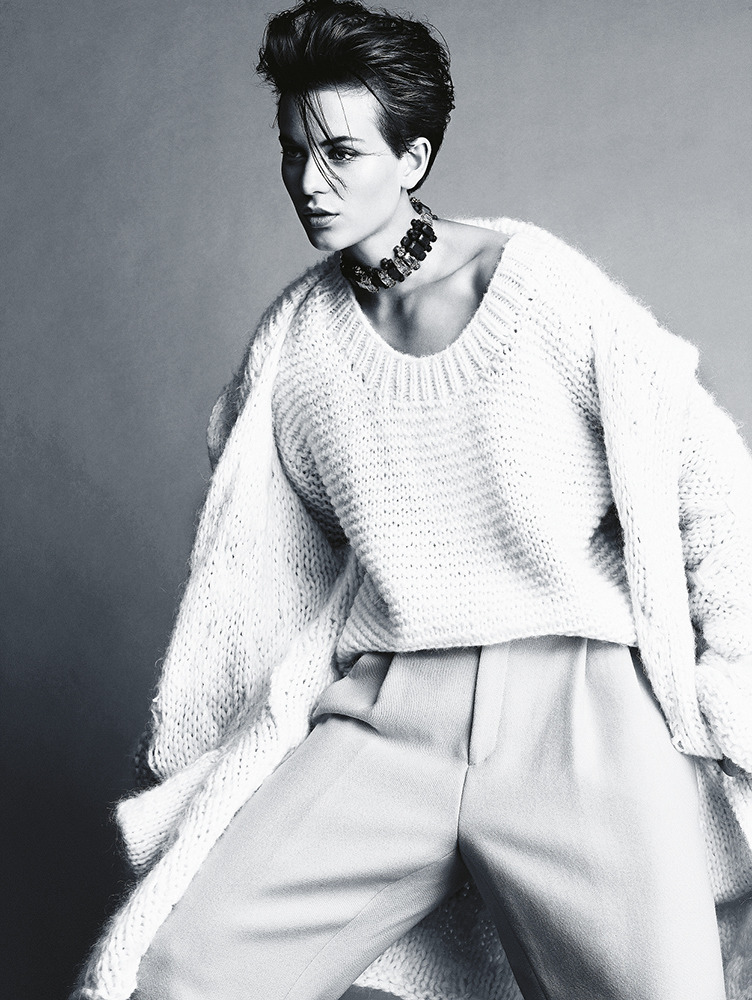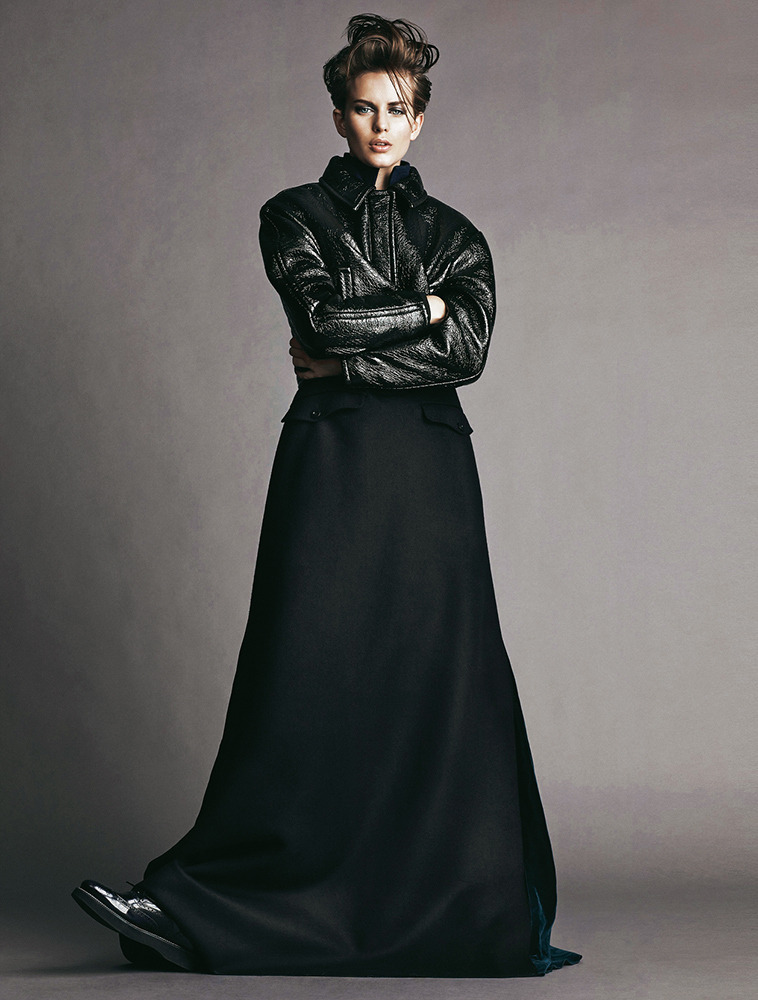
not90
Banned
-
Joined
-
Last visited
Everything posted by not90
-
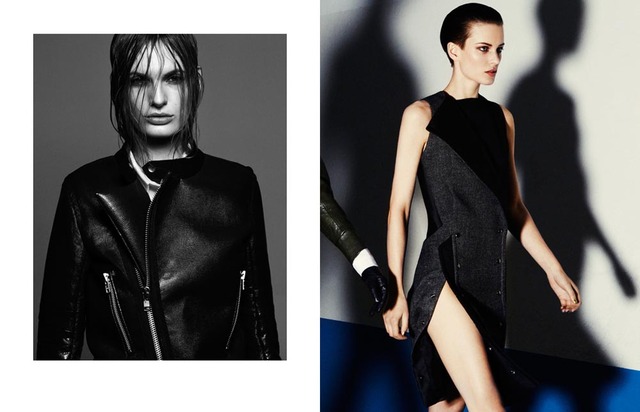
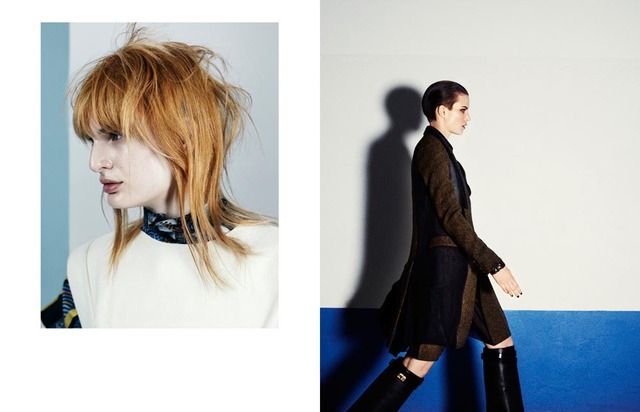
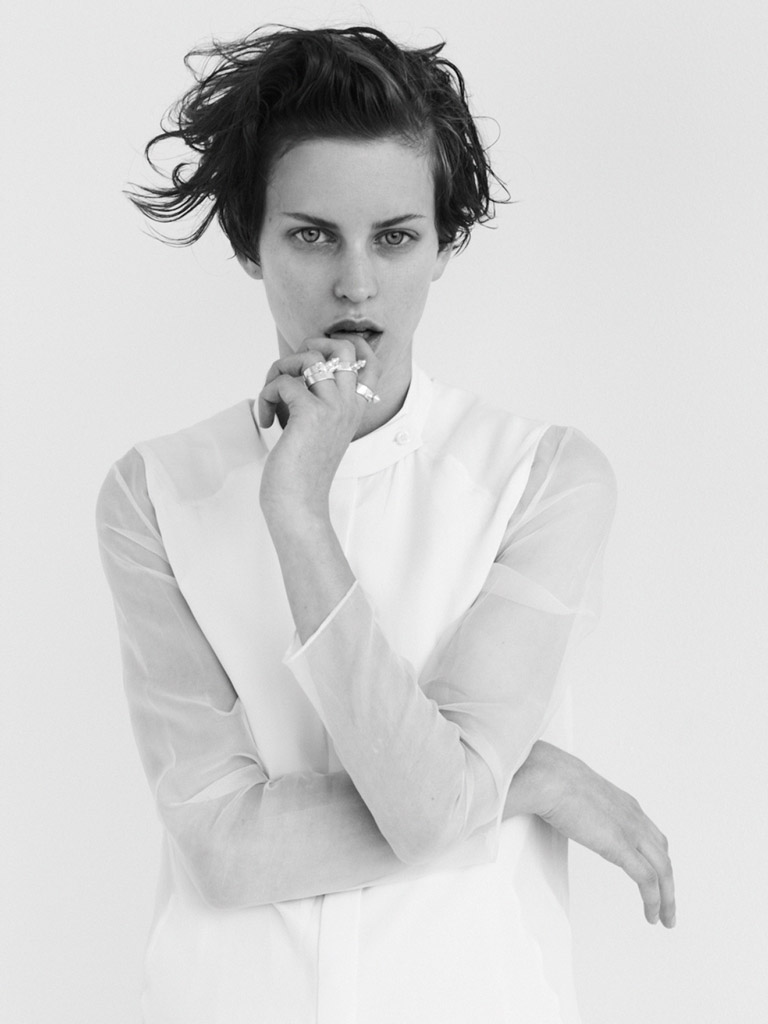
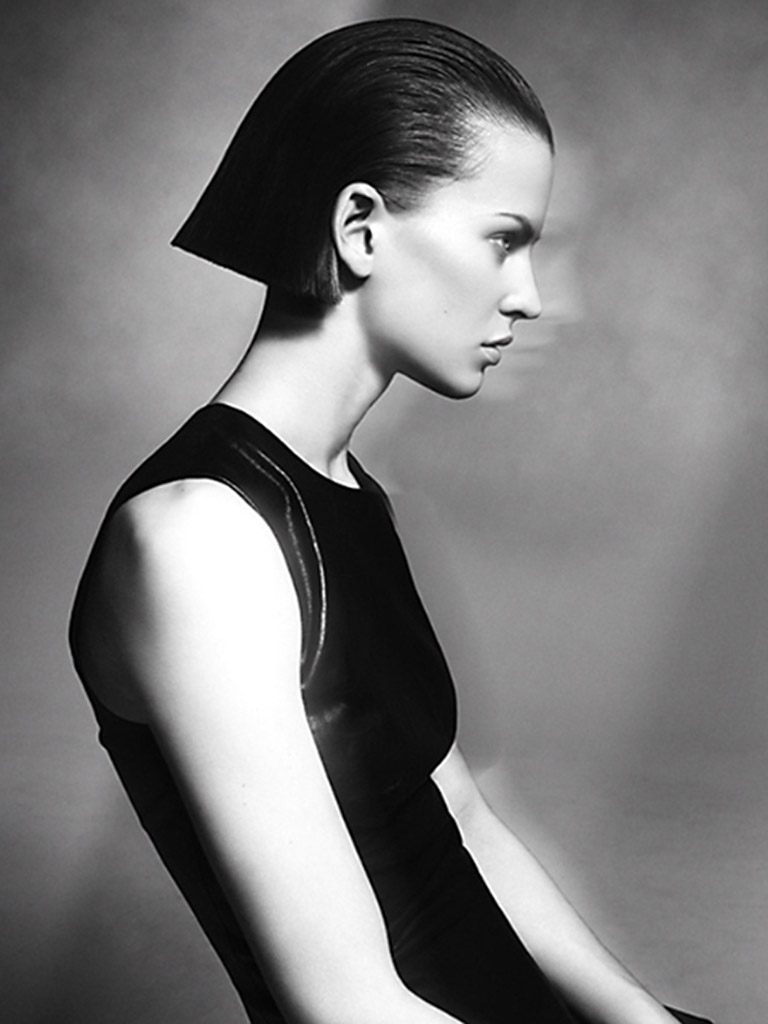
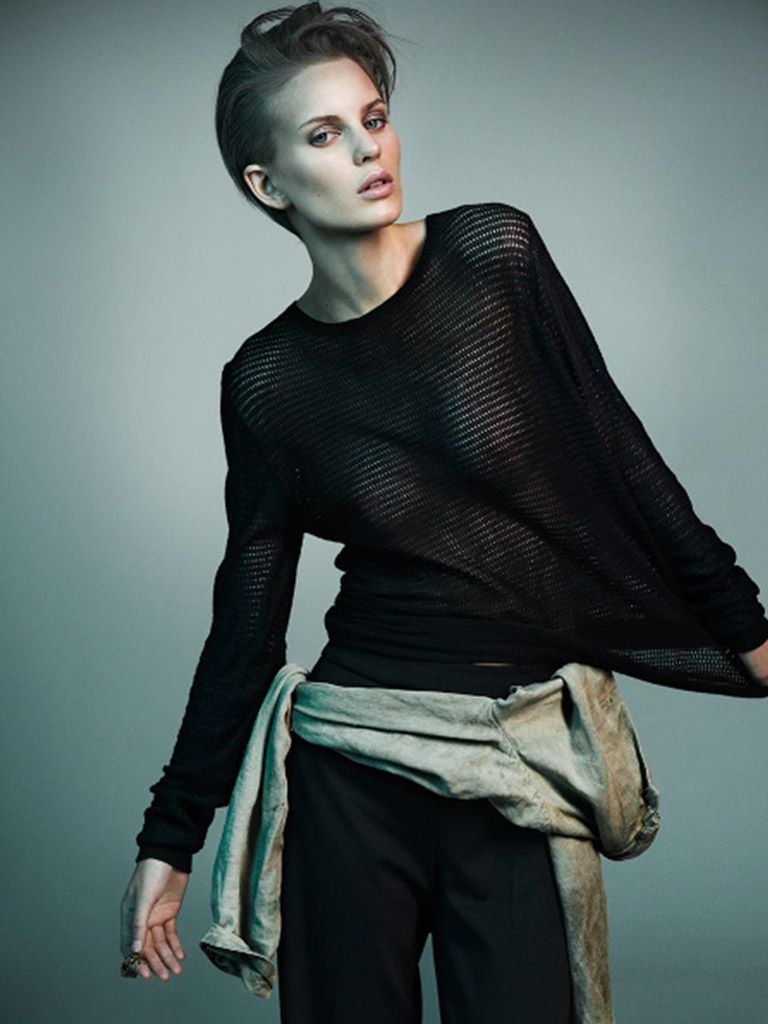
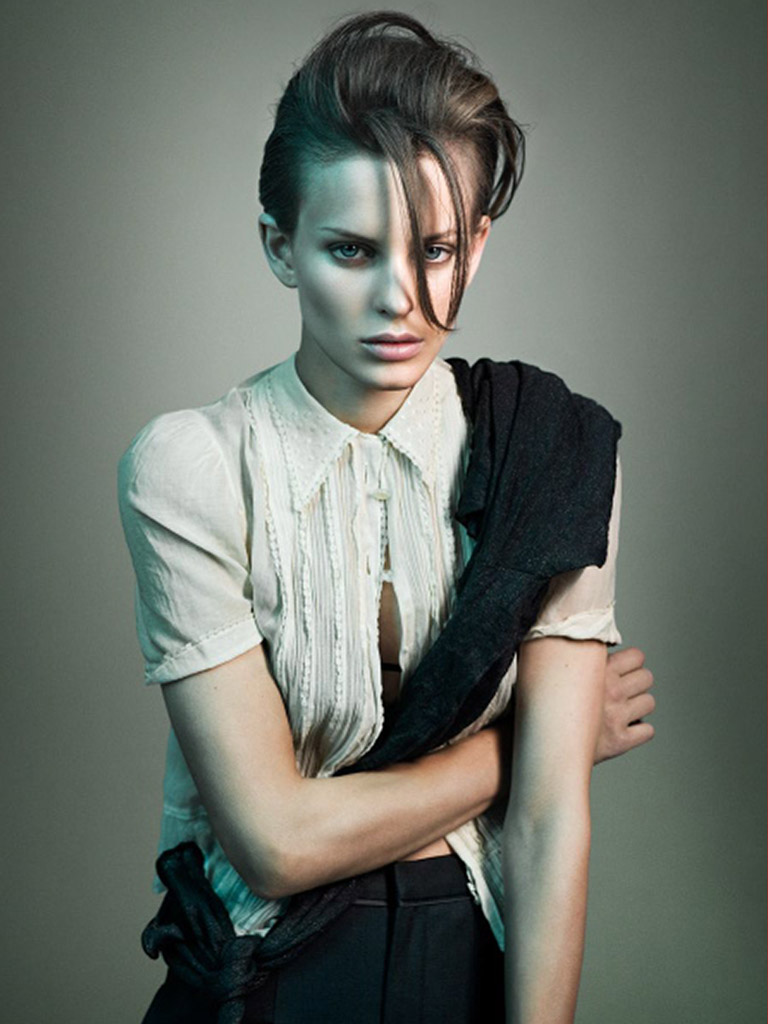
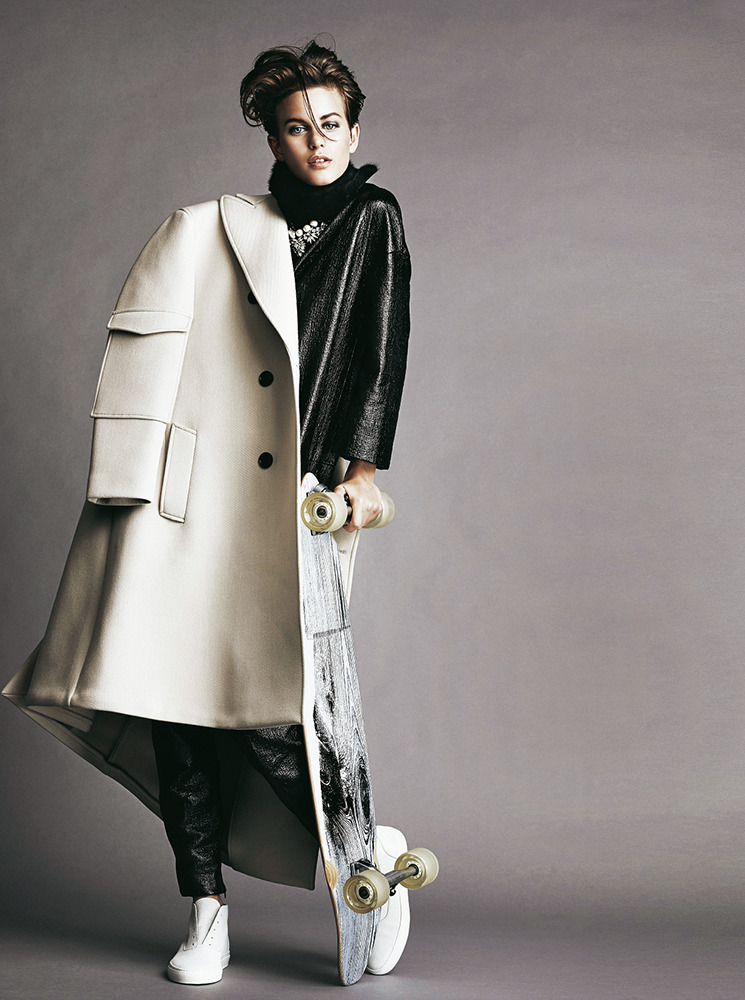
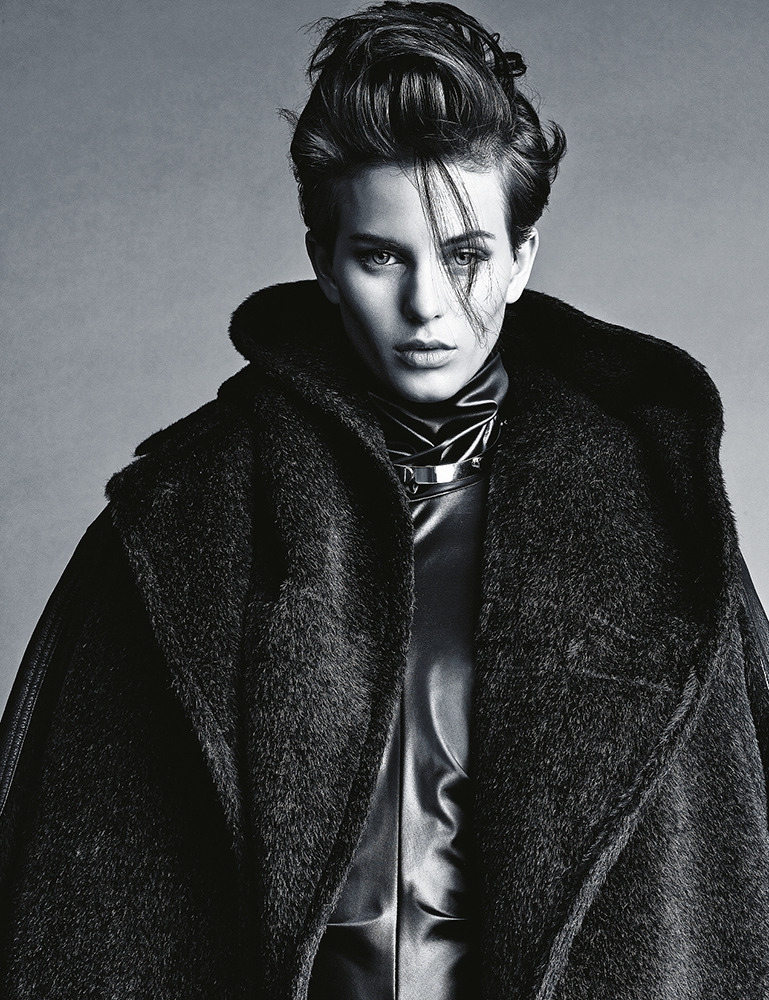
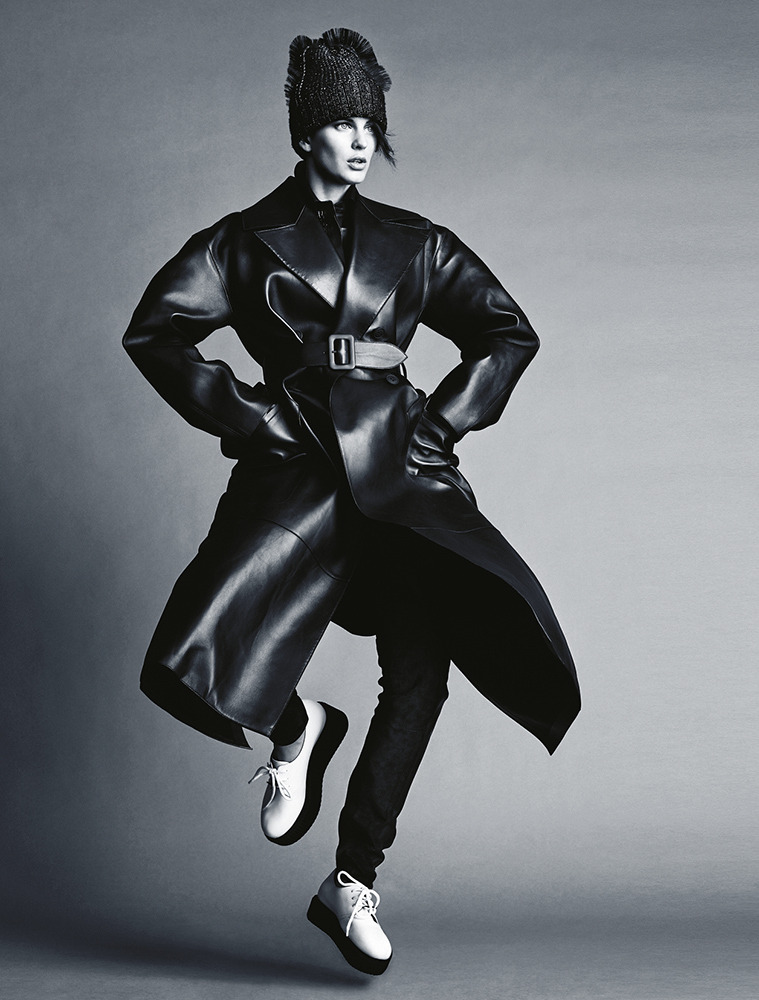
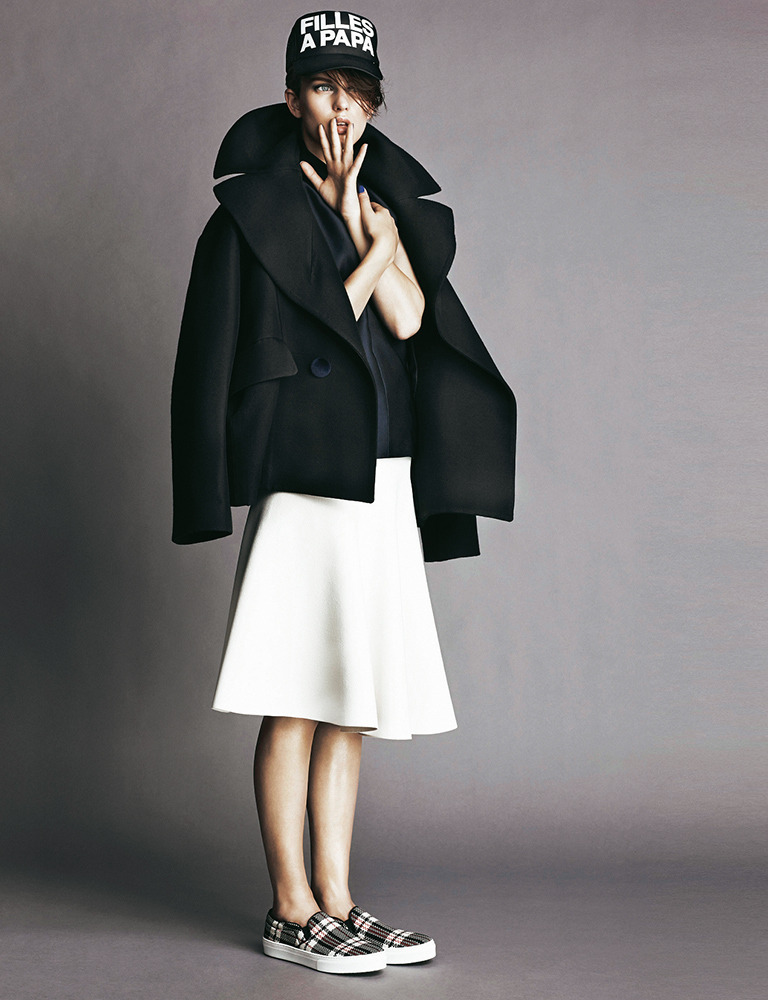
Bon #61 Models Hedvig Palm, Erjona Ala, Linn Arvidsson, Roger Dupé, Ellinore Erichsen, Emil Holmström, Carolina Sjöstrand and Dan Kling Photographer Marcus Ohlsson Stylists Marcus Söder and Naomi Itkes Hair Erika Svedjevik Makeup Anya De Tobon
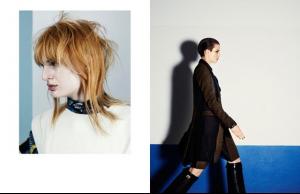
-
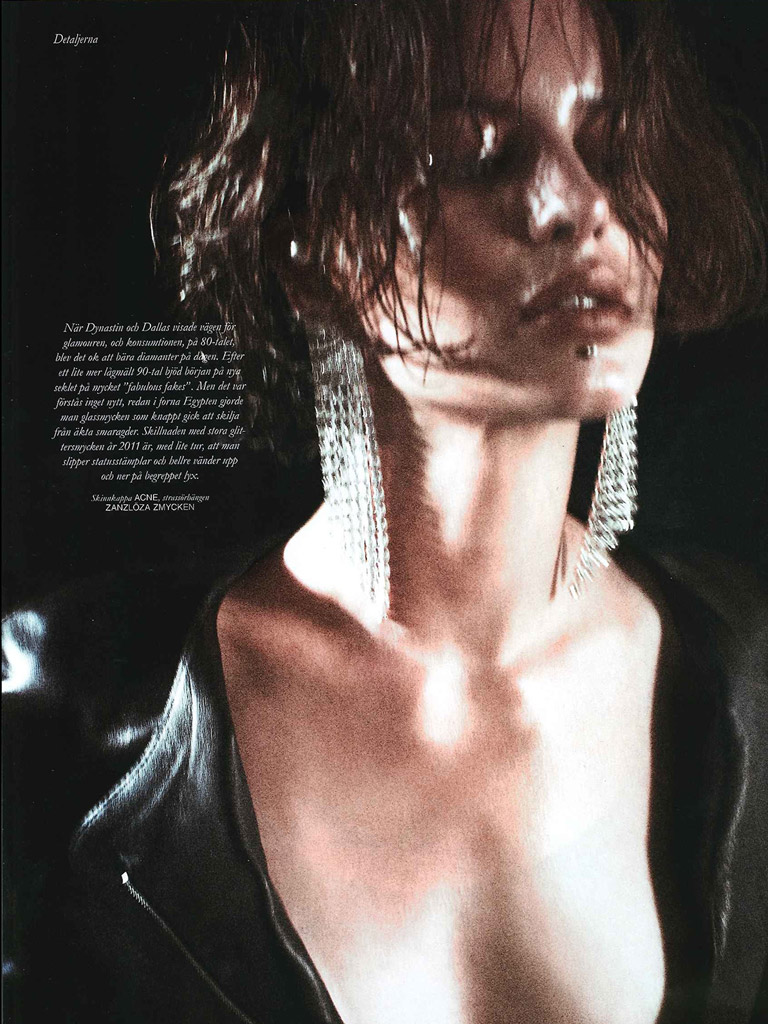
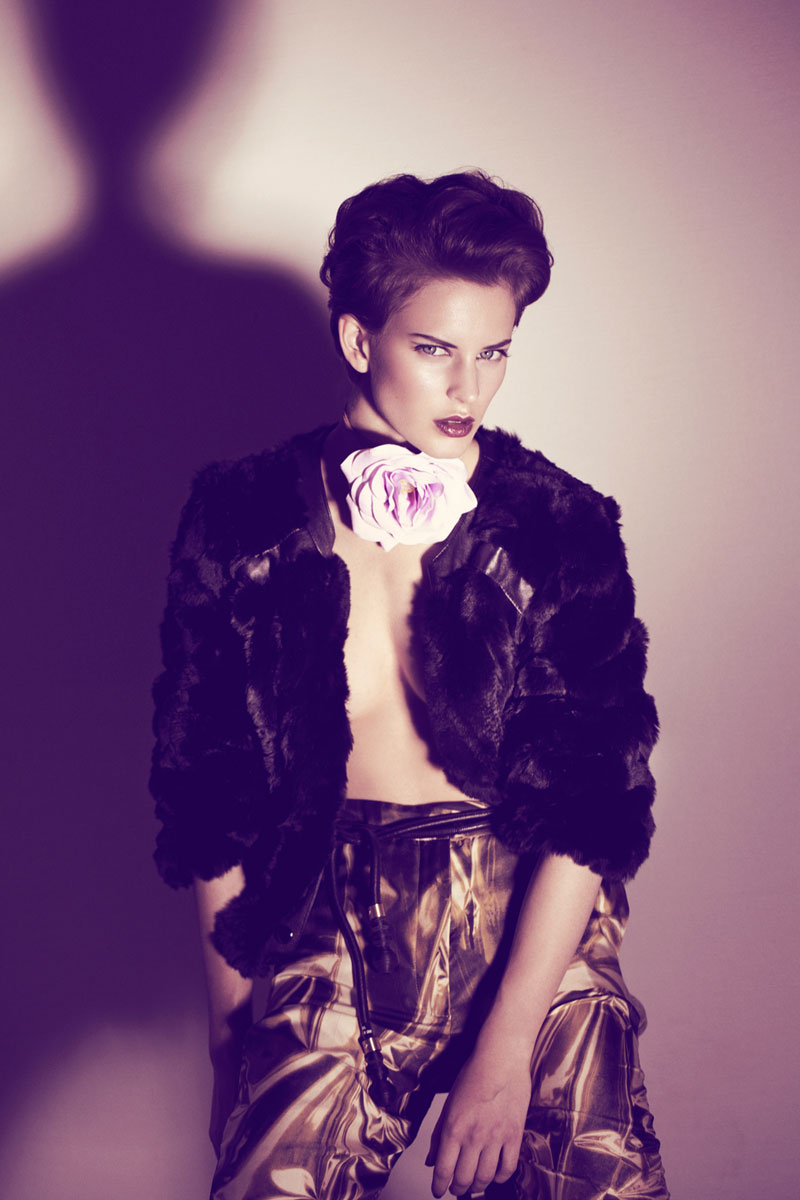
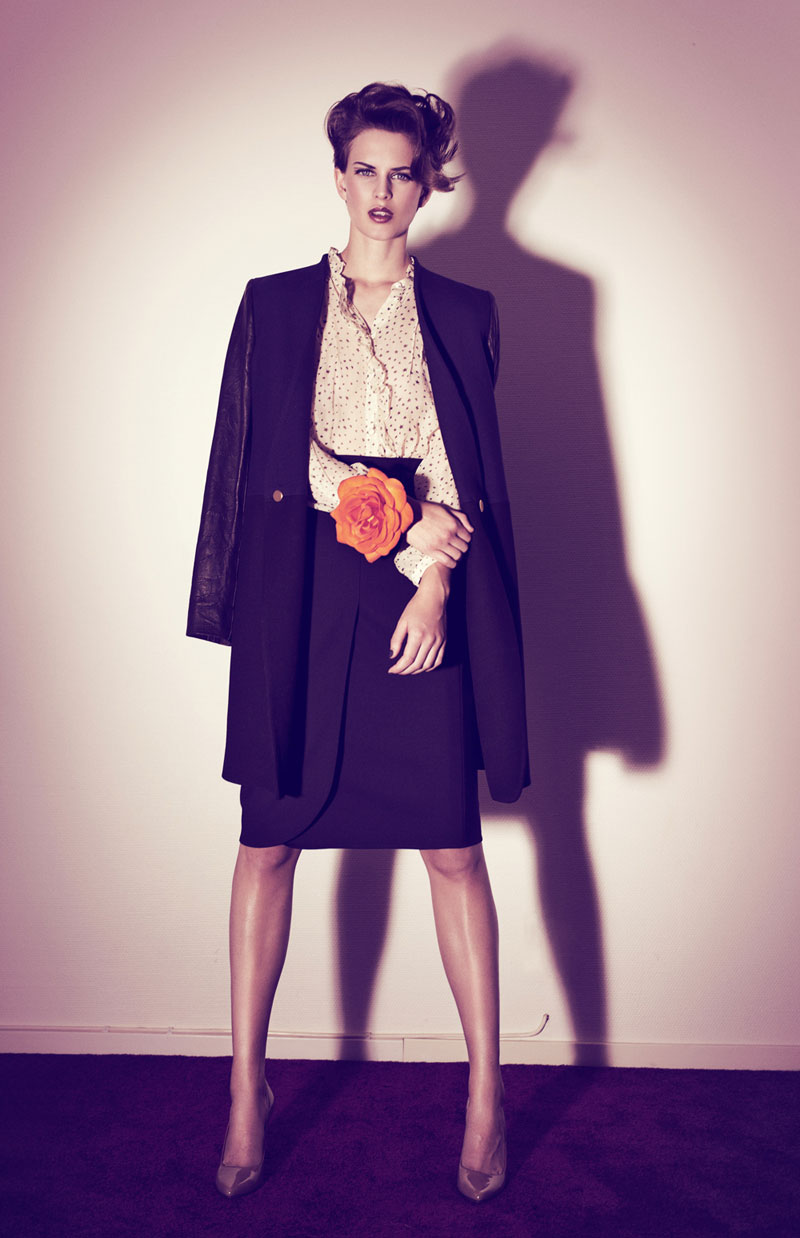
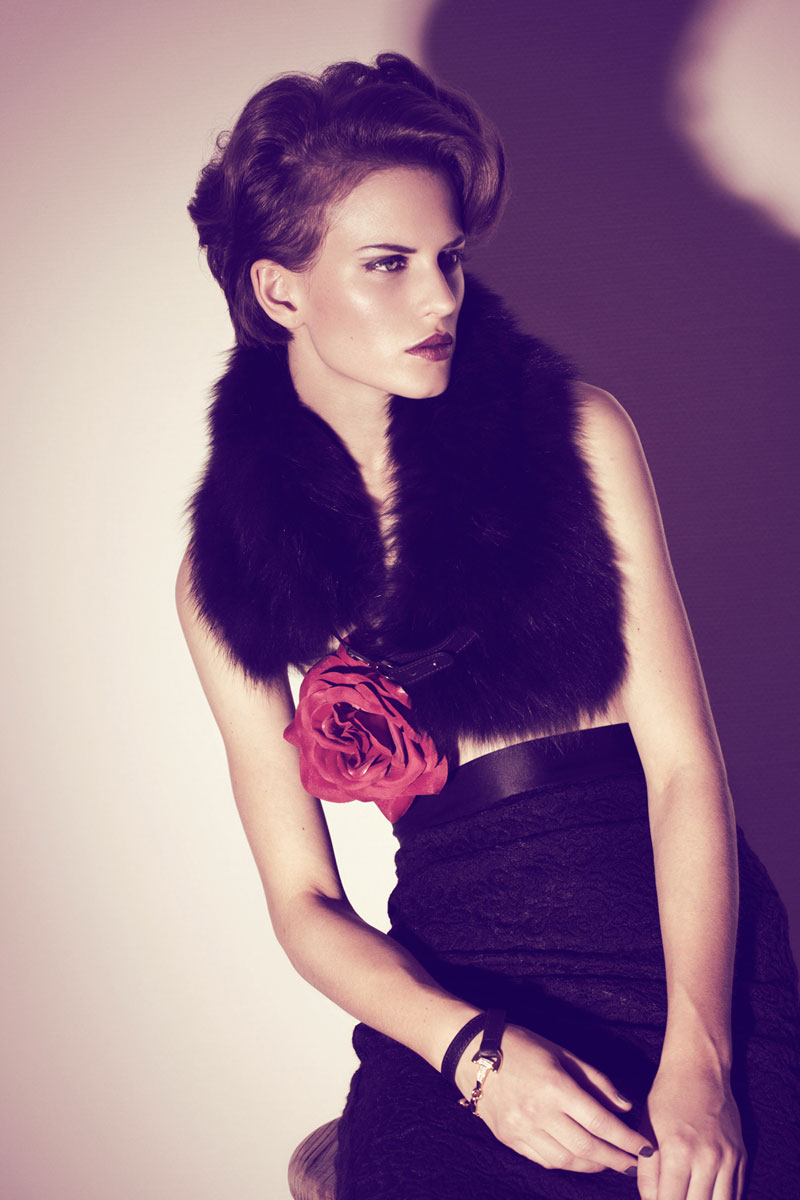
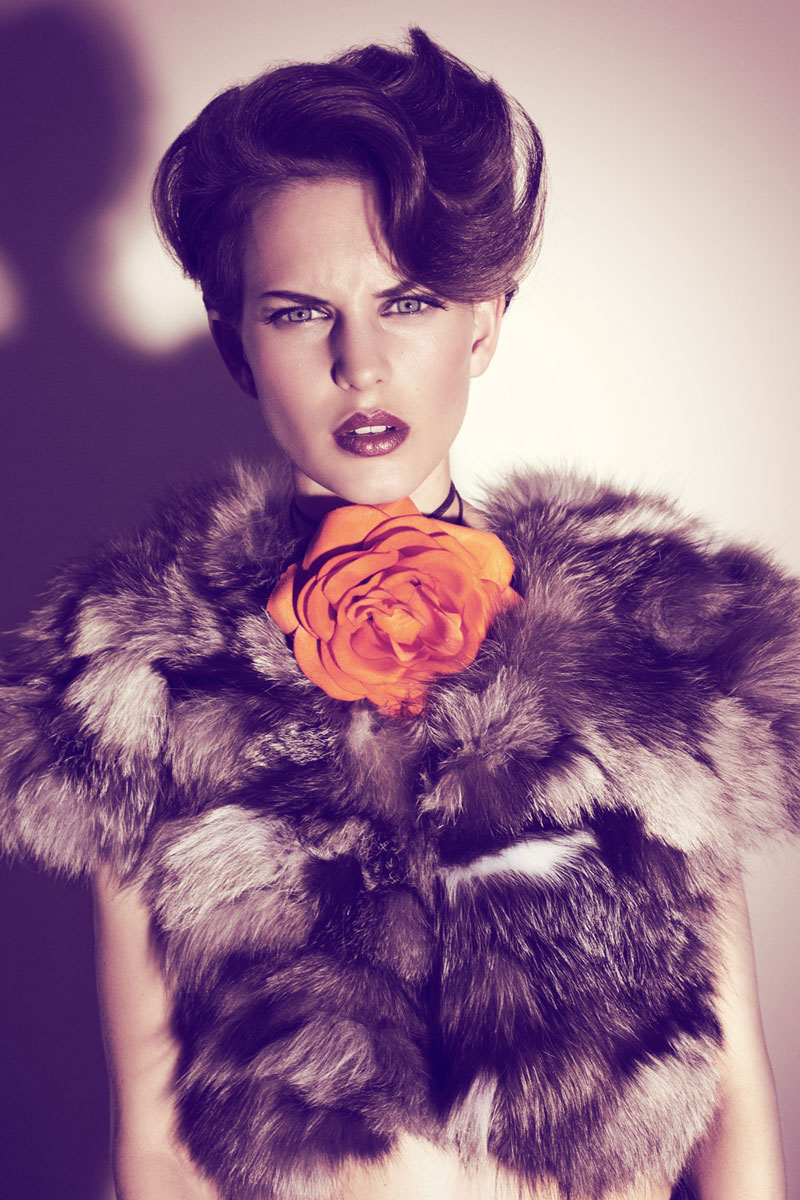
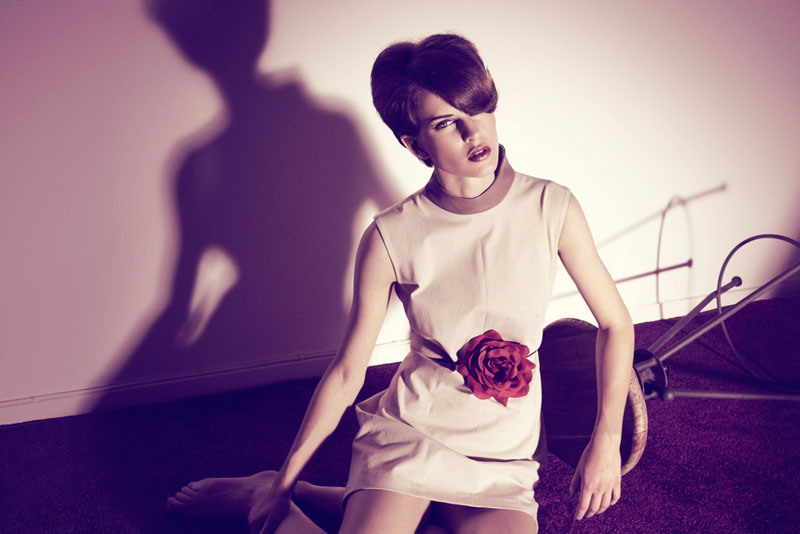
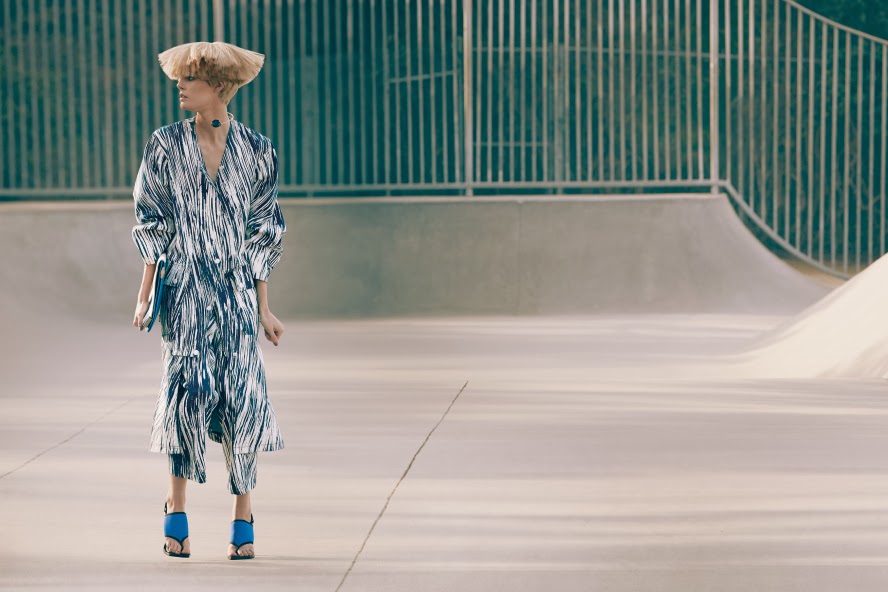
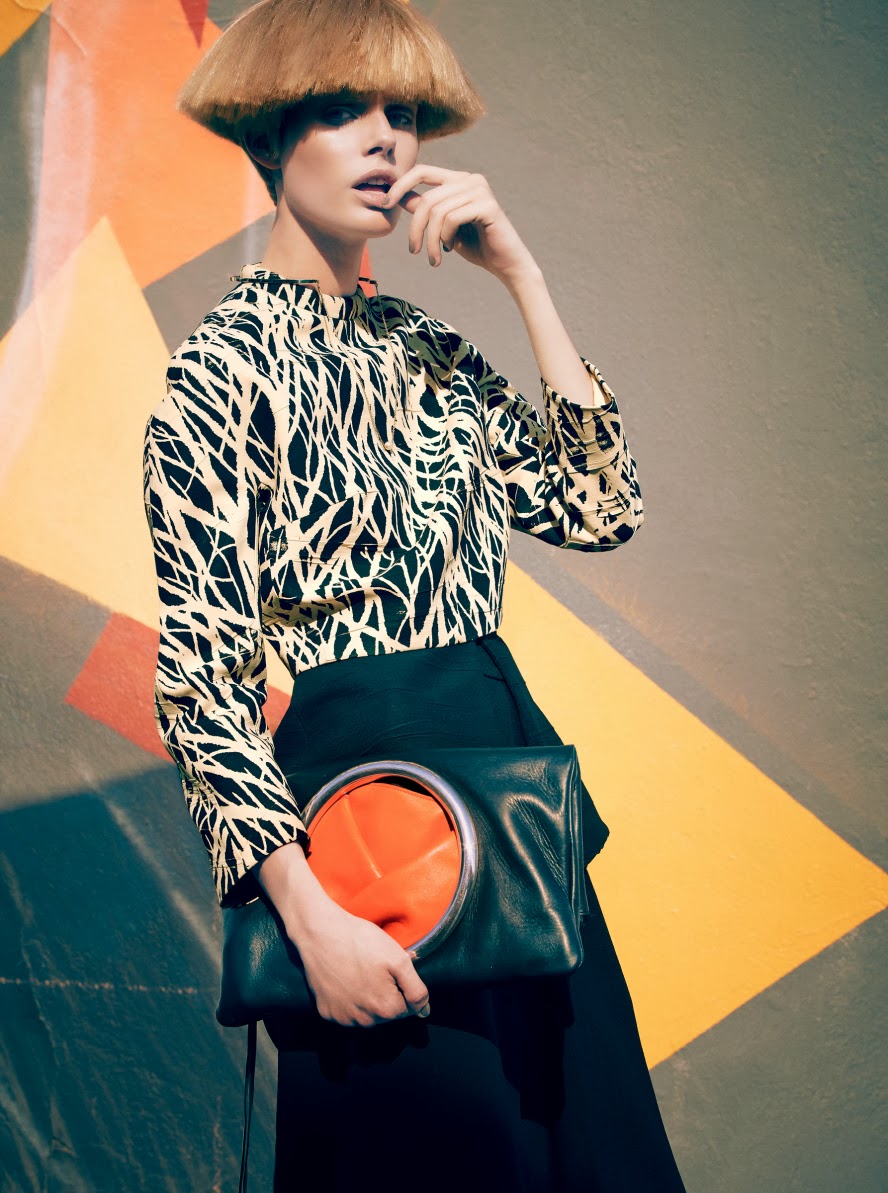
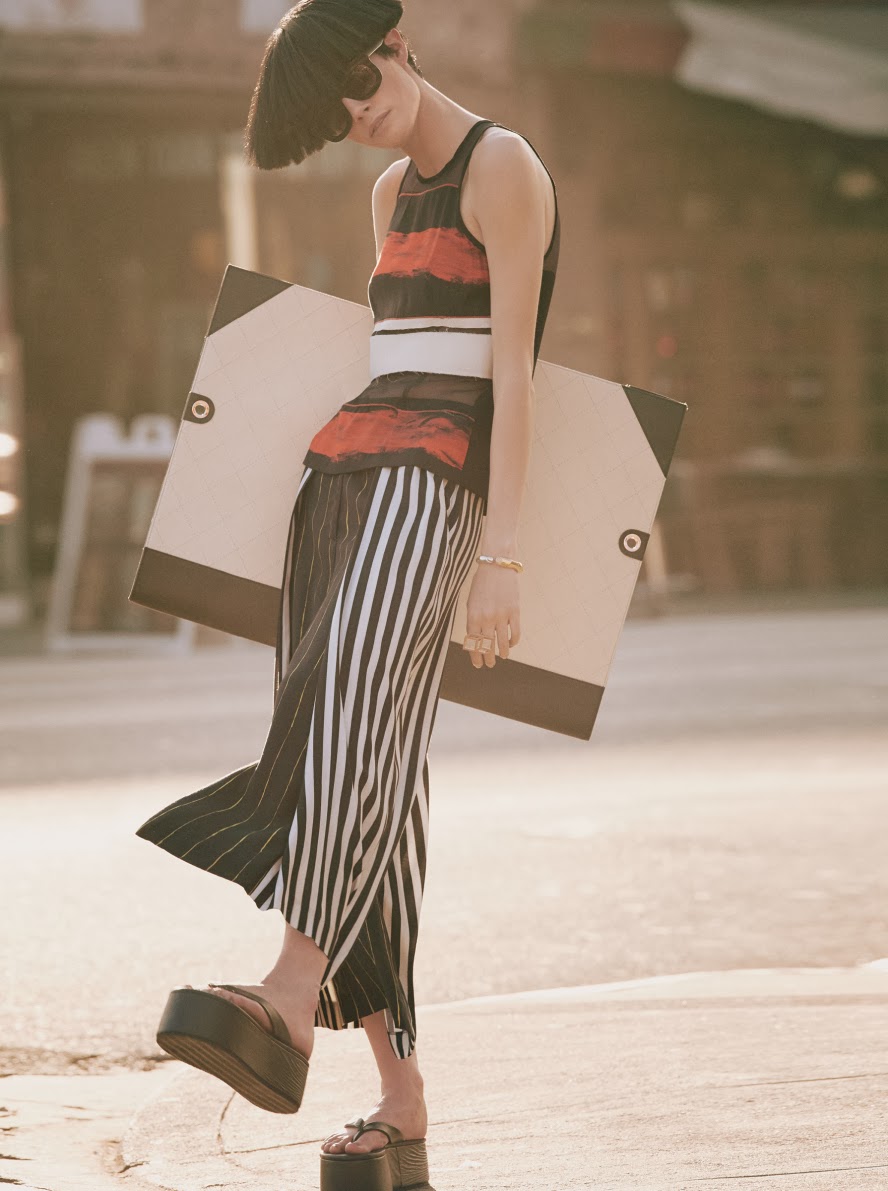
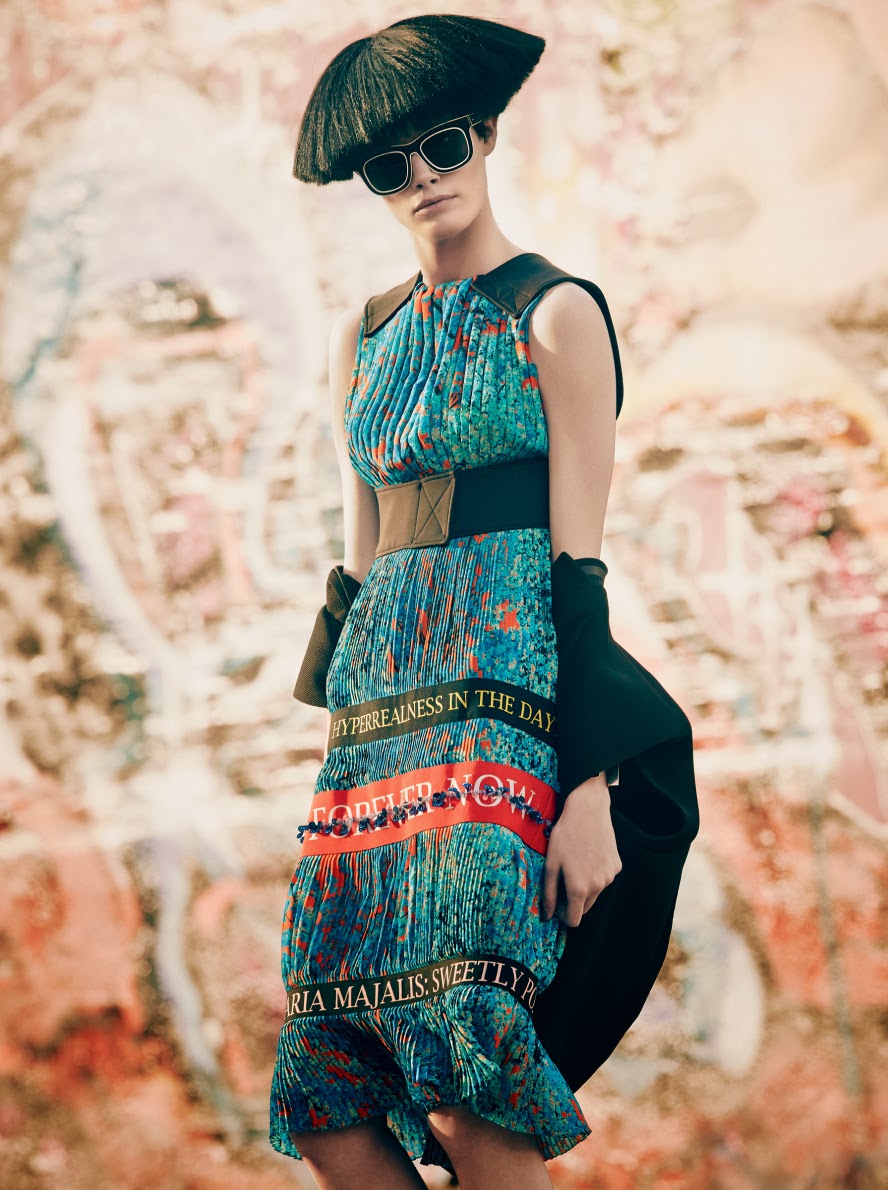
NK "The Beauty Games" Campaign Photographer: Andreas Sjodin Creative Direction: Garbergs Stylist: Naomi Itkes Makeup: Ignacio Alonso Hair: Rudi LewisFashion Gone Rogue Exclusive Editorial "Strictly Romantic" Photographer: Rickard Sund Stylist: Tereza Ortiz




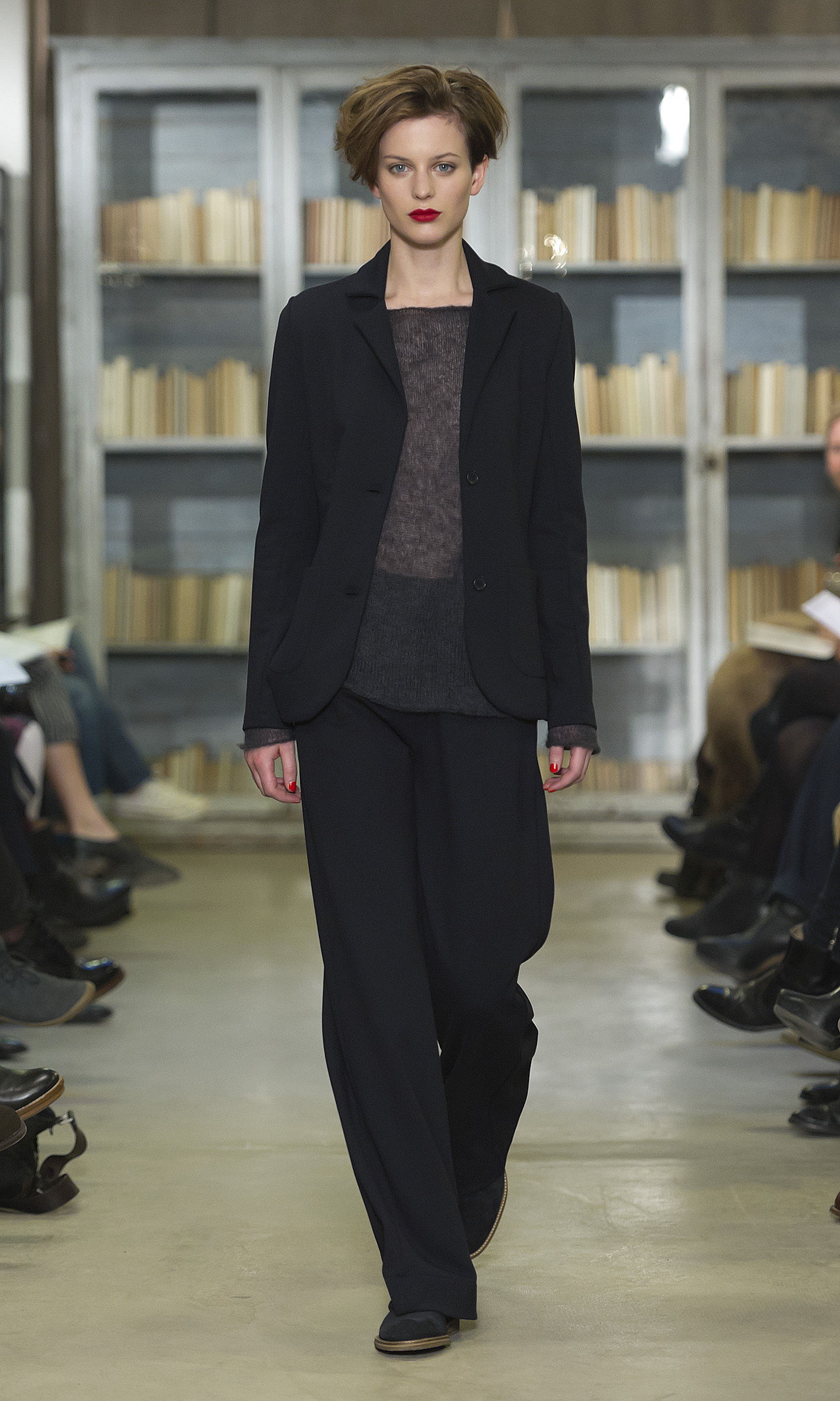
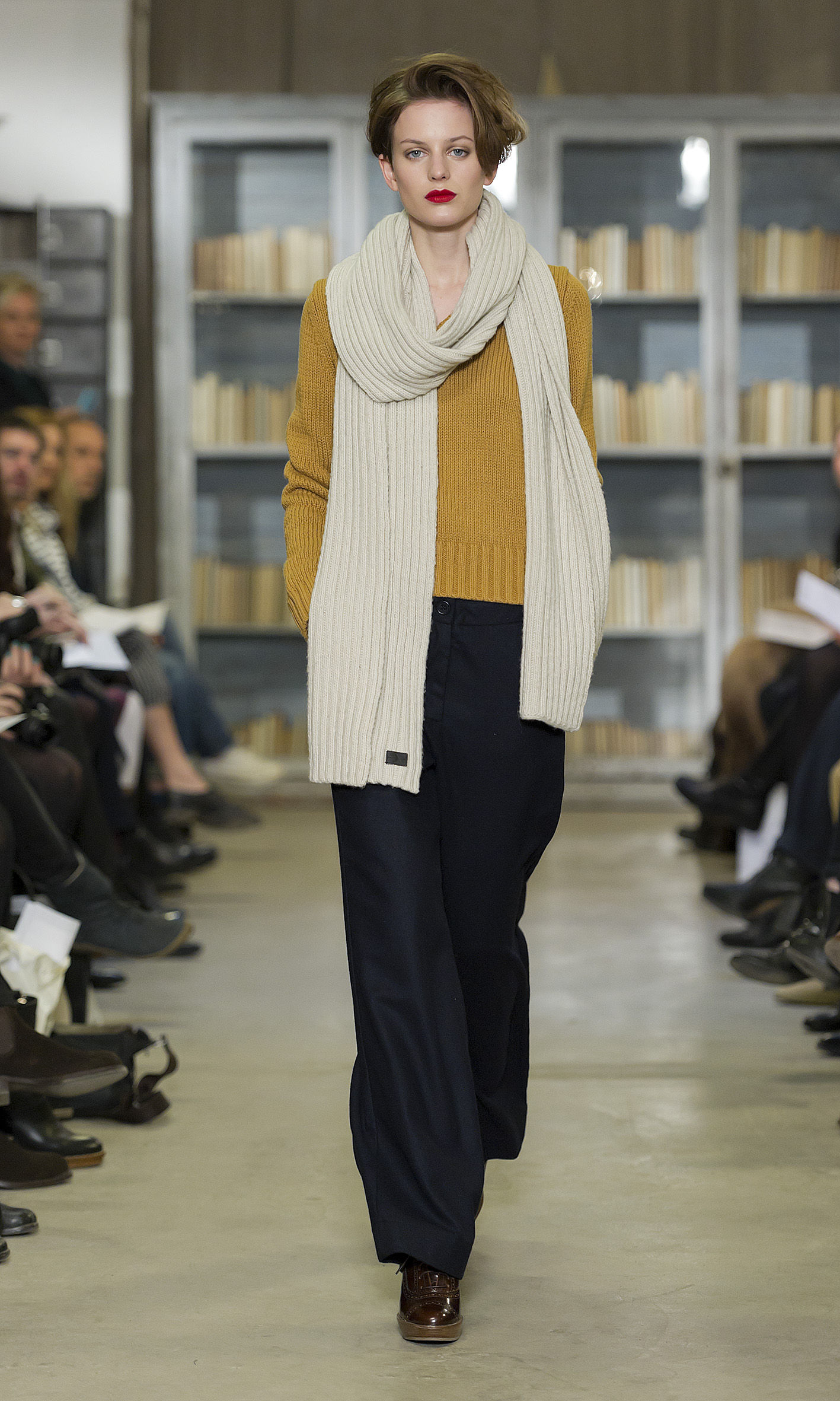
 Boomerang F/W 12.13 - Stockholm

 Carin Wester F/W 12.13 - Stockholm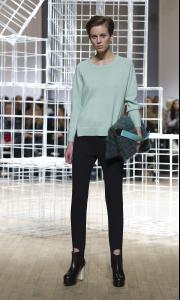

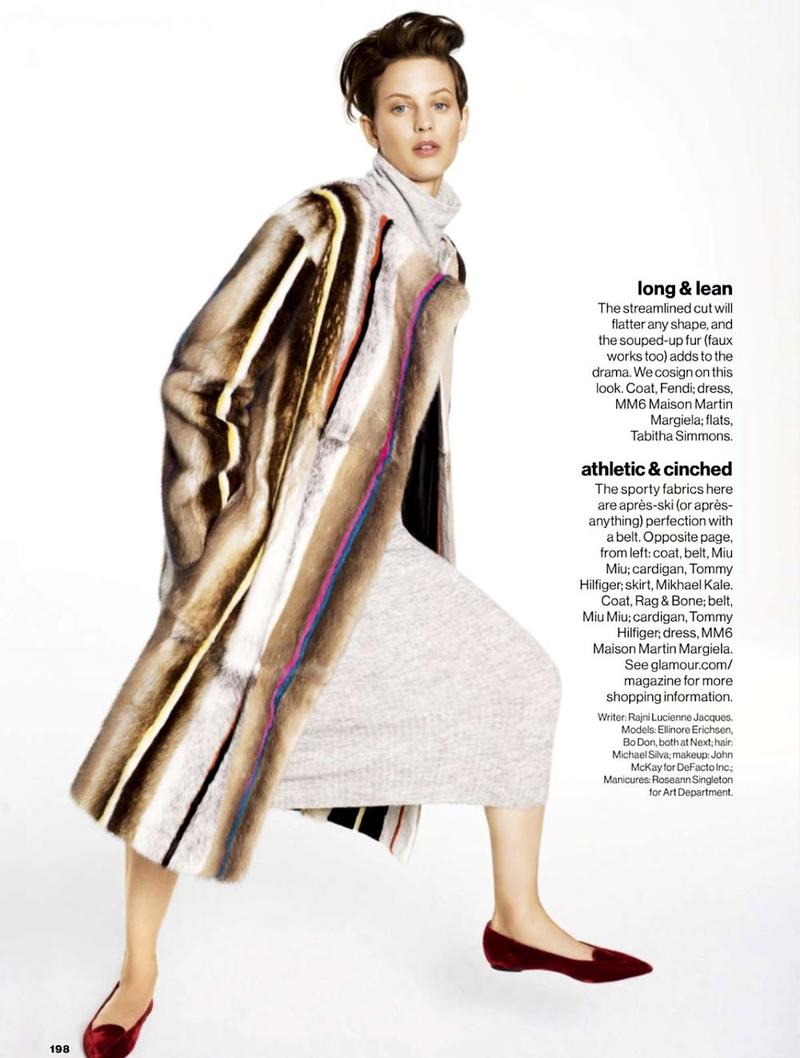
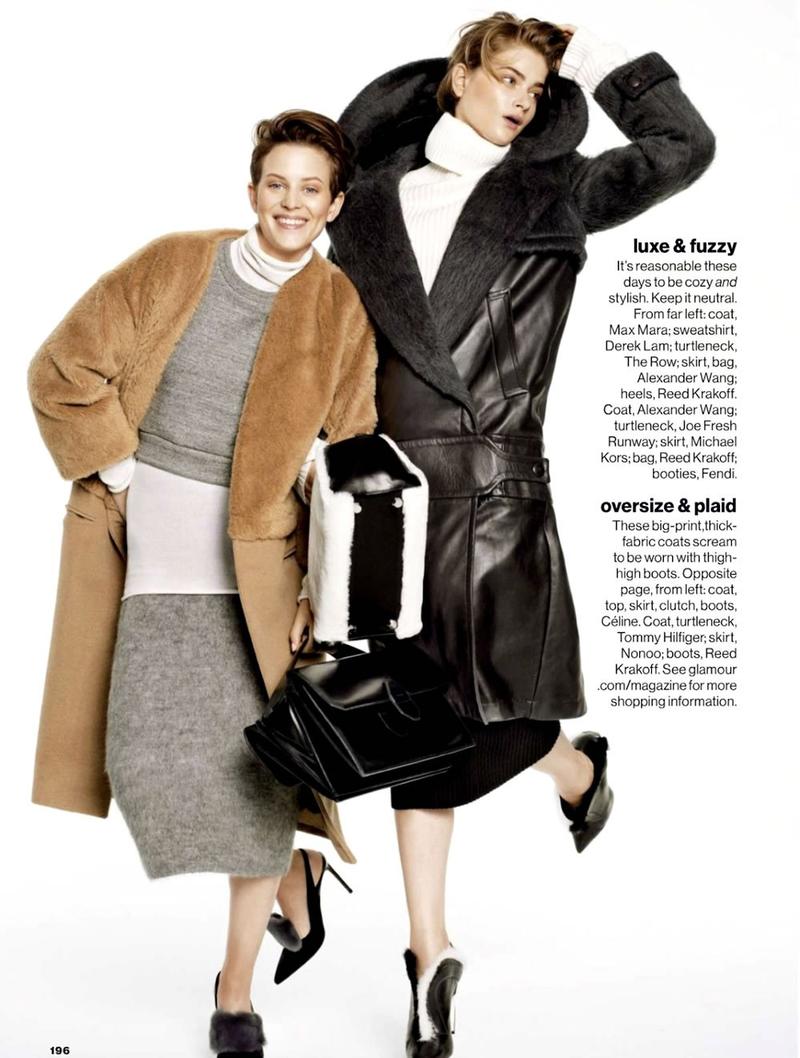
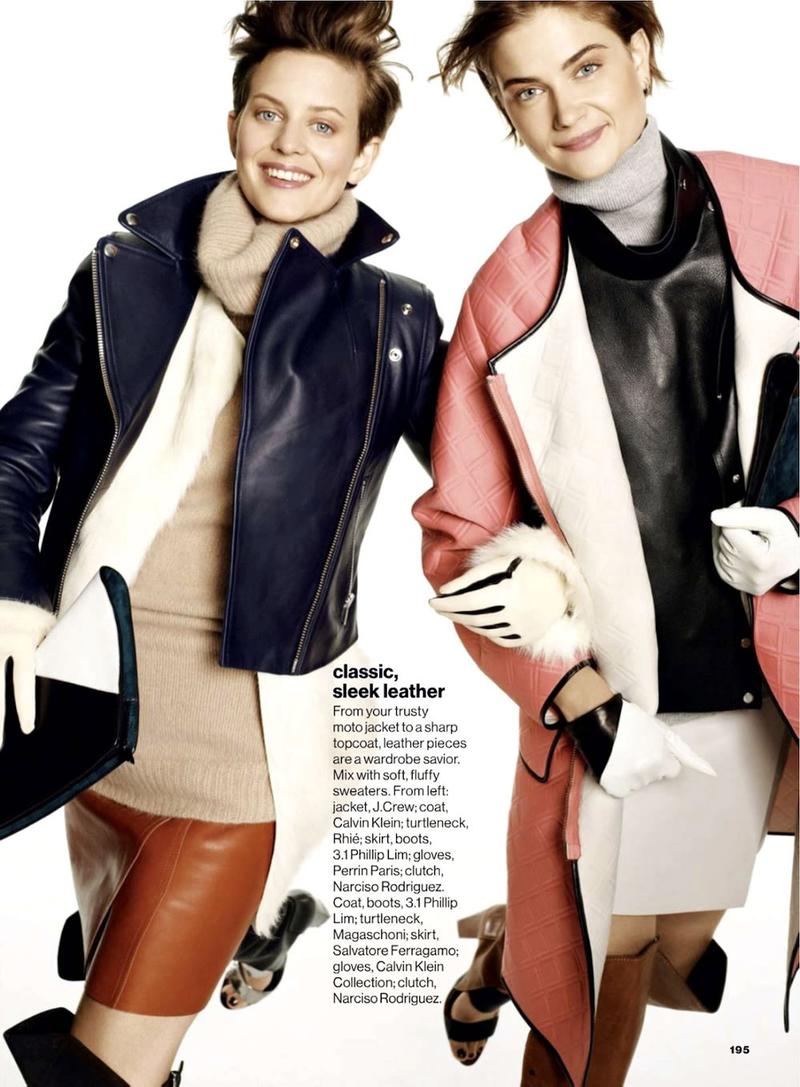
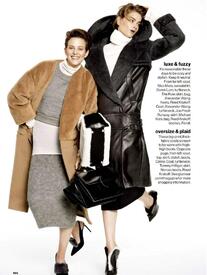
 Glamour Magazine It's All About Your Coat
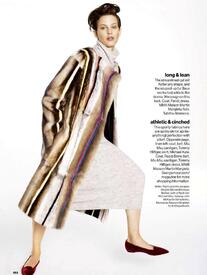

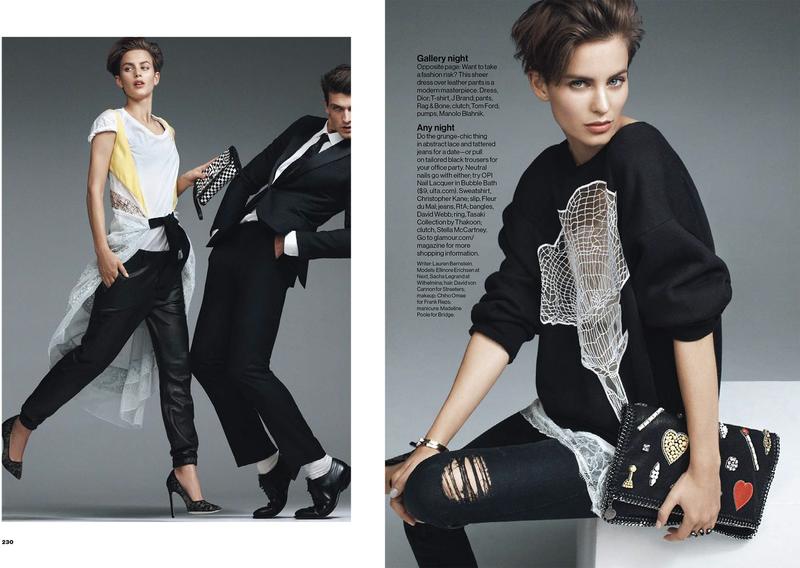
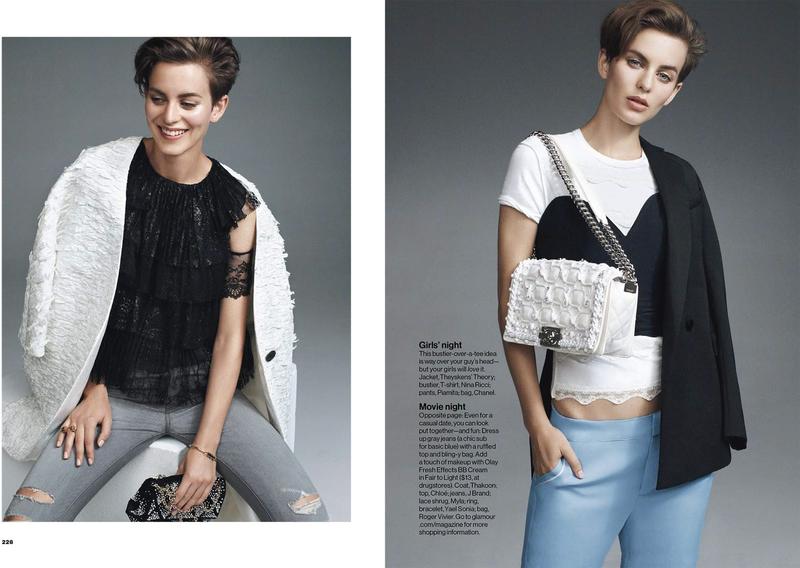
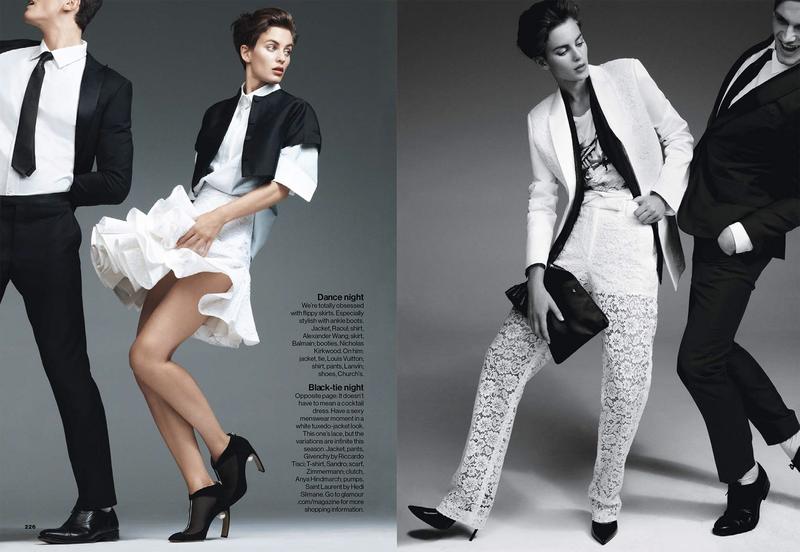
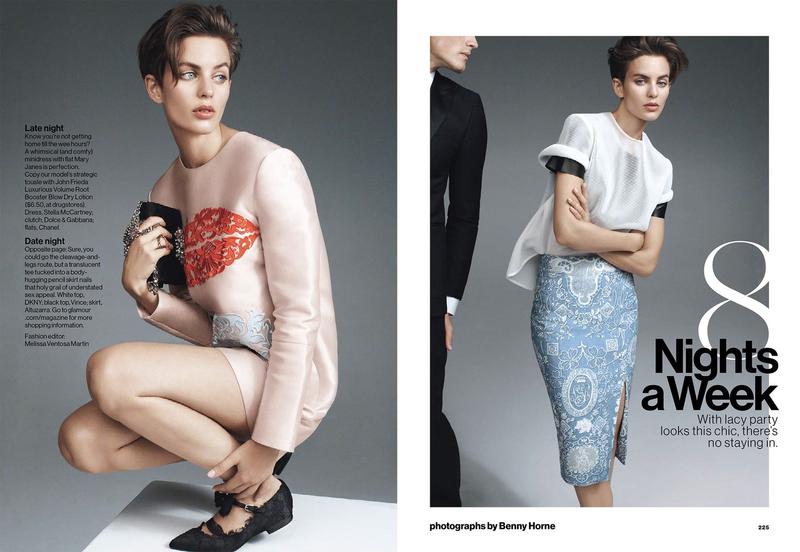
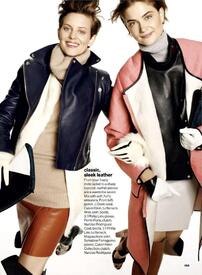 Glamour Magazine 8 Nights a Week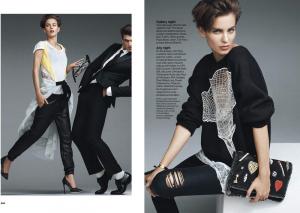


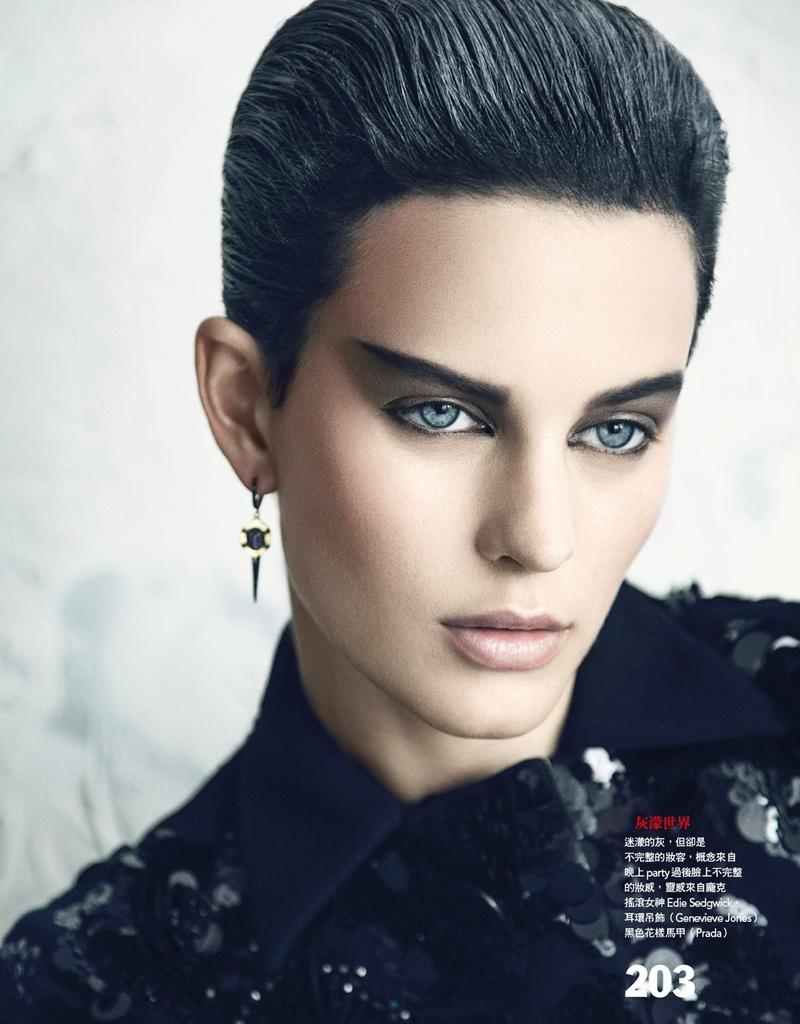
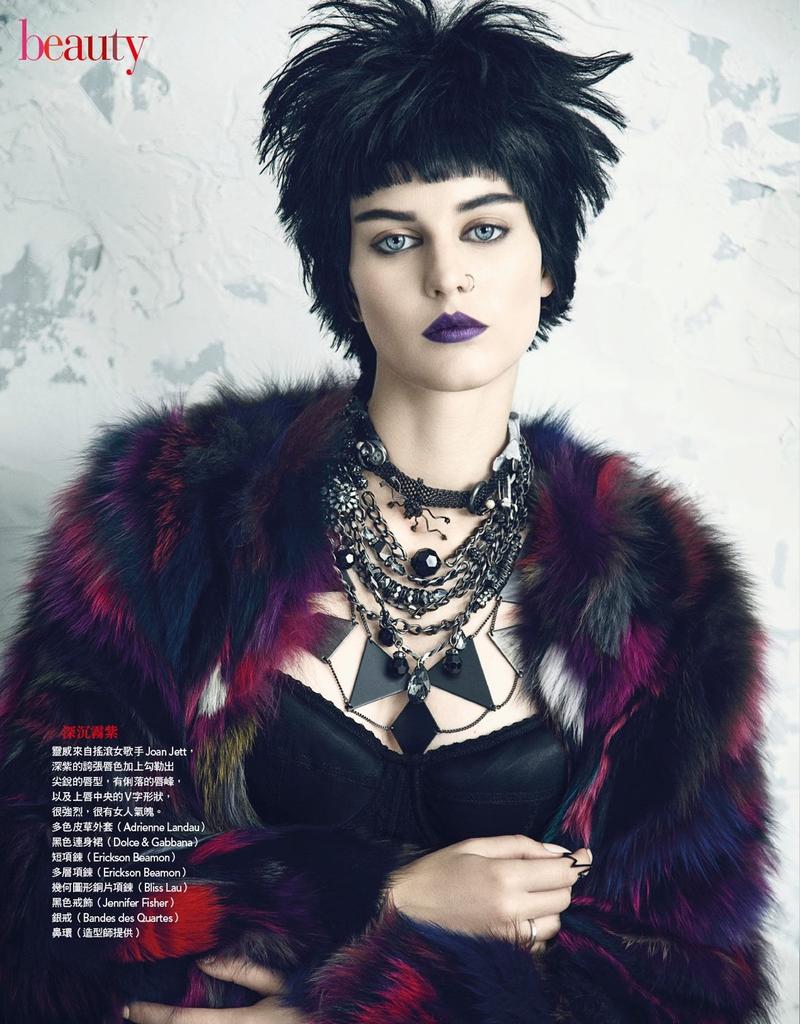
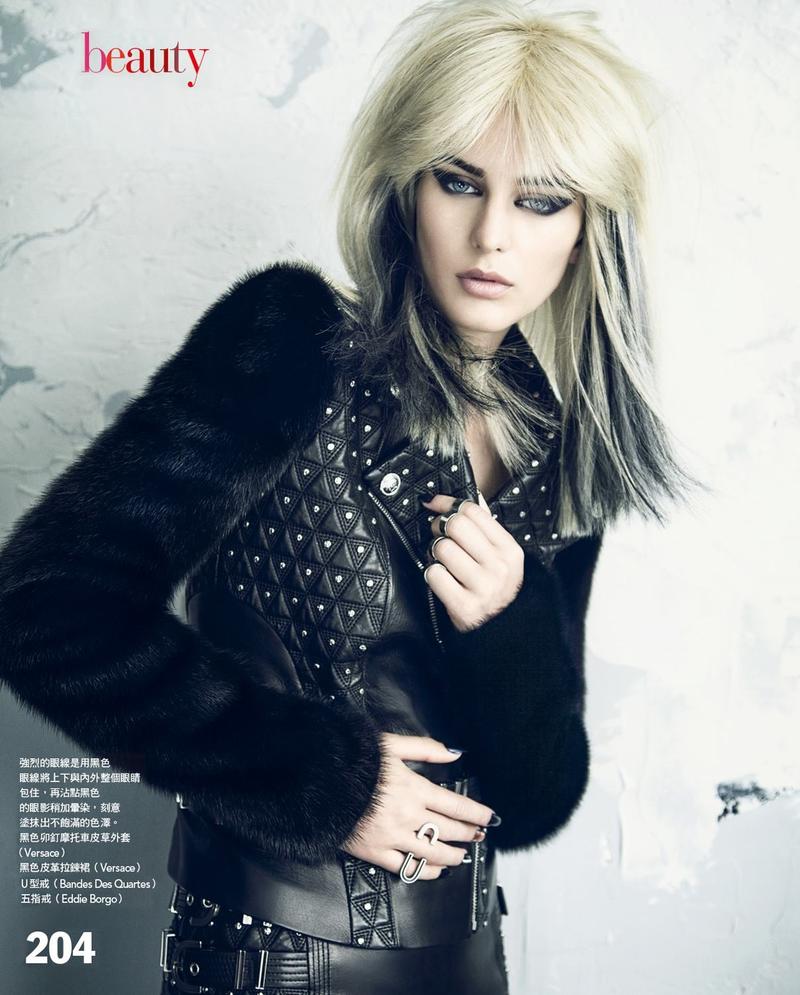
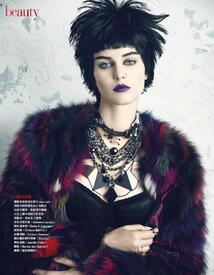
 Vogue Taiwan Vogue Beauty Punk Me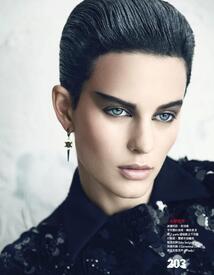

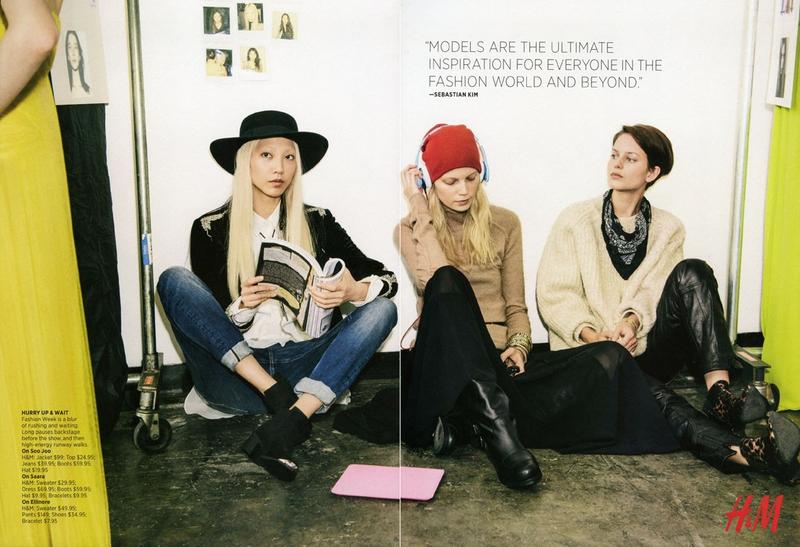
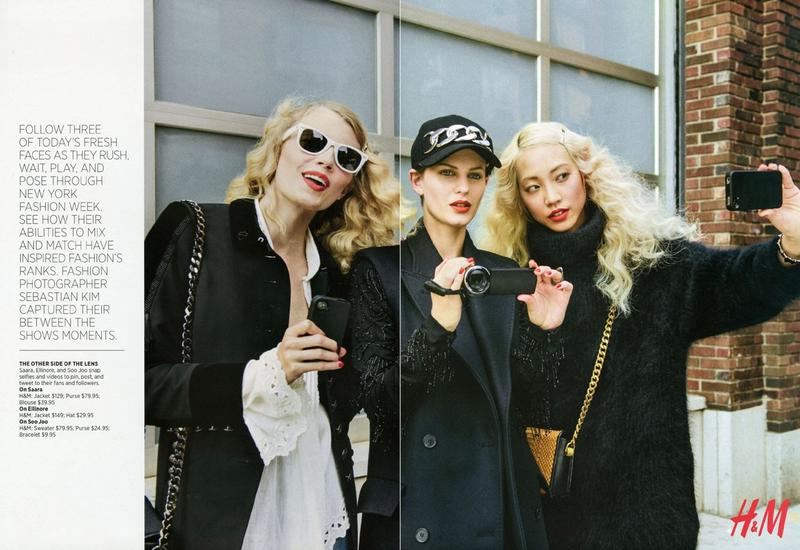
 American Vogue Between the Shows (in collaboration with H&M)
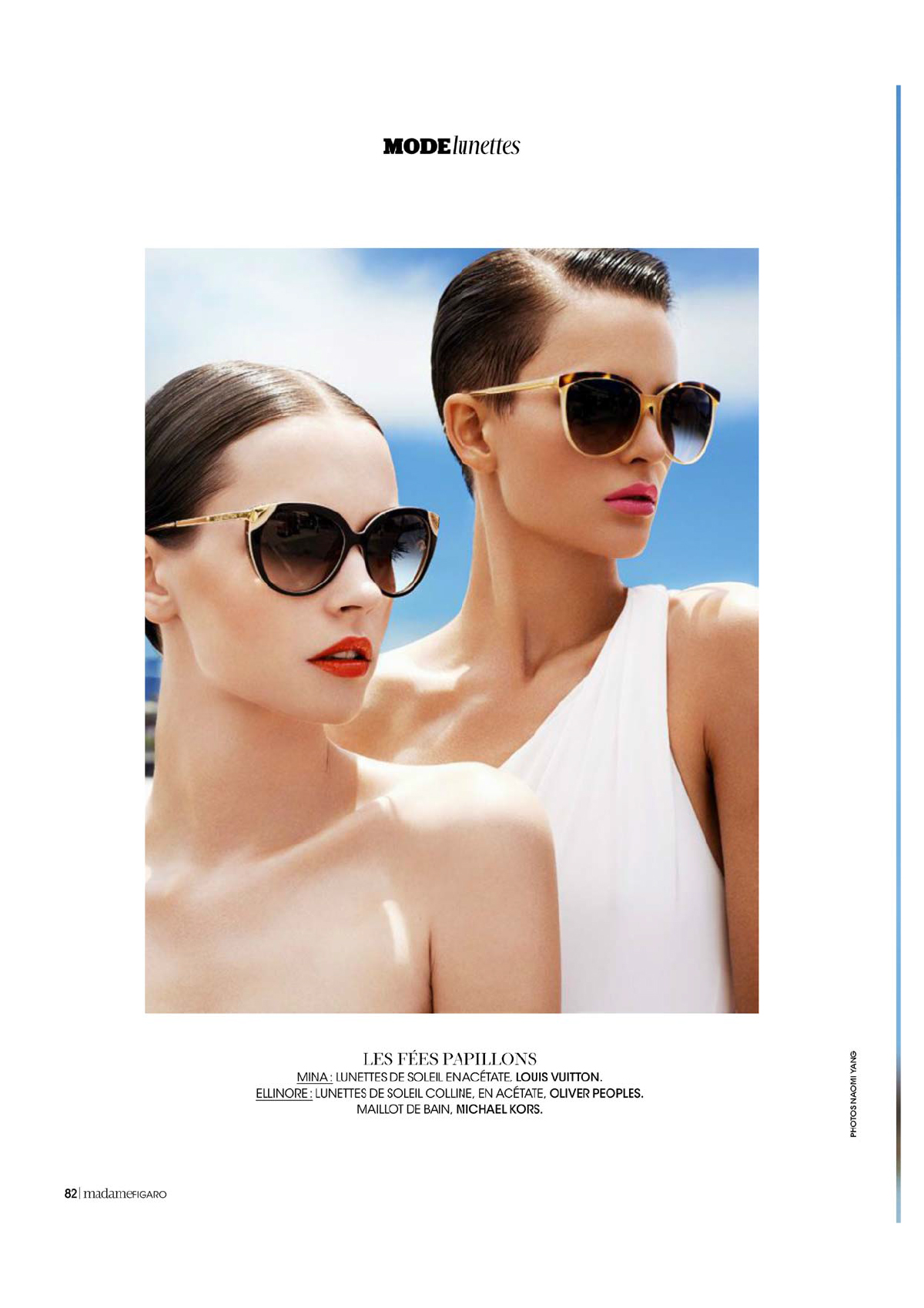
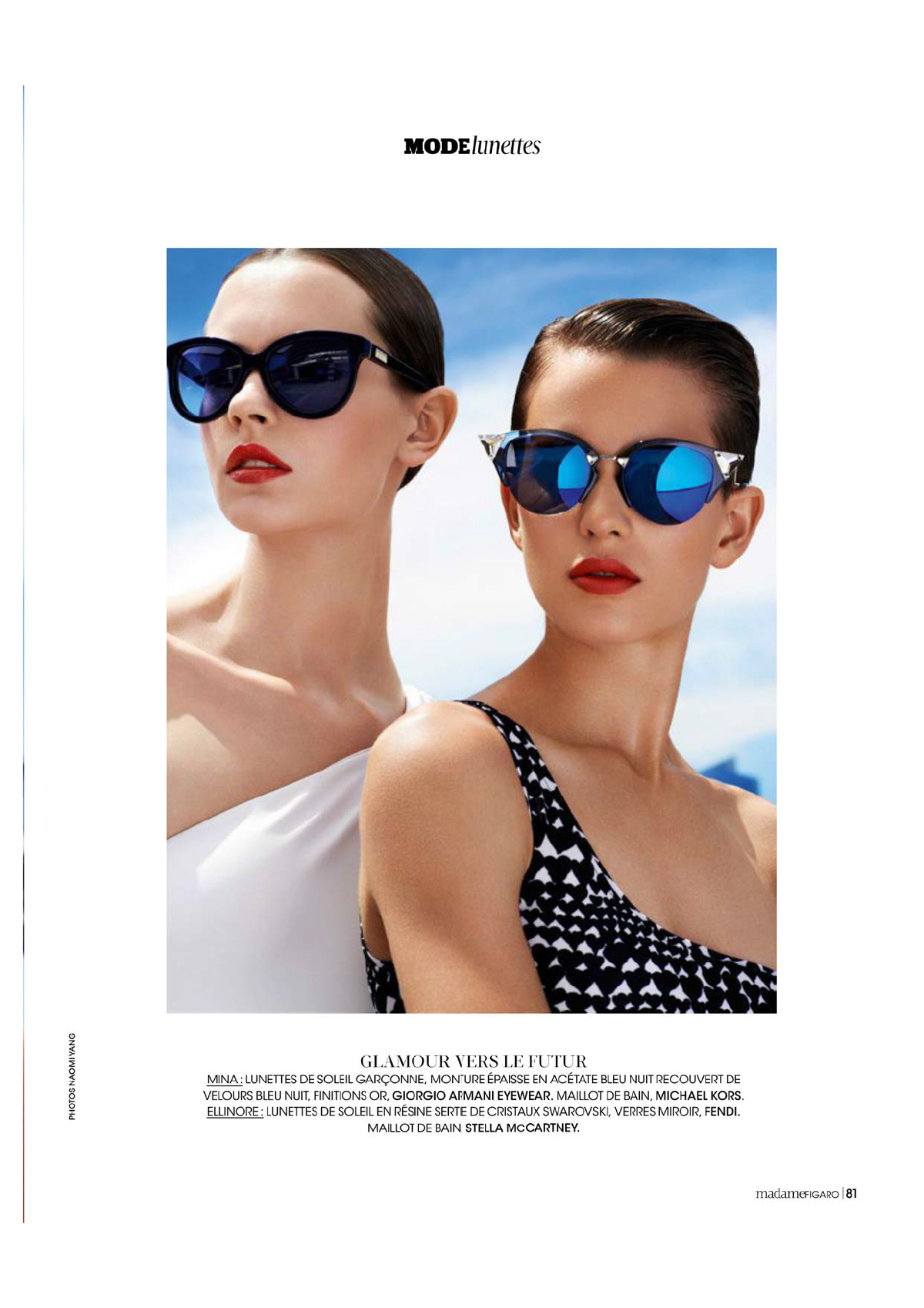
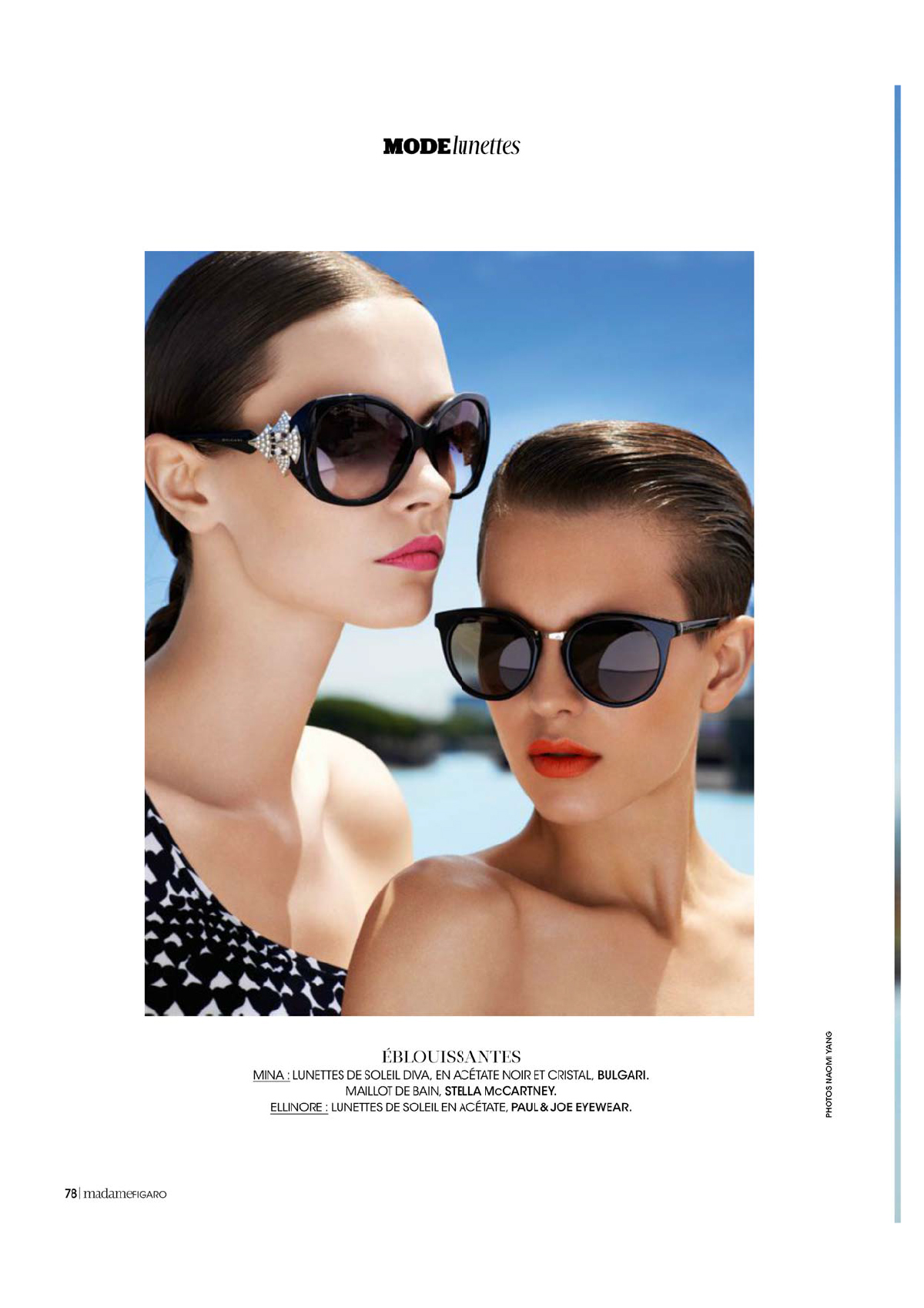
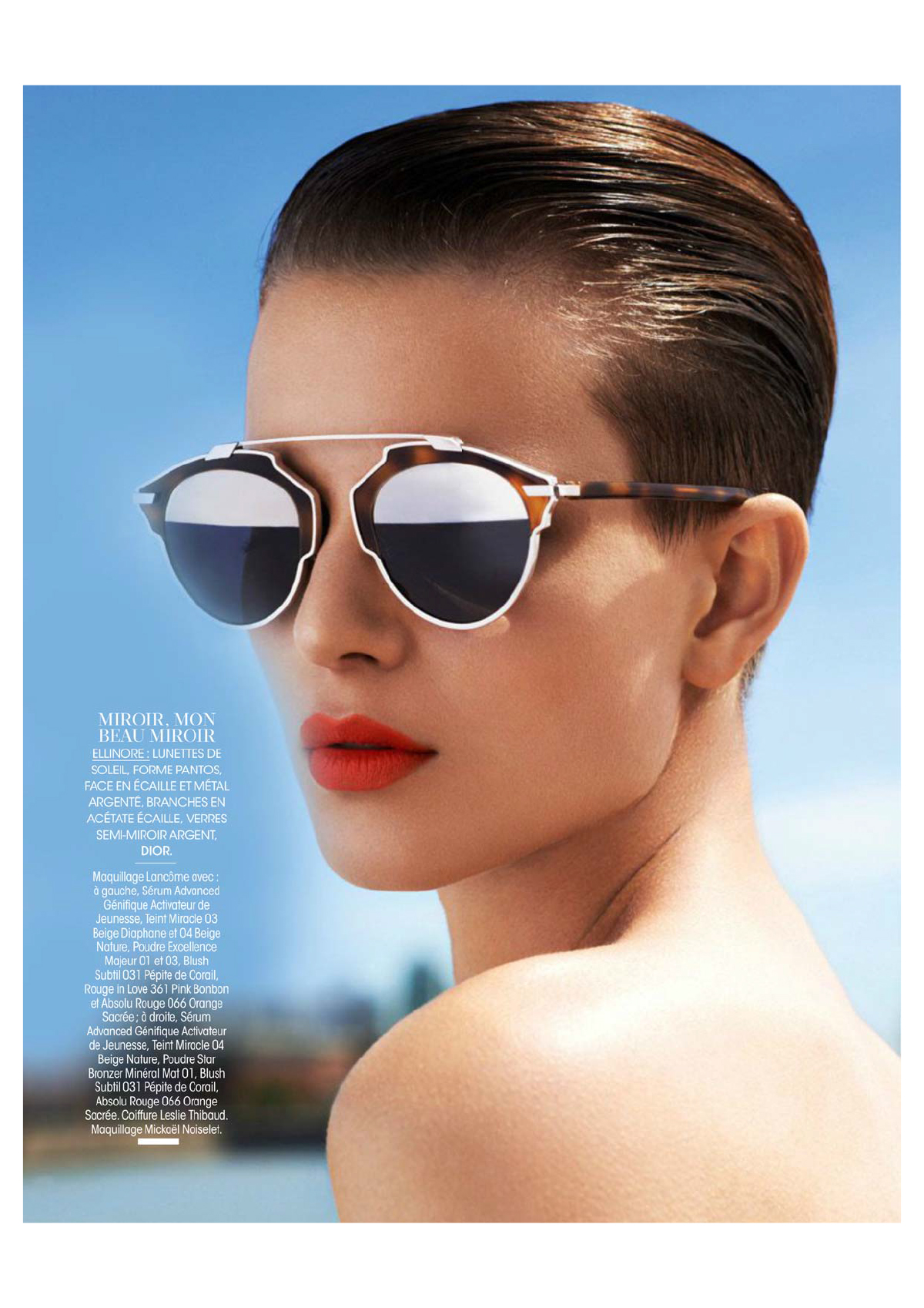
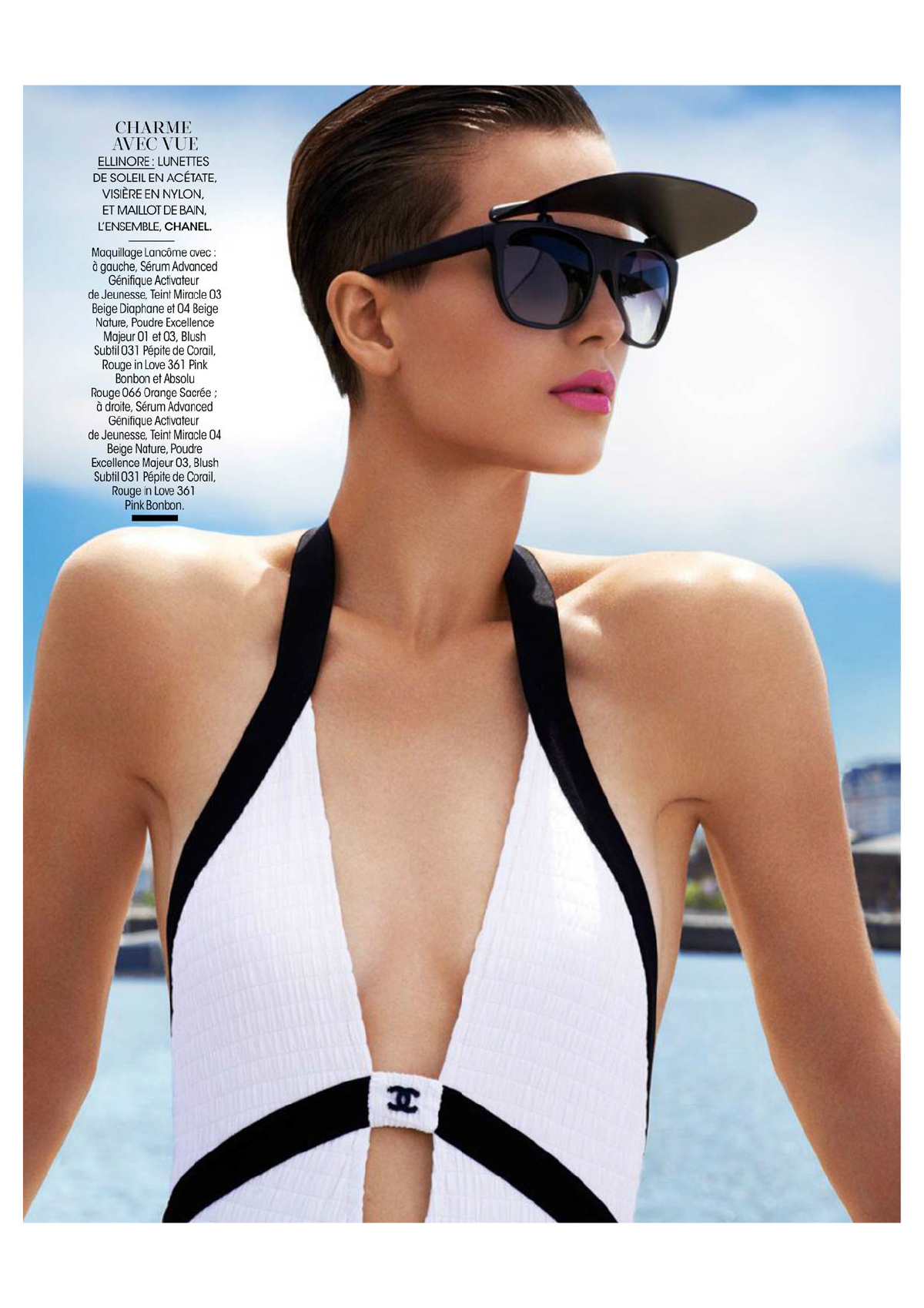
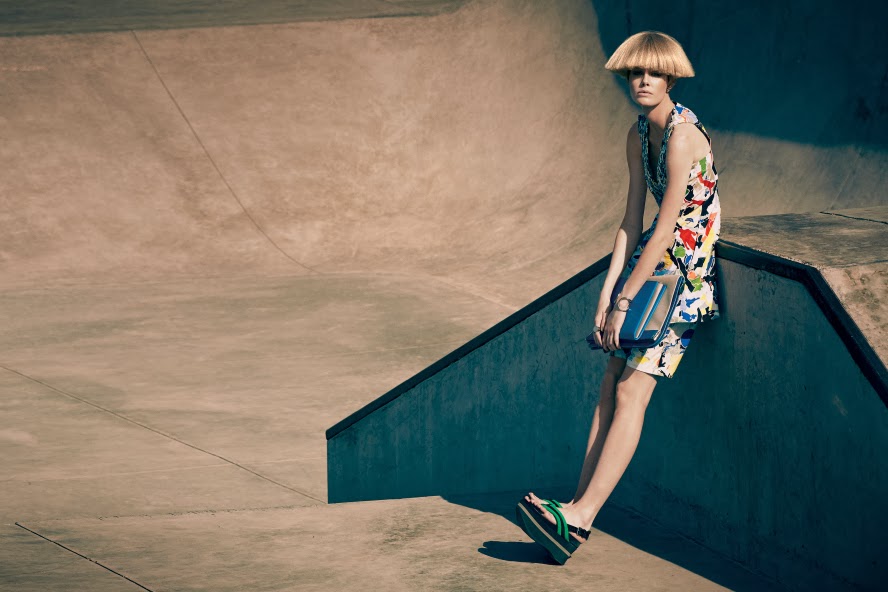
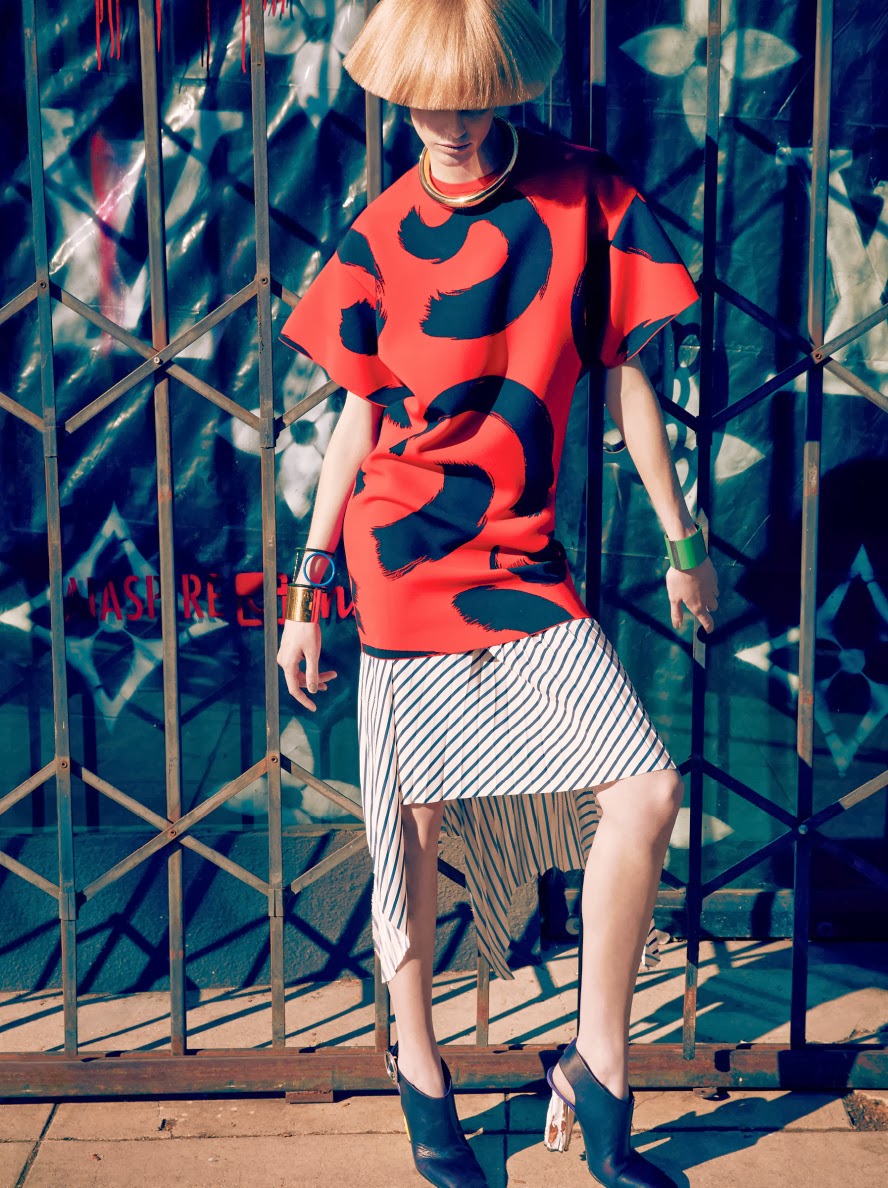
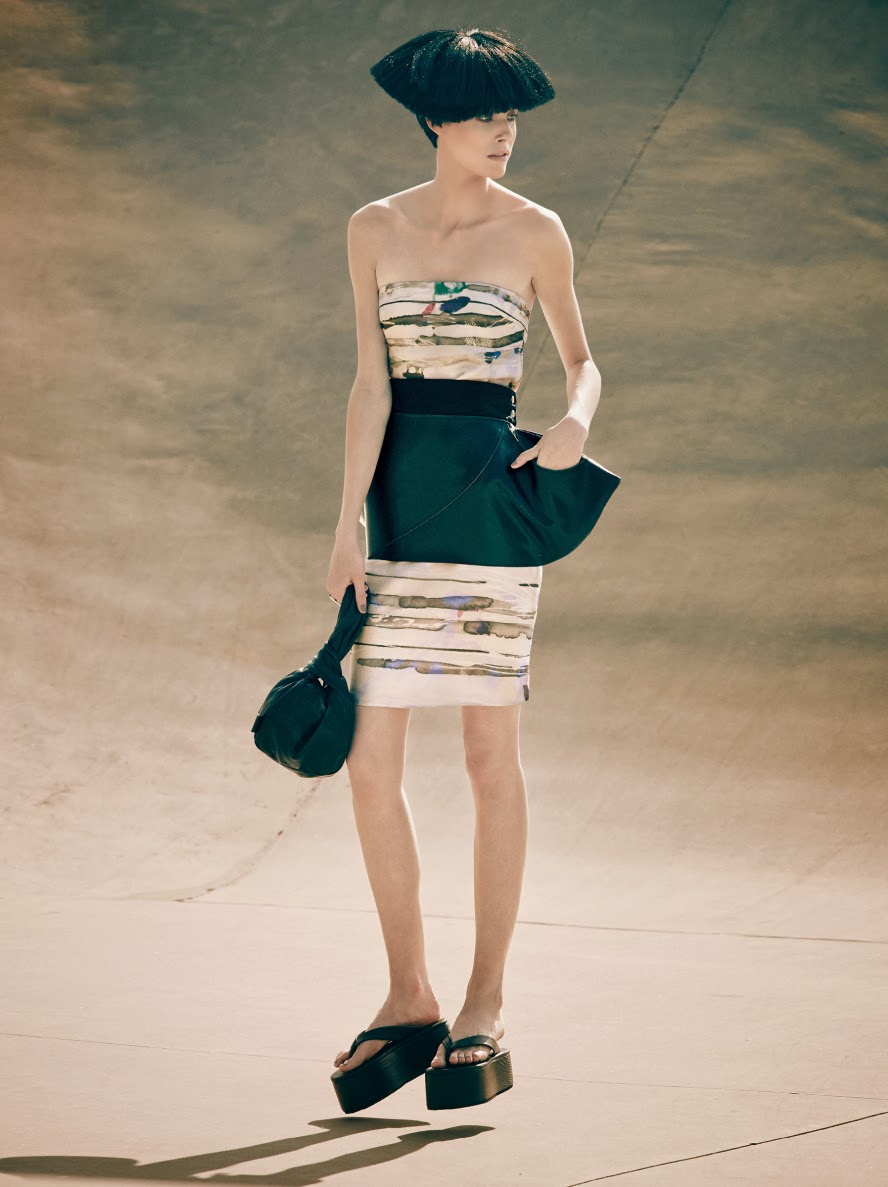
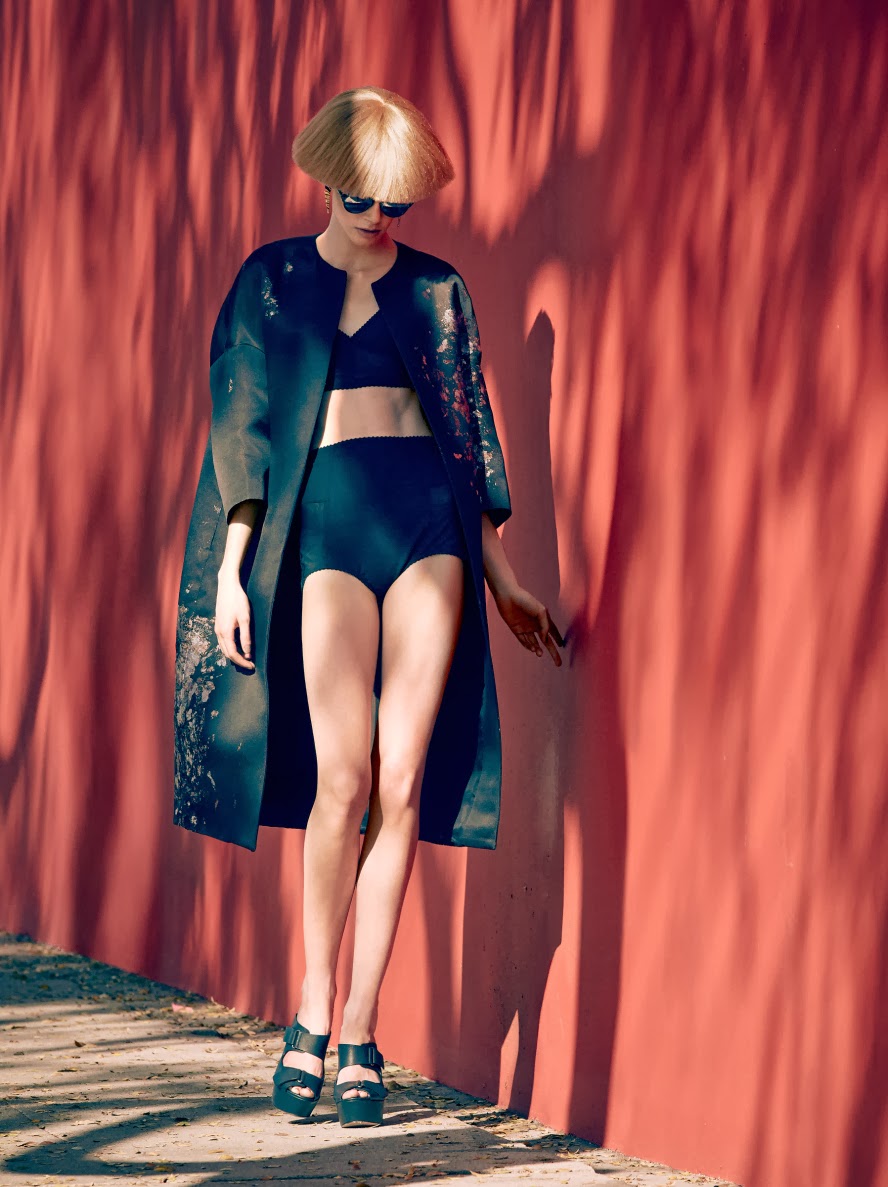
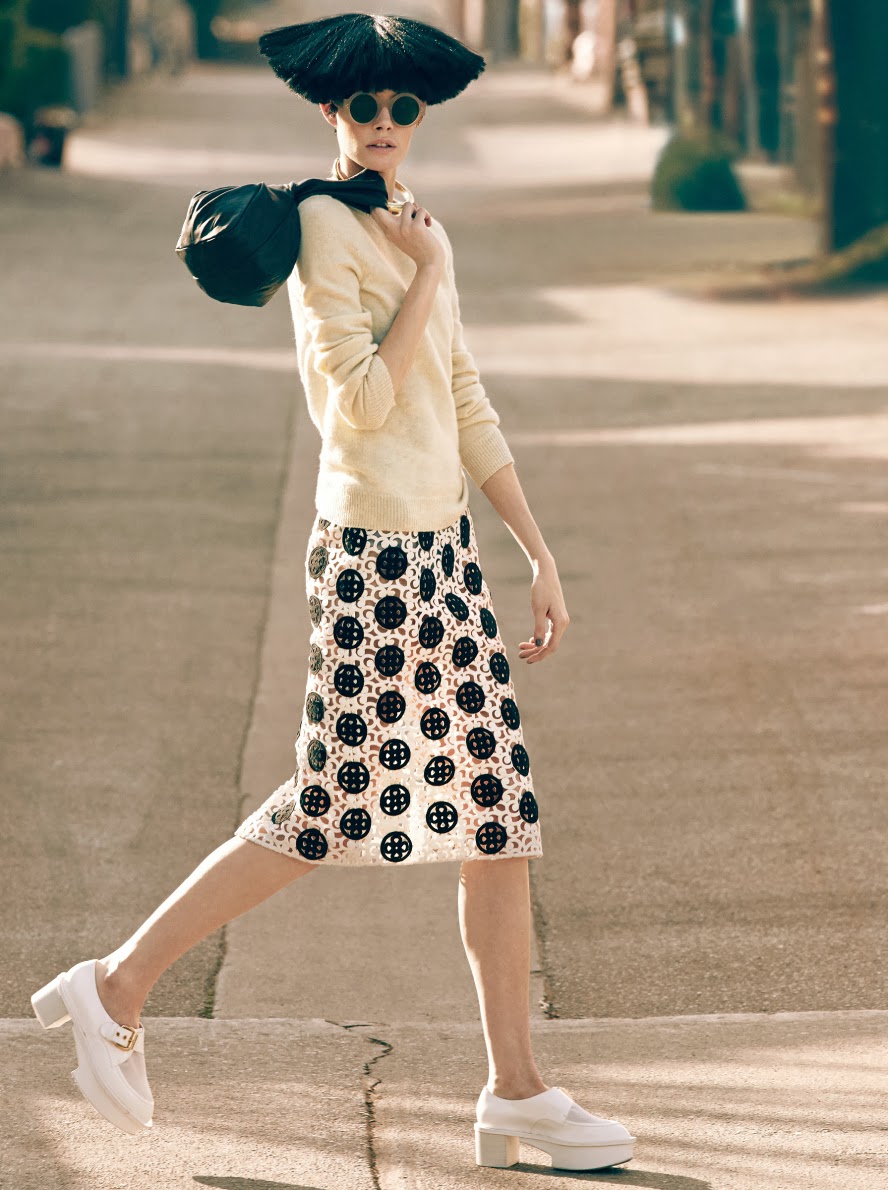
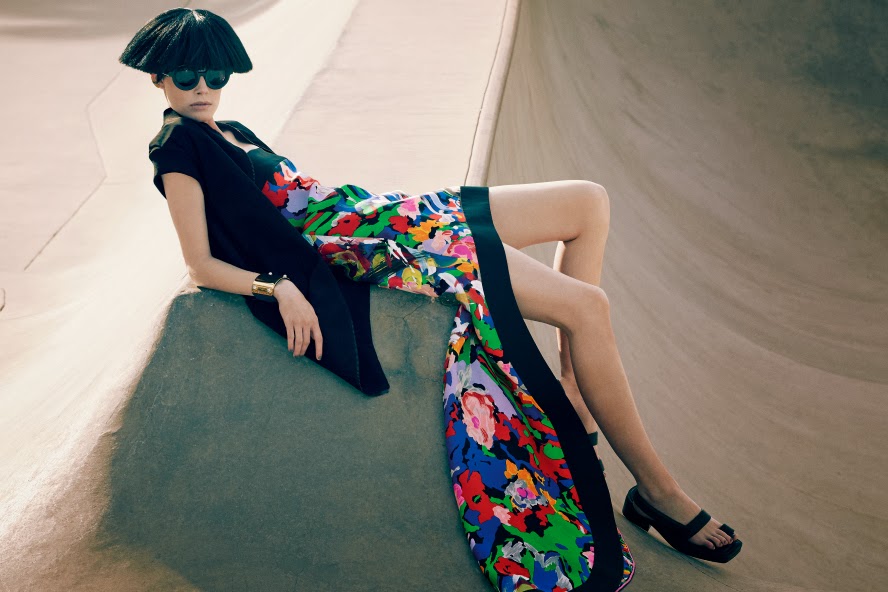
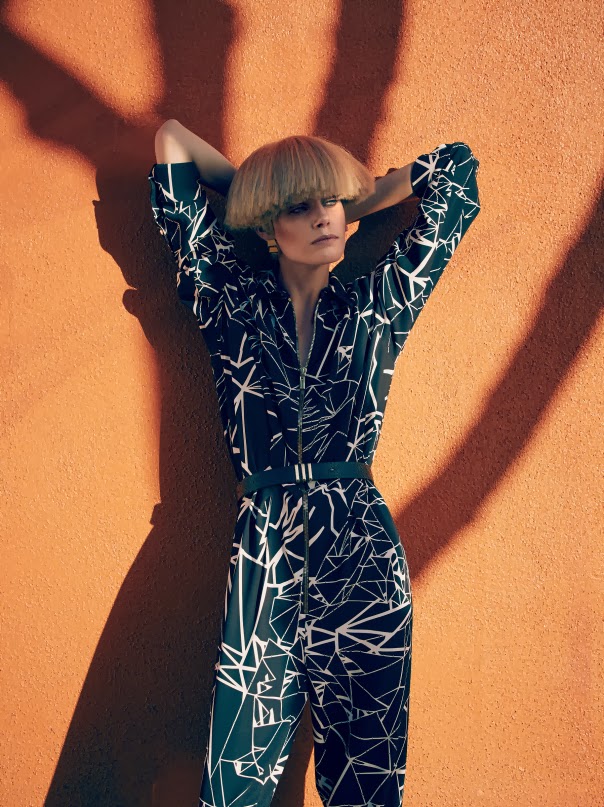
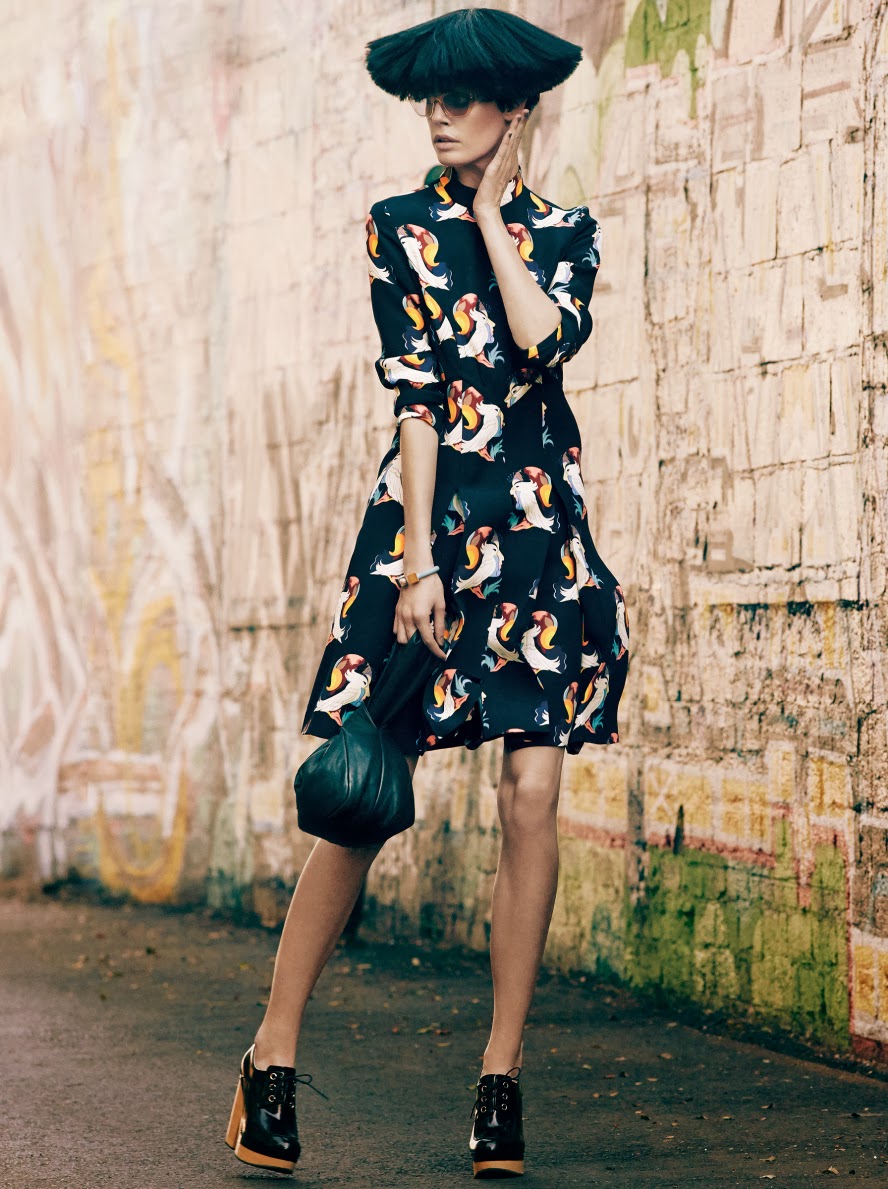
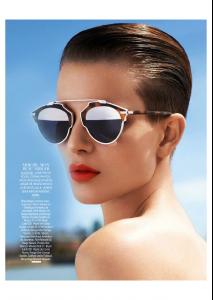
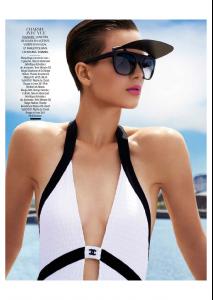
 Madame Figaro April 18, 2014 2014 SYSTÈME SOLAIRES Photographer: Naomi Yang Stylist: Sophie Michaud Hair: Leslie Thibaud Make-up: Mickaël Noiselet Models: Mina Cvetkovic & Ellinore Erichsen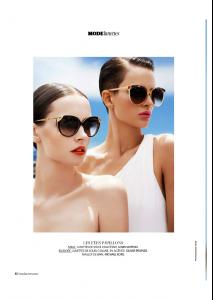
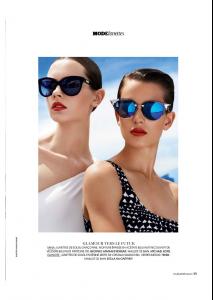
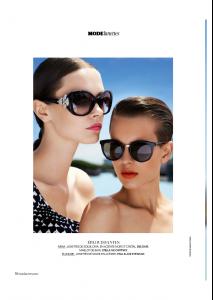
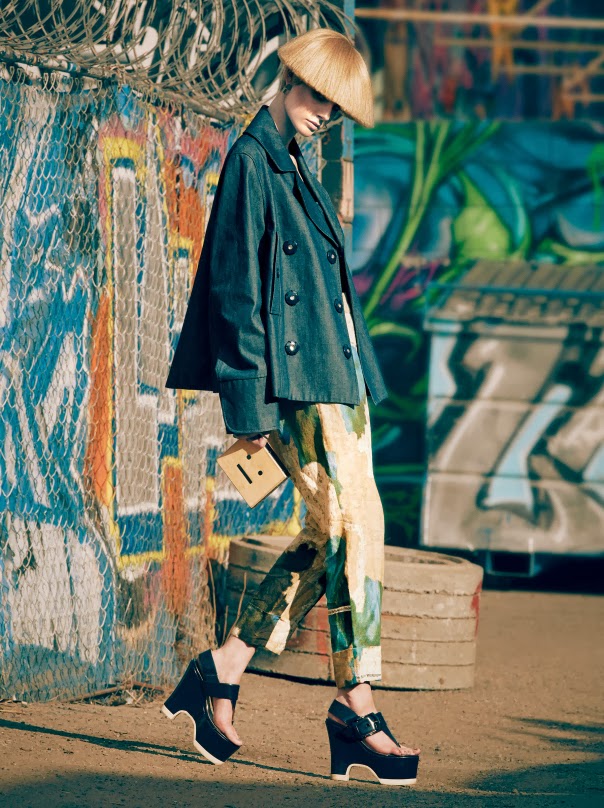
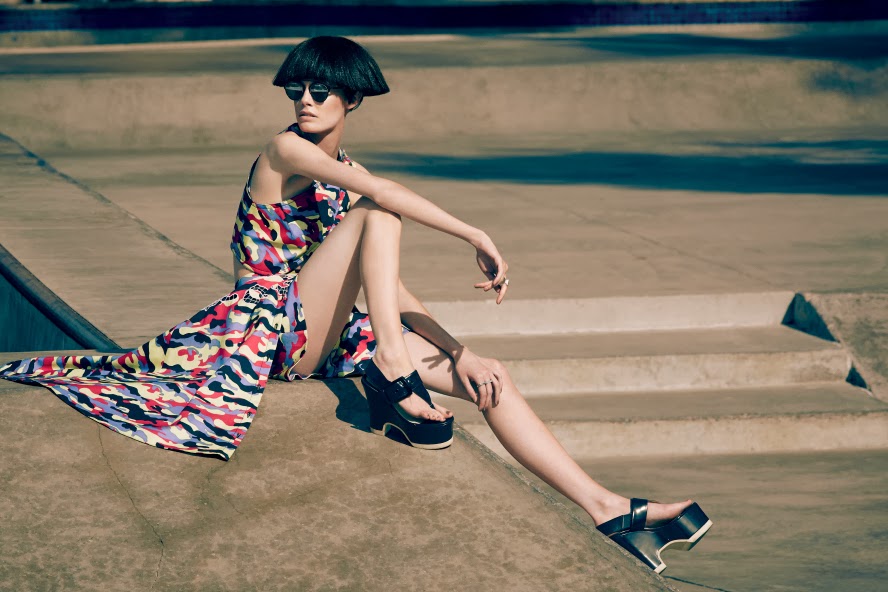
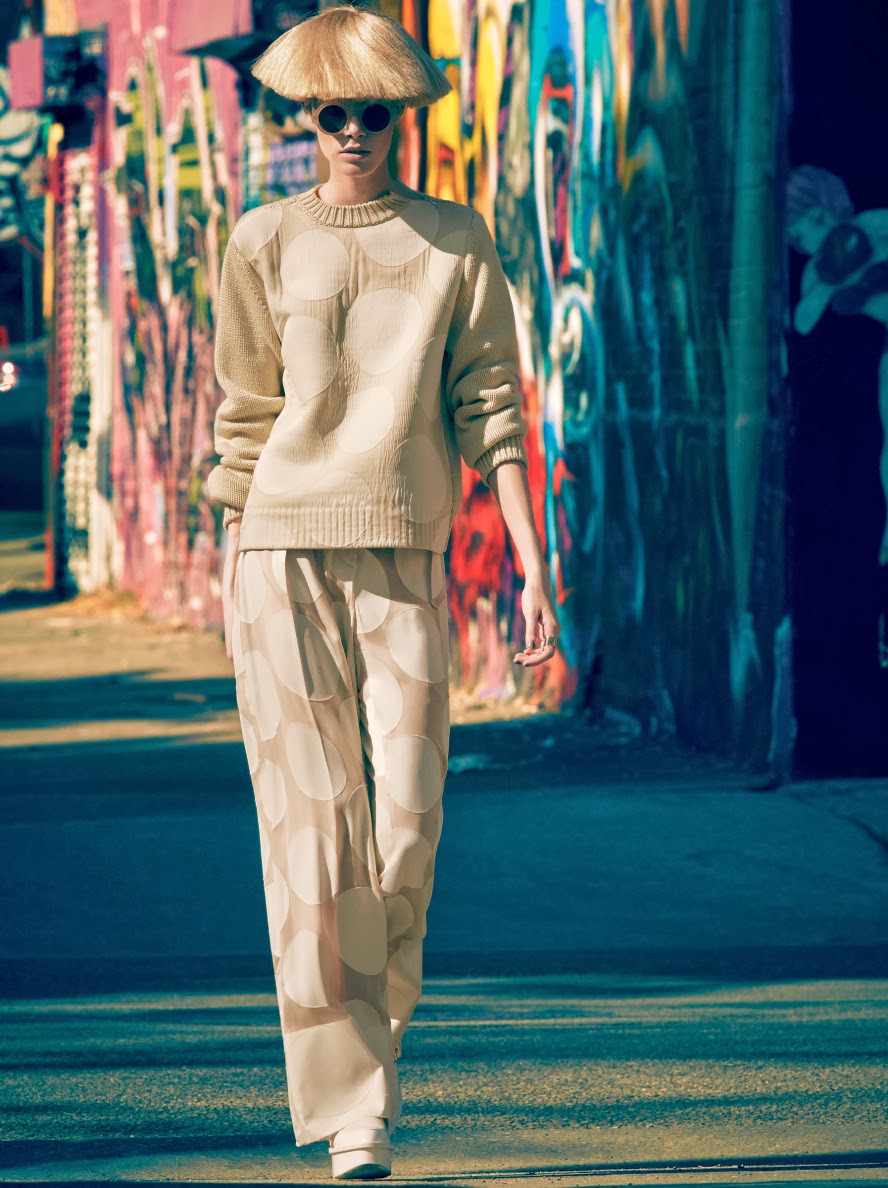
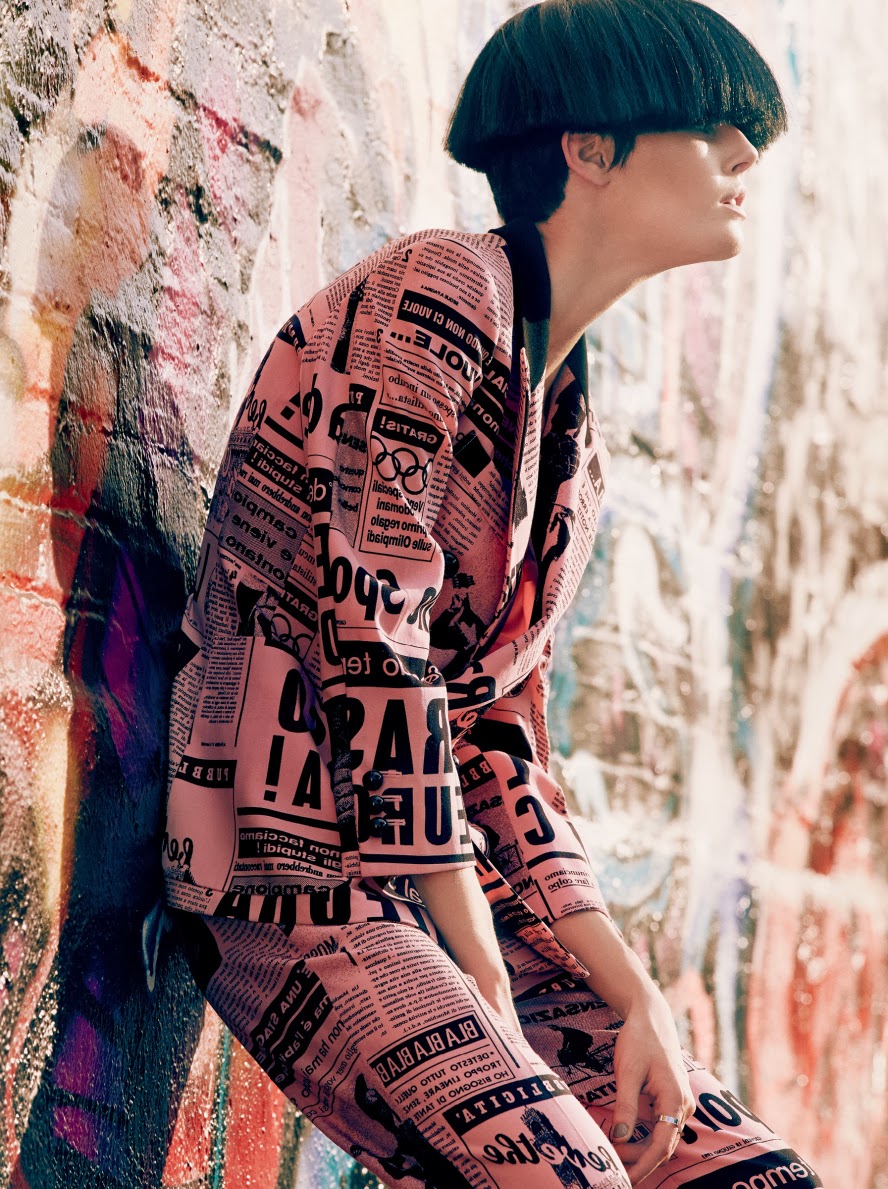
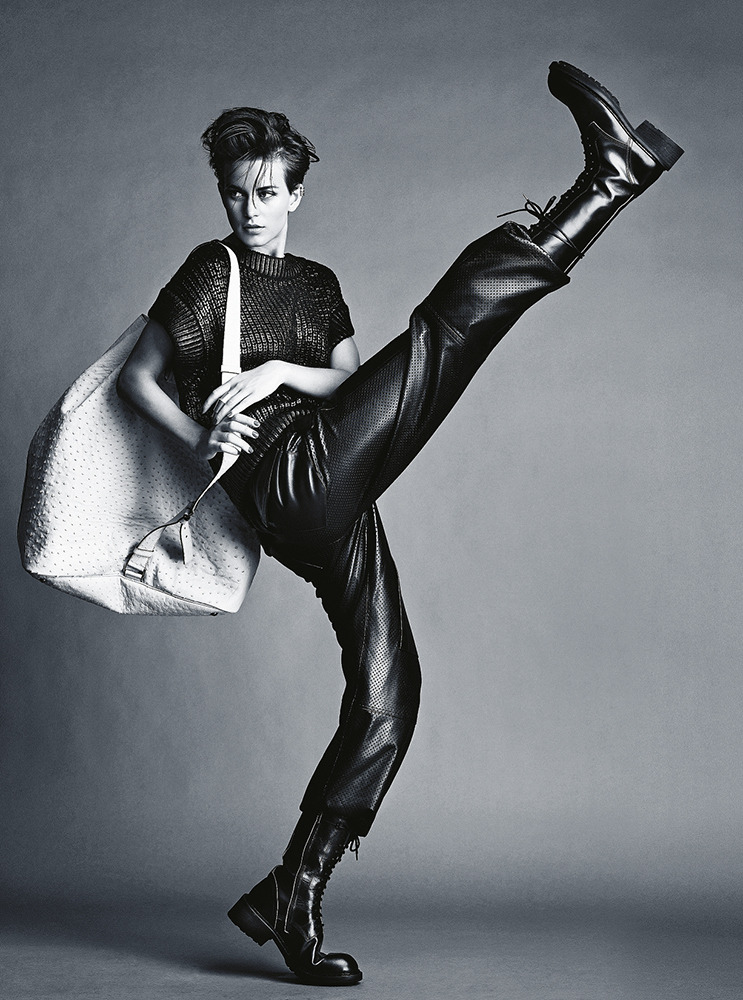
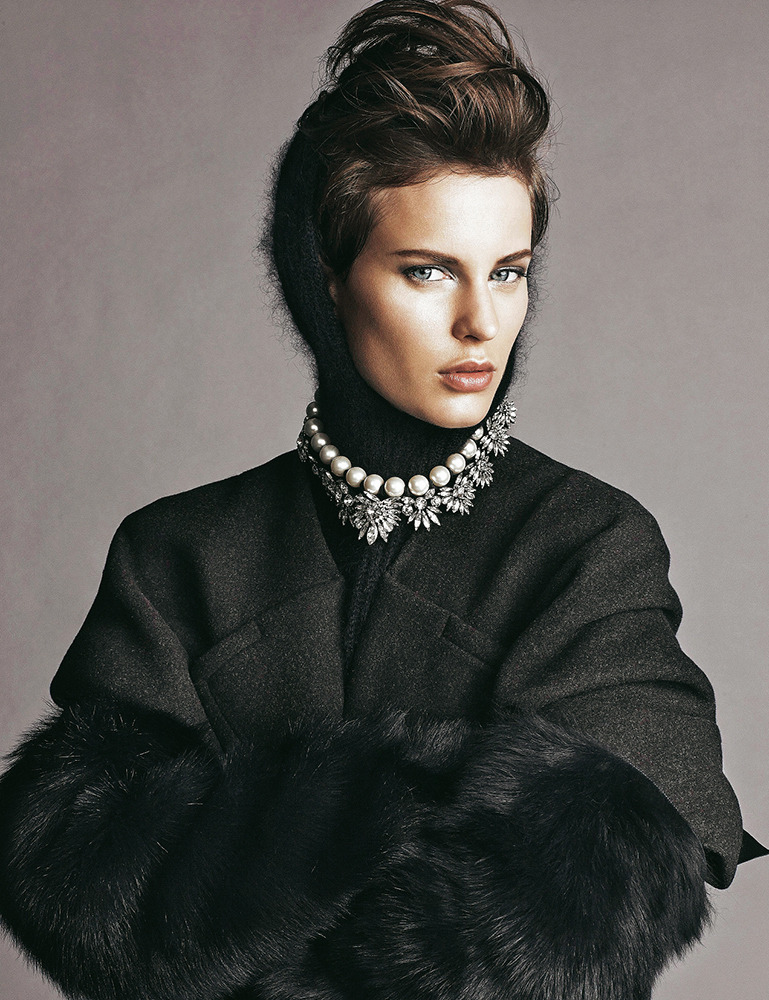
 Art" Ellinore Erichsen by James Macari for Grazia France March 2014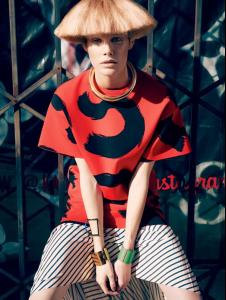


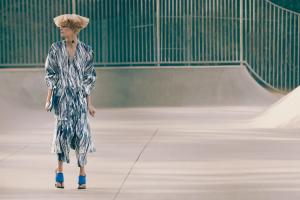


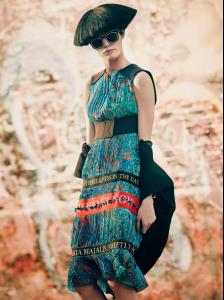
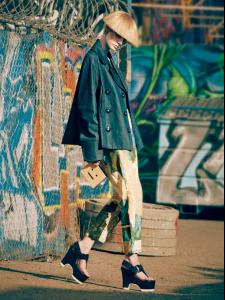


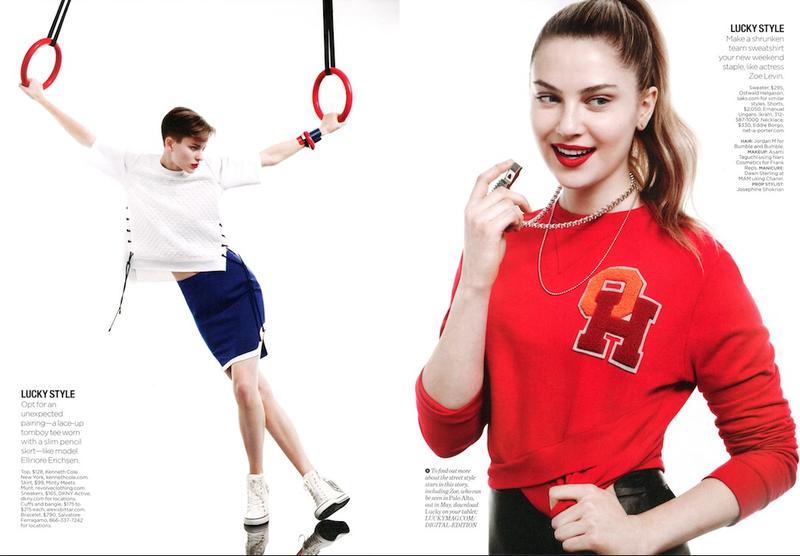
 Sports Center Lucky Magazine (Editorial) published: April 2014
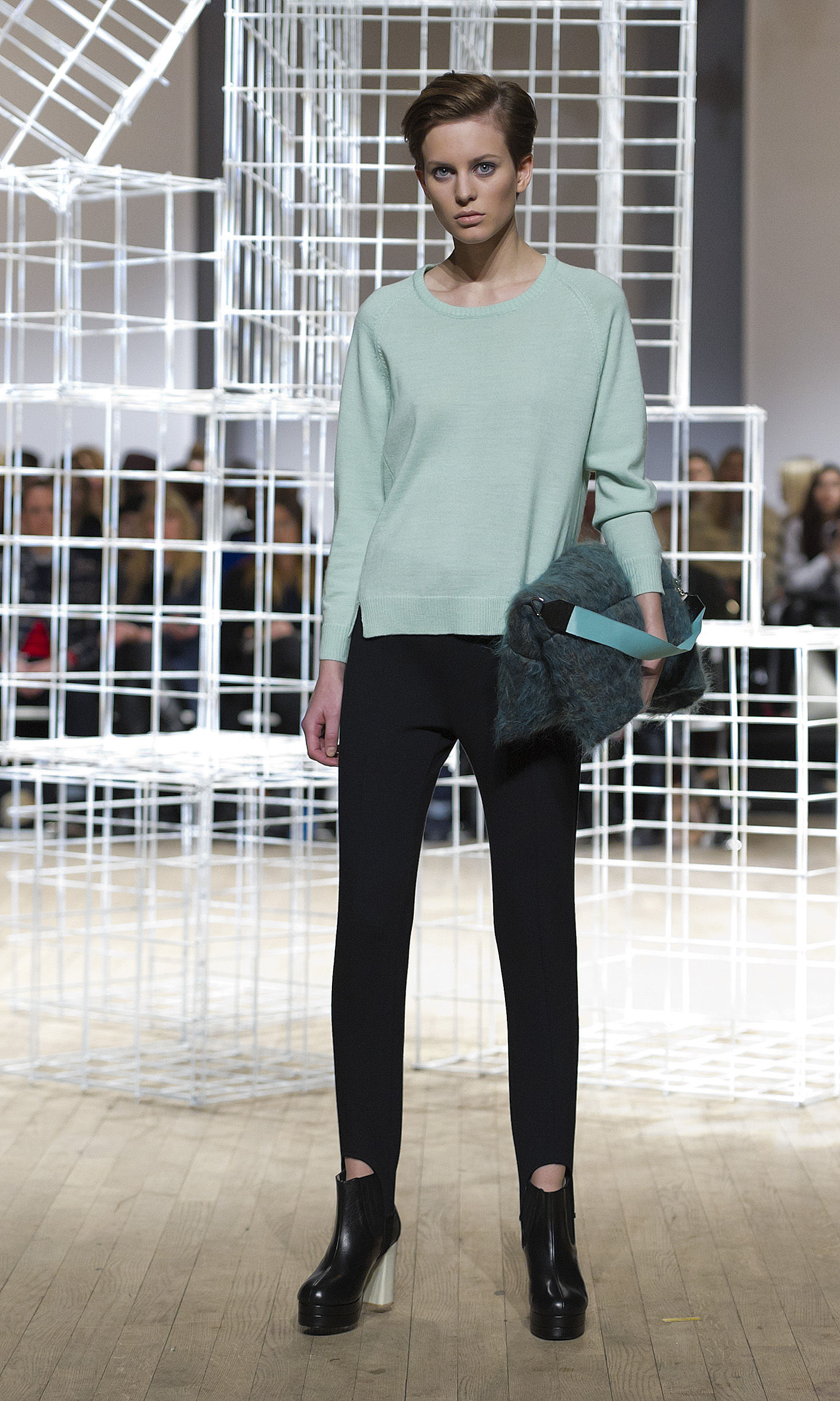
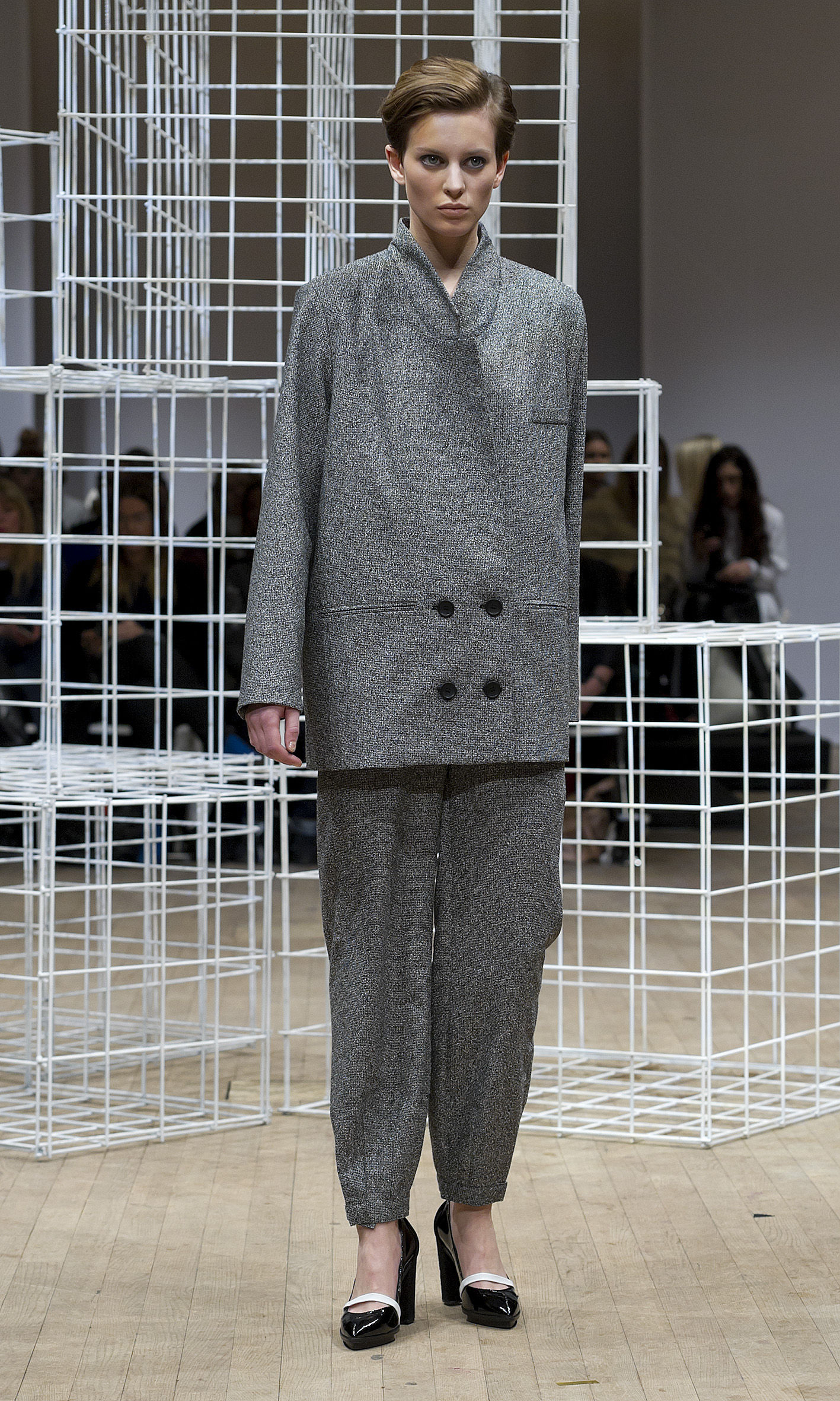
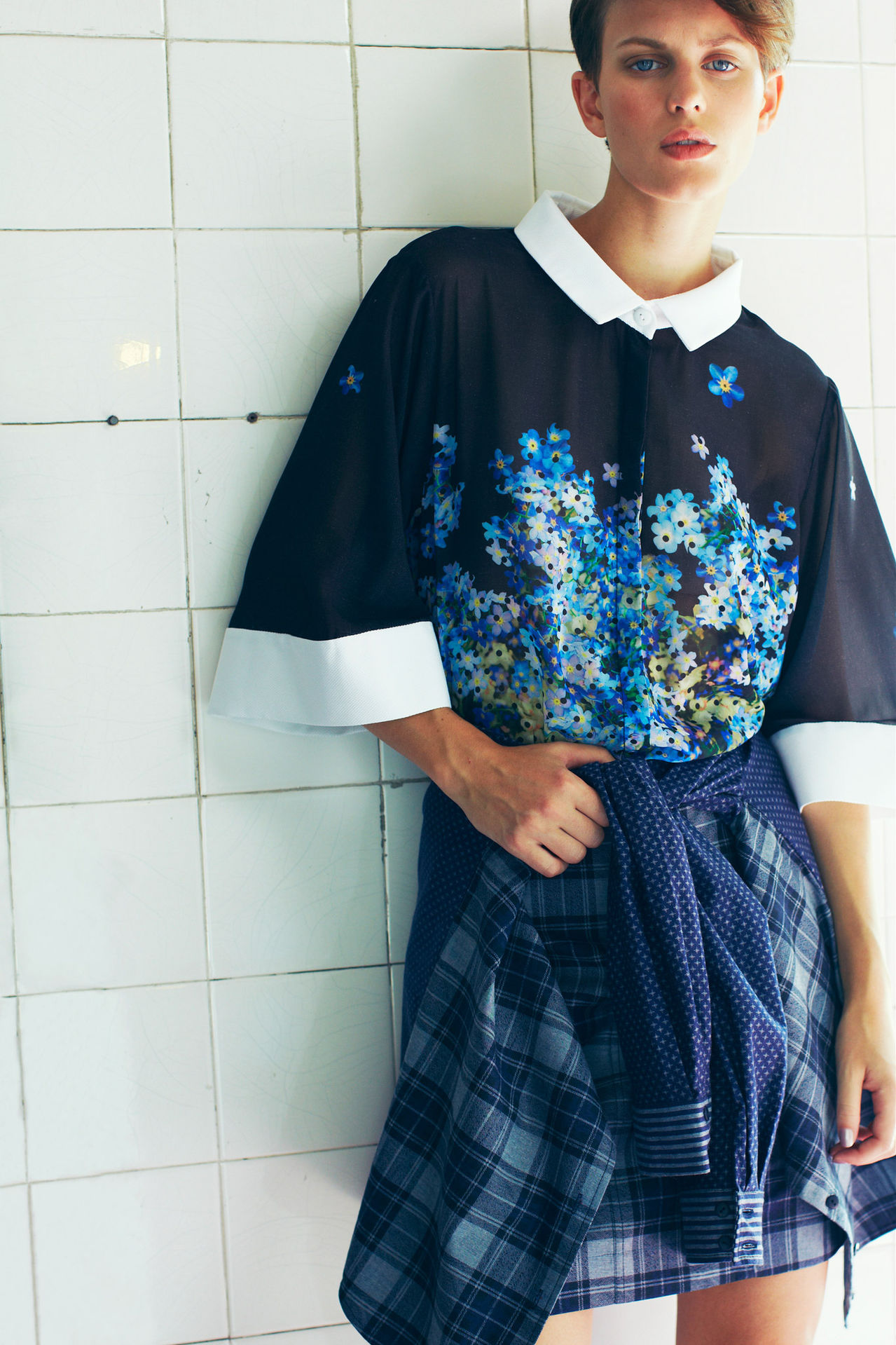
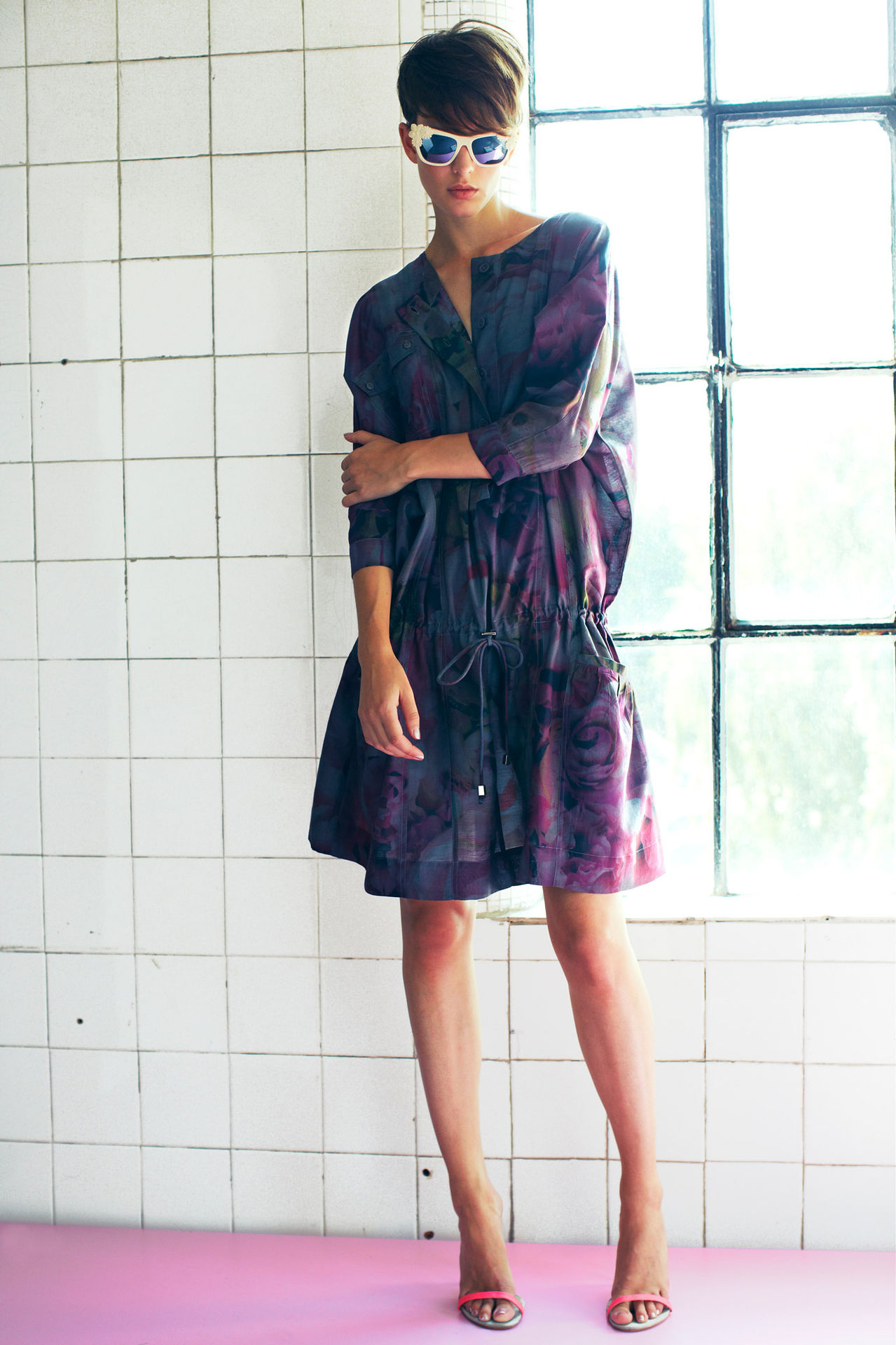
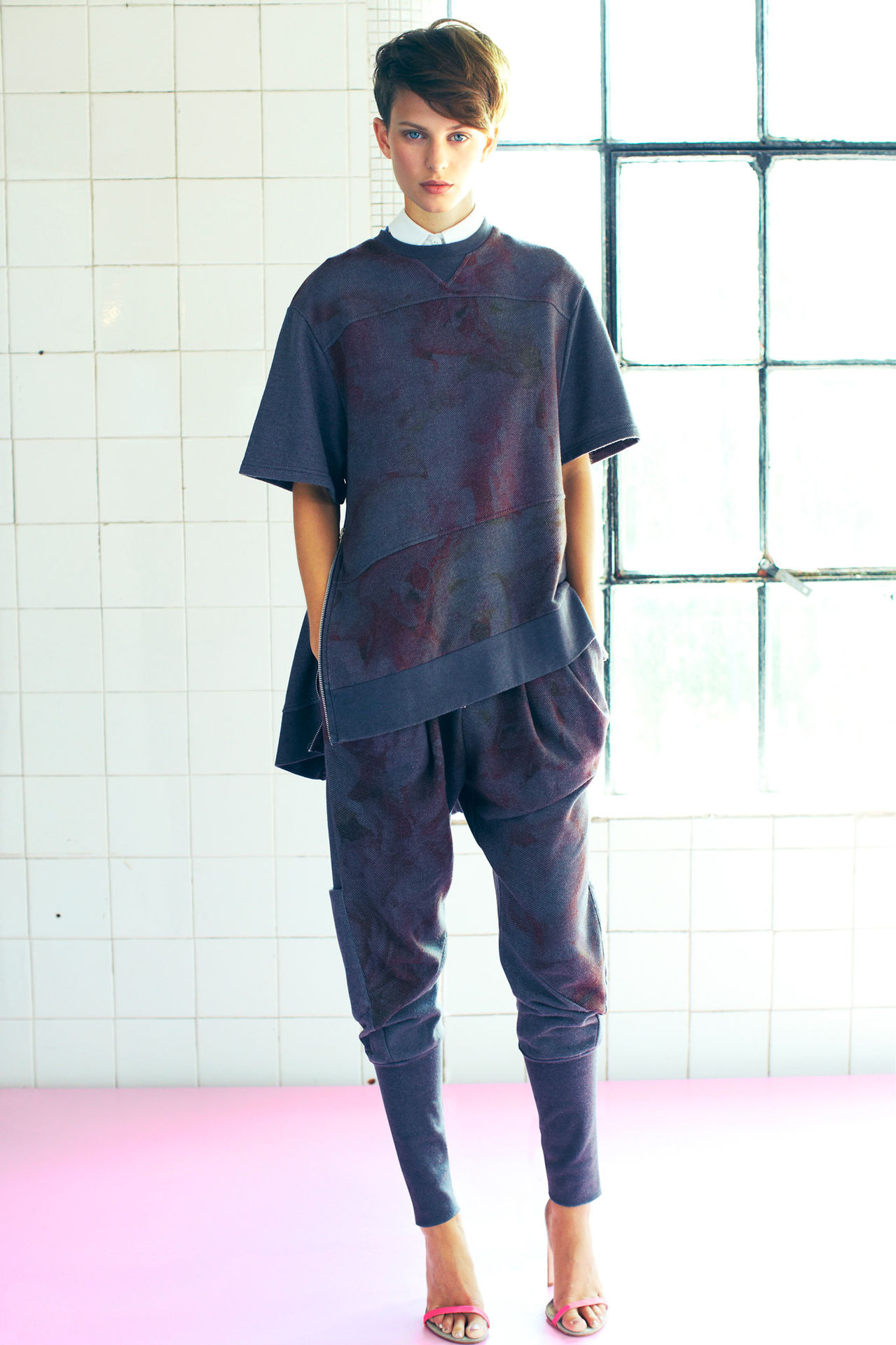
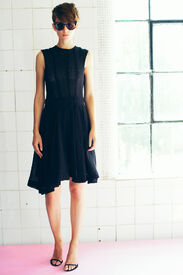
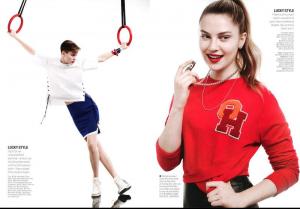 Preen Line ss14 - London



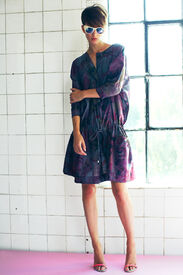

 Photos Jimmy Backius.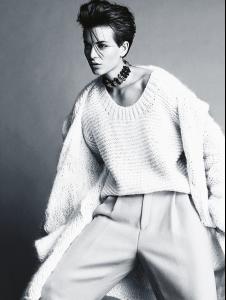
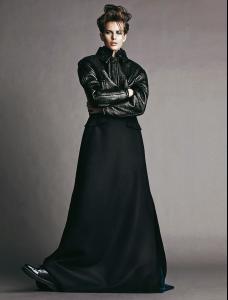
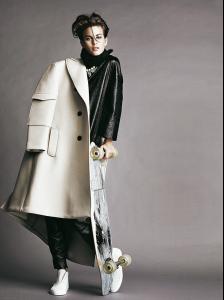




Account
Navigation
Search
Configure browser push notifications
Chrome (Android)
- Tap the lock icon next to the address bar.
- Tap Permissions → Notifications.
- Adjust your preference.
Chrome (Desktop)
- Click the padlock icon in the address bar.
- Select Site settings.
- Find Notifications and adjust your preference.
Safari (iOS 16.4+)
- Ensure the site is installed via Add to Home Screen.
- Open Settings App → Notifications.
- Find your app name and adjust your preference.
Safari (macOS)
- Go to Safari → Preferences.
- Click the Websites tab.
- Select Notifications in the sidebar.
- Find this website and adjust your preference.
Edge (Android)
- Tap the lock icon next to the address bar.
- Tap Permissions.
- Find Notifications and adjust your preference.
Edge (Desktop)
- Click the padlock icon in the address bar.
- Click Permissions for this site.
- Find Notifications and adjust your preference.
Firefox (Android)
- Go to Settings → Site permissions.
- Tap Notifications.
- Find this site in the list and adjust your preference.
Firefox (Desktop)
- Open Firefox Settings.
- Search for Notifications.
- Find this site in the list and adjust your preference.