not90
Banned
-
Joined
-
Last visited
Everything posted by not90
-
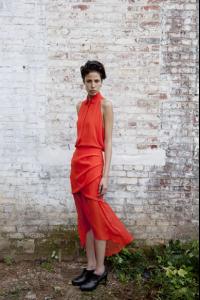
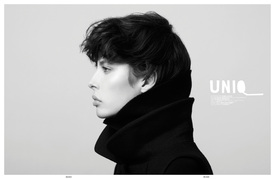
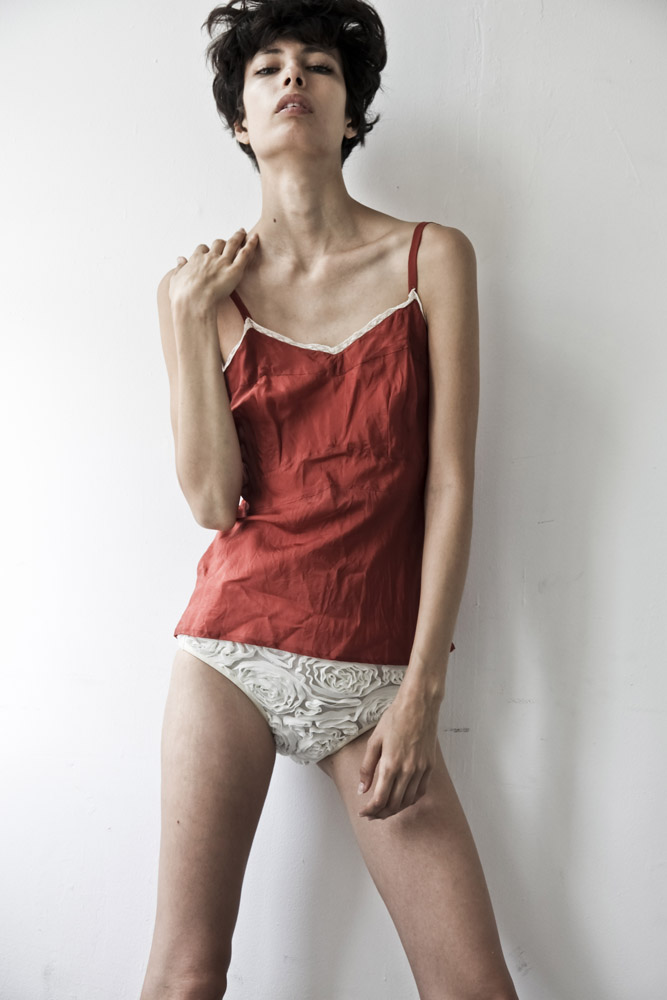
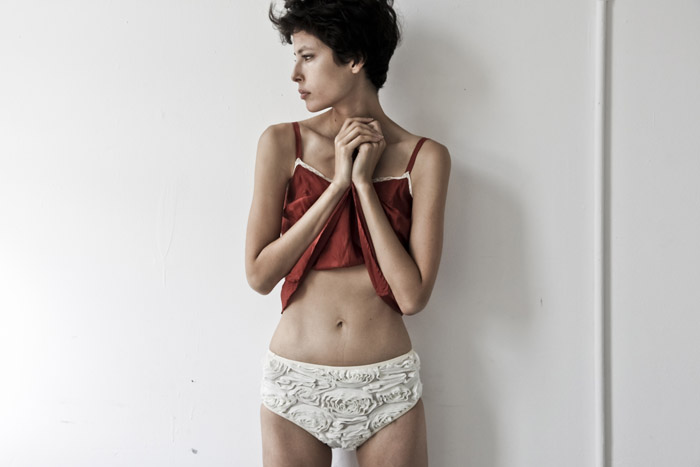
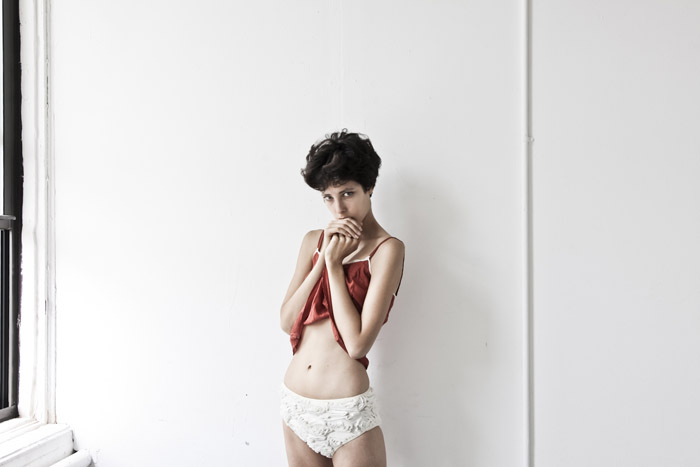
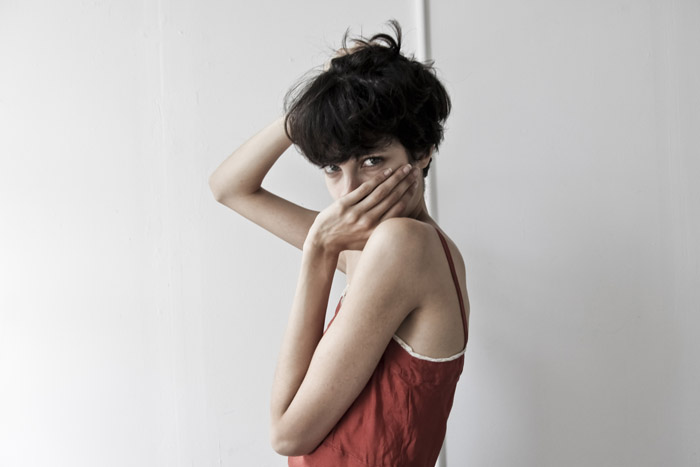
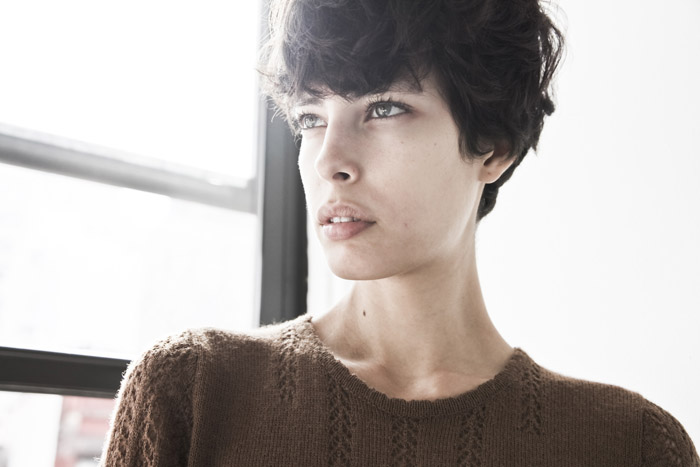
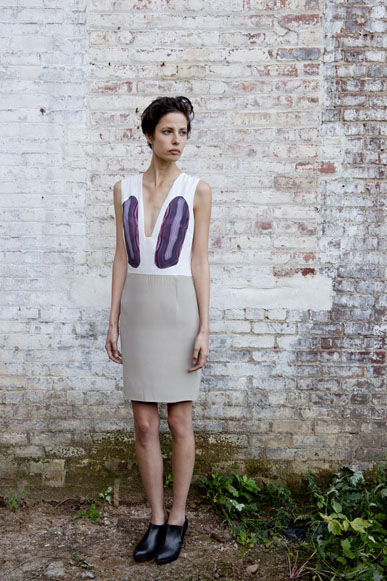
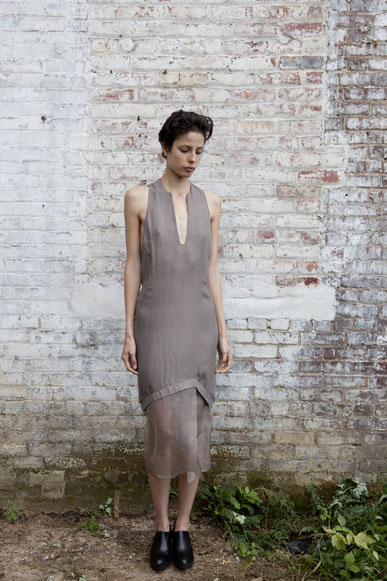
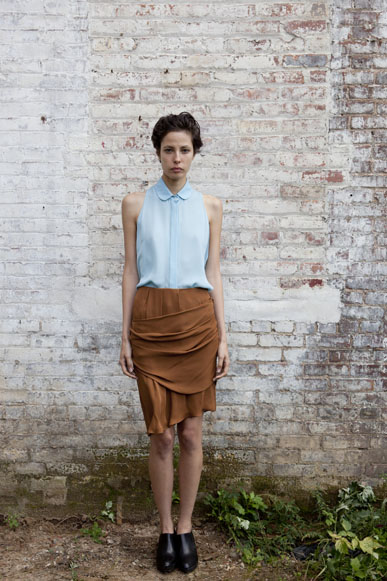
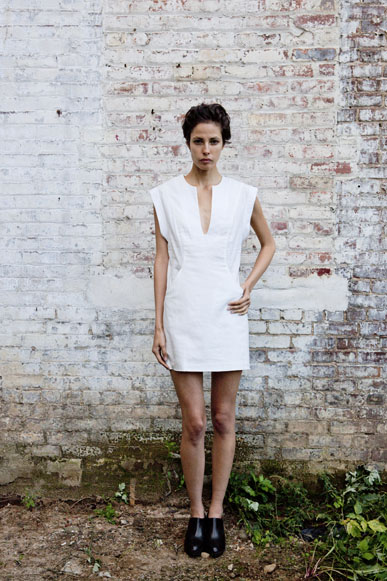
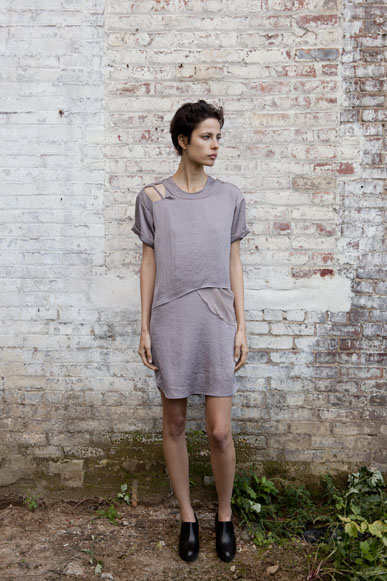
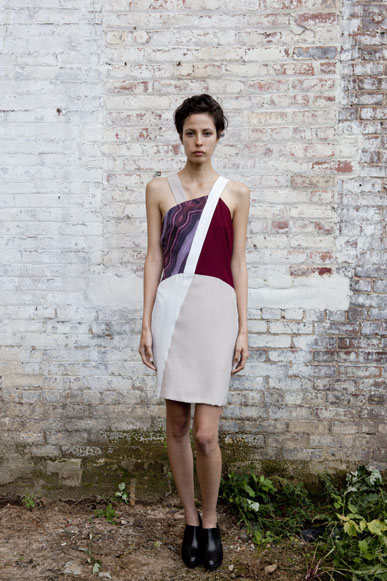
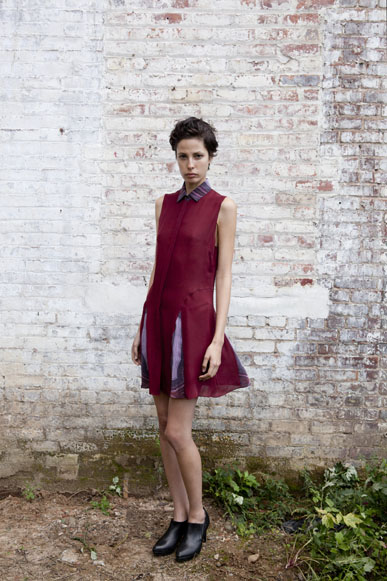
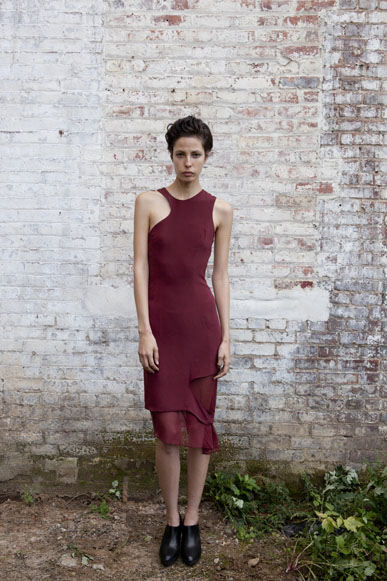
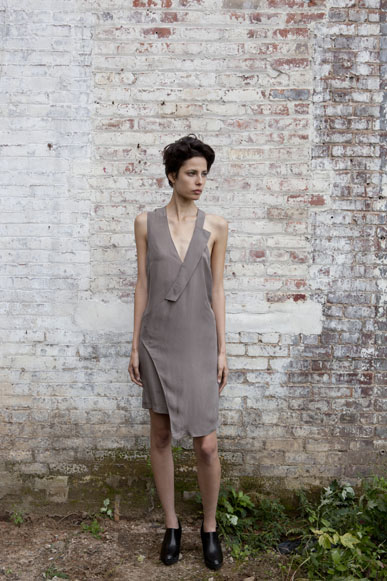
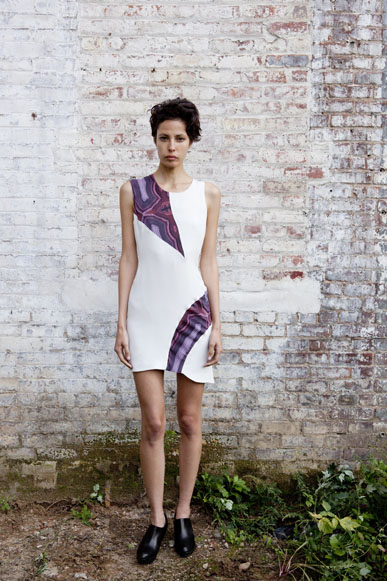
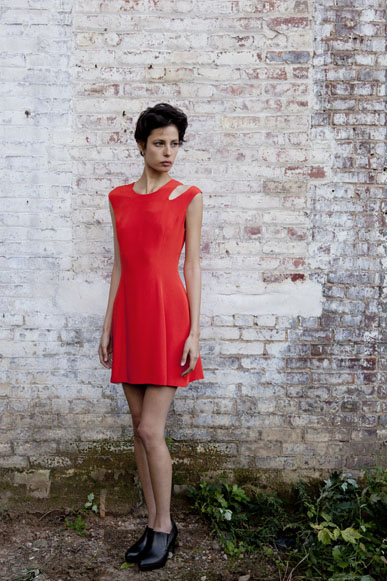
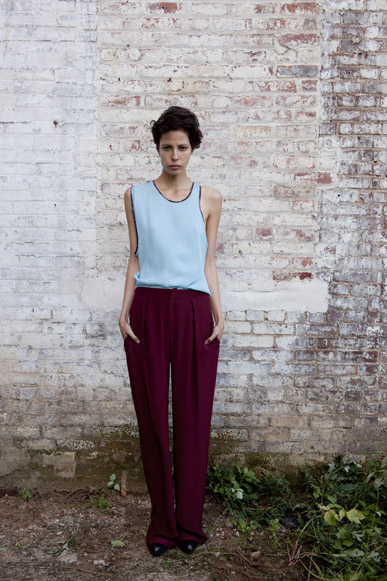
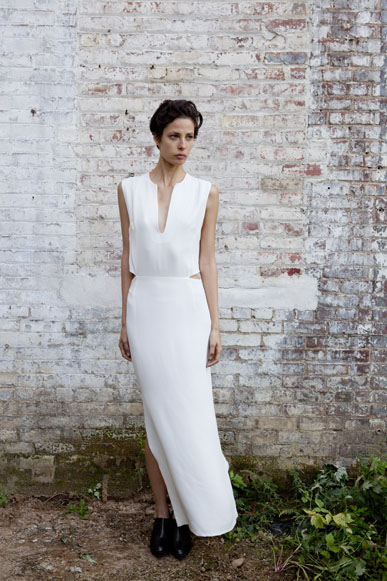
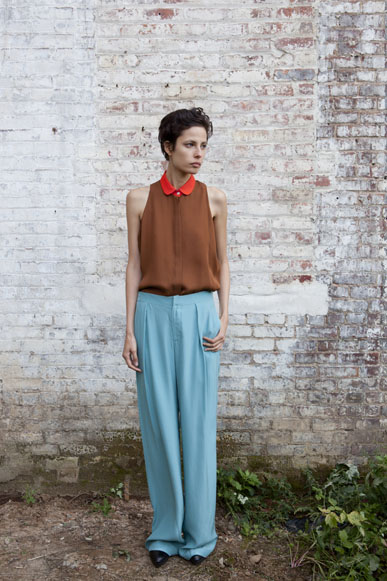
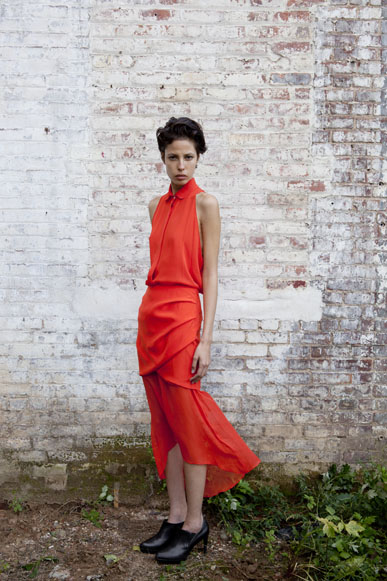
Nomia S/S 2012 Lookbook nomia-nyc

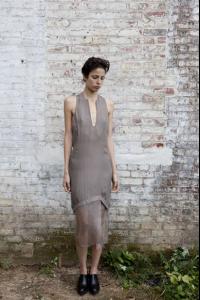




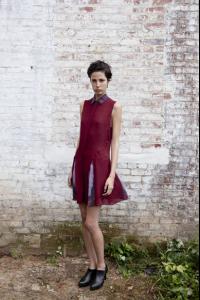
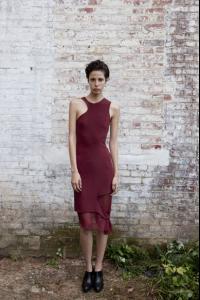






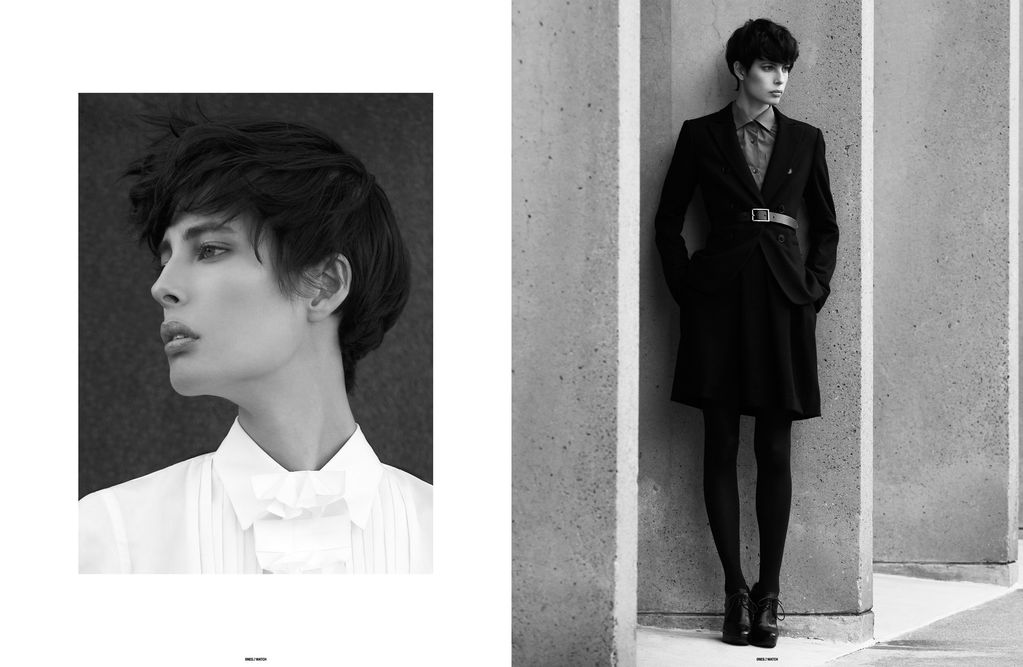
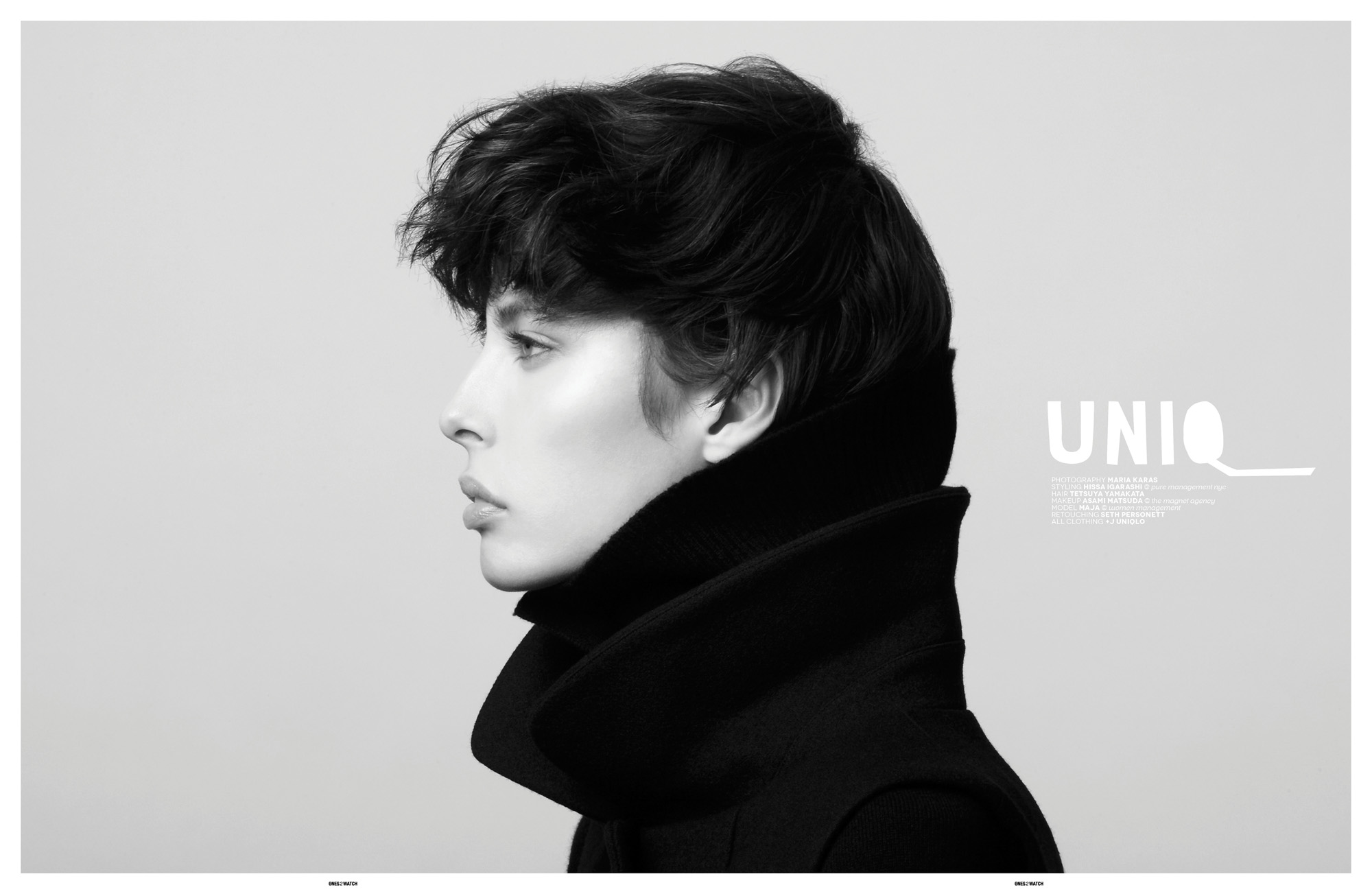
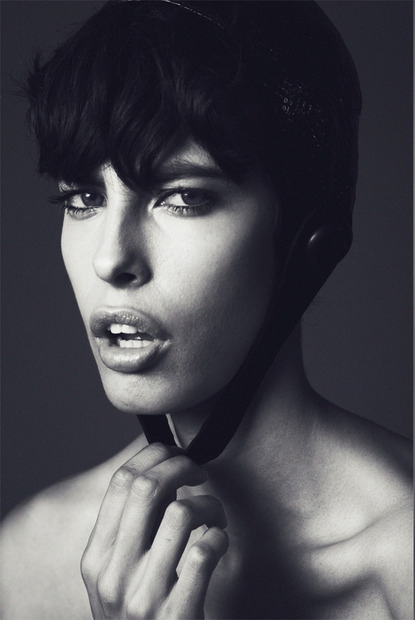
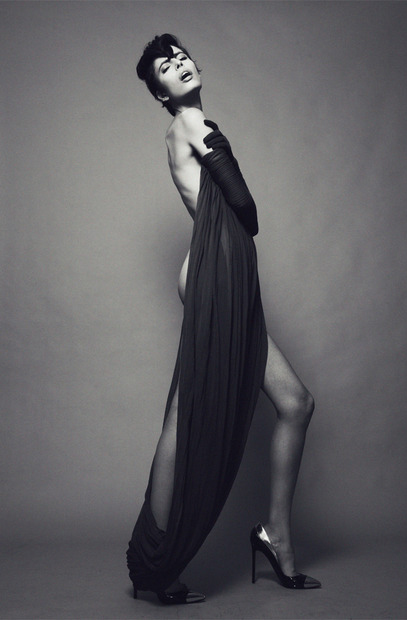
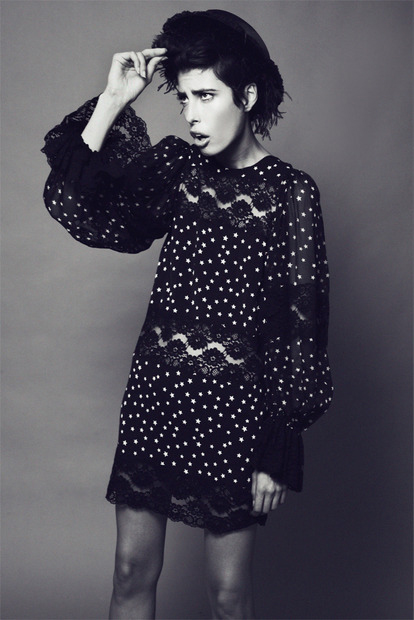
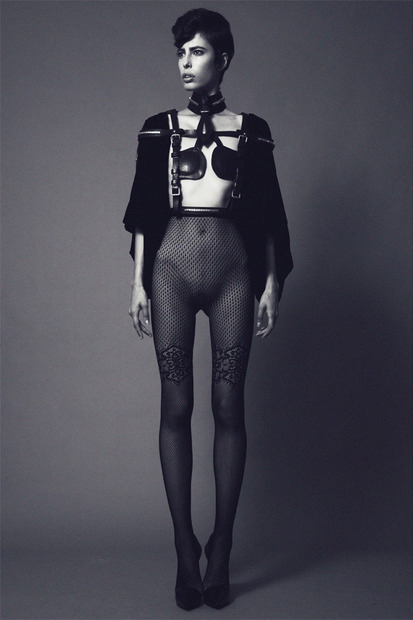
 Uniq" Photography by Maria Karas Styling by Hissa Igarashi @ Pure Management Hair by Tetsuya Yamakata Makeup by Asami Matsuda @ The Magnet Agency Model(s) Maja @ Women Management NY Retouching by Seth Personett Photographer Assisted by Kogo Araki All clothing by +J Uniqlo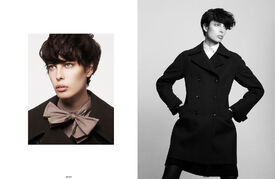
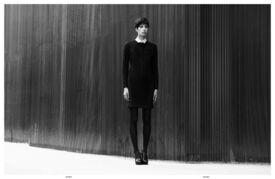

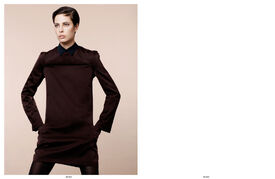

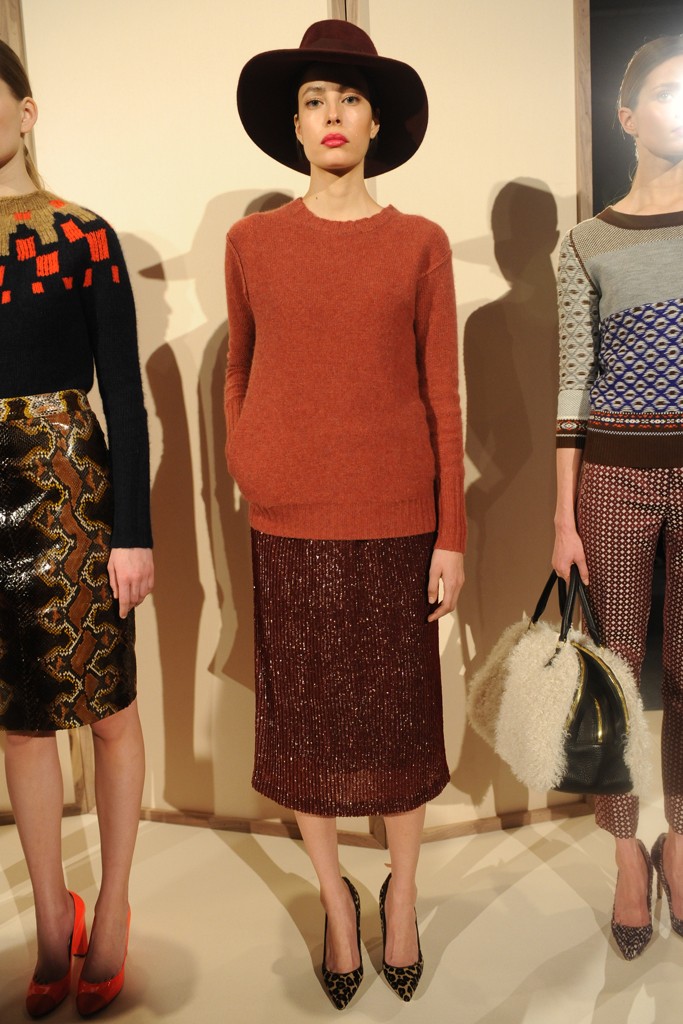
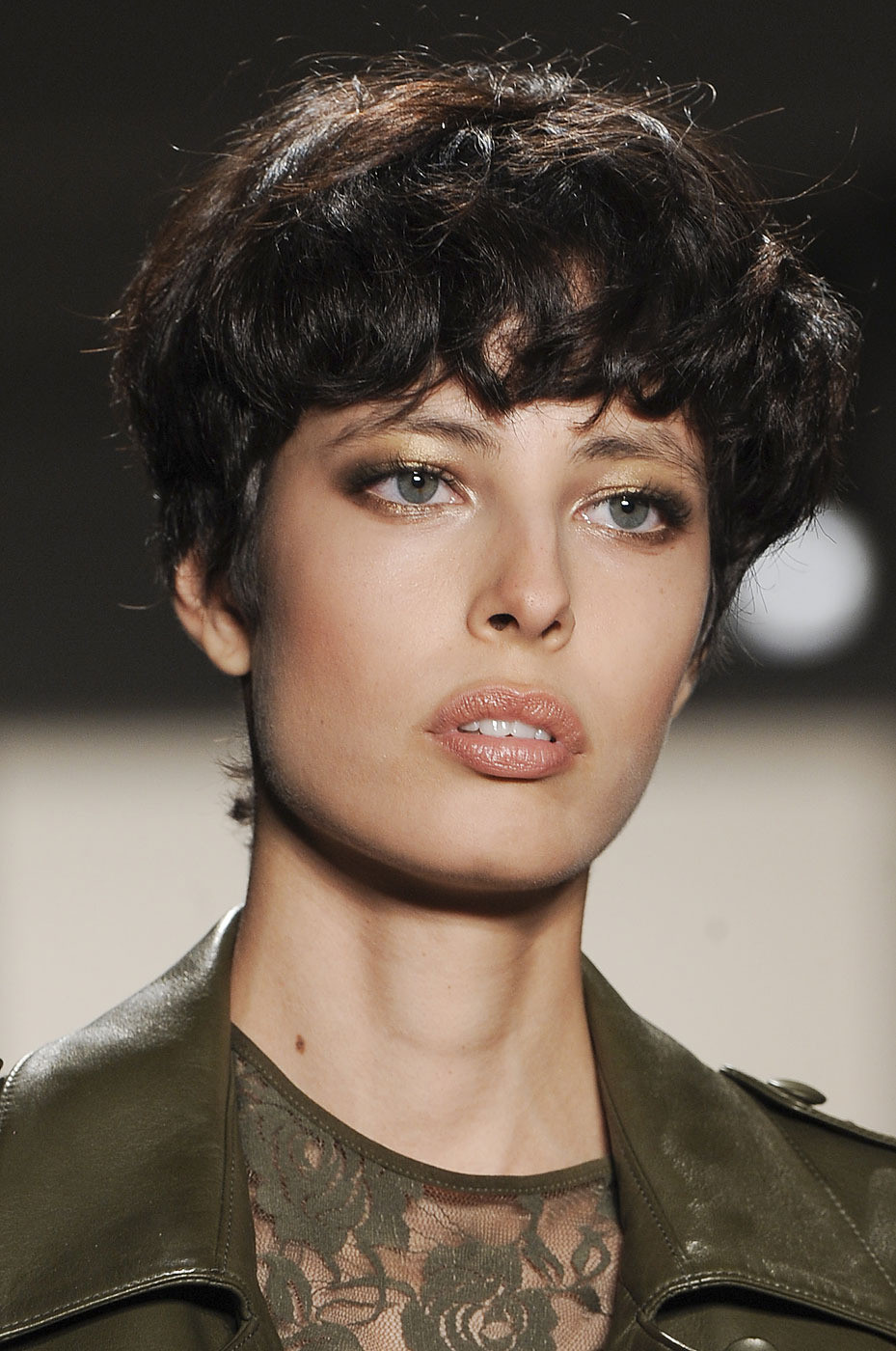
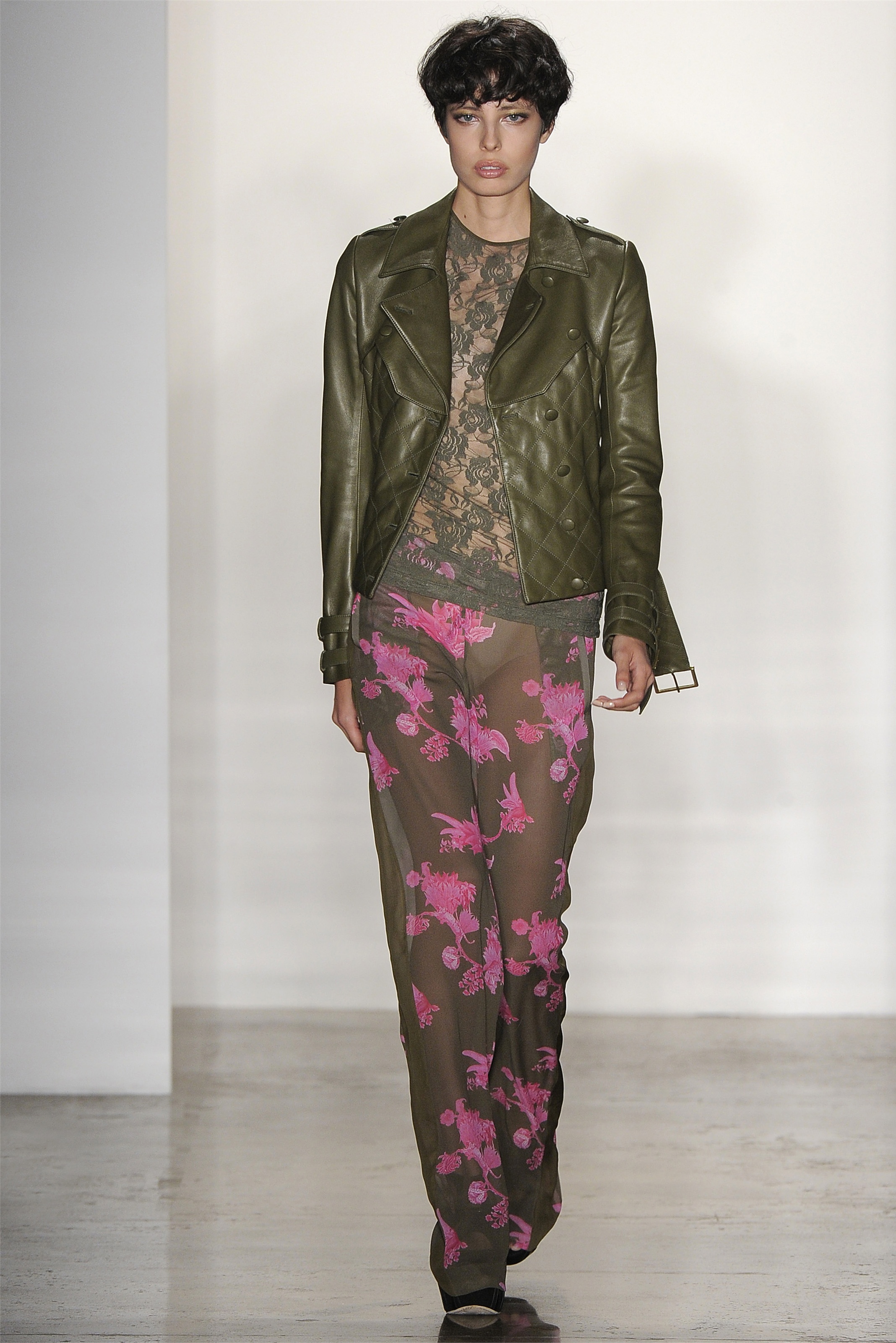
 J. Crew FW12 - New York
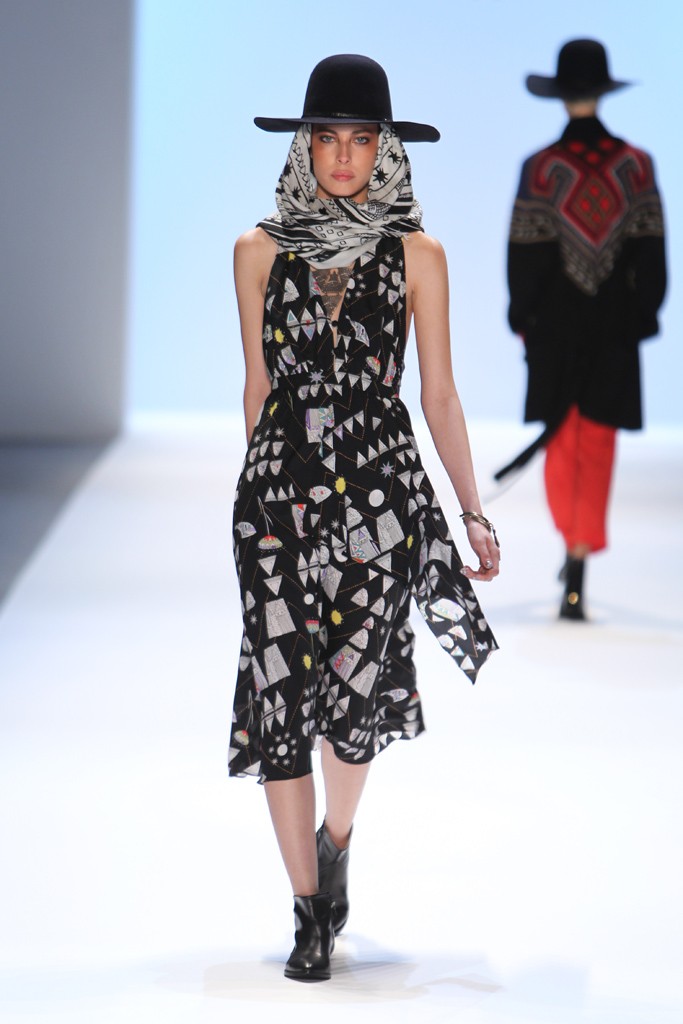
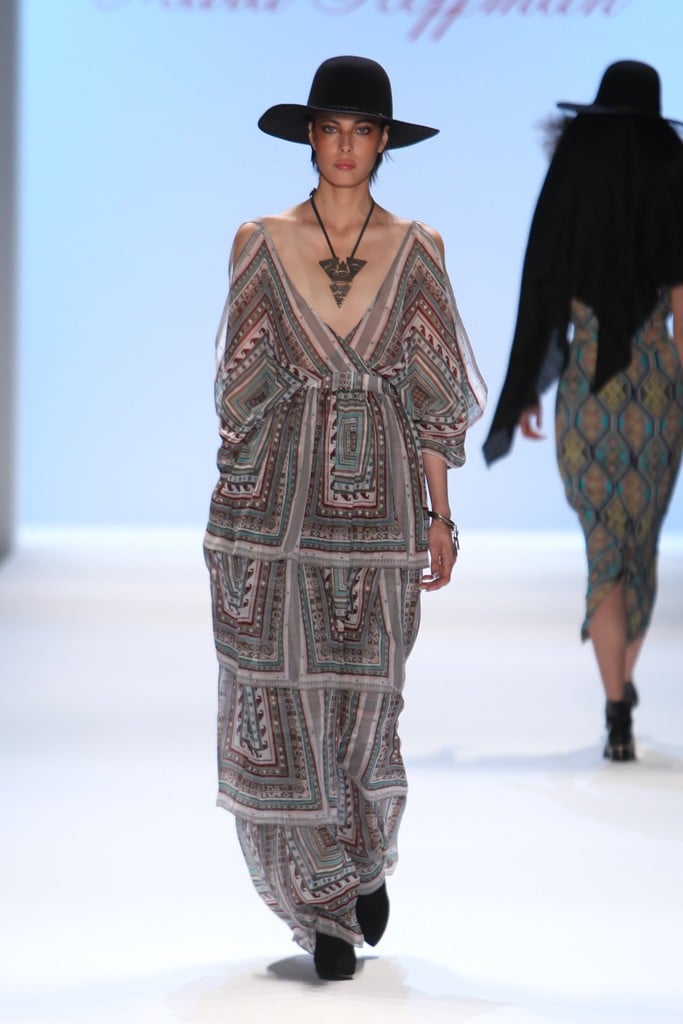
 Mara Hoffman FW12 - New York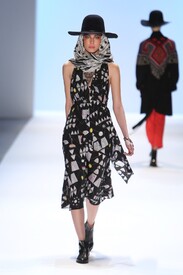
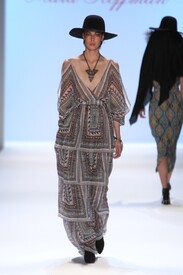 Peter Som F/W 2012 New YorkPhotos taken by Silja Magg from Siljamagg tumblr, of Maja Hansen


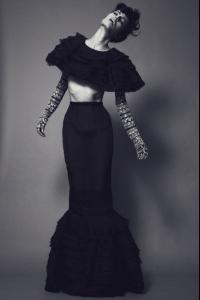




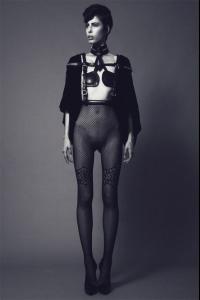

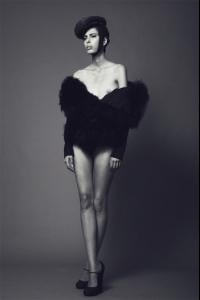 Kevork Kiledjian S/S 12 New York
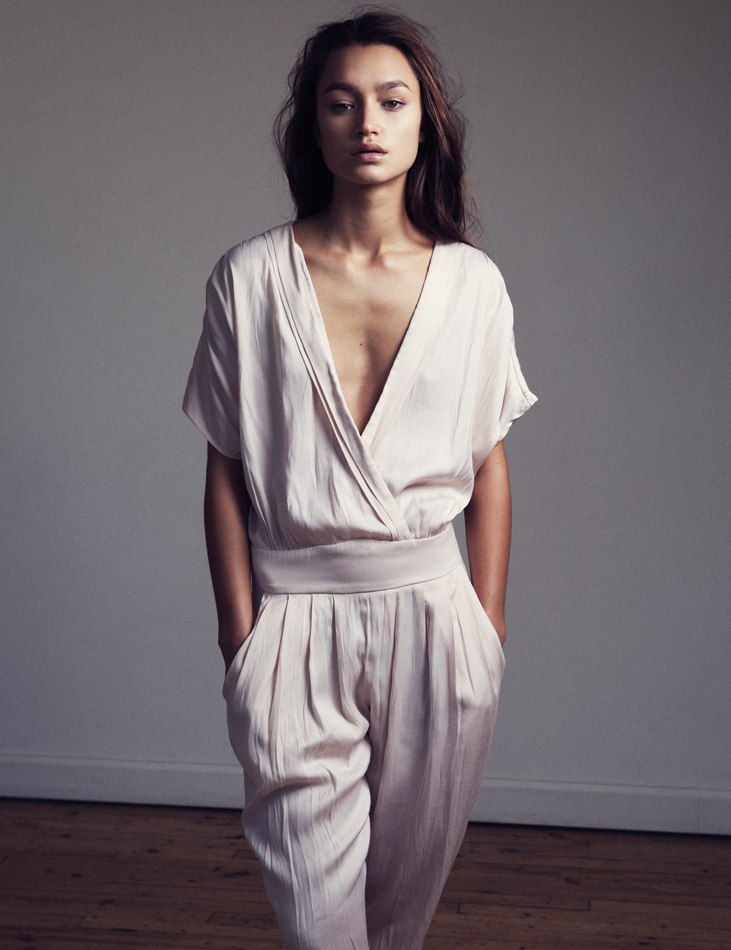
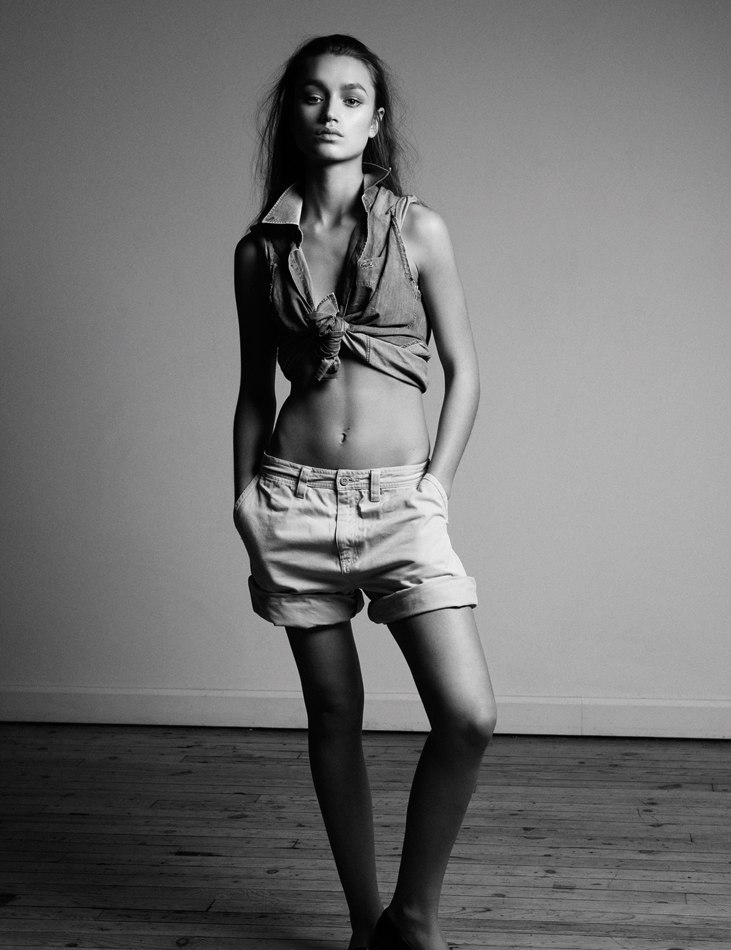
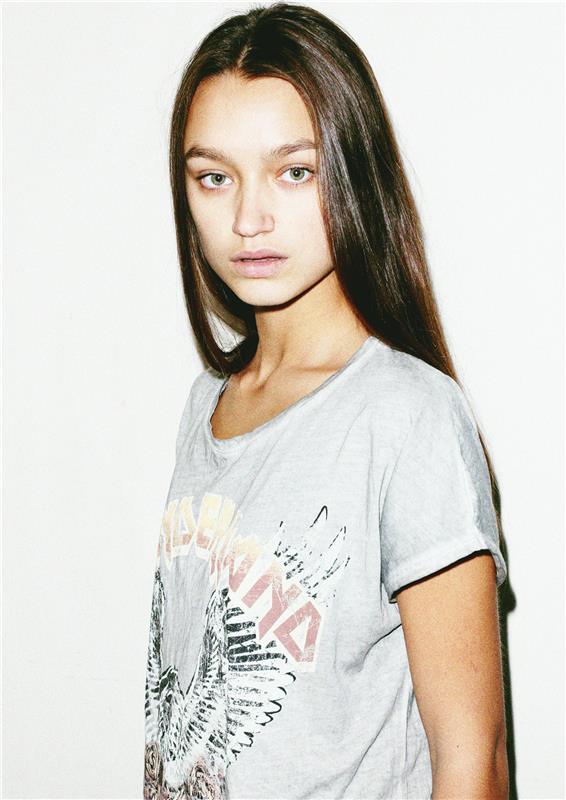
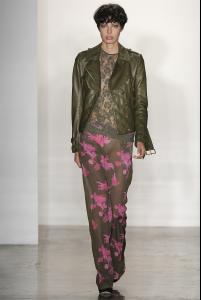 Height: 5'10.5" Bust: 32' Waist: 24' Hips: 34' Shoes: 8 Hair: Brown Eyes: Blue/Green
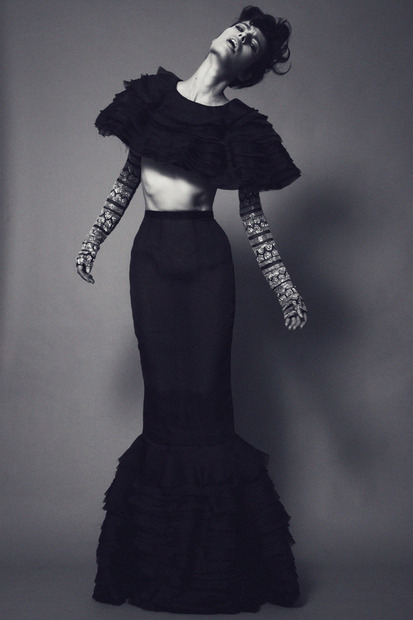
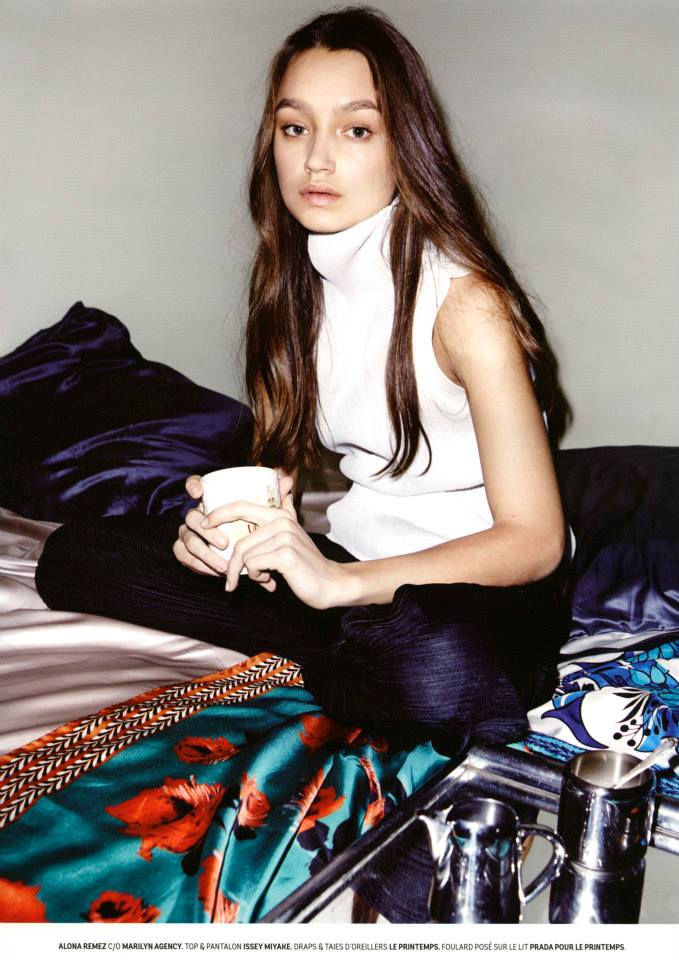
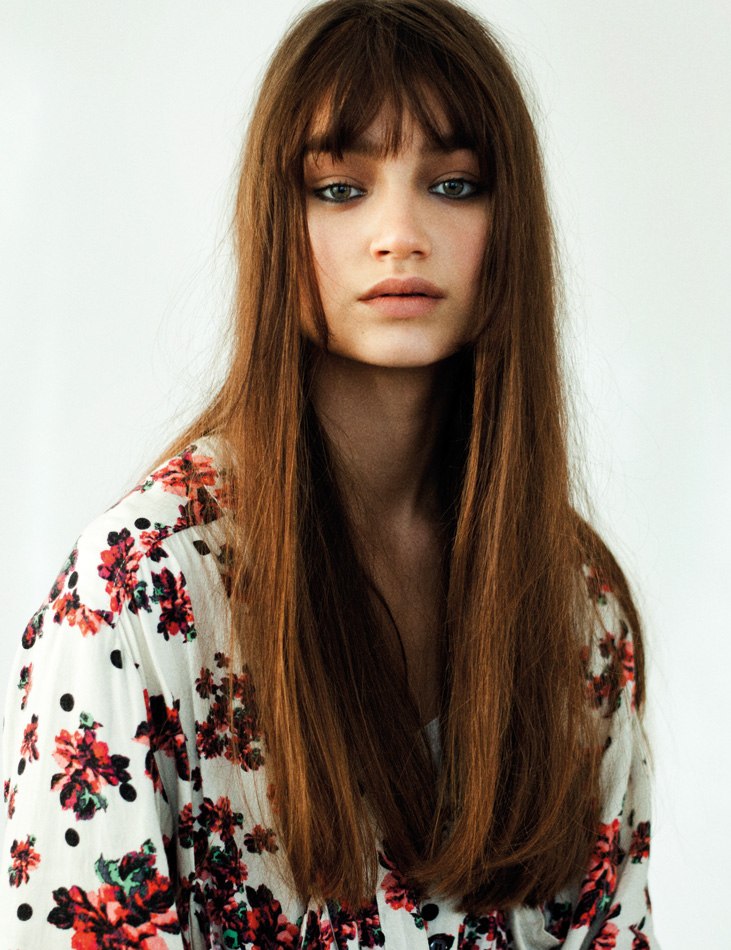
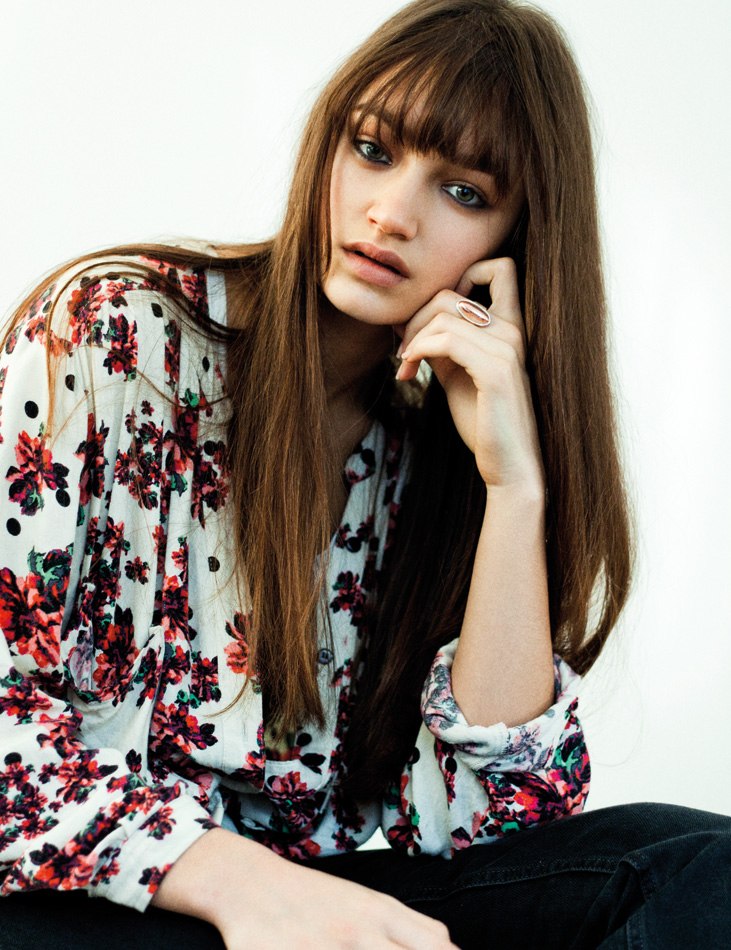
 ALONA REMEZ BY SASCHA HEINTZE FOR DEDICATE FALL WINTER 2013/2014
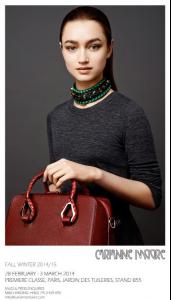
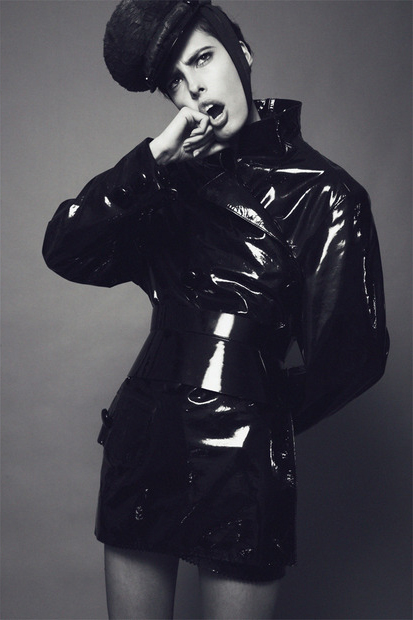
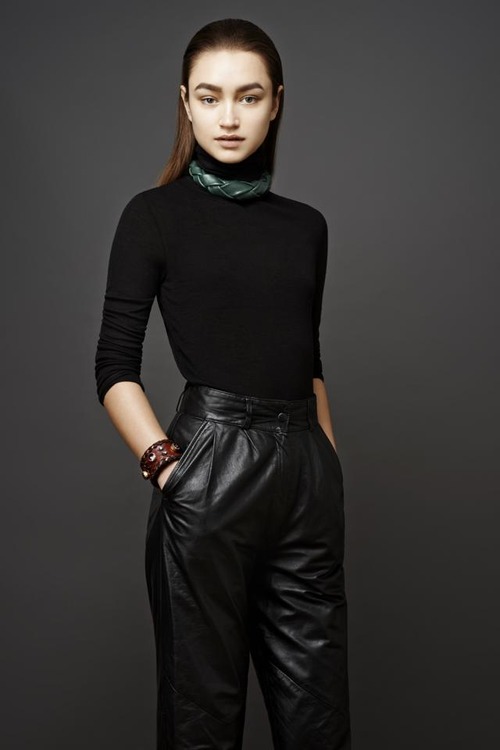
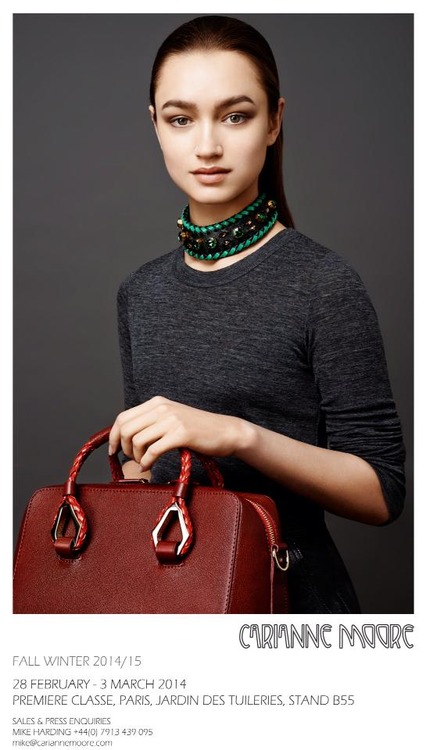
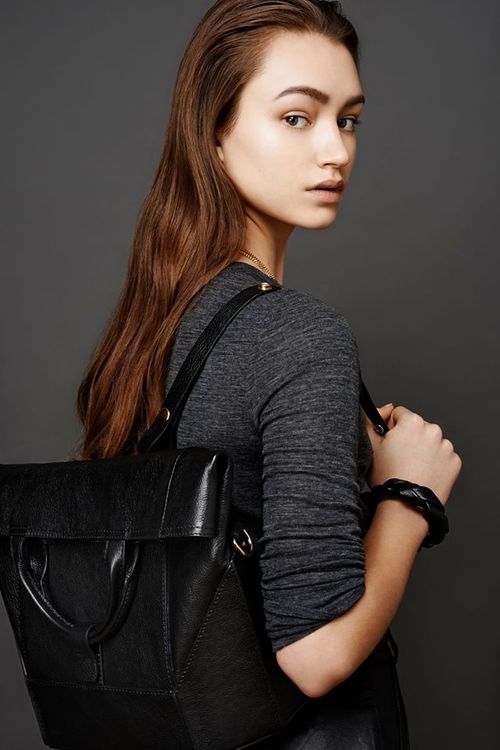
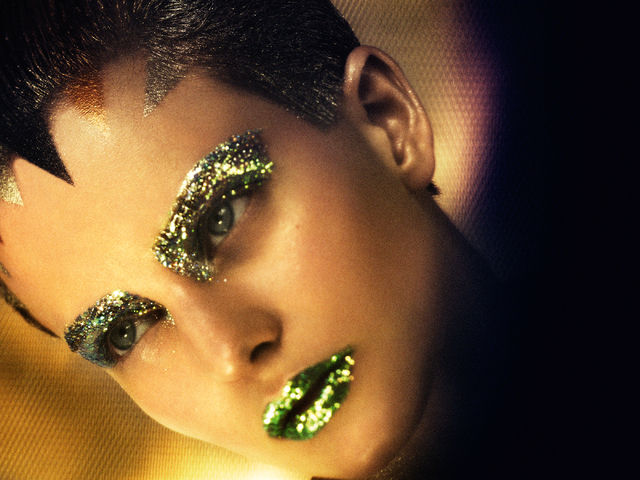
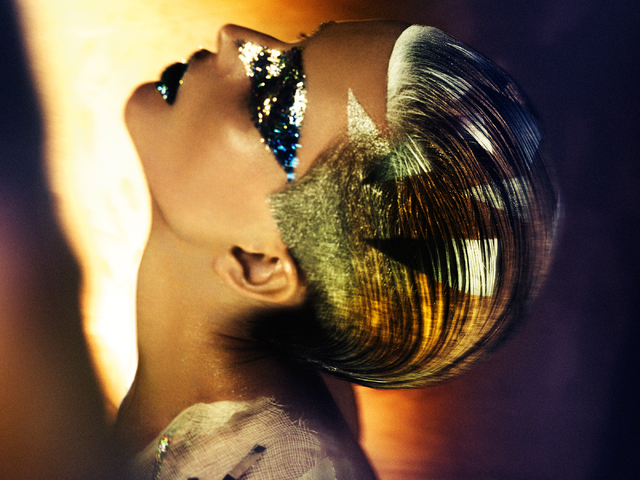
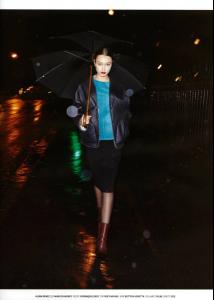 Carianne Moore AW14 Preview AW14 Lookbook Preview Photography by Alastair Strong Styling: Carianne Moore Model: Alona Remez @ Models1 Hair: Mike Harding @ RadiohairandMakeup using Bumble & Bumble Makeup: Joanna Bannach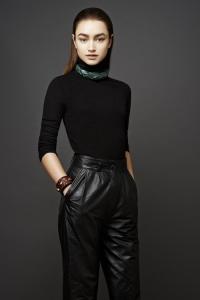
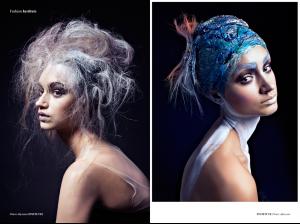
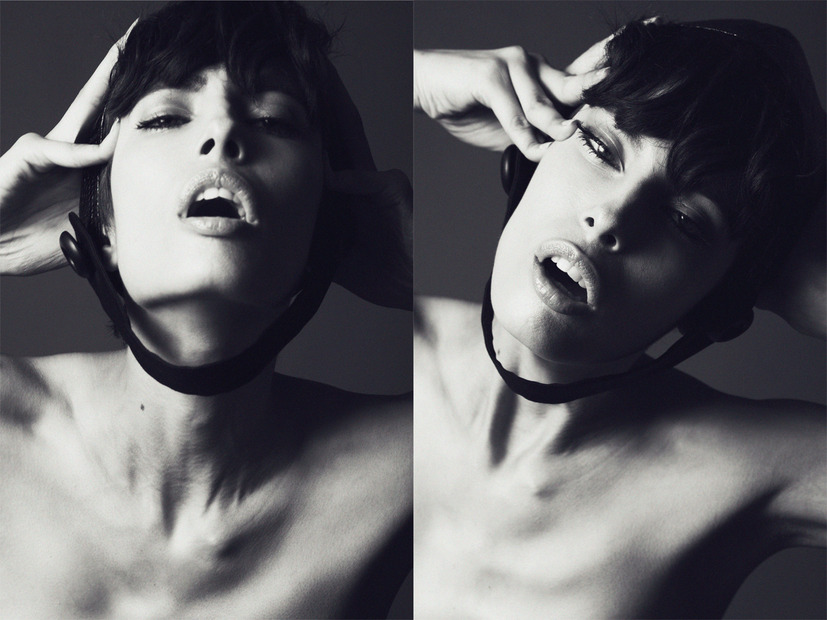
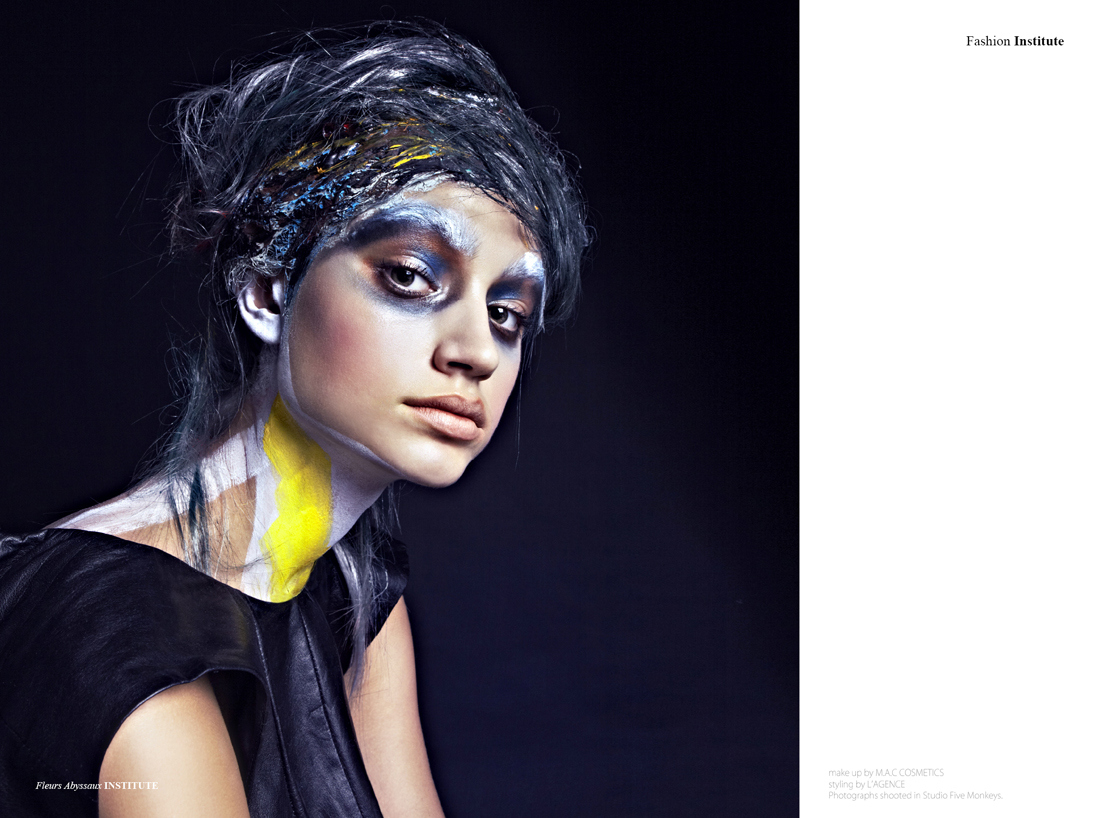
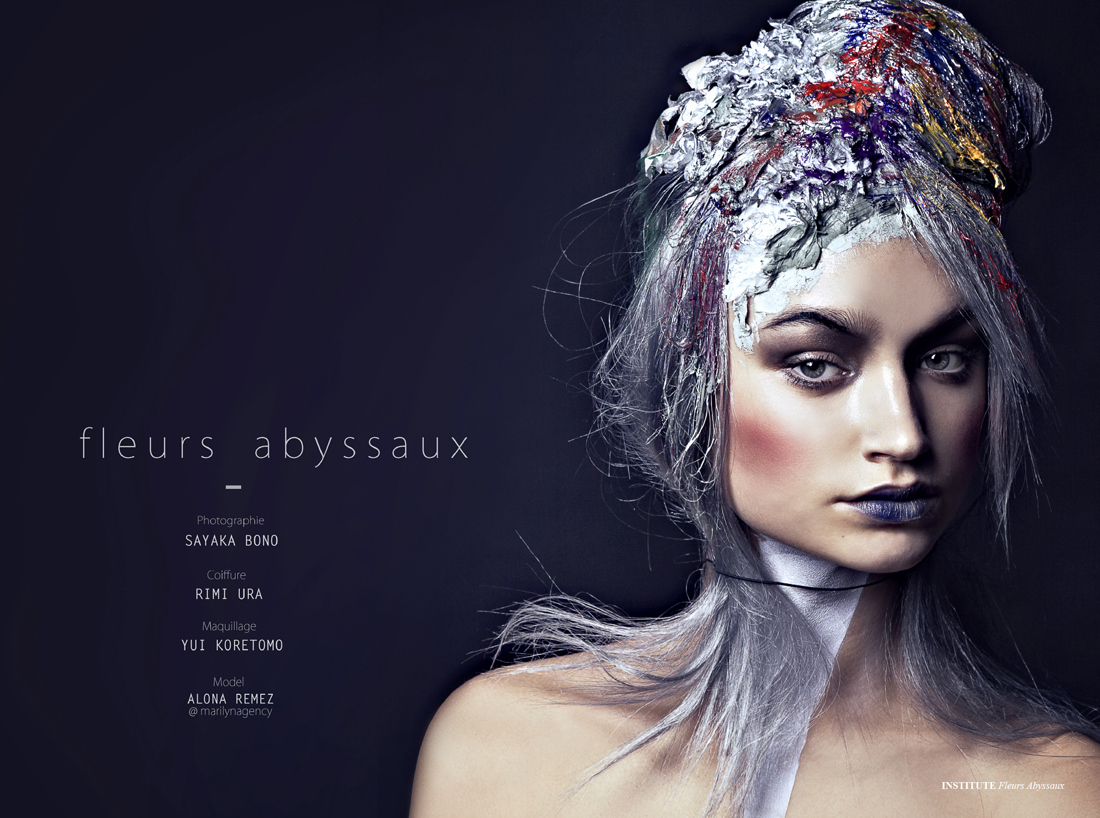
 Fleurs Abyssaux Photographer: Sayaka Bono Hair: Rimi Ura Makeup: Yui Koretomo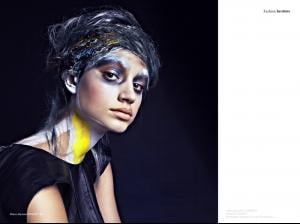

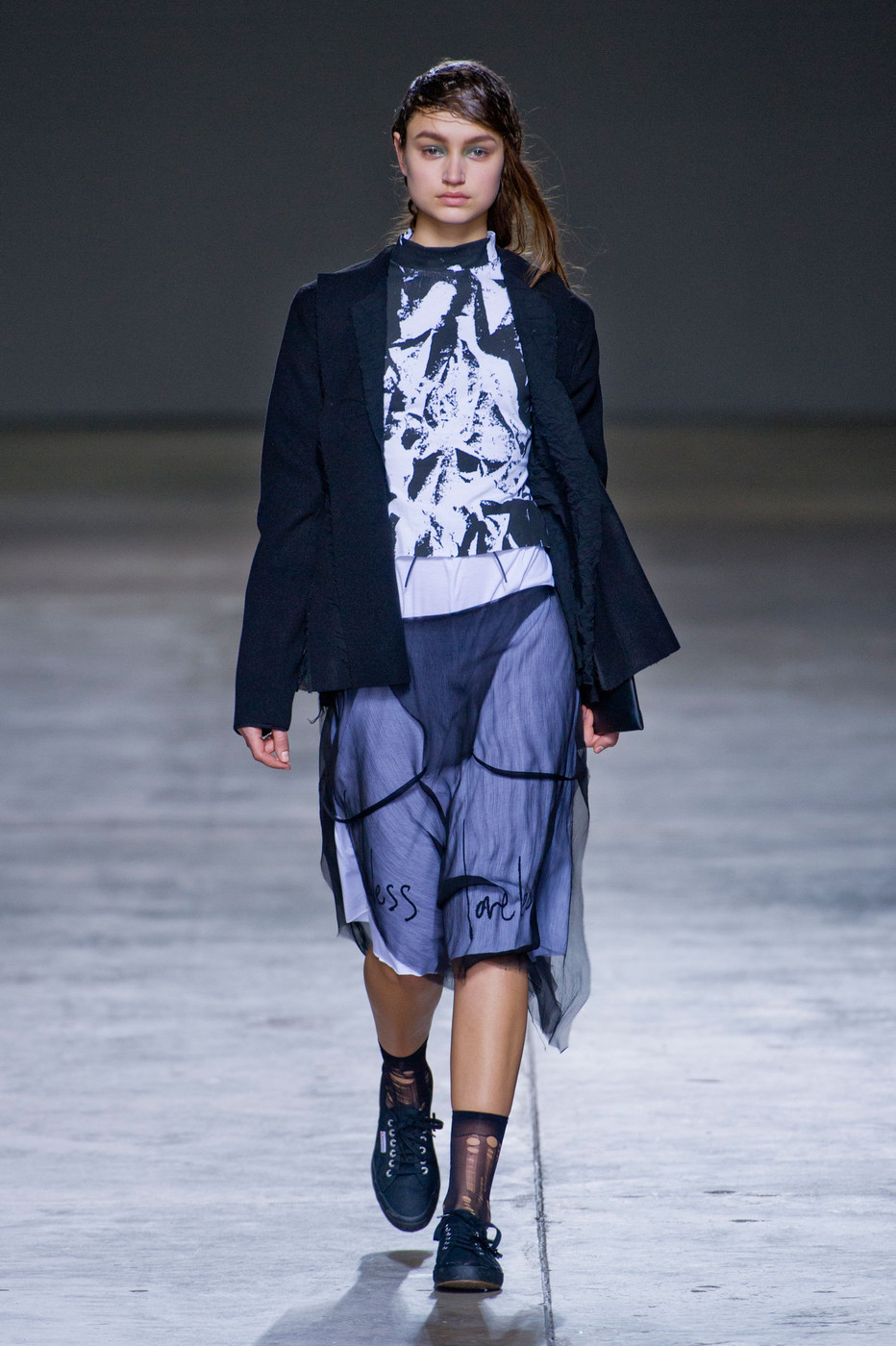
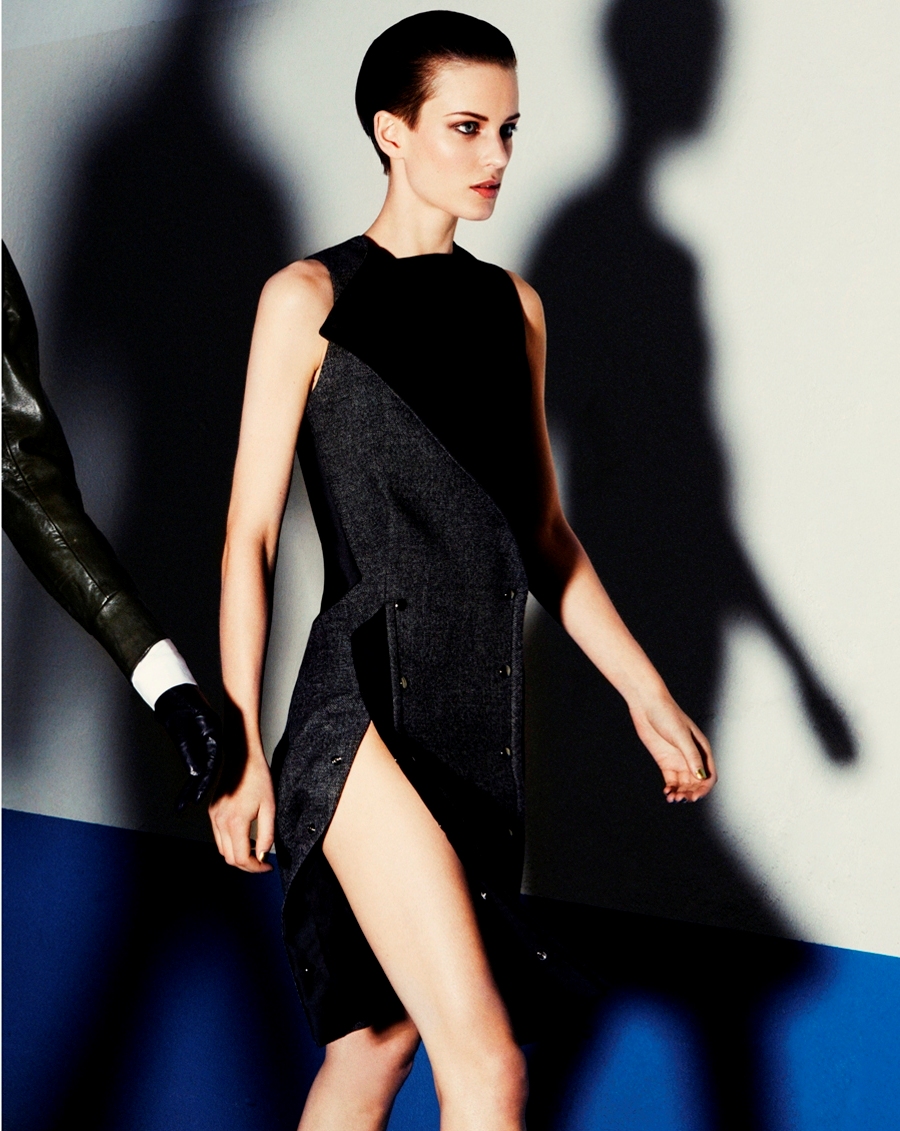
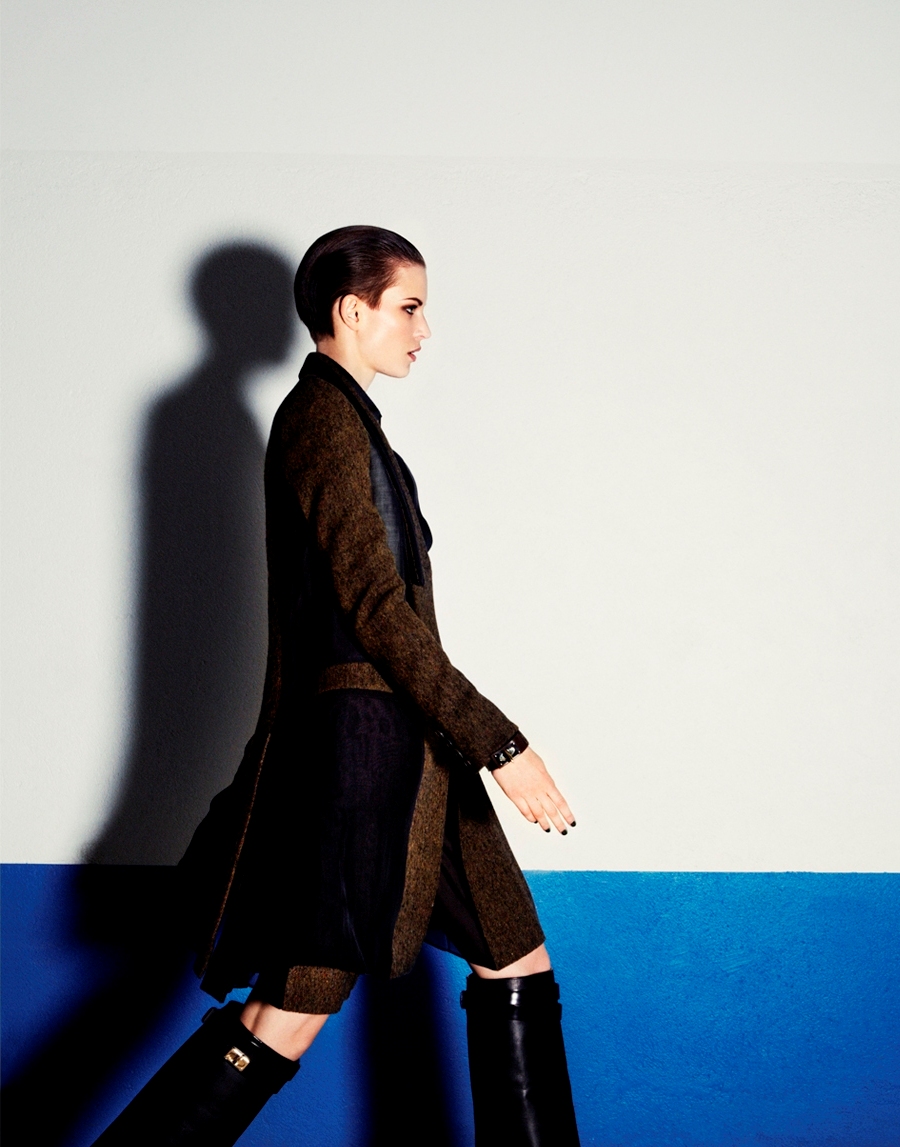
 Fashion East fw14 - London
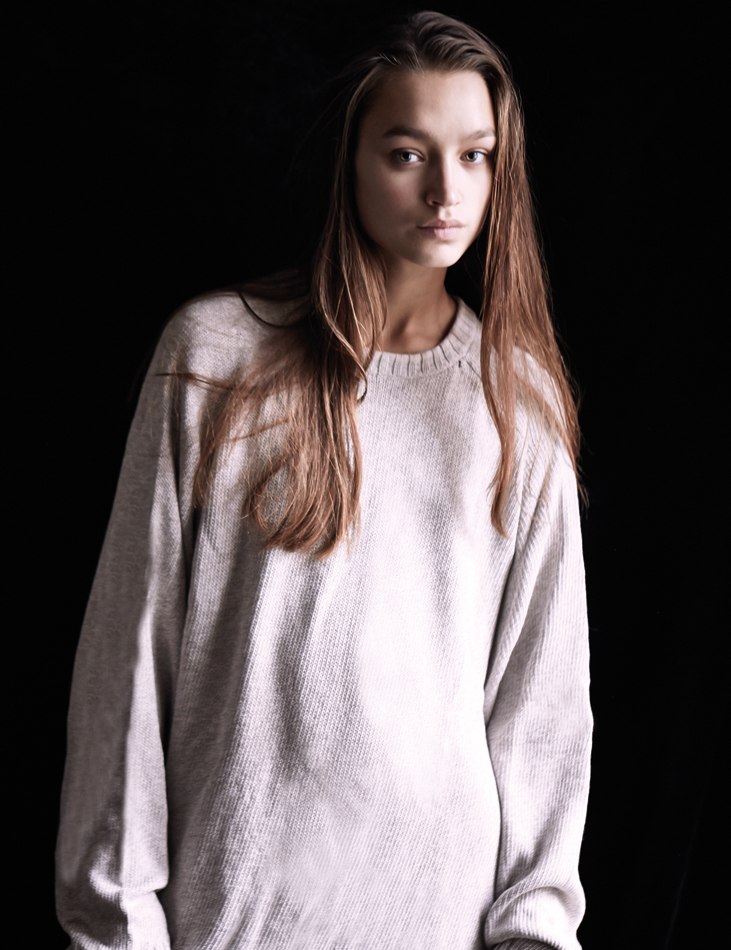
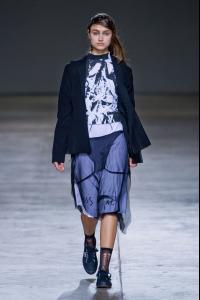 Alona joined Models1 in London


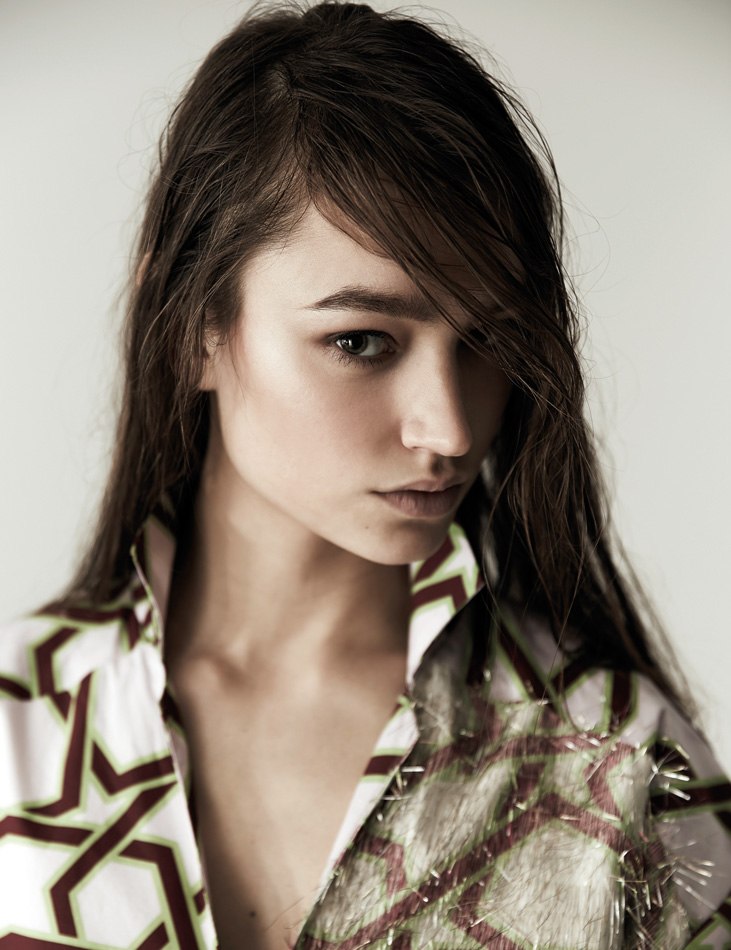
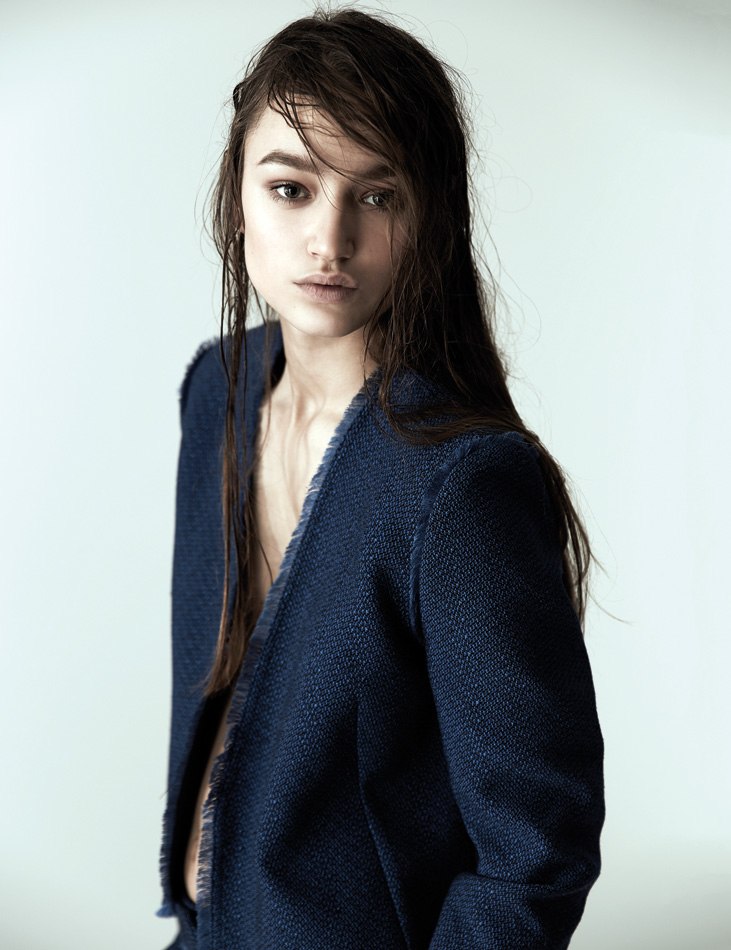
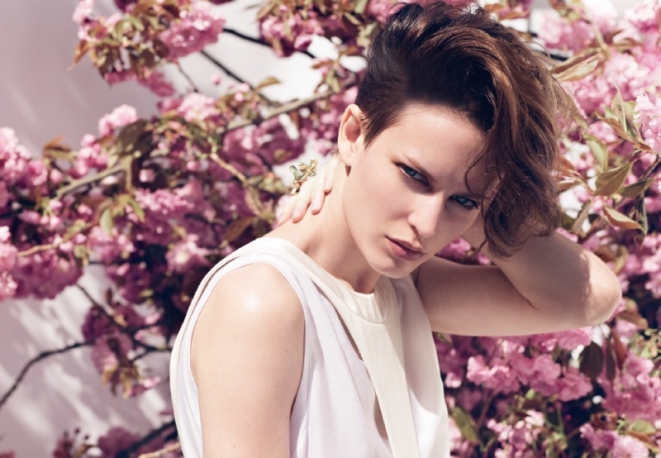
 Height: 176 cm / 5'9.5" Bust: 80 cm / 31.5" Waist: 60 cm / 23.5" Hips: 88 cm / 34.5" Agency: Marilyn Paris
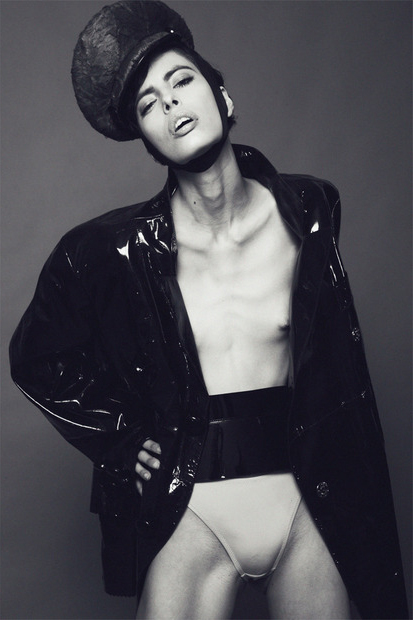
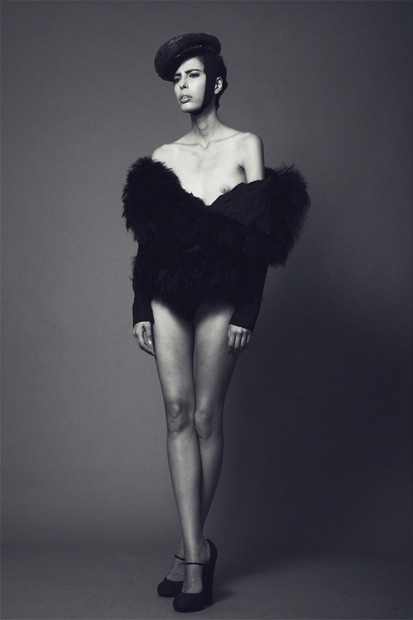
 Marie Claire Italy July 2012 preview by Johan Sandberg
 Contributor Magazine #5 S/S 2012 "Chacun Pour Soi" Models: Linnea Regnander and Ellinore Erichsen Photographer: Peter Gehrke Stylist: Christopher Insulander

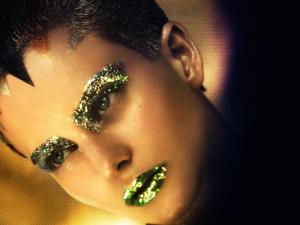
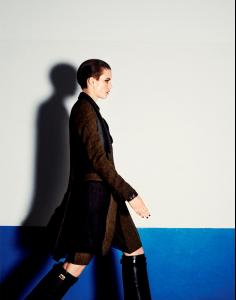
 BON Summer 2012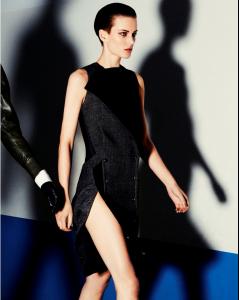
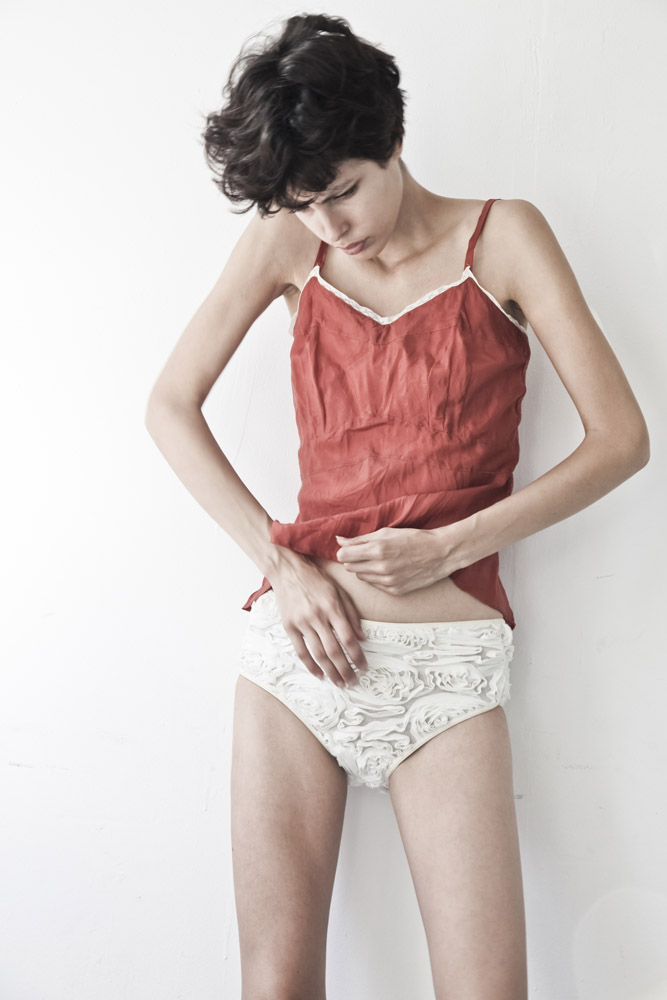
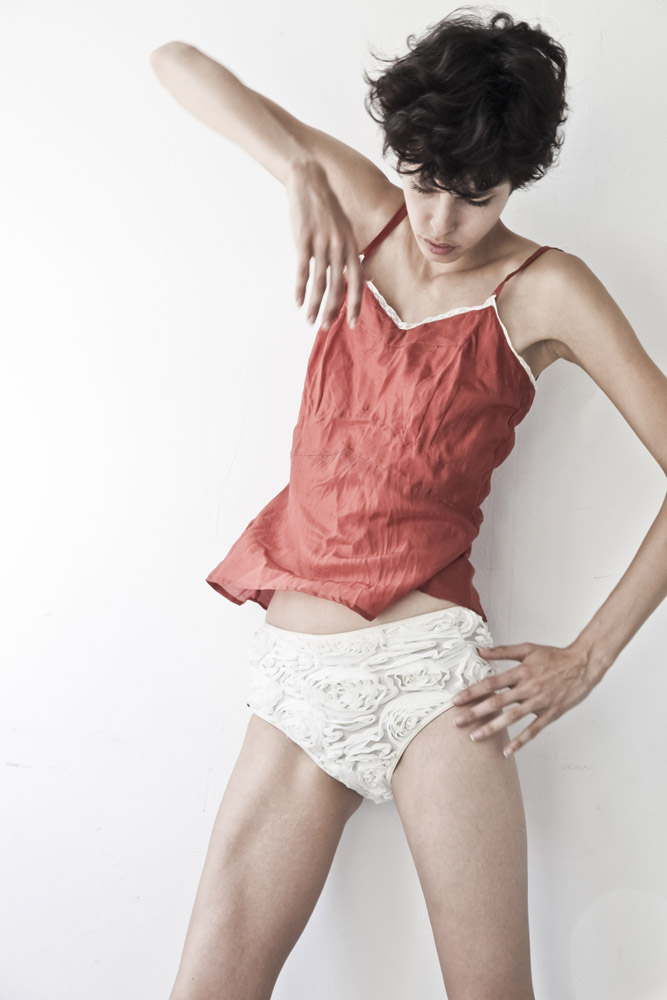
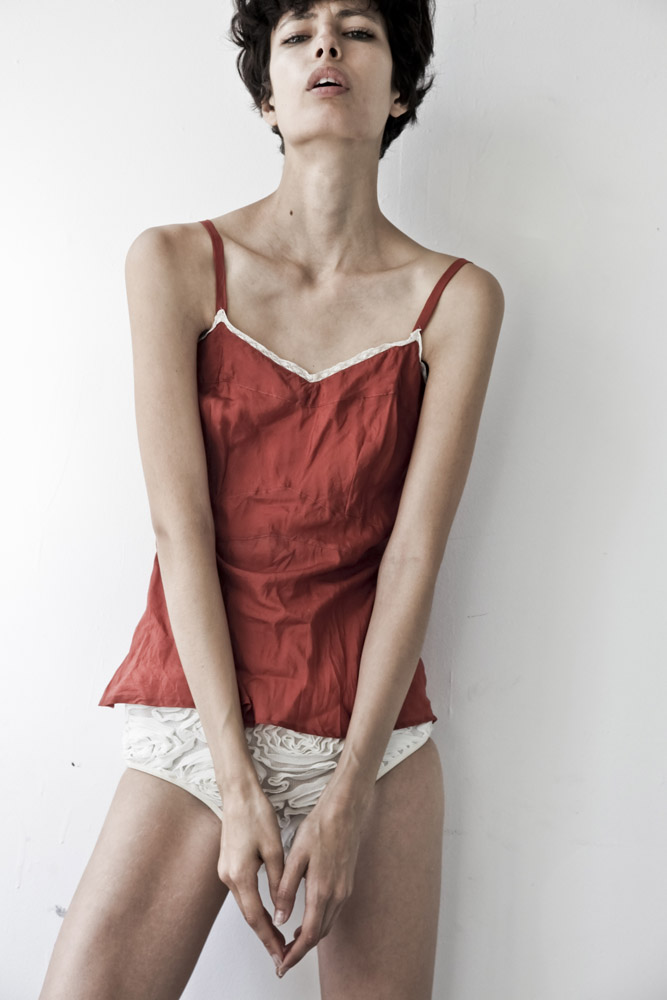
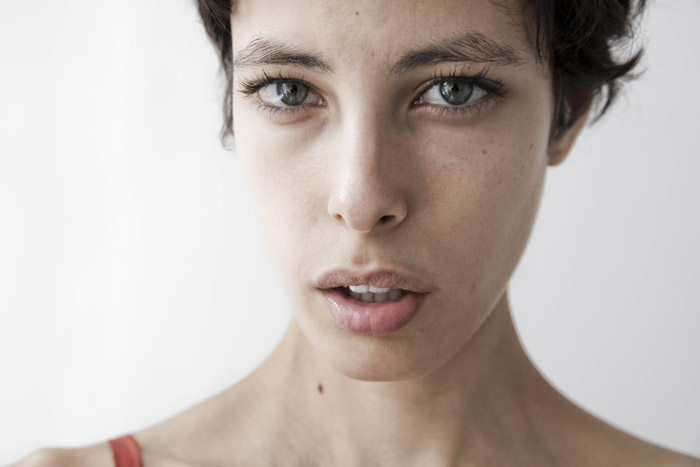
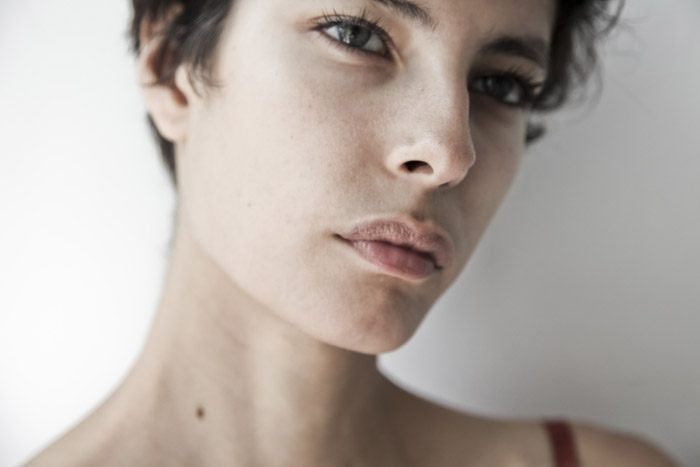
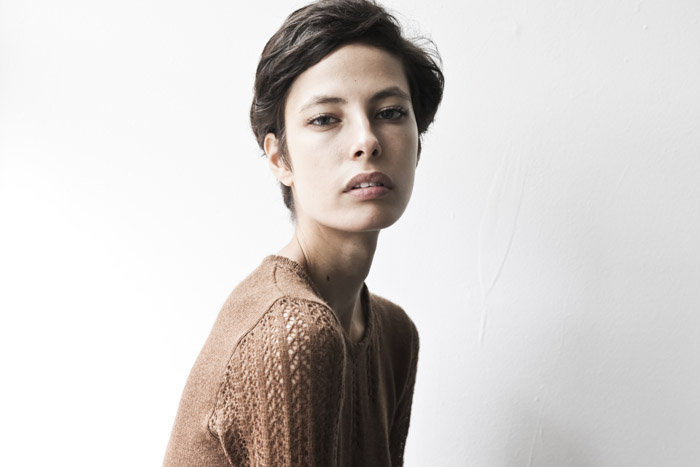
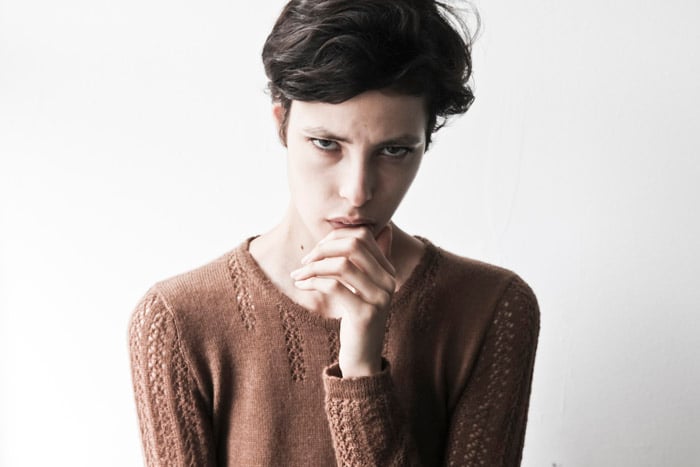


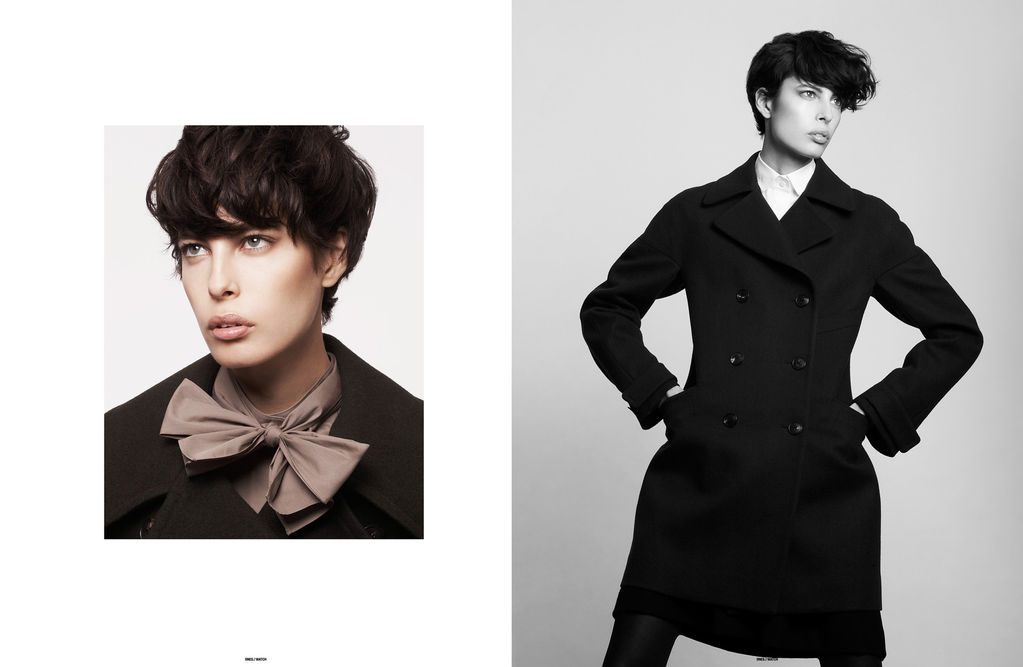
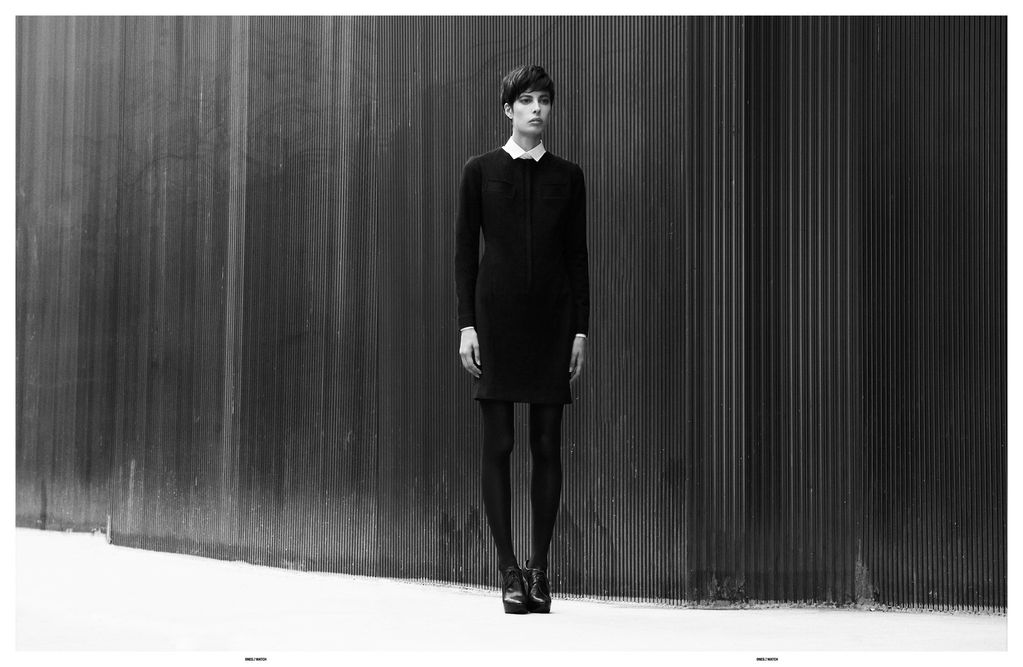
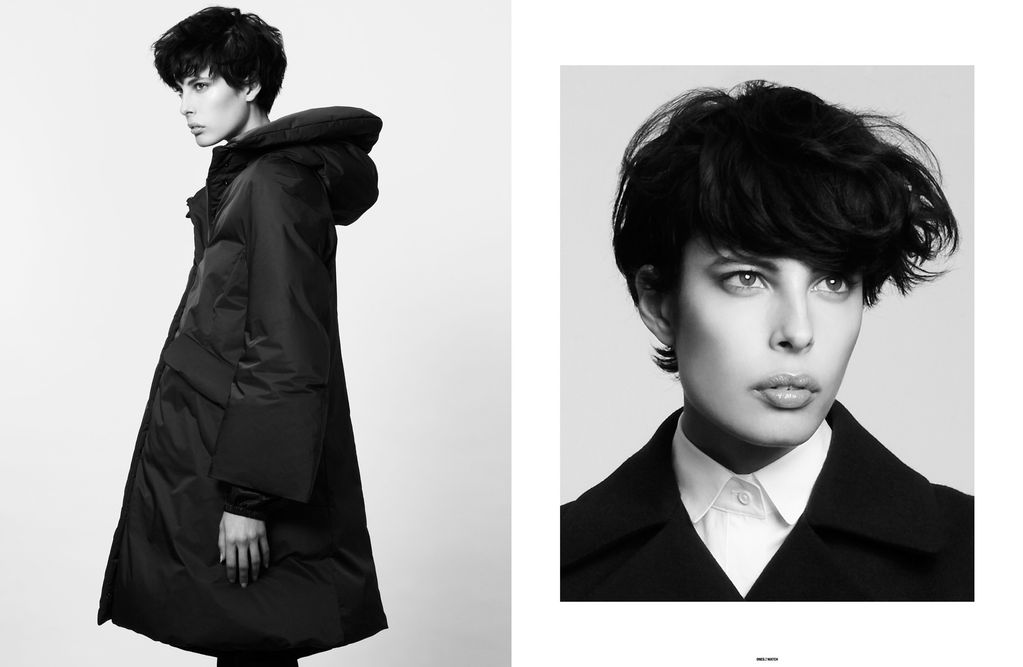
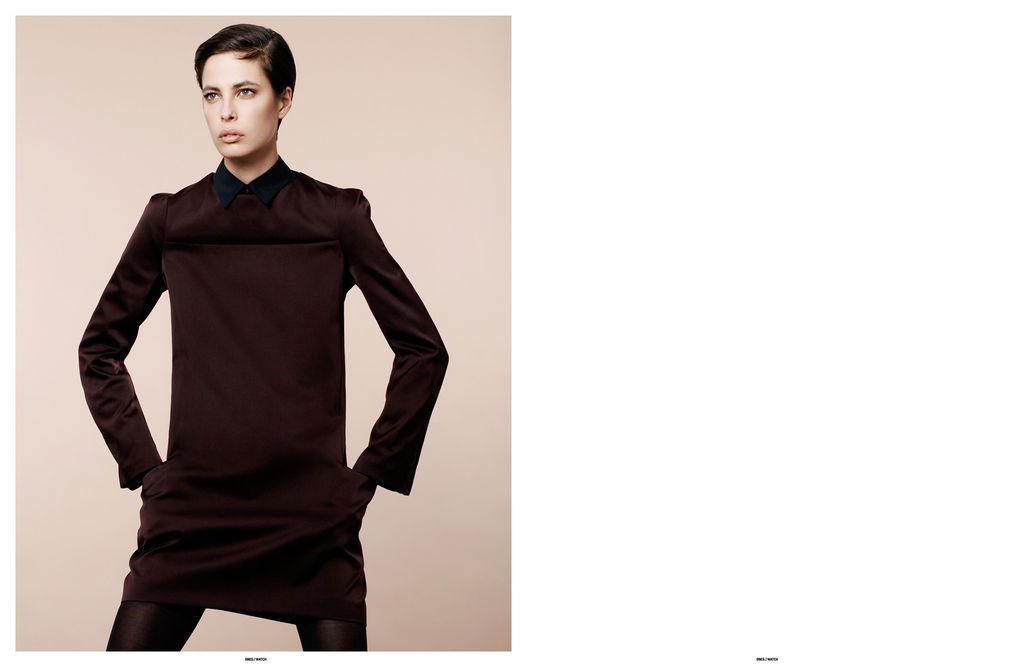









Account
Navigation
Search
Configure browser push notifications
Chrome (Android)
- Tap the lock icon next to the address bar.
- Tap Permissions → Notifications.
- Adjust your preference.
Chrome (Desktop)
- Click the padlock icon in the address bar.
- Select Site settings.
- Find Notifications and adjust your preference.
Safari (iOS 16.4+)
- Ensure the site is installed via Add to Home Screen.
- Open Settings App → Notifications.
- Find your app name and adjust your preference.
Safari (macOS)
- Go to Safari → Preferences.
- Click the Websites tab.
- Select Notifications in the sidebar.
- Find this website and adjust your preference.
Edge (Android)
- Tap the lock icon next to the address bar.
- Tap Permissions.
- Find Notifications and adjust your preference.
Edge (Desktop)
- Click the padlock icon in the address bar.
- Click Permissions for this site.
- Find Notifications and adjust your preference.
Firefox (Android)
- Go to Settings → Site permissions.
- Tap Notifications.
- Find this site in the list and adjust your preference.
Firefox (Desktop)
- Open Firefox Settings.
- Search for Notifications.
- Find this site in the list and adjust your preference.