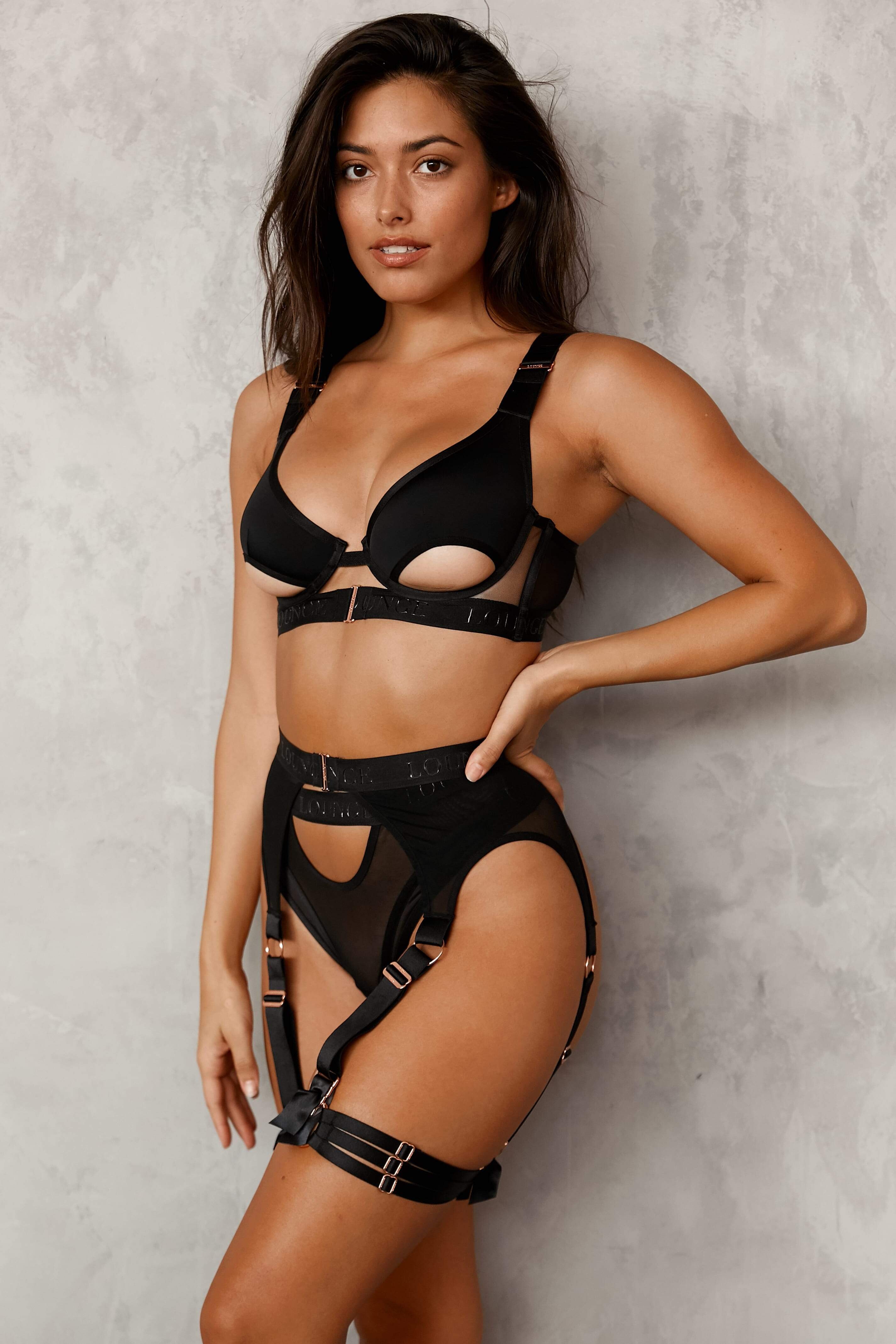
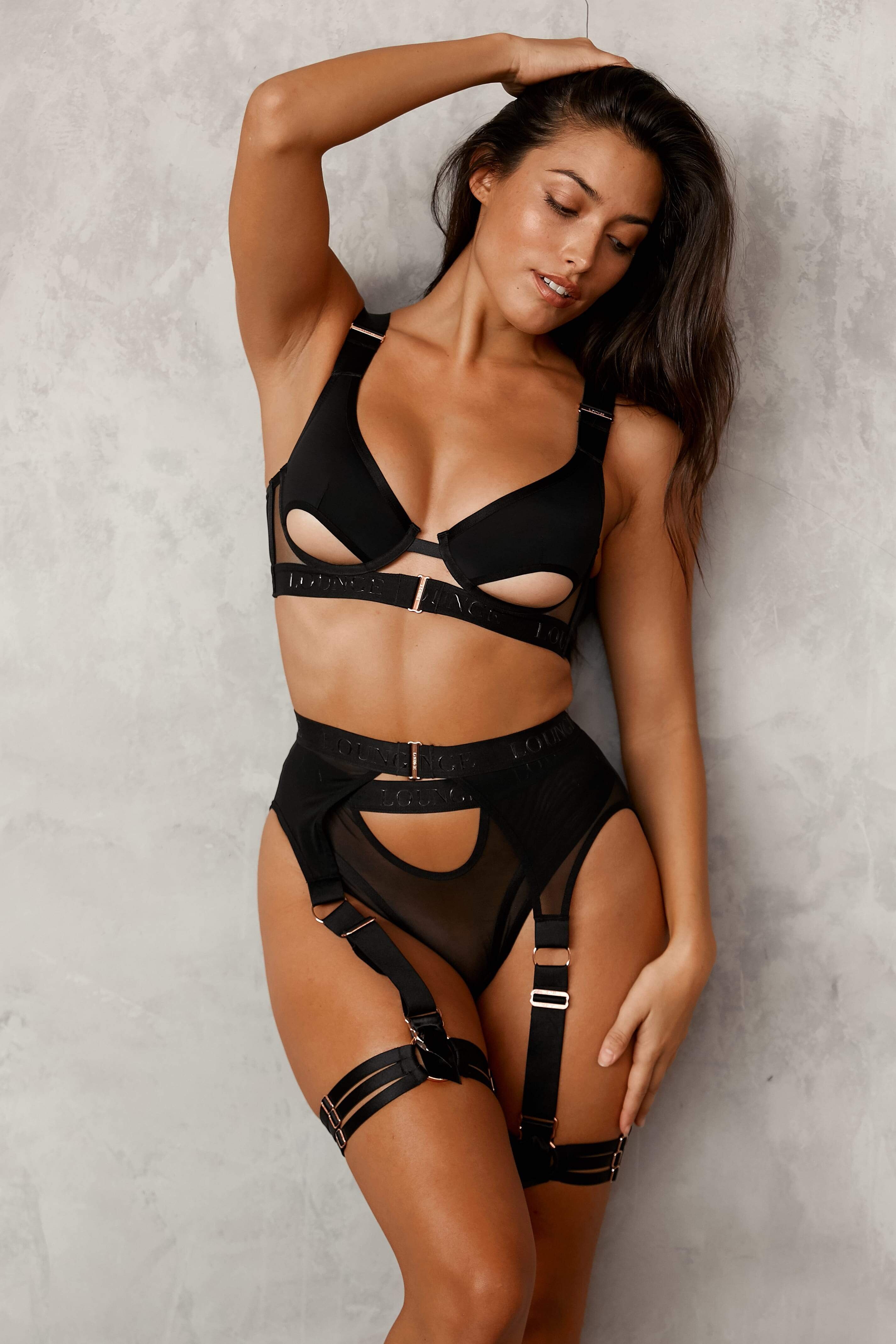
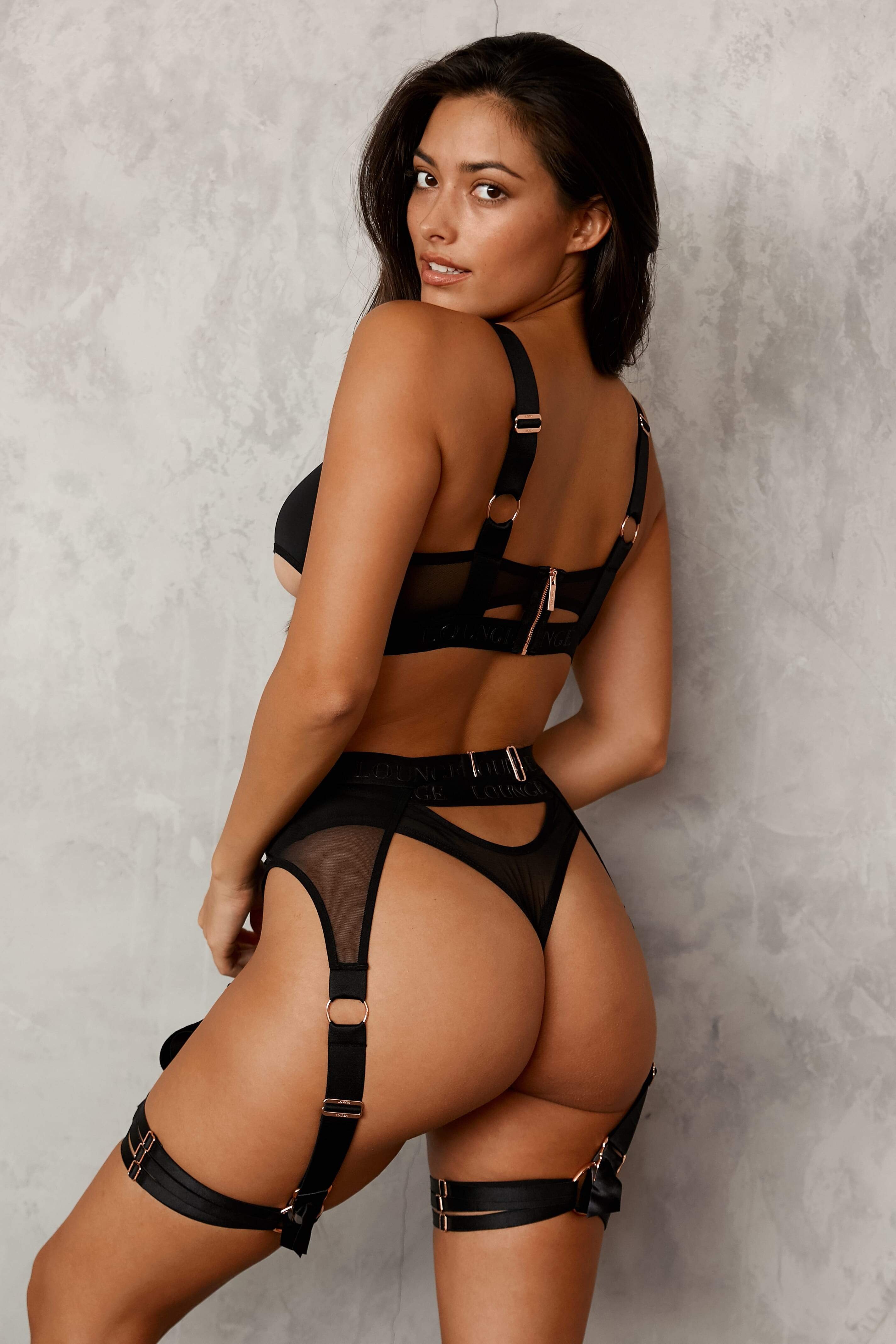
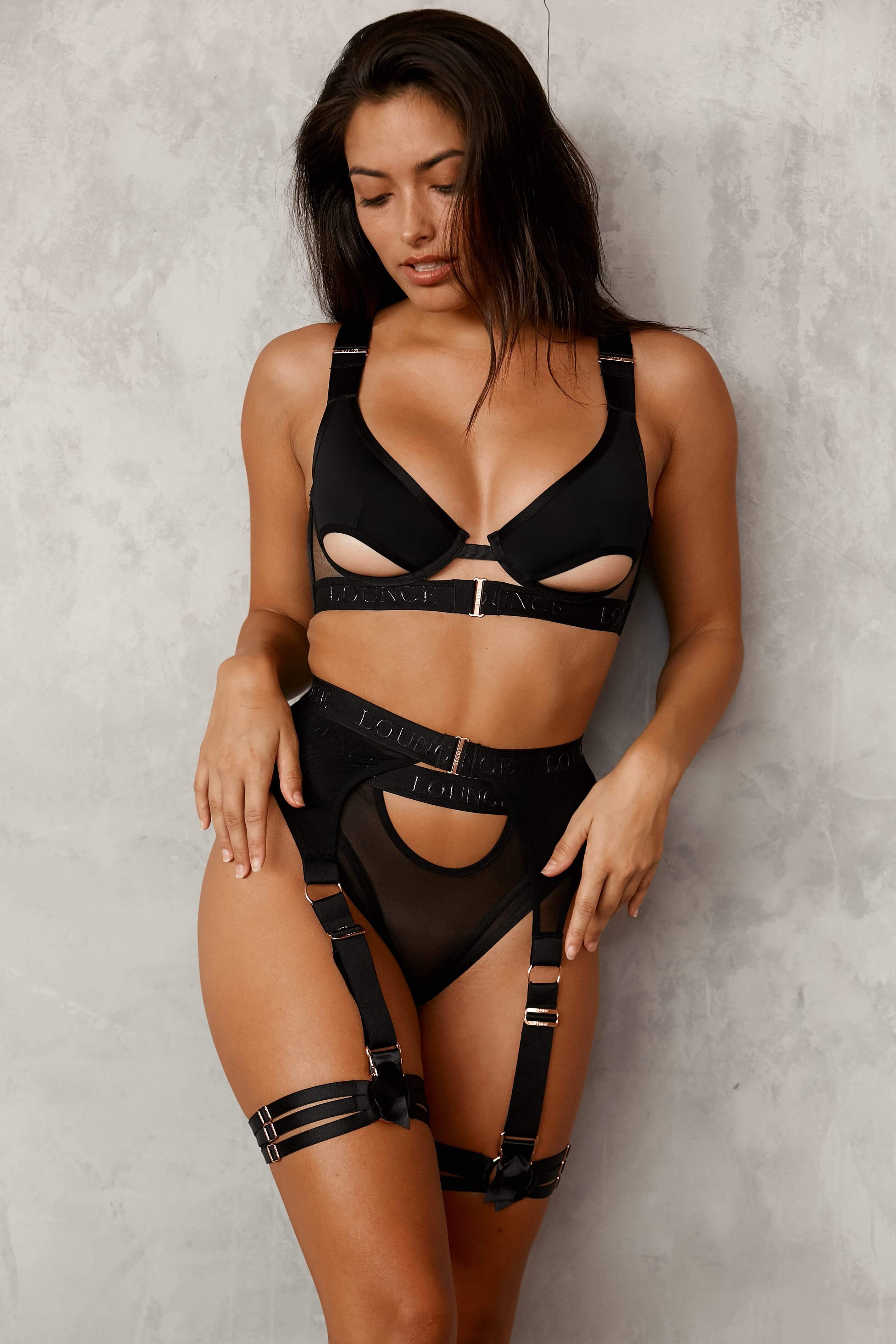
dainb
Members
-
Joined
-
Last visited
Everything posted by dainb
-
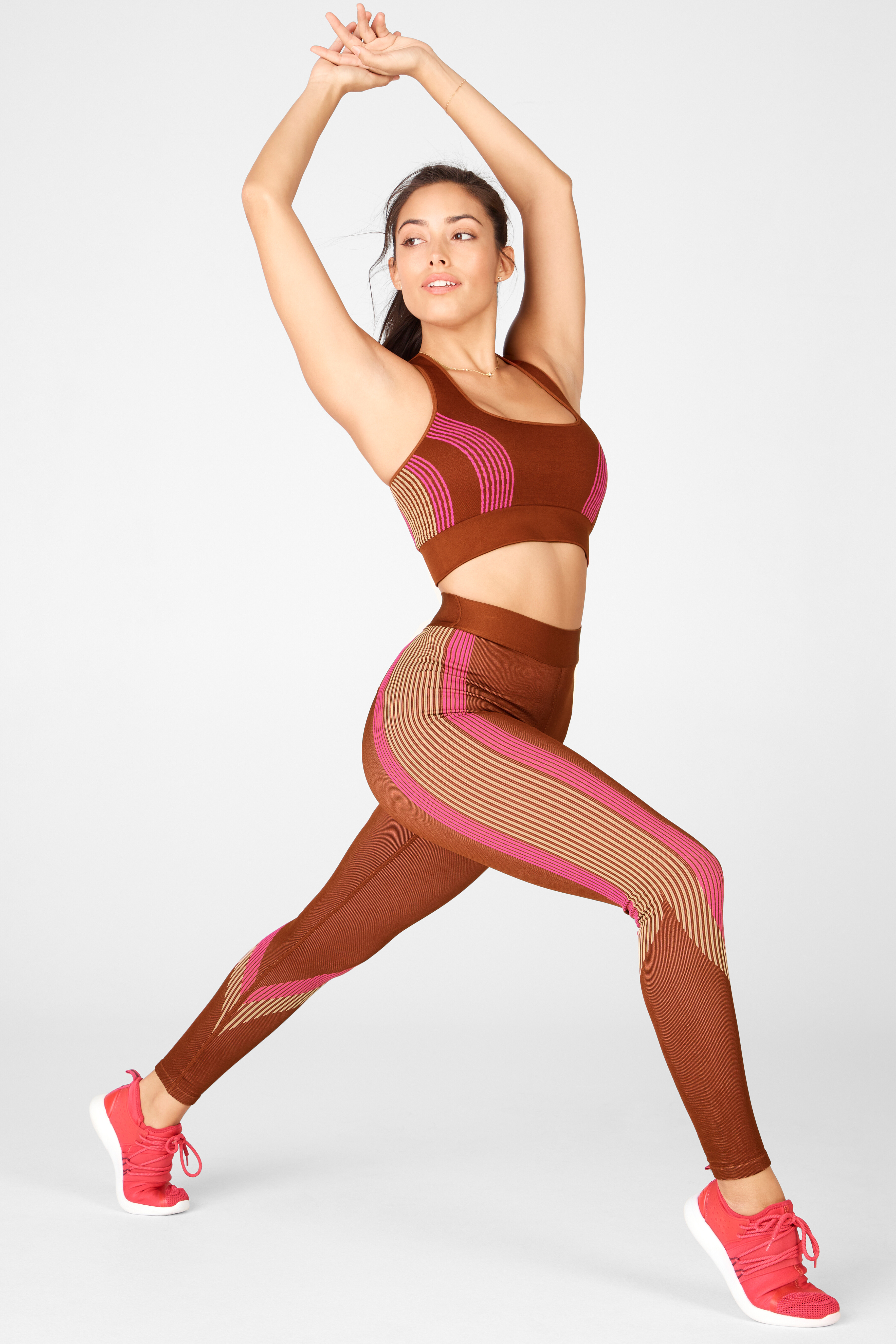
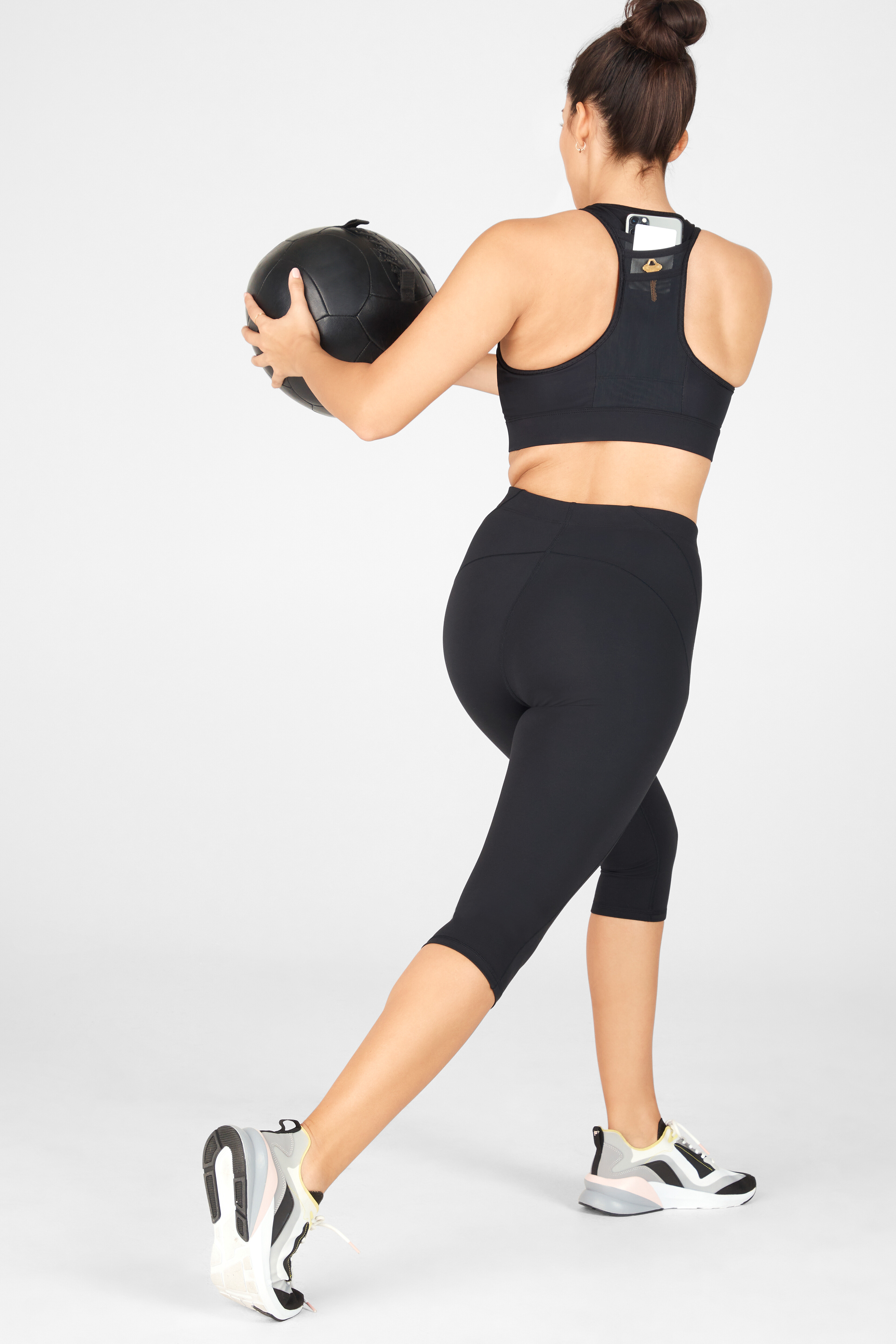
Fabletics UHQ from photographer Eunice Park





-
YMI Jeans













-
2546770680784053465_4099016318.mp4
-
@lounge_6944343053729582341.mp4
-
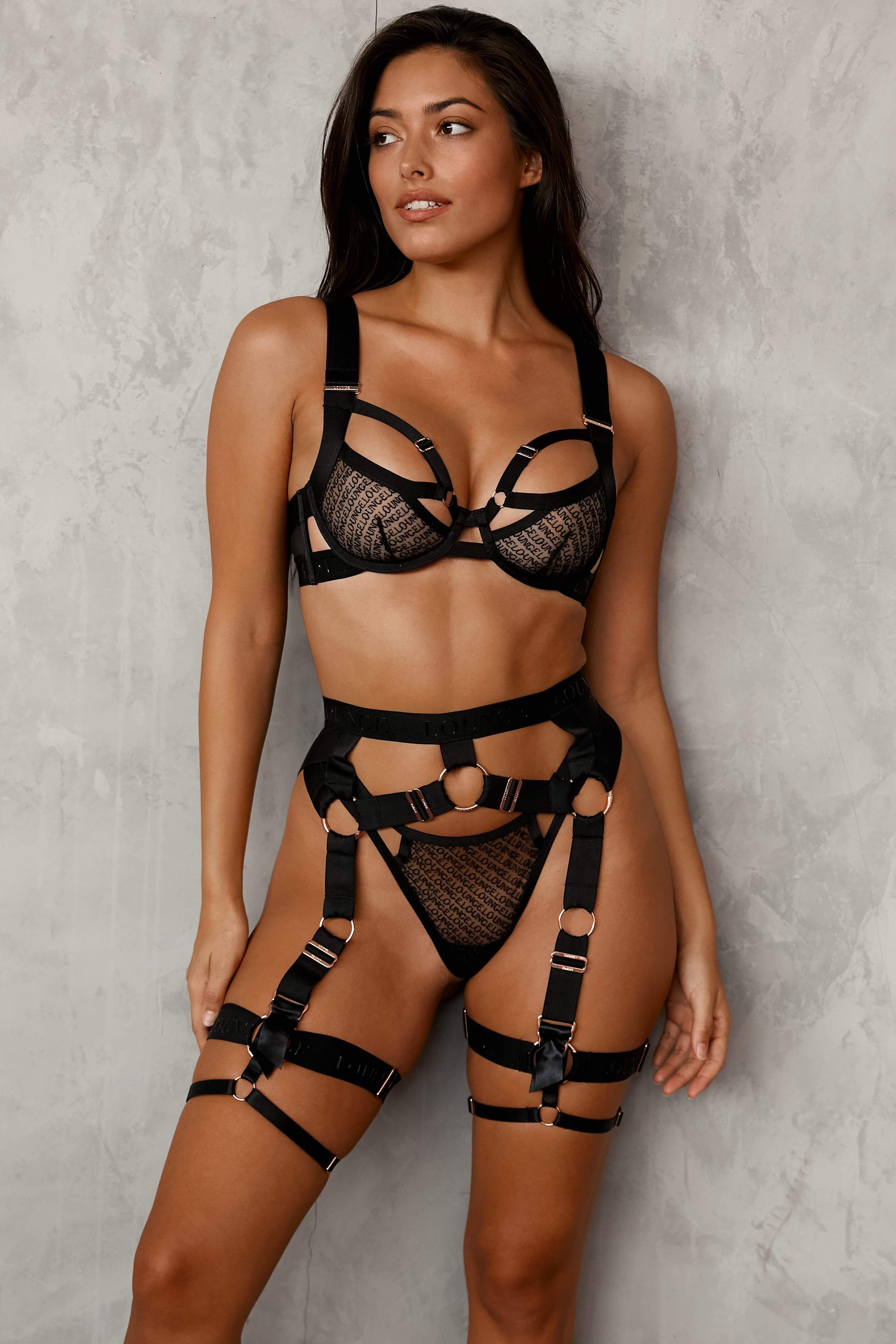
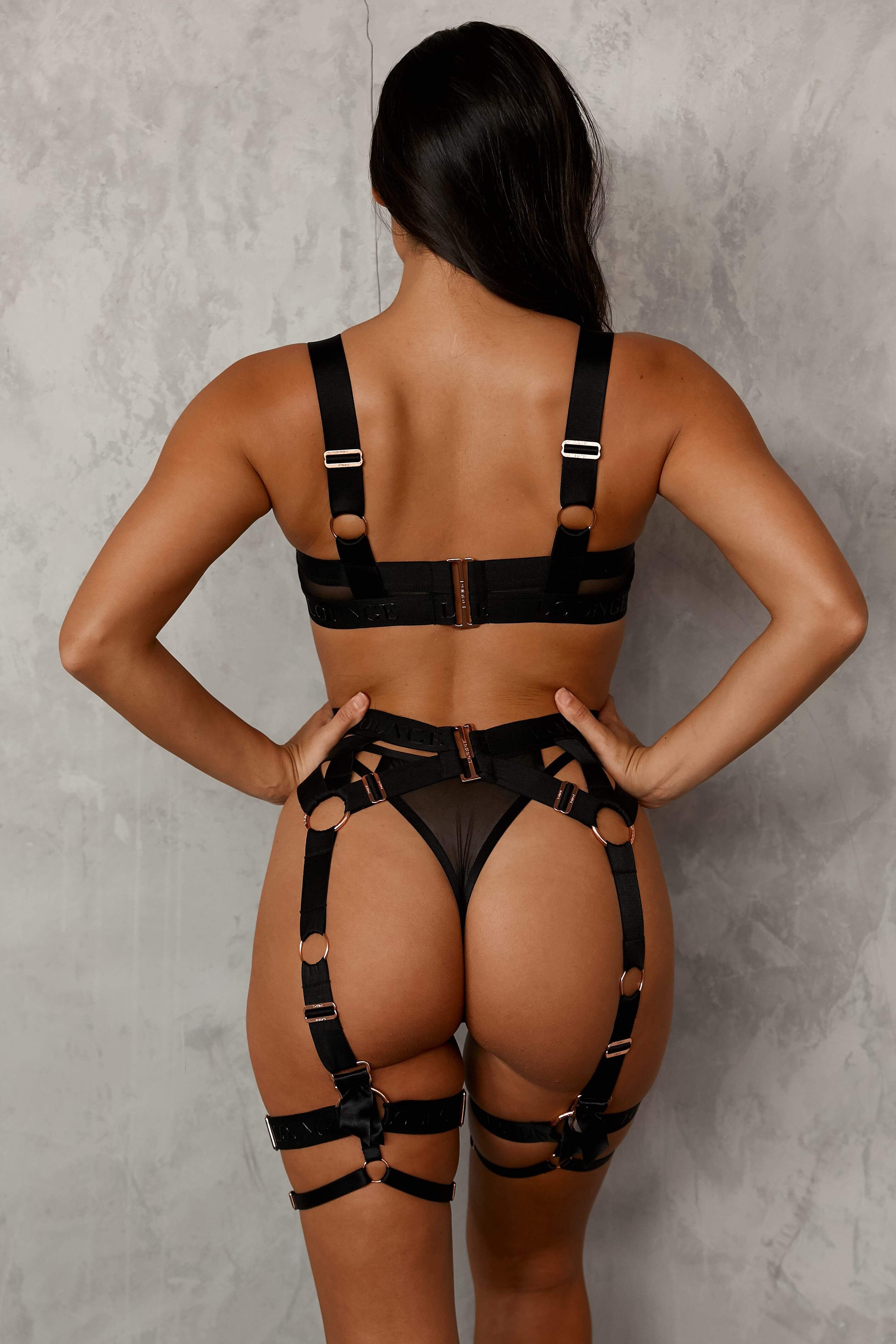
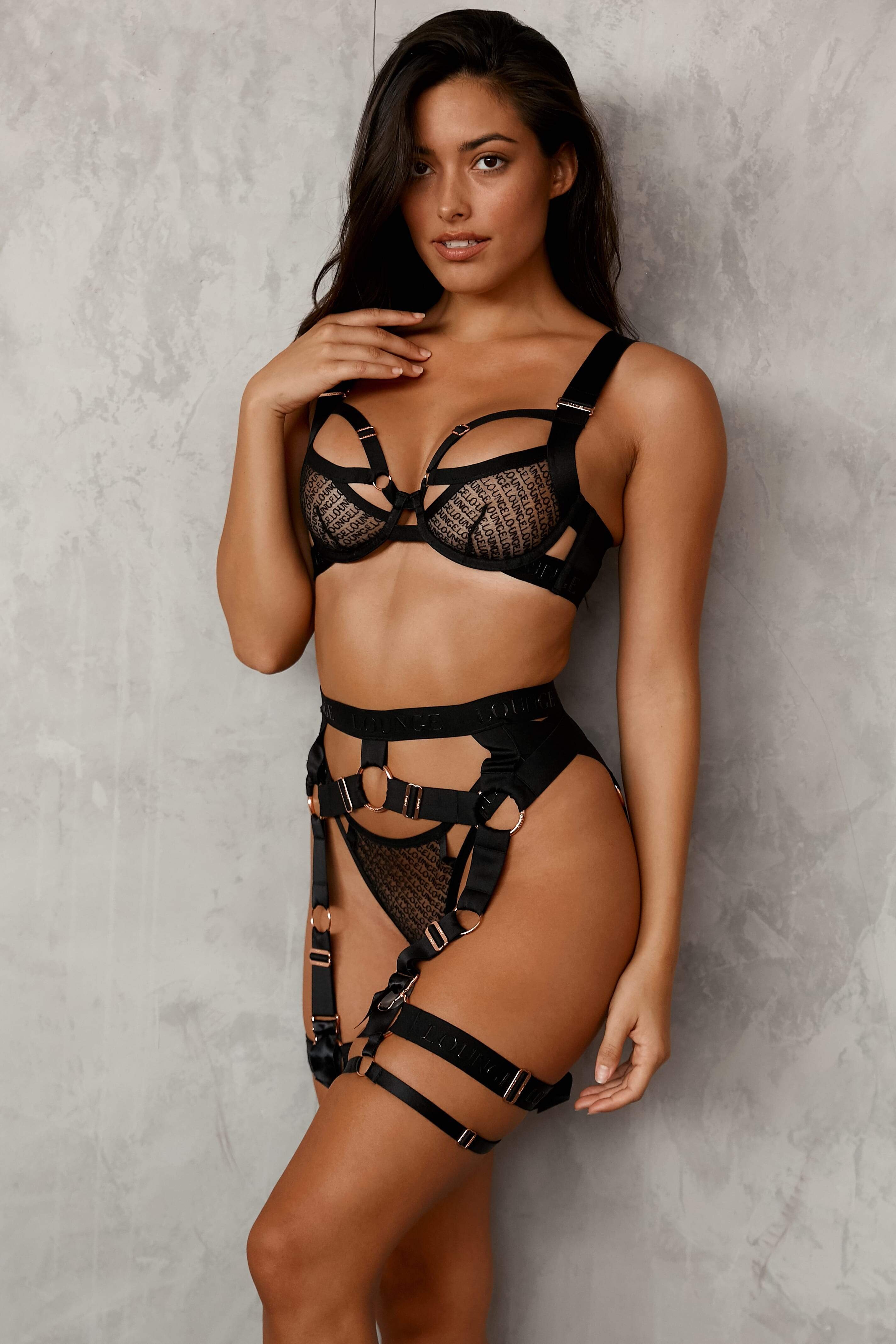
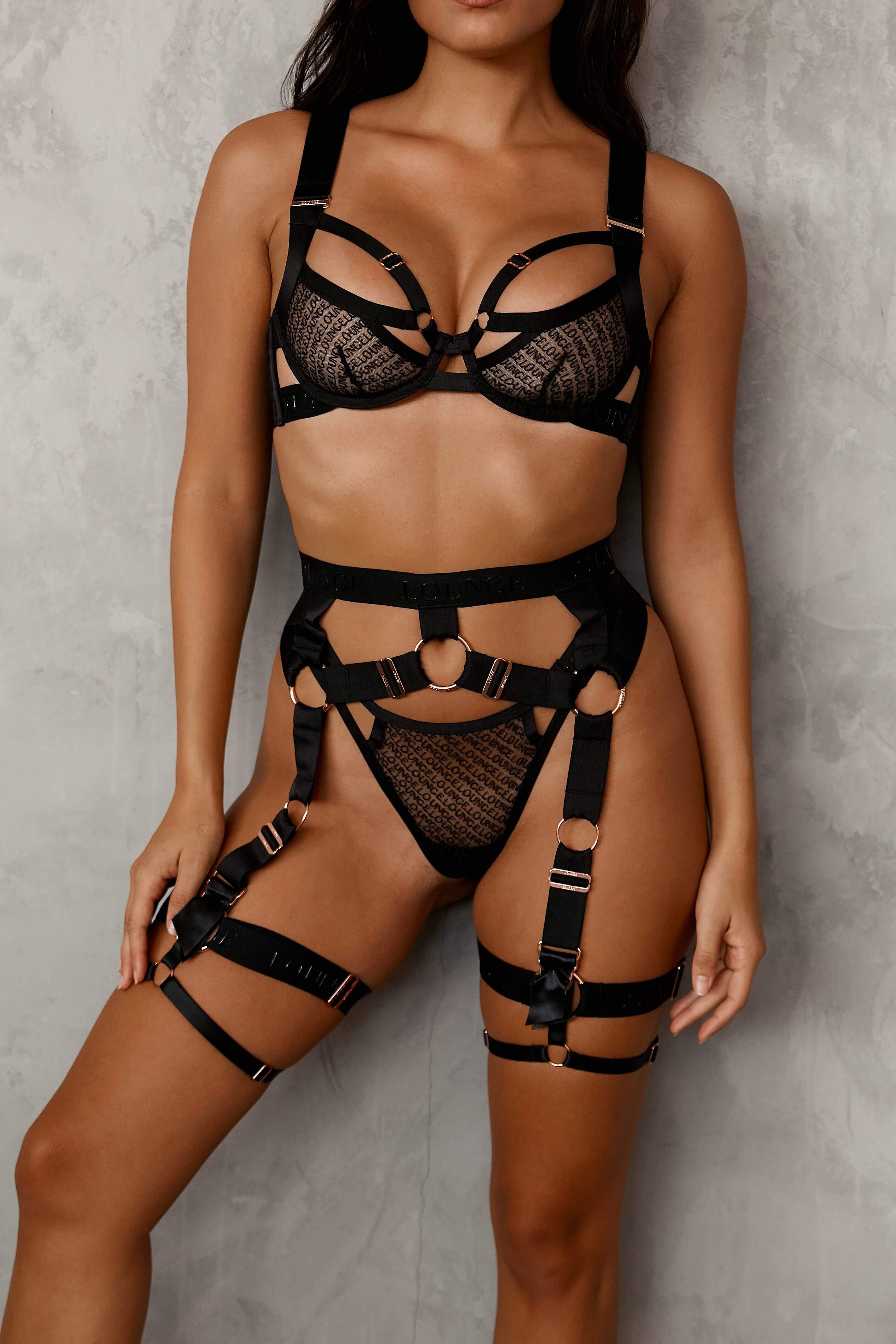
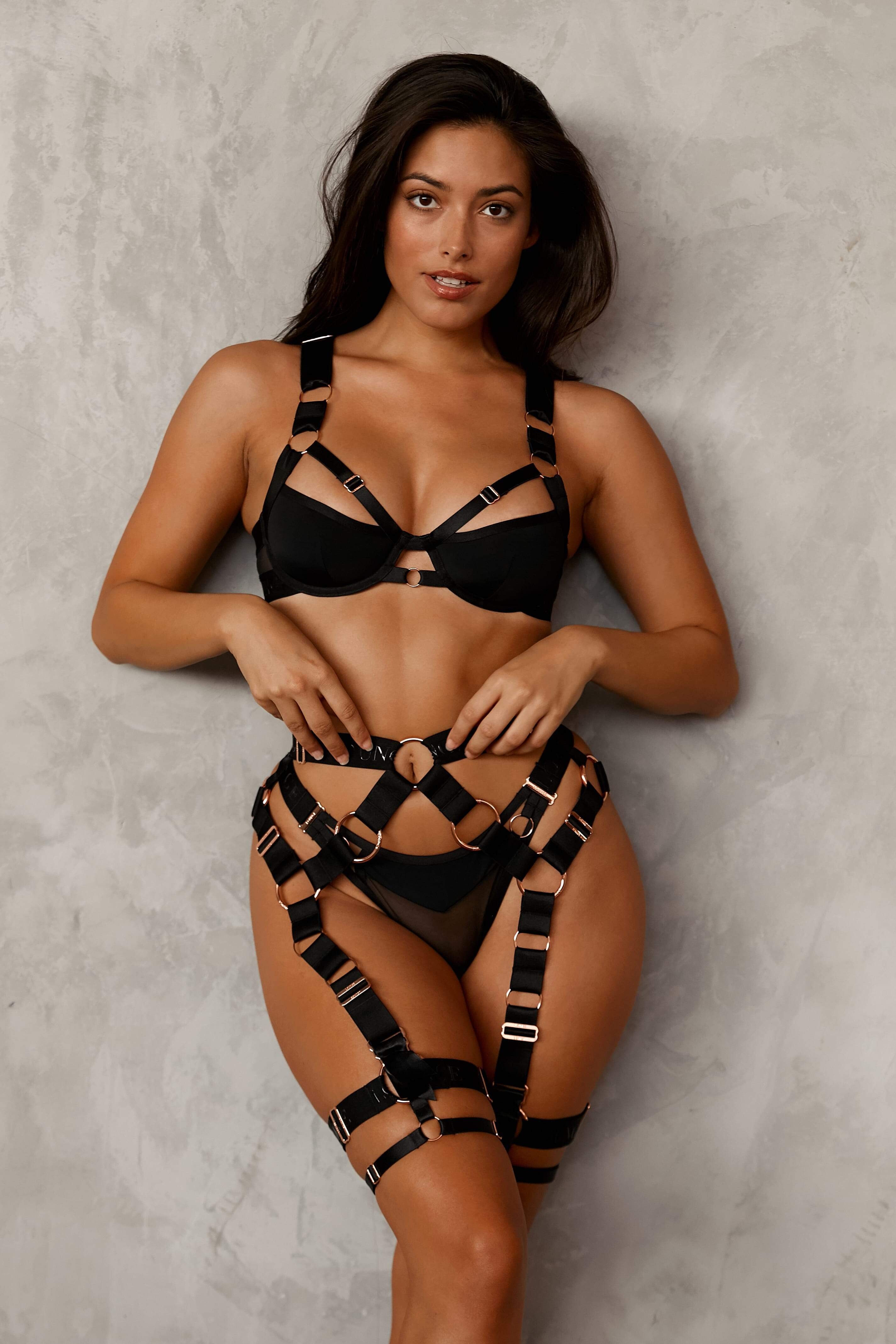
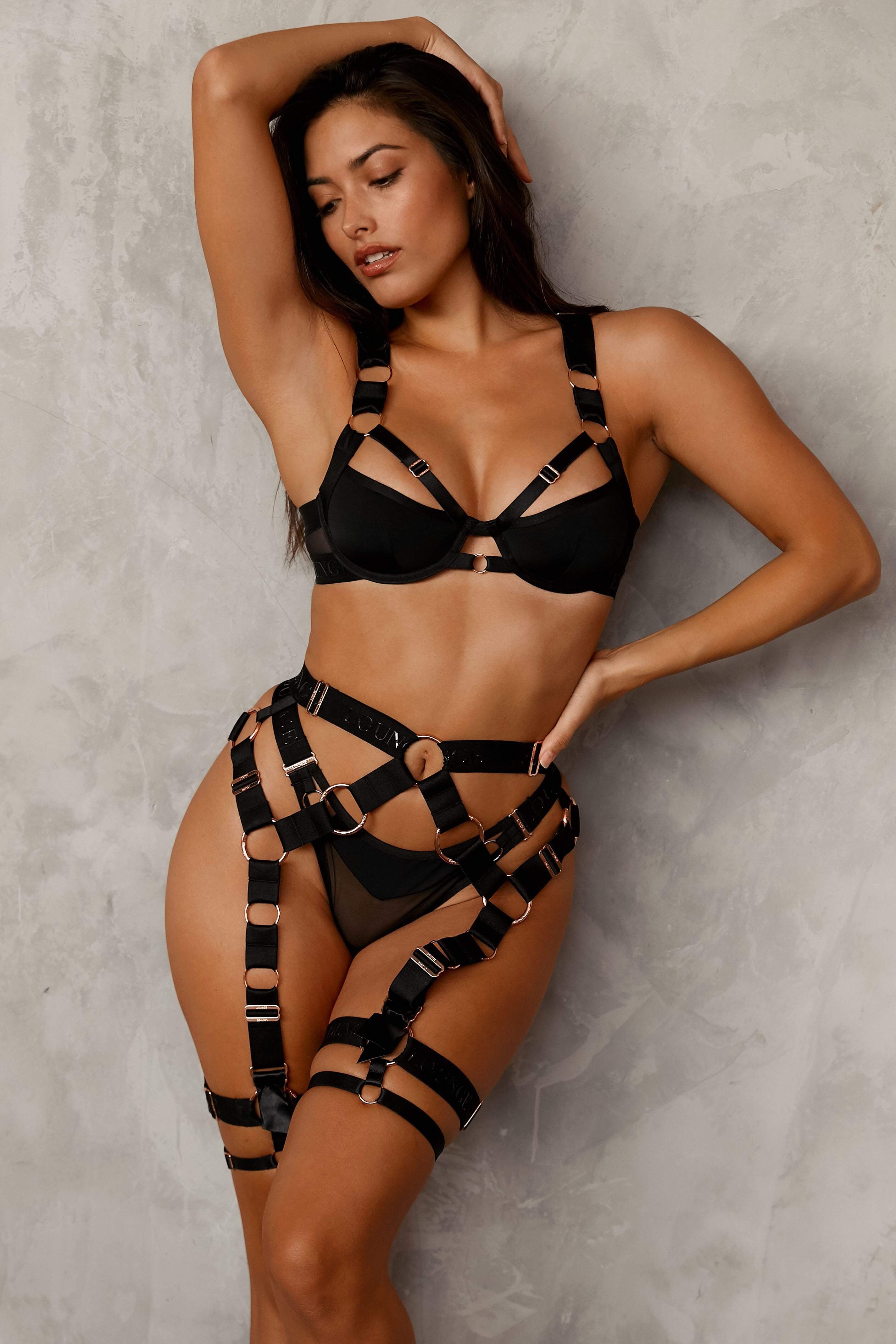
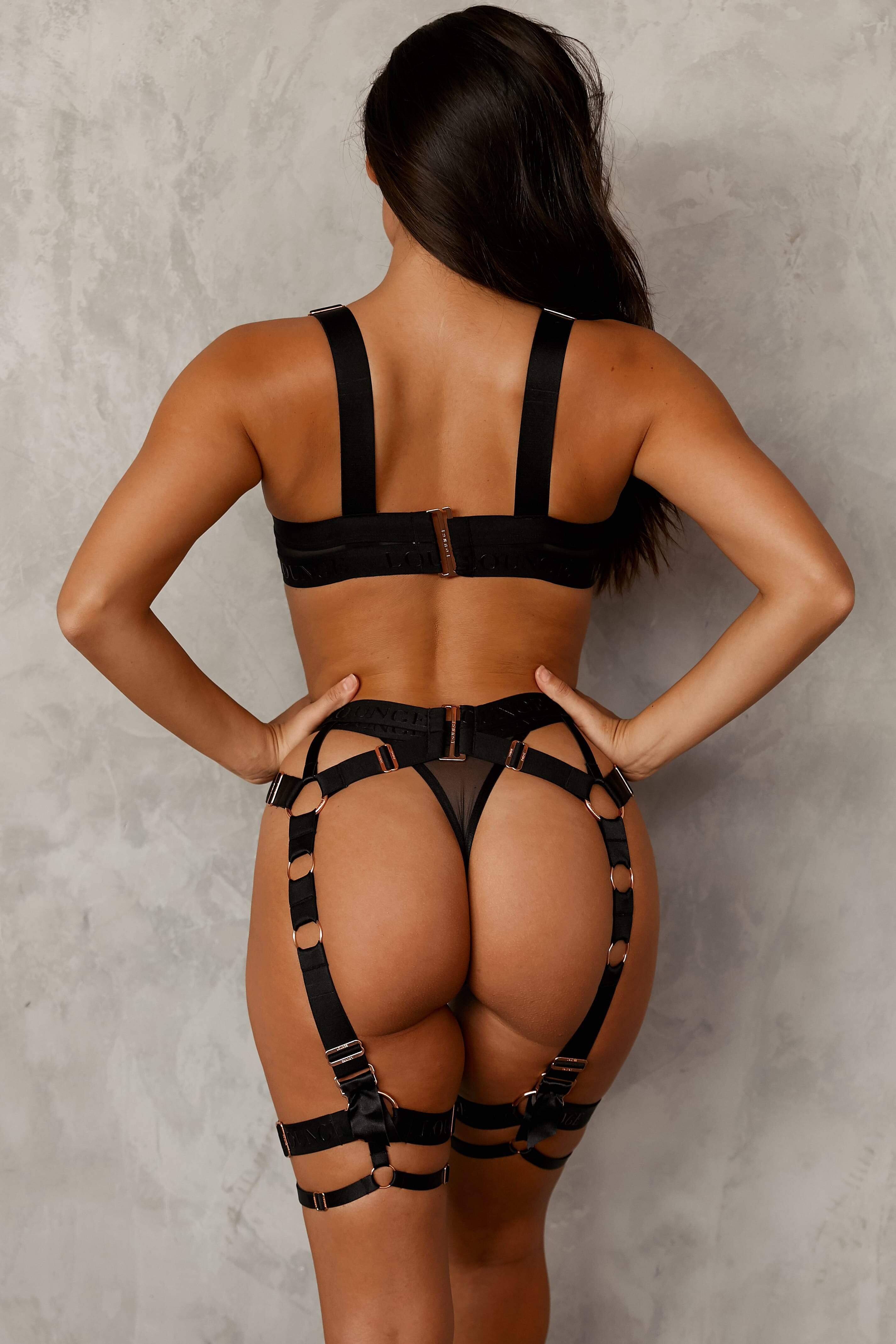
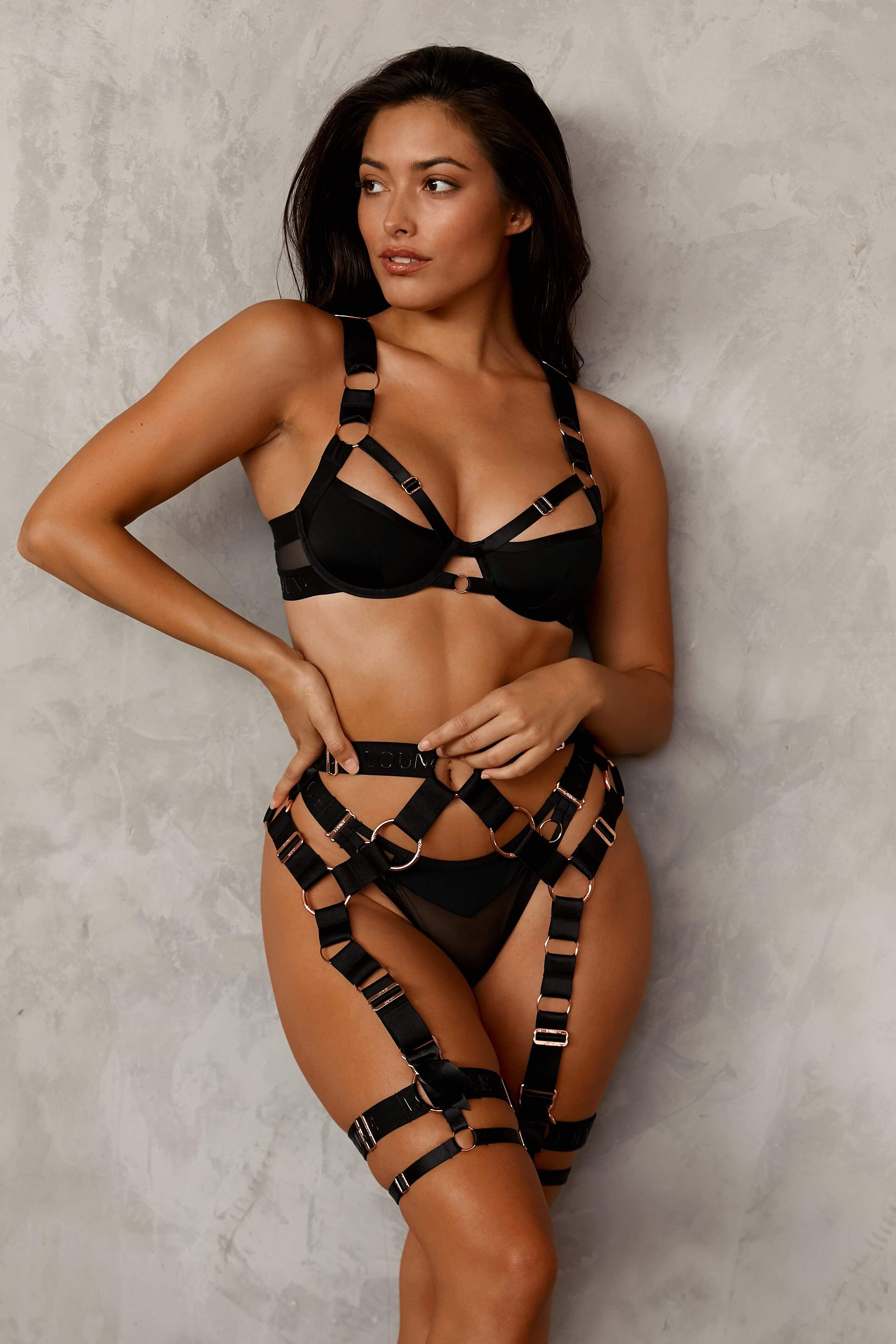
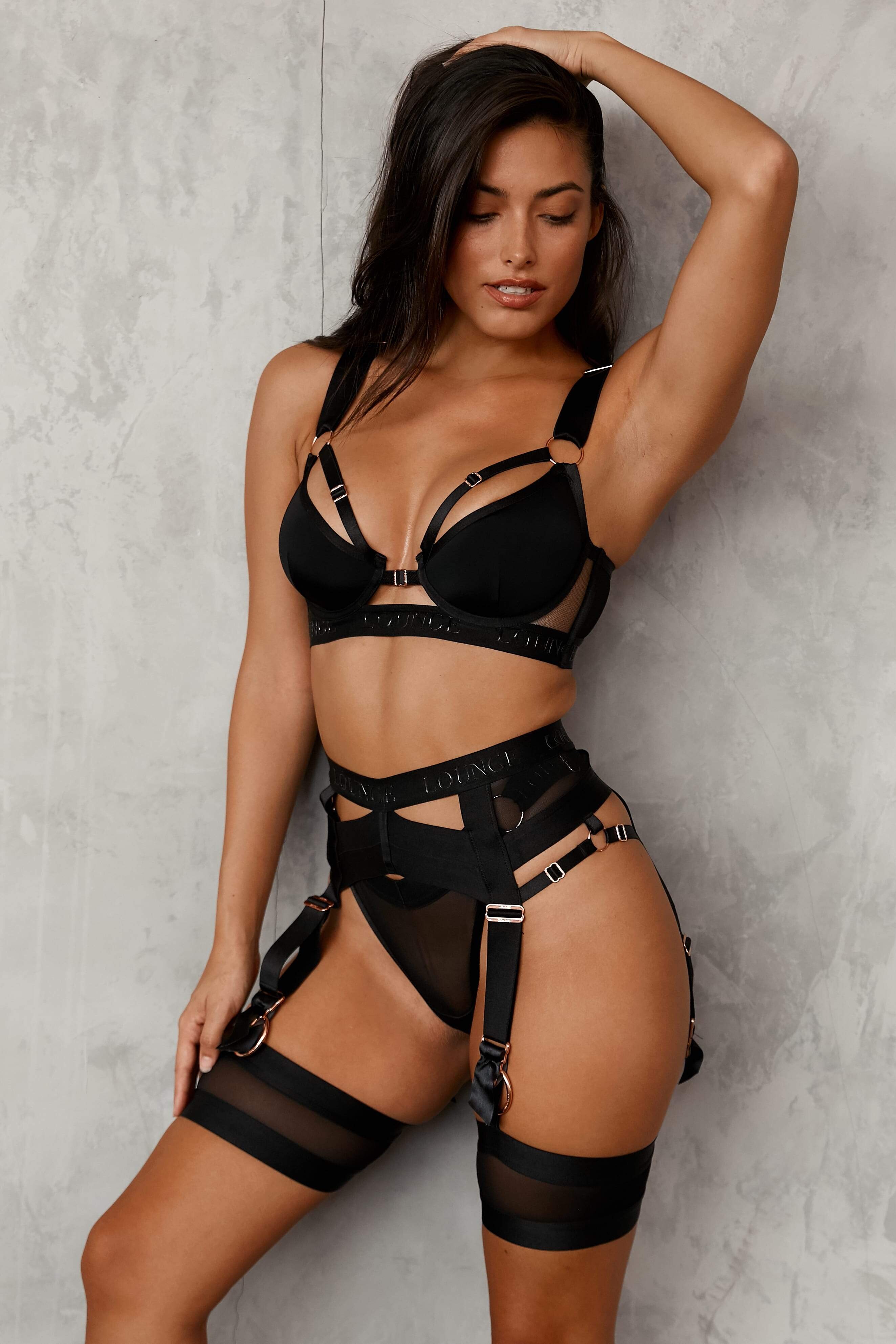
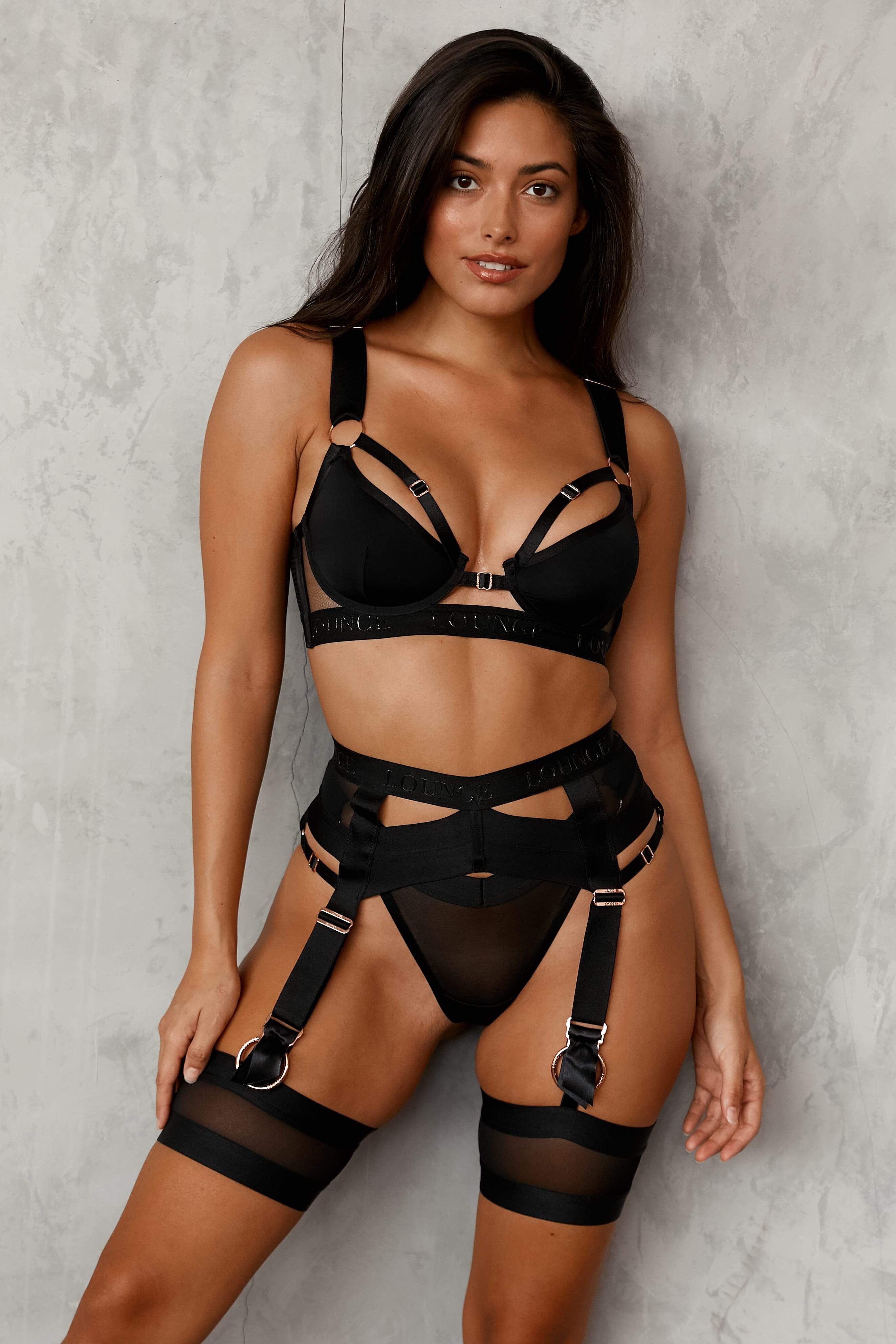
New Lounge Intimates with Dakota Fink loungeintimates - CNDntk0ARuA.mp4 loungeintimates - CMvG790gtLQ.mp4





-
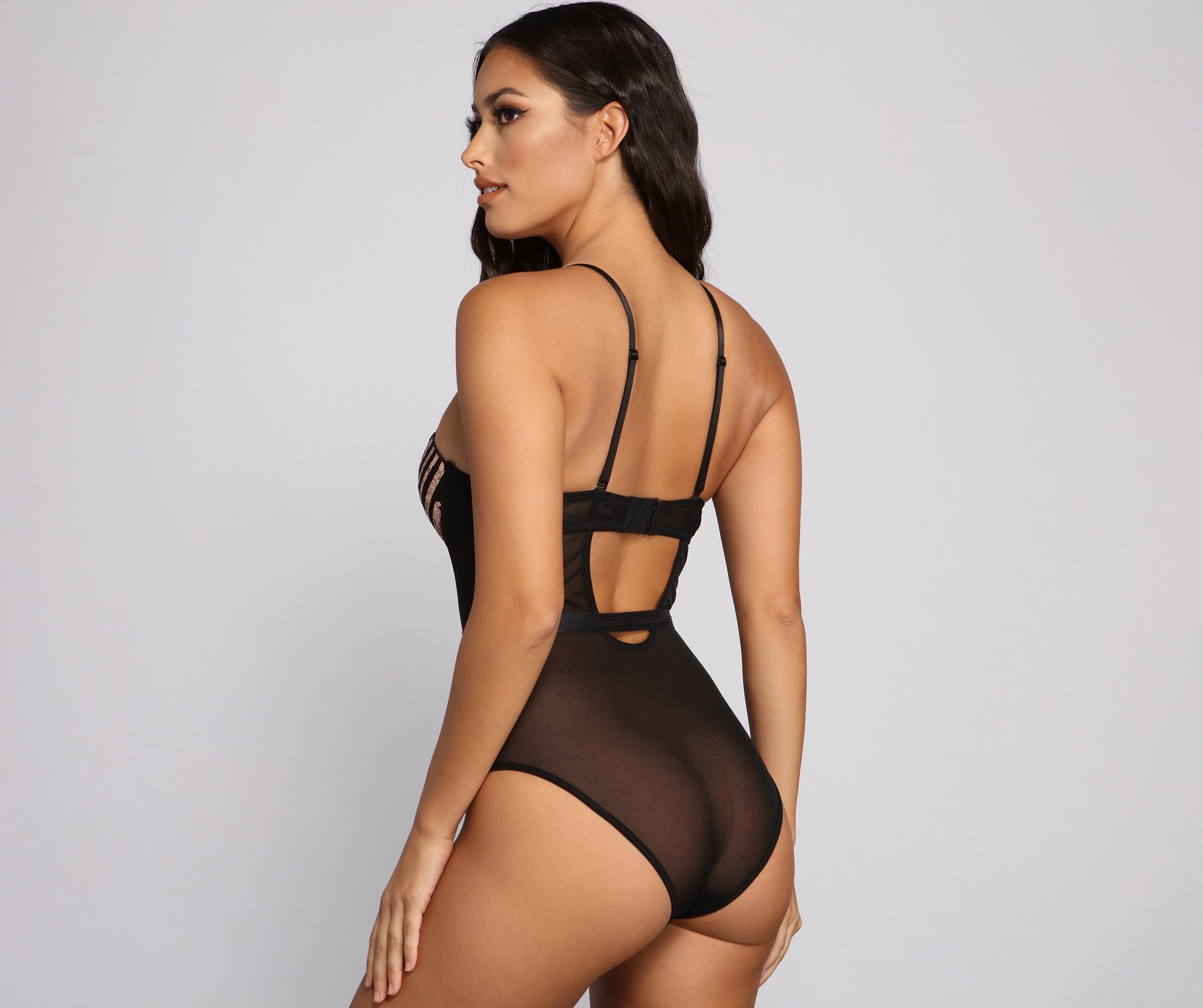
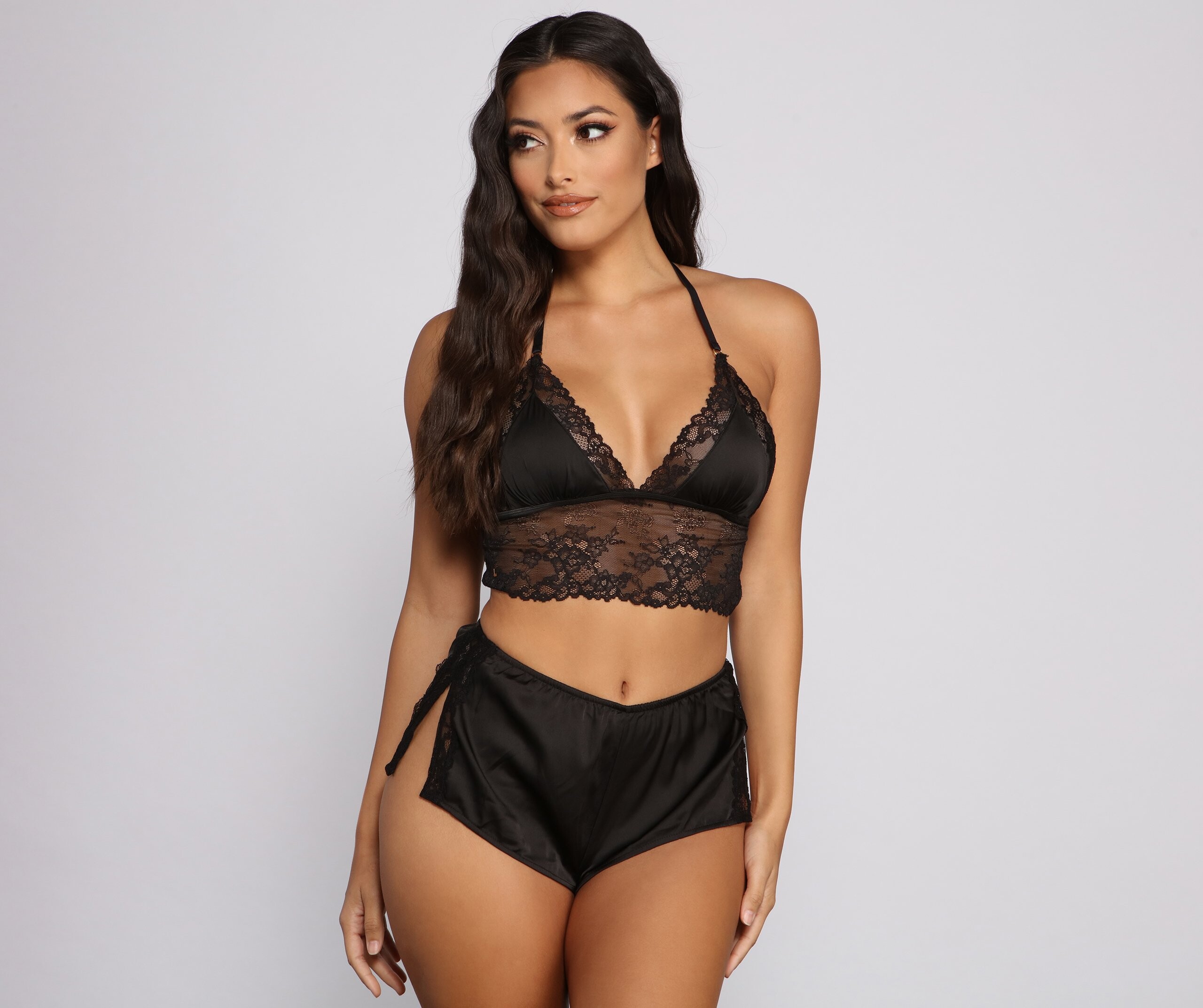
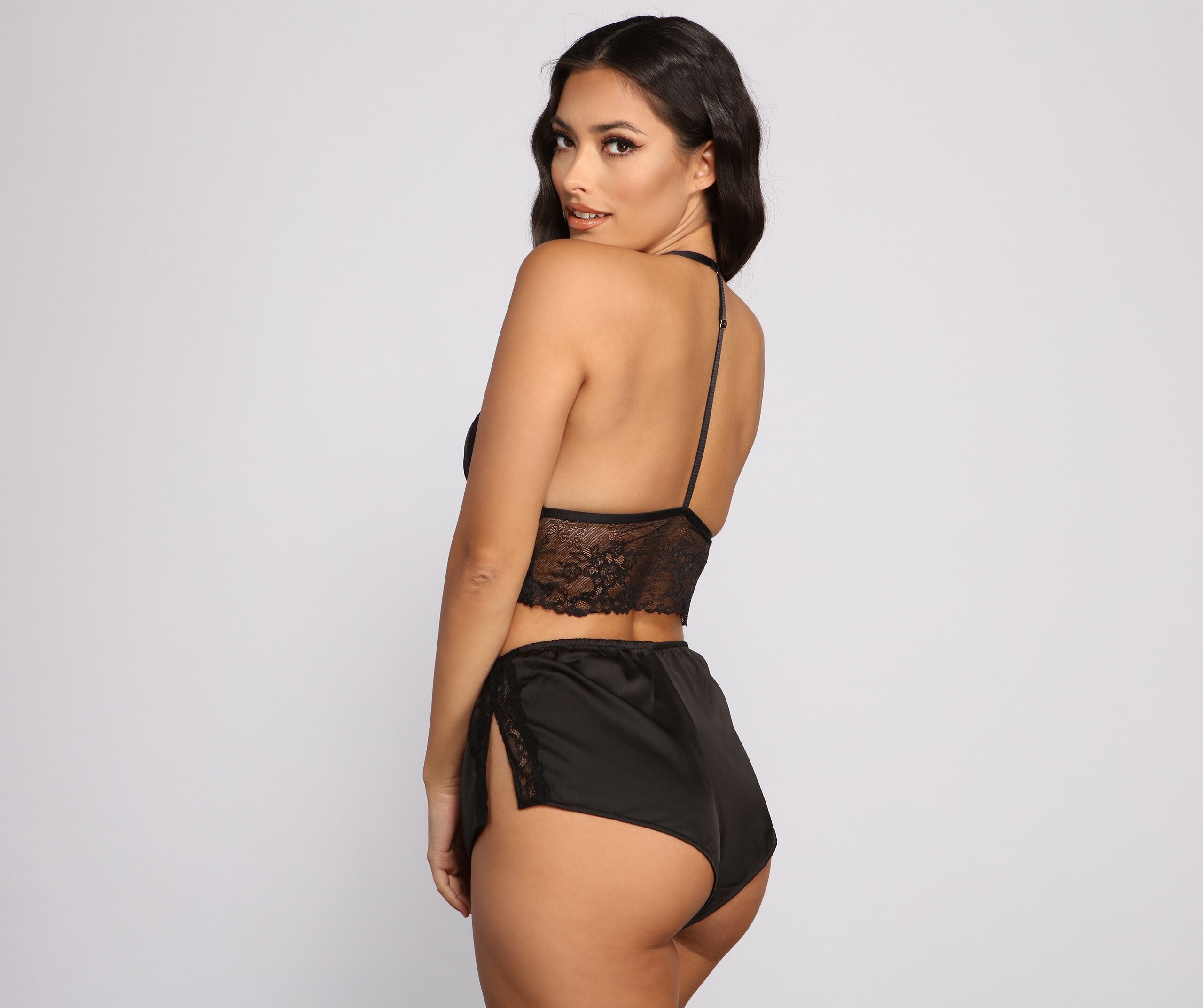
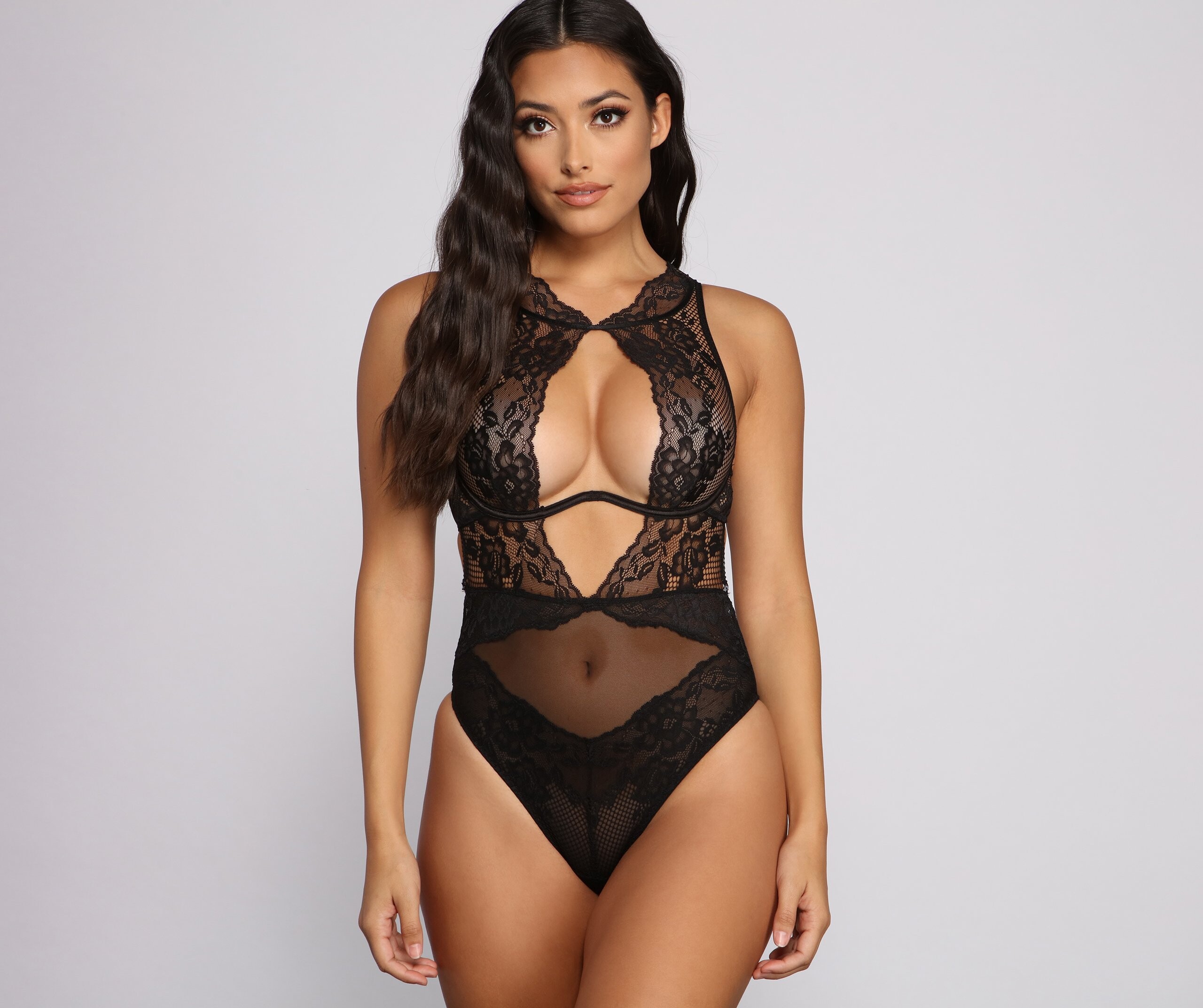
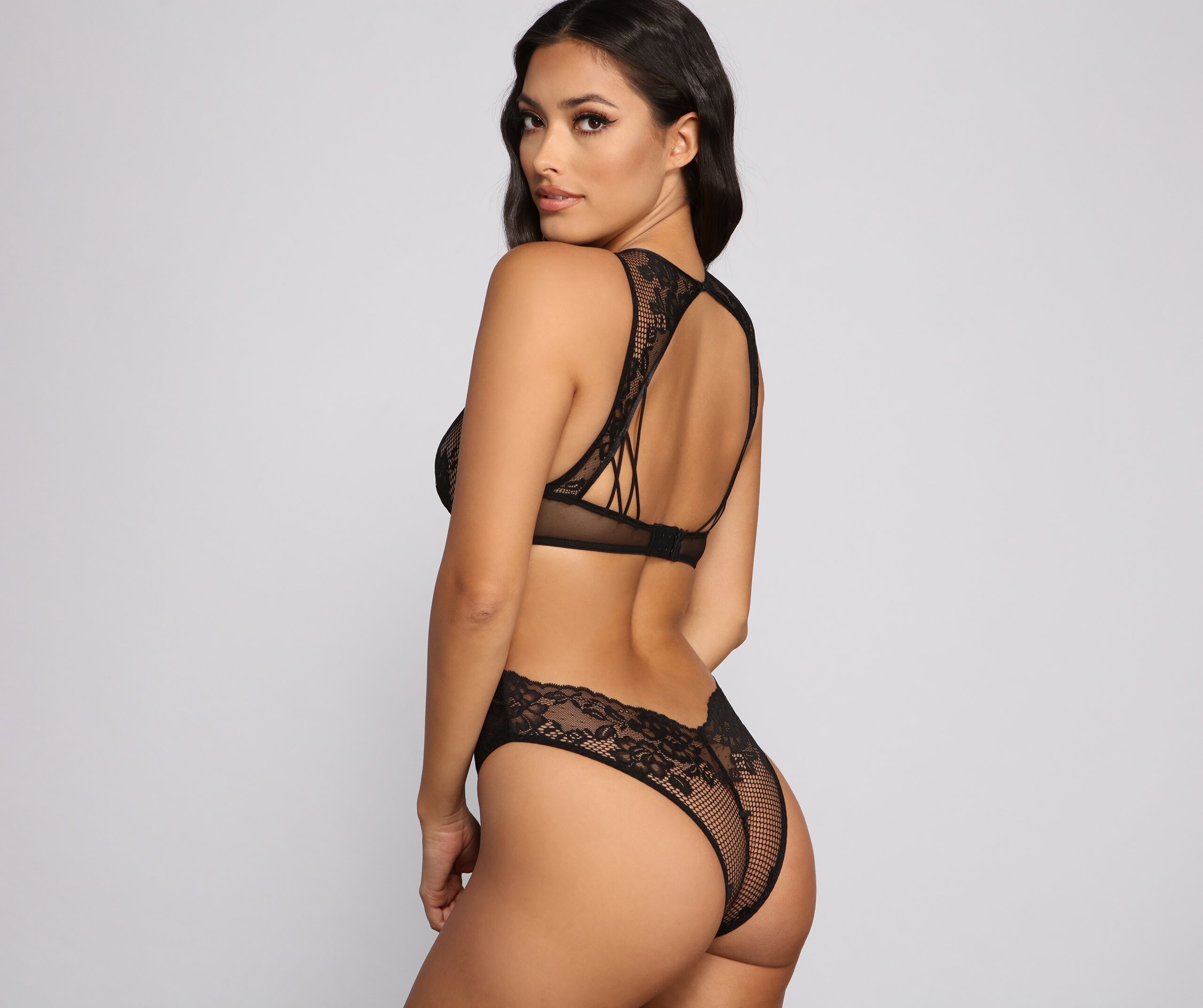
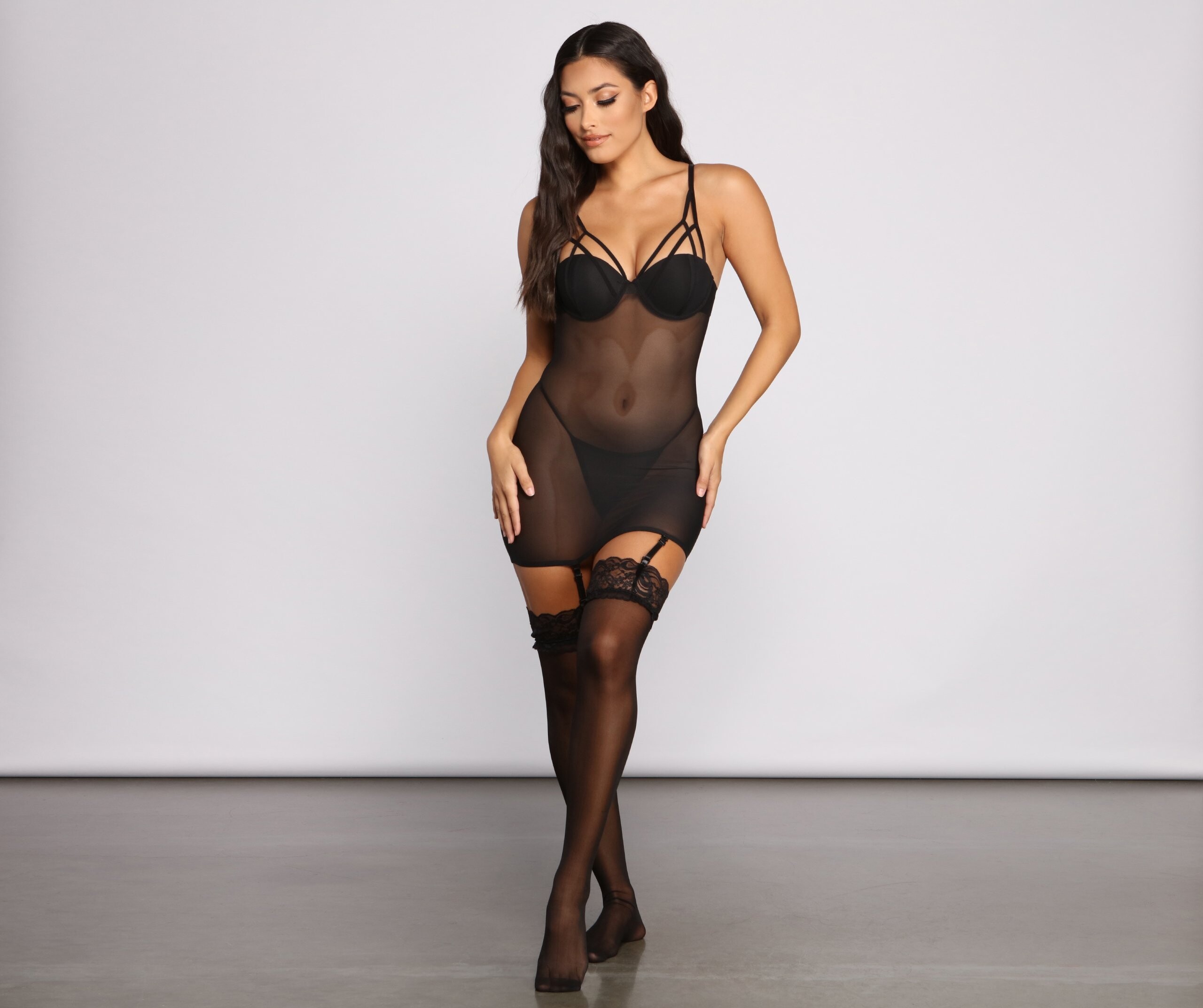
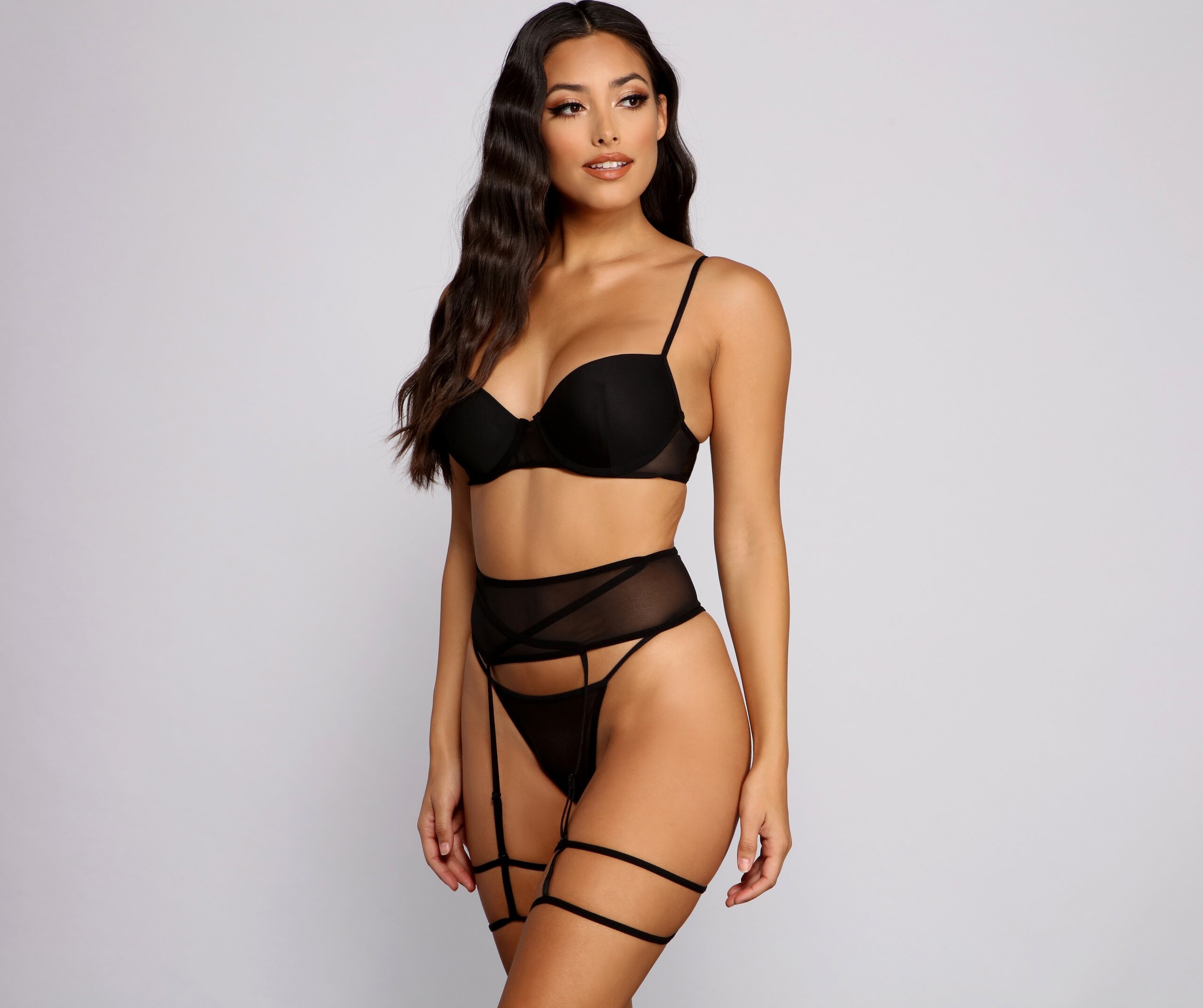
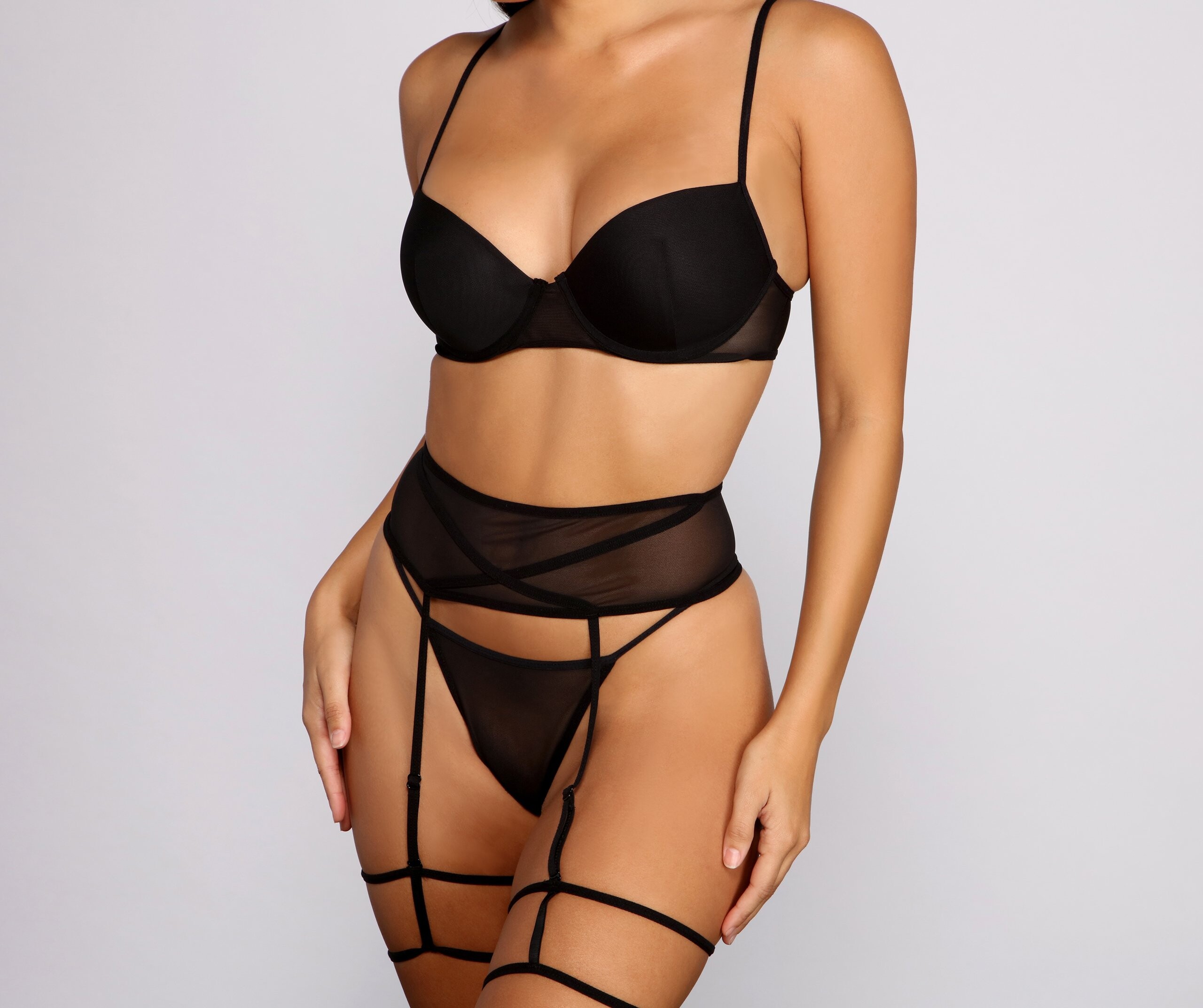
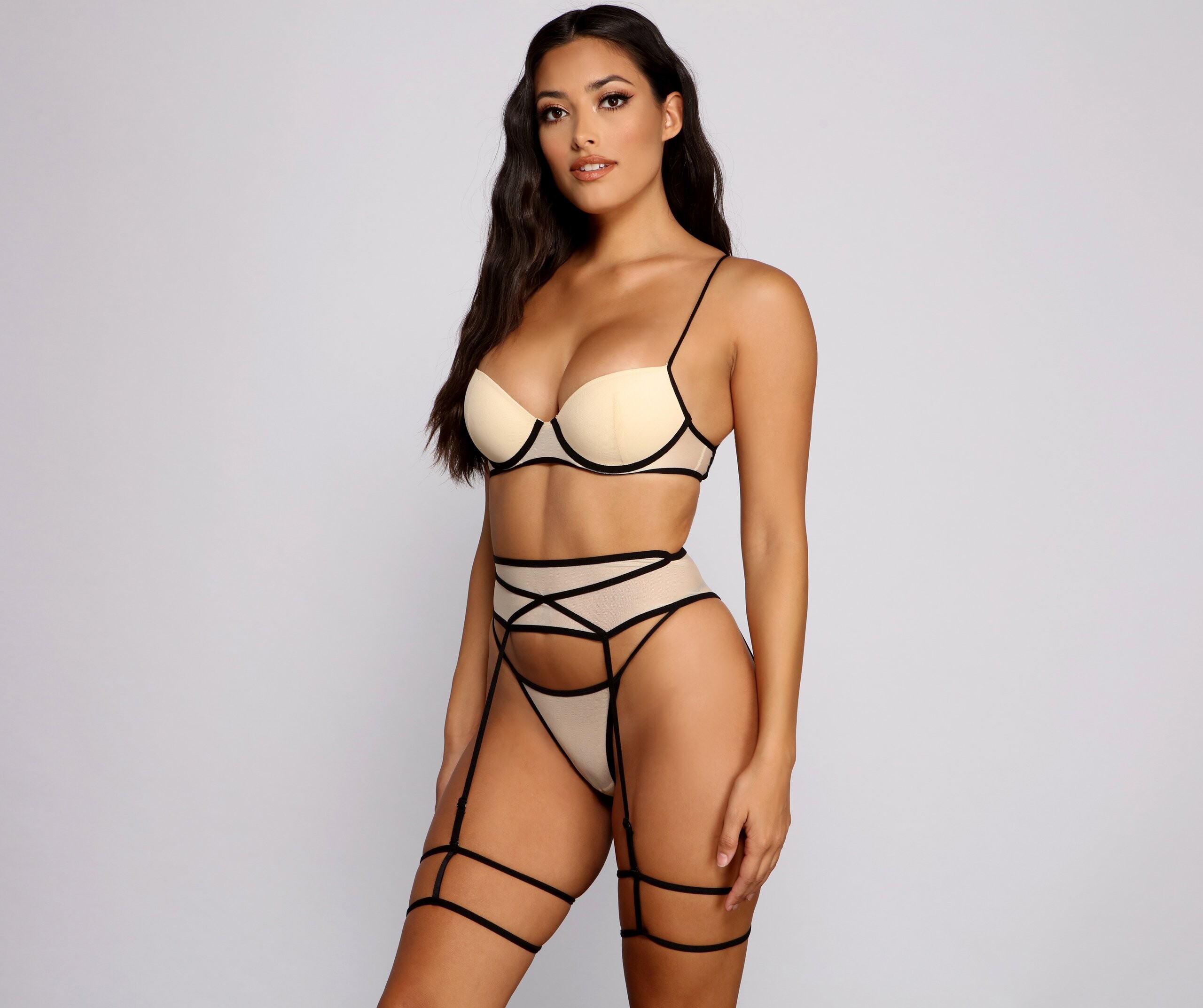
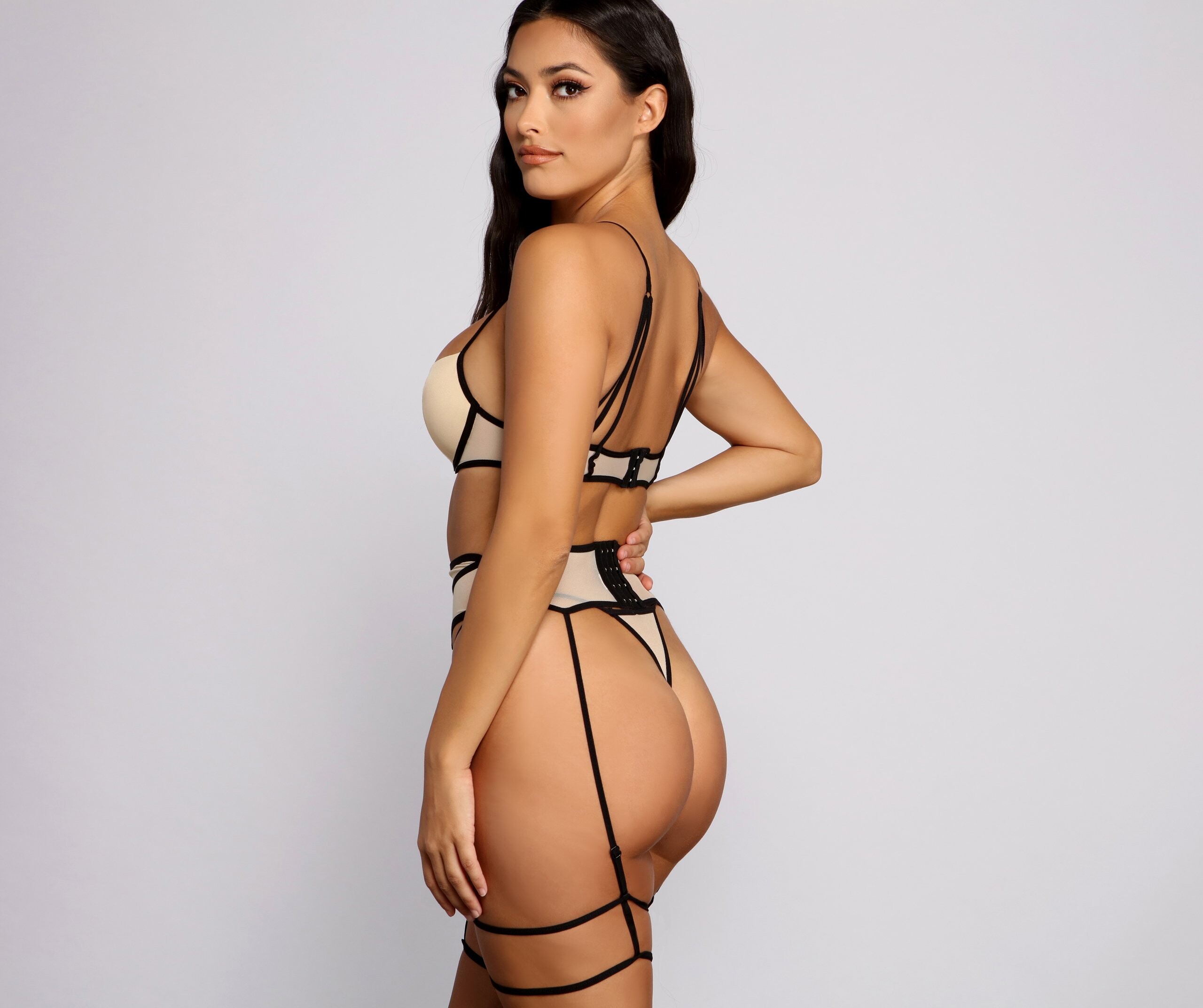
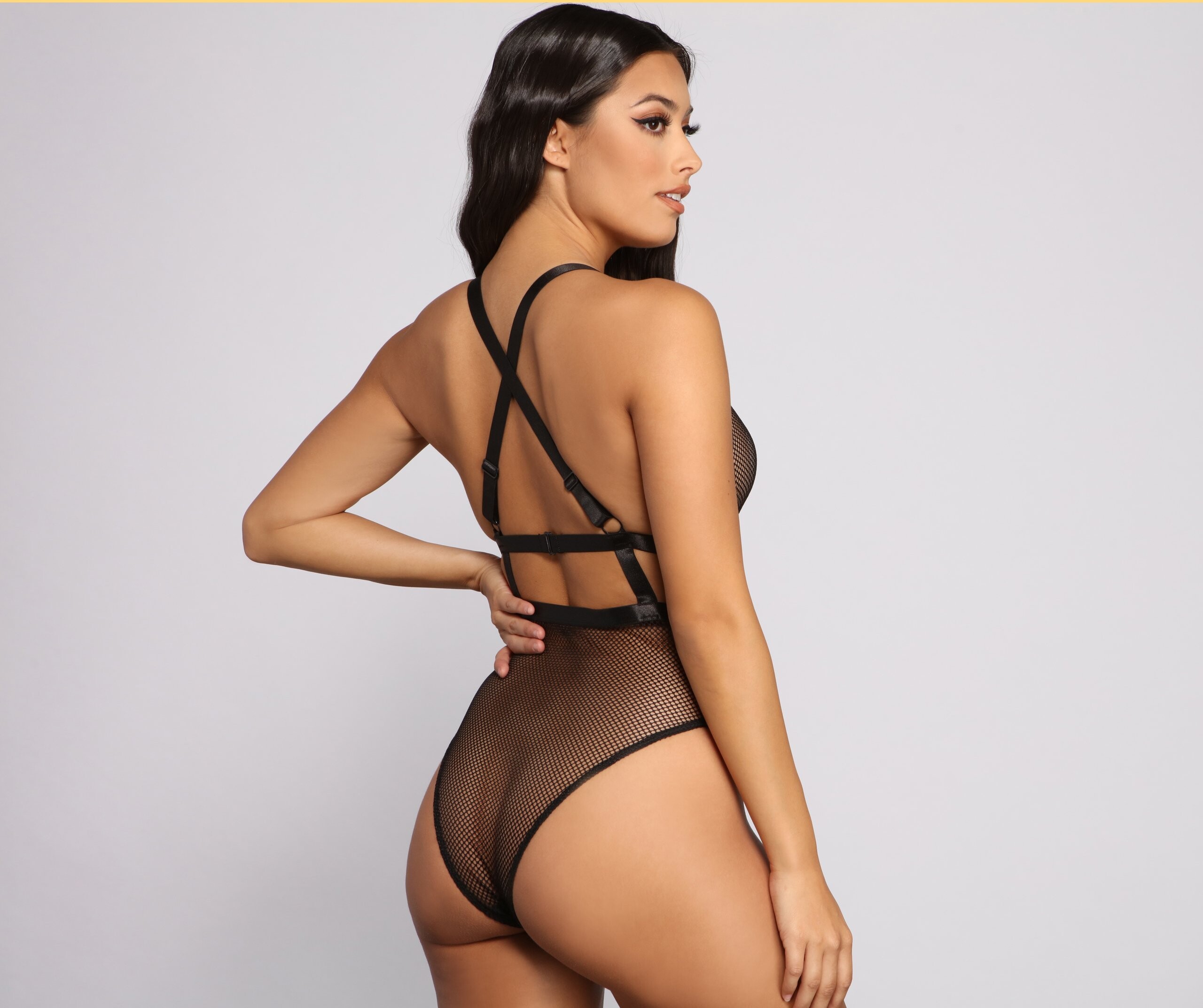
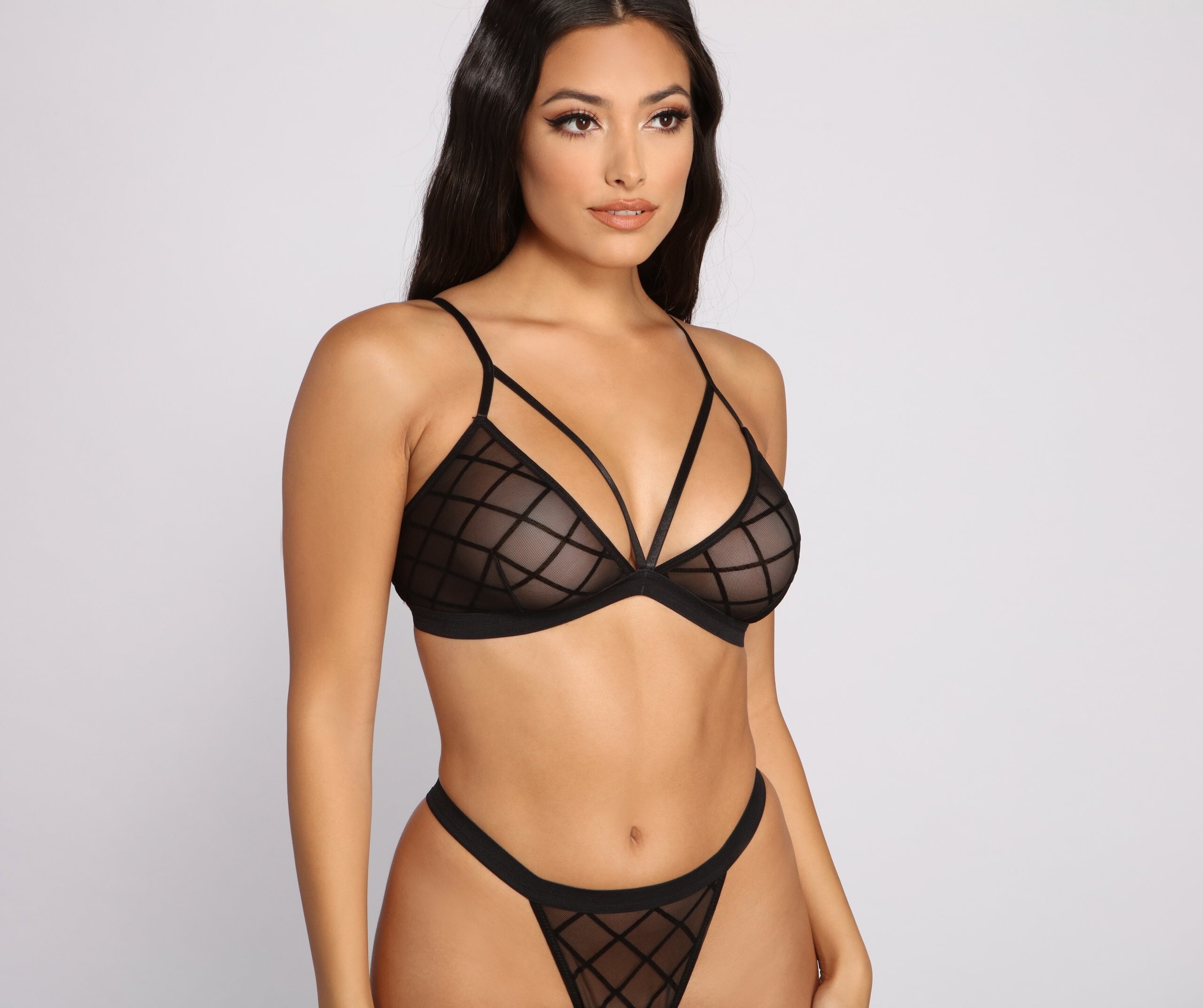
Some new Windsorstore lingerie


















































-
Lounge Youtube vid
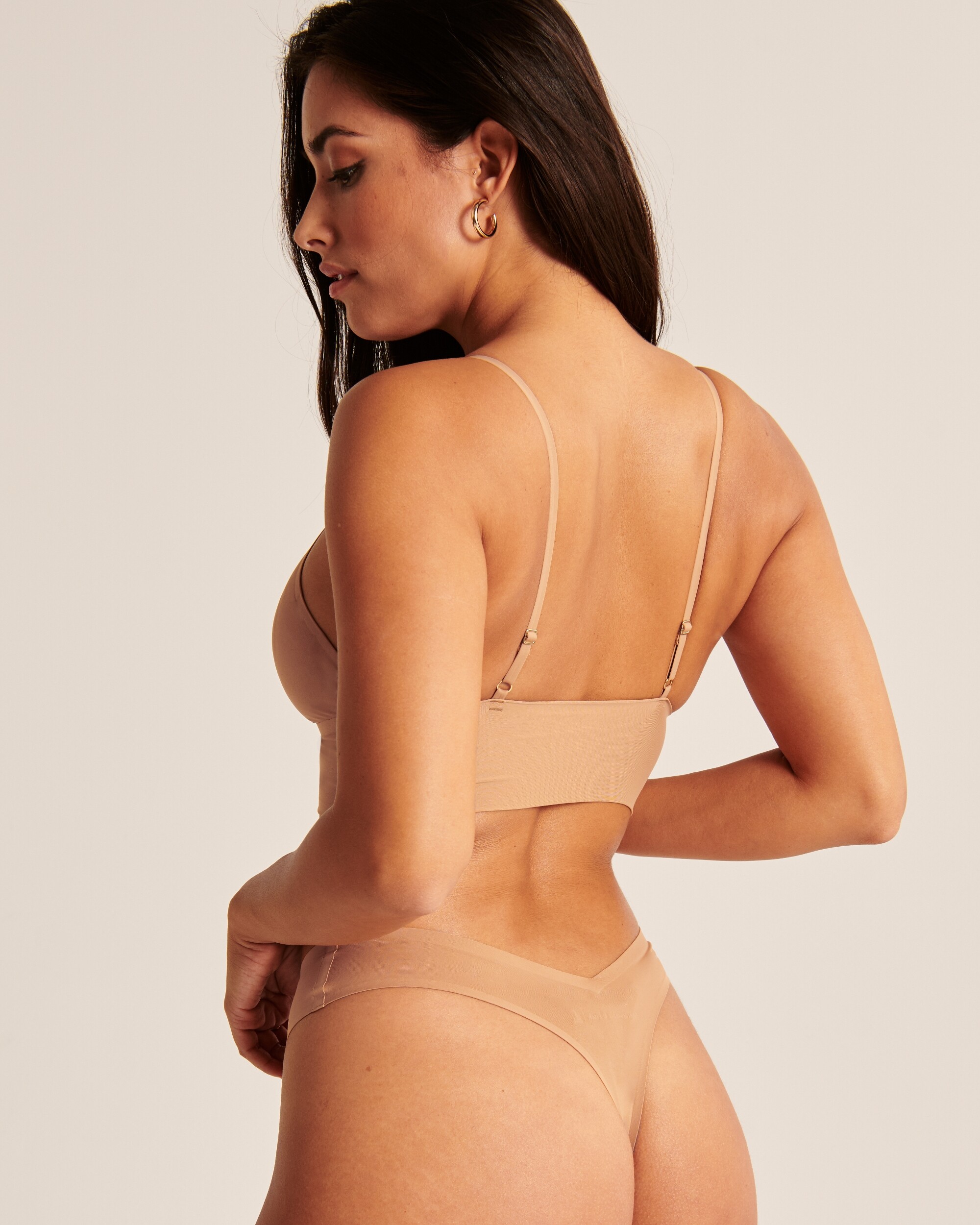
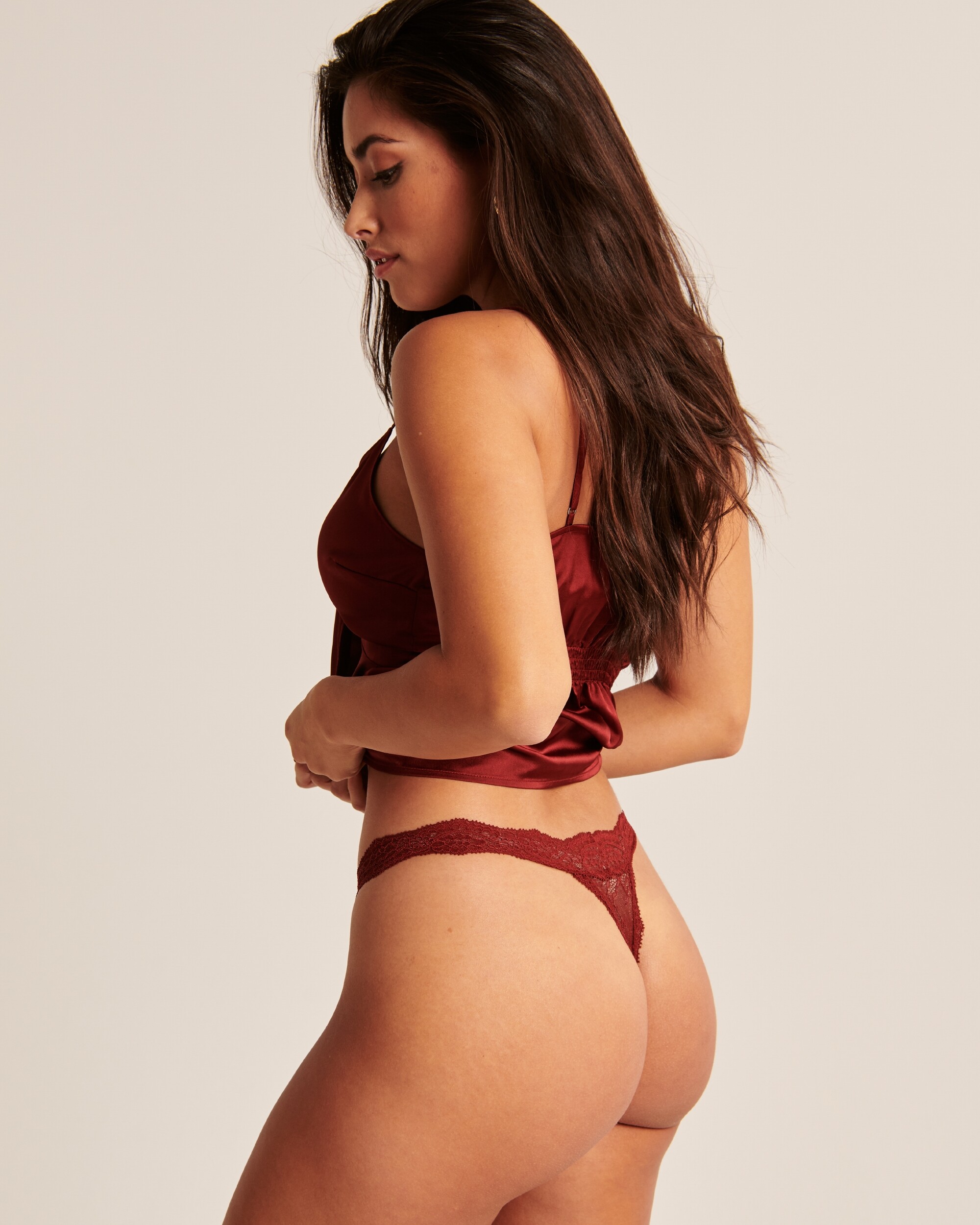
Some Abercrombie






















 Few merged IG stories loungeintimates-ig_story_1.mp4 loungeintimates-ig_story_3.mp4 loungeintimates-ig_story_4.mp4
Pheonix Samaria.mp4_HD_WEB.mp4
Few merged IG stories loungeintimates-ig_story_1.mp4 loungeintimates-ig_story_3.mp4 loungeintimates-ig_story_4.mp4
Pheonix Samaria.mp4_HD_WEB.mp4




 Storm Samaria_HD_WEB.mp4




 Luna Samaria.mp4_HD_WEB.mp4
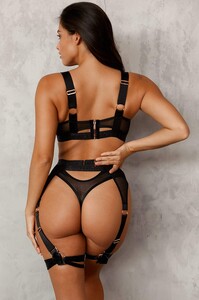



 Lounge Intimates Venus Samaria.mp4_HD_WEB.mp4
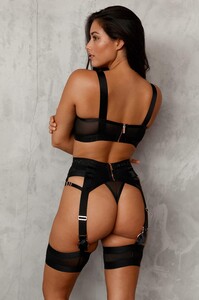



 Few Yandy in larger size









Account
Navigation
Search
Configure browser push notifications
Chrome (Android)
- Tap the lock icon next to the address bar.
- Tap Permissions → Notifications.
- Adjust your preference.
Chrome (Desktop)
- Click the padlock icon in the address bar.
- Select Site settings.
- Find Notifications and adjust your preference.
Safari (iOS 16.4+)
- Ensure the site is installed via Add to Home Screen.
- Open Settings App → Notifications.
- Find your app name and adjust your preference.
Safari (macOS)
- Go to Safari → Preferences.
- Click the Websites tab.
- Select Notifications in the sidebar.
- Find this website and adjust your preference.
Edge (Android)
- Tap the lock icon next to the address bar.
- Tap Permissions.
- Find Notifications and adjust your preference.
Edge (Desktop)
- Click the padlock icon in the address bar.
- Click Permissions for this site.
- Find Notifications and adjust your preference.
Firefox (Android)
- Go to Settings → Site permissions.
- Tap Notifications.
- Find this site in the list and adjust your preference.
Firefox (Desktop)
- Open Firefox Settings.
- Search for Notifications.
- Find this site in the list and adjust your preference.