
FRED 1401
Members
-
Joined
-
Last visited
Everything posted by FRED 1401
-
 Extrait Vidéo du film Miss Julie Vidéo Film Miss Julie.mp4
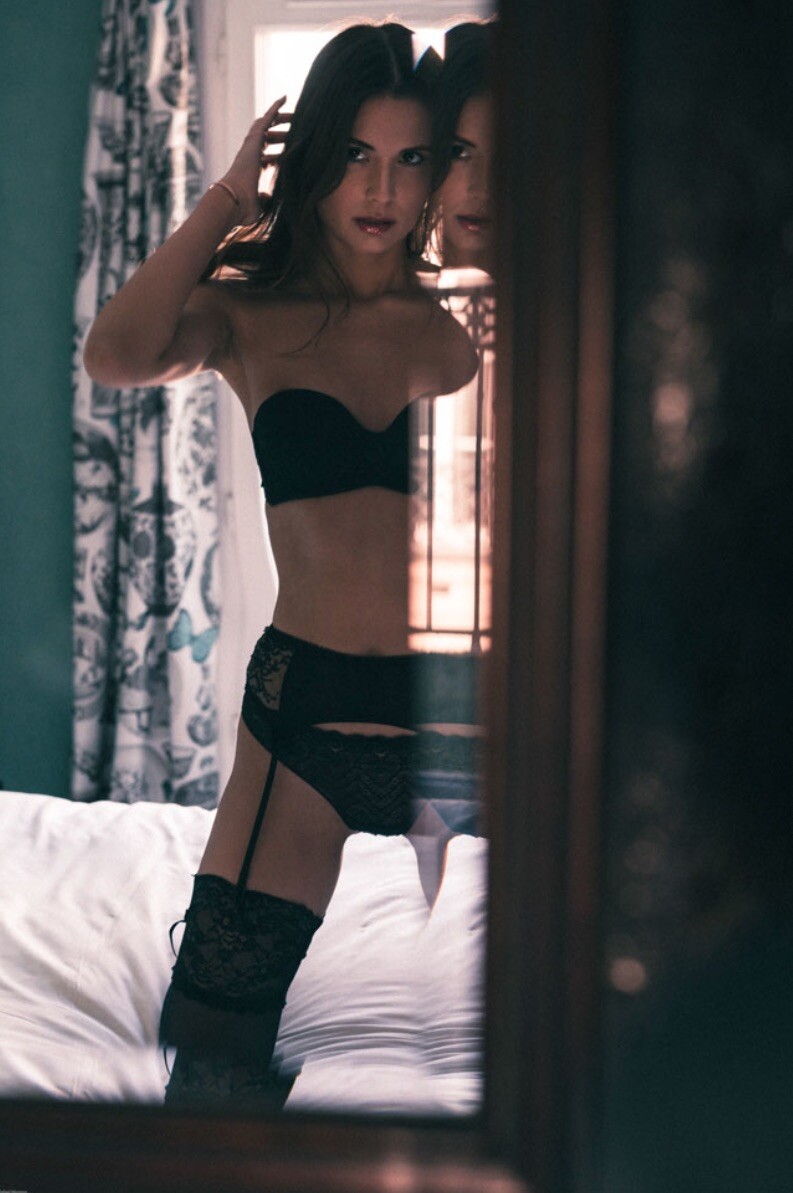
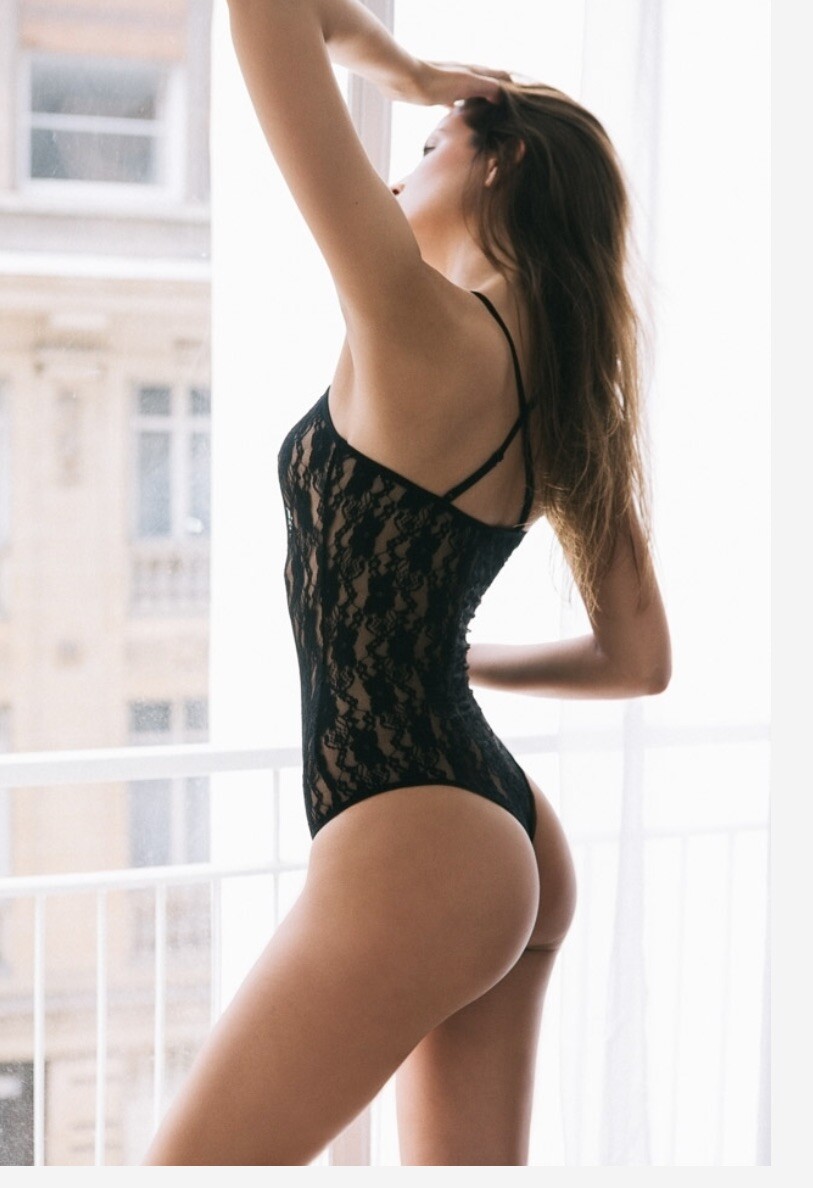
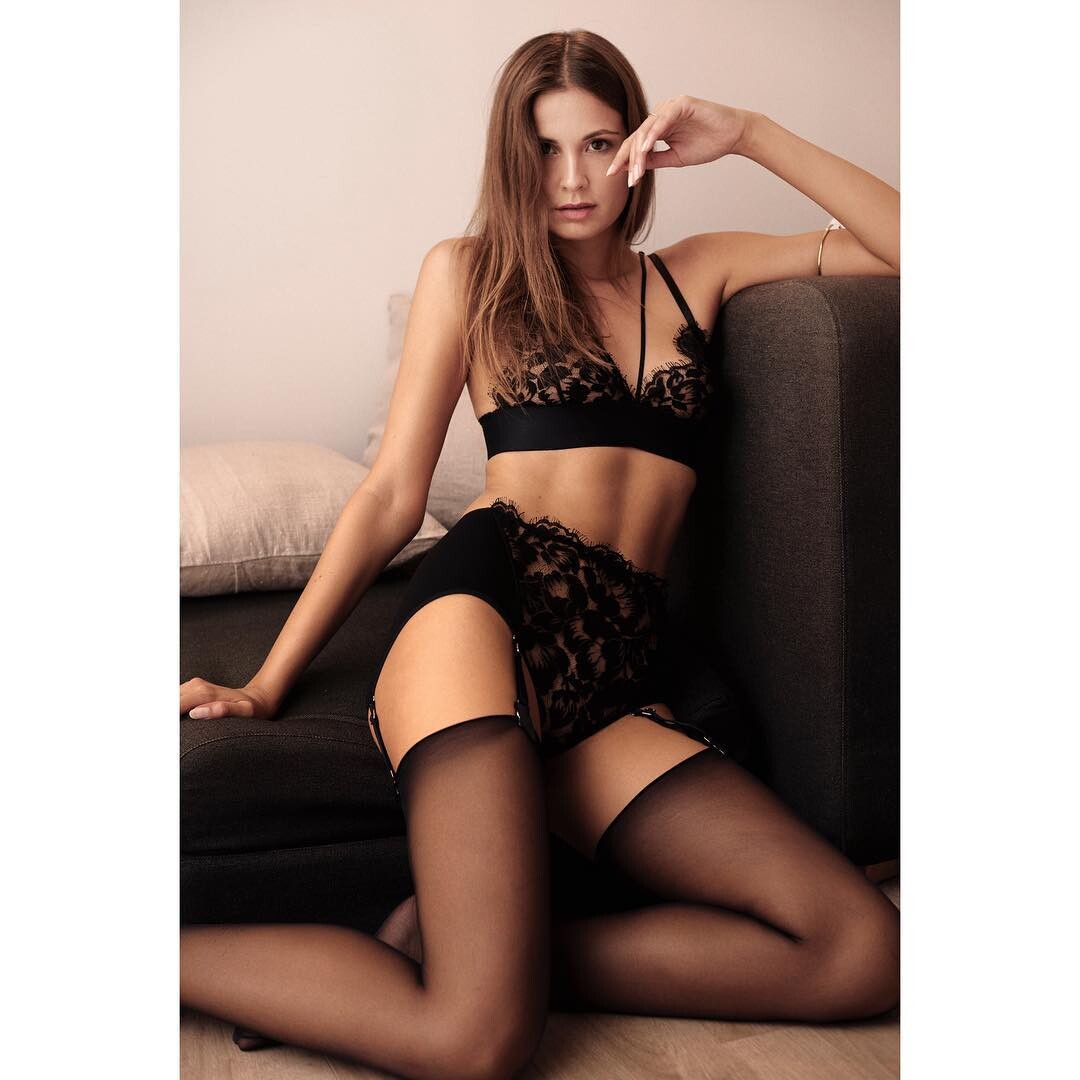
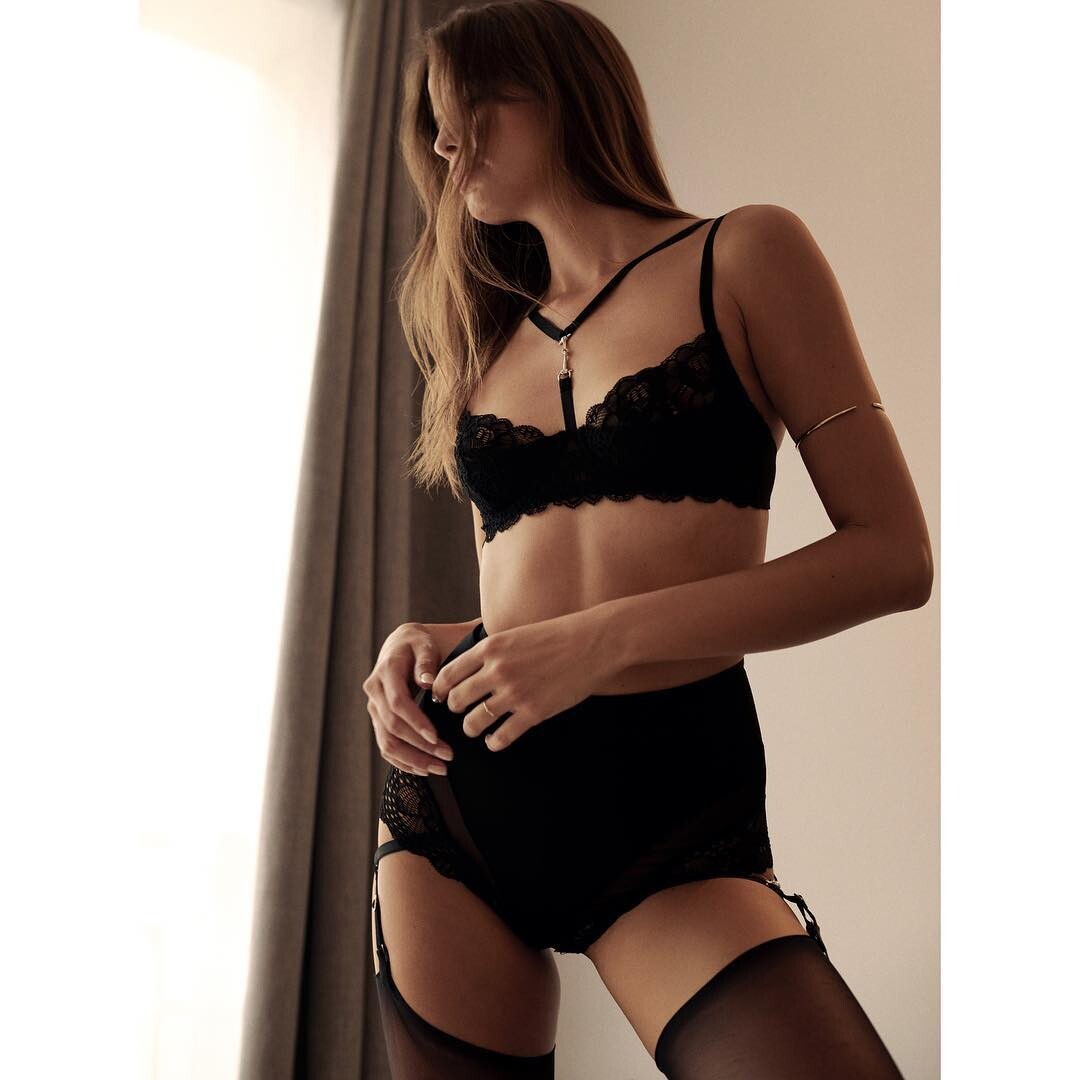
Vidéo shoot 2017 pour de la lingerie Vidéo Shooting lingerie.mp4
Blog Personnel Malika: Les colonnes du Louvre
Extrait Vidéo du film Miss Julie Vidéo Film Miss Julie.mp4
Vidéo shoot 2017 pour de la lingerie Vidéo Shooting lingerie.mp4
Blog Personnel Malika: Les colonnes du Louvre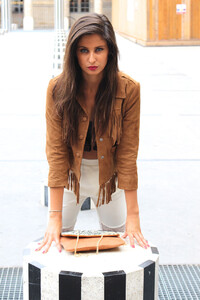




 Une vidéo que j'adore sur une belle chanson de Sofia Karlberg "Crasy in LOVE" Ma Vie.mp4
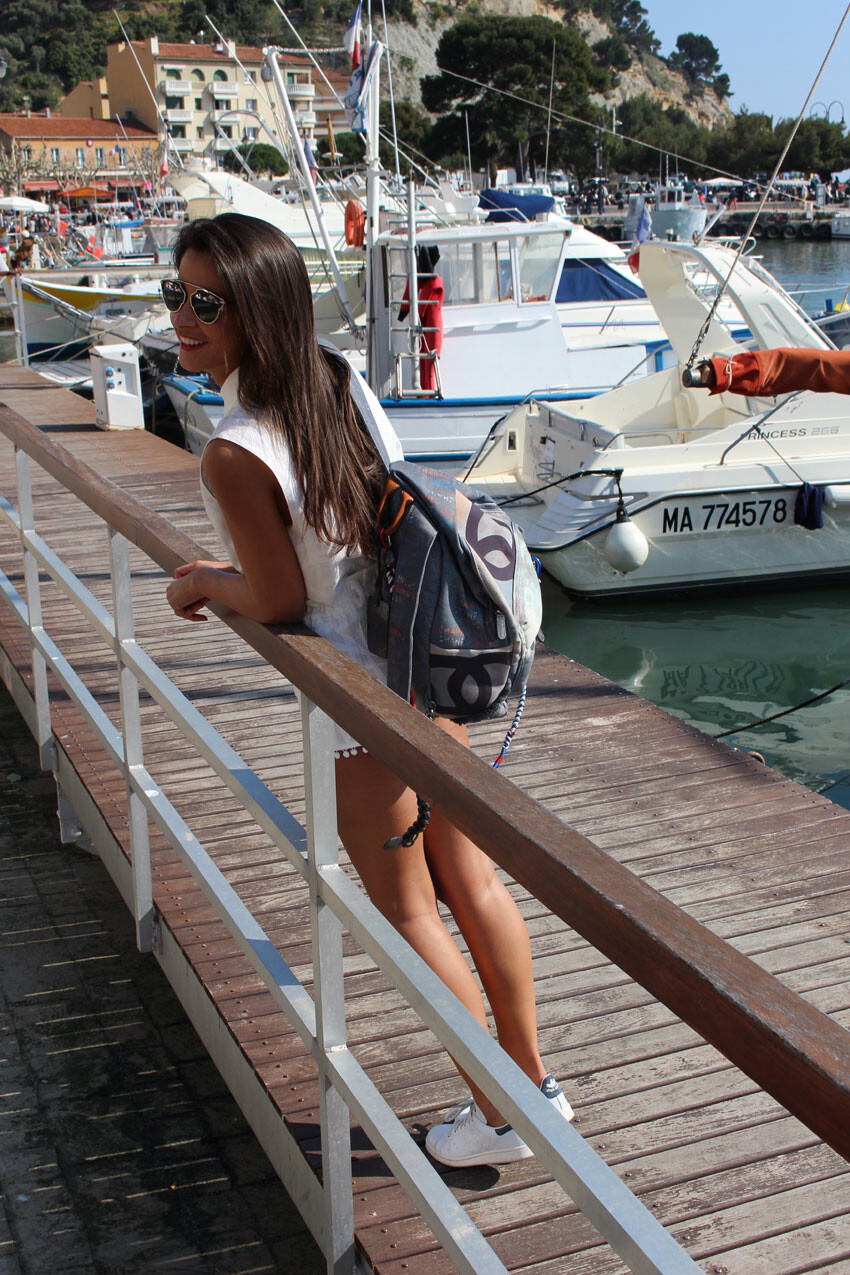
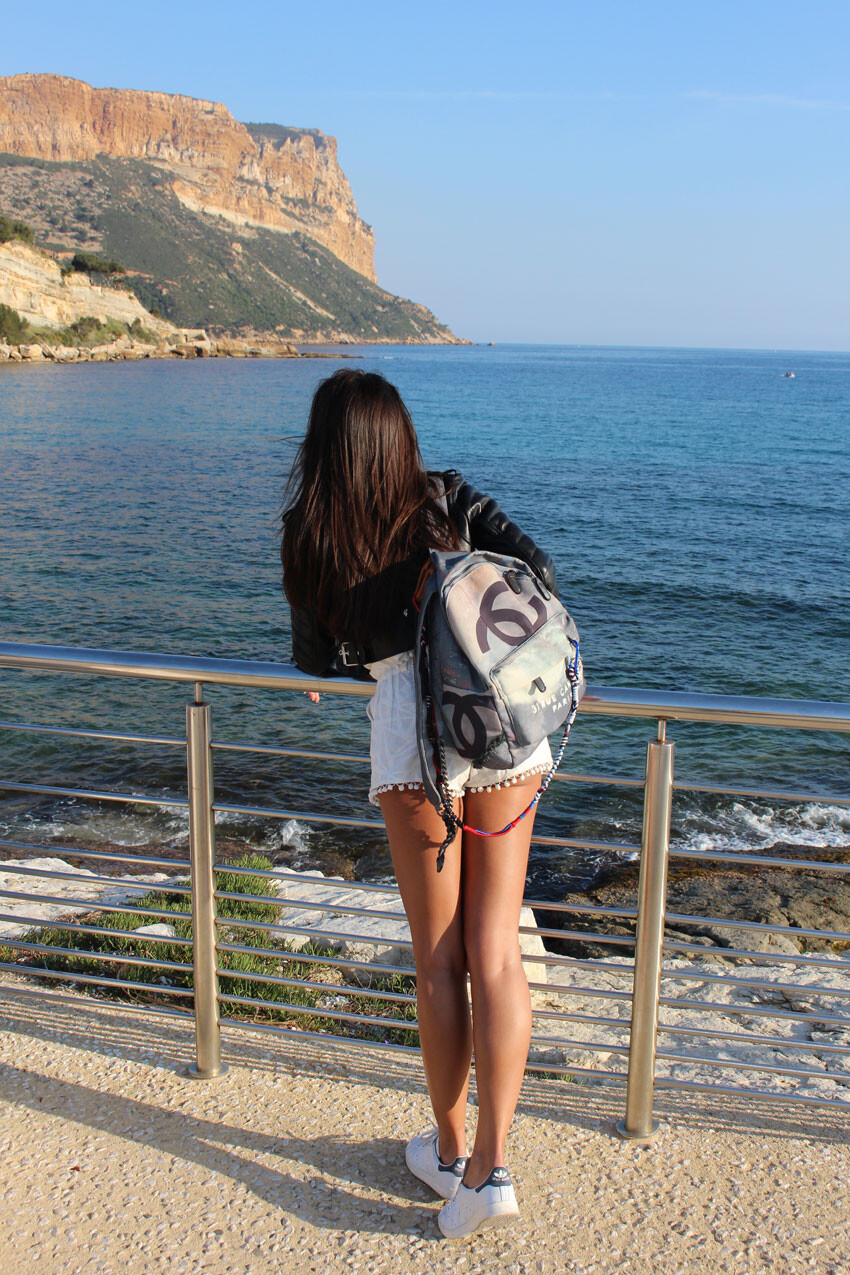
Blog Personnel Malika: Ballade à Cassis France
Une vidéo que j'adore sur une belle chanson de Sofia Karlberg "Crasy in LOVE" Ma Vie.mp4
Blog Personnel Malika: Ballade à Cassis France






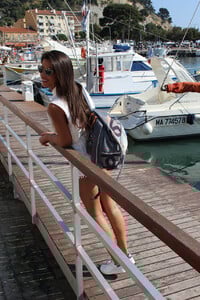
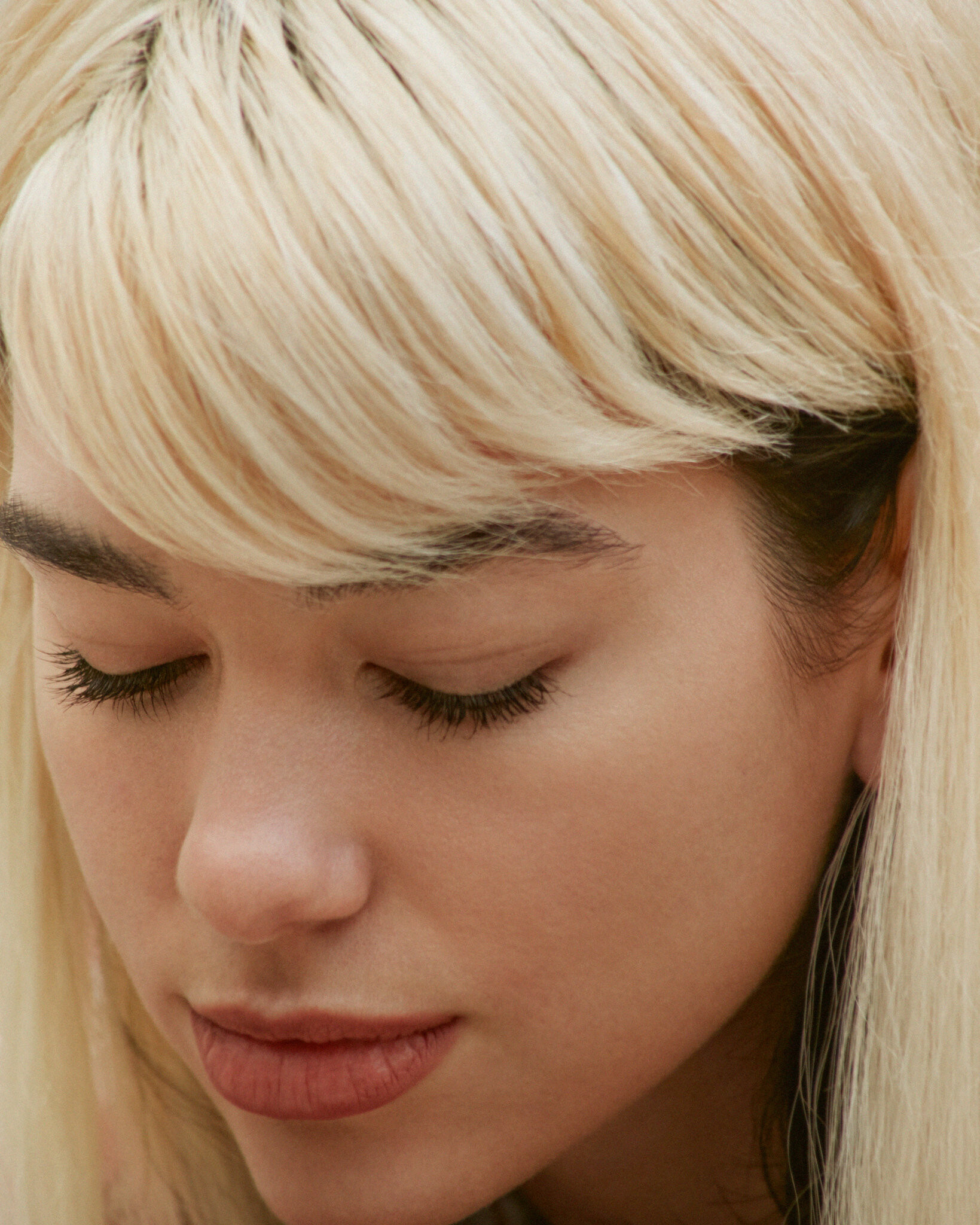
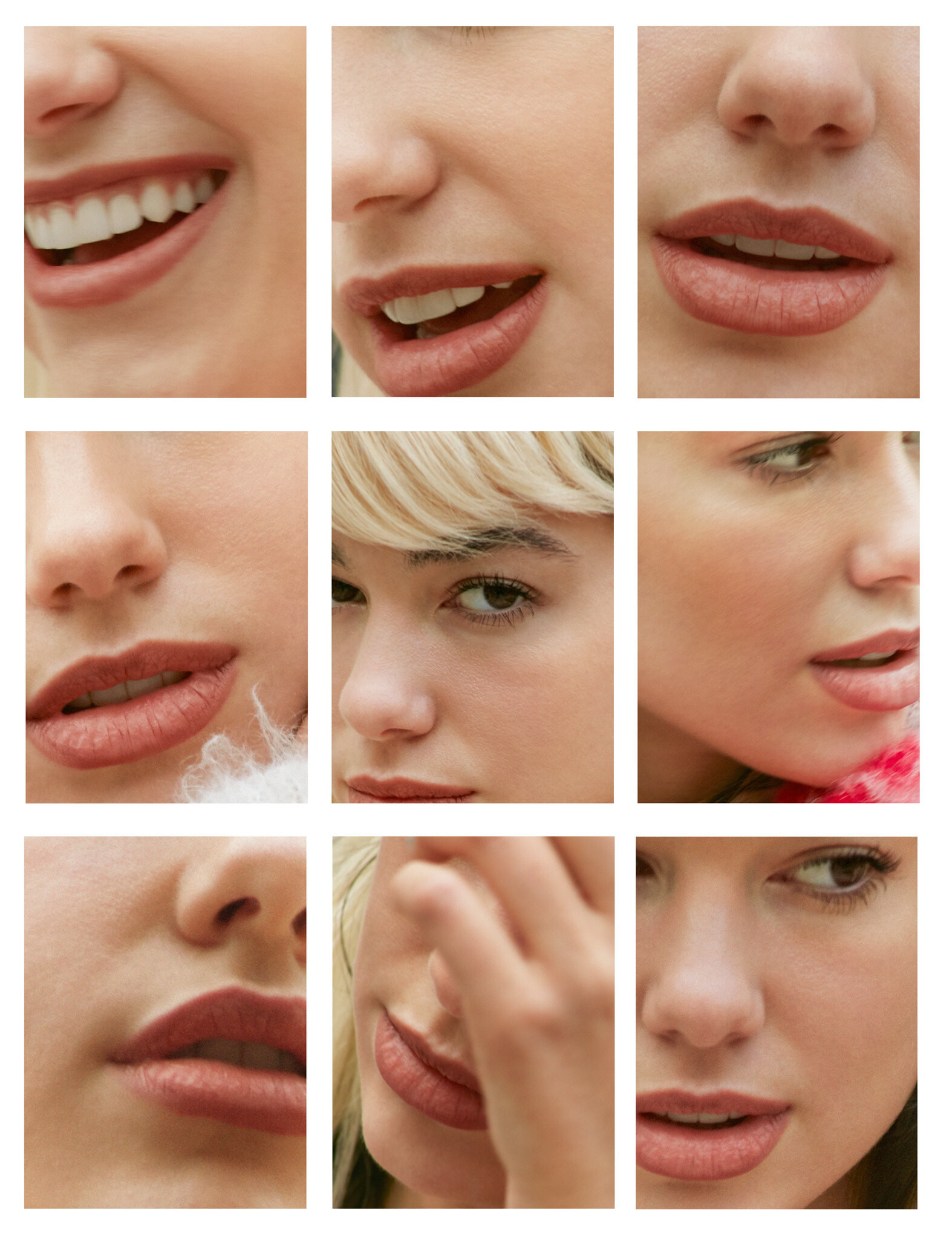
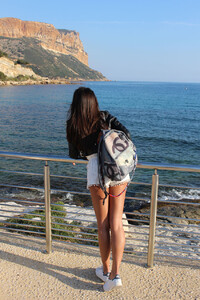 PHOTOSHOOT RAFAEL MORENO 2017














 Blog Personnel Malika: Bordeau Napoléon



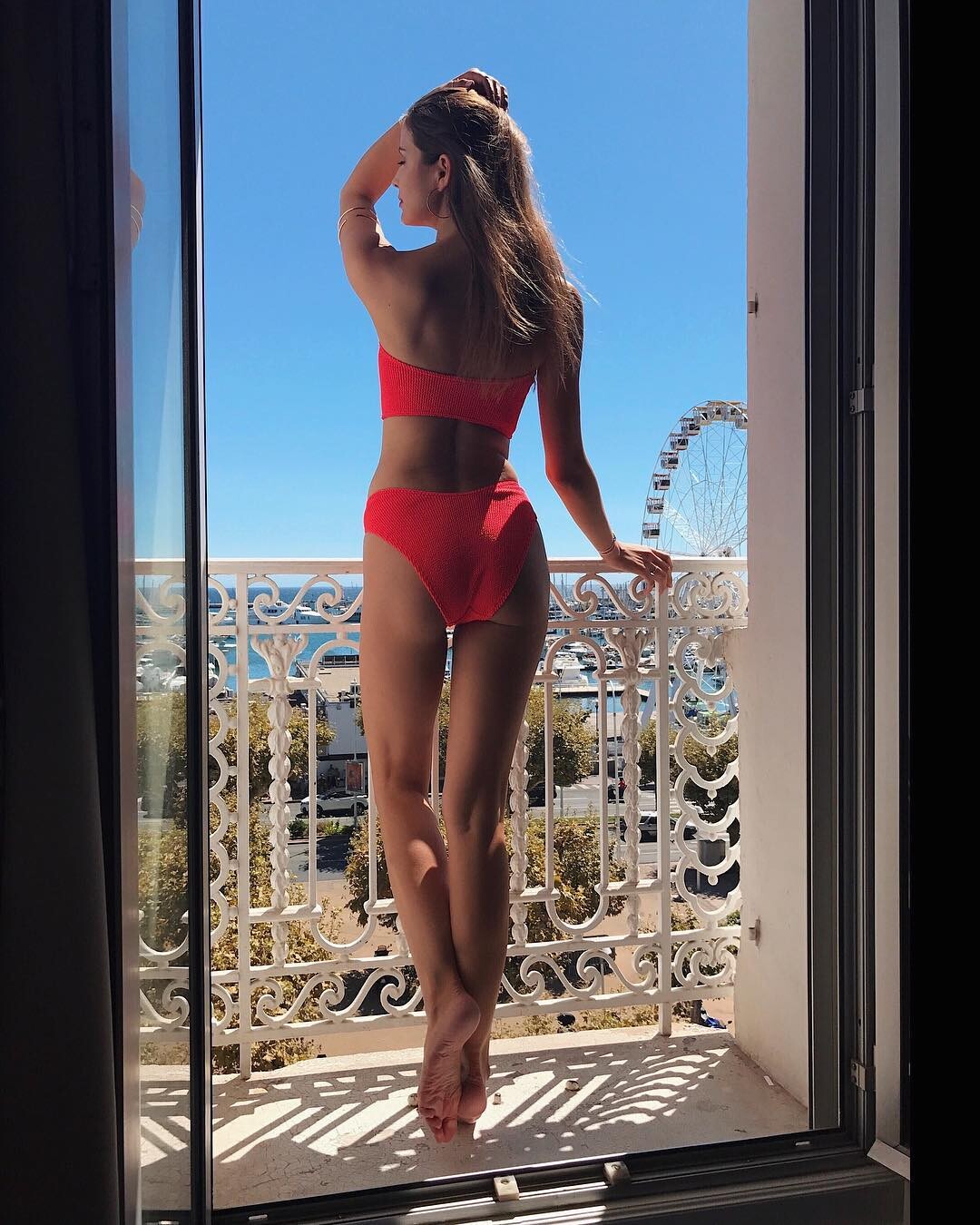
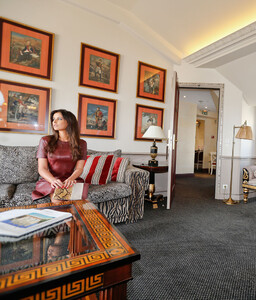 Mélange de photos 2017 Instagram 3







 Mélange de photos 2017 Instagram 1



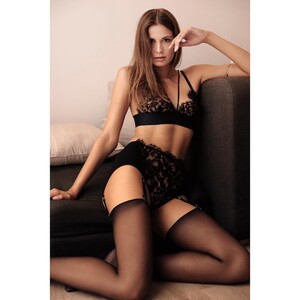


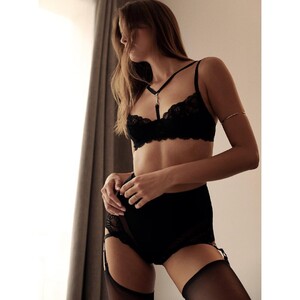
 Blog Personnel Malika: Blue Mood




 2017 Mélange de photos 2017 Instagram 1


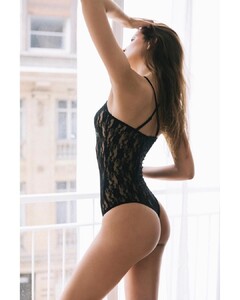

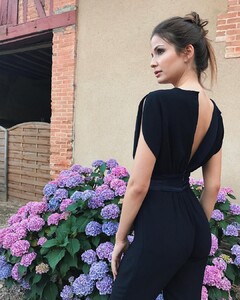



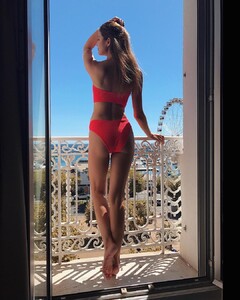
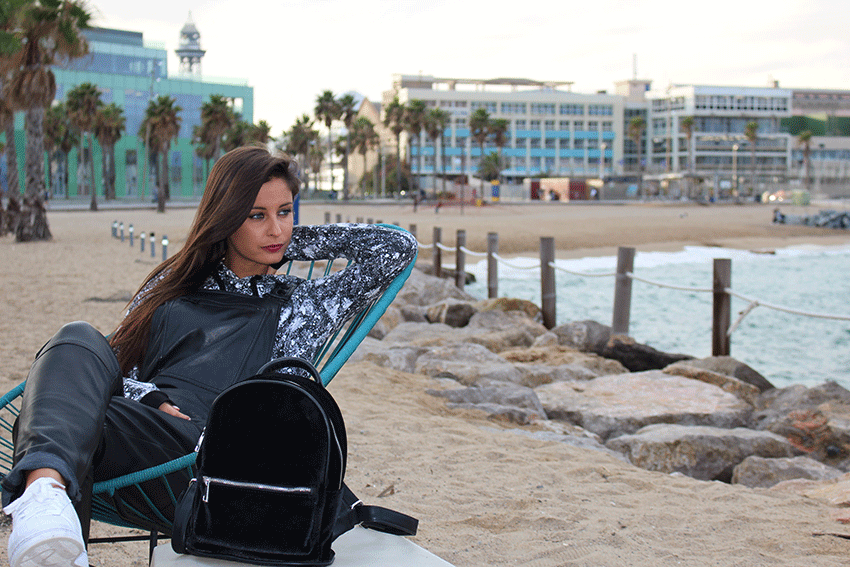
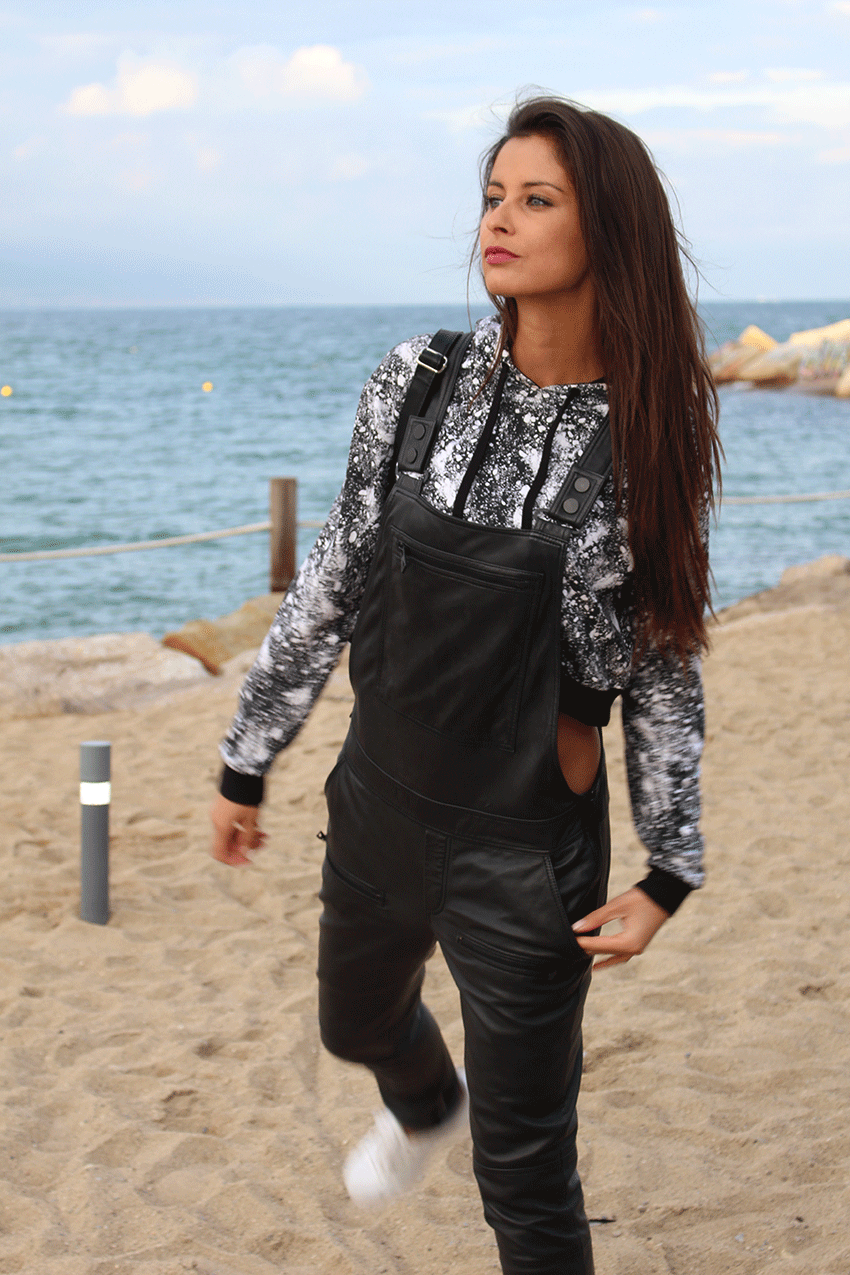
 Blog Personnel Malika: Bleu, Gris, Rouge et Barcelona


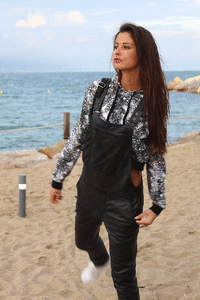 VIDÉO Photoshoot pour LUI Magazine Italie 2016 Vidéo Lui Mag 2.mp4
VIDÉO Photoshoot pour LUI Magazine Italie 2016 Vidéo Lui Mag 1.mp4
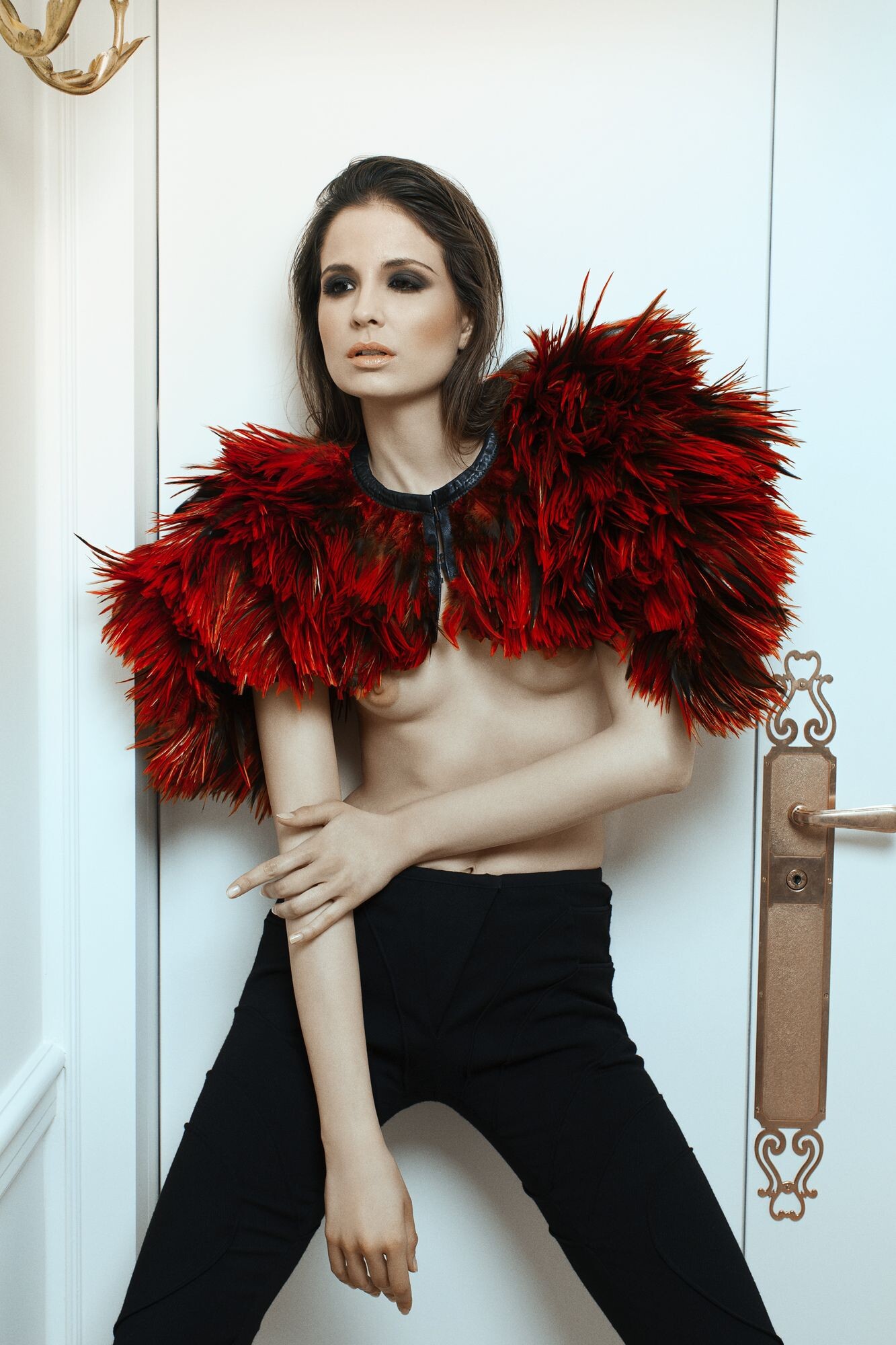
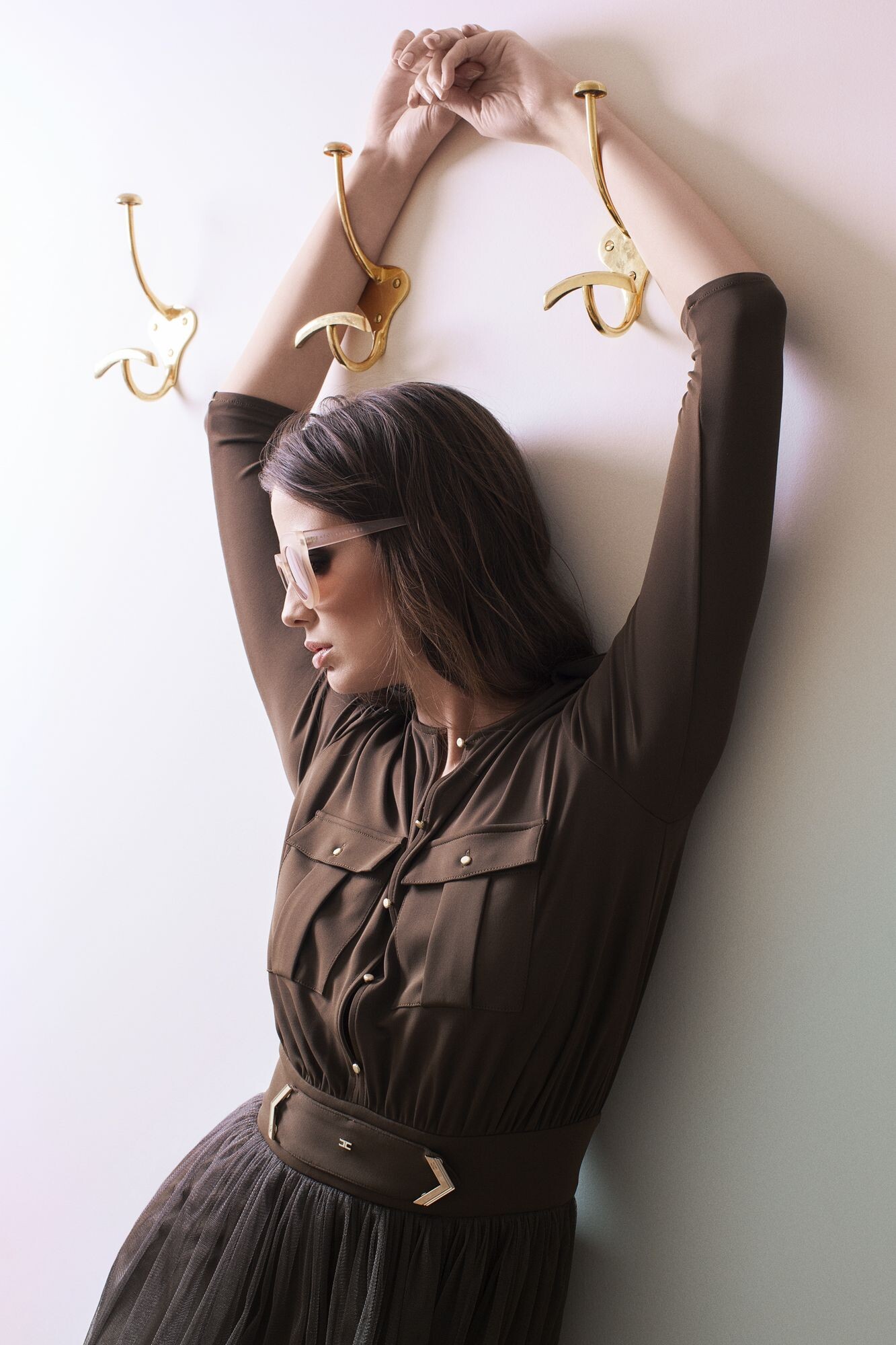
Photoshoot pour LUI Magazine Italie 2016
VIDÉO Photoshoot pour LUI Magazine Italie 2016 Vidéo Lui Mag 2.mp4
VIDÉO Photoshoot pour LUI Magazine Italie 2016 Vidéo Lui Mag 1.mp4
Photoshoot pour LUI Magazine Italie 2016








 2015 Blog Personnel Malika: Bienvenue




 Lancement Hair Glam 2014




 Mélange de photos 2016 Instagram 3















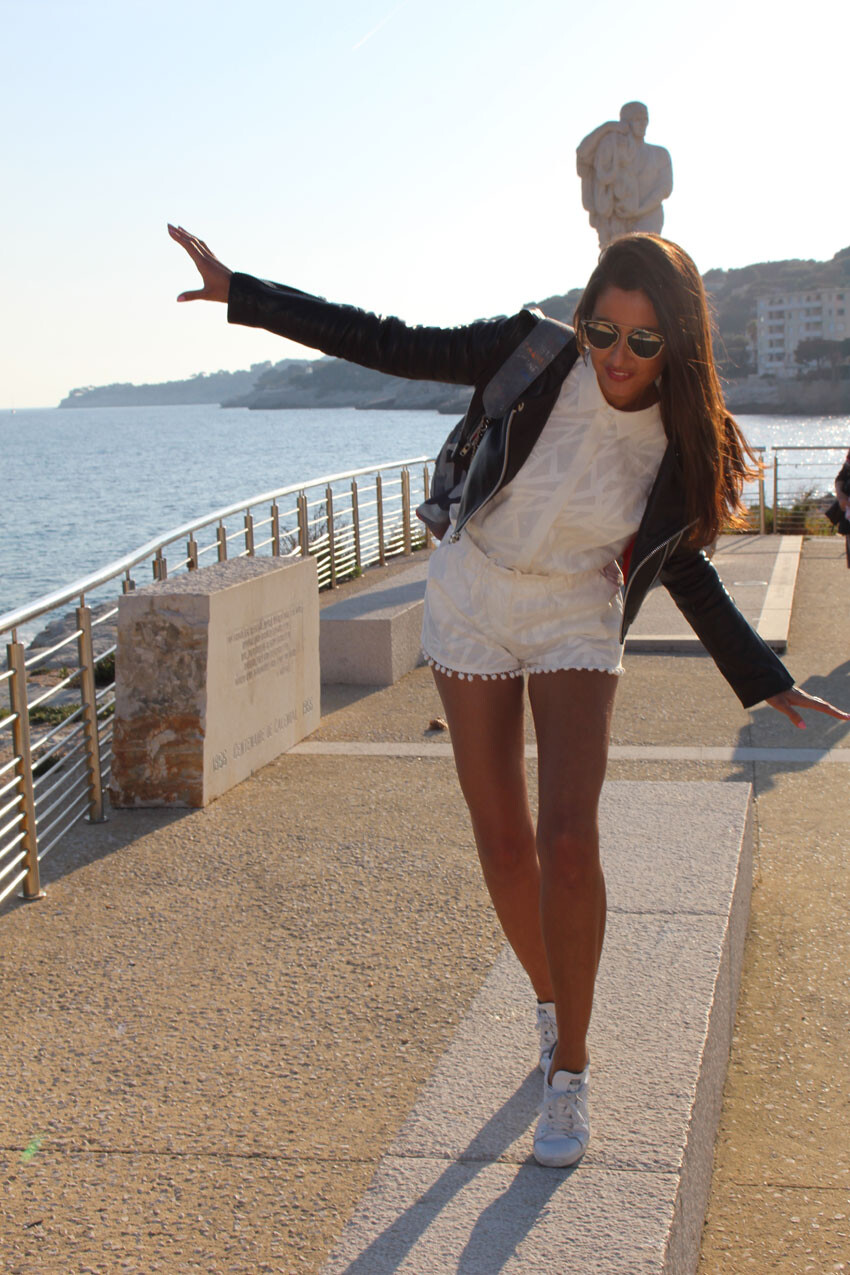





























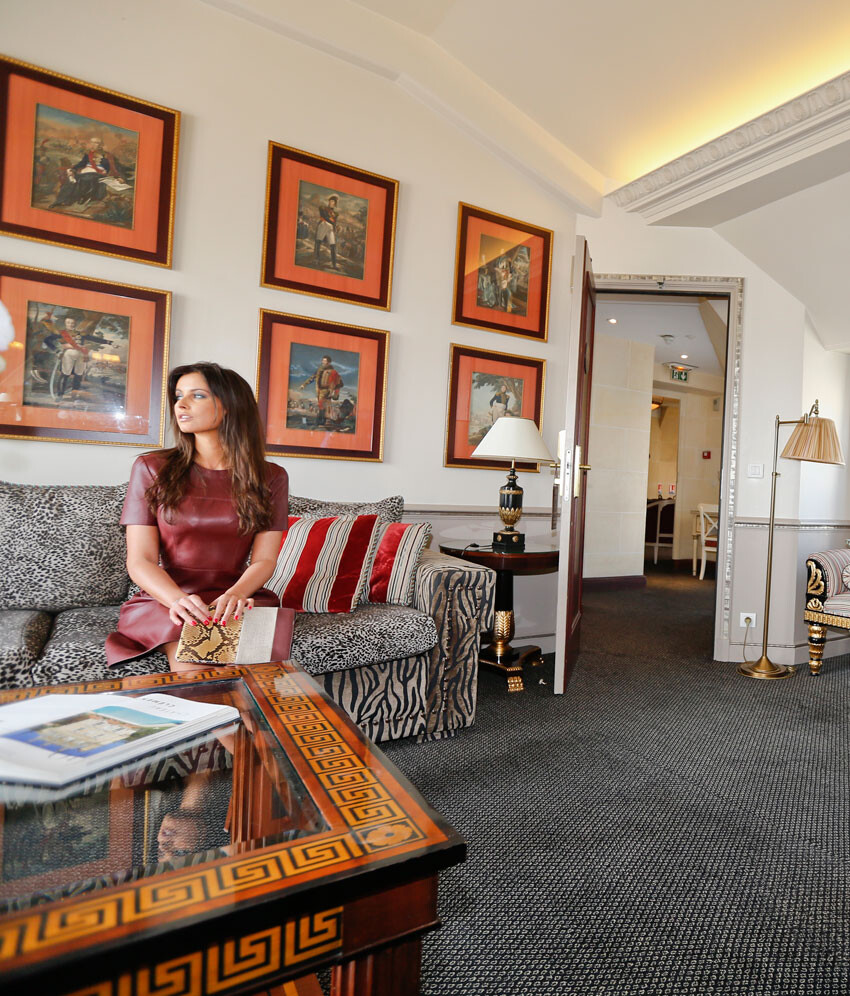



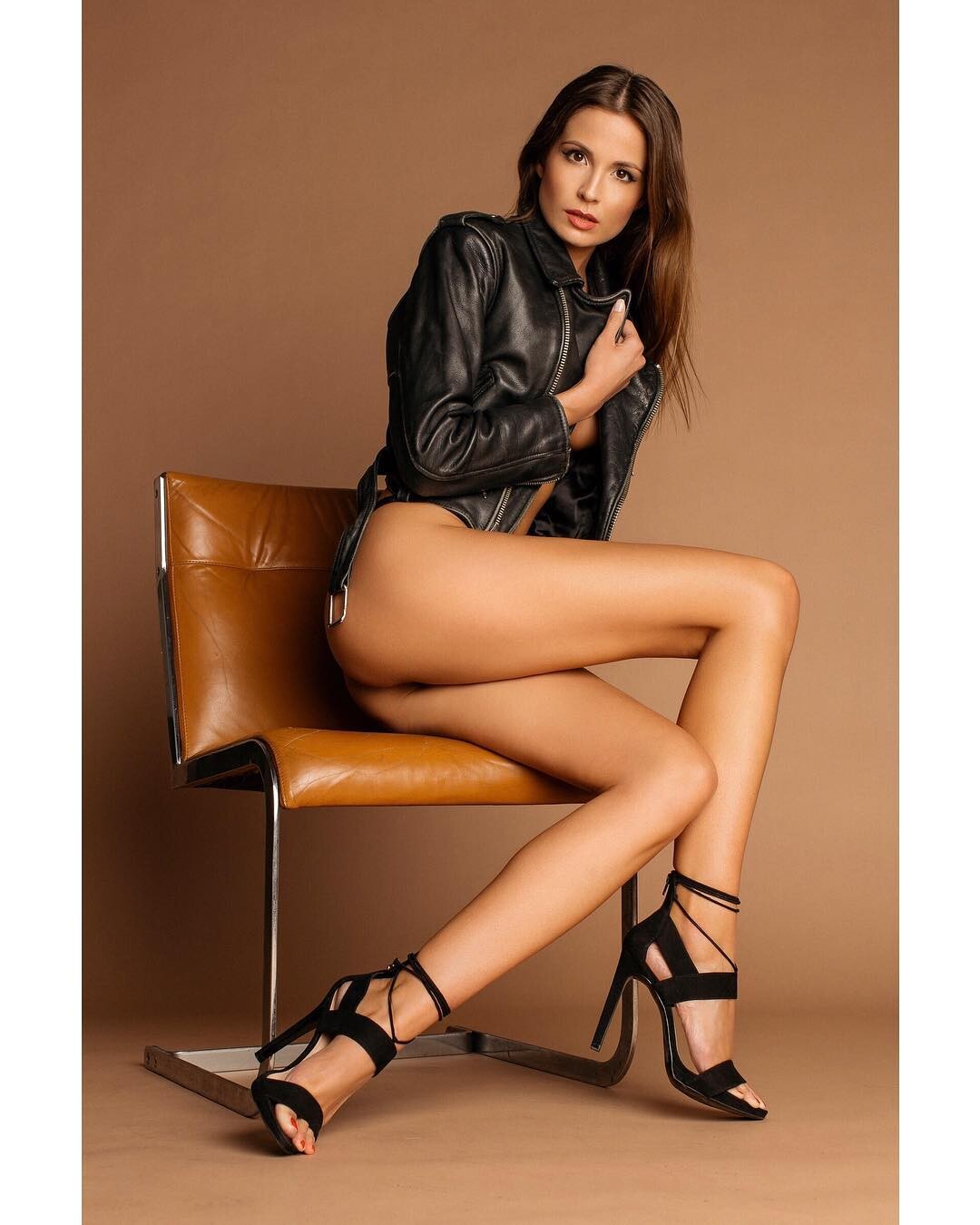



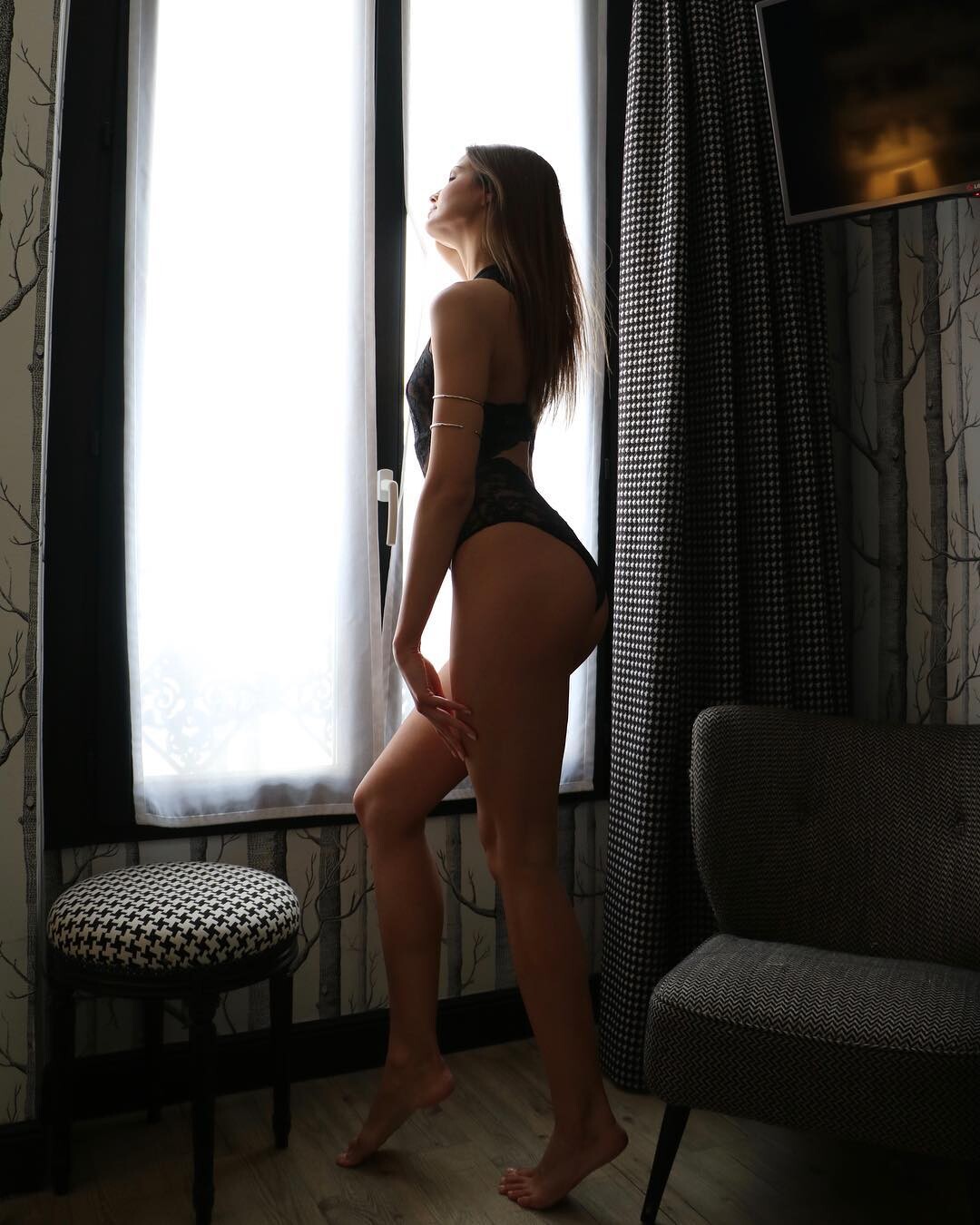
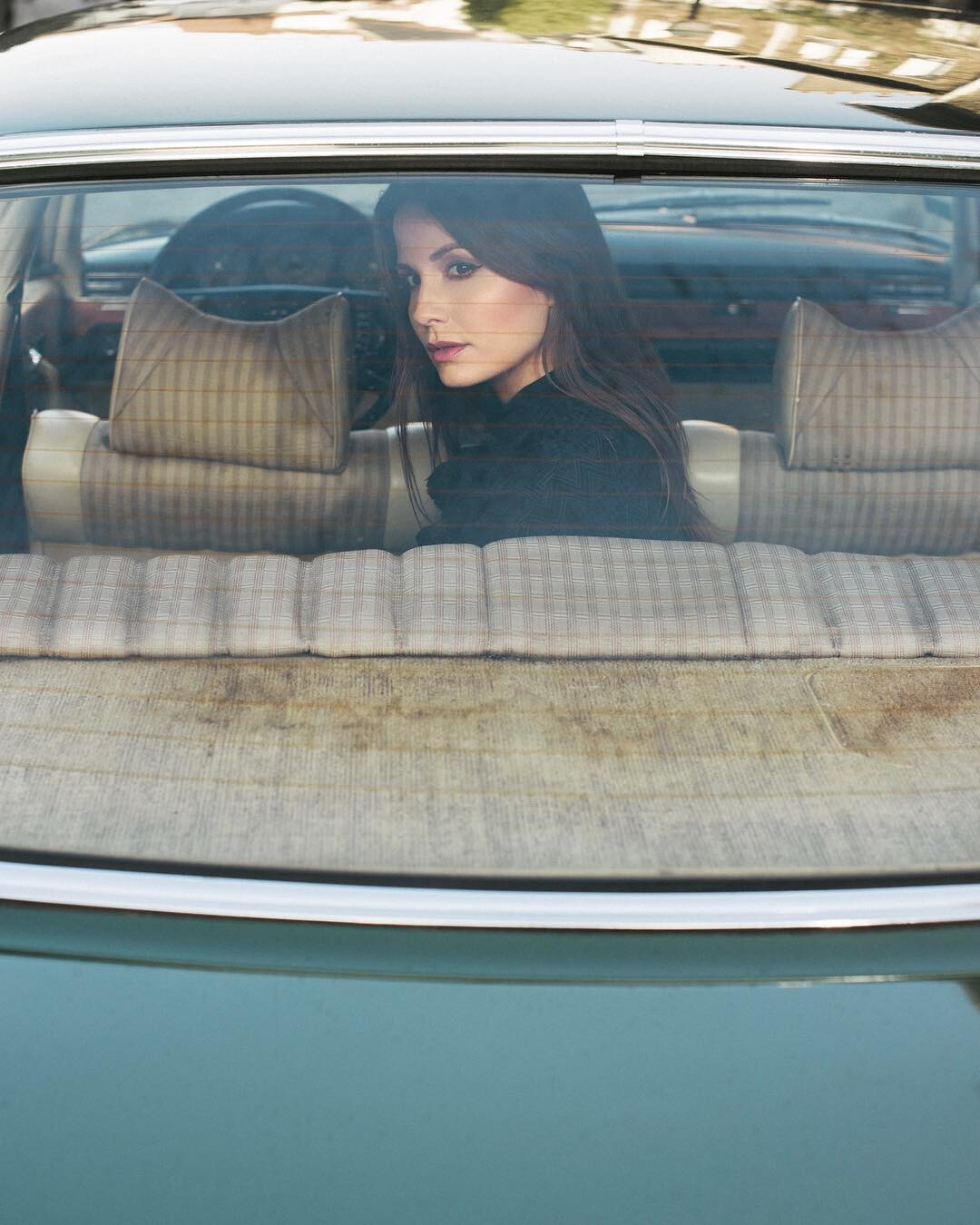


















































Account
Navigation
Search
Configure browser push notifications
Chrome (Android)
- Tap the lock icon next to the address bar.
- Tap Permissions → Notifications.
- Adjust your preference.
Chrome (Desktop)
- Click the padlock icon in the address bar.
- Select Site settings.
- Find Notifications and adjust your preference.
Safari (iOS 16.4+)
- Ensure the site is installed via Add to Home Screen.
- Open Settings App → Notifications.
- Find your app name and adjust your preference.
Safari (macOS)
- Go to Safari → Preferences.
- Click the Websites tab.
- Select Notifications in the sidebar.
- Find this website and adjust your preference.
Edge (Android)
- Tap the lock icon next to the address bar.
- Tap Permissions.
- Find Notifications and adjust your preference.
Edge (Desktop)
- Click the padlock icon in the address bar.
- Click Permissions for this site.
- Find Notifications and adjust your preference.
Firefox (Android)
- Go to Settings → Site permissions.
- Tap Notifications.
- Find this site in the list and adjust your preference.
Firefox (Desktop)
- Open Firefox Settings.
- Search for Notifications.
- Find this site in the list and adjust your preference.