Soeniel
Members
-
Joined
-
Last visited
Everything posted by Soeniel
-
 Nelly
Nelly
















































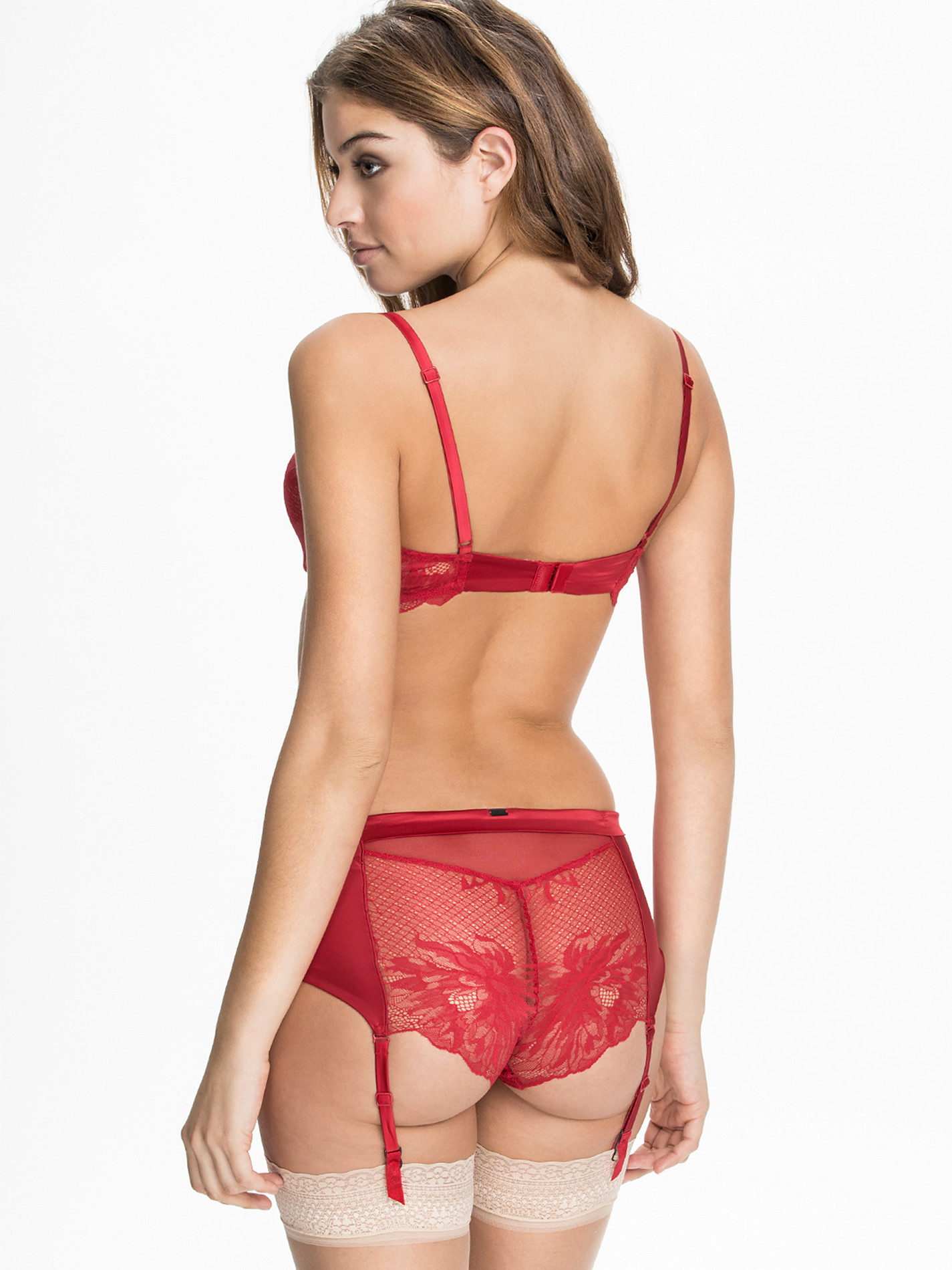
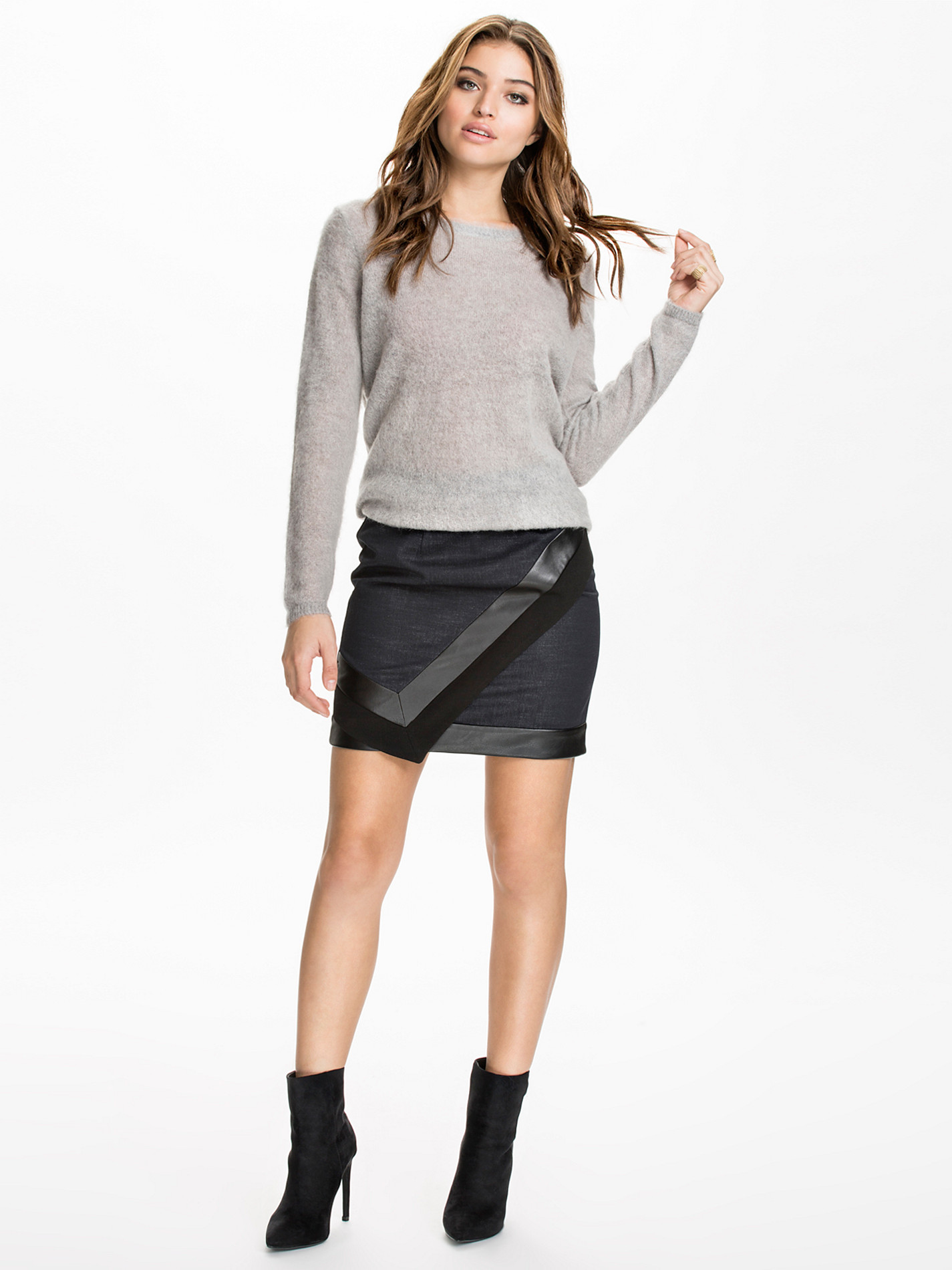
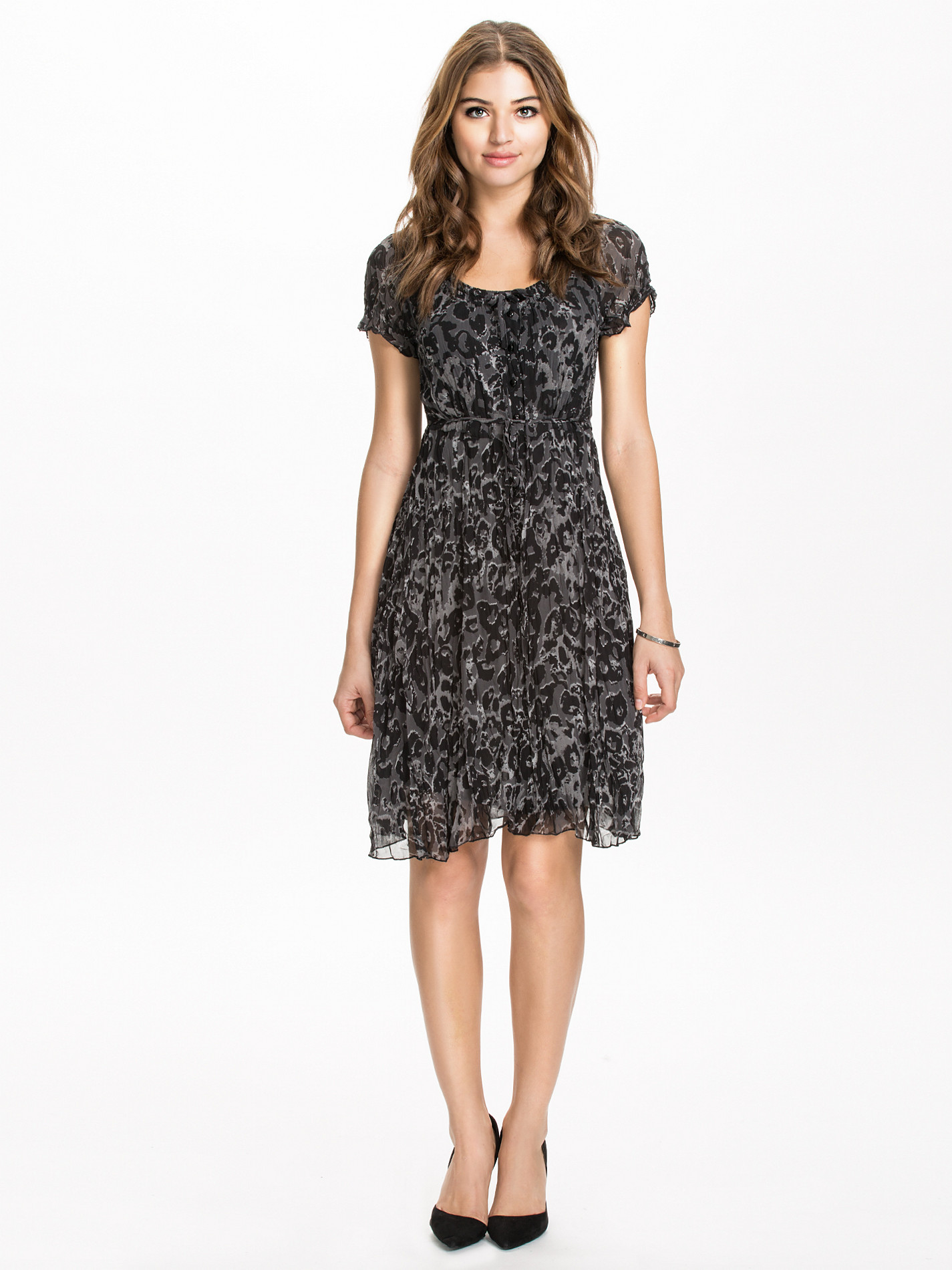
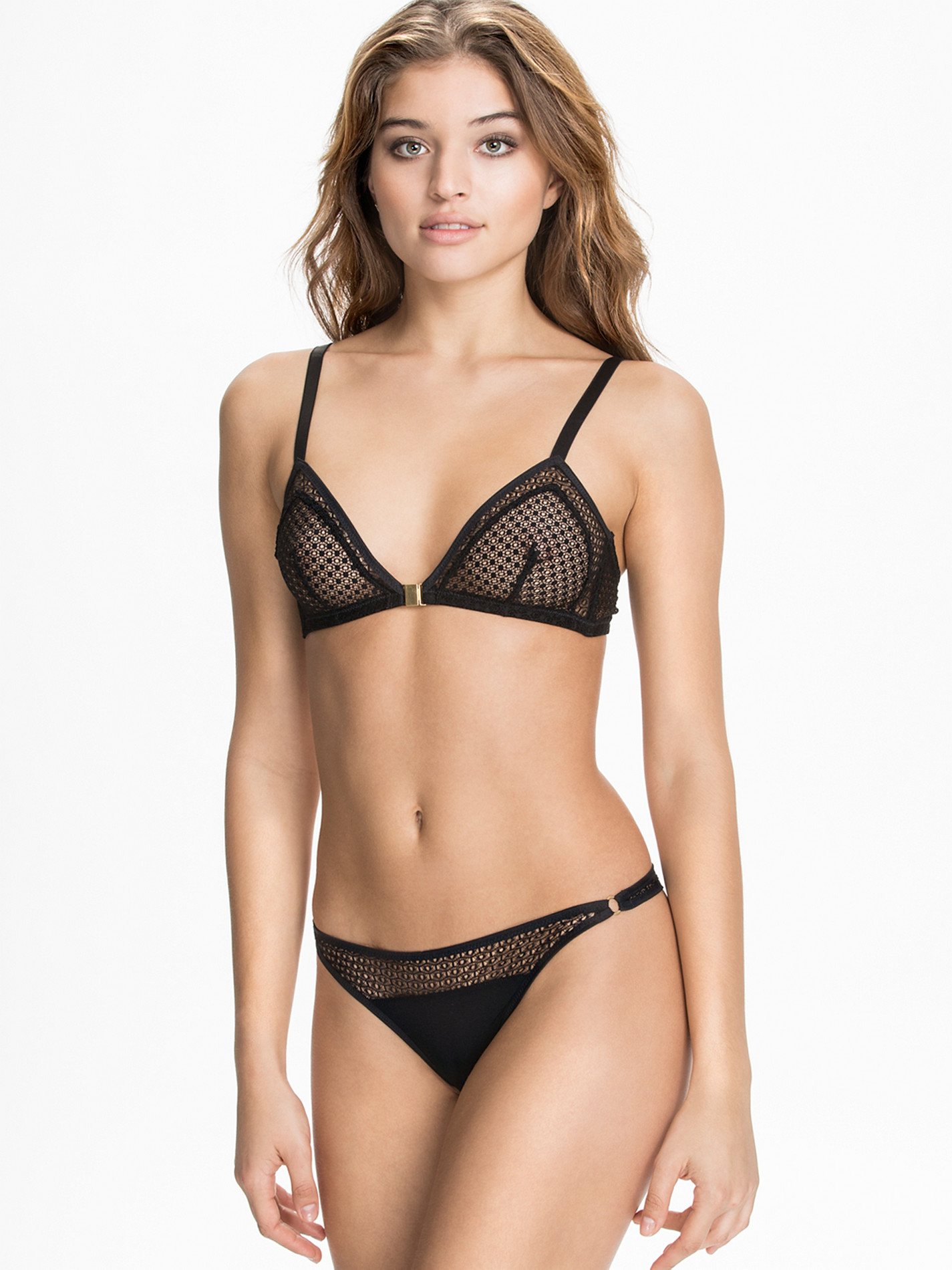
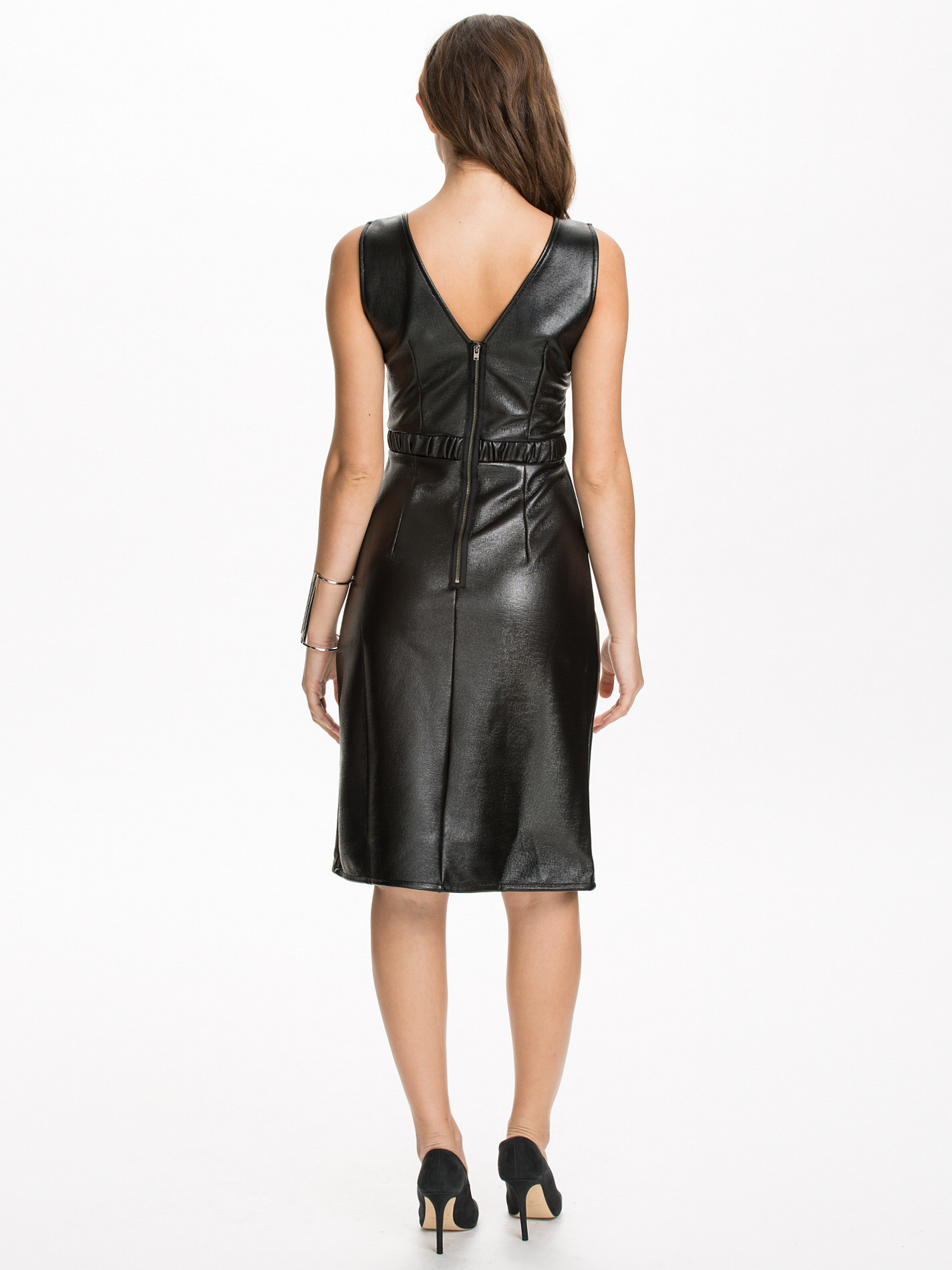
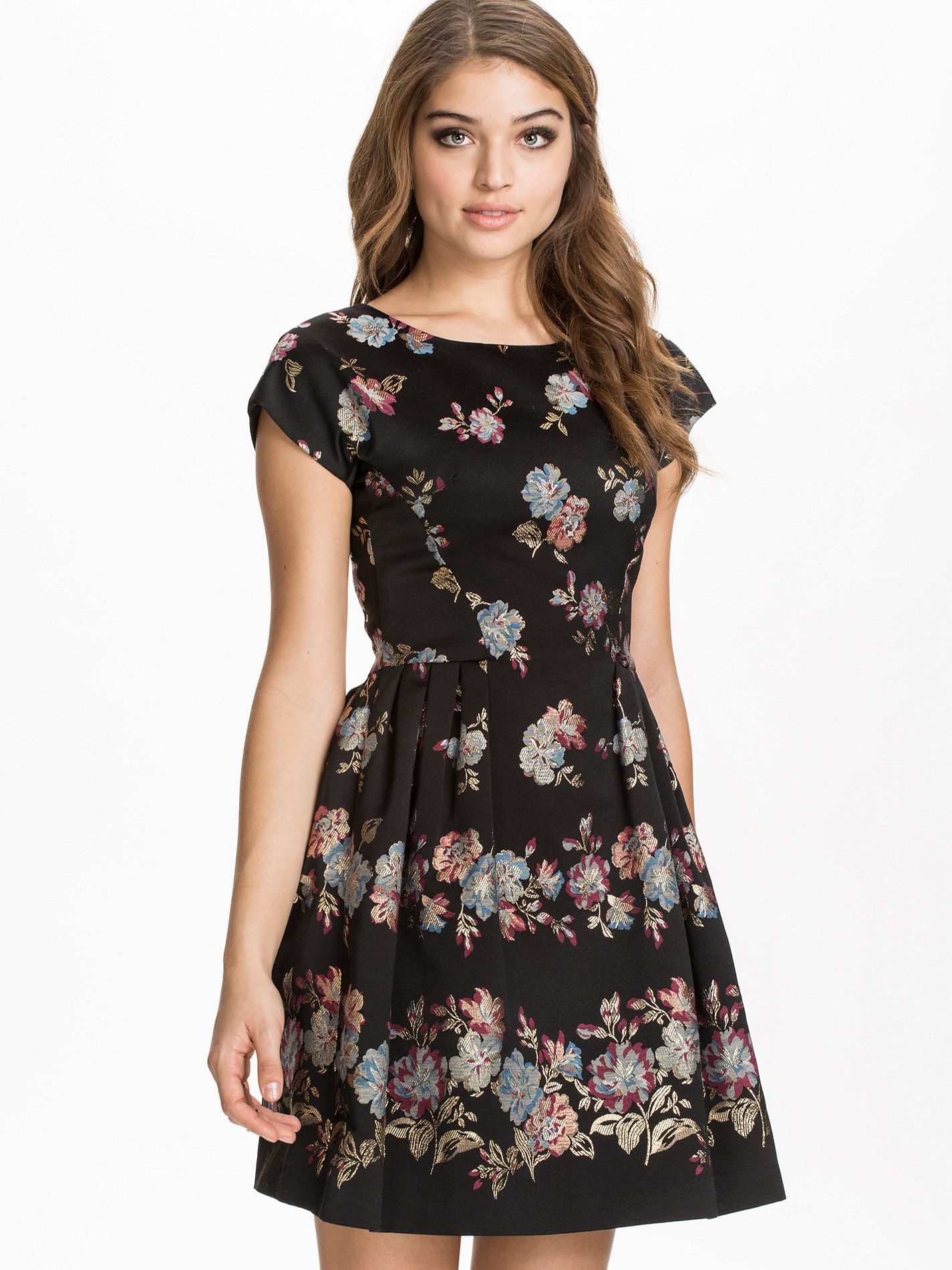
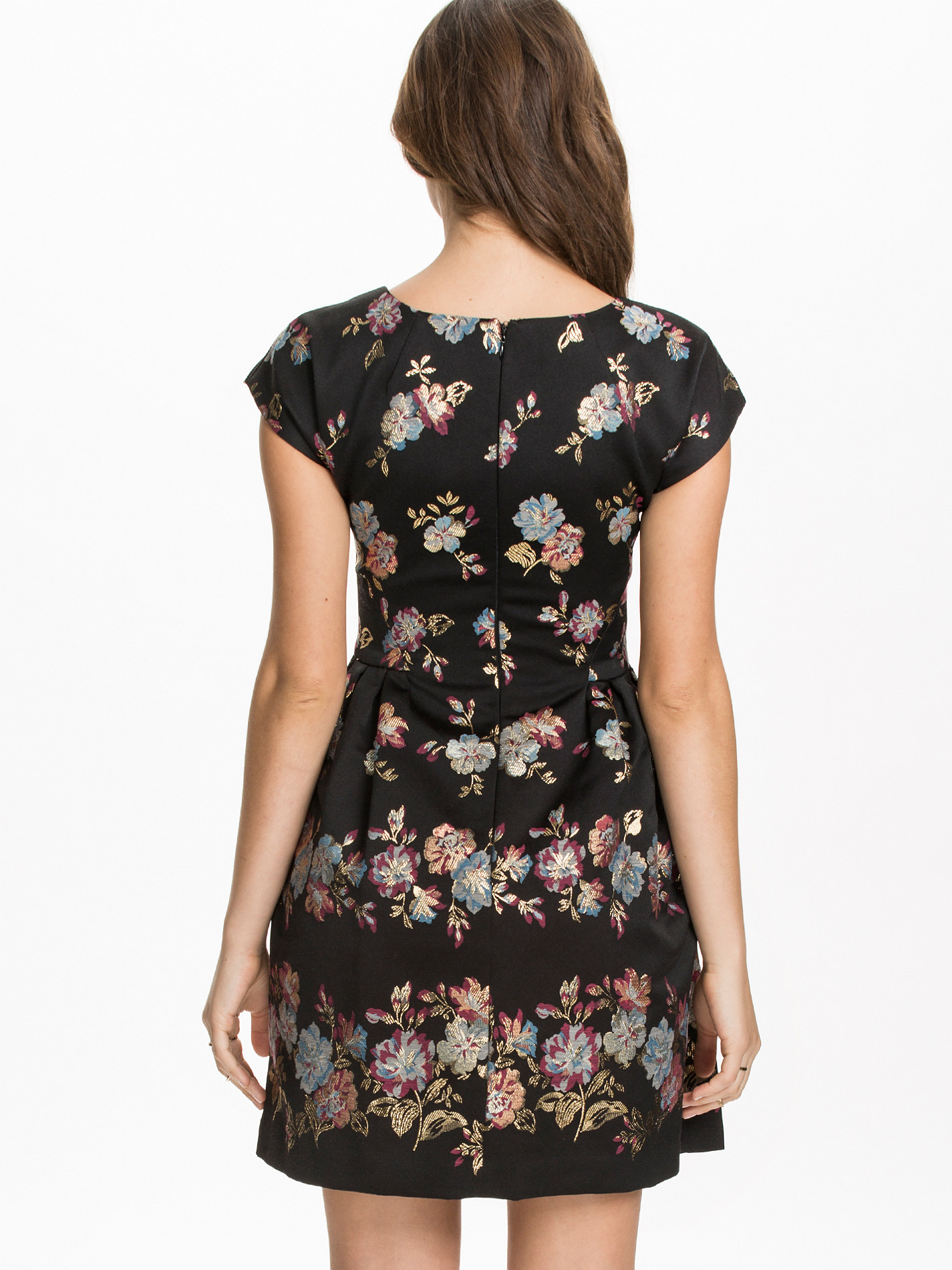
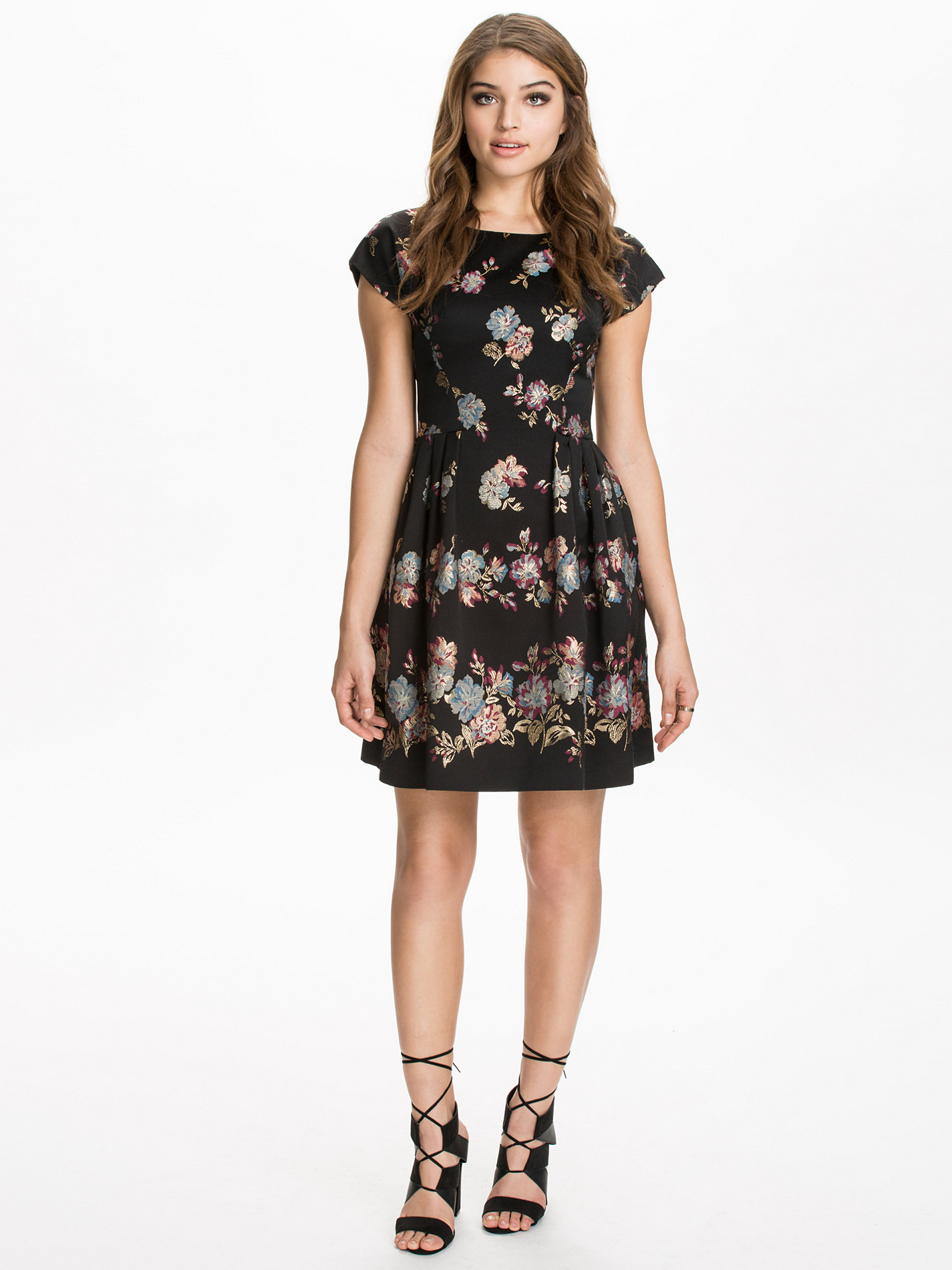
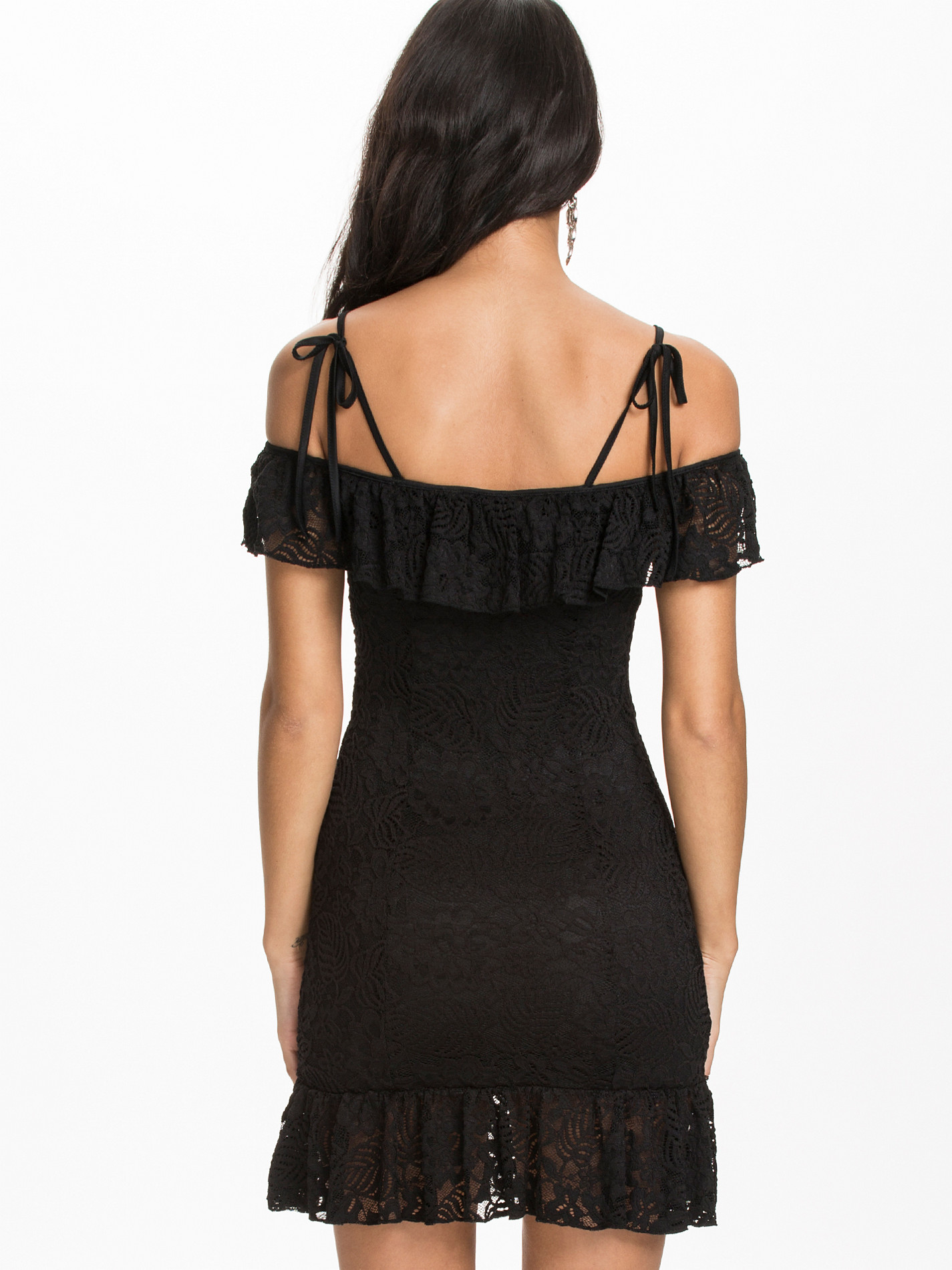
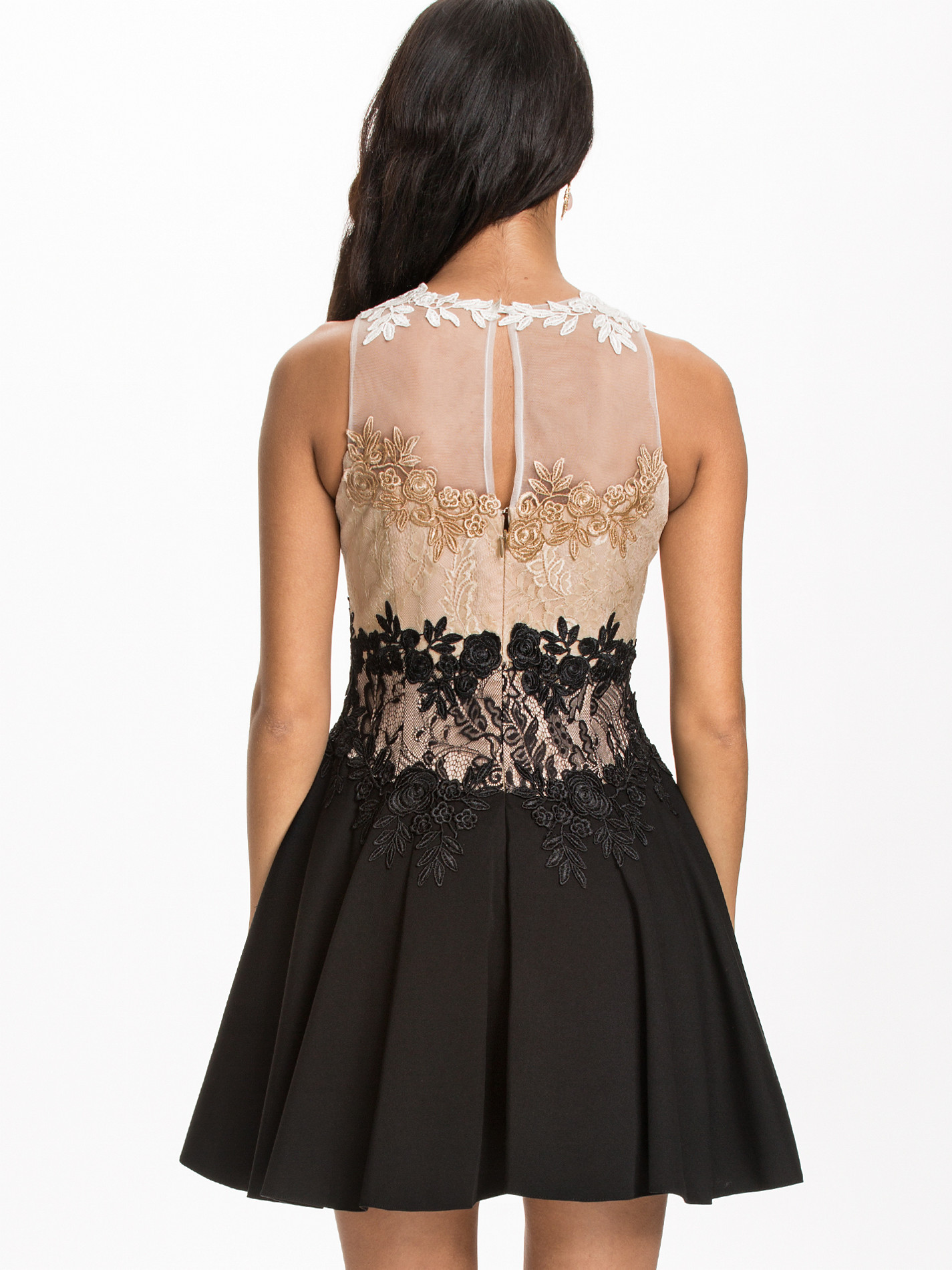
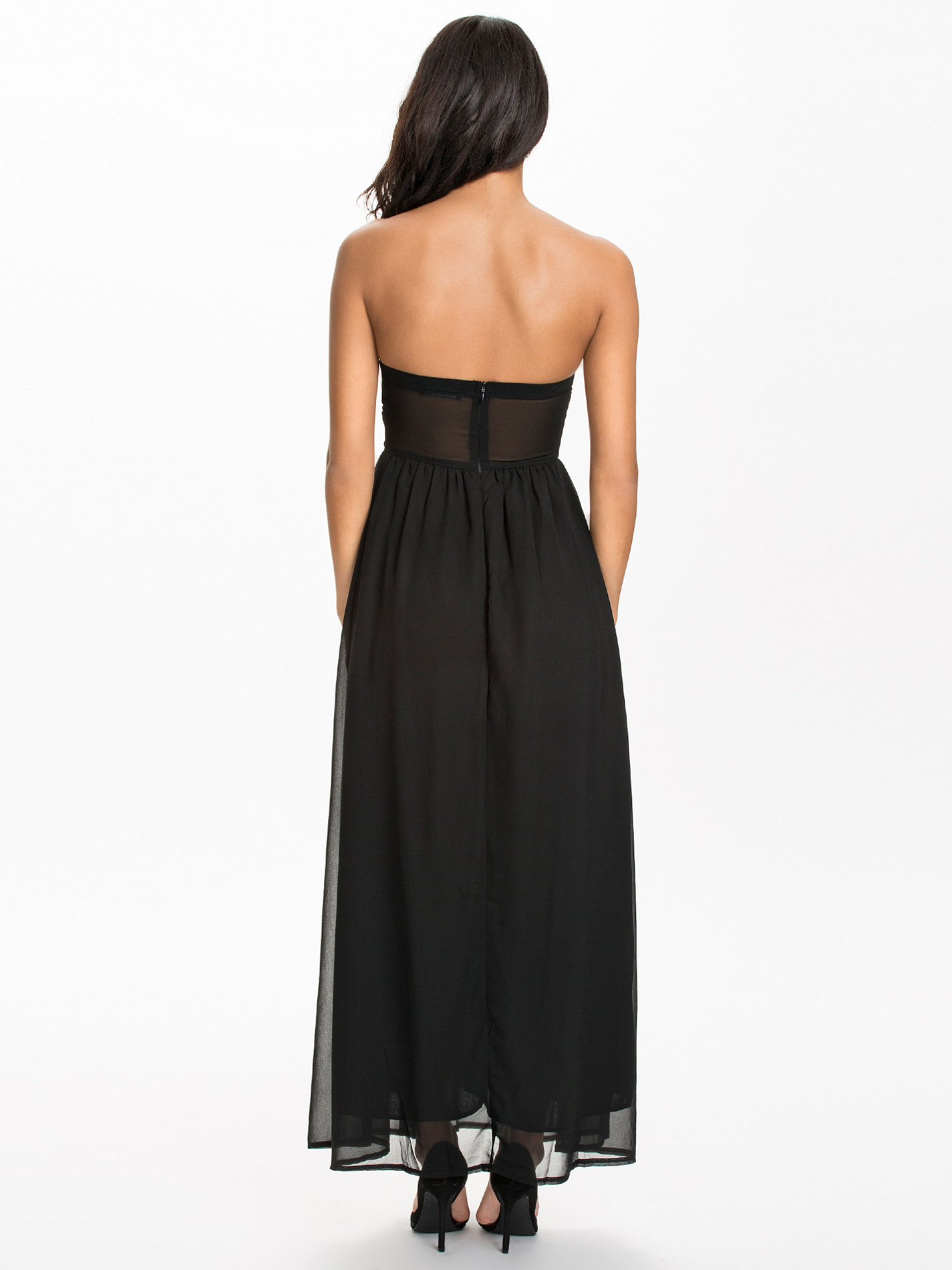
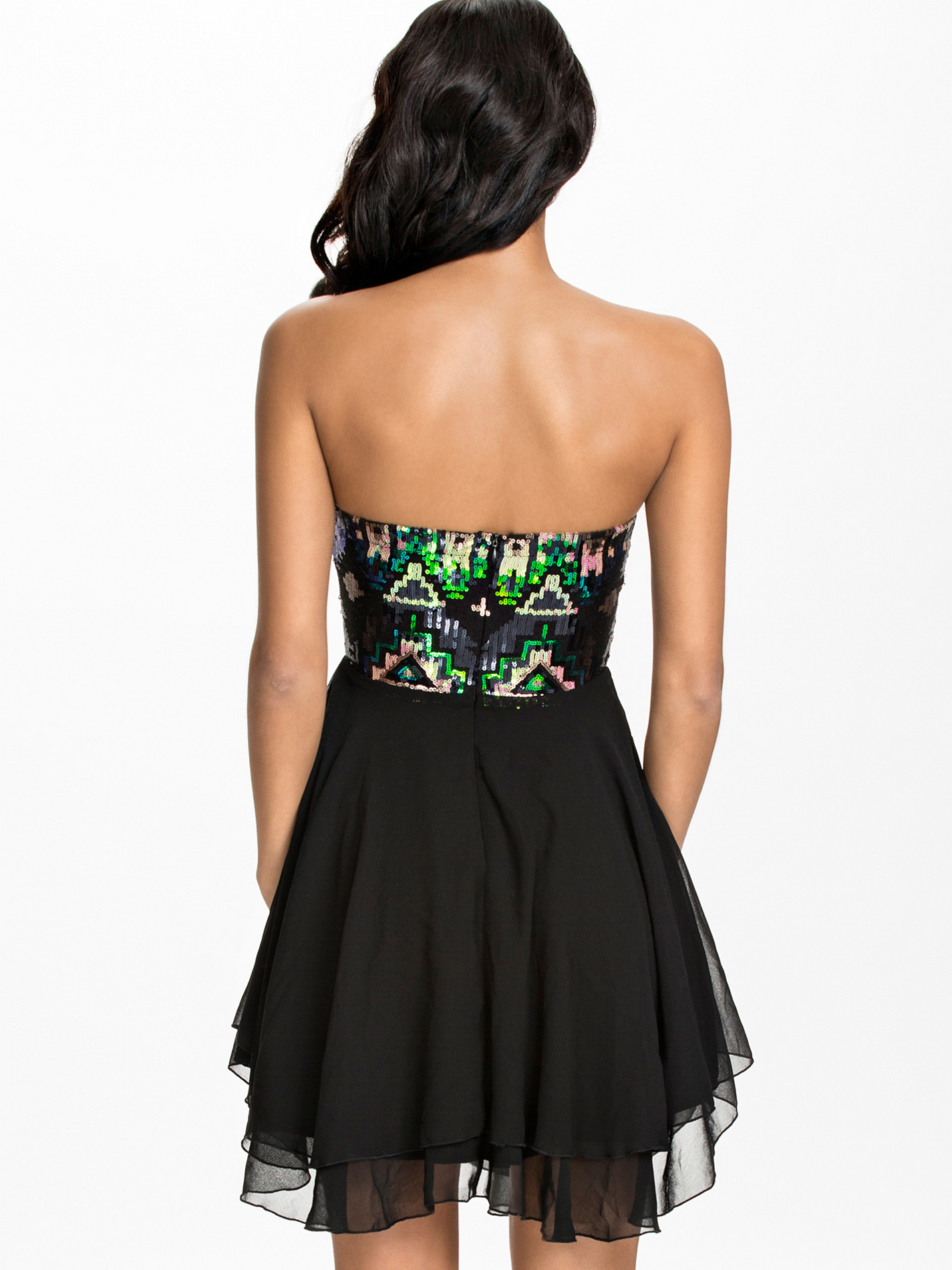
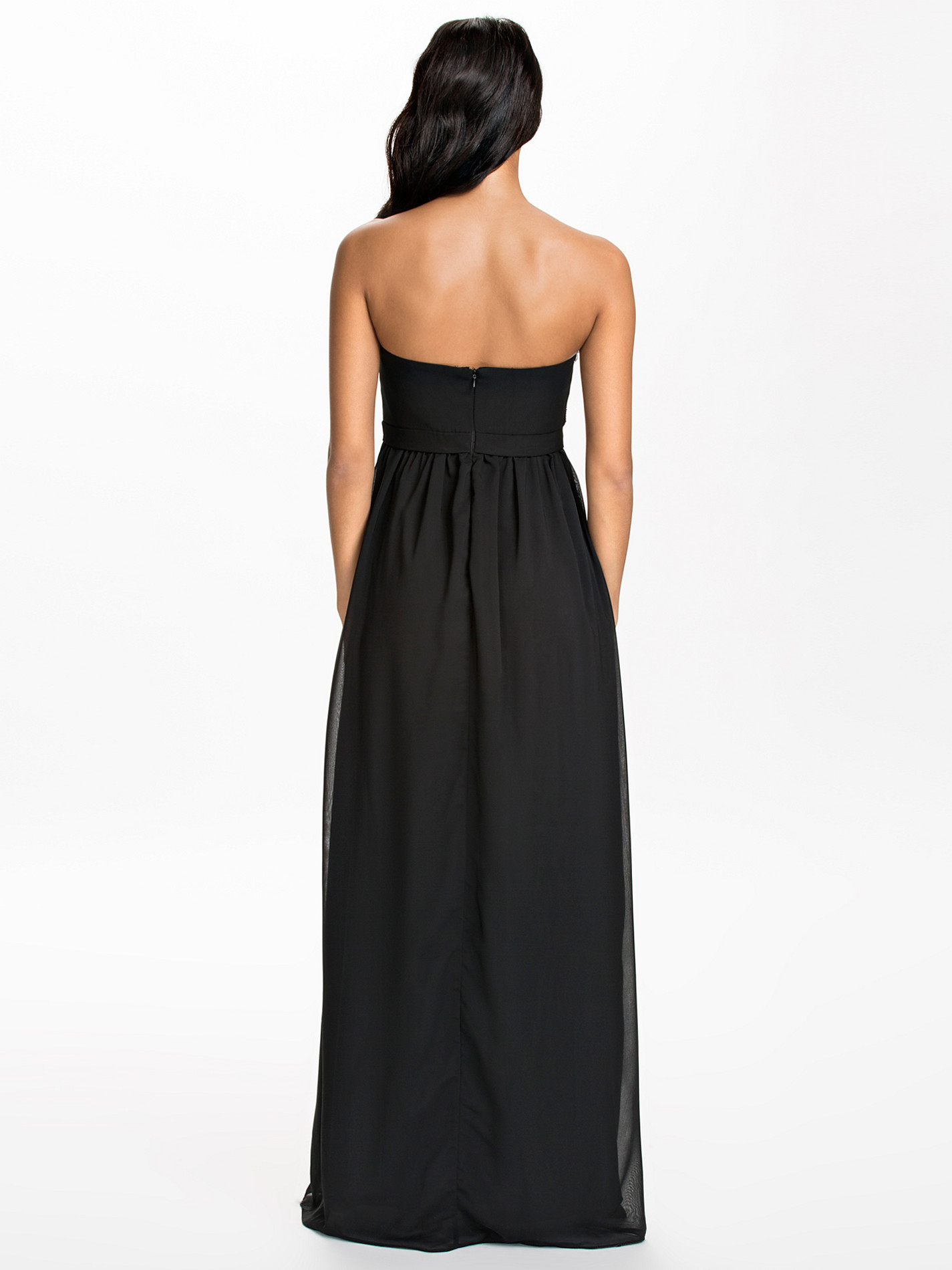
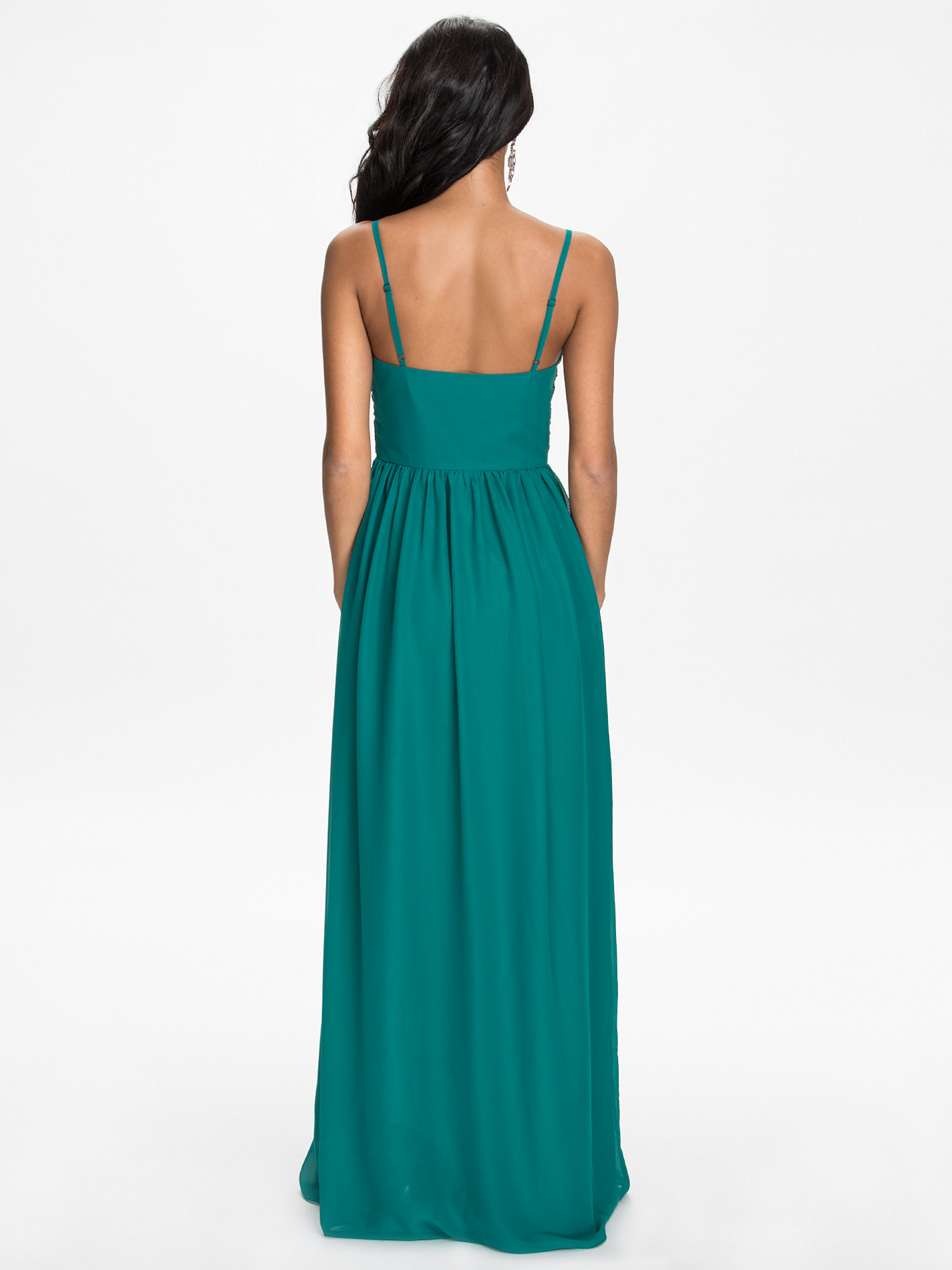
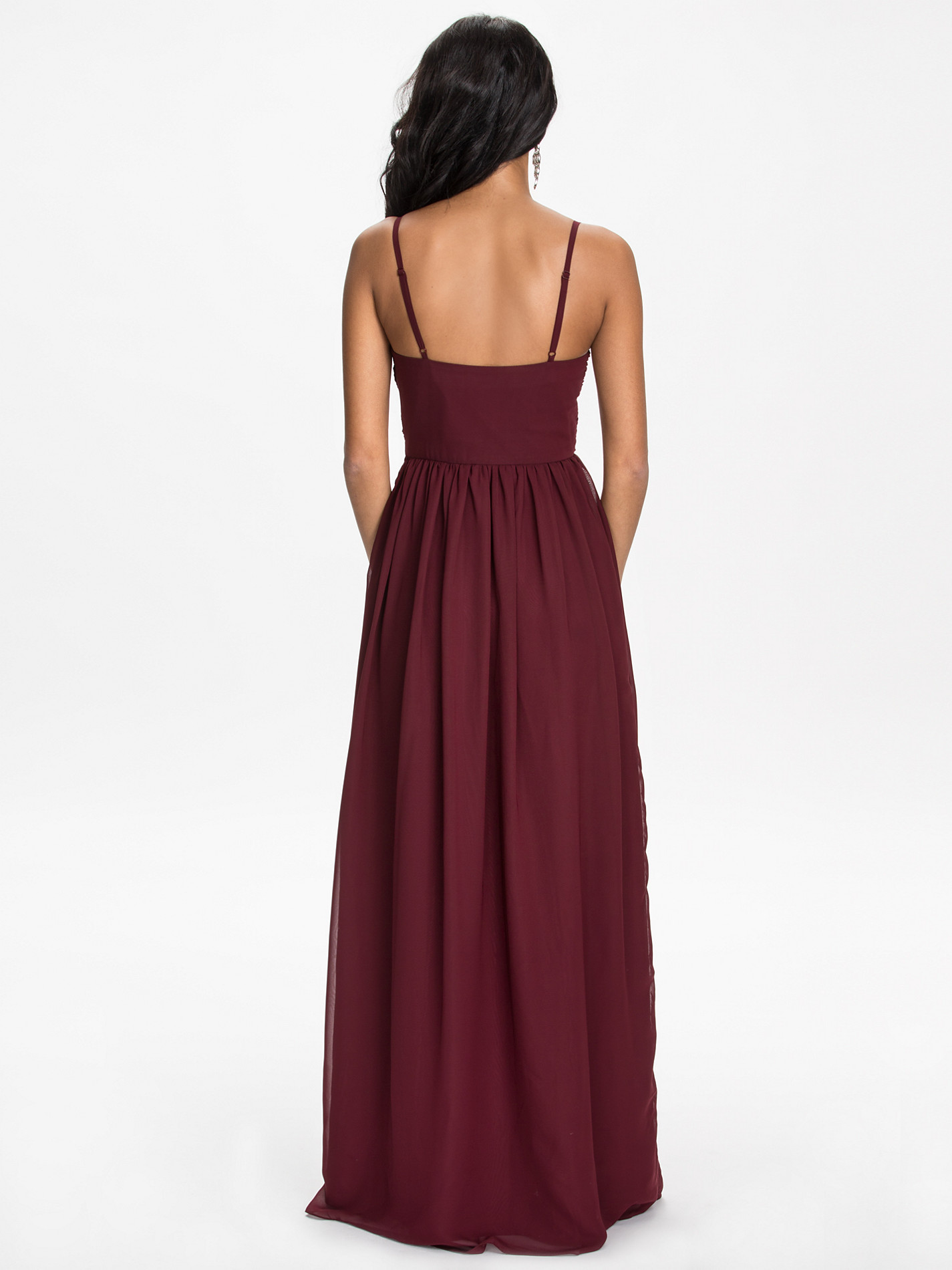
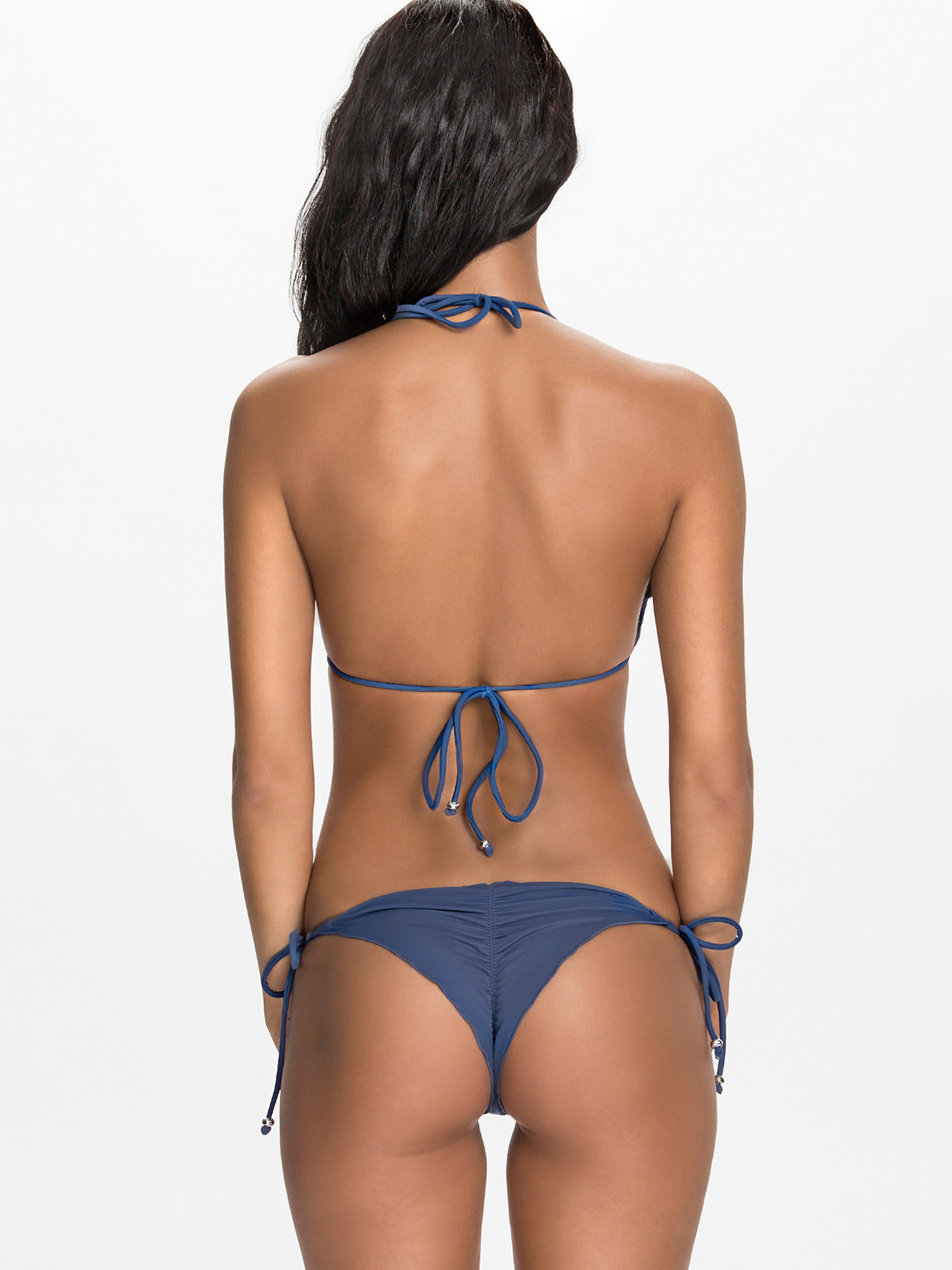
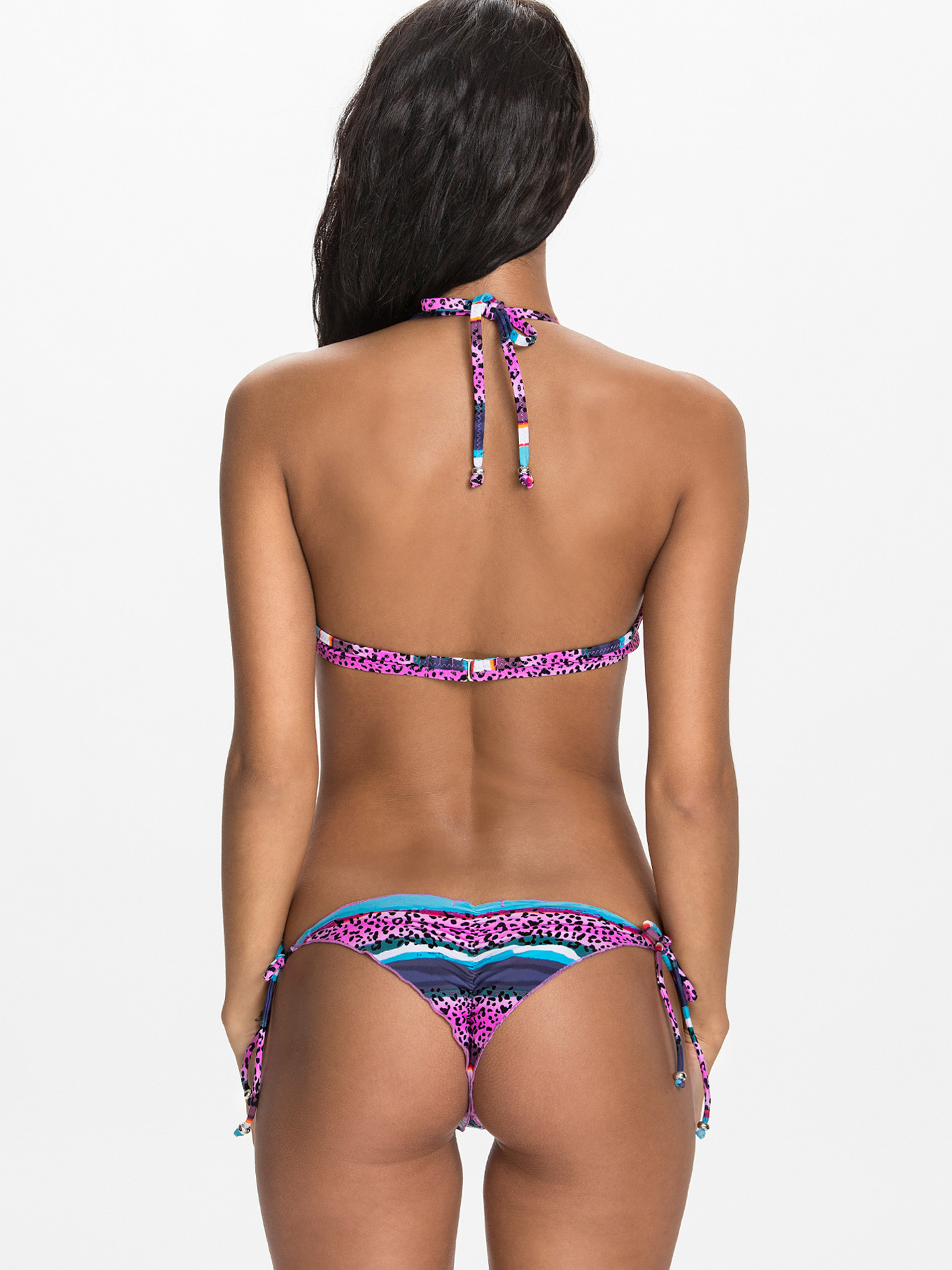
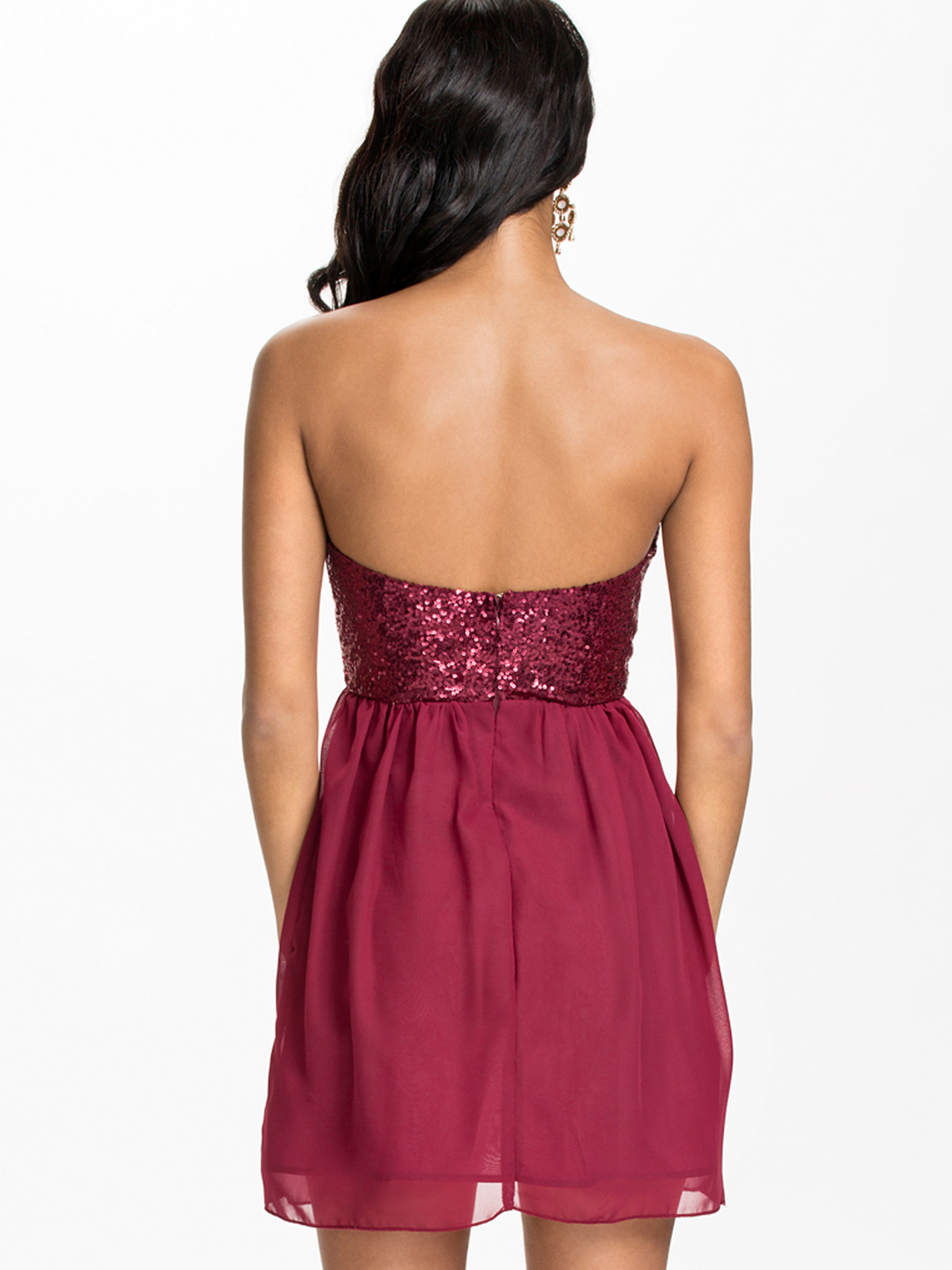
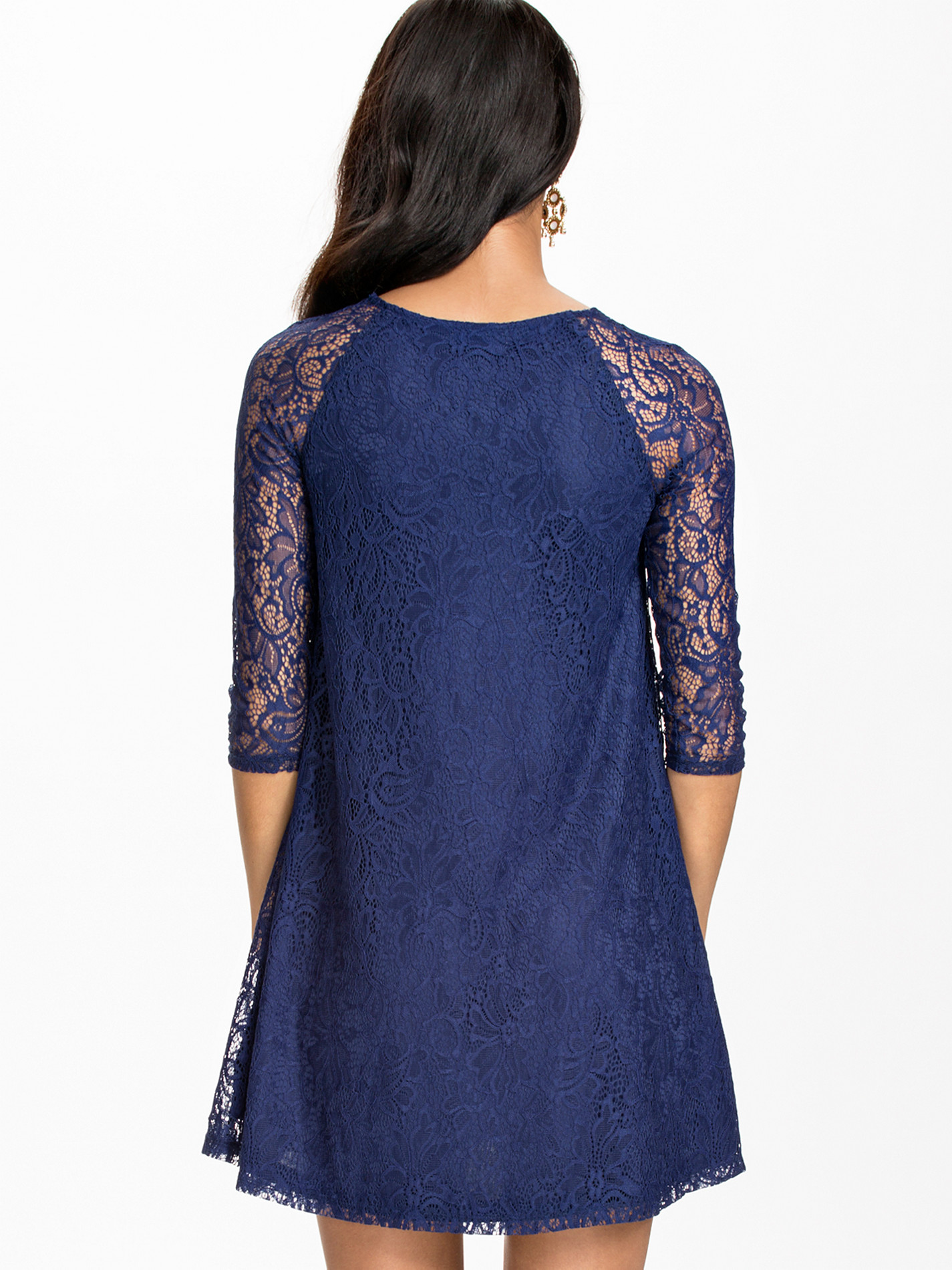
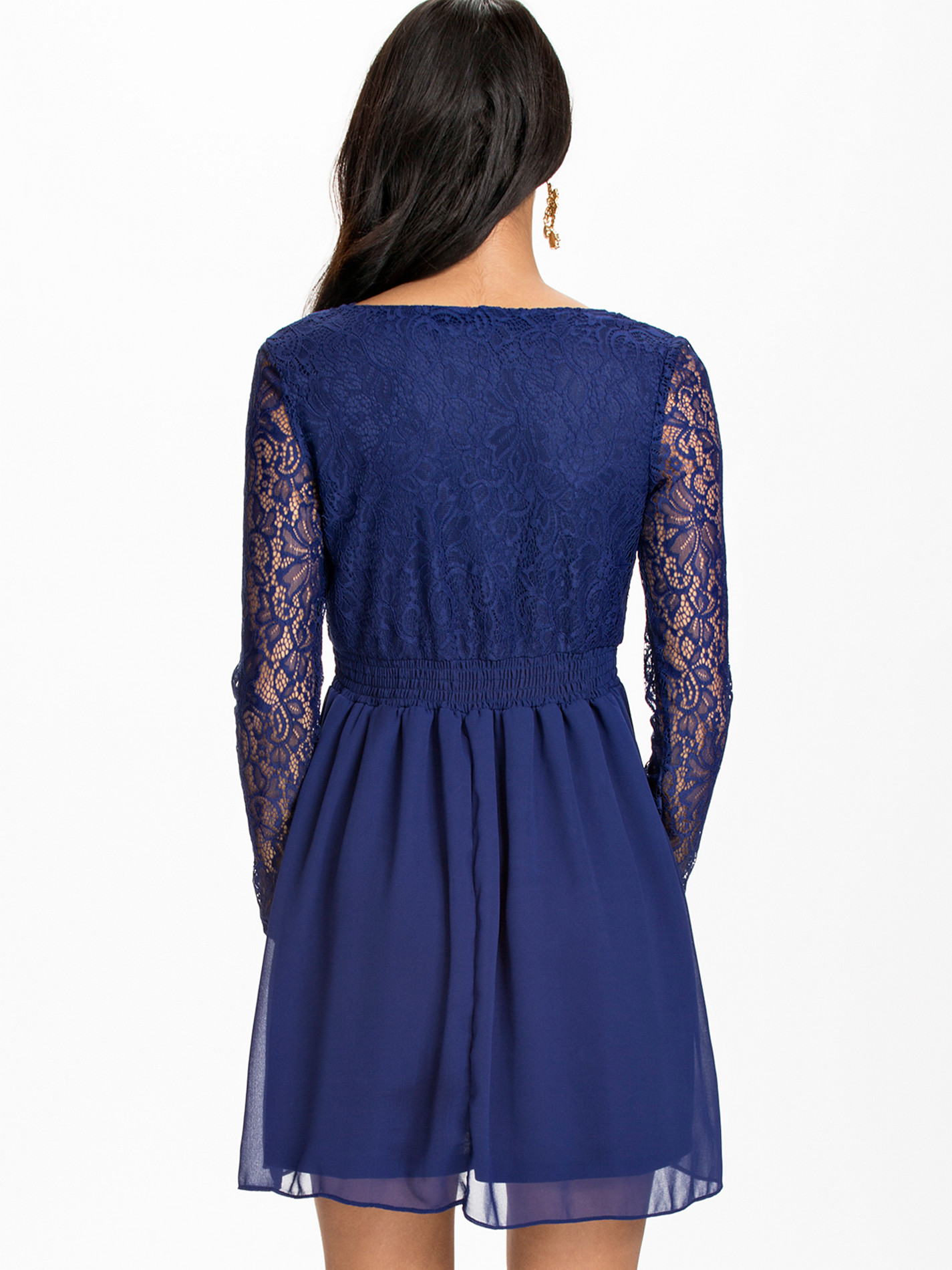
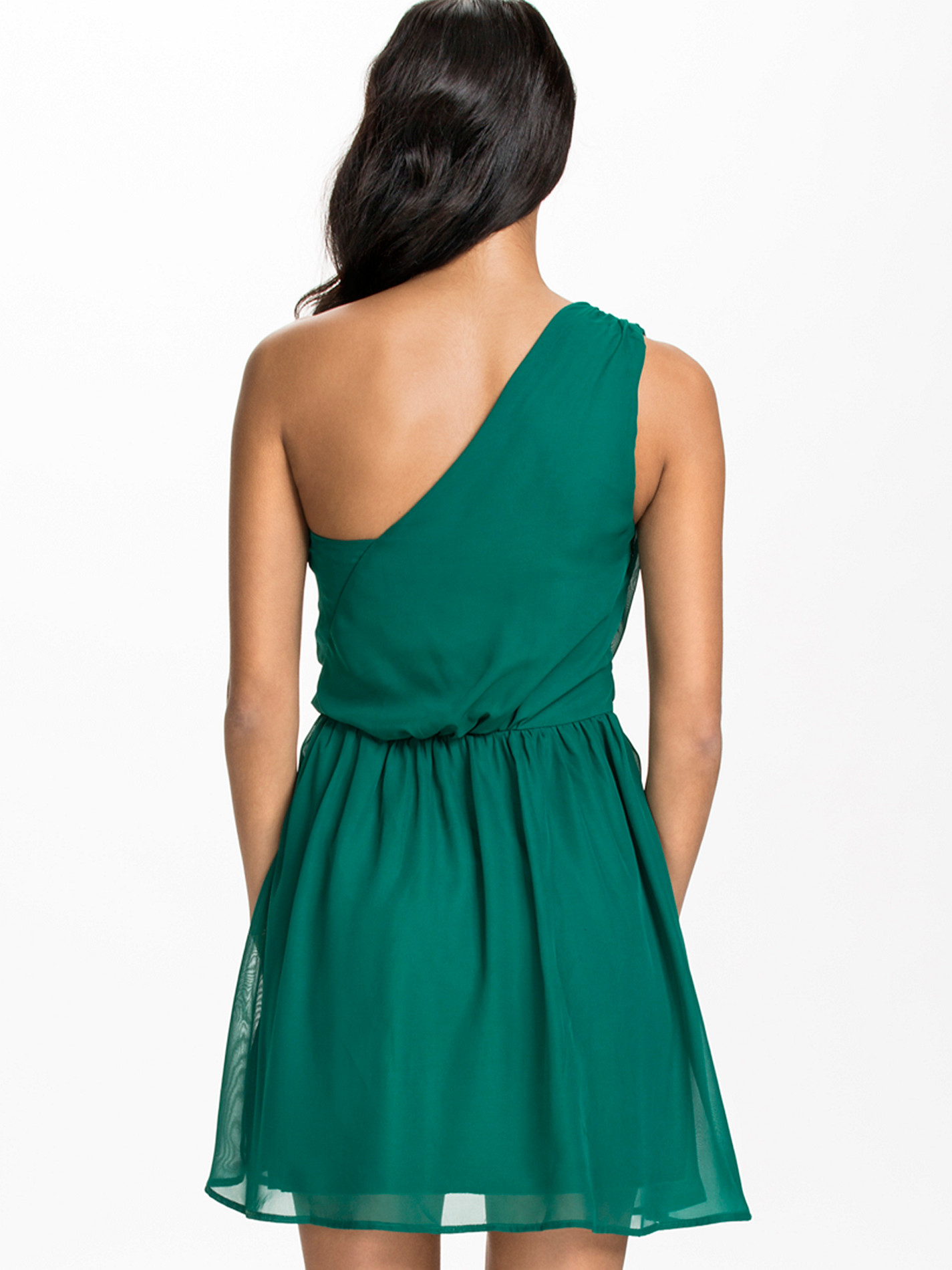
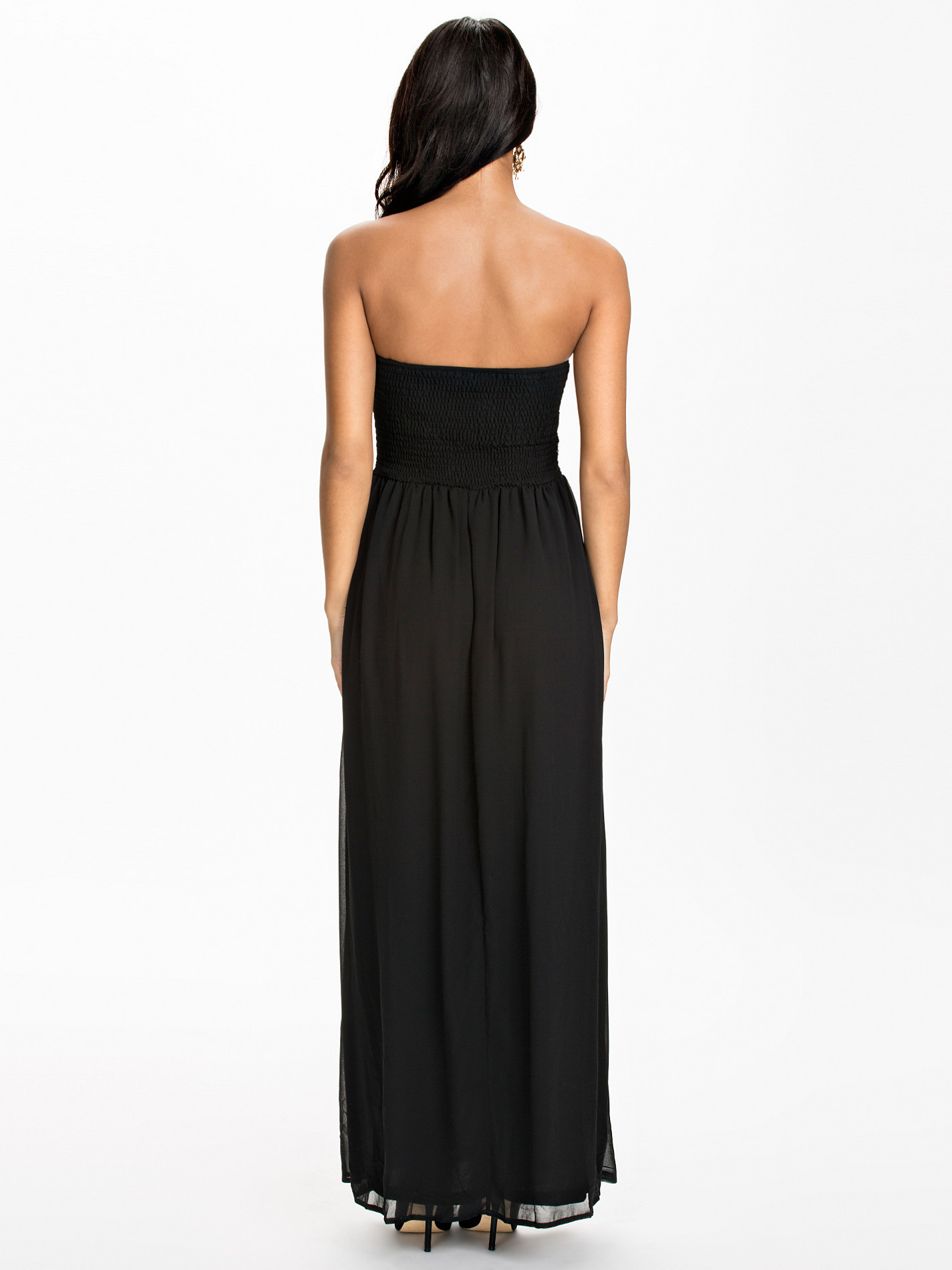
 Just saw her on the Nelly site. Her pretty face took my attention. But her ass... oh my gosh. Its perfect :wub2:
Thanks alot Baby Jude9!!
Very pretty girl. thanks dookooker! Does anyone knows who this fine lady is?
Just saw her on the Nelly site. Her pretty face took my attention. But her ass... oh my gosh. Its perfect :wub2:
Thanks alot Baby Jude9!!
Very pretty girl. thanks dookooker! Does anyone knows who this fine lady is? Of course, there you go!

 I agree modelknowledge. I will stop posting images from Nelly and will contact Avenue Modeller.
Johanna Lundback - Nelly - 5 October 2014
I agree modelknowledge. I will stop posting images from Nelly and will contact Avenue Modeller.
Johanna Lundback - Nelly - 5 October 2014
















































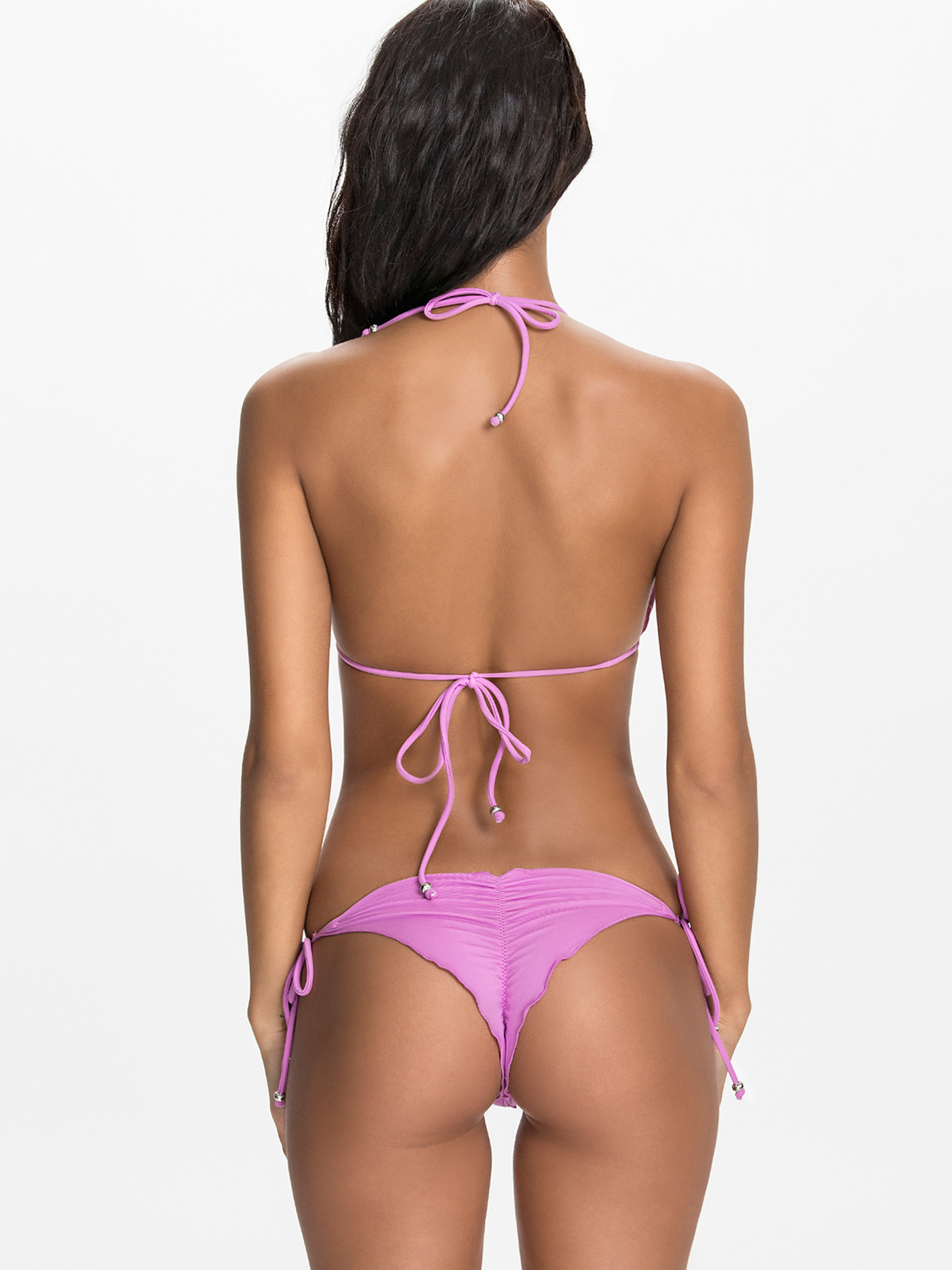
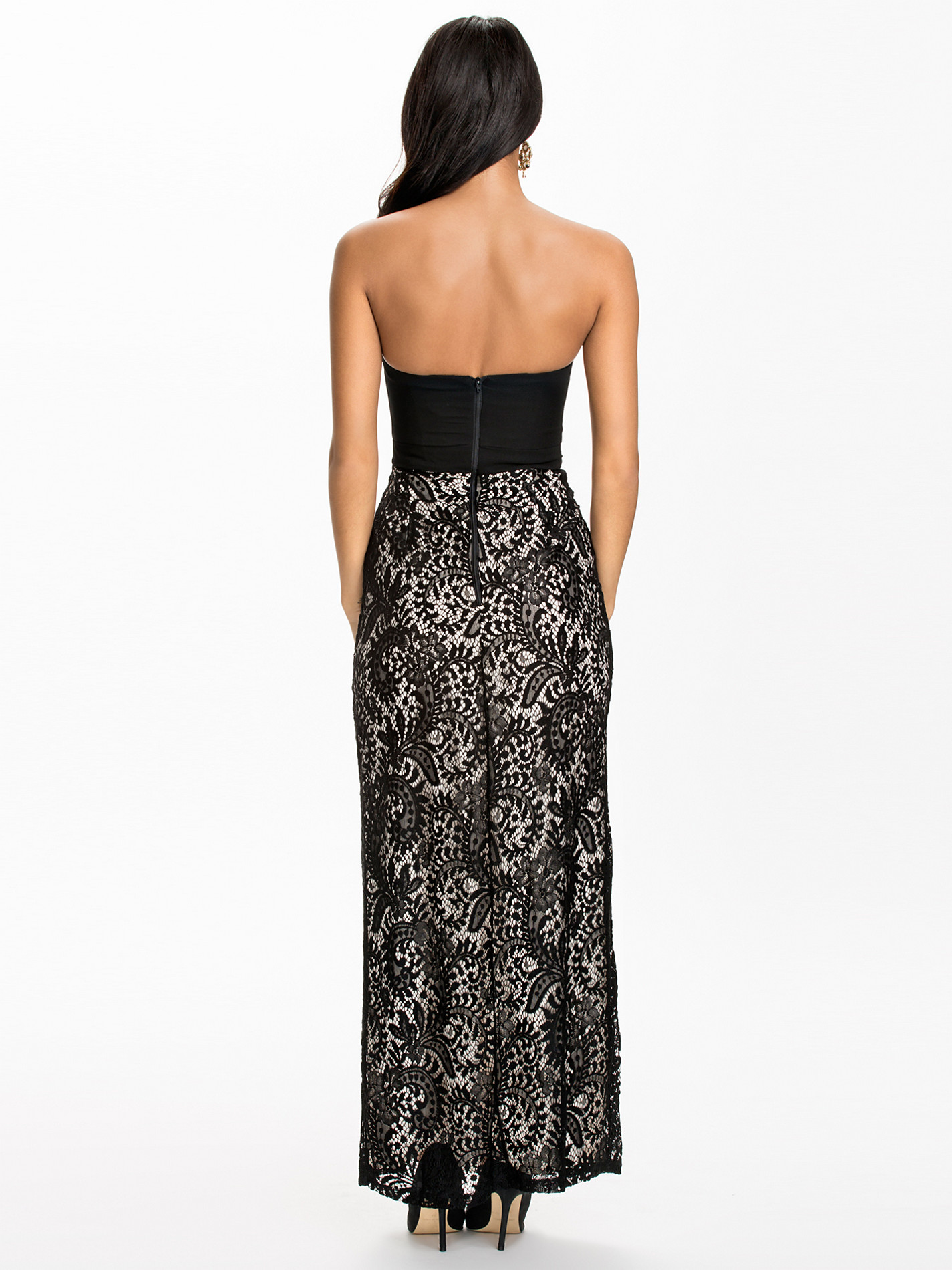
 Thanks for posting Peregrina. It shows of her curves perfectly.
Johanna Lundback - Nelly - 25 September 2014
Thanks for posting Peregrina. It shows of her curves perfectly.
Johanna Lundback - Nelly - 25 September 2014





























 Johanna Lundback - Nelly - 23 September 2014









































Account
Search
Configure browser push notifications
Chrome (Android)
- Tap the lock icon next to the address bar.
- Tap Permissions → Notifications.
- Adjust your preference.
Chrome (Desktop)
- Click the padlock icon in the address bar.
- Select Site settings.
- Find Notifications and adjust your preference.
Safari (iOS 16.4+)
- Ensure the site is installed via Add to Home Screen.
- Open Settings App → Notifications.
- Find your app name and adjust your preference.
Safari (macOS)
- Go to Safari → Preferences.
- Click the Websites tab.
- Select Notifications in the sidebar.
- Find this website and adjust your preference.
Edge (Android)
- Tap the lock icon next to the address bar.
- Tap Permissions.
- Find Notifications and adjust your preference.
Edge (Desktop)
- Click the padlock icon in the address bar.
- Click Permissions for this site.
- Find Notifications and adjust your preference.
Firefox (Android)
- Go to Settings → Site permissions.
- Tap Notifications.
- Find this site in the list and adjust your preference.
Firefox (Desktop)
- Open Firefox Settings.
- Search for Notifications.
- Find this site in the list and adjust your preference.