
wendylorene
Banned
-
Joined
-
Last visited
Everything posted by wendylorene
-
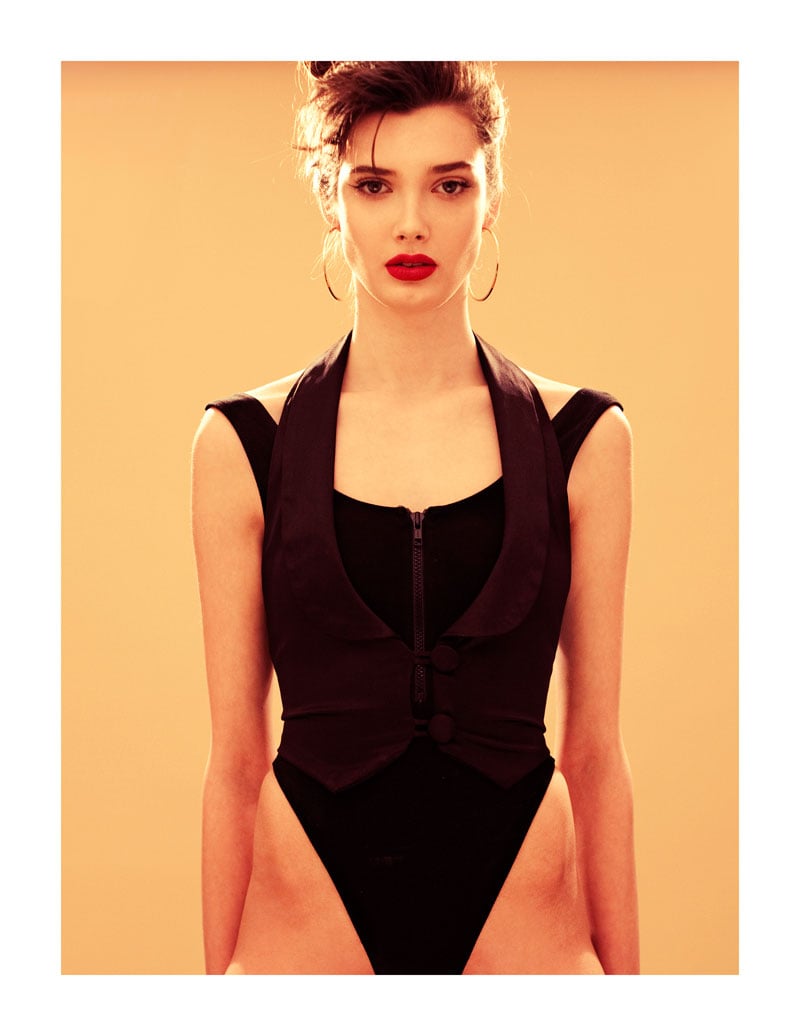
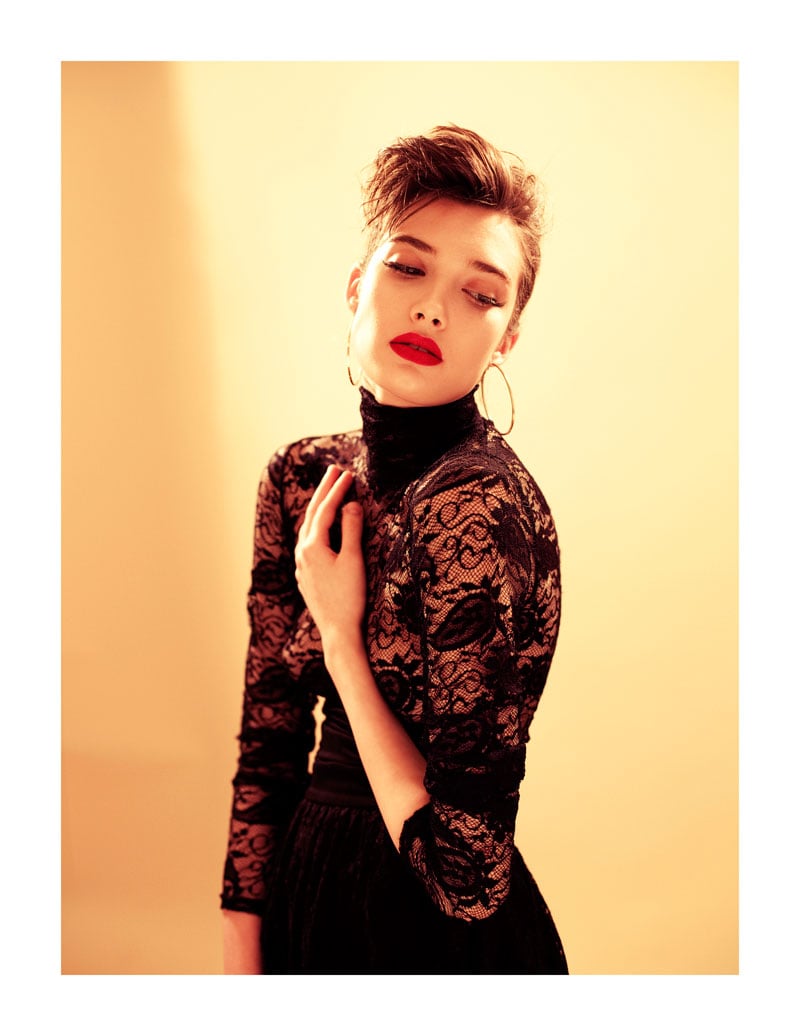
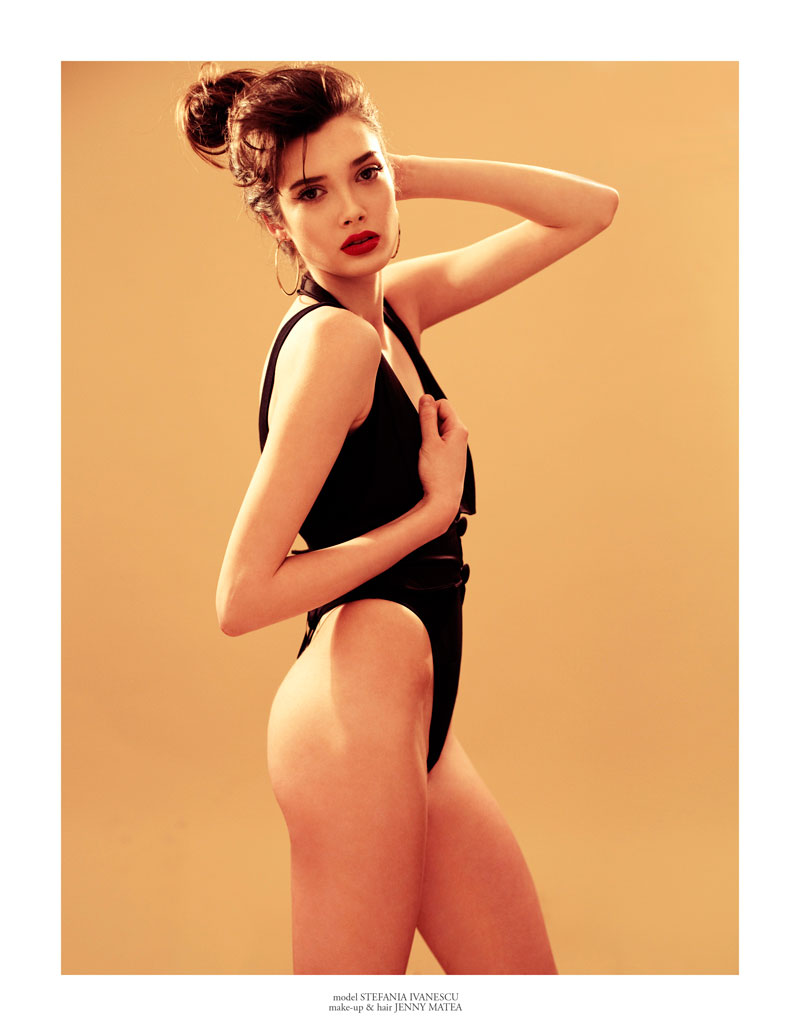
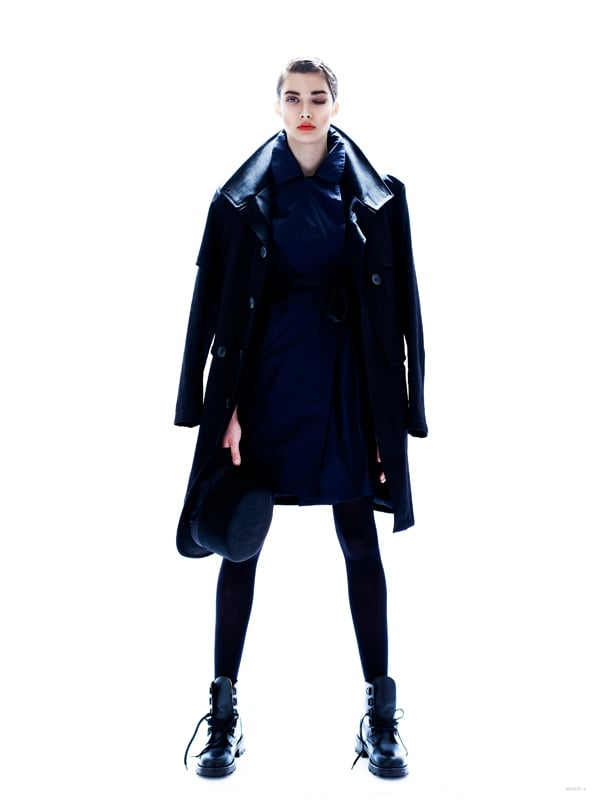
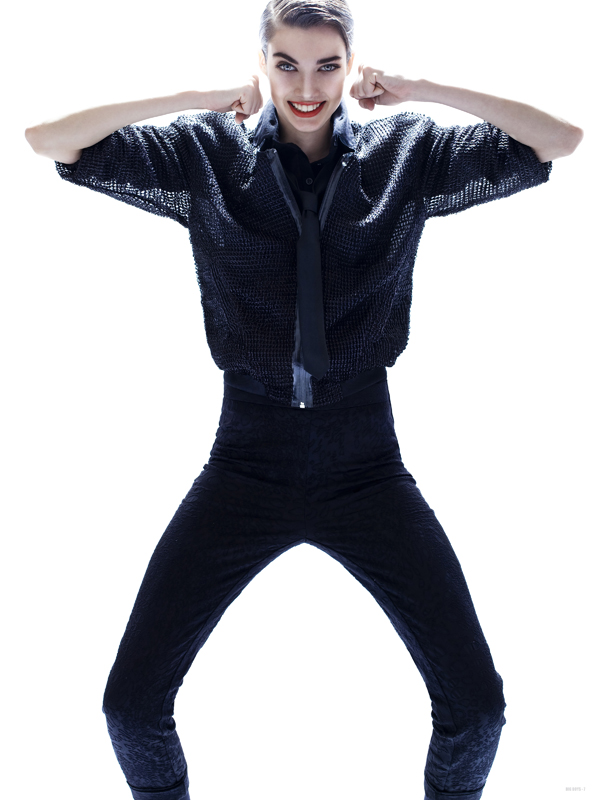
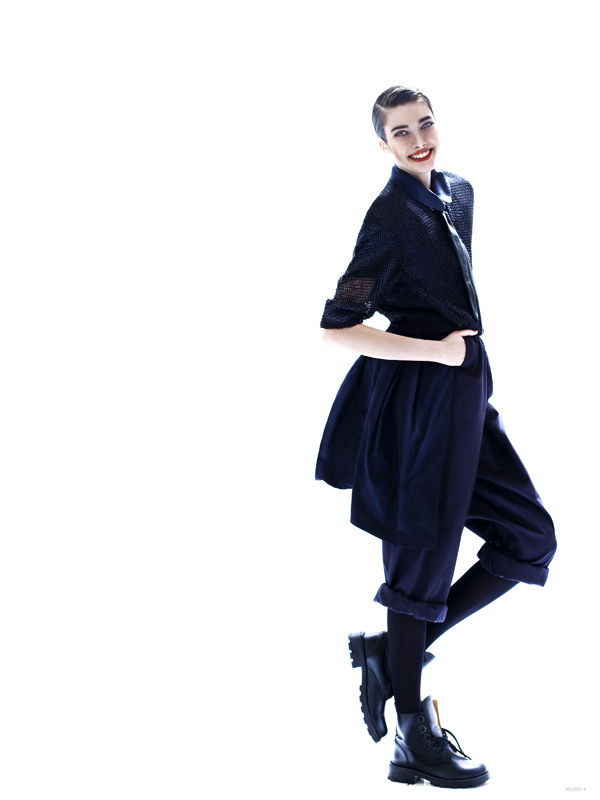
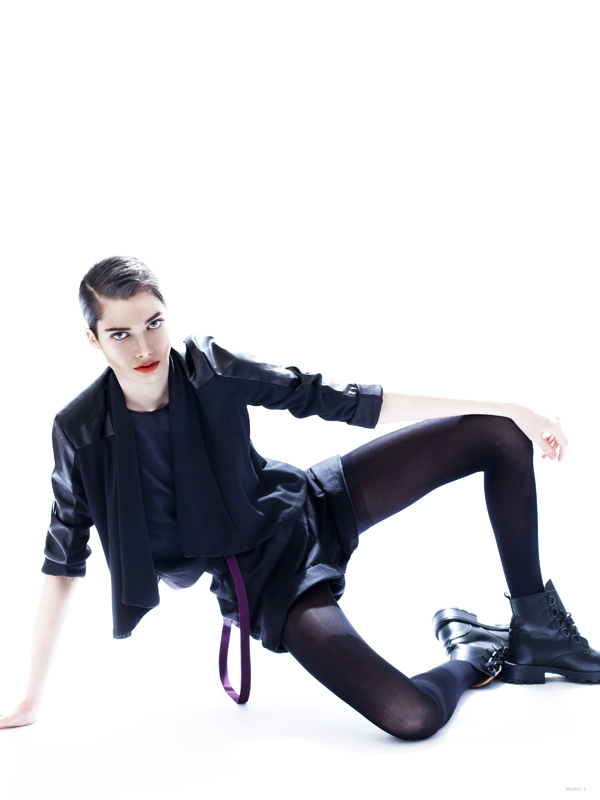
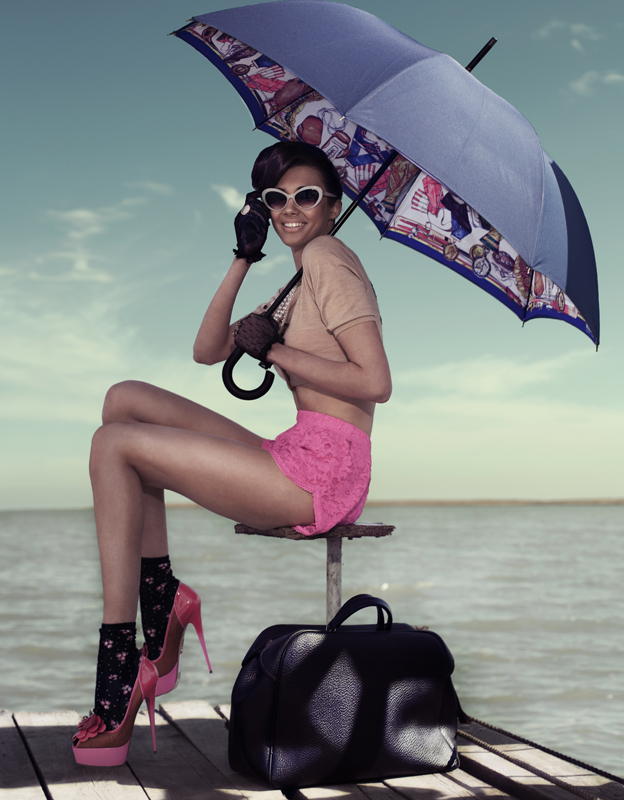
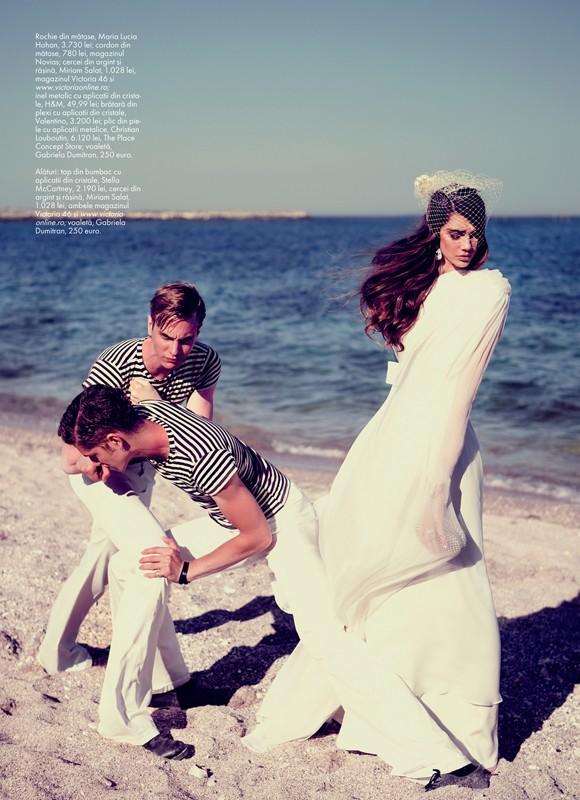
by Tibi Clenci Stylist: Amir Dobos Make-up & Hair: Jenny Matea Photo Assistant: Alex Nelu






-
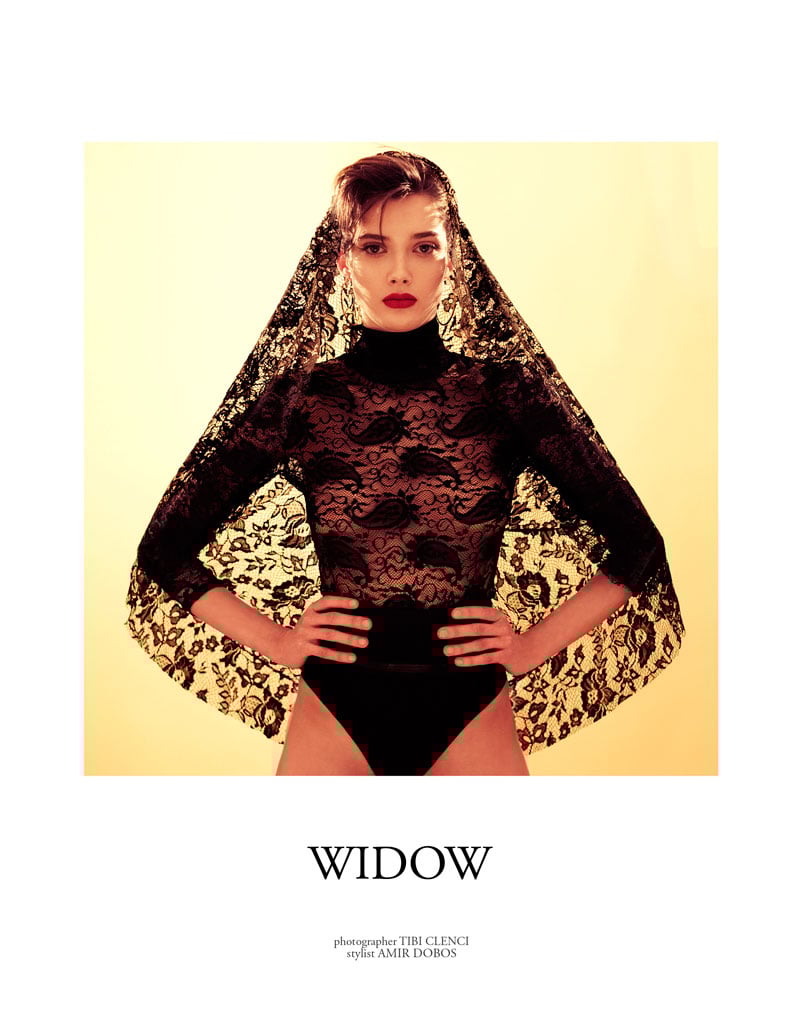
photographer: TIBI CLENCI stylist: AMIR DOBOS








-
BEAU MONDE May 2012 photographer TIBI CLENCI fashion editor AMIR DOBOS







-
BIG BOYS DON'T CRY photographer: TIBI CLENCI stylist: AMIR DOBOS tfs







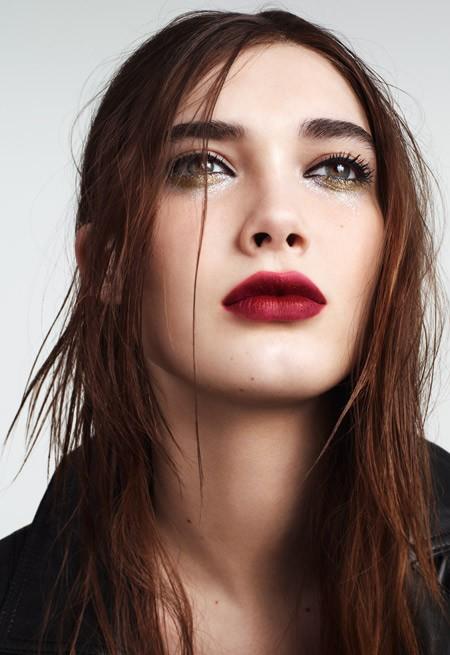
 Chanel Beauty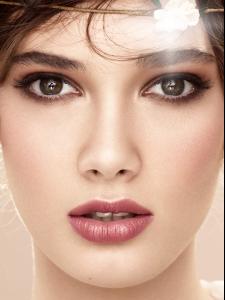
 This One September 2013 Ph: Tibi Clenci







 Army Of Love Ph: Tibi Clenci Models: Bogdan Tudor, Kaan Tilki, Silviu Tolu, & Stefania Ivanescu models








 IL PASSO S/S 13 Ph: Tibi Clenci + F/W 2012 models













 models









 Elle Romania Gucci Ph: Tibi Clenci





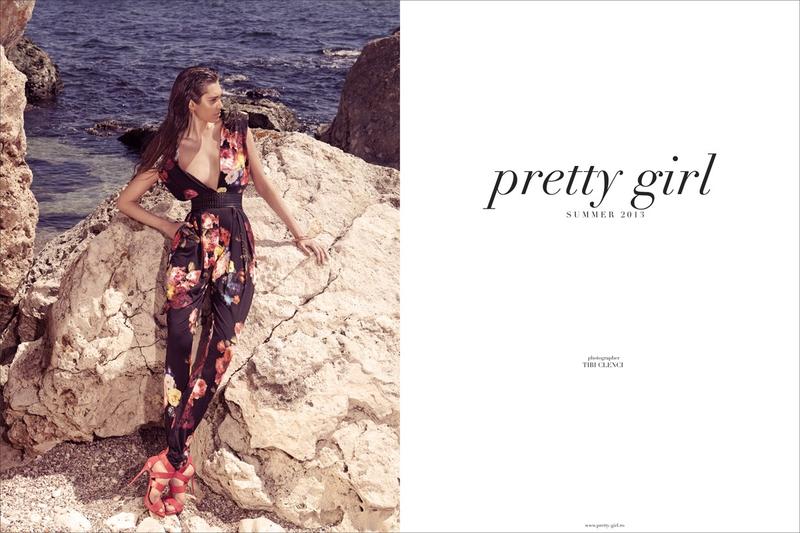
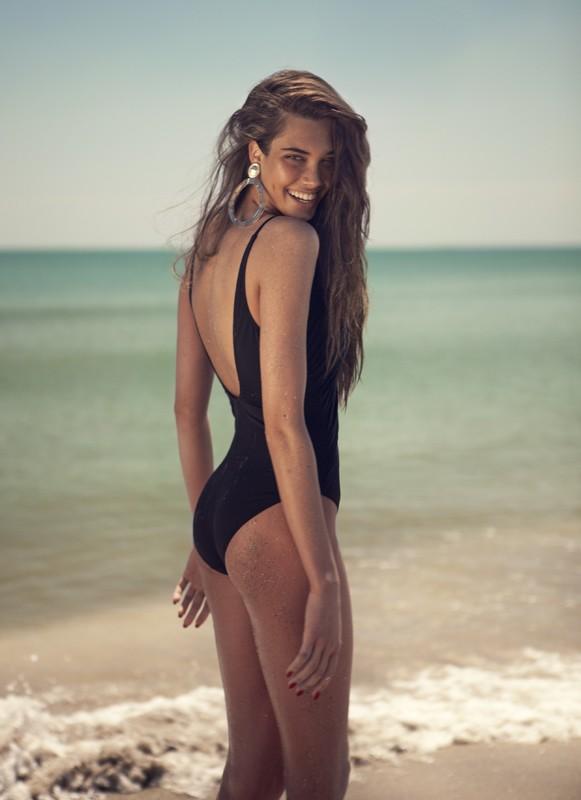
 PRETTY GIRL Summer 2013 Ph: Tibi Clenci models




 Elle Romania ELLE Mariage Summer 2013 Ph: Tibi Clenci + UNA NOTTE A NAPOLI models








 Topshop Festival Make-up Campaign Summer 2013 models
 Elle Romania All Bout Summer Ph: Tibi Clenci Warning: Nudity http://postimg.org/image/lyop3p6k3/ http://postimg.org/image/yeq0b6p9v/ models





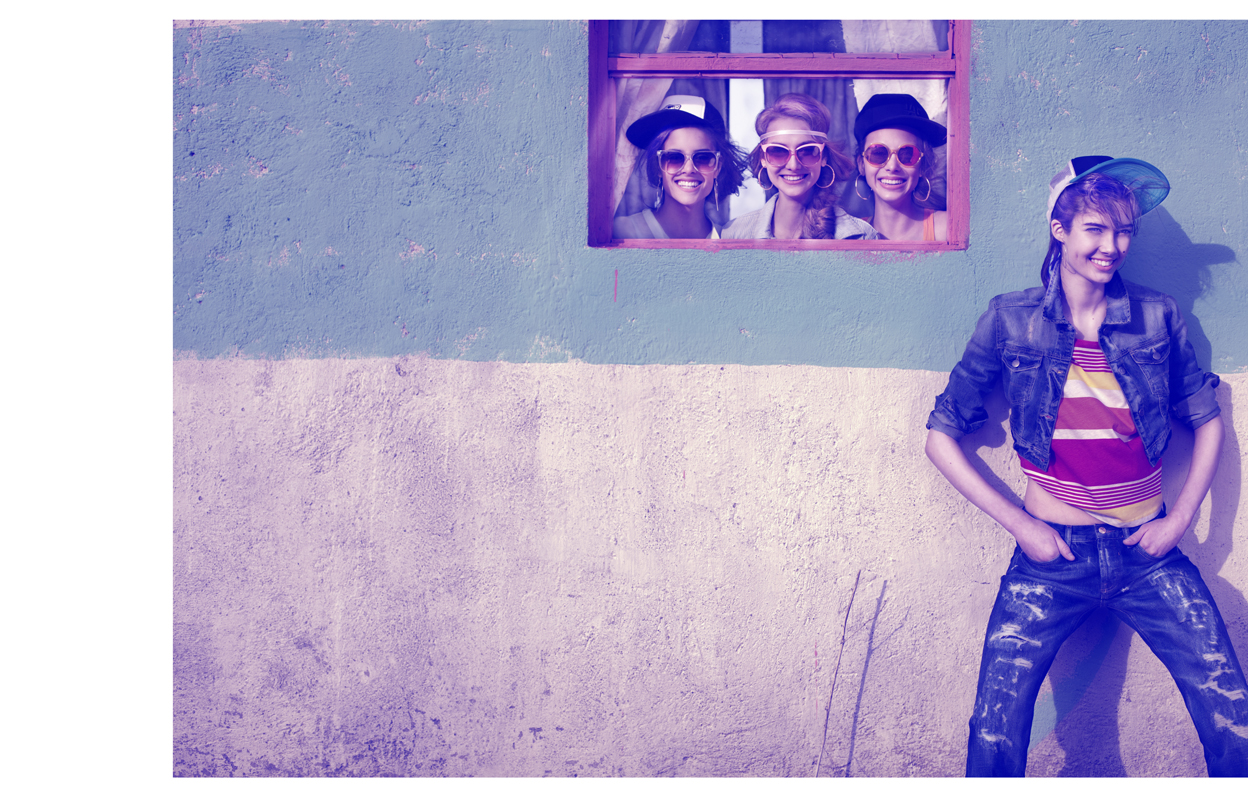
 Lazy Oaf Fall 2013 models +




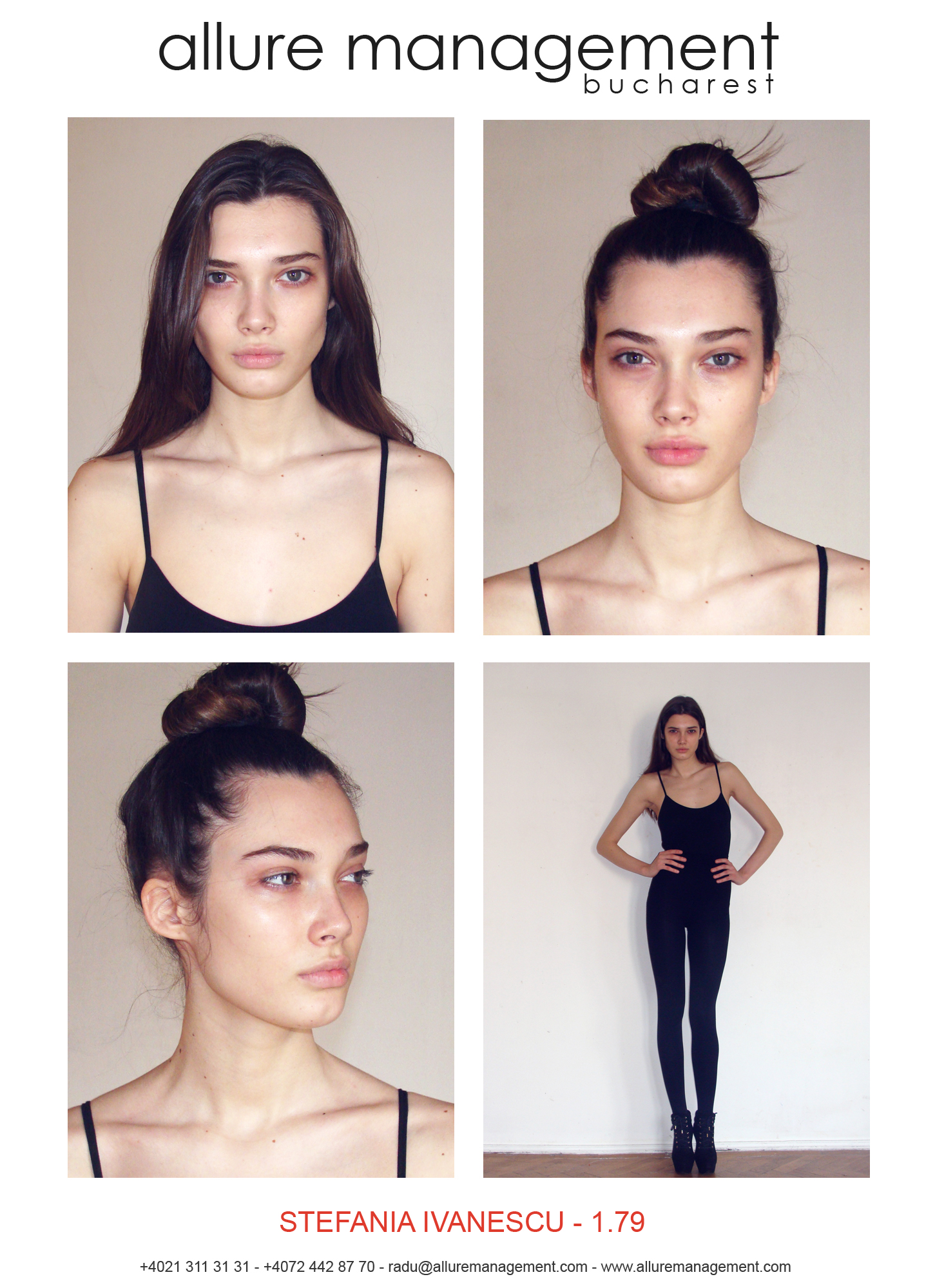
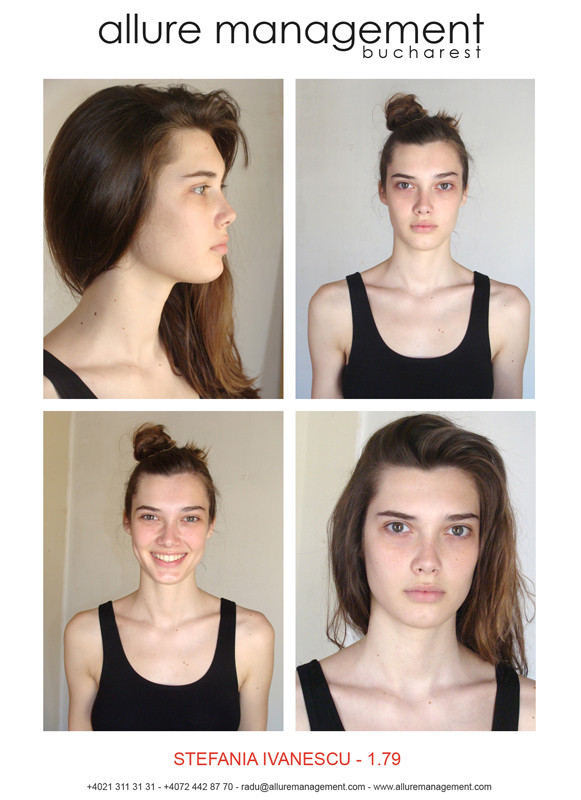
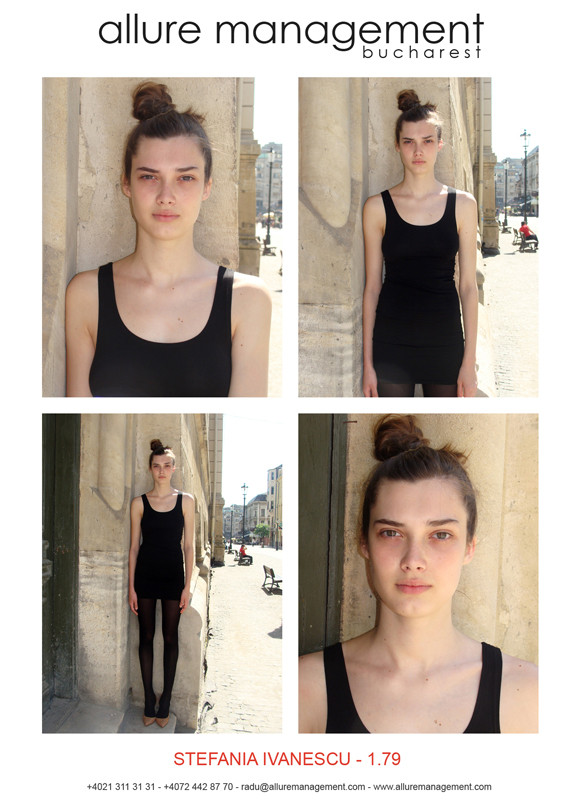
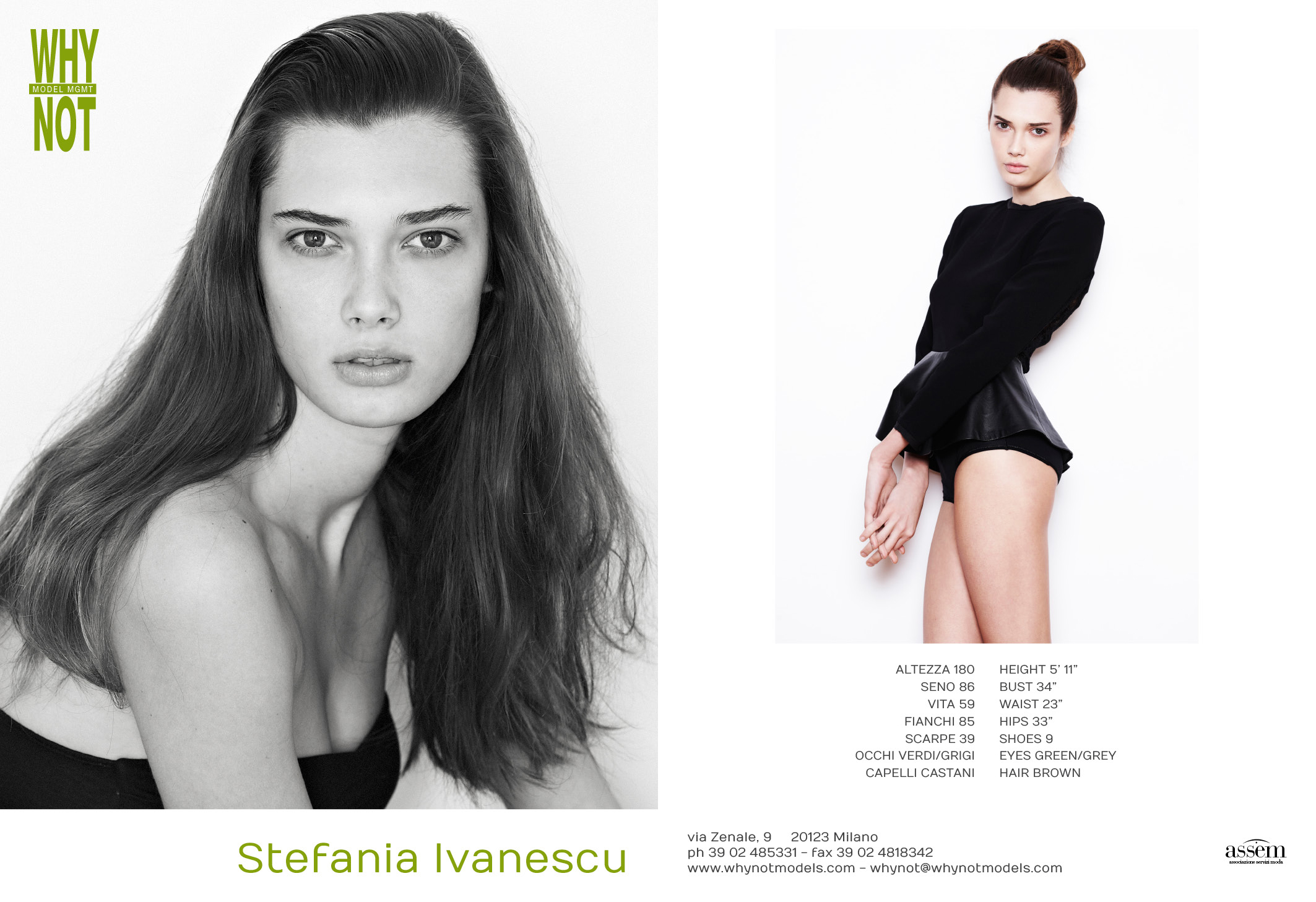
 WhyNot Models comp card whynotmodels.com
 Warning: Nudity http://postimg.org/image/wrrlygygj/ whynotmodels.com









 whynotmodels.com


































































































































Account
Navigation
Search
Configure browser push notifications
Chrome (Android)
- Tap the lock icon next to the address bar.
- Tap Permissions → Notifications.
- Adjust your preference.
Chrome (Desktop)
- Click the padlock icon in the address bar.
- Select Site settings.
- Find Notifications and adjust your preference.
Safari (iOS 16.4+)
- Ensure the site is installed via Add to Home Screen.
- Open Settings App → Notifications.
- Find your app name and adjust your preference.
Safari (macOS)
- Go to Safari → Preferences.
- Click the Websites tab.
- Select Notifications in the sidebar.
- Find this website and adjust your preference.
Edge (Android)
- Tap the lock icon next to the address bar.
- Tap Permissions.
- Find Notifications and adjust your preference.
Edge (Desktop)
- Click the padlock icon in the address bar.
- Click Permissions for this site.
- Find Notifications and adjust your preference.
Firefox (Android)
- Go to Settings → Site permissions.
- Tap Notifications.
- Find this site in the list and adjust your preference.
Firefox (Desktop)
- Open Firefox Settings.
- Search for Notifications.
- Find this site in the list and adjust your preference.