carvz
Members
-
Joined
-
Last visited
-
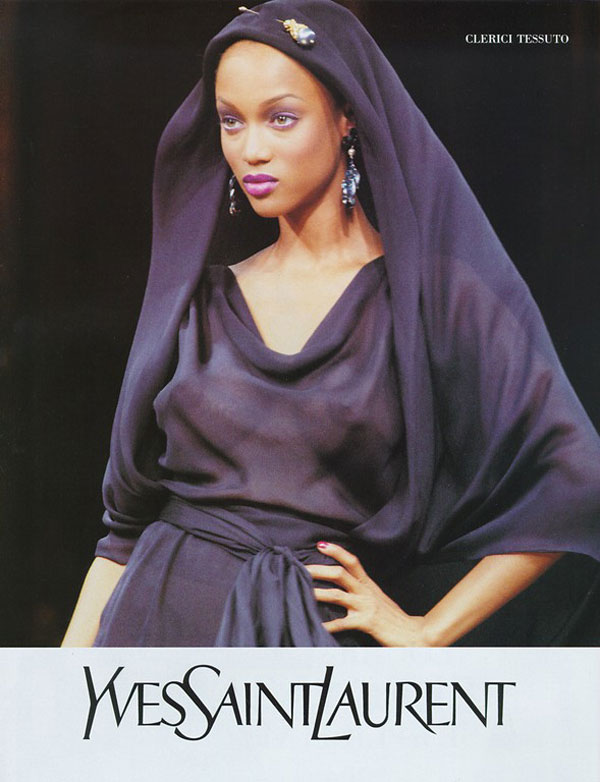
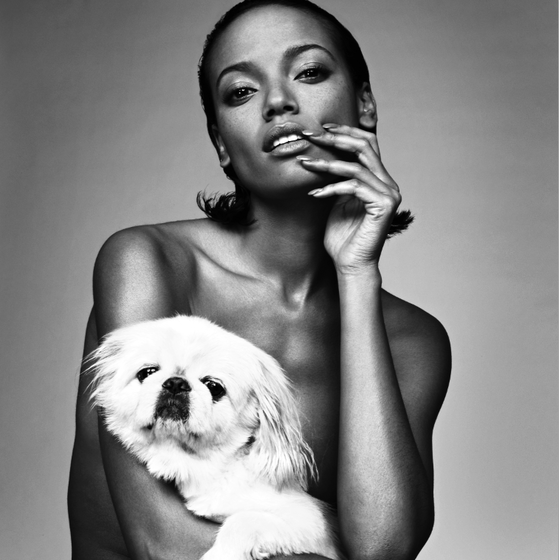
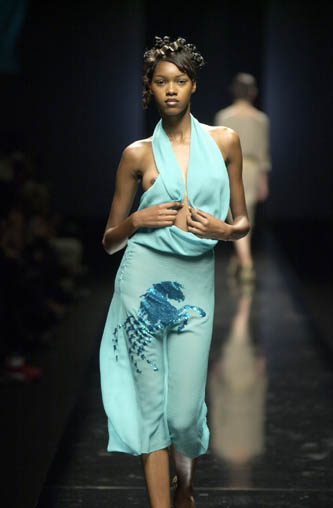
Hello, can anybody tell me what fashion shows Tyra walked in based on the pictures I posted?
-
Hello everyone I am wondering if anybody is able to tell me what the name and year of the Fashion Show is that Tyra appears in the above pictures. I have beeen searching high and low and have not been able to find out. thank you very much
-
-
warning nudity Pictures with nudity (visible nipples and pubic areas of any kind) must not be uploaded to the Bellazon server, but must instead be textlinked with a warning (our definition is visible nipples and pubic areas of any kind). See the rules of Bellazon HERE. ~ Post Edited by Joe > Average
-
warning NUDITYImage hidden for guestsSign in to viewImage hidden for guestsSign in to viewImage hidden for guestsSign in to viewImage hidden for guestsSign in to viewImage hidden for guestsSign in to viewImage hidden for guestsSign in to viewImage hidden for guestsSign in to view
 Image hidden for guestsSign in to viewImage hidden for guestsSign in to viewImage hidden for guestsSign in to view
-
can anybody tell me if there is a video of the beautiful young Tyra from this paticular fashion event...or maybe some more pictures. If so where would I be able to find them?Image hidden for guestsSign in to view
-
I thought I her some where that she was featured in a nude photo shoot...is this true...DOES SHE DO NUDE SHOOTS
-
was there any run way pics of her