Ariesdior
Members
-
Joined
-
Last visited
Everything posted by Ariesdior
-
 backstage at Prada
 Prada Spring 2008
Anna Gushina Real Name: Luxe Guschina Nationality: Russian Birthday: 1989 Born in: Russia Agencies: IMG Height: 175cm/5'9" Bust: 81cm/32" Waist: 60cm/23.5" Hips: 88cm/34.5" Shoe: 39.5 EU/8.5 US/6 UK Hair: Light Brown Eyes: Blue
Thats from the Pull and Bear catalogue
from fashionmodeldirectory.com
Prada Spring 2008
Anna Gushina Real Name: Luxe Guschina Nationality: Russian Birthday: 1989 Born in: Russia Agencies: IMG Height: 175cm/5'9" Bust: 81cm/32" Waist: 60cm/23.5" Hips: 88cm/34.5" Shoe: 39.5 EU/8.5 US/6 UK Hair: Light Brown Eyes: Blue
Thats from the Pull and Bear catalogue
from fashionmodeldirectory.com










 you're very welcome
very cute
thank you so much Lady Fatale its perfect
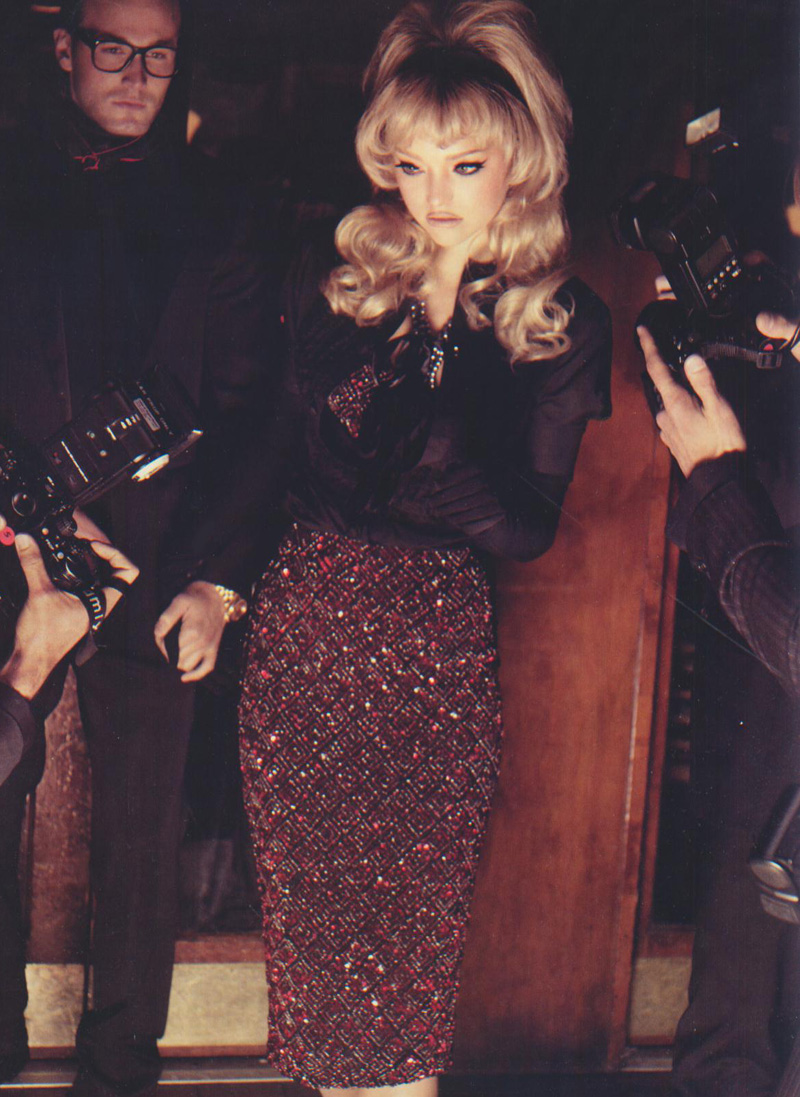
its british GQ march 2008 issue. It should be out in california
Can someone make me a set with these Gemma pictures?
you're very welcome
very cute
thank you so much Lady Fatale its perfect
its british GQ march 2008 issue. It should be out in california
Can someone make me a set with these Gemma pictures?

 thanks, those have been posted before but they're bigger than the other ones.
Account
Navigation
Search
Configure browser push notifications
Chrome (Android)
- Tap the lock icon next to the address bar.
- Tap Permissions → Notifications.
- Adjust your preference.
Chrome (Desktop)
- Click the padlock icon in the address bar.
- Select Site settings.
- Find Notifications and adjust your preference.
Safari (iOS 16.4+)
- Ensure the site is installed via Add to Home Screen.
- Open Settings App → Notifications.
- Find your app name and adjust your preference.
Safari (macOS)
- Go to Safari → Preferences.
- Click the Websites tab.
- Select Notifications in the sidebar.
- Find this website and adjust your preference.
Edge (Android)
- Tap the lock icon next to the address bar.
- Tap Permissions.
- Find Notifications and adjust your preference.
Edge (Desktop)
- Click the padlock icon in the address bar.
- Click Permissions for this site.
- Find Notifications and adjust your preference.
Firefox (Android)
- Go to Settings → Site permissions.
- Tap Notifications.
- Find this site in the list and adjust your preference.
Firefox (Desktop)
- Open Firefox Settings.
- Search for Notifications.
- Find this site in the list and adjust your preference.