
Pami
Members
-
Joined
-
Last visited
Everything posted by Pami
-
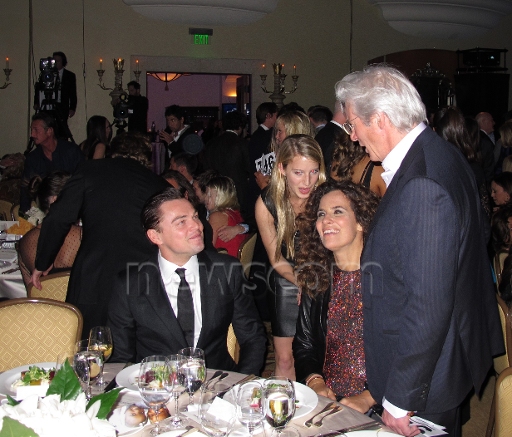
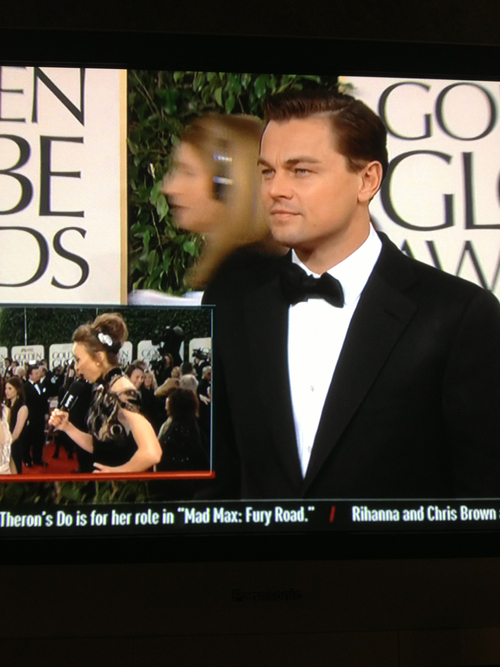
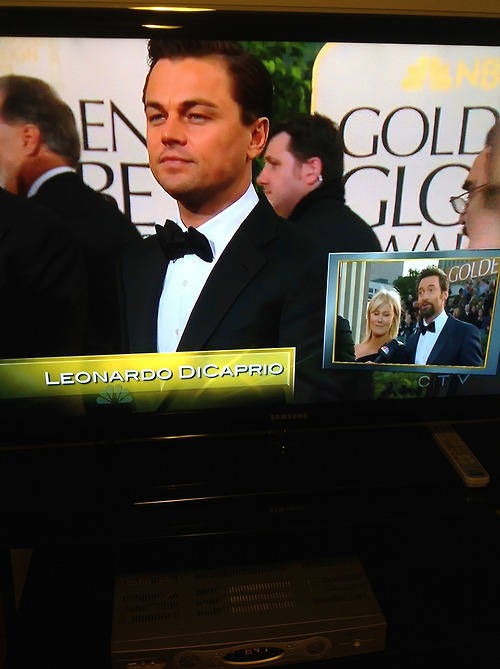
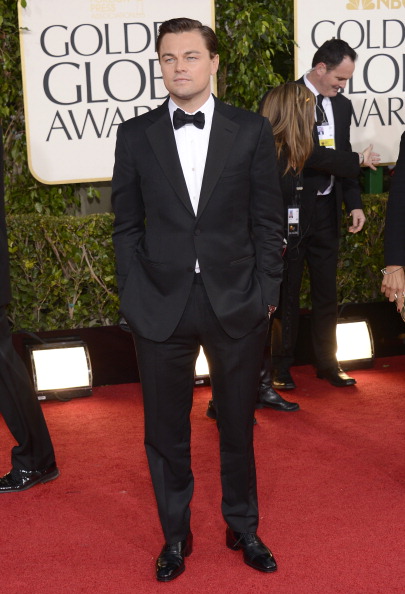
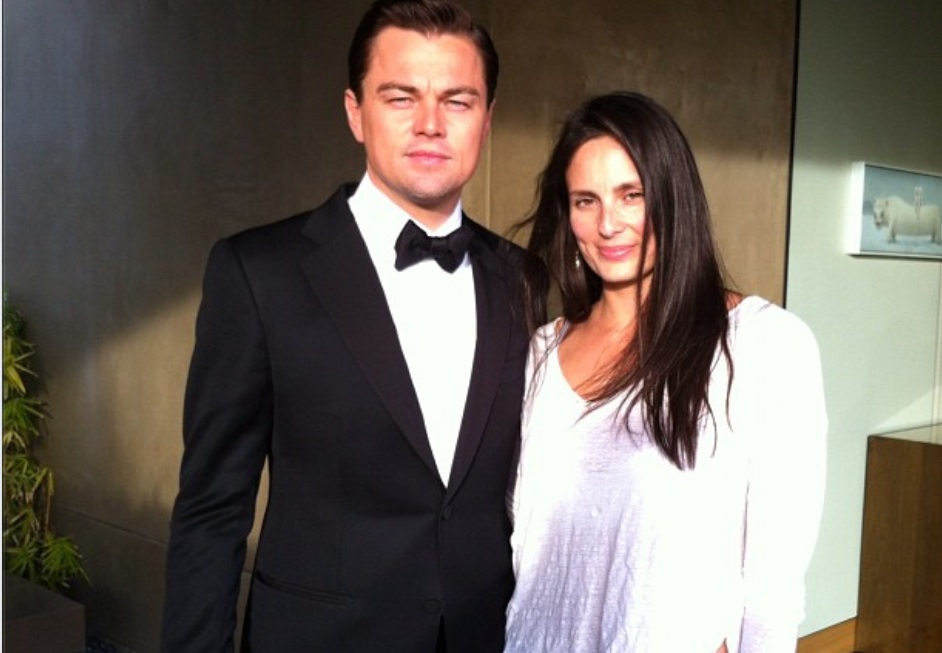
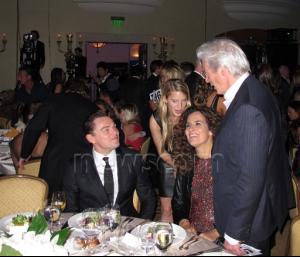
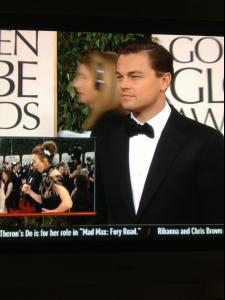
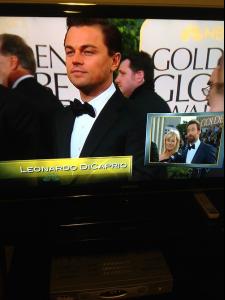
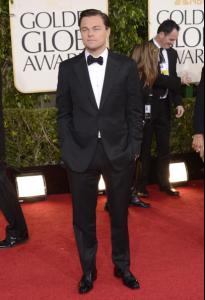
I think Tarantino! Not 100% sure though. two pictures from the other night from tonight and my cap because i thought it was so adorable!



-
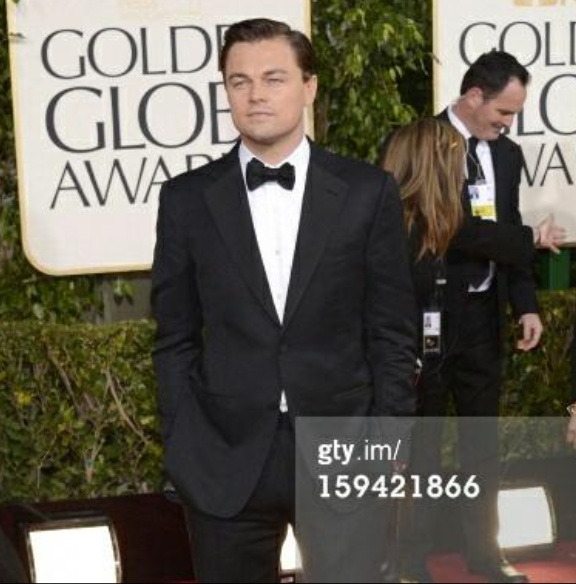
Leo should win an award for being the most handsome man around!!!
-
Even the guy who is presenting the Golden Globes on tv here in Brazil was surprised to know that Waltz was the winner.Nooooooooooooooooooooooooooooooooooooooooooooooooooooooooooooooooooooooooooooooooooooooooooooooooooooooooooooo I dont accept it.............really.......are they kidding with us?????? Waltz again!!! Man....no words.Leo and his dad....I just saw it!!!!!!!!!!!!!!I'm not able to access it...dont know why....NEVER saw this pic from Inception before and all I have to say is....ughhhhhhhhhhhhh
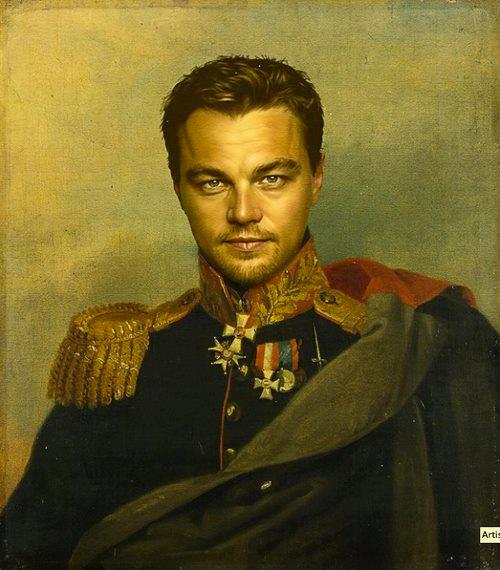
 No... Not Simon Bolivar!!
 Leo The Great....I like that! It reminds me of something like that....
Account
Navigation
Search
Configure browser push notifications
Chrome (Android)
- Tap the lock icon next to the address bar.
- Tap Permissions → Notifications.
- Adjust your preference.
Chrome (Desktop)
- Click the padlock icon in the address bar.
- Select Site settings.
- Find Notifications and adjust your preference.
Safari (iOS 16.4+)
- Ensure the site is installed via Add to Home Screen.
- Open Settings App → Notifications.
- Find your app name and adjust your preference.
Safari (macOS)
- Go to Safari → Preferences.
- Click the Websites tab.
- Select Notifications in the sidebar.
- Find this website and adjust your preference.
Edge (Android)
- Tap the lock icon next to the address bar.
- Tap Permissions.
- Find Notifications and adjust your preference.
Edge (Desktop)
- Click the padlock icon in the address bar.
- Click Permissions for this site.
- Find Notifications and adjust your preference.
Firefox (Android)
- Go to Settings → Site permissions.
- Tap Notifications.
- Find this site in the list and adjust your preference.
Firefox (Desktop)
- Open Firefox Settings.
- Search for Notifications.
- Find this site in the list and adjust your preference.