

awesomexxx
Members
-
Joined
-
Last visited
Everything posted by awesomexxx
-
Thank you 💐
-
What's her name? 🙂

-
Thanks! 🙂
-
Thanks🙂




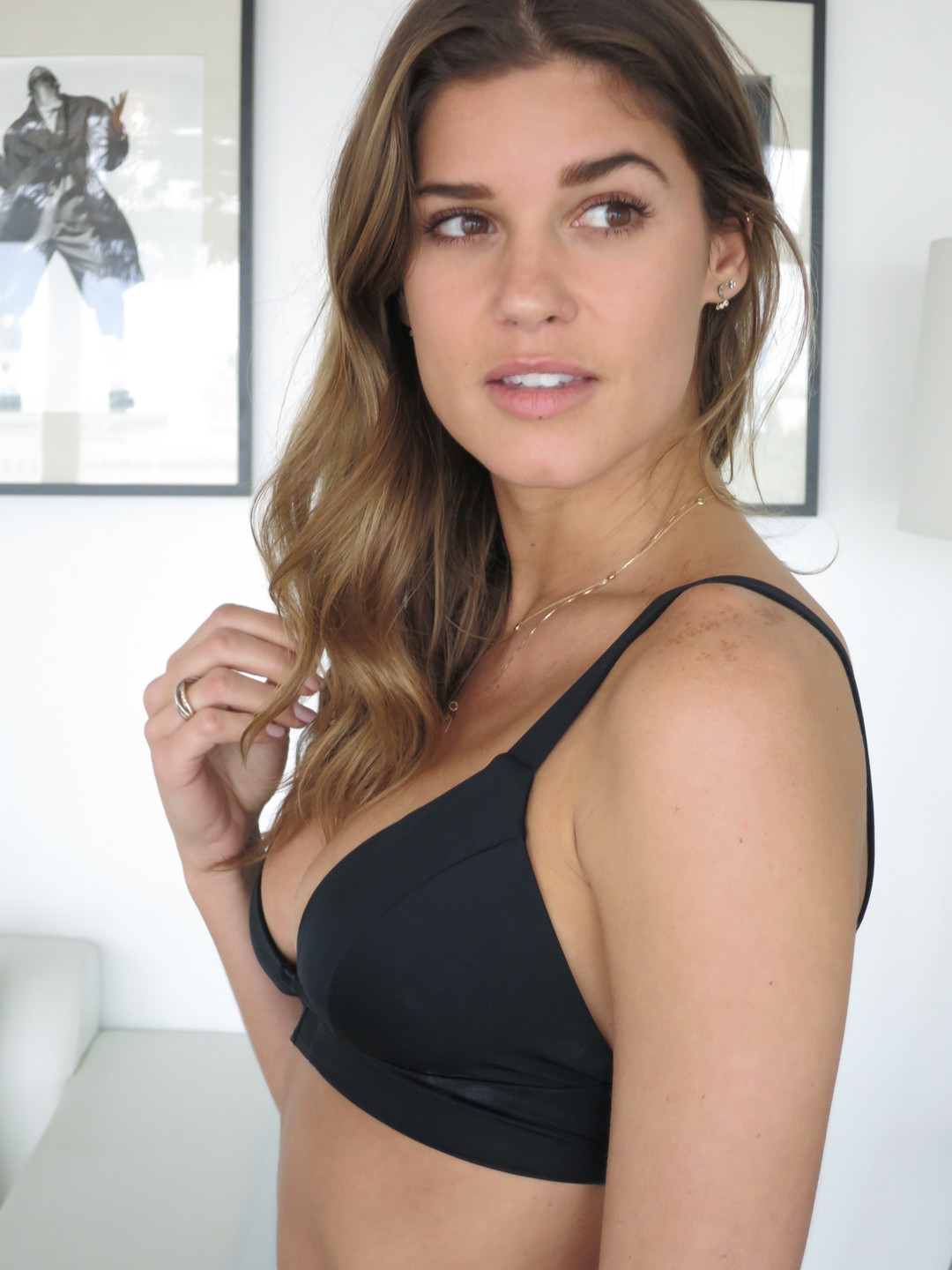
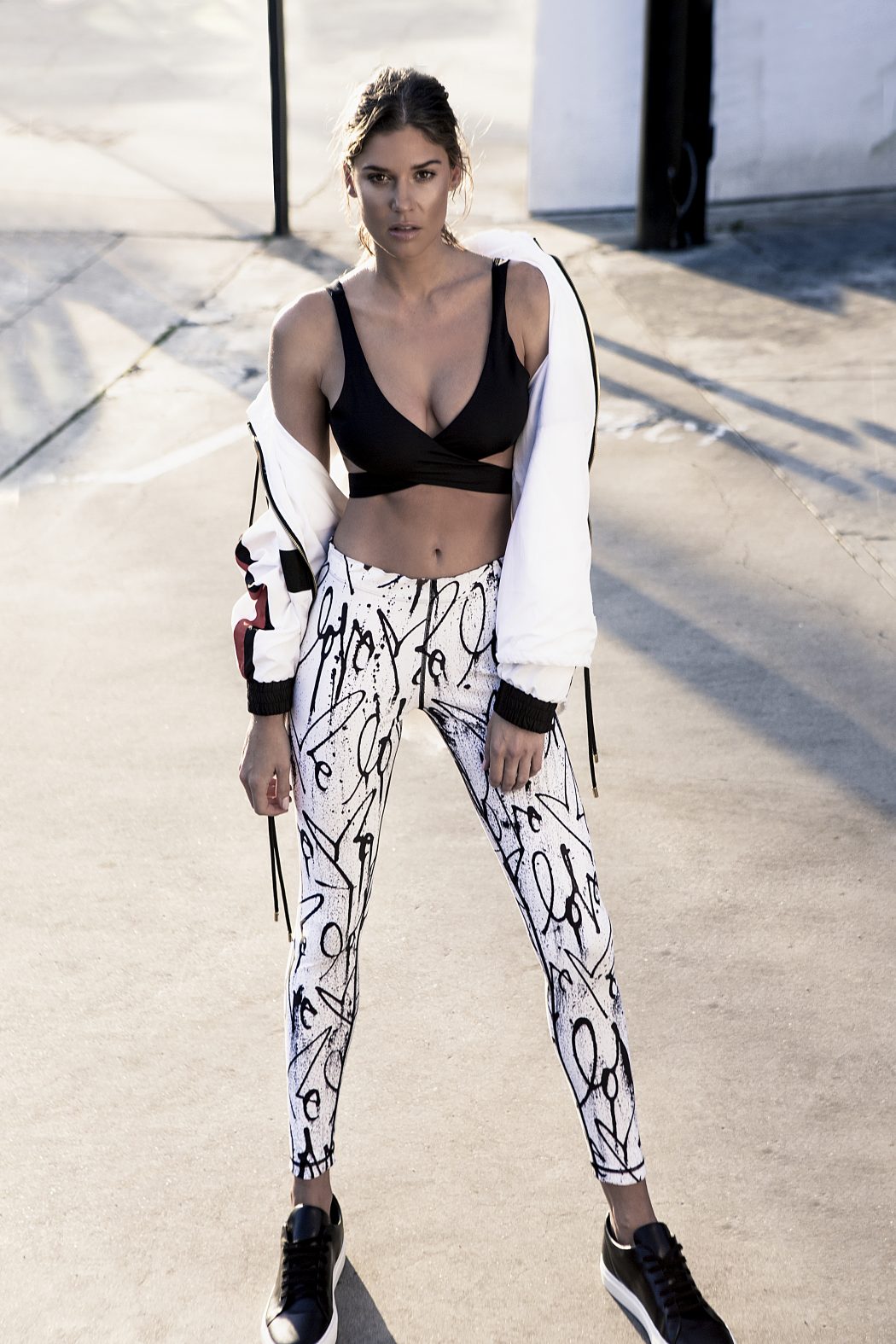
 yes, its her. ThanksWrong name, it's Leonie Bentzinger!!!! How was it possible that someone can change the name of this topic? 😕MadeleineThanks for the updatesagency picsEthnicity White/Caucasic Gender Female Height 169cm / 5´7” Eyes Blue & Grey Hair Dark Brown Bust 85cm / 33" Waist 64cm / 25" Hips 89cm / 35" Dress 34 EU, 6 UK, 4 US Shoes 38 EU, 5 UK, 5 US agency: modelmanagement.deNext ManagementImage hidden for guestsSign in to viewpolasImage hidden for guestsSign in to viewImage hidden for guestsSign in to viewImage hidden for guestsSign in to view
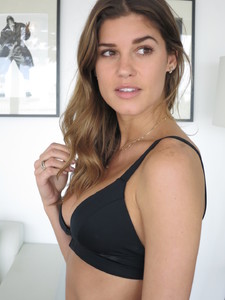 Image hidden for guestsSign in to viewImage hidden for guestsSign in to viewImage hidden for guestsSign in to viewImage hidden for guestsSign in to viewImage hidden for guestsSign in to viewCarbon 38










 polas






























Account
Navigation
Search
Configure browser push notifications
Chrome (Android)
- Tap the lock icon next to the address bar.
- Tap Permissions → Notifications.
- Adjust your preference.
Chrome (Desktop)
- Click the padlock icon in the address bar.
- Select Site settings.
- Find Notifications and adjust your preference.
Safari (iOS 16.4+)
- Ensure the site is installed via Add to Home Screen.
- Open Settings App → Notifications.
- Find your app name and adjust your preference.
Safari (macOS)
- Go to Safari → Preferences.
- Click the Websites tab.
- Select Notifications in the sidebar.
- Find this website and adjust your preference.
Edge (Android)
- Tap the lock icon next to the address bar.
- Tap Permissions.
- Find Notifications and adjust your preference.
Edge (Desktop)
- Click the padlock icon in the address bar.
- Click Permissions for this site.
- Find Notifications and adjust your preference.
Firefox (Android)
- Go to Settings → Site permissions.
- Tap Notifications.
- Find this site in the list and adjust your preference.
Firefox (Desktop)
- Open Firefox Settings.
- Search for Notifications.
- Find this site in the list and adjust your preference.