eua_g
Members
-
Joined
-
Last visited
-
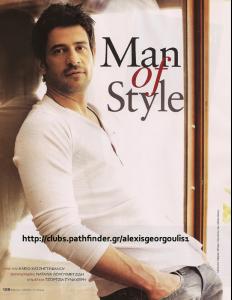
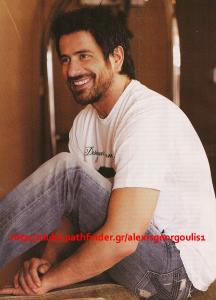
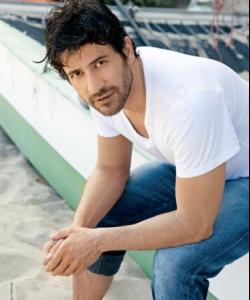
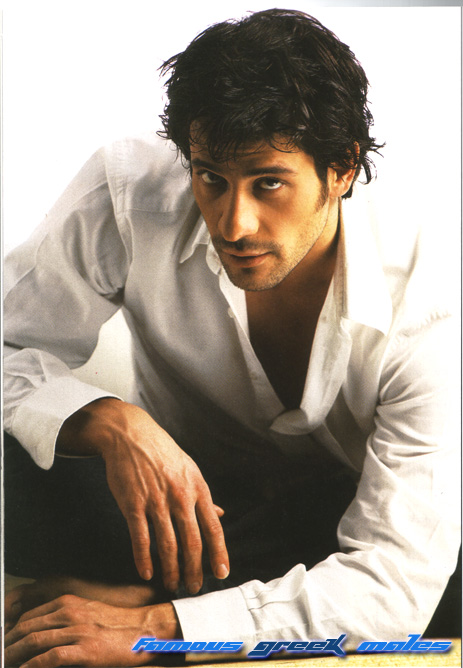
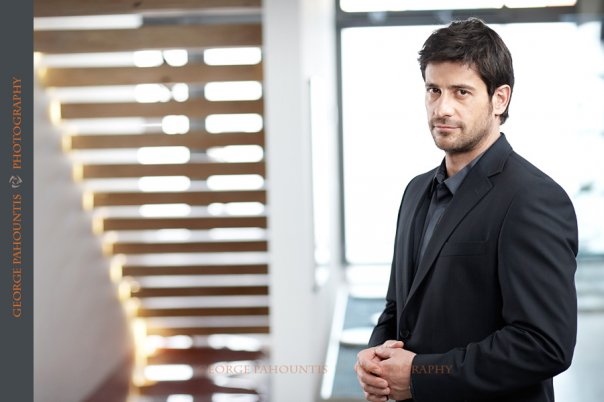
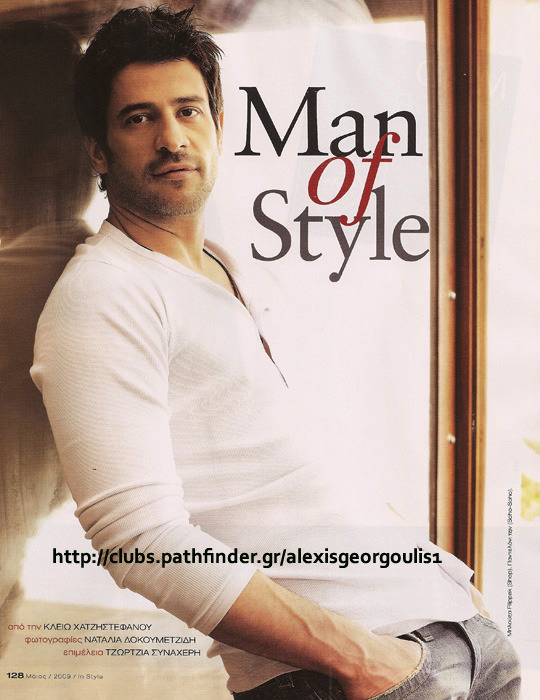
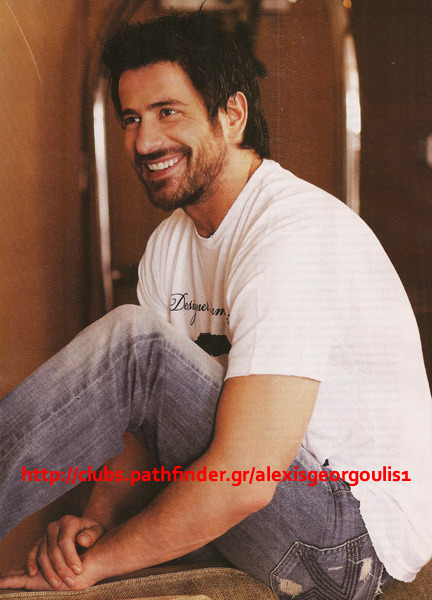
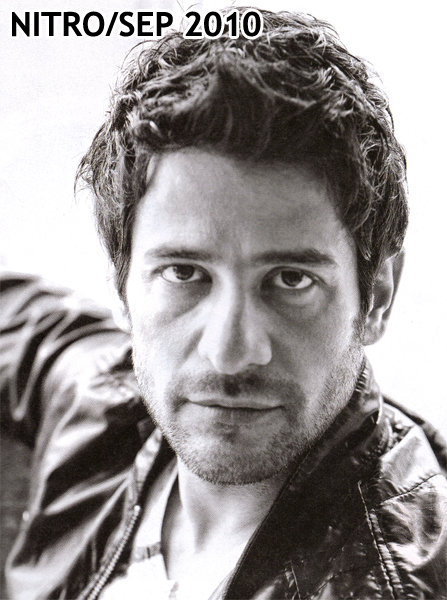
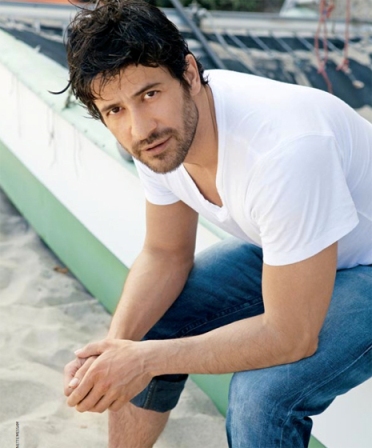
hi! i'm new here! alexis is my favourite! He was born in 1974, in the Greek town Larissa. From 1988 to 1993 took guitar lessons in the conservatory of Larissa. In 1993 started studies in the National Technical University of Athens to become a Civil Engineer. In 1996 started acting lessons in the Drama schools 'Stage-craft' and 'Theater of Changes'. Meanwhile, took extra lessons in phonetics. In 1997 - had been accepted - graduated with excellent - in the Drama School "Jasmine", which has been established by the great Greek actor Vasilis Diamantopoulos. During that time, teamed up with the dance group "Heresis" in the performance "Carmen 33" (1997) and "The Return" (1998), took part in the TV series "Alice in Wonderland" (1997 ET channel), and "Death Agony" (1998 ET channel), and also in the short cut film "No one's Rose". In 2001 co-starred in the sitcom "You are my mate", which became a huge success and made him very popular to the Greek audience. Even then he is a lead actor. In 2003 he directed for the Progressive Stage of the National Theatre the play "Good Luck" written by the rewarded Greek writer Bill Katsikonouris. Next year at Kivotos Theatre (2004), he directed the black comedy "The Shape of Things", written by Neil Labute. He is also the director of the short film 'From the other side' 2001).