Jump to content
View in the app

A better way to browse. Learn more.

Bellazon

A full-screen app on your home screen with push notifications, badges and more.

To install this app on iOS and iPadOS
  1. Tap the Share icon in Safari
  2. Scroll the menu and tap Add to Home Screen.
  3. Tap Add in the top-right corner.
To install this app on Android
  1. Tap the 3-dot menu (⋮) in the top-right corner of the browser.
  2. Tap Add to Home screen or Install app.
  3. Confirm by tapping Install.

shade le

Members
  • Joined

  • Last visited

Everything posted by shade le

  1. adicoraswimwear.com 28270982_2009951375948355_4164494264648175853_n.mp4

  2. IG 24207706_740148612859755_7752509255969669120_n.mp4 24362896_1754939934807061_2790204382755236143_n.mp4

  3. IG 28541893_1350271468452284_2258081615672508416_n.mp4

  4. Add 27310115_1860987340608994_1536729815221010432_n.mp4

  5. Keep It Real Set - Red
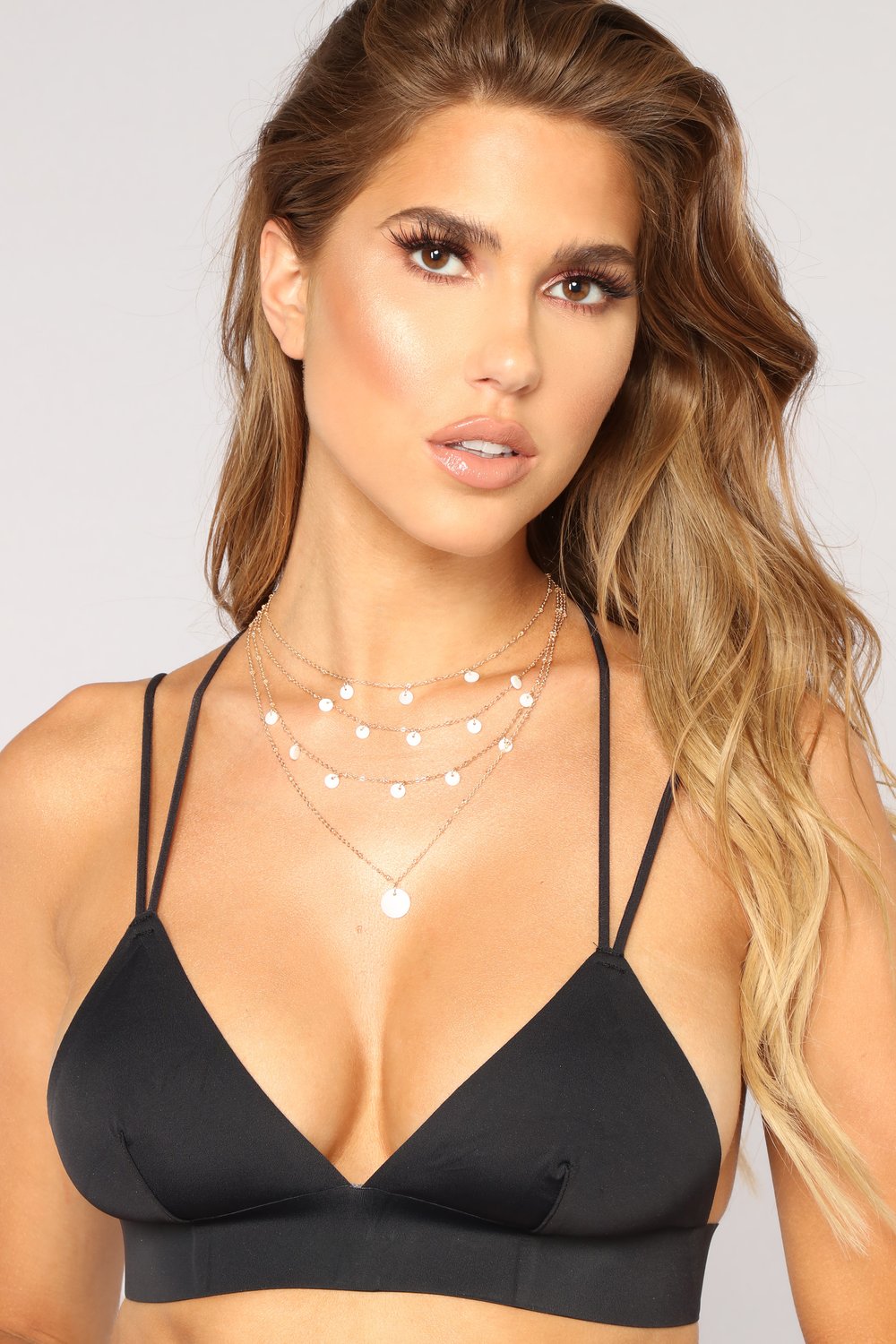
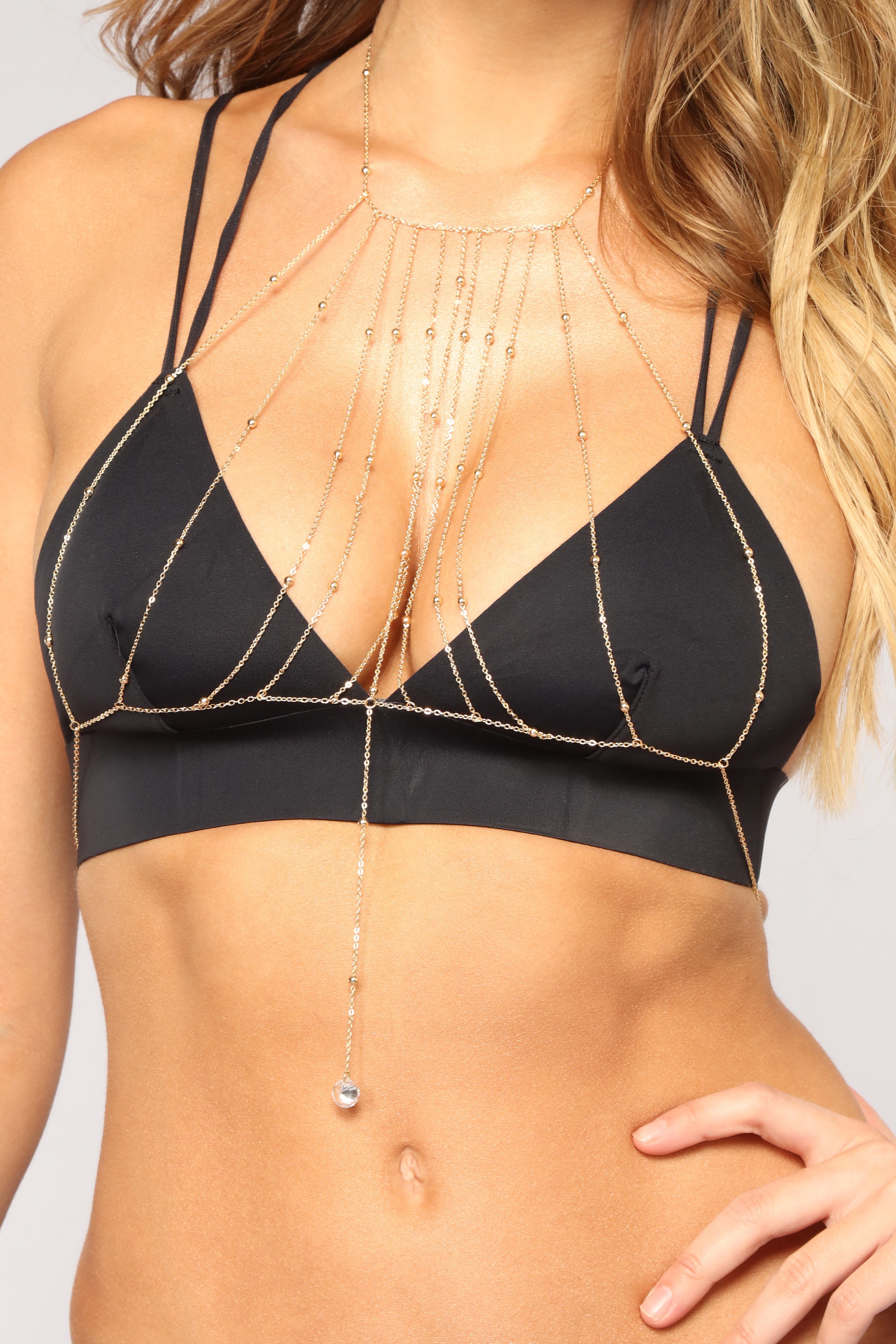
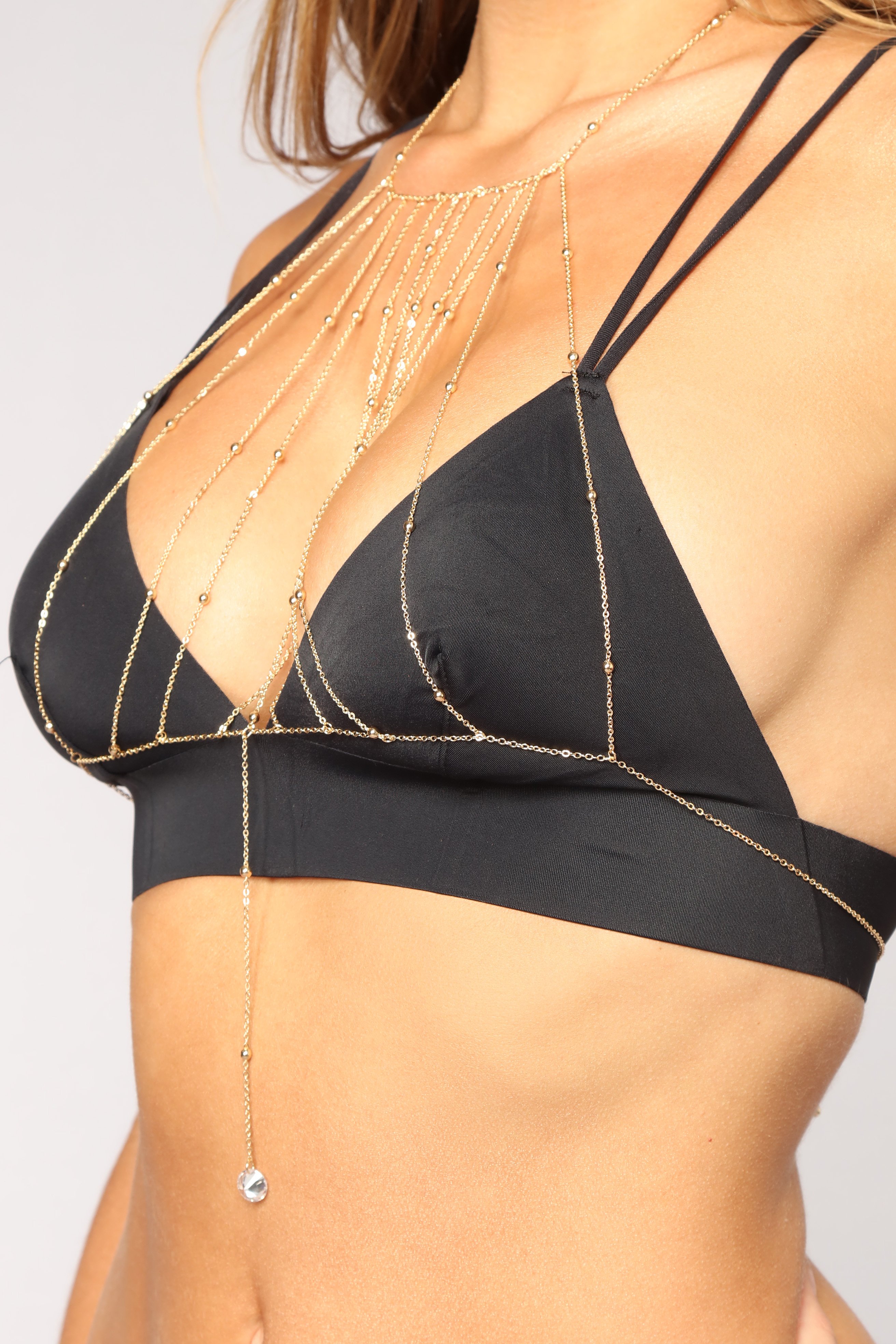
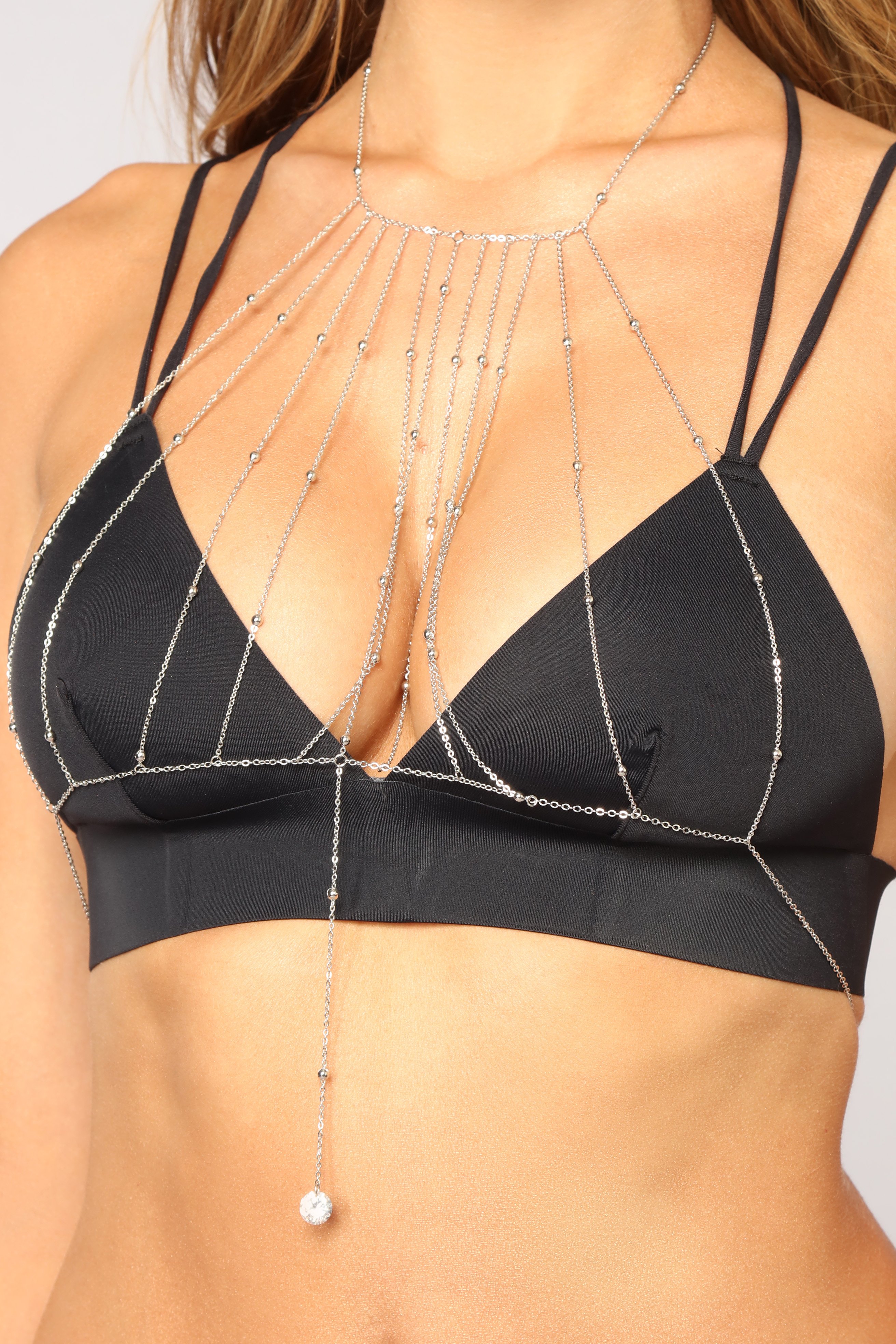
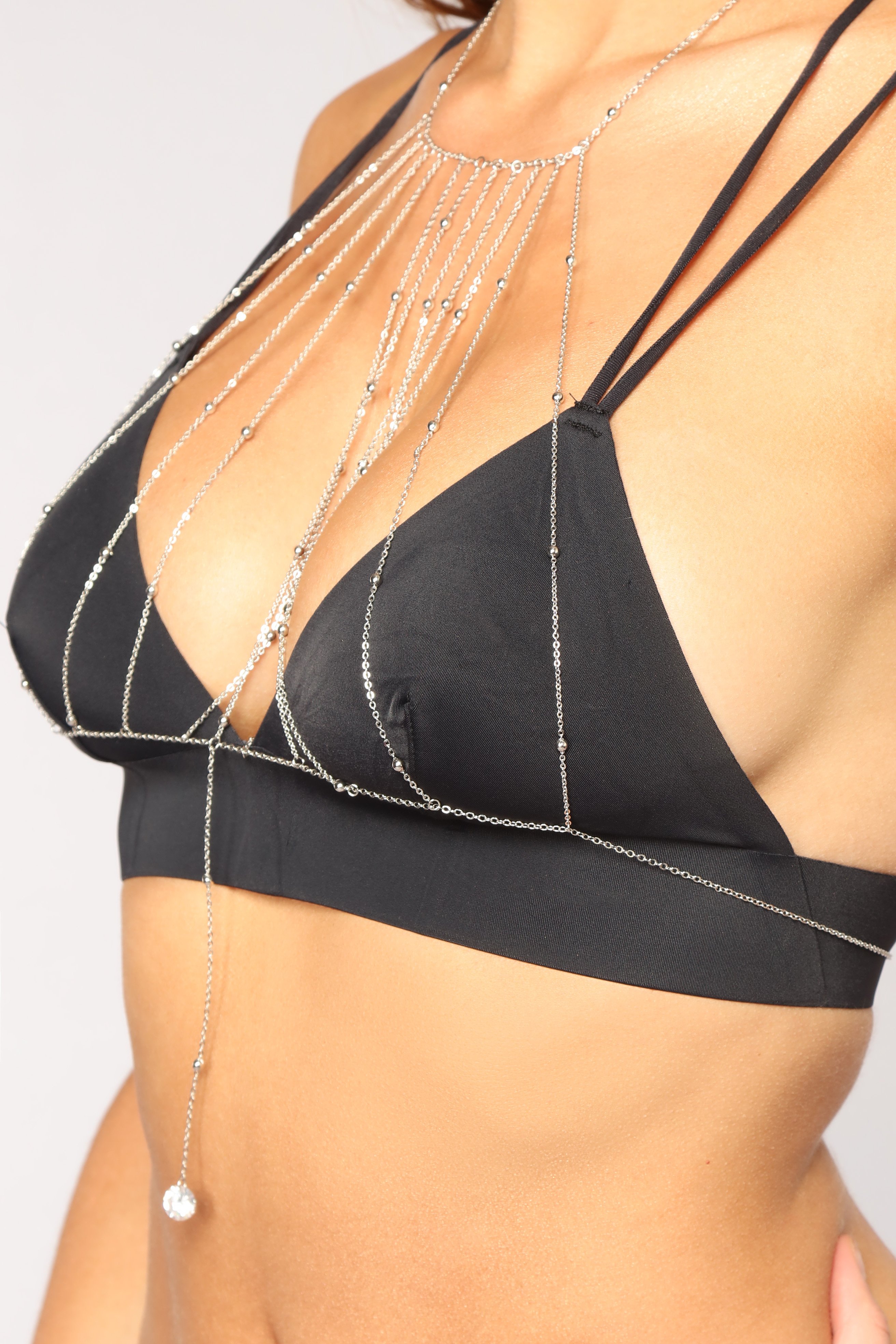
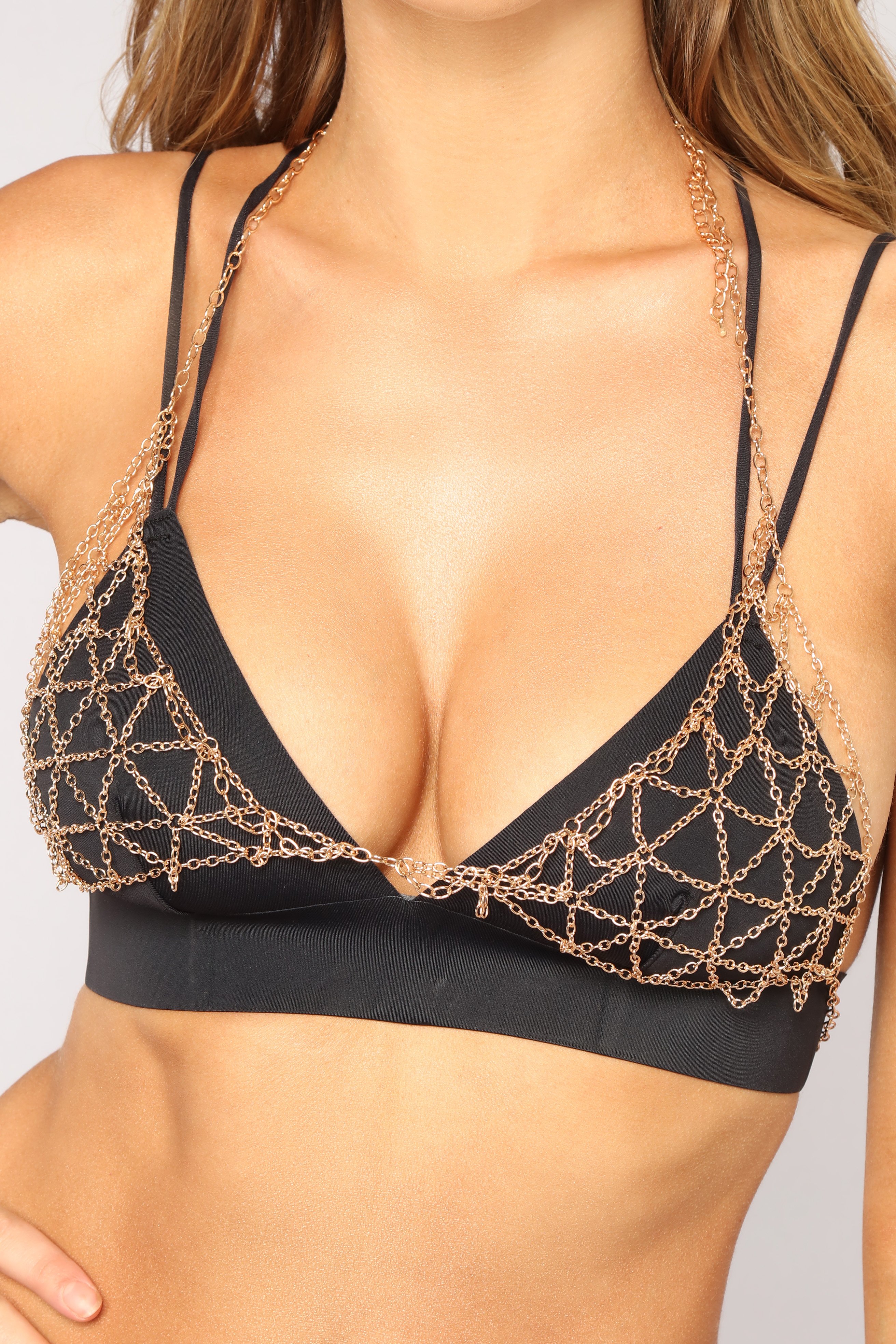
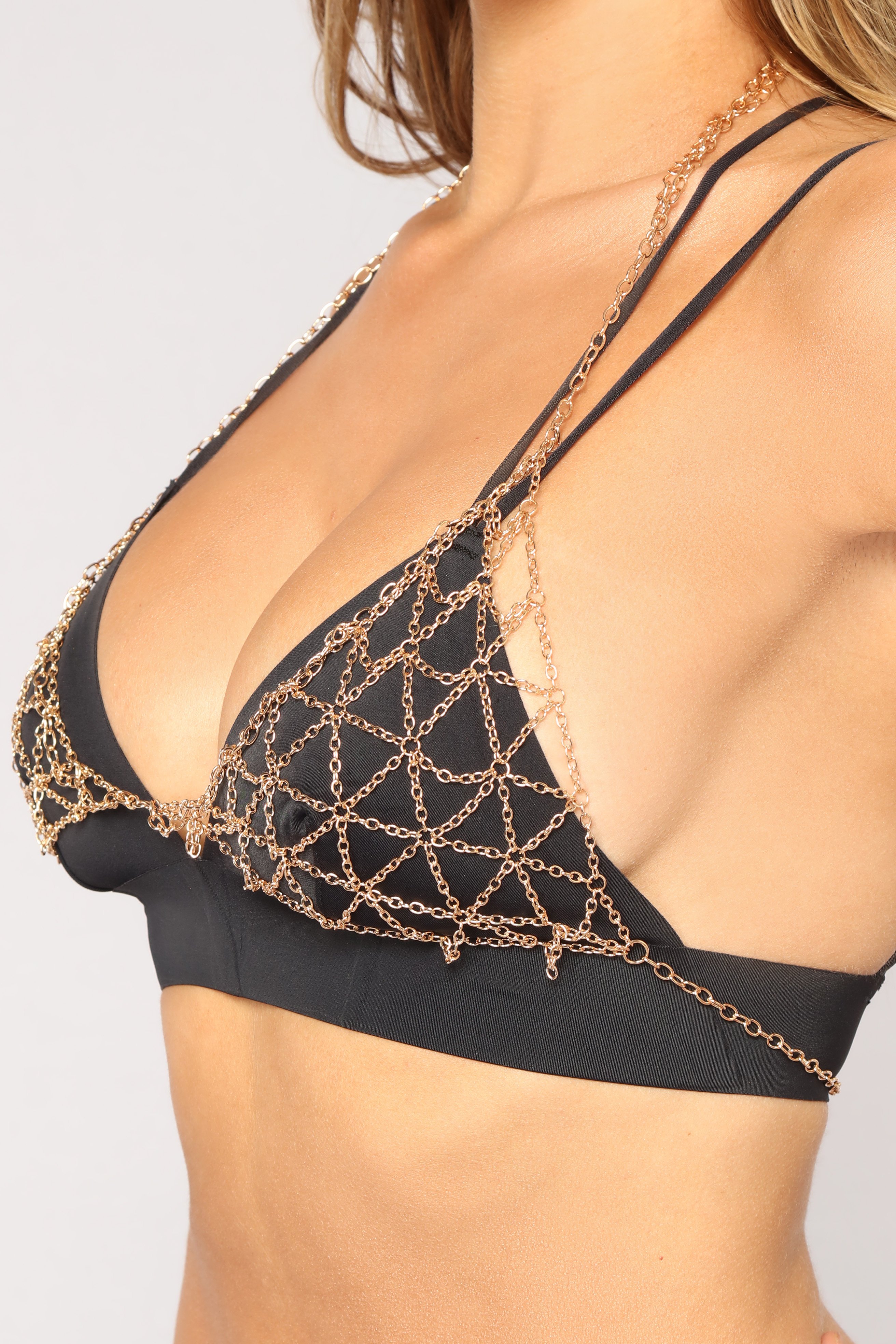
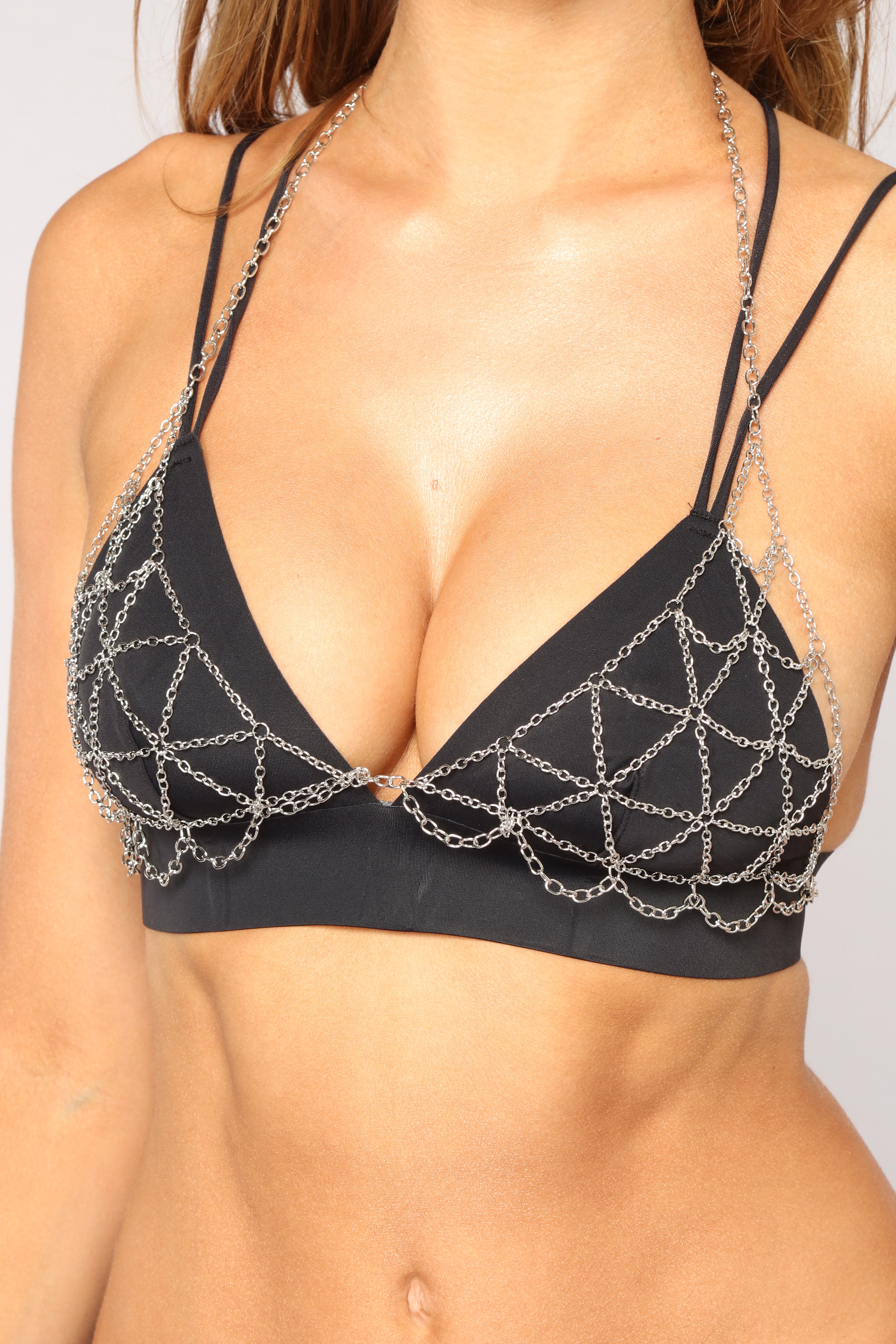
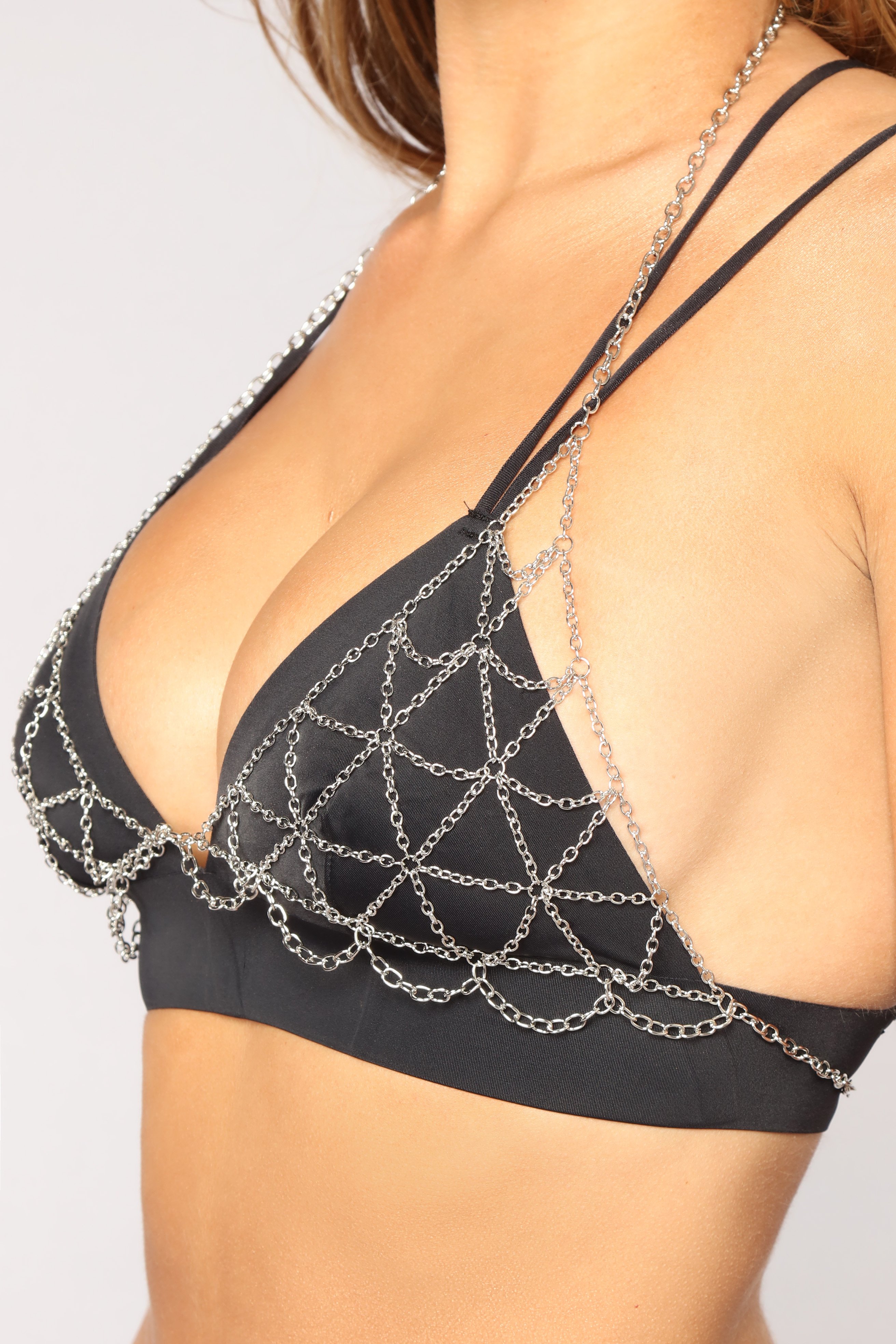
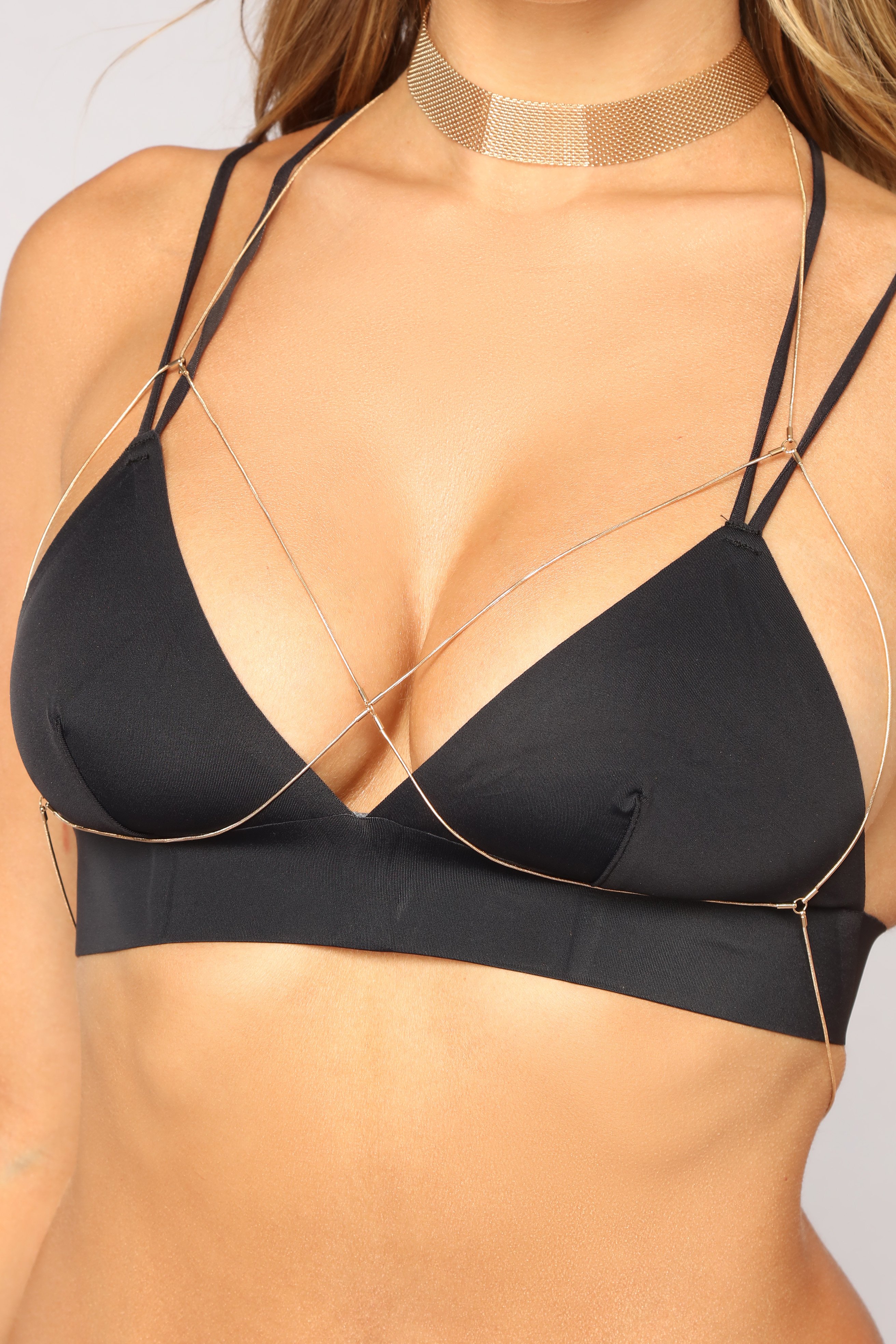
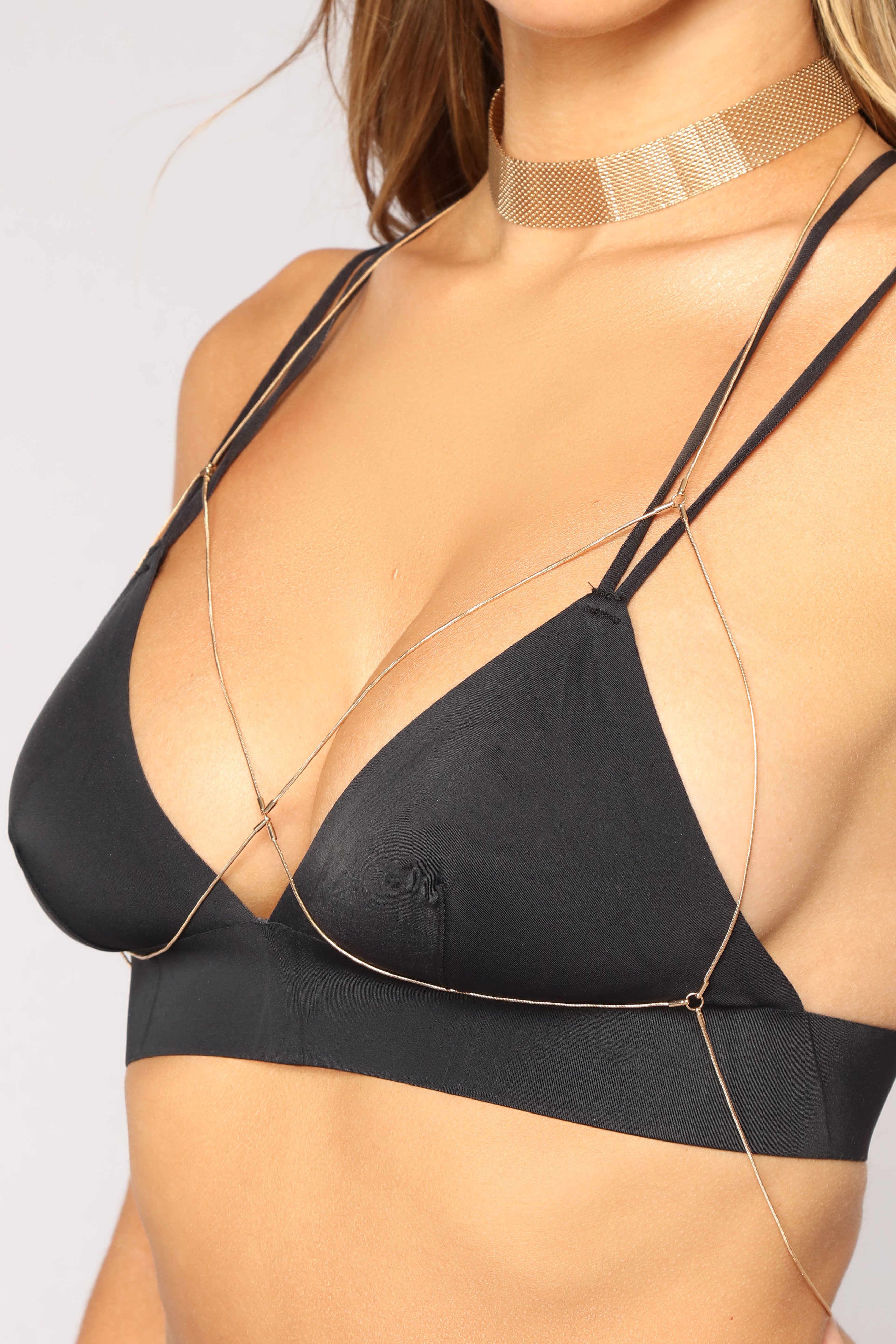
  6. Necklace
  7. New Lover Robe - Rose

Configure browser push notifications
Chrome (Android)
  1. Tap the lock icon next to the address bar.
  2. Tap Permissions → Notifications.
  3. Adjust your preference.
Chrome (Desktop)
  1. Click the padlock icon in the address bar.
  2. Select Site settings.
  3. Find Notifications and adjust your preference.