
LAM
Members
-
Joined
-
Last visited
Everything posted by LAM
-
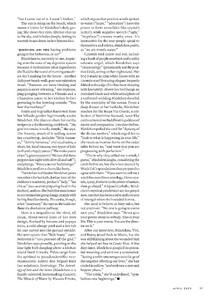
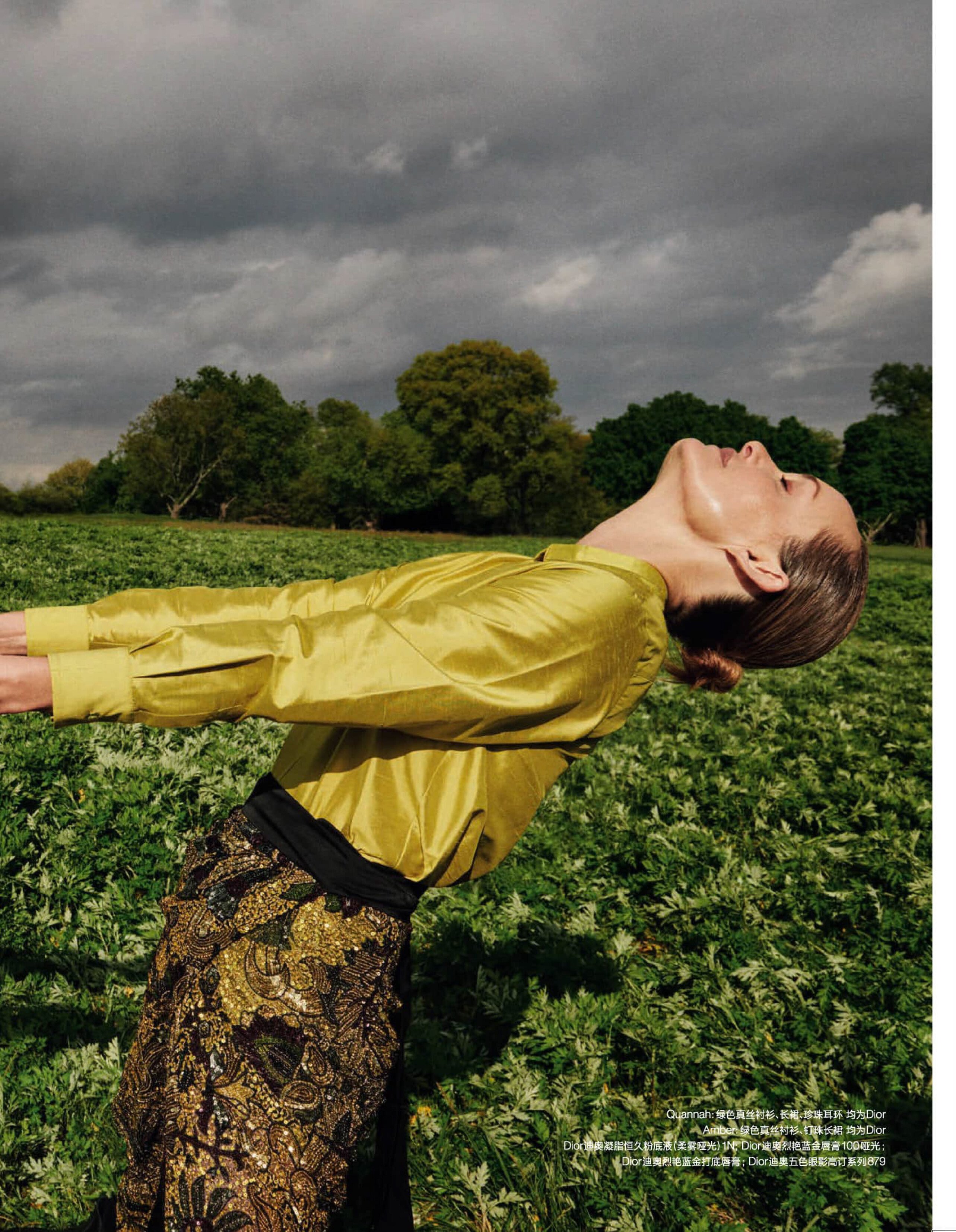
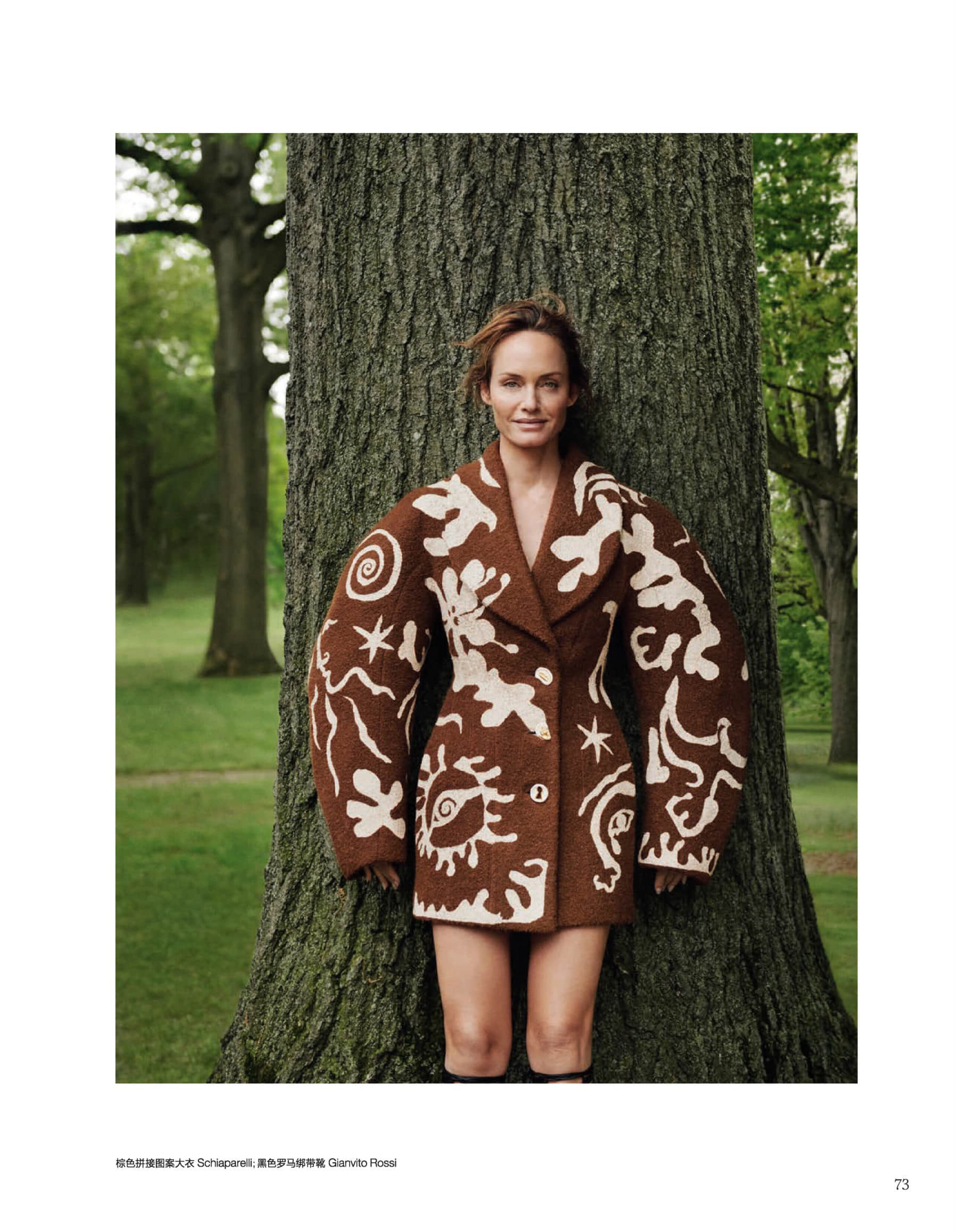
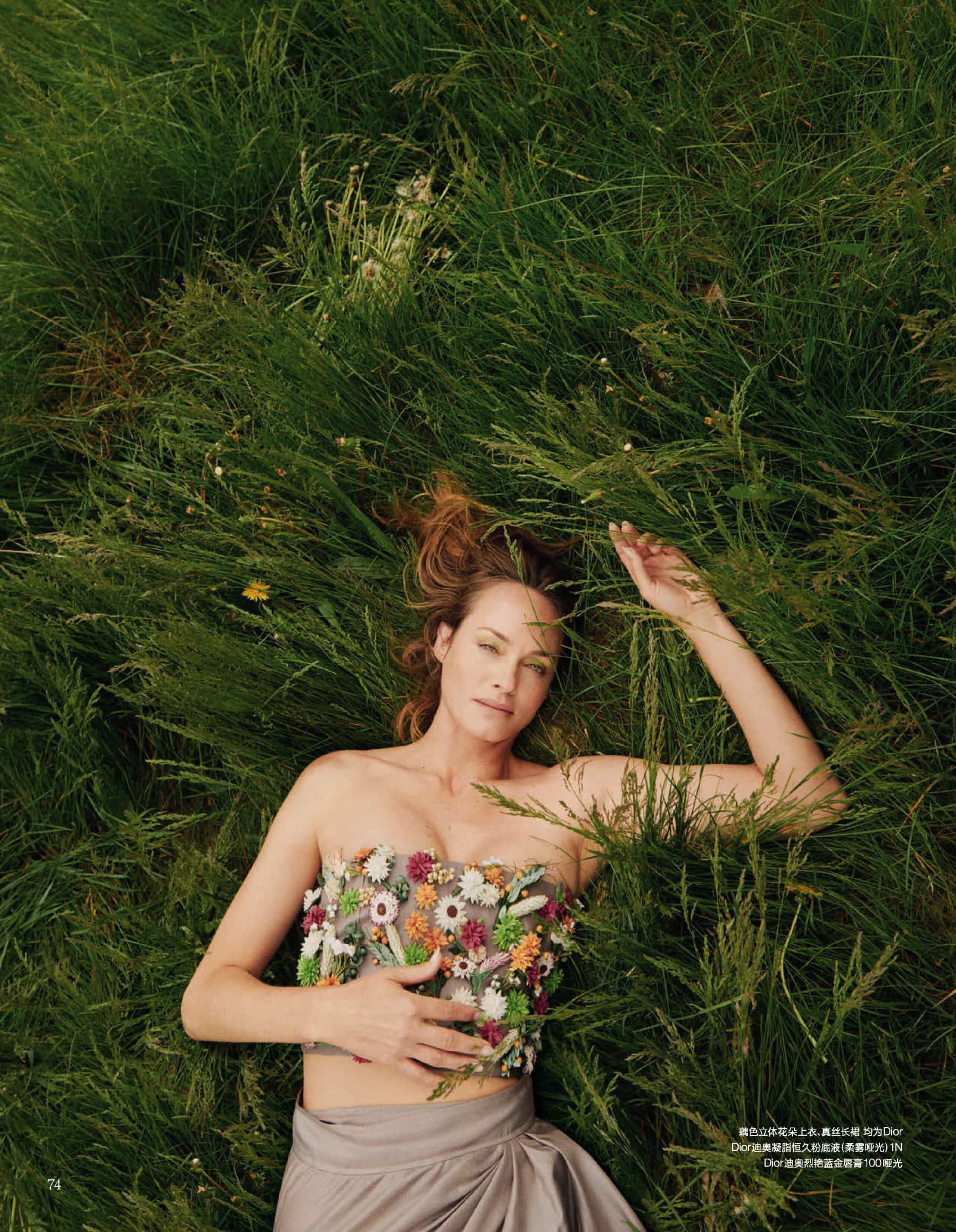
 Vogue China June 2023 - Cass Bird HQ digital




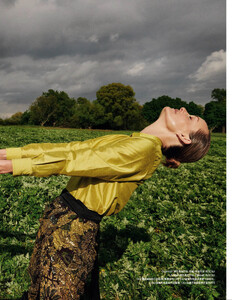
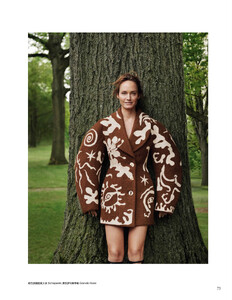






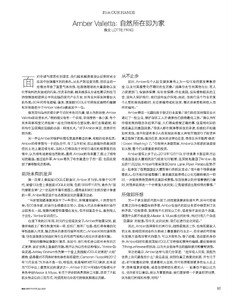
-
New cover Zeit Wissen Germany July-August 2023 Here is the scan in HQ

-
I was also looking for the files for Jimmy Choo 😂 But you post it before me
this is not an AD, it comes from ....
 Found this catalog, can't wait to receive it
 This is Mirabella magazine 1994 not REVLON http://stefmodels.com/zpages/editorials_year.php?model=helenachristensen&annee=1994
They were available in my website but in smaller size than your scans. The 3 first pics "Einsichten" are from Hans Feurer The last 2 pics "Sommernachts traume" are from Peter Lindbergh
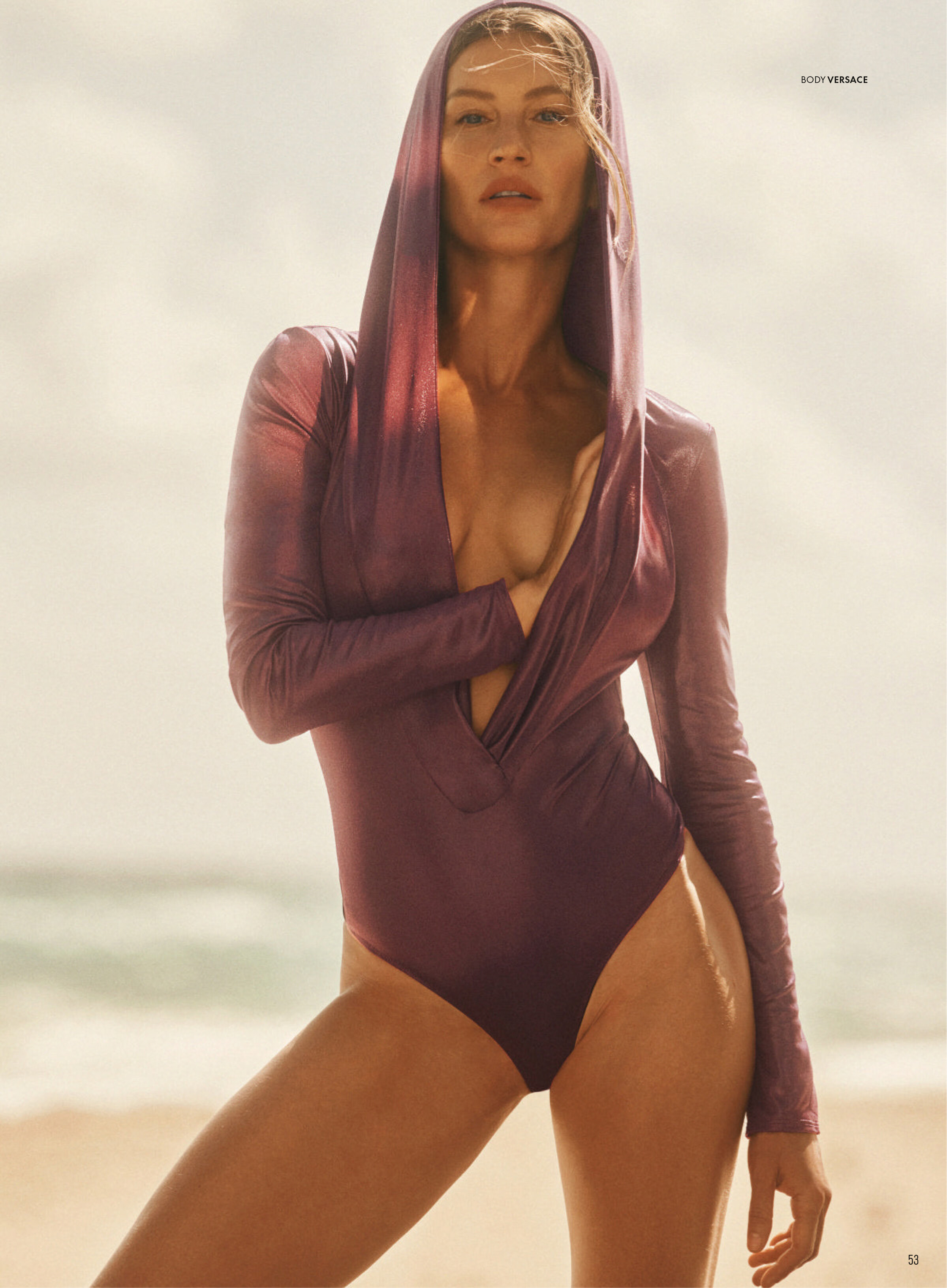
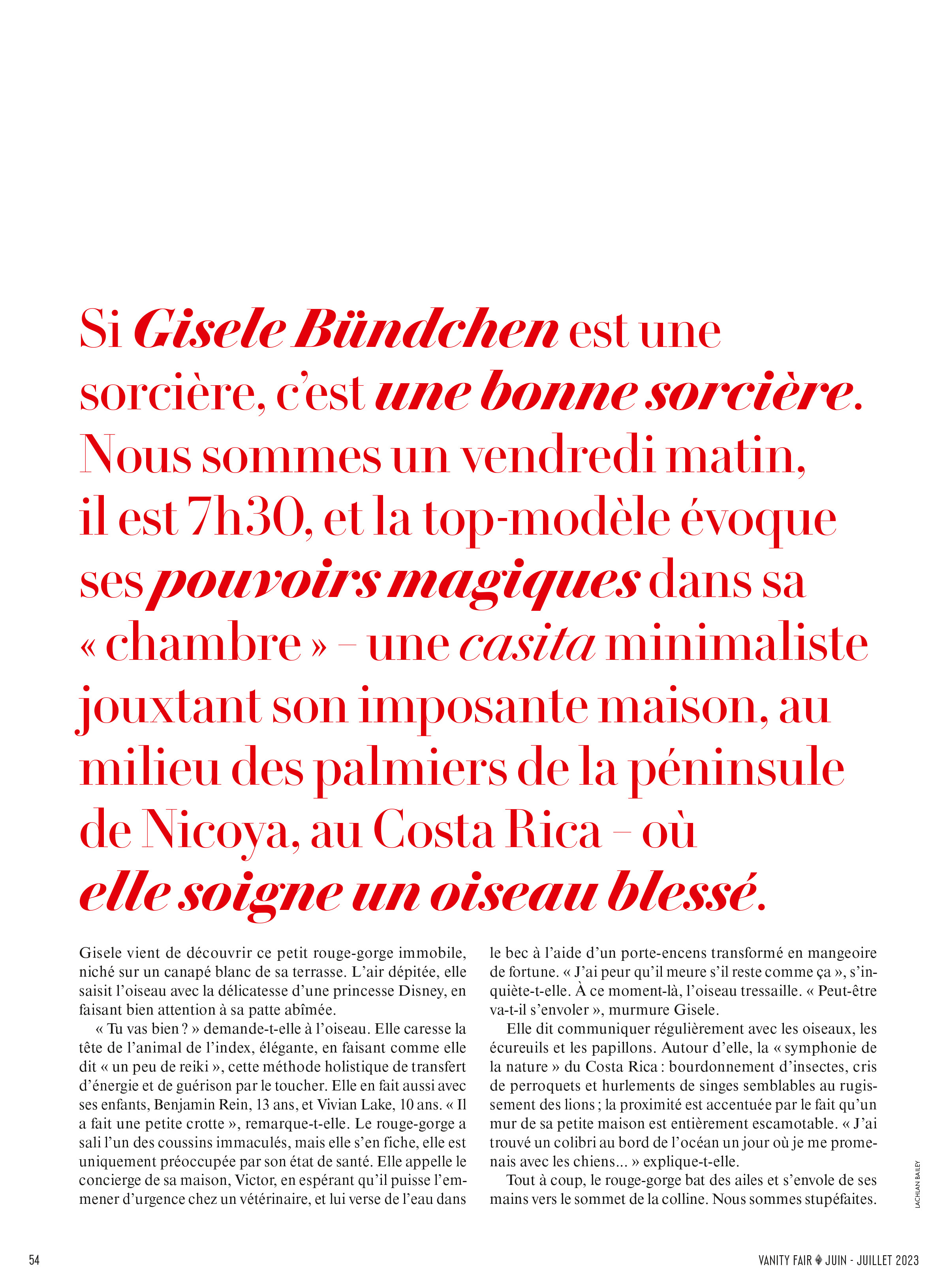
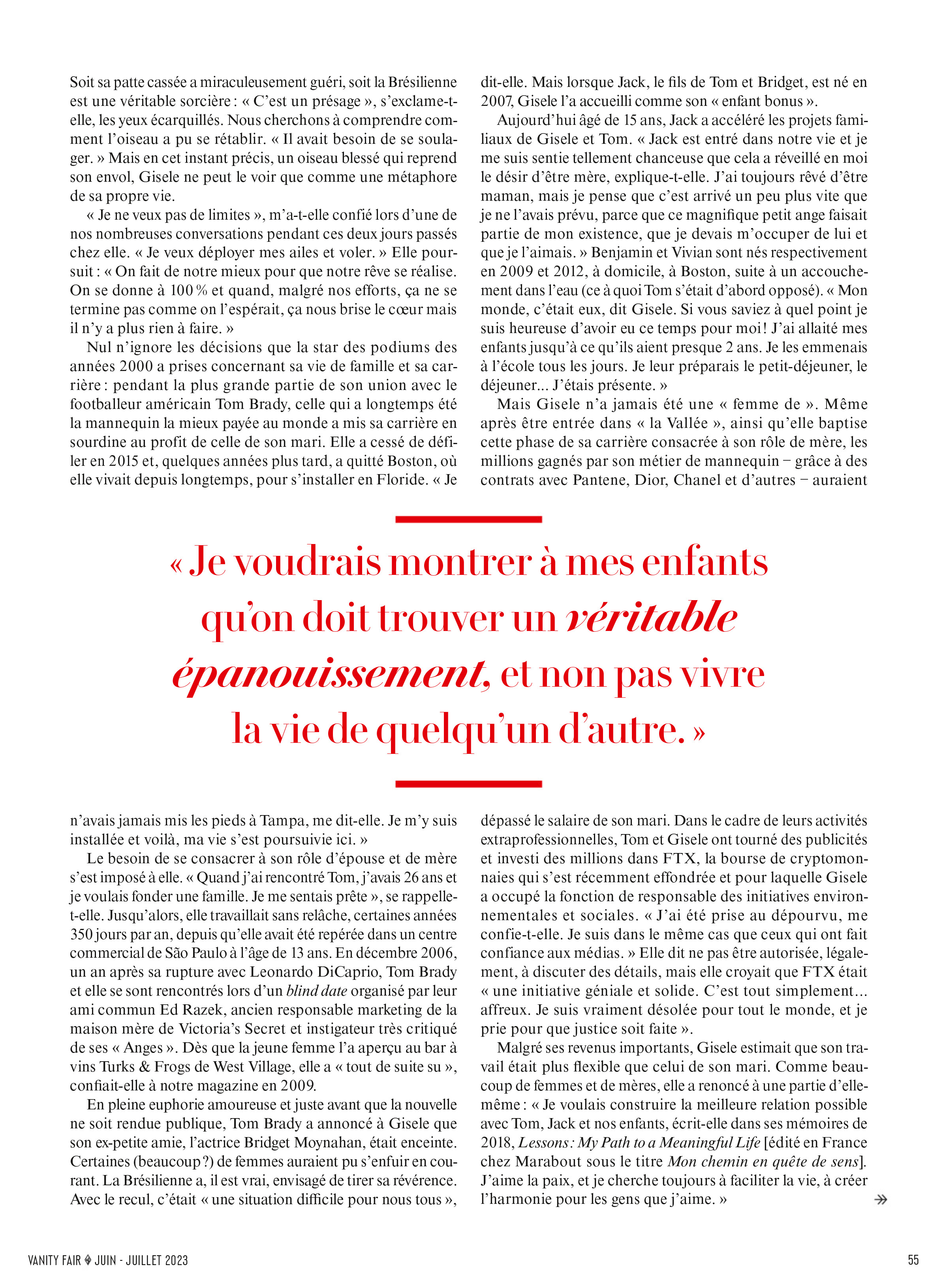
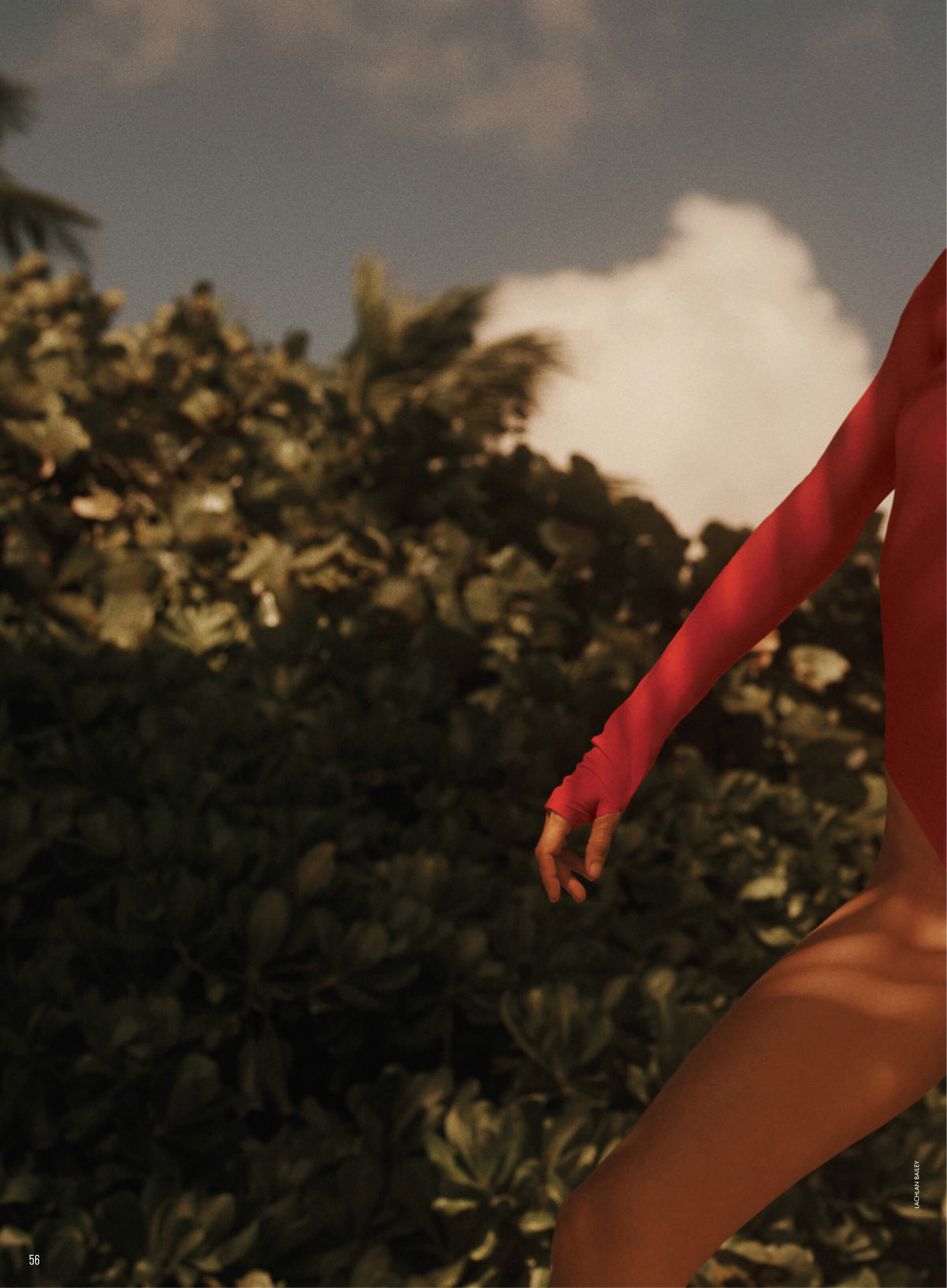
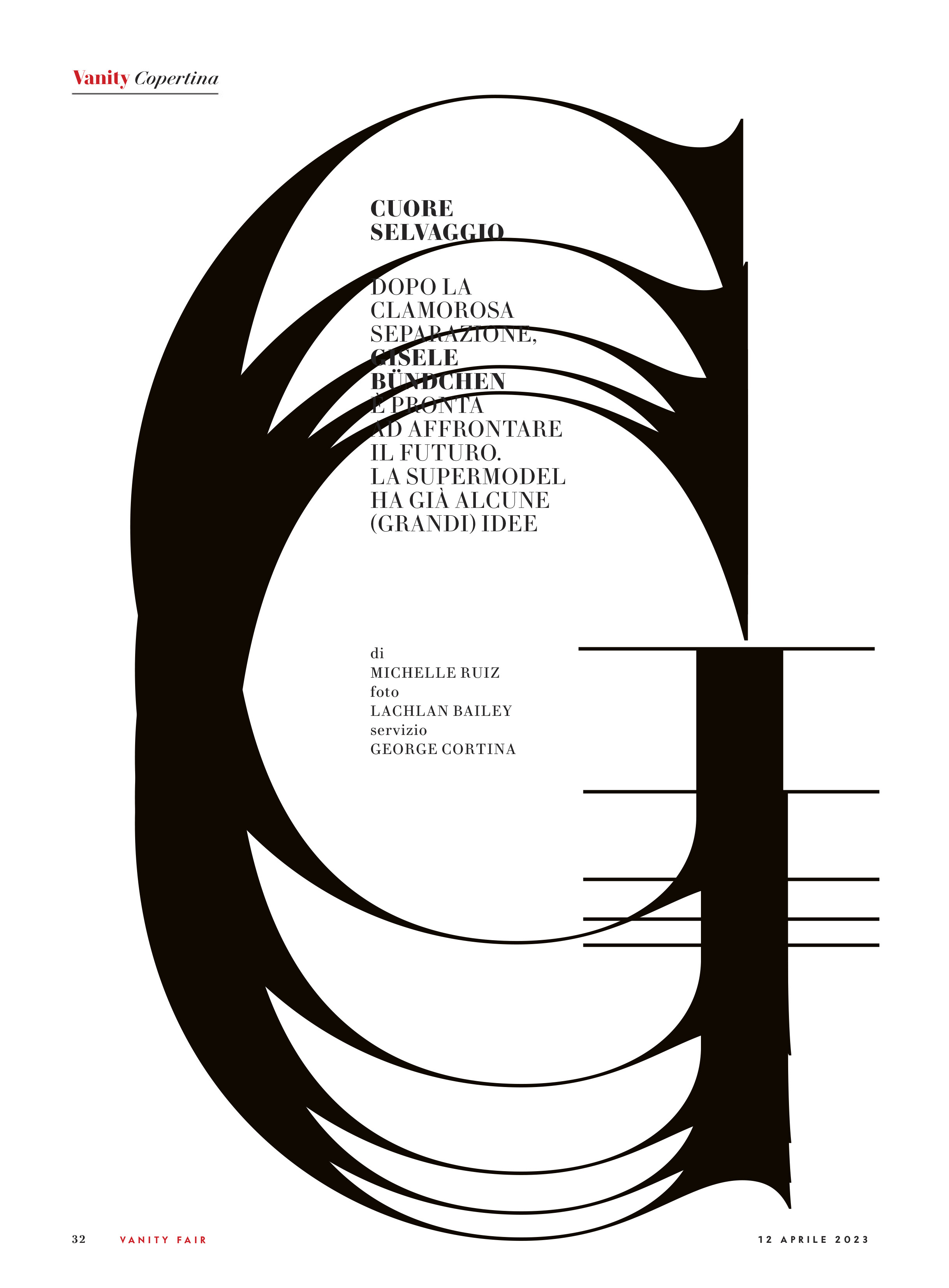
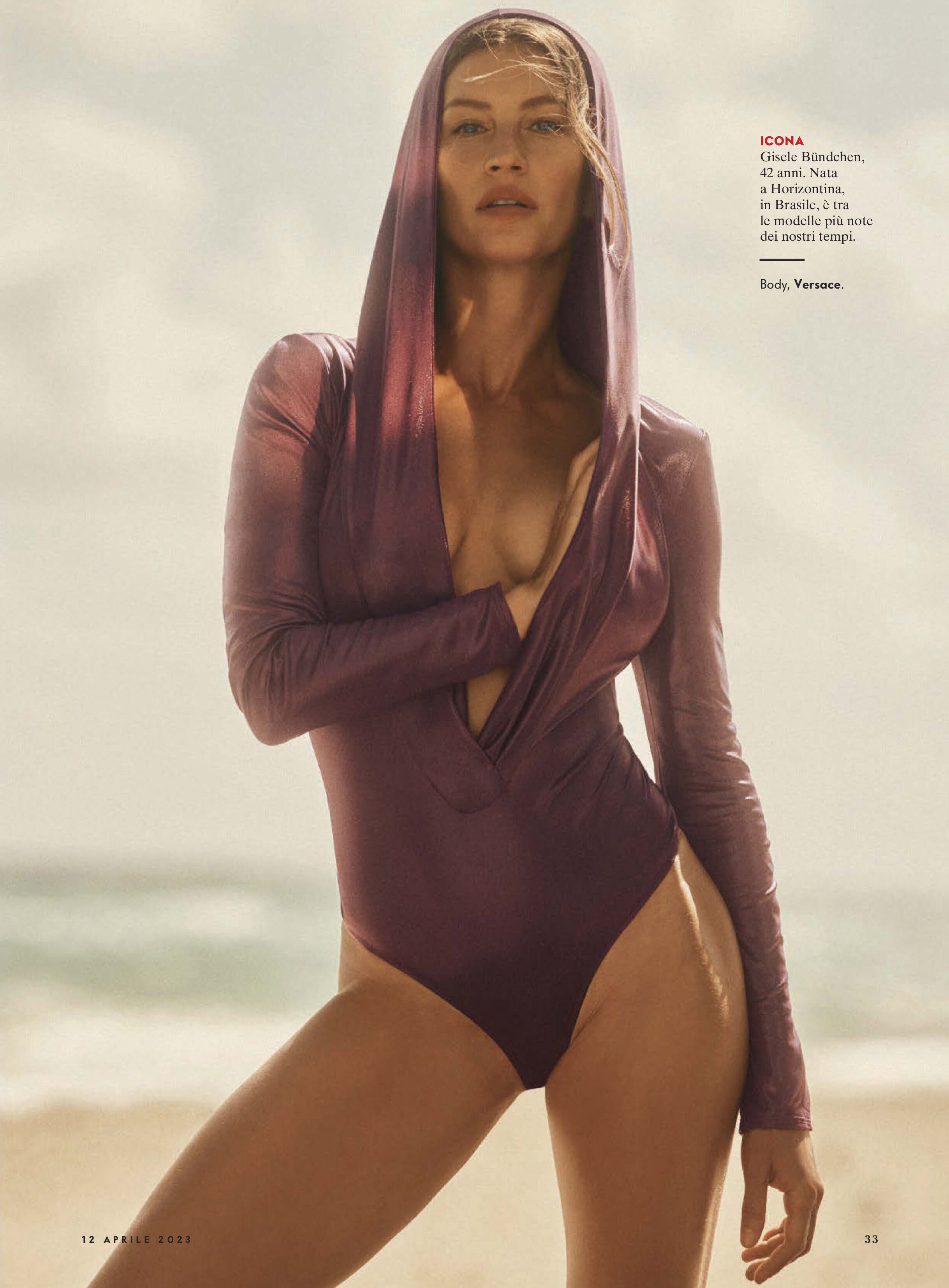
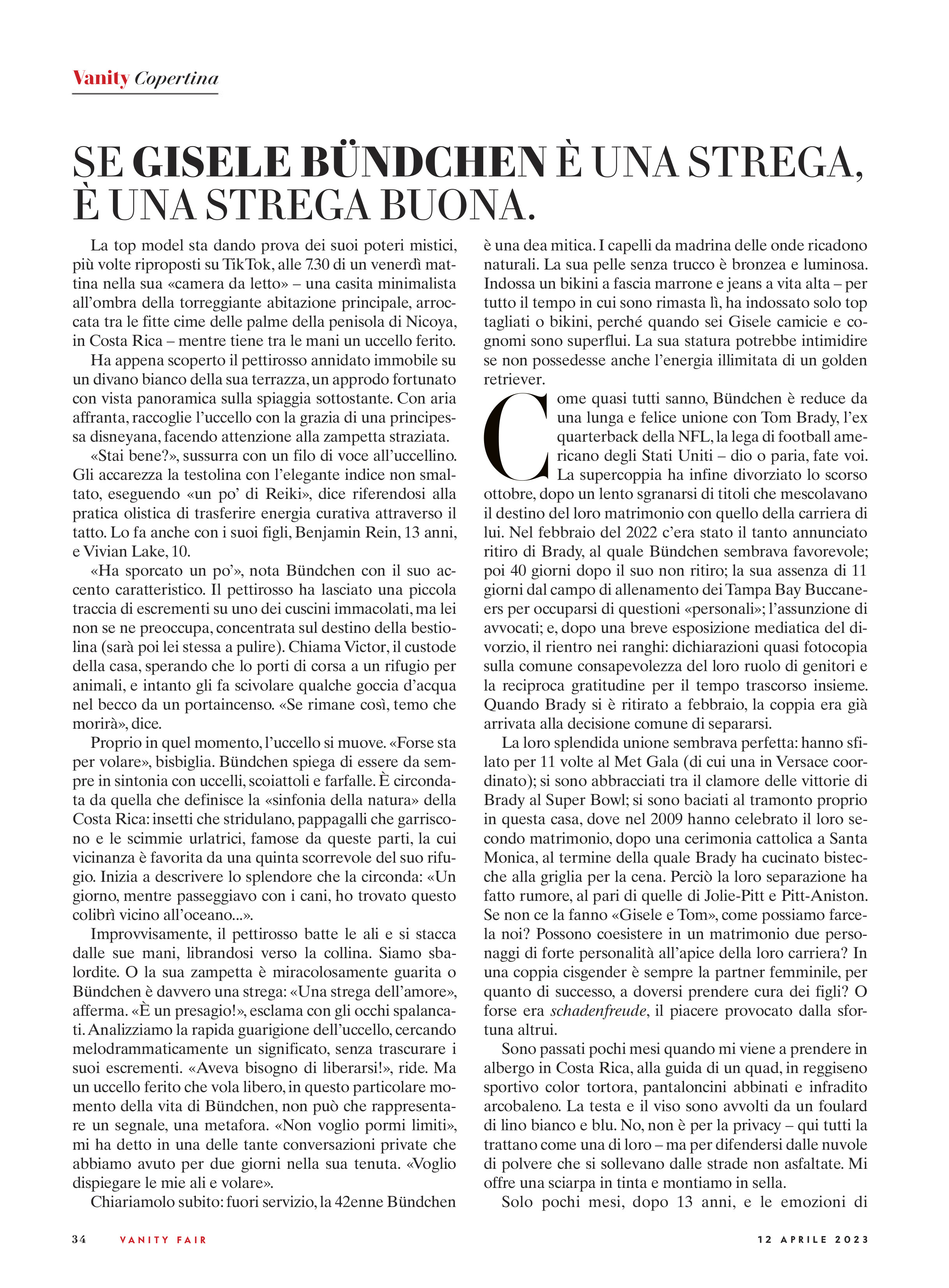
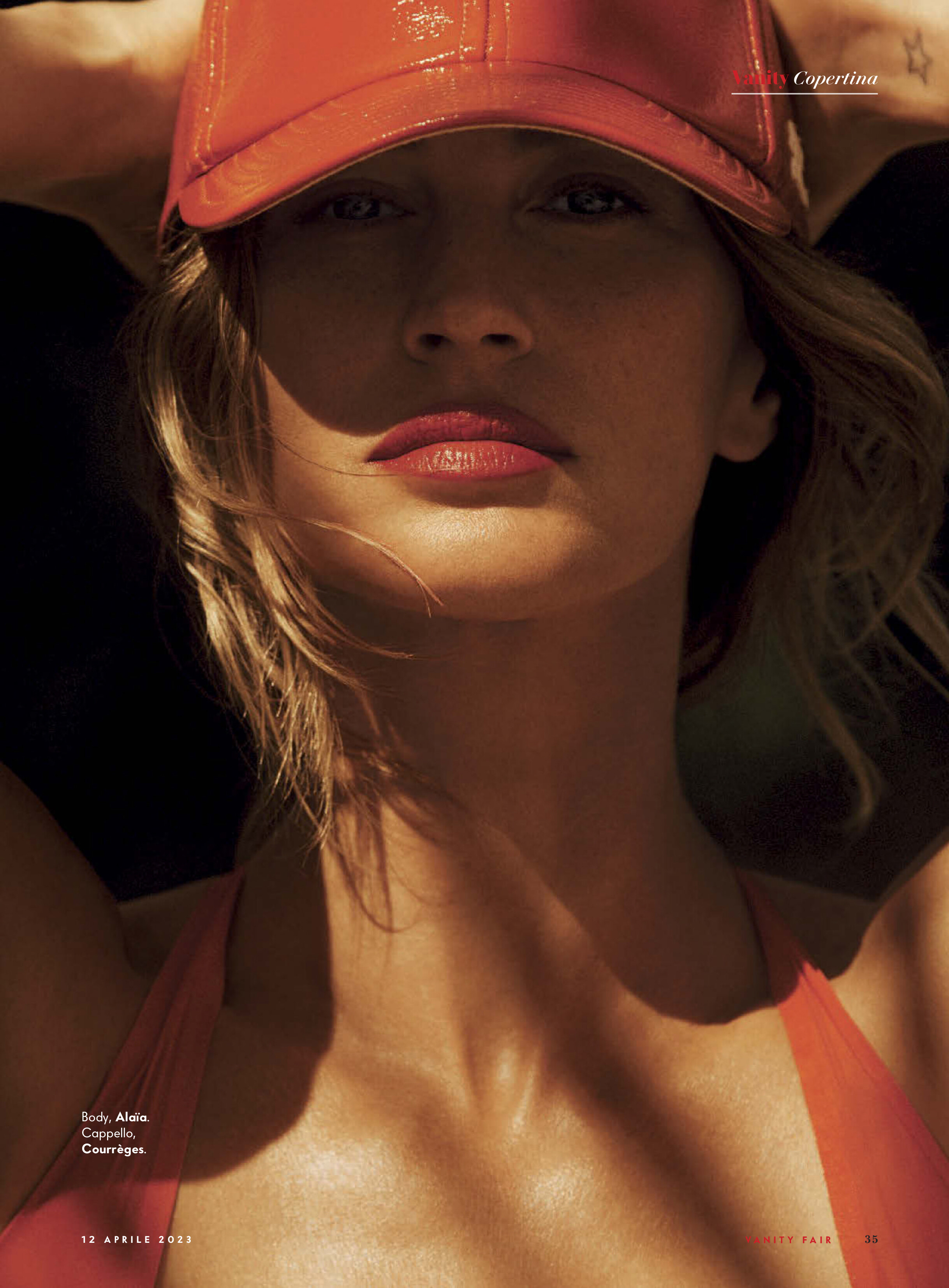
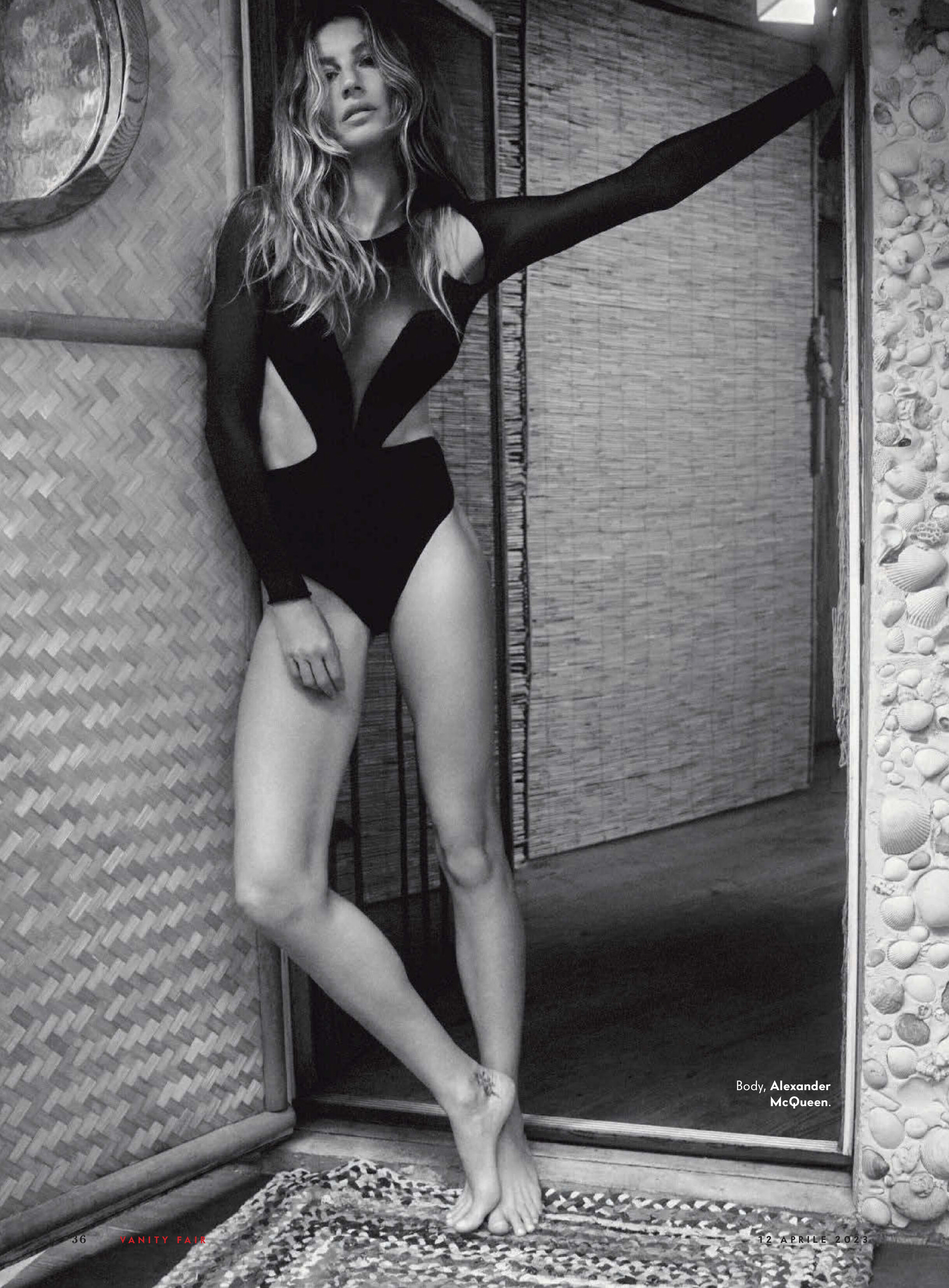
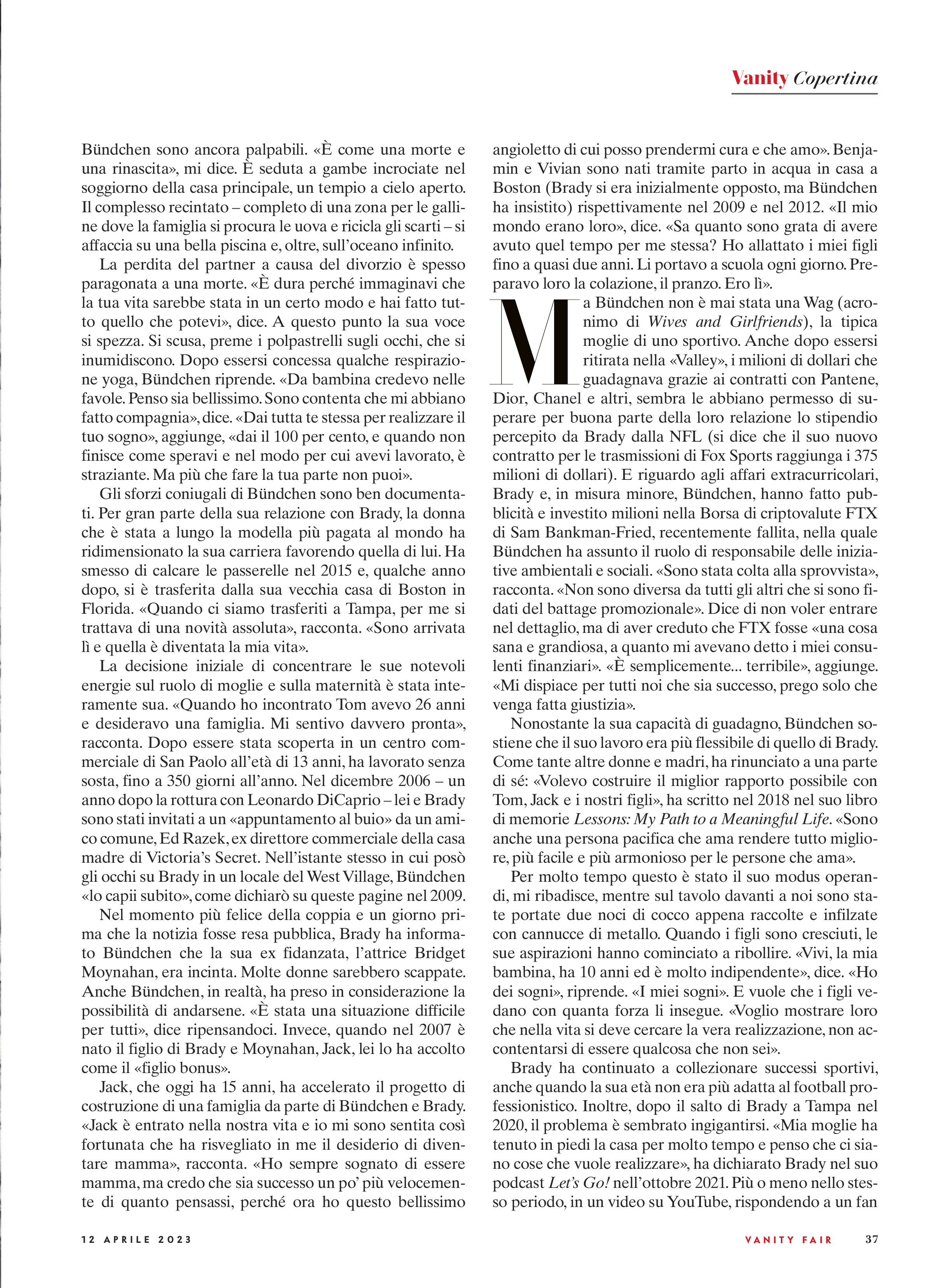
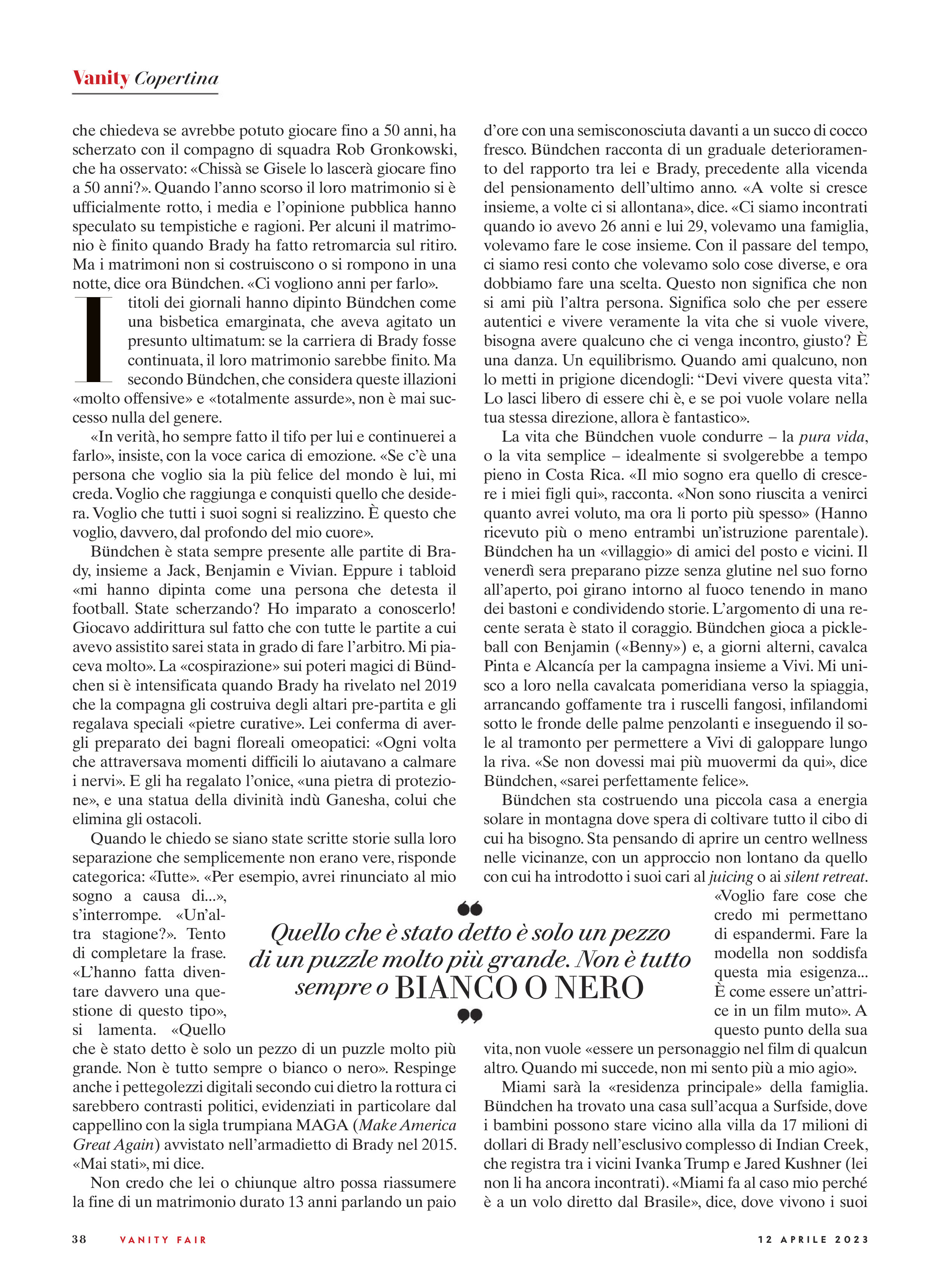
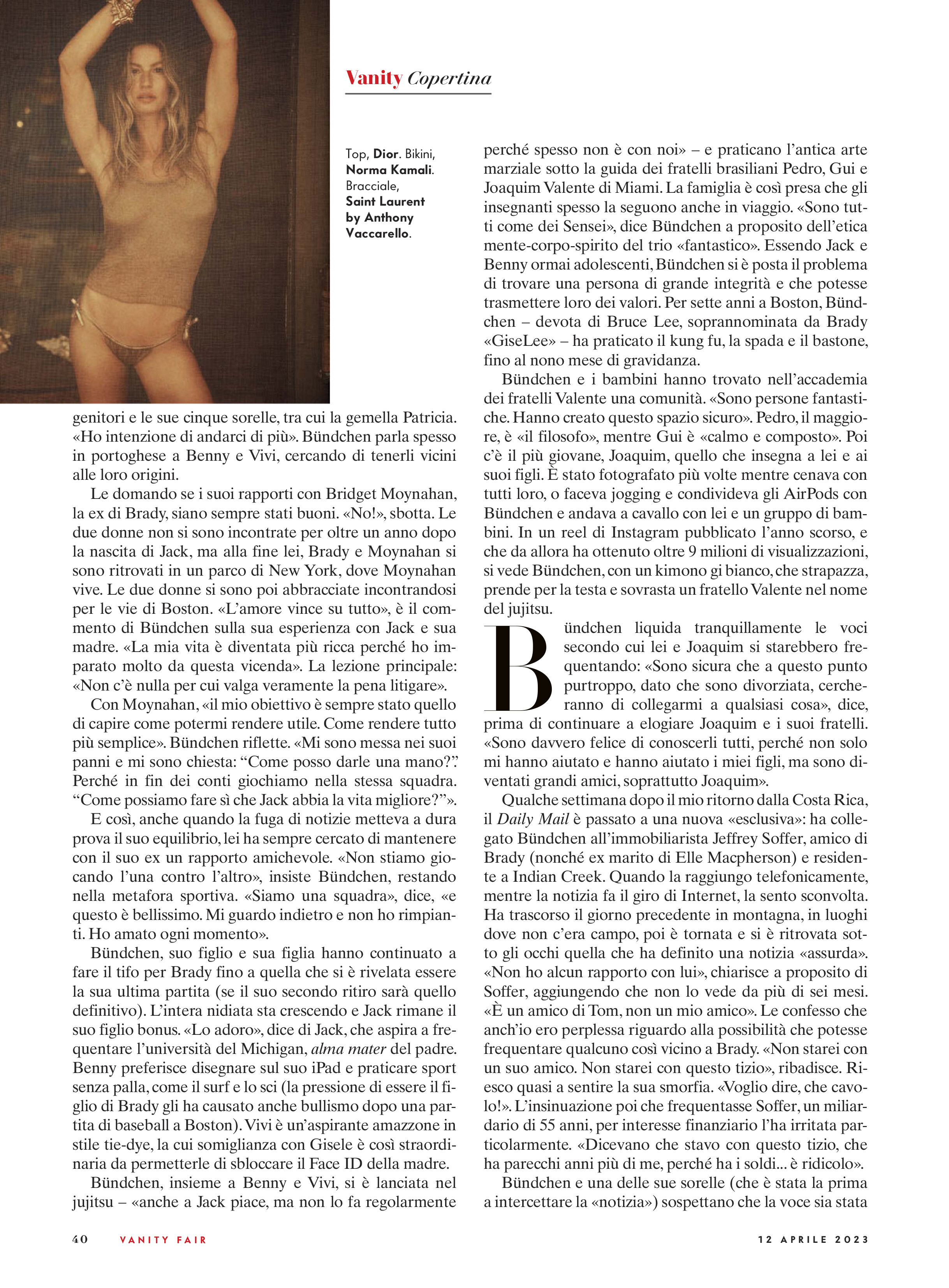
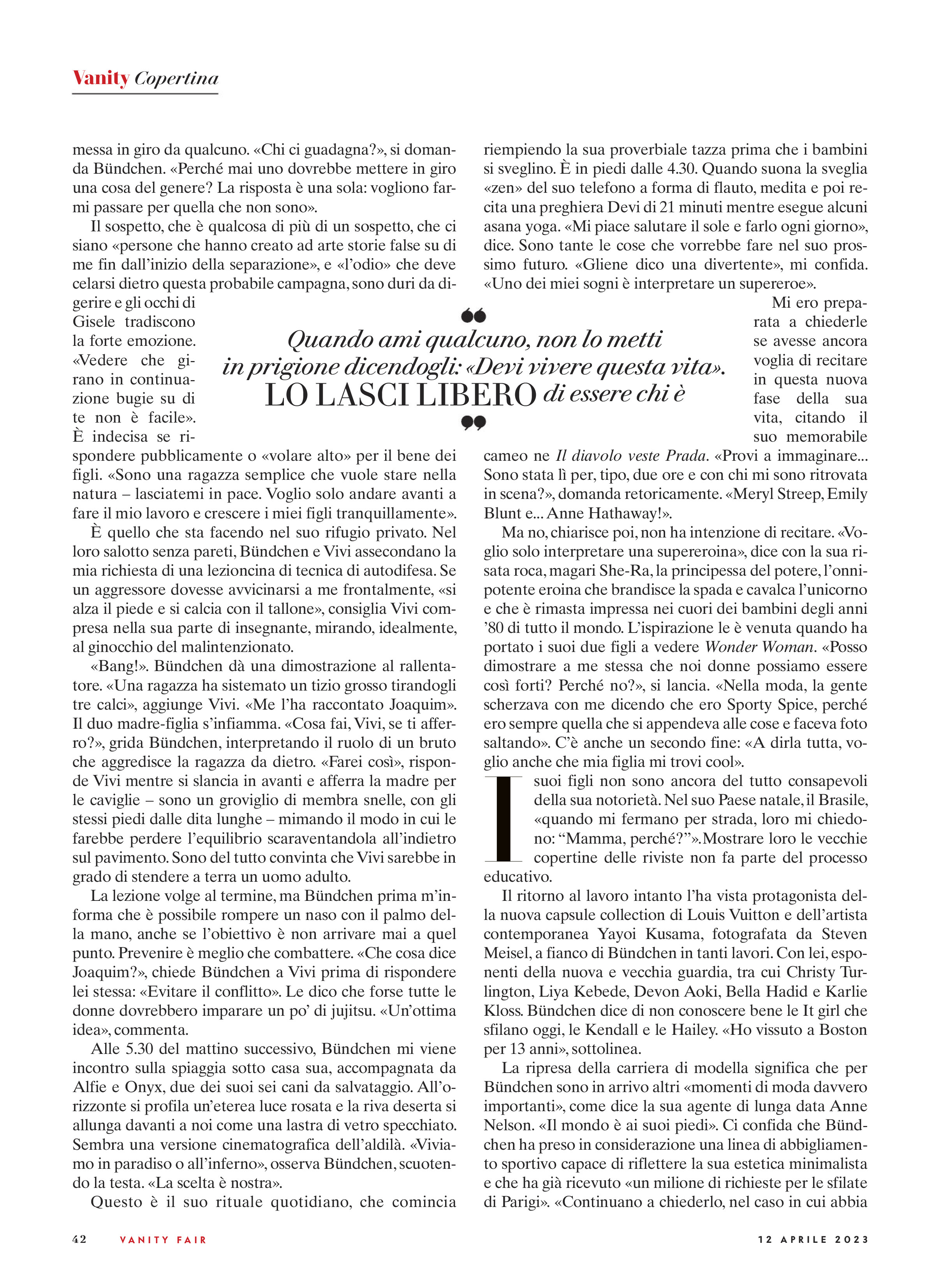
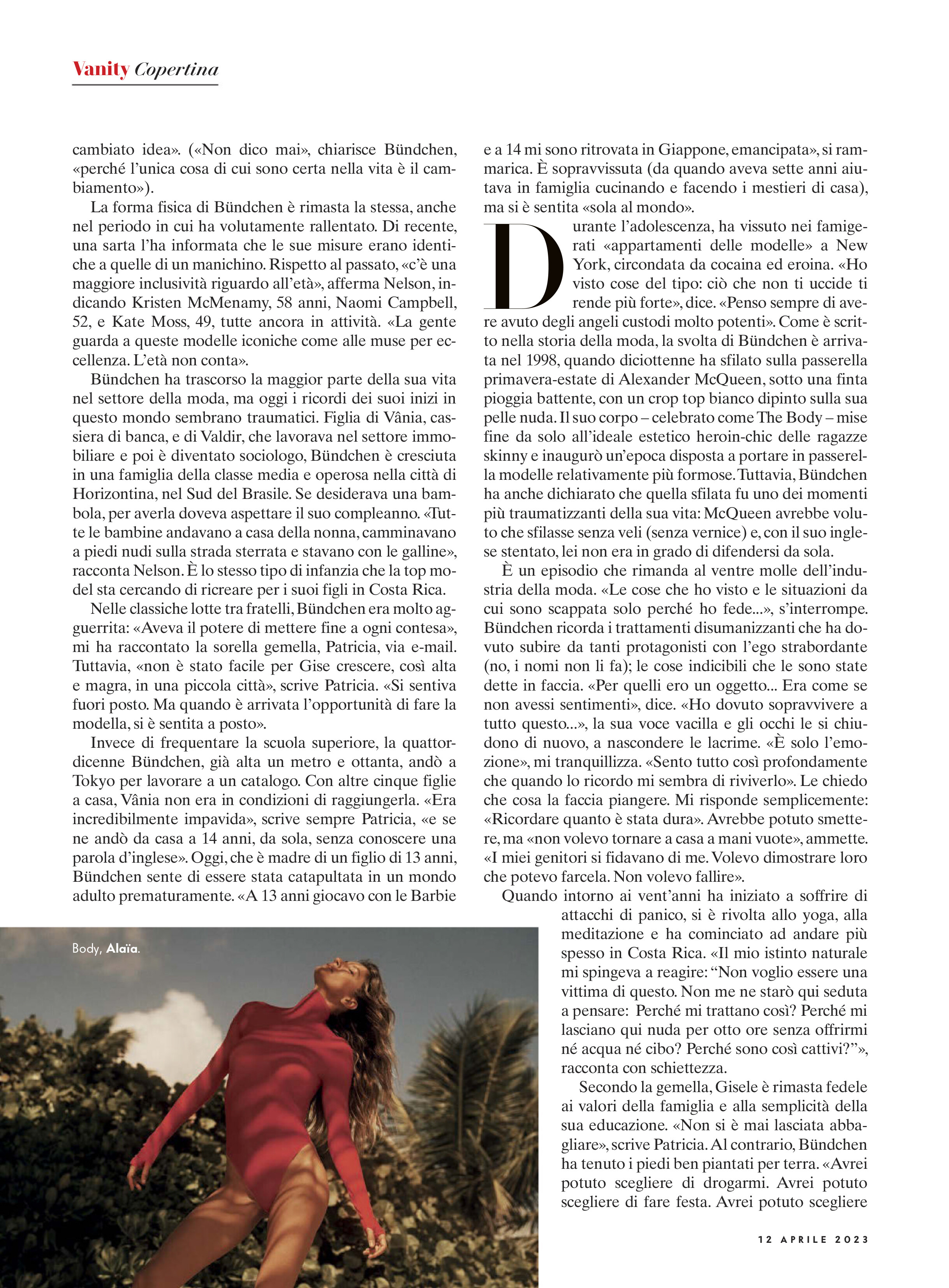
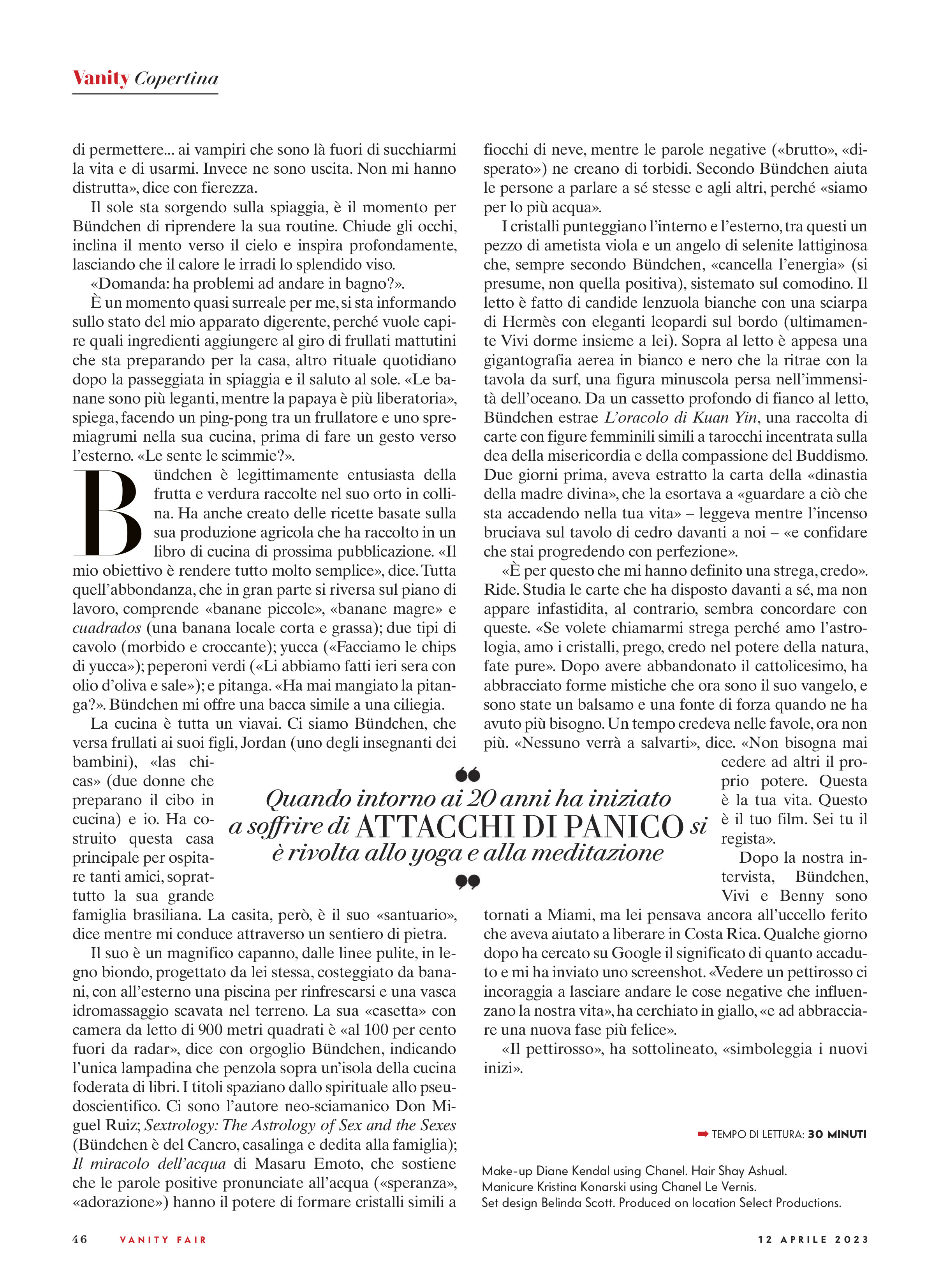
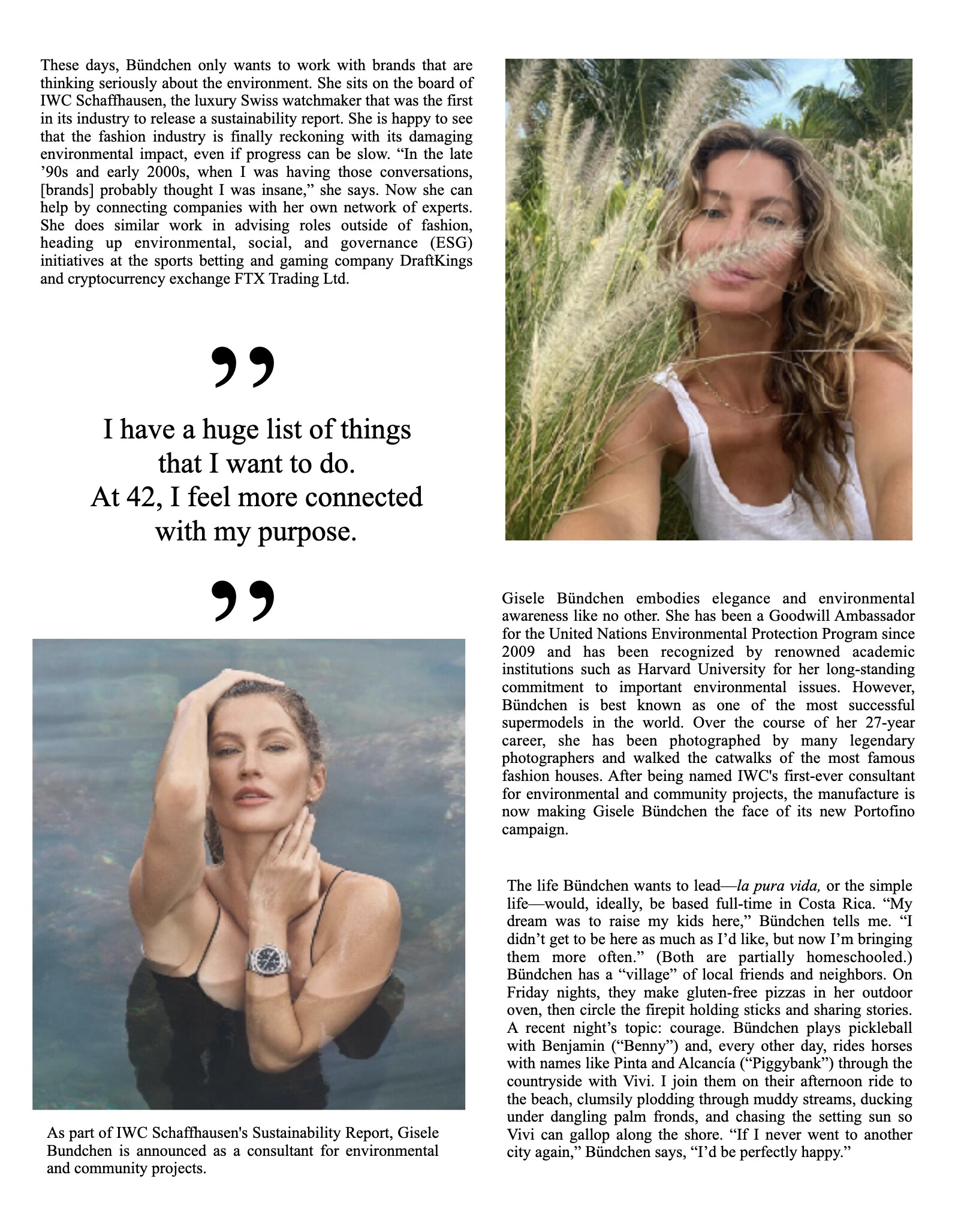
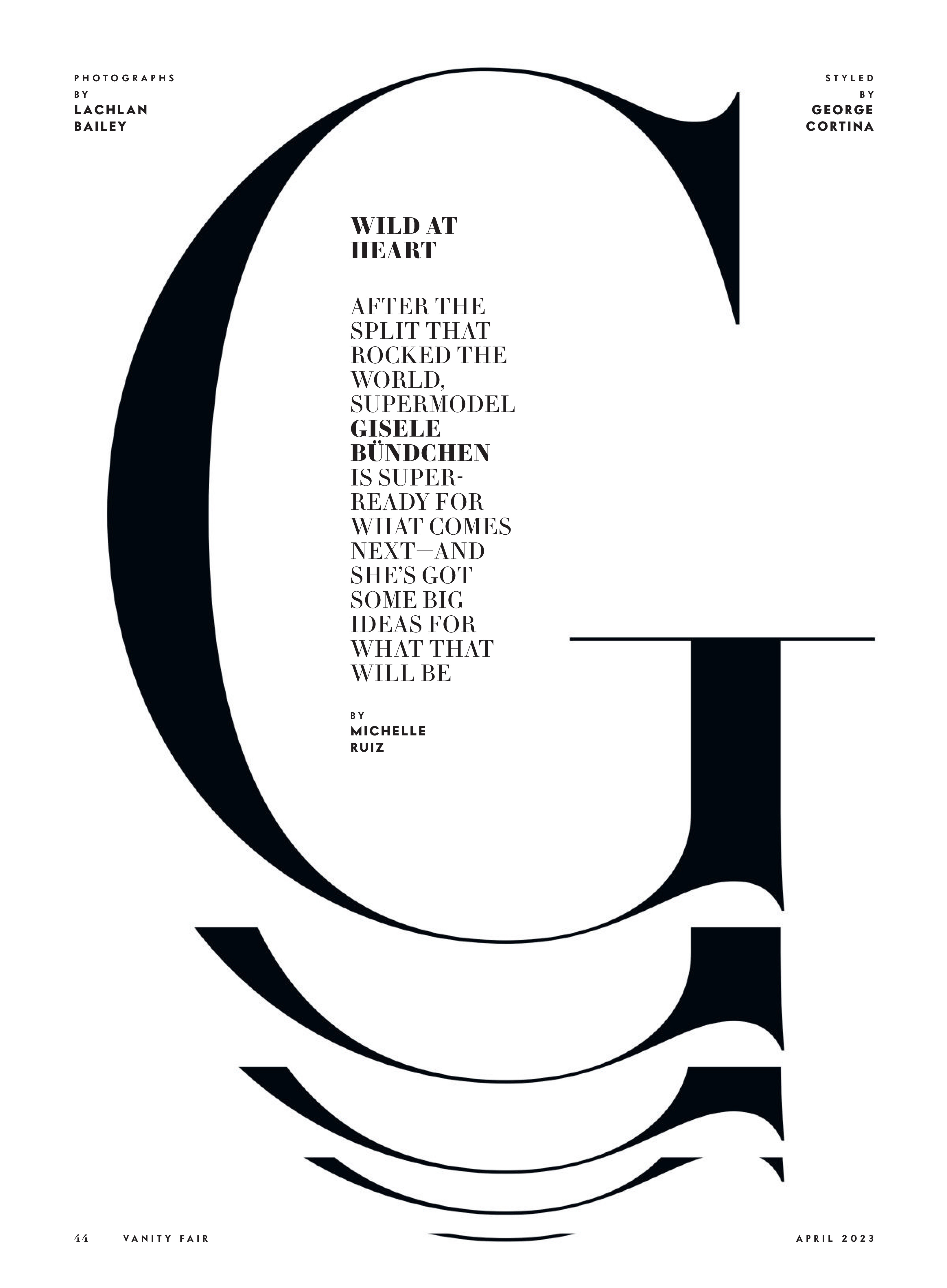
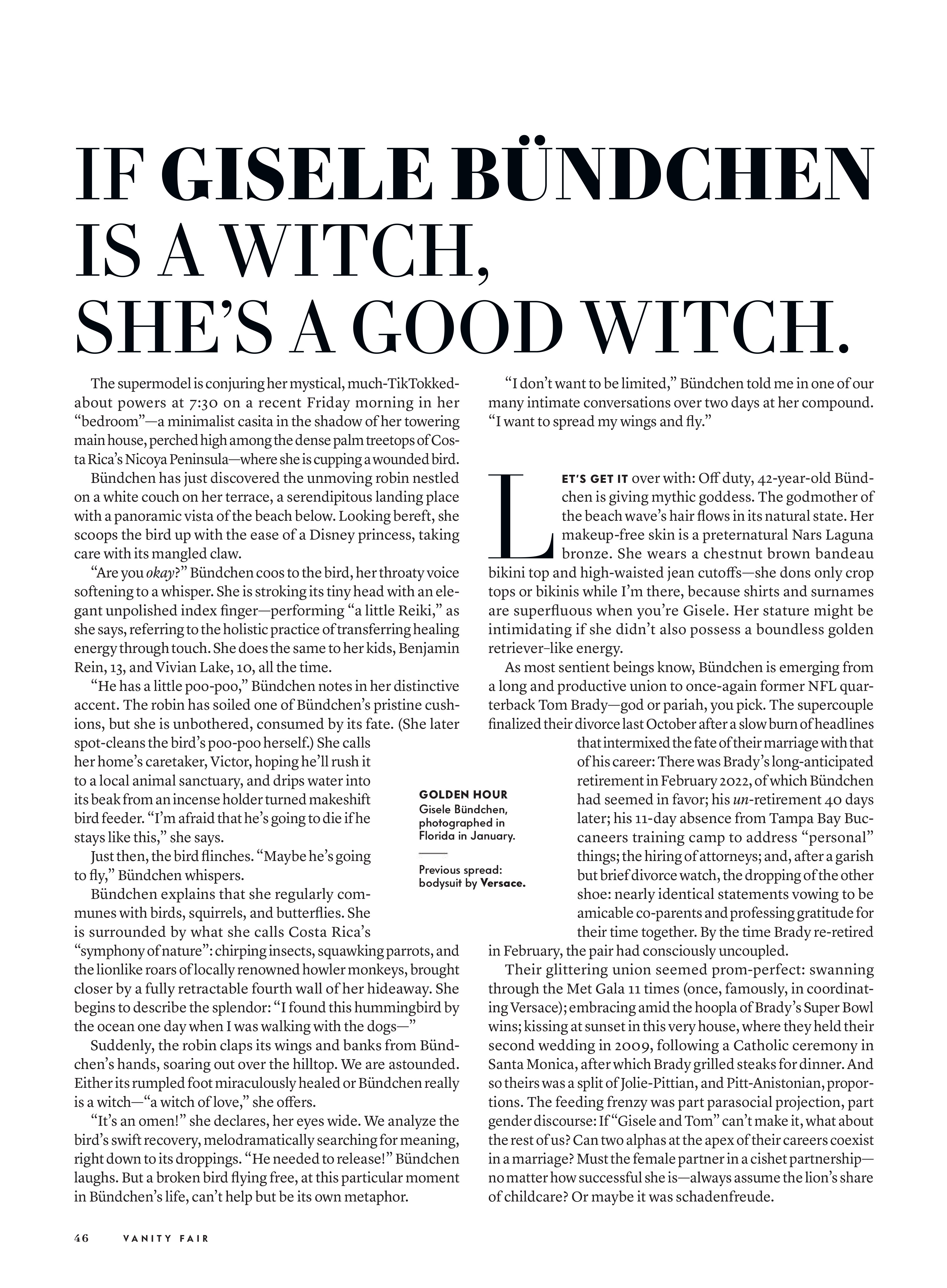
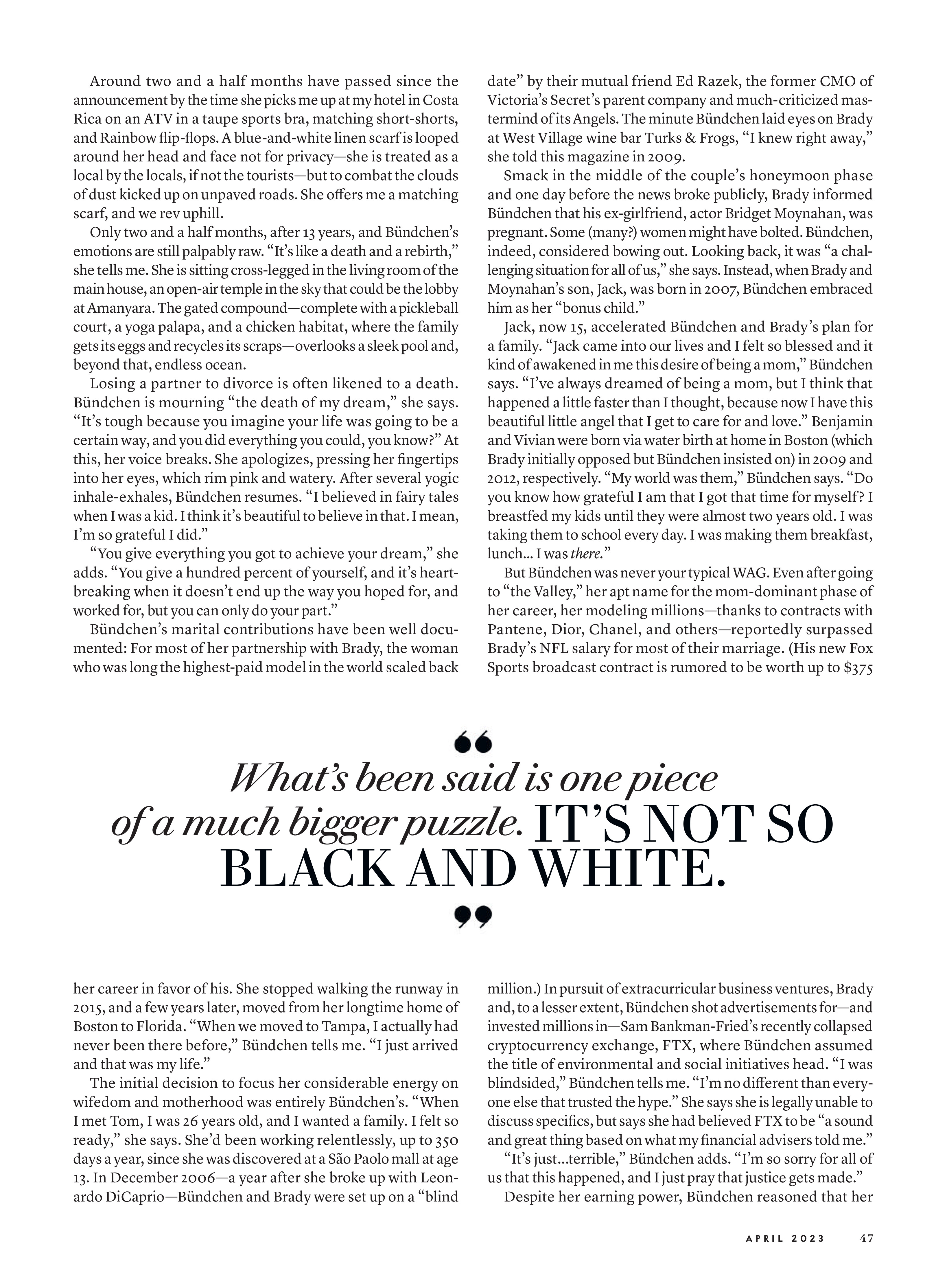
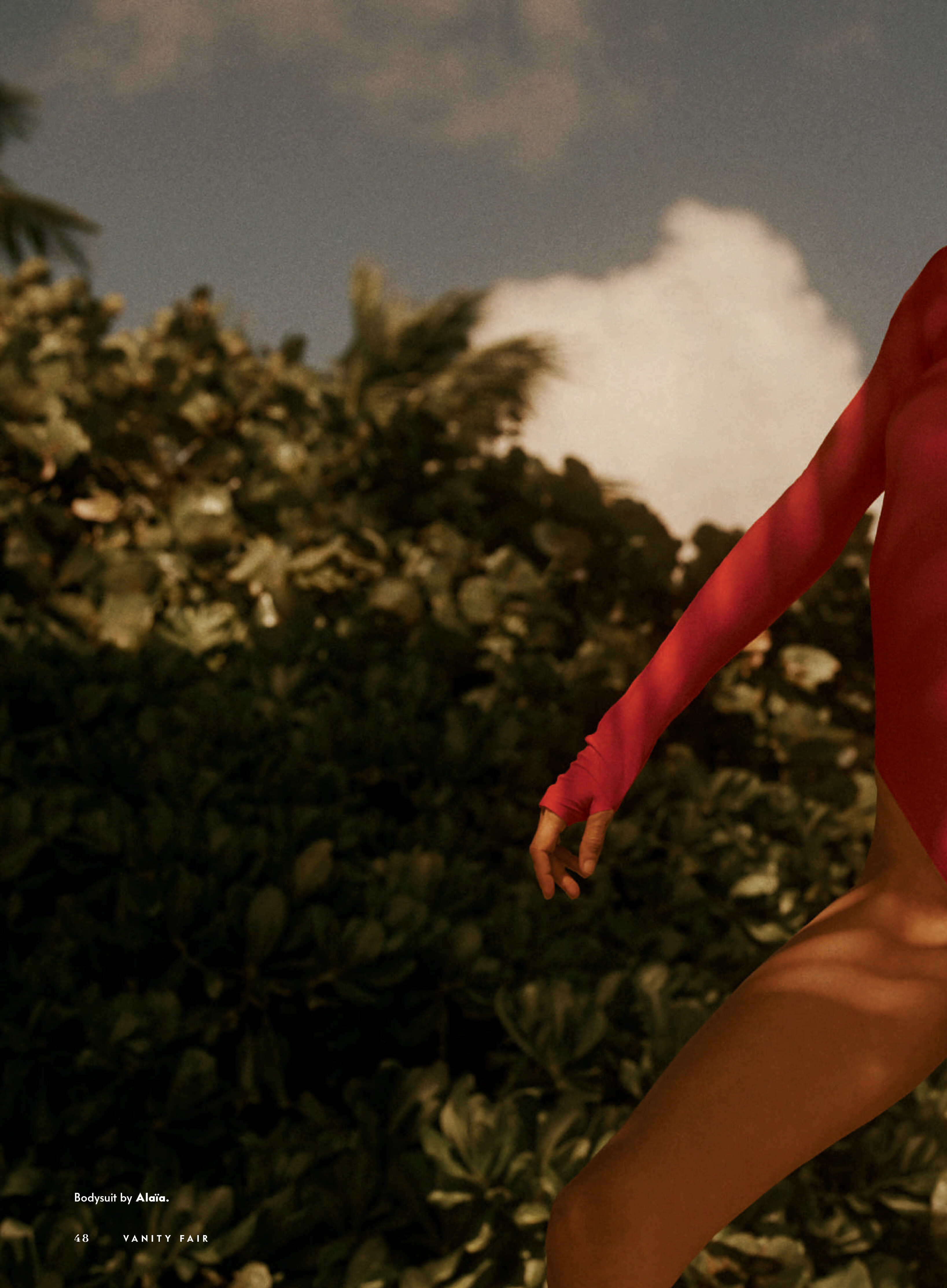
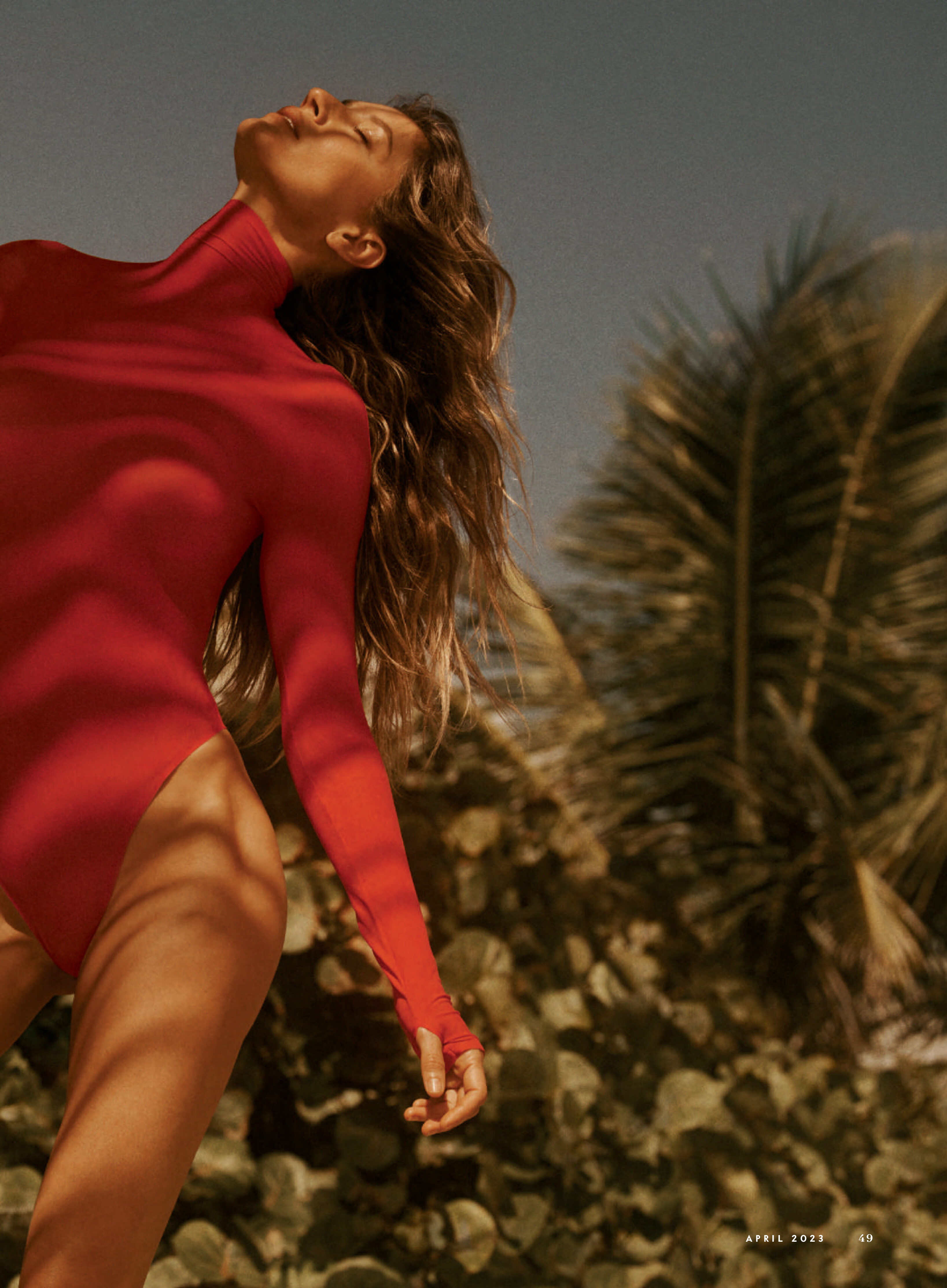
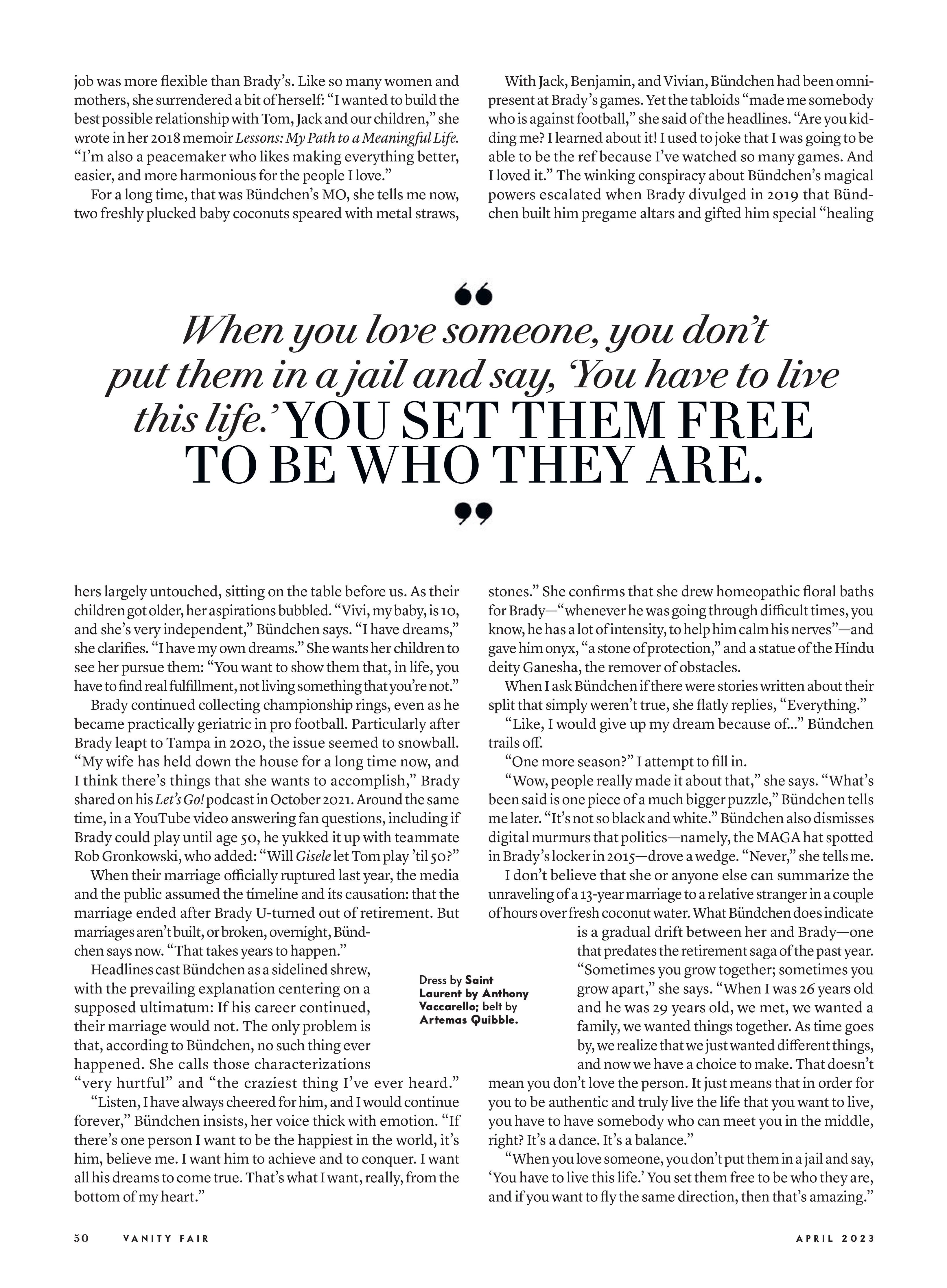
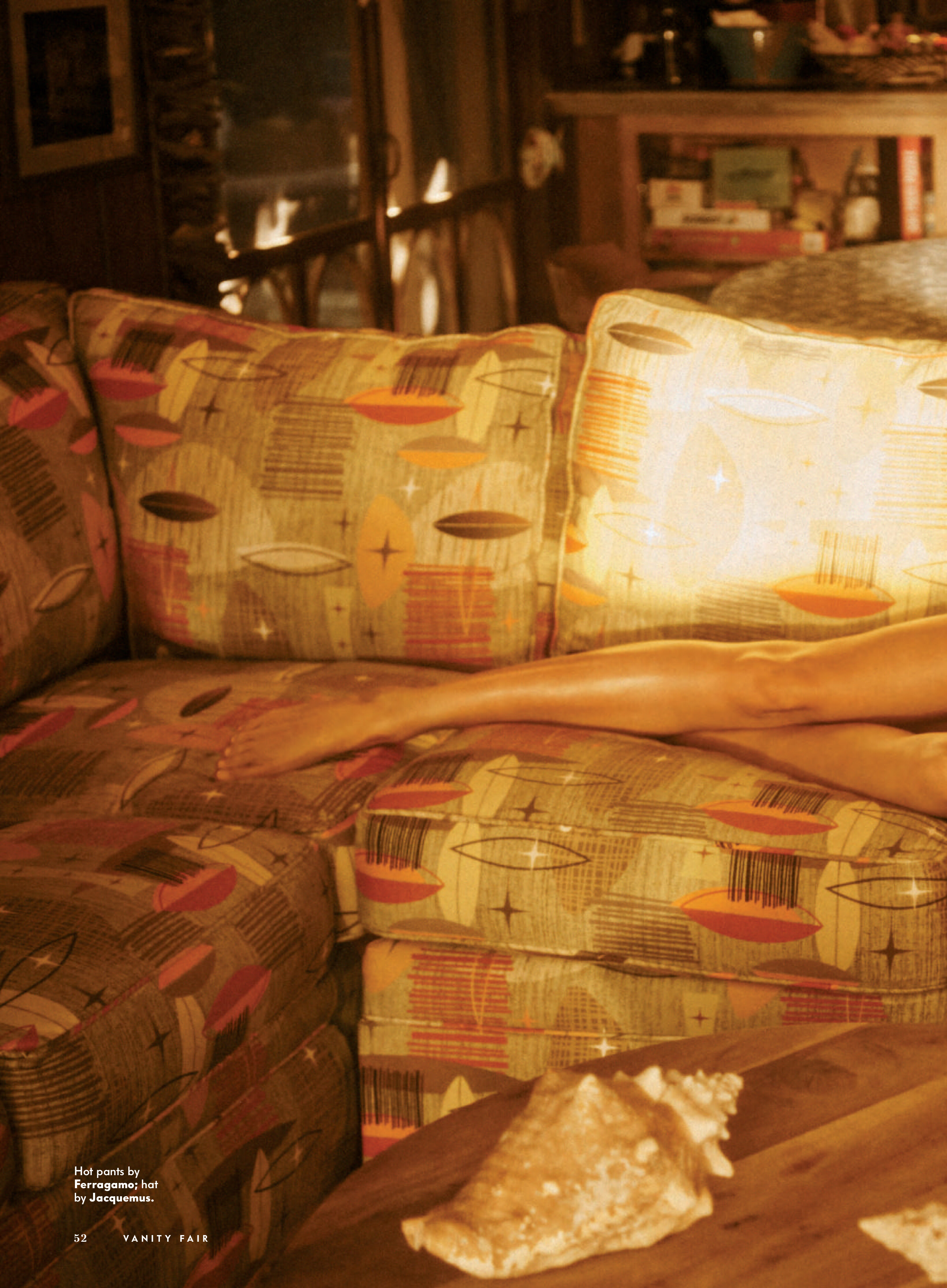
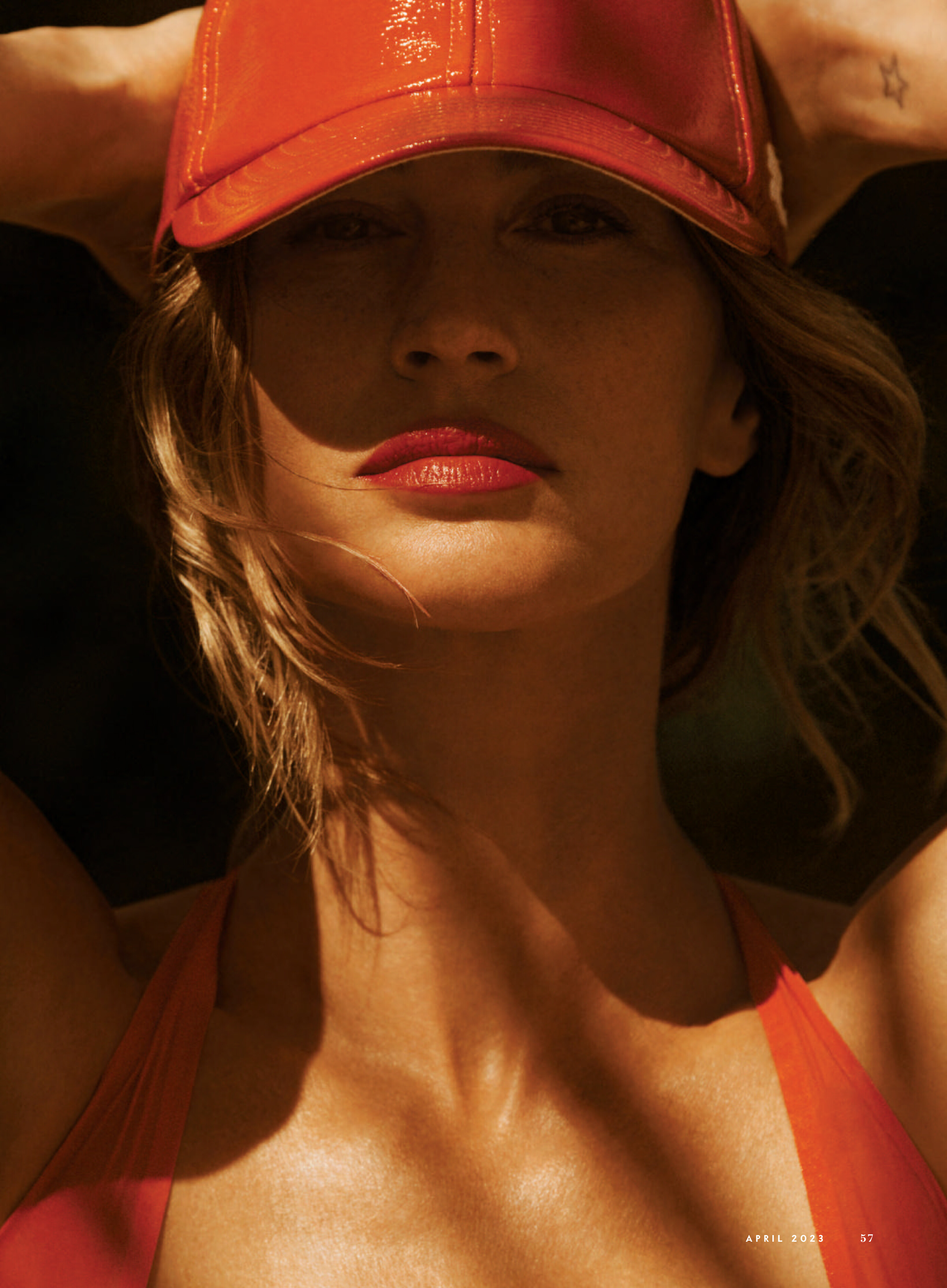
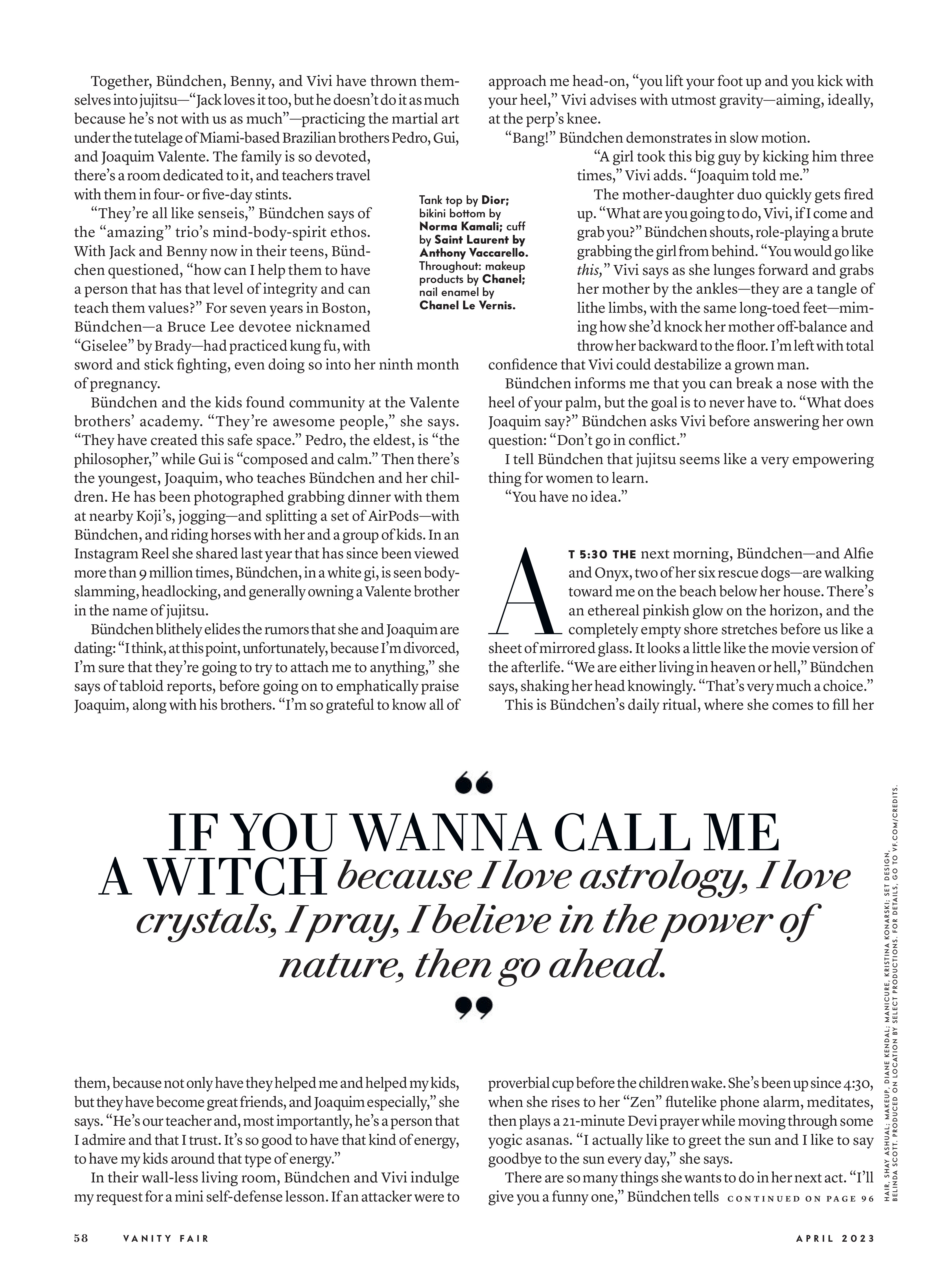
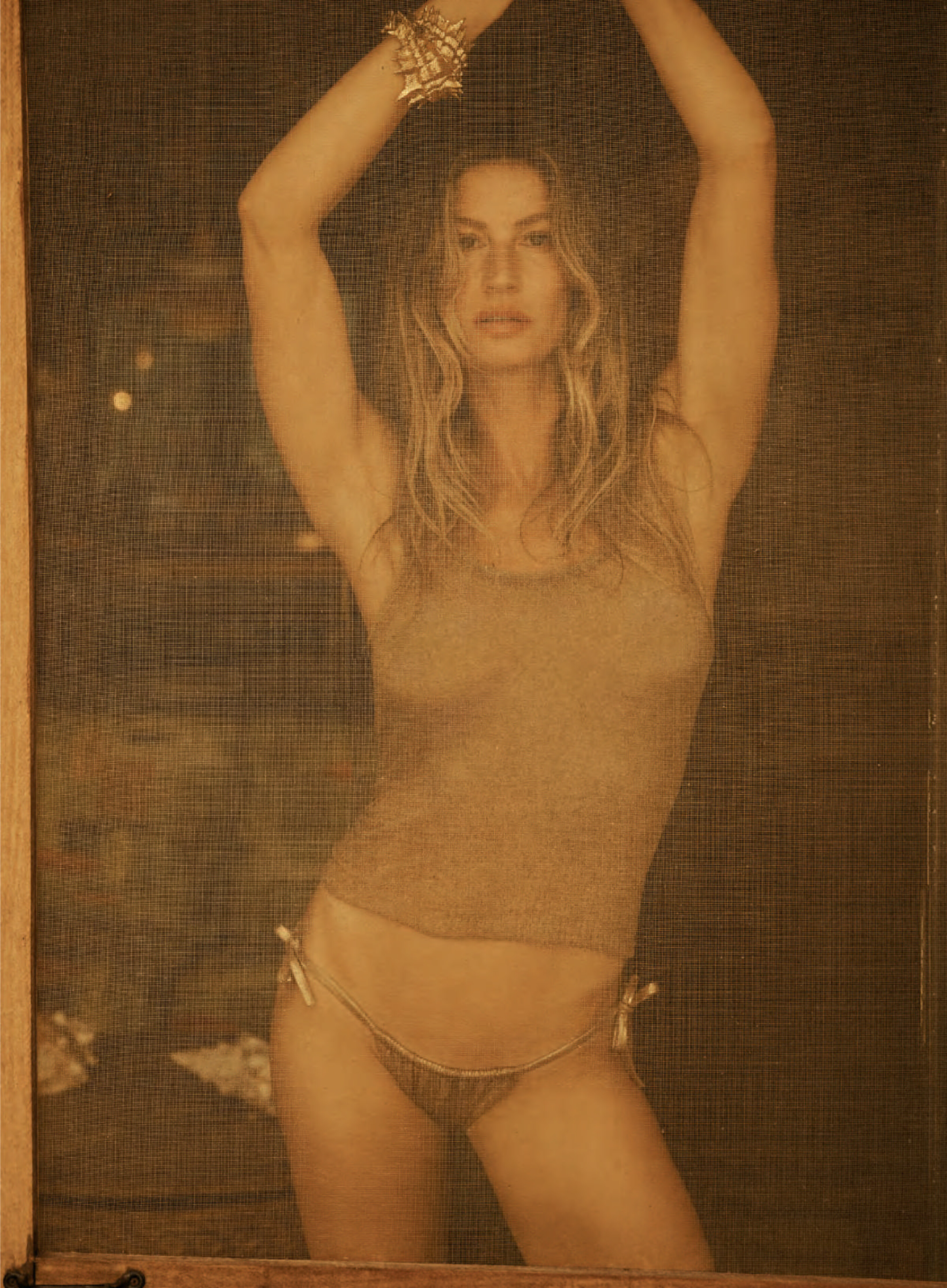
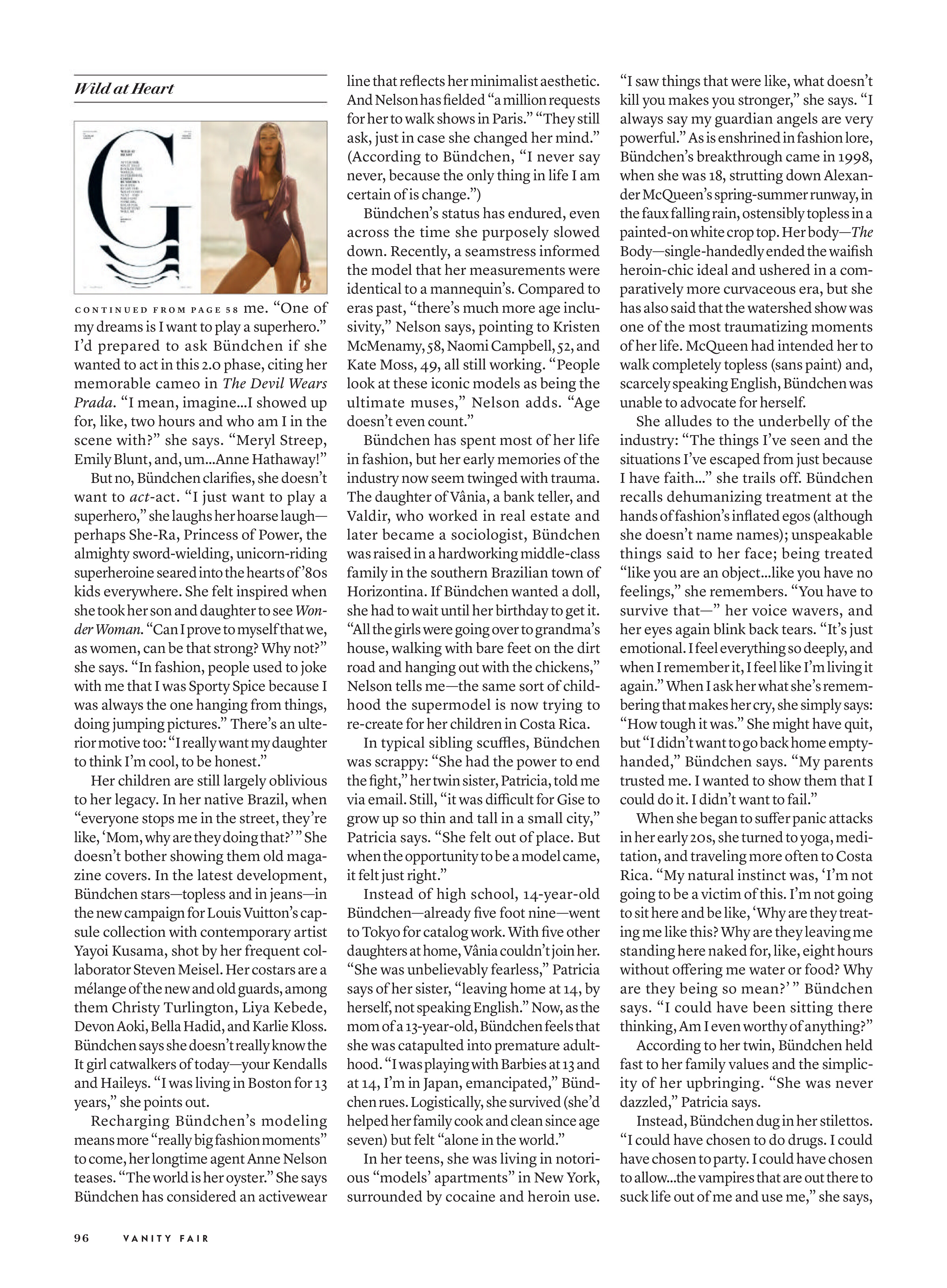
Vanity Fair Italy April 2023
This is Mirabella magazine 1994 not REVLON http://stefmodels.com/zpages/editorials_year.php?model=helenachristensen&annee=1994
They were available in my website but in smaller size than your scans. The 3 first pics "Einsichten" are from Hans Feurer The last 2 pics "Sommernachts traume" are from Peter Lindbergh
Vanity Fair Italy April 2023
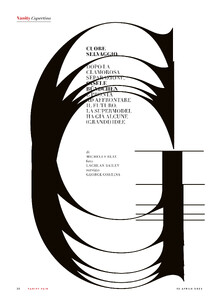
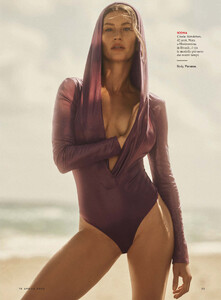
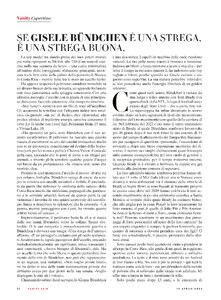

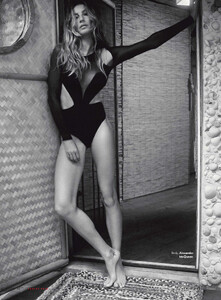
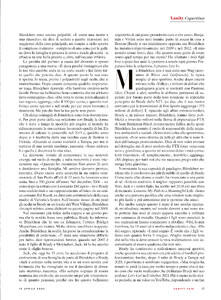
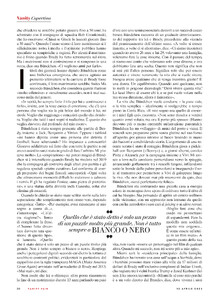
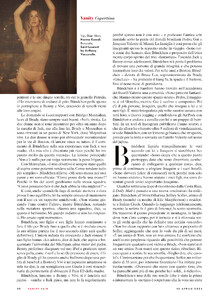
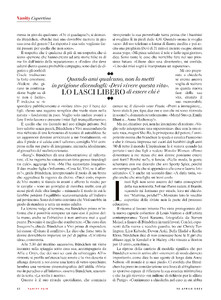
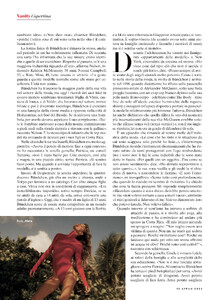
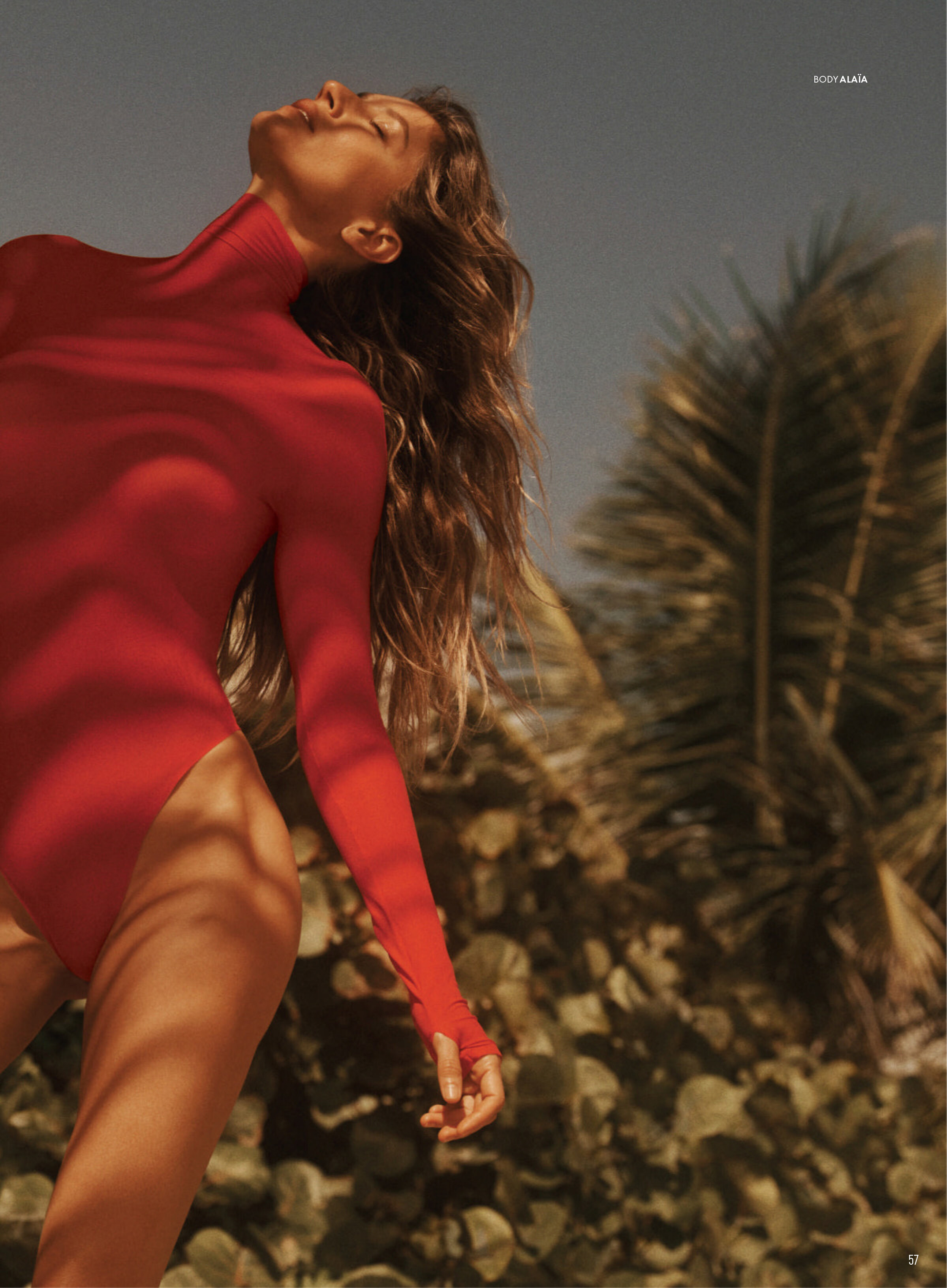
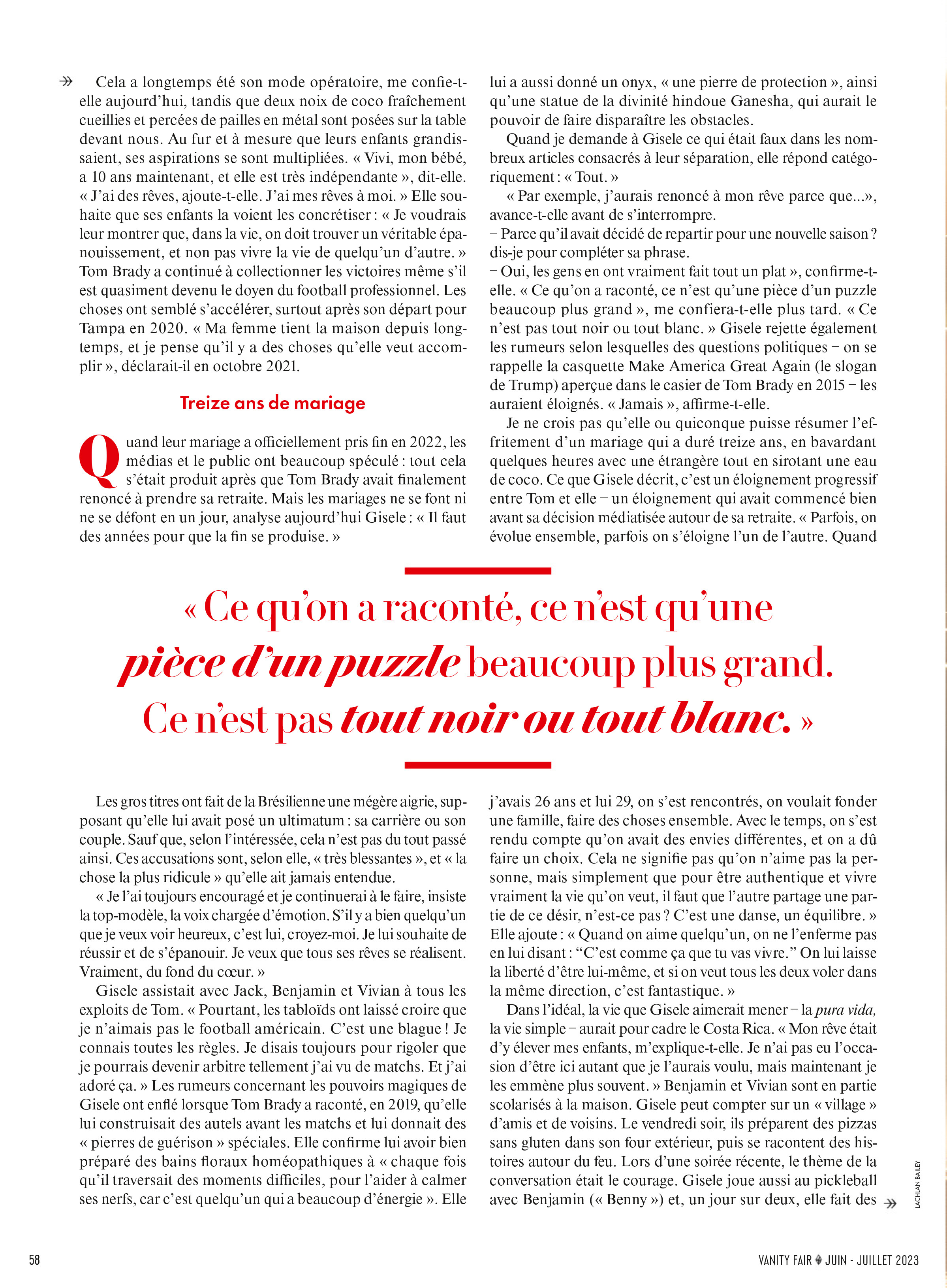
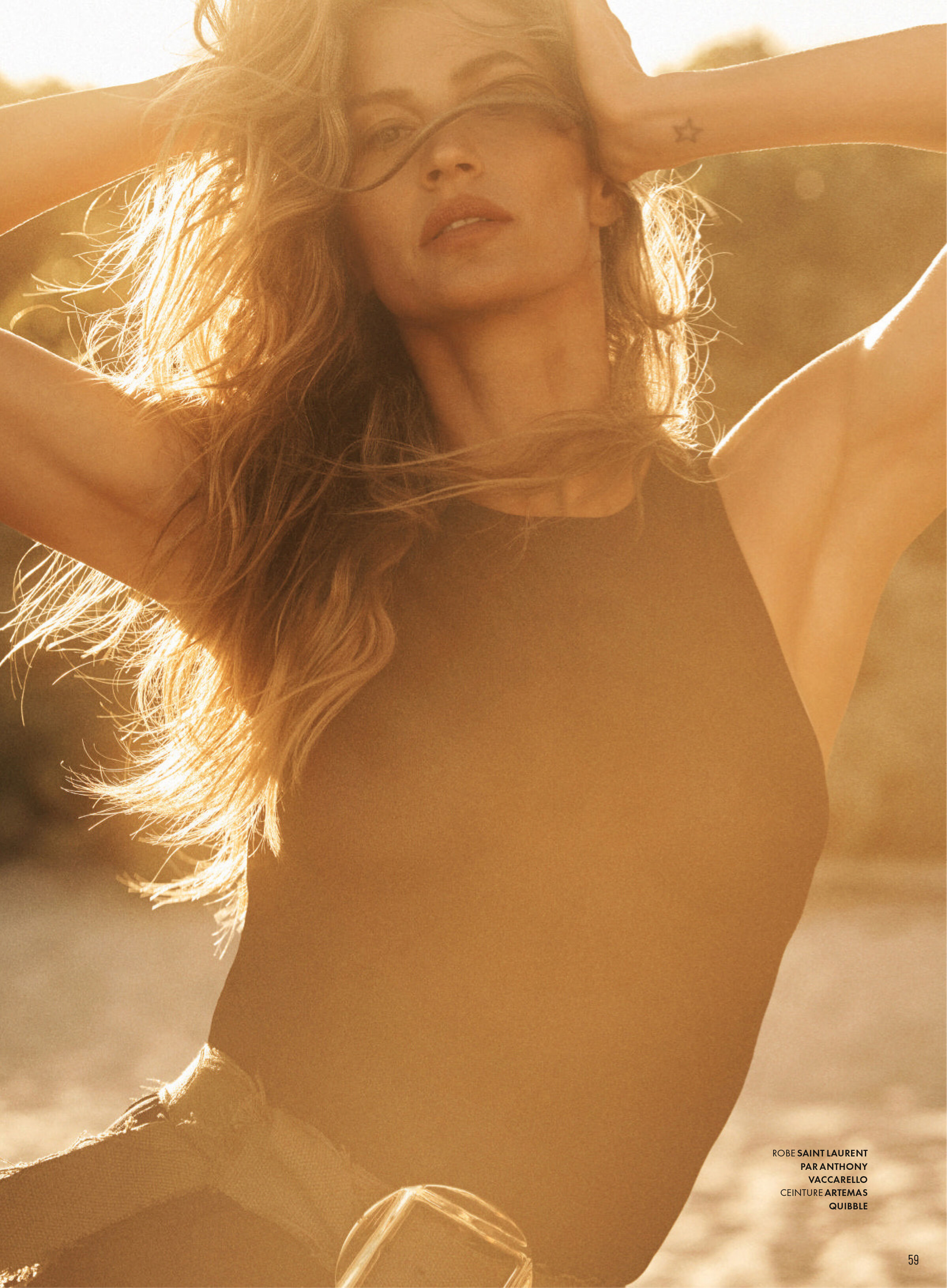
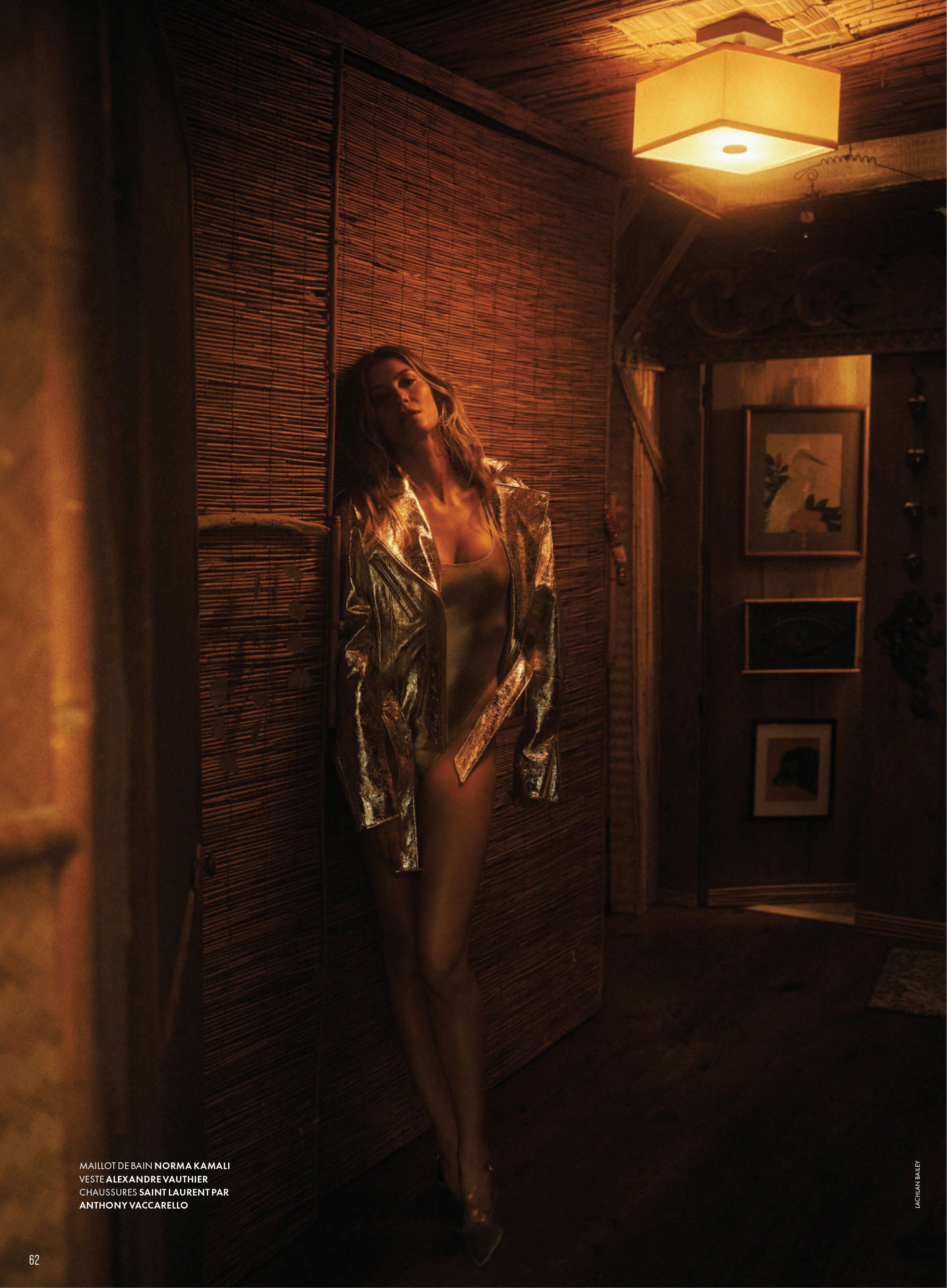
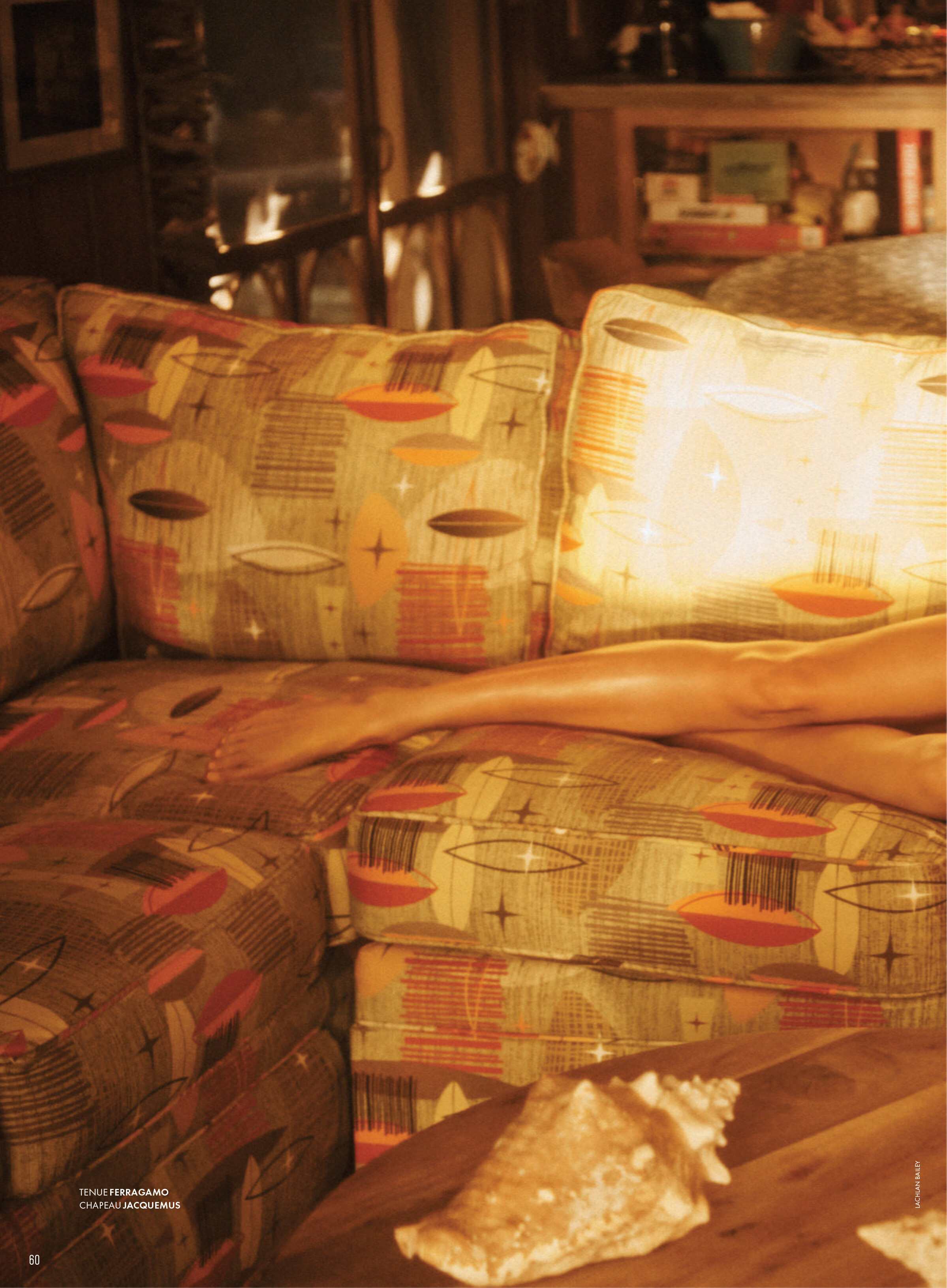
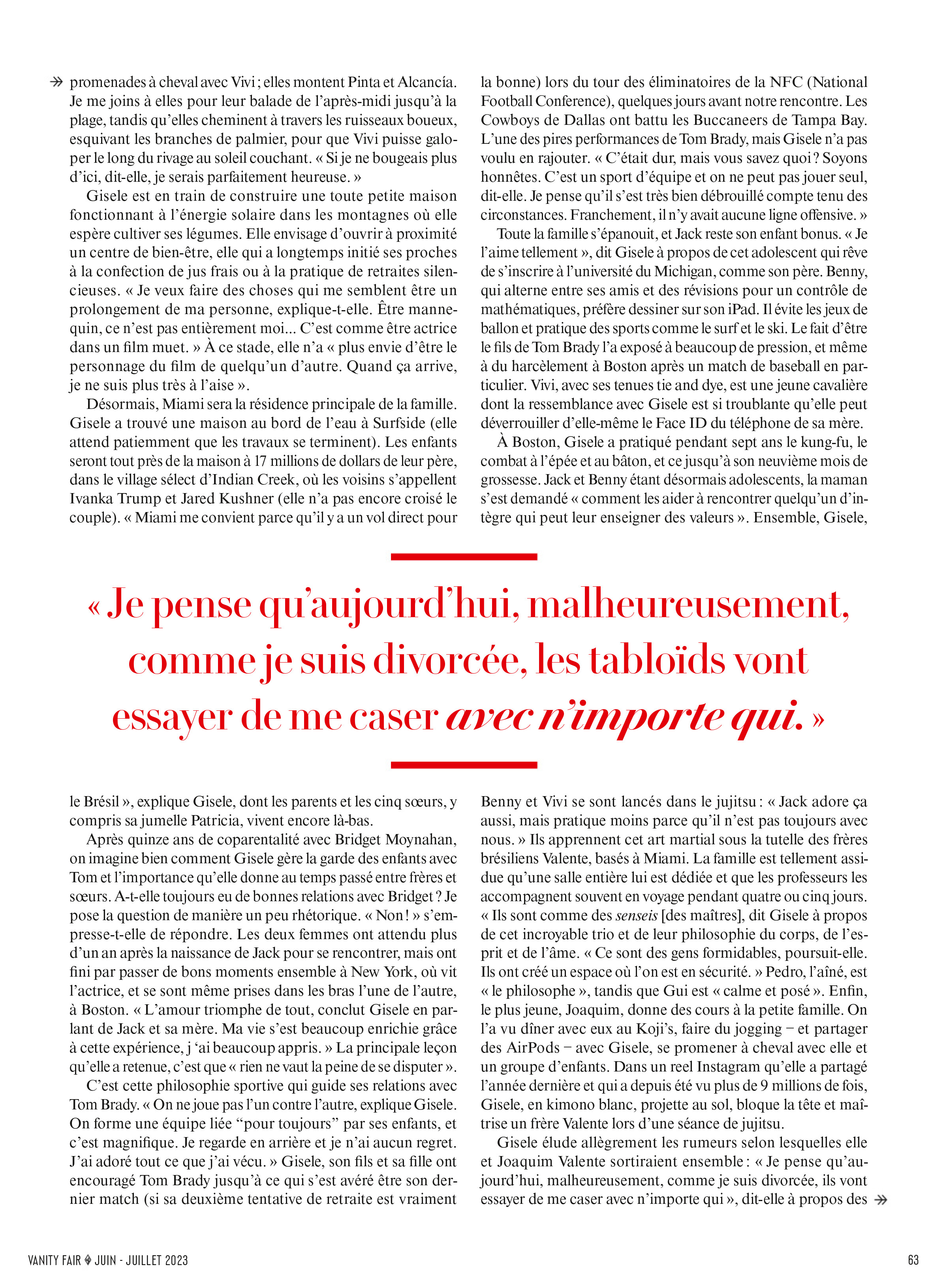
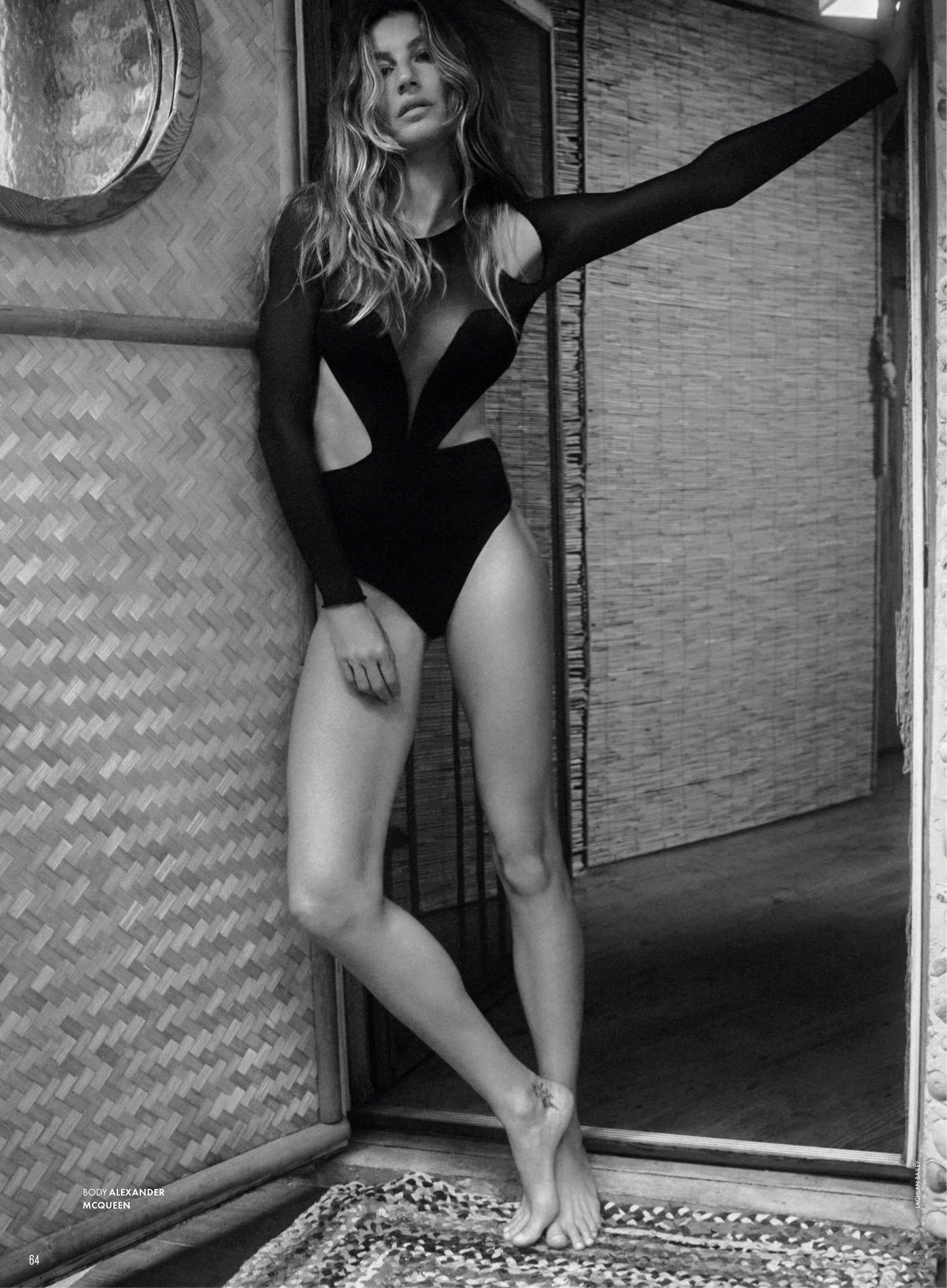
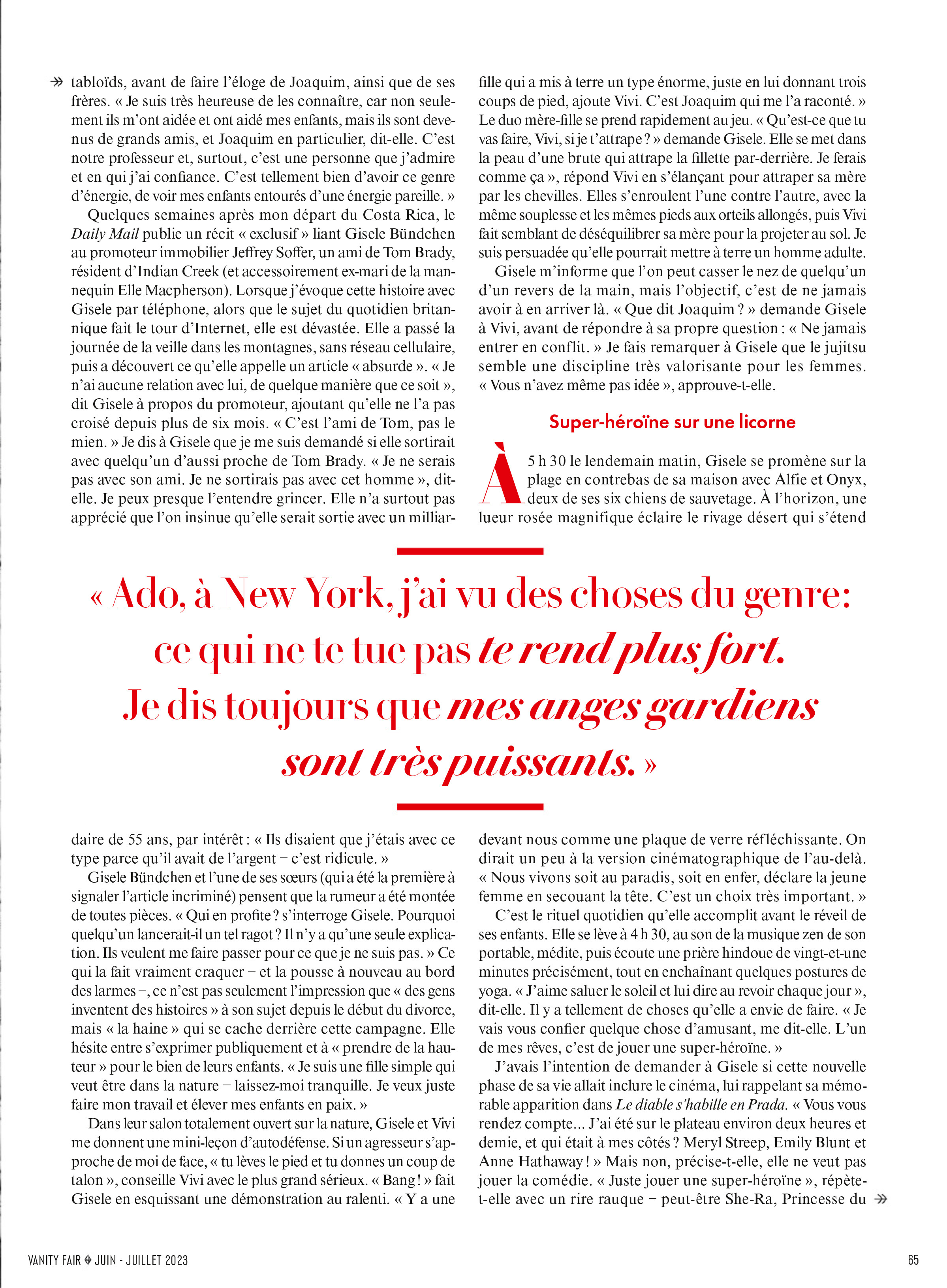
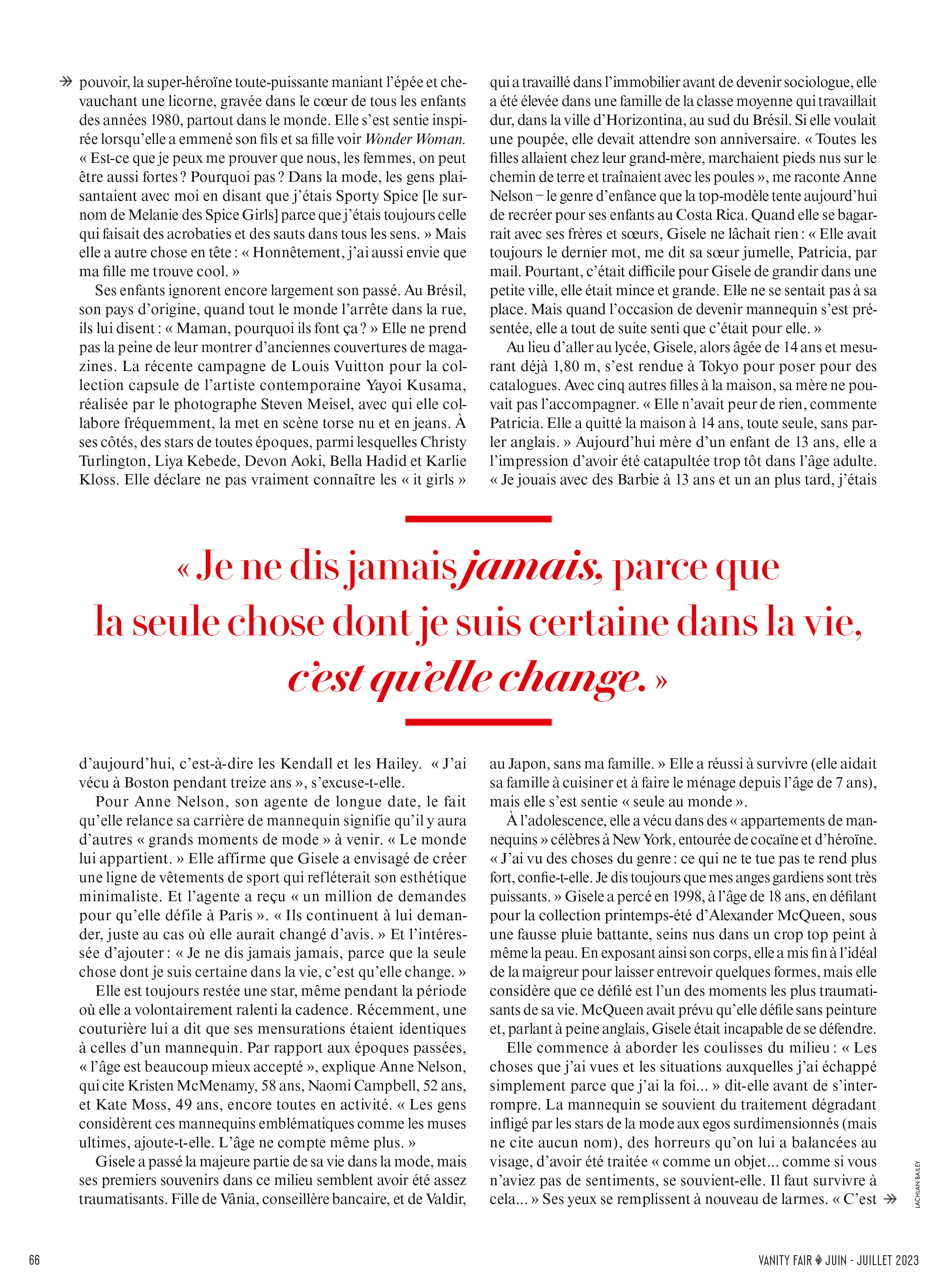
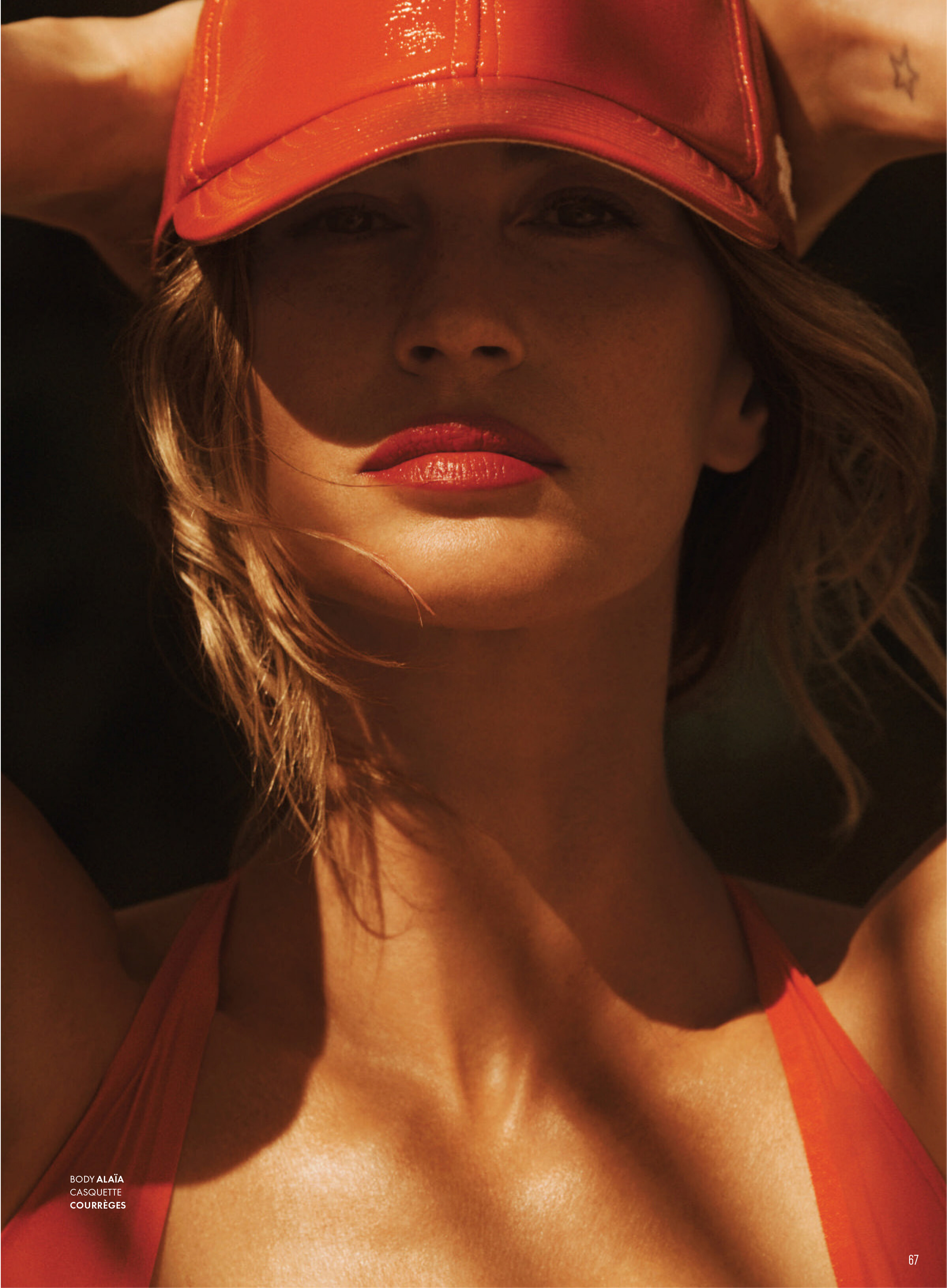
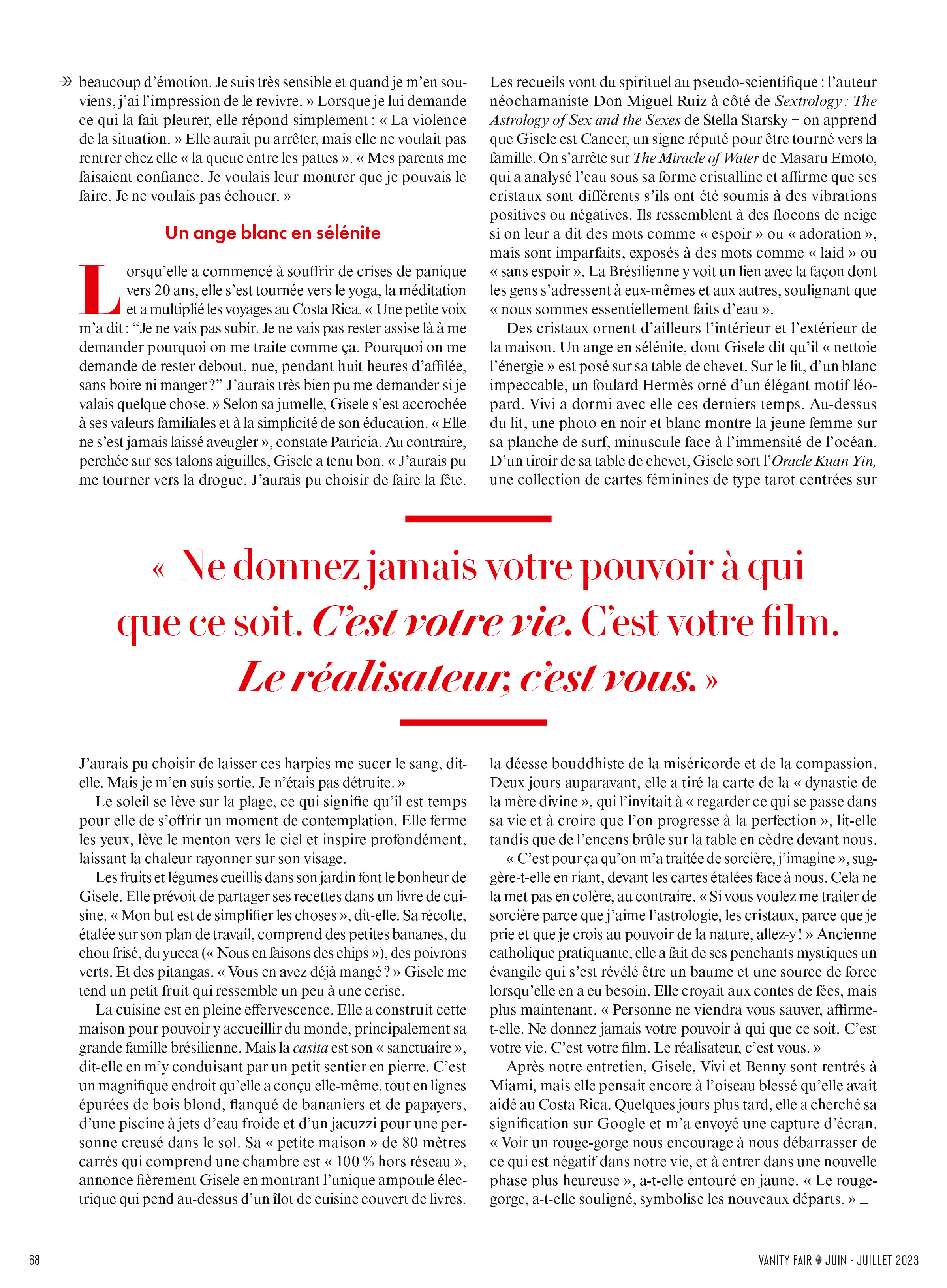
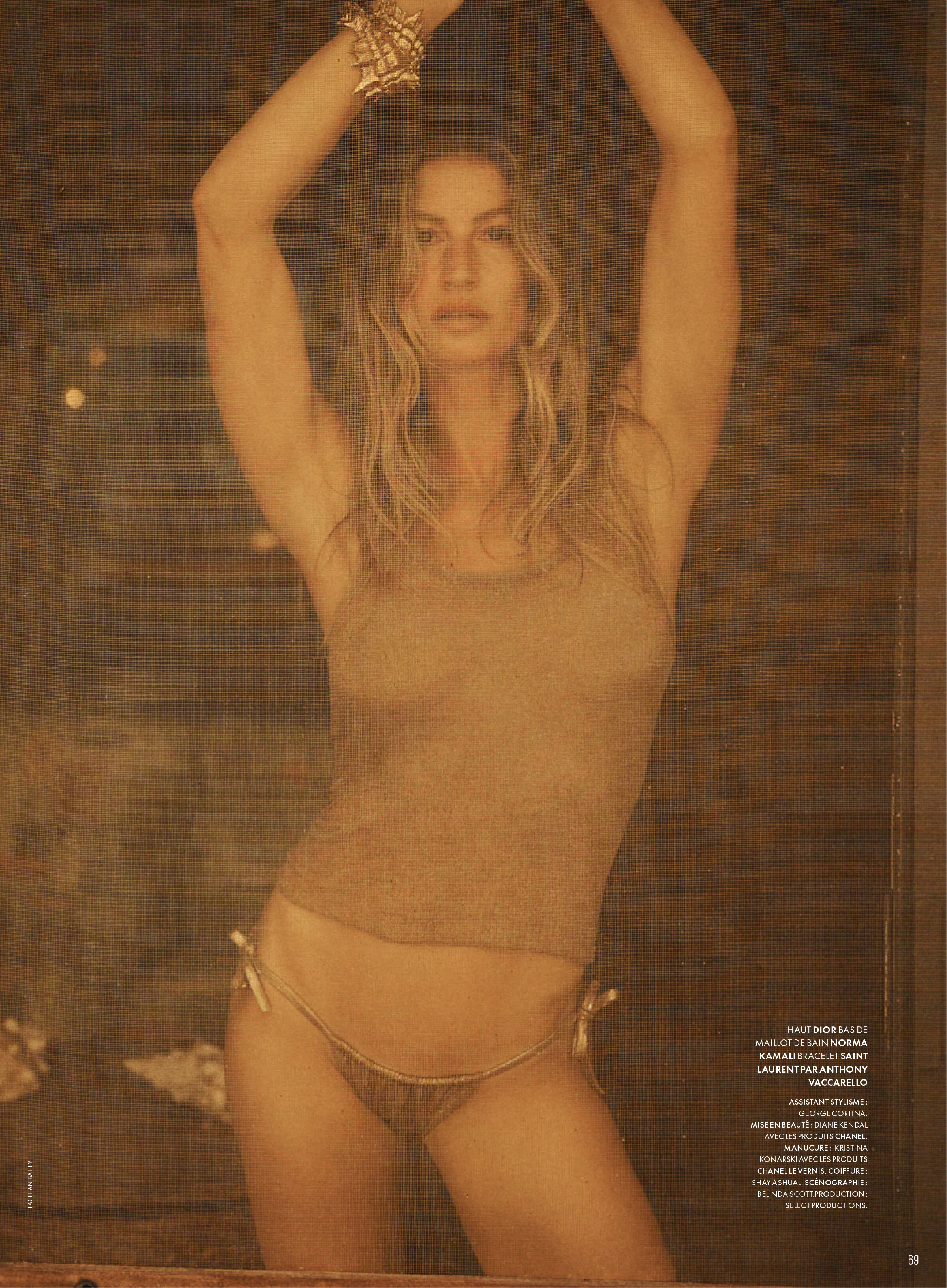
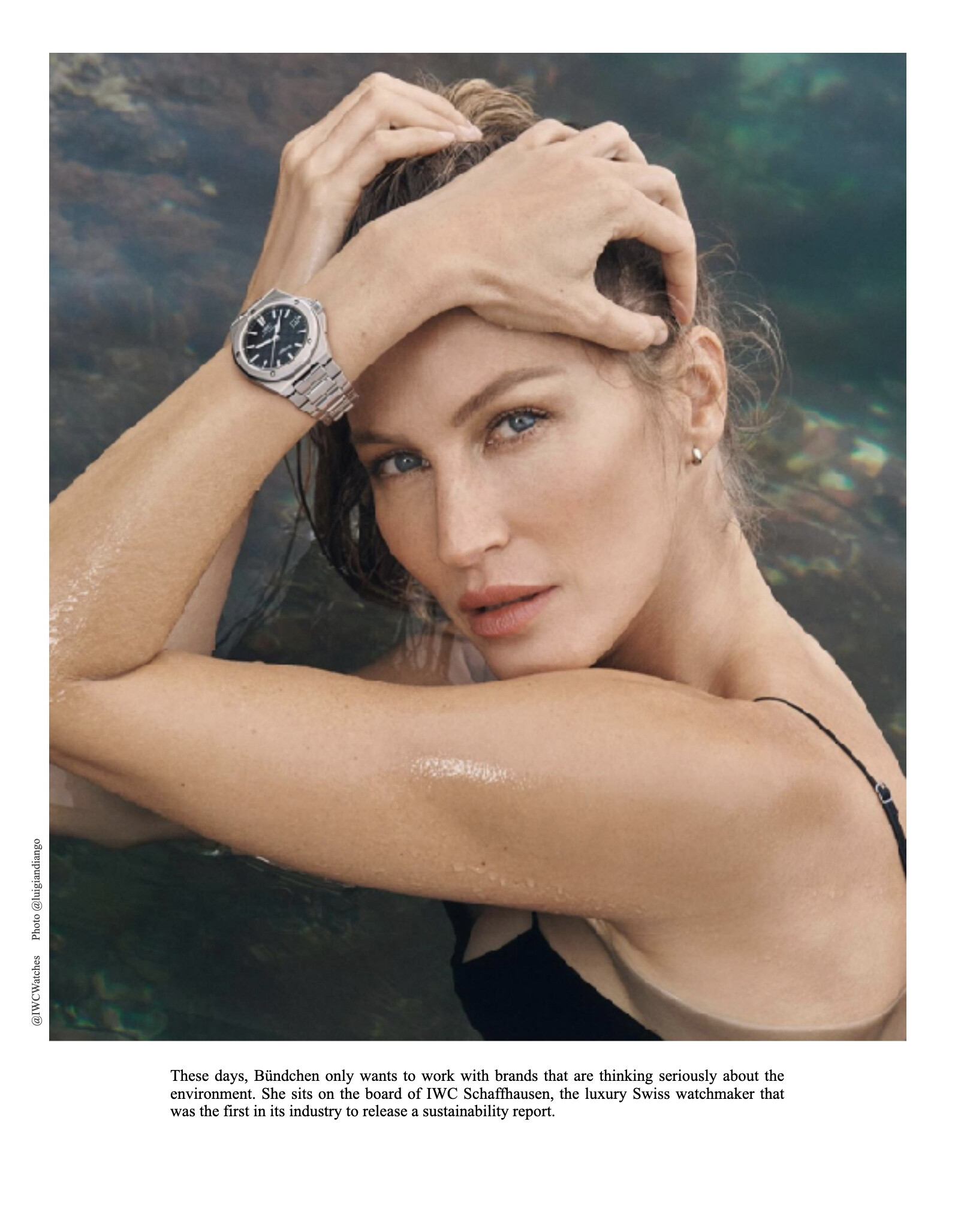
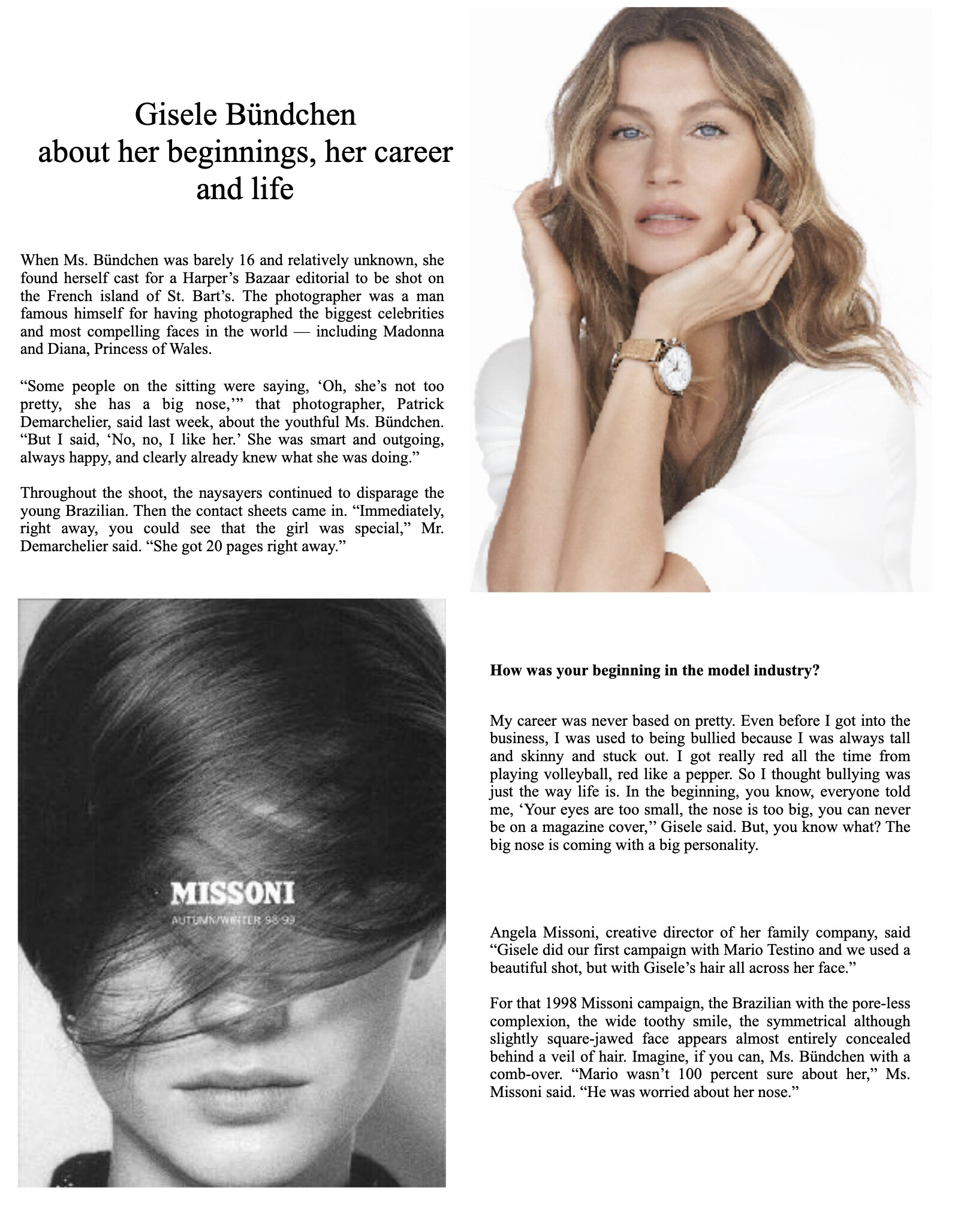
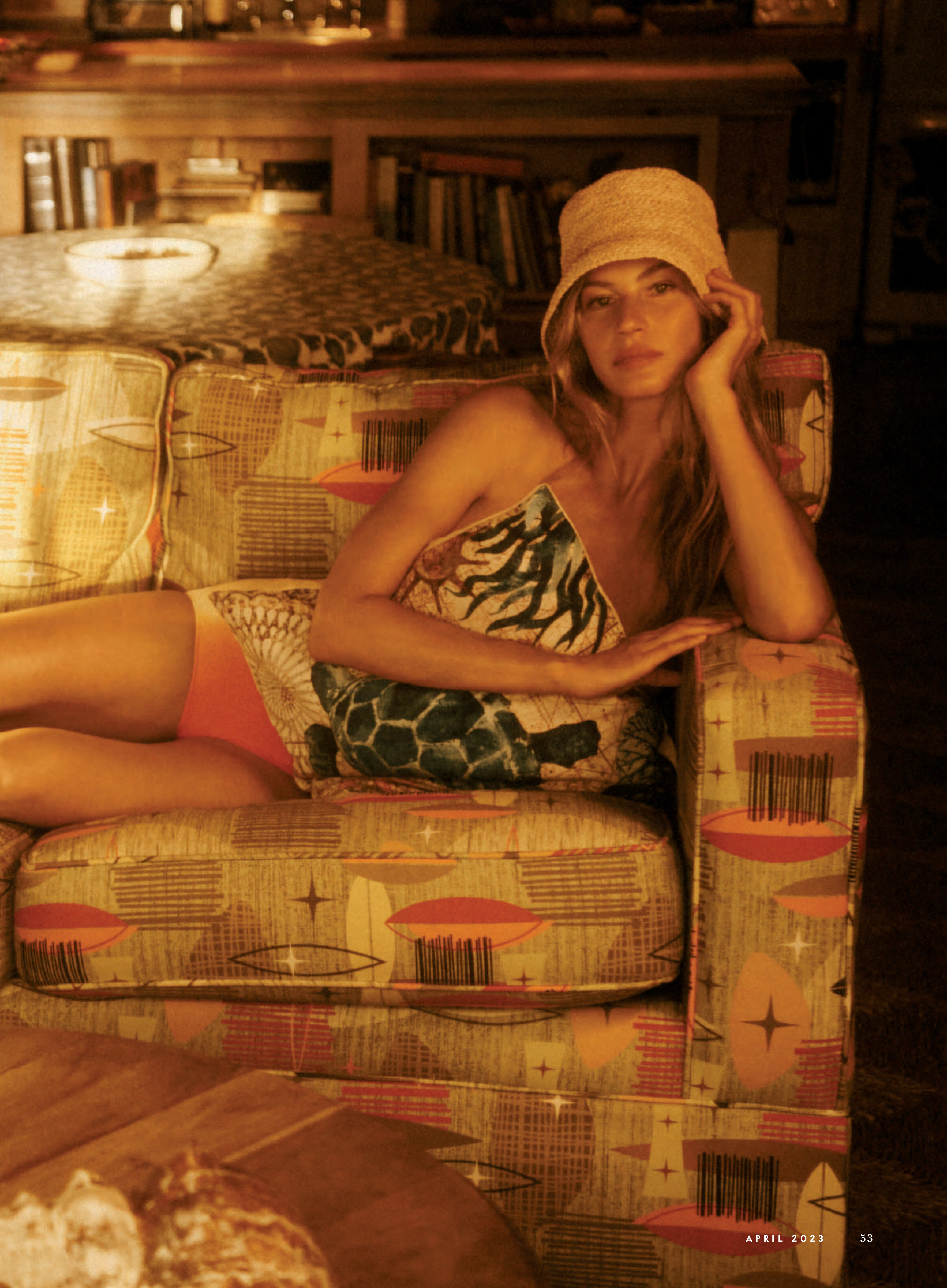
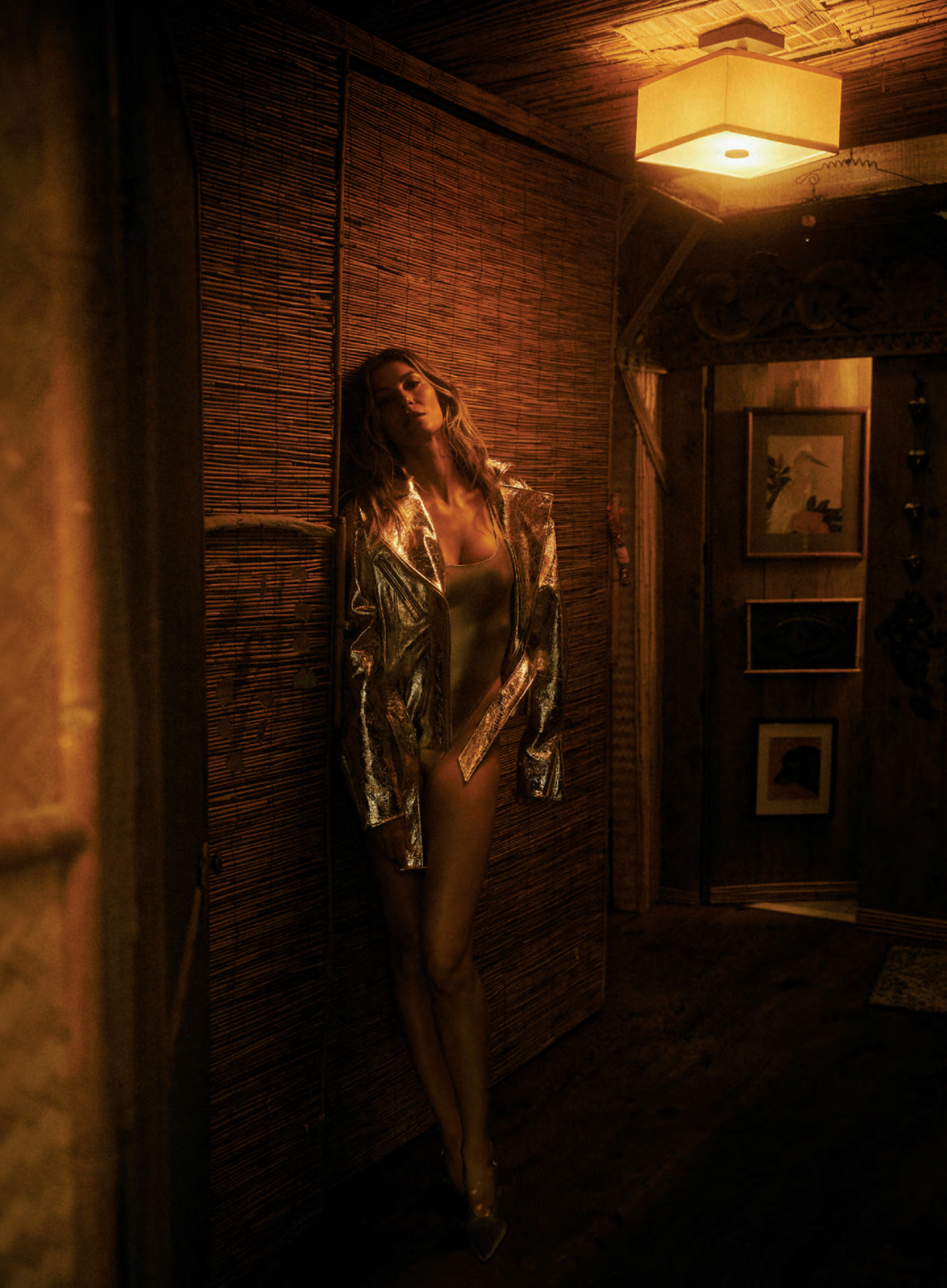
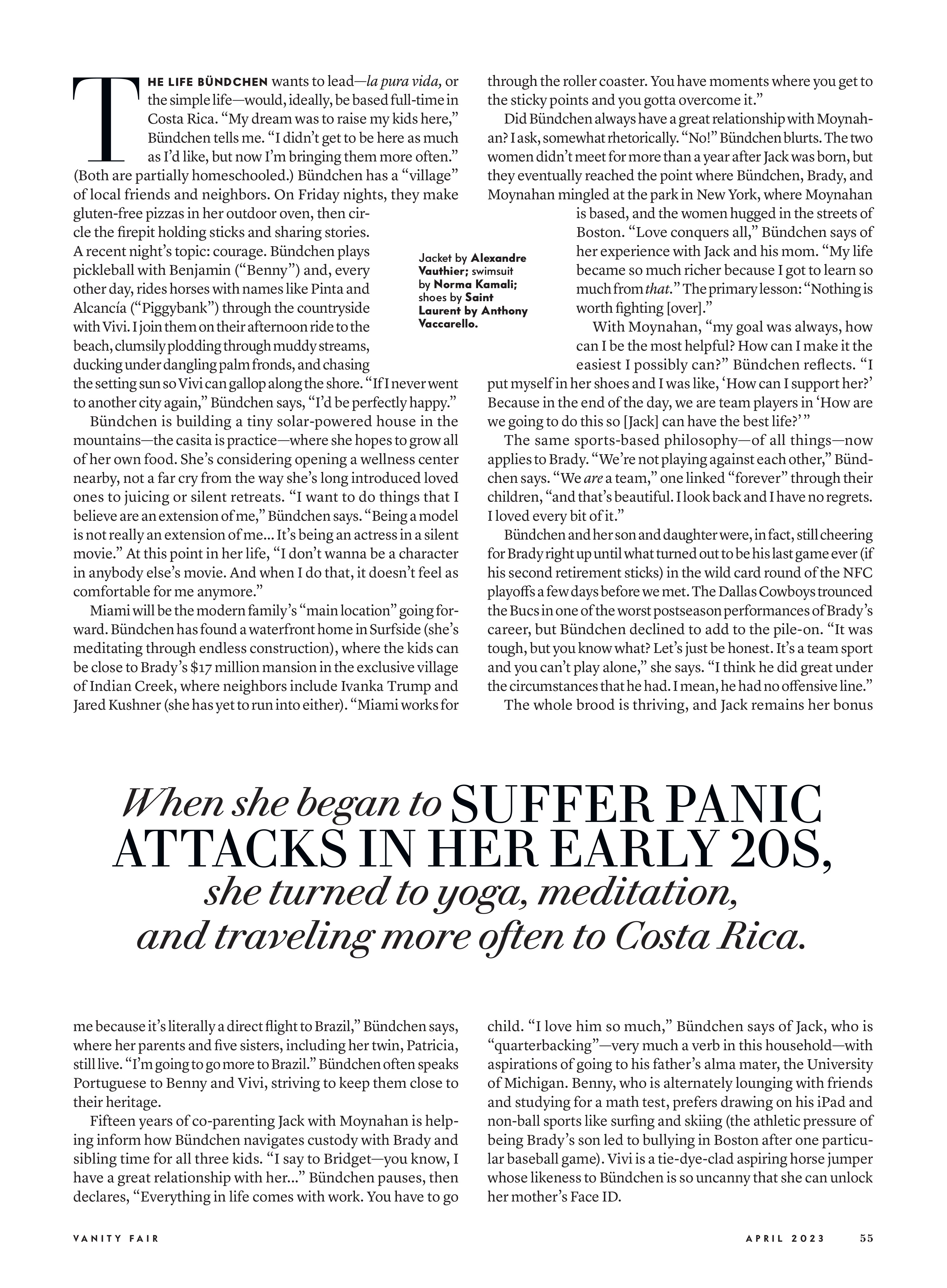
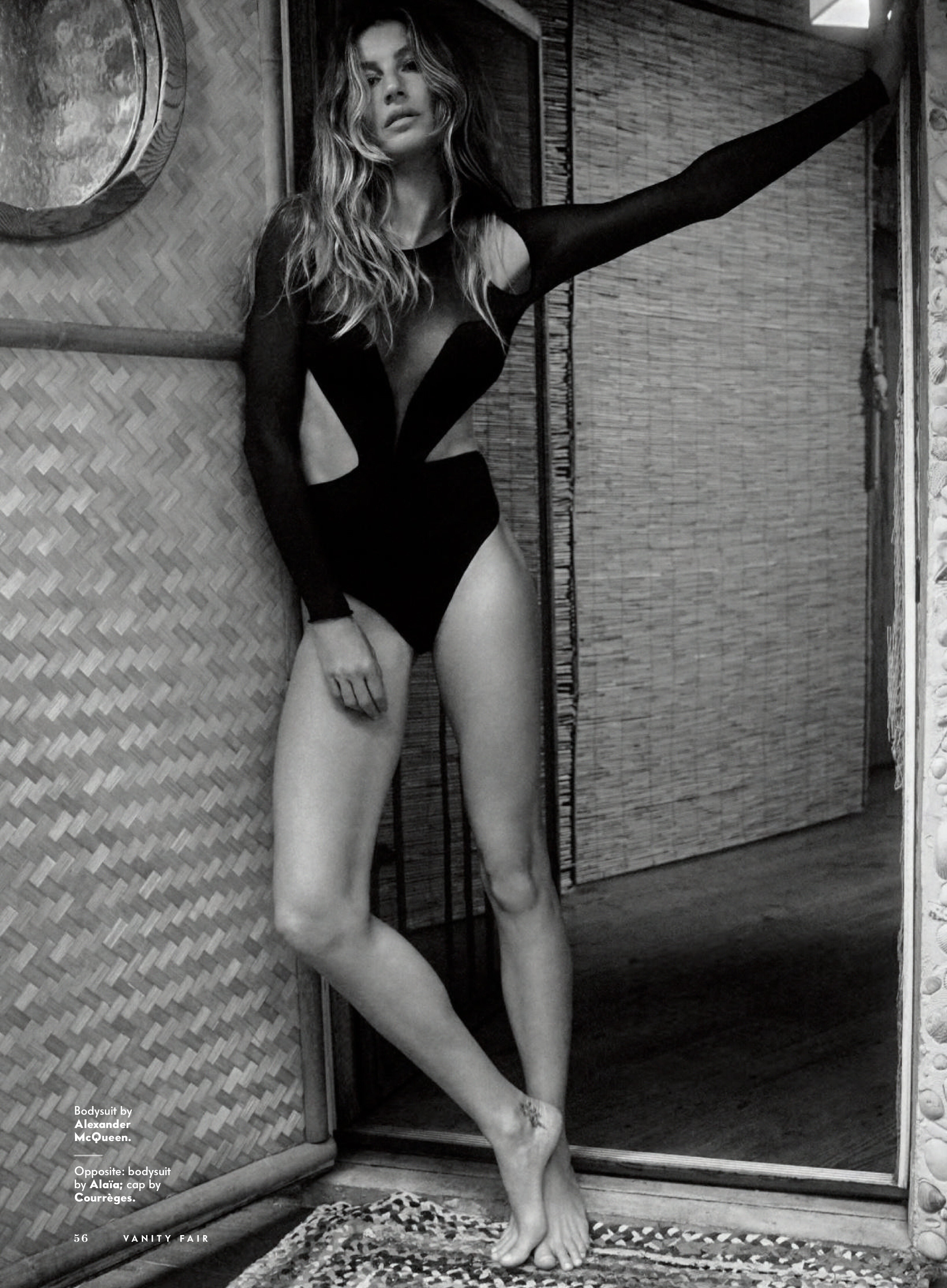
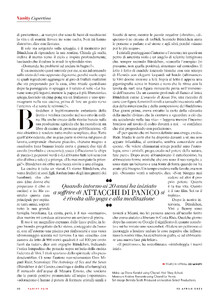 Vanity Fair USA April 2023
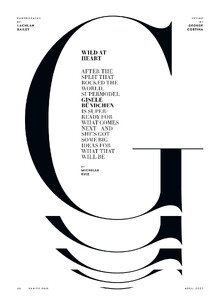
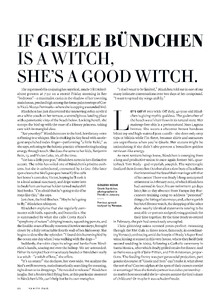
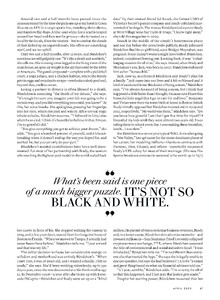


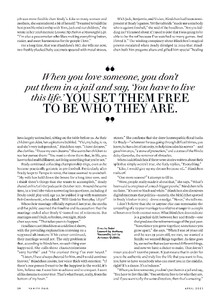




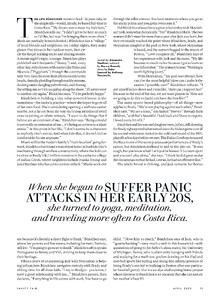
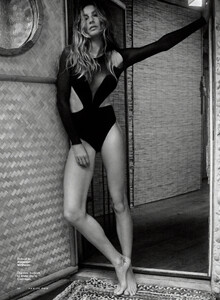

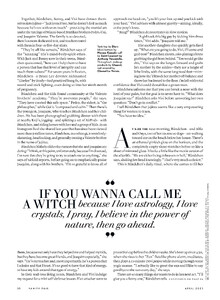
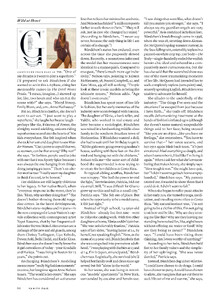
 Many thanks to all for contributing to my website. It's a great pleasure to find so many unknown pics about my favourites models.
You can find it in my website easily www.stefmodels.com
Thank for thinking of me, and for being so kind. Love u
2021 - Lafayette 148
Many thanks to all for contributing to my website. It's a great pleasure to find so many unknown pics about my favourites models.
You can find it in my website easily www.stefmodels.com
Thank for thinking of me, and for being so kind. Love u
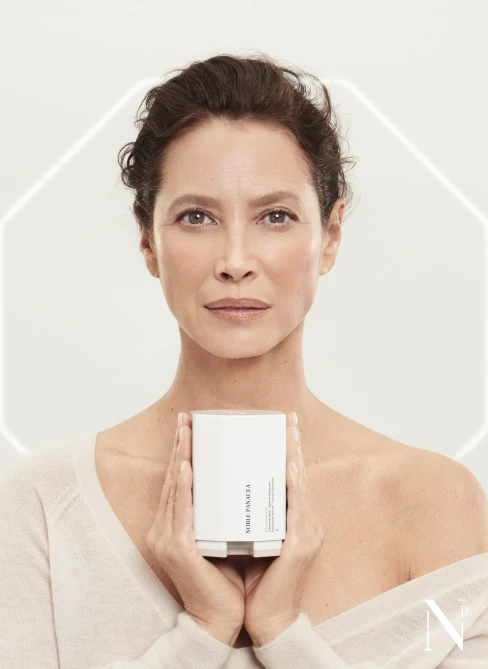
2021 - Lafayette 148 2023 - Noble Panacea














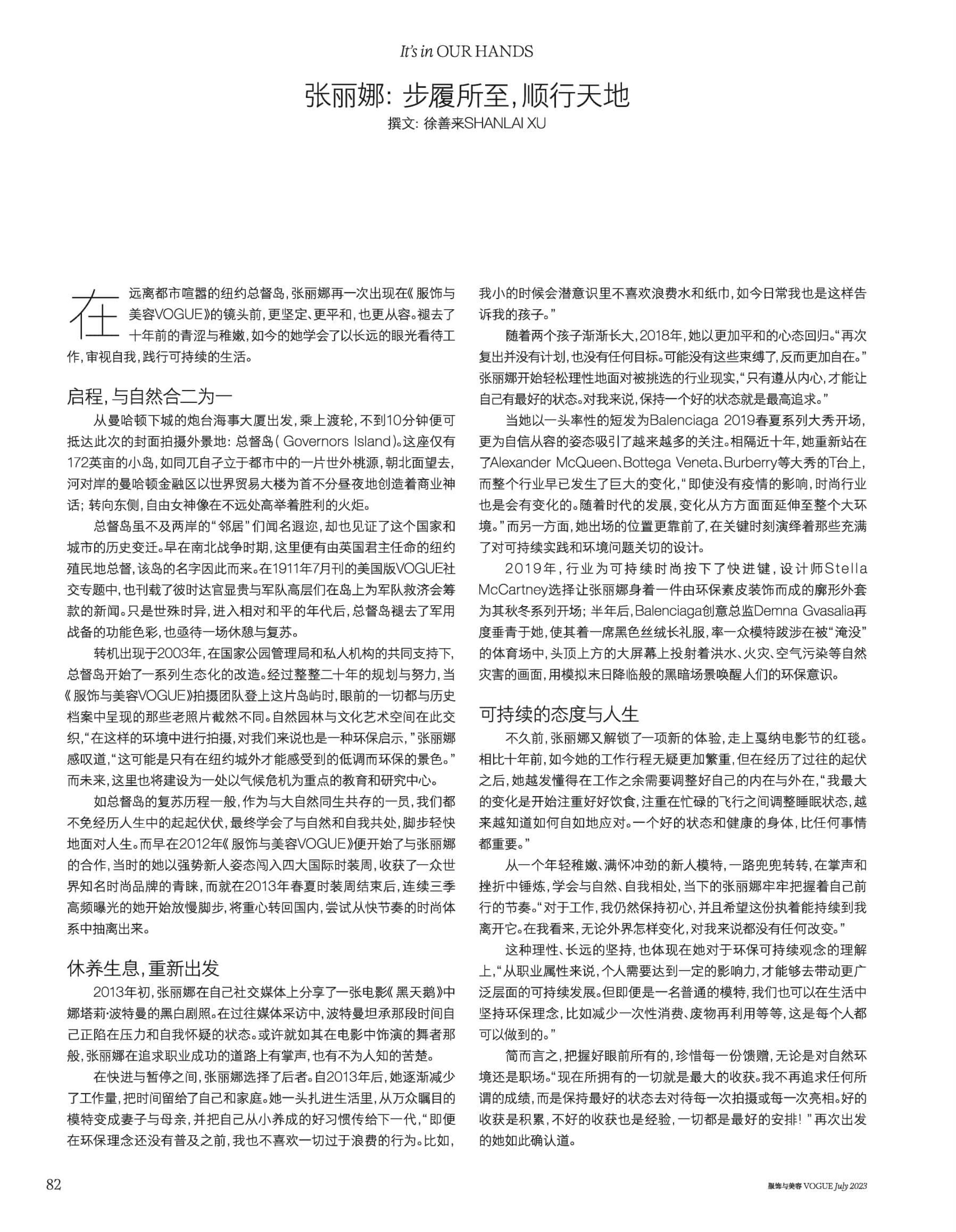
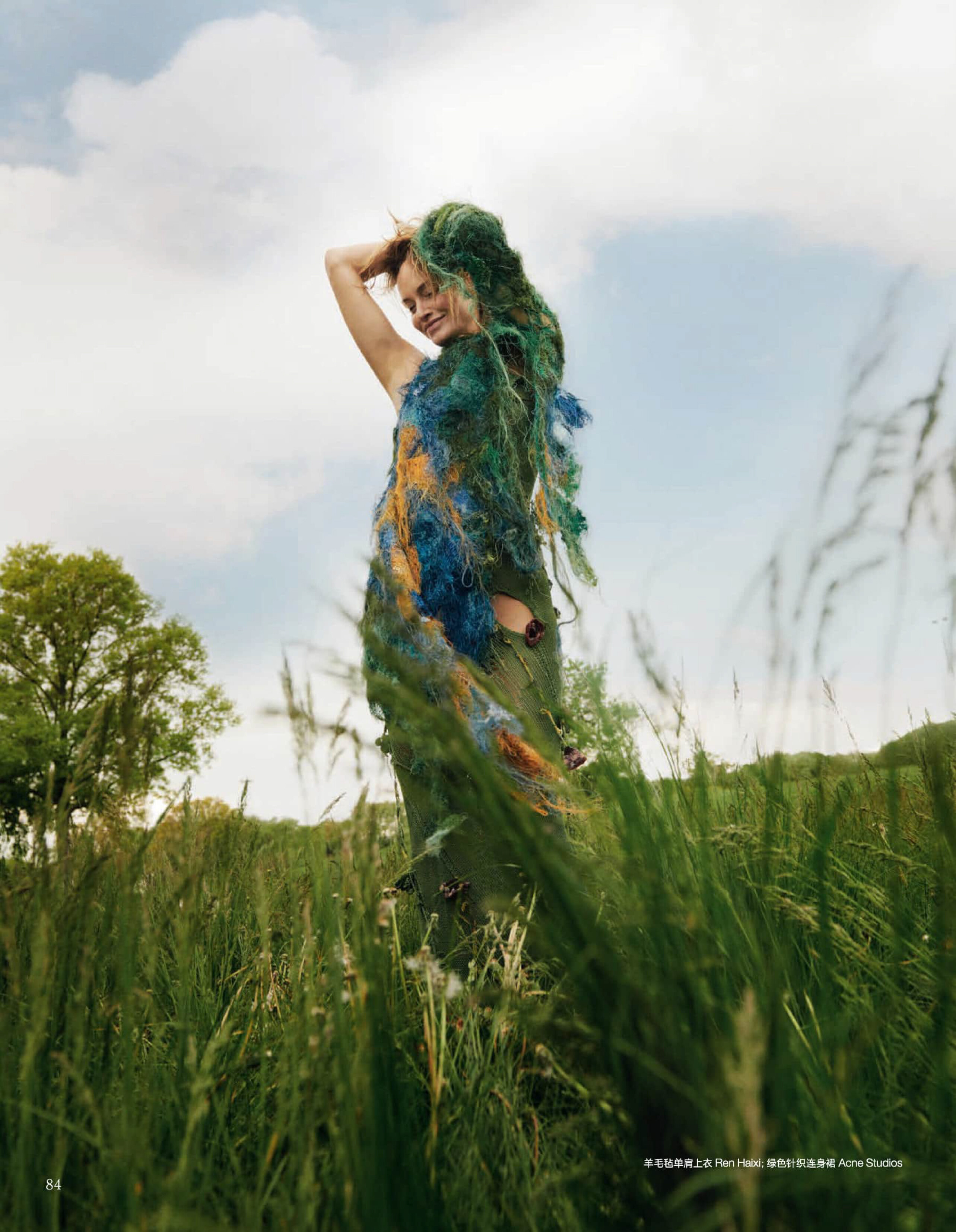
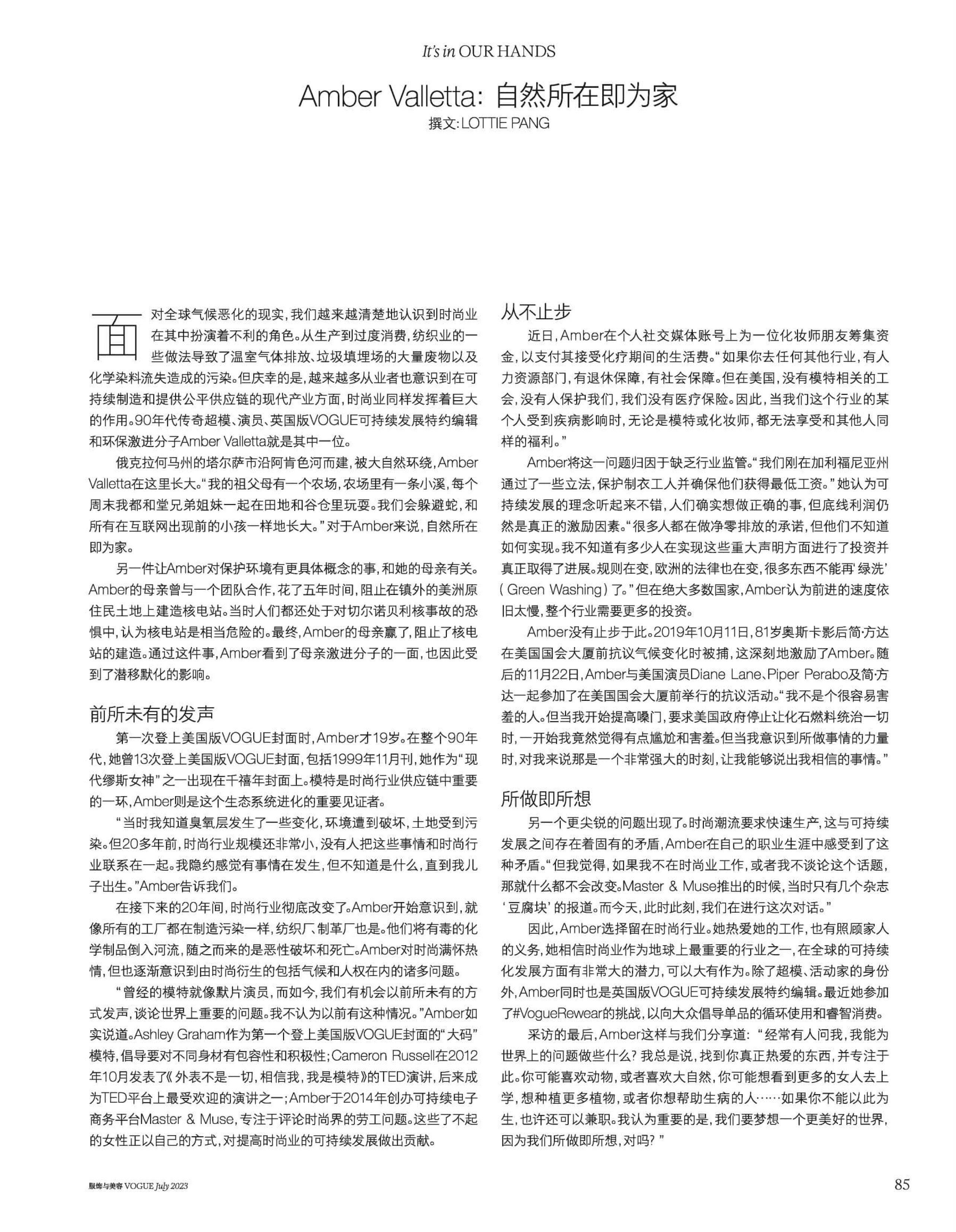


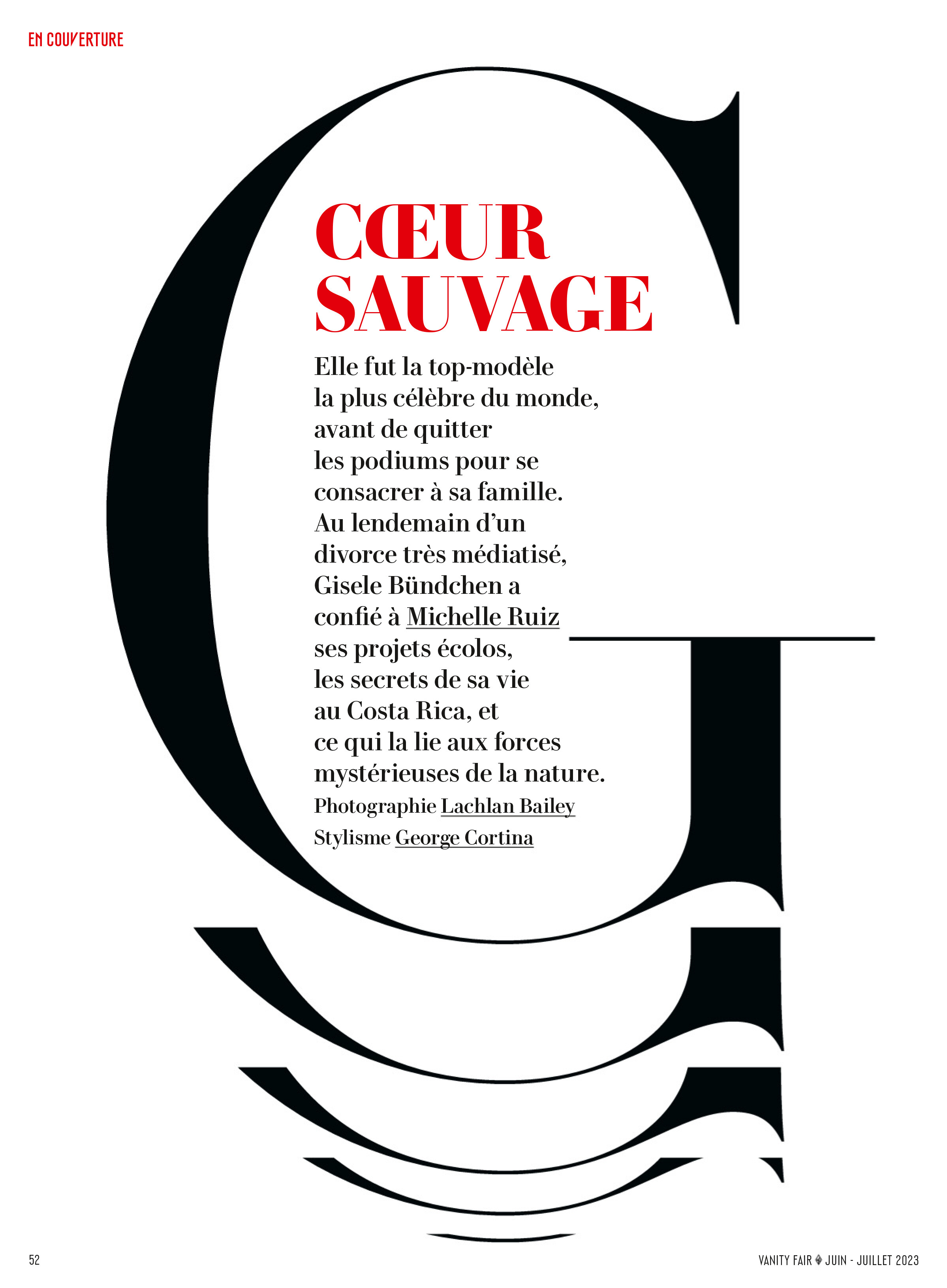

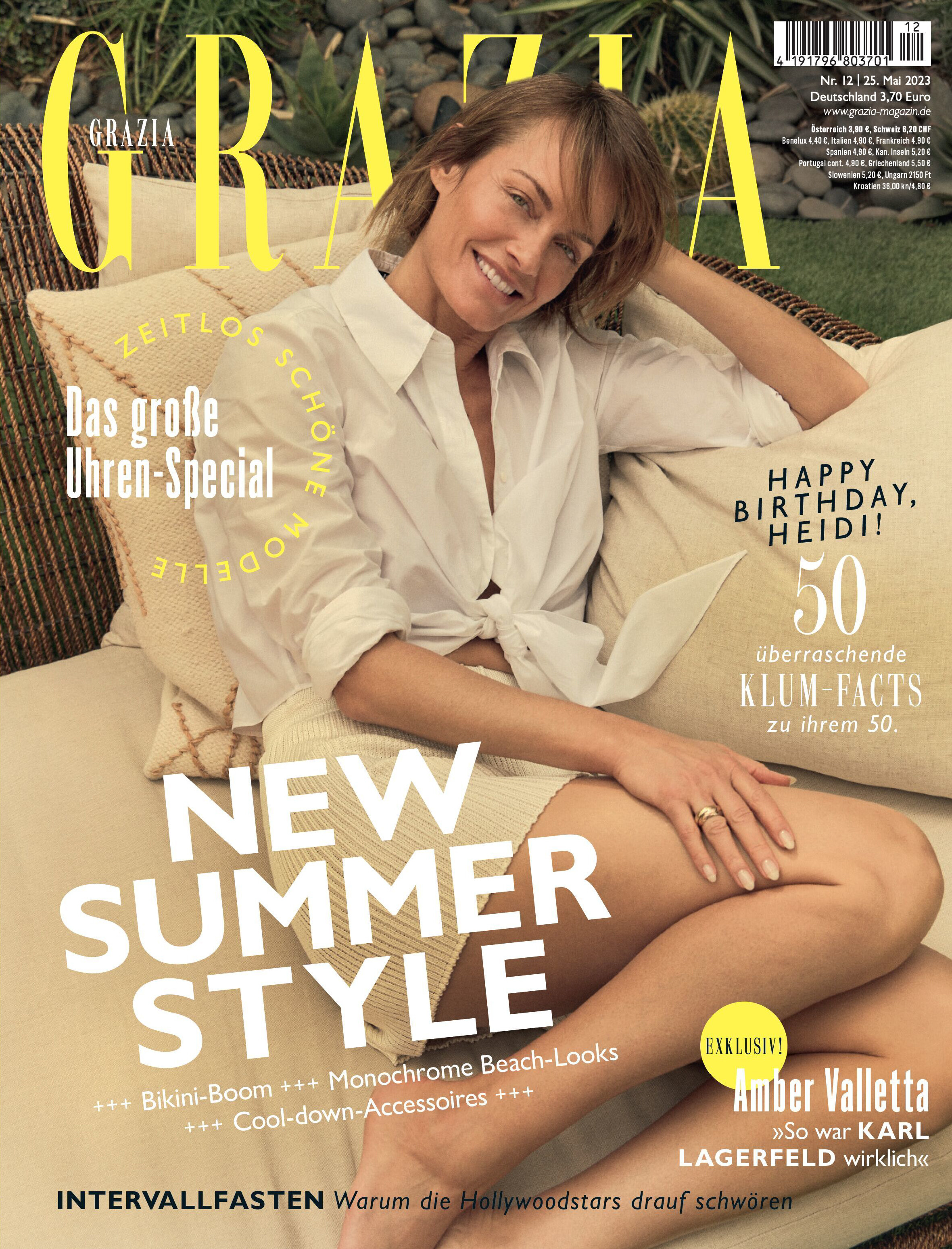
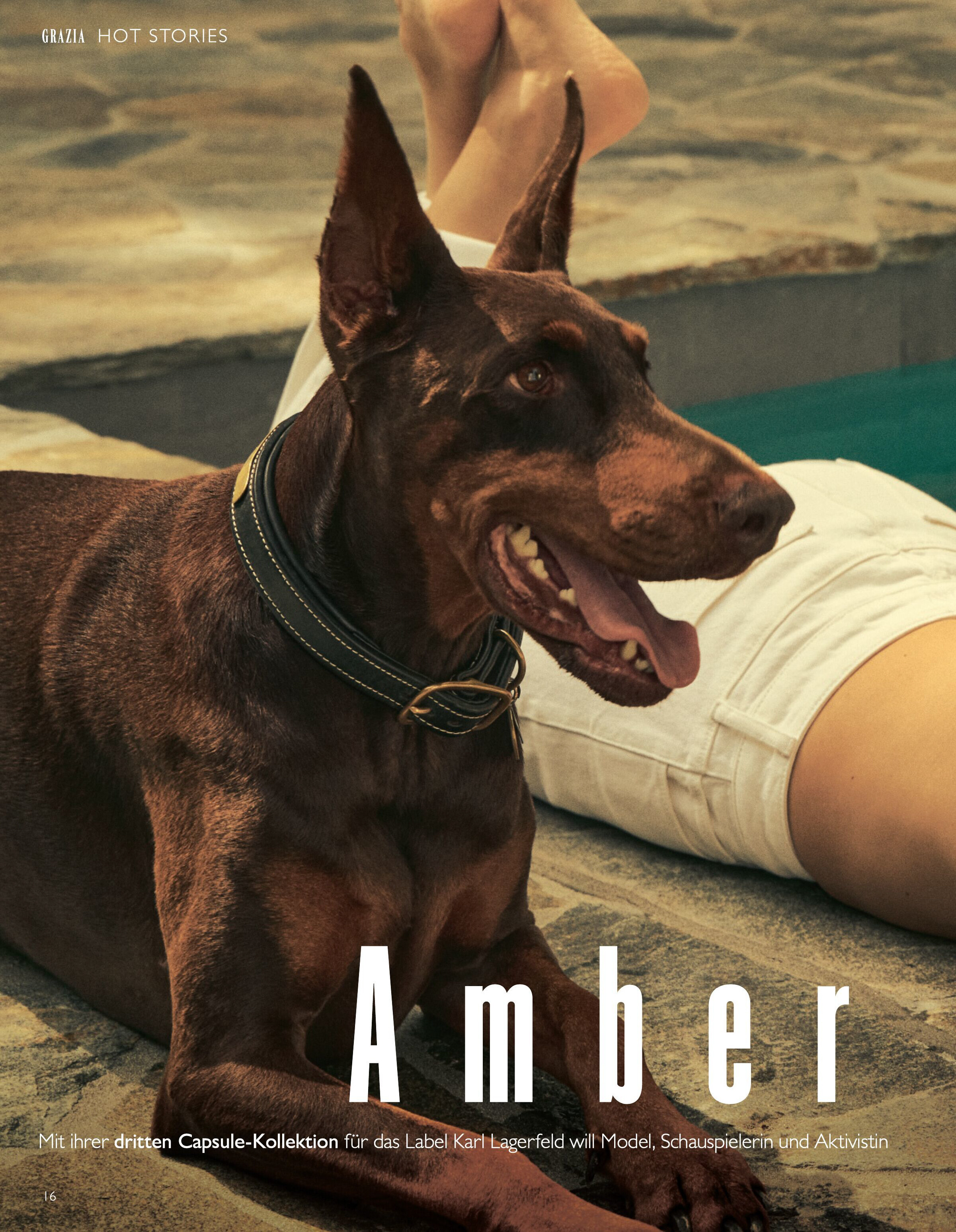

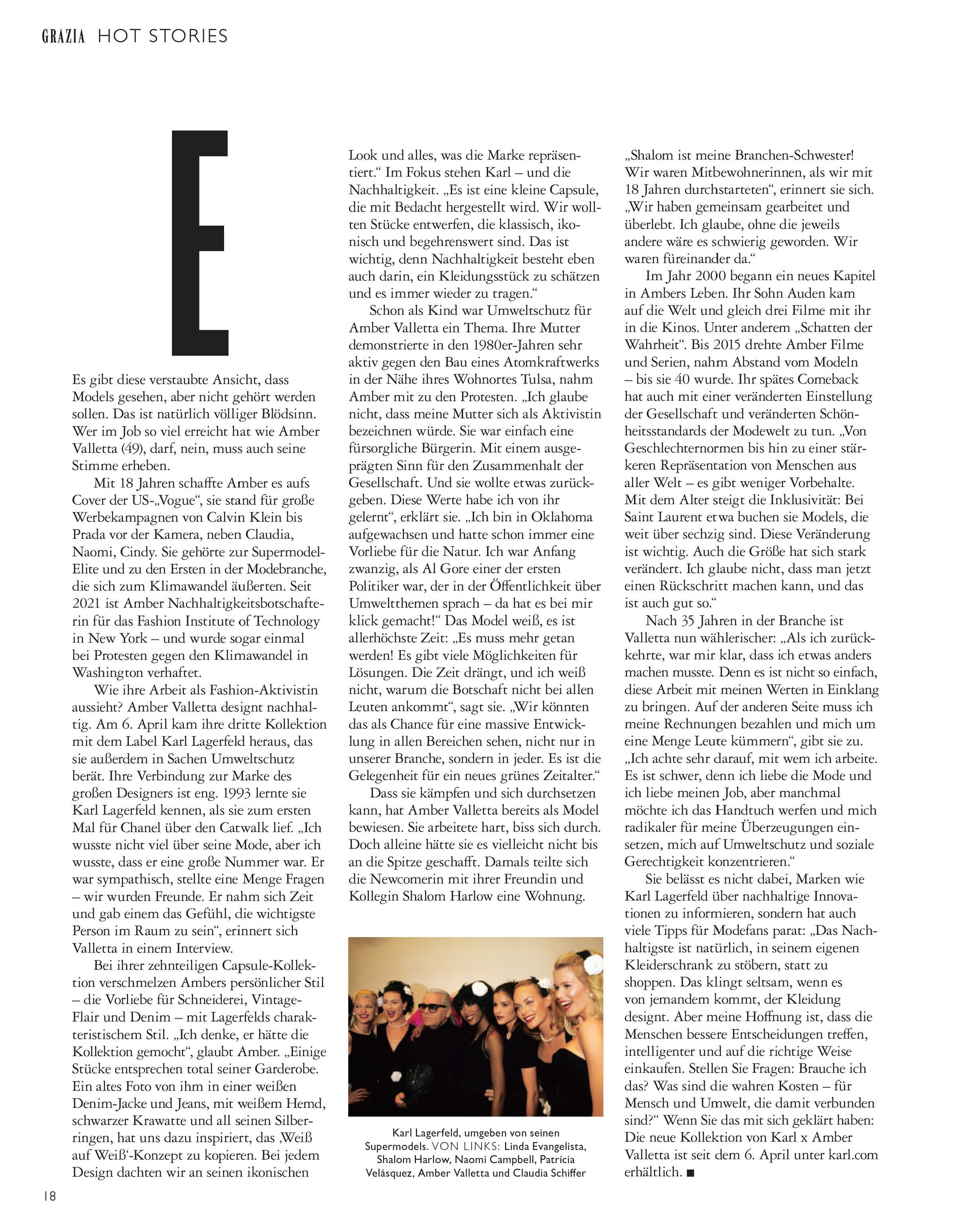


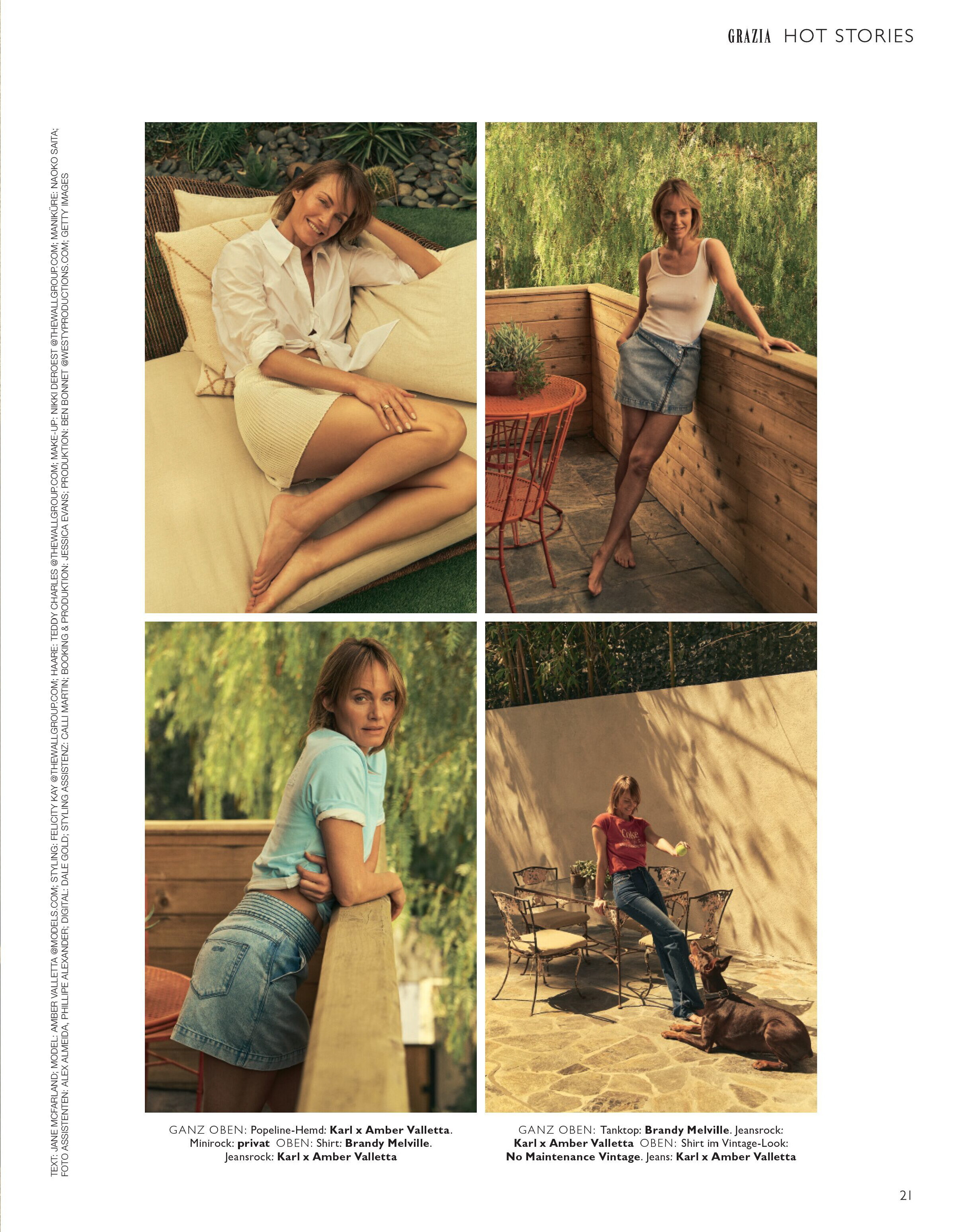












.jpg.f154fa8444d9cd35dc657595f73b6be9.jpg)



















Account
Navigation
Search
Configure browser push notifications
Chrome (Android)
- Tap the lock icon next to the address bar.
- Tap Permissions → Notifications.
- Adjust your preference.
Chrome (Desktop)
- Click the padlock icon in the address bar.
- Select Site settings.
- Find Notifications and adjust your preference.
Safari (iOS 16.4+)
- Ensure the site is installed via Add to Home Screen.
- Open Settings App → Notifications.
- Find your app name and adjust your preference.
Safari (macOS)
- Go to Safari → Preferences.
- Click the Websites tab.
- Select Notifications in the sidebar.
- Find this website and adjust your preference.
Edge (Android)
- Tap the lock icon next to the address bar.
- Tap Permissions.
- Find Notifications and adjust your preference.
Edge (Desktop)
- Click the padlock icon in the address bar.
- Click Permissions for this site.
- Find Notifications and adjust your preference.
Firefox (Android)
- Go to Settings → Site permissions.
- Tap Notifications.
- Find this site in the list and adjust your preference.
Firefox (Desktop)
- Open Firefox Settings.
- Search for Notifications.
- Find this site in the list and adjust your preference.