
egluze
Members
-
Joined
-
Last visited
Everything posted by egluze
-

-
-
on the set of 'Raising Hope' in LA 1/29/13
Daybreak 30th January 2013

















 dinner at Madeo in West Hollywood 1/28/13
on the set of 'Three Days To Kill' in Paris 1/29/13
dinner at Madeo in West Hollywood 1/28/13
on the set of 'Three Days To Kill' in Paris 1/29/13



 at Gelson's Market in Los Feliz 1/29/13
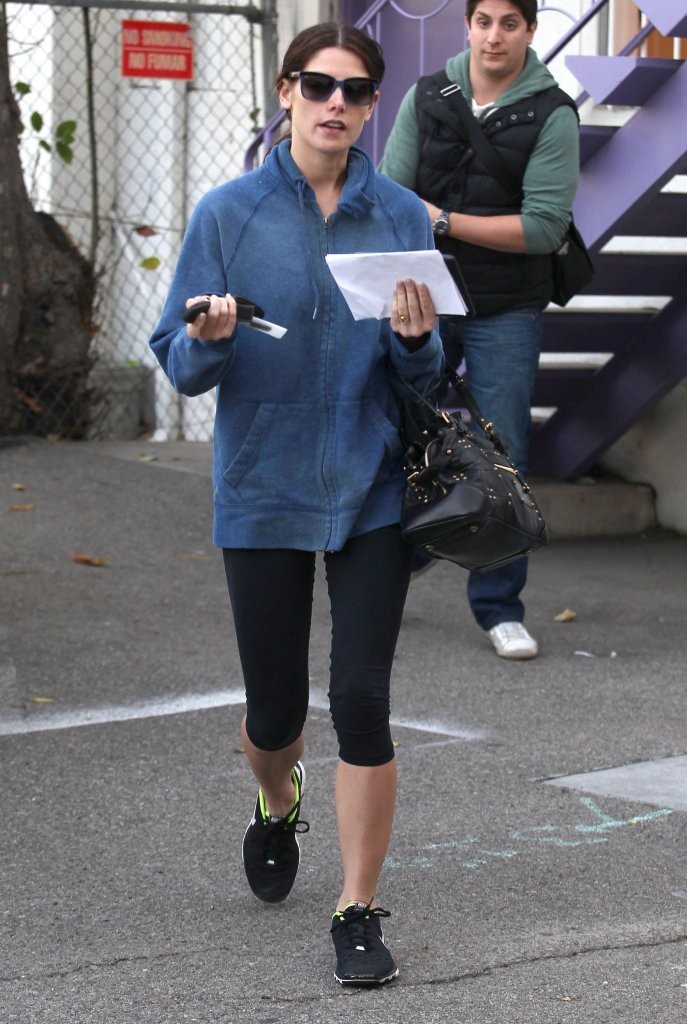
leaves a nail salon in Studio City 1/29/13
at Gelson's Market in Los Feliz 1/29/13
leaves a nail salon in Studio City 1/29/13




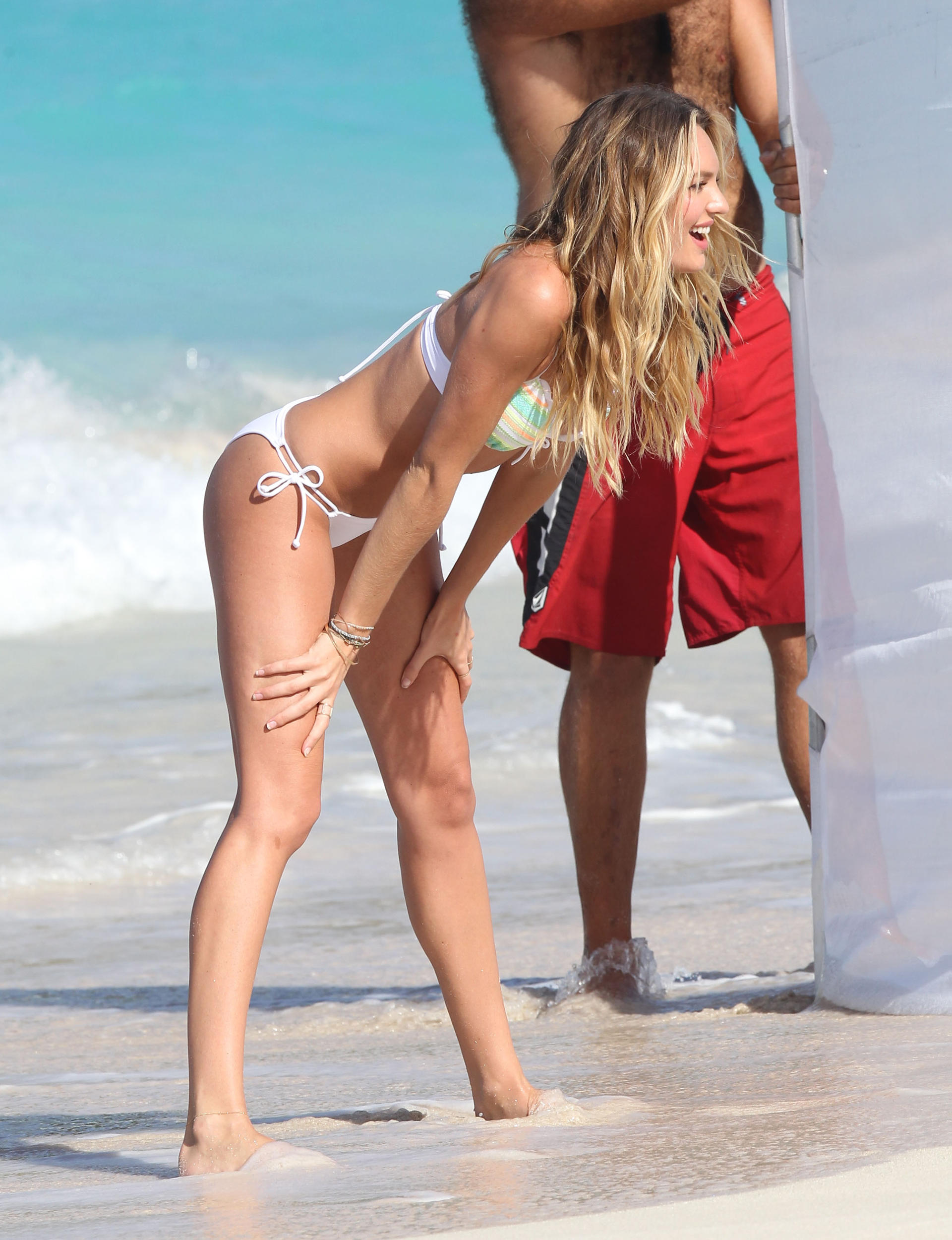
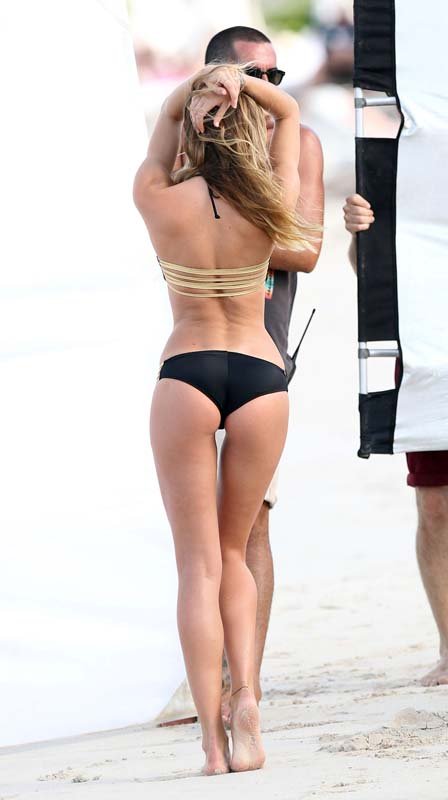
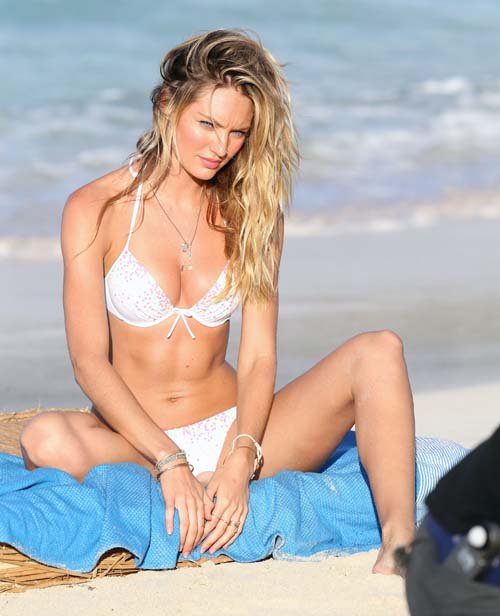
 Victoria's Secret bikini photoshoot in St. Barts 1/29/13










































 Warm Bodies Premiere - 1/29/13




 at a spa in West Hollywood 1/28/13
Dream Out Loud spring collection 2013
at a spa in West Hollywood 1/28/13
Dream Out Loud spring collection 2013
 Vanity Fair Hollywood Issue
out to dinner in California 1/27/13
out and about in NYC 1/29/13 /monthly_01_2013/post-35864-0-1593849203-53767_thumb.jpg" class="ipsImage ipsImage_thumbnailed" alt="KatieHolmes_012913_05.jpg">
Vanity Fair Hollywood Issue
out to dinner in California 1/27/13
out and about in NYC 1/29/13 /monthly_01_2013/post-35864-0-1593849203-53767_thumb.jpg" class="ipsImage ipsImage_thumbnailed" alt="KatieHolmes_012913_05.jpg">






























































































































































Account
Navigation
Search
Configure browser push notifications
Chrome (Android)
- Tap the lock icon next to the address bar.
- Tap Permissions → Notifications.
- Adjust your preference.
Chrome (Desktop)
- Click the padlock icon in the address bar.
- Select Site settings.
- Find Notifications and adjust your preference.
Safari (iOS 16.4+)
- Ensure the site is installed via Add to Home Screen.
- Open Settings App → Notifications.
- Find your app name and adjust your preference.
Safari (macOS)
- Go to Safari → Preferences.
- Click the Websites tab.
- Select Notifications in the sidebar.
- Find this website and adjust your preference.
Edge (Android)
- Tap the lock icon next to the address bar.
- Tap Permissions.
- Find Notifications and adjust your preference.
Edge (Desktop)
- Click the padlock icon in the address bar.
- Click Permissions for this site.
- Find Notifications and adjust your preference.
Firefox (Android)
- Go to Settings → Site permissions.
- Tap Notifications.
- Find this site in the list and adjust your preference.
Firefox (Desktop)
- Open Firefox Settings.
- Search for Notifications.
- Find this site in the list and adjust your preference.