

Heike
Members
-
Joined
-
Last visited
-
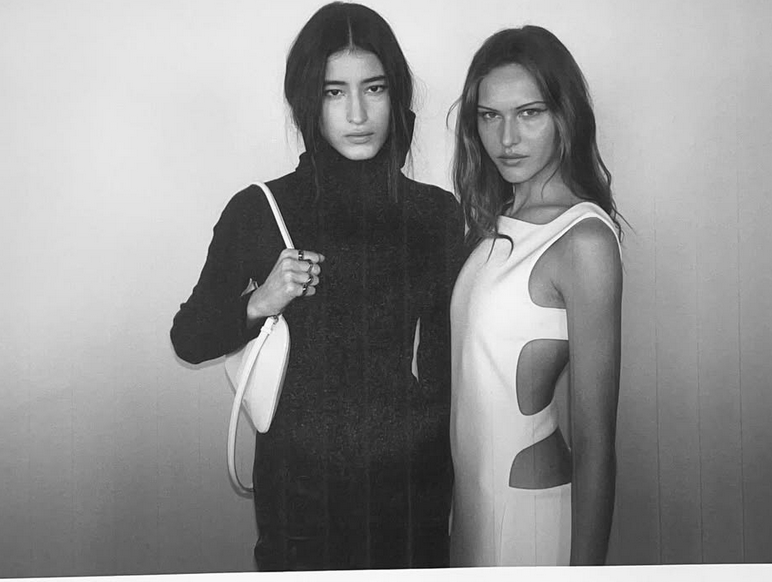
 Abby Champion, Sacha Quenby, Ida Heiner, Alex Consani backstage Courreges FW 2026
 -
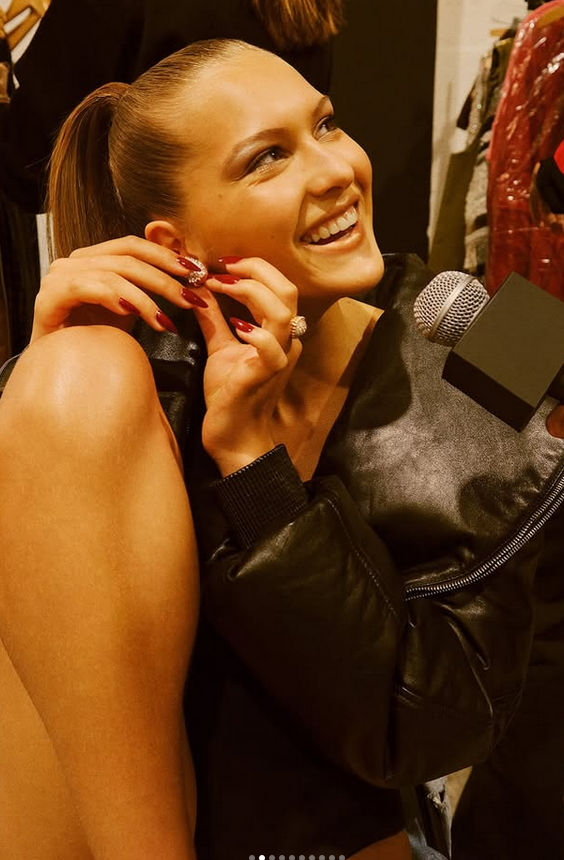
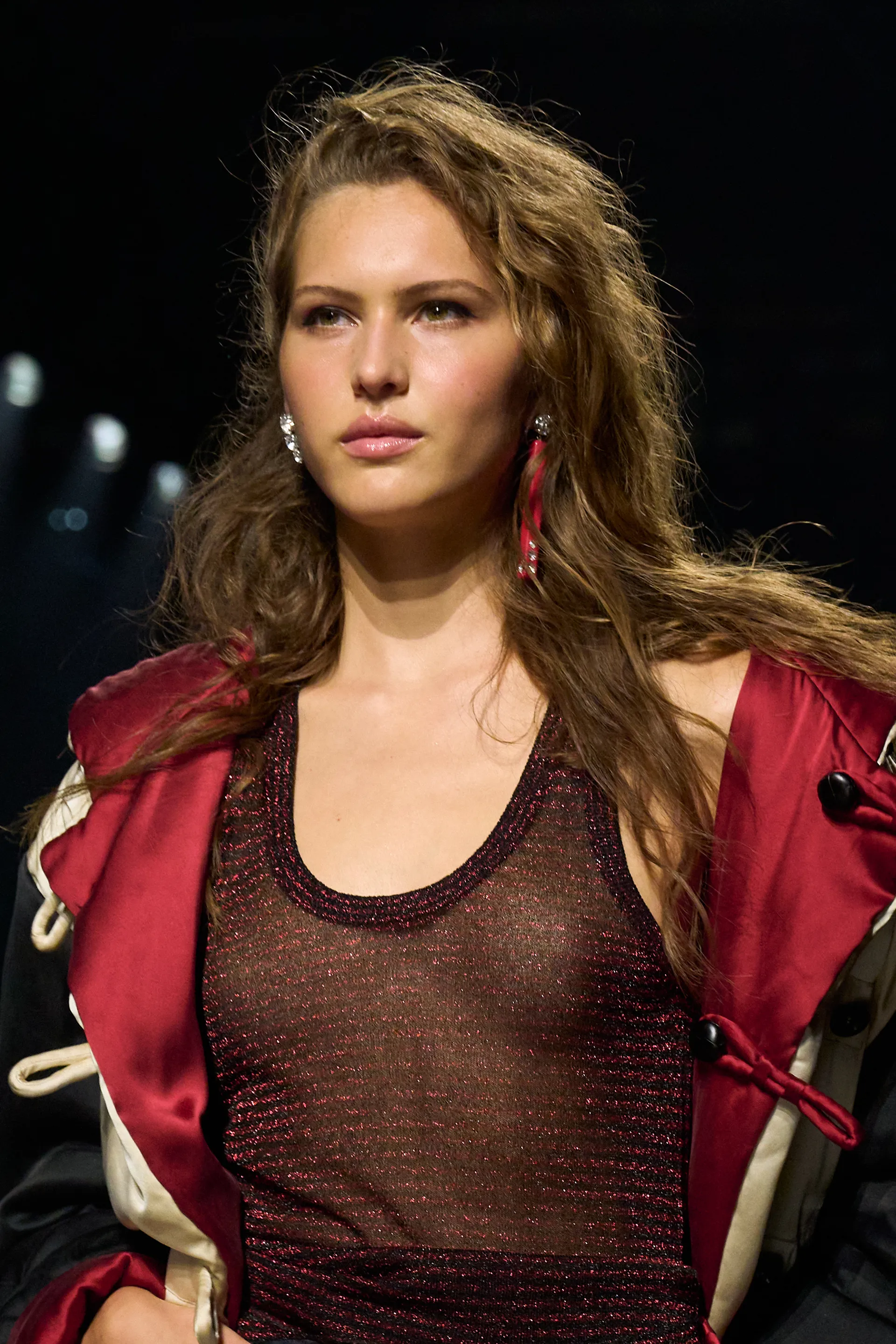
Outtake of Ida ❤️ in red ❤️ amazing team, amazing day 🐆[email protected] Harpers Bazaar US

-
Backstage Louis Vuitton F/W2026 😍 source: IG
-
-
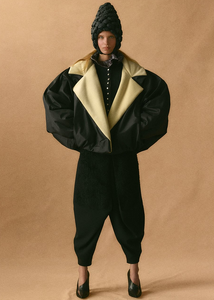
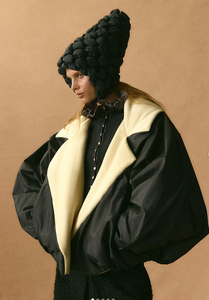
DAZED Spring 2026 Cover Photographer: Thibaut Grevet Styling: Imruh Asha Hair: Shiori Takahashi Makeup: Anne Sophie Costa Model: Angelina Kendall (dazeddigital.com)
Beautiful Backstage and Beauty impressions of that Australian Beauty 🫠
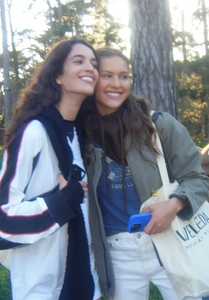
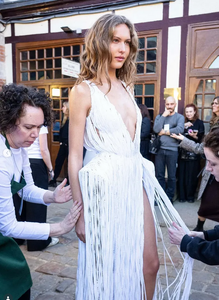
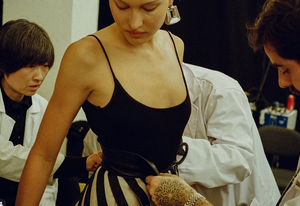
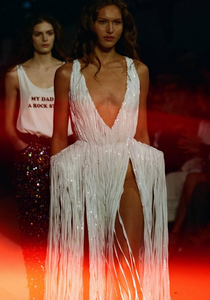

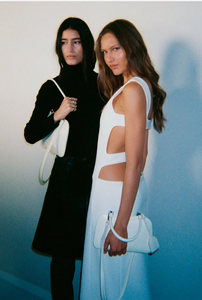
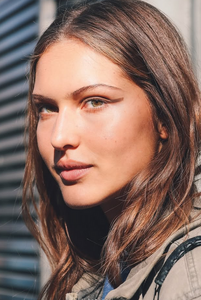
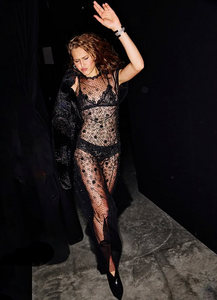
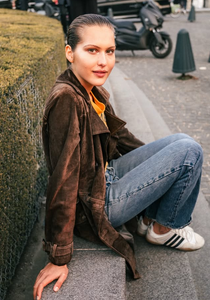
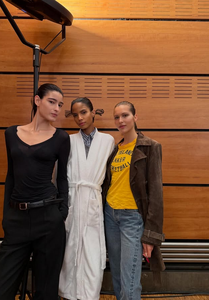
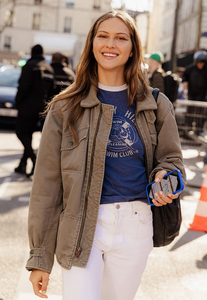
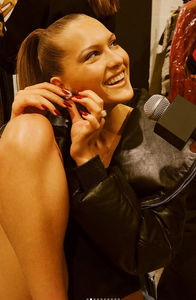
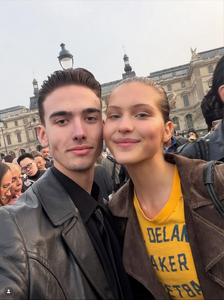
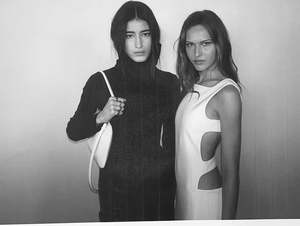
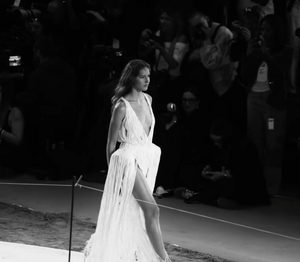
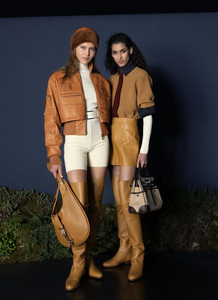
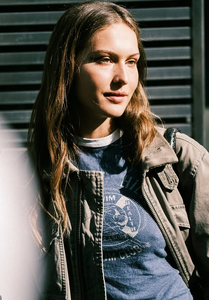

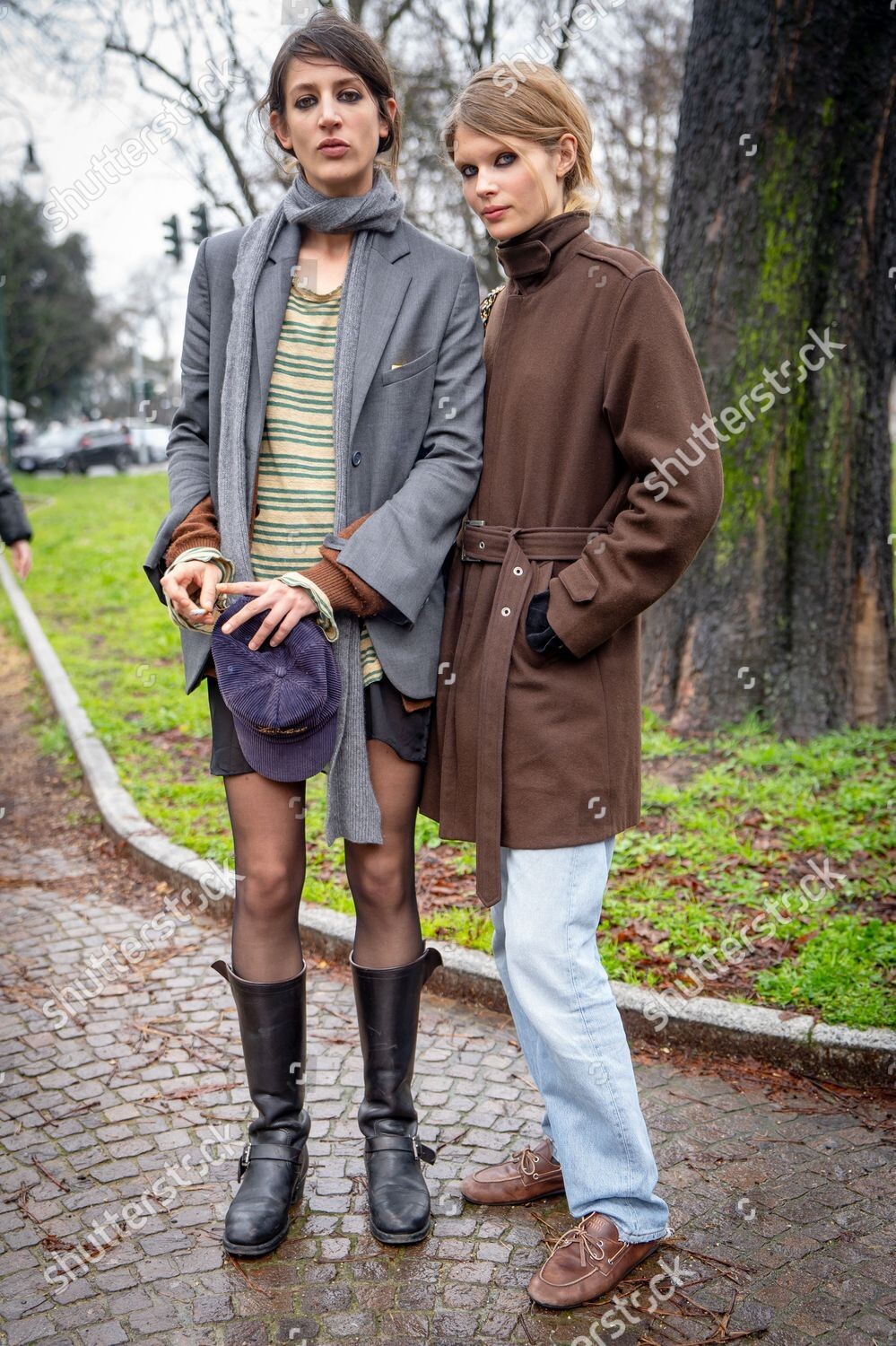
 Milan Fashion Week FW 2024 - Street Style, Milan, Italy - 23 Feb 2024
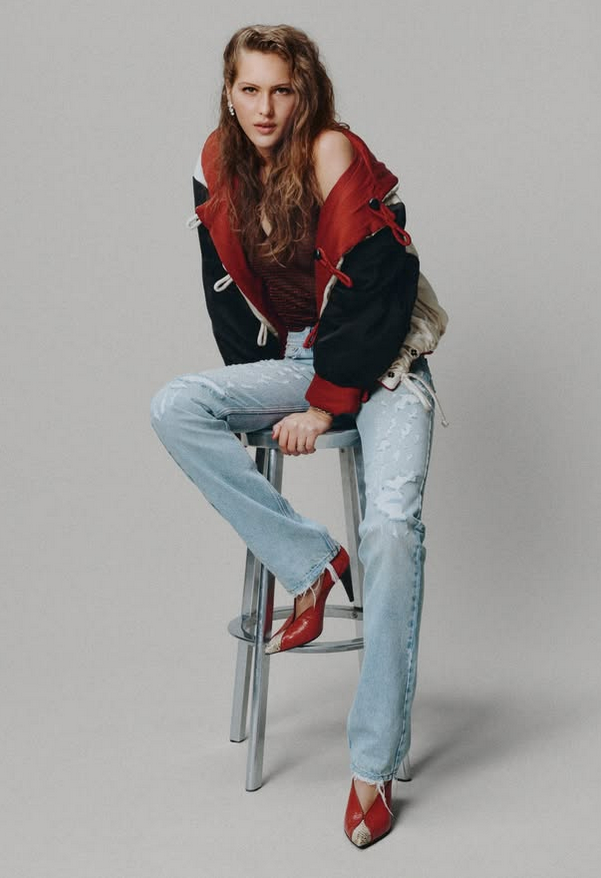
 The S/S 2026 Accessories Issue @IdaHeiner Photographed by @JulienMartinezLeclerc.
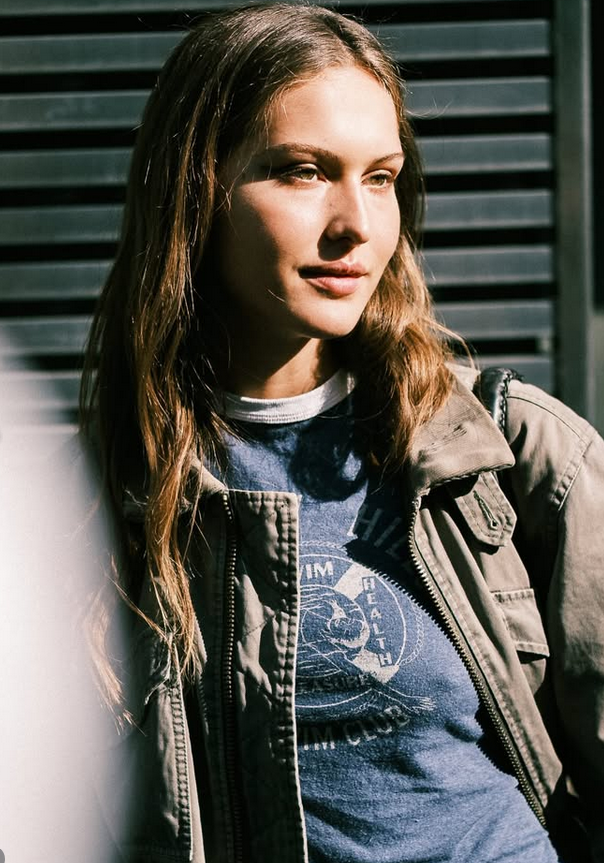
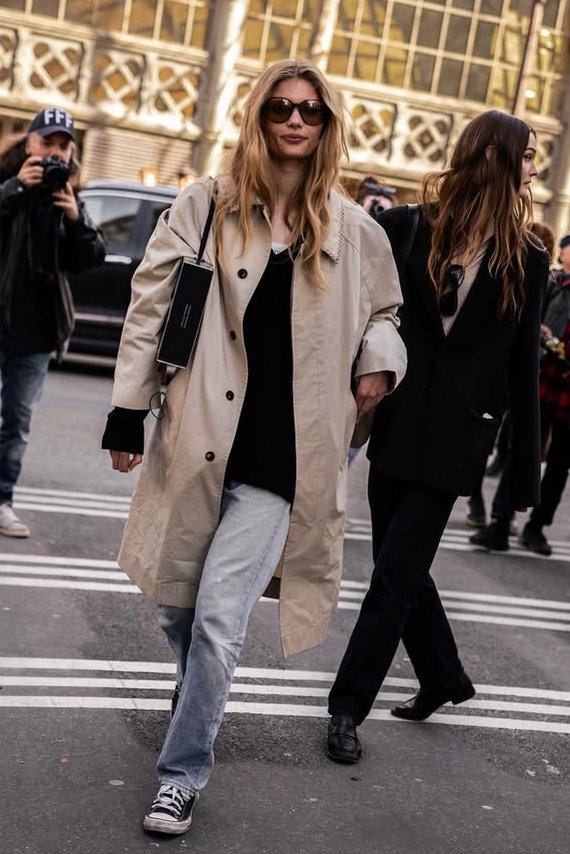
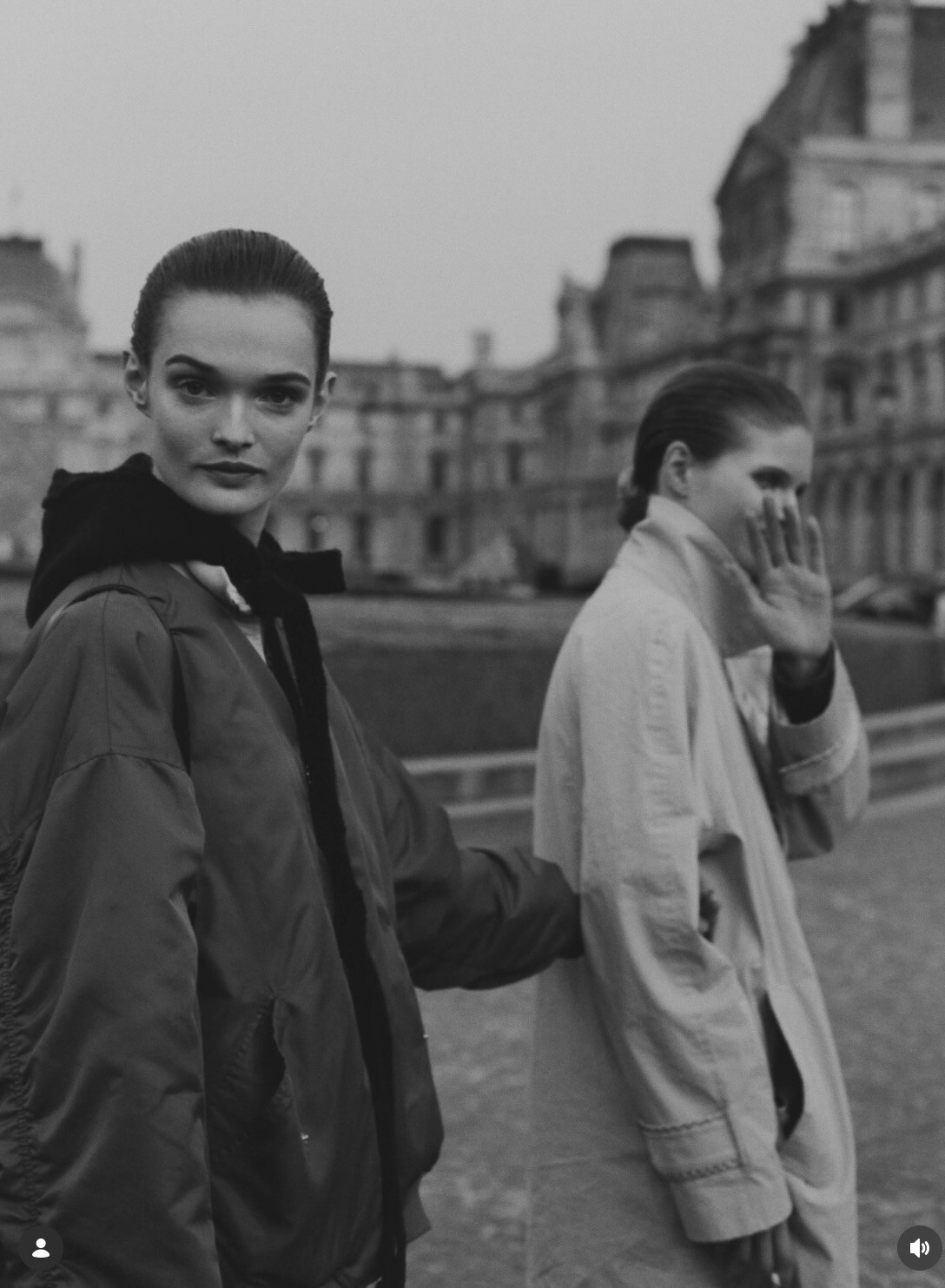
Instagram-Fotosund-Videos.thumb.png.488a0013019e5b85f6f15c144ab171d5.png) Streetstyle Paris FW 2026 🤗
Streetstyle Paris FW 2026 🤗Instagram-Fotosund-Videos.thumb.png.6062e8395d9b336613ec45ef04e101b1.png)
Instagram-Fotosund-Videos.thumb.png.750e65a4fddabf0f6f75047551902a8e.png)
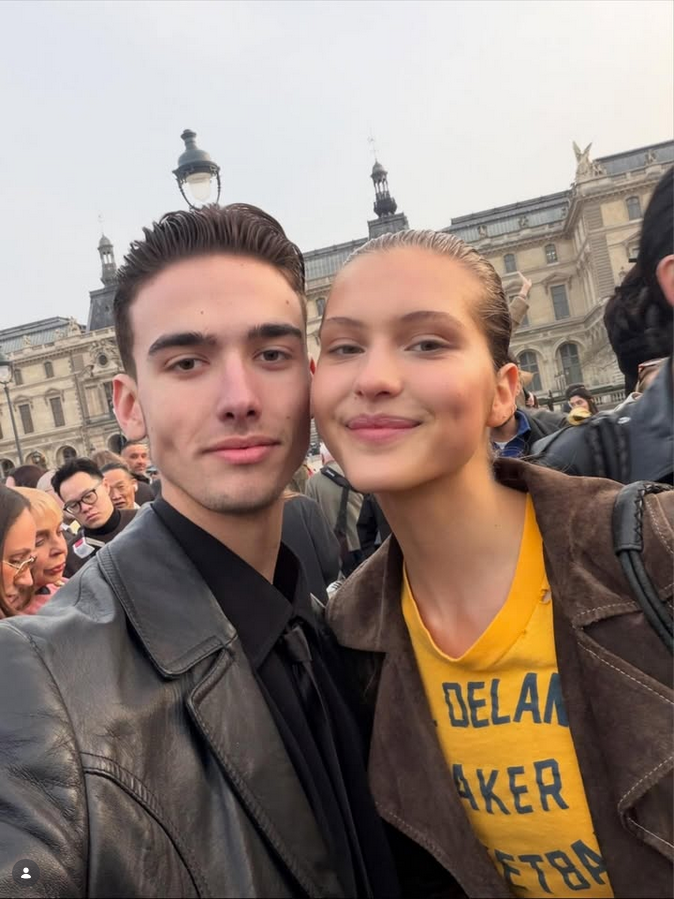
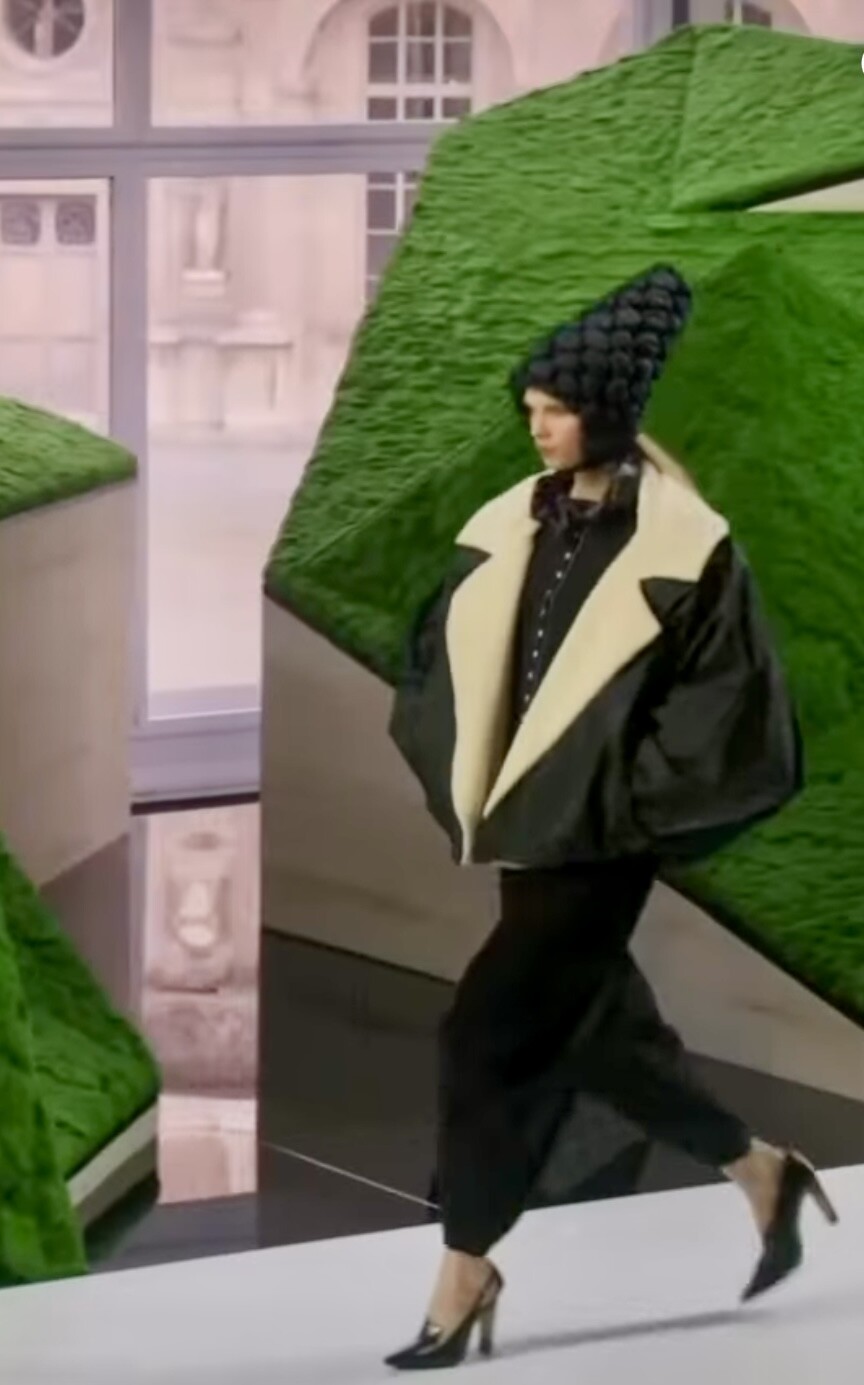
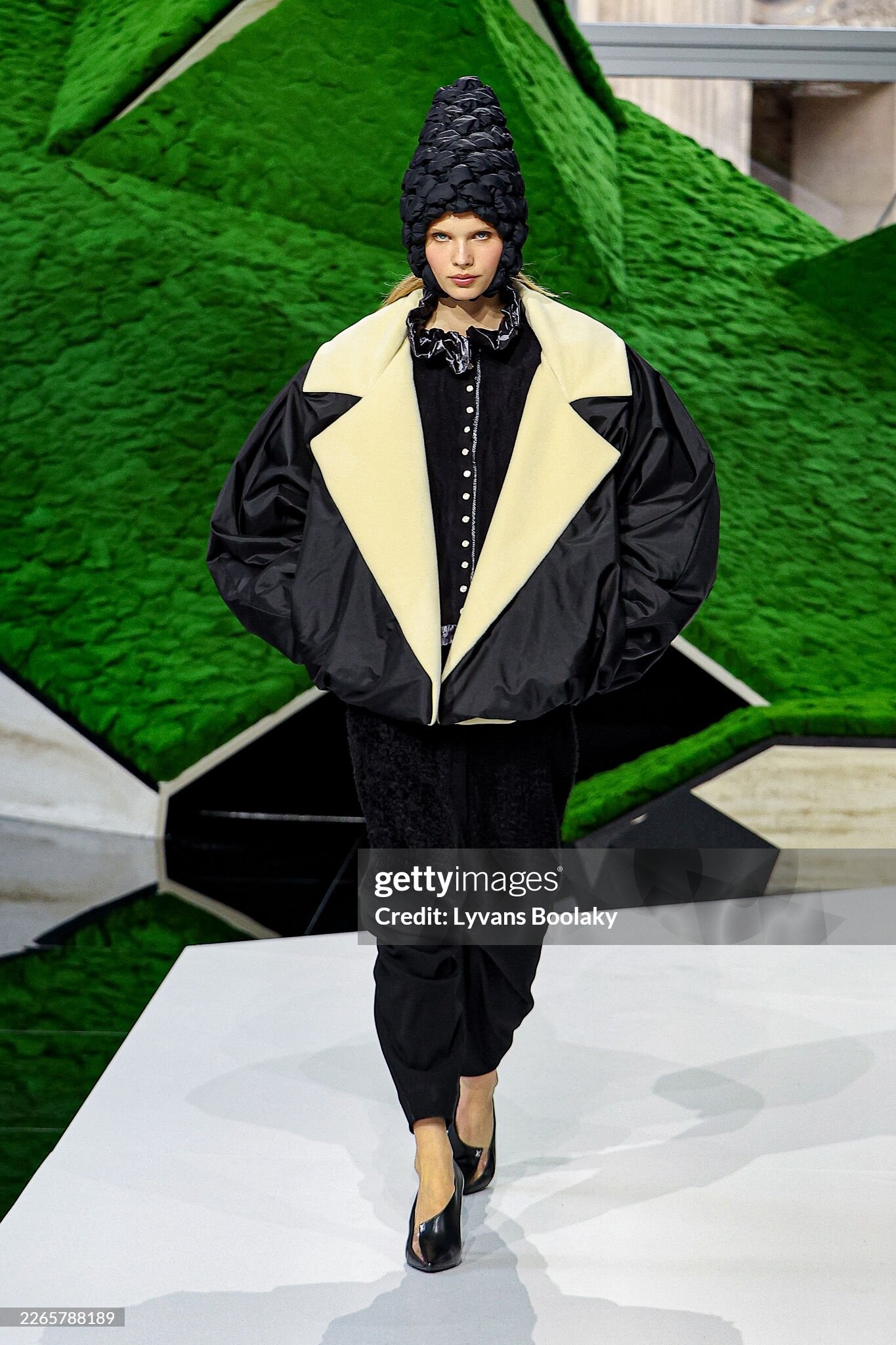
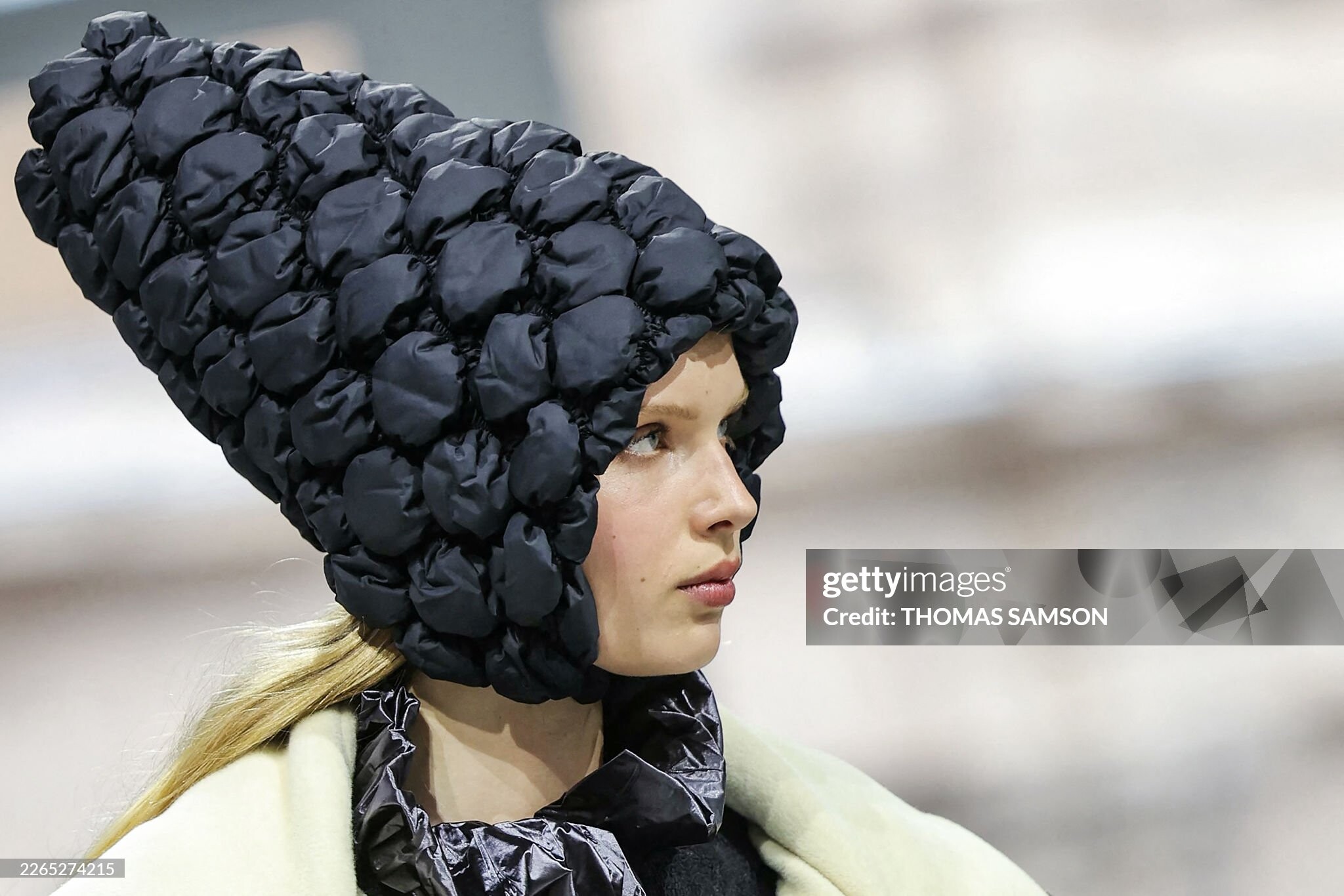
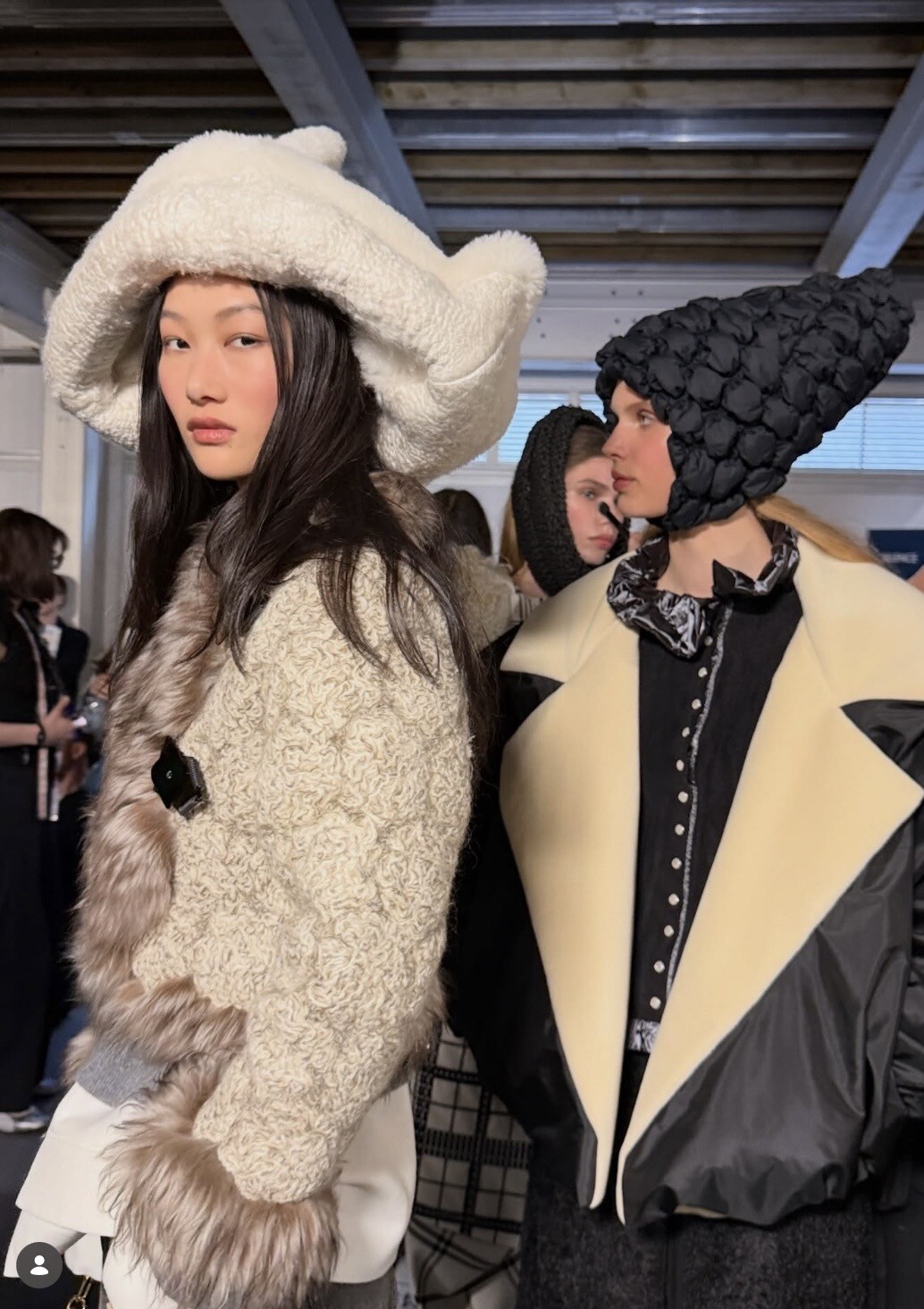
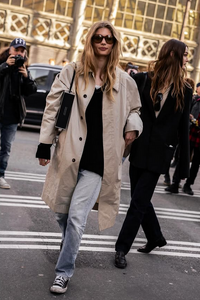 Louis Vuitton F/W2026 🤩 Backstage: Streetstyle:



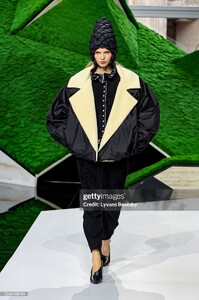


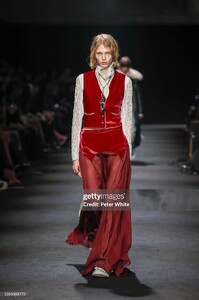
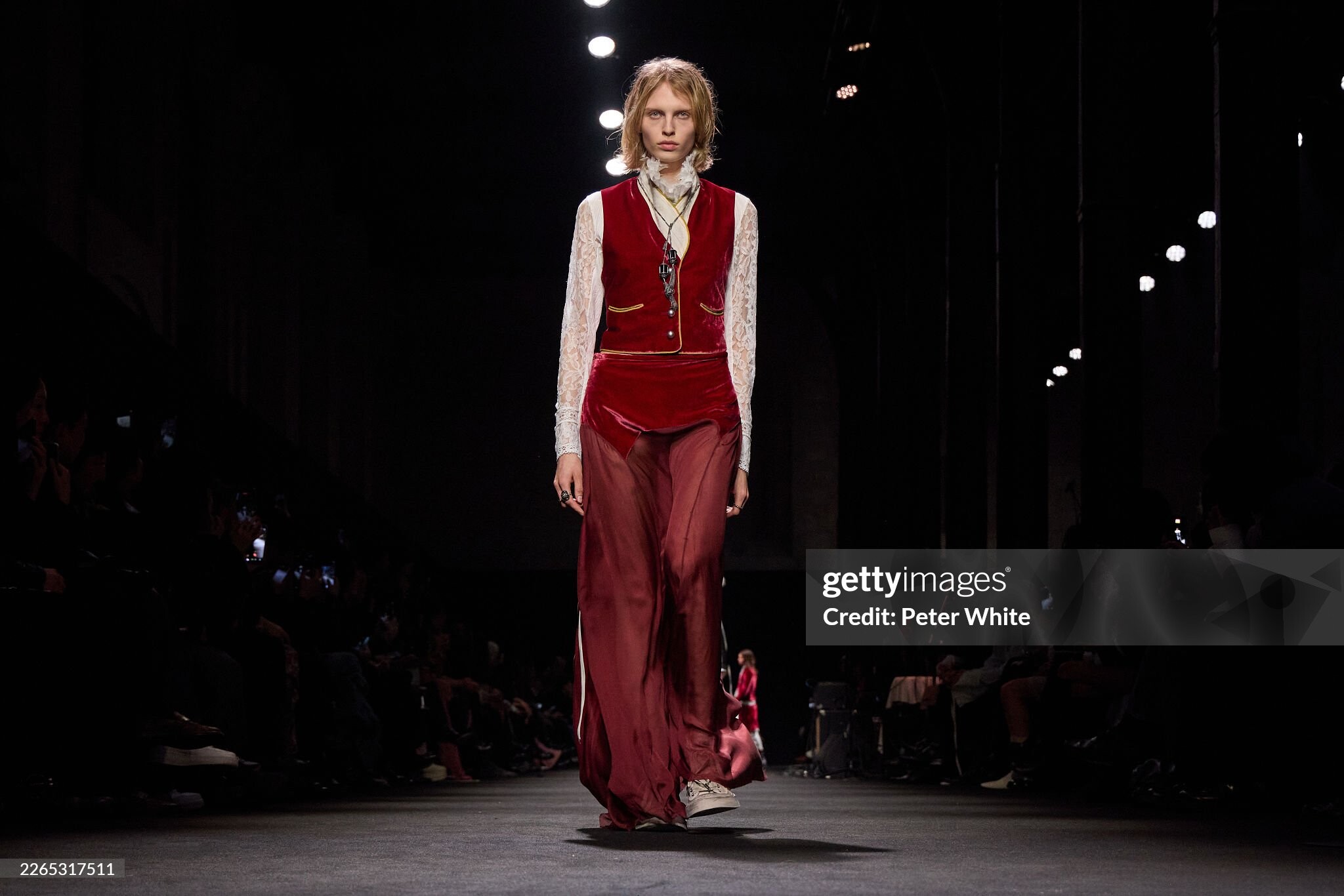
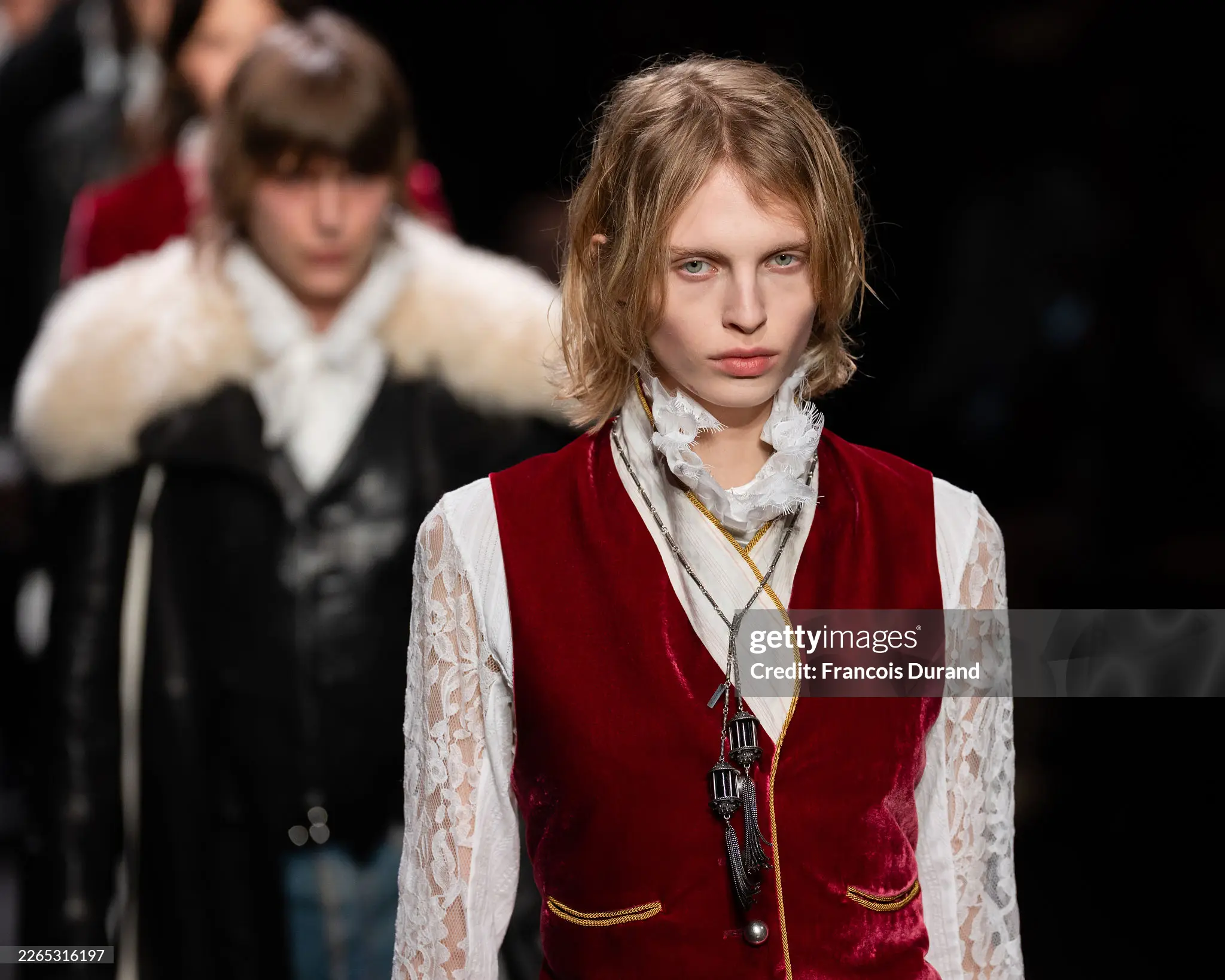
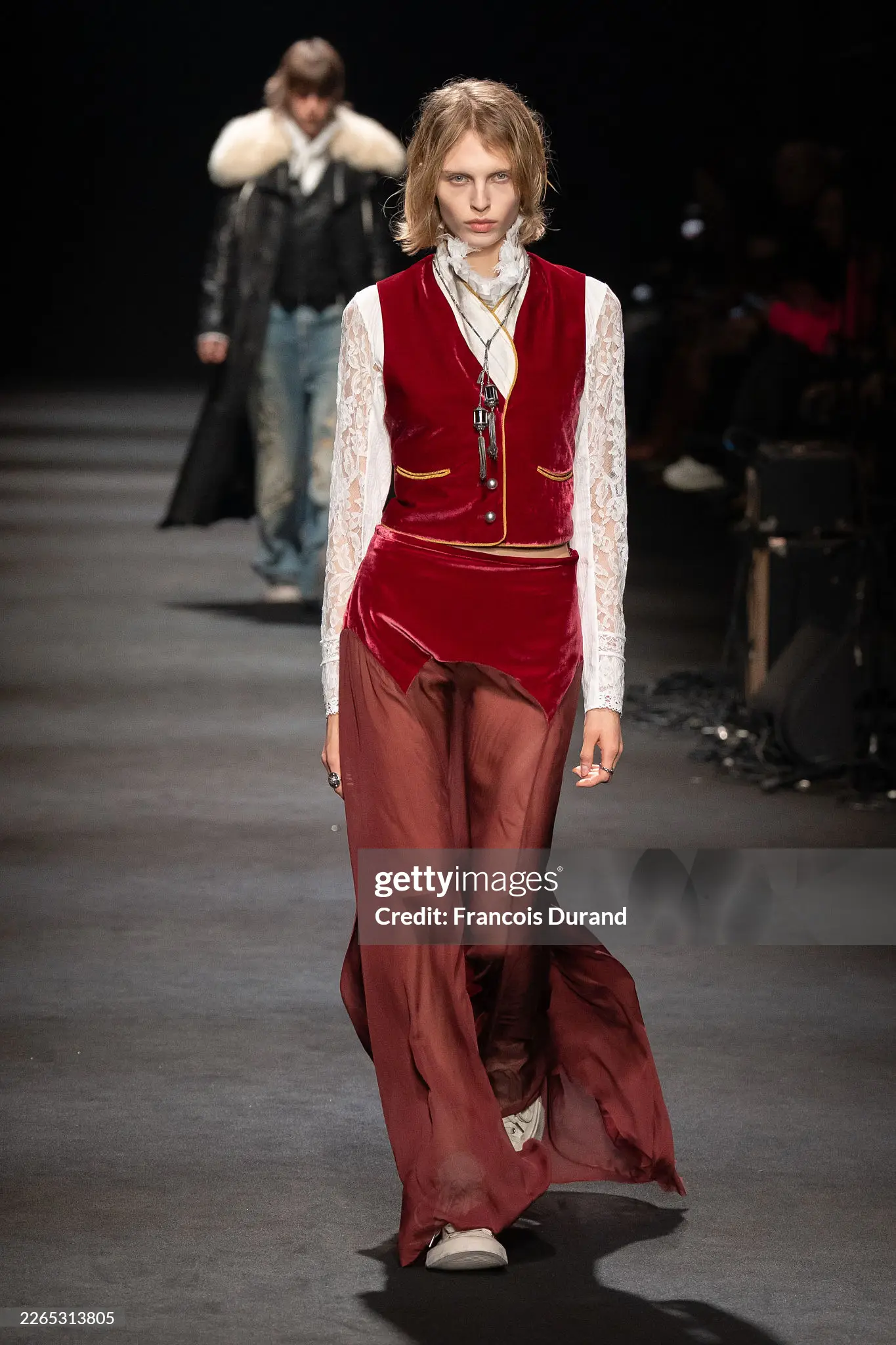
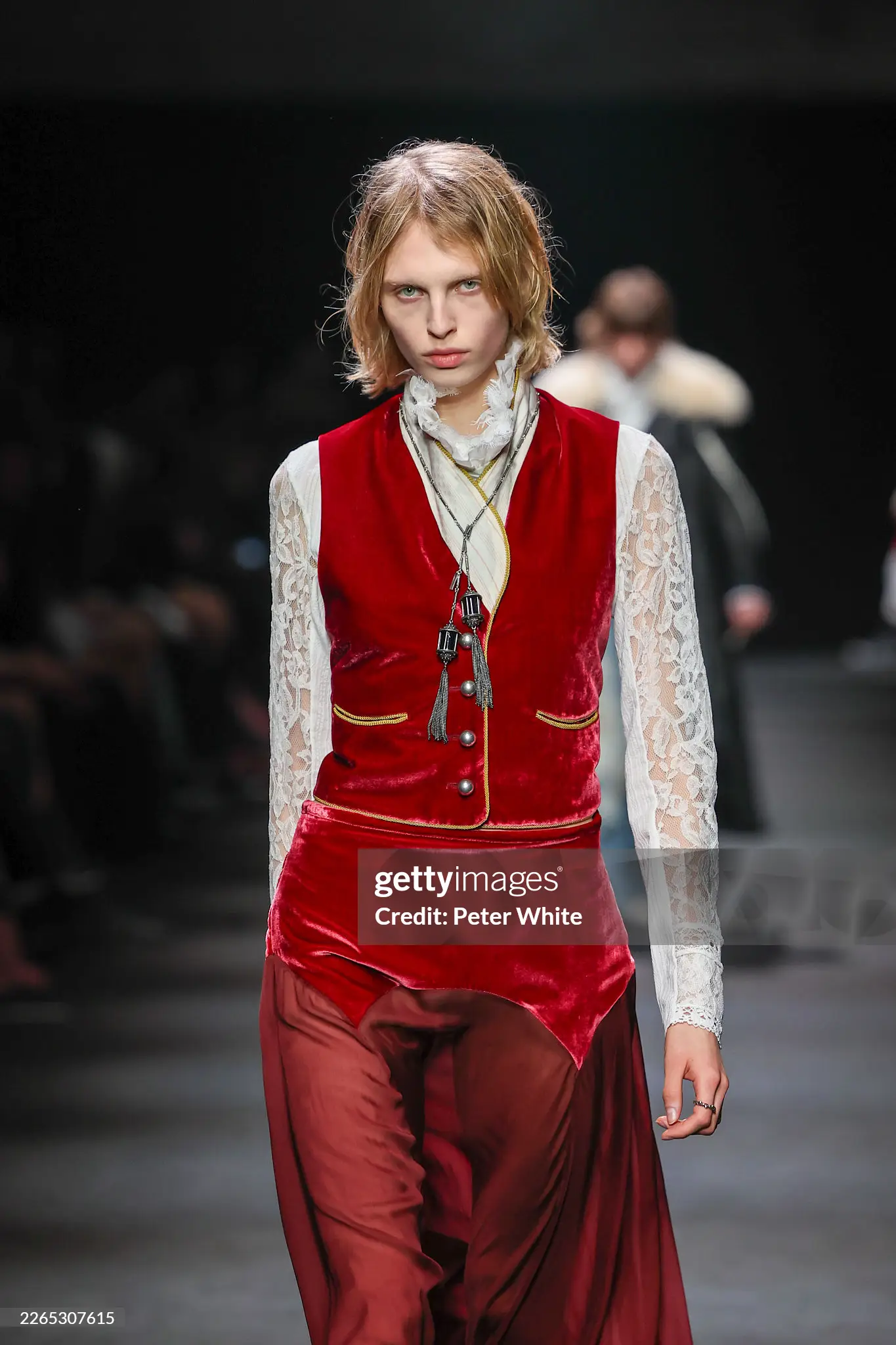
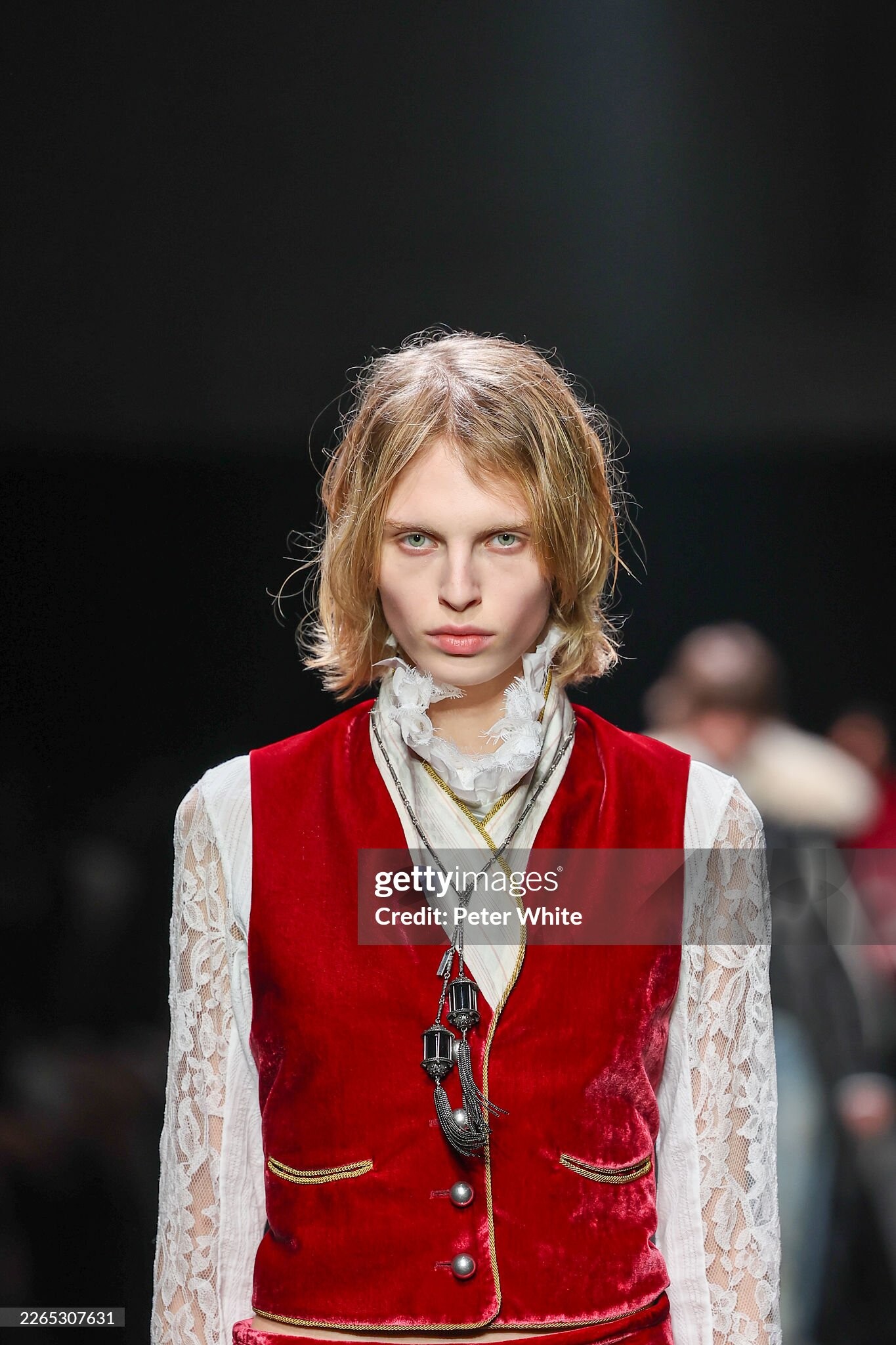
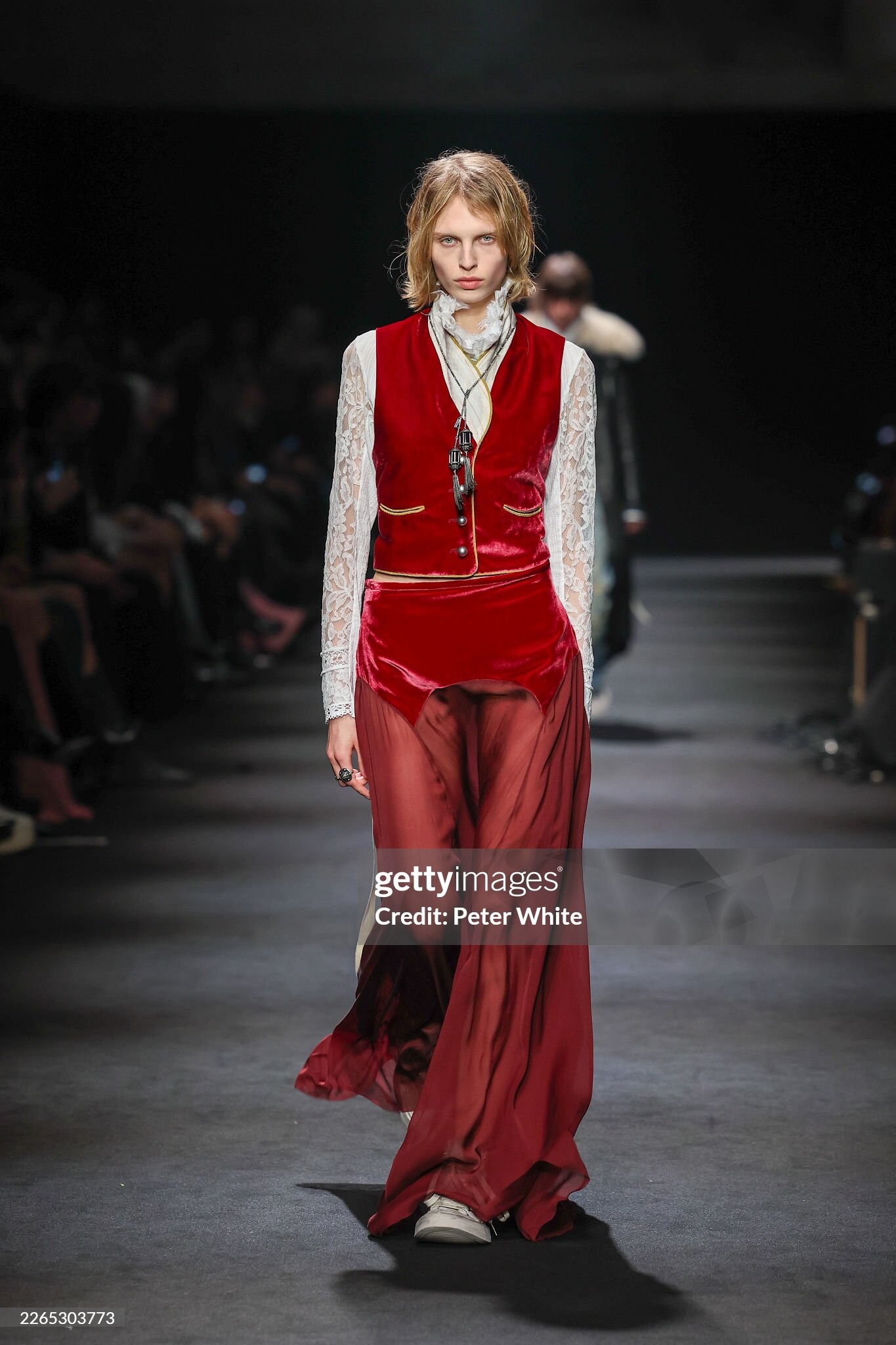
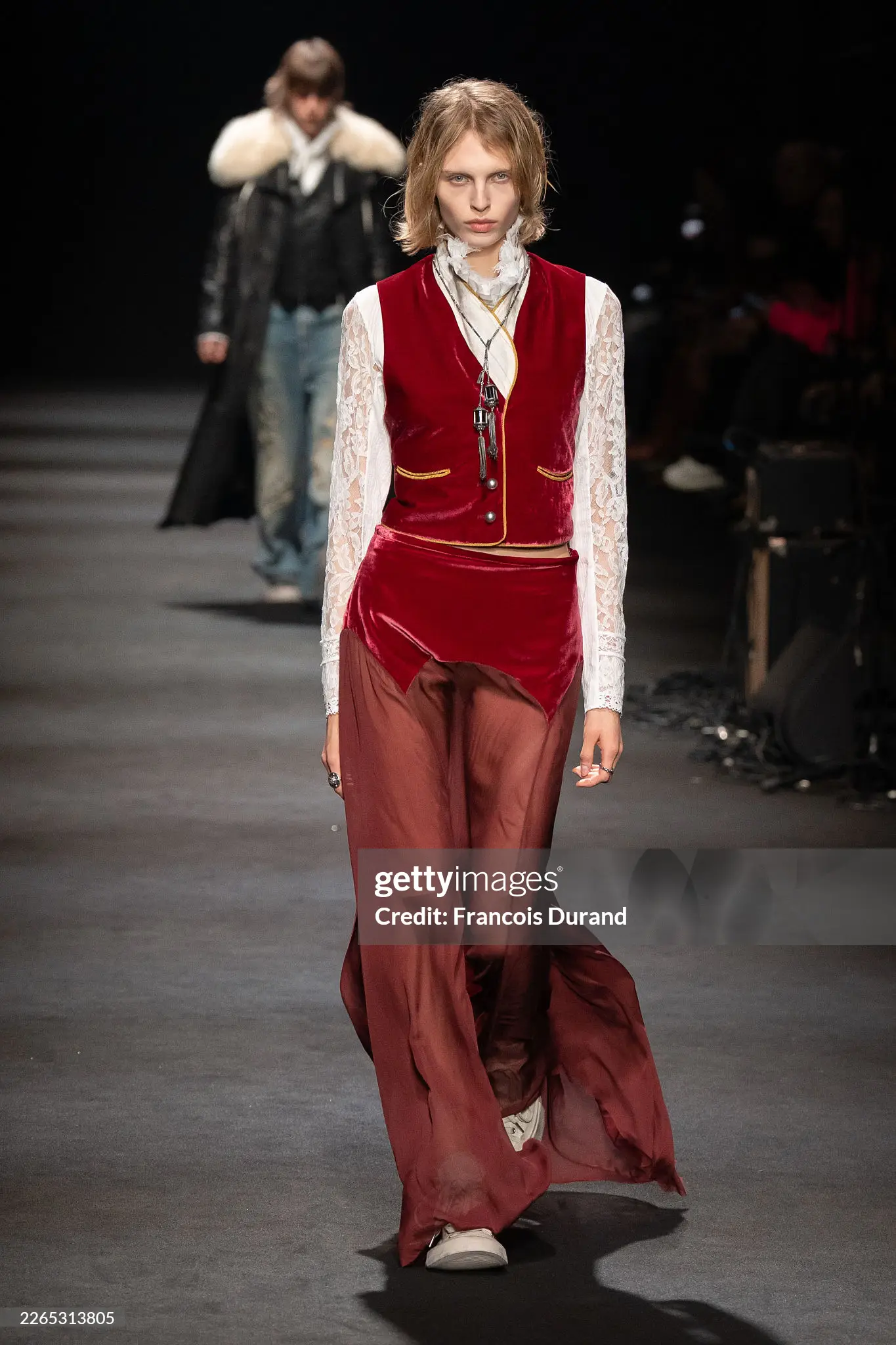
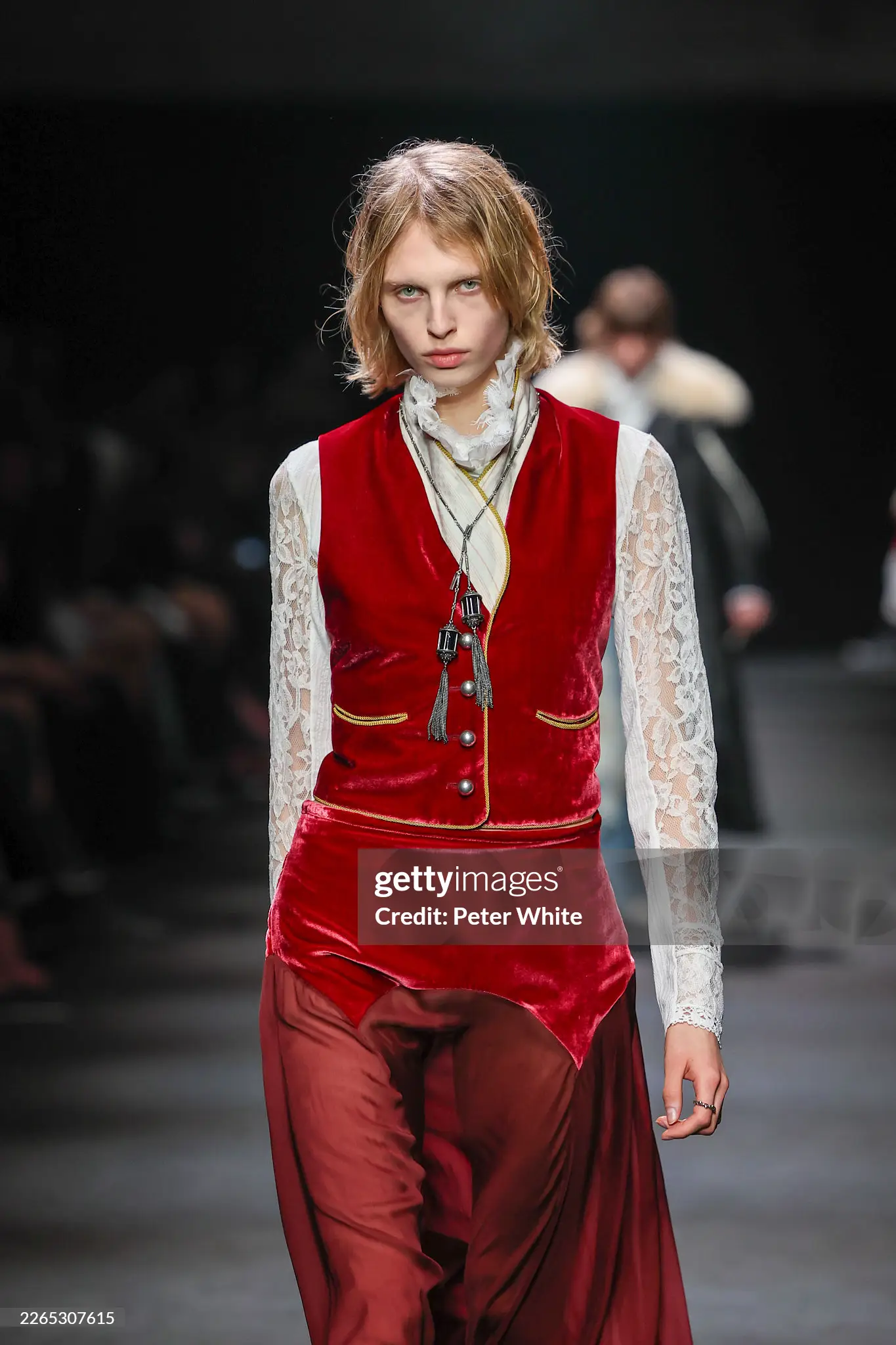
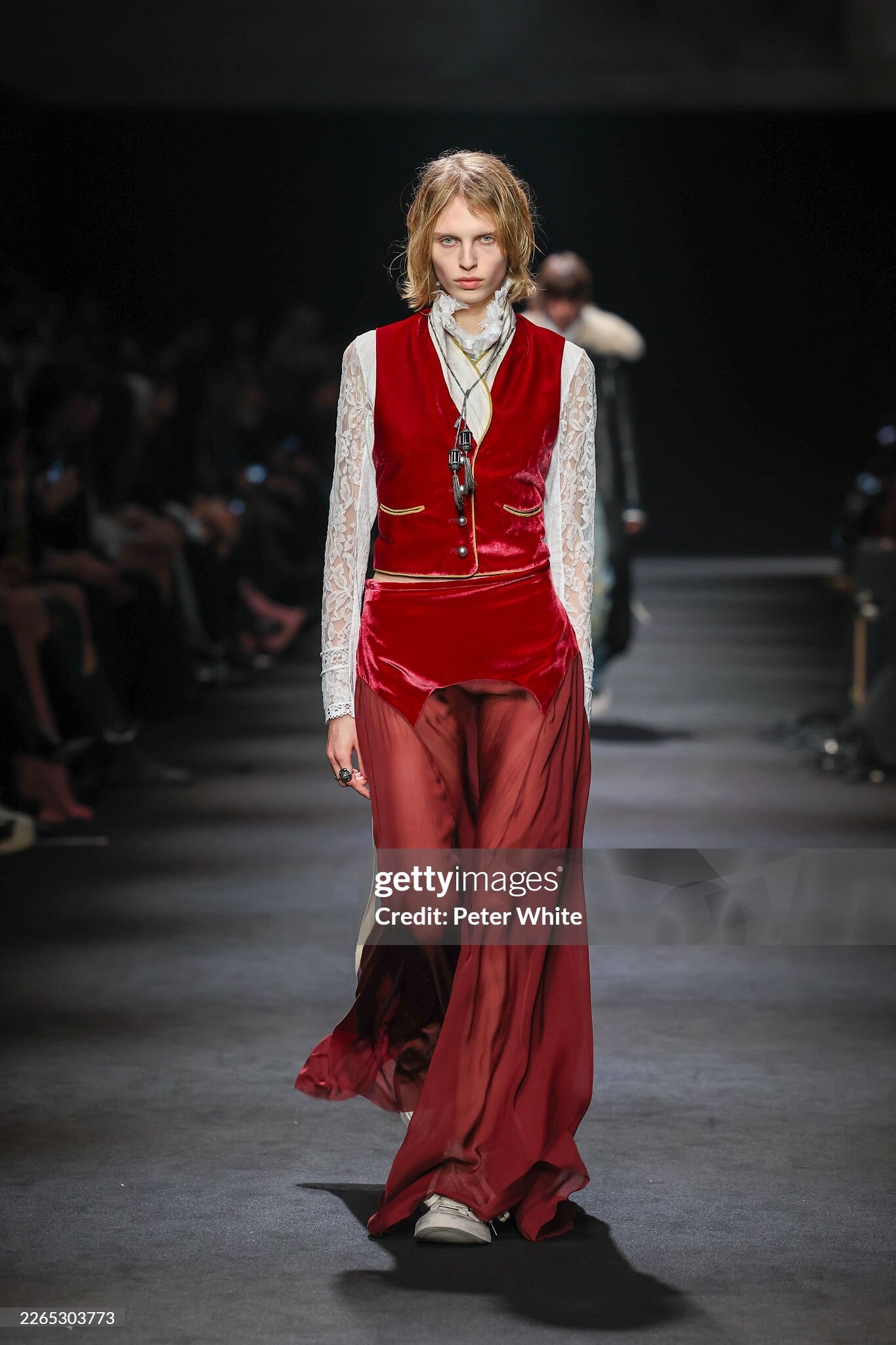
 Ann Demeulenmeester F/W 2026 🖤 Gettyimages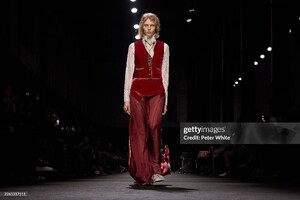
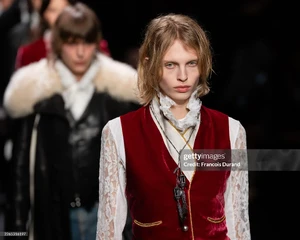
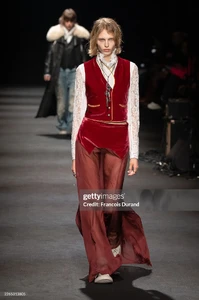
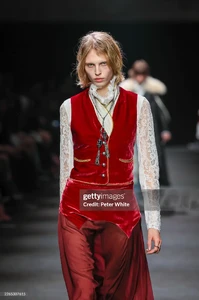
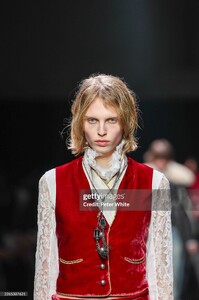
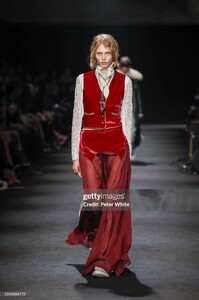
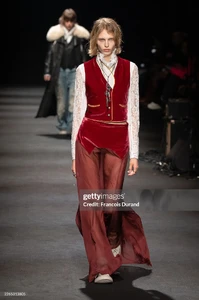
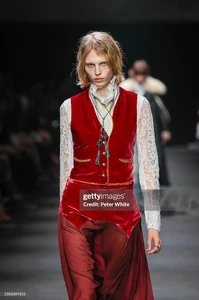

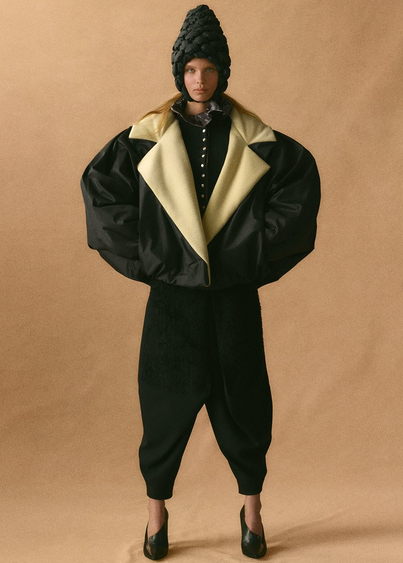
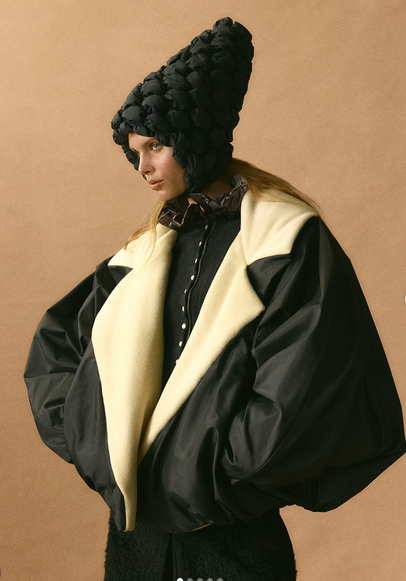
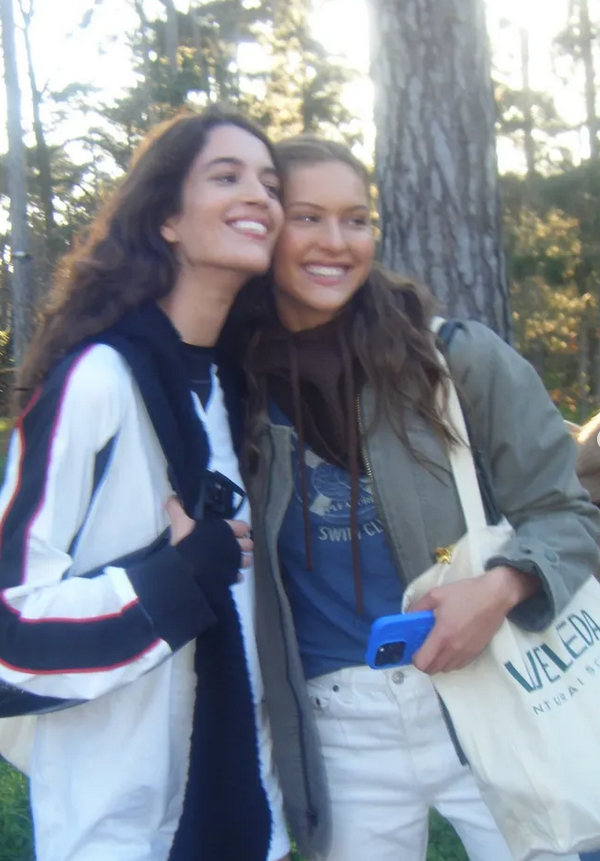
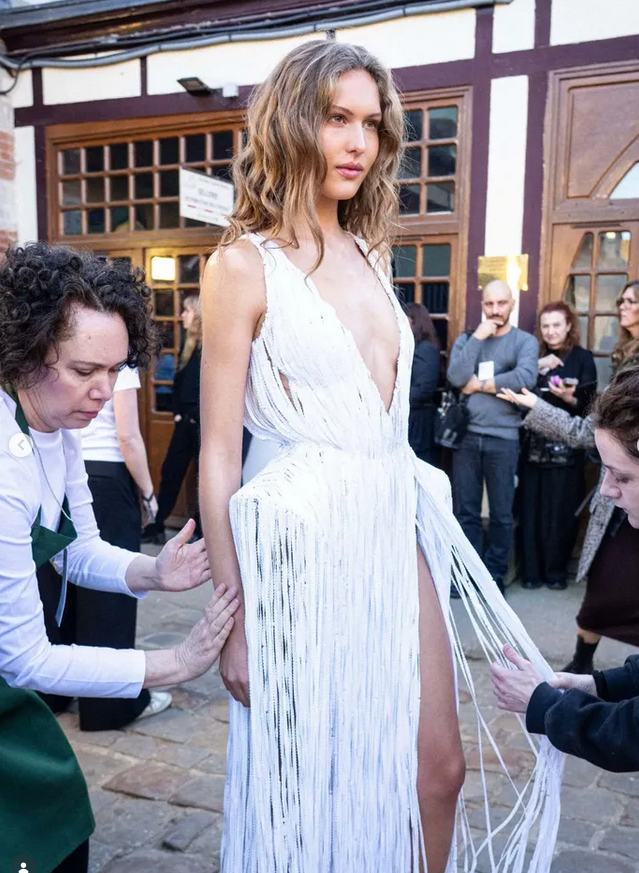
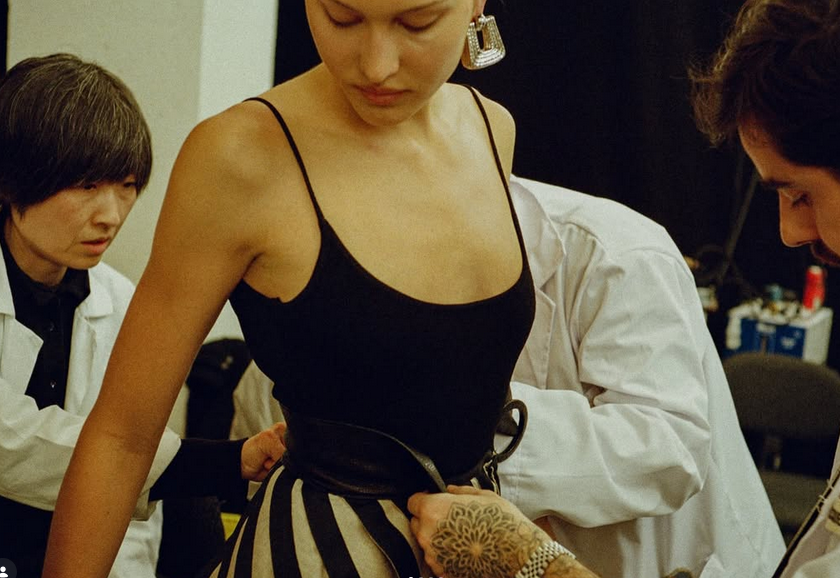
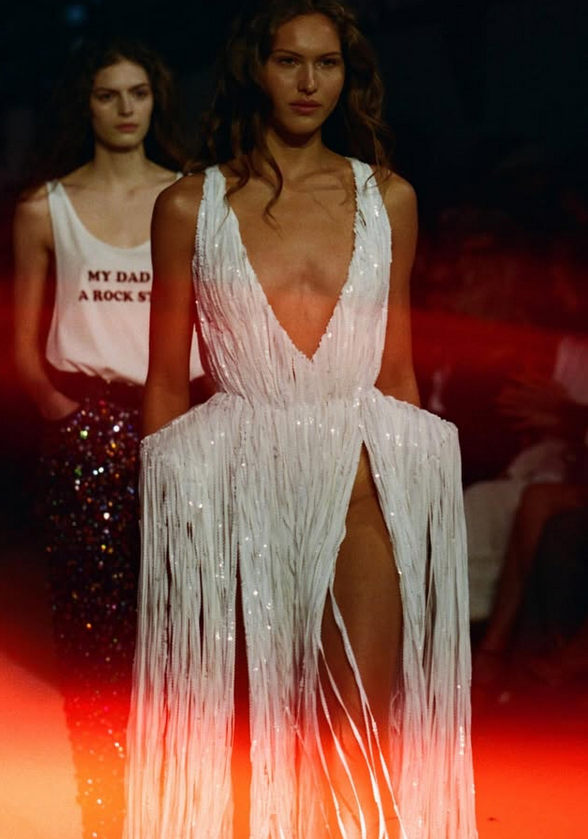

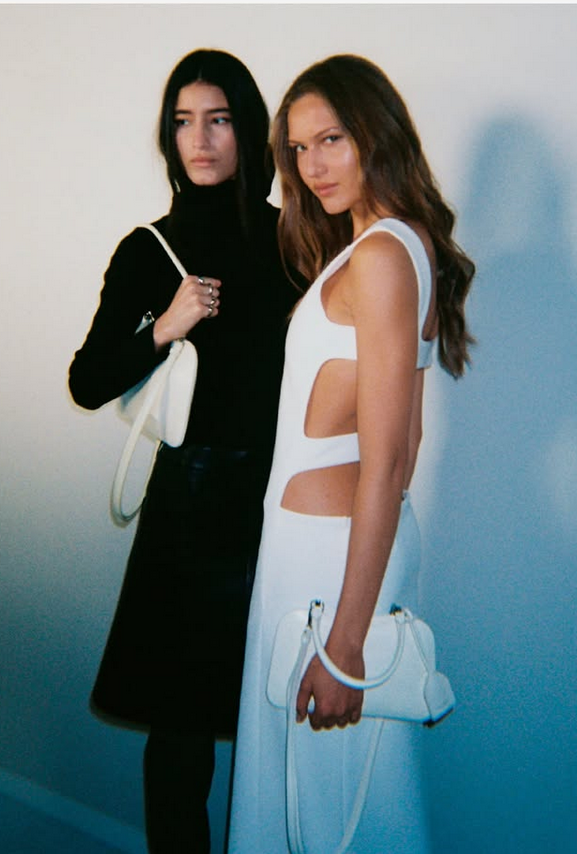
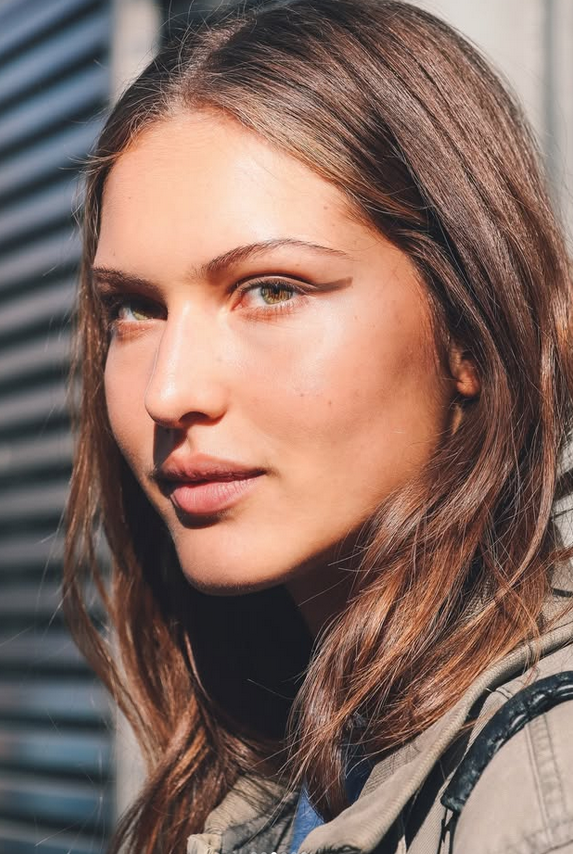
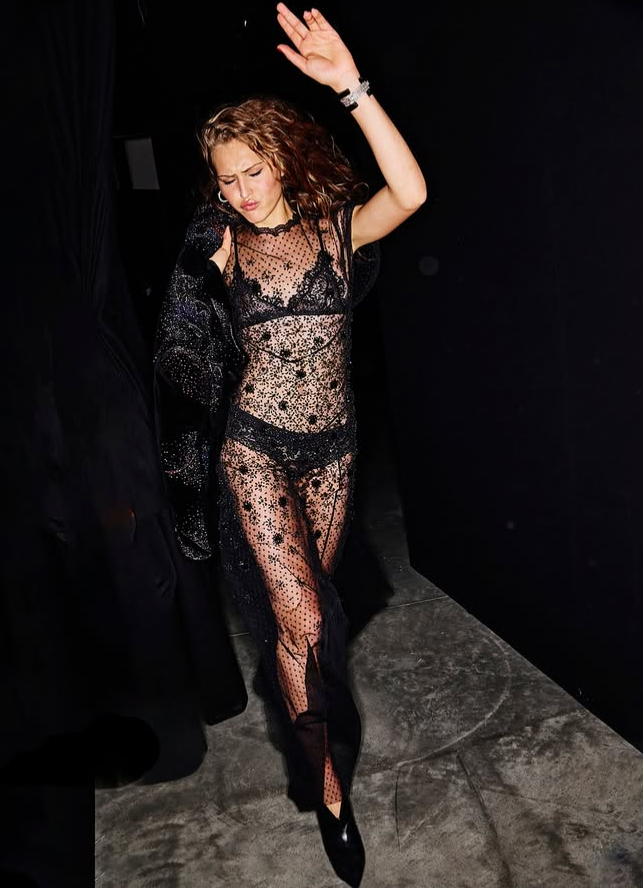

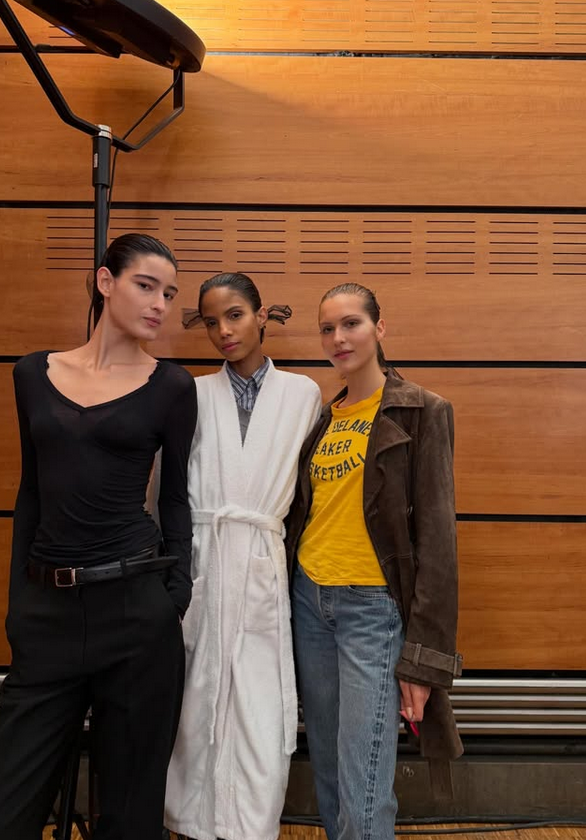
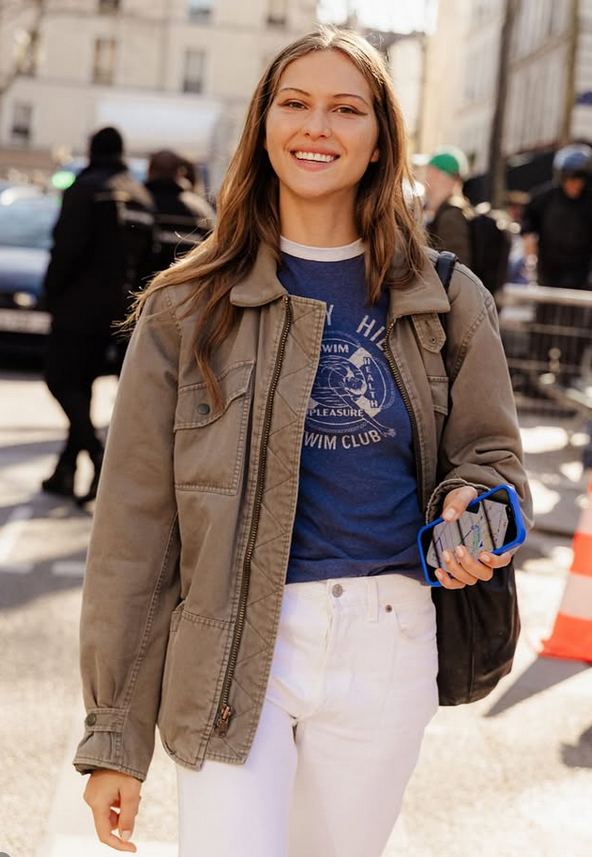






Instagram-Fotosund-Videos.png.d87eb59d90a430c76ed596236d4b208b.png)
Instagram-Fotosund-Videos.png.31da318b17da846278650eb1a6d45111.png)
Instagram-Fotosund-Videos.png.c684ea47e402a1b16eb186705dec4b8a.png)






Account
Navigation
Search
Configure browser push notifications
Chrome (Android)
- Tap the lock icon next to the address bar.
- Tap Permissions → Notifications.
- Adjust your preference.
Chrome (Desktop)
- Click the padlock icon in the address bar.
- Select Site settings.
- Find Notifications and adjust your preference.
Safari (iOS 16.4+)
- Ensure the site is installed via Add to Home Screen.
- Open Settings App → Notifications.
- Find your app name and adjust your preference.
Safari (macOS)
- Go to Safari → Preferences.
- Click the Websites tab.
- Select Notifications in the sidebar.
- Find this website and adjust your preference.
Edge (Android)
- Tap the lock icon next to the address bar.
- Tap Permissions.
- Find Notifications and adjust your preference.
Edge (Desktop)
- Click the padlock icon in the address bar.
- Click Permissions for this site.
- Find Notifications and adjust your preference.
Firefox (Android)
- Go to Settings → Site permissions.
- Tap Notifications.
- Find this site in the list and adjust your preference.
Firefox (Desktop)
- Open Firefox Settings.
- Search for Notifications.
- Find this site in the list and adjust your preference.