Express Yourself
Members
-
Joined
-
Last visited
-
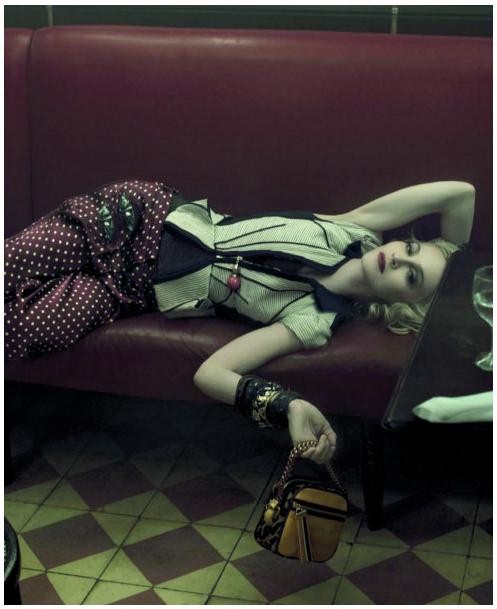
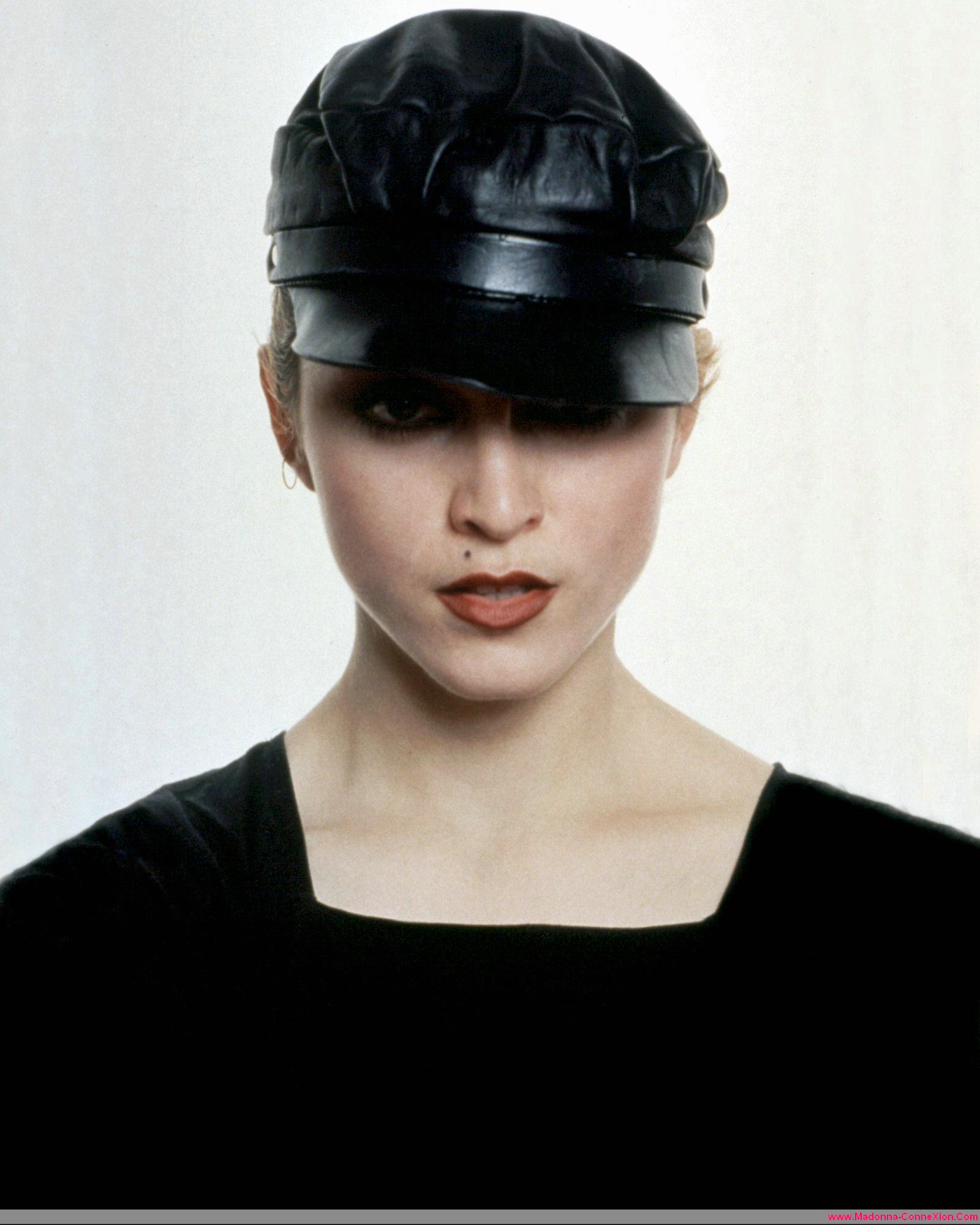
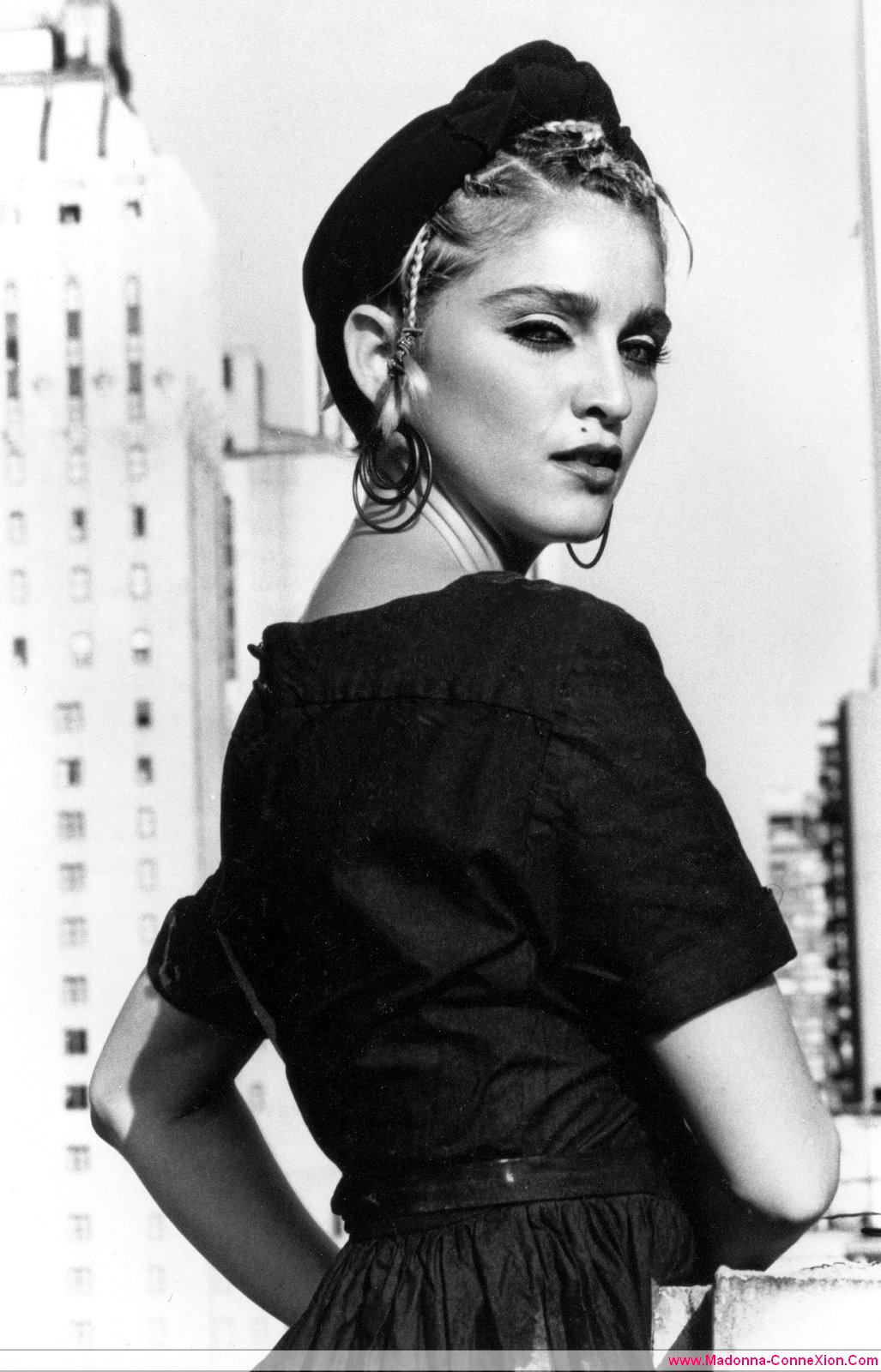
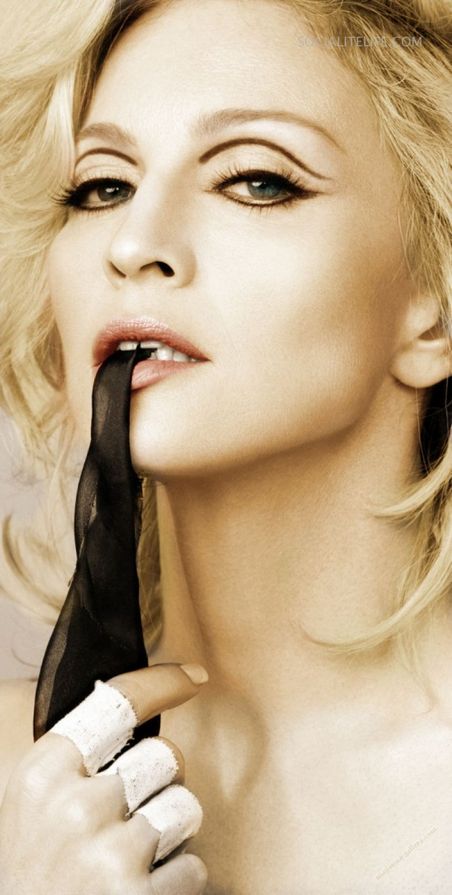
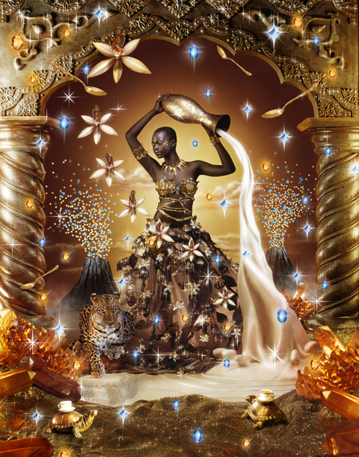
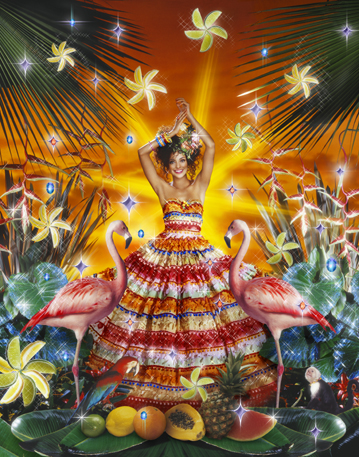
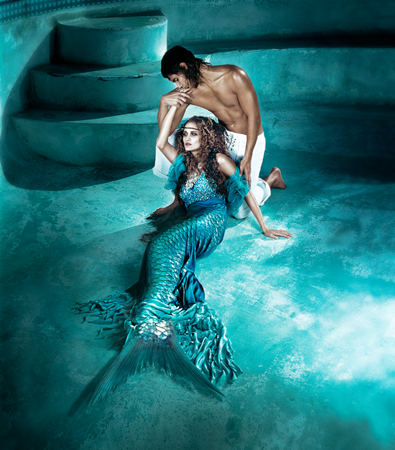
Some new pics, some old Anyway, Madge is beautiful alwaysImage hidden for guestsSign in to viewI have many such pics... Some fo them:Wow!! This is one of my fave picsHello there!!




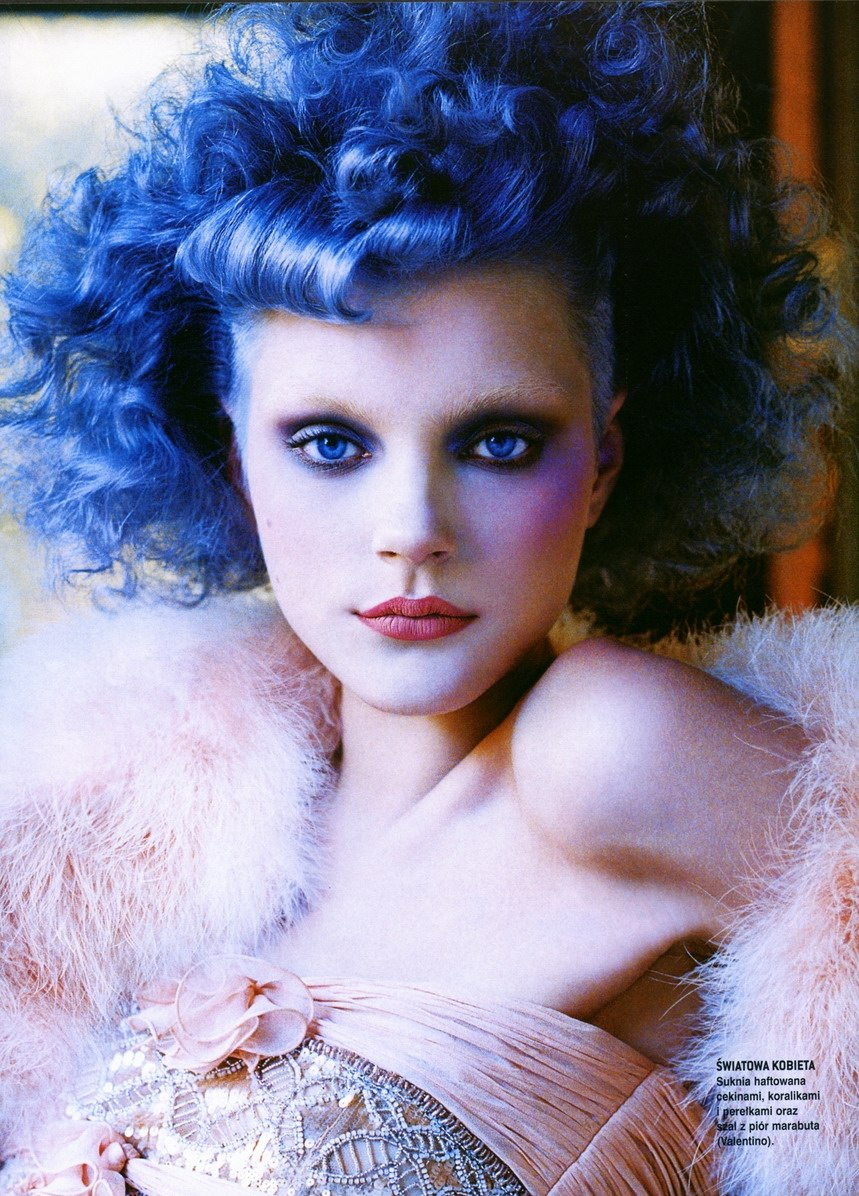
 Monica Bellucci!!! No doubts!OMG, I did it!!! I've finally seen Madonna at concert!!!!!!! She's amazing. And the concert in Berlin was really cool! I love her much more now...How 'bout these?Penny, thanks, the summer is great... My skin is so sunburned... :neo2:Image hidden for guestsSign in to viewImage hidden for guestsSign in to view

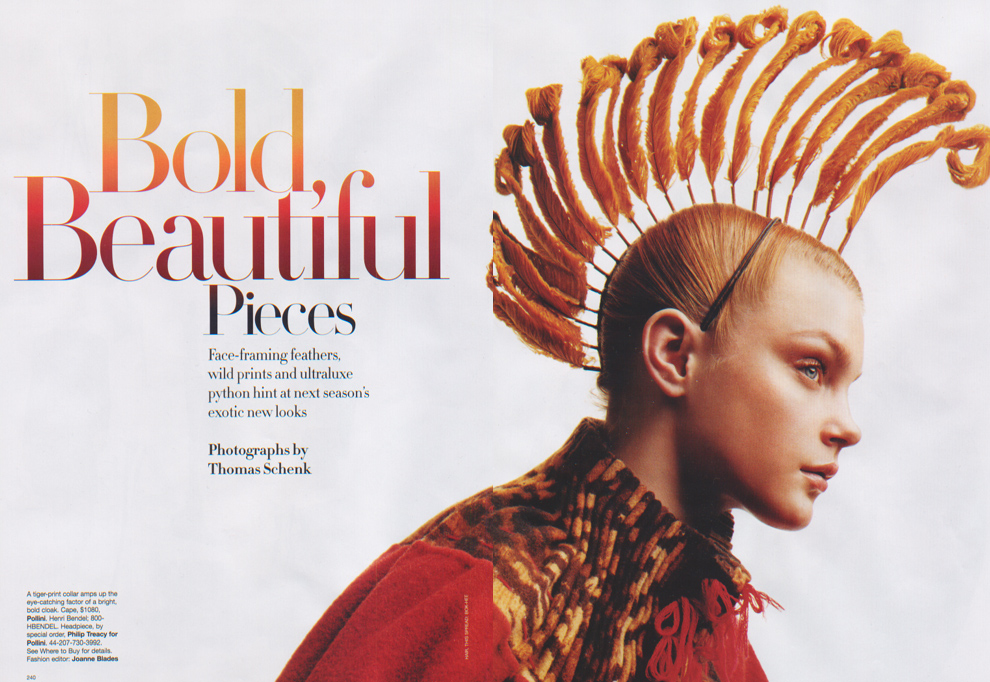
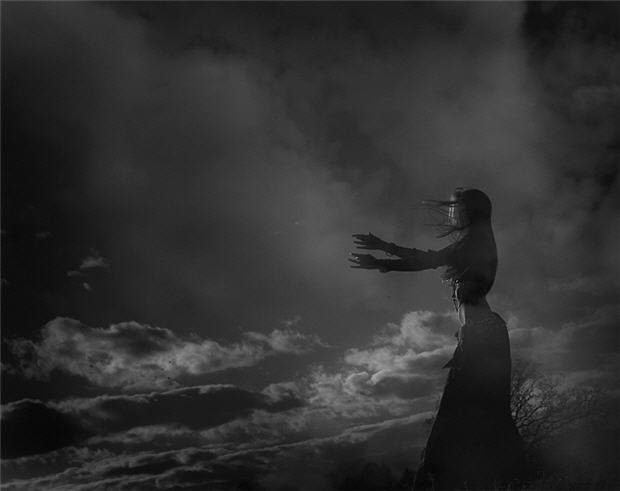
 Image hidden for guestsSign in to viewImage hidden for guestsSign in to viewImage hidden for guestsSign in to viewImage hidden for guestsSign in to viewImage hidden for guestsSign in to viewImage hidden for guestsSign in to view









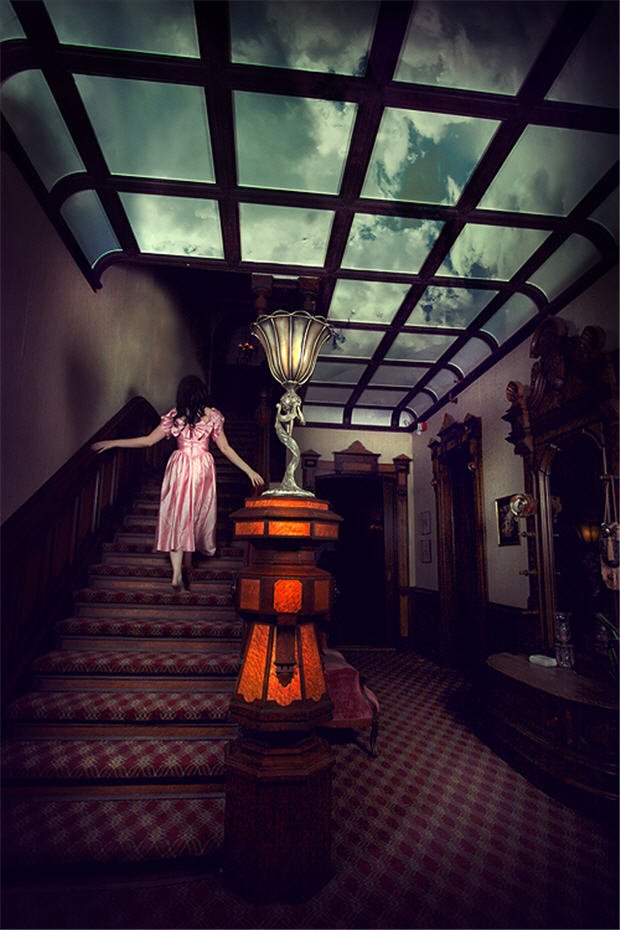


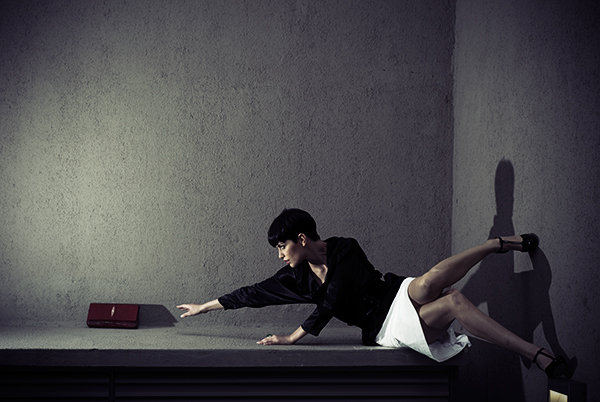
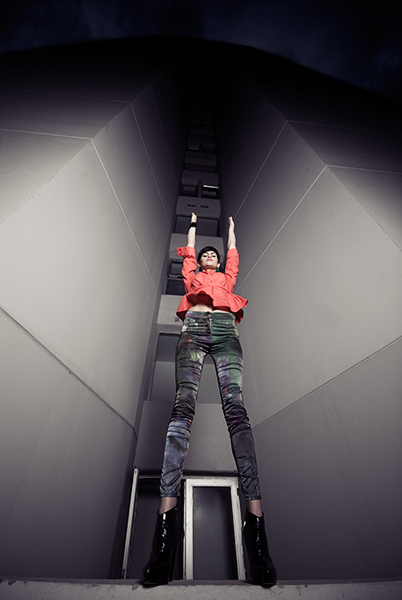


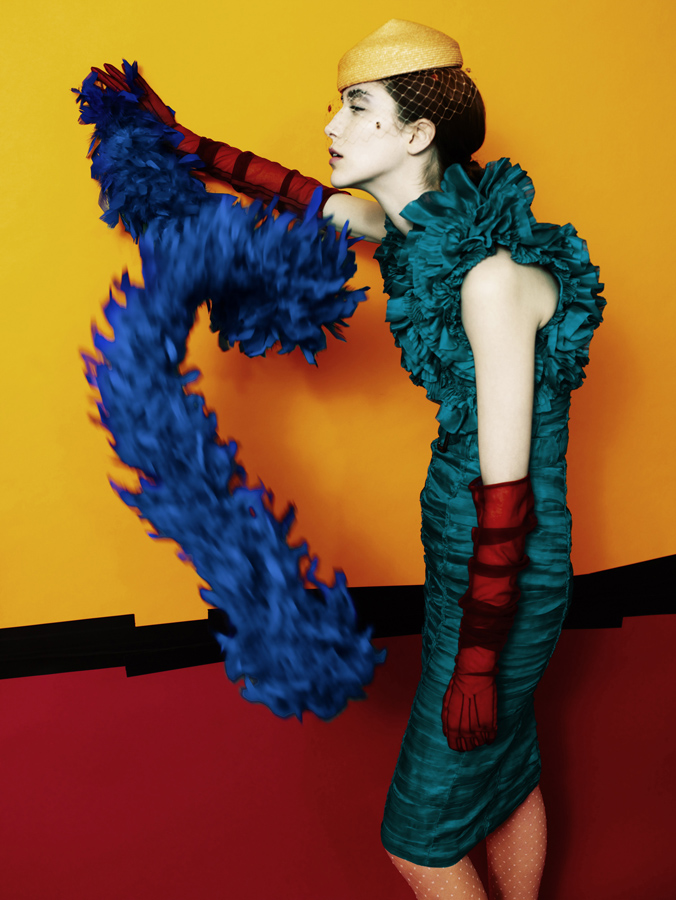


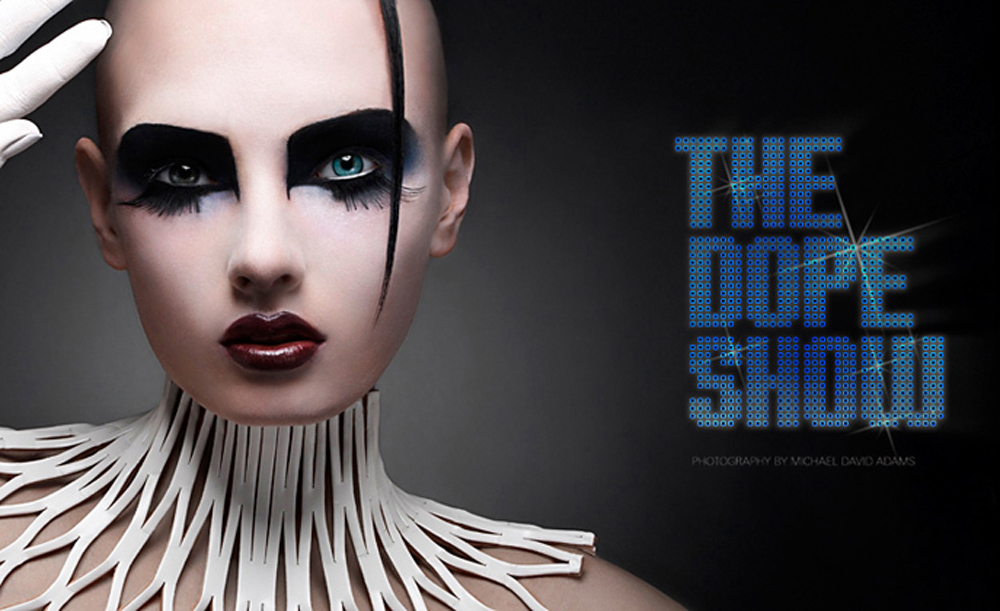
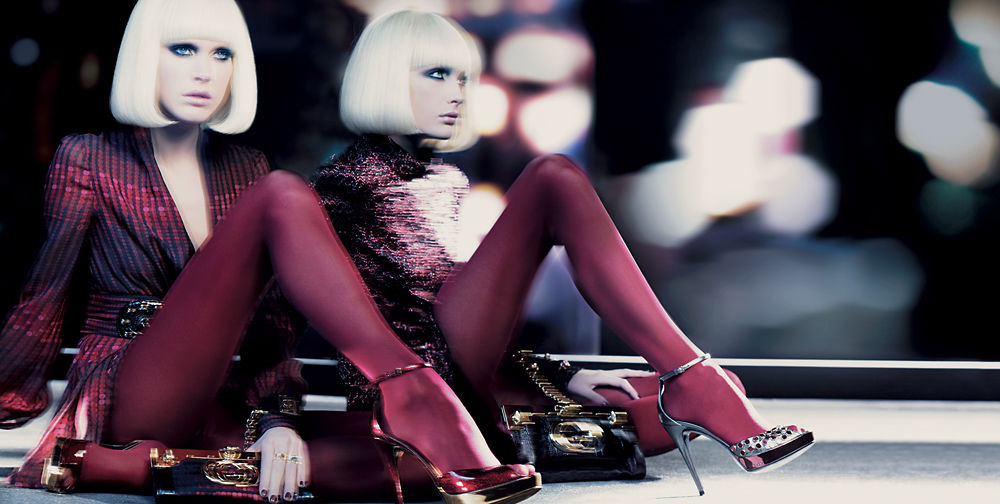

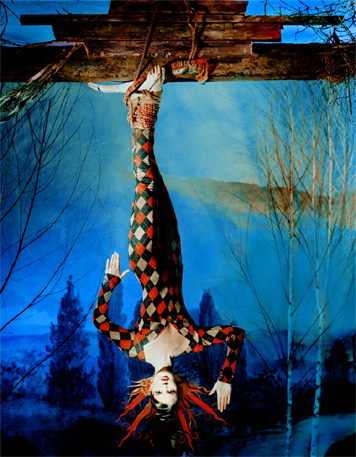
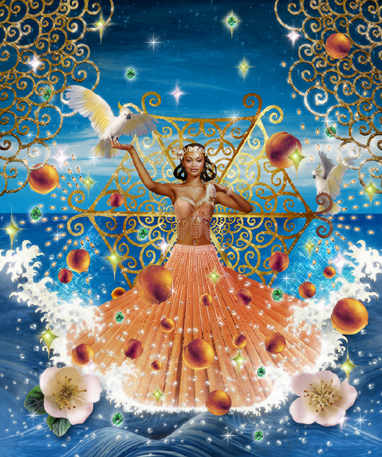





Account
Navigation
Search
Configure browser push notifications
Chrome (Android)
- Tap the lock icon next to the address bar.
- Tap Permissions → Notifications.
- Adjust your preference.
Chrome (Desktop)
- Click the padlock icon in the address bar.
- Select Site settings.
- Find Notifications and adjust your preference.
Safari (iOS 16.4+)
- Ensure the site is installed via Add to Home Screen.
- Open Settings App → Notifications.
- Find your app name and adjust your preference.
Safari (macOS)
- Go to Safari → Preferences.
- Click the Websites tab.
- Select Notifications in the sidebar.
- Find this website and adjust your preference.
Edge (Android)
- Tap the lock icon next to the address bar.
- Tap Permissions.
- Find Notifications and adjust your preference.
Edge (Desktop)
- Click the padlock icon in the address bar.
- Click Permissions for this site.
- Find Notifications and adjust your preference.
Firefox (Android)
- Go to Settings → Site permissions.
- Tap Notifications.
- Find this site in the list and adjust your preference.
Firefox (Desktop)
- Open Firefox Settings.
- Search for Notifications.
- Find this site in the list and adjust your preference.