
Hime
Members
-
Joined
-
Last visited
Everything posted by Hime
-

-
^makes more sense Supermodels.nl/tFS









-
-
-
-
-
-
-
-
-
-
-
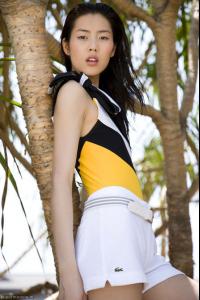
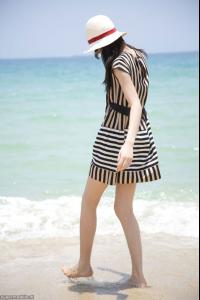
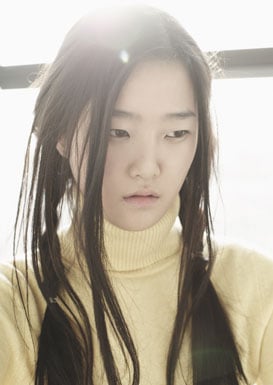
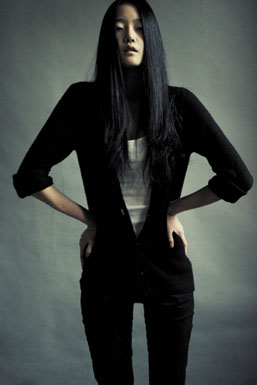
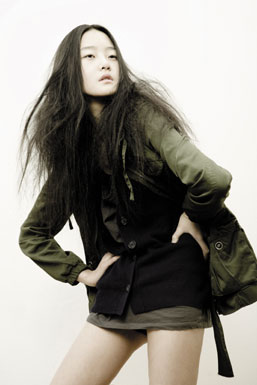
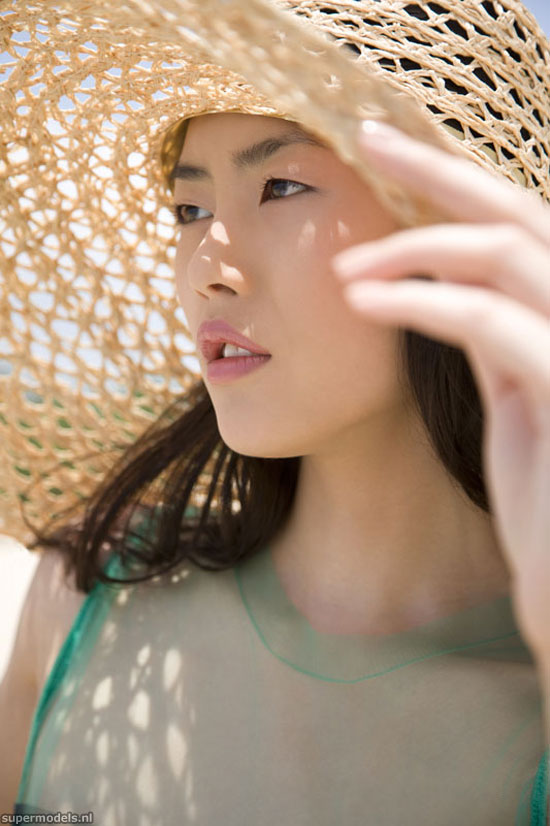
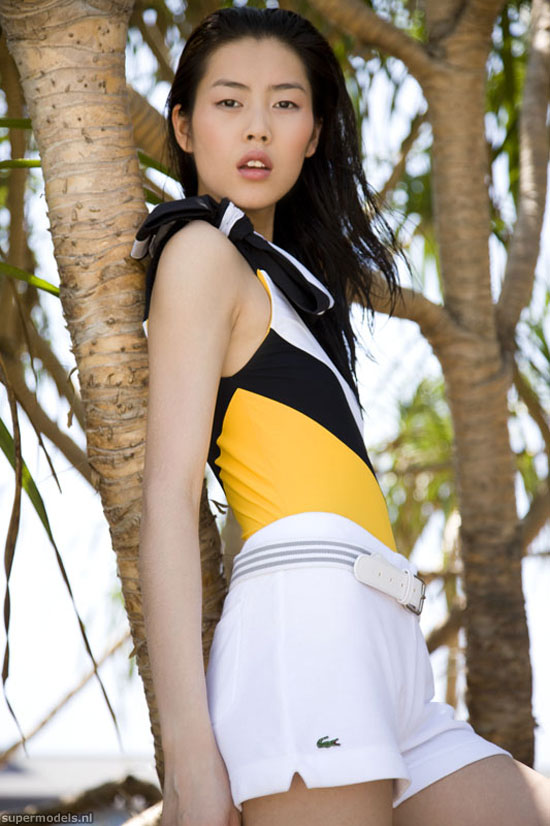
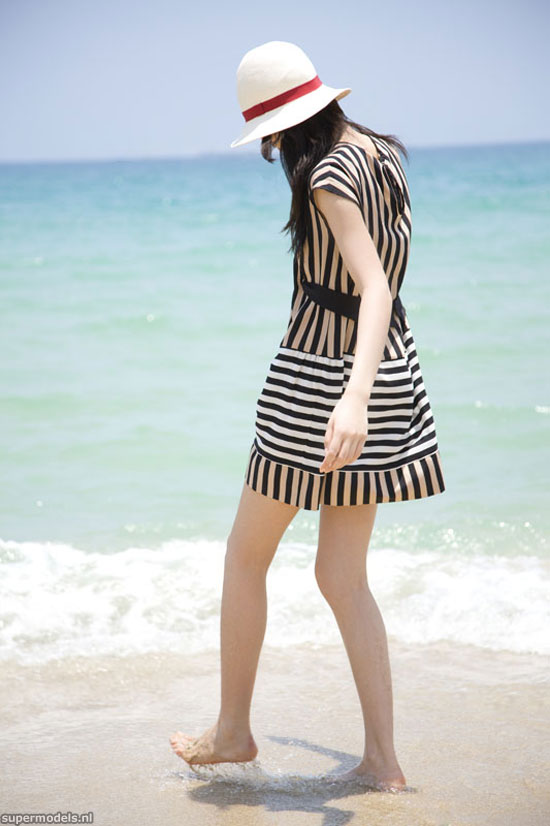
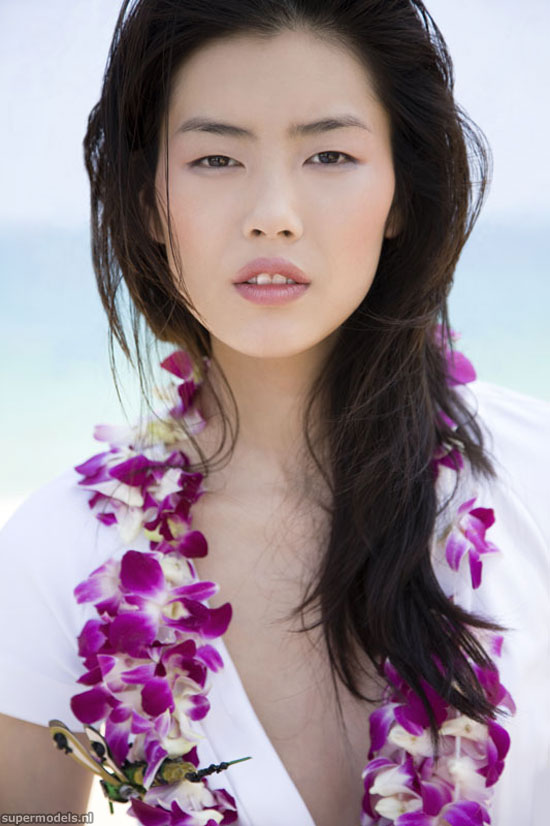
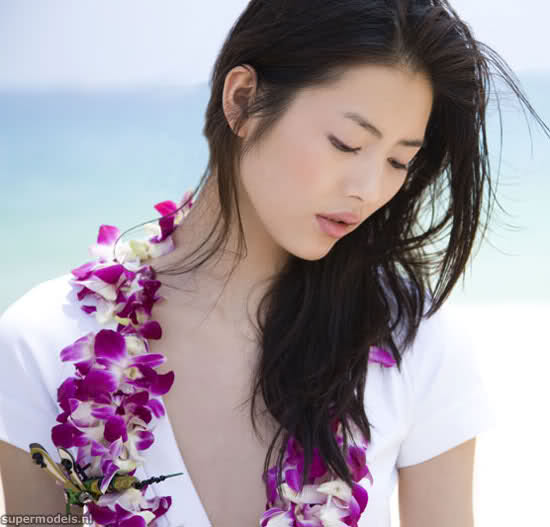
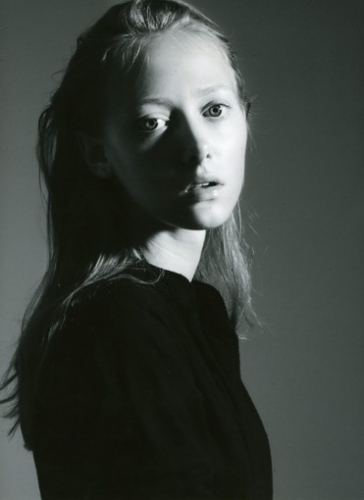
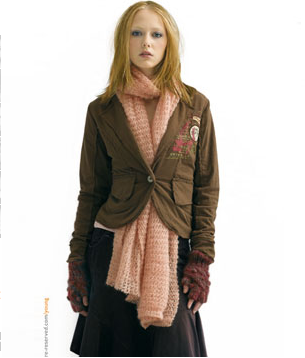
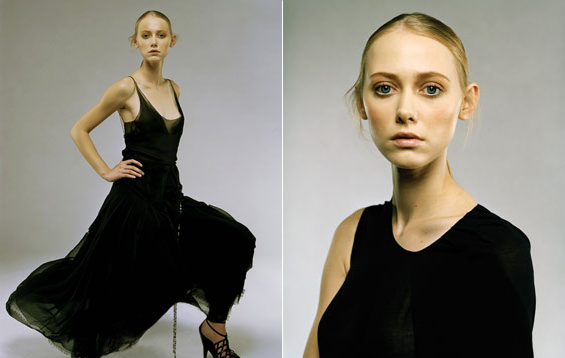
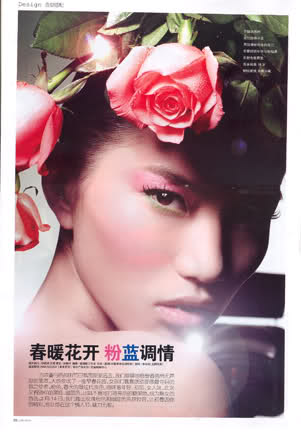
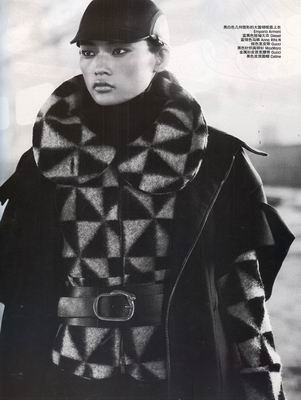
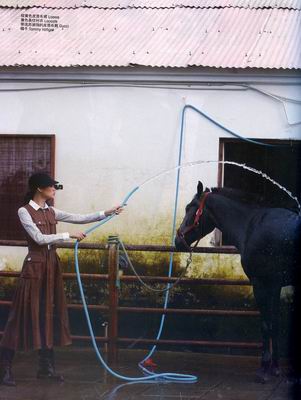
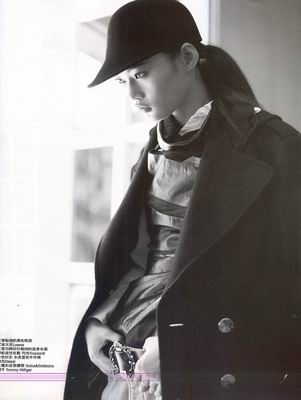
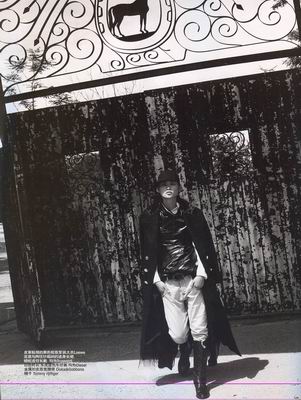
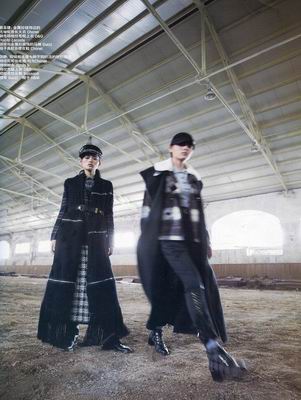
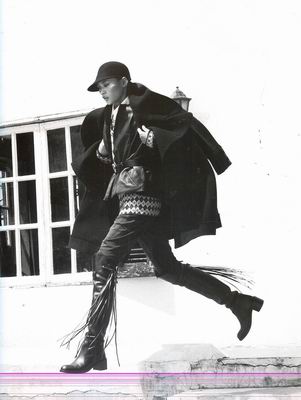
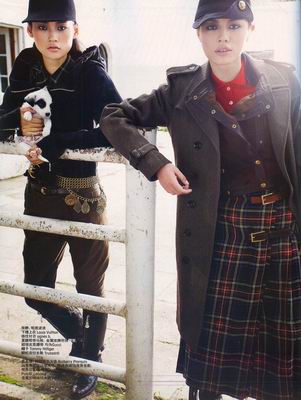
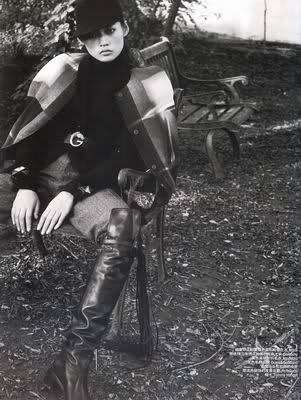
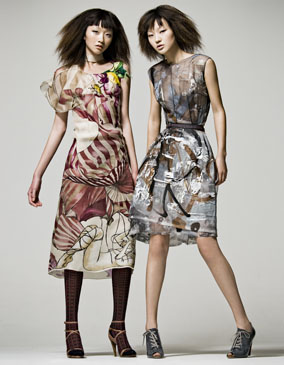
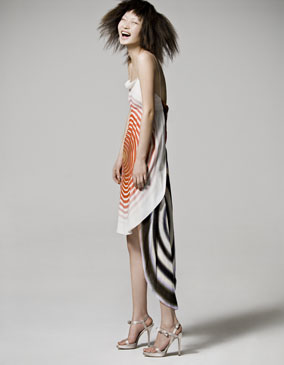
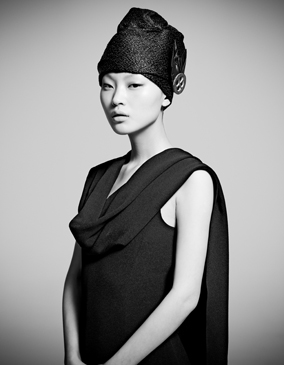
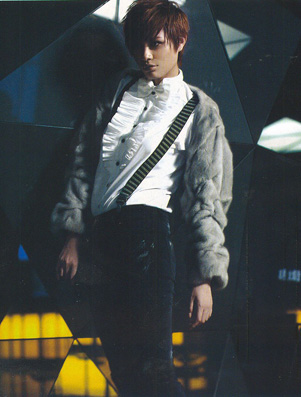
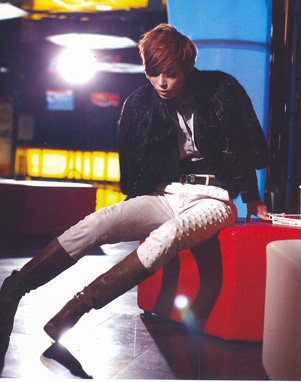
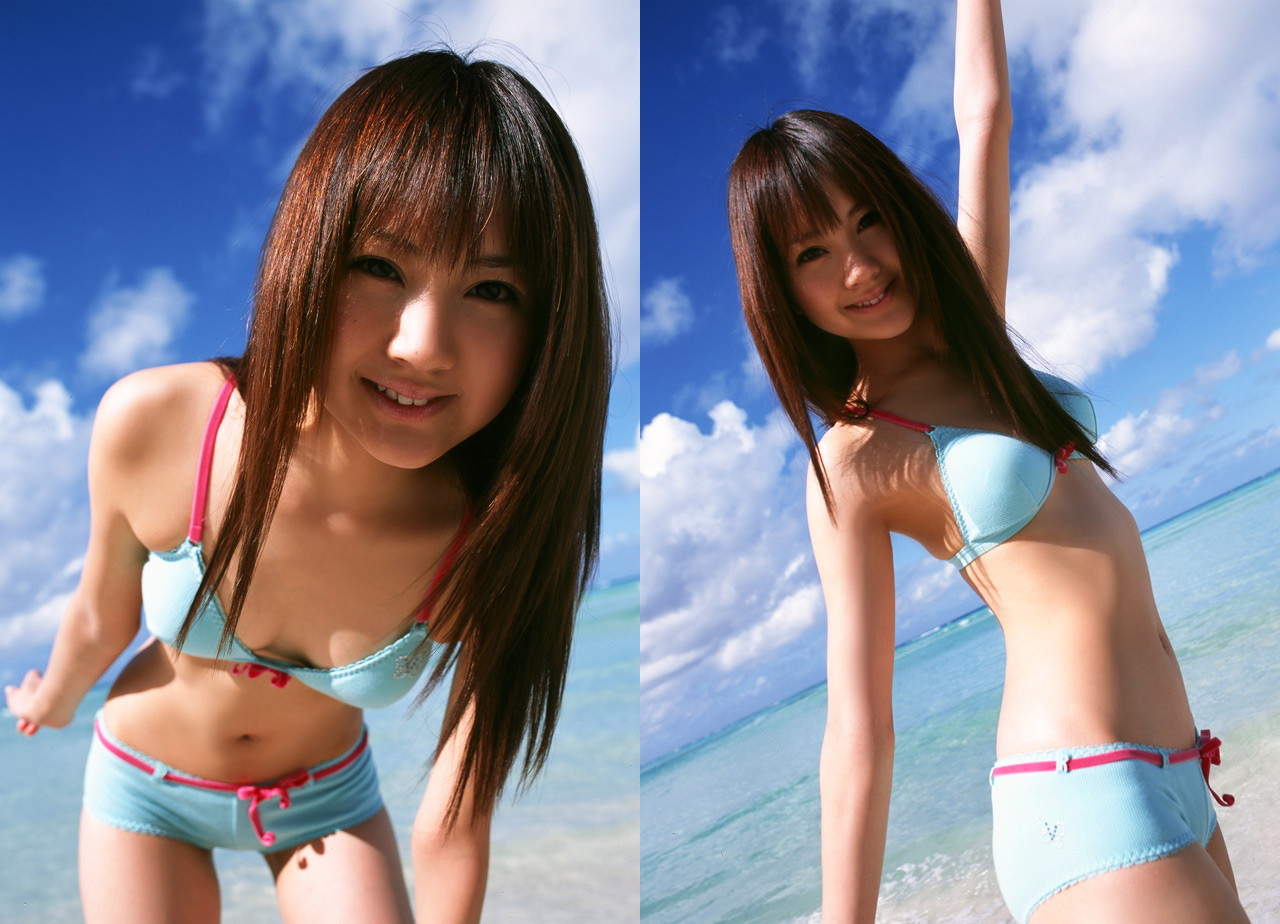
yeah, that's probably why she cought my eye I've opened a thread for Lily Shen and I'll be happy to see you posting there azure ...and as you already guessed my latest model obsession is Ge Huijie- also has a thread on BZ now
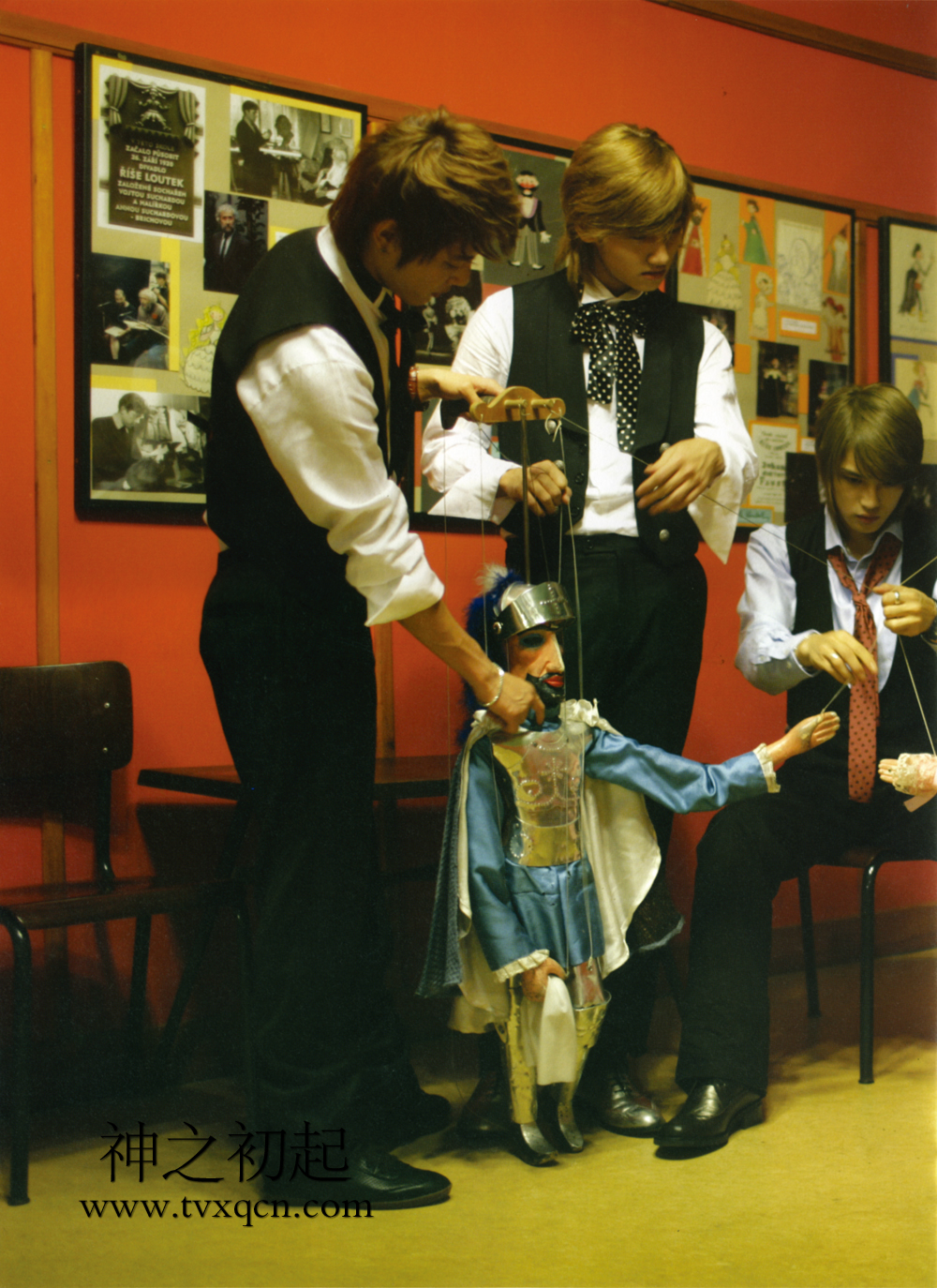
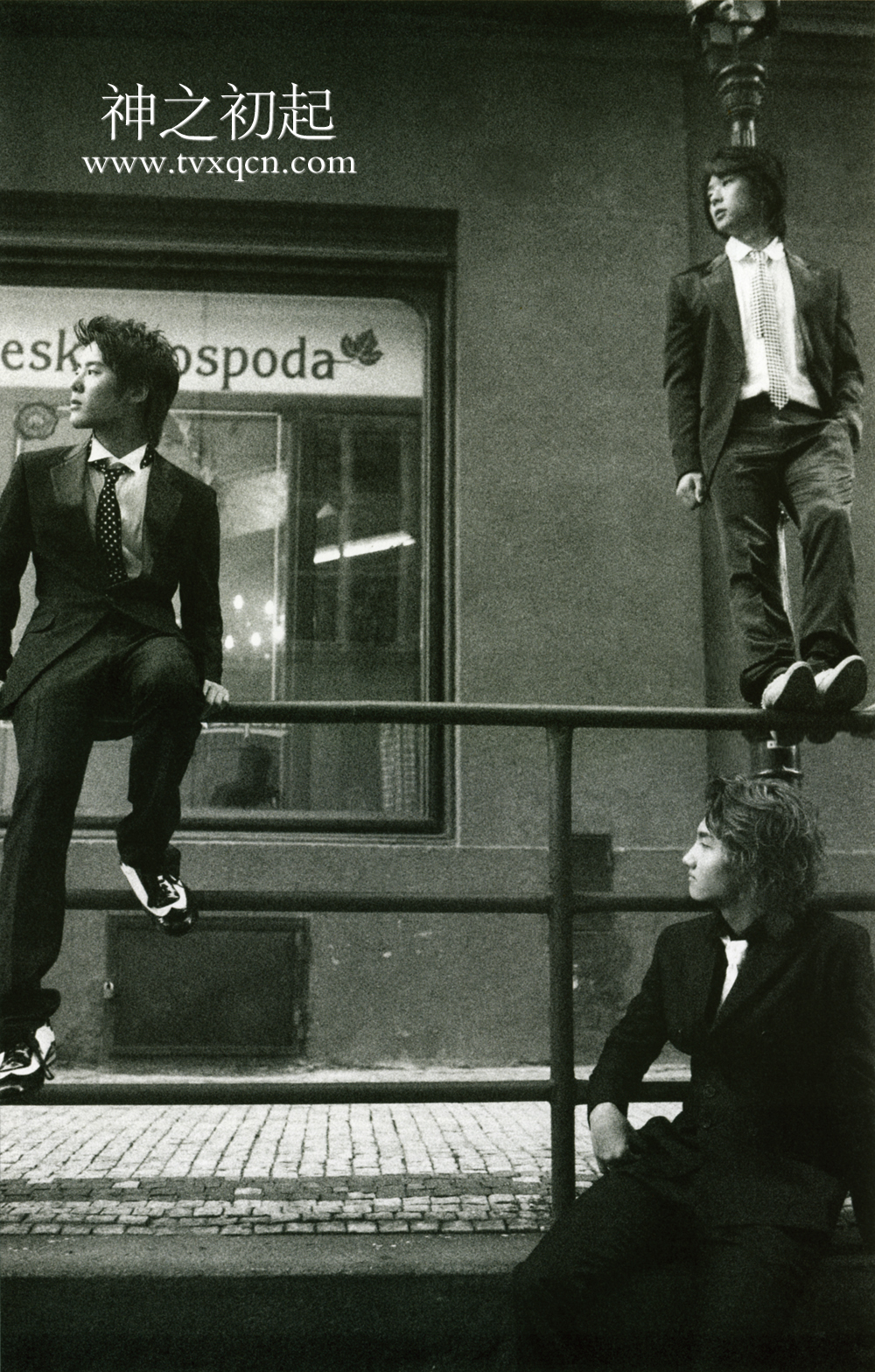
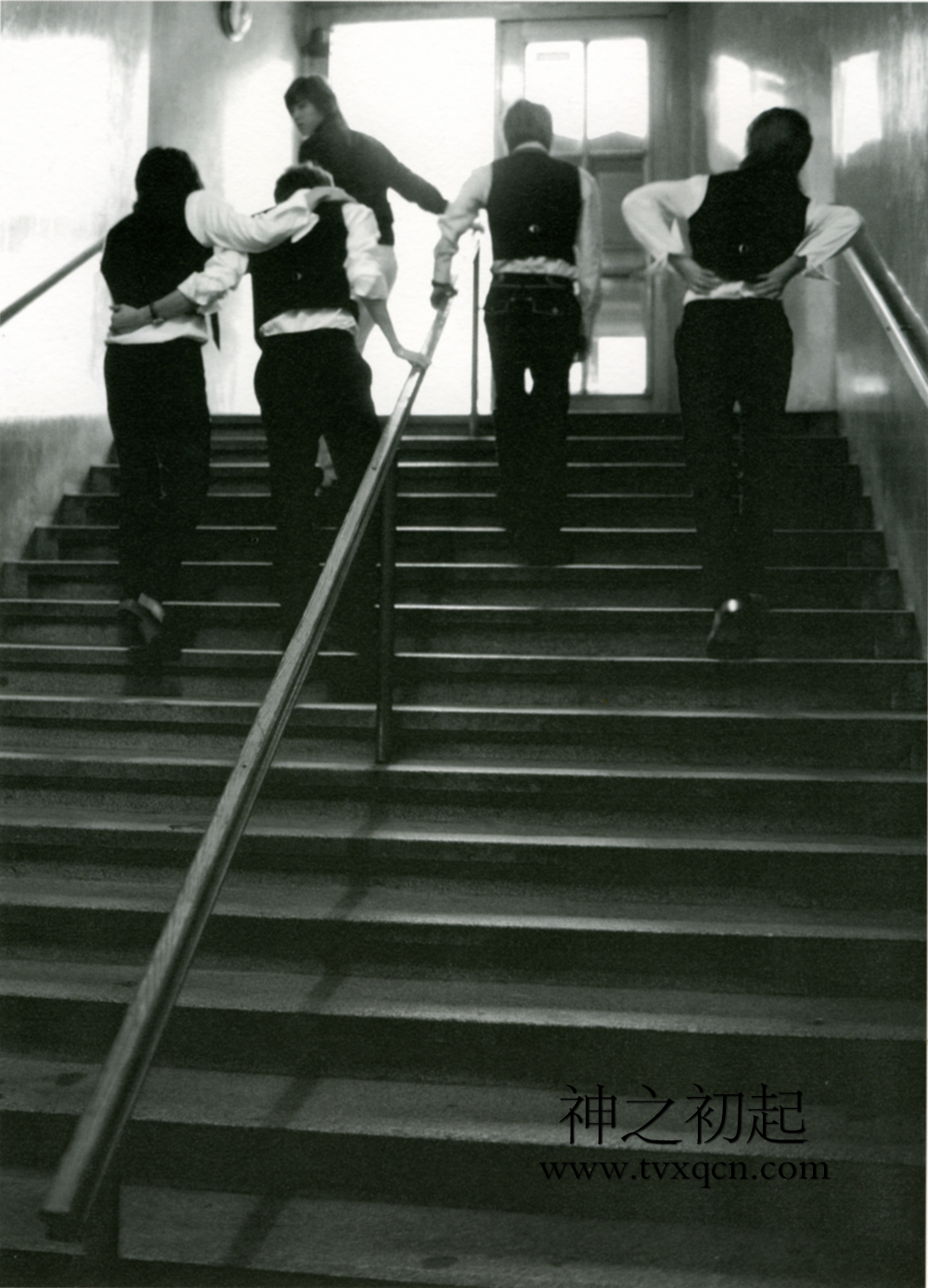
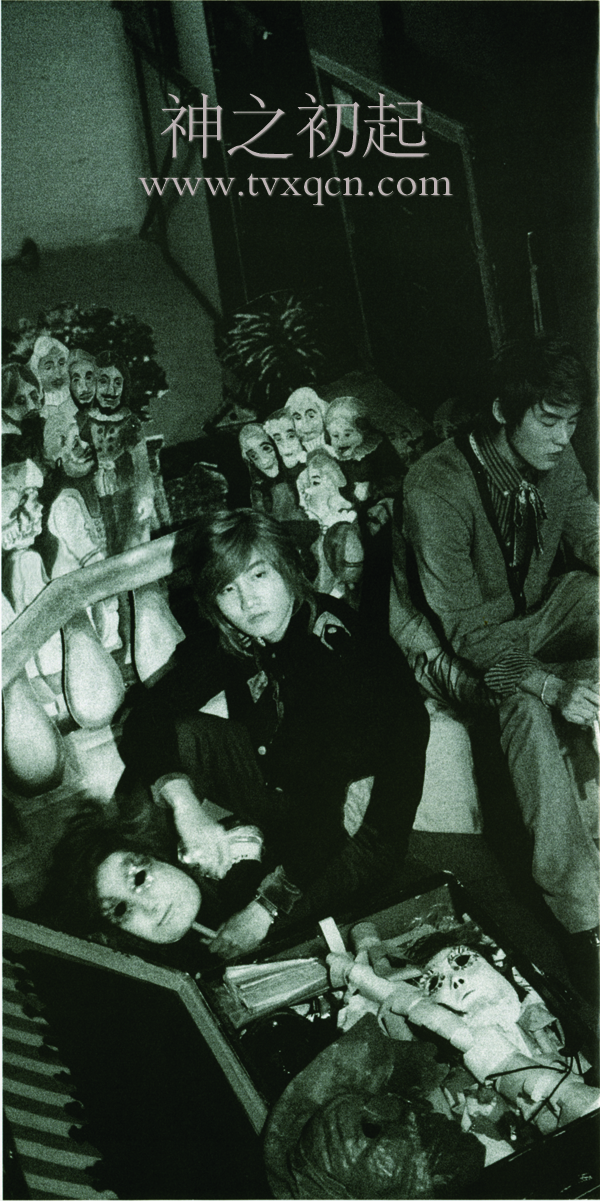
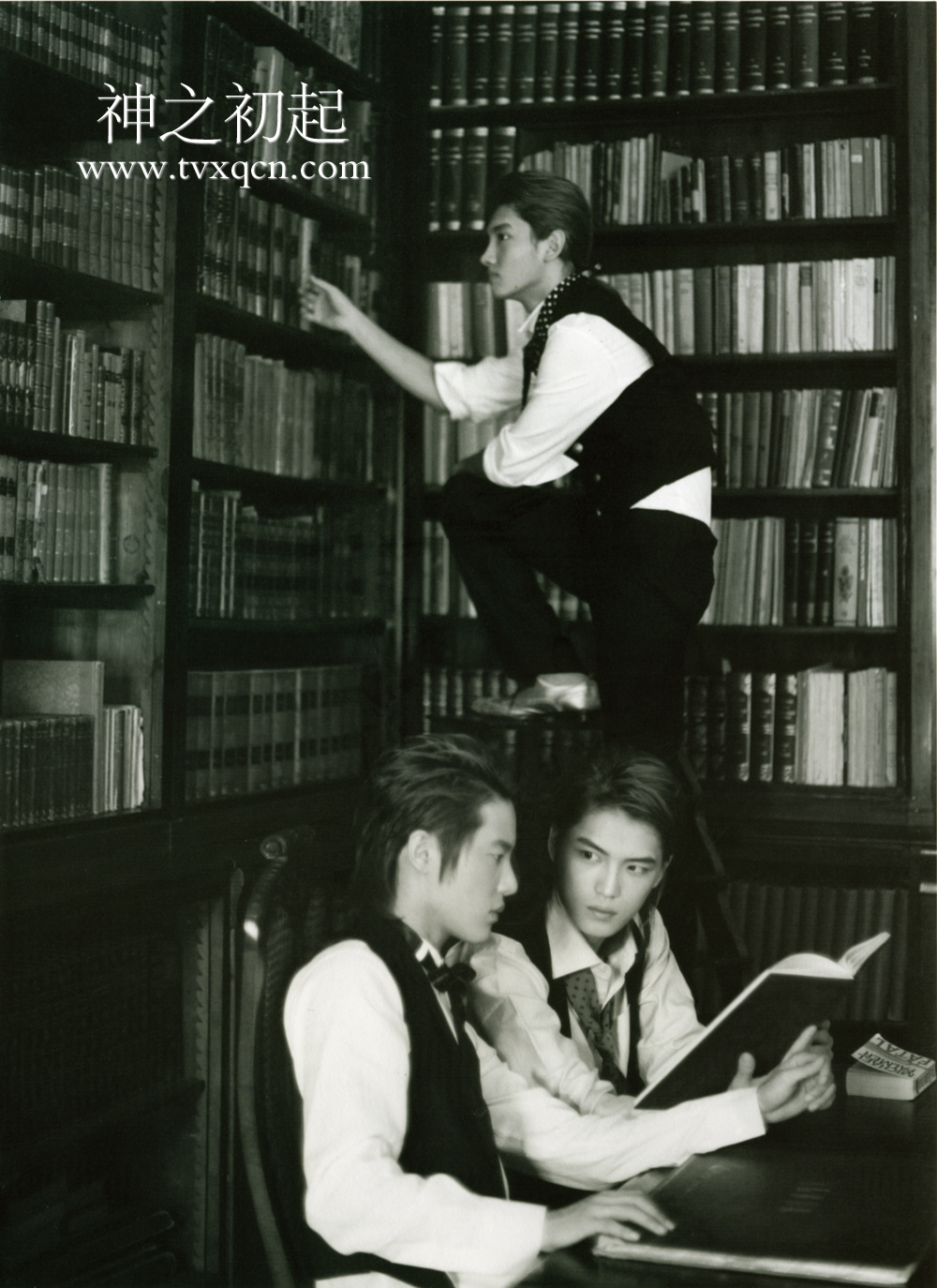
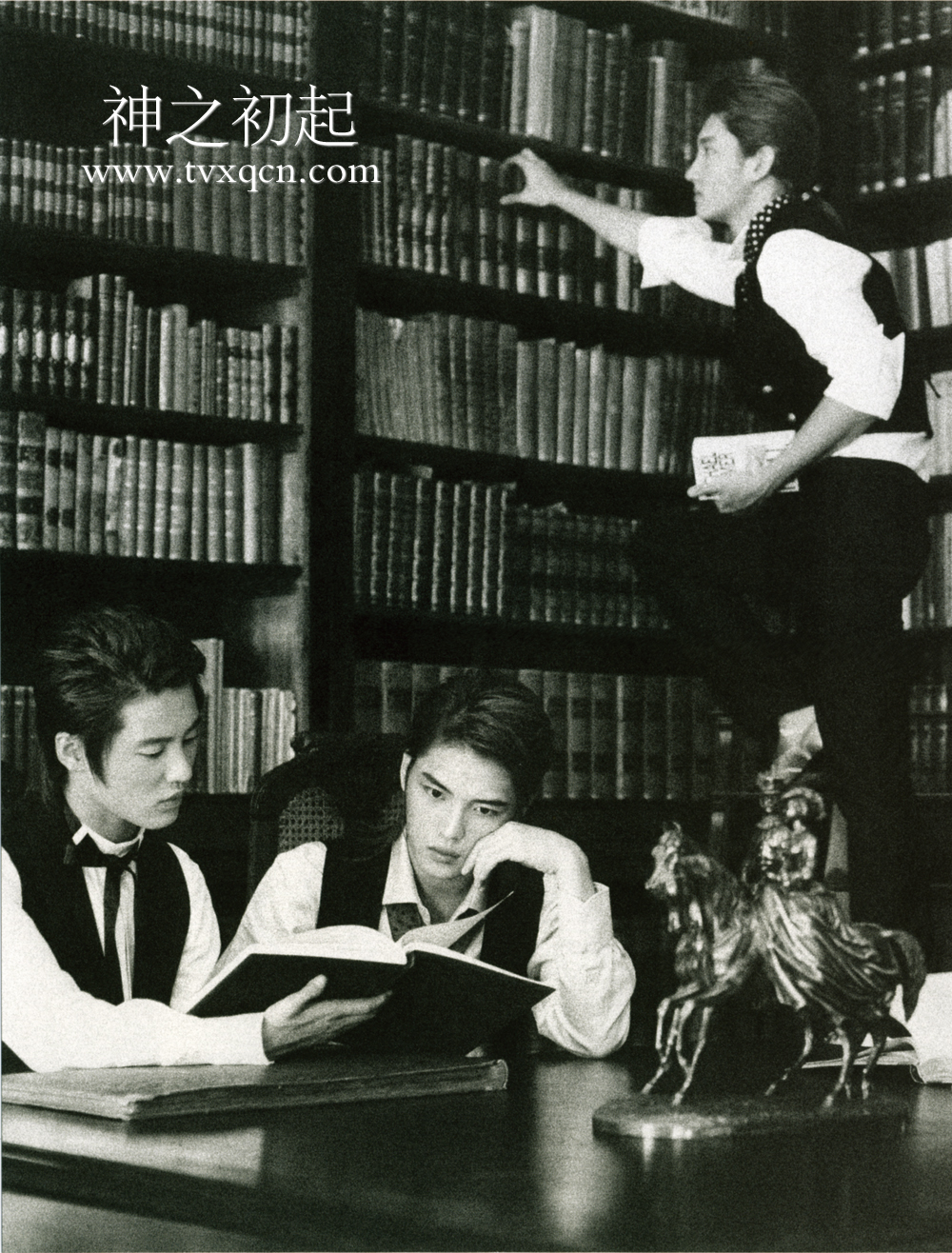
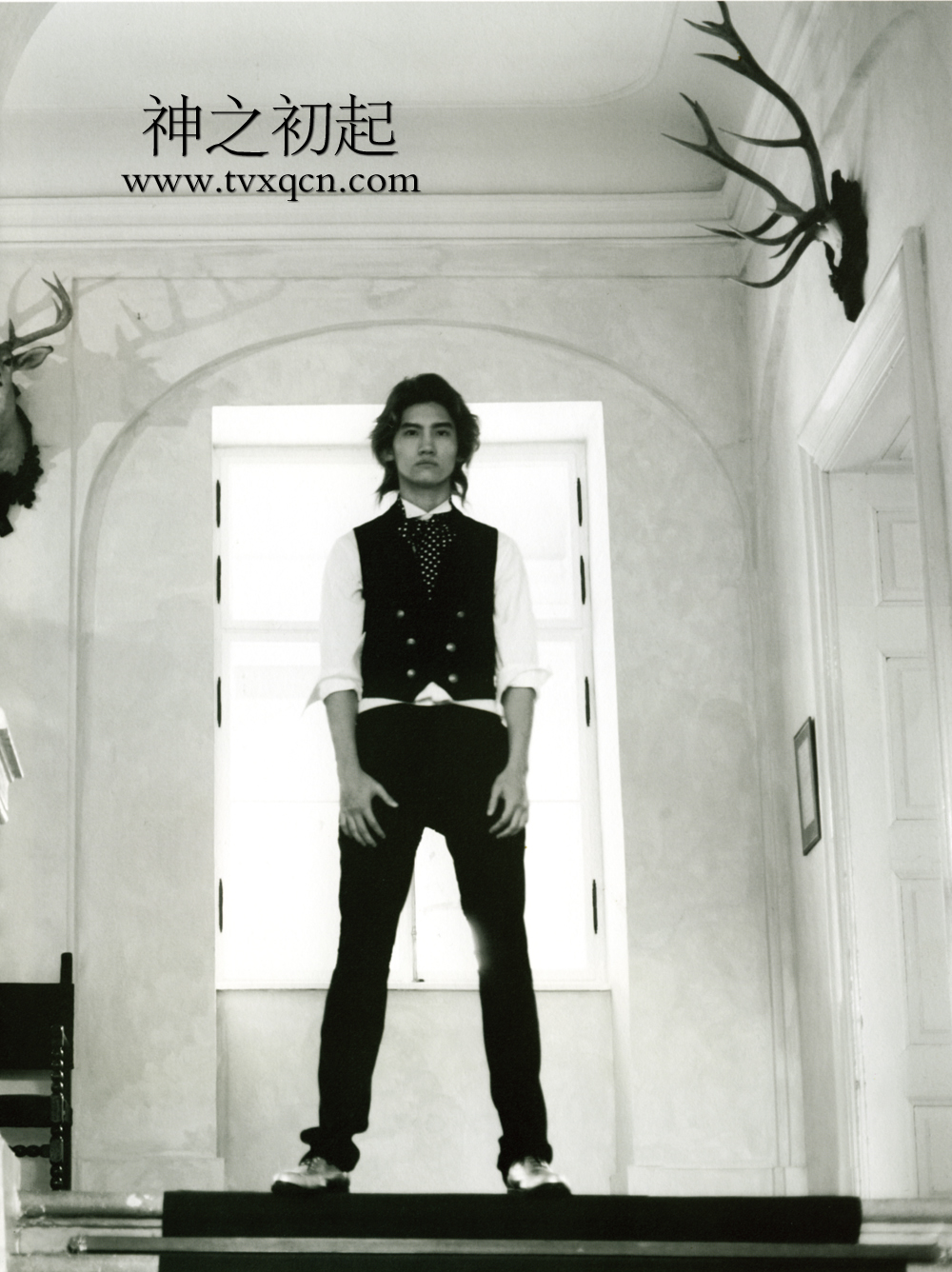
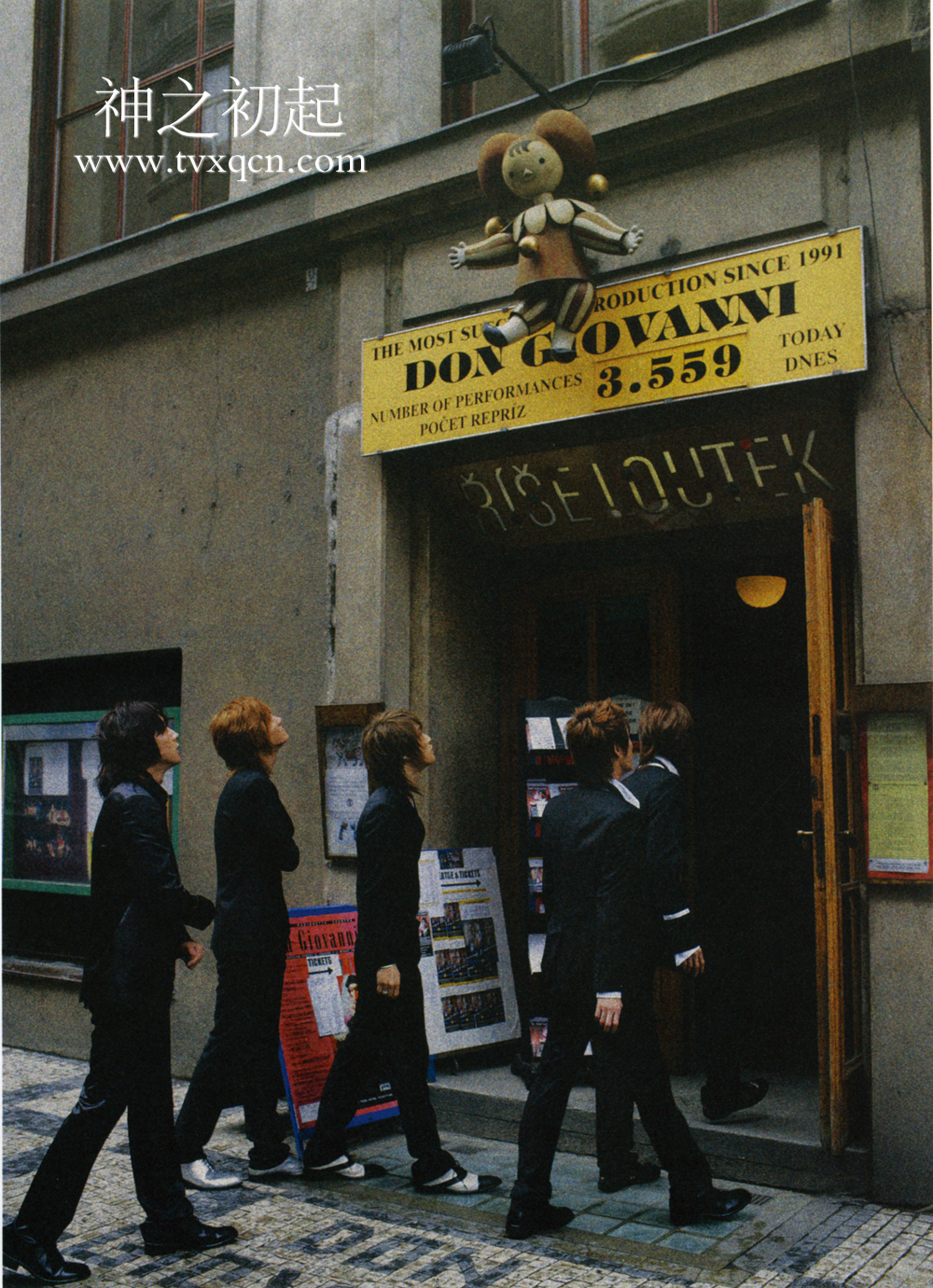
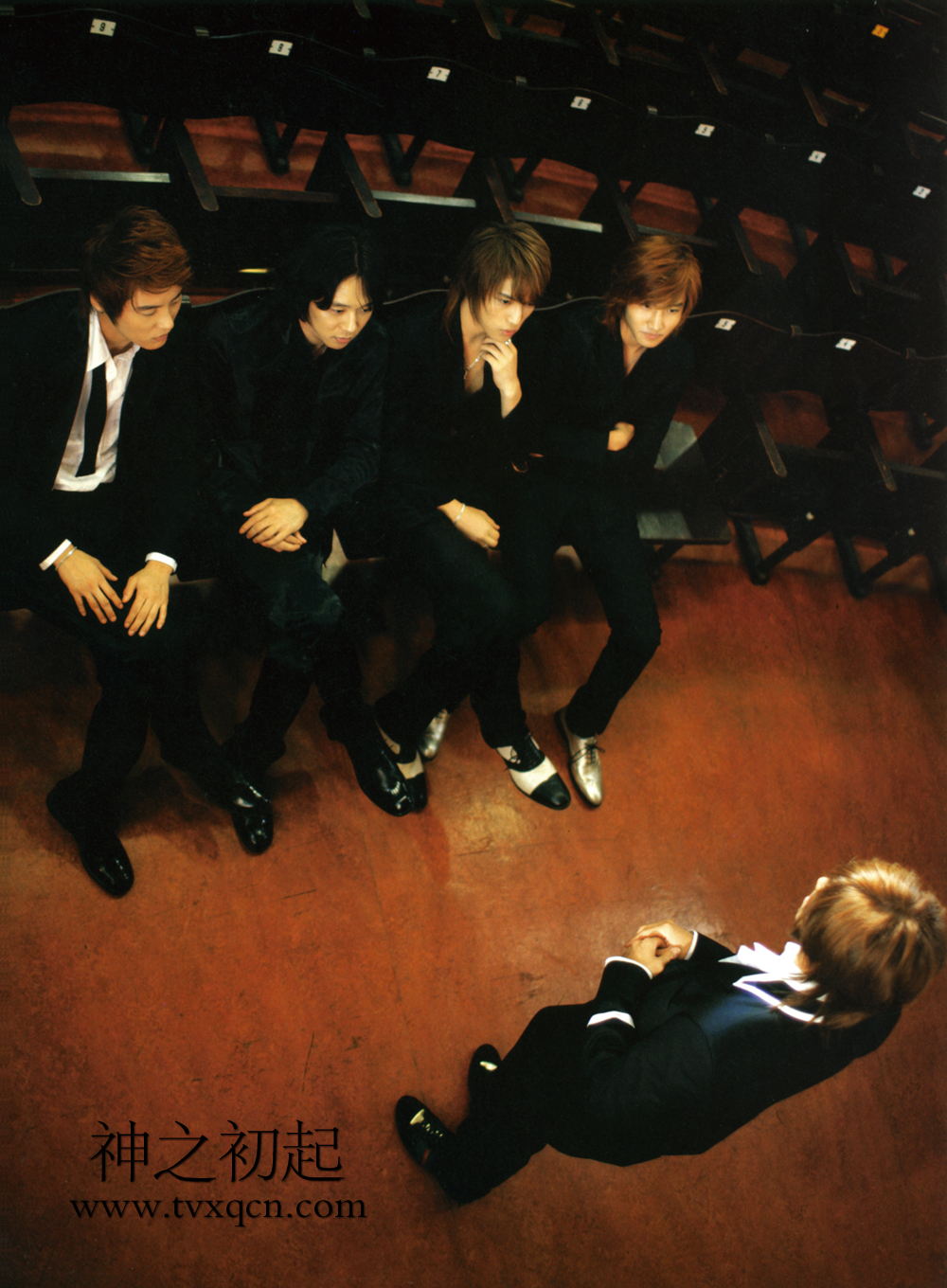
he's so pretty...he's got more pages on the photobook than the other members :trout:





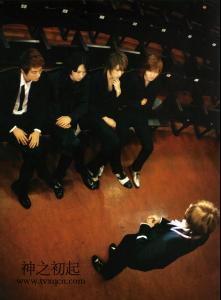


 World End Anthology ~ Alice Nine
thanks Berno, it's(they're) perfect
Dead School Screaming ~ Alice Nine
World End Anthology ~ Alice Nine
thanks Berno, it's(they're) perfect
Dead School Screaming ~ Alice Nine






































































Account
Navigation
Search
Configure browser push notifications
Chrome (Android)
- Tap the lock icon next to the address bar.
- Tap Permissions → Notifications.
- Adjust your preference.
Chrome (Desktop)
- Click the padlock icon in the address bar.
- Select Site settings.
- Find Notifications and adjust your preference.
Safari (iOS 16.4+)
- Ensure the site is installed via Add to Home Screen.
- Open Settings App → Notifications.
- Find your app name and adjust your preference.
Safari (macOS)
- Go to Safari → Preferences.
- Click the Websites tab.
- Select Notifications in the sidebar.
- Find this website and adjust your preference.
Edge (Android)
- Tap the lock icon next to the address bar.
- Tap Permissions.
- Find Notifications and adjust your preference.
Edge (Desktop)
- Click the padlock icon in the address bar.
- Click Permissions for this site.
- Find Notifications and adjust your preference.
Firefox (Android)
- Go to Settings → Site permissions.
- Tap Notifications.
- Find this site in the list and adjust your preference.
Firefox (Desktop)
- Open Firefox Settings.
- Search for Notifications.
- Find this site in the list and adjust your preference.