
foggydanger
Members
-
Joined
-
Last visited
-
Top Model Tatiana Lyadochkina for Douglas Hannant Spring Summer 2009 Fashion Show at the Roosevelt Hotel, New York


-
Tatiana Lyadochkina for Felipe Oliveira Baptista Spring Summer 2006 Collection Photo: Kenneth Cappello Hair: James Pecis Make-up: Sara Glick Style: Gabrielle Greiss


-
Tatiana Lyadochkina for Ruffian Spring Summer 2006 Fashion Show


-
Tatiana Lyadochkina for Felipe Oliveira Baptista Haute Couture S/S 2009 Fashion Show copy_7D530217-5A68-4411-A09B-434CEFE03581.mov
-
Tatiana Lyadochkina & Renne Castrucci for ZINK (Z!NK) Magazine issue 2005 Photo: Aneta Bartos


-
Tatiana Lyadochkina in TUSH MAGAZINE 3/2008 PHOTO Justin Cooper MAKE-UP Carole Lasnier B Agency HAIR Olivier Lebrun STYLING Laurent Dombrowicz MANICURE Yana B Agency


-
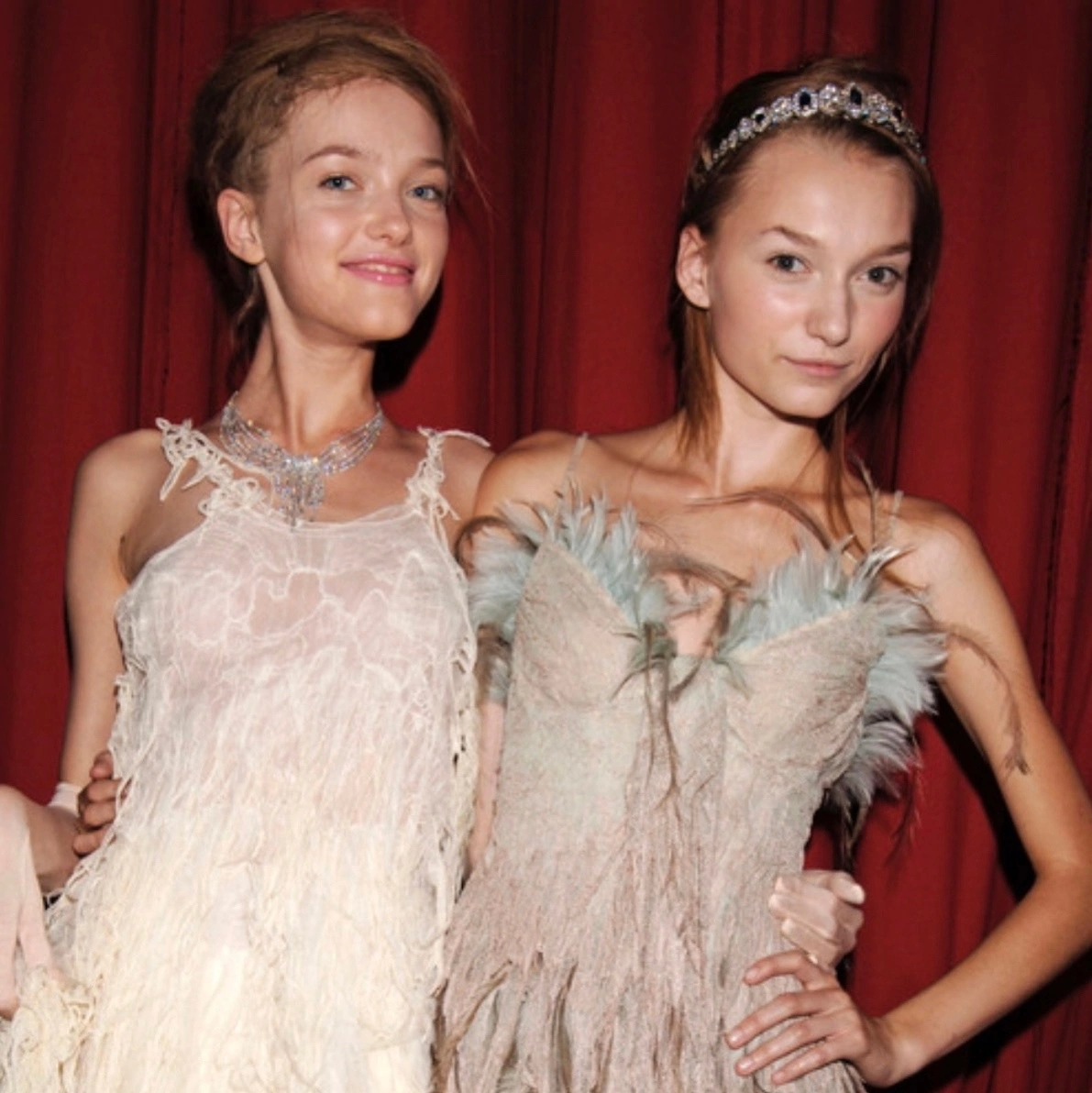
Tatiana Lyadochkina for Givenchy Spring Summer 2006 Fashion Show and Backstage copy_5F78056F-97C7-4EF4-9590-8E0F5A76D3CC.mov copy_4C81C747-574E-4D04-B82D-BB8DEB7687FD.mov


-
Tatiana Lyadochkina for Vogue & ELLE Taiwan in Tiffany & Co. Jewelry Ads, April 2016 Sources: VOGUE.COM ELLE.COM


-
Tatiana Lyadochkina for CHANEL Fall Winter 2007 Fashion Show in Tokyo, Japan, June 20 Getty Images AFPBB News


-
Tatiana Lyadochkina for Dolce Gabbana Beauty in Saks by Pat McGrath, New York Times Article May 20, 2009 by Ruth La Ferla, Photo by Hiroko Masuike https://www.nytimes.com/2009/05/21/fashion/21skin.html
-
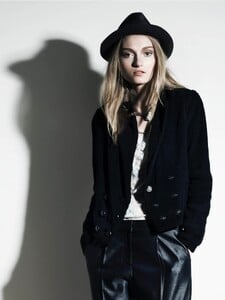
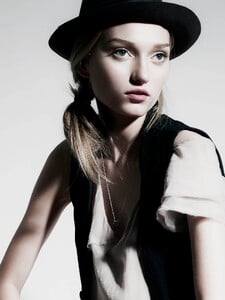
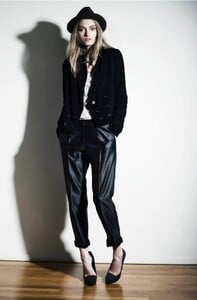
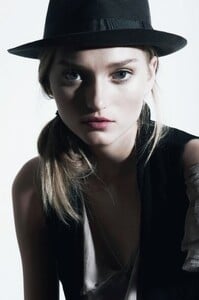
Tatiana Lyadochkina captured by Chino Moro, 2009 Makeup by Deborah Altizio
-
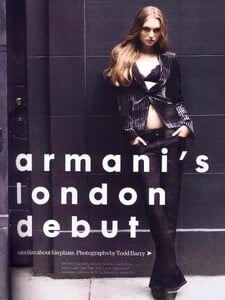
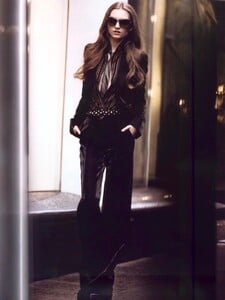
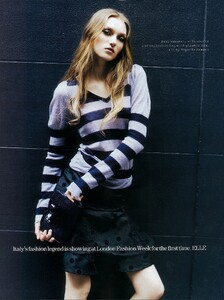
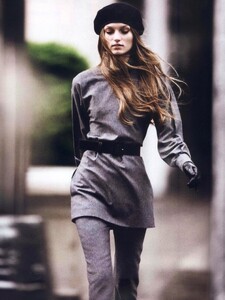
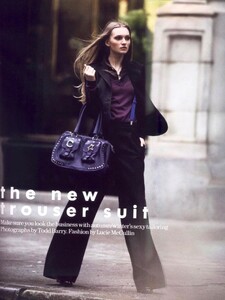
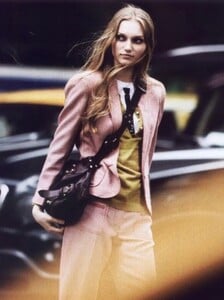
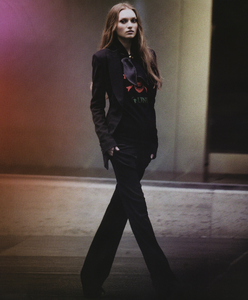
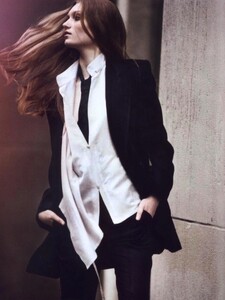
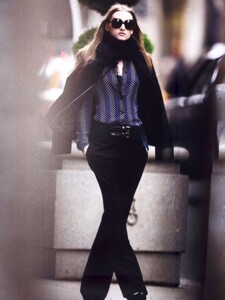
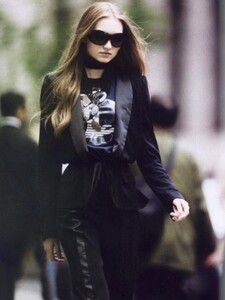
Tatiana Lyadochkina for ELLE UK Sept. 2006 “Armani’s London Debut” Shot by Todd Barry Fashion by Lucie McCullin
-
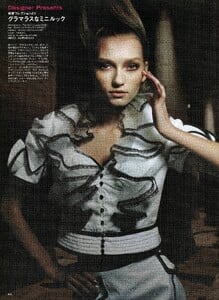
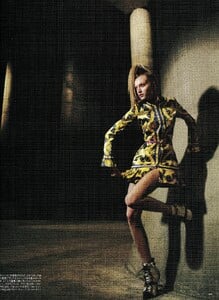
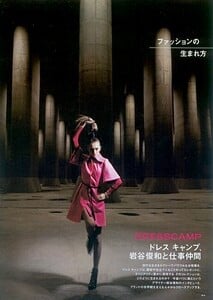
Tatiana Lyadochkina for SO-EN Magazine March 2007
-
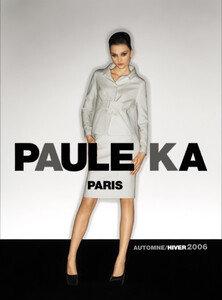
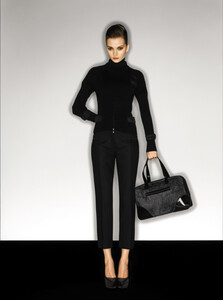
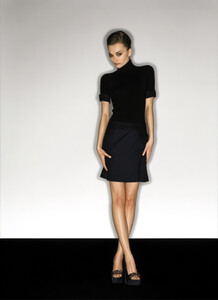
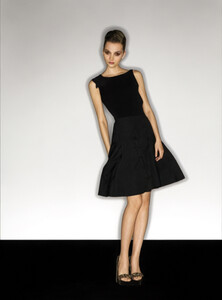
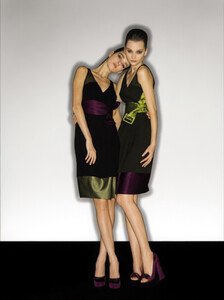
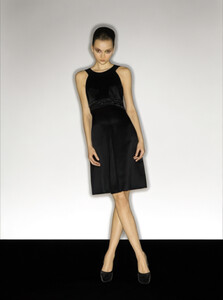
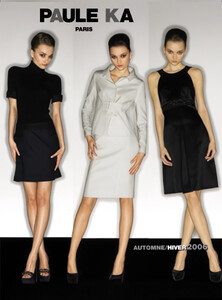
Tatiana Lyadochkina in Paule Ka F/W 2006 ads
-
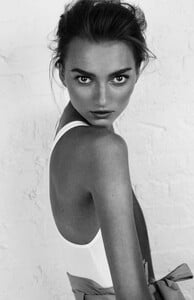
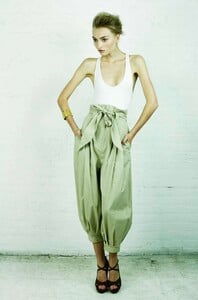
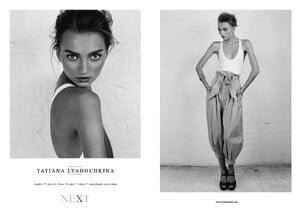
Tatiana Lyadochkina Test shoot 2008 (also used for the NEXT model management showcard in 2014-2015)