MarVS2
Members
-
Joined
-
Last visited
Everything posted by MarVS2
-
 Janine Berey and MJ Day twitter says Model number #2.....(Kate Upton)
 -
more Kate... @MJ_Day


-
backstage Garage

-
yep its Kate
-
She appears at 0.21 , 0.46 , 2.14.
-
Great Job guys definitely Kate and here also Mj Day twitter
-
when she said, a casting tomorrow before heading to another continent!... probably is for SI 2013!! well i hope so
-
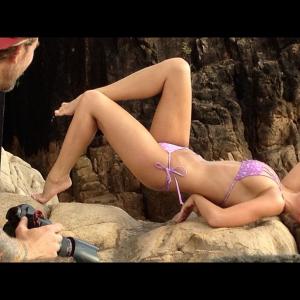
Nina via Facebook : " Had another fun shoot with Garage the last 2 days! One day of castings tomorrow before heading to another continent! Woooho! "

-
i think u are right
-
big gifs by superRDF


-
Just Wonderful thanks guys
-
omg i hope soo. hope they bring her back!!!!
-
but she have that tattoo? thats a tattoo right?
-
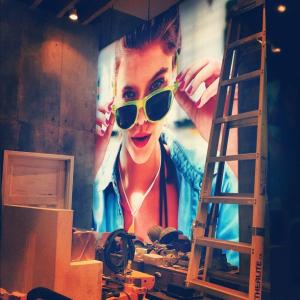
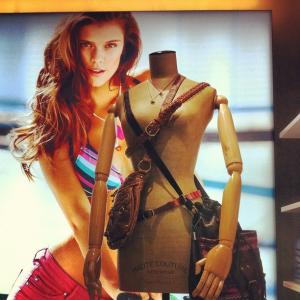
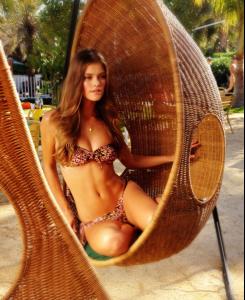
Nina is shooting Garage today , twitter pic

-
Garage never released this pics (on internet) <_< ,
-
sorry if this is repost
-
Mj day twitter... who is this model ?

-
Janine Berey and Mj day twit: model #1 ( that we know its Alyssa Miller)


-
Mj Day twitter

-
true its Alyssa
-
also Alyssa here

-
Janine Berey twit that James Macari is working with them.
-
MJ Day twitter probably Alyssa M.


-
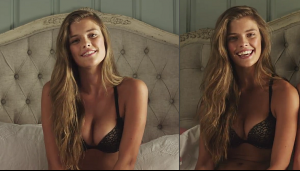
source: tumblr.com
-
i think its Alyssa and that photographer is James Macari again right?