Vala Holmes
Members
-
Joined
-
Last visited
-
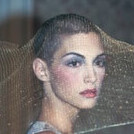
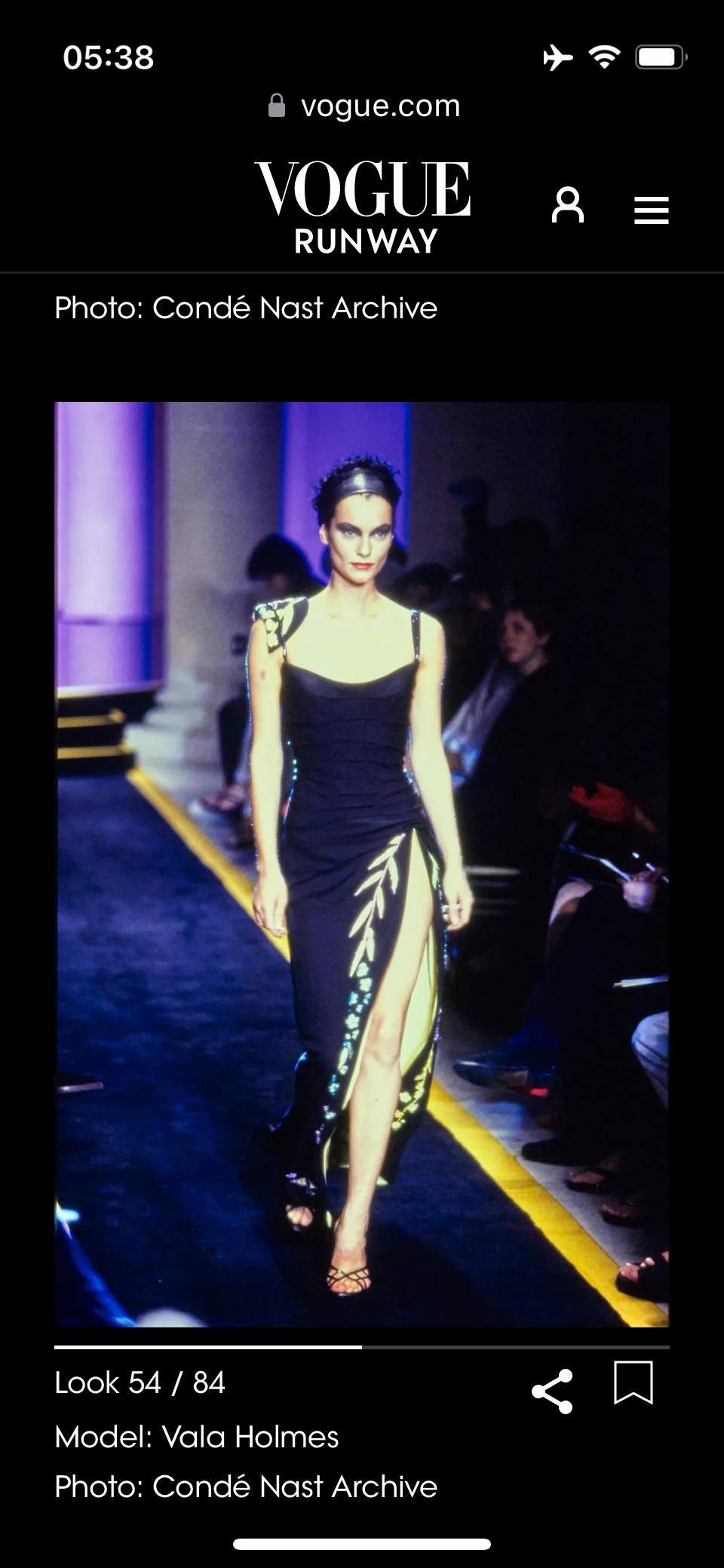
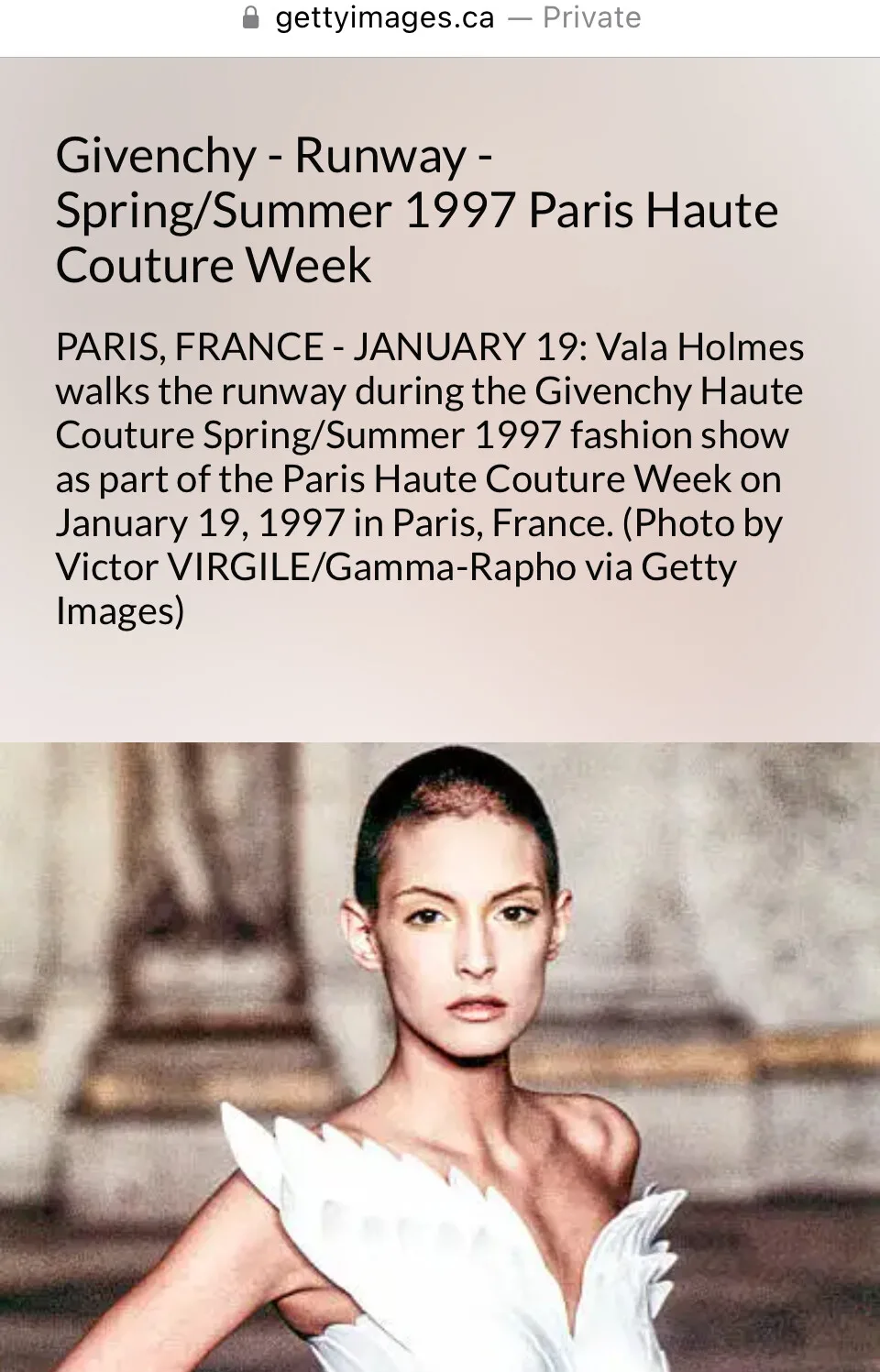
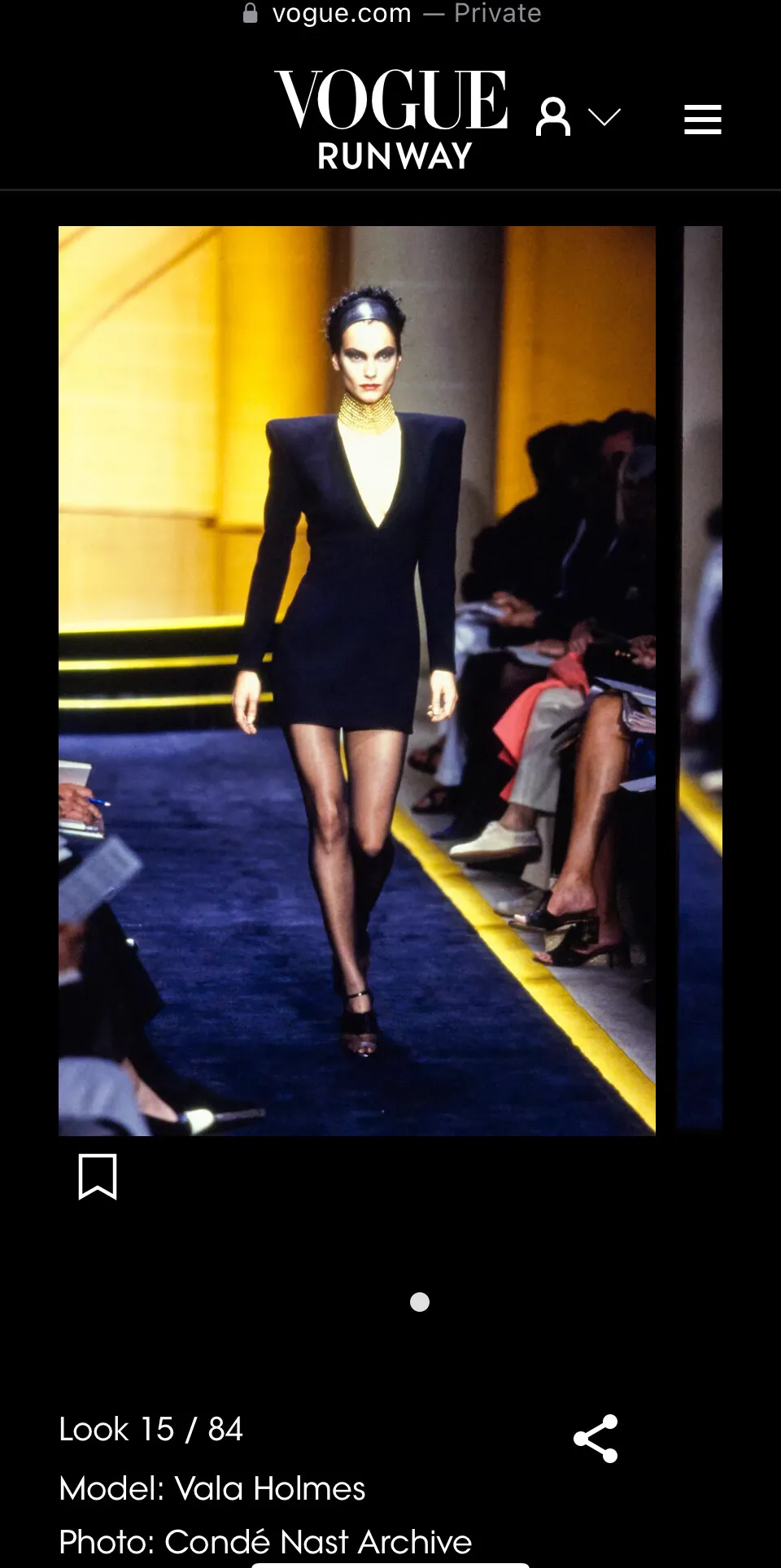
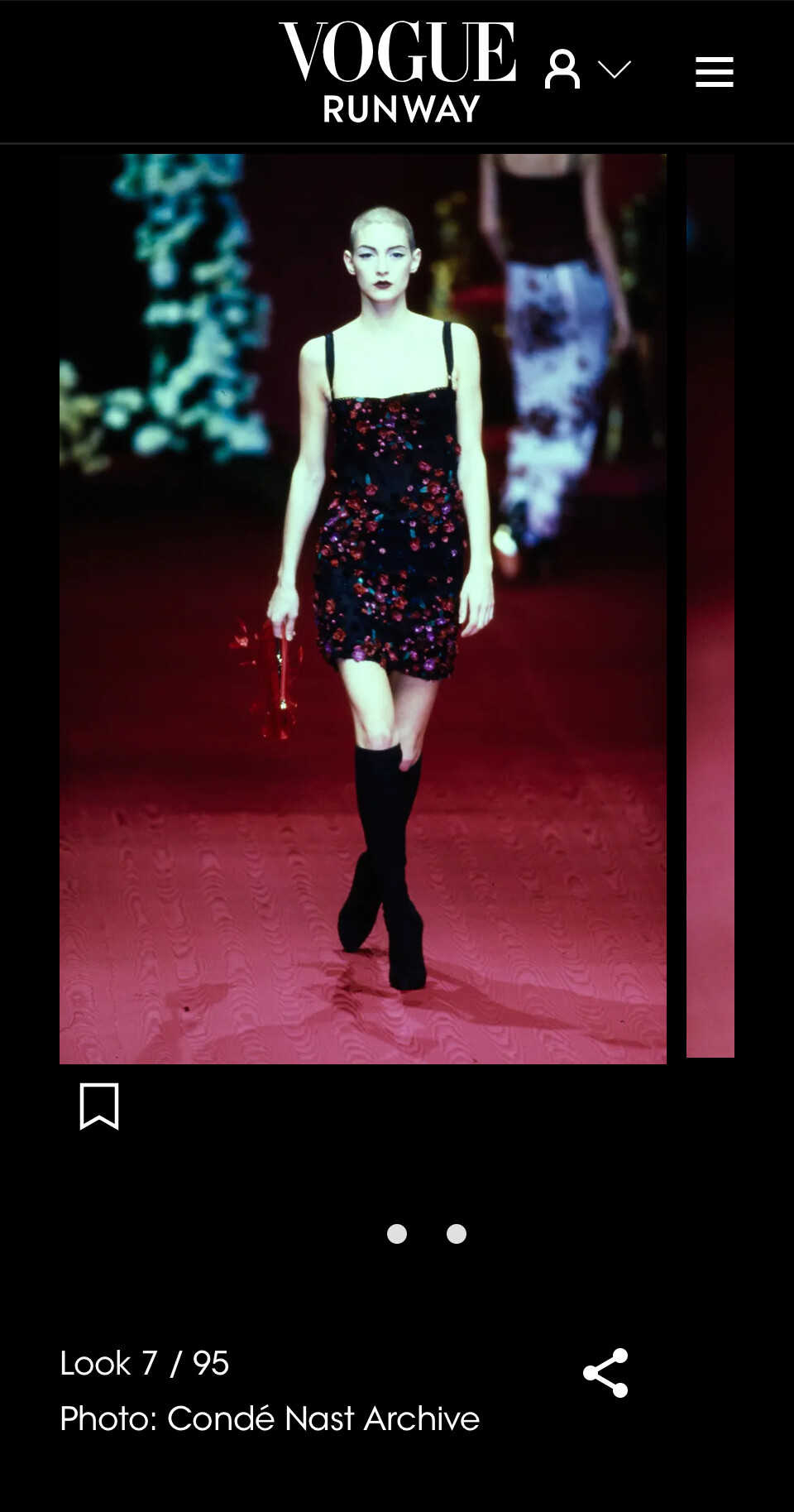
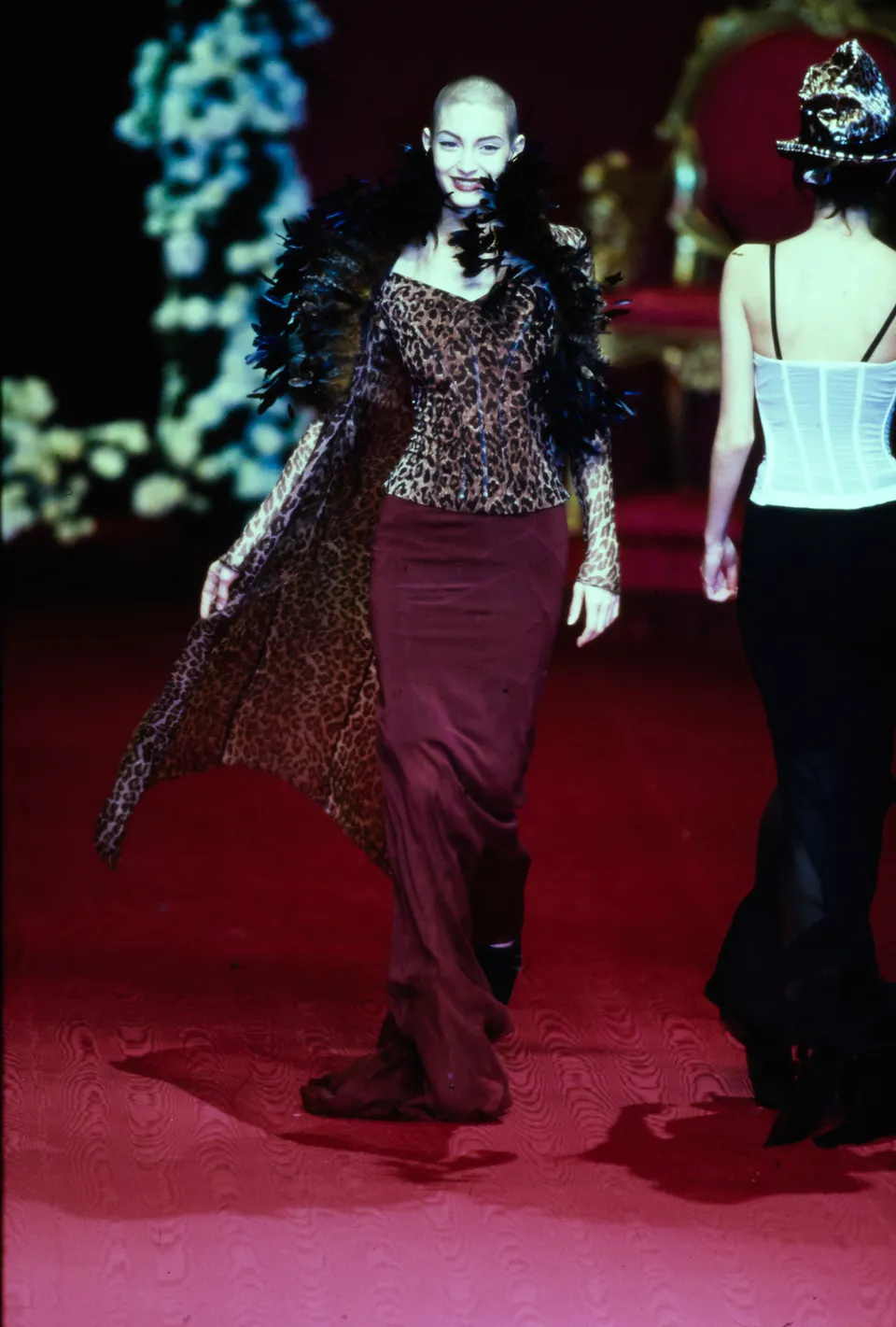
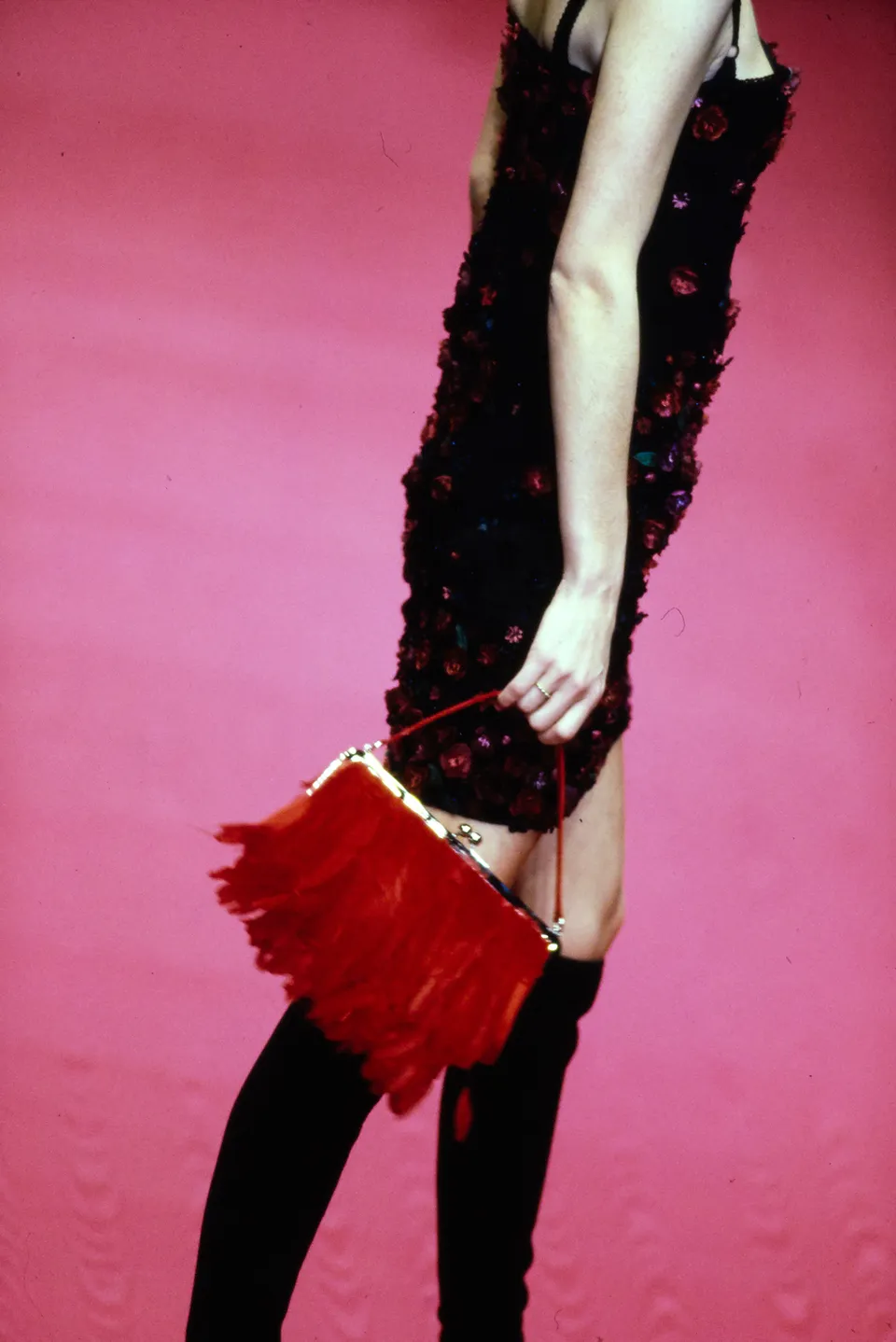
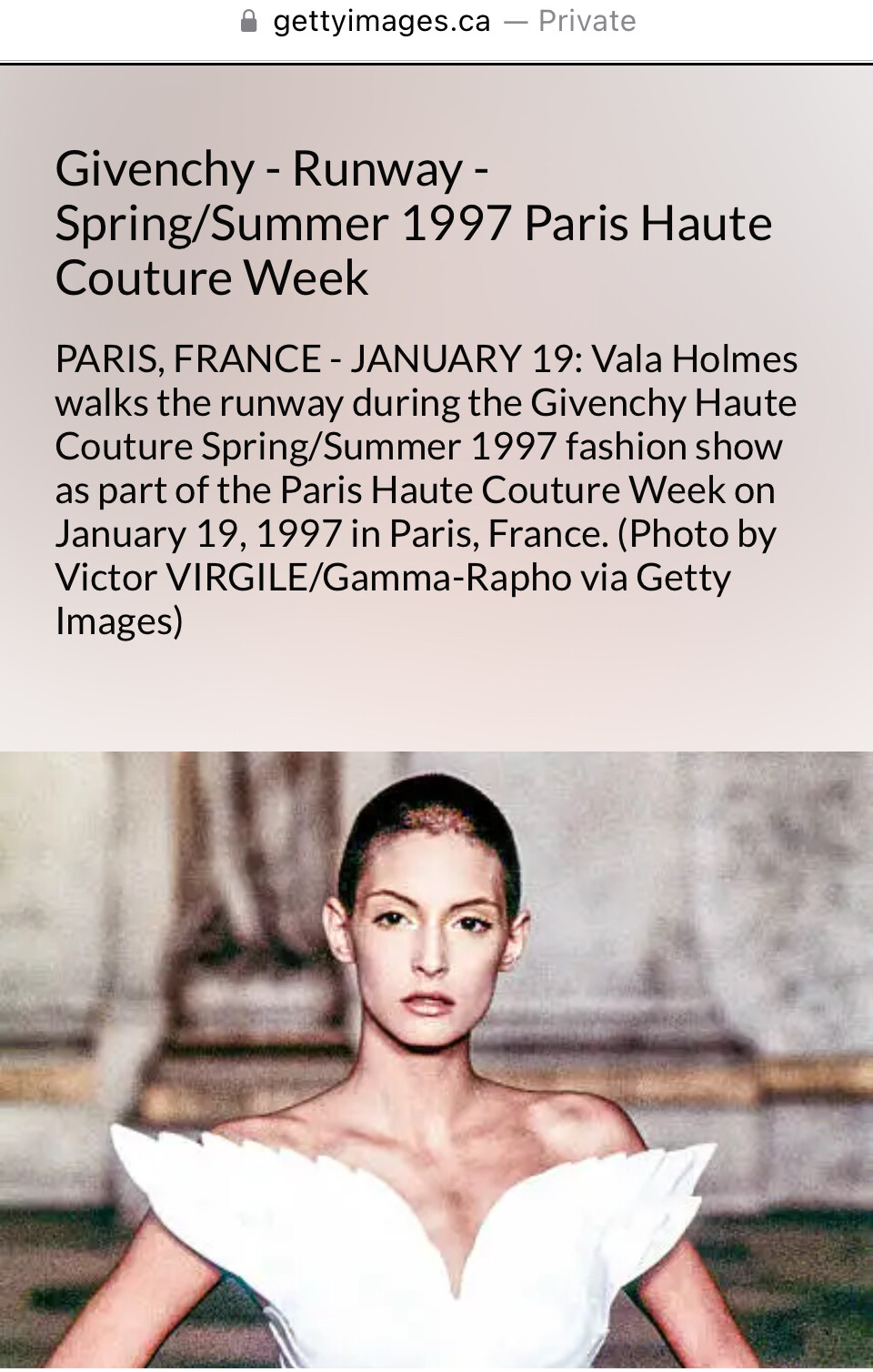
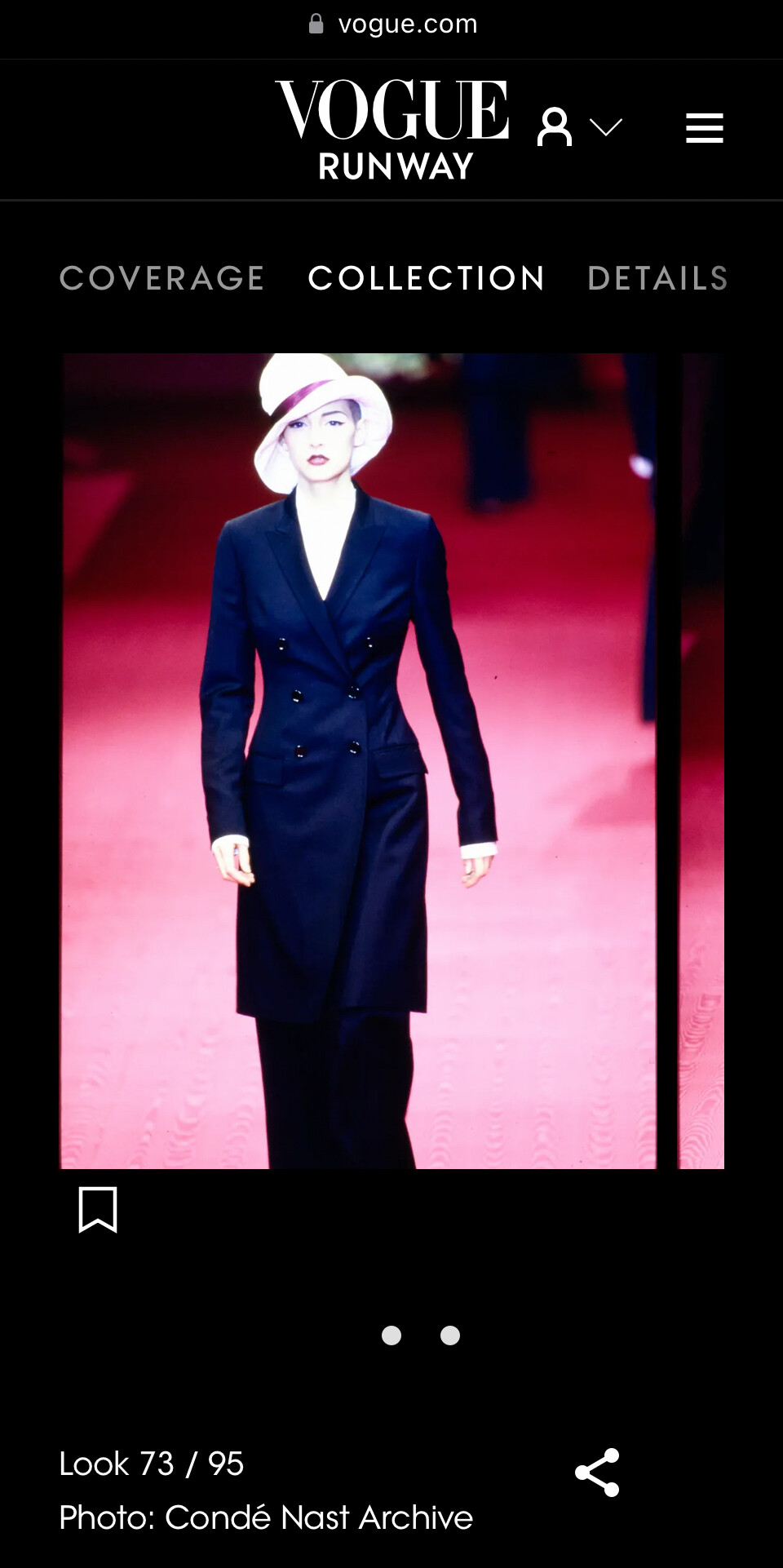
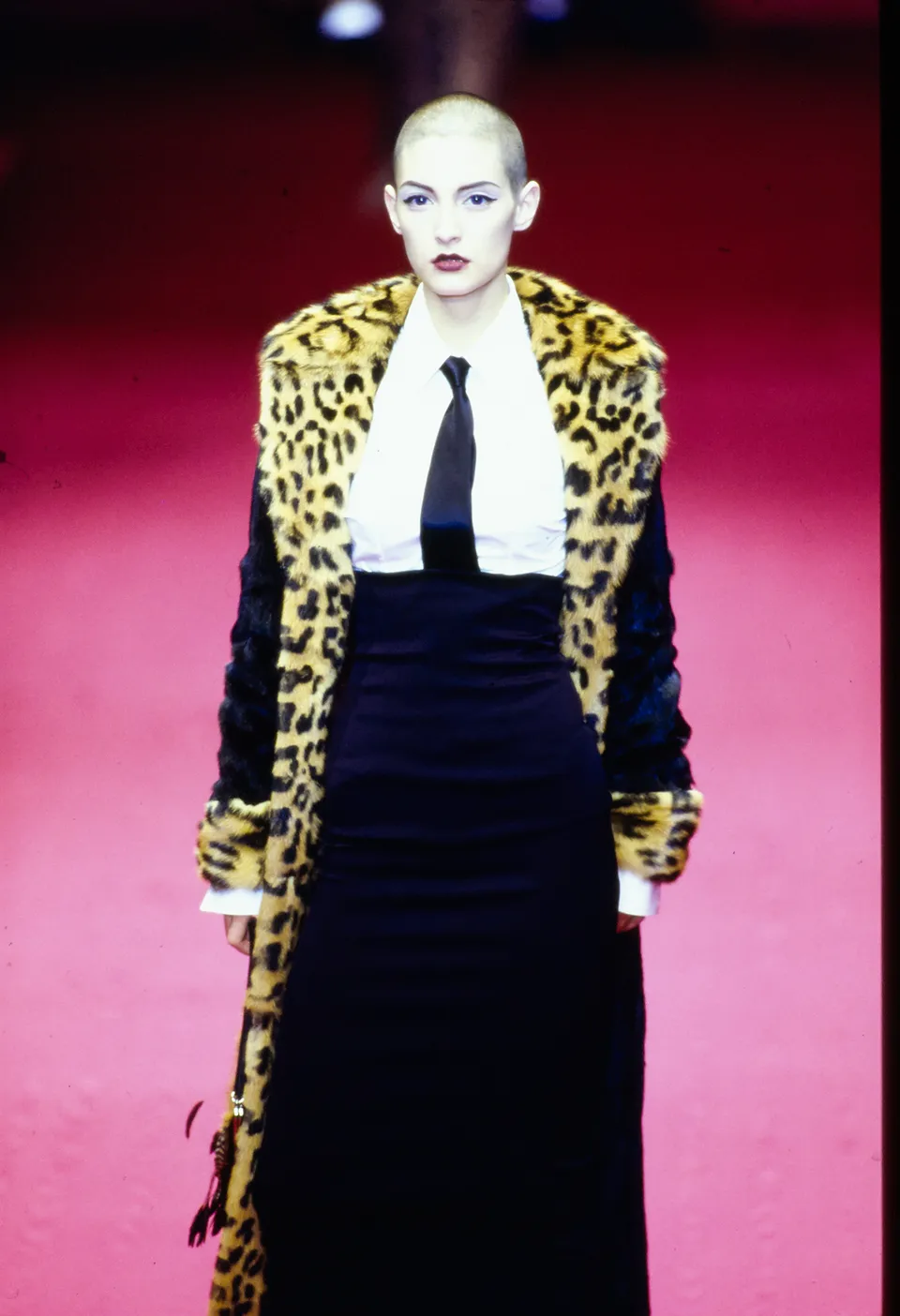
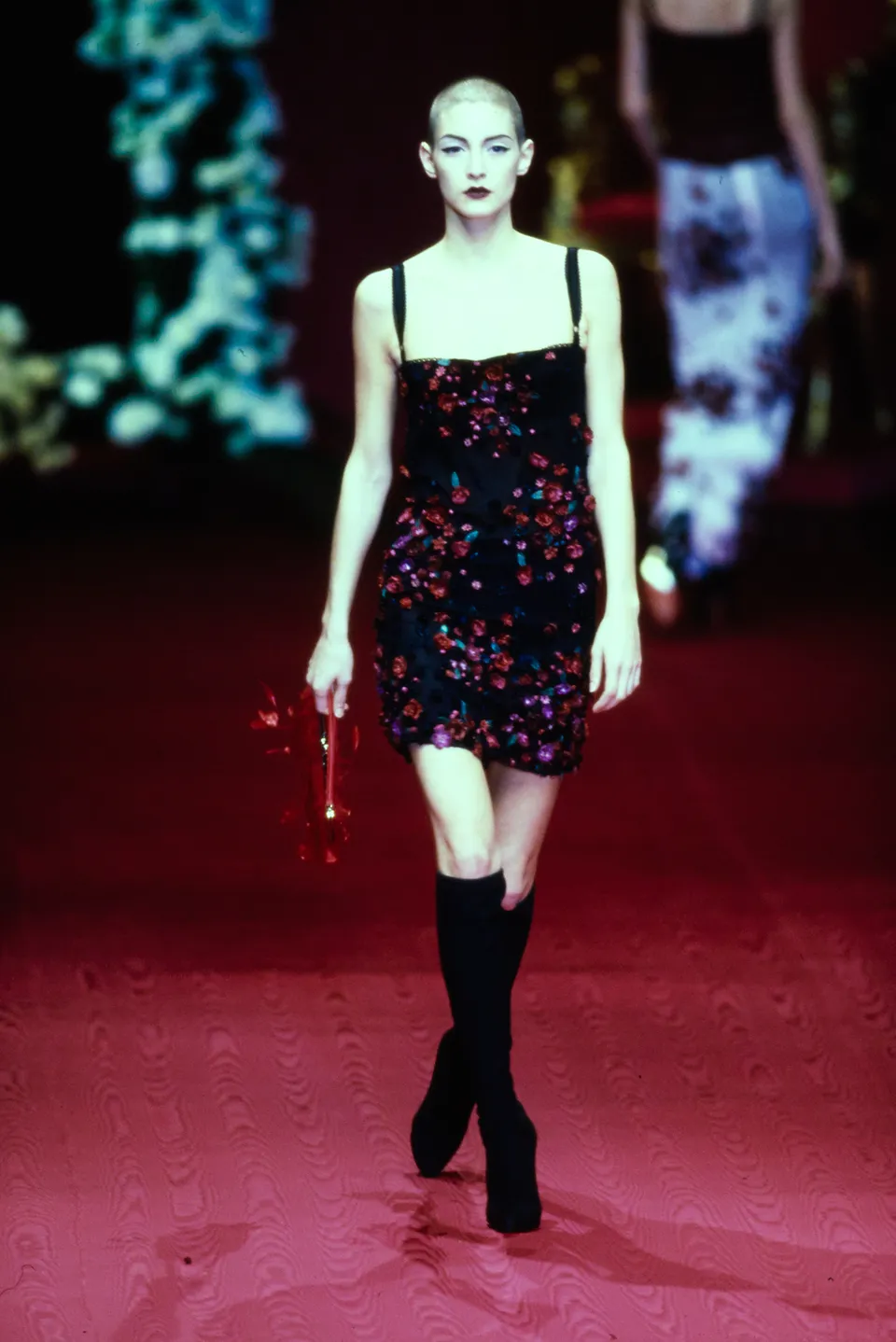
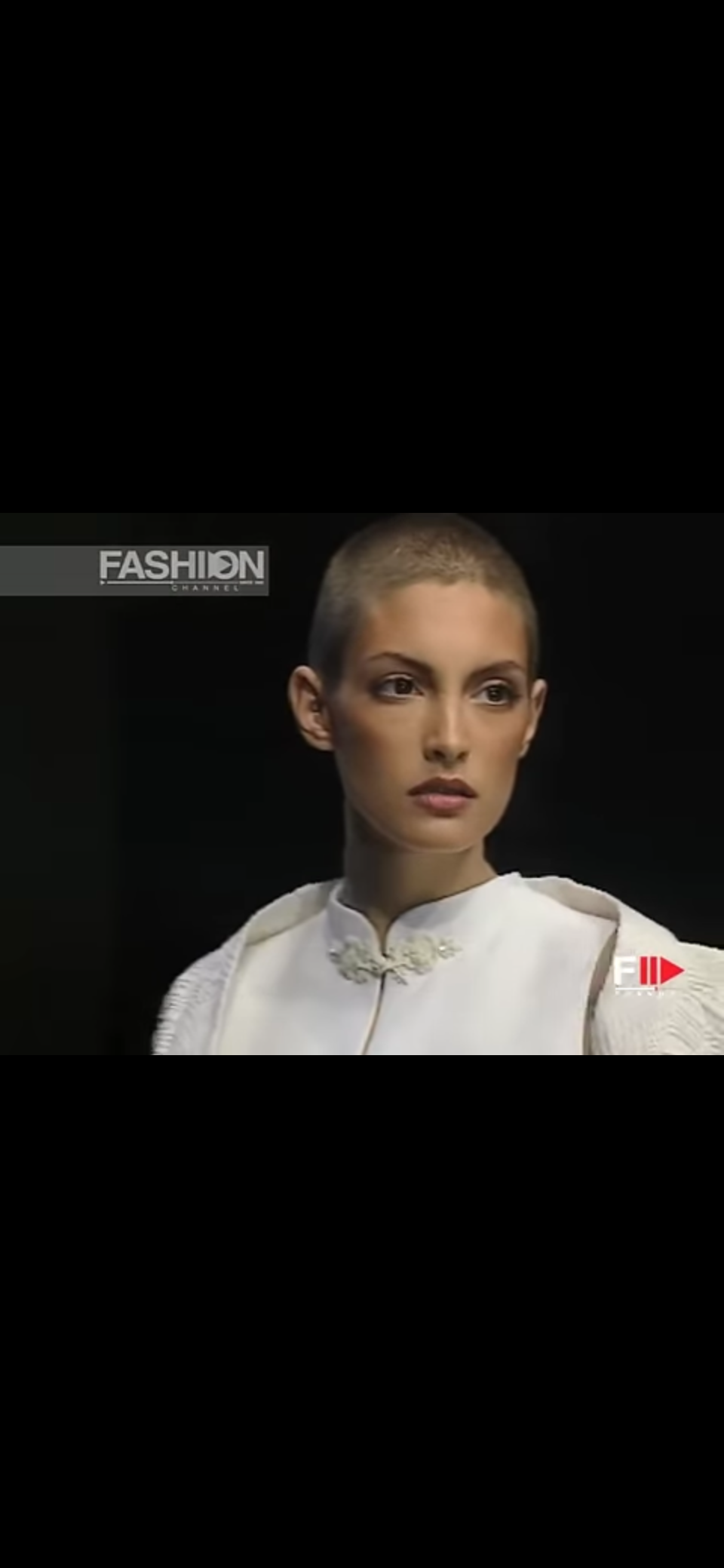
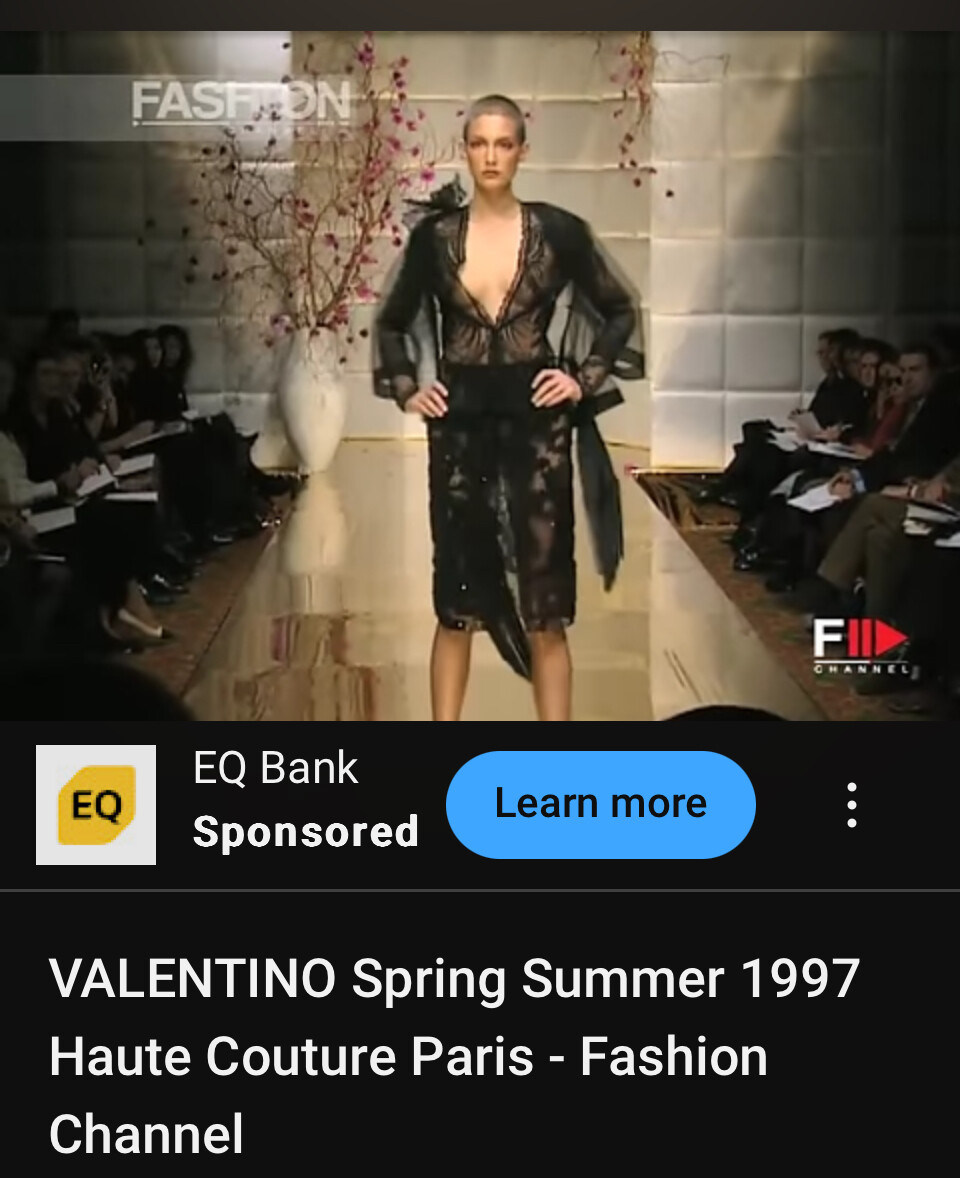
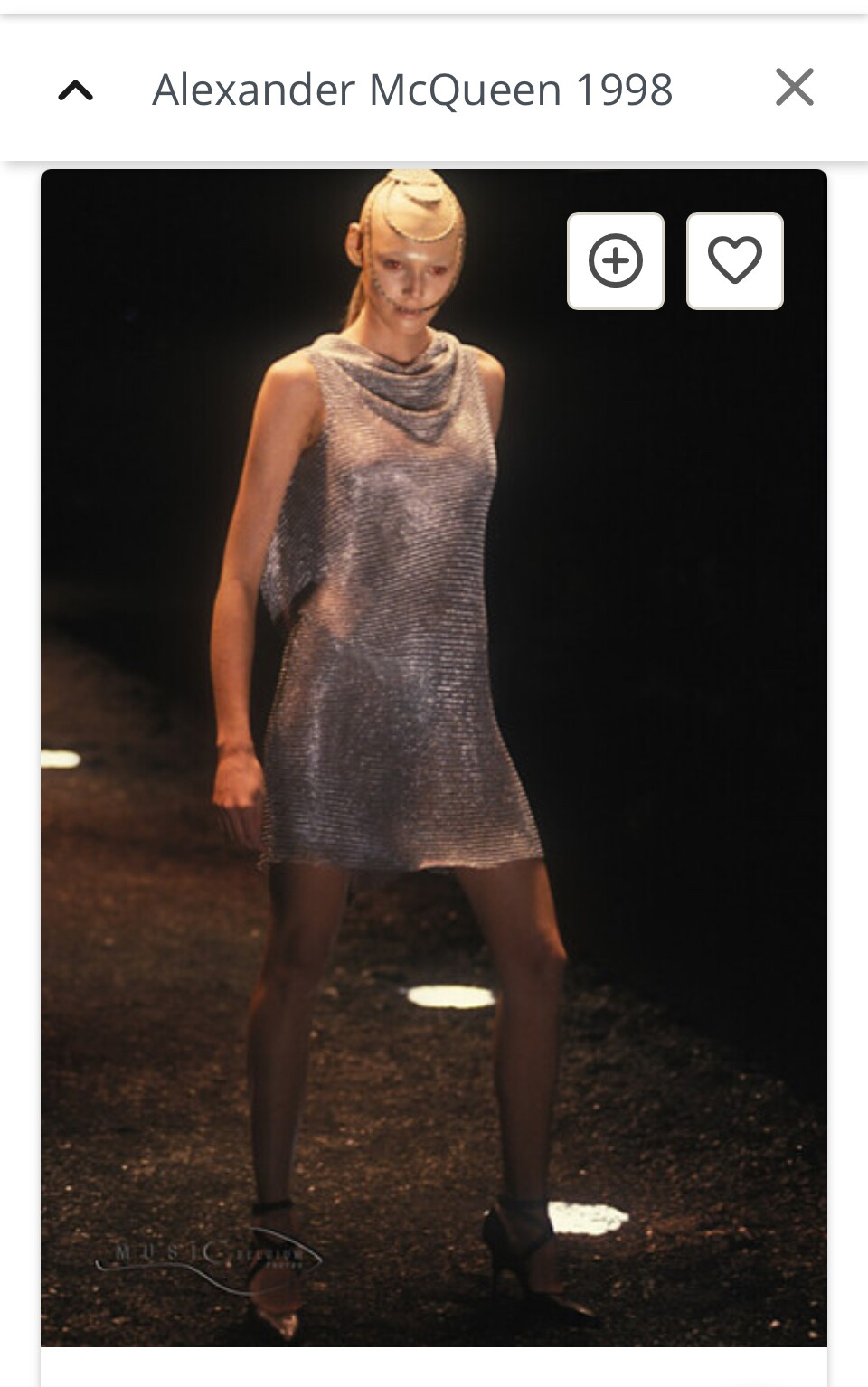
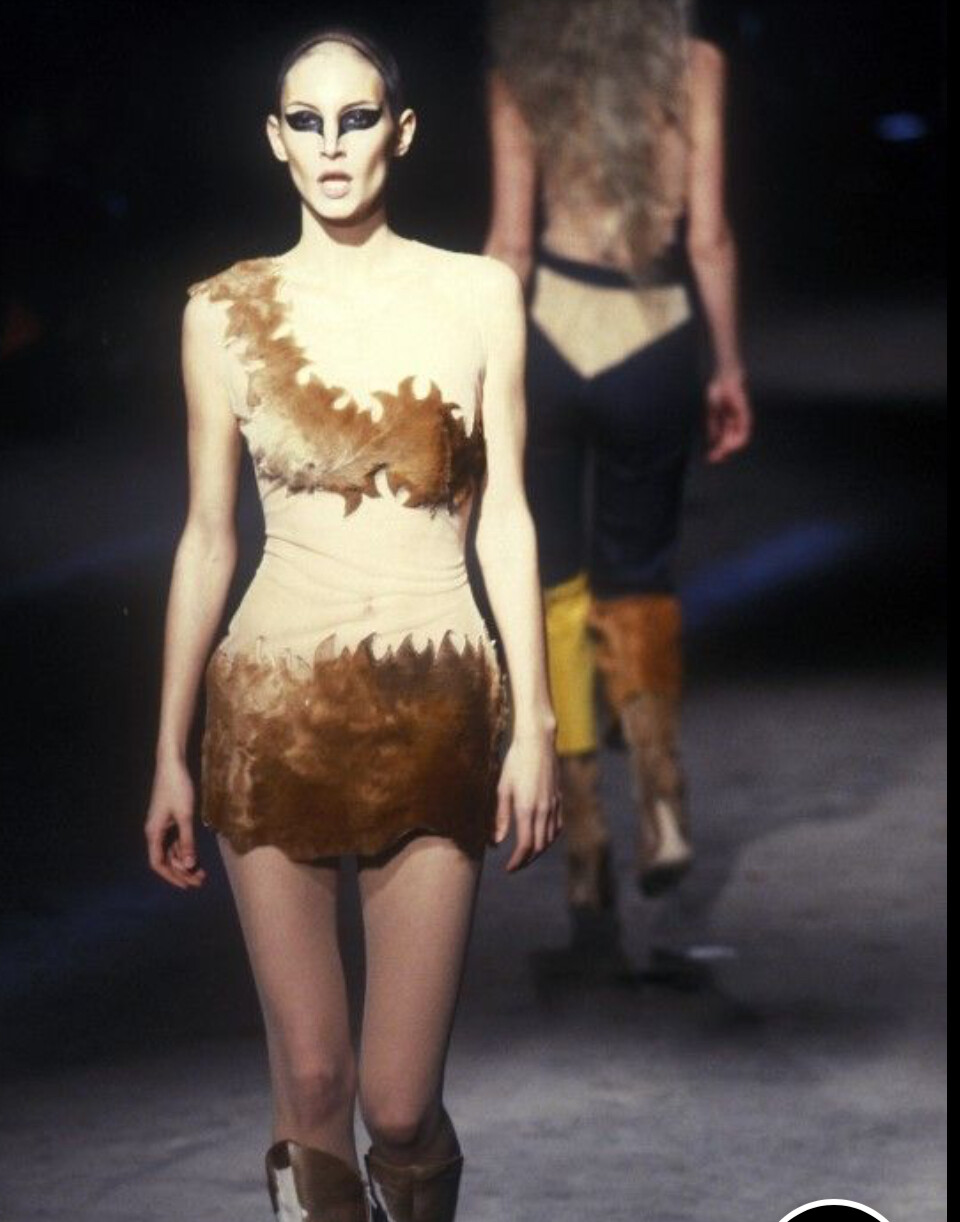
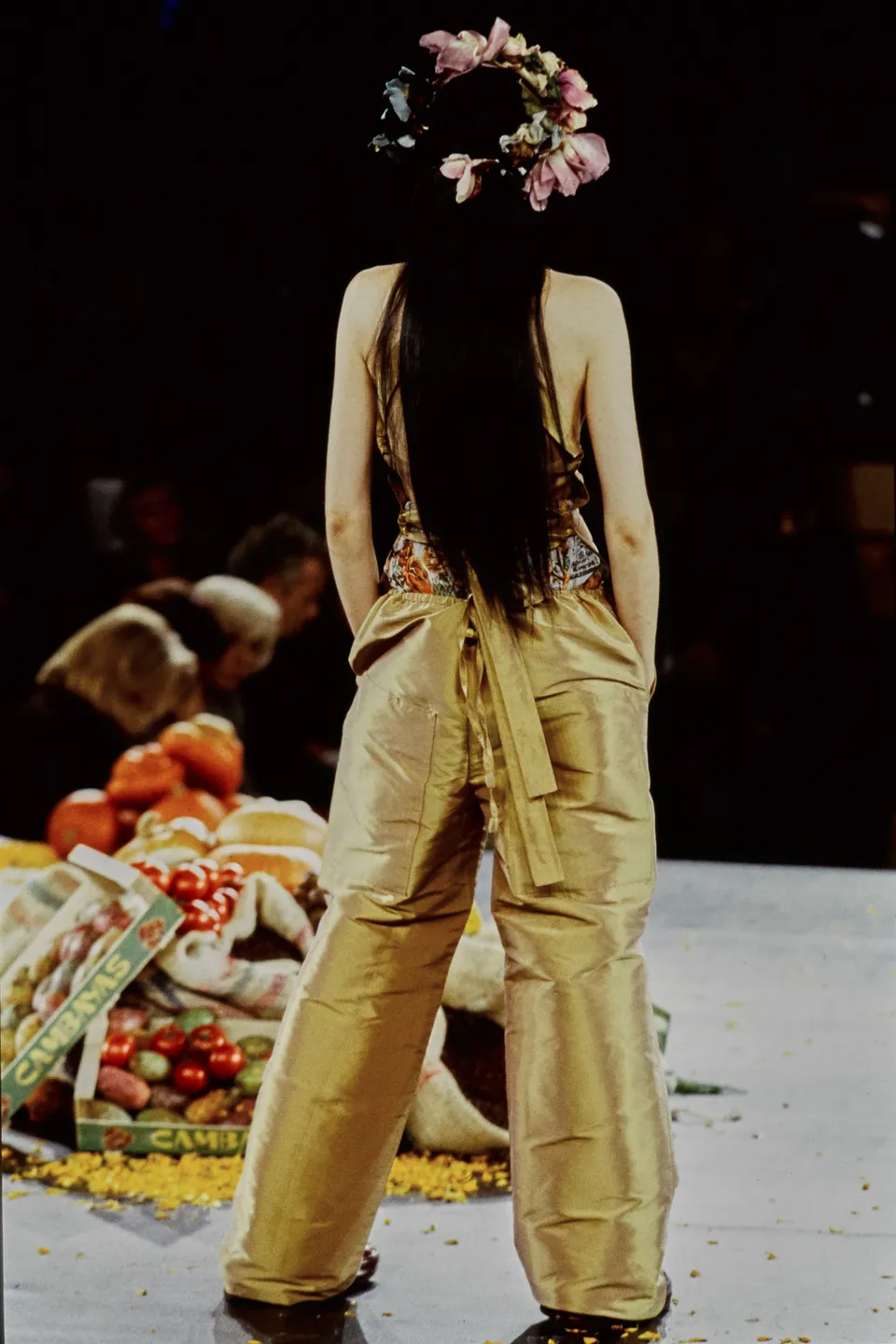
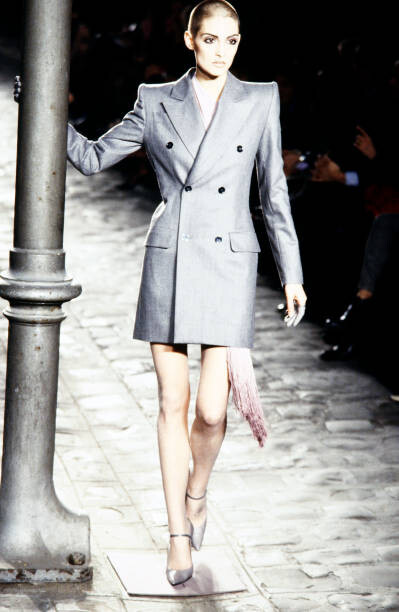
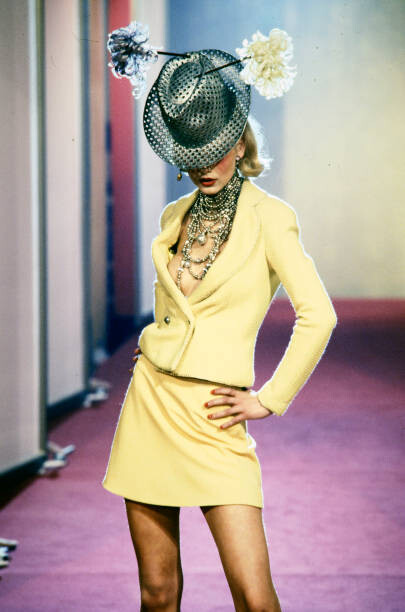
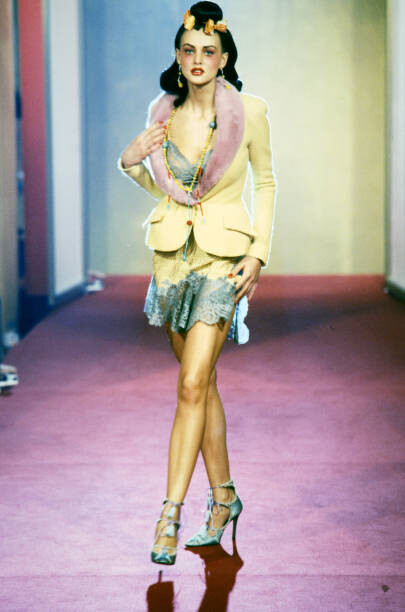
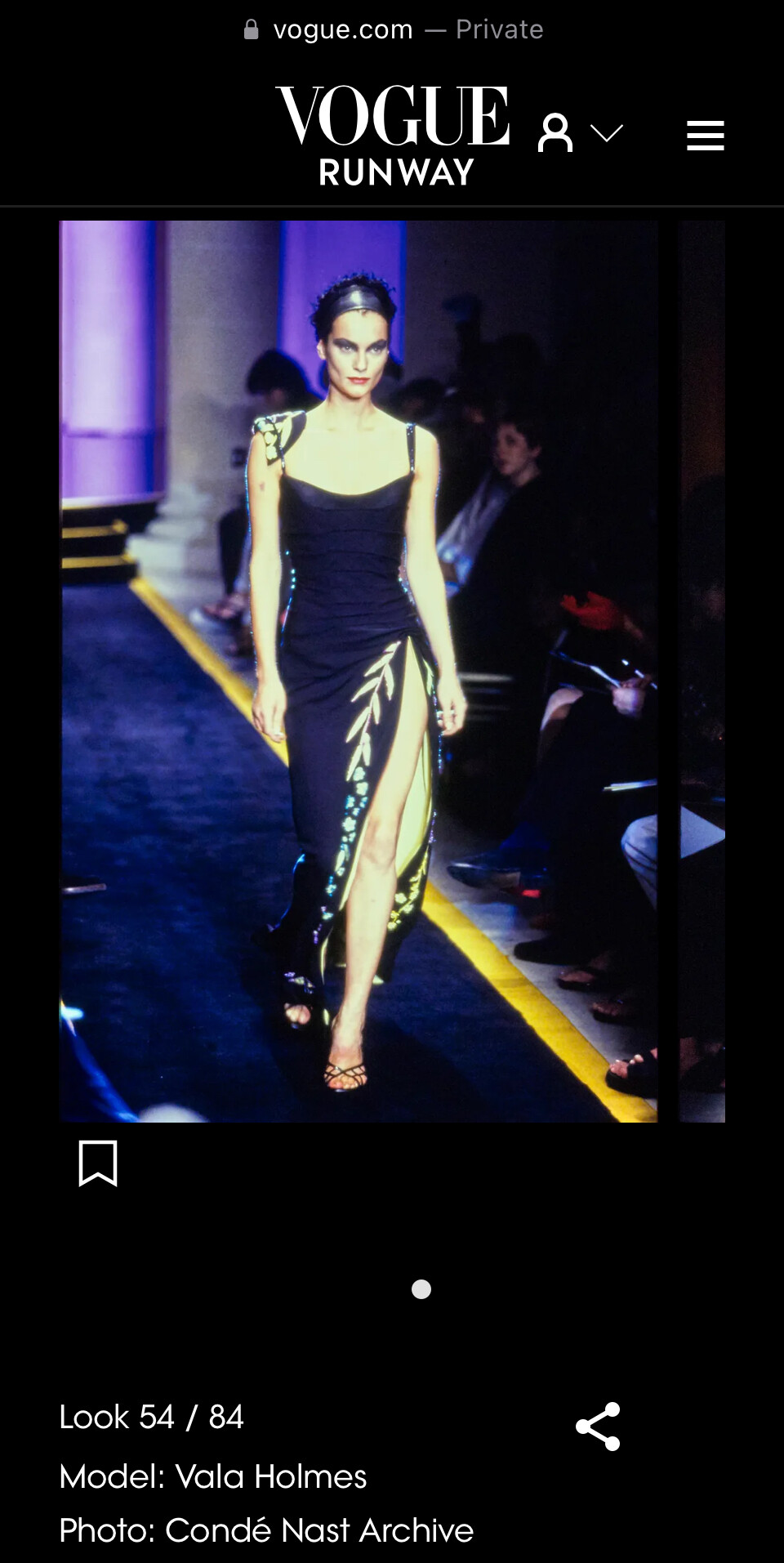
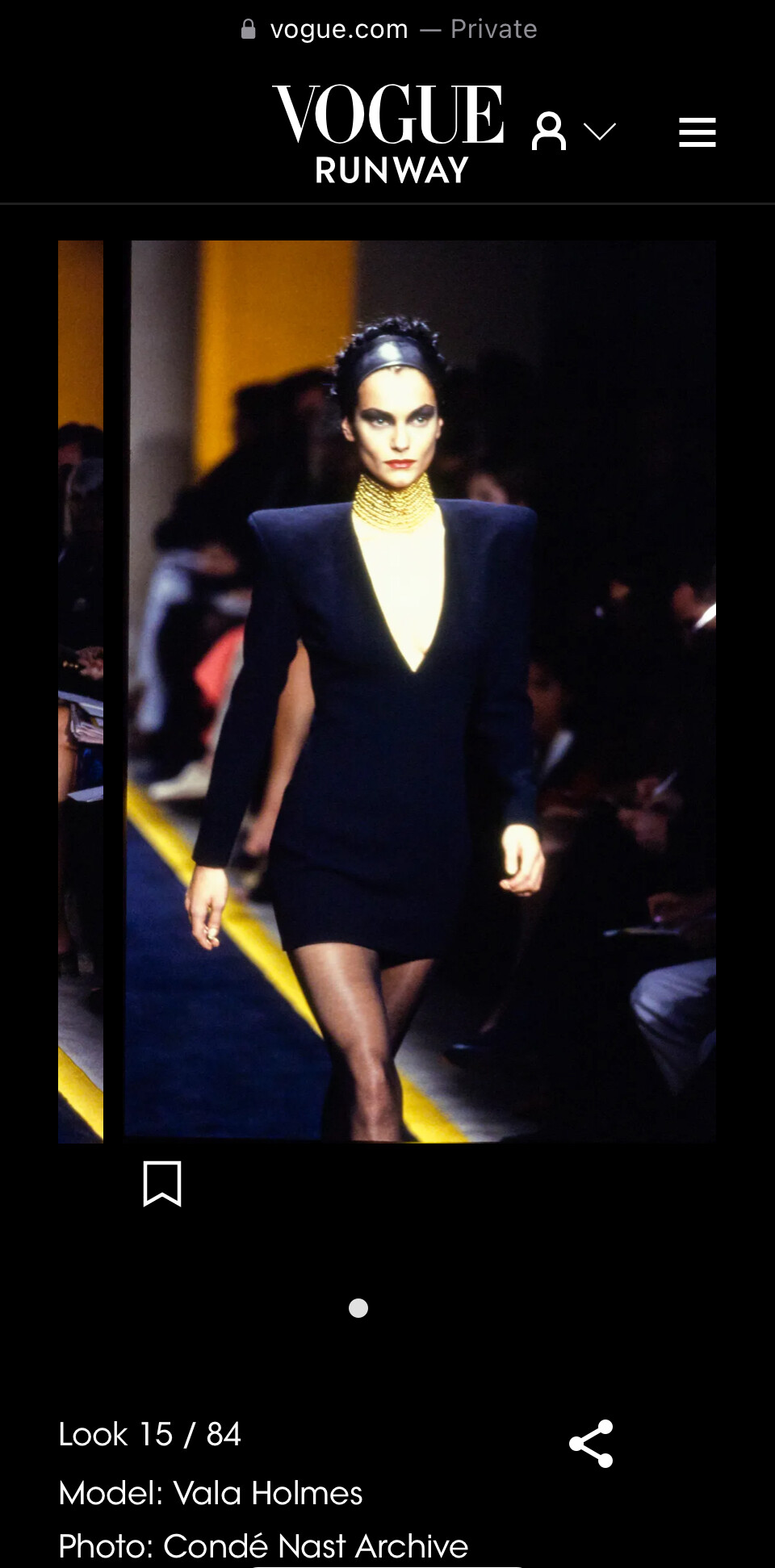
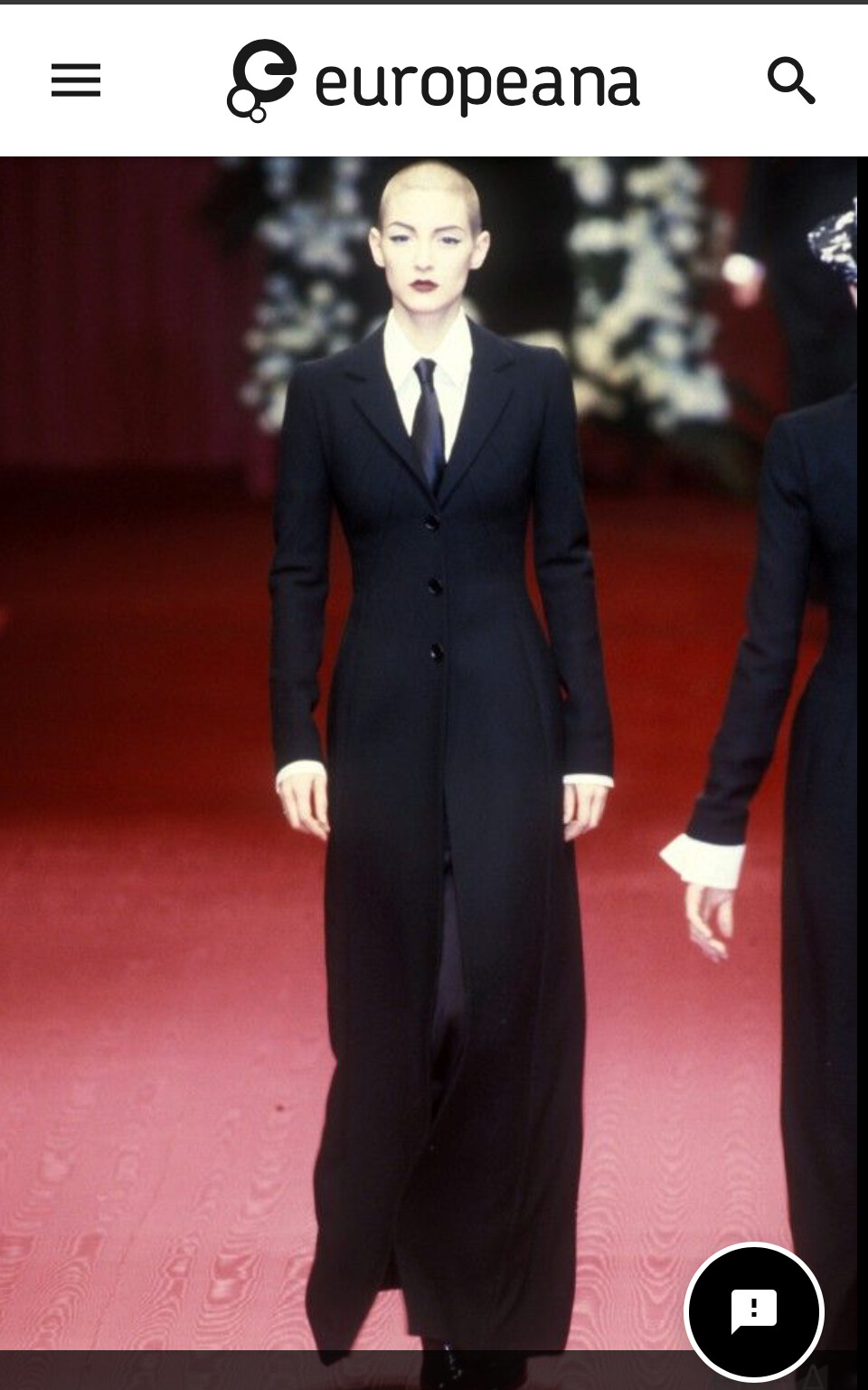
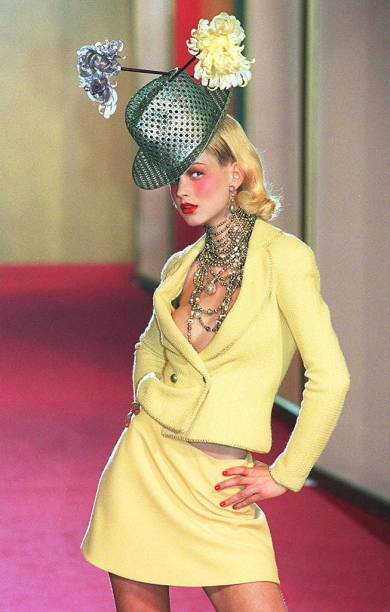
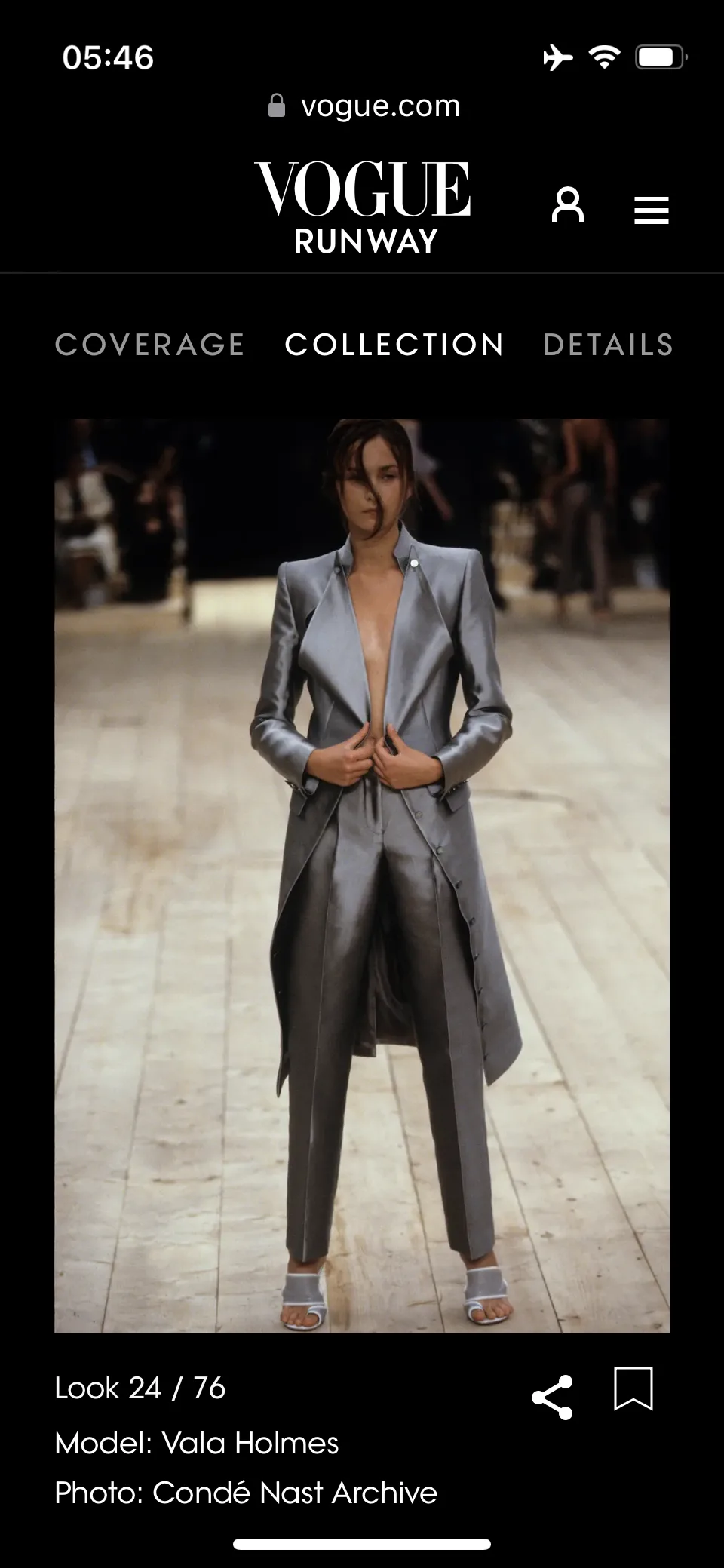
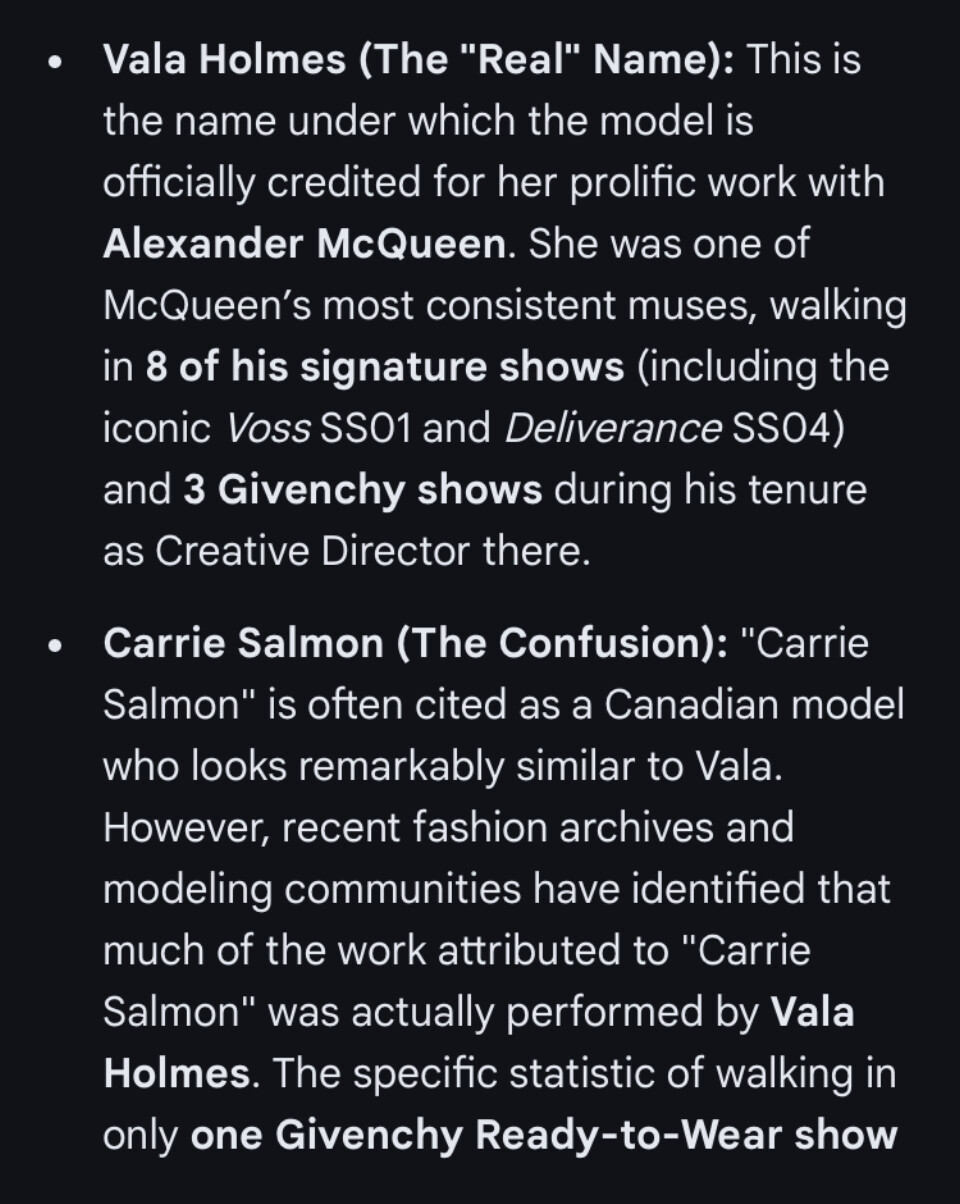
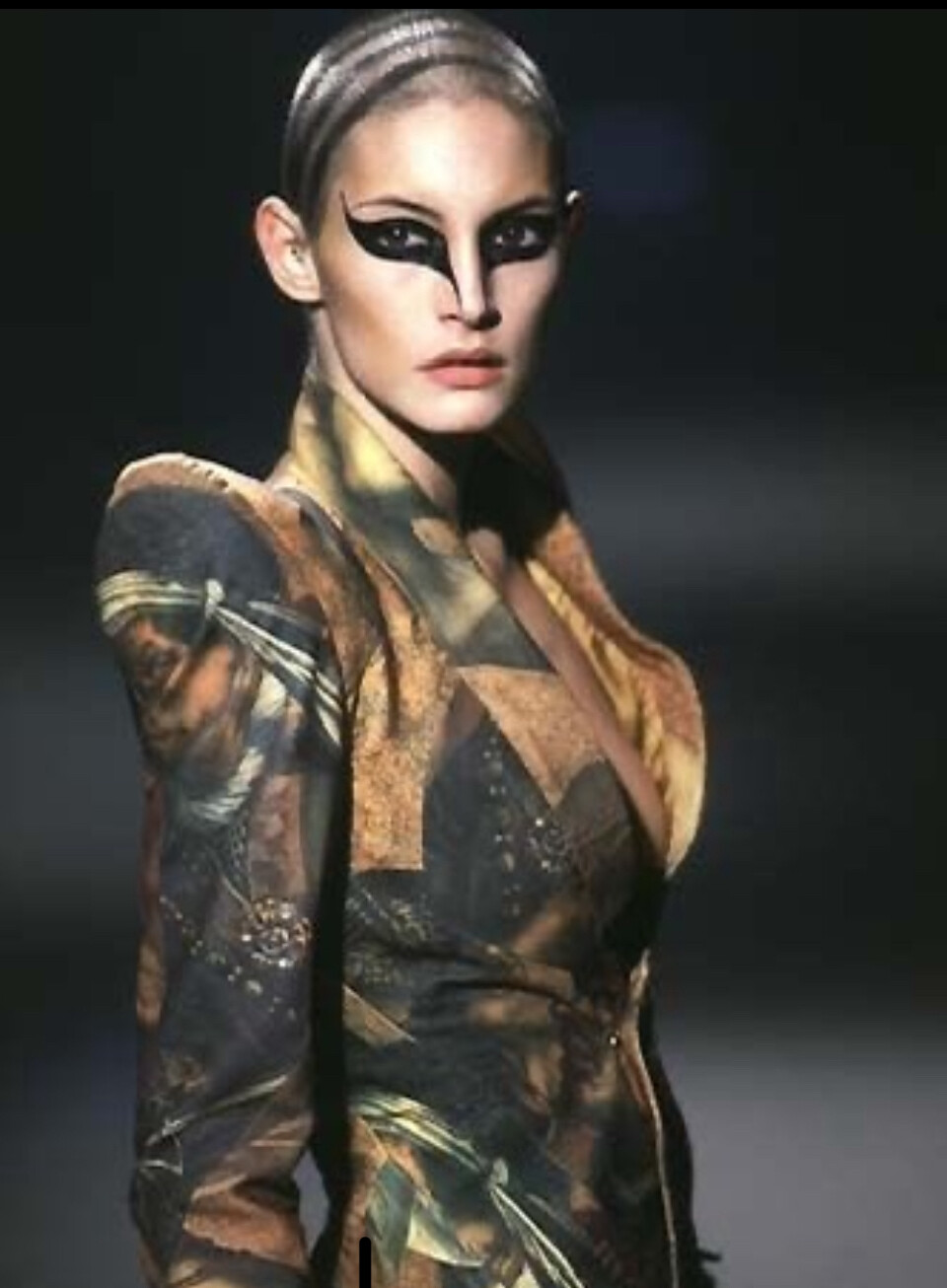
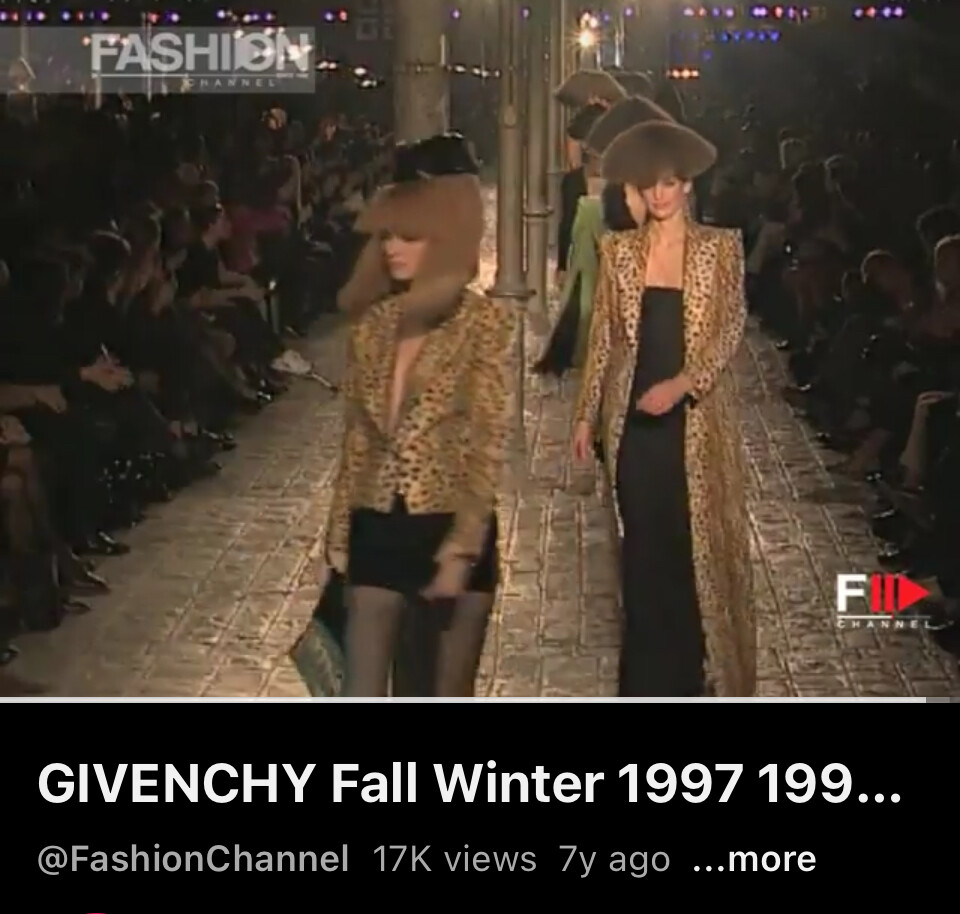
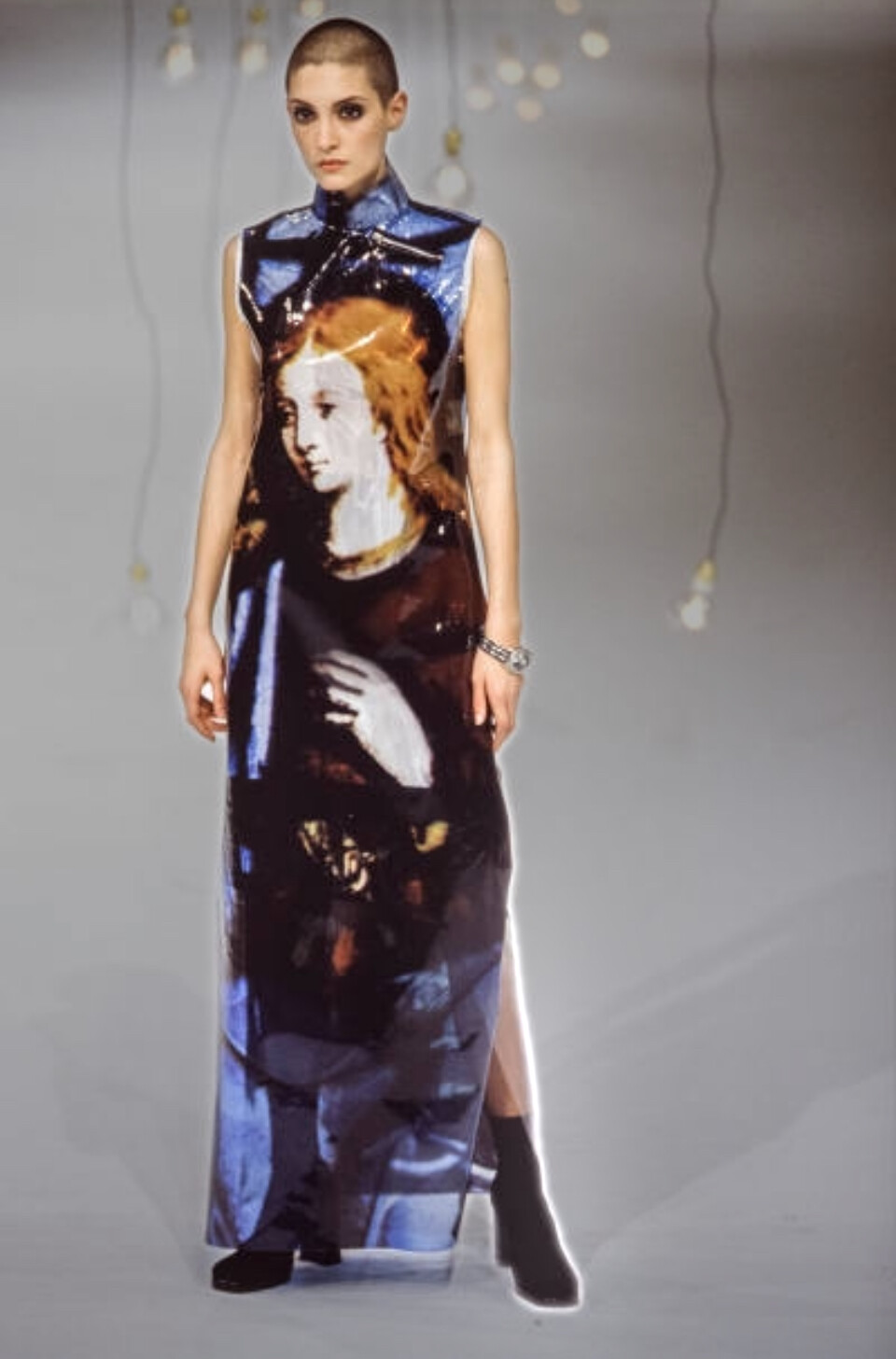
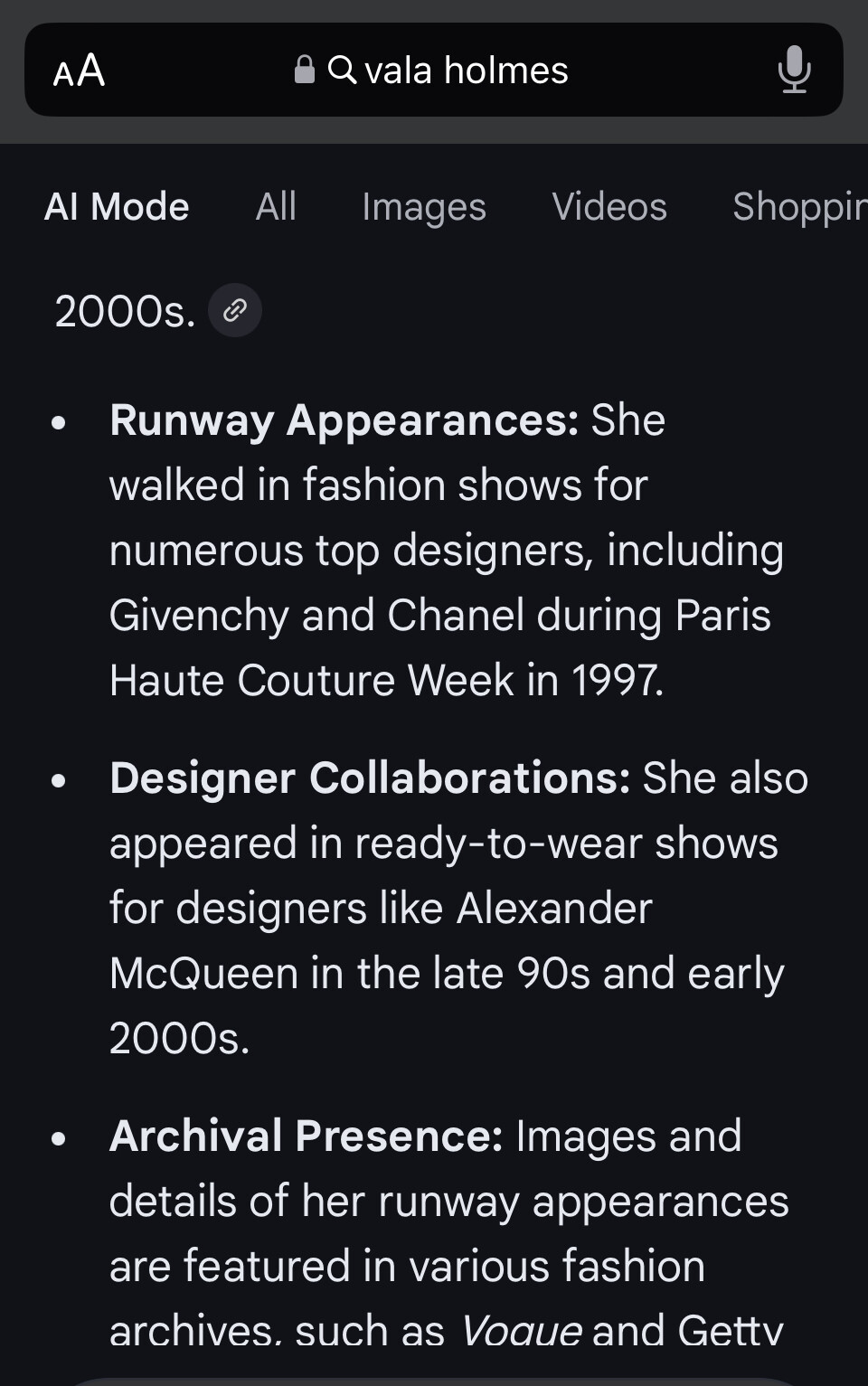
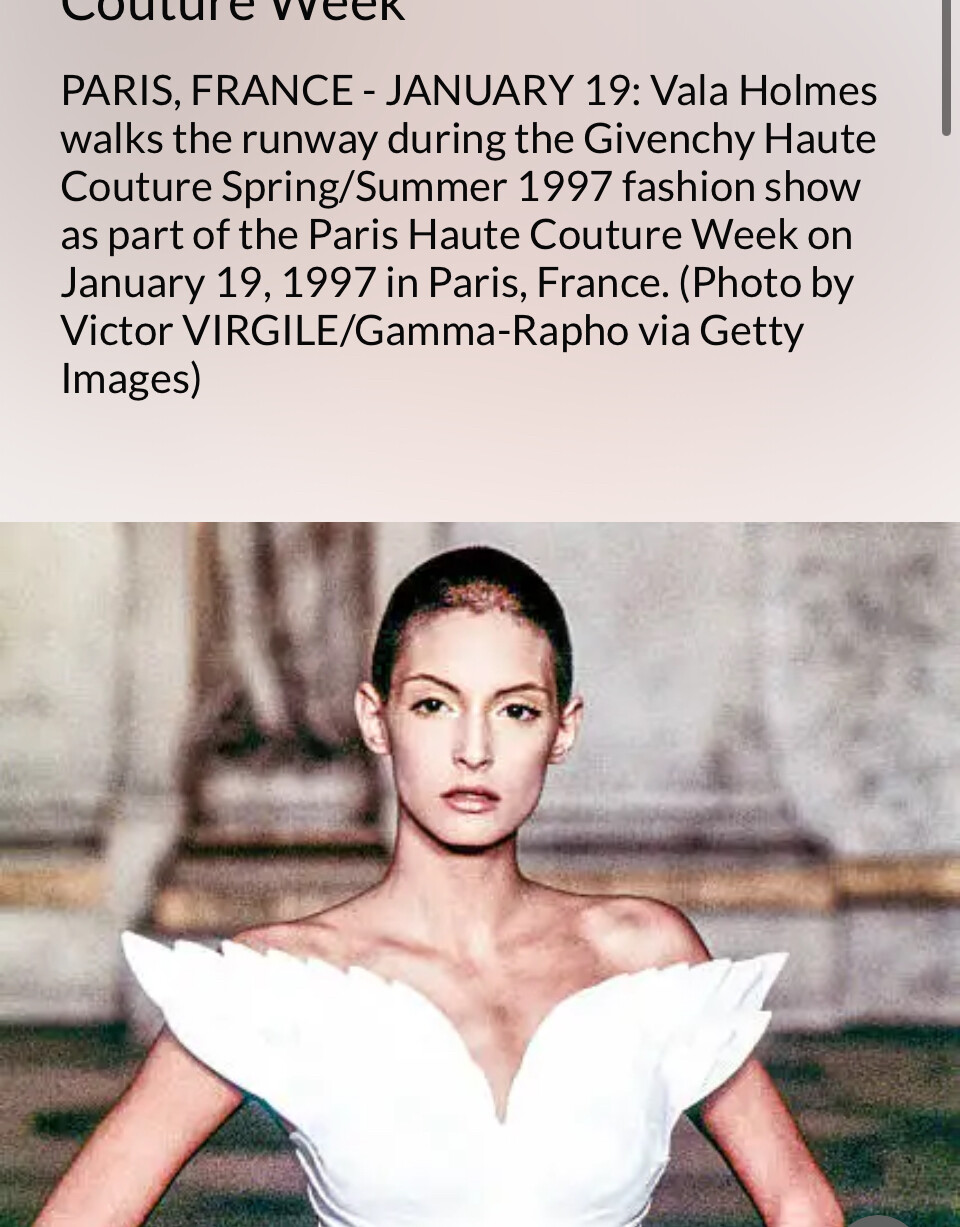
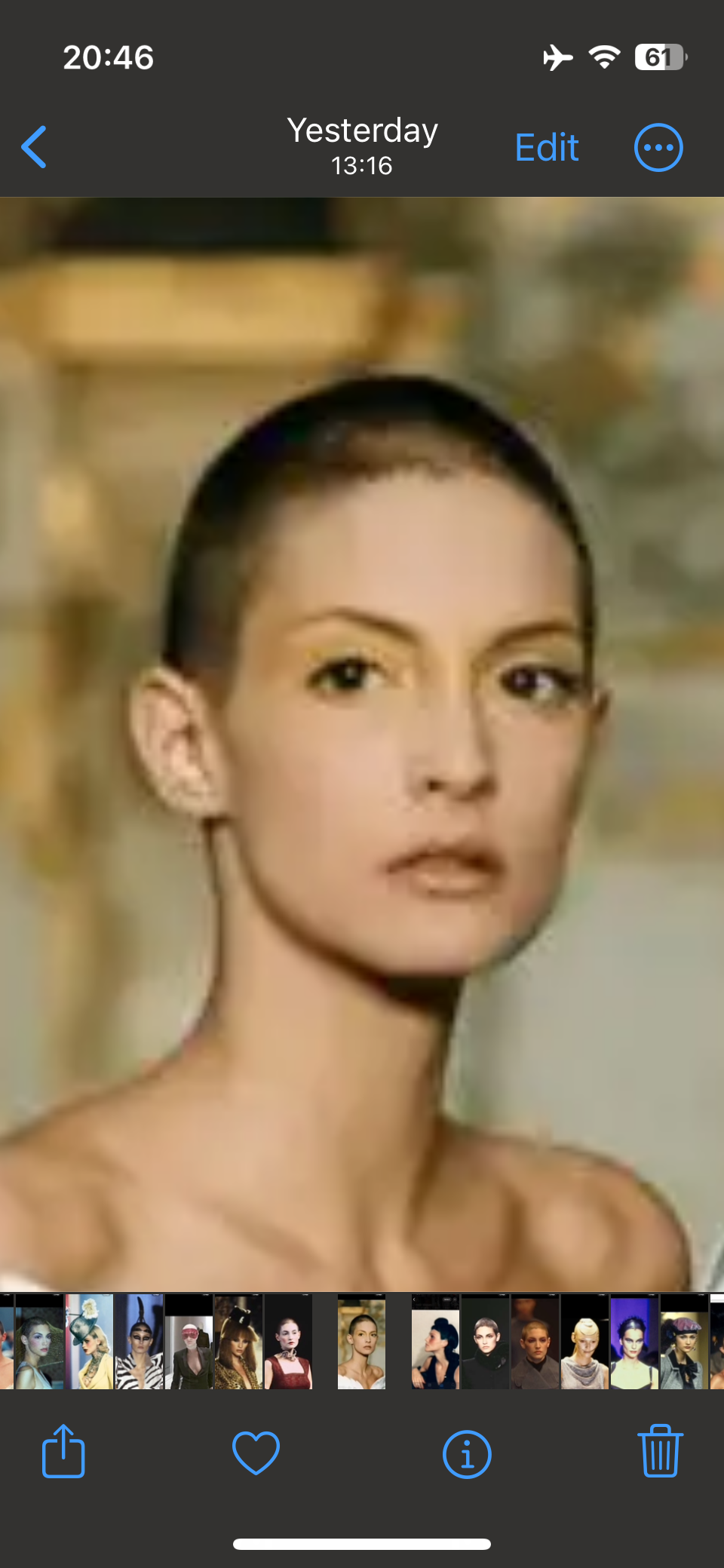
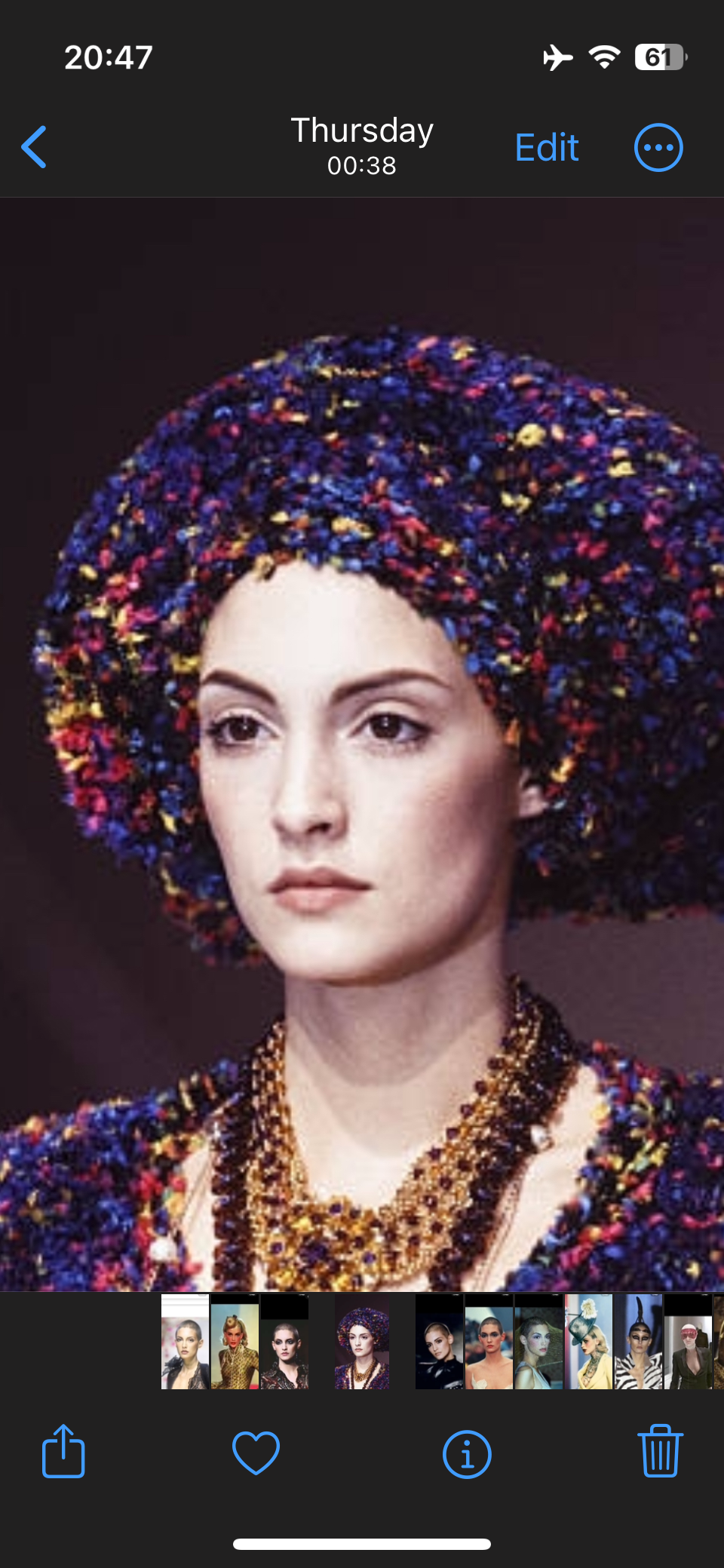
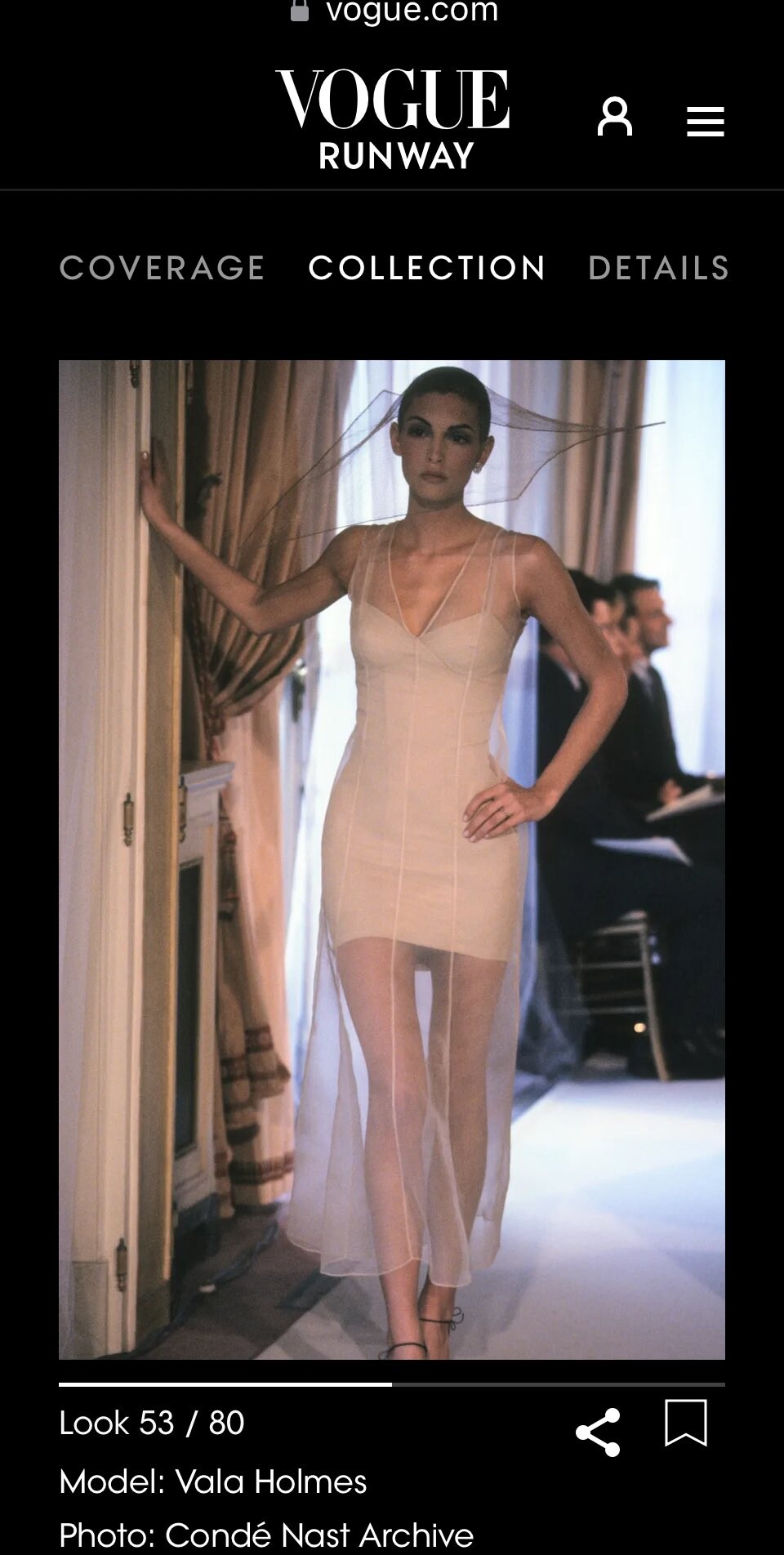
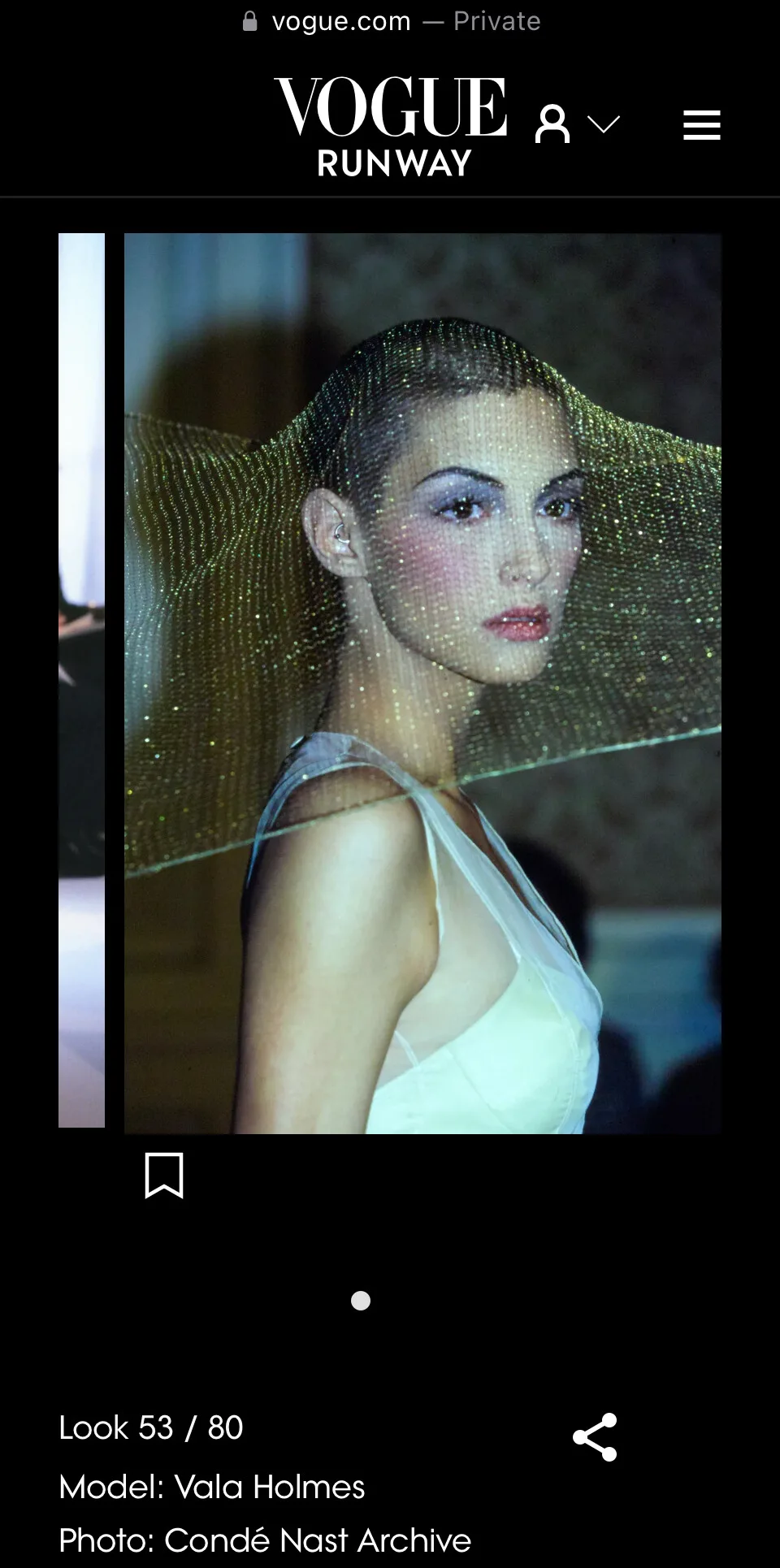
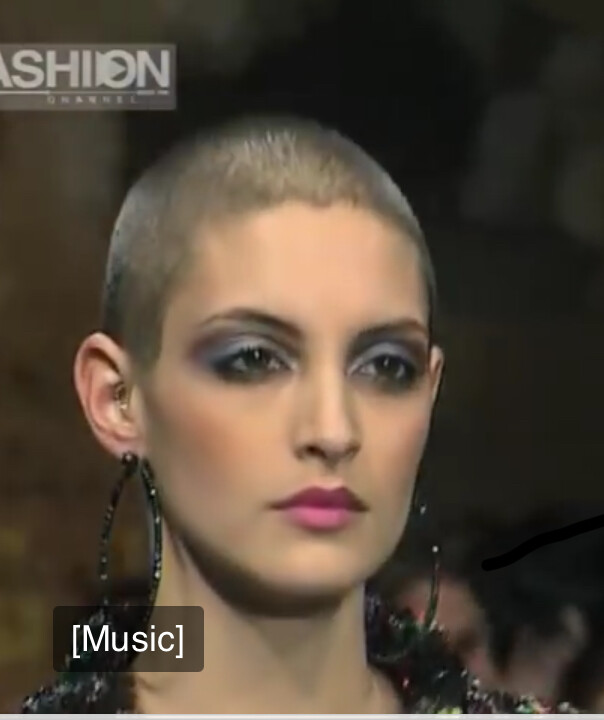
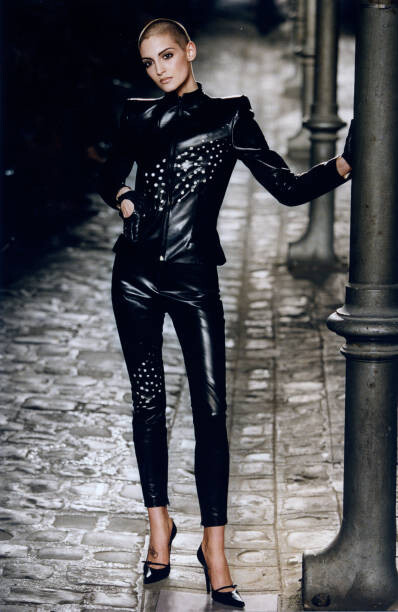
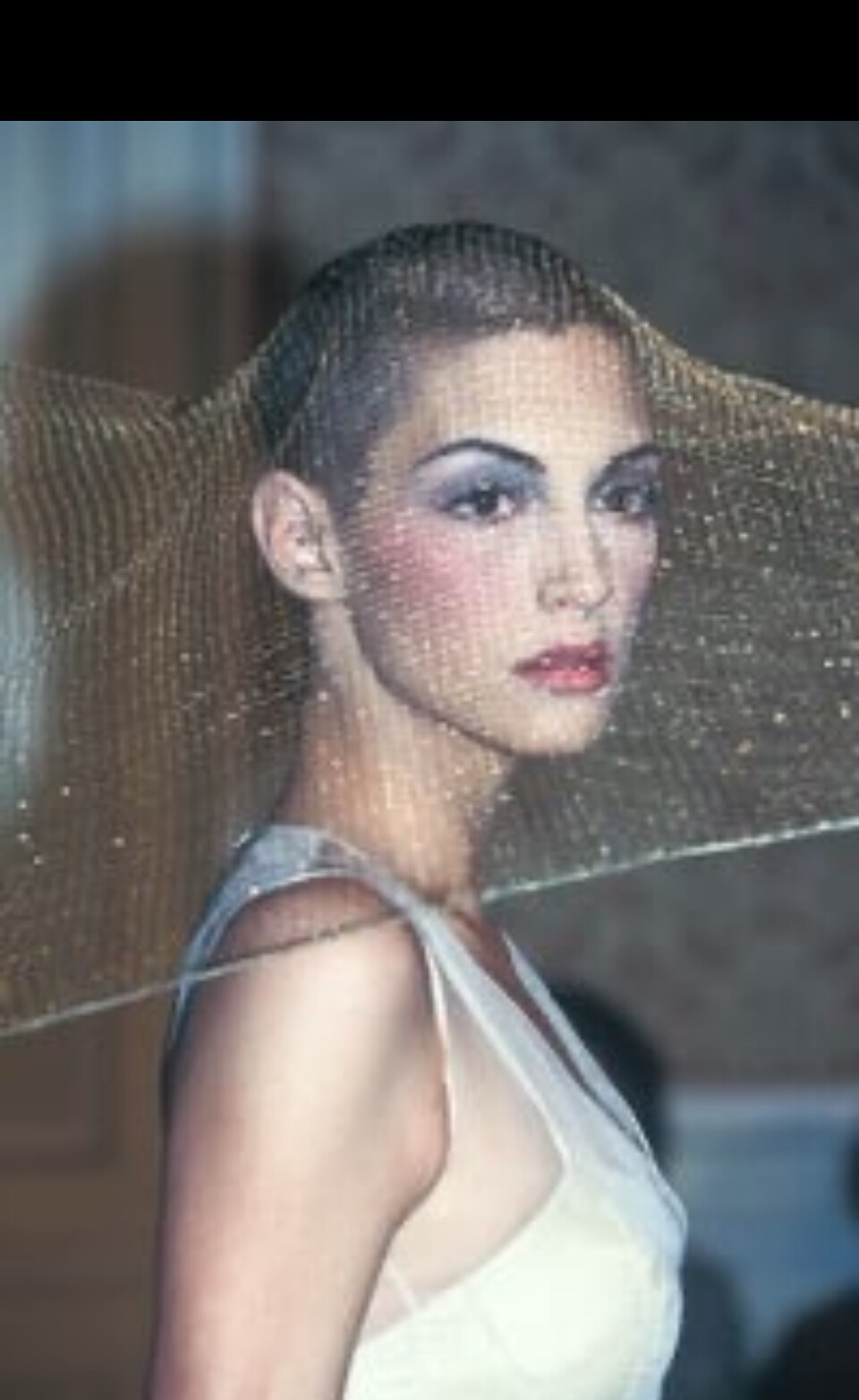
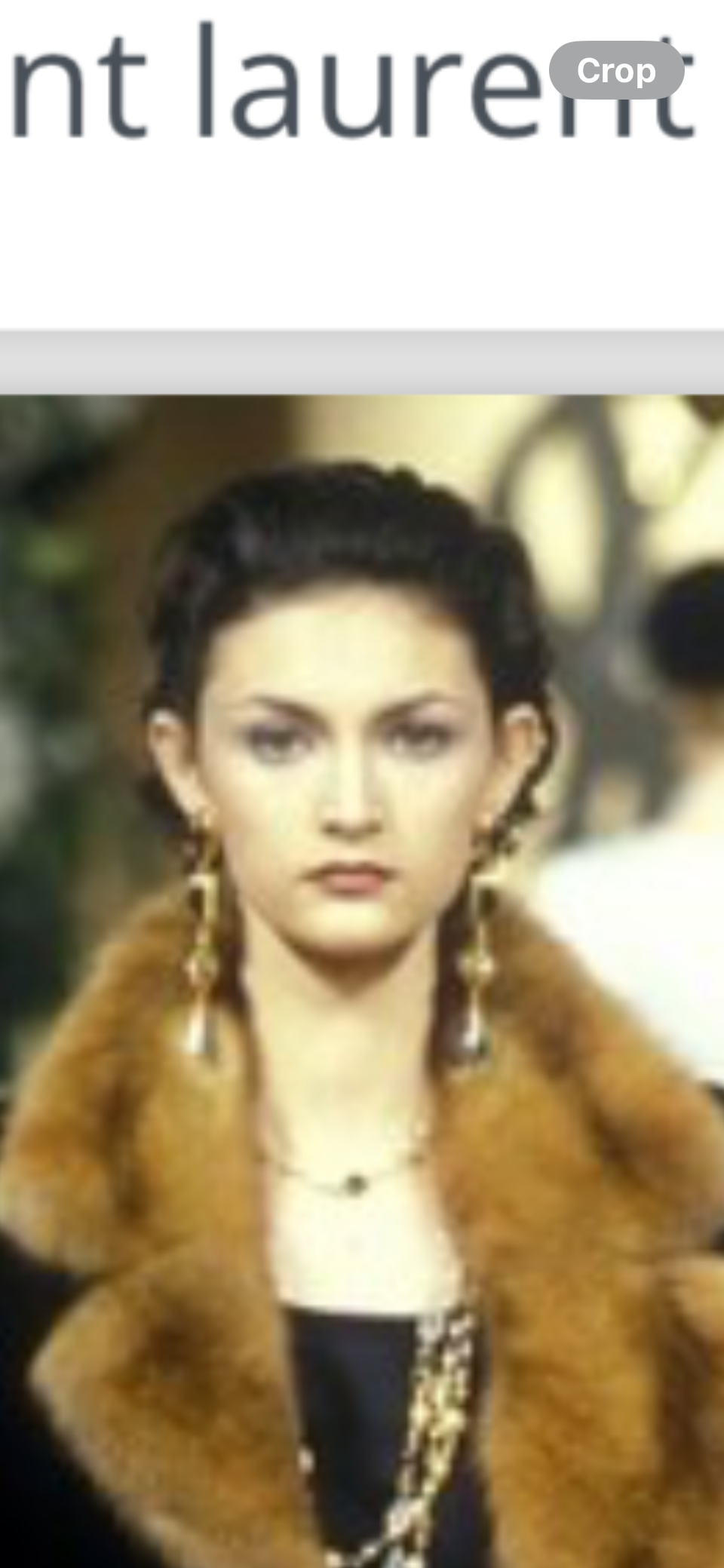
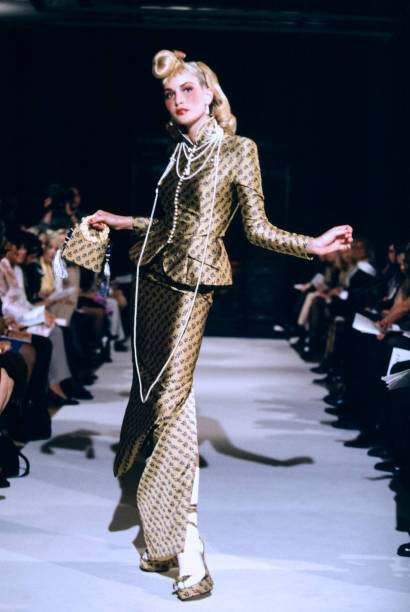
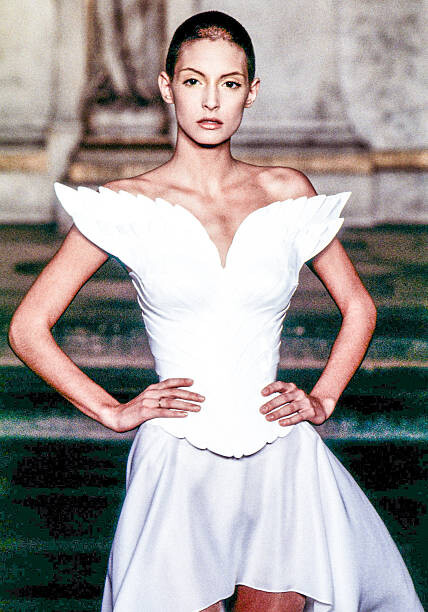
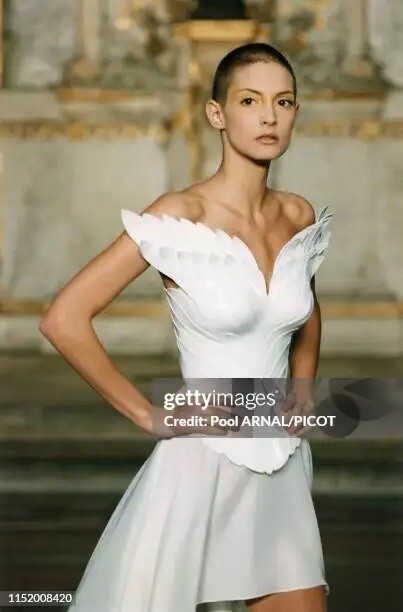
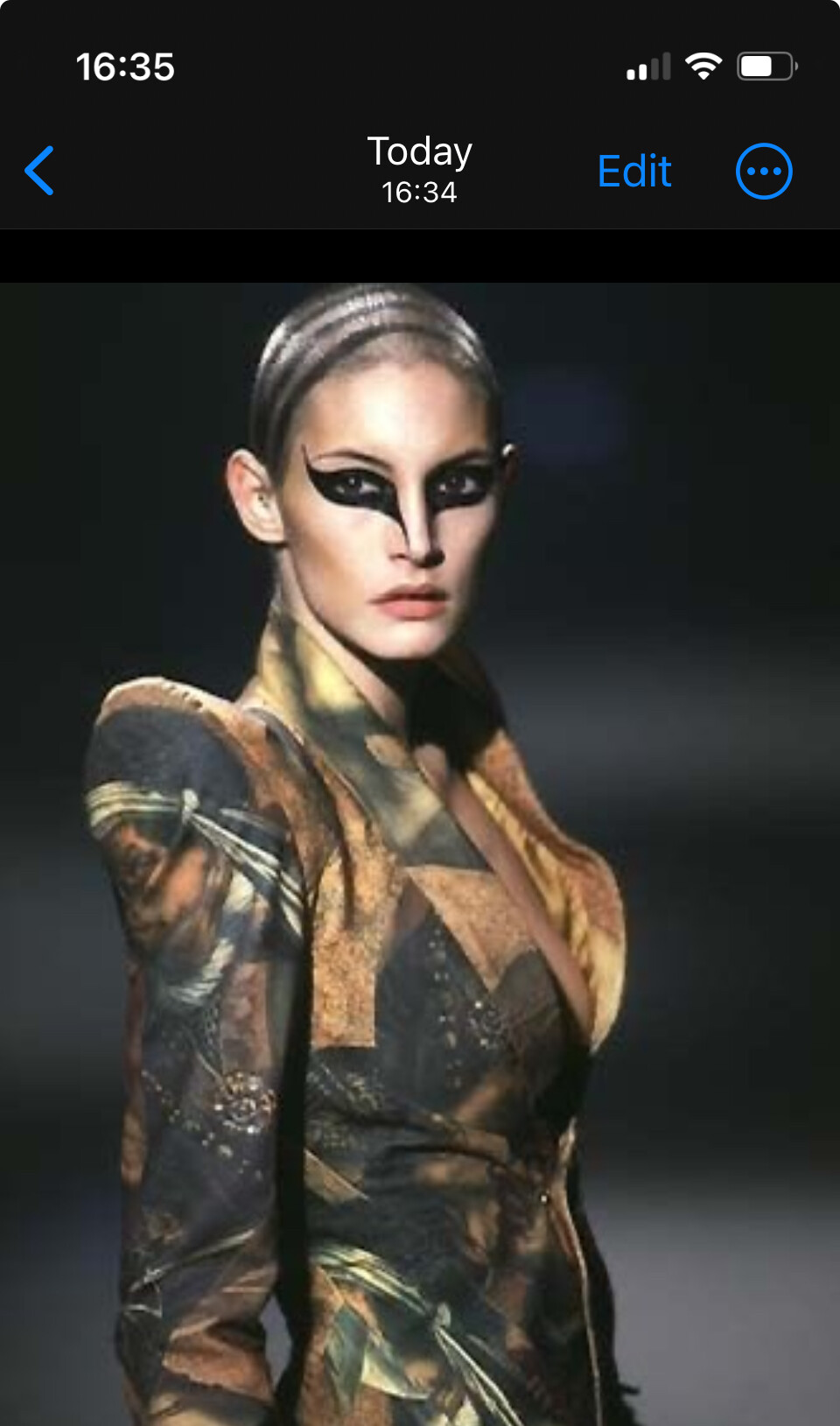
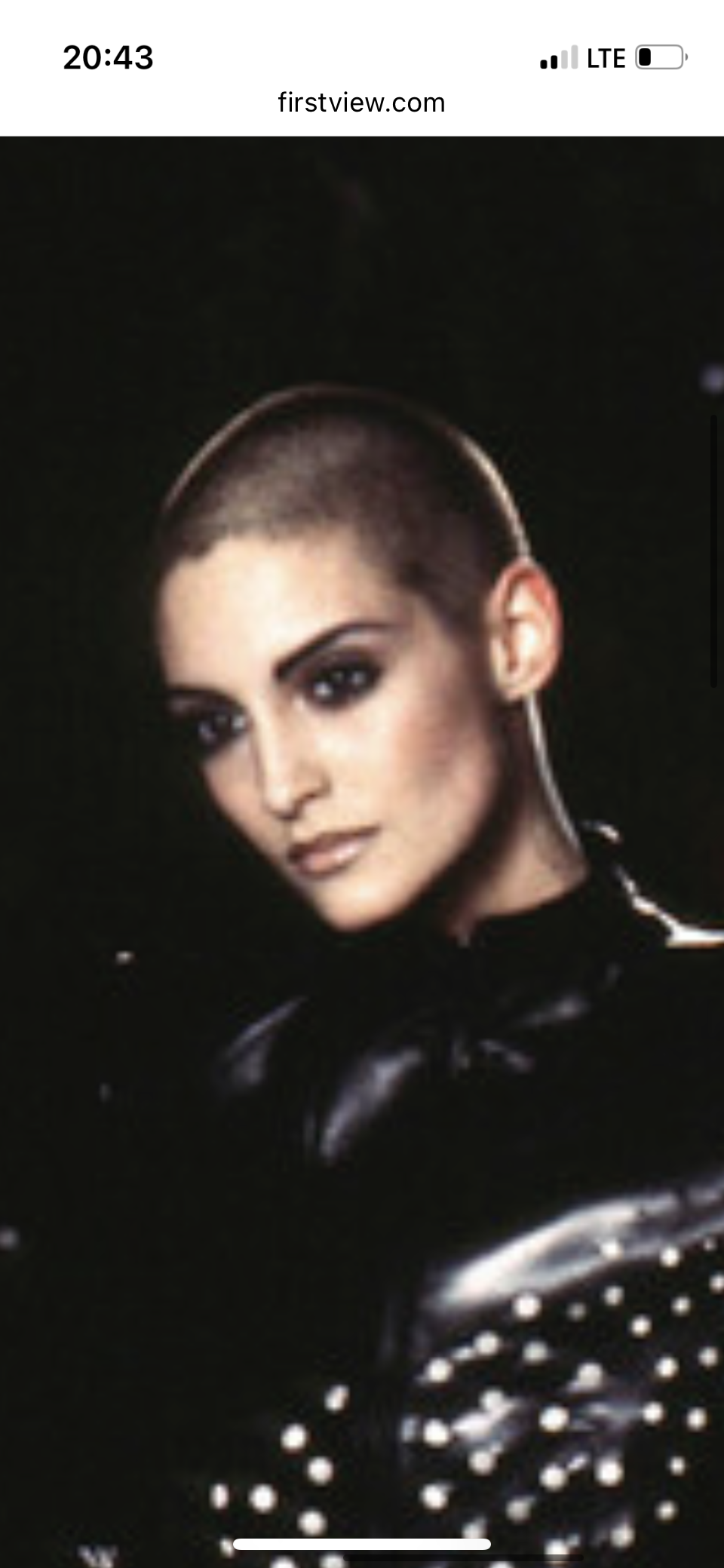
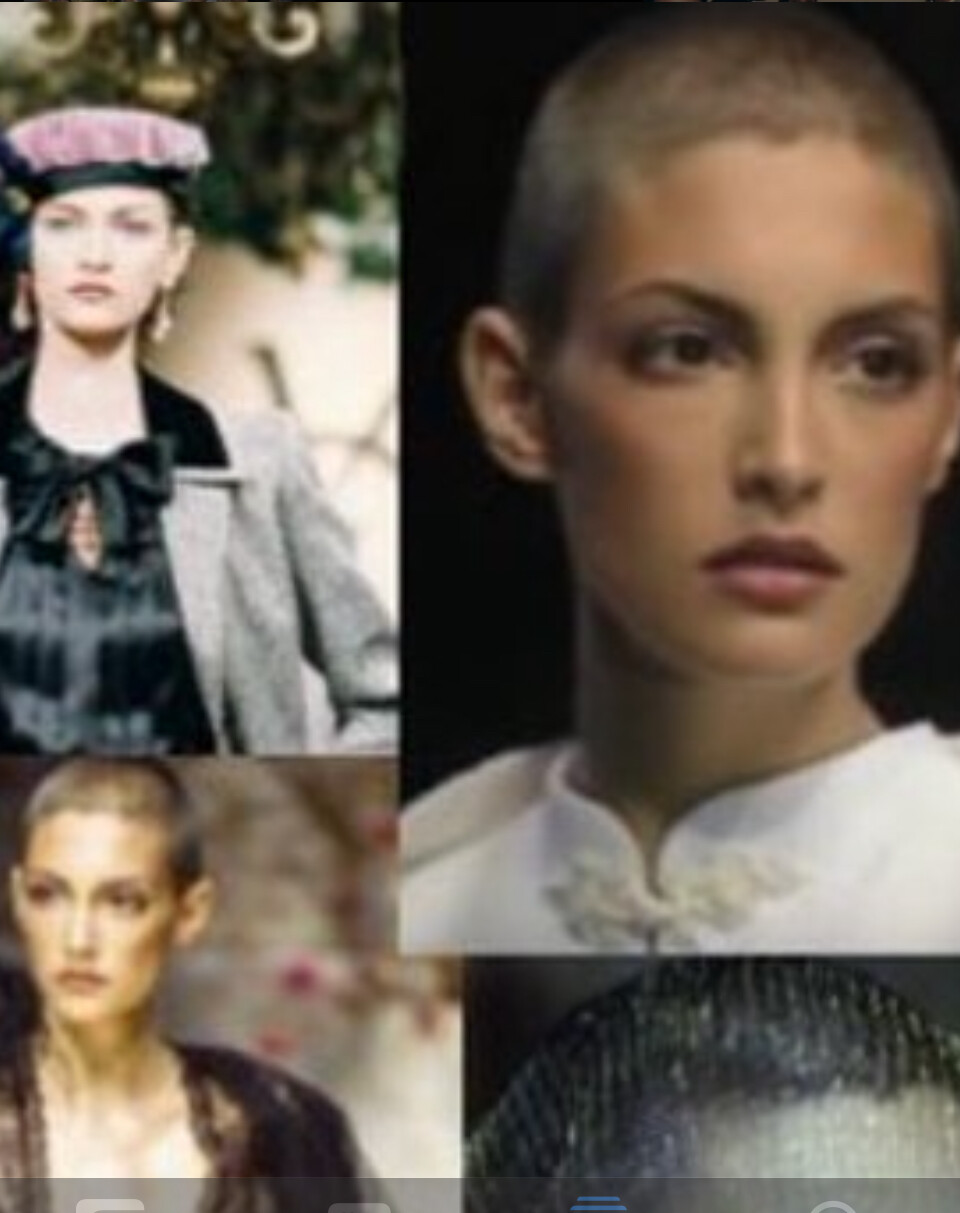
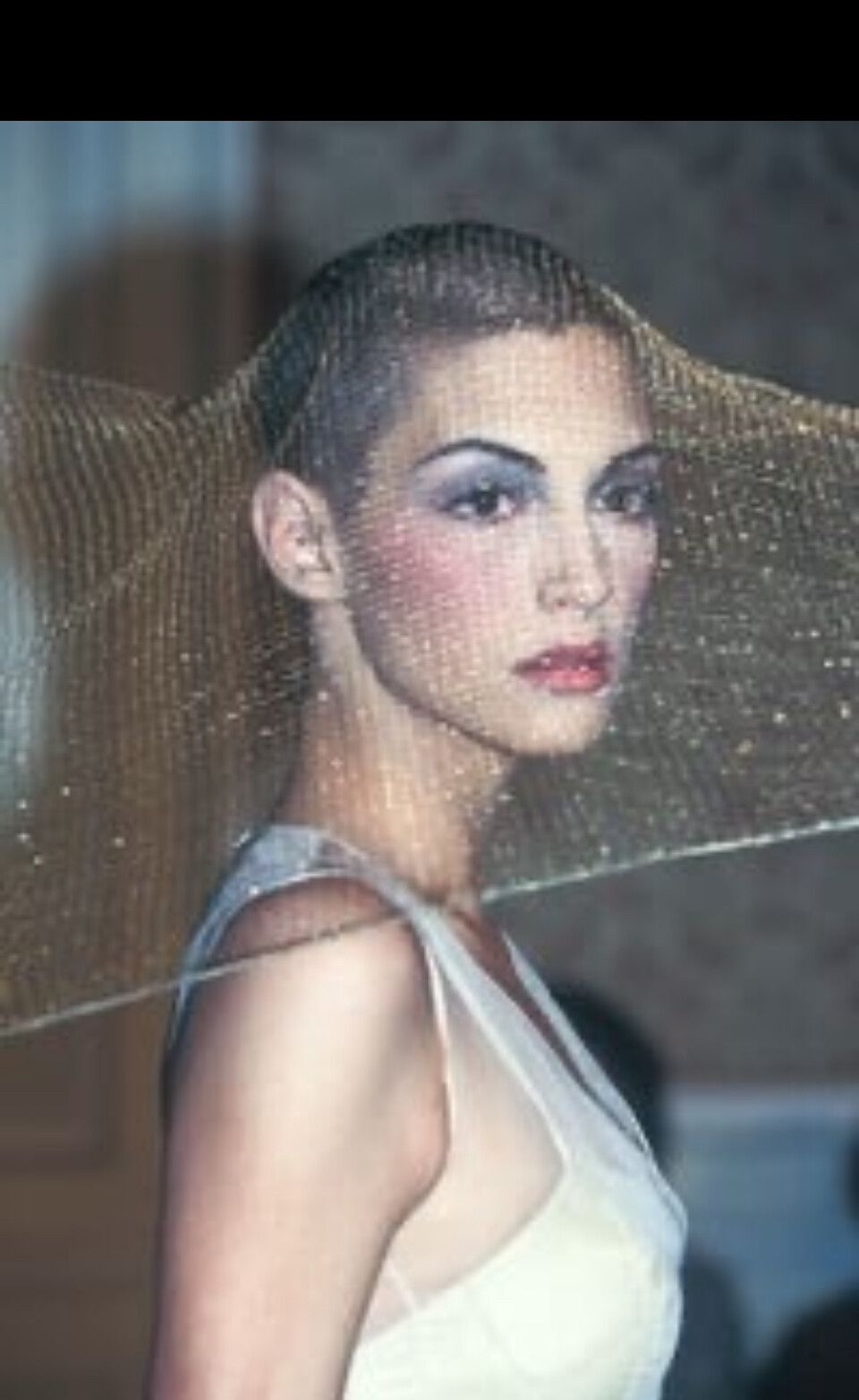
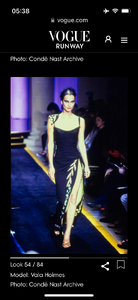
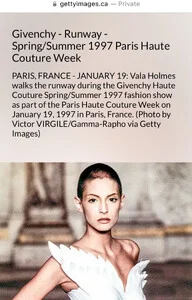
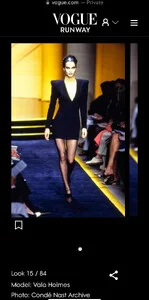
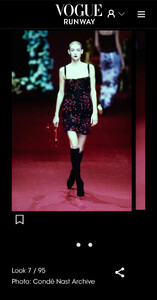
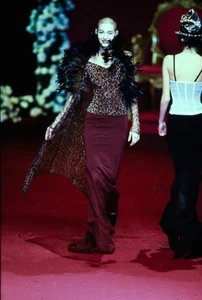
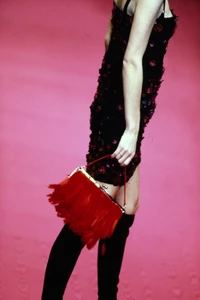
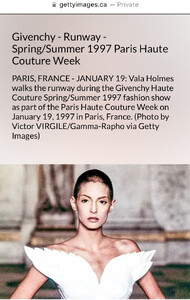
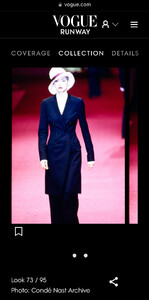
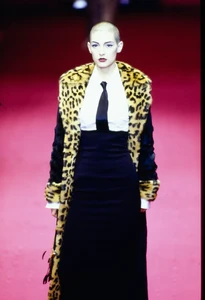
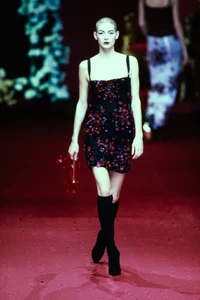
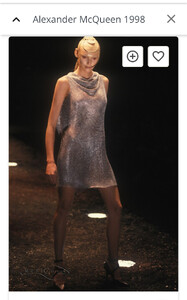
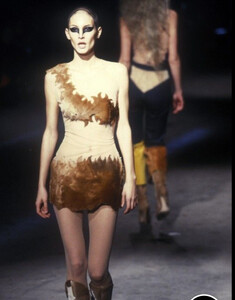
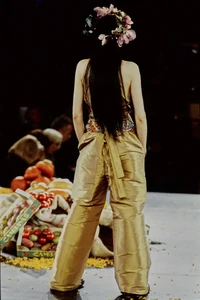
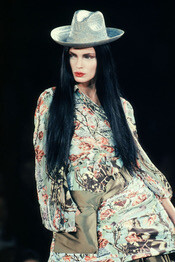
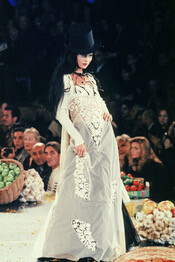
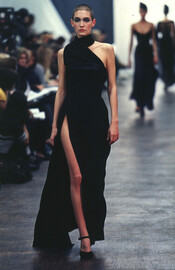
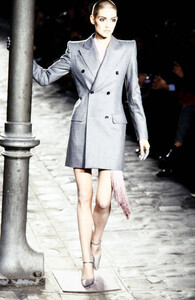
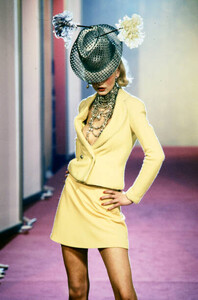
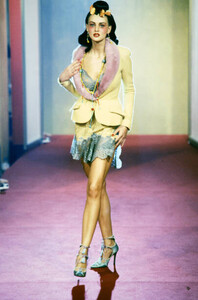
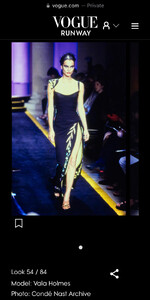
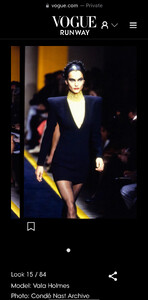
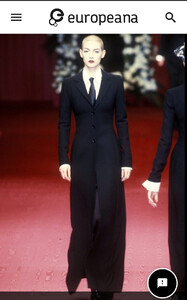
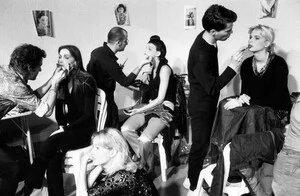
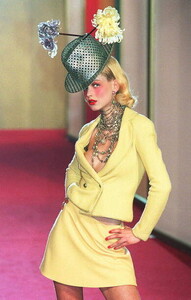
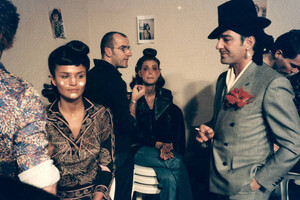
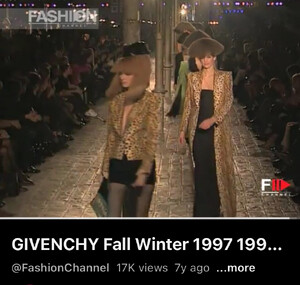
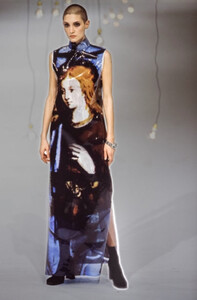
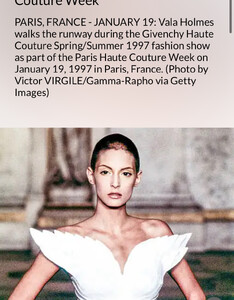
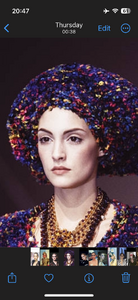
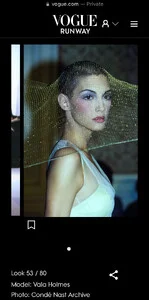
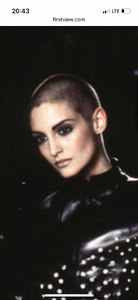
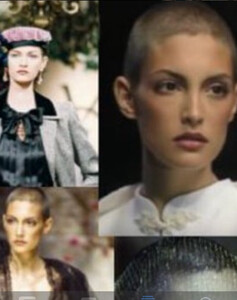
This is Vala Holmes, here are my 4 looks in Milan Fall 1997 for Dolce and Gabbano, and an extra two from 1997 for comparison. Vogue Runway has only added this show as of 2025, so I have this on my list to next ask Vogue about. They have been very careful to name as many models as they could. Carrie Salmon did not walk in this show. This picture is included in Europeana, not yet the Vogue Collection. This is my one and only account here!
-
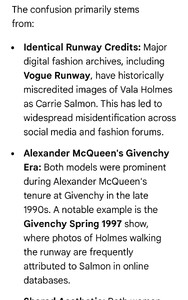
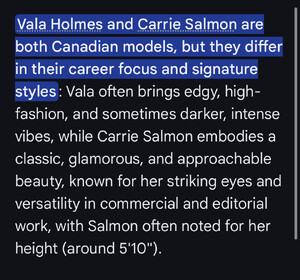
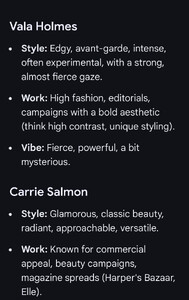
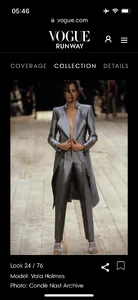
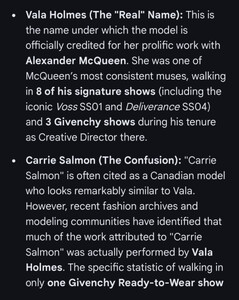
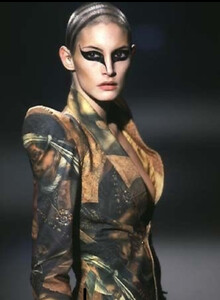
I'll stop when this Carrie Salmon thread stops using my images and miscrediting them to her. Please keep on with your fantasy though; this is fun for me. Do let me know if you can not read the big words or my name: Vala Holmes, which you will never forget. Enjoy reading all about me and Carrie Salmon, if indeed you can. Vala Holmes

-
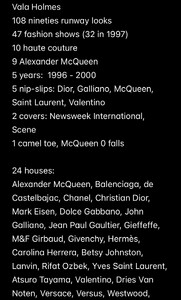
Exactly, I Vala Holmes was uncredited for 27 years because I did not care about modelling credits until Vogue/Condé Nast and Getty Images started crediting me in 2024. I was hiding from Epstein, Maxwell, Weinstein and Raniere, and you can find me as a redacted victim in the DOJ Epstein files by searching for "Vala" if you really want to. I don't think you meant me about the multiple IP addresses (although I do have two phones and a laptop) so thank you for that information about the accounts I have been replying to and I promise I will no longer be disparaging to them, it's just that I was frustrated having to defend myself, especially when being very careful. I certainly wouldn't want to take credit incorrectly from another of my peers, like the amateurs do with many of my pictures by giving credit incorrectly to Carrie Salmon. Please do read all of my previous informative posts with pictures and do not hesitate to contact me with any questions. Have a lovely day. Vala Holmes, singer-songwriter and 90s haute couture model.
-
Right, insults will make all your wishes come true! Guess you're still stuck in high school dynamics.
-
You all wish I would show you more photos of me and you all believe that calling Vogue/Condé Nast and the Getty Images mentally ill will snap your fingers to make your dreams become reality.
-
You all wish I would show you more photos of me and you all believe that calling Vogue/Condé Nasté and the Getty Images mentally ill will snap your fingers to make it so.
-
Did I say show me the professional credit anywhere, and I'll ask my international copyright lawyer to correct the mistake. I am not amused by you, so obsess over me on!
-
Yes I bet you most certainly do want to see me in 2026. Obsessed much? Envious much. Wish you were a model much?
-
No need to resort to insults.
-
you amateur you, sit the eff back down and shut your mouth, child
-
If you see the last two mistakenly added photos have the basic human decency to not mention them, obviously. I tried to edit the post.
-
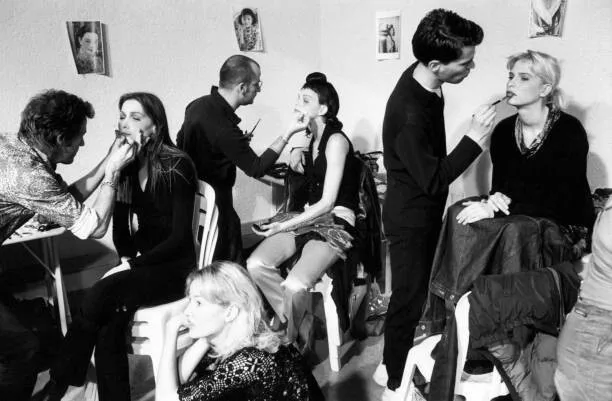
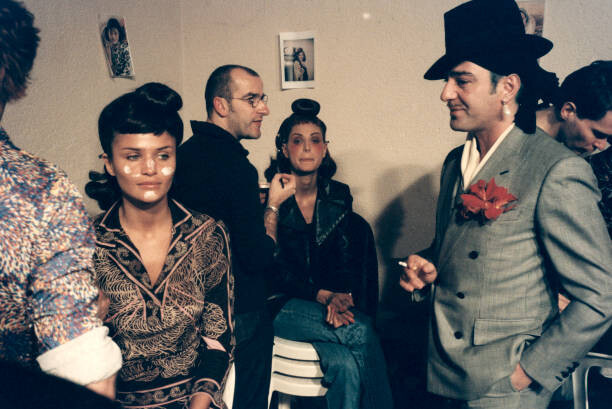
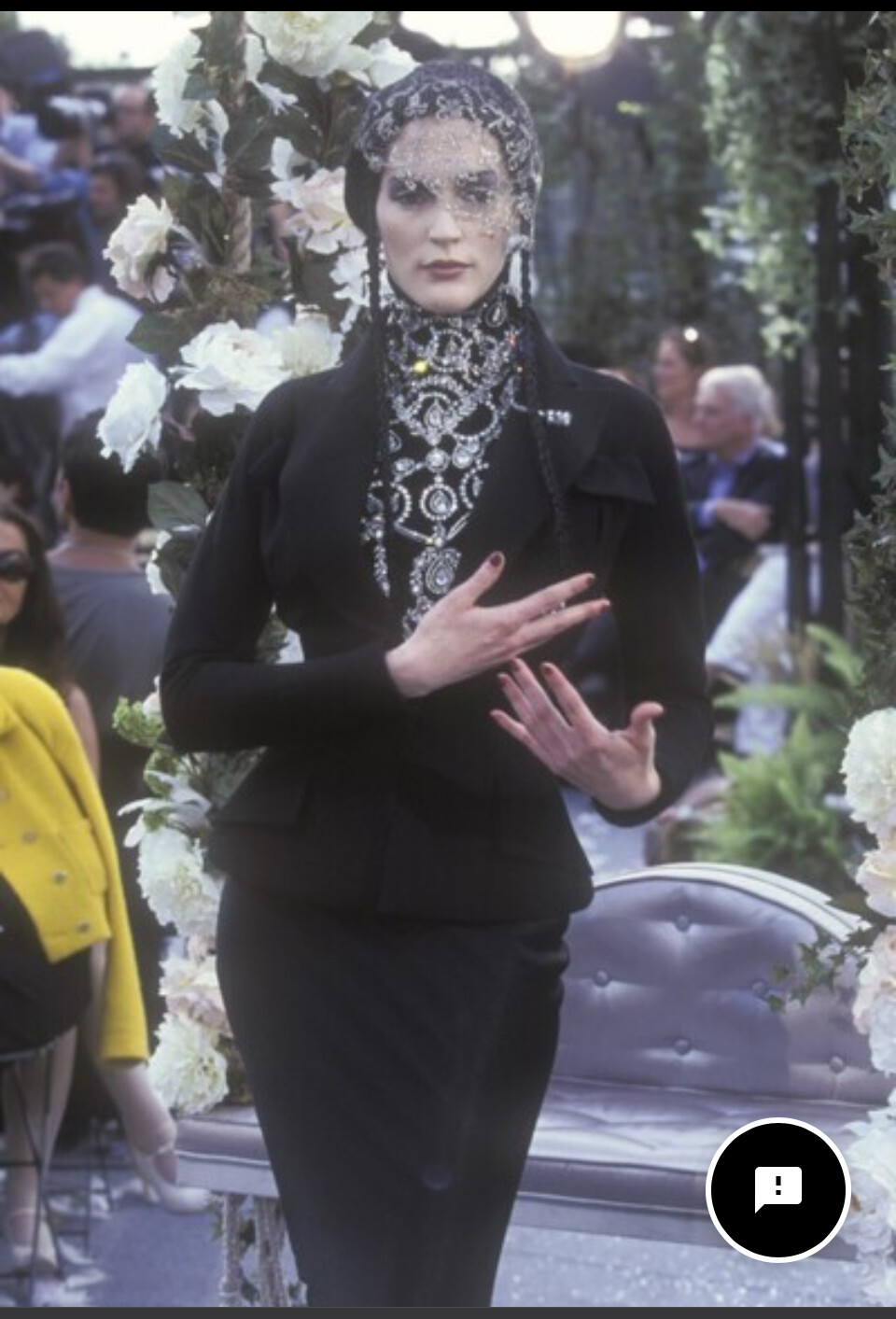
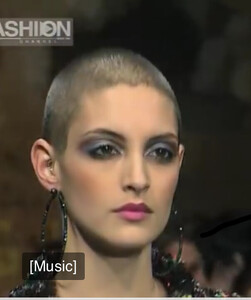
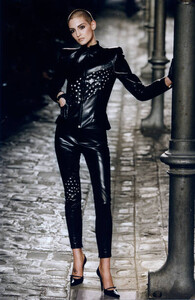
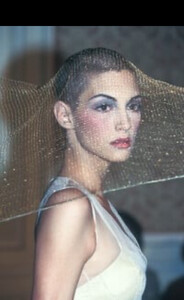
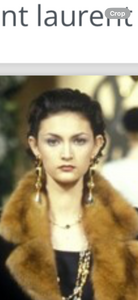
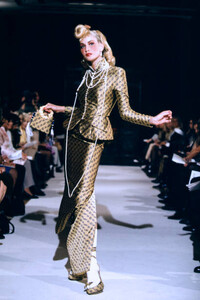
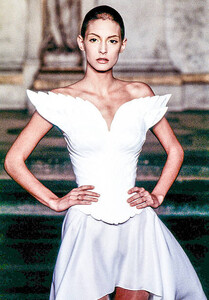
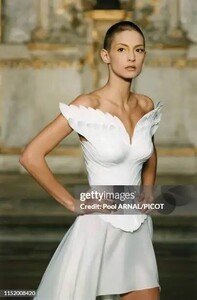
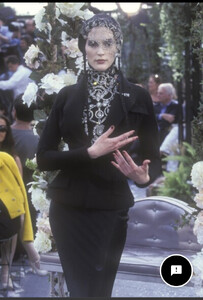
No, this is me Vala Holmes in the Fall Dior by John Gallliano show! Knew I was in it, somewhere:

-
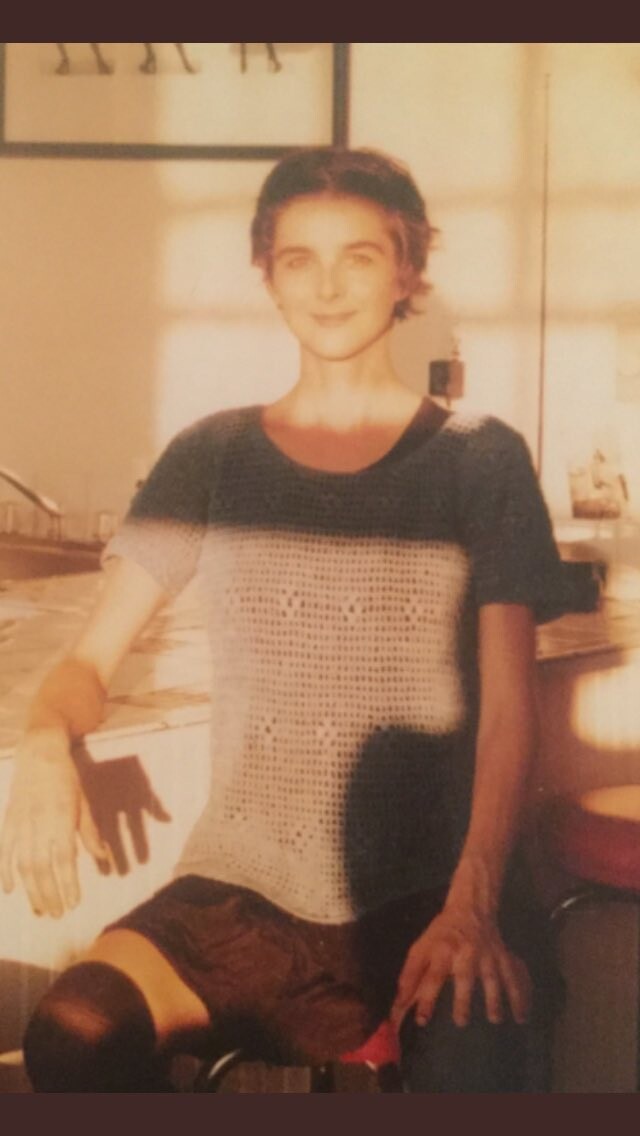
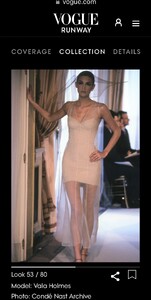
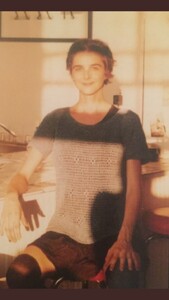
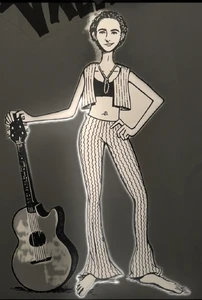
Sure, like I am working for free, for you. Already done in this thread but good luck to you. And you forgot it's Vogue/Condé Nast and Getty Images who properly credit me, Vala Holmes. The other photos you have been insisting on have never once been wrongly credited to other models, only by amateurs like yourself. But because you asked me so politely... And as if I haven't poured over to compare every photo to my height, 5'6", my biking scarred knees and elbows, the scar in my hairline and left below eyebrow, my big toes shorter feet, my female green hazel hooded eyes (5% of population), my pierced belly and flat indented but neither innie nor outie belly button, my covered up by makeup breast tattoo, those three stupid fake (stencilled or markered on by Alexander McQueen) my ear shapes and lobes and single piercings. Not to mention memories of my own life! And Epstein saying "Carrie you remember people said you looked like Carrie." And please do provide any actual evidence for any credits you actually think I may have made a legitimate mistake on this Carrie Salmon? thread and I would be extra careful to double check all the youtubes, First Views, Europeans, Getty and Vogues and top 10, 25, 50 lists of top fashion shows I have already checked, or please pretty please do not bother me again. Here's me in Manhattan in autumn of 1996. If I wanted to give you amateurs more I would have done so already. At your beck and call, because this is one of the great mysteries of late 90s fashion, and I am actually missing New York, New York runways from 1984-85, Vala Holmes. ps I have a very symetrical face, they told me!

-
At least you read it, now comprehend it.
-
Stop talking about something you children know zero about. This was my life. I looked like Astrid when I was tanned and like Carrie Salmon. Search for my first name and look at my redacted as a victim in the Epstein DOJ files and tell me once again how I wasn't exactly who I said I was for those long five years and the runways. Basically keep my name out of your ignorant typing fingers. vh.