
ImDeadpool
Members
-
Joined
-
-
-
-
-
https://nowfashion.com/fendi-couture-fall-winter-2026-rome https://nowfashion.com/fendi-ready-to-wear-fall-winter-2026-milan
 Image hidden for guestsSign in to view
 Image hidden for guestsSign in to view


 Image hidden for guestsSign in to viewImage hidden for guestsSign in to view


 Image hidden for guestsSign in to view

 Image hidden for guestsSign in to viewImage hidden for guestsSign in to viewImage hidden for guestsSign in to view
-
𝘔𝘪𝘤𝘩𝘦𝘭𝘭𝘦 𝘐𝘷𝘢𝘯𝘢 https://www.instagram.com/mishkaivana/ https://www.bellazon.com/main/topic/116750-michelle-ivana/
-
Marina Ontanaya https://elitemodelmanagement.com/london/mainboard/7548-marina-ontanaya.web https://www.instagram.com/guindideguindilla/?hl=en
-
@kimflorida Thank you so much You're Amazing ❤️
-
-
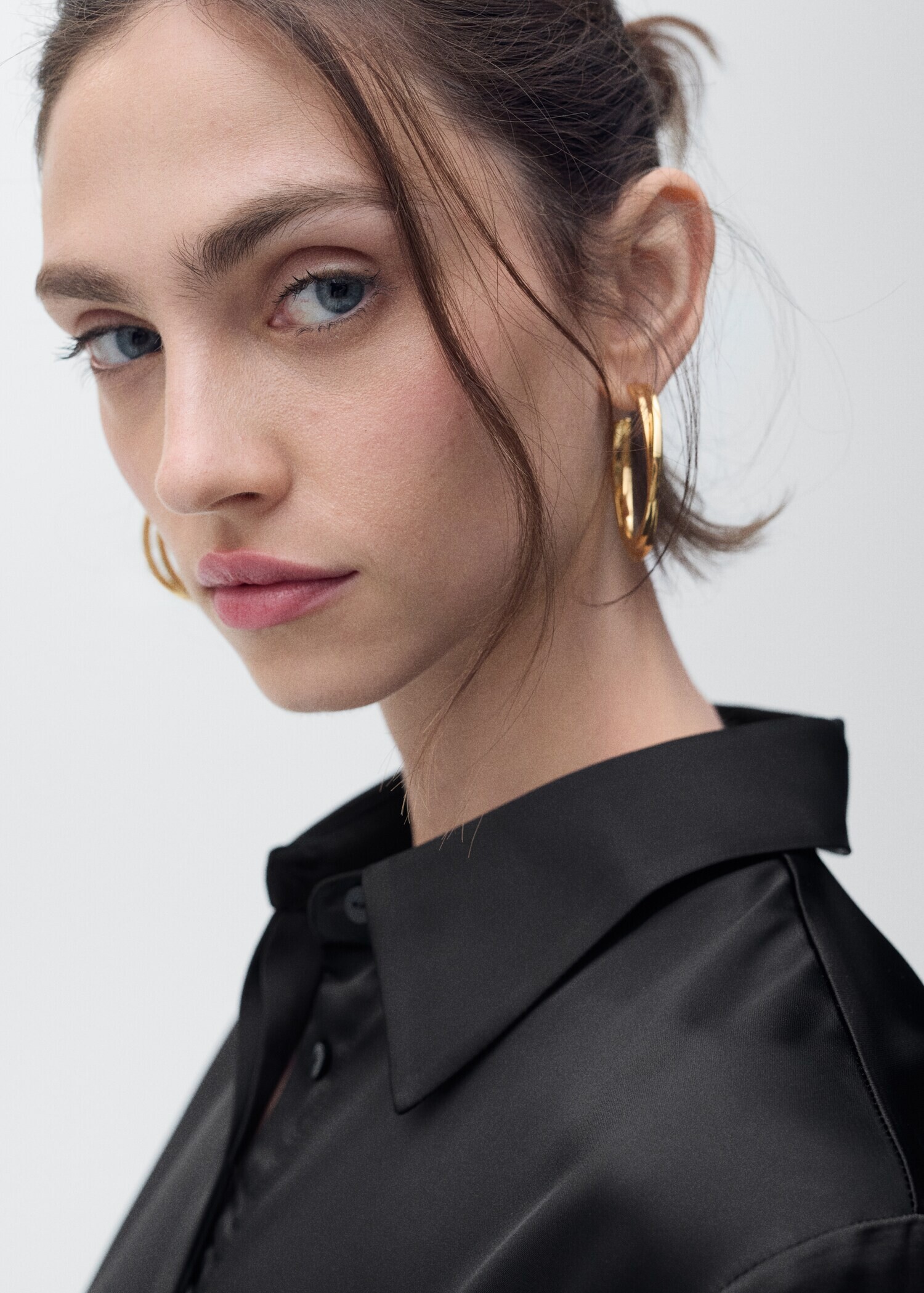
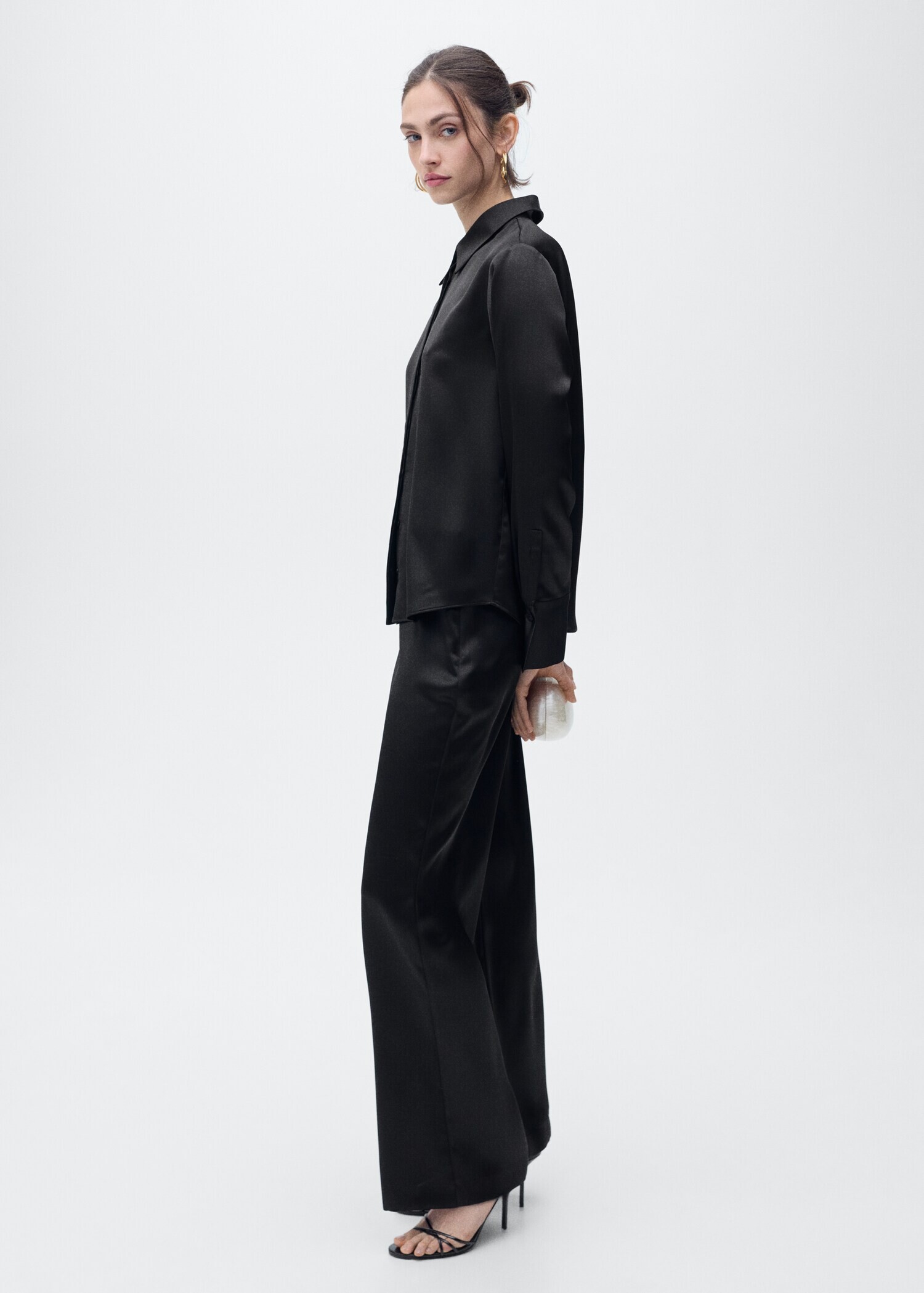
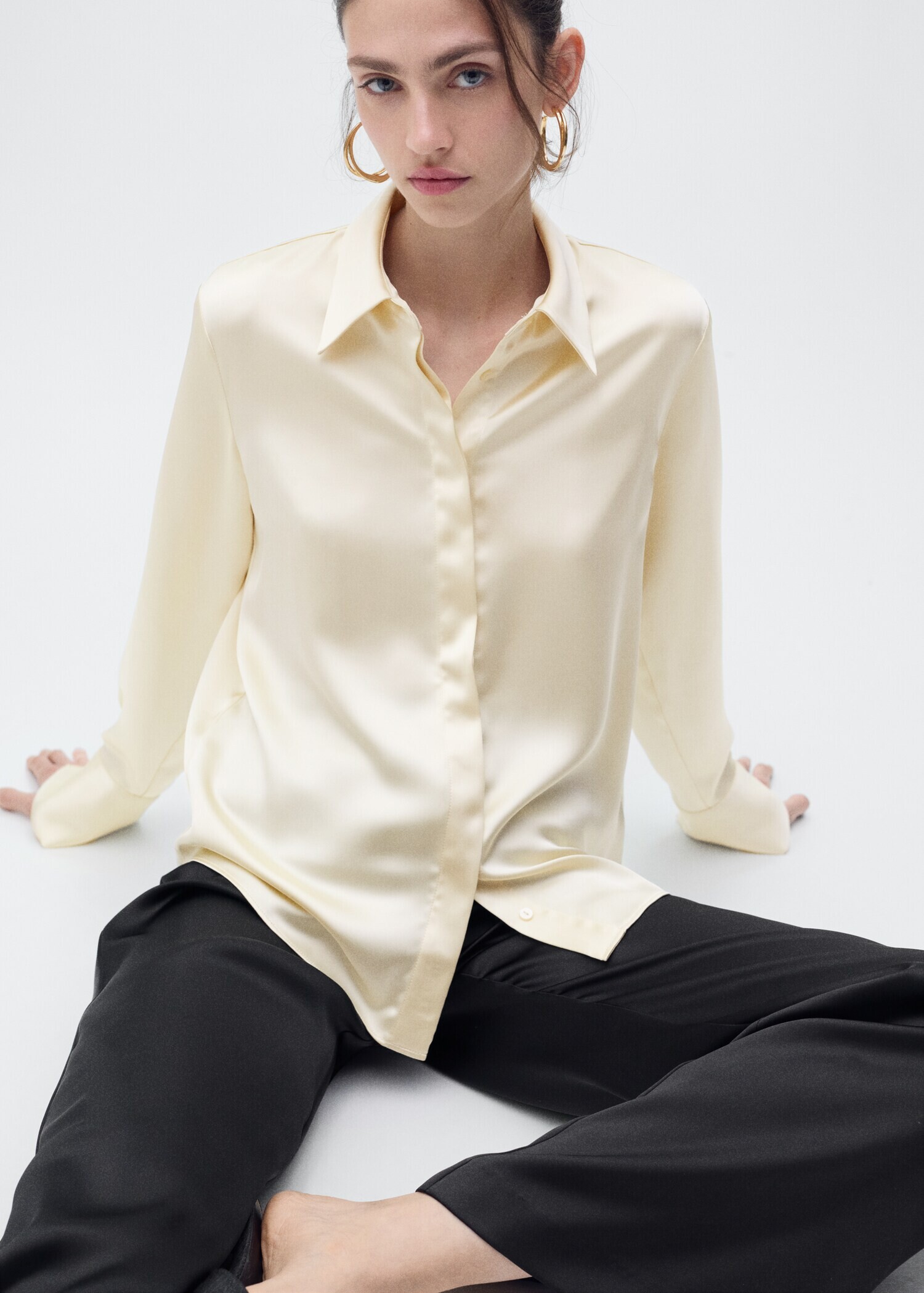
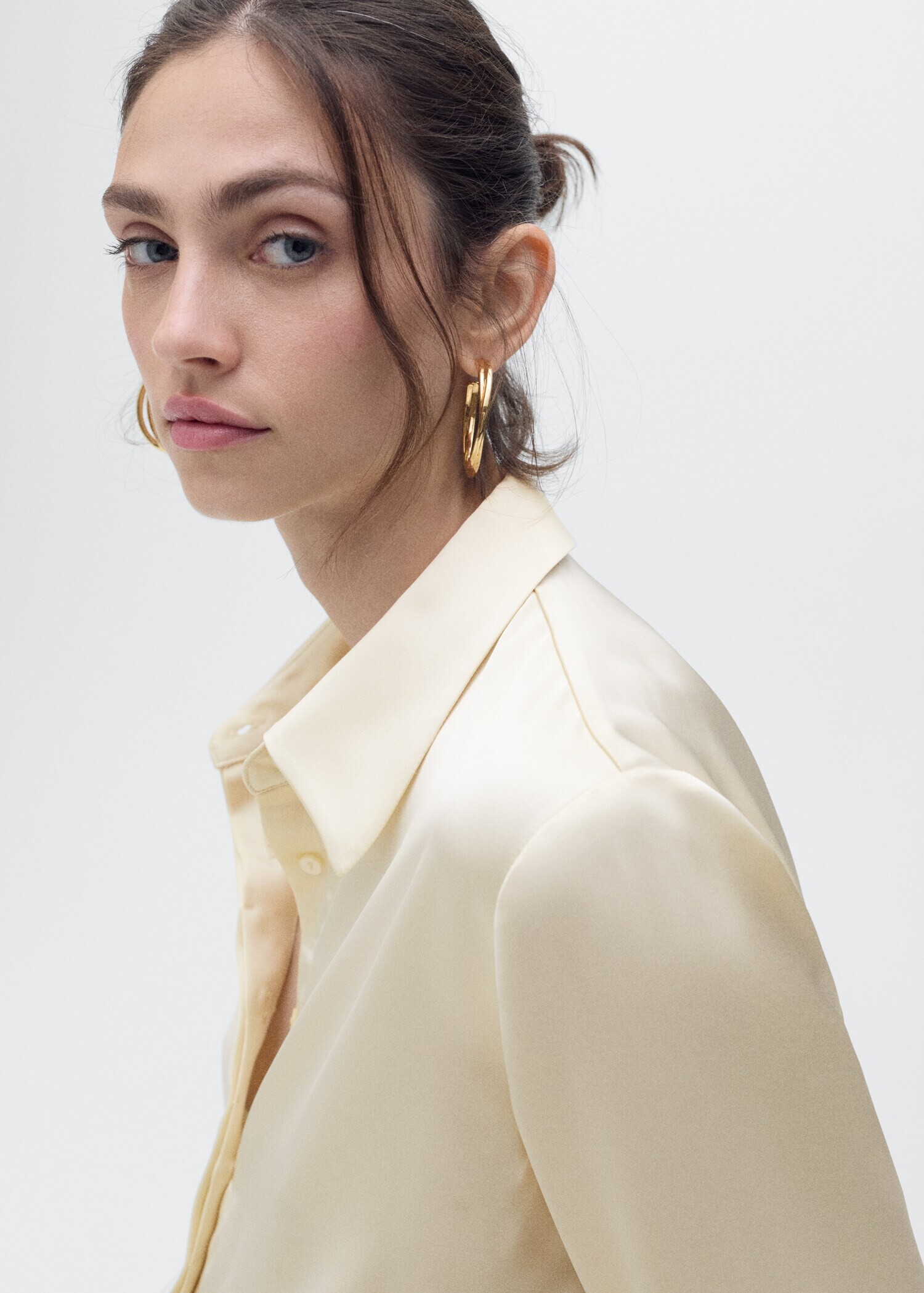
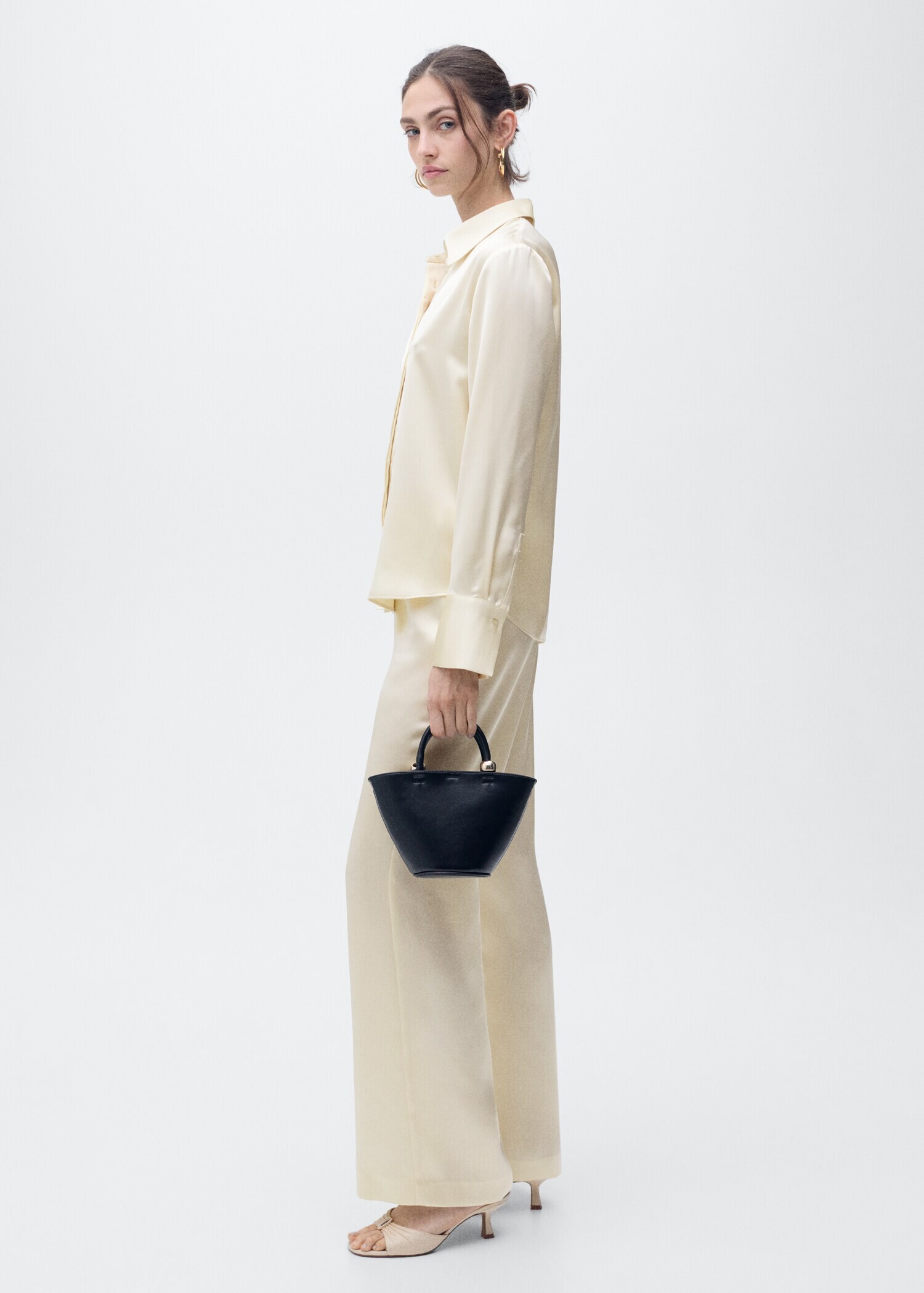
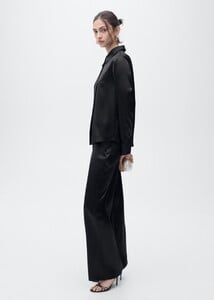
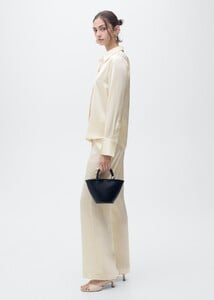
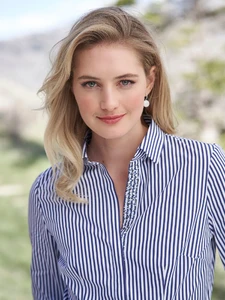
Mango Model Name and Her ID ?



-
Thank You SO Much 🙂 @kimflorida
-
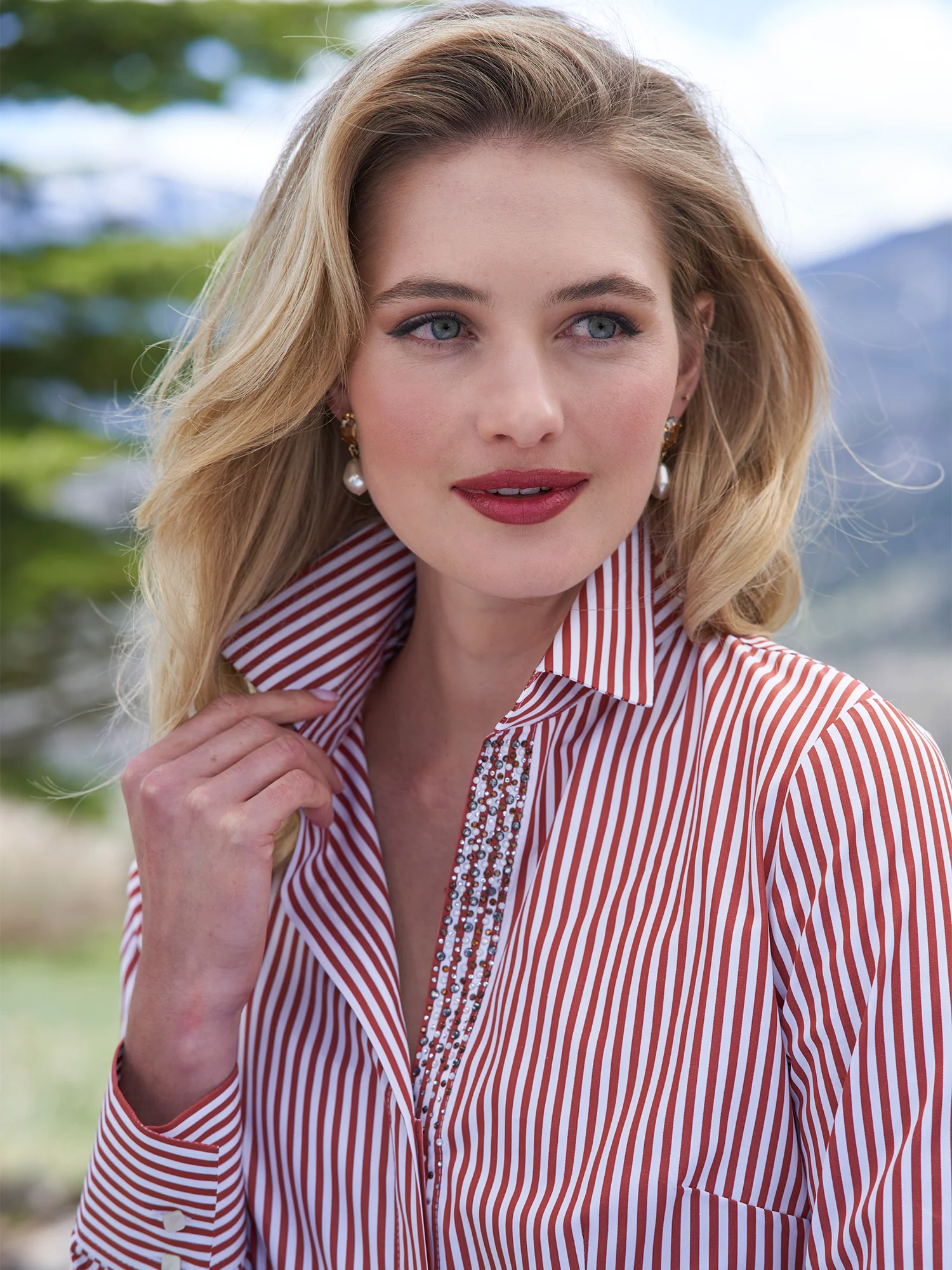
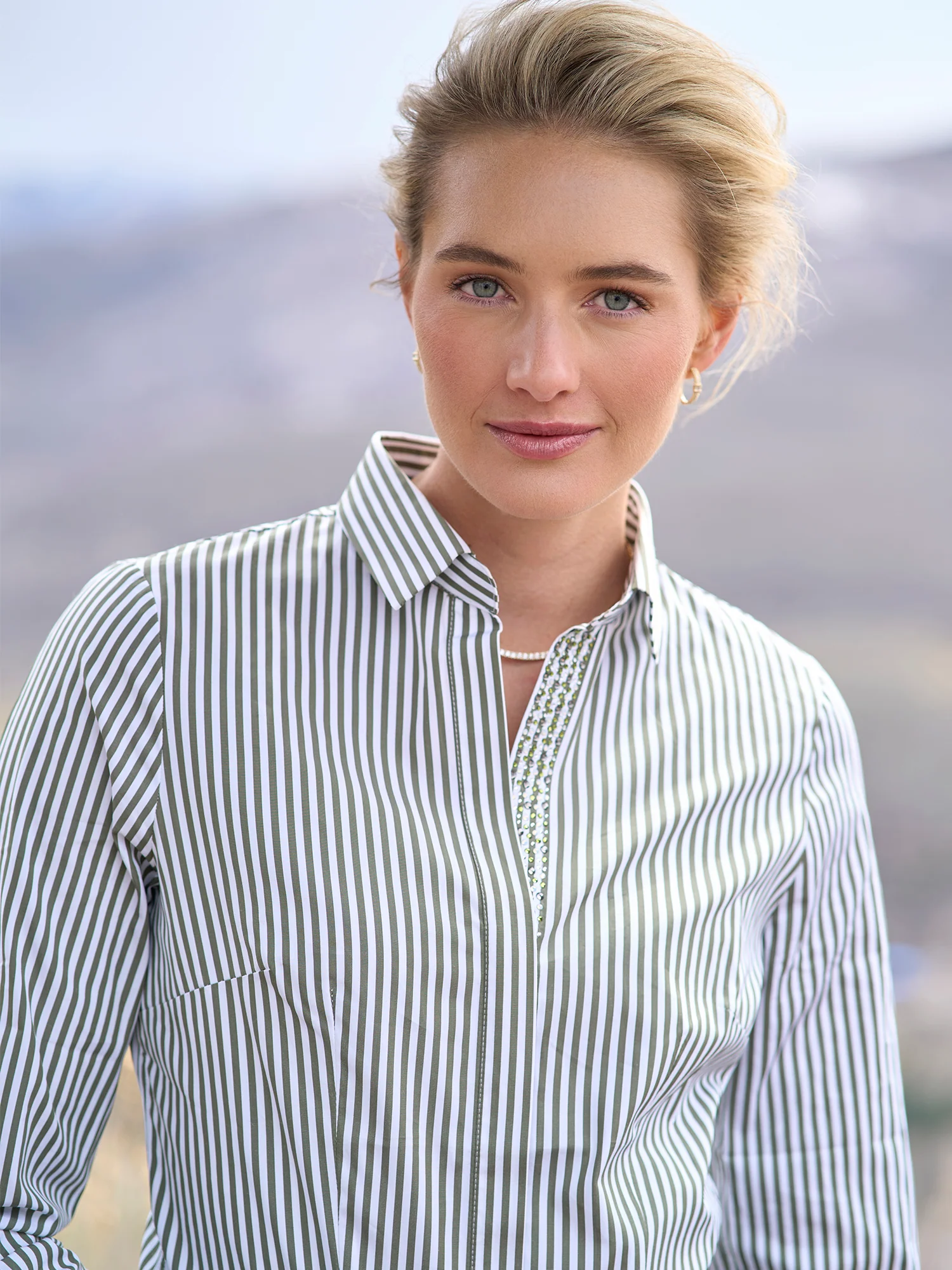
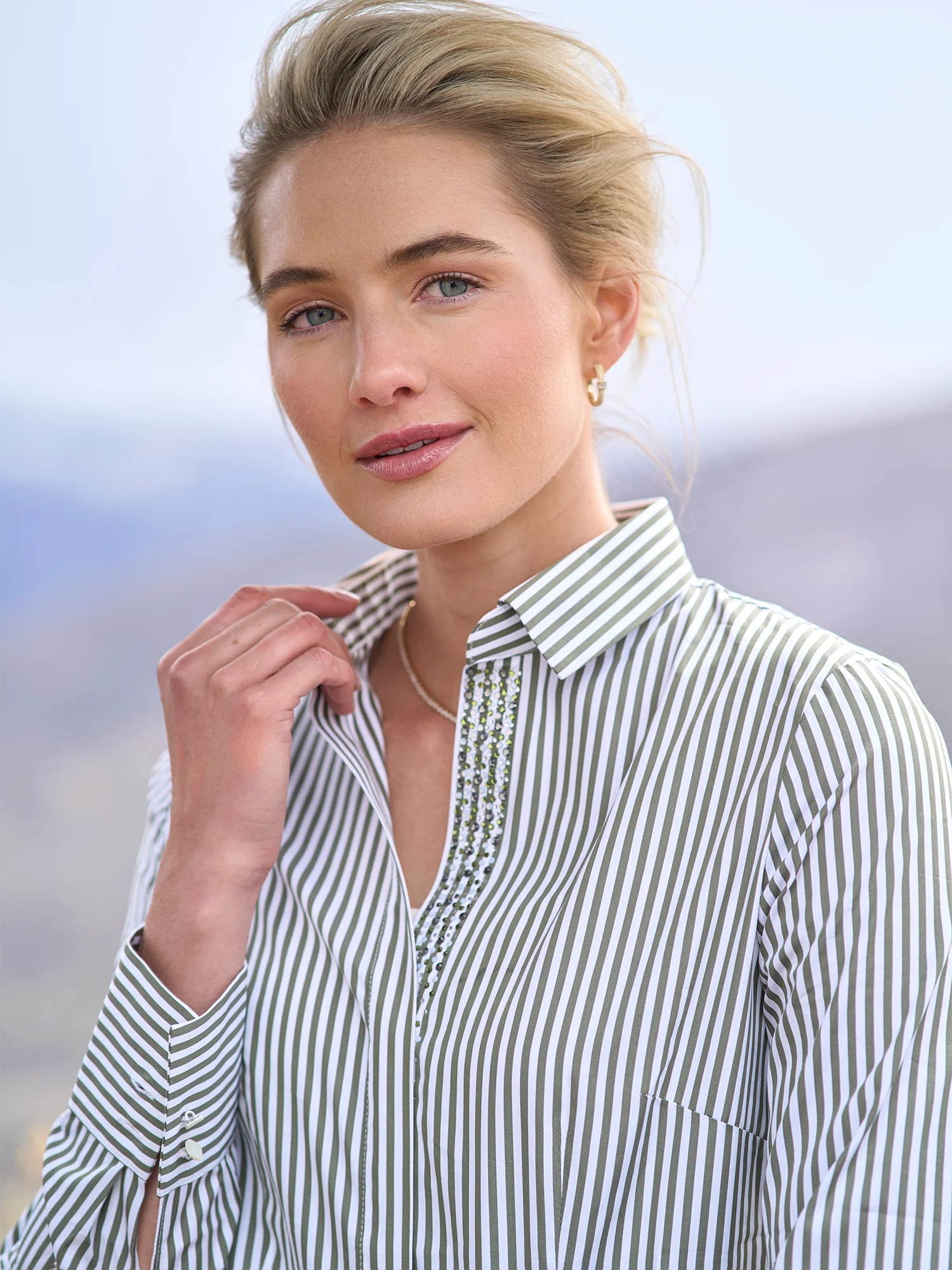
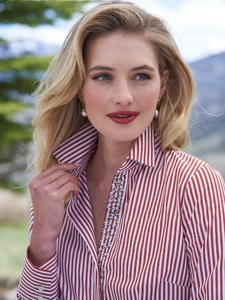
GorsuchAnja Stag ShirtMade with premium cotton and stretch material, this shirt features intricate stag embroidery under the collar and contrast piping on the collar, cuffs, and placket. Crafted in Austria for the fines...


-
@kimflorida Thanks a ton for your time, you're honestly the GOAT! Much love! ❤️
-
Gossard AD Models. Both Name and ID ???Image hidden for guestsSign in to viewImage hidden for guestsSign in to viewImage hidden for guestsSign in to viewImage hidden for guestsSign in to viewImage hidden for guestsSign in to viewImage hidden for guestsSign in to viewImage hidden for guestsSign in to viewImage hidden for guestsSign in to view
-
@kimflorida thank you so much you're amazing!!