Skip to content

poloa2603

Members
  • Joined

  • Last visited

  1. Who is this Dippin' Daisy's Model? Thanks.
    Image hidden for guestsSign in to view
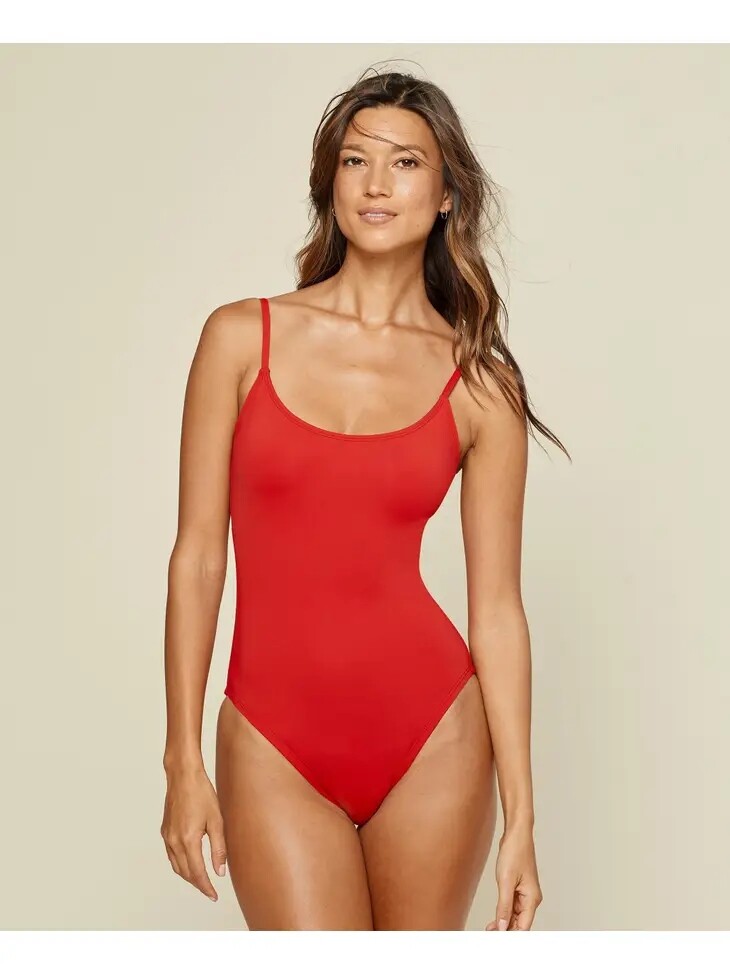
  2. Laken Heckard https://www.instagram.com/lakenheckard/
  3. What is this model's name? Thanks
    Image hidden for guestsSign in to view
  4. Hello, What’s are the names of these models? Thanks.
    Image hidden for guestsSign in to view
    Image hidden for guestsSign in to view
    Image hidden for guestsSign in to view
    Image hidden for guestsSign in to view
  5. poloa2603 changed their profile photo
  6. Thank you very much!
  7. What is this model's name? Thanks.
    Image hidden for guestsSign in to view
  8. Can someone help me with the name of this PQ Swim model?
    Image hidden for guestsSign in to view
  9. What is this model's name? Thanks.
    Image hidden for guestsSign in to view
  10. Hello, What's the name of this model? Thanks.
    Image hidden for guestsSign in to view
    Image hidden for guestsSign in to view
  11. What's the name of this model? Thanks.
    Image hidden for guestsSign in to view
    Image hidden for guestsSign in to view
  12. What are the names of these models? Thanks.
    Image hidden for guestsSign in to view
    Image hidden for guestsSign in to view
  13. What's the name of this model? Thanks.
    Image hidden for guestsSign in to view

Account

Navigation

Search

Search

Configure browser push notifications

Chrome (Android)
  1. Tap the lock icon next to the address bar.
  2. Tap Permissions → Notifications.
  3. Adjust your preference.
Chrome (Desktop)
  1. Click the padlock icon in the address bar.
  2. Select Site settings.
  3. Find Notifications and adjust your preference.