
ziltom
Members
-
Joined
-
Last visited
-
Thanks you very much Matute, nice pics Good week end!there are some new pics on www.greatuniversal.com like this : can someone poste HQ pics of this ? Greats !Image hidden for guestsSign in to viewsome scansImage hidden for guestsSign in to viewImage hidden for guestsSign in to viewImage hidden for guestsSign in to viewImage hidden for guestsSign in to viewImage hidden for guestsSign in to view
 Image hidden for guestsSign in to view
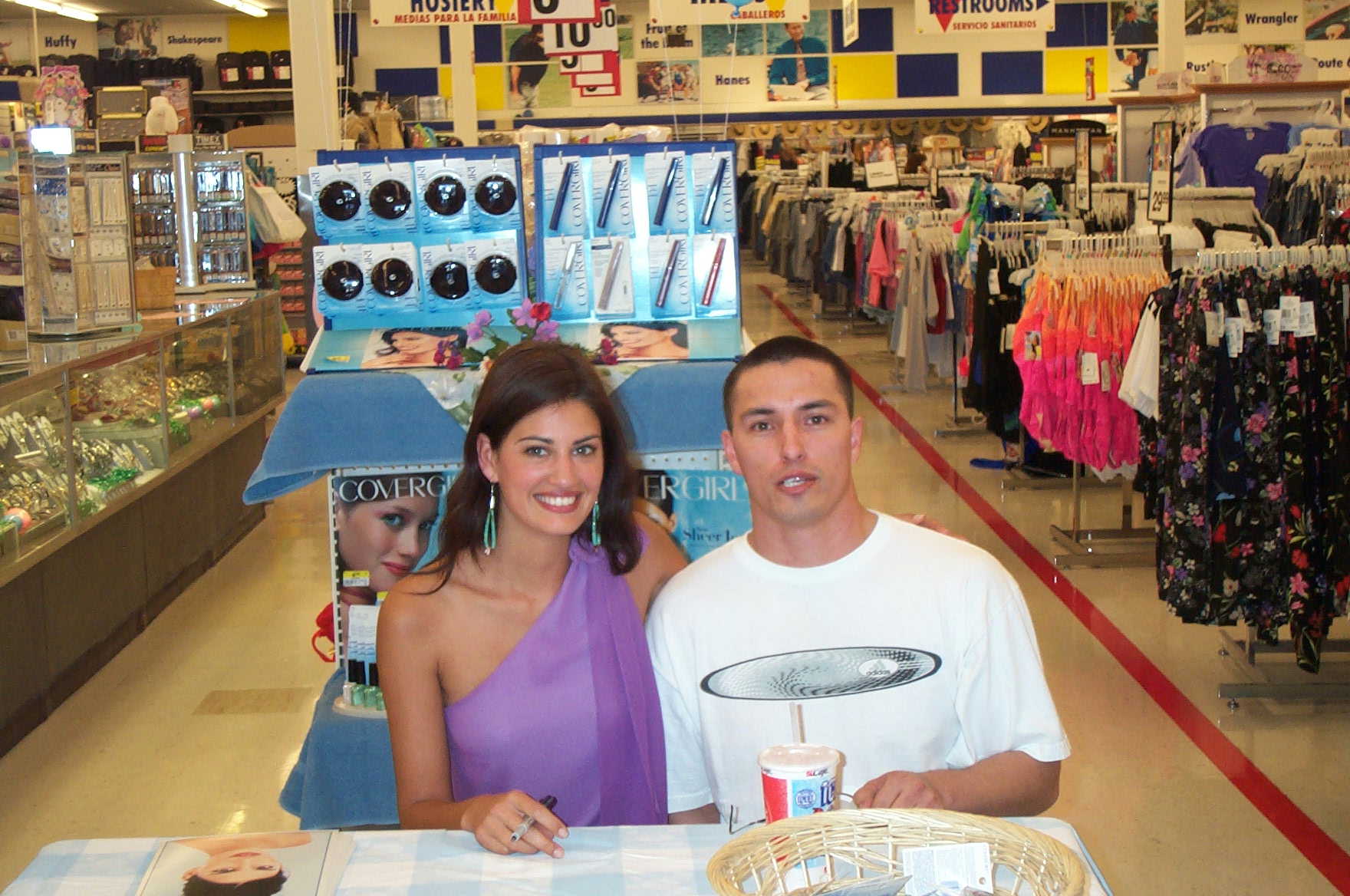
 Image hidden for guestsSign in to viewImage hidden for guestsSign in to viewImage hidden for guestsSign in to viewImage hidden for guestsSign in to viewImage hidden for guestsSign in to viewImage hidden for guestsSign in to viewThank you so much zecle for your great scans, totaly new for me -HELLO Samiot, i would like to post more but yamila pics are very rare and especially candid, but promise if i have something new i will post itThank you so much Zecle for your scans ! quality is good and its fresh !some pics i did not see on this forum and thanks to everybody for your greats scans of Yamilaa lucky guy ( not me on the pics :yuckky: )
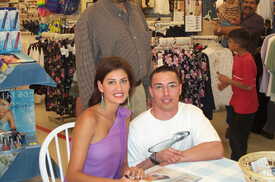
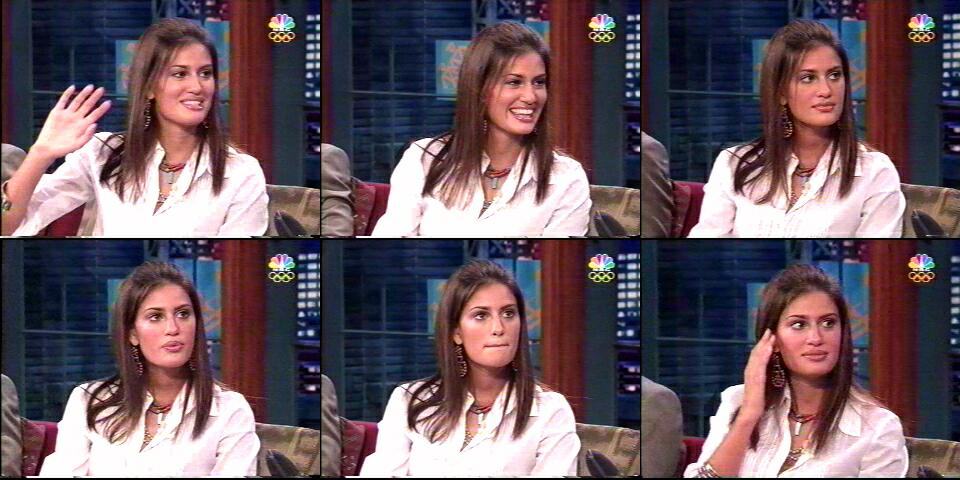
 Great scans Zecle , totaly new for me and unseen on the web, for Yamila fans...she start new shooting for 2007 on OTTO web site (grattan, freemans...) GreetsHello everybody, once againe thank you very much for your old scans Zecle !!i have seen il pesce innamorato and Yamila looks very great in this movie, my Italian (english too) is very bad but this movie seem to be a little bit funny, do you know if Yamila played in another film ? the show with Jay Leno...excellent i like this guy here we have Cauet, a classic big "Beauf" Zecle if you have more scans likethis.... Very good scans and rare! ...once again thank a lot Greets CZSome scans of Yamila
 Image hidden for guestsSign in to viewImage hidden for guestsSign in to viewImage hidden for guestsSign in to viewImage hidden for guestsSign in to viewImage hidden for guestsSign in to view
 Image hidden for guestsSign in to viewImage hidden for guestsSign in to viewImage hidden for guestsSign in to view













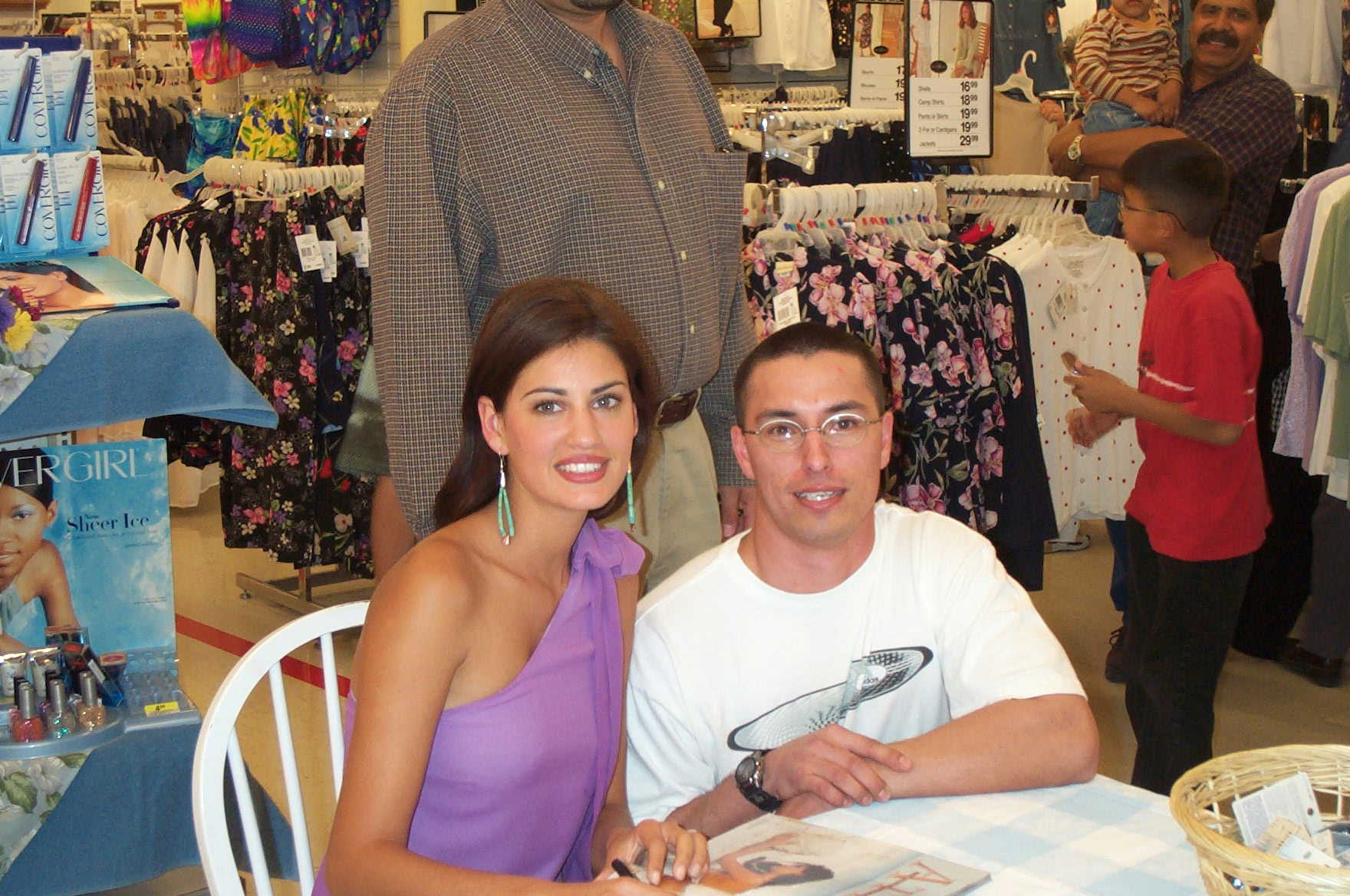


Account
Navigation
Search
Configure browser push notifications
Chrome (Android)
- Tap the lock icon next to the address bar.
- Tap Permissions → Notifications.
- Adjust your preference.
Chrome (Desktop)
- Click the padlock icon in the address bar.
- Select Site settings.
- Find Notifications and adjust your preference.
Safari (iOS 16.4+)
- Ensure the site is installed via Add to Home Screen.
- Open Settings App → Notifications.
- Find your app name and adjust your preference.
Safari (macOS)
- Go to Safari → Preferences.
- Click the Websites tab.
- Select Notifications in the sidebar.
- Find this website and adjust your preference.
Edge (Android)
- Tap the lock icon next to the address bar.
- Tap Permissions.
- Find Notifications and adjust your preference.
Edge (Desktop)
- Click the padlock icon in the address bar.
- Click Permissions for this site.
- Find Notifications and adjust your preference.
Firefox (Android)
- Go to Settings → Site permissions.
- Tap Notifications.
- Find this site in the list and adjust your preference.
Firefox (Desktop)
- Open Firefox Settings.
- Search for Notifications.
- Find this site in the list and adjust your preference.