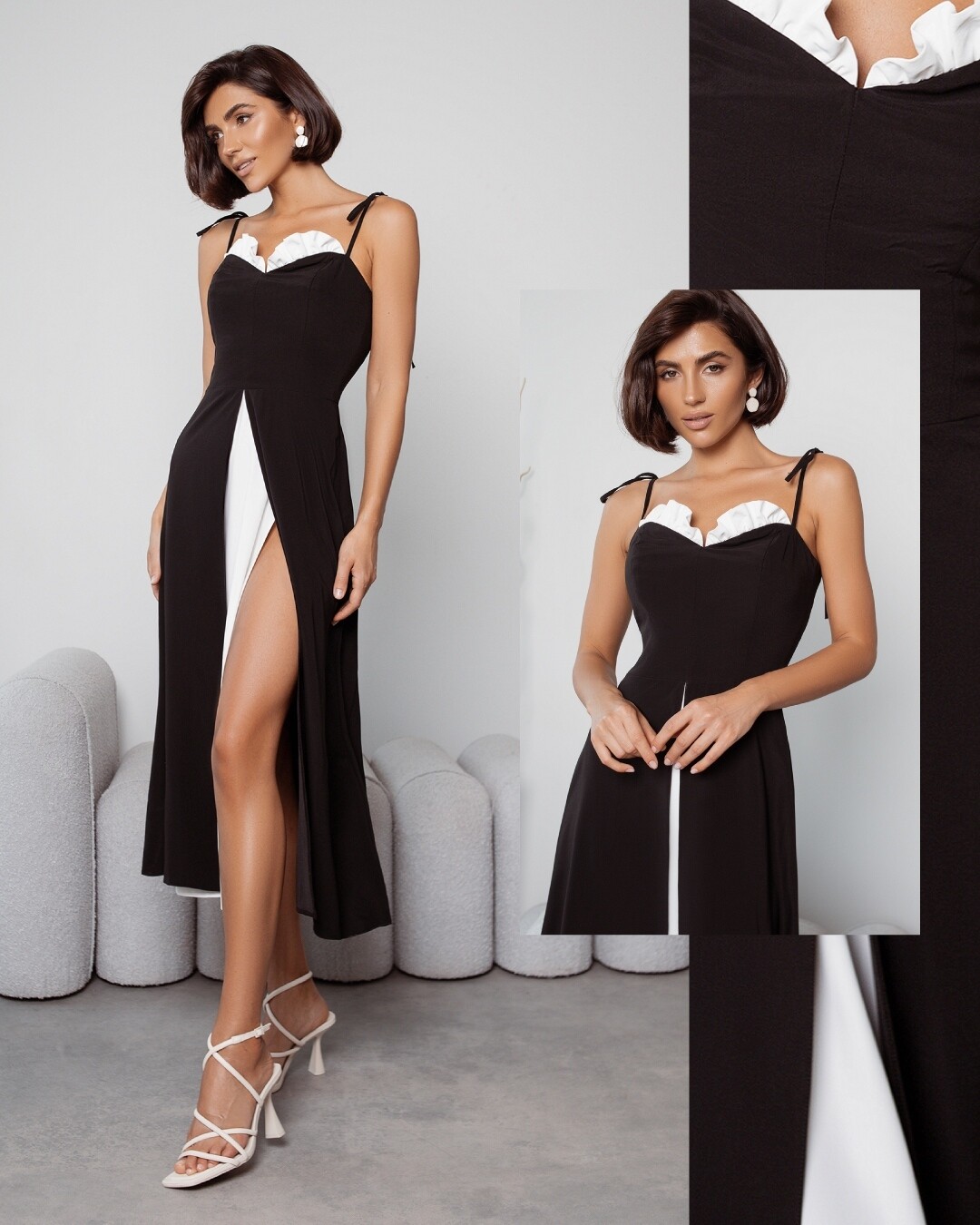
-
omergardezi started following What is the name of this beautiful model on website https://elagia.com/ and on instagram @ https://www.instagram.com/elagiawear/ ???? , Does anyone know the name of this bikini model in pictures attached please? , Can anyone tell me the name of this extremely sexy cover girl of Wet Calendar 2024 photgraphed by Brian B Hayes??? and 2 others

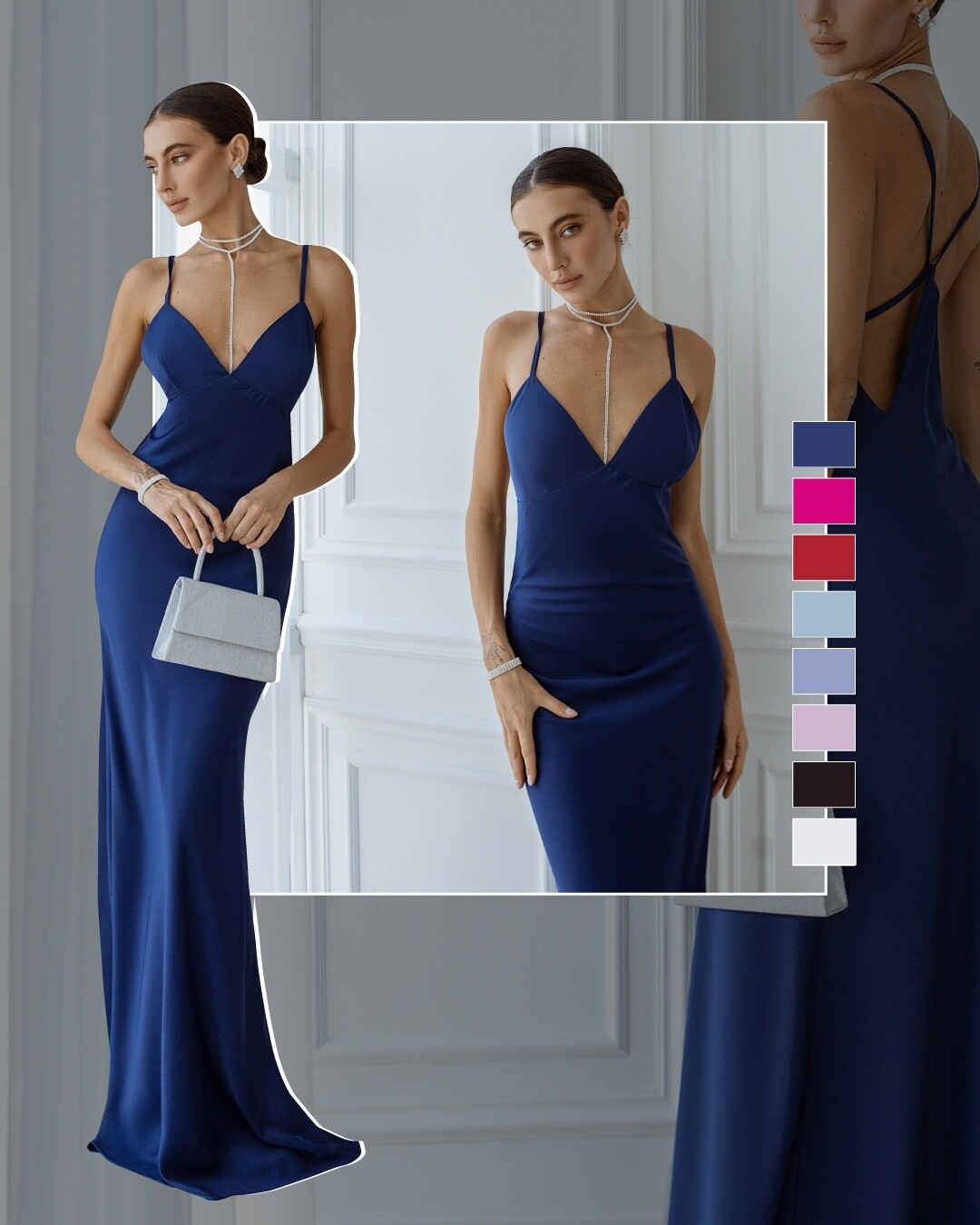
-
Does anyone know the name of this bikini model in pictures attached please?
omergardezi changed their profile photo
- Can anyone tell me the name of this extremely sexy cover girl of Wet Calendar 2024 photgraphed by Brian B Hayes???
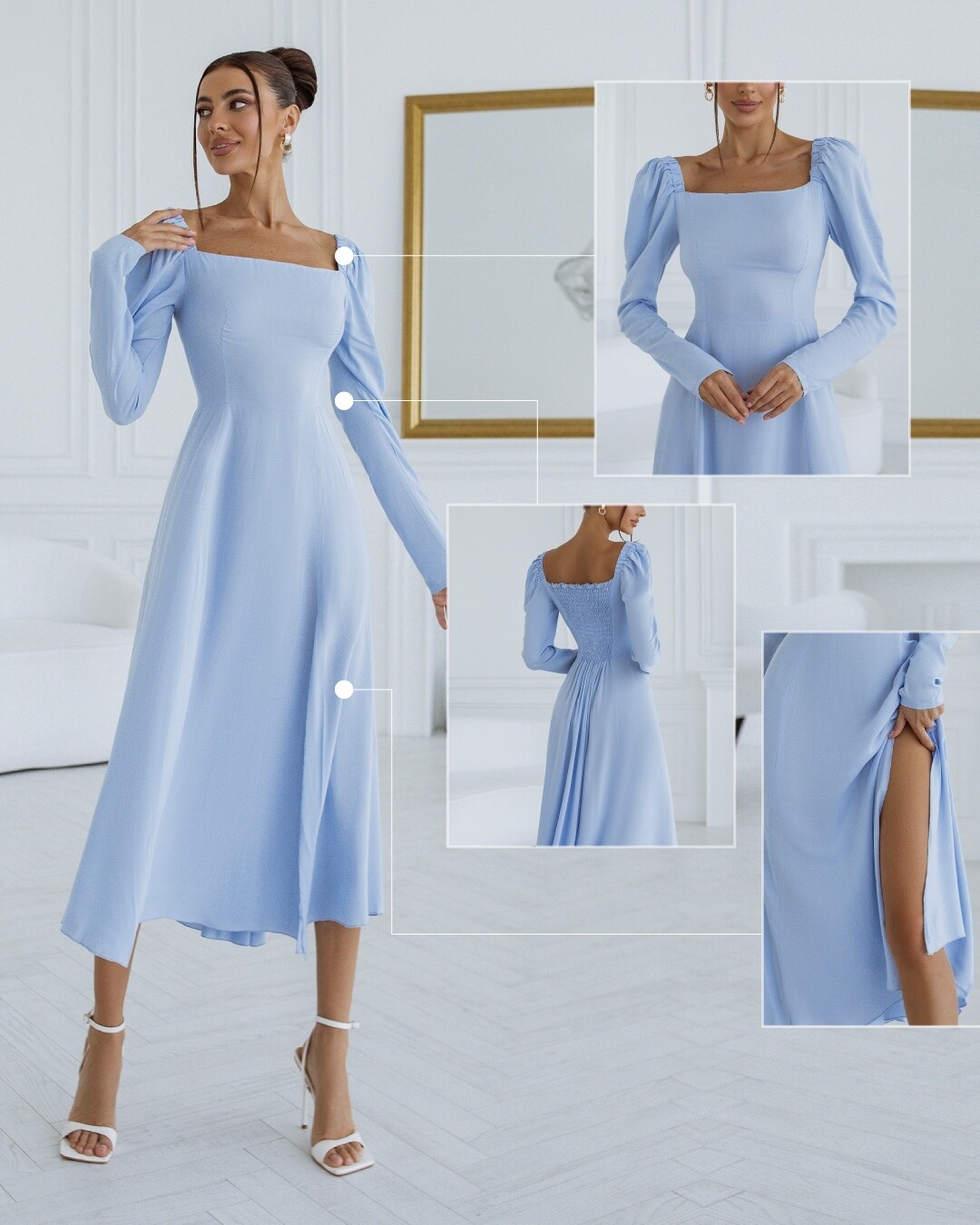
Link of Instagram post https://www.instagram.com/p/C064e_NLmN_iu8V-iQveO2R82DYkNOJBuPWdUE0/?img_index=1- Who is this gorgeous model from elagiawear and elagia.com ? - Irina Mars

Who is this gorgeous model posing for https://www.instagram.com/elagiawear/ and elagia.com ?- What is the name and ID of this curvy and perfect looking model? - Julia Gama
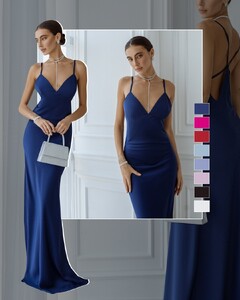
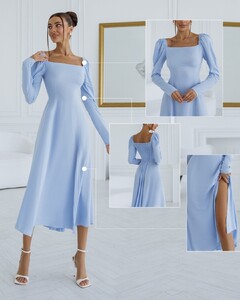
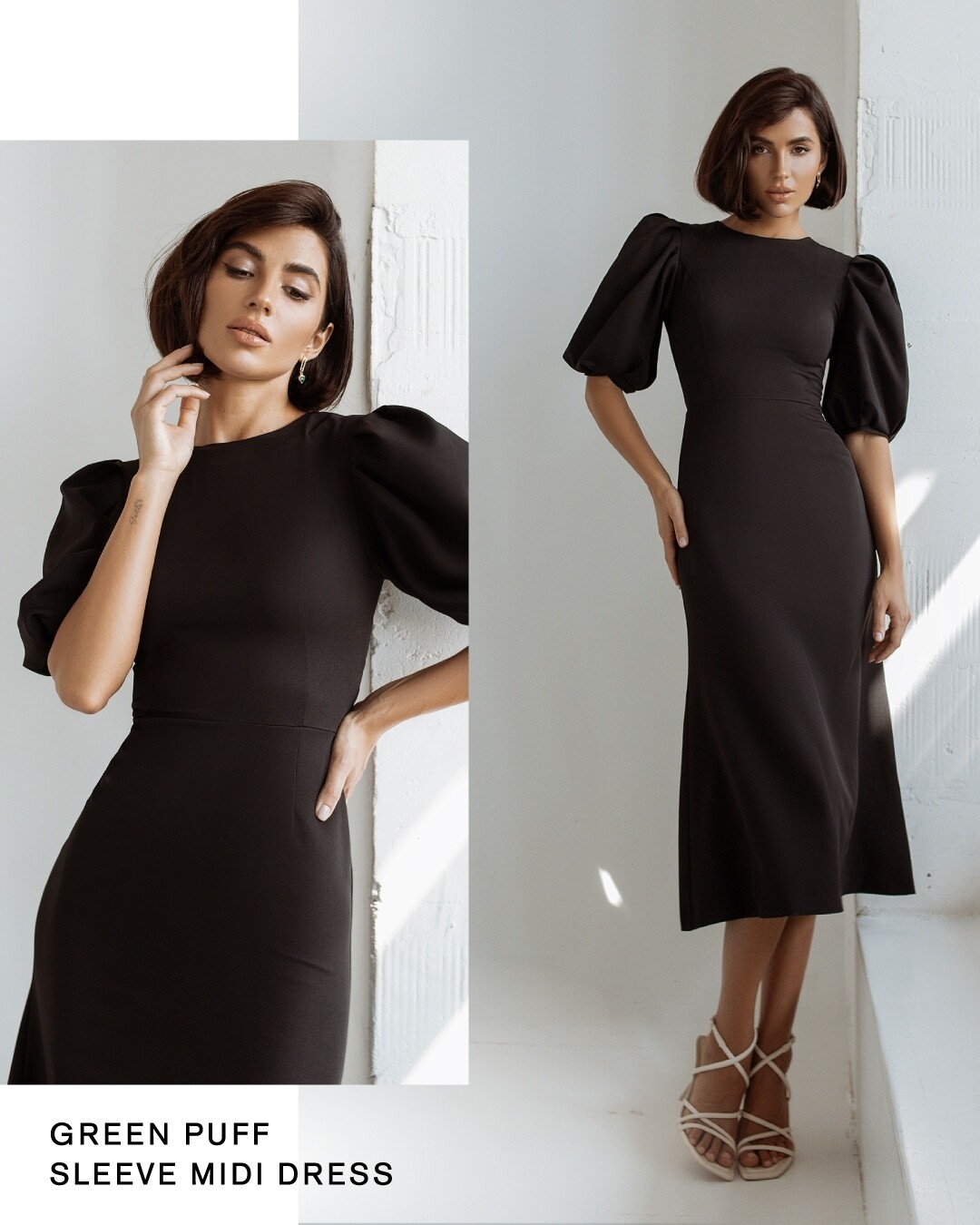
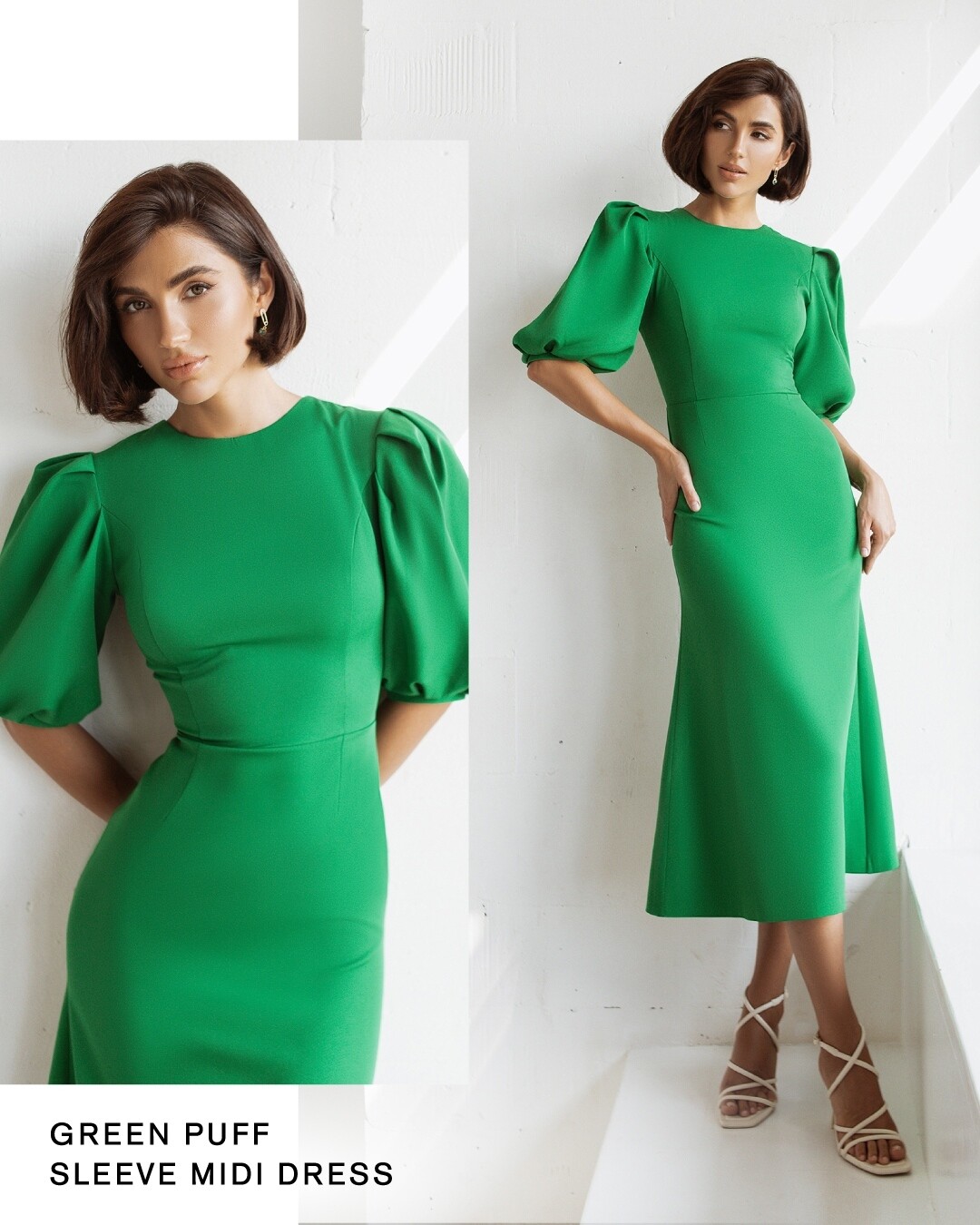
Image hidden for guestsSign in to viewImage hidden for guestsSign in to viewImage hidden for guestsSign in to viewImage hidden for guestsSign in to viewImage hidden for guestsSign in to viewImage hidden for guestsSign in to viewImage hidden for guestsSign in to viewImage hidden for guestsSign in to viewImage hidden for guestsSign in to view- What is the name of this beautiful model on website https://elagia.com/ and on instagram @ https://www.instagram.com/elagiawear/ ????
Thankyou 🤩- What is the name of this beautiful model on website https://elagia.com/ and on instagram @ https://www.instagram.com/elagiawear/ ????
Account
Navigation
Search
Configure browser push notifications
Chrome (Android)
- Tap the lock icon next to the address bar.
- Tap Permissions → Notifications.
- Adjust your preference.
Chrome (Desktop)
- Click the padlock icon in the address bar.
- Select Site settings.
- Find Notifications and adjust your preference.
Safari (iOS 16.4+)
- Ensure the site is installed via Add to Home Screen.
- Open Settings App → Notifications.
- Find your app name and adjust your preference.
Safari (macOS)
- Go to Safari → Preferences.
- Click the Websites tab.
- Select Notifications in the sidebar.
- Find this website and adjust your preference.
Edge (Android)
- Tap the lock icon next to the address bar.
- Tap Permissions.
- Find Notifications and adjust your preference.
Edge (Desktop)
- Click the padlock icon in the address bar.
- Click Permissions for this site.
- Find Notifications and adjust your preference.
Firefox (Android)
- Go to Settings → Site permissions.
- Tap Notifications.
- Find this site in the list and adjust your preference.
Firefox (Desktop)
- Open Firefox Settings.
- Search for Notifications.
- Find this site in the list and adjust your preference.