HappyNewyear
Members
-
Joined
-
Last visited
-
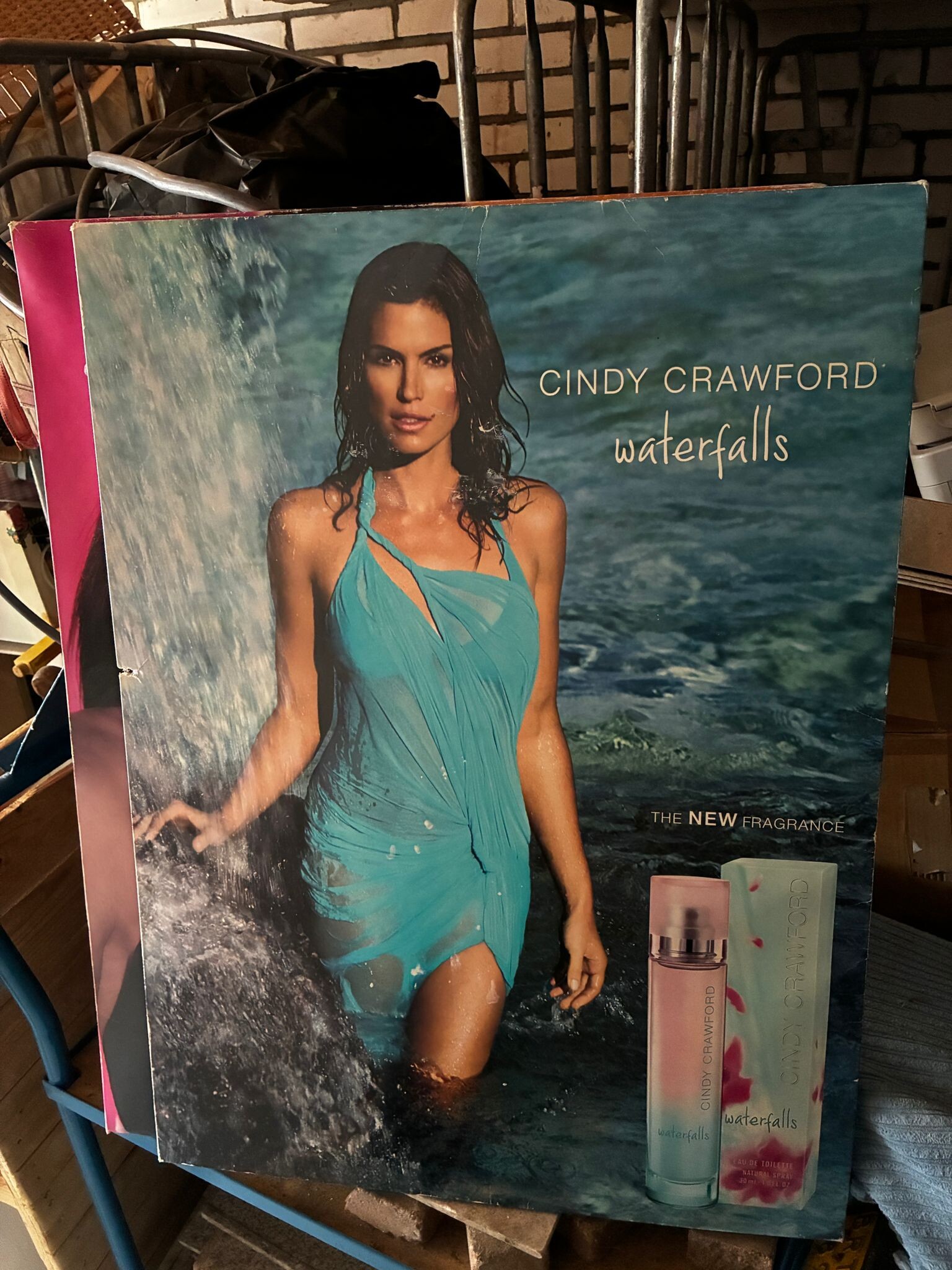
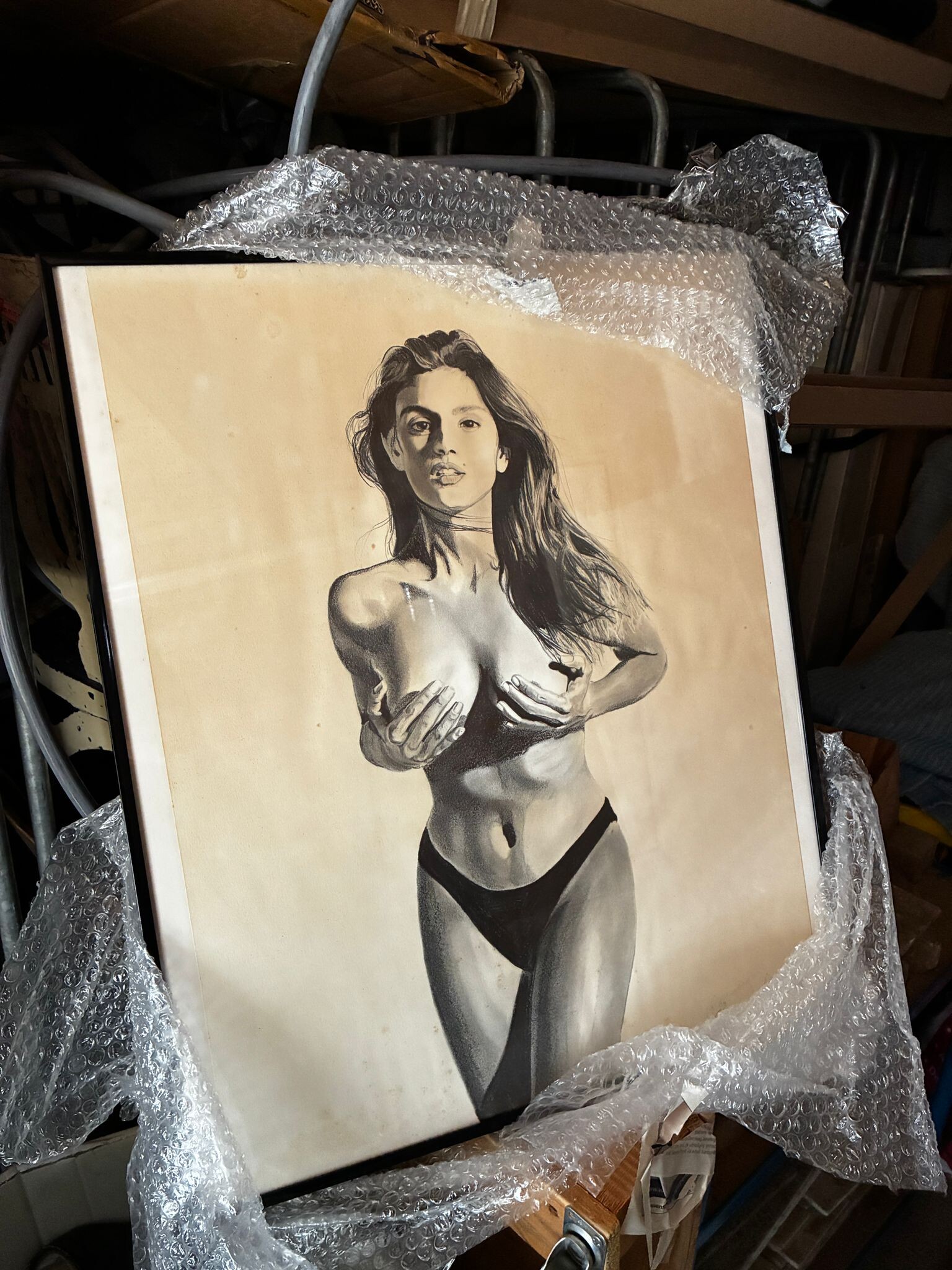
Barn find. Promotional material 80cm x 60cm And an real handdrawing. Artist unknown.

-
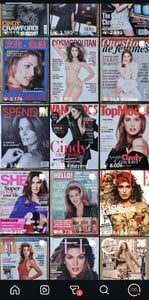
Fantastic collection of covers. All new to me!! I learned about Yugoslavia at school in the 80's. Sovjet Union and other countries existed then too. 47 here, still collecting everything that I can find 😃
-
Nice one!
-
Damn, you make me jealous 🤣
-
Fantastic upload. I love the asian covermagazines!
-
Stef, is it you?
-
A thread existing for 20 years straight is amazing! Where is everybody from? I'm from Europe, The Netherlands. I got a lot to share. To much then I can handle in time. I collect Cindy stuff for more then 3 decades. I try to post as much as I can on Instagram.


-
HappyNewyear changed their profile photo
-