Skip to content

Ggiantz

Members
  • Joined

  • Last visited

  1. Thank you! I tried hard to figure out w no success. I appreciate it!
  2. Hi does anyone know who she is? Thanks in advance!
    Image hidden for guestsSign in to view
    Image hidden for guestsSign in to view
    Image hidden for guestsSign in to view
    Image hidden for guestsSign in to view
    Image hidden for guestsSign in to view
  3. Eltoredo started following Ggiantz
  4. I think you're right thank you! Her tattoos match!
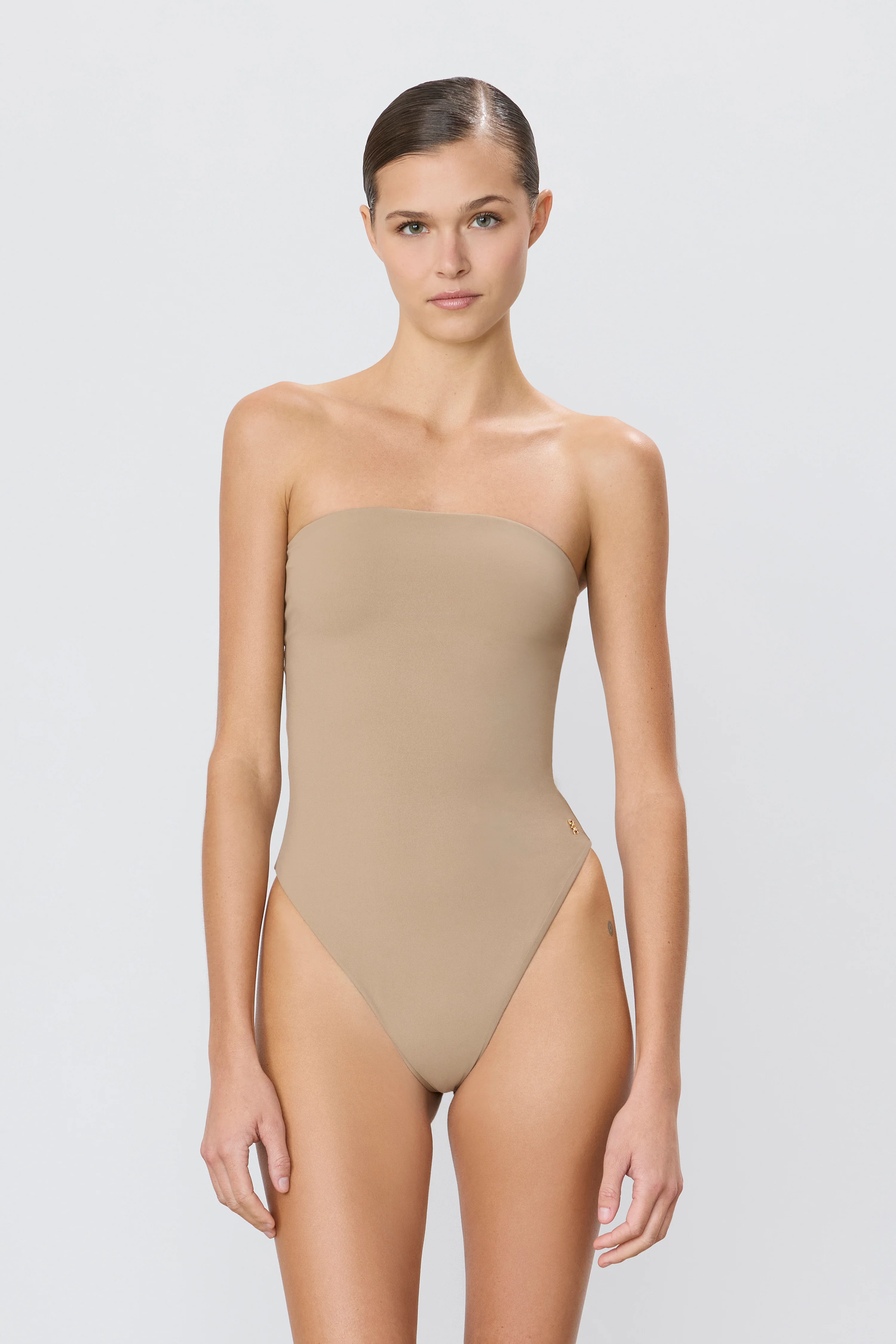
  5. Hi everyone does anyone know who this is? Thank in advance!
  6. Thank you!!!
  7. THANKS again!
  8. Thank you! 💥 I appreciate it!
  9. Hi Would anyone know who this is? Thank you!

  10. Hi does anyone know who she is? Such a beauty with a unique look. Thank you!
    Image hidden for guestsSign in to view

Account

Navigation

Search

Search

Configure browser push notifications

Chrome (Android)
  1. Tap the lock icon next to the address bar.
  2. Tap Permissions → Notifications.
  3. Adjust your preference.
Chrome (Desktop)
  1. Click the padlock icon in the address bar.
  2. Select Site settings.
  3. Find Notifications and adjust your preference.