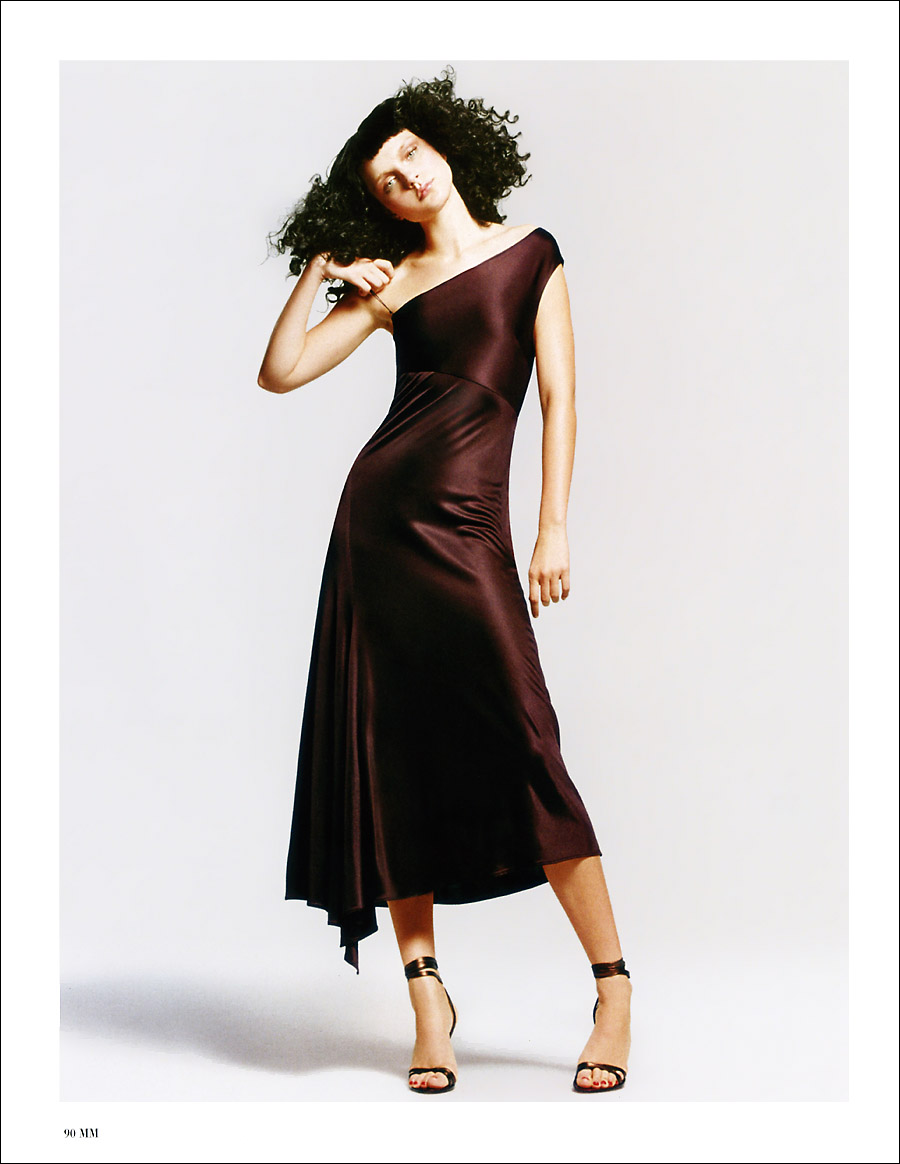
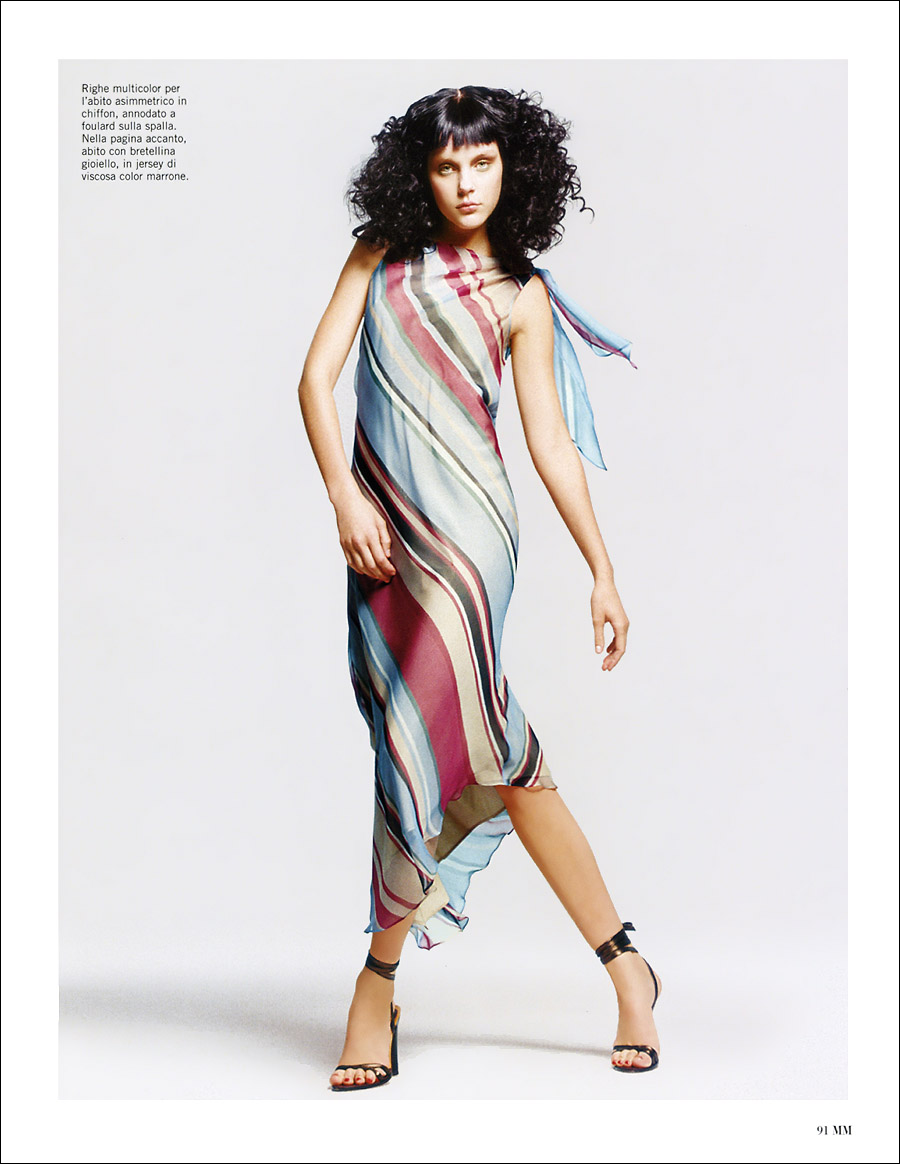
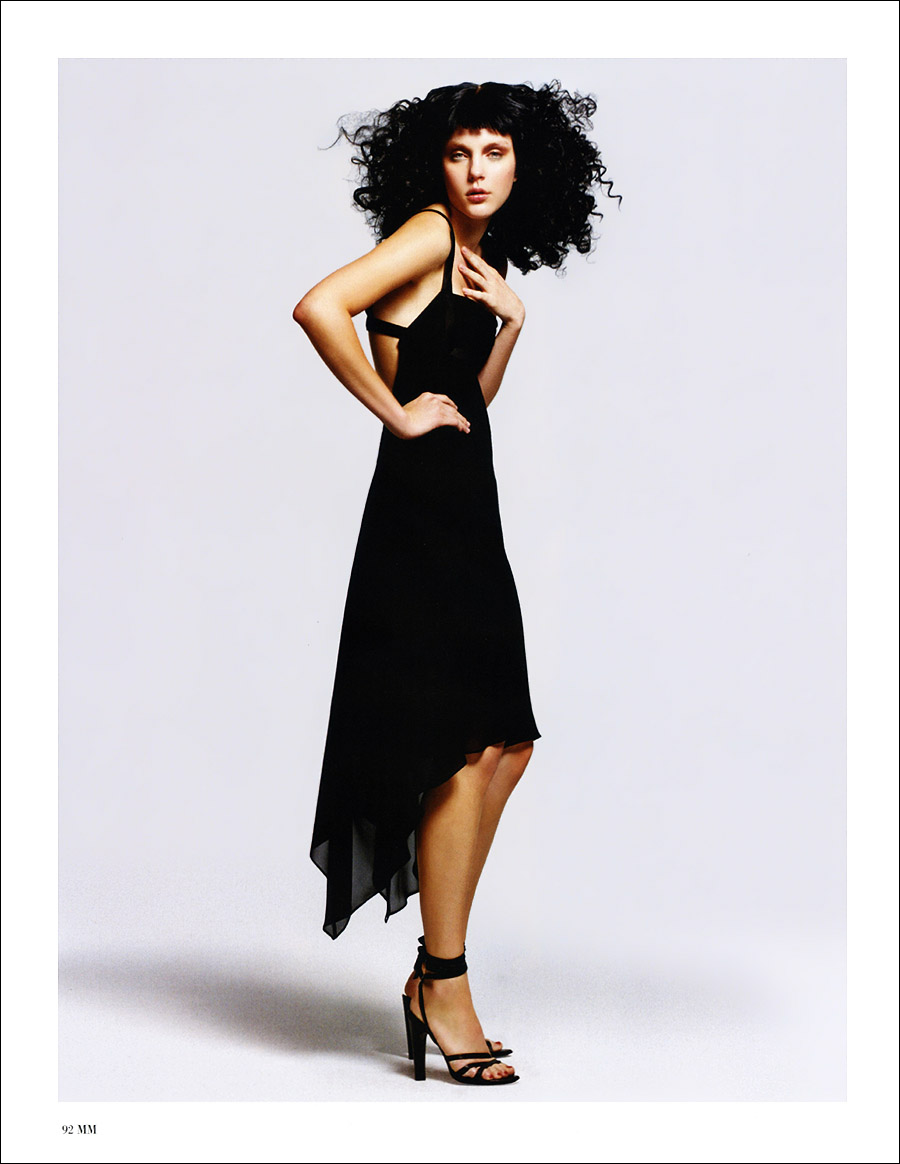
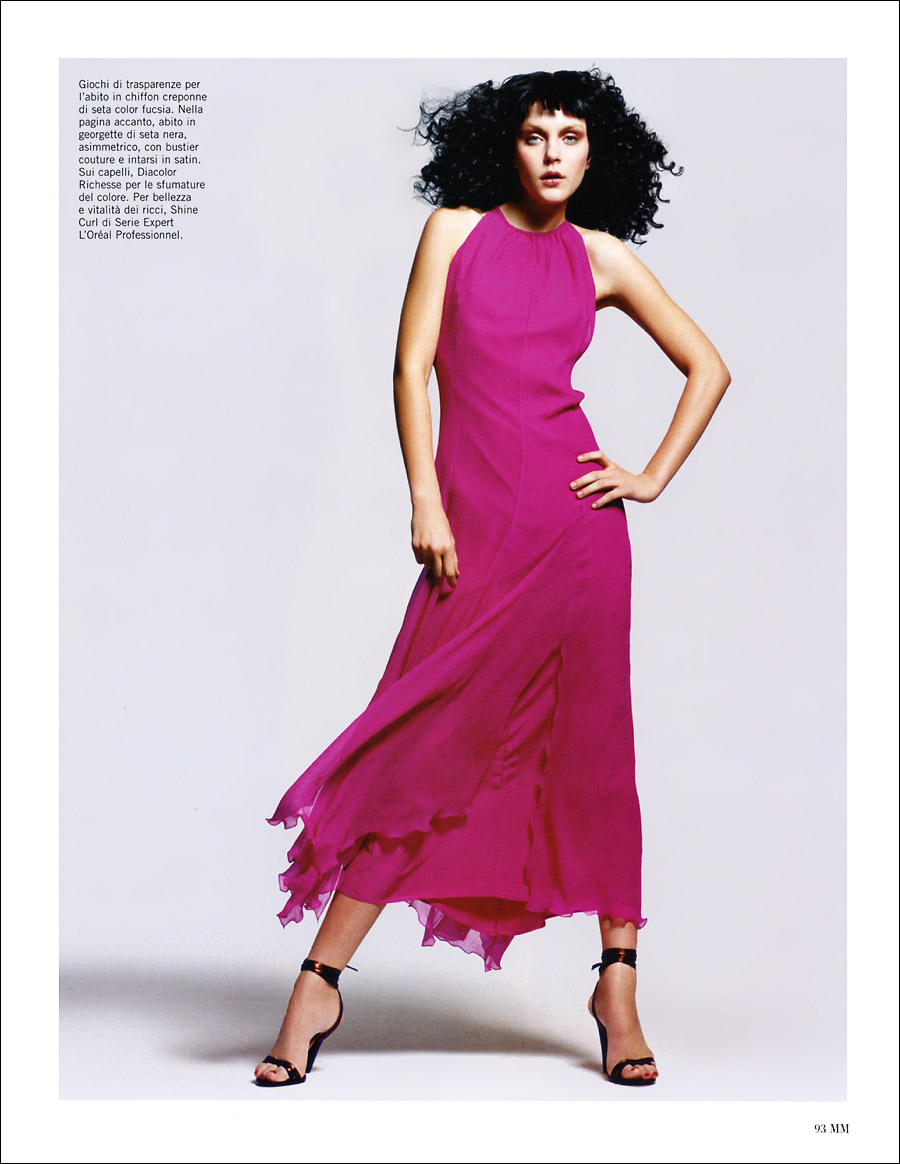
purplish06
Members
-
Joined
-
Last visited
-
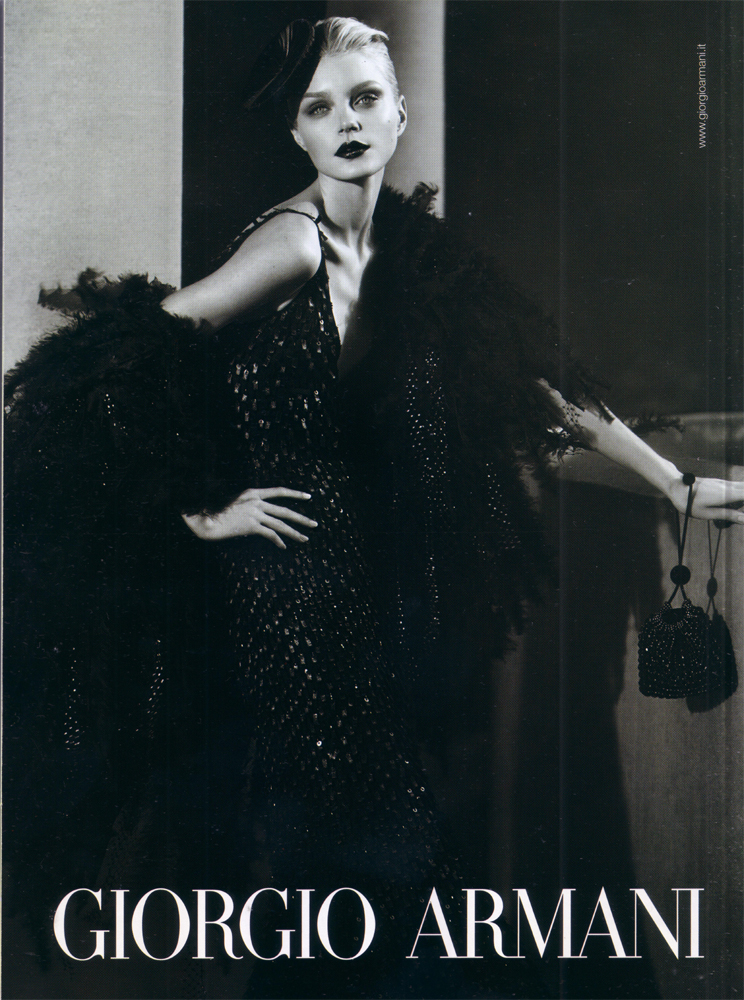
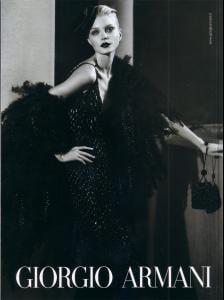
Armani FW06 fotodecadent
-
Thanks a lot Lullaby I love them
-
by eponine @ tFS Hotlinking is not allowed. Please refer to the rules - edited by impel69
-
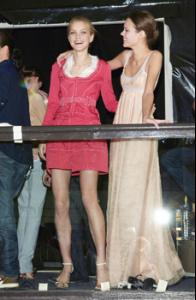
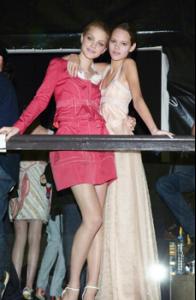
http://www.lfi.co.uk/dynevent-action...eventid=199965 he is her boyfirend if anyone have bigger pics, would you please share me? @tfs by emmy
-
thx for the images Lullaby
-
jeisa is sooo cute thanks, hermetic
-
congratulation ! tiiu
-
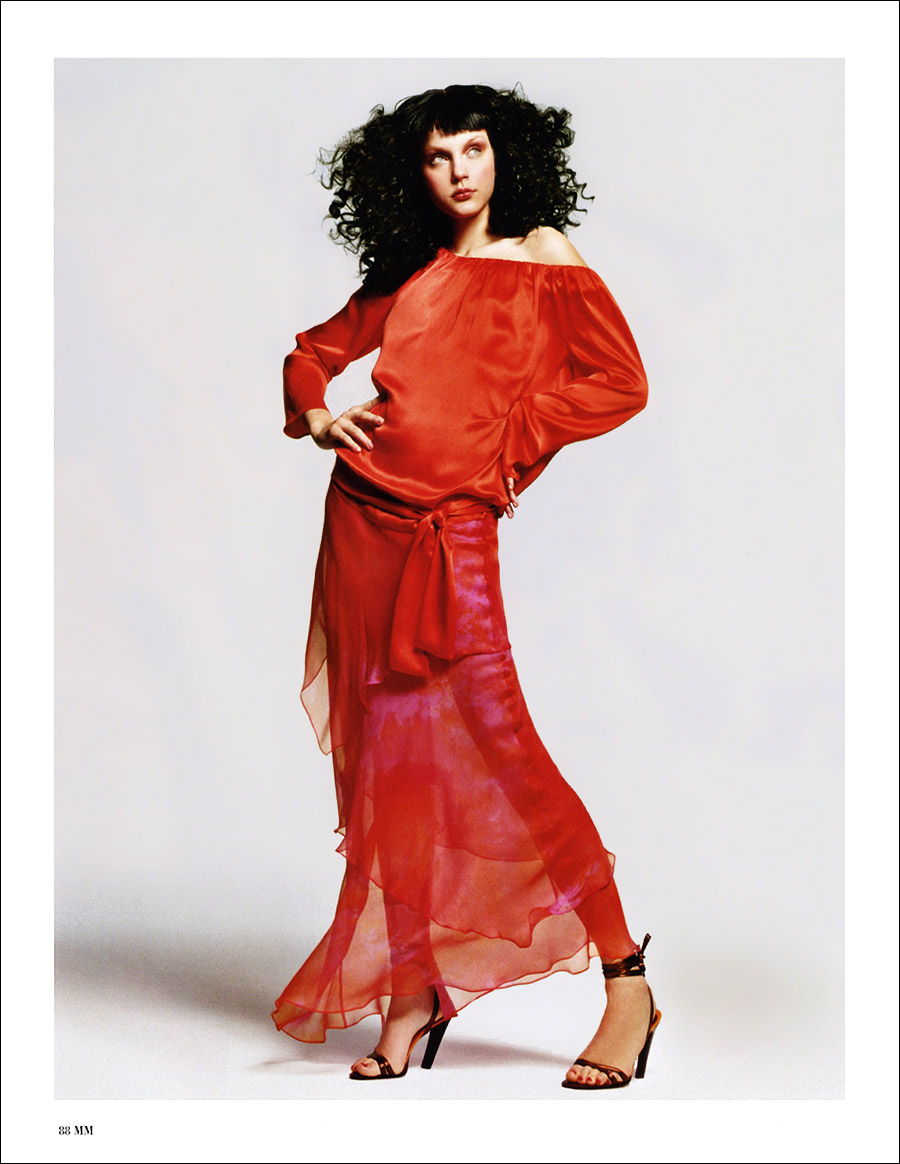
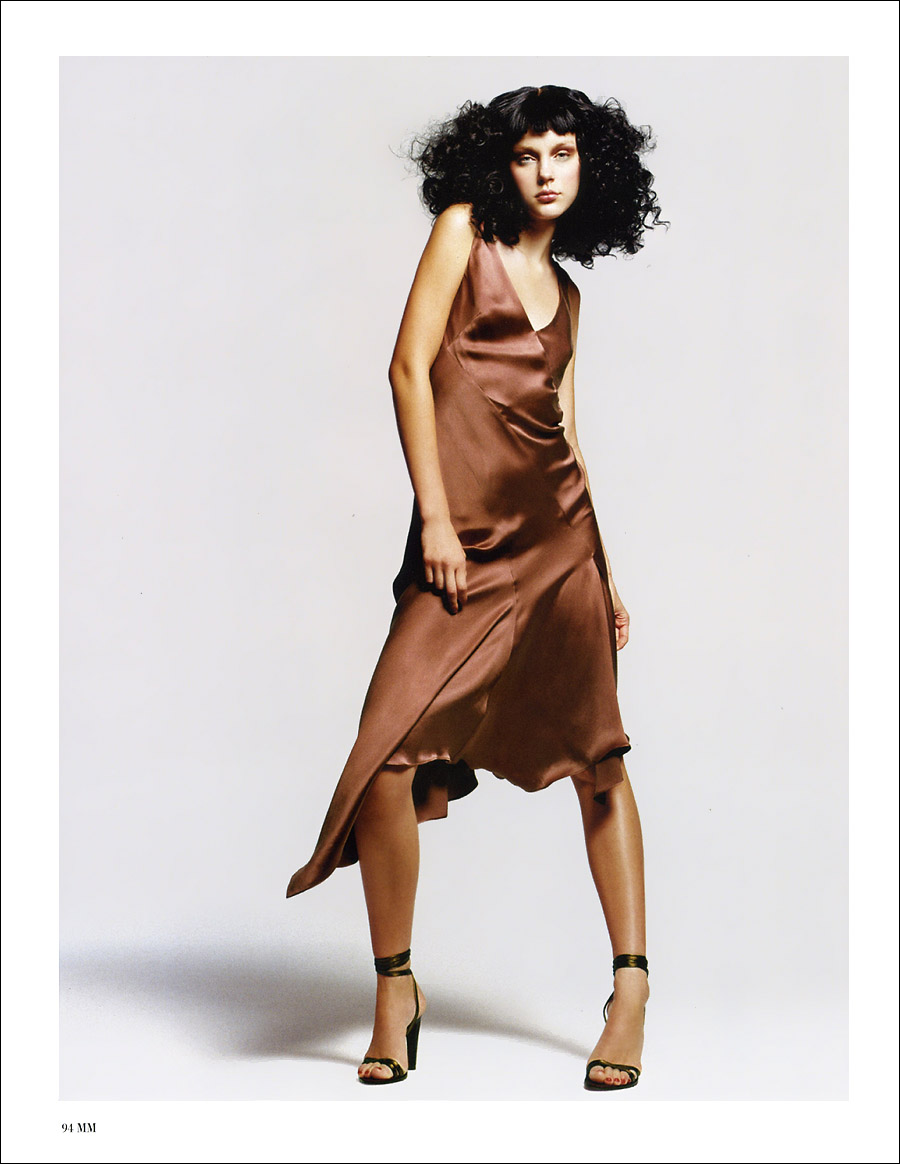
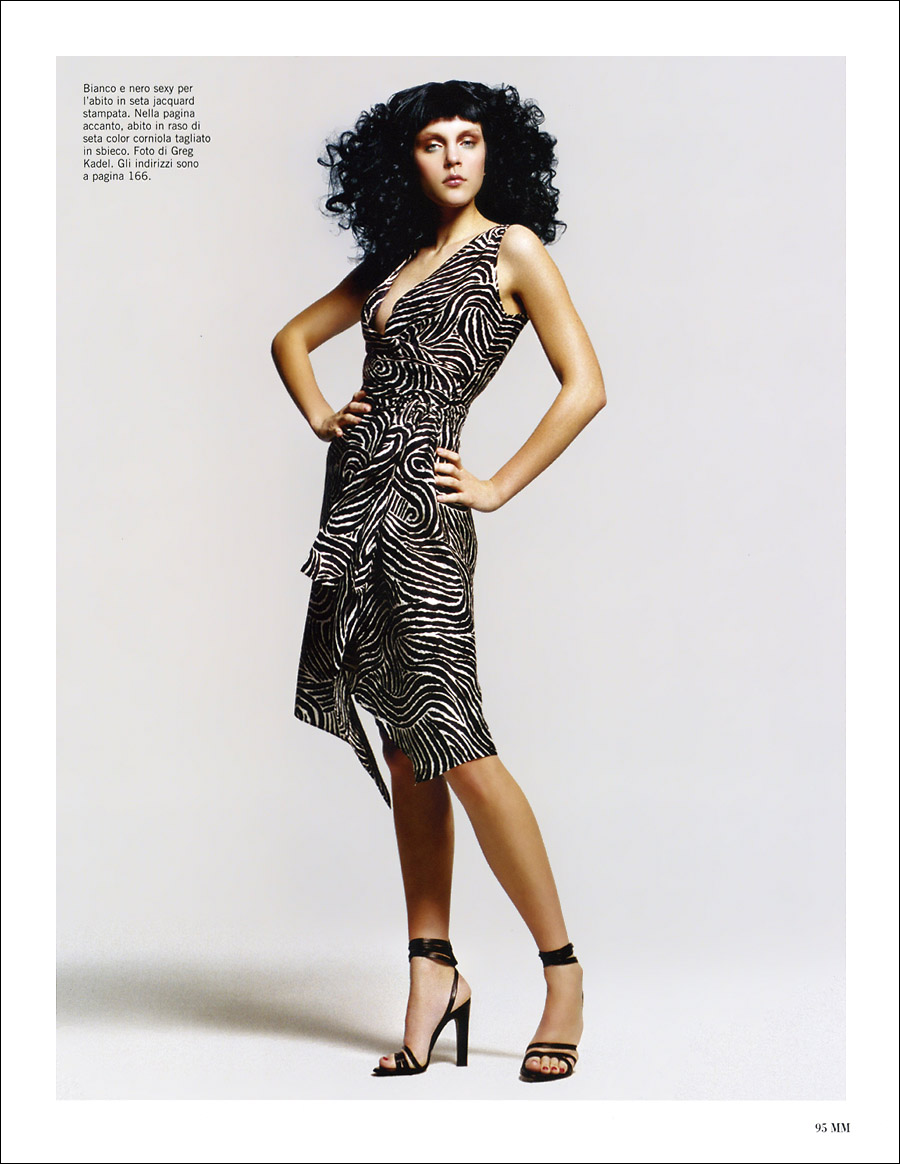
Max Mara Magazine S/S 2004 ph.GregKadel
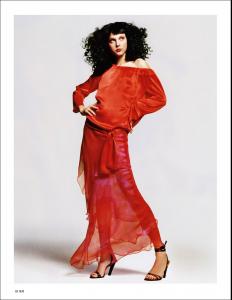
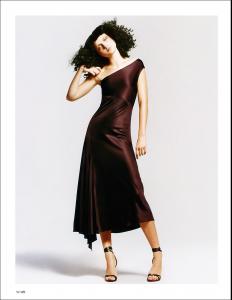
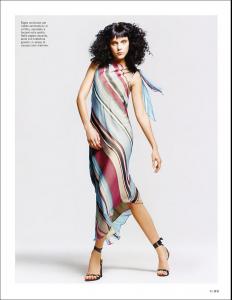
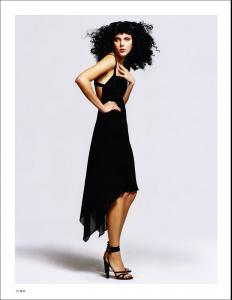
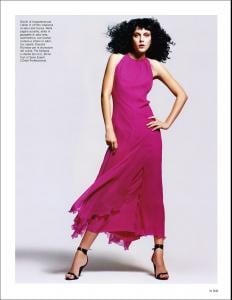
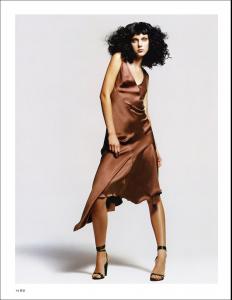
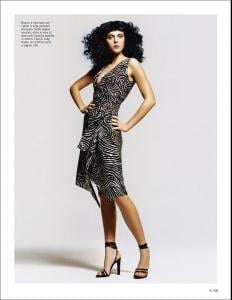
-
Amazing!! elise is beautiful. thank you orignalsin.
-
Elissa ! (Y)
-
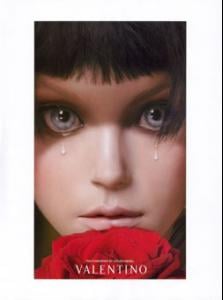
maddog107 , you're welcome i found valentino ad at the img models Does anyone have bigger this pic??? :Dinah: and i'm looking for stam's HQ pic!! if anyone have those HQ pics, would you please share me? please
-
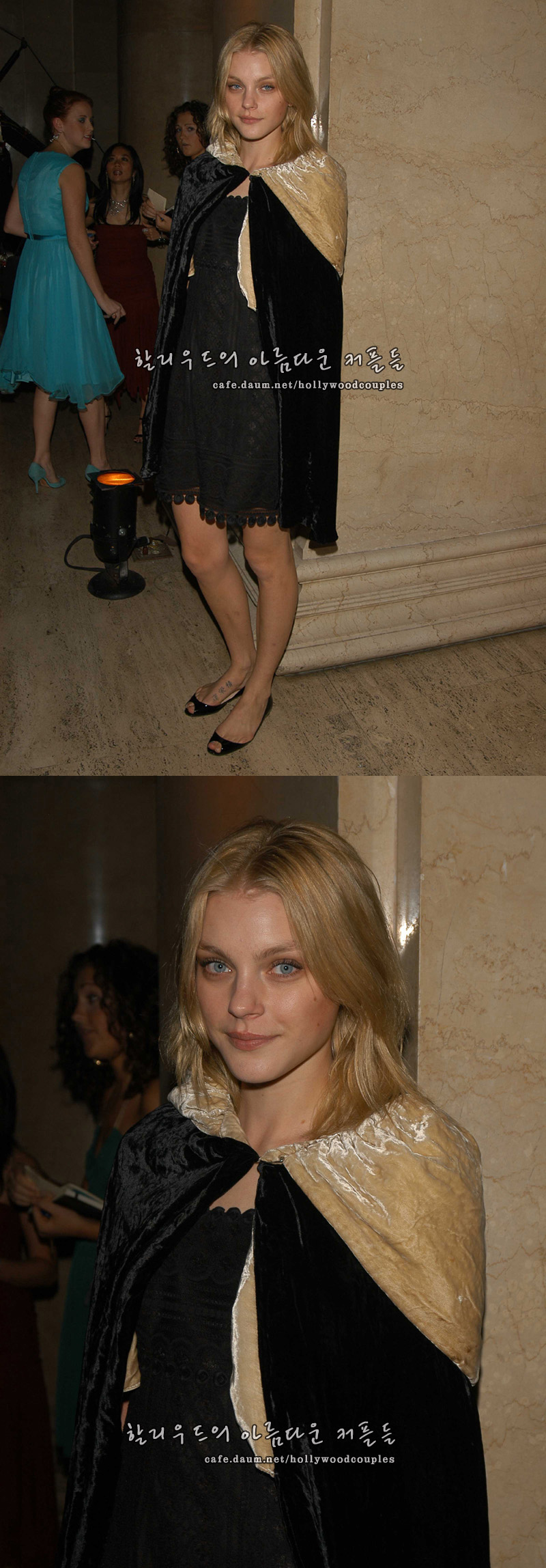
Stammy's Paparazzi October At the New York de Grisogono Wall Street Concert Series with Mary J Blige (October NewYork) and backstage pics September At the Newyork source cafe.daum.net/hollywoodcouples by Ashley~!! and KIKI~♡ enjoy -ly
-
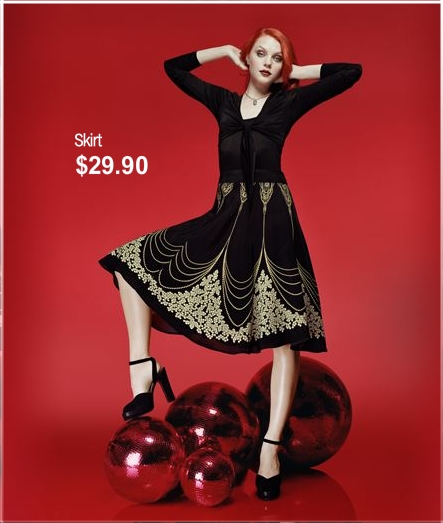
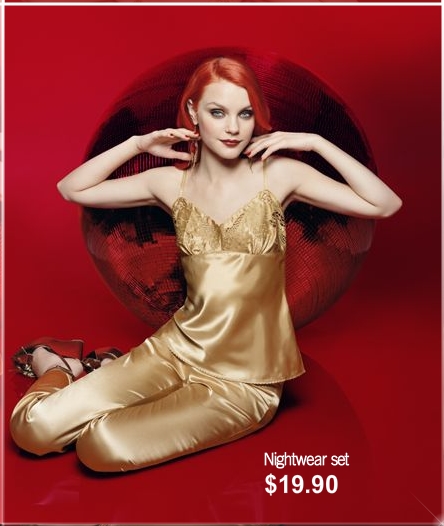
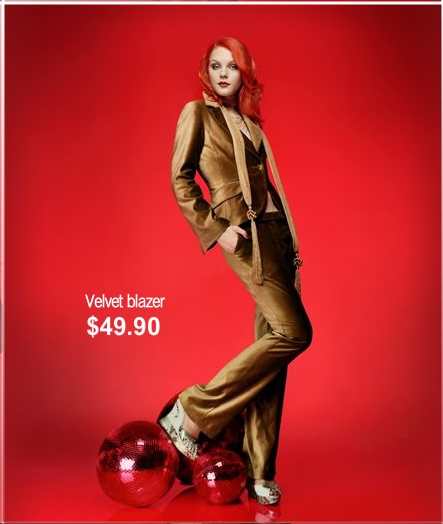
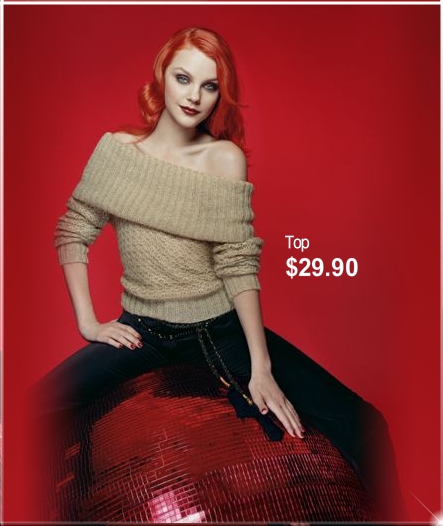
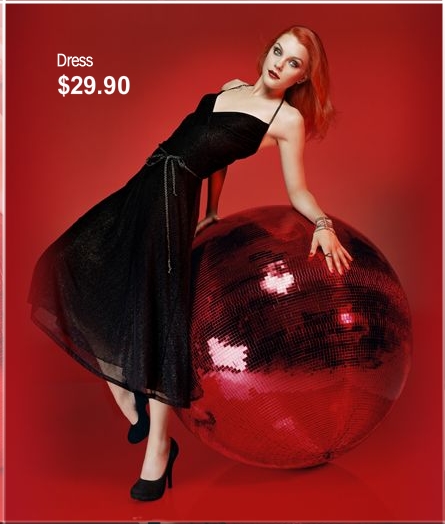
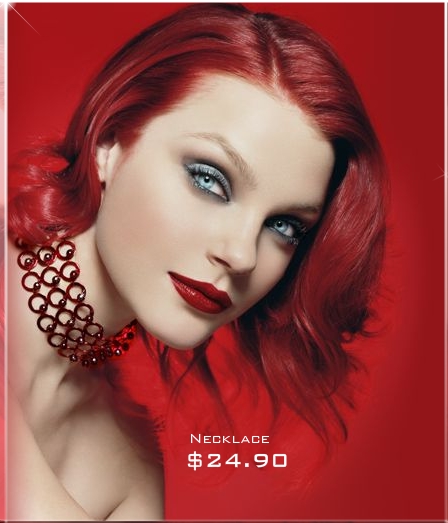
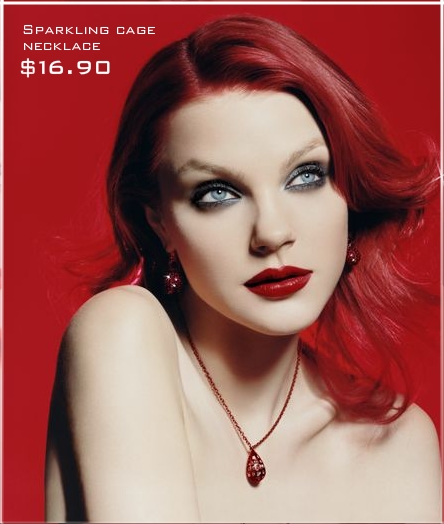
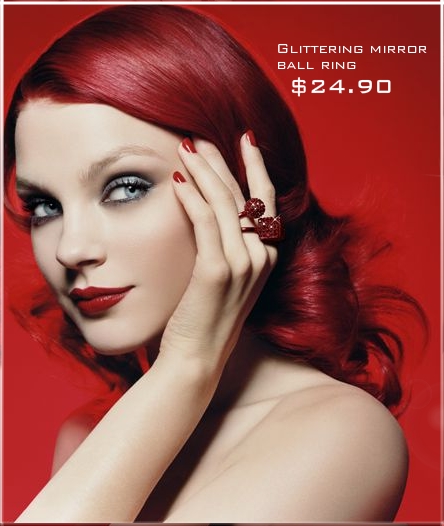
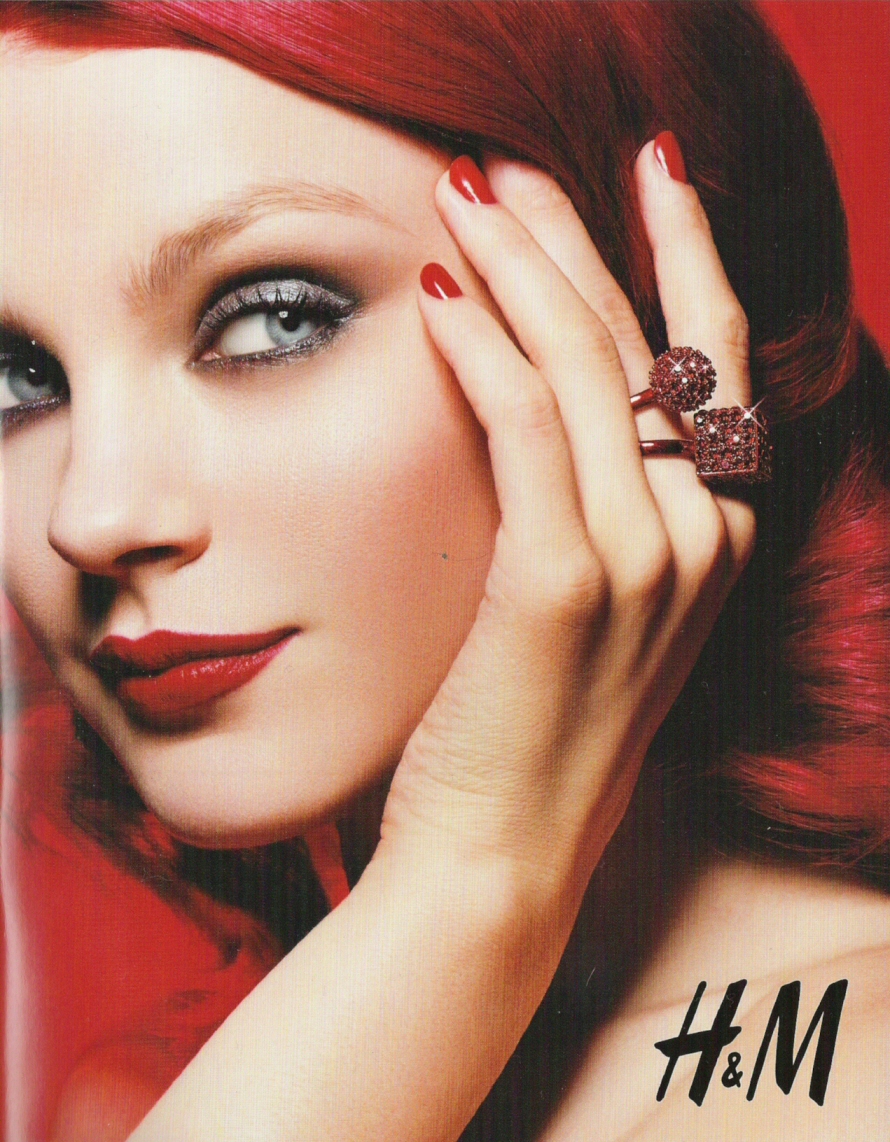
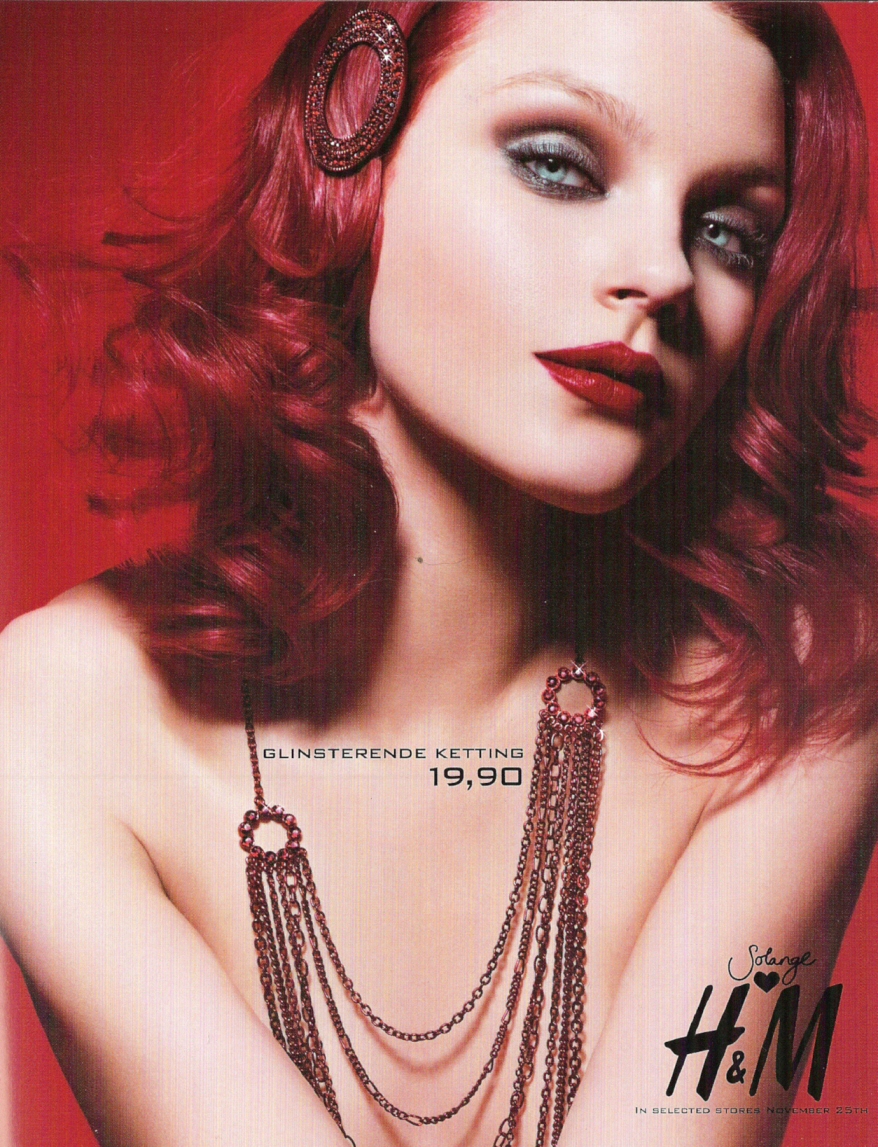
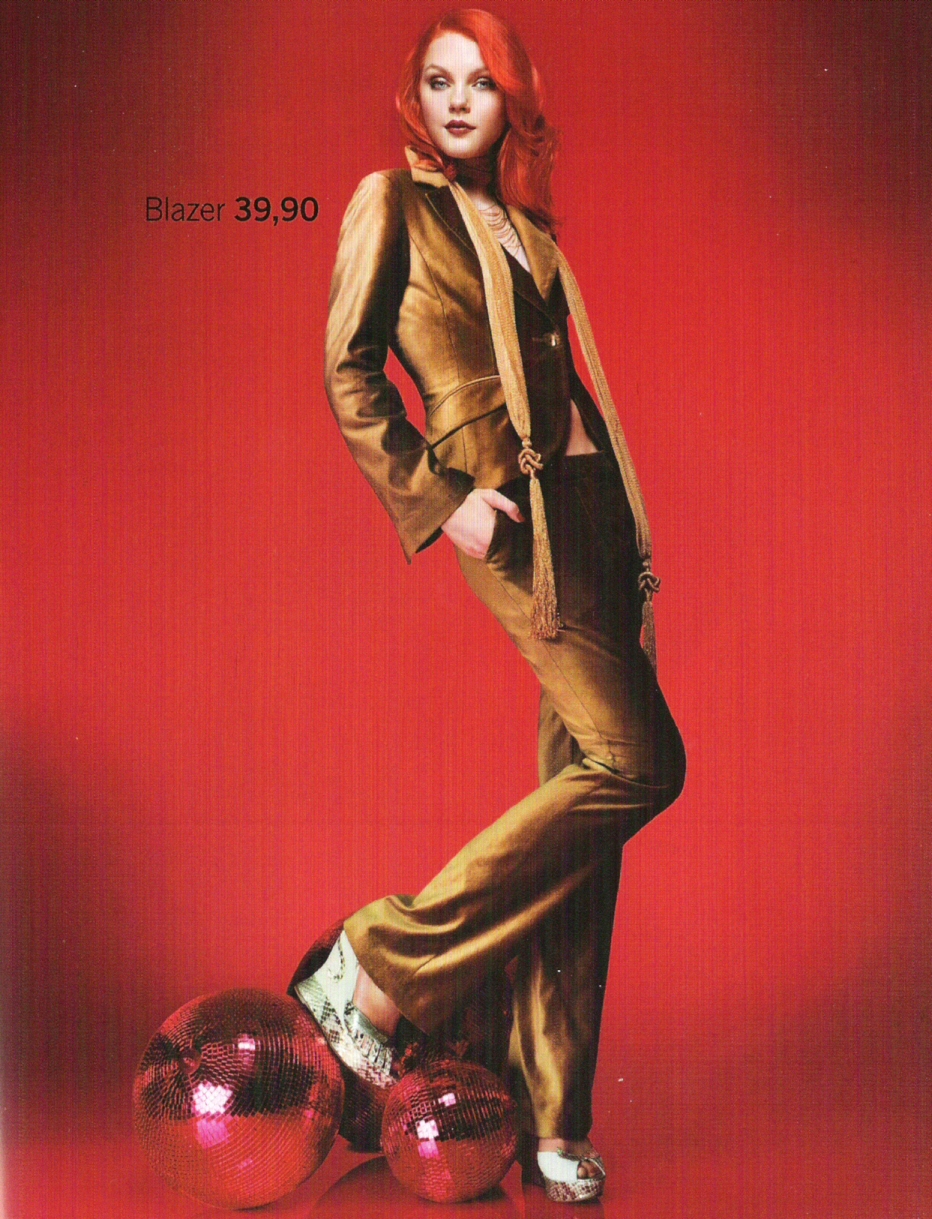
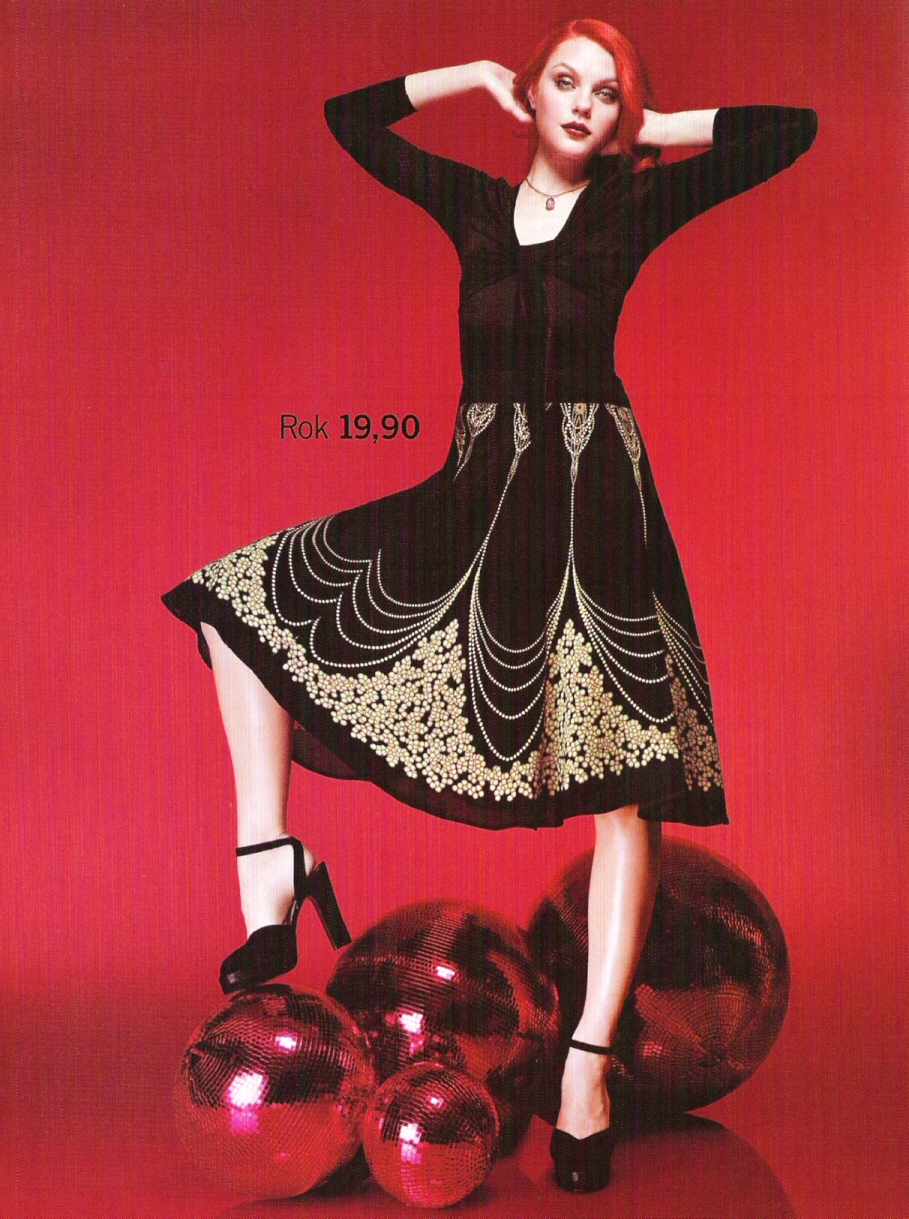
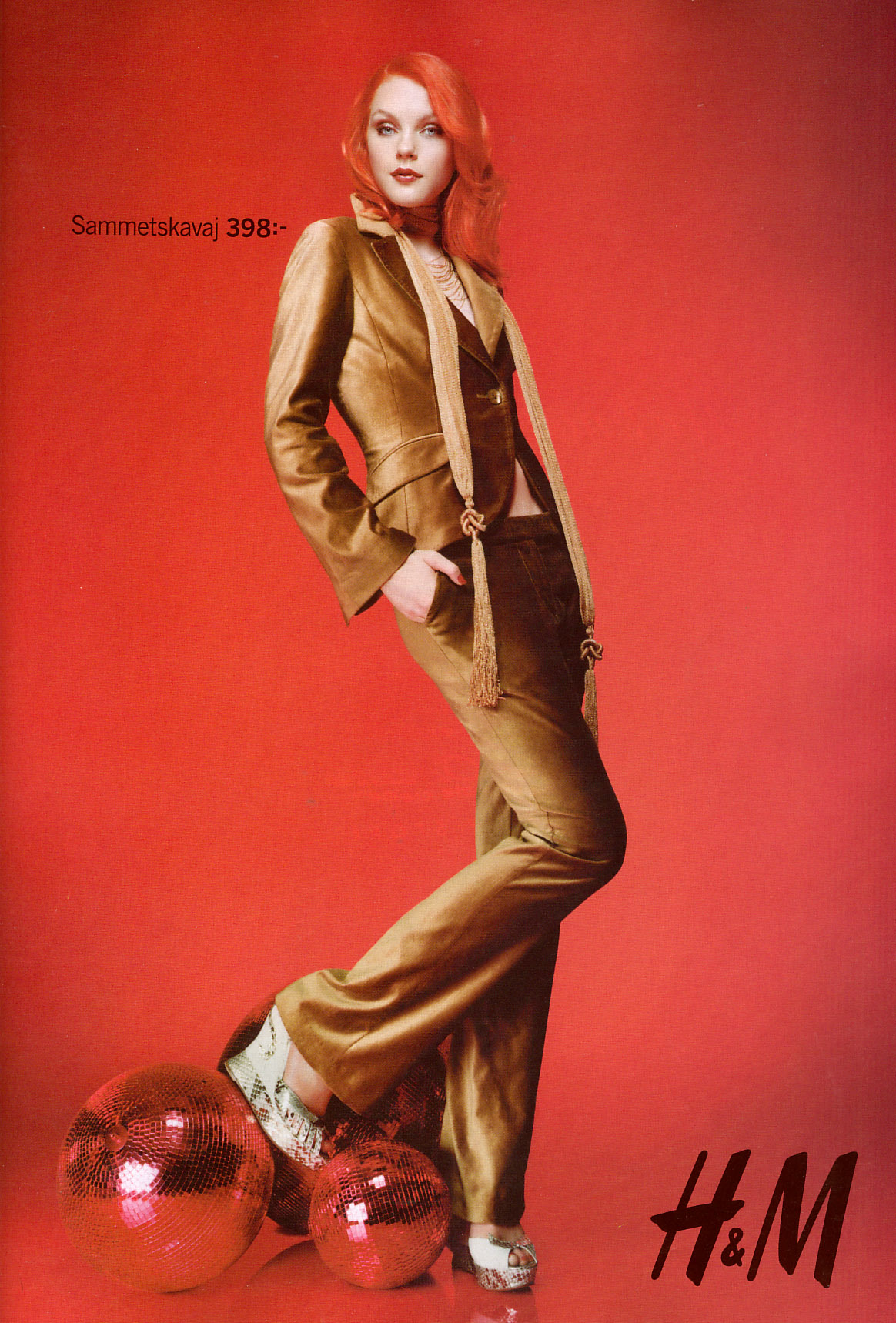
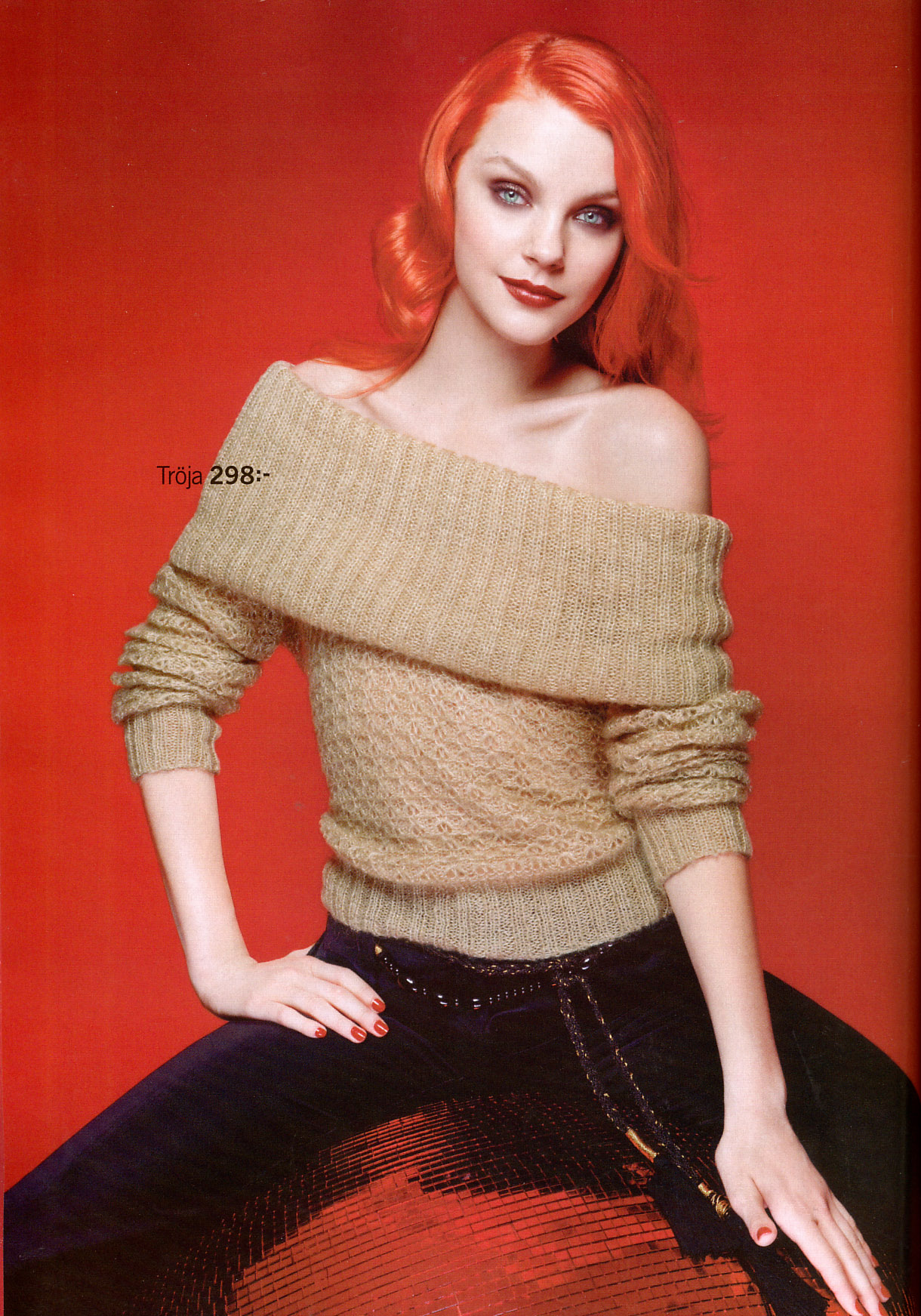
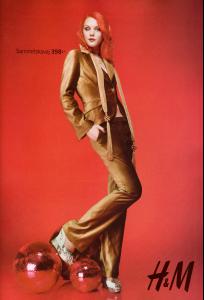
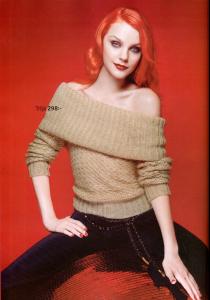
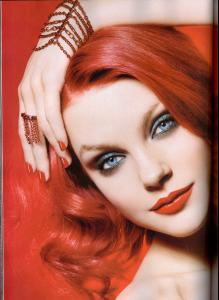
H&M more [attachmen =37739:attachment] source www.hm.com capture by me !!!! bigger pics source http://www.livejournal.com/community/miss_stam/ by inflatable
-
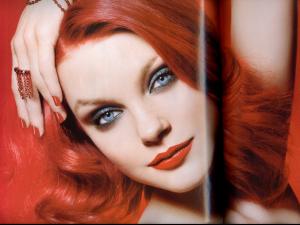
posted by perfect10 @ TFS Stam for H&M !!!! and more H&M Magazine fall/winter 2004
-
any idea where we can get the video? and thx for all the pics lullaby and purplish <{POST_SNAPBACK}> http://www.oliver-maier.de/quicktime_movies/anna_sui_one.mov you set up QuickTime stam is lovely