
High Fly
Members
-
Joined
-
Last visited
Everything posted by High Fly
-
 RÉVE DE CHANEL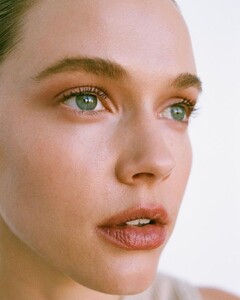
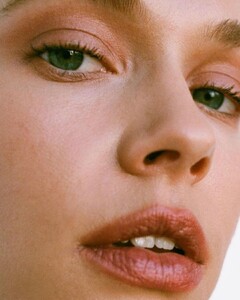
-
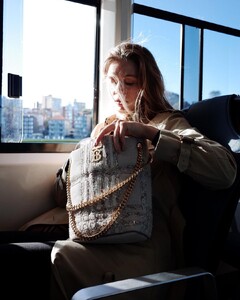
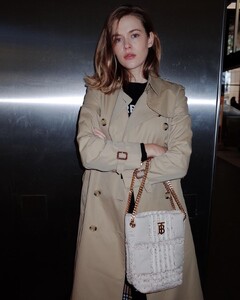
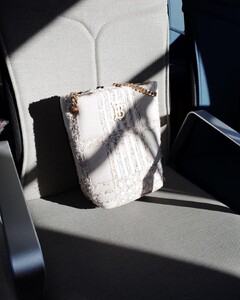
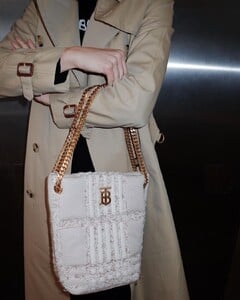
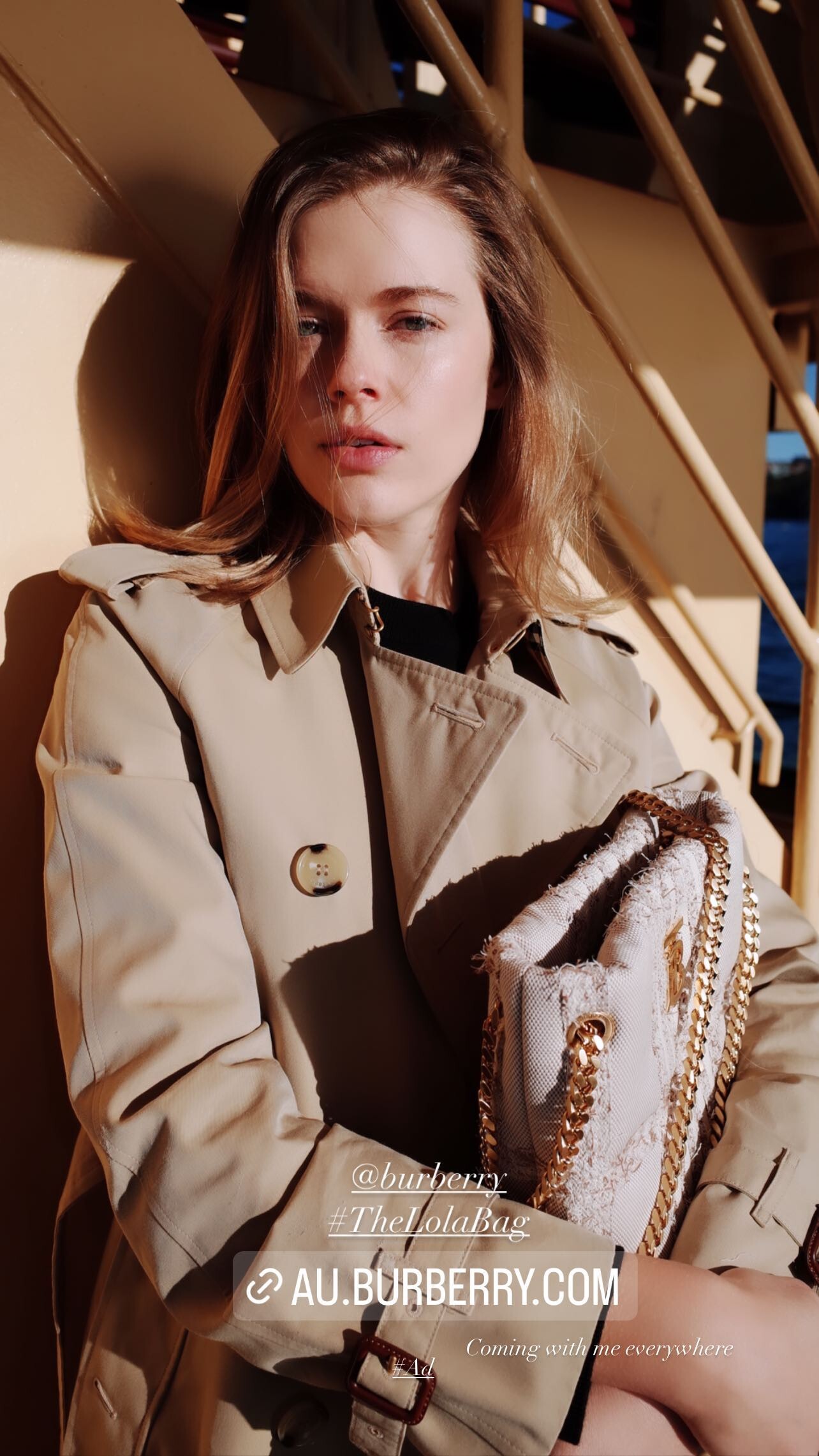
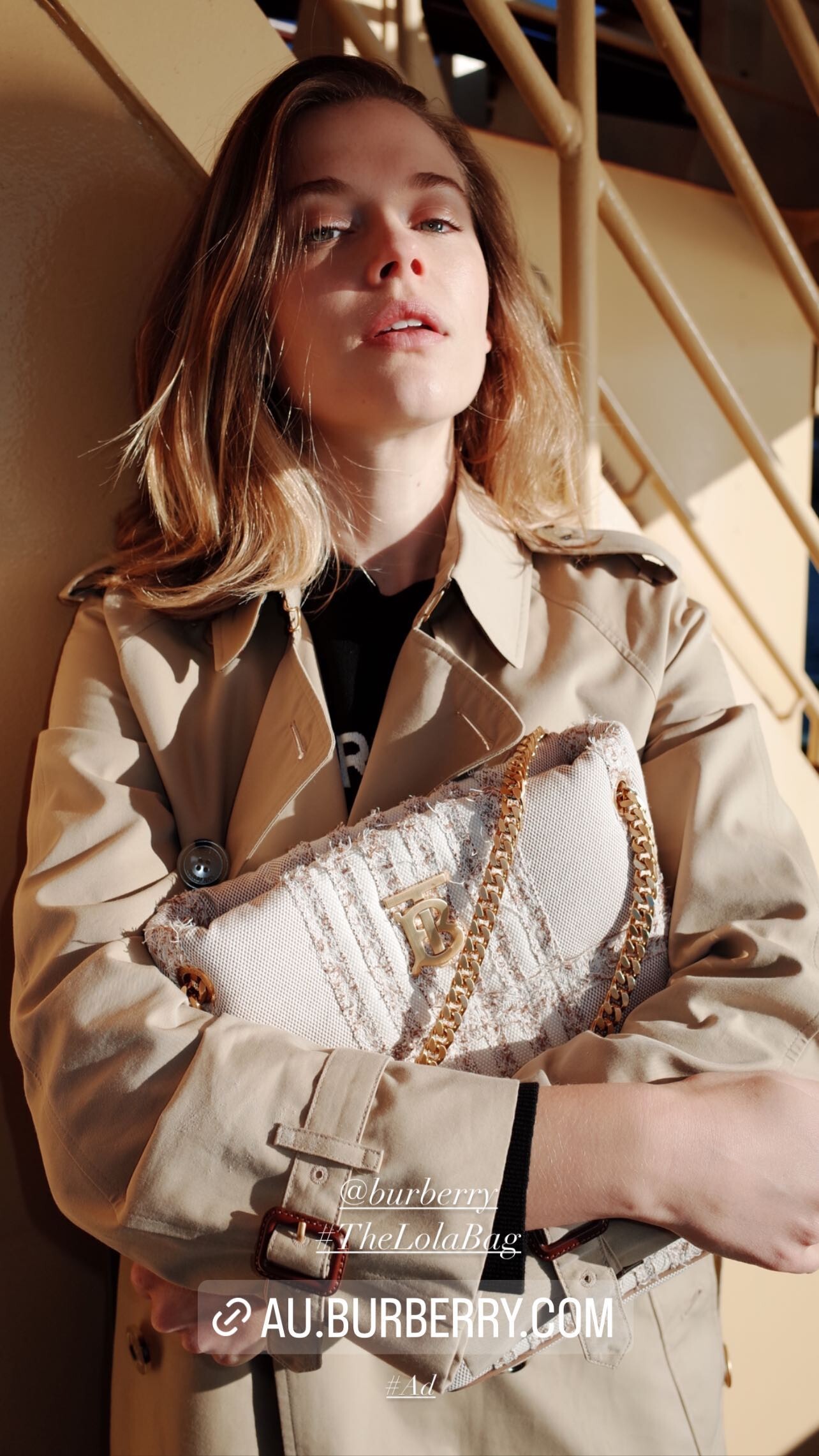
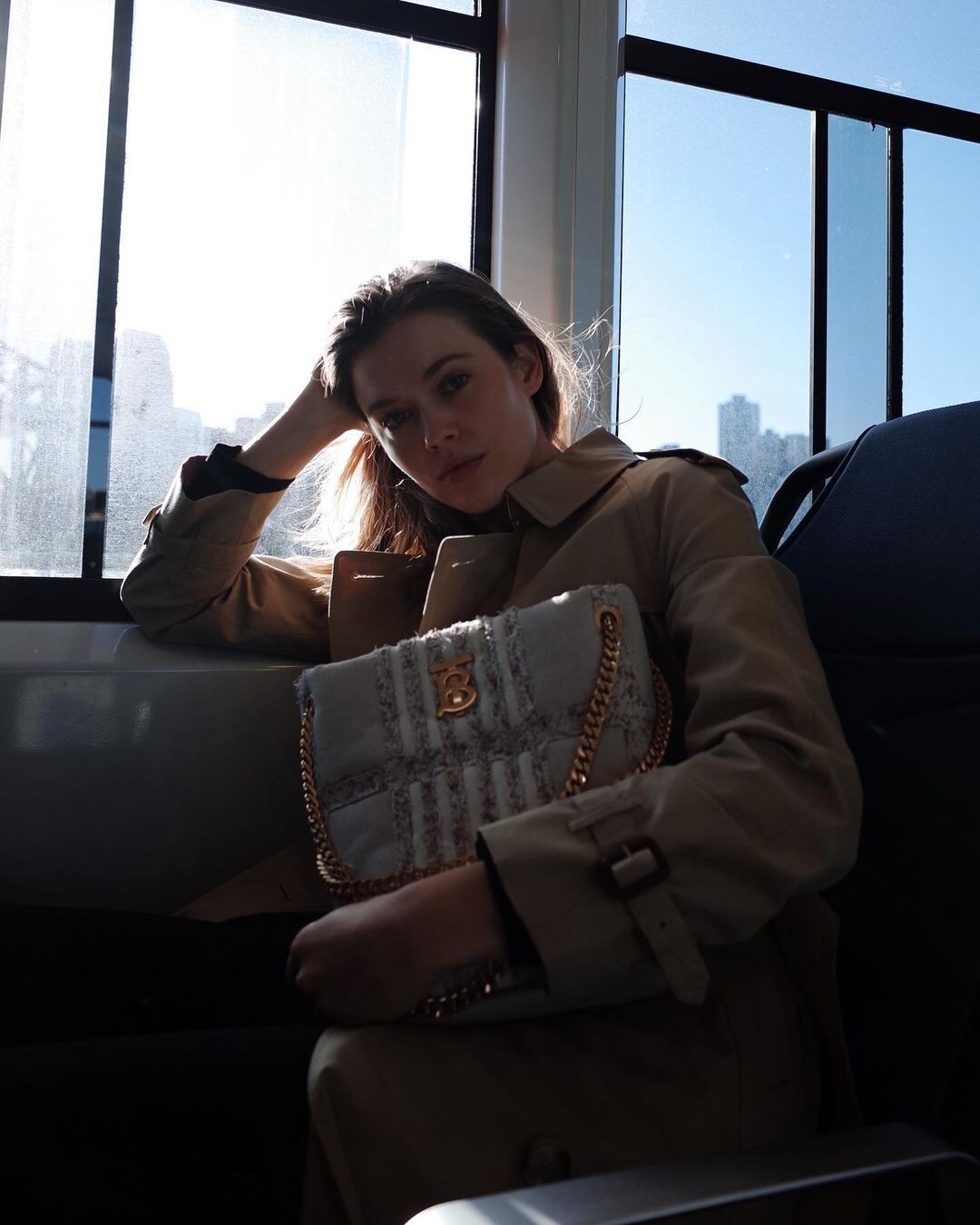
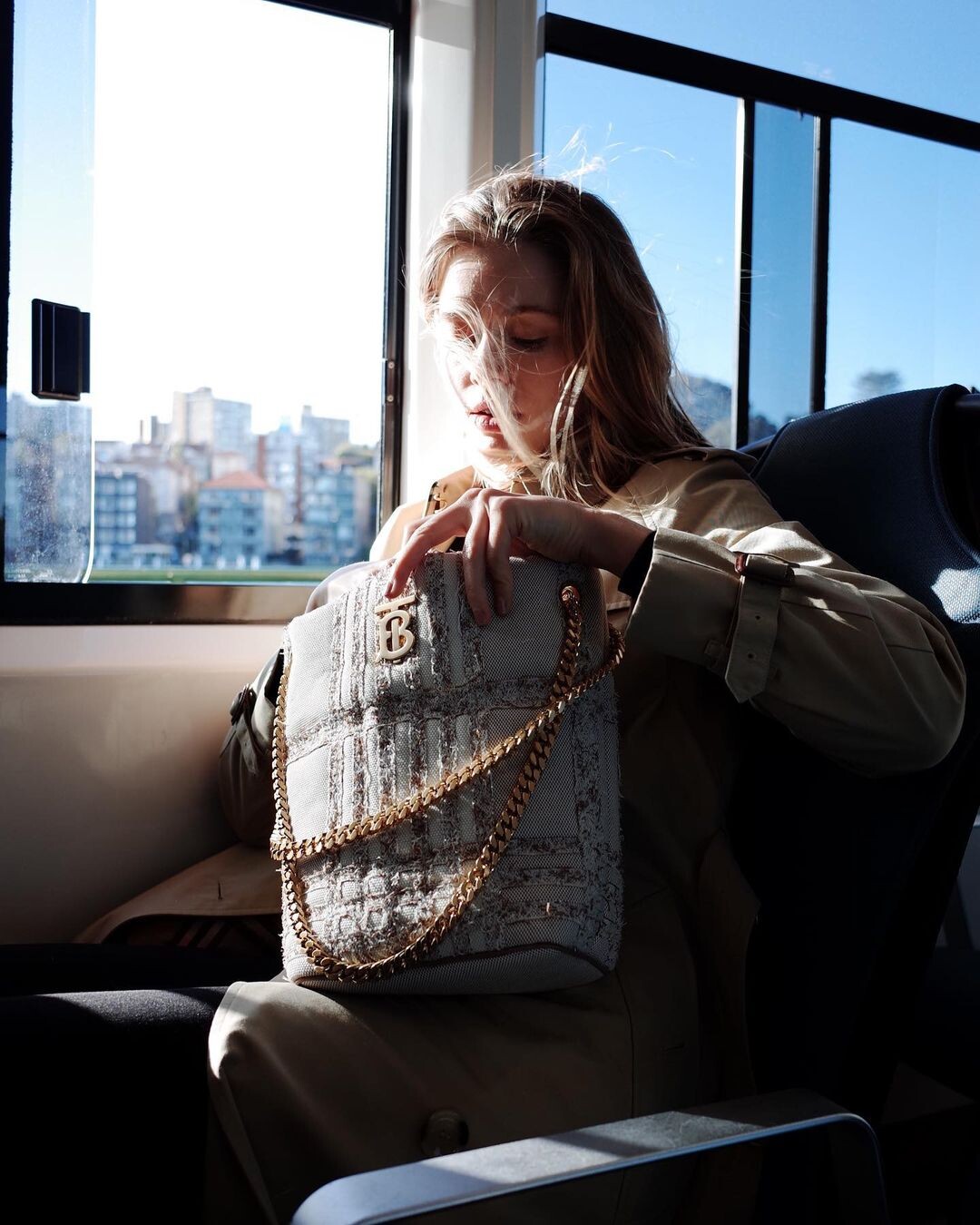
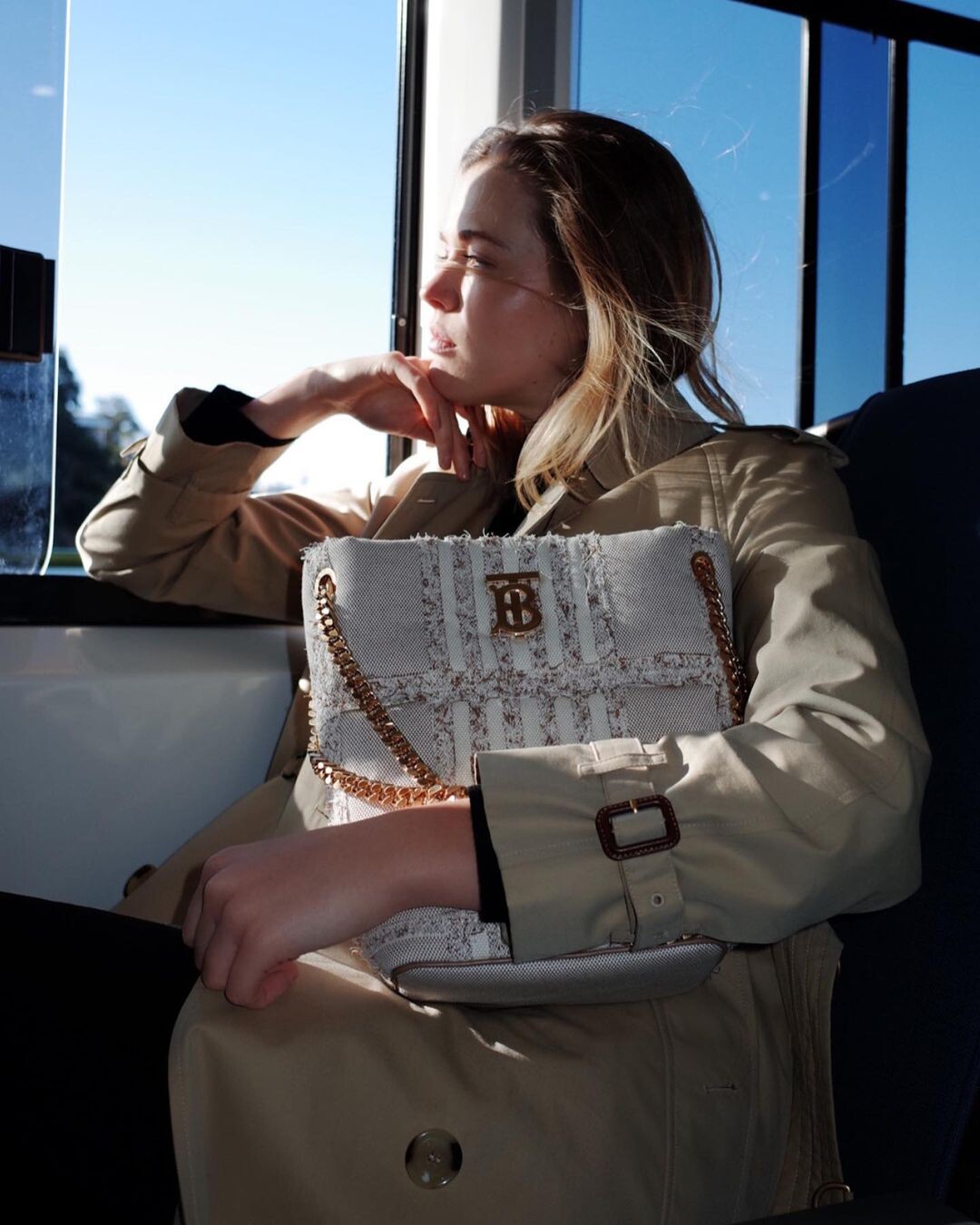
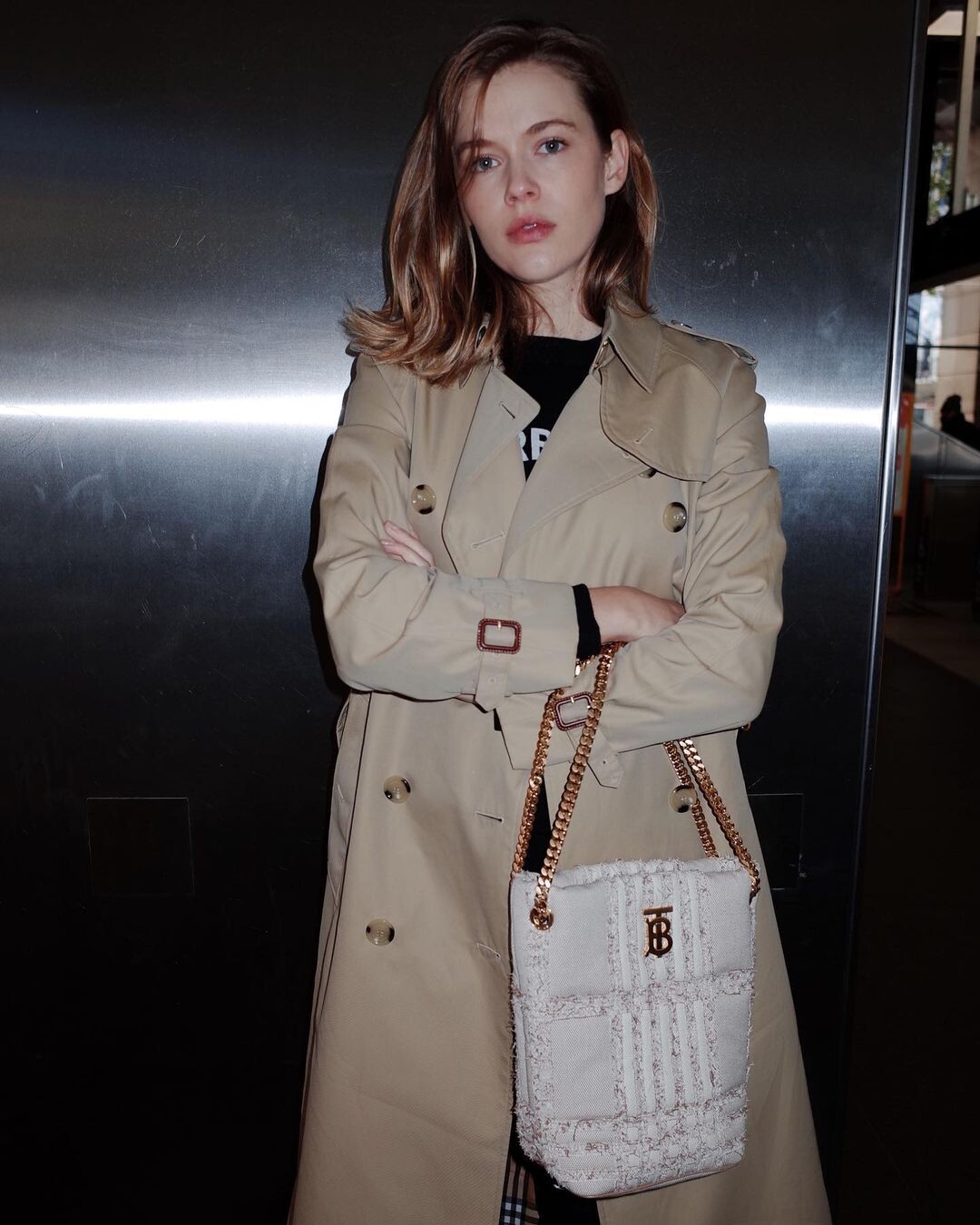
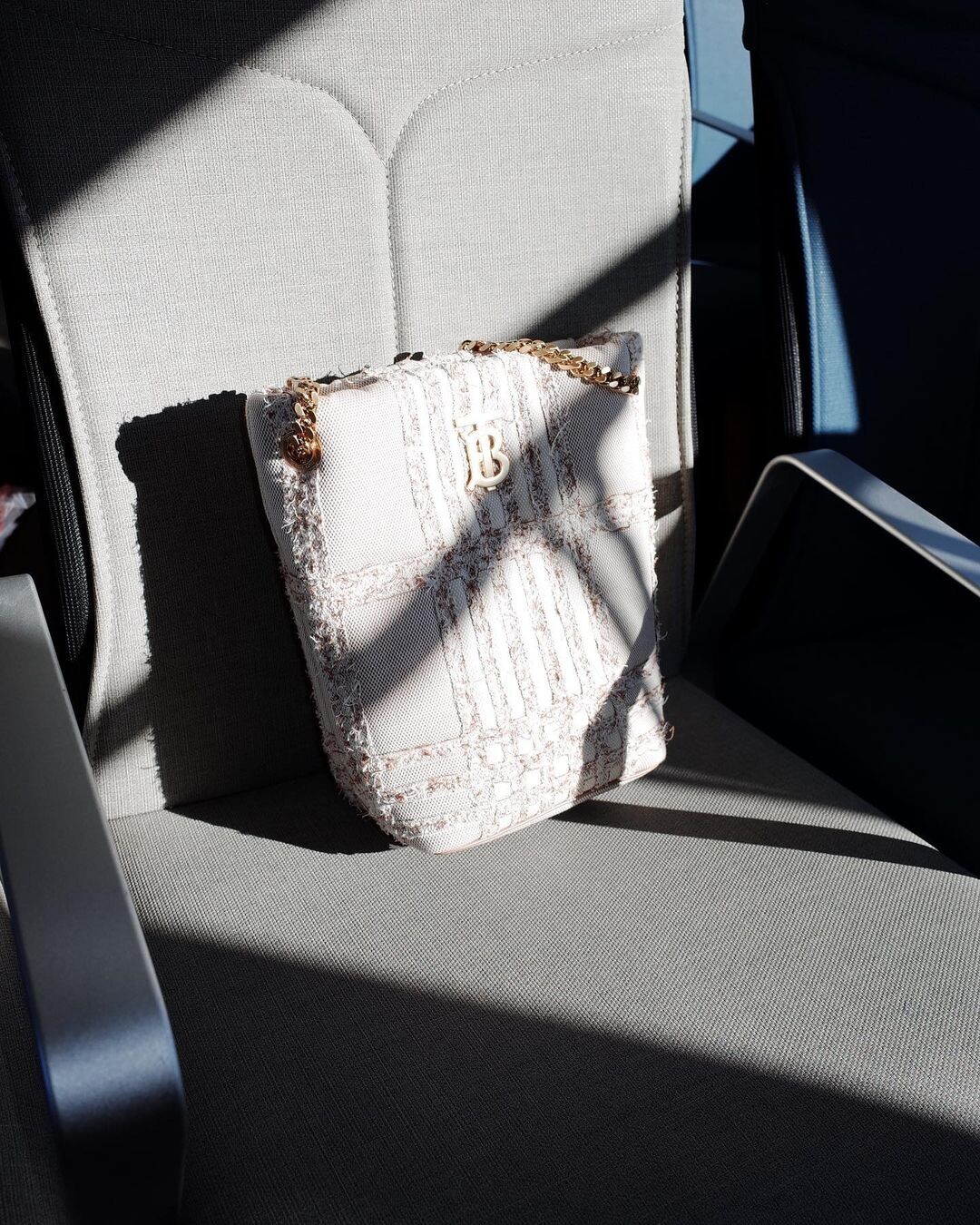
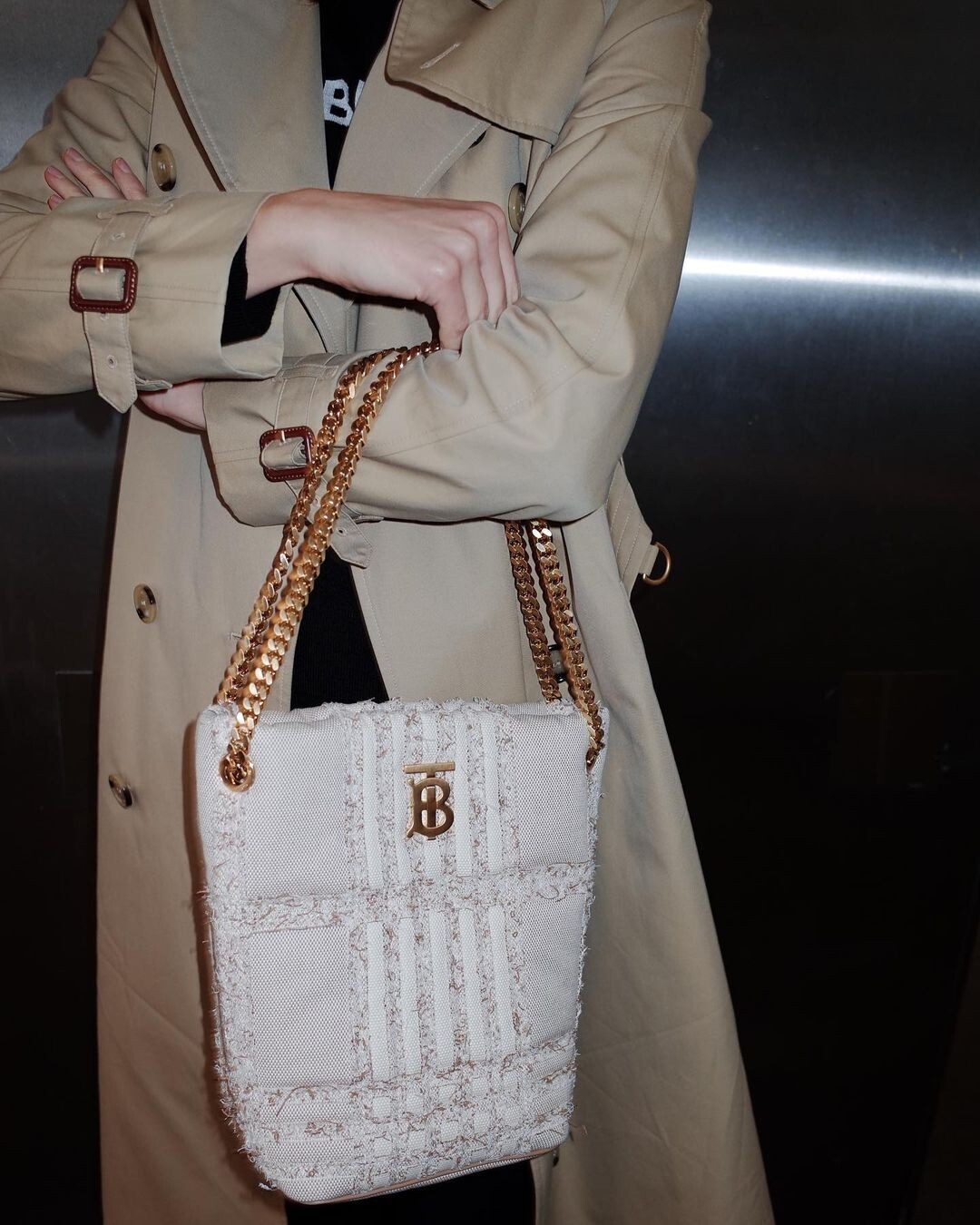
BURBERRY


-
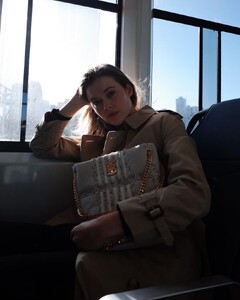
BURBERRY

-
Paul Bram Diamonds

-
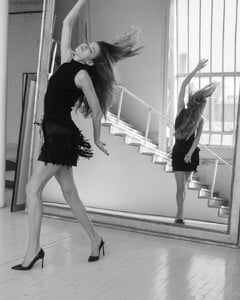
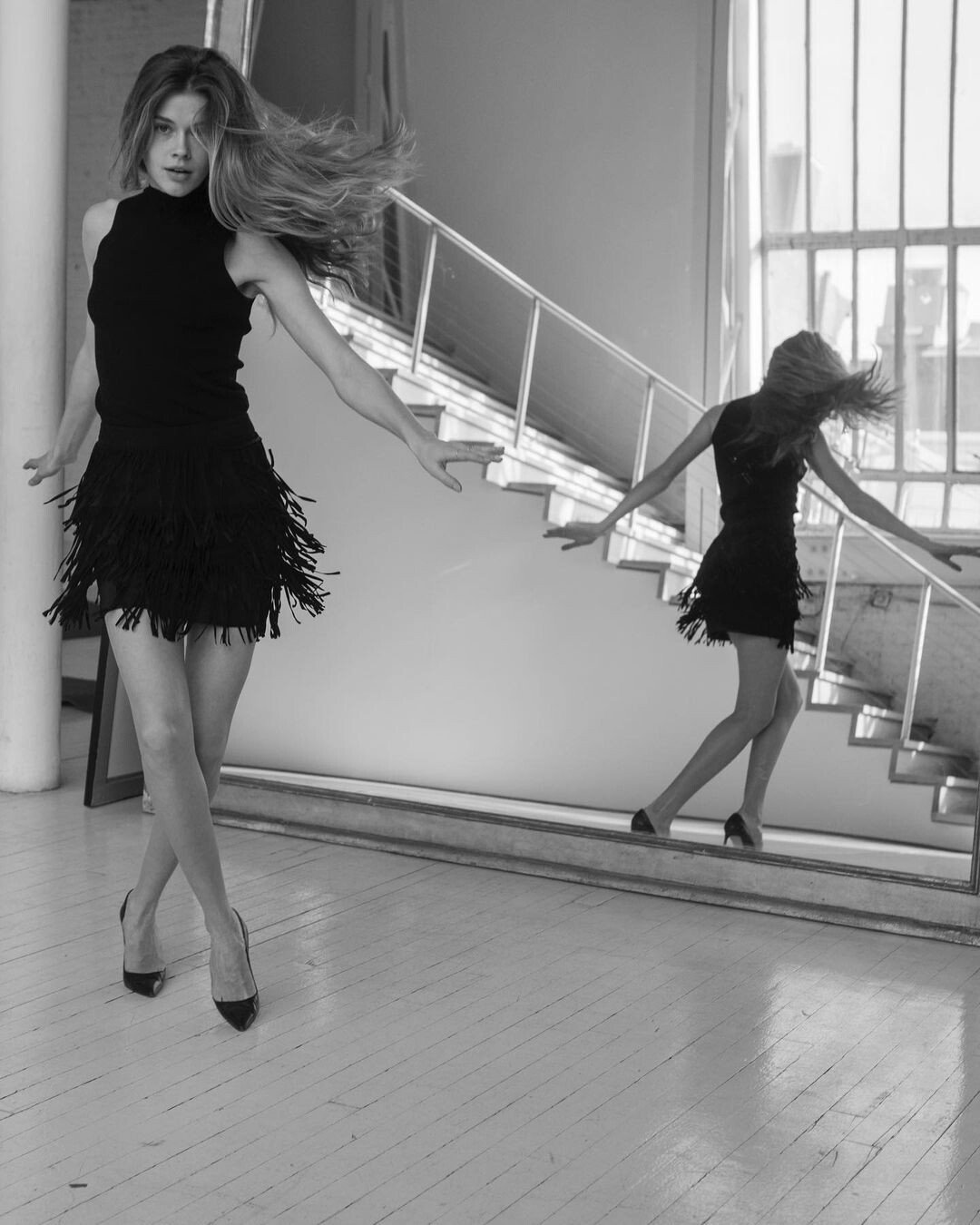
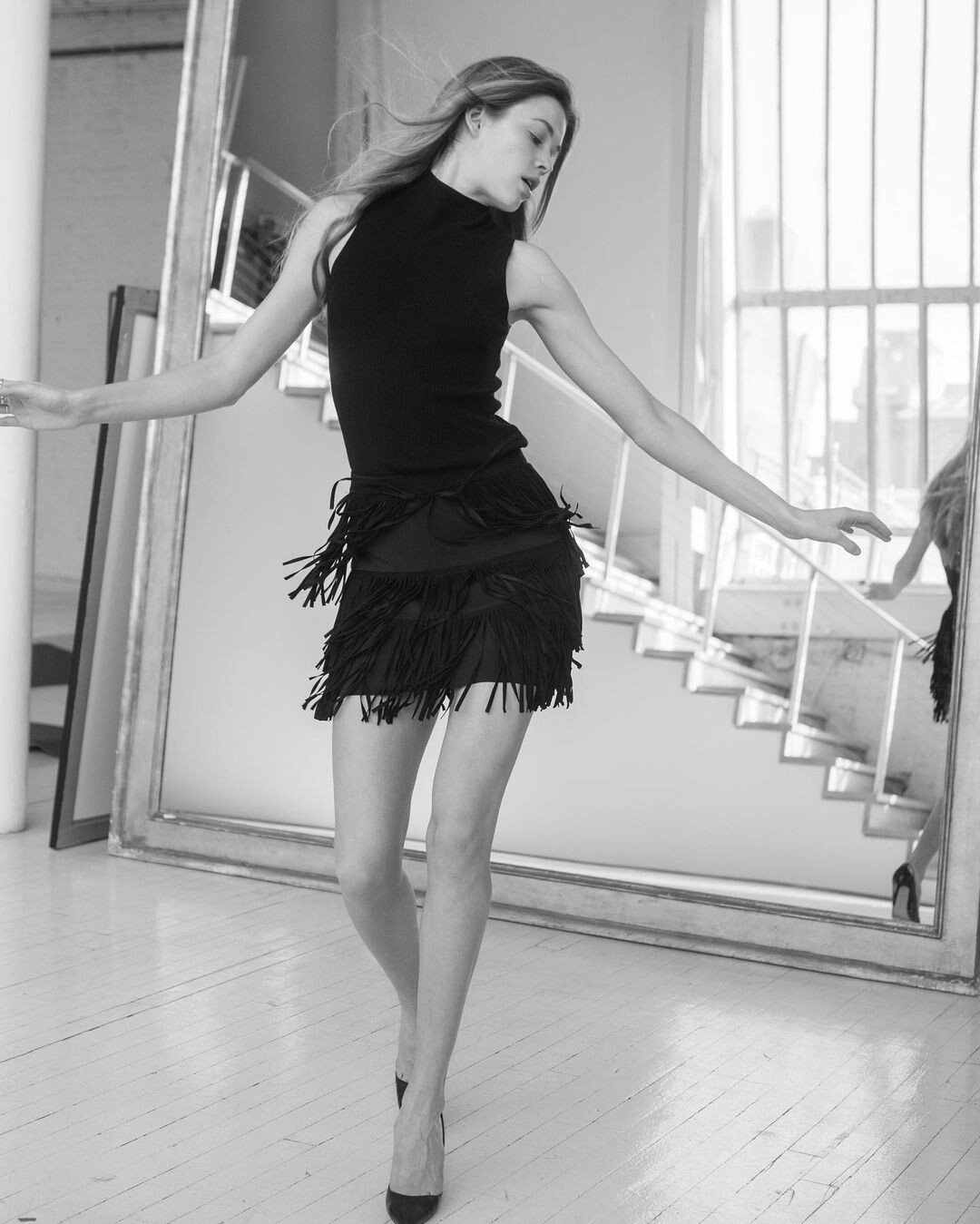
Shot by Arthur Elgort




-
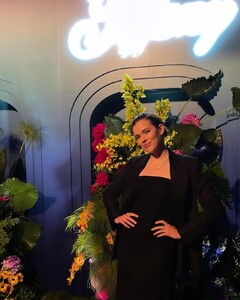
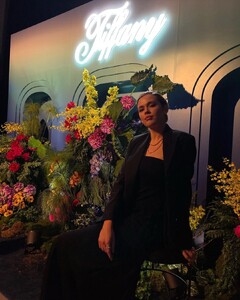
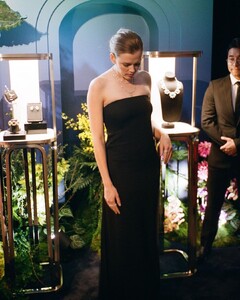
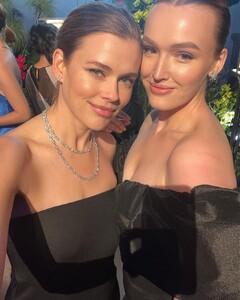
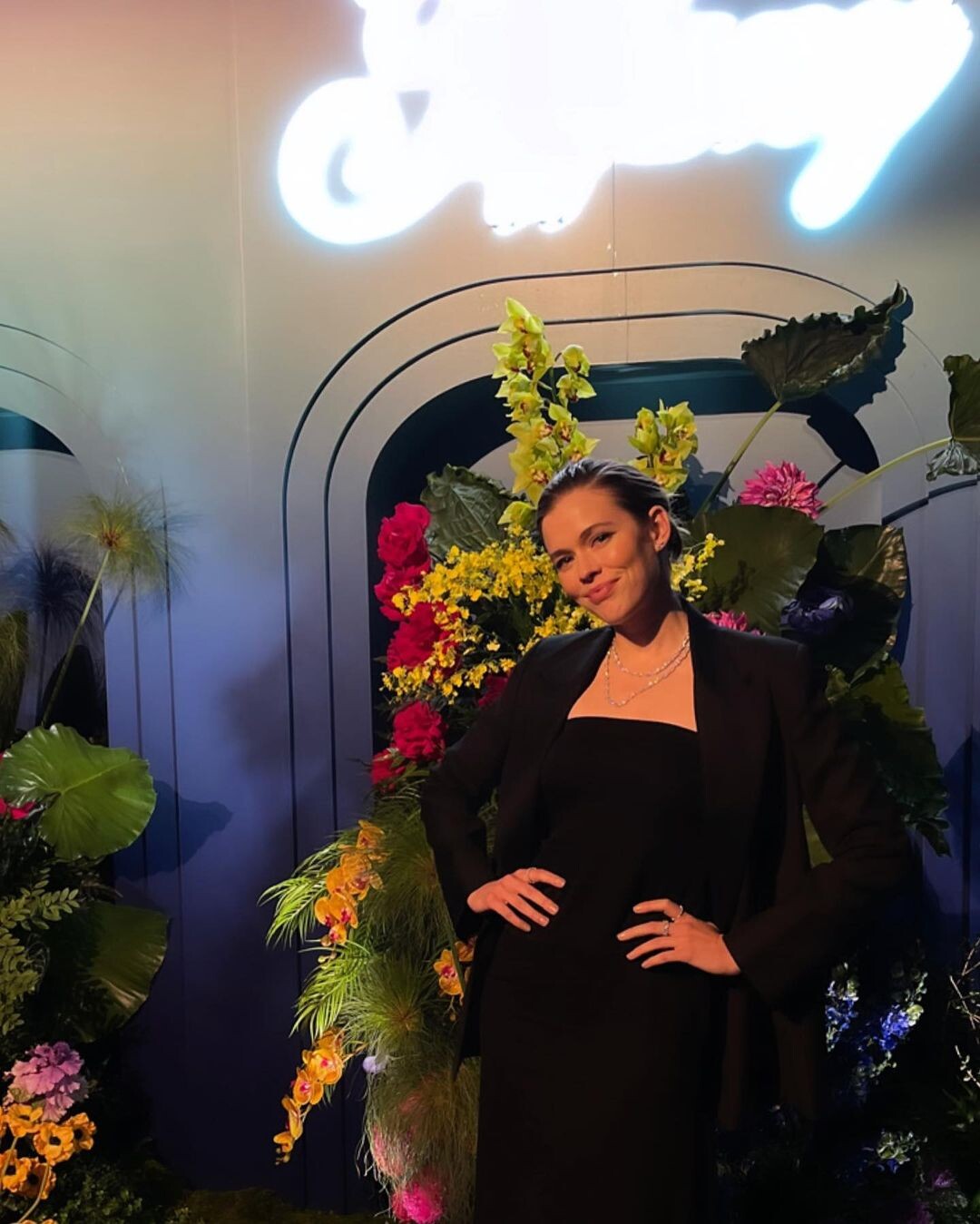
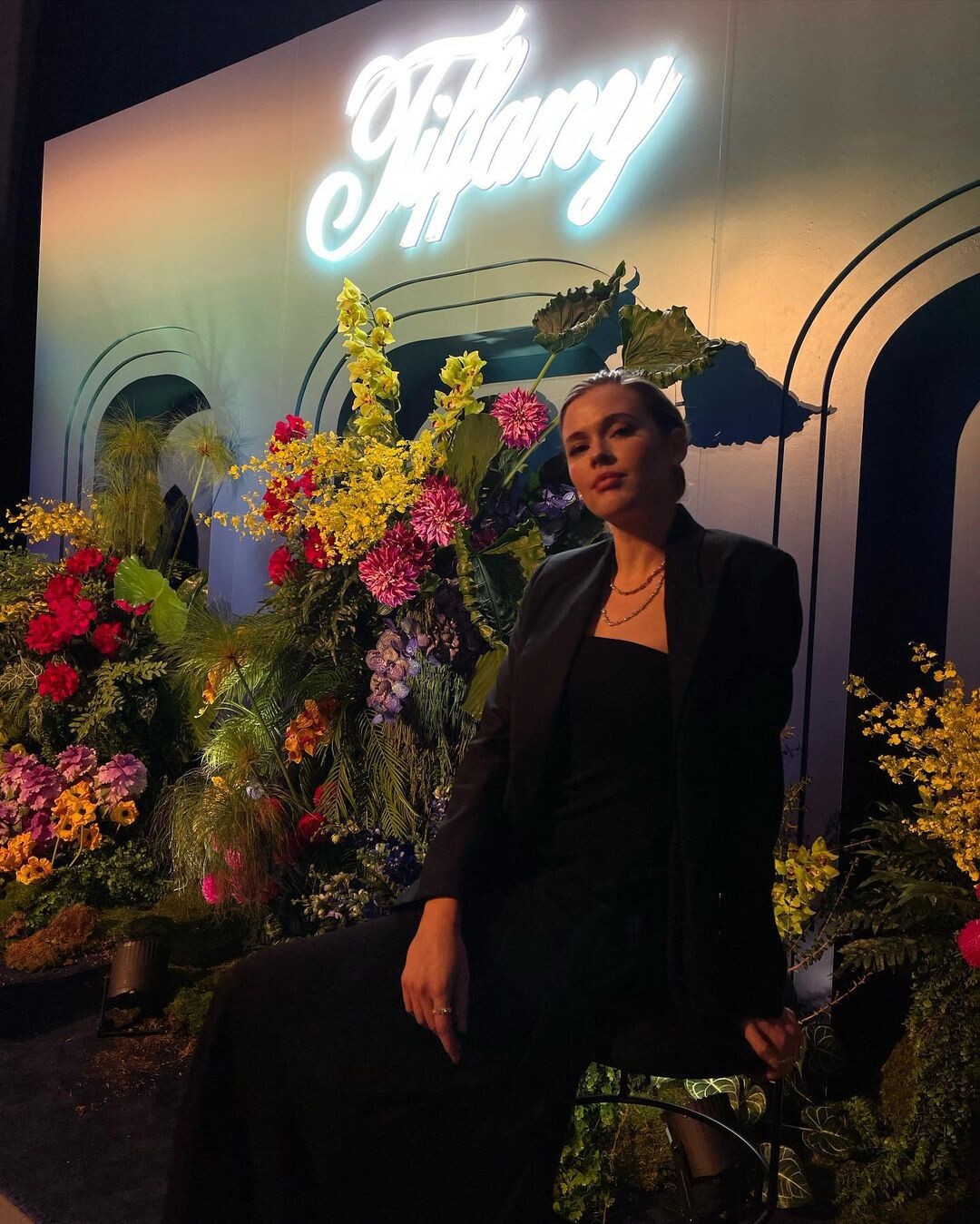
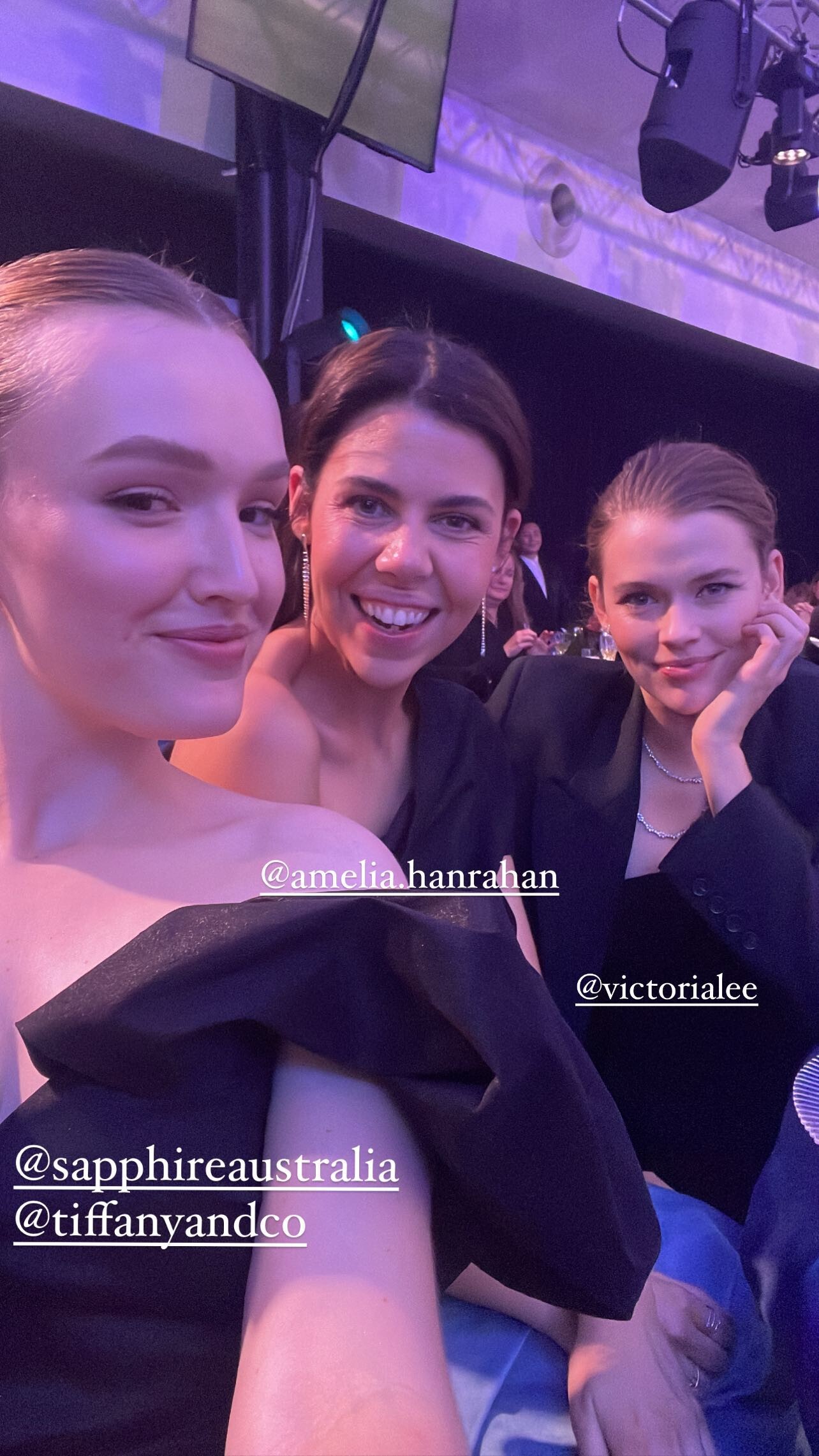
Sapphire × Tiffany and Co
-
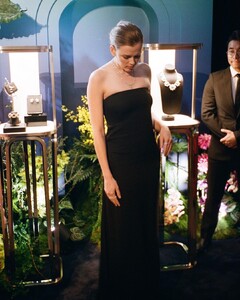
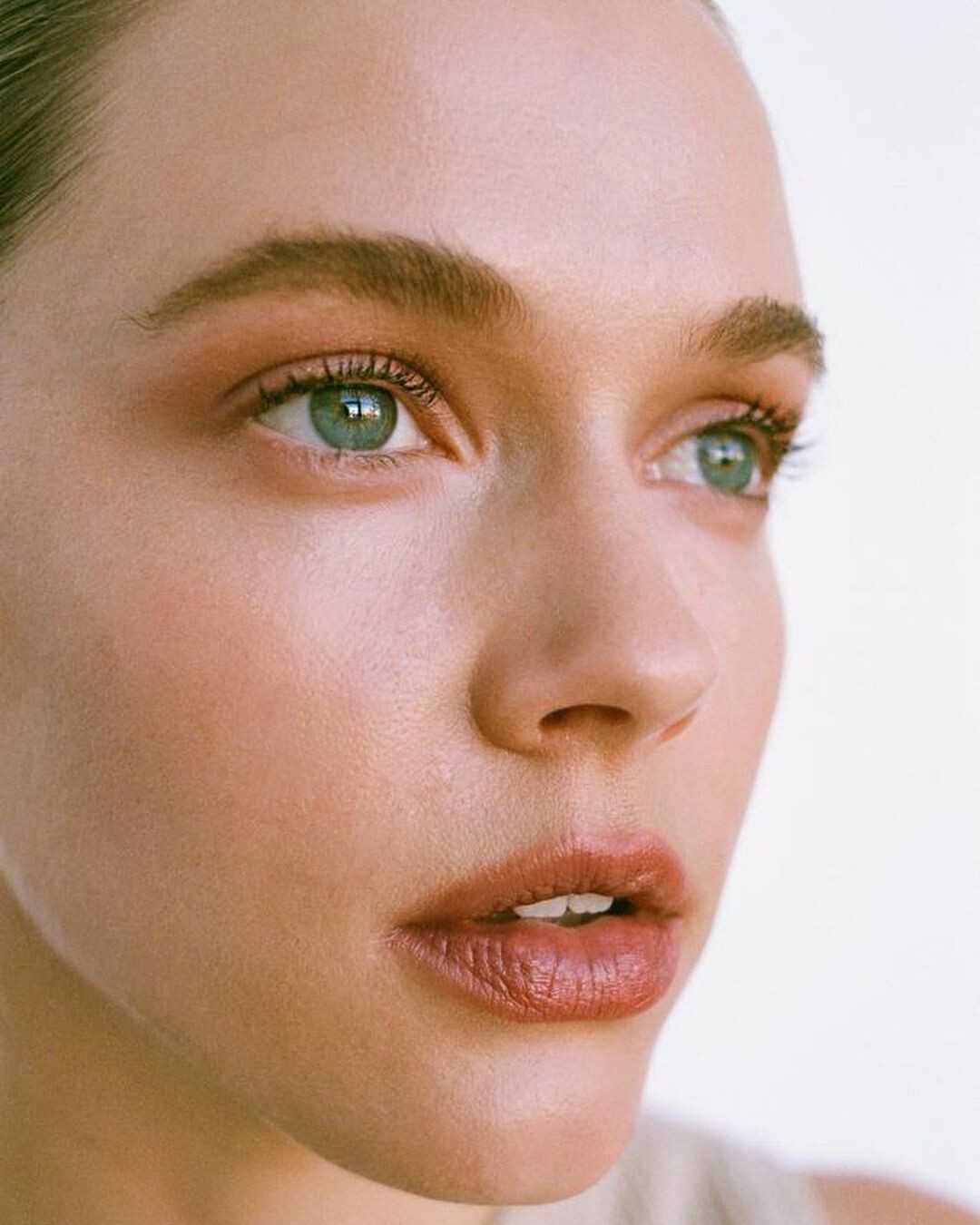
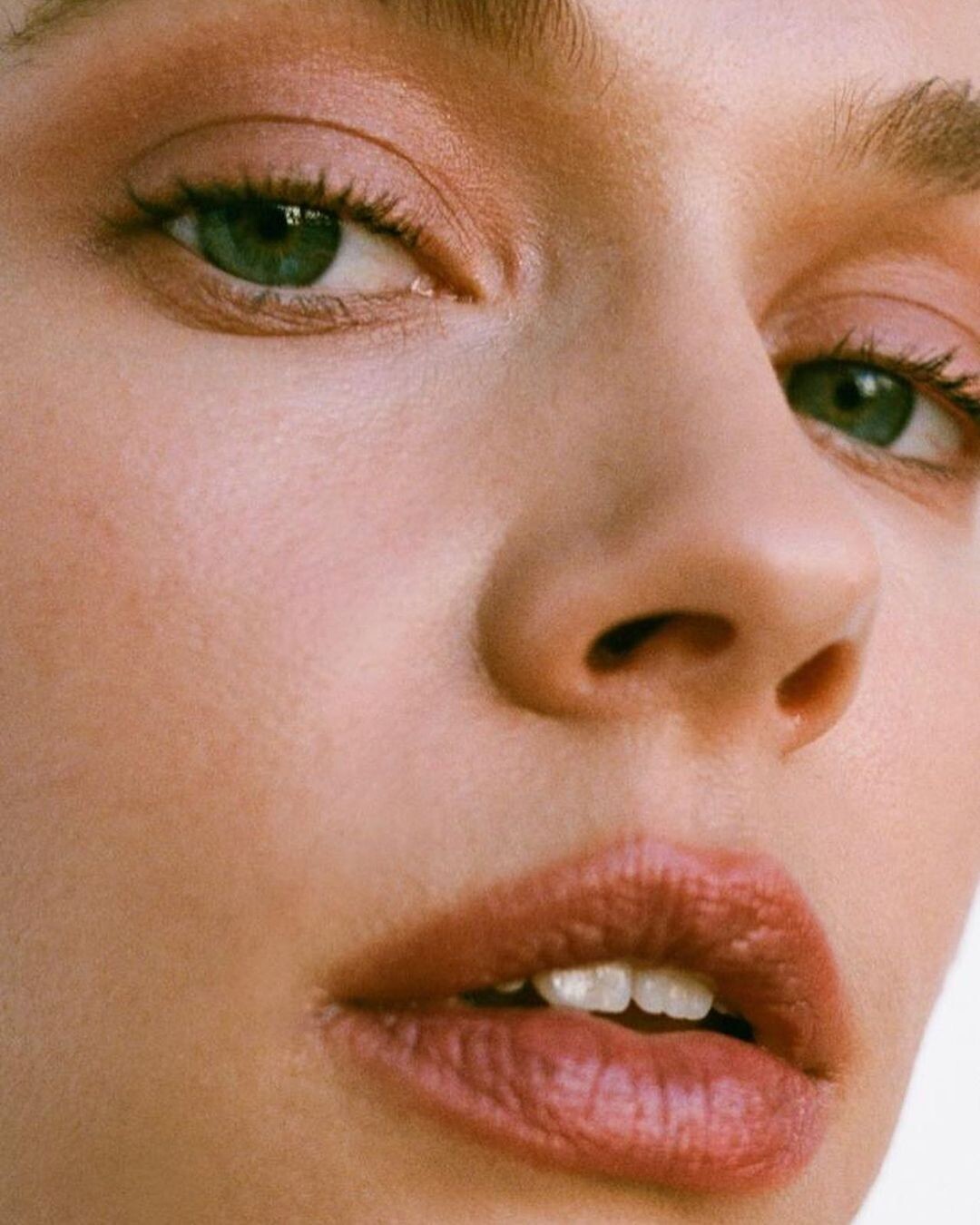
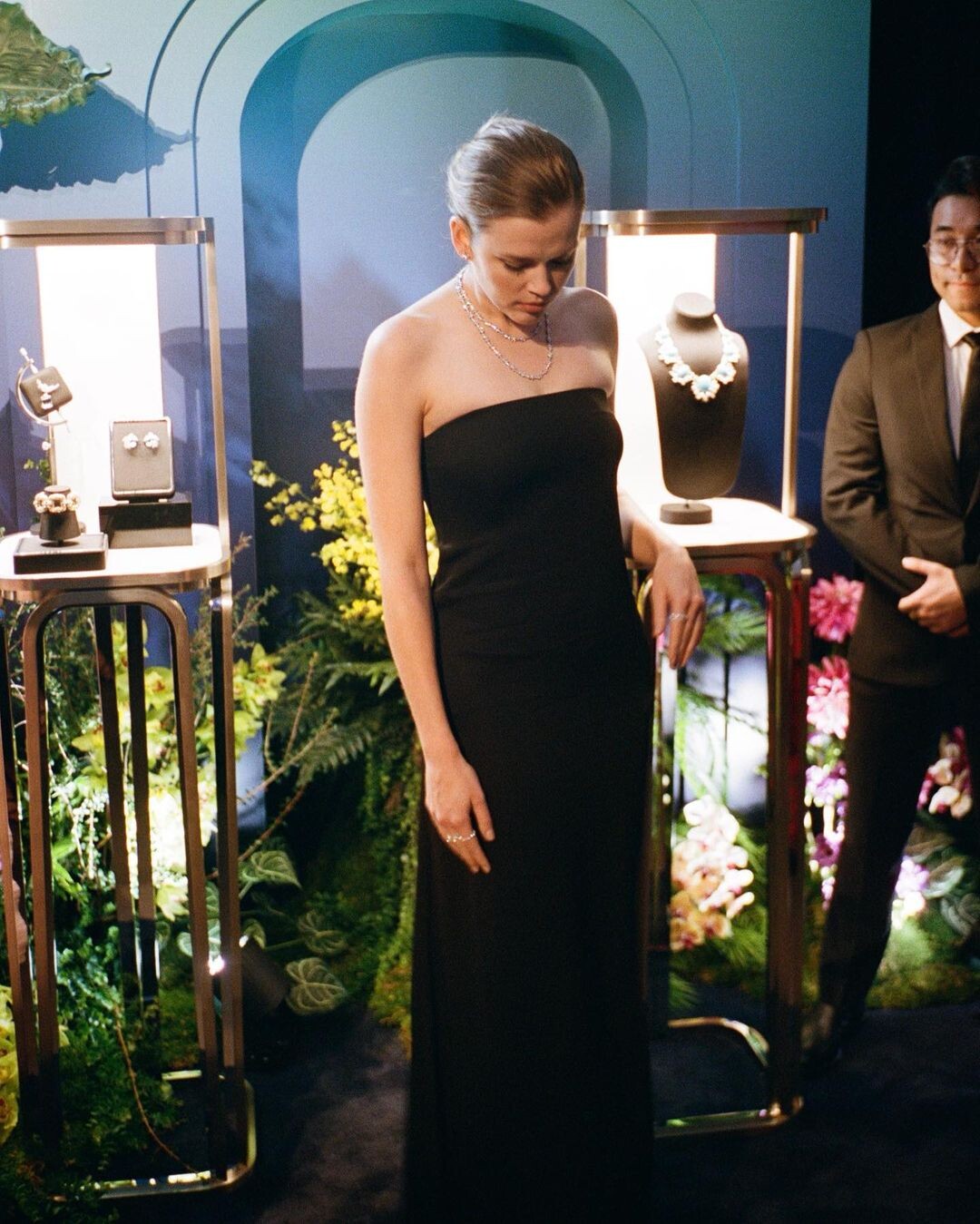
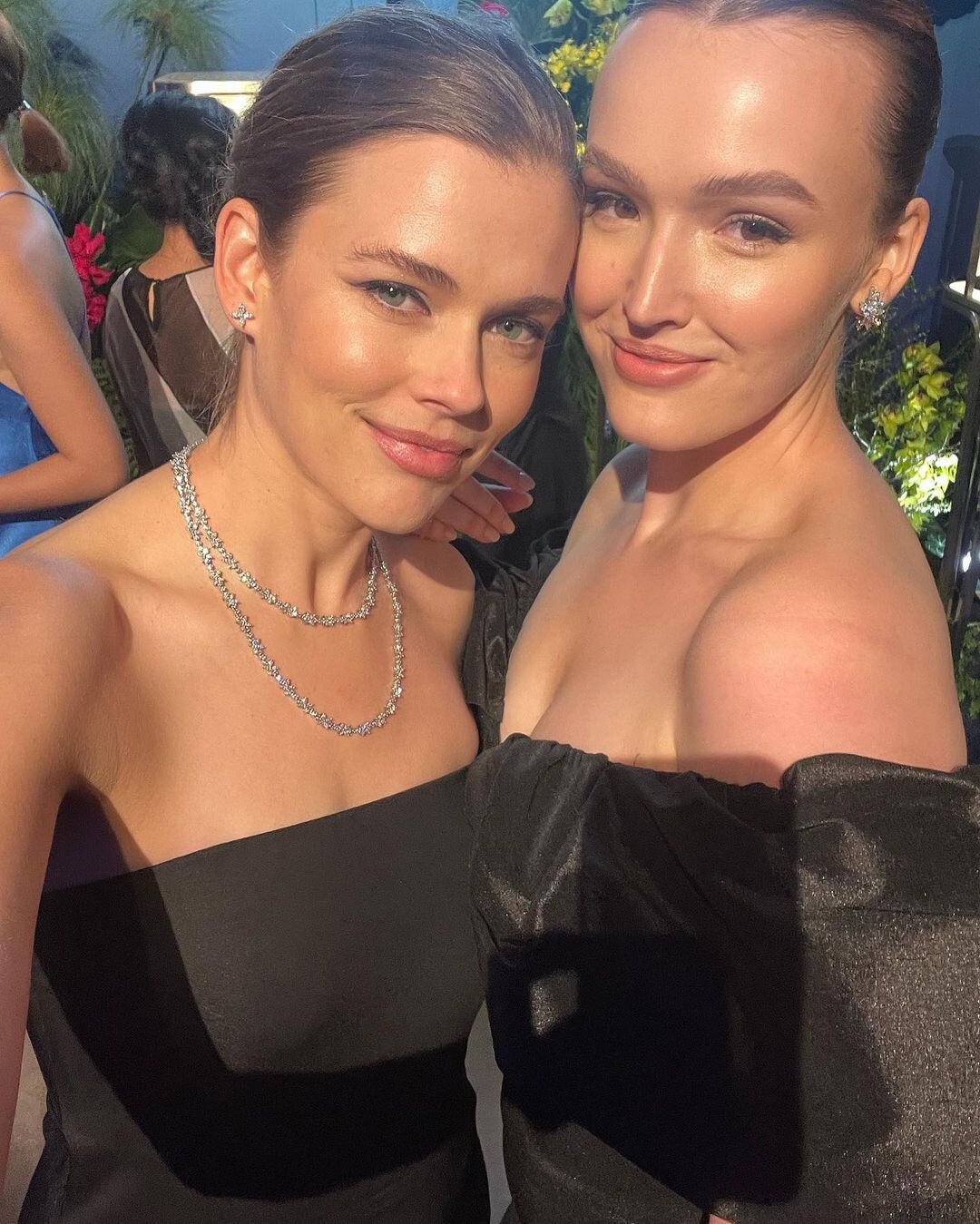
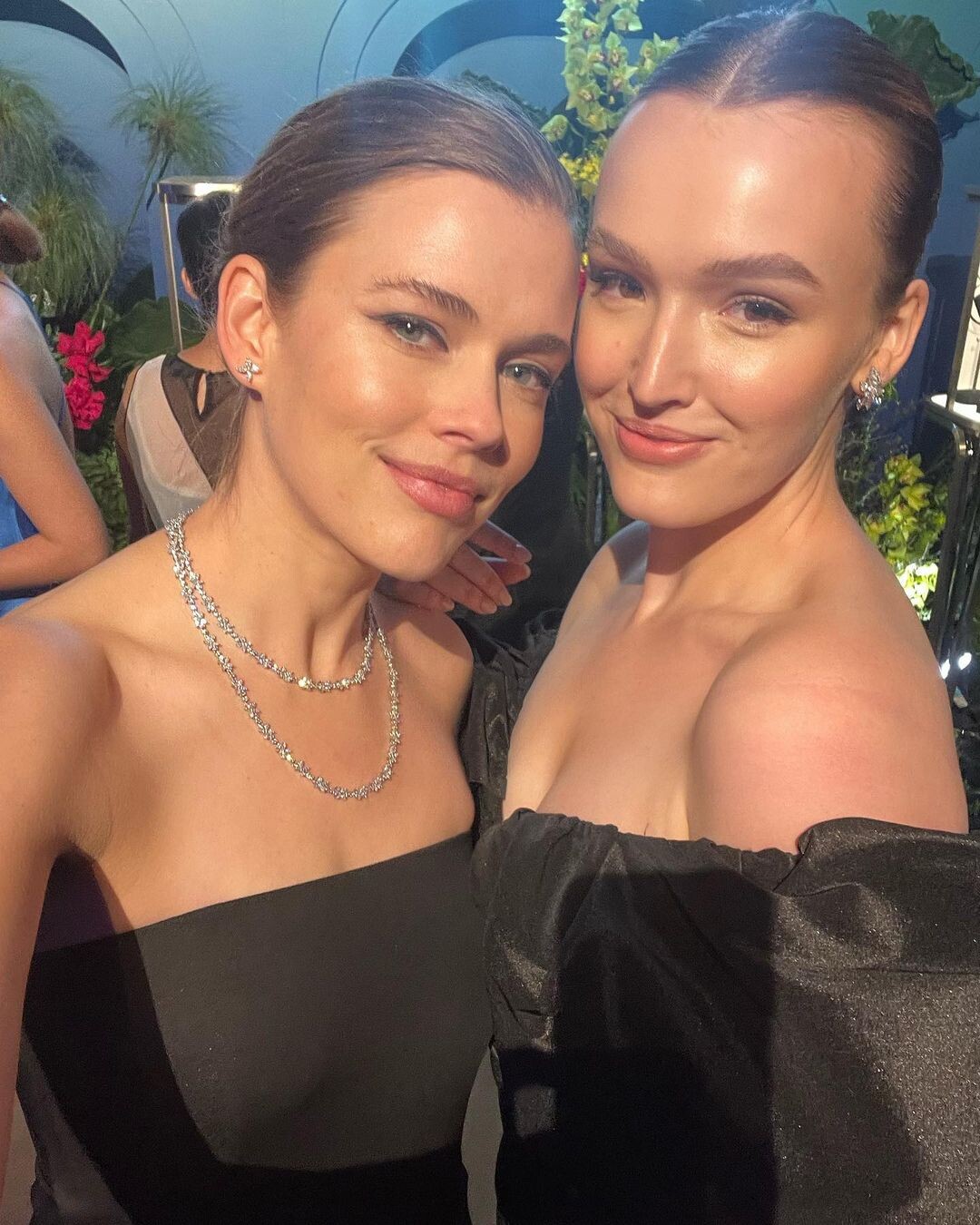
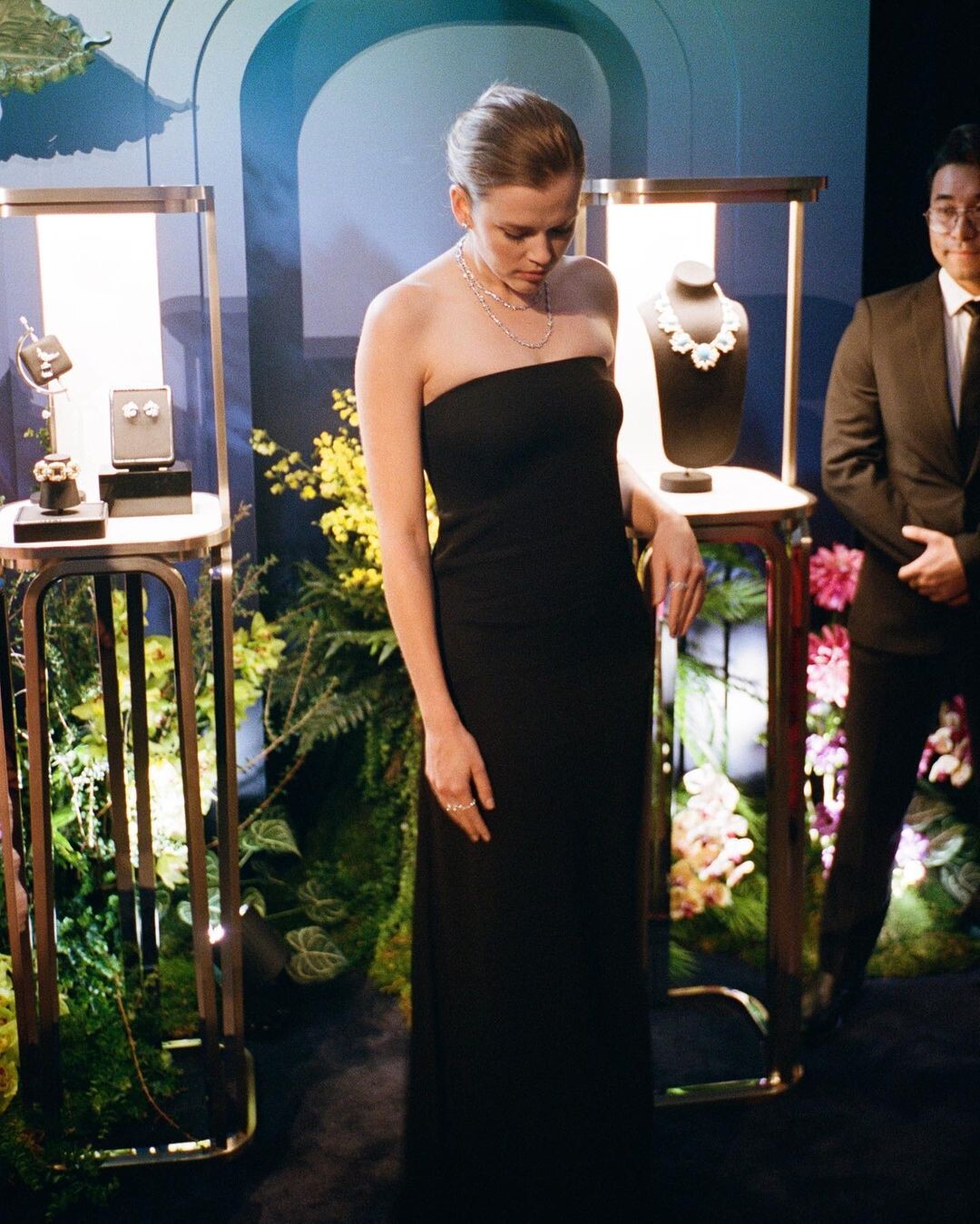
Maddison Brown

-
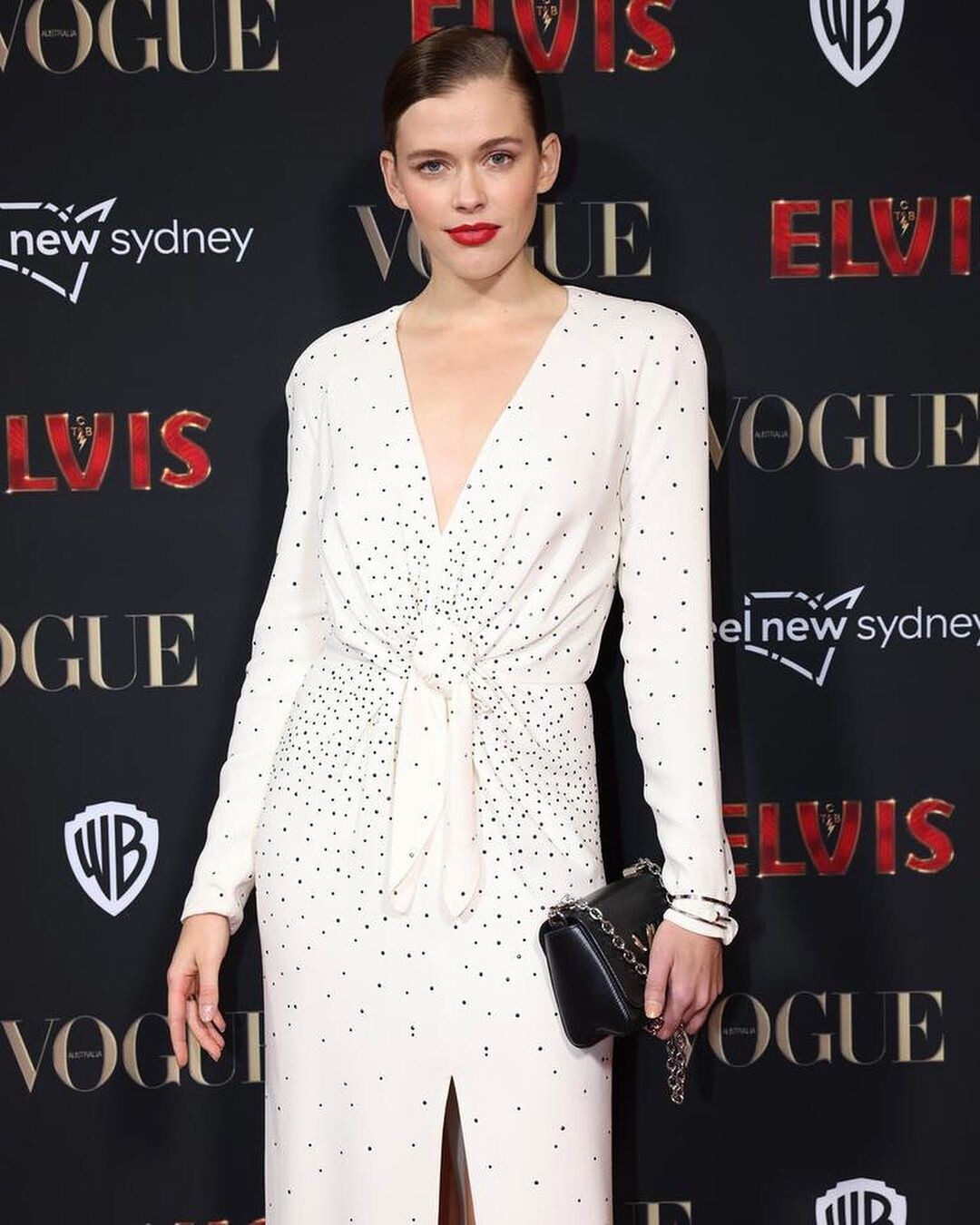
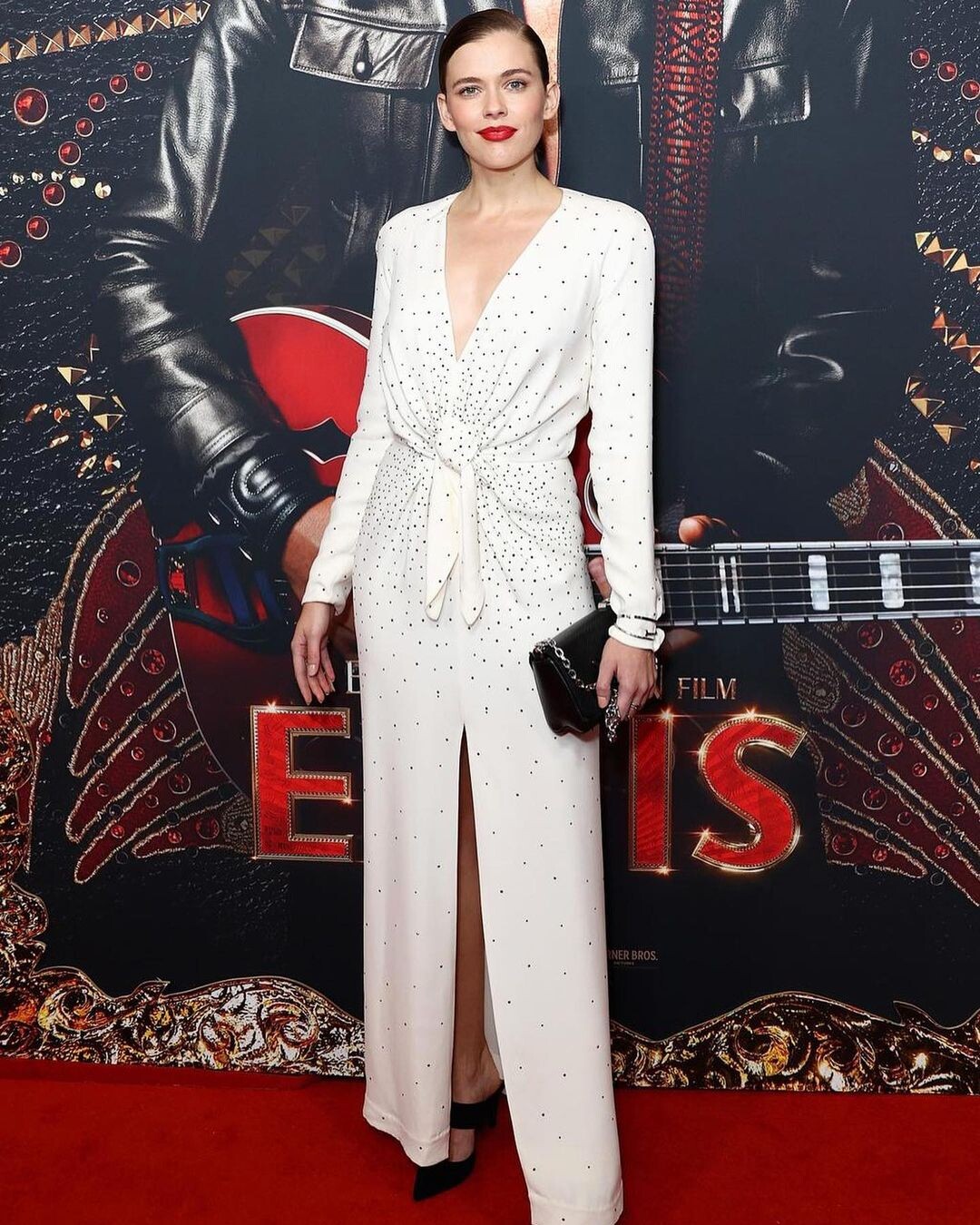
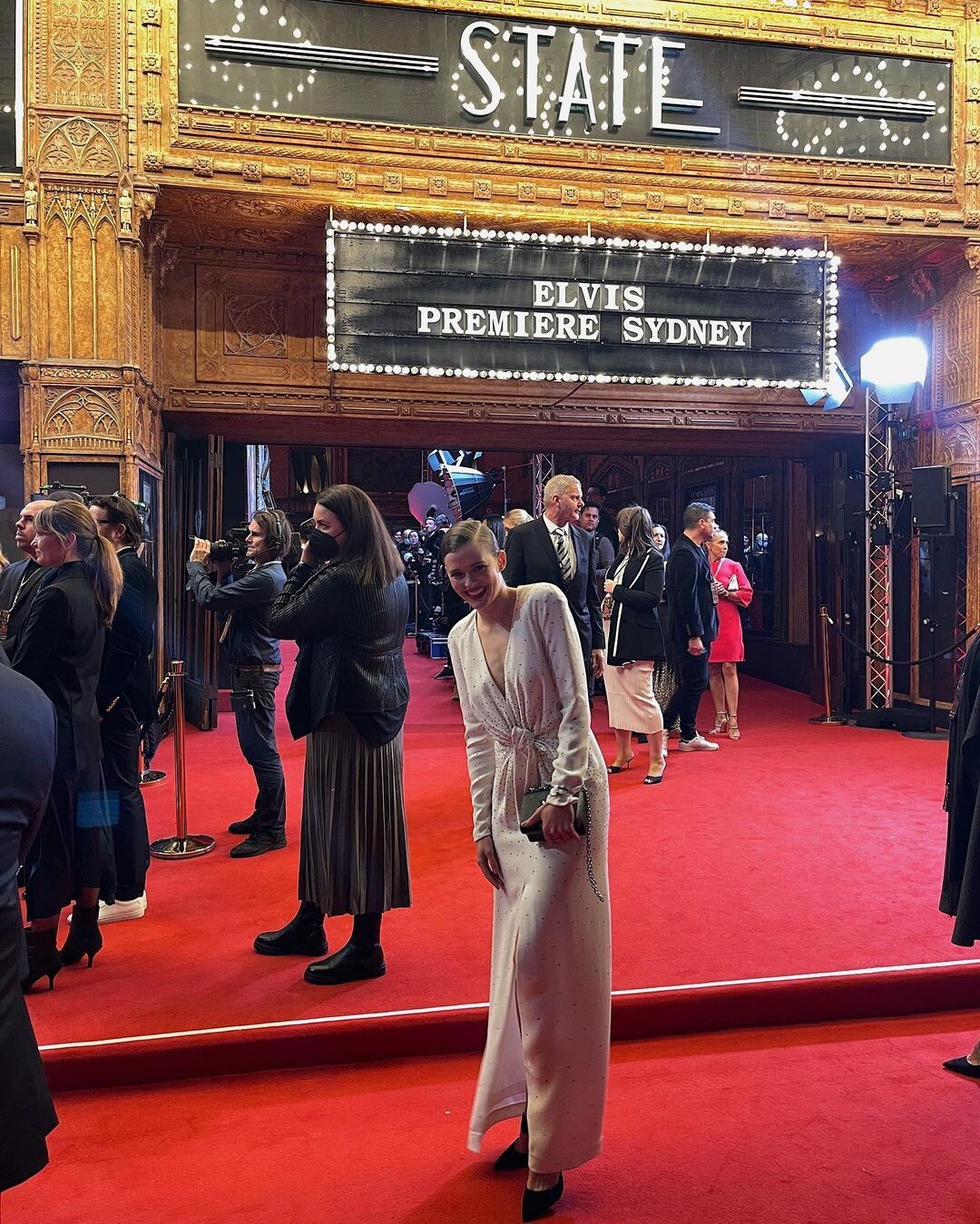
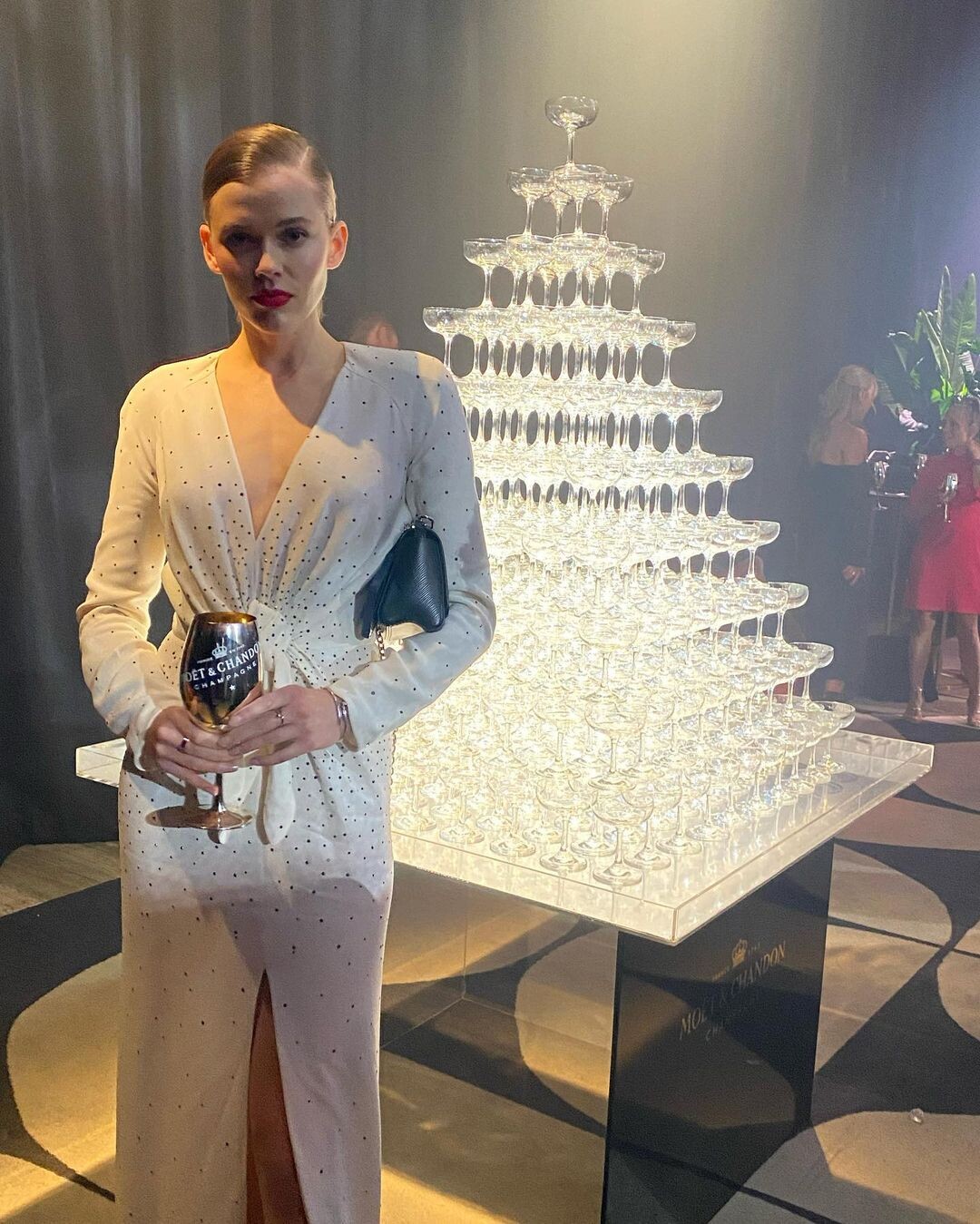
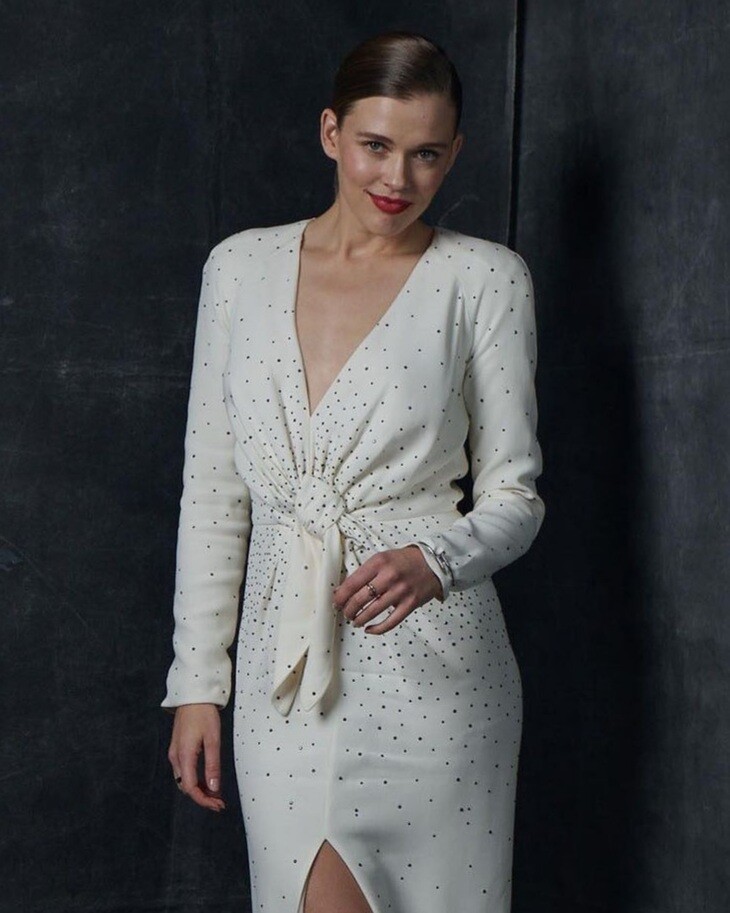
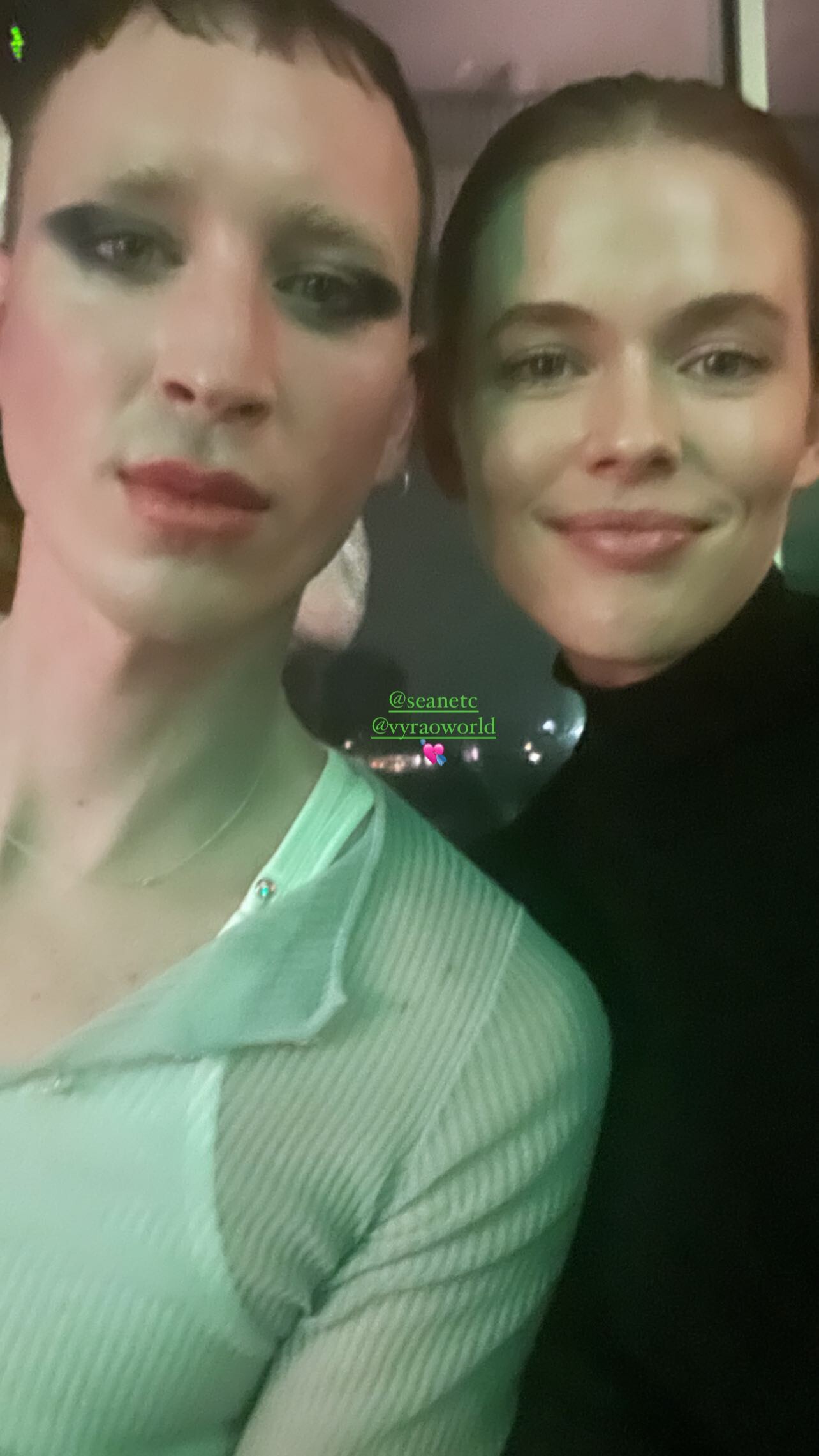
ELVIS Sydney Premier
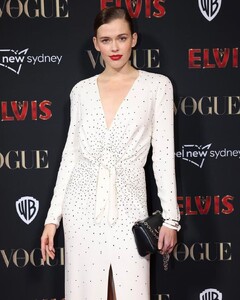
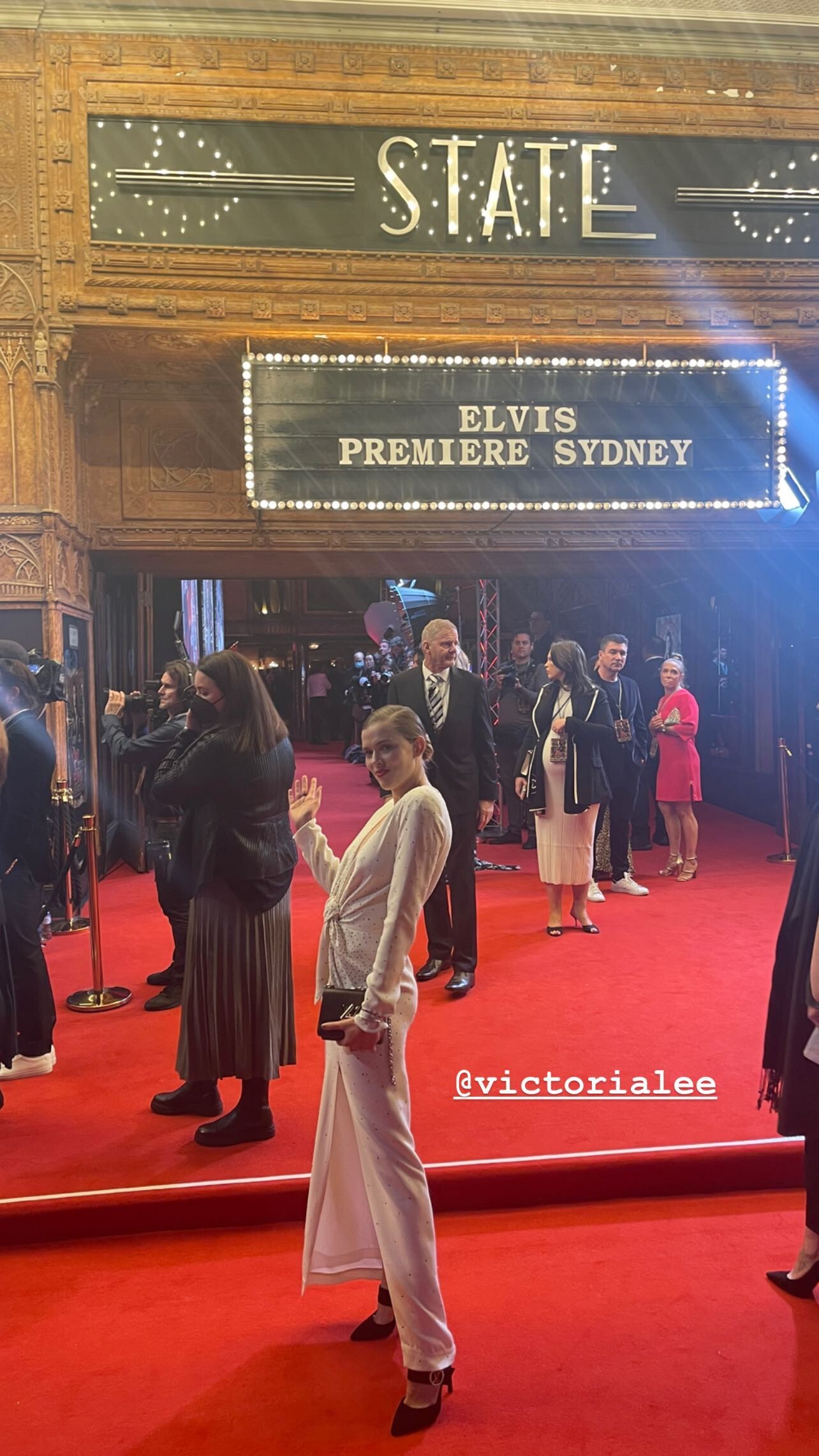
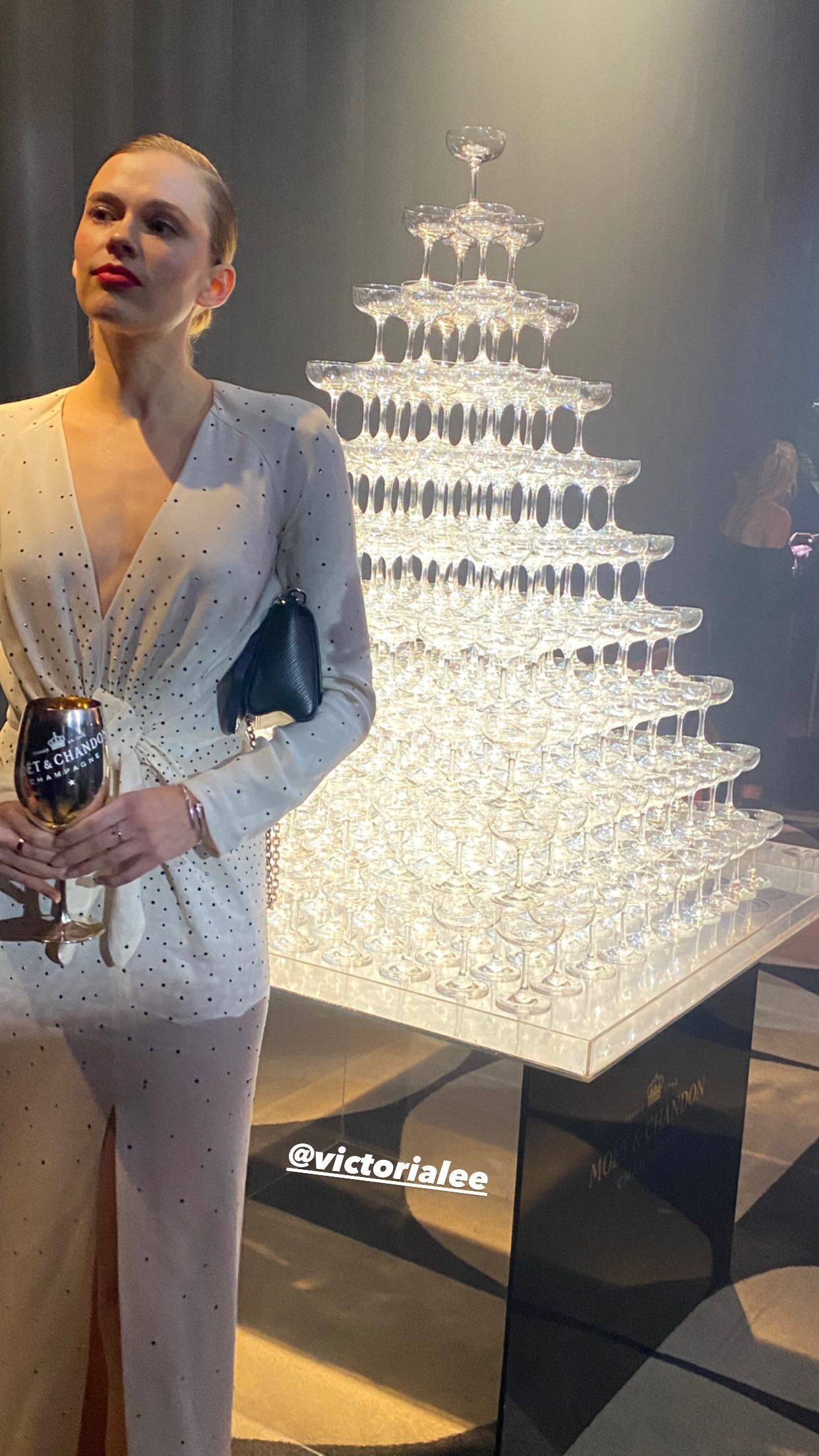
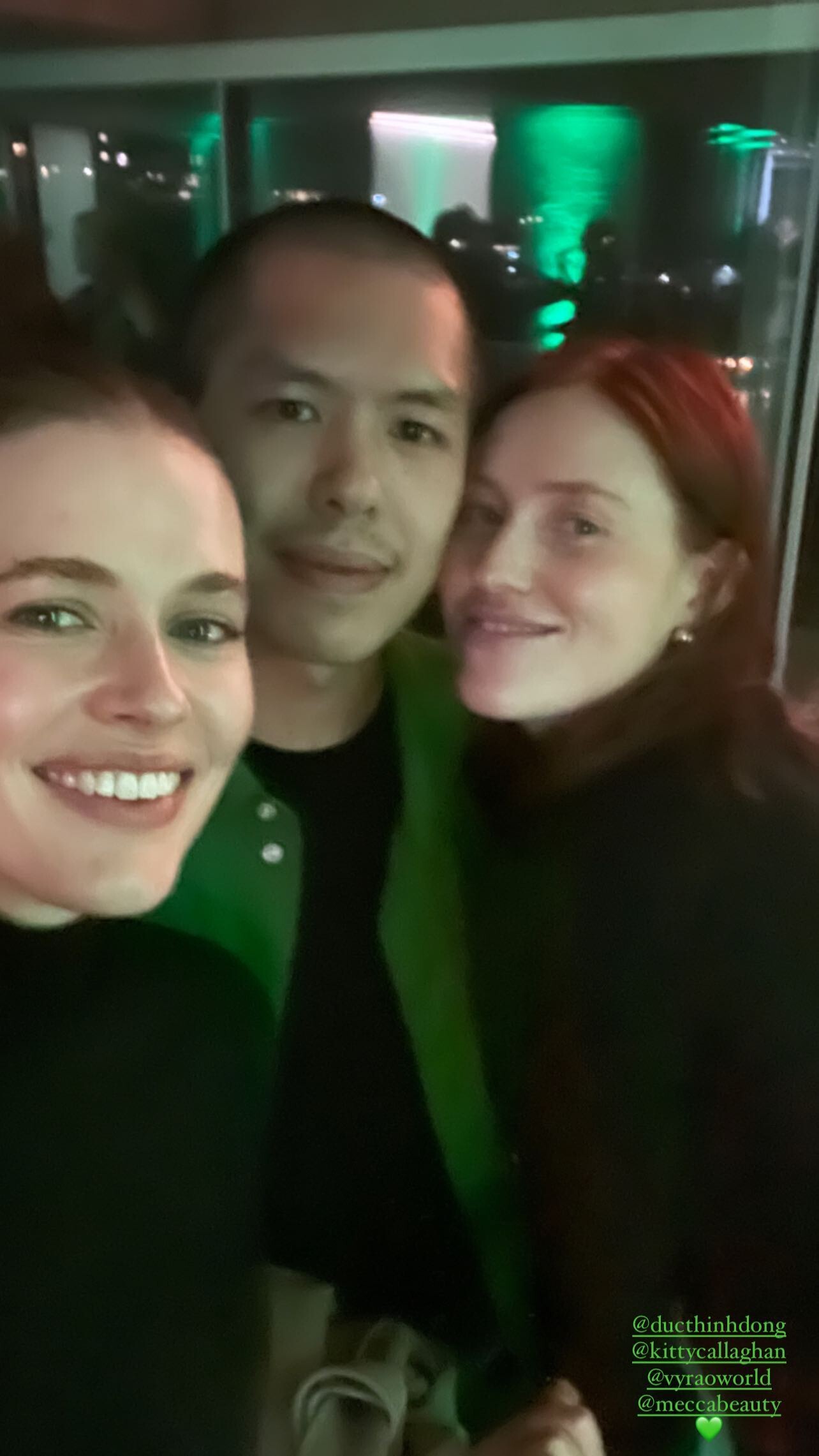
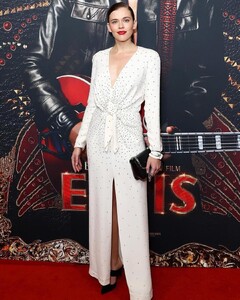 Gemma Ward IG Story
 ELVIS Sydney Premier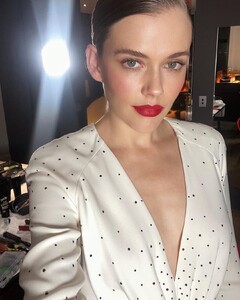
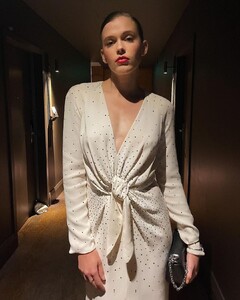
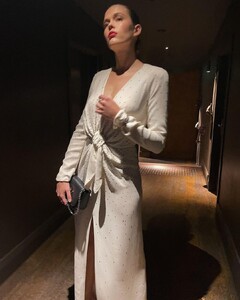

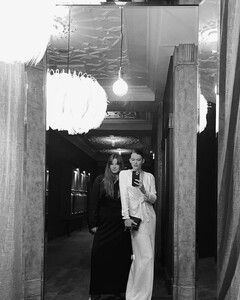
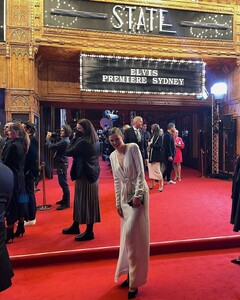 ELVIS Sydney Premier
 ELVIS Sydney Premier
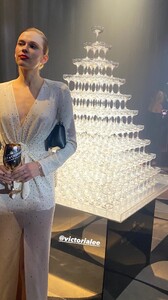 ELVIS Sydney Premier
 Ginger and Smart
 IG
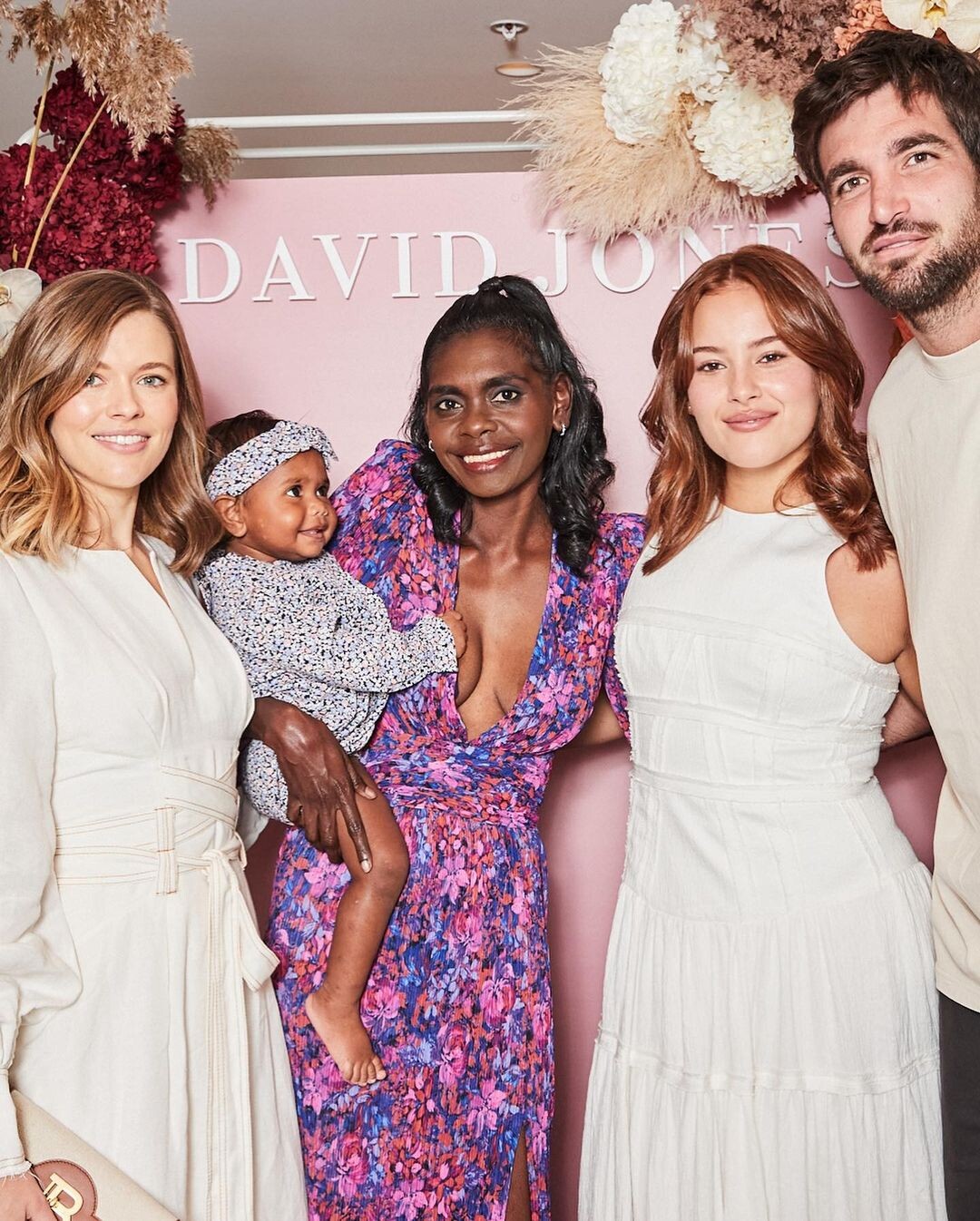
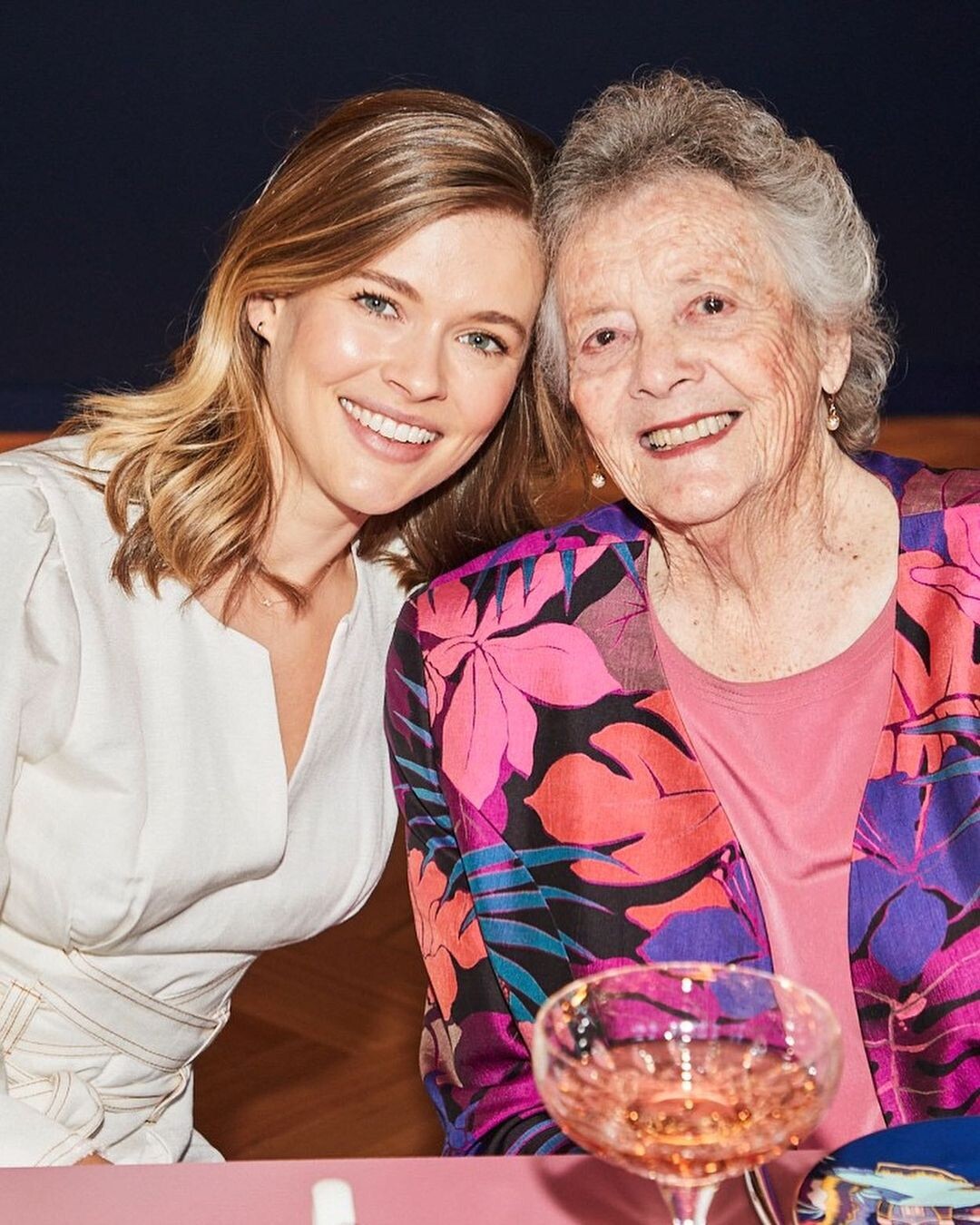
IG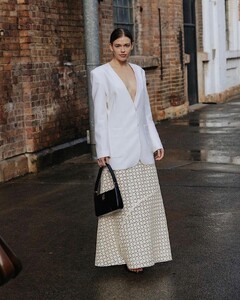 DAVID JONES
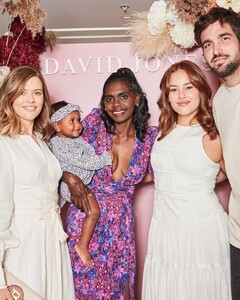 DAVID JONES
 MATIN
MATIN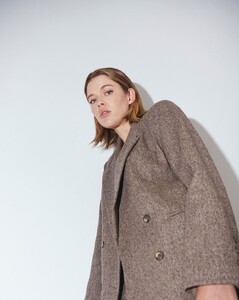 Akın Koçovalı
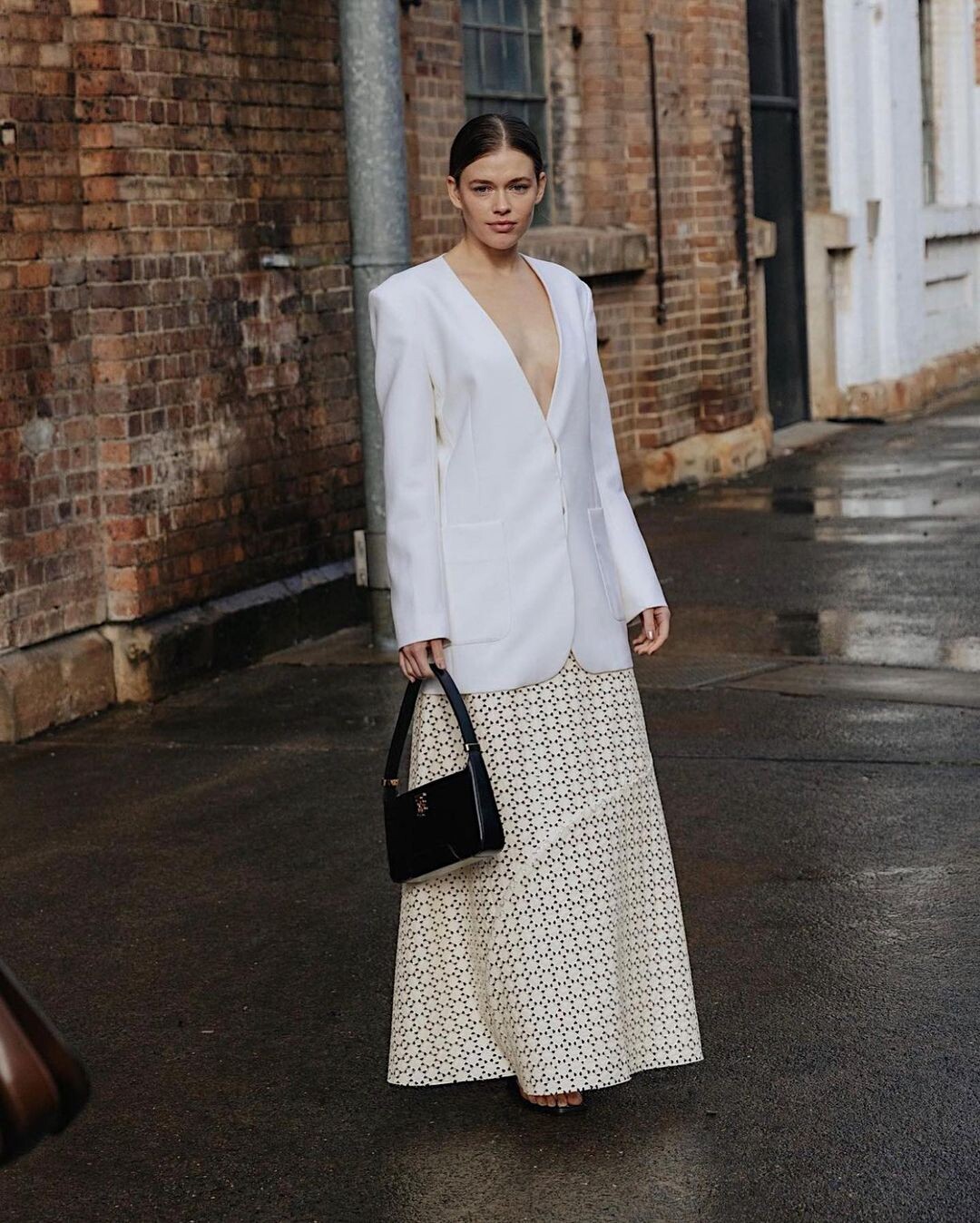
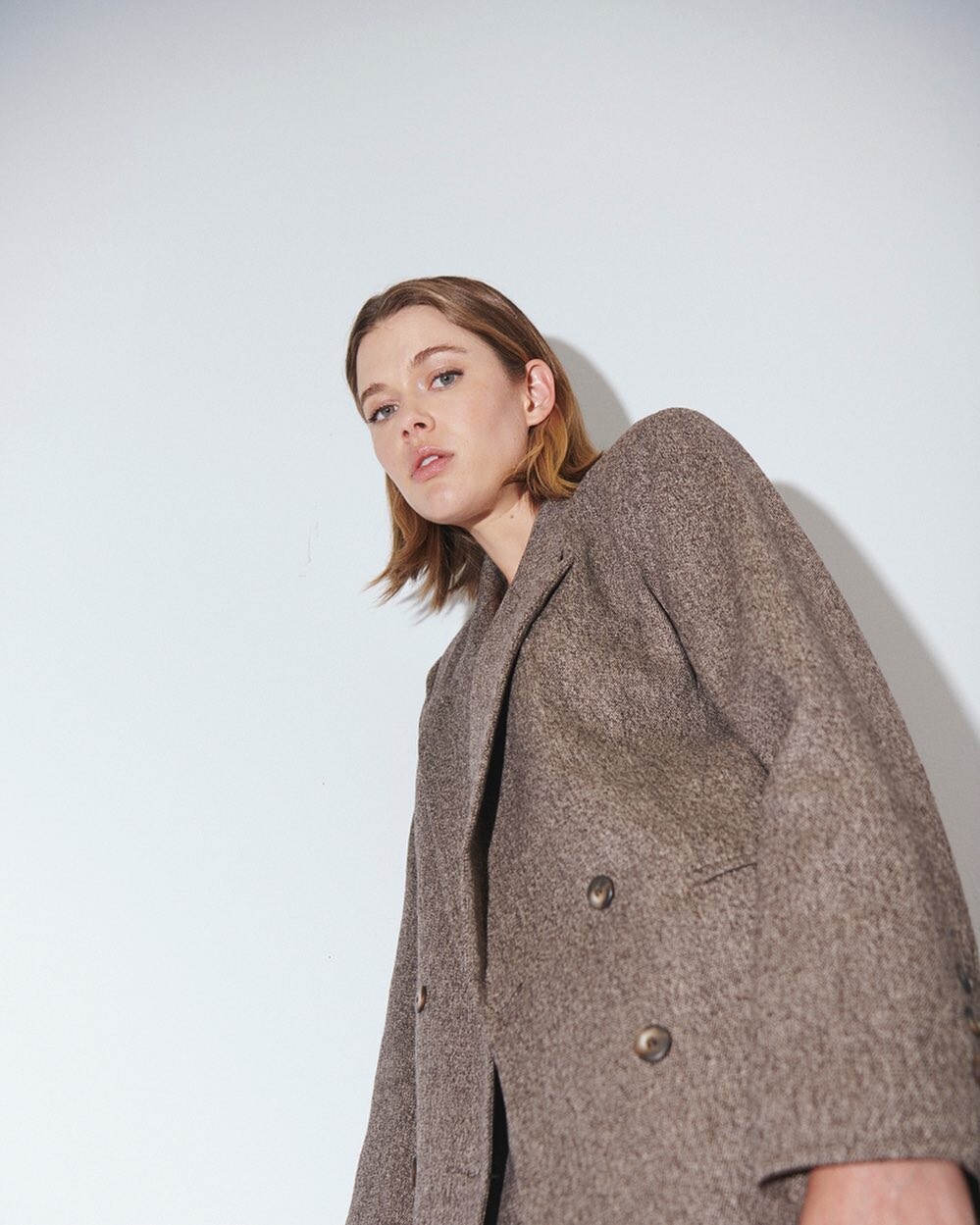
Melbourne Fashion Festival Preview 2021 by Jake Nowakovski
Akın Koçovalı
Melbourne Fashion Festival Preview 2021 by Jake Nowakovski










Account
Navigation
Search
Configure browser push notifications
Chrome (Android)
- Tap the lock icon next to the address bar.
- Tap Permissions → Notifications.
- Adjust your preference.
Chrome (Desktop)
- Click the padlock icon in the address bar.
- Select Site settings.
- Find Notifications and adjust your preference.
Safari (iOS 16.4+)
- Ensure the site is installed via Add to Home Screen.
- Open Settings App → Notifications.
- Find your app name and adjust your preference.
Safari (macOS)
- Go to Safari → Preferences.
- Click the Websites tab.
- Select Notifications in the sidebar.
- Find this website and adjust your preference.
Edge (Android)
- Tap the lock icon next to the address bar.
- Tap Permissions.
- Find Notifications and adjust your preference.
Edge (Desktop)
- Click the padlock icon in the address bar.
- Click Permissions for this site.
- Find Notifications and adjust your preference.
Firefox (Android)
- Go to Settings → Site permissions.
- Tap Notifications.
- Find this site in the list and adjust your preference.
Firefox (Desktop)
- Open Firefox Settings.
- Search for Notifications.
- Find this site in the list and adjust your preference.