

High Fly
Members
-
Joined
-
Last visited
Everything posted by High Fly
-
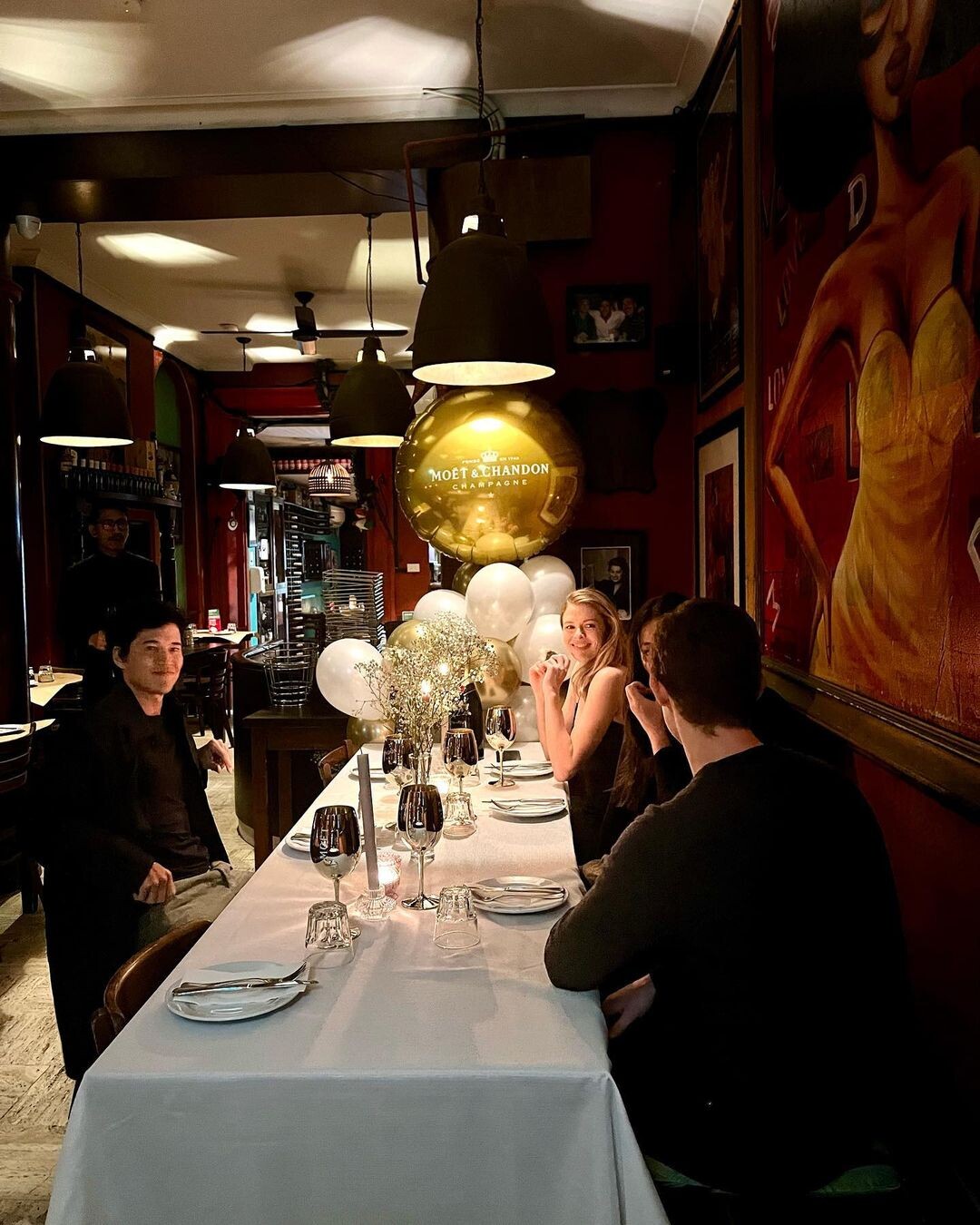
 Moét & Chandon Birthday Celebration "When the Moët & Chandon flows, that’s when the party starts. There’s no better way to mark life’s most special celebrations.” VICTORIA LEE
-
F24EDE7AF7A88E21A03EA6041A2A58AD_video_dashinit.mp4
-
1F4F22BEB282C697DBAE7D4C991BDA9E_video_dashinit.mp4
-
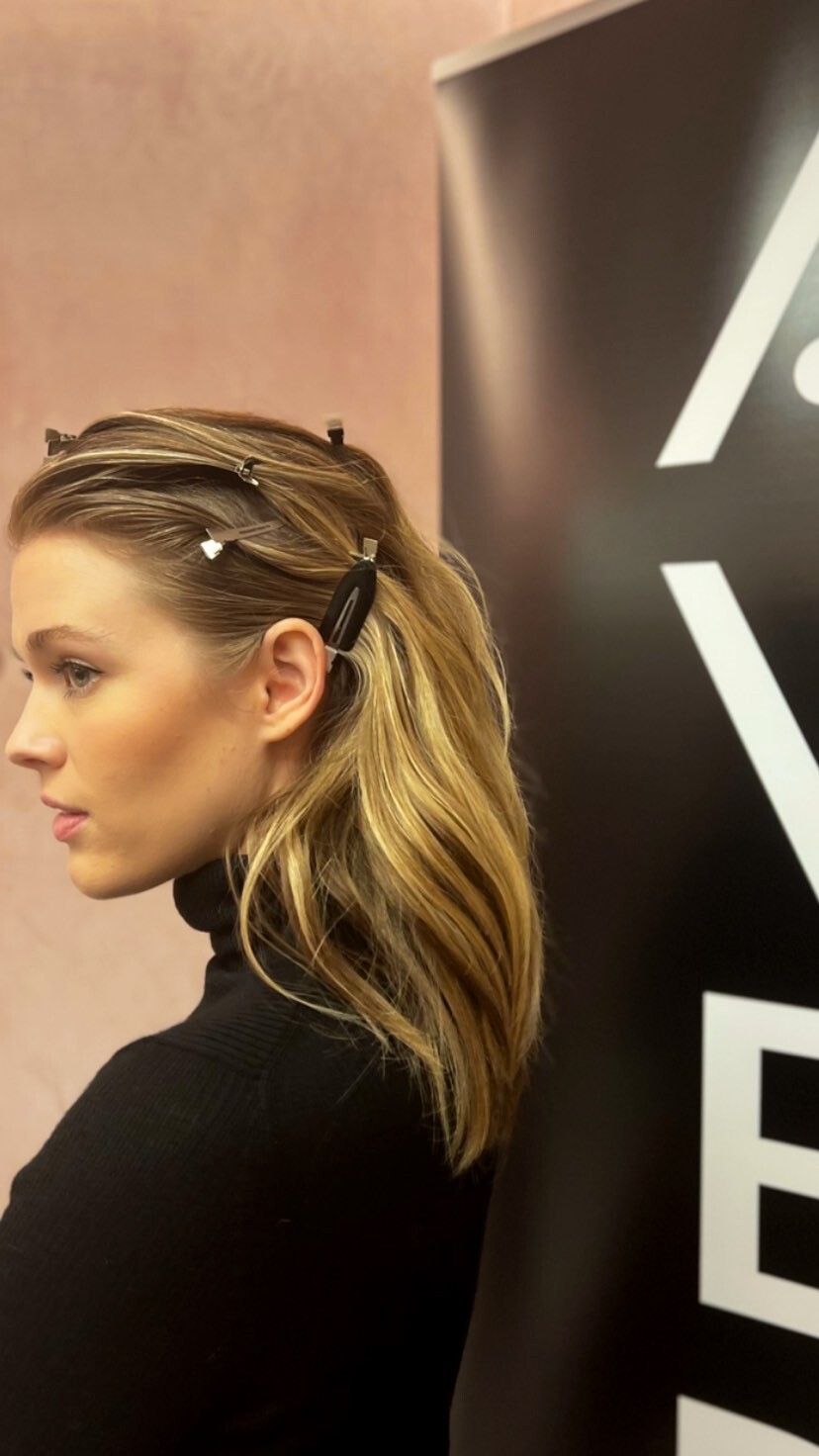
BTS of David Jones SS22 Wonderworld Season Launch


-
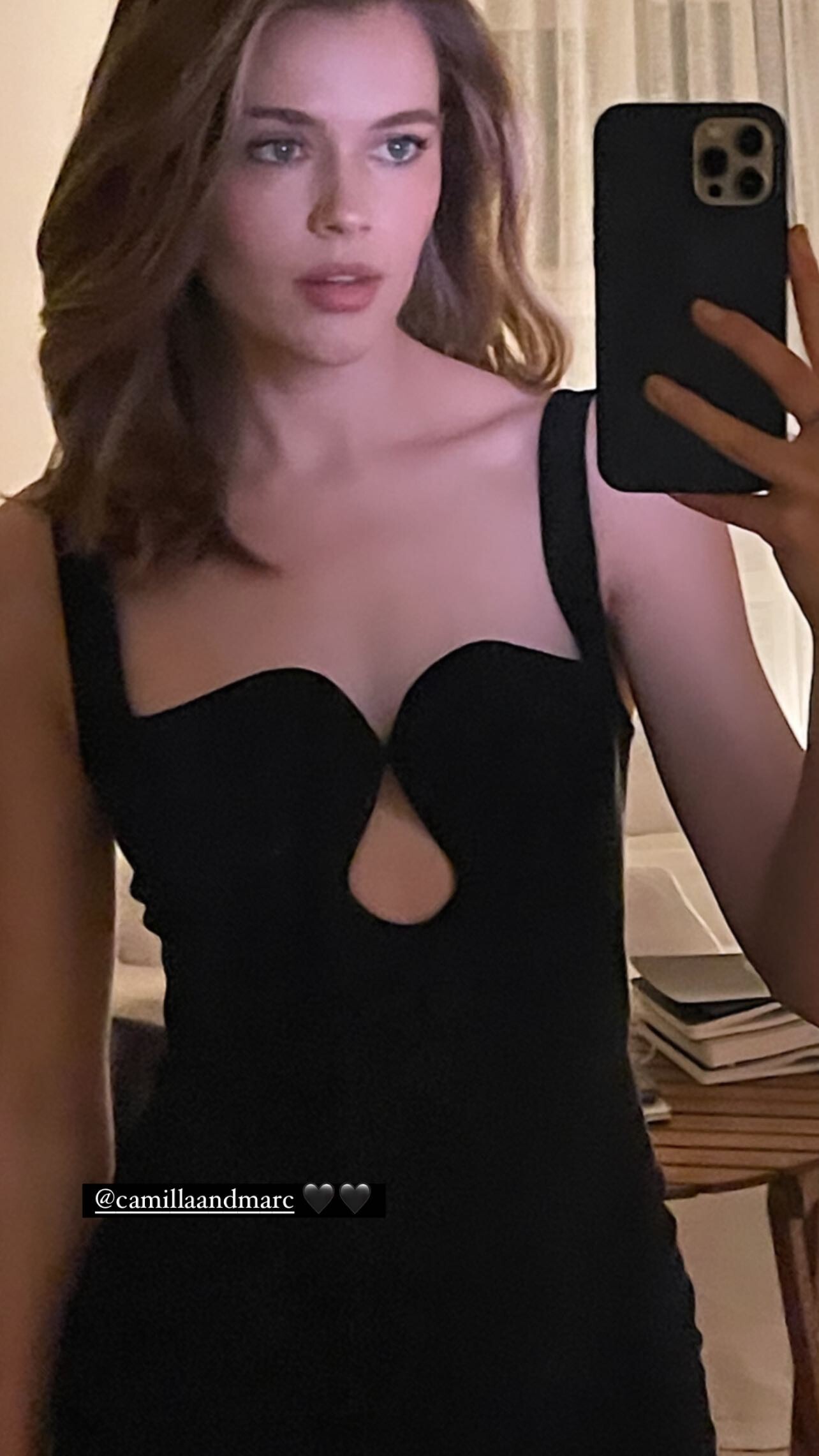
Camilla and Marc

-
IG

-
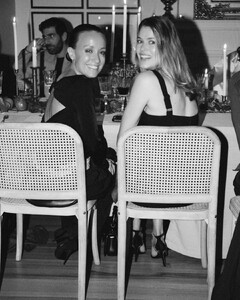
Camilla and Marc
-
Camilla and Marc

-
IG Story

-
CafeRomaSydney IG cafferomasydney_1660815740081.mp4
-
CafeRomaSydney IG

-
IG

-
IG

-
Versace New Store Opening Sydney

-
😍😍😍😍
-
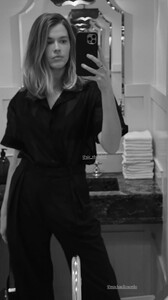
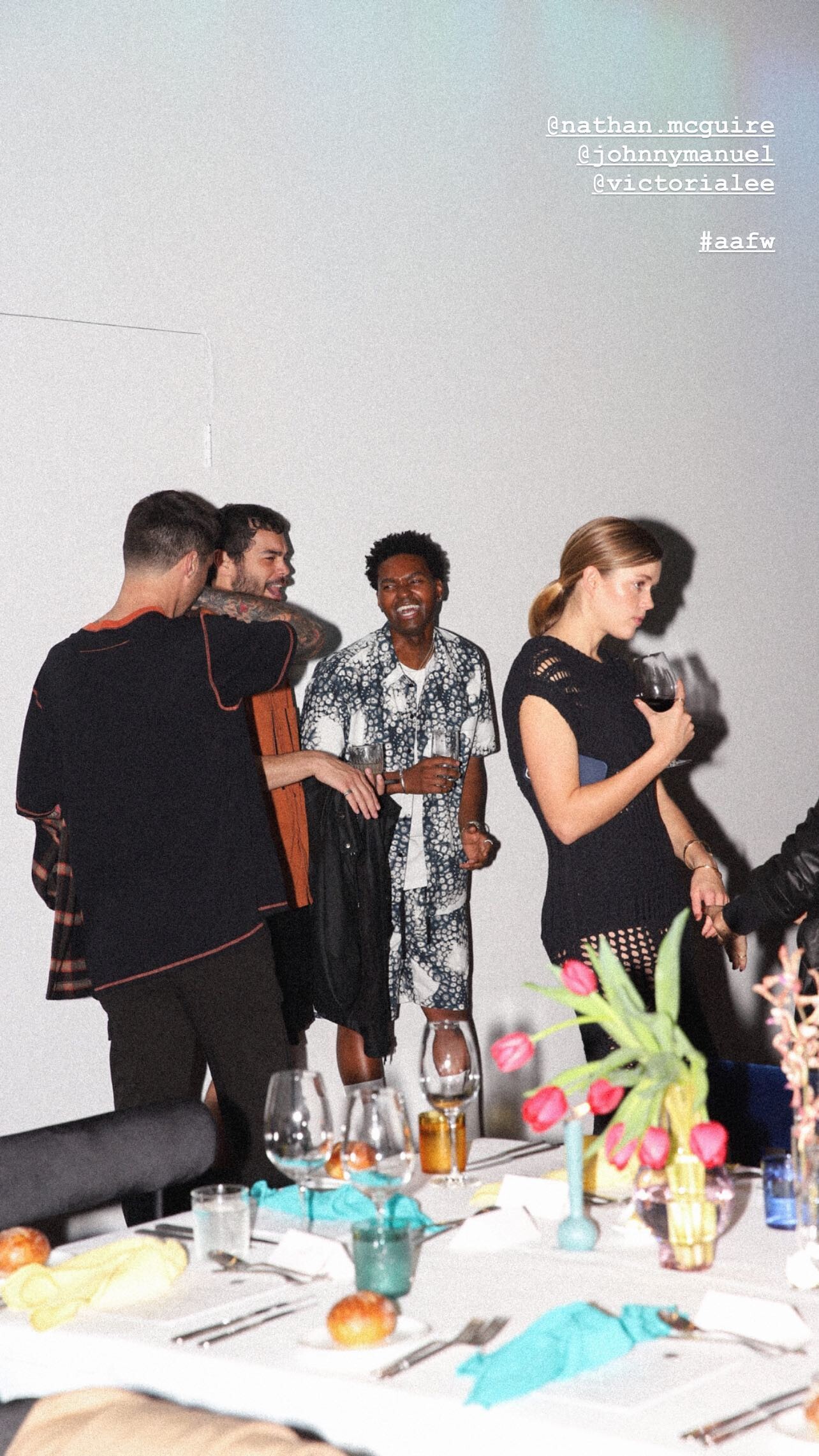
IG Story
-
Vogue Australia

-
ELVIS Sydney Premiere Vogue Australia YouCut_20220708_223247206.mp4
-
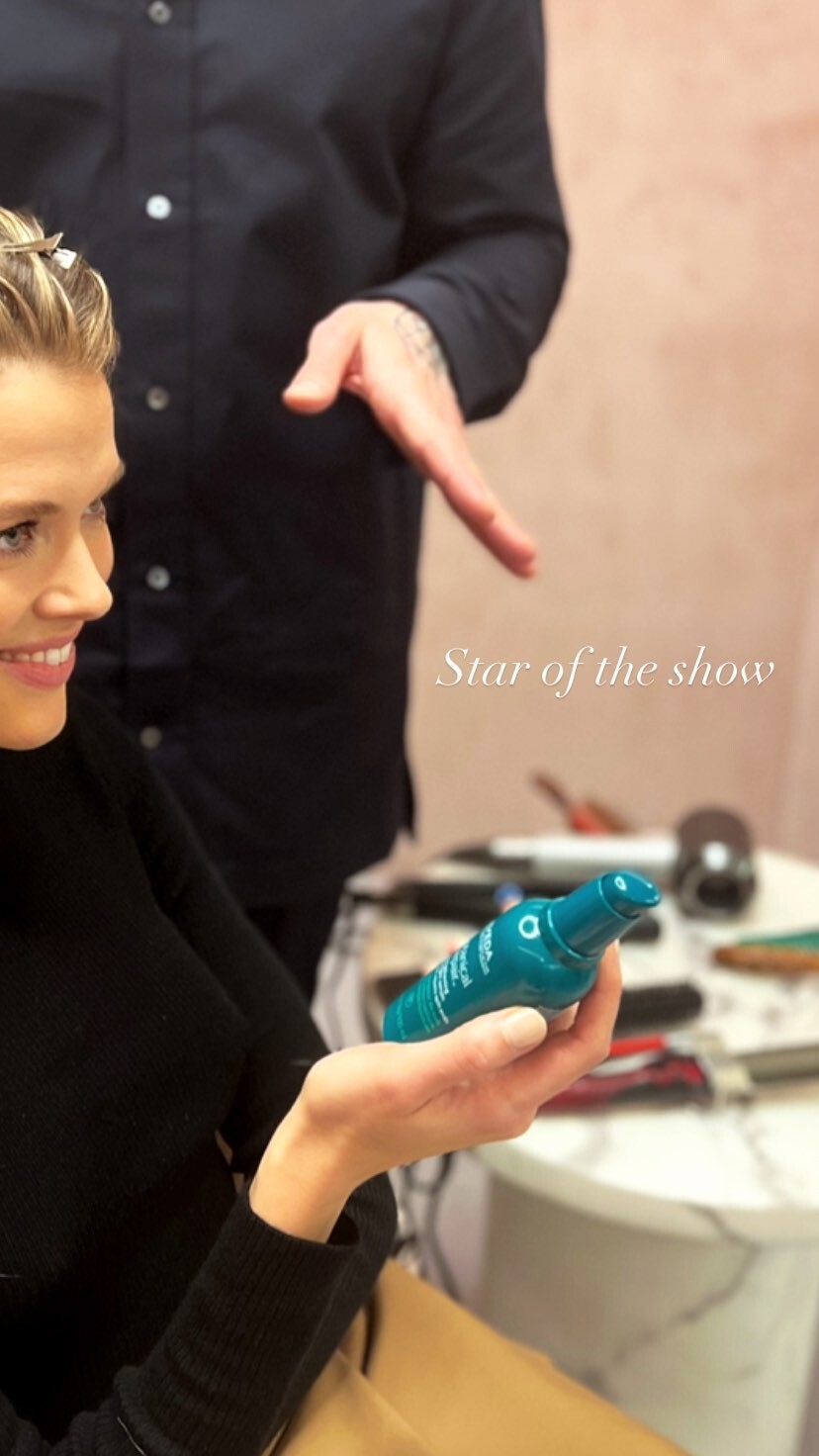
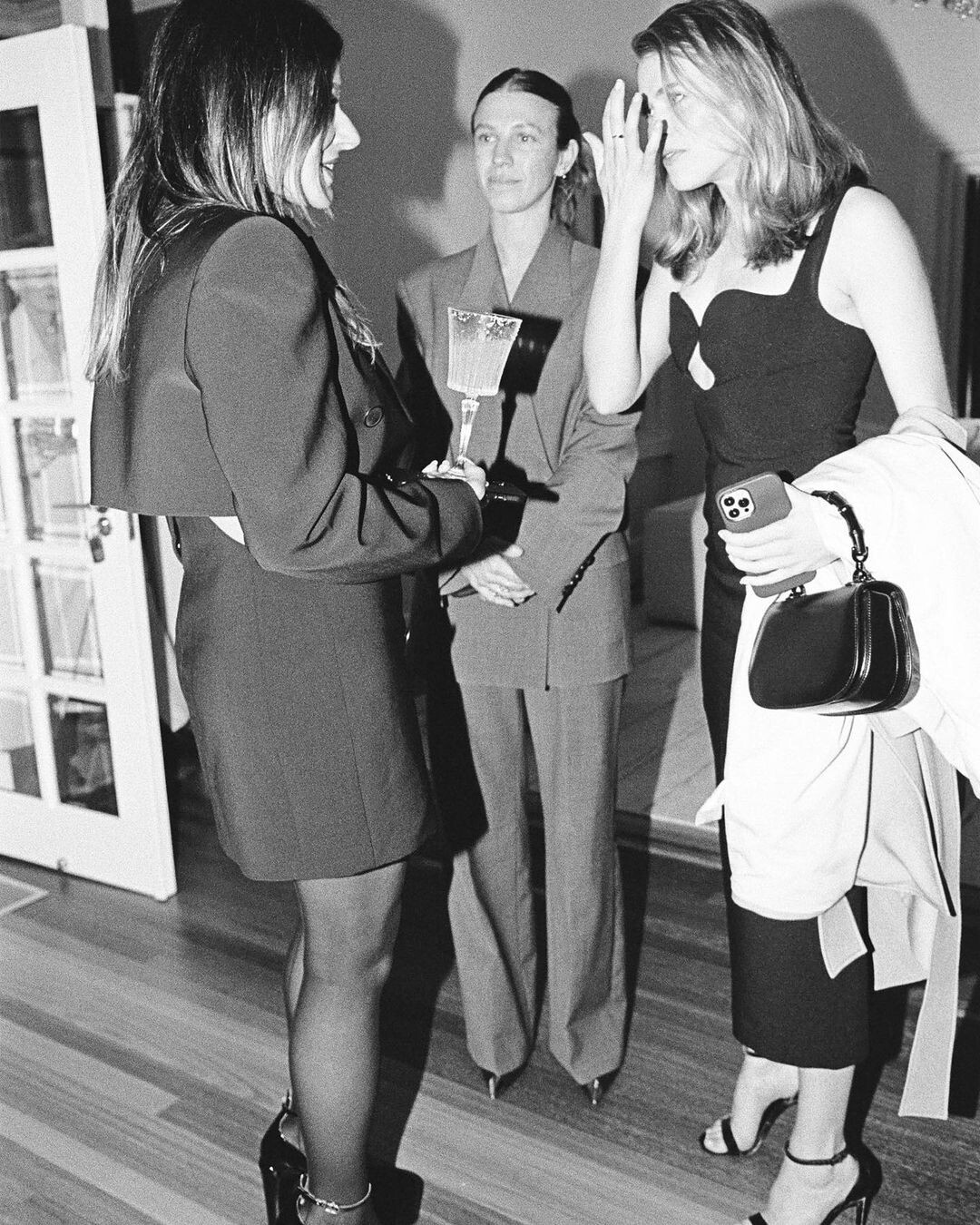
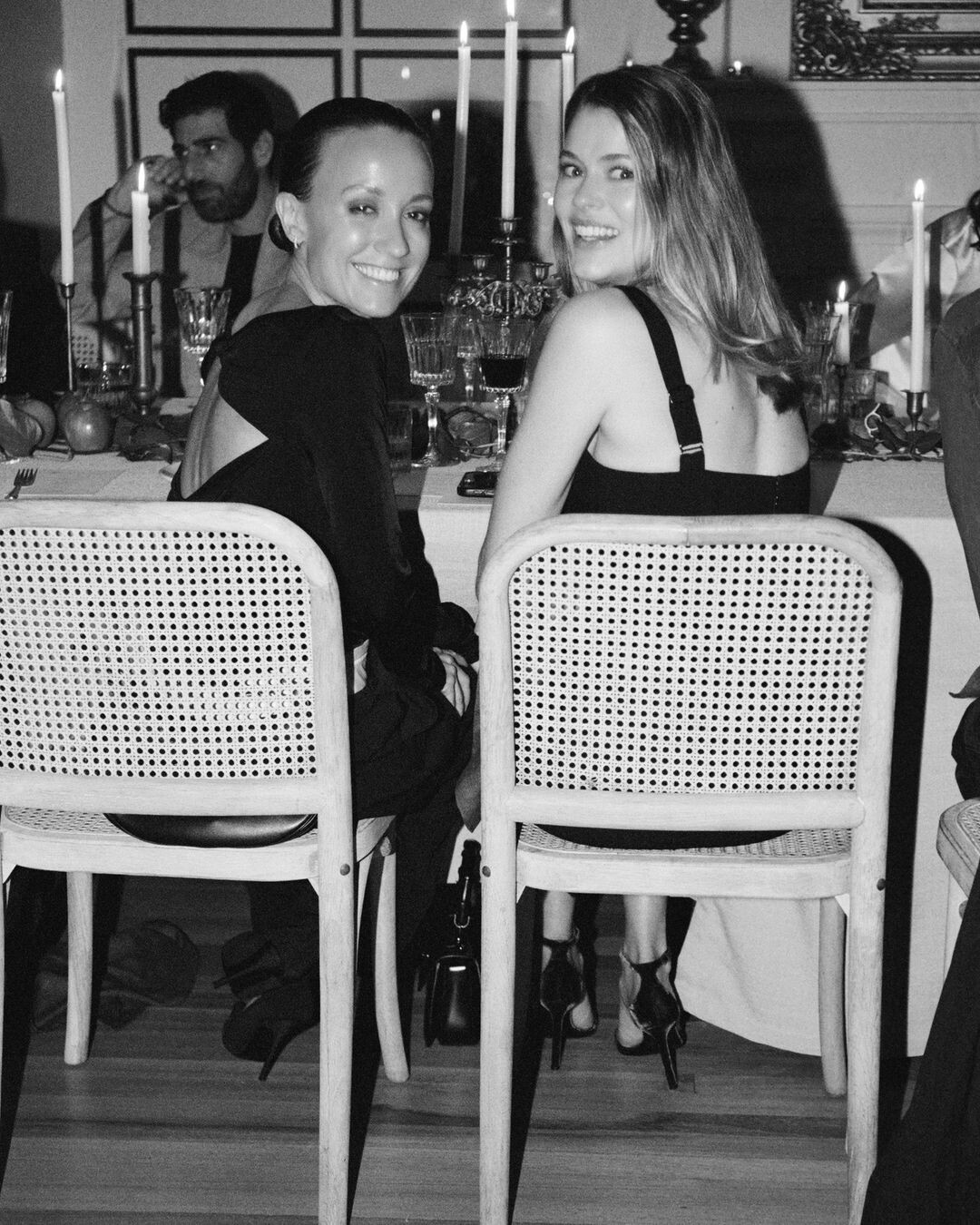
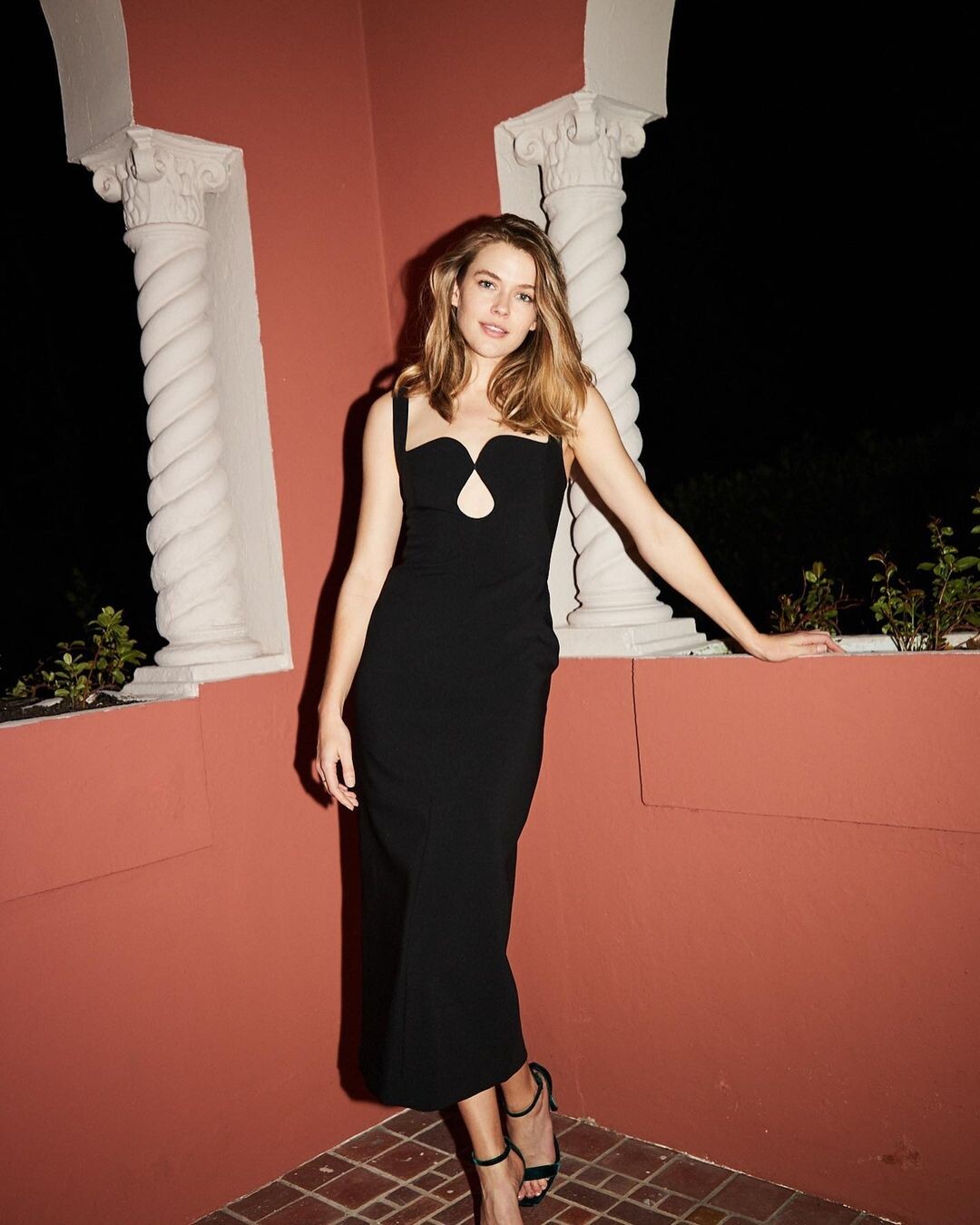
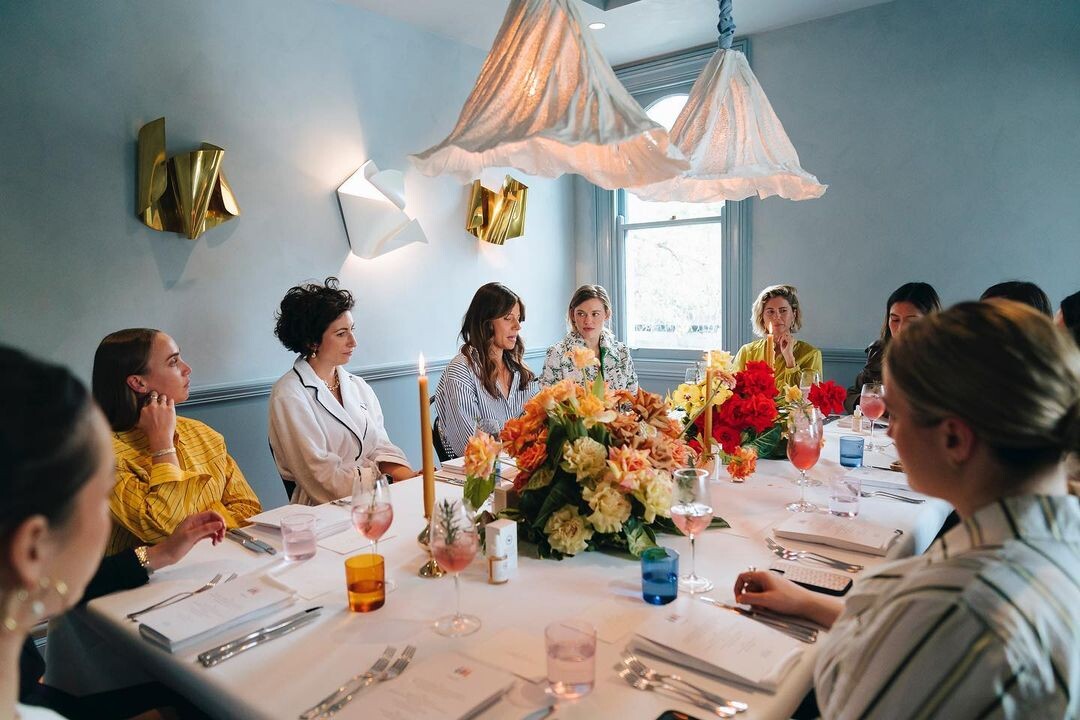
The Beauty Chef Launch

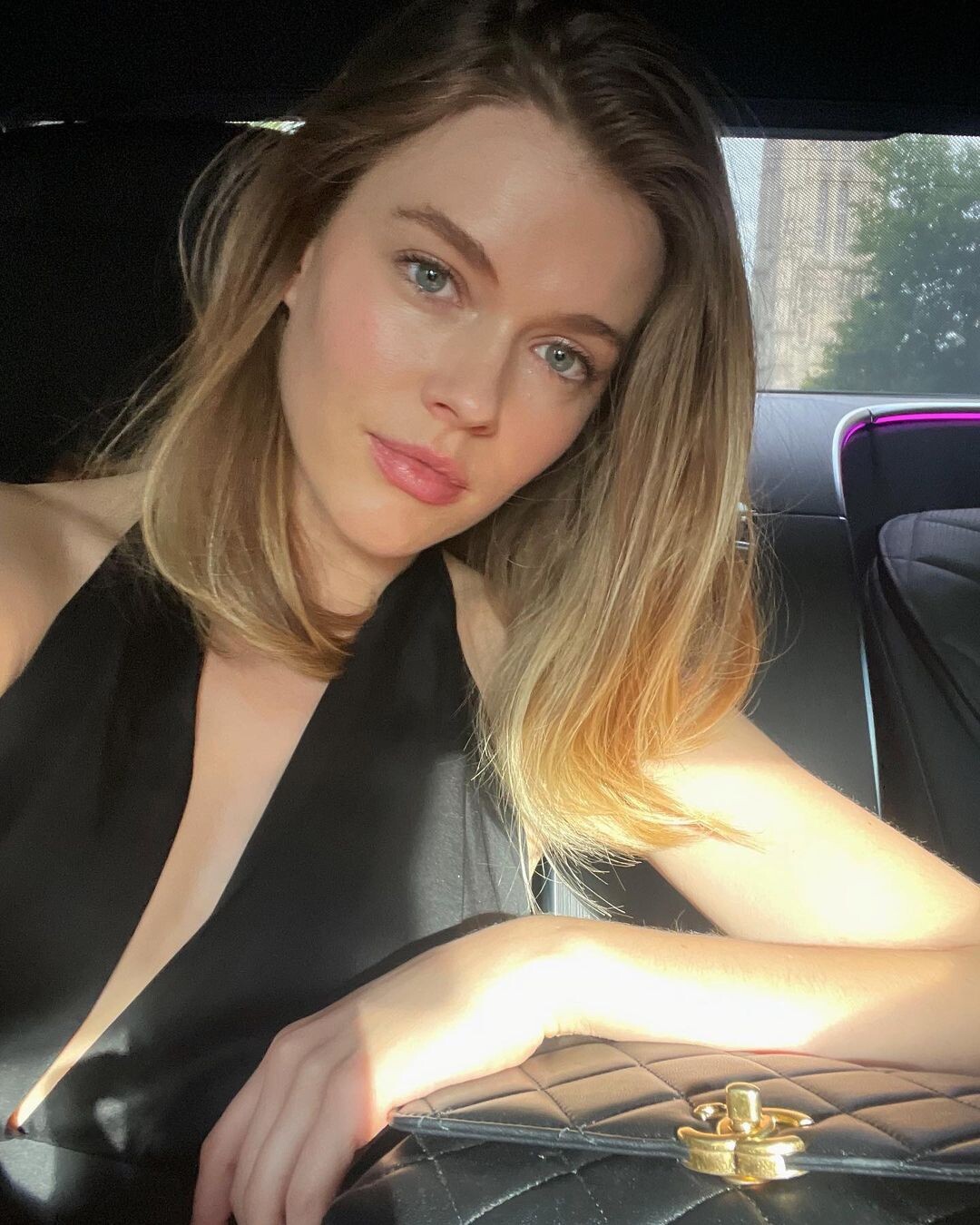
 CHANEL HIGH JEWELLERY GALA

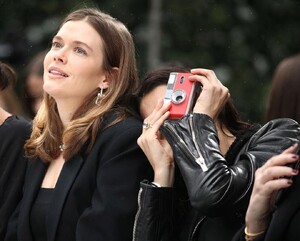
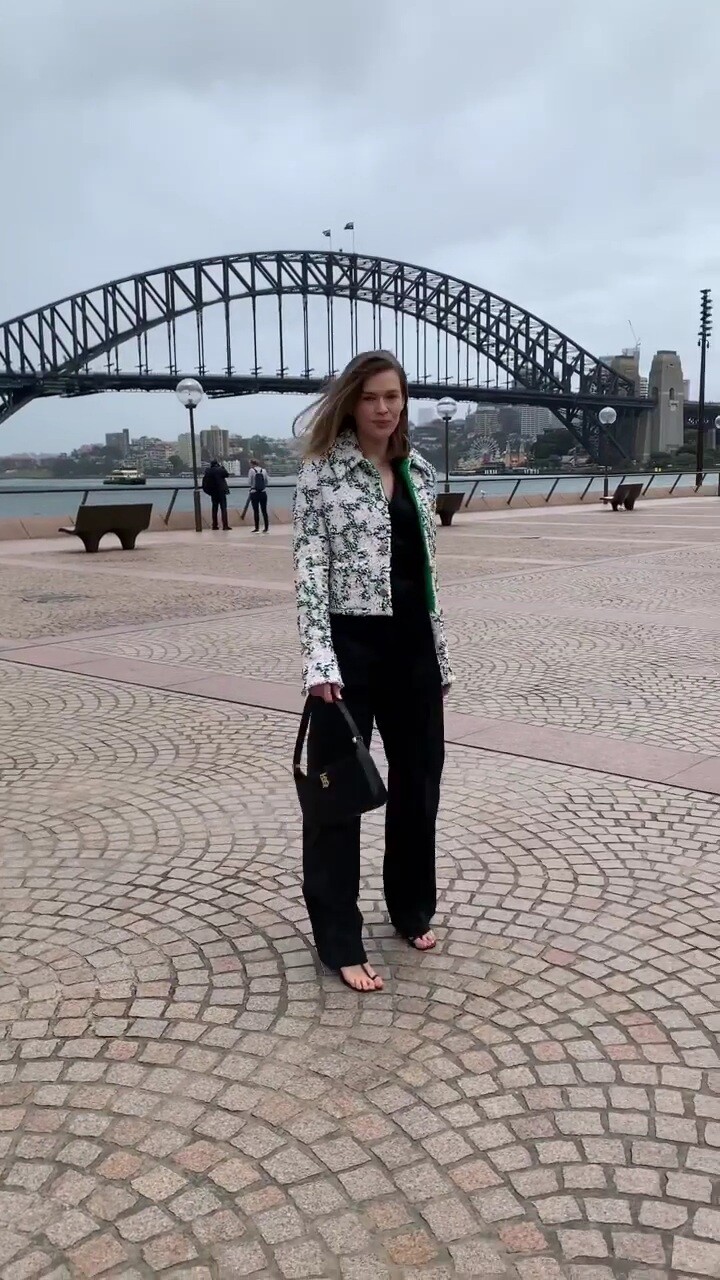
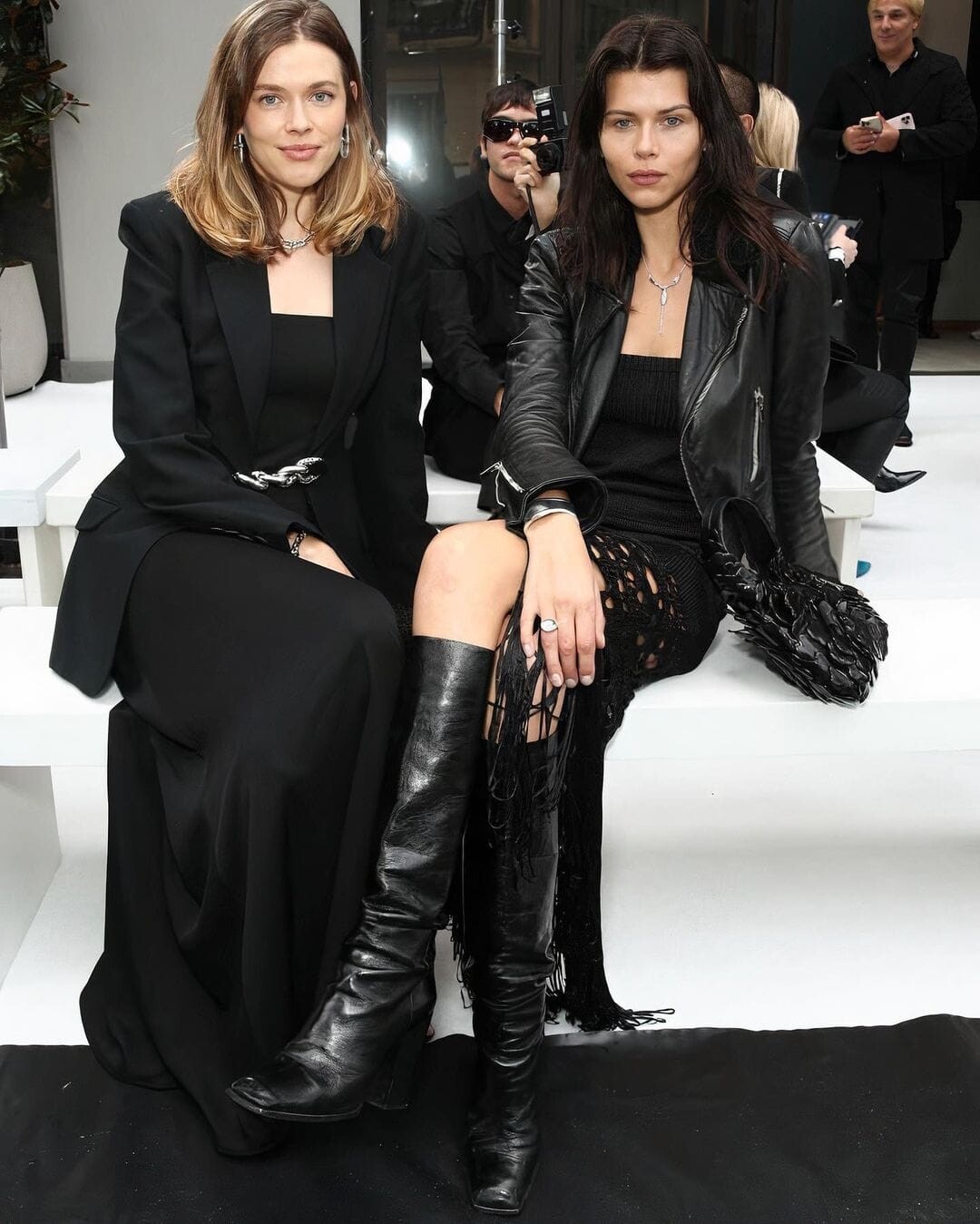
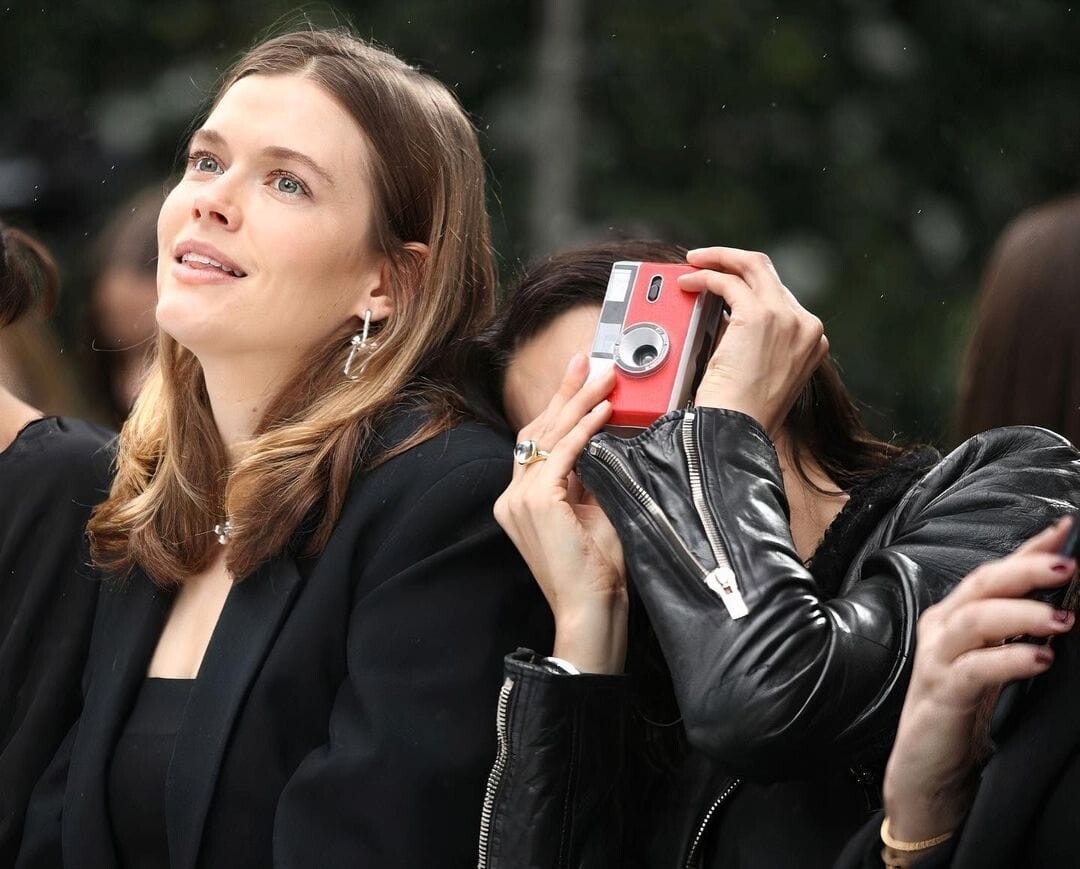
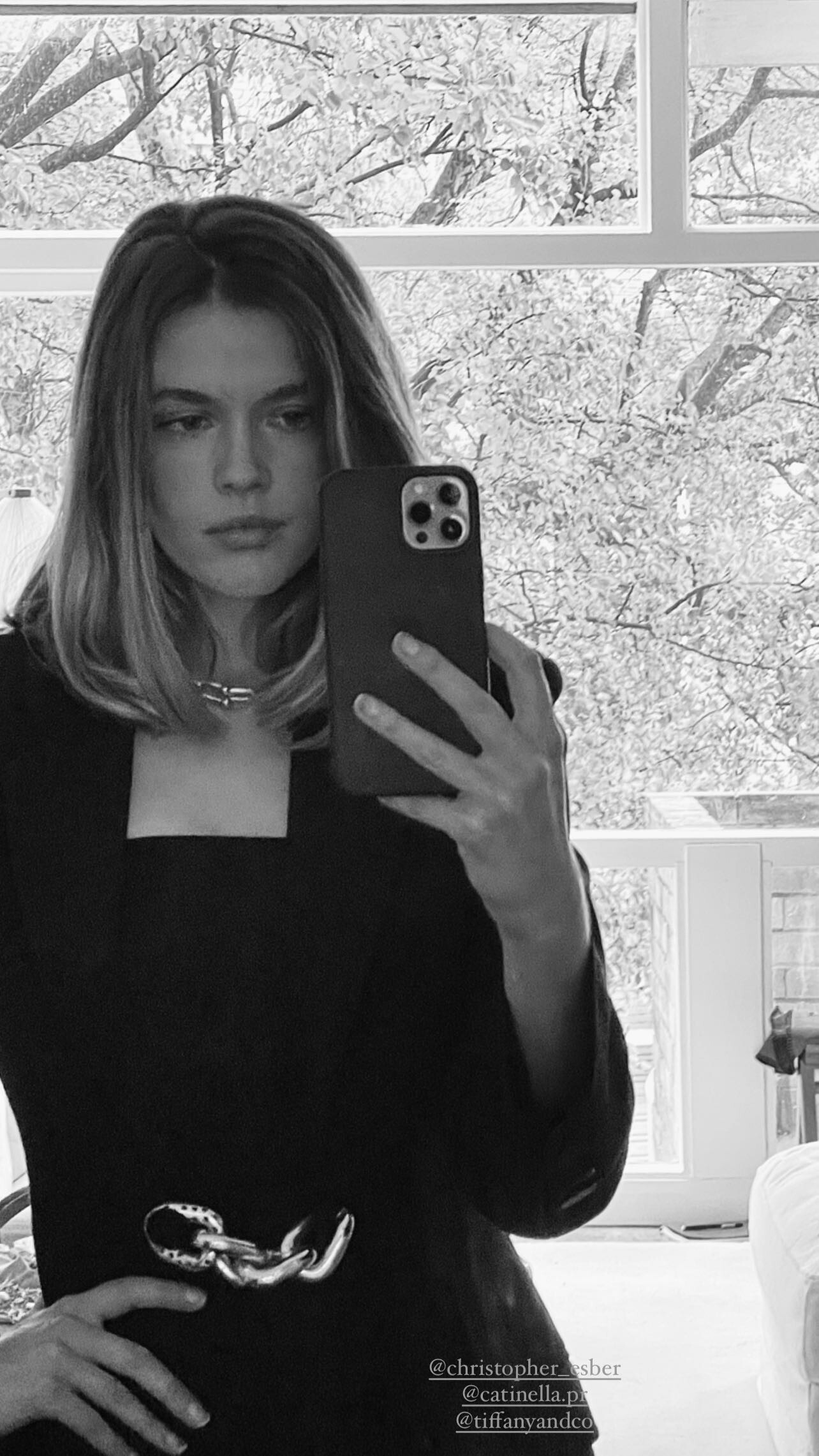
 Christopher Esber Resort '23 Arrivals













Account
Navigation
Search
Configure browser push notifications
Chrome (Android)
- Tap the lock icon next to the address bar.
- Tap Permissions → Notifications.
- Adjust your preference.
Chrome (Desktop)
- Click the padlock icon in the address bar.
- Select Site settings.
- Find Notifications and adjust your preference.
Safari (iOS 16.4+)
- Ensure the site is installed via Add to Home Screen.
- Open Settings App → Notifications.
- Find your app name and adjust your preference.
Safari (macOS)
- Go to Safari → Preferences.
- Click the Websites tab.
- Select Notifications in the sidebar.
- Find this website and adjust your preference.
Edge (Android)
- Tap the lock icon next to the address bar.
- Tap Permissions.
- Find Notifications and adjust your preference.
Edge (Desktop)
- Click the padlock icon in the address bar.
- Click Permissions for this site.
- Find Notifications and adjust your preference.
Firefox (Android)
- Go to Settings → Site permissions.
- Tap Notifications.
- Find this site in the list and adjust your preference.
Firefox (Desktop)
- Open Firefox Settings.
- Search for Notifications.
- Find this site in the list and adjust your preference.