magic
Members
-
Joined
-
Last visited
Everything posted by magic
-
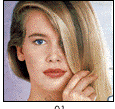
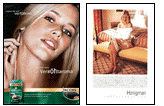
 L'oreal 2006
TWOJ STYL November 2006
L'oreal 2006
TWOJ STYL November 2006

 Hi KIKI,these are whole catalogues??? :shock: Scan whatever you can, I appreciate that anyway I know how long it takes to scan photos.I'm totally with you THANK YOU FOR YOUR RESPONSE. :kiss:
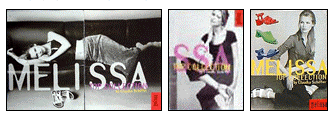
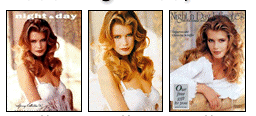
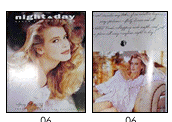
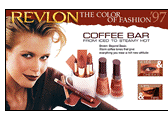
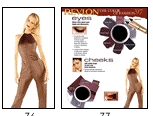
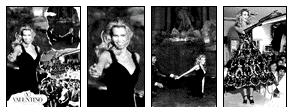
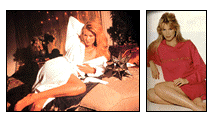
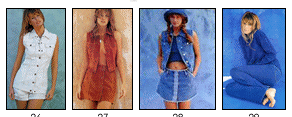
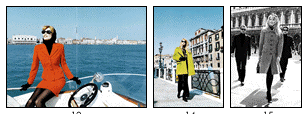
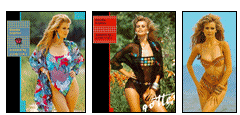
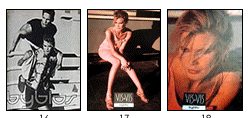
MELISSA NIGHT & DAY REVLON VALENTINO VS
Hi KIKI,these are whole catalogues??? :shock: Scan whatever you can, I appreciate that anyway I know how long it takes to scan photos.I'm totally with you THANK YOU FOR YOUR RESPONSE. :kiss:
MELISSA NIGHT & DAY REVLON VALENTINO VS


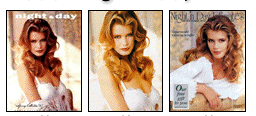
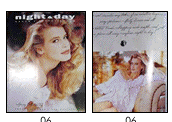
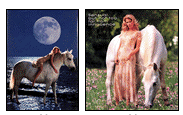
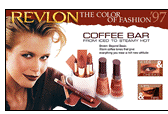
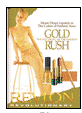
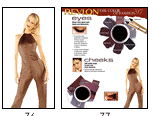

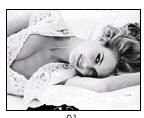

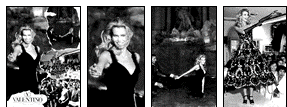




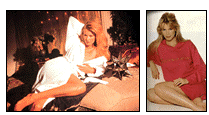
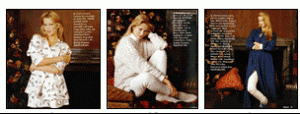
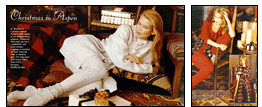
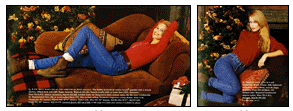
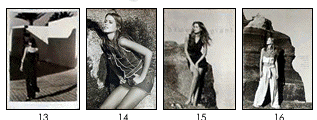
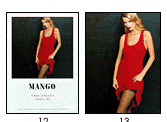
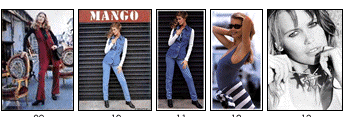
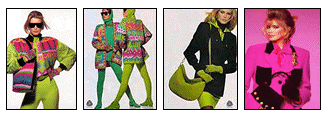
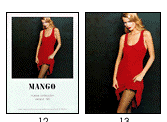
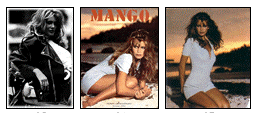
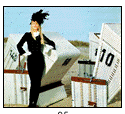
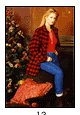 MANGO 1994 1995

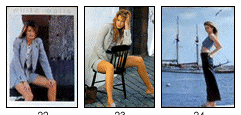
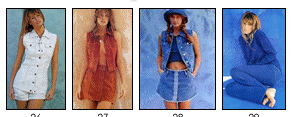
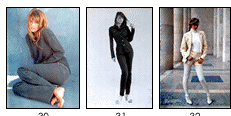

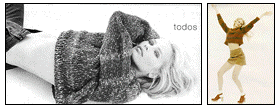

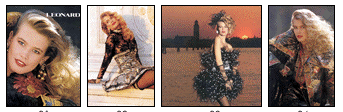
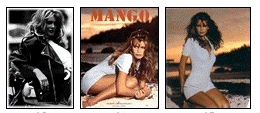
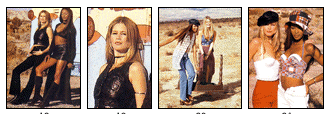
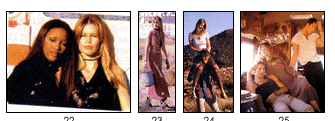
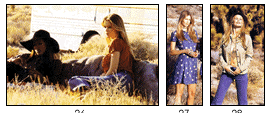
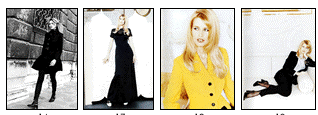
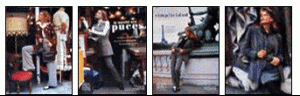
 LEONARD 90/91 autumn/winter -------------------------------------------------------------------------------- MANGO 1992 1993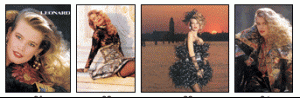







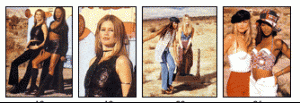
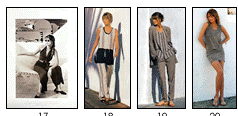
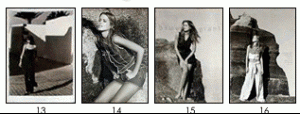
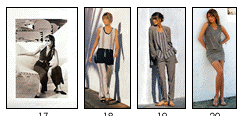
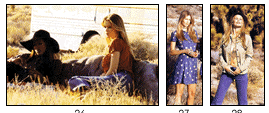 ICEBERG IL MARCHE COCCAPANI JOOP!
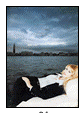
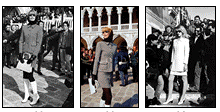
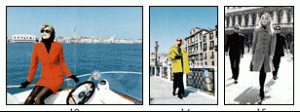
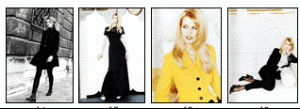
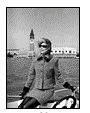
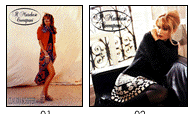


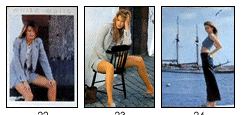
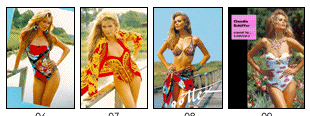
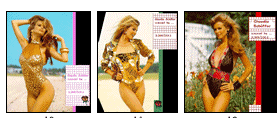
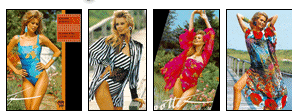
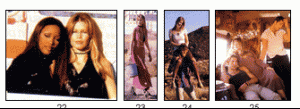
 ESCADA GOTTEX GUESS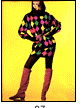
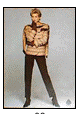
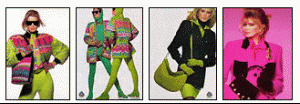

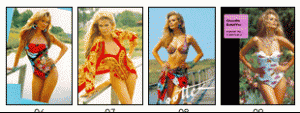
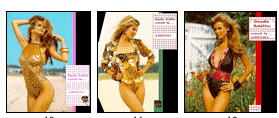
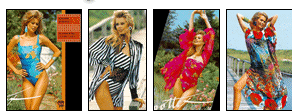
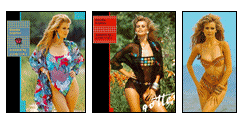
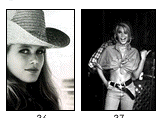
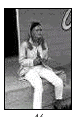



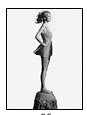
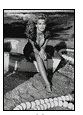
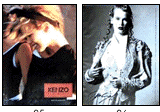
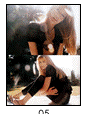
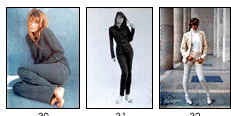
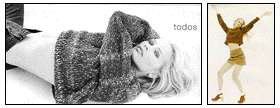
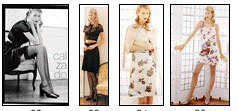
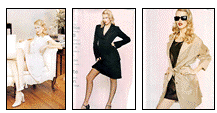
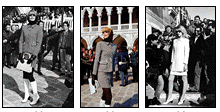
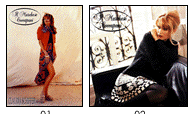
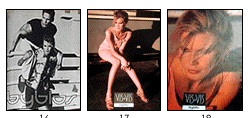
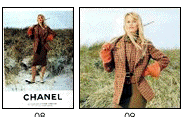
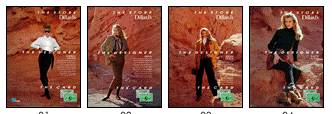
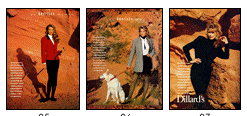
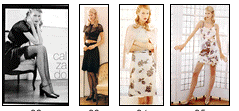
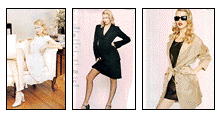
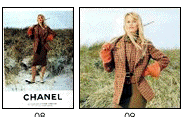
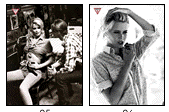 :surrender: :surrender: :surrender: :surrender: Hi everybody I'm looking for pictures and ads from posts #1989 to #1995 They are including ads: Apriori, Bendon, Byblos,Chanel, Dillards, Escada, Gottex,Guess, Iceberg, Il marche coccapani, Joop, Leonard,Mango, Melissa, Night day, Revlon, Valentino, Victoria's secret. I'm sure that a lot of members haven't seen these pictures too, so if somebody have them please share with us THANK YOU --------------------------------------------------------------------------------------------------------------------------------------- APRIORI BYBLOS CHANEL DILLARDS

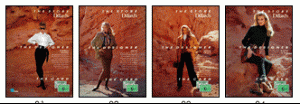
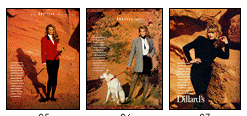 scan by MODA
Account
Navigation
Search
Configure browser push notifications
Chrome (Android)
- Tap the lock icon next to the address bar.
- Tap Permissions → Notifications.
- Adjust your preference.
Chrome (Desktop)
- Click the padlock icon in the address bar.
- Select Site settings.
- Find Notifications and adjust your preference.
Safari (iOS 16.4+)
- Ensure the site is installed via Add to Home Screen.
- Open Settings App → Notifications.
- Find your app name and adjust your preference.
Safari (macOS)
- Go to Safari → Preferences.
- Click the Websites tab.
- Select Notifications in the sidebar.
- Find this website and adjust your preference.
Edge (Android)
- Tap the lock icon next to the address bar.
- Tap Permissions.
- Find Notifications and adjust your preference.
Edge (Desktop)
- Click the padlock icon in the address bar.
- Click Permissions for this site.
- Find Notifications and adjust your preference.
Firefox (Android)
- Go to Settings → Site permissions.
- Tap Notifications.
- Find this site in the list and adjust your preference.
Firefox (Desktop)
- Open Firefox Settings.
- Search for Notifications.
- Find this site in the list and adjust your preference.