Skip to content
View in the app

A better way to browse. Learn more.

Bellazon

A full-screen app on your home screen with push notifications, badges and more.

To install this app on iOS and iPadOS
  1. Tap the Share icon in Safari
  2. Scroll the menu and tap Add to Home Screen.
  3. Tap Add in the top-right corner.
To install this app on Android
  1. Tap the 3-dot menu (⋮) in the top-right corner of the browser.
  2. Tap Add to Home screen or Install app.
  3. Confirm by tapping Install.

Vacupak

Members
  • Joined

  • Last visited

  1. Eltoredo started following Vacupak
  2. Not sure but many thanks😁
  3. Maybe but I don't think she has the same mole on her upper lip as Ray does. Thanks anyway
  4. Vacupak changed their profile photo
  5. Vacupak replied to Vacupak's topic in Archives
    I will look again and post ony pics that look familiar.
  6. Vacupak replied to Vacupak's topic in Archives
    I did yes, but couldn't quite remember her face properly
  7. Vacupak replied to Vacupak's topic in Archives
    That's the problem, I can't remember, just little details. Sorry to be a pain🙂
  8. Vacupak replied to Vacupak's topic in Archives
    Added info but I'm told she has a resemblance to the actress Olga Kurylenko
  9. Vacupak posted a topic in Archives
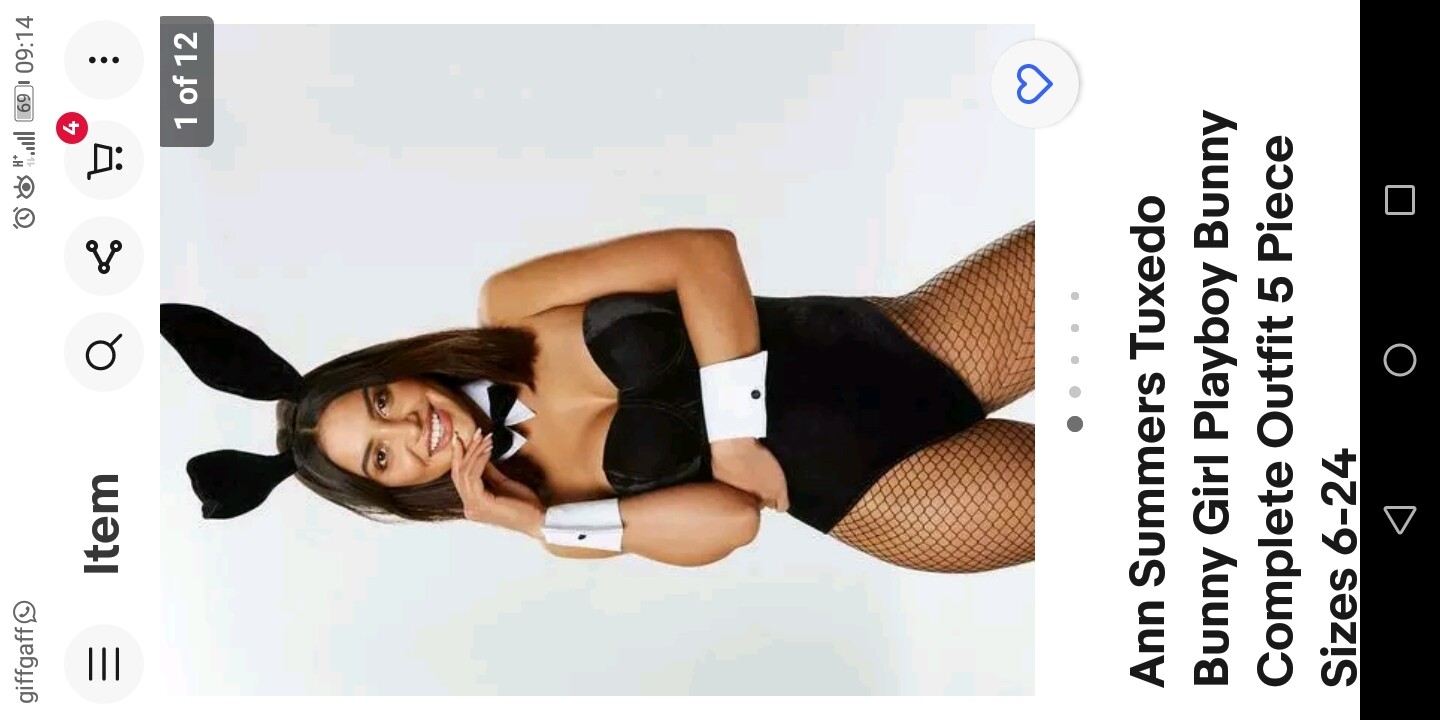
    I'm trying to get a picture of a model that has worked with Ann summers and did a shoot with a rugby player Johnny sexton and another player at the end of 2019, not much to go on I know but you guys are pretty amazing here, thnxs in advance.

Account

Navigation

Search

Search

Configure browser push notifications

Chrome (Android)
  1. Tap the lock icon next to the address bar.
  2. Tap Permissions → Notifications.
  3. Adjust your preference.
Chrome (Desktop)
  1. Click the padlock icon in the address bar.
  2. Select Site settings.
  3. Find Notifications and adjust your preference.