
natia_a7x
Members
-
Joined
-
Last visited
Everything posted by natia_a7x
-
unknown ed

-
Kim for EquinoxImage hidden for guestsSign in to view
-
Luxure Magazine by Max abadianSsense CampaignCosmo UK
 Some moreSoma Catalogueouttakes from dossier magazine




 Some outtakes from her Glow Magazine editorialKim for KookaiImage hidden for guestsSign in to view
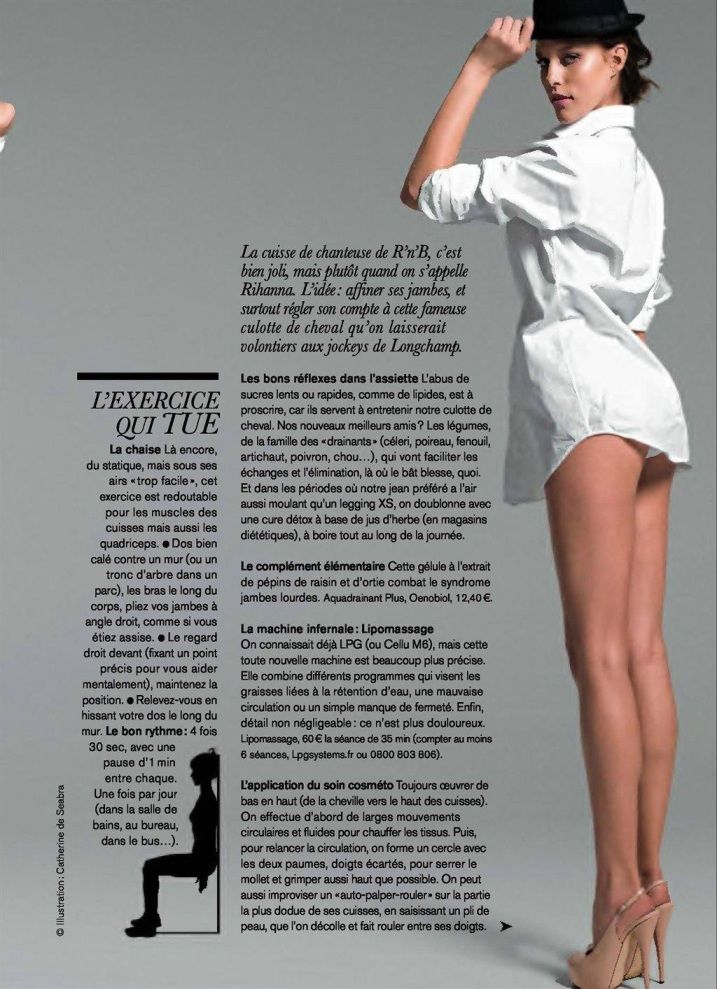
 Palmers S/S 2011S.OLIVER X-MAS 2010 www.vincent-ko.comGlamour France April 2011Lou Paris S/S 2011Image hidden for guestsSign in to viewImage hidden for guestsSign in to viewImage hidden for guestsSign in to viewImage hidden for guestsSign in to viewImage hidden for guestsSign in to viewImage hidden for guestsSign in to viewImage hidden for guestsSign in to viewImage hidden for guestsSign in to viewSchon Magazine issue 11 "Plush" PH: Nicolas Valois kimcloutier.fan-sites.org via schonmagazine.comForever Jeans - Myself Magazine





 Equinox Advertising campaign shot by Terry Richardson just jaredImage hidden for guestsSign in to viewSome more kimcloutier.fan-sites.org


























































Account
Navigation
Search
Configure browser push notifications
Chrome (Android)
- Tap the lock icon next to the address bar.
- Tap Permissions → Notifications.
- Adjust your preference.
Chrome (Desktop)
- Click the padlock icon in the address bar.
- Select Site settings.
- Find Notifications and adjust your preference.
Safari (iOS 16.4+)
- Ensure the site is installed via Add to Home Screen.
- Open Settings App → Notifications.
- Find your app name and adjust your preference.
Safari (macOS)
- Go to Safari → Preferences.
- Click the Websites tab.
- Select Notifications in the sidebar.
- Find this website and adjust your preference.
Edge (Android)
- Tap the lock icon next to the address bar.
- Tap Permissions.
- Find Notifications and adjust your preference.
Edge (Desktop)
- Click the padlock icon in the address bar.
- Click Permissions for this site.
- Find Notifications and adjust your preference.
Firefox (Android)
- Go to Settings → Site permissions.
- Tap Notifications.
- Find this site in the list and adjust your preference.
Firefox (Desktop)
- Open Firefox Settings.
- Search for Notifications.
- Find this site in the list and adjust your preference.