

jal718
Members
-
Joined
-
Last visited
Everything posted by jal718
-
 Great find red!
 -
My scan.......nice tallie!

-
-
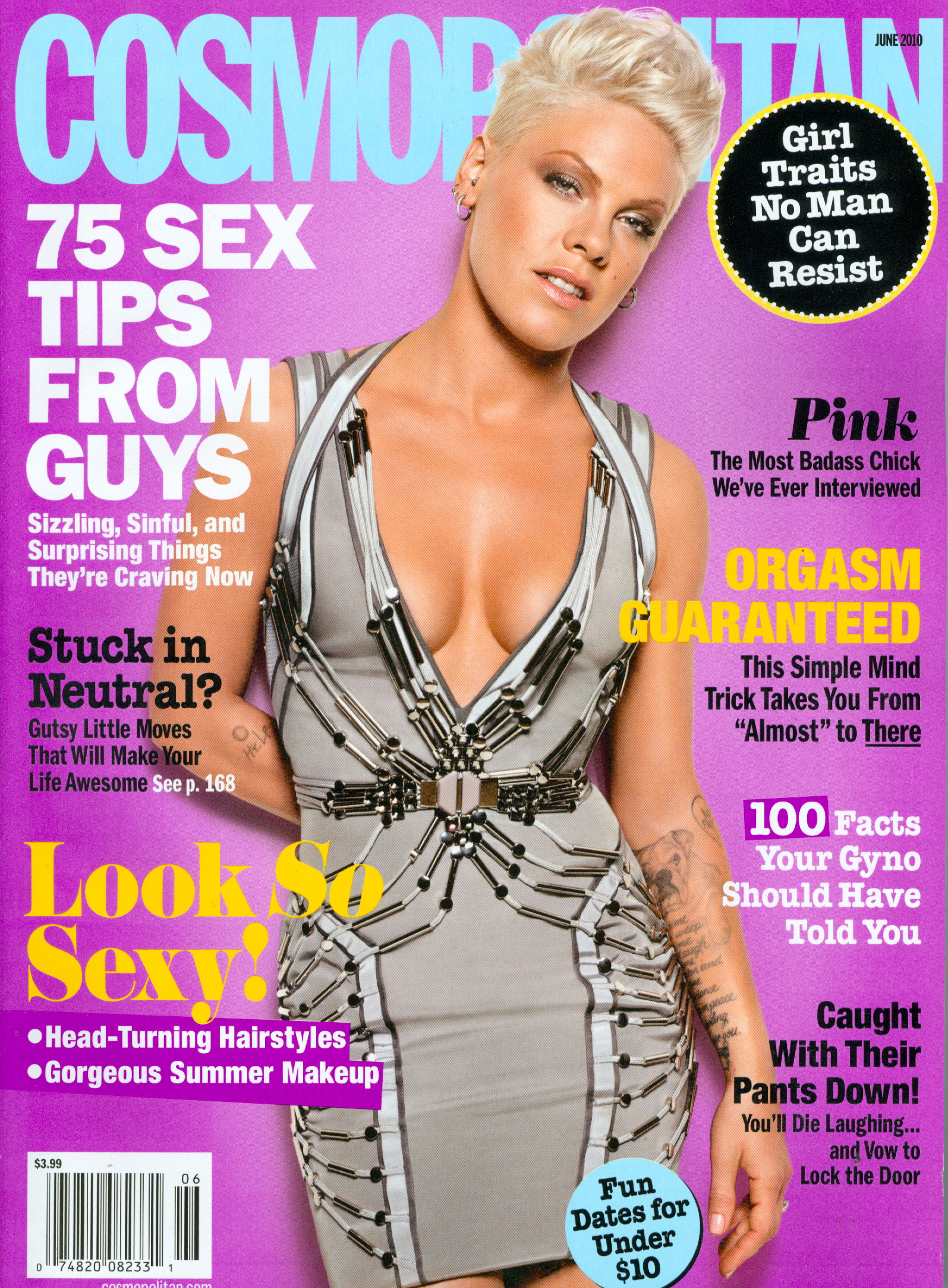
Thanks missp, the Cosmo cover is new to me.
Cindy x 3
Great stuff as always Sheila, thanks.
Covers are all LQ re-post titi
Great stuff Mel, thanks.........Top Model cover is an LQ re-post titi.
Thanks bella!
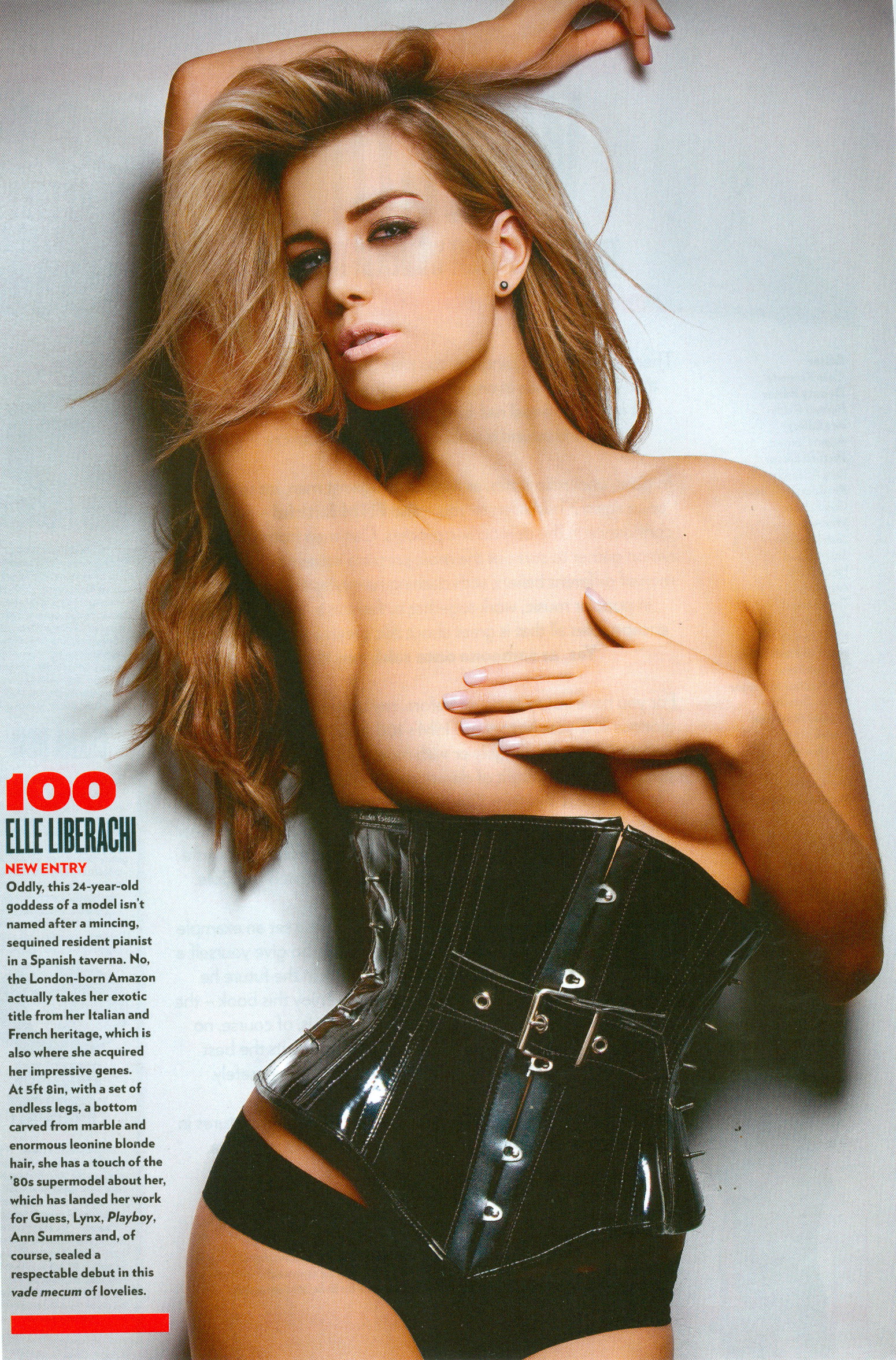
My scan
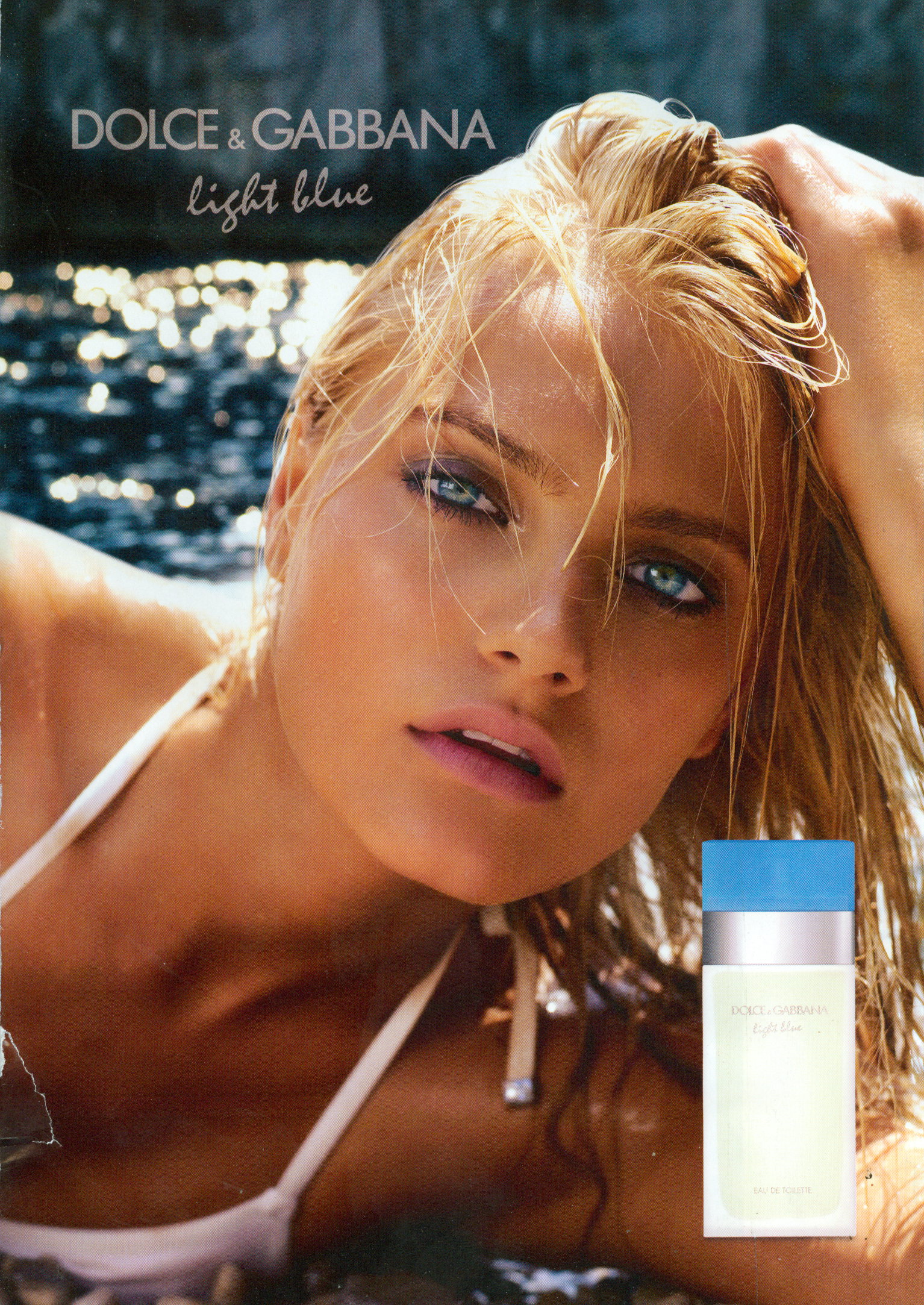
 Who's this new D & G model?
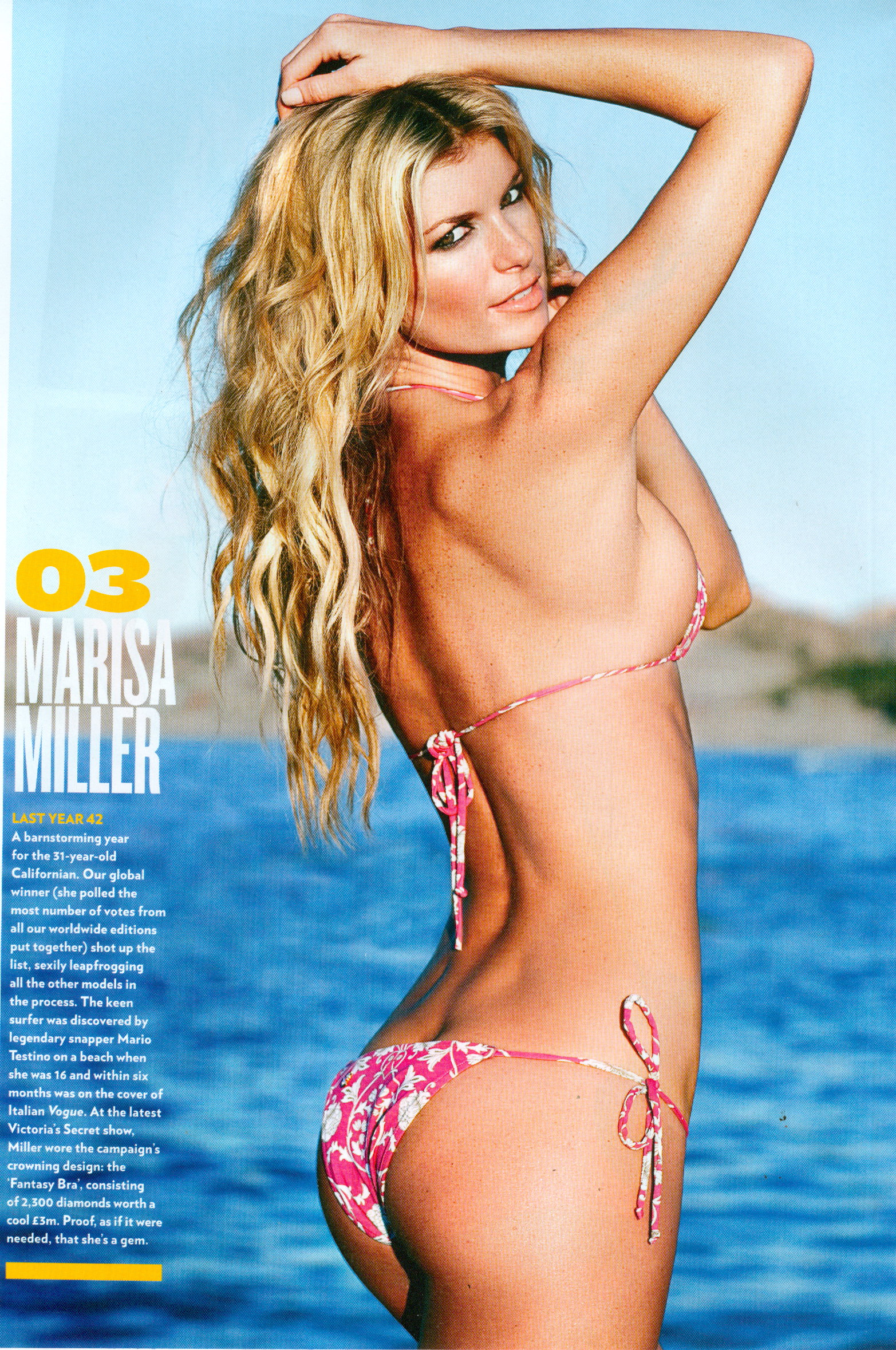
 Nice stuf tallie, my scans
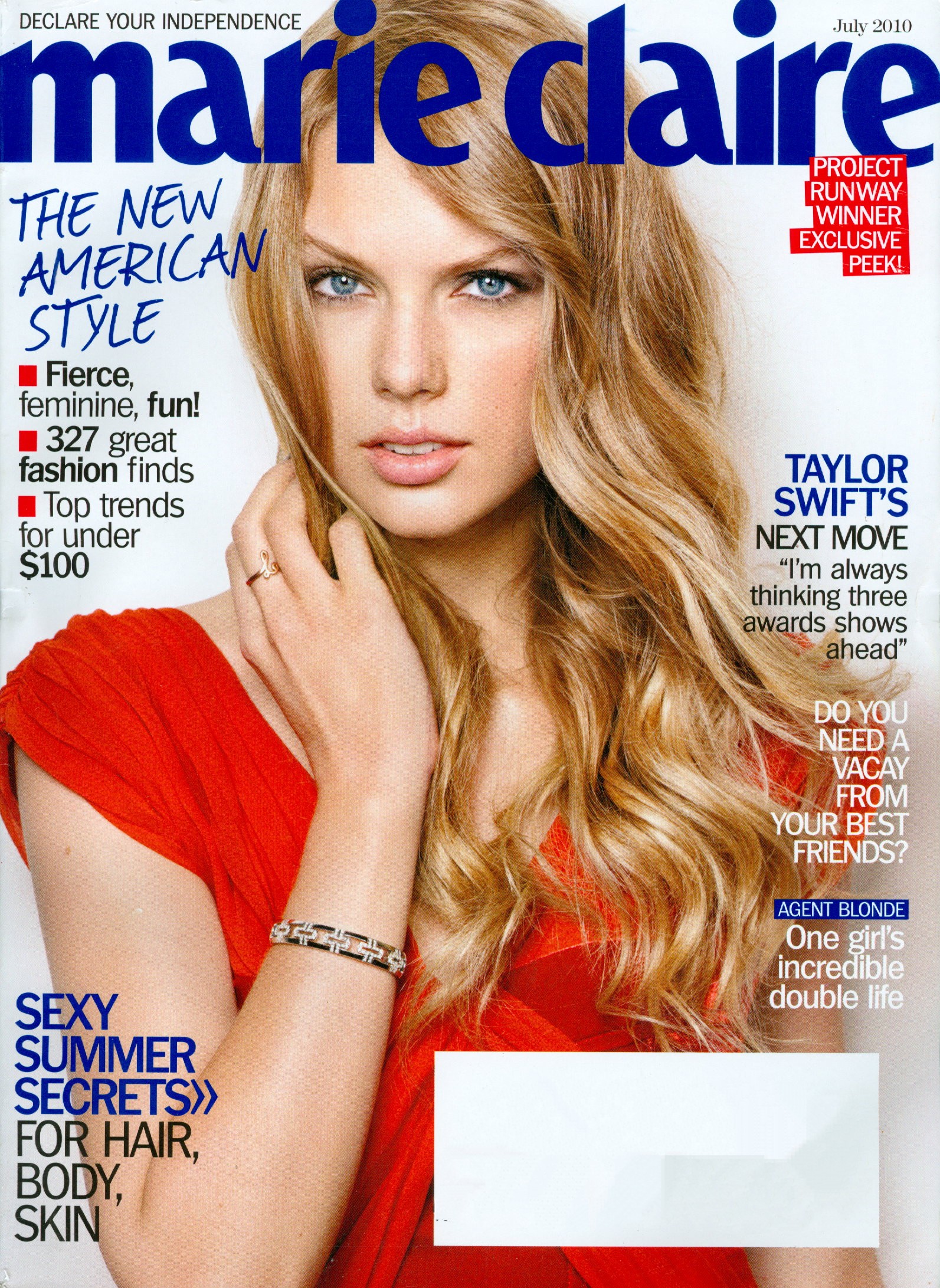
 My scan of the subcribers cover
 Great job mags, thanks. Nice titi!
Thanks Minerva and kukim, great stuff.
Very nice, thanks for your work!
Great cover, thanks bella
My scan
Great job mags, thanks. Nice titi!
Thanks Minerva and kukim, great stuff.
Very nice, thanks for your work!
Great cover, thanks bella
My scan Enough with the stupid BUMP!






Account
Search
Configure browser push notifications
Chrome (Android)
- Tap the lock icon next to the address bar.
- Tap Permissions → Notifications.
- Adjust your preference.
Chrome (Desktop)
- Click the padlock icon in the address bar.
- Select Site settings.
- Find Notifications and adjust your preference.
Safari (iOS 16.4+)
- Ensure the site is installed via Add to Home Screen.
- Open Settings App → Notifications.
- Find your app name and adjust your preference.
Safari (macOS)
- Go to Safari → Preferences.
- Click the Websites tab.
- Select Notifications in the sidebar.
- Find this website and adjust your preference.
Edge (Android)
- Tap the lock icon next to the address bar.
- Tap Permissions.
- Find Notifications and adjust your preference.
Edge (Desktop)
- Click the padlock icon in the address bar.
- Click Permissions for this site.
- Find Notifications and adjust your preference.
Firefox (Android)
- Go to Settings → Site permissions.
- Tap Notifications.
- Find this site in the list and adjust your preference.
Firefox (Desktop)
- Open Firefox Settings.
- Search for Notifications.
- Find this site in the list and adjust your preference.